
Tech Stack MERN Mongo (DB) Express (API Server
FD
Published · 25 slides · 0 views

1 / 1

Description
Tech Stack MERN Mongo (DB) Express (API Server component) React (Client UI design) Node (Runtime server environment) Why MERN? Provide exposure to other technologies Tech stacks will keep changing learning a few variants will help you
Related Topics
Share
Embed code
Download this presentation From Below
"Tech Stack MERN Mongo (DB) Express (API Server" is the property of its rightful owner. Permission is granted to download and print the materials on this website for personal, non-commercial use only, and to display it on your personal computer provided you do not modify the materials and that you retain all copyright notices contained in the materials. By downloading content from our website, you accept the terms of this agreement.
Presentation Transcript
01
Tech Stack<br>
02
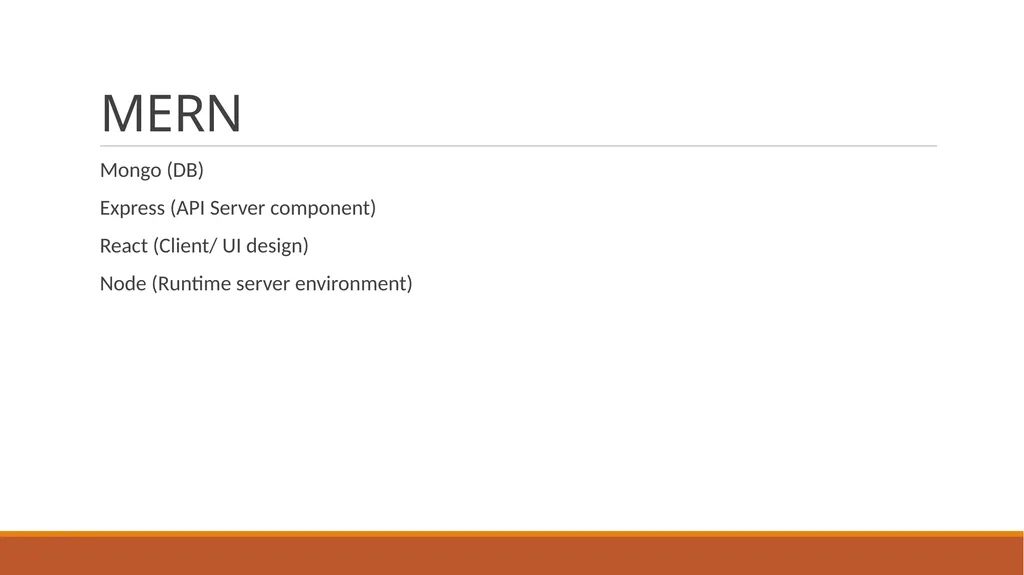
MERN Mongo (DB)
Express (API Server component)
React (Client/ UI design)
Node (Runtime server environment)<br>
Express (API Server component)
React (Client/ UI design)
Node (Runtime server environment)<br>
03
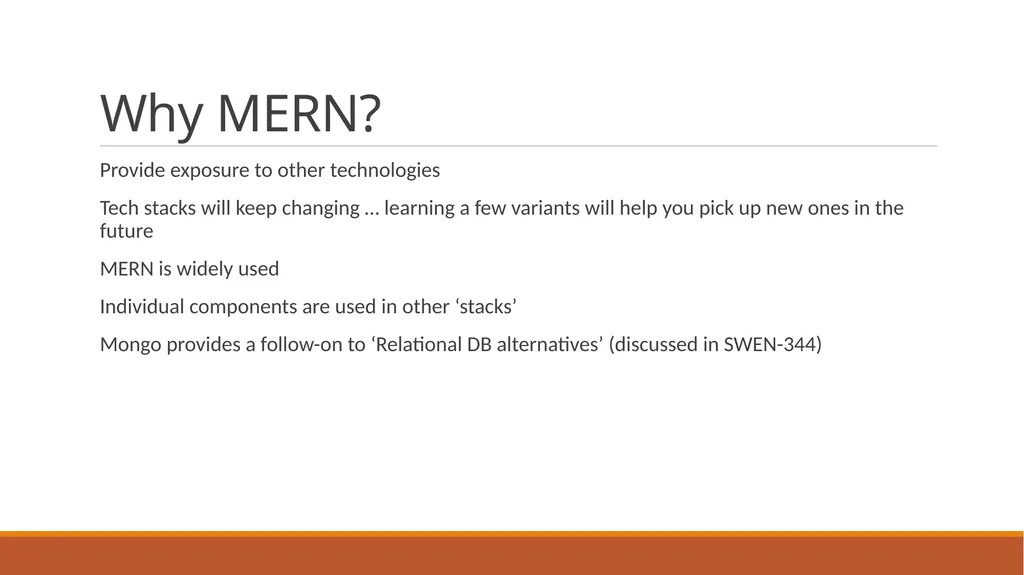
Why MERN? Provide exposure to other technologies
Tech stacks will keep changing … learning a few variants will help you pick up new ones in the future
MERN is widely used
Individual components are used in other ‘stacks’
Mongo provides a follow-on to ‘Relational DB alternatives’ (discussed in SWEN-344)<br>
Tech stacks will keep changing … learning a few variants will help you pick up new ones in the future
MERN is widely used
Individual components are used in other ‘stacks’
Mongo provides a follow-on to ‘Relational DB alternatives’ (discussed in SWEN-344)<br>
04
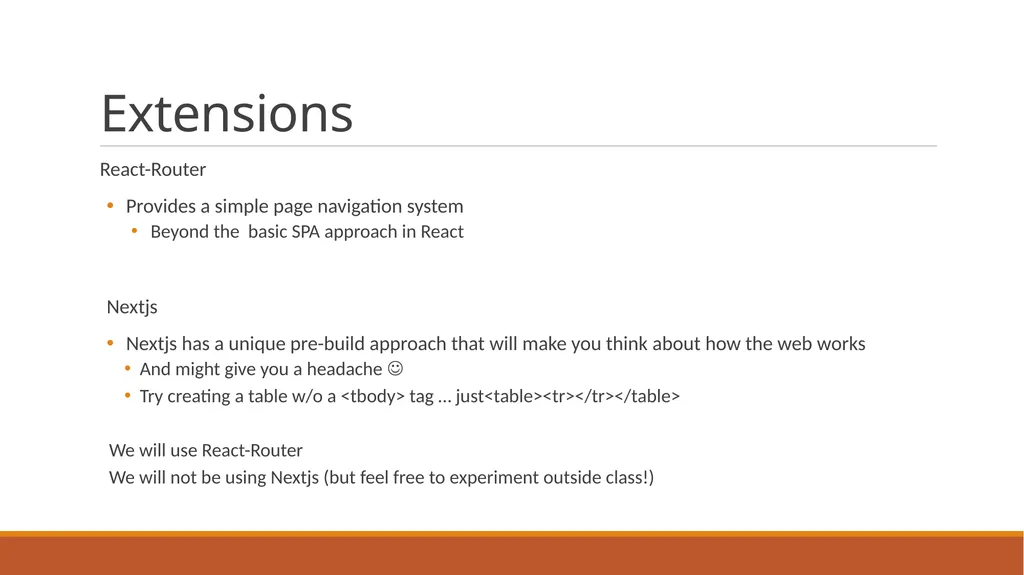
Extensions React-Router
Provides a simple page navigation system
Beyond the basic SPA approach in React
Nextjs
Nextjs has a unique pre-build approach that will make you think about how the web works
And might give you a headache
Try creating a table w/o a <tbody> tag … just<table><tr></tr></table>
We will use React-Router
We will not be using Nextjs (but feel free to experiment outside class!)<br>
Provides a simple page navigation system
Beyond the basic SPA approach in React
Nextjs
Nextjs has a unique pre-build approach that will make you think about how the web works
And might give you a headache
Try creating a table w/o a <tbody> tag … just<table><tr></tr></table>
We will use React-Router
We will not be using Nextjs (but feel free to experiment outside class!)<br>
05
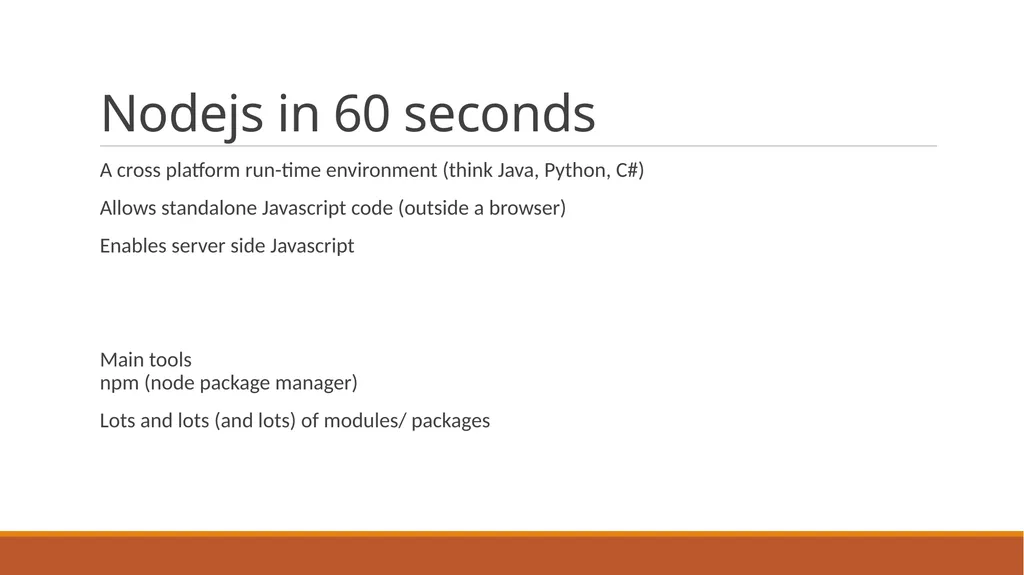
Nodejs in 60 seconds A cross platform run-time environment (think Java, Python, C#)
Allows standalone Javascript code (outside a browser)
Enables server side Javascript
Main tools npm (node package manager)
Lots and lots (and lots) of modules/ packages<br>
Allows standalone Javascript code (outside a browser)
Enables server side Javascript
Main tools npm (node package manager)
Lots and lots (and lots) of modules/ packages<br>
06
MongoDB in 60 seconds … Document oriented DB (vs. Relational)
Collections instead of tables
Relationships not required between collections
Consistency between collections objects not required
Data stored (invisibly) as text files
Data manipulation via Mongo API
Main tools:
mongosh (command line ‘mongo shell’)
Compass (GUI)<br>
Collections instead of tables
Relationships not required between collections
Consistency between collections objects not required
Data stored (invisibly) as text files
Data manipulation via Mongo API
Main tools:
mongosh (command line ‘mongo shell’)
Compass (GUI)<br>
07
Express in 60 seconds … One of those many packages for Node
Enables building RESTful apis on top of Node
Allows creation of a web server with Node
Product deployment is usually integrated with a production scale web server that can integrated Express
Apache
nginx
IIS
…<br>
Enables building RESTful apis on top of Node
Allows creation of a web server with Node
Product deployment is usually integrated with a production scale web server that can integrated Express
Apache
nginx
IIS
…<br>
08
React in 59 seconds … Reference SWEN-344
A component based approach to designing web pages
Uses JSX javascript extension syntax
Operates on a state driven system to efficiently manage updates to each component on a page
Originally for SPA (Single Page Applications), but extensions (like Express) support simple page routing<br>
A component based approach to designing web pages
Uses JSX javascript extension syntax
Operates on a state driven system to efficiently manage updates to each component on a page
Originally for SPA (Single Page Applications), but extensions (like Express) support simple page routing<br>
09
Node Web Server Just like Flask …
CORS errors when running client and server on separate servers
Nextjs allows setting CORS response headers in each API (see sample/ starter code)
Can pick/ choose with APIs are allowed to be called ‘from the outside’<br>
CORS errors when running client and server on separate servers
Nextjs allows setting CORS response headers in each API (see sample/ starter code)
Can pick/ choose with APIs are allowed to be called ‘from the outside’<br>
10
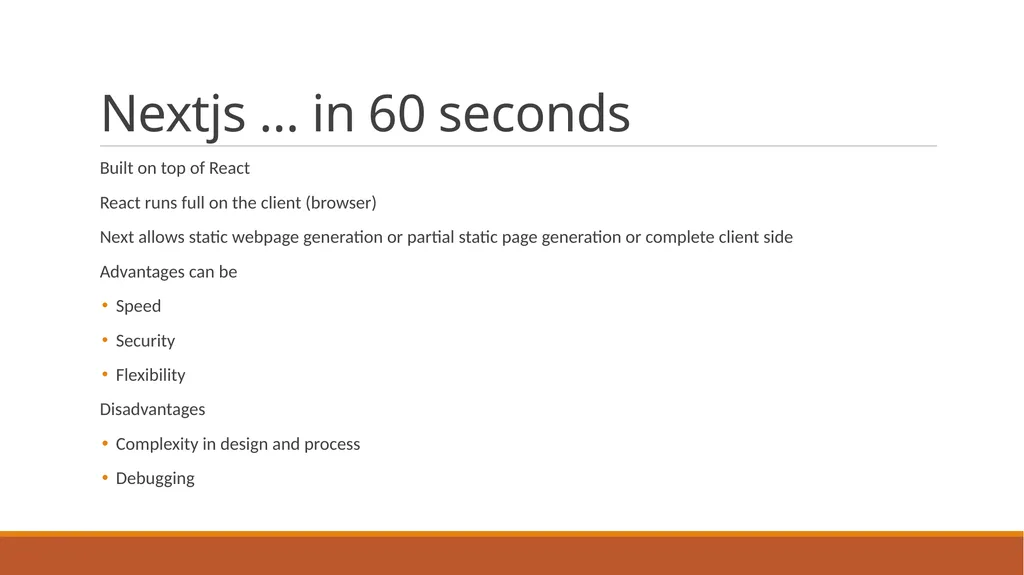
Nextjs … in 60 seconds Built on top of React
React runs full on the client (browser)
Next allows static webpage generation or partial static page generation or complete client side
Advantages can be
Speed
Security
Flexibility
Disadvantages
Complexity in design and process
Debugging<br>
React runs full on the client (browser)
Next allows static webpage generation or partial static page generation or complete client side
Advantages can be
Speed
Security
Flexibility
Disadvantages
Complexity in design and process
Debugging<br>
11
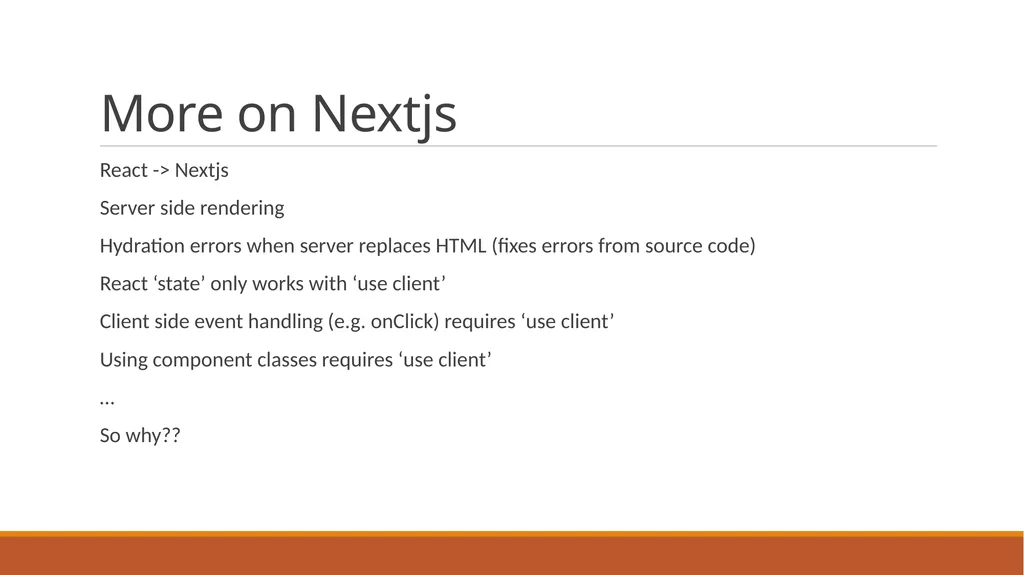
More on Nextjs React -> Nextjs
Server side rendering
Hydration errors when server replaces HTML (fixes errors from source code)
React ‘state’ only works with ‘use client’
Client side event handling (e.g. onClick) requires ‘use client’
Using component classes requires ‘use client’
…
So why??<br>
Server side rendering
Hydration errors when server replaces HTML (fixes errors from source code)
React ‘state’ only works with ‘use client’
Client side event handling (e.g. onClick) requires ‘use client’
Using component classes requires ‘use client’
…
So why??<br>
12
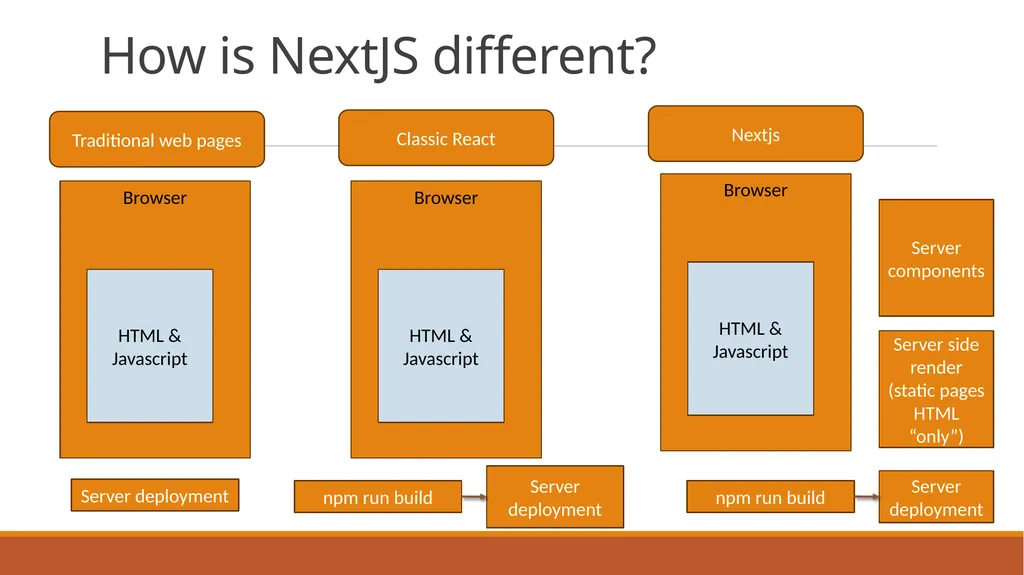
How is NextJS different? Browser HTML & Javascript Browser HTML & Javascript npm run build Server deployment Server deployment Browser HTML & Javascript npm run build Server deployment Server side render (static pages HTML “only”) Server components Traditional web pages Classic React Nextjs<br>
13
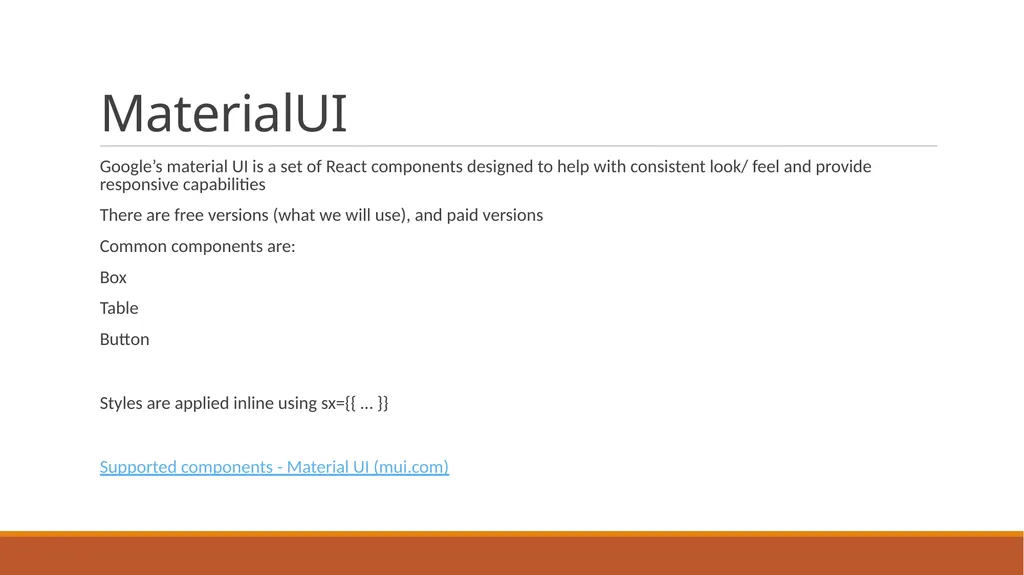
MaterialUI Google’s material UI is a set of React components designed to help with consistent look/ feel and provide responsive capabilities
There are free versions (what we will use), and paid versions
Common components are:
Box
Table
Button
Styles are applied inline using sx={{ … }}
Supported components - Material UI (mui.com)<br>
There are free versions (what we will use), and paid versions
Common components are:
Box
Table
Button
Styles are applied inline using sx={{ … }}
Supported components - Material UI (mui.com)<br>
14
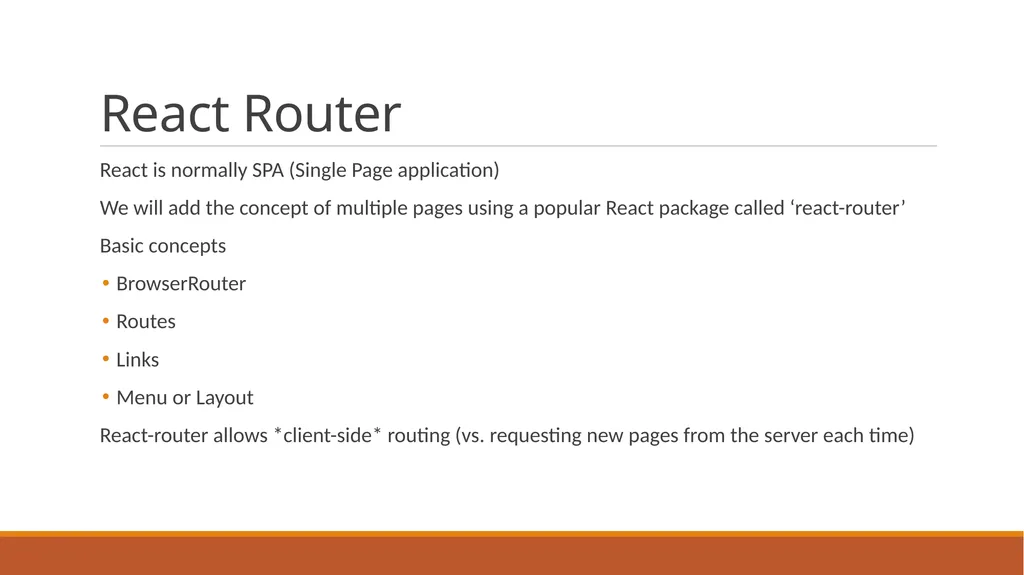
React Router React is normally SPA (Single Page application)
We will add the concept of multiple pages using a popular React package called ‘react-router’
Basic concepts
BrowserRouter
Routes
Links
Menu or Layout
React-router allows *client-side* routing (vs. requesting new pages from the server each time)<br>
We will add the concept of multiple pages using a popular React package called ‘react-router’
Basic concepts
BrowserRouter
Routes
Links
Menu or Layout
React-router allows *client-side* routing (vs. requesting new pages from the server each time)<br>
15
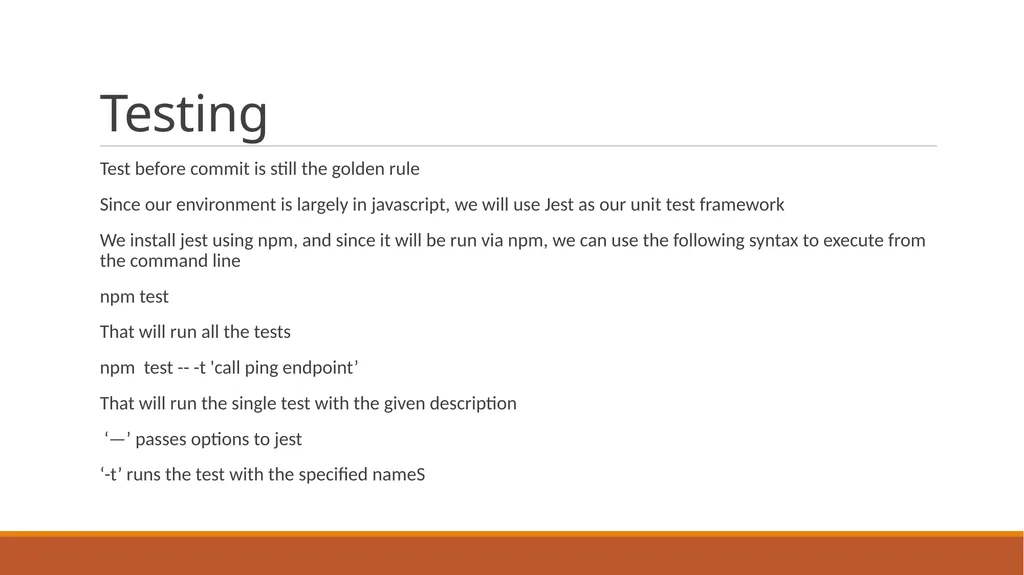
Testing Test before commit is still the golden rule
Since our environment is largely in javascript, we will use Jest as our unit test framework
We install jest using npm, and since it will be run via npm, we can use the following syntax to execute from the command line
npm test
That will run all the tests
npm test -- -t 'call ping endpoint’
That will run the single test with the given description
‘—’ passes options to jest
‘-t’ runs the test with the specified nameS<br>
Since our environment is largely in javascript, we will use Jest as our unit test framework
We install jest using npm, and since it will be run via npm, we can use the following syntax to execute from the command line
npm test
That will run all the tests
npm test -- -t 'call ping endpoint’
That will run the single test with the given description
‘—’ passes options to jest
‘-t’ runs the test with the specified nameS<br>
16
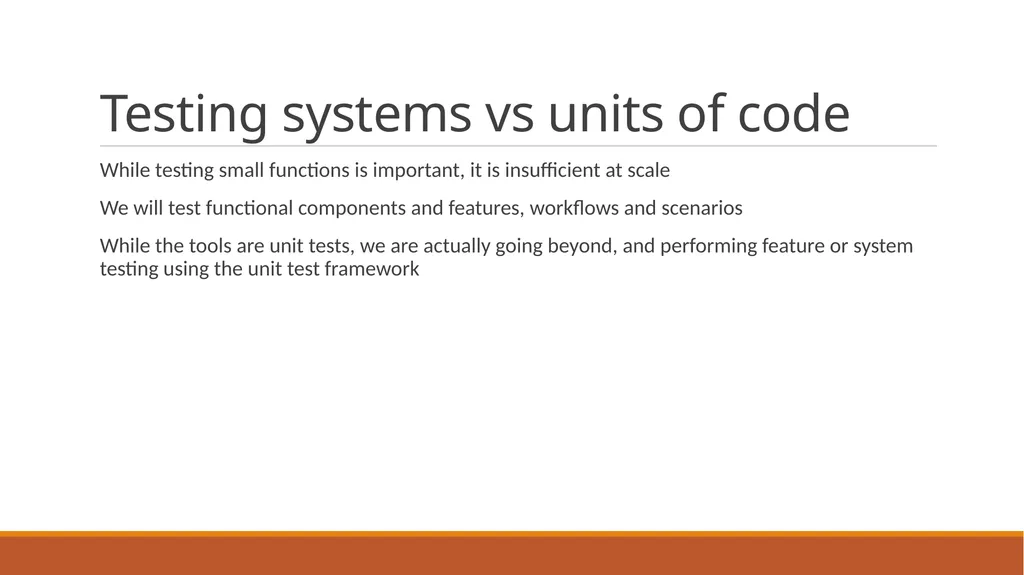
Testing systems vs units of code While testing small functions is important, it is insufficient at scale
We will test functional components and features, workflows and scenarios
While the tools are unit tests, we are actually going beyond, and performing feature or system testing using the unit test framework<br>
We will test functional components and features, workflows and scenarios
While the tools are unit tests, we are actually going beyond, and performing feature or system testing using the unit test framework<br>
17
Basics of jest We will focus on using jest to validate our server side functionality
UI/ Front end testing is another whole discipline … we will not have time to cover that in our course
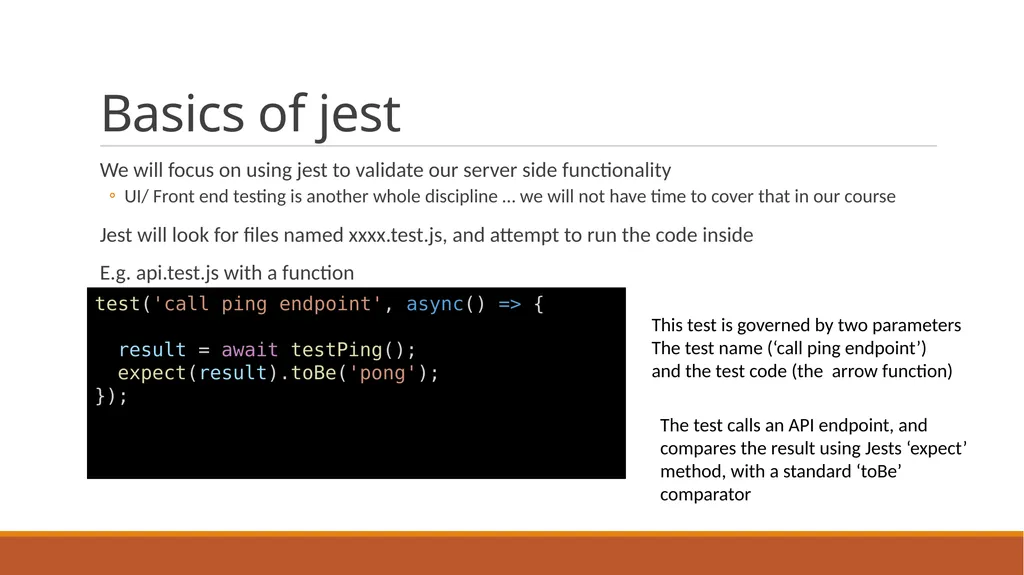
Jest will look for files named xxxx.test.js, and attempt to run the code inside
E.g. api.test.js with a function test('call ping endpoint', async() => {
result = await testPing();
expect(result).toBe('pong');
}); This test is governed by two parameters
The test name (‘call ping endpoint’)
and the test code (the arrow function) The test calls an API endpoint, and compares the result using Jests ‘expect’ method, with a standard ‘toBe’ comparator<br>
UI/ Front end testing is another whole discipline … we will not have time to cover that in our course
Jest will look for files named xxxx.test.js, and attempt to run the code inside
E.g. api.test.js with a function test('call ping endpoint', async() => {
result = await testPing();
expect(result).toBe('pong');
}); This test is governed by two parameters
The test name (‘call ping endpoint’)
and the test code (the arrow function) The test calls an API endpoint, and compares the result using Jests ‘expect’ method, with a standard ‘toBe’ comparator<br>
18
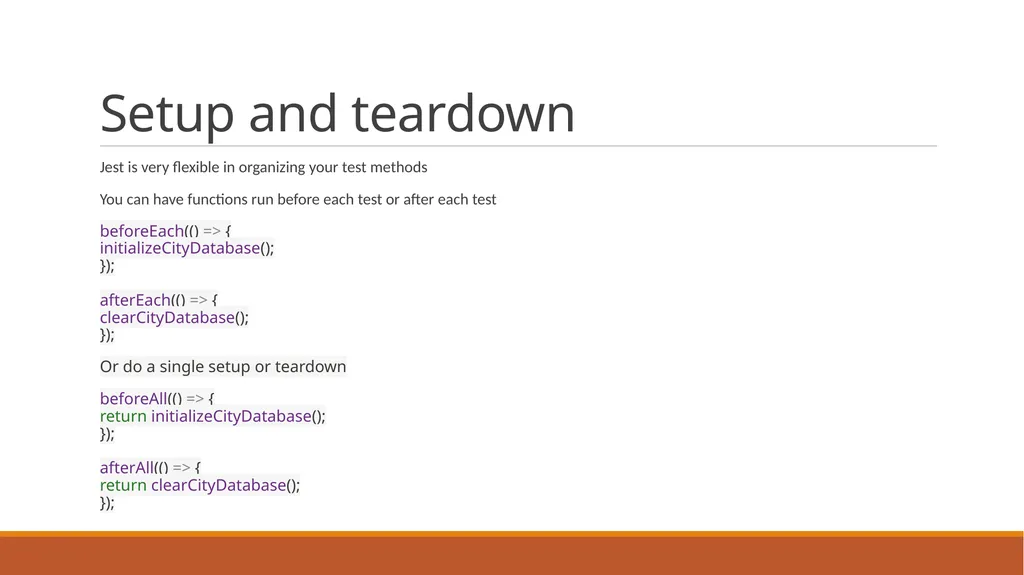
Setup and teardown Jest is very flexible in organizing your test methods
You can have functions run before each test or after each test
beforeEach(() => { initializeCityDatabase(); }); afterEach(() => { clearCityDatabase(); });
Or do a single setup or teardown
beforeAll(() => { return initializeCityDatabase(); }); afterAll(() => { return clearCityDatabase(); });<br>
You can have functions run before each test or after each test
beforeEach(() => { initializeCityDatabase(); }); afterEach(() => { clearCityDatabase(); });
Or do a single setup or teardown
beforeAll(() => { return initializeCityDatabase(); }); afterAll(() => { return clearCityDatabase(); });<br>
19
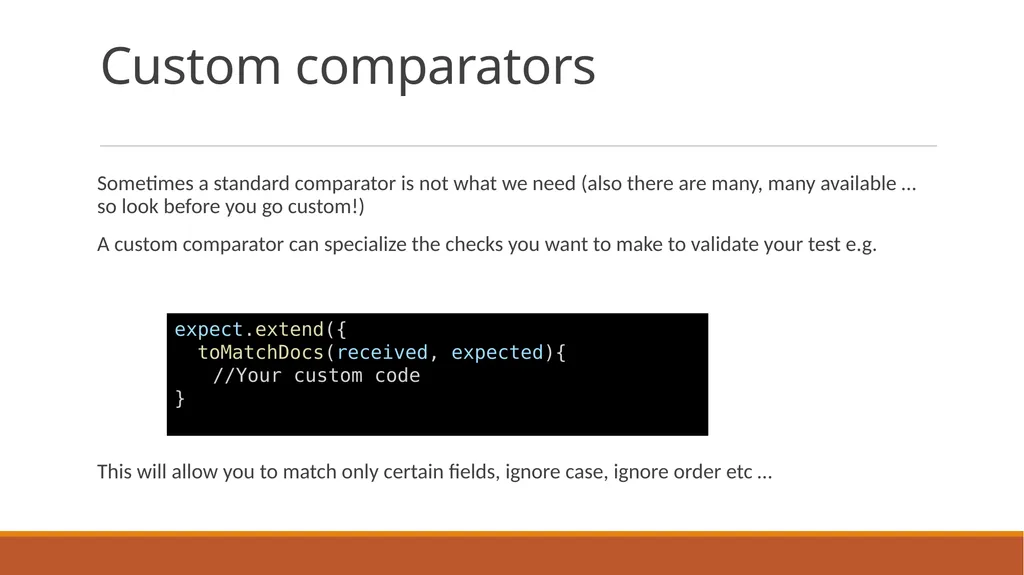
Custom comparators Sometimes a standard comparator is not what we need (also there are many, many available … so look before you go custom!)
A custom comparator can specialize the checks you want to make to validate your test e.g.
This will allow you to match only certain fields, ignore case, ignore order etc … expect.extend({
toMatchDocs(received, expected){
//Your custom code
}<br>
A custom comparator can specialize the checks you want to make to validate your test e.g.
This will allow you to match only certain fields, ignore case, ignore order etc … expect.extend({
toMatchDocs(received, expected){
//Your custom code
}<br>
20
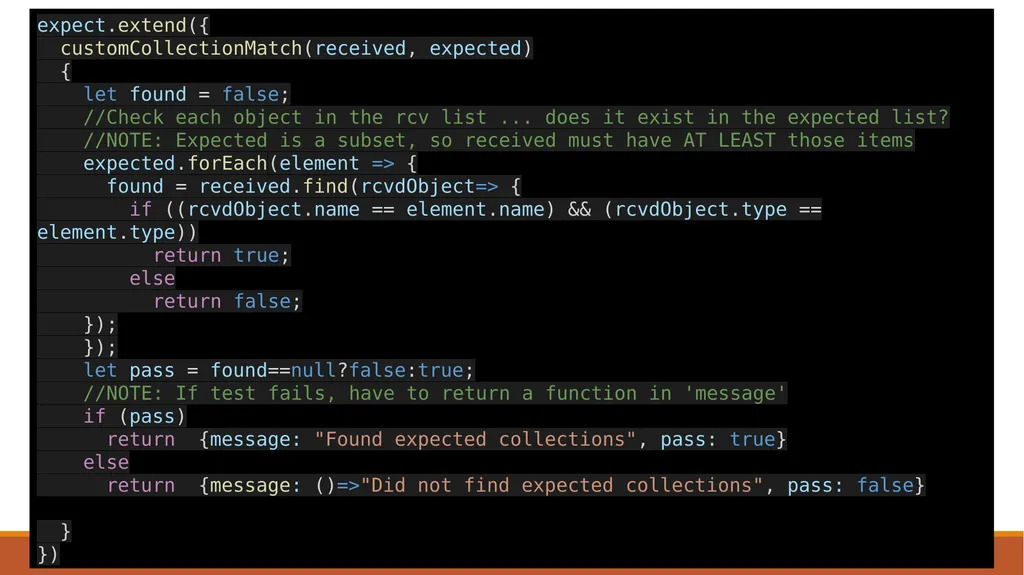
expect.extend({
customCollectionMatch(received, expected)
{
let found = false;
//Check each object in the rcv list ... does it exist in the expected list?
//NOTE: Expected is a subset, so received must have AT LEAST those items
expected.forEach(element => {
found = received.find(rcvdObject=> {
if ((rcvdObject.name == element.name) && (rcvdObject.type == element.type))
return true;
else
return false;
});
});
let pass = found==null?false:true;
//NOTE: If test fails, have to return a function in 'message'
if (pass)
return {message: "Found expected collections", pass: true}
else
return {message: ()=>"Did not find expected collections", pass: false}
}
})<br>
customCollectionMatch(received, expected)
{
let found = false;
//Check each object in the rcv list ... does it exist in the expected list?
//NOTE: Expected is a subset, so received must have AT LEAST those items
expected.forEach(element => {
found = received.find(rcvdObject=> {
if ((rcvdObject.name == element.name) && (rcvdObject.type == element.type))
return true;
else
return false;
});
});
let pass = found==null?false:true;
//NOTE: If test fails, have to return a function in 'message'
if (pass)
return {message: "Found expected collections", pass: true}
else
return {message: ()=>"Did not find expected collections", pass: false}
}
})<br>
21
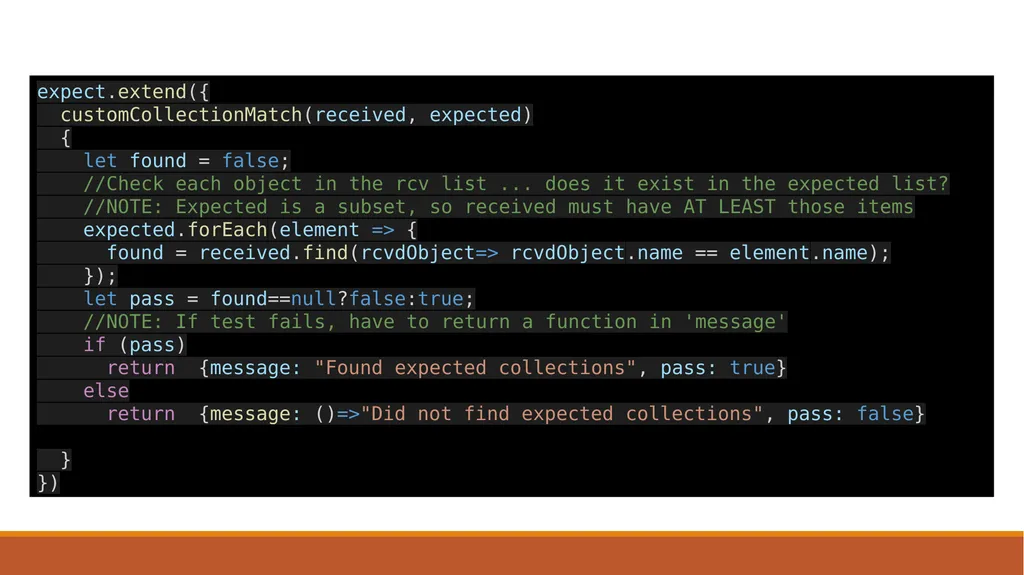
expect.extend({
customCollectionMatch(received, expected)
{
let found = false;
//Check each object in the rcv list ... does it exist in the expected list?
//NOTE: Expected is a subset, so received must have AT LEAST those items
expected.forEach(element => {
found = received.find(rcvdObject=> rcvdObject.name == element.name);
});
let pass = found==null?false:true;
//NOTE: If test fails, have to return a function in 'message'
if (pass)
return {message: "Found expected collections", pass: true}
else
return {message: ()=>"Did not find expected collections", pass: false}
}
})<br>
customCollectionMatch(received, expected)
{
let found = false;
//Check each object in the rcv list ... does it exist in the expected list?
//NOTE: Expected is a subset, so received must have AT LEAST those items
expected.forEach(element => {
found = received.find(rcvdObject=> rcvdObject.name == element.name);
});
let pass = found==null?false:true;
//NOTE: If test fails, have to return a function in 'message'
if (pass)
return {message: "Found expected collections", pass: true}
else
return {message: ()=>"Did not find expected collections", pass: false}
}
})<br>
22
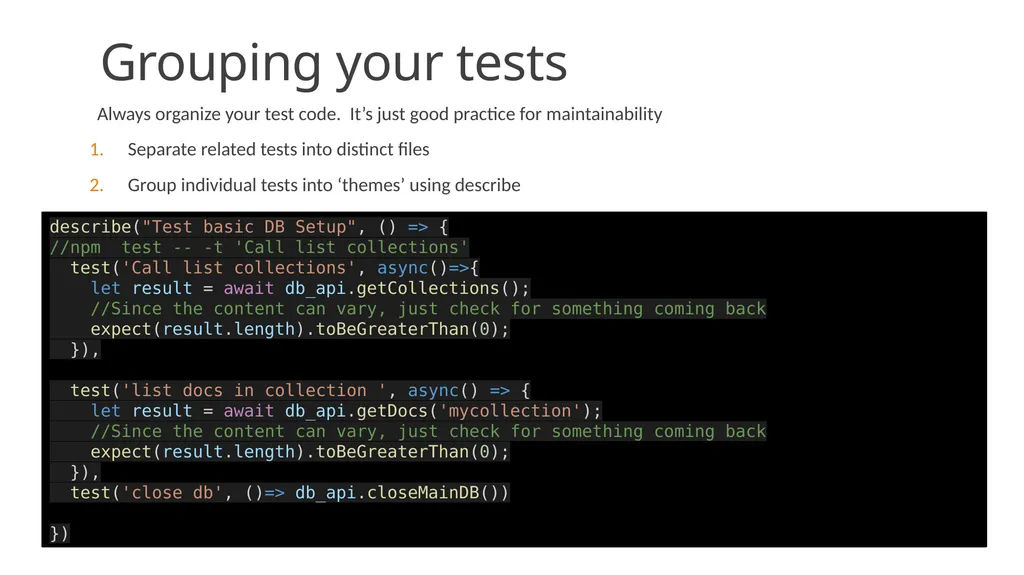
Grouping your tests Always organize your test code. It’s just good practice for maintainability
Separate related tests into distinct files
Group individual tests into ‘themes’ using describe describe("Test basic DB Setup", () => {
//npm test -- -t 'Call list collections'
test('Call list collections', async()=>{
let result = await db_api.getCollections();
//Since the content can vary, just check for something coming back
expect(result.length).toBeGreaterThan(0);
}),
test('list docs in collection ', async() => {
let result = await db_api.getDocs('mycollection');
//Since the content can vary, just check for something coming back
expect(result.length).toBeGreaterThan(0);
}),
test('close db', ()=> db_api.closeMainDB())
})<br>
Separate related tests into distinct files
Group individual tests into ‘themes’ using describe describe("Test basic DB Setup", () => {
//npm test -- -t 'Call list collections'
test('Call list collections', async()=>{
let result = await db_api.getCollections();
//Since the content can vary, just check for something coming back
expect(result.length).toBeGreaterThan(0);
}),
test('list docs in collection ', async() => {
let result = await db_api.getDocs('mycollection');
//Since the content can vary, just check for something coming back
expect(result.length).toBeGreaterThan(0);
}),
test('close db', ()=> db_api.closeMainDB())
})<br>
23
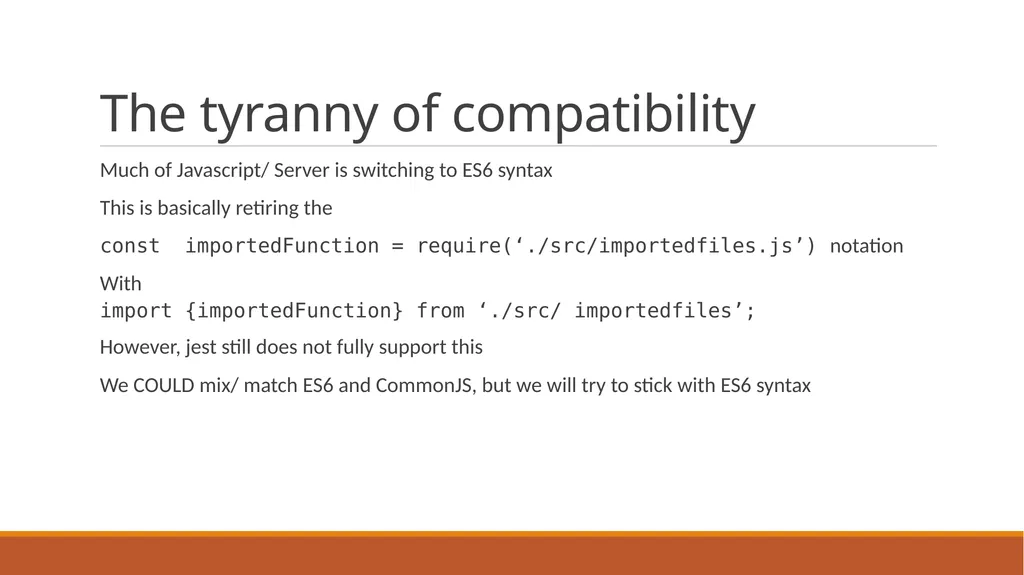
The tyranny of compatibility Much of Javascript/ Server is switching to ES6 syntax
This is basically retiring the
const importedFunction = require(‘./src/importedfiles.js’) notation
With
import {importedFunction} from ‘./src/ importedfiles’;
However, jest still does not fully support this
We COULD mix/ match ES6 and CommonJS, but we will try to stick with ES6 syntax<br>
This is basically retiring the
const importedFunction = require(‘./src/importedfiles.js’) notation
With
import {importedFunction} from ‘./src/ importedfiles’;
However, jest still does not fully support this
We COULD mix/ match ES6 and CommonJS, but we will try to stick with ES6 syntax<br>
24
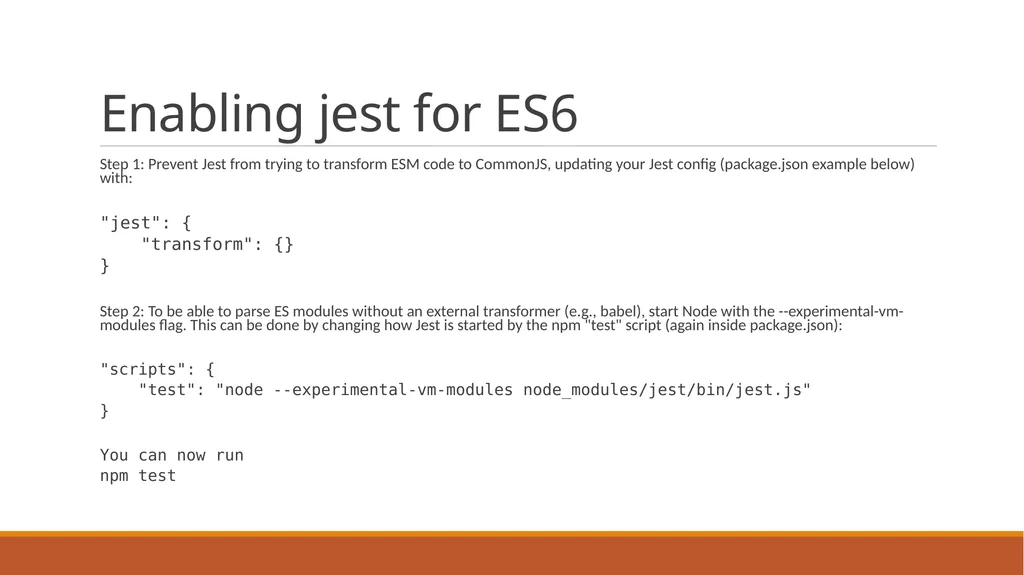
Enabling jest for ES6 Step 1: Prevent Jest from trying to transform ESM code to CommonJS, updating your Jest config (package.json example below) with:
"jest": {
"transform": {}
}
Step 2: To be able to parse ES modules without an external transformer (e.g., babel), start Node with the --experimental-vm-modules flag. This can be done by changing how Jest is started by the npm "test" script (again inside package.json):
"scripts": {
"test": "node --experimental-vm-modules node_modules/jest/bin/jest.js"
}
You can now run
npm test<br>
"jest": {
"transform": {}
}
Step 2: To be able to parse ES modules without an external transformer (e.g., babel), start Node with the --experimental-vm-modules flag. This can be done by changing how Jest is started by the npm "test" script (again inside package.json):
"scripts": {
"test": "node --experimental-vm-modules node_modules/jest/bin/jest.js"
}
You can now run
npm test<br>
25
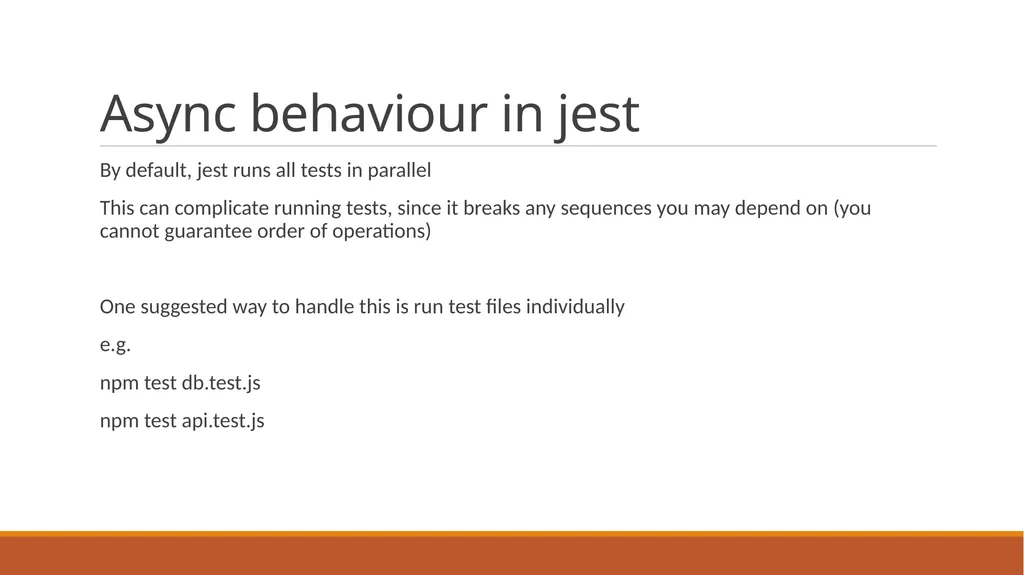
Async behaviour in jest By default, jest runs all tests in parallel
This can complicate running tests, since it breaks any sequences you may depend on (you cannot guarantee order of operations)
One suggested way to handle this is run test files individually
e.g.
npm test db.test.js
npm test api.test.js<br>
This can complicate running tests, since it breaks any sequences you may depend on (you cannot guarantee order of operations)
One suggested way to handle this is run test files individually
e.g.
npm test db.test.js
npm test api.test.js<br>