The Max Labs OverviewStartup What are they? Individual hands-on lab exercises that give you the experience of building enterprise (organizationally-shared) apps in the cloud using a platform from industry-leader Salesforce Innovative lab
Related Topics
Share
Embed code
Download this presentation From Below
"The Max Labs Overview/Startup What are they?" is the property of its rightful owner. Permission is granted to
download and print the materials on this website for personal, non-commercial use only, and to display it
on your personal computer provided you do not modify the materials and that you retain all copyright
notices contained in the materials. By downloading content from our website, you accept the terms of this
agreement.
Presentation Transcript
01
The Max Labs Overview/Startup<br>
02
What are they? Individual hands-on lab exercises that give you the experience of building enterprise (organizationally-shared) apps in “the cloud” using a platform from industry-leader Salesforce
Innovative lab design presents instructions as a story, told in blog postings by undergrad Marketing student named Max
Salesforce platform provides services you customize and combine using “clicks, not code” to create systems that enable/support business processes<br>
03
What do they include? Salesforce’s powerful platform makes it easy to build high-level functionality with no coding
Following Max’s story, you’ll build a database with apps for adding, accessing & analyzing the data to support the venture capital campaign of a Silicon Valley startup
You’ll also customize functional services within Saleforce’s platform to automate business processes so the organization can scale to keep up with growth
You’ll get a chance to explore the social business features to leverage colleague’s knowledge across the organization
You’ll explore Customer Relationship Management (CRM) features to enable virtual 1-to-1 customer service at scale
You’ll embed database triggers that take actions based on business rules you specify
You’ll build and implement web-based access to your database with automated features
You’ll get a brief behind-the-scenes tour of how HTML tells browsers how to render web pages & functions and how apps “talk” to each other over the web through Application Programming Interfaces (APIs)<br>
04
What’s the point? Tech is key to enabling organizations to do what they do better/faster/smarter across all functional areas, e.g. Finance, Operations, HR, etc. so knowing how it works “under the hood” will benefit you, whatever your job may be
You might want to build your own work app someday—tools like Salesforce are making it easier everyday with “clicks, not code” etc.
You will want to master the work apps you’re given—you can do that better when you “get” how they work inside & what data structures they’re relying on
You’ll be better able to work with IT support to get across what you want/need to do your job if you get where they’re coming from, what tech can do, what’s hard/easy, etc.
Bottom line: if you know tech well, you’ll be able leverage it innovatively to excel at your job<br>
05
Why Salesforce? This is not Salesforce training—it’s just a great, free platform for learning how to pull together functional services to deliver cloud-based systems products that enable/enhance business.
That said, Salesforce exposure can help you get an interview and/or a job:
High profile, Fortune 500, dominant player
Forbes rated Most Innovative Company year after year
Used by Amazon, Facebook, Toyota, Shazam, Fitbit, Coke, GM, American Express, Sony, GE, Verizon, Mattel, Intuit, ...
See www.Maxzplace.com for more<br>
06
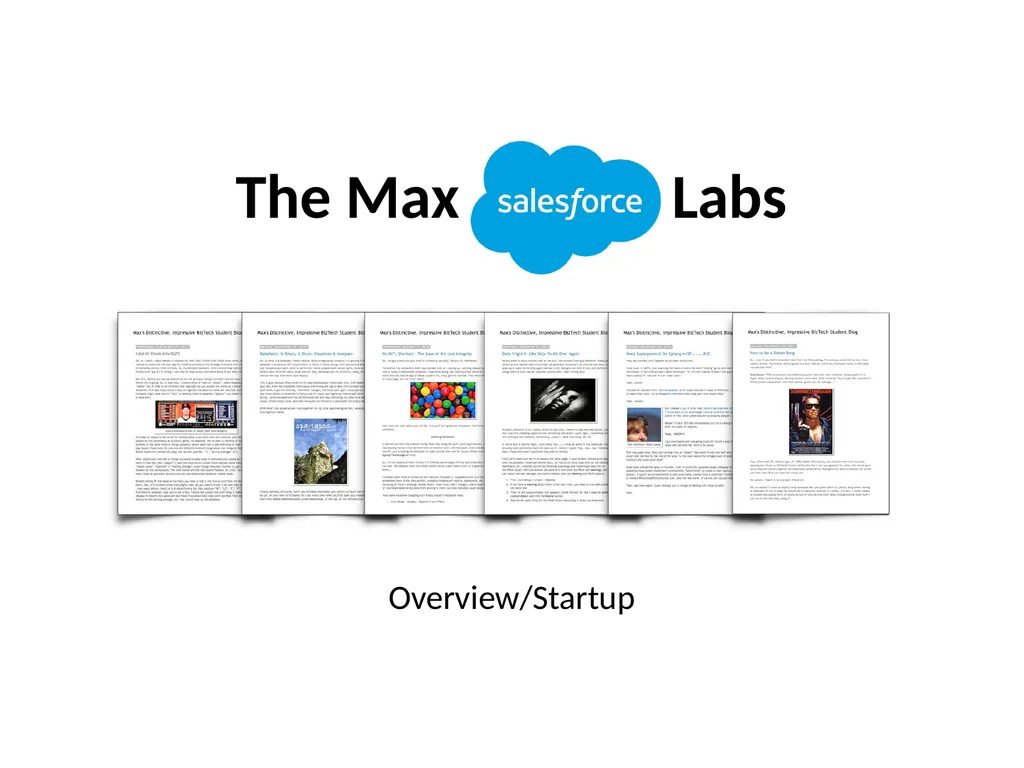
How do they work? The labs are just PDFs of the blog postings where Max leads you thru what her experience and what she discovers, step-by-step
They start with a Pre-lab reading (backstory) followed by 6 hands-on “episodes”
They build on each other so do them in order
They include instructions on how to get the free account from Salesforce
The accounts are all cloud-based, like Gmail, so use any browser on any computer
At the beginning of the 2nd lab, you install a component that costs $19.99
They take about 60-90 min/each
Each one has 3-5 deliverables – run the grader app to ensure that you get credit.
Support is available via helpdesk & online Help FAQ at MaxzPlace.com, etc
Max tells the steps but also explains her thoughts (the what & why) so you can experience it like you are her and you will learn without even trying!<br>
07
Top 10 Tips for Success: READ the Pre-lab first. (10 min to set up the whole experience.)
READ & FOLLOW every single instruction EXACTLY, in order. (You'll have no problems.)
READ the cover sheet BEFORE you start every lab. (3 min on what to learn & look out for.)
ALWAYS read the story part BETWEEN the instructions. (That tells you the what & why.)
Allow 60-90 min for each lab. (But you can stop, logout & resume later on any device w/login.)
DO NOT get the 30-day trial account from www.salesforce.com. (Just follow instructions in 1a.)
The Lab 1b instructions tell you EXACTLY how to pay the lab fee. (Just follow them them.)
If you’re stuck, FIRST check the Help FAQ at MaxzPlace.com. (You can probably fix it yourself!)
BE SURE your name appears on everything you submit to show your progress.
DO NOT use Yahoo! for your Salesforce account email. (They don't play nice. Use Gmail, etc.)<br>
08
They’re how you earn credit (get your points!)
They’re cheap (total cost < 4 lattes)
They’re easy (anyone can do them – just read & follow directions)
They’re quick (about 1-1.5 hours each–IF you read & follow directions)
They’re fun (fresh story/blog format w/jokes included)
They’re super-helpful (learn more useful stuff than you would ever imagine)
They’ll help you pass the course (they intro the later material)
They’ll help you get a job (IF you can explain what you did/learned)
They’ll help you succeed in your job (IF you truly learned & apply it)
They'll help build your confidence in using professional IT tools, here, in your project, and in your career. Top 10 Reasons to Get Into Them:<br>
09
Quickly skim the instructions to get done fast. (You'll mess up & take way longer to fix.)
Skip the Pre-lab reading to save 10 minutes. (The rest will make little sense.)
Skip the Pre-flight Checklists to save 2 minutes. (You'll have no idea what you're learning or why.)
Skip the text in between the steps to save time. (You'll get the credit but learn next to nothing.) Top 4 Ways Things go Wrong:<br>
10
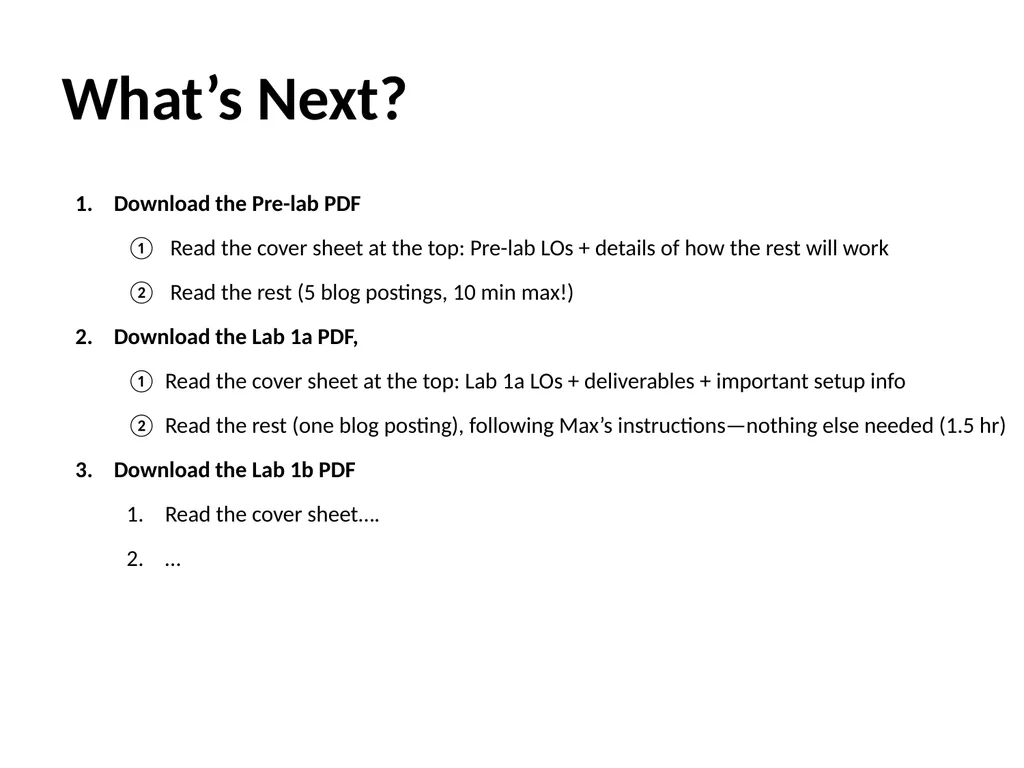
Download the Pre-lab PDF
Read the cover sheet at the top: Pre-lab LOs + details of how the rest will work
Read the rest (5 blog postings, 10 min max!)
Download the Lab 1a PDF,
Read the cover sheet at the top: Lab 1a LOs + deliverables + important setup info
Read the rest (one blog posting), following Max’s instructions—nothing else needed (1.5 hr)
Download the Lab 1b PDF
Read the cover sheet….
… What’s Next?<br>