The Special Olympics powerpoint template Some tips
Description: The Special Olympics powerpoint template Some tips on creating your own template and great presentations. 1 First get the typeface This presentation uses the typeface Ubuntu. This typeface can be downloaded for free from
Related Topics
Download Presentation
"The Special Olympics powerpoint template Some tips" is the property of its rightful owner. Permission is granted to download and print the materials on this website for personal, non-commercial use only, and to display it on your personal computer provided you do not modify the materials and that you retain all copyright notices contained in the materials. By downloading content from our website, you accept the terms of this agreement.
Presentation Transcript
slide1. The Special Olympics powerpoint template Some tips on creating your own template and great presentations. 1<br>
slide2. First get the typeface… This presentation uses the typeface Ubuntu.
This typeface can be downloaded for free from http://font.ubuntu.com/
Install the typeface as required by your particular computer. Ubuntu is compatible with PC and Mac and is optimized for on screen applications. 2 / Special Olympics<br>
slide3. A few tips… 3<br>
slide4. Standard text slide For most simple text slides we should use a clean slide such as this.
This keeps the presentation feeling fresh and simple – clear communication.
The typeface is Ubuntu – Special Olympics’ identity typeface and available free from
http://font.ubuntu.com/ 4 / Special Olympics<br>
slide5. Themes! Don’t forget that there are different slide layouts available within Powerpoint for chapter-heads, image slides etc.
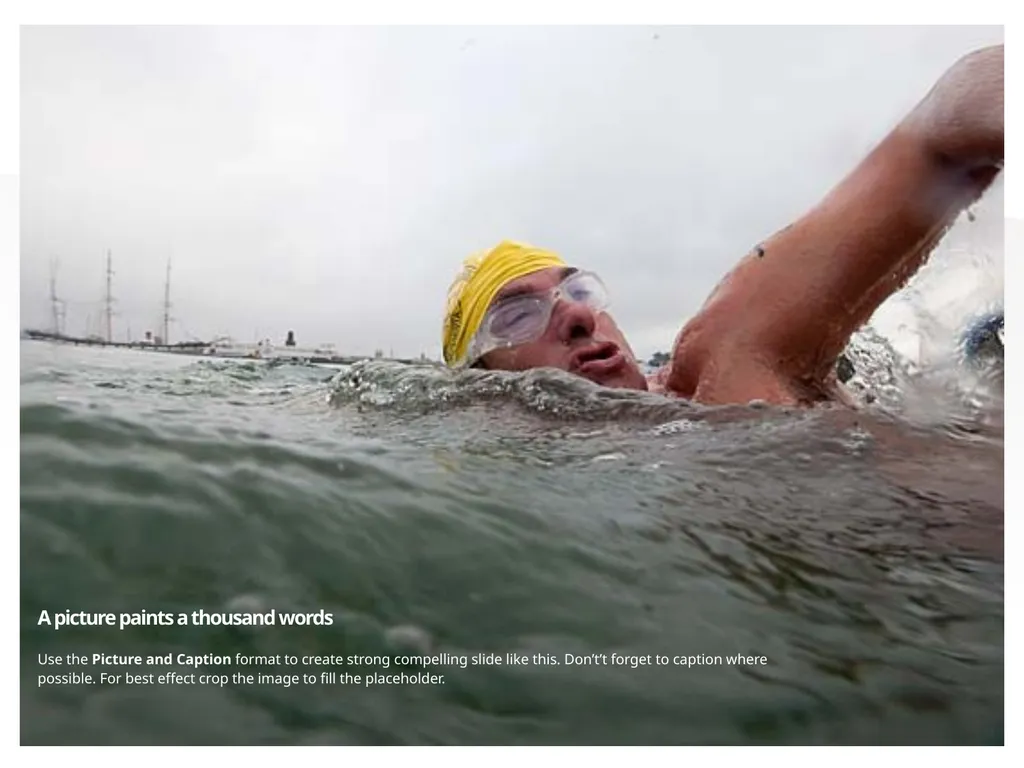
The next slide uses the Picture with Caption format option from the Special Olympics theme.
Avoid putting too many points on the one slide. 5 / Special Olympics<br>
slide6. 6 A picture paints a thousand words Use the Picture and Caption format to create strong compelling slide like this. Don’t’t forget to caption where possible. For best effect crop the image to fill the placeholder.<br>
slide7. Use chapter slides to punctuate the presentation 7<br>
slide8. Tip. Use large text to make a point.
(Same slide template and just increase the text size) 8 / Special Olympics<br>
slide9. Your slides should be: SIMPLE
CLEAN
STRONG 9 / Special Olympics<br>
slide10. Aim to reflect our personality: Inspirational
Joyful
Inclusive
Determined
Courageous
Authentic 10 / Special Olympics<br>
slide11. Thank you.(Now don’t forget to follow the instructions on slides 2 & 3.) 11<br>
slide2. First get the typeface… This presentation uses the typeface Ubuntu.
This typeface can be downloaded for free from http://font.ubuntu.com/
Install the typeface as required by your particular computer. Ubuntu is compatible with PC and Mac and is optimized for on screen applications. 2 / Special Olympics<br>
slide3. A few tips… 3<br>
slide4. Standard text slide For most simple text slides we should use a clean slide such as this.
This keeps the presentation feeling fresh and simple – clear communication.
The typeface is Ubuntu – Special Olympics’ identity typeface and available free from
http://font.ubuntu.com/ 4 / Special Olympics<br>
slide5. Themes! Don’t forget that there are different slide layouts available within Powerpoint for chapter-heads, image slides etc.
The next slide uses the Picture with Caption format option from the Special Olympics theme.
Avoid putting too many points on the one slide. 5 / Special Olympics<br>
slide6. 6 A picture paints a thousand words Use the Picture and Caption format to create strong compelling slide like this. Don’t’t forget to caption where possible. For best effect crop the image to fill the placeholder.<br>
slide7. Use chapter slides to punctuate the presentation 7<br>
slide8. Tip. Use large text to make a point.
(Same slide template and just increase the text size) 8 / Special Olympics<br>
slide9. Your slides should be: SIMPLE
CLEAN
STRONG 9 / Special Olympics<br>
slide10. Aim to reflect our personality: Inspirational
Joyful
Inclusive
Determined
Courageous
Authentic 10 / Special Olympics<br>
slide11. Thank you.(Now don’t forget to follow the instructions on slides 2 & 3.) 11<br>