Using sequelize in node.js Peter Larsson-Green Jönköping University Spring 2019 Object-Relational Mapping Applications often represent data as objects, e.g.: const humans id: 0, name: Alice, id: 1, name: Bob This data often
"Using sequelize in node.js Peter Larsson-Green" is the property of its rightful owner. Permission is granted to
download and print the materials on this website for personal, non-commercial use only, and to display it
on your personal computer provided you do not modify the materials and that you retain all copyright
notices contained in the materials. By downloading content from our website, you accept the terms of this
agreement.
Presentation Transcript
01
Using sequelize in node.js Peter Larsson-Green
Jönköping University
Spring 2019<br>
02
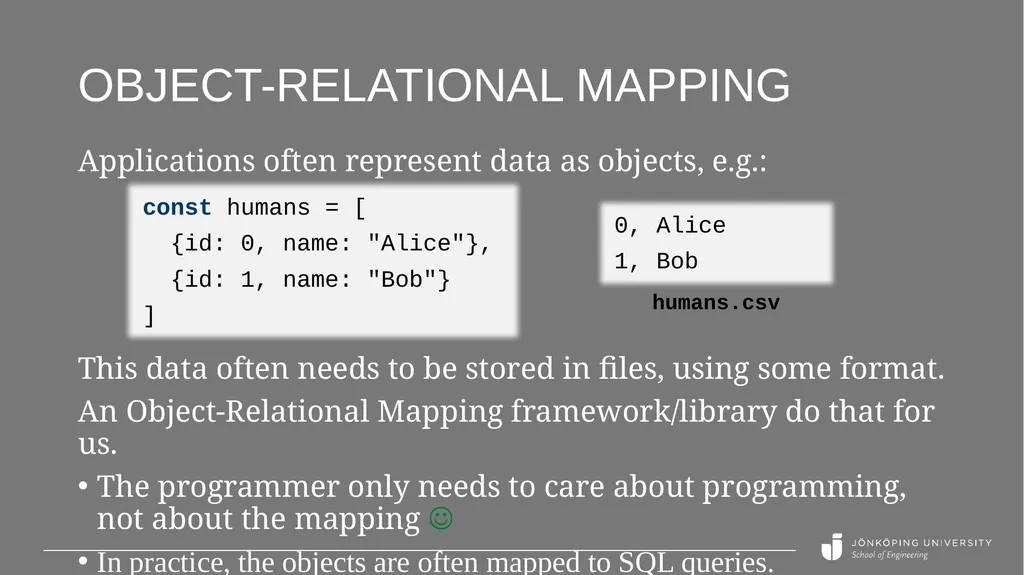
Object-Relational Mapping Applications often represent data as objects, e.g.: const humans = [
{id: 0, name: "Alice"},
{id: 1, name: "Bob"}
] This data often needs to be stored in files, using some format.
An Object-Relational Mapping framework/library do that for us.
The programmer only needs to care about programming, not about the mapping
In practice, the objects are often mapped to SQL queries. 0, Alice
1, Bob humans.csv<br>
03
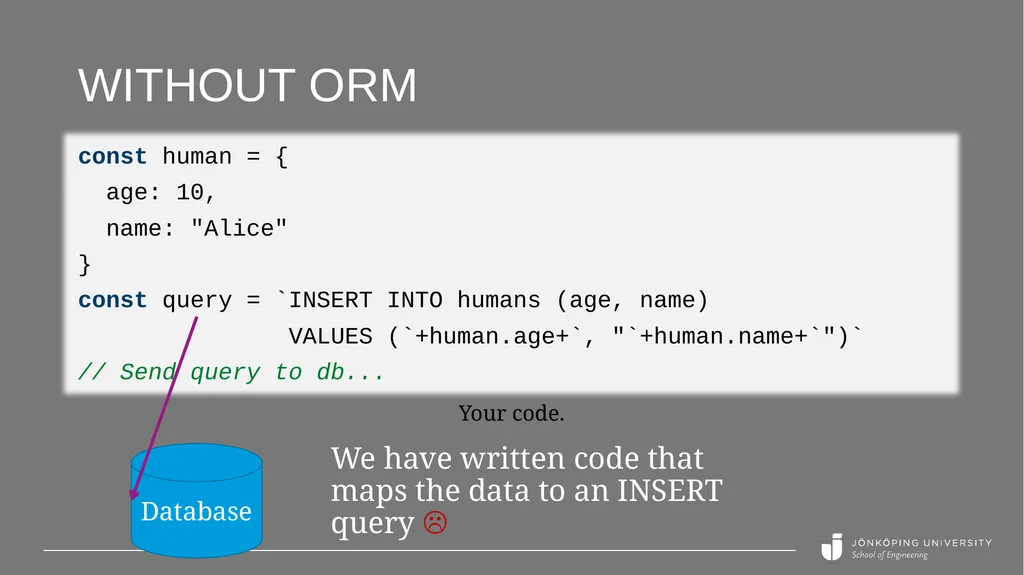
Without ORM const human = {
age: 10,
name: "Alice"
}
const query = `INSERT INTO humans (age, name)
VALUES (`+human.age+`, "`+human.name+`")`
// Send query to db... Your code. Database We have written code that maps the data to an INSERT query <br>
04
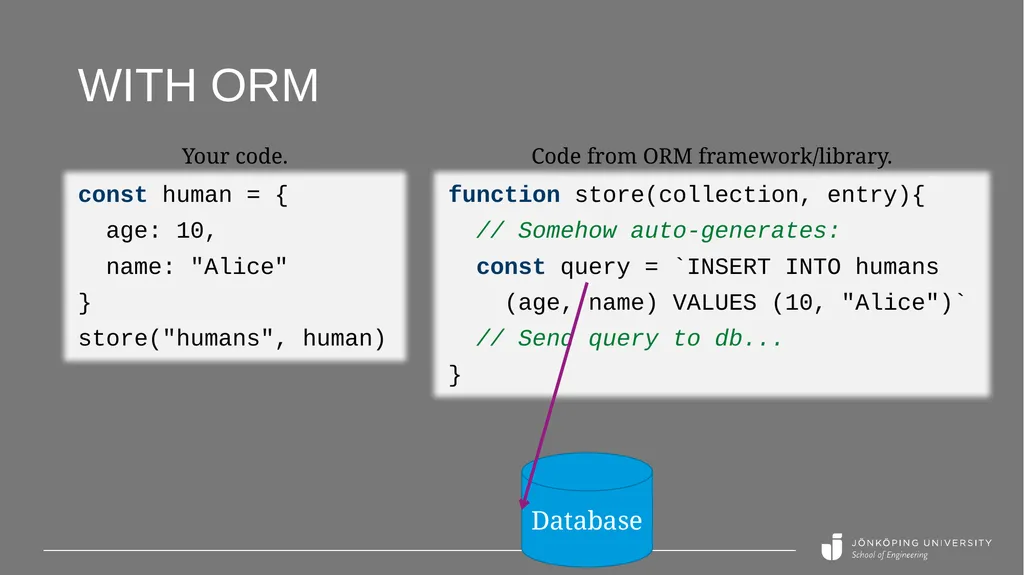
function store(collection, entry){
// Somehow auto-generates:
const query = `INSERT INTO humans
(age, name) VALUES (10, "Alice")`
// Send query to db...
} With ORM const human = {
age: 10,
name: "Alice"
}
store("humans", human) Your code. Database Code from ORM framework/library.<br>
05
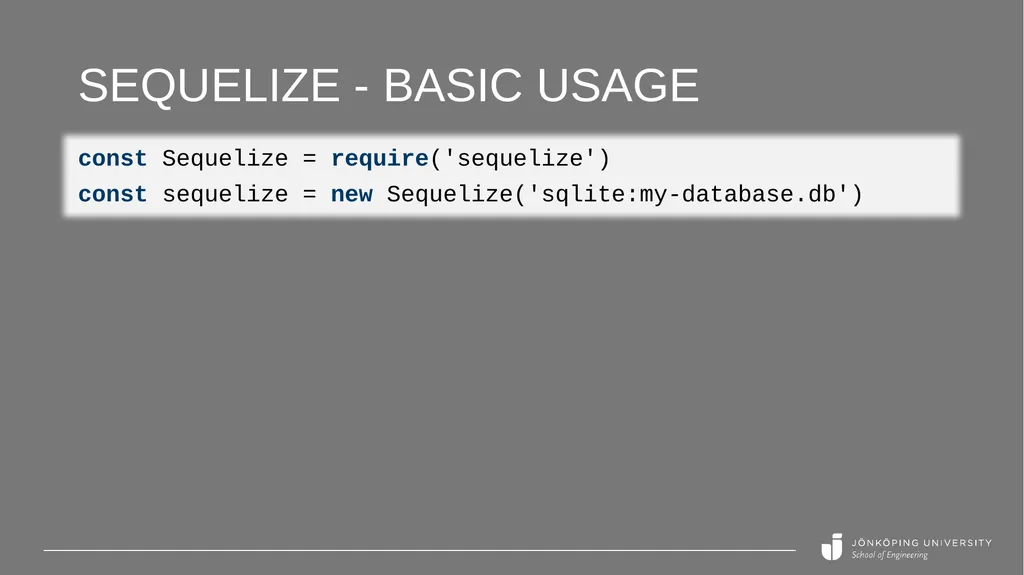
Sequelize An ORM for Node.js.
Distributed as an npm package:
npm install sequelize
Supports multiple different databases, including:
MySQL
MSSQL
PostgreSQL
SQLite
Learn it: http://docs.sequelizejs.com<br>
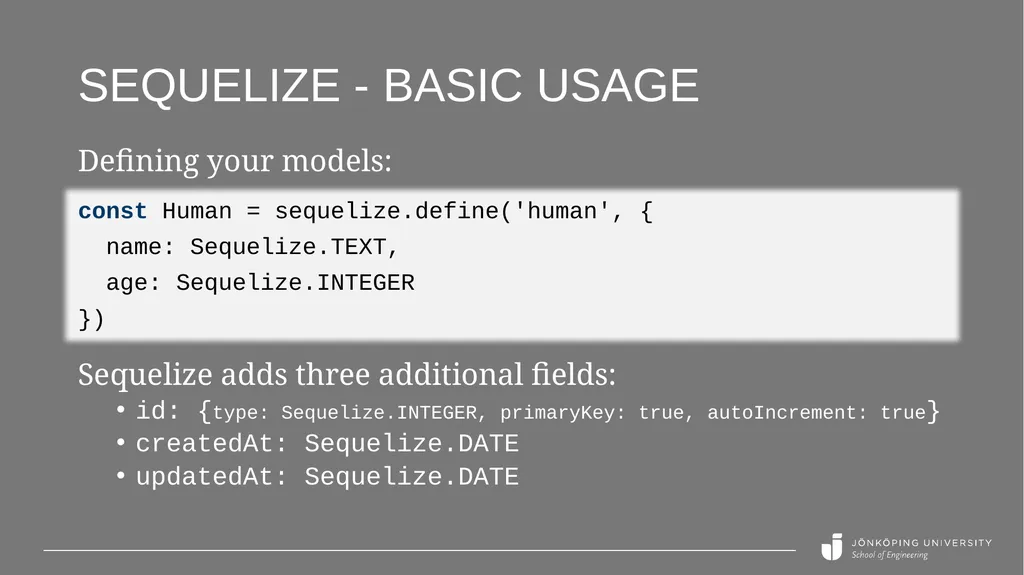
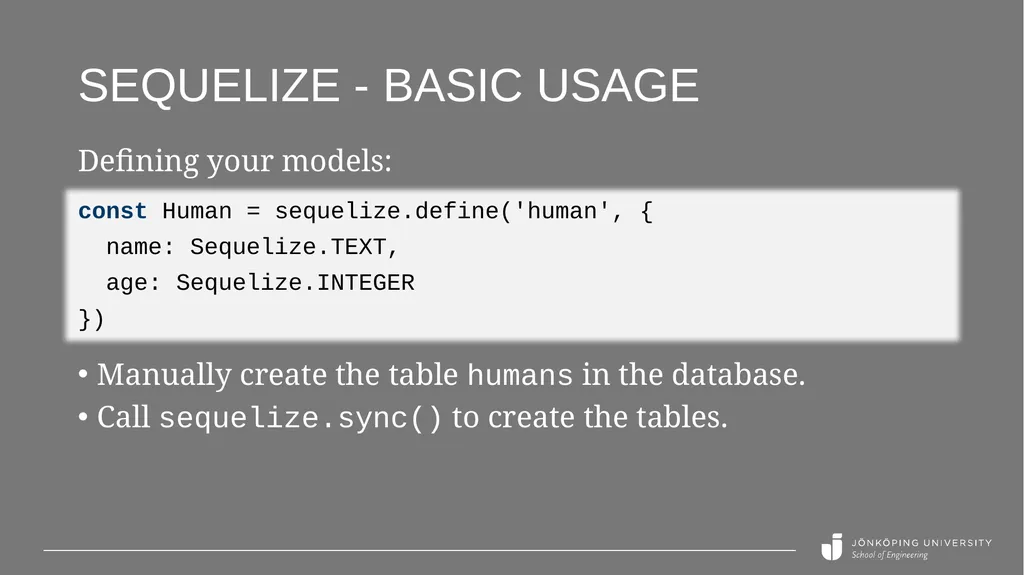
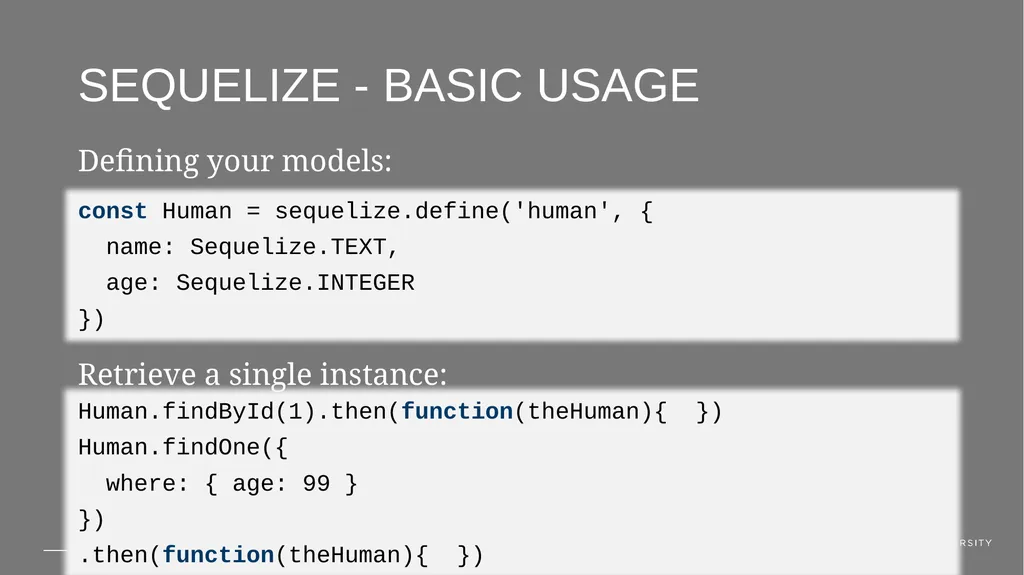
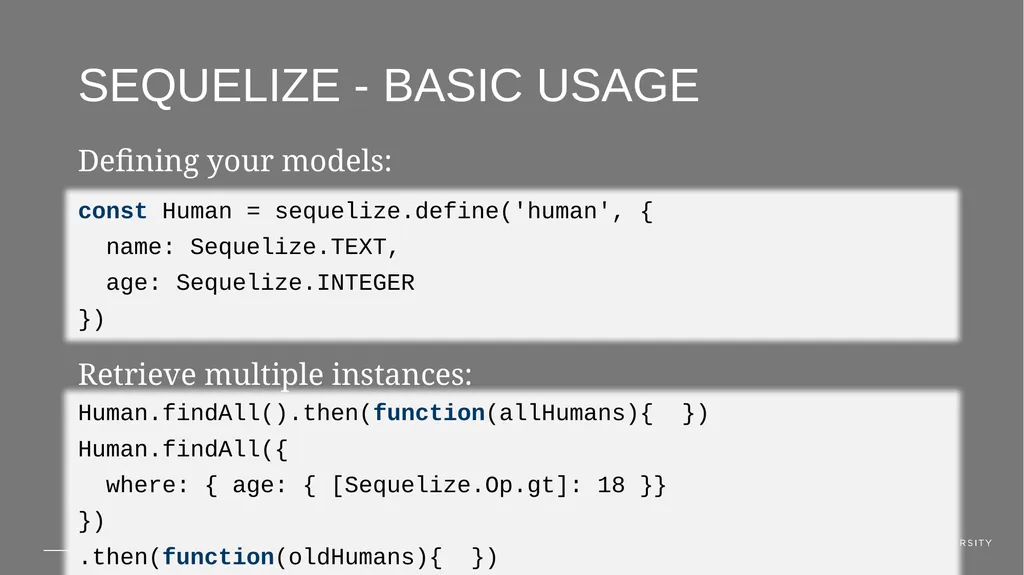
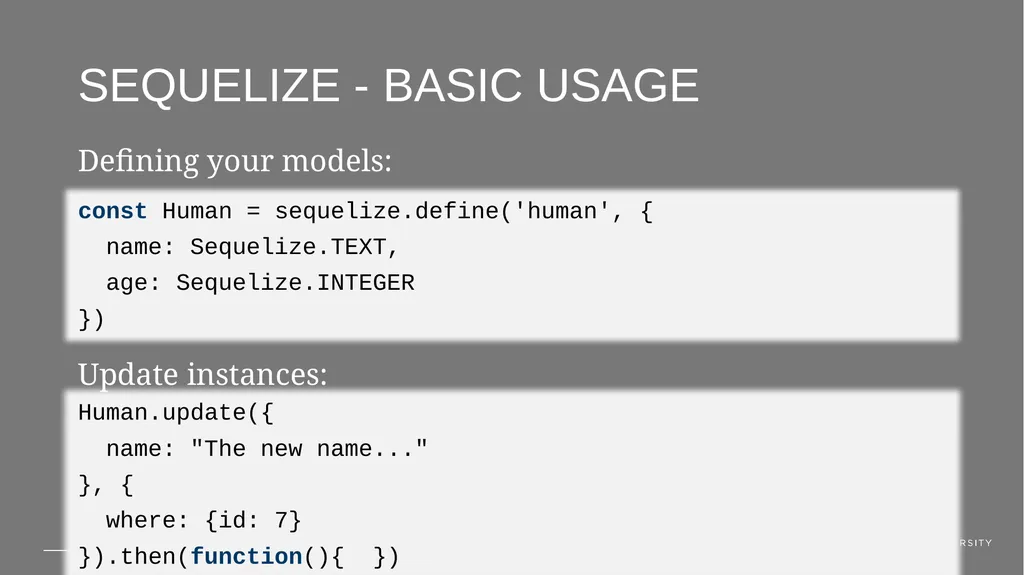
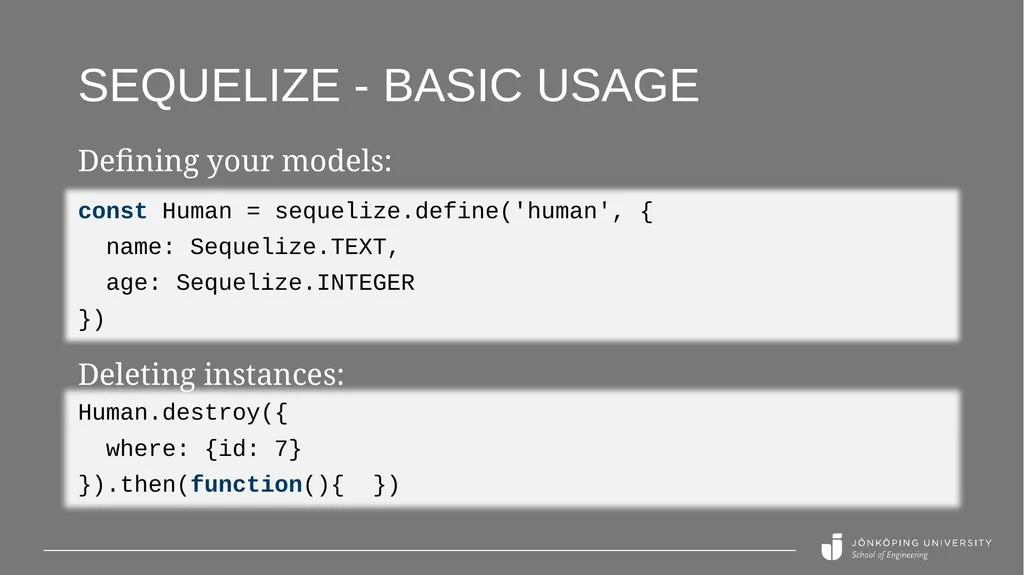
Sequelize - Basic usage const Human = sequelize.define('human', {
name: Sequelize.TEXT,
age: Sequelize.INTEGER
}) Defining your models: Manually create the table humans in the database.
Call sequelize.sync() to create the tables.<br>
09
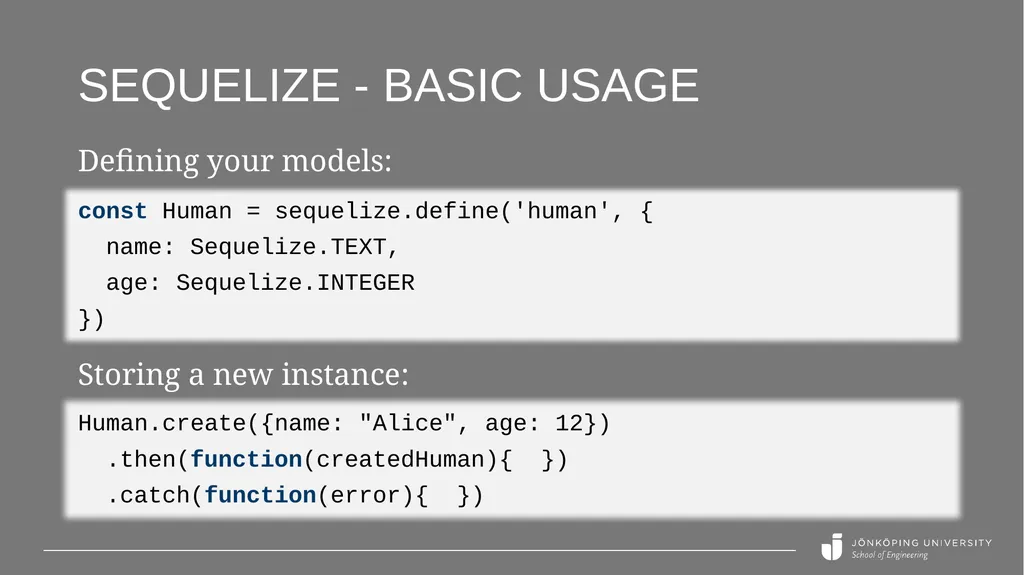
Sequelize - Basic usage const Human = sequelize.define('human', {
name: Sequelize.TEXT,
age: Sequelize.INTEGER
}) Defining your models: Storing a new instance: Human.create({name: "Alice", age: 12})
.then(function(createdHuman){ })
.catch(function(error){ })<br>
10
Sequelize - Basic usage const Human = sequelize.define('human', {
name: Sequelize.TEXT,
age: Sequelize.INTEGER
}) Defining your models: Retrieve a single instance: Human.findById(1).then(function(theHuman){ })
Human.findOne({
where: { age: 99 }
})
.then(function(theHuman){ })<br>
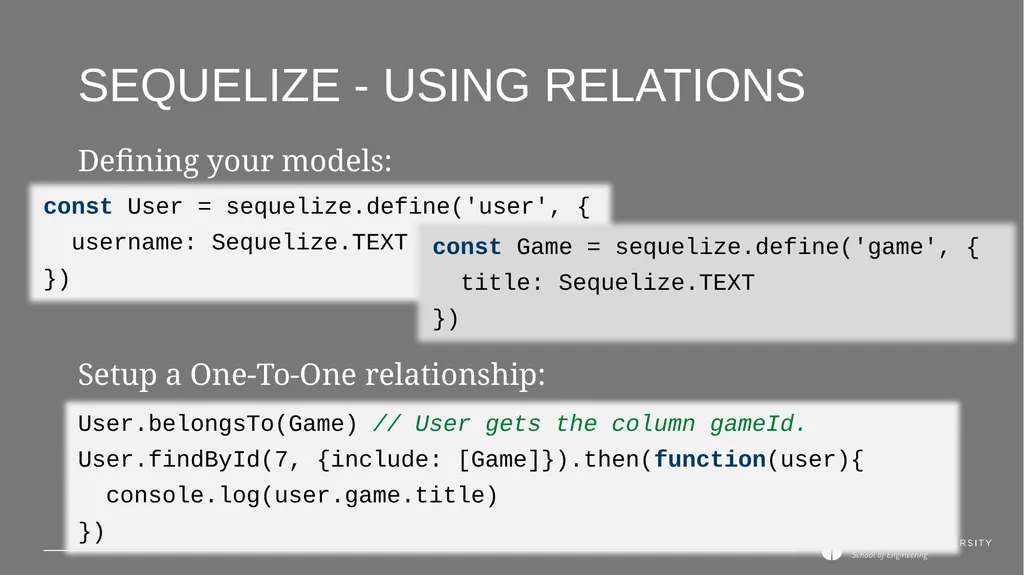
Sequelize - Using relations const User = sequelize.define('user', {
username: Sequelize.TEXT
}) Defining your models: Setup a One-To-One relationship: User.belongsTo(Game) // User gets the column gameId.
User.findById(7, {include: [Game]}).then(function(user){
console.log(user.game.title)
}) const Game = sequelize.define('game', {
title: Sequelize.TEXT
})<br>
15
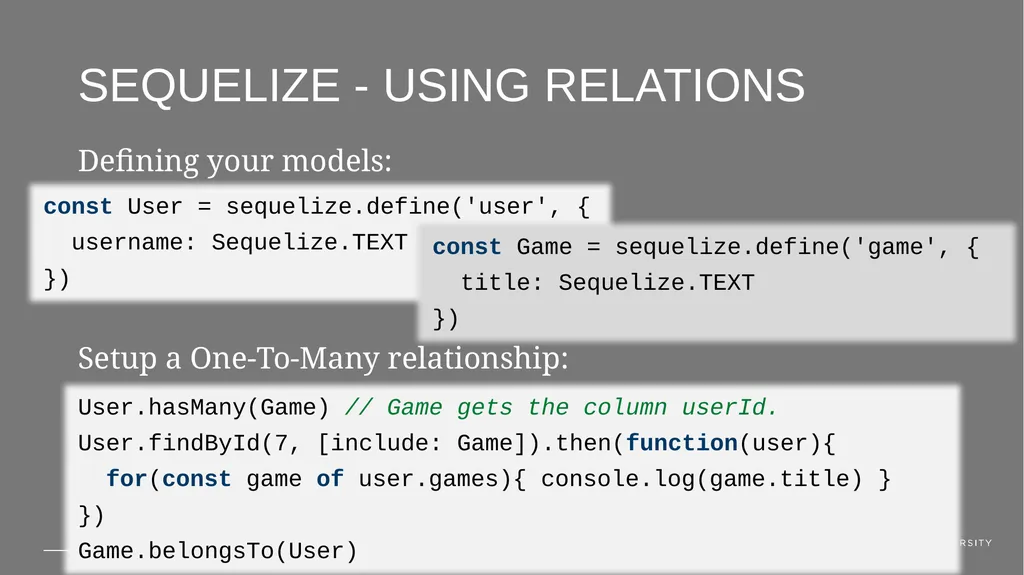
Sequelize - Using relations const User = sequelize.define('user', {
username: Sequelize.TEXT
}) Defining your models: Setup a One-To-Many relationship: User.hasMany(Game) // Game gets the column userId.
User.findById(7, [include: Game]).then(function(user){
for(const game of user.games){ console.log(game.title) }
})
Game.belongsTo(User) const Game = sequelize.define('game', {
title: Sequelize.TEXT
})<br>
16
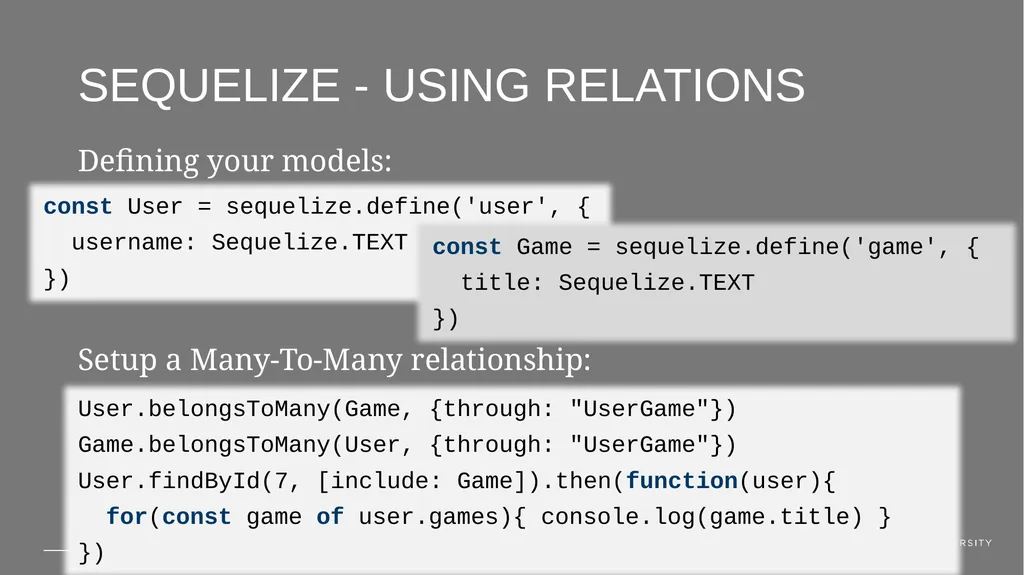
Sequelize - Using relations const User = sequelize.define('user', {
username: Sequelize.TEXT
}) Defining your models: Setup a Many-To-Many relationship: User.belongsToMany(Game, {through: "UserGame"})
Game.belongsToMany(User, {through: "UserGame"})
User.findById(7, [include: Game]).then(function(user){
for(const game of user.games){ console.log(game.title) }
}) const Game = sequelize.define('game', {
title: Sequelize.TEXT
})<br>