Video Modeling What Is Video Modeling? A way to teach a skill either through broken down individual steps or in a sequential order to students A way to teach staff andor families how to teach, how to prompt, and how to remain consistent
Related Topics
Share
Embed code
Download this presentation From Below
"Video Modeling What Is Video Modeling? A way to" is the property of its rightful owner. Permission is granted to
download and print the materials on this website for personal, non-commercial use only, and to display it
on your personal computer provided you do not modify the materials and that you retain all copyright
notices contained in the materials. By downloading content from our website, you accept the terms of this
agreement.
Presentation Transcript
01
Video Modeling<br>
02
What Is Video Modeling? A way to teach a skill either through broken down individual steps or in a sequential order to students
A way to teach staff and/or families how to teach, how to prompt, and how to remain consistent when teaching a student a certain task or skill
A tool for staff and families to identify and learn how and what correct responses should look like
Potential way to teach adaptive alternatives to staff for future problem solving for their students (I can explain what I mean if you want)
Potential way to increase speed and efficiency of performing an activity/task Tool for teachers to use in order to increase student learning
Tool for Parent Coaching/Training
Tool for staff training
Pre-Recorded Video (3 possible types/perspectives)
Visual Model of desired behavior<br>
03
Prerequisite Skills Motor Imitation- Just because 18-year-old can’t imitate, should we be teaching in context instead? Really looking at imitation tasks as functional not only tapping table or touching nose
Teachers edit those imitation to targets to be more functional Imitation skills
Consider age appropriateness of task being modeled (too complex or detailed?)
Attention to video (if student only attends for 5 seconds do not start with 15 step TA)
Vision, Hearing, Reading skills, operating technology (help determine format of video potentially)<br>
04
Who Can Benefit? Everyone and Anyone! (I think that sums it up! 😊 )
All ages
All dev. levels
Promotes staff teaching the same way to do a task (consistency)
Takes place in natural environment where skill is to be used
Students with ASD often need increased time to complete or
Helps with consistency of skills especially during times of teletherapy and now with social distancing factors when working with one another<br>
05
Research To Support Video Modeling<br>
06
Applications for video models<br>
07
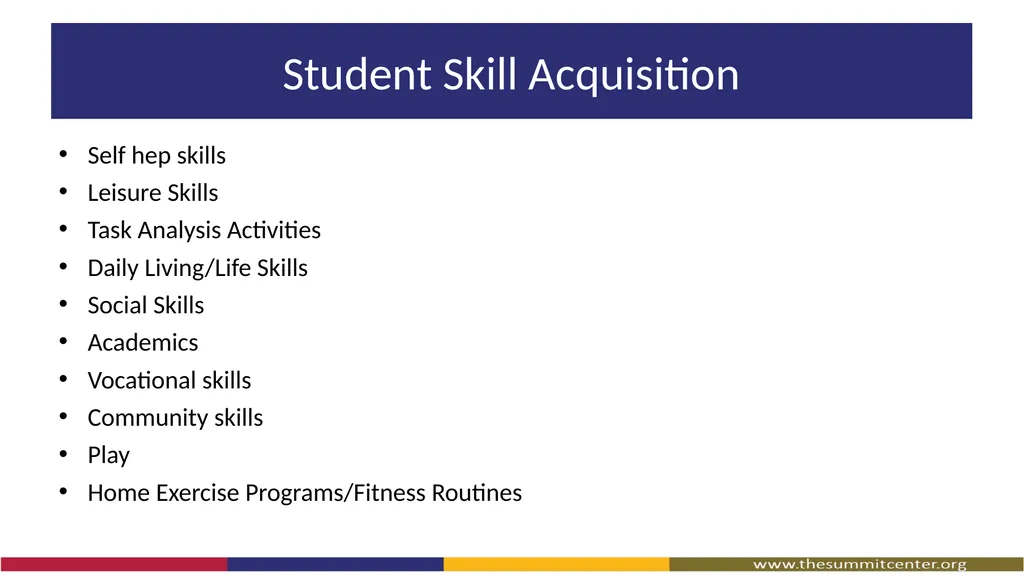
Student Skill Acquisition Self hep skills
Leisure Skills
Task Analysis Activities
Daily Living/Life Skills
Social Skills
Academics
Vocational skills
Community skills
Play
Home Exercise Programs/Fitness Routines<br>
08
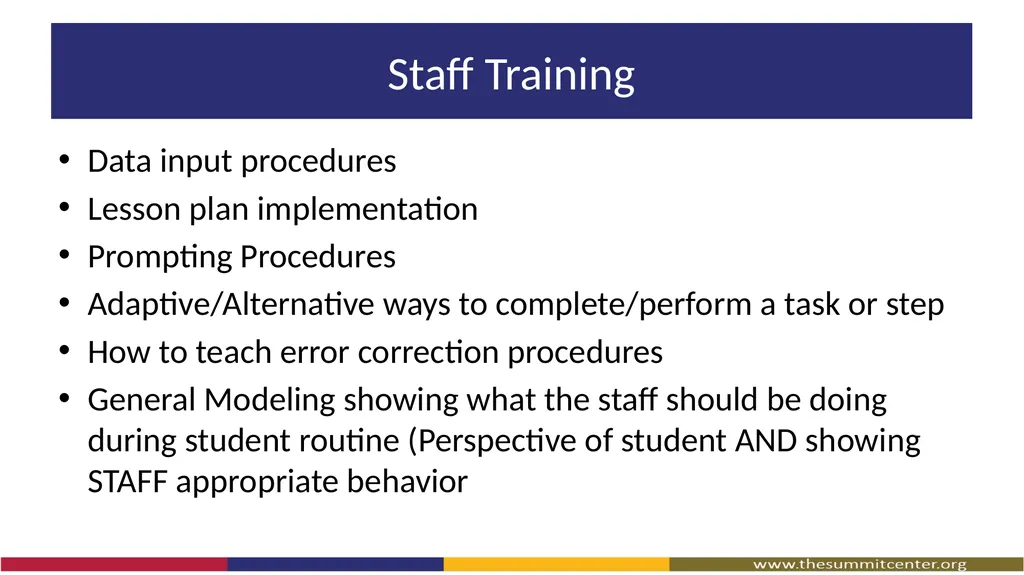
Staff Training Data input procedures
Lesson plan implementation
Prompting Procedures
Adaptive/Alternative ways to complete/perform a task or step
How to teach error correction procedures
General Modeling showing what the staff should be doing during student routine (Perspective of student AND showing STAFF appropriate behavior<br>
09
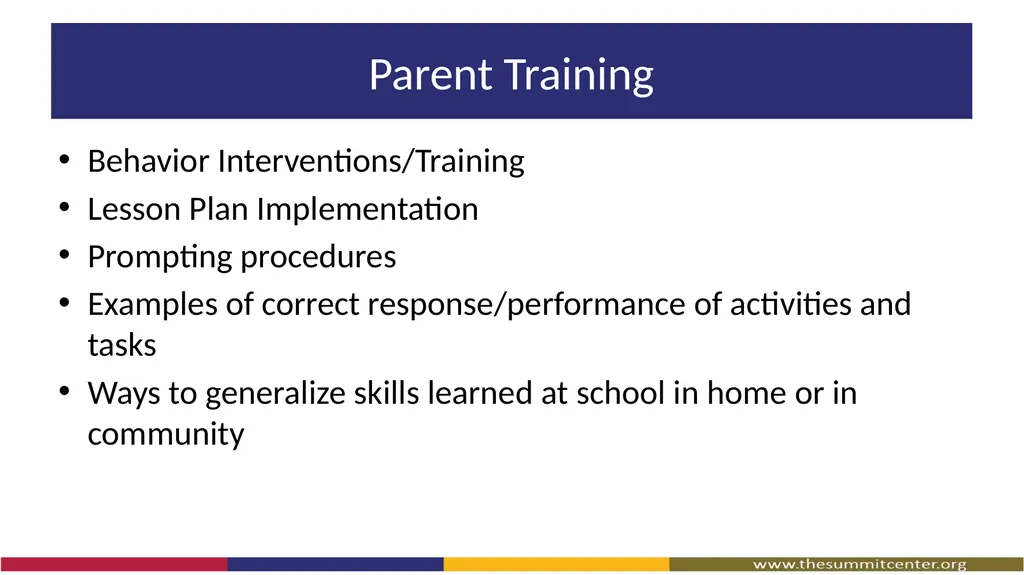
Parent Training Behavior Interventions/Training
Lesson Plan Implementation
Prompting procedures
Examples of correct response/performance of activities and tasks
Ways to generalize skills learned at school in home or in community<br>
10
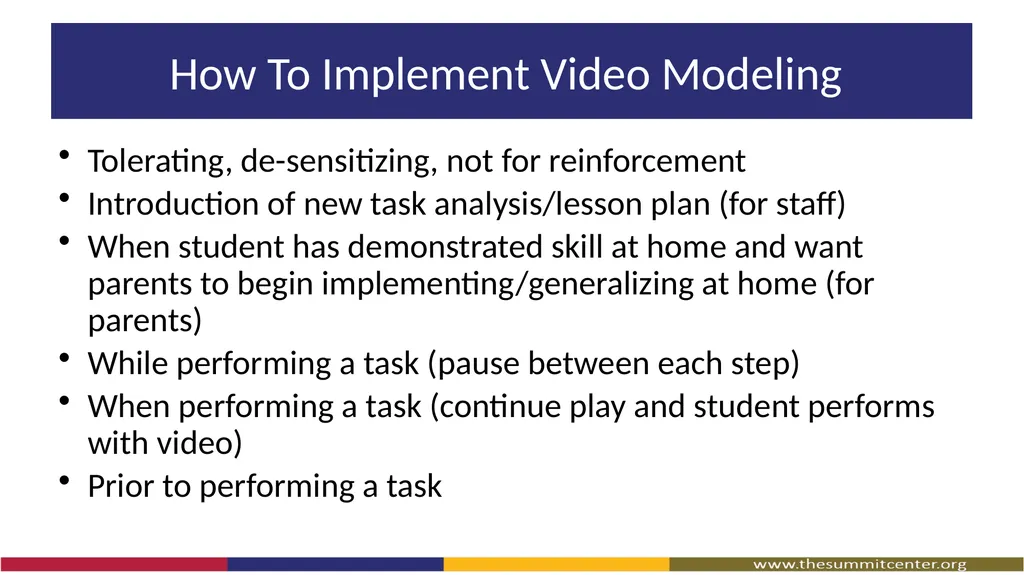
How To Implement Video Modeling Tolerating, de-sensitizing, not for reinforcement
Introduction of new task analysis/lesson plan (for staff)
When student has demonstrated skill at home and want parents to begin implementing/generalizing at home (for parents)
While performing a task (pause between each step)
When performing a task (continue play and student performs with video)
Prior to performing a task<br>
11
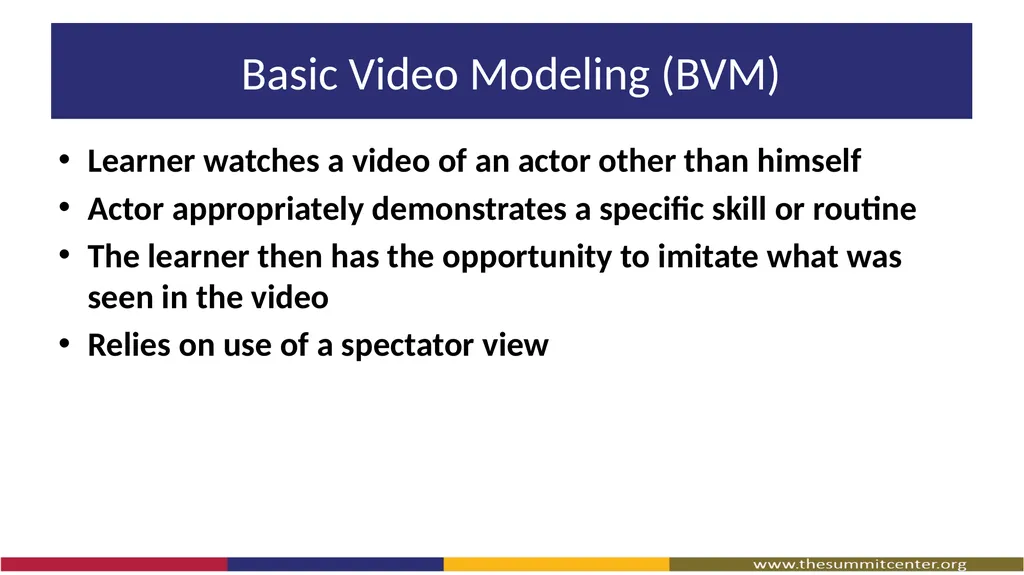
Basic Video Modeling (BVM) Learner watches a video of an actor other than himself
Actor appropriately demonstrates a specific skill or routine
The learner then has the opportunity to imitate what was seen in the video
Relies on use of a spectator view<br>
12
Basic Video Modeling (BVM) Academic Example
Leisure Example
Motor Example
Communication Example
Domestic Example
Community Example<br>
13
Video Self-Modeling (VSM) Involves the learner watching a video of themselves successfully demonstrating the target skill or routine
The learner then has the opportunity to imitate what was seen in the video
Relies on use of a spectator view<br>
14
Video Self-Modeling (VSM) Academic Example
Leisure Example
Motor Example
Communication Example
Domestic Example
Community Example<br>
15
Point Of View Video Modeling Involves recording a person engaging in the specific skill or routine
Video captures *** exactly what the learner will see through their own eyes while performing the skill or routine<br>
16
Point Of View Video Modeling Academic Example
Leisure Example
Motor Example
Communication Example
Domestic Example
Community Example<br>
17
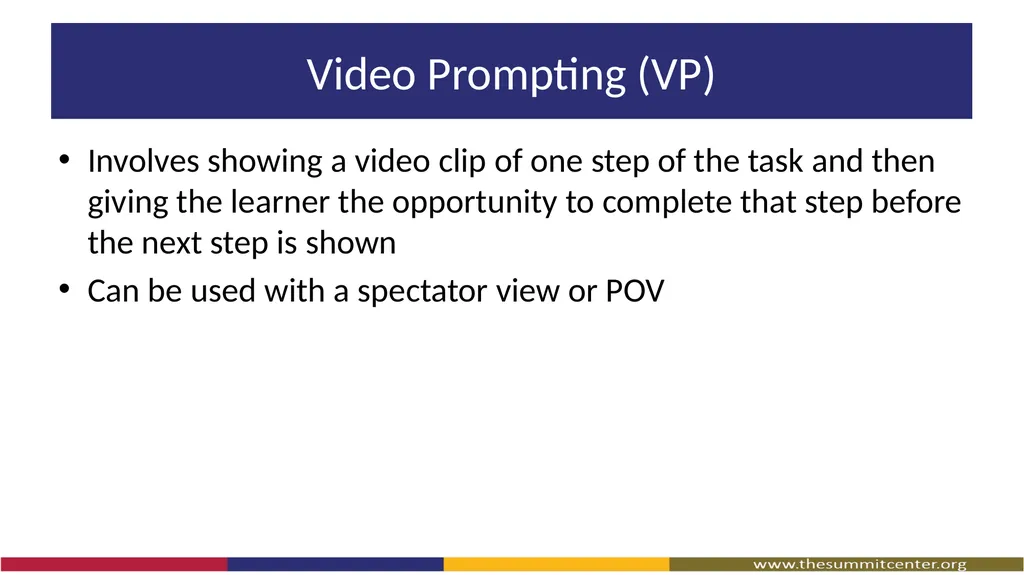
Video Prompting (VP) Involves showing a video clip of one step of the task and then giving the learner the opportunity to complete that step before the next step is shown
Can be used with a spectator view or POV<br>
18
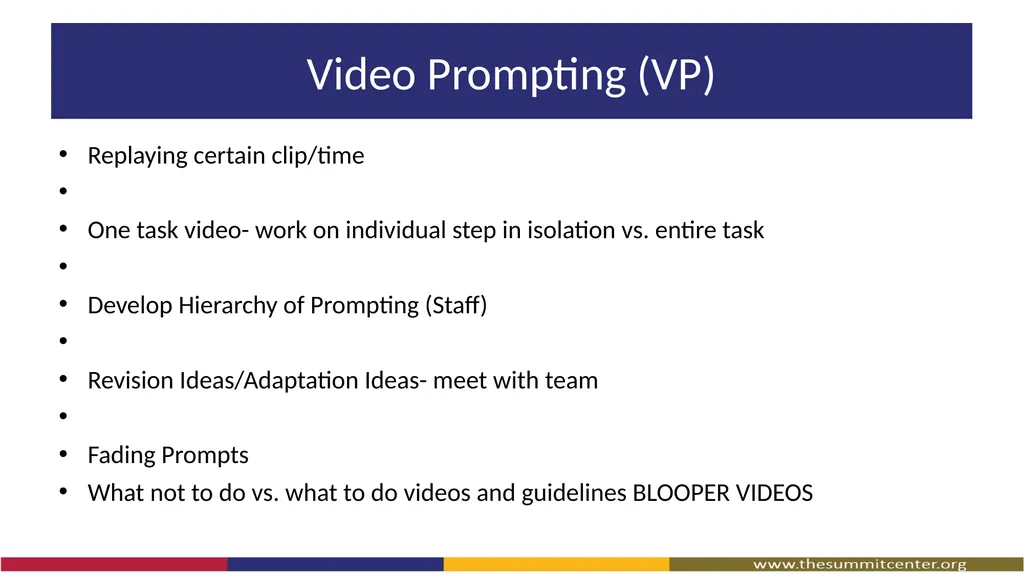
Video Prompting (VP) Replaying certain clip/time
One task video- work on individual step in isolation vs. entire task
Develop Hierarchy of Prompting (Staff)
Revision Ideas/Adaptation Ideas- meet with team
Fading Prompts
What not to do vs. what to do videos and guidelines BLOOPER VIDEOS<br>
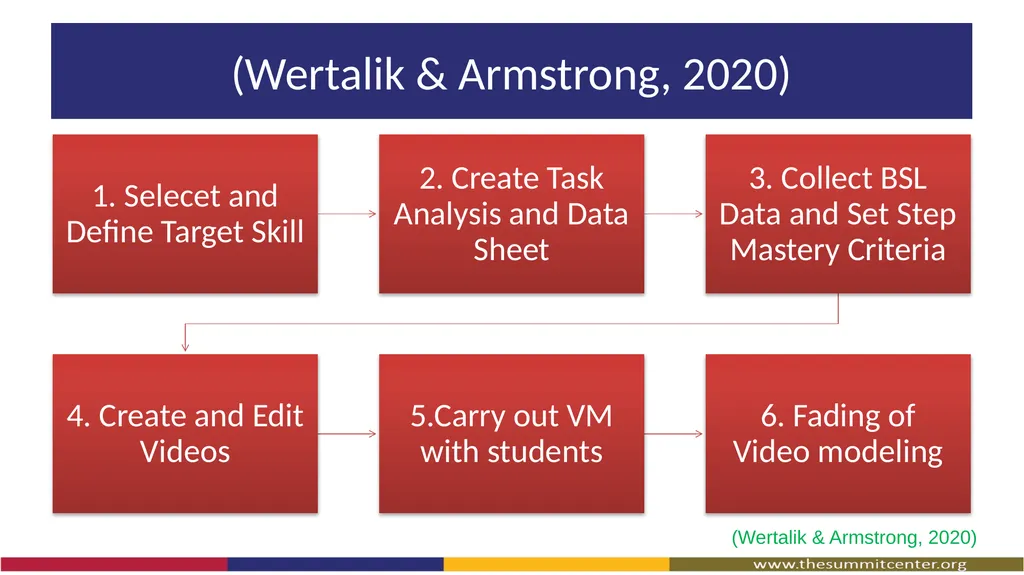
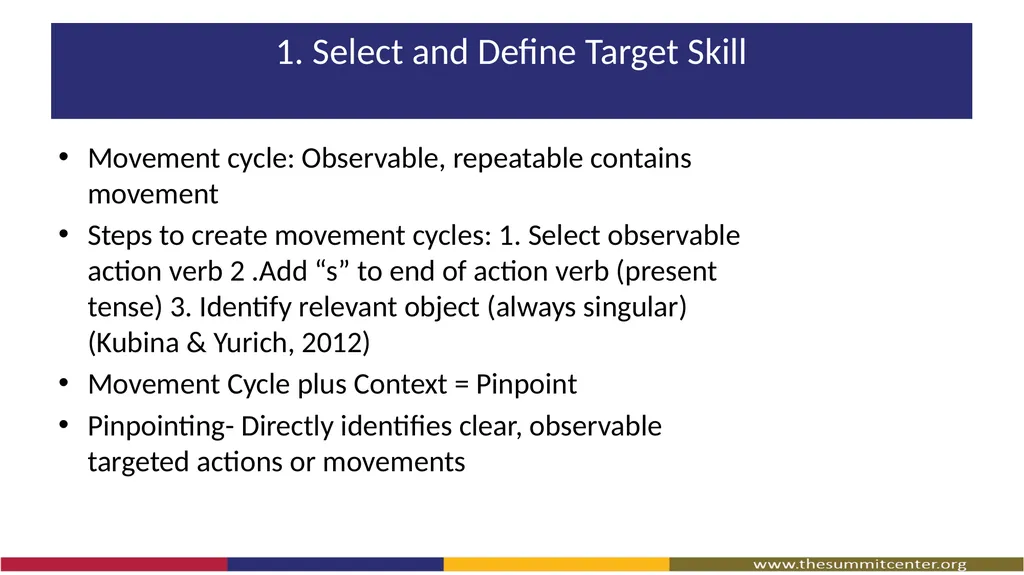
1. Select and Define Target Skill Movement cycle: Observable, repeatable contains movement
Steps to create movement cycles: 1. Select observable action verb 2 .Add “s” to end of action verb (present tense) 3. Identify relevant object (always singular) (Kubina & Yurich, 2012)
Movement Cycle plus Context = Pinpoint
Pinpointing- Directly identifies clear, observable targeted actions or movements<br>
22
2. Create Task Analysis and Data Sheet<br>
23
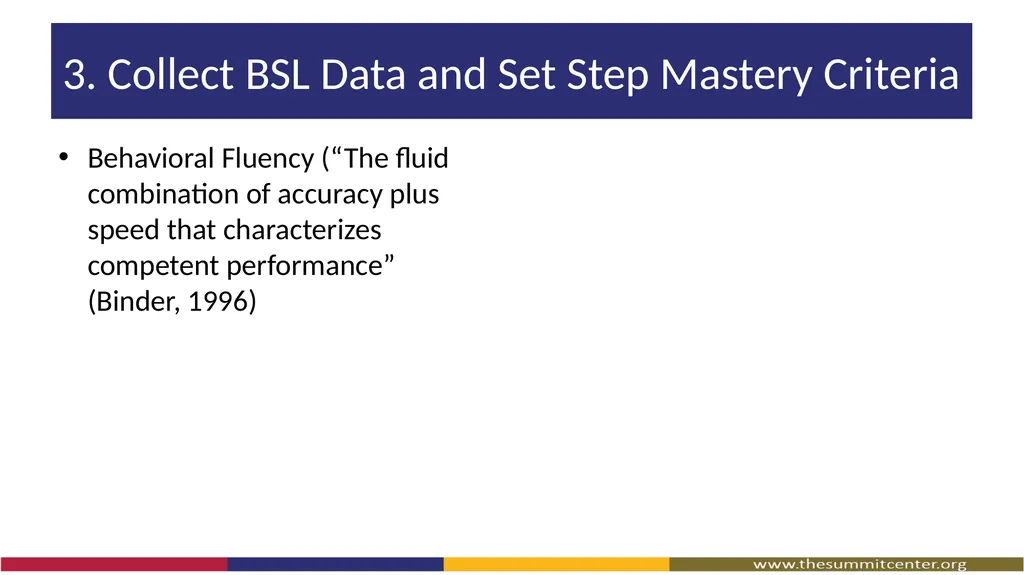
3. Collect BSL Data and Set Step Mastery Criteria Behavioral Fluency (“The fluid combination of accuracy plus speed that characterizes competent performance” (Binder, 1996)<br>
24
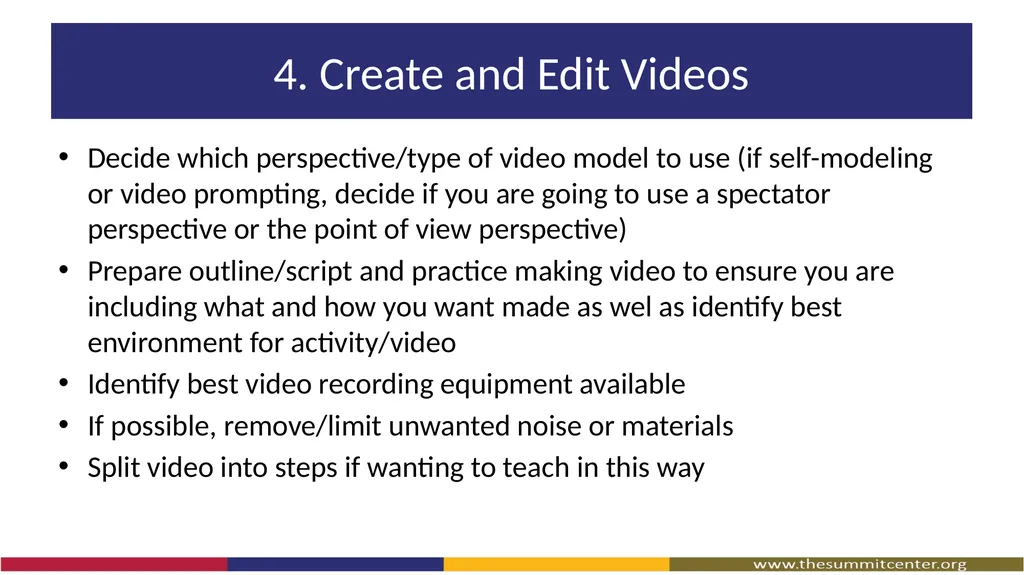
4. Create and Edit Videos Decide which perspective/type of video model to use (if self-modeling or video prompting, decide if you are going to use a spectator perspective or the point of view perspective)
Prepare outline/script and practice making video to ensure you are including what and how you want made as wel as identify best environment for activity/video
Identify best video recording equipment available
If possible, remove/limit unwanted noise or materials
Split video into steps if wanting to teach in this way<br>
25
5. Carry out VM with students<br>
26
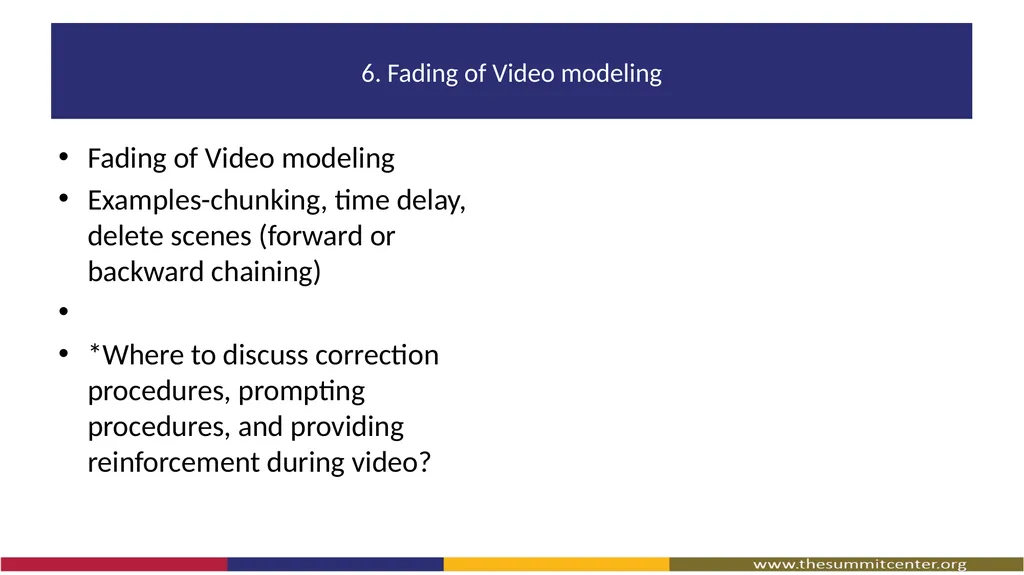
6. Fading of Video modeling Fading of Video modeling
Examples-chunking, time delay, delete scenes (forward or backward chaining)
*Where to discuss correction procedures, prompting procedures, and providing reinforcement during video?<br>
27
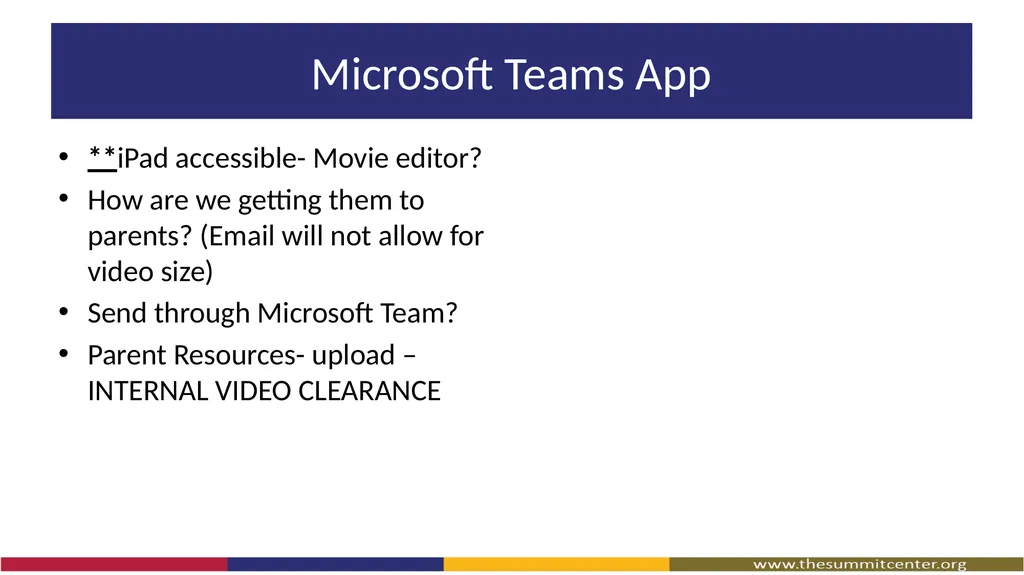
Microsoft Teams App **iPad accessible- Movie editor?
How are we getting them to parents? (Email will not allow for video size)
Send through Microsoft Team?
Parent Resources- upload – INTERNAL VIDEO CLEARANCE<br>