Web Development Technical Summer School 2019, IIT

Published  . 0 views
↓ Download
Web Development Technical Summer School 2019, IIT
1 / 1
Web Development Technical Summer School 2019, IIT - slide 1 of 24 Web Development Technical Summer School 2019, IIT - slide 2 of 24 Web Development Technical Summer School 2019, IIT - slide 3 of 24 Web Development Technical Summer School 2019, IIT - slide 4 of 24 Web Development Technical Summer School 2019, IIT - slide 5 of 24 Web Development Technical Summer School 2019, IIT - slide 6 of 24 Web Development Technical Summer School 2019, IIT - slide 7 of 24 Web Development Technical Summer School 2019, IIT - slide 8 of 24 Web Development Technical Summer School 2019, IIT - slide 9 of 24 Web Development Technical Summer School 2019, IIT - slide 10 of 24 Web Development Technical Summer School 2019, IIT - slide 11 of 24 Web Development Technical Summer School 2019, IIT - slide 12 of 24 Web Development Technical Summer School 2019, IIT - slide 13 of 24 Web Development Technical Summer School 2019, IIT - slide 14 of 24 Web Development Technical Summer School 2019, IIT - slide 15 of 24 Web Development Technical Summer School 2019, IIT - slide 16 of 24 Web Development Technical Summer School 2019, IIT - slide 17 of 24 Web Development Technical Summer School 2019, IIT - slide 18 of 24 Web Development Technical Summer School 2019, IIT - slide 19 of 24 Web Development Technical Summer School 2019, IIT - slide 20 of 24 Web Development Technical Summer School 2019, IIT - slide 21 of 24 Web Development Technical Summer School 2019, IIT - slide 22 of 24 Web Development Technical Summer School 2019, IIT - slide 23 of 24 Web Development Technical Summer School 2019, IIT - slide 24 of 24
Description: Web Development Technical Summer School 2019, IIT Bombay Parth Patil Part 5 Django Dynamic HTML Store only the template and data Create the rendered HTML only when asked for Instead of saving the HTML, send it to the client Allows

Related Topics

Download Presentation

"Web Development Technical Summer School 2019, IIT" is the property of its rightful owner. Permission is granted to download and print the materials on this website for personal, non-commercial use only, and to display it on your personal computer provided you do not modify the materials and that you retain all copyright notices contained in the materials. By downloading content from our website, you accept the terms of this agreement.

Presentation Transcript

slide1. Web Development Technical Summer School 2019, IIT Bombay – Parth Patil
Part 5 – Django<br>
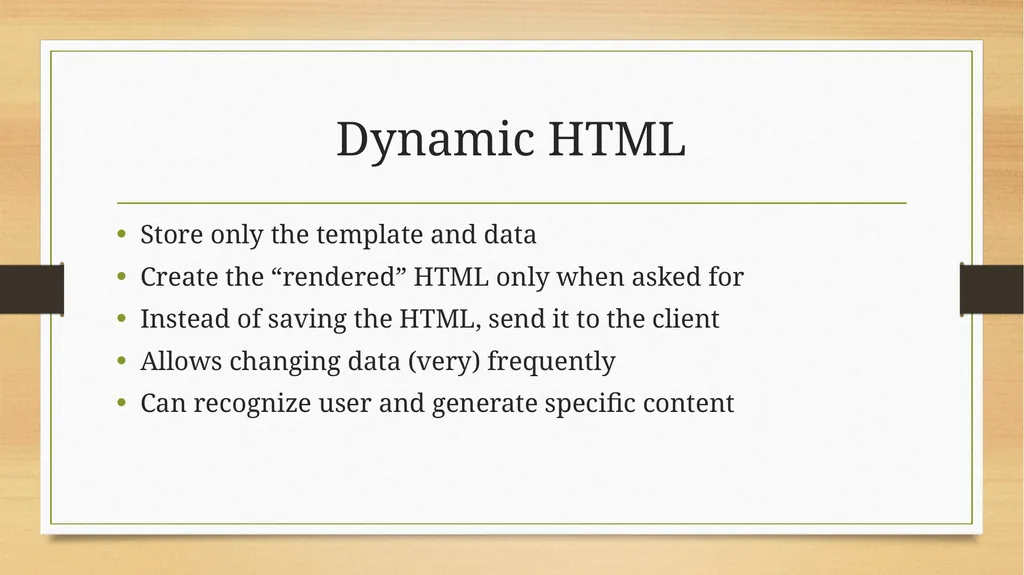
slide2. Dynamic HTML Store only the template and data
Create the “rendered” HTML only when asked for
Instead of saving the HTML, send it to the client
Allows changing data (very) frequently
Can recognize user and generate specific content<br>
slide3. Django Web framework,
Written in Python,
Model-view-template architectural pattern.<br>
slide4. Template Format to display the data
Like a sample
HTML (or any other) with variables<br>
slide5. Model Structure to access data
Data access becomes easier
Linked models
OOP – Object Relation Mapping (ORM)<br>
slide6. View Interacts with the user
Performs operations like filling up the Model
Generates the template and returns to the user<br>
slide7. Database (RDBMS) Convenient way to store/access data
Written by top coders
Easy to use APIs
Django – built-in ORM for many databases<br>
slide8. SQLite One RDBMS (Relational Database Management System)
Everything in one file
Easier to manage for smaller applications
Typically slow for larger real-world sites<br>
slide9. Migrations Successively modify database structure
Can go from one point to another easily
Define database with code<br>

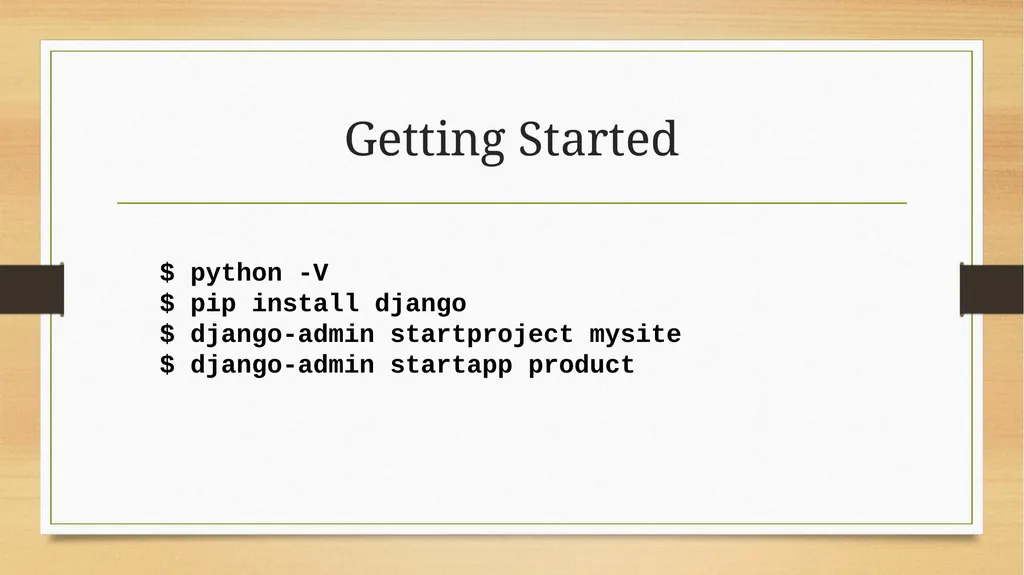
slide10. Getting Started $ python -V
$ pip install django
$ django-admin startproject mysite
$ django-admin startapp product<br>
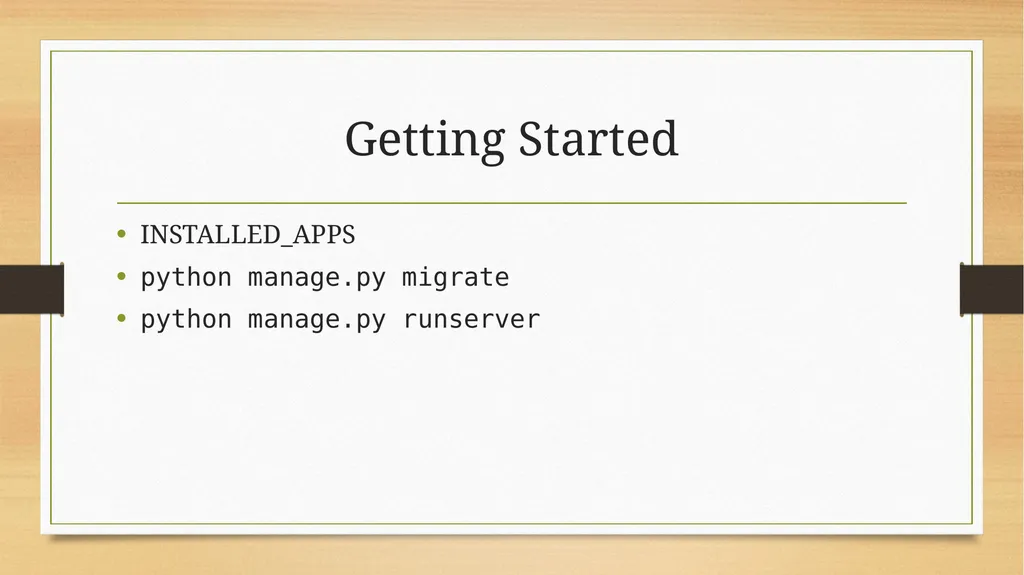
slide11. Getting Started INSTALLED_APPS
python manage.py migrate
python manage.py runserver<br>
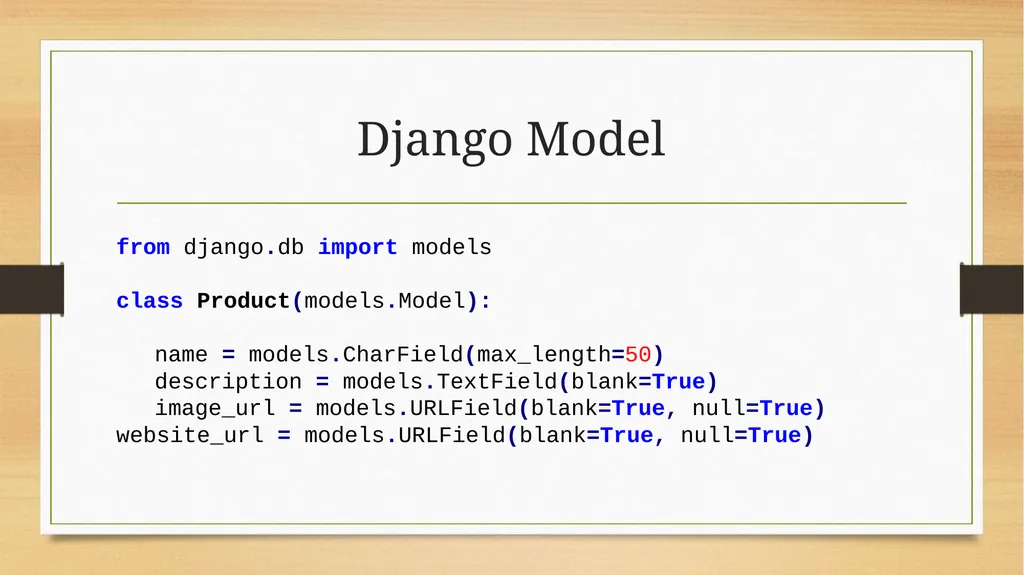
slide12. Django Model from django.db import models

class Product(models.Model):

name = models.CharField(max_length=50)
description = models.TextField(blank=True)
image_url = models.URLField(blank=True, null=True) website_url = models.URLField(blank=True, null=True)<br>
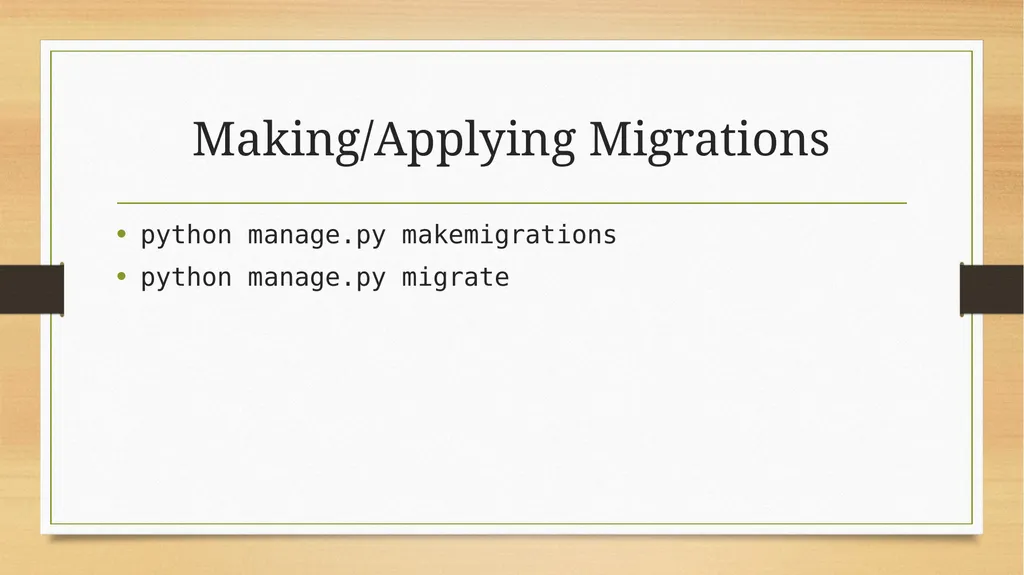
slide13. Making/Applying Migrations python manage.py makemigrations
python manage.py migrate<br>
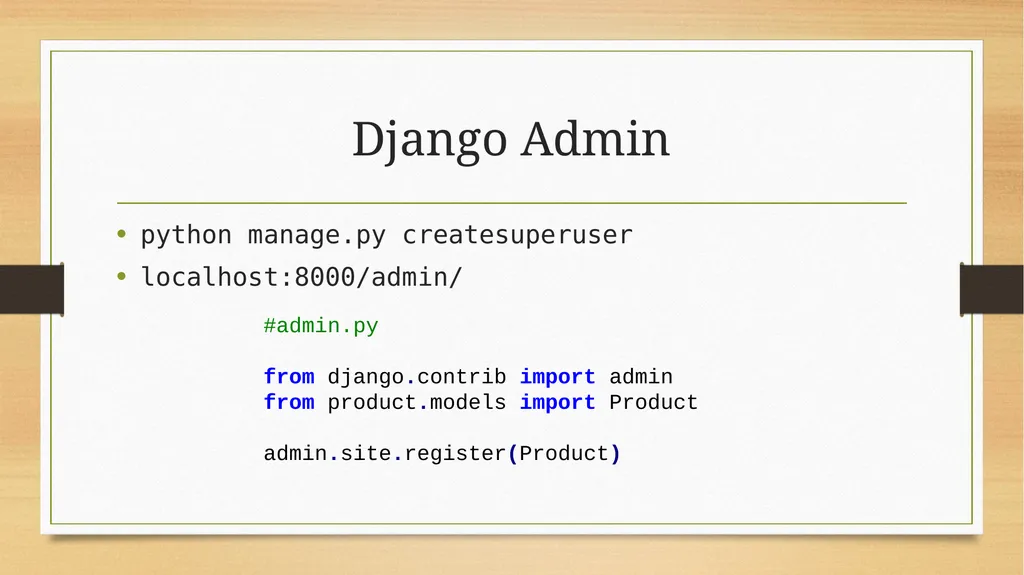
slide14. Django Admin python manage.py createsuperuser
localhost:8000/admin/ #admin.py

from django.contrib import admin from product.models import Product

admin.site.register(Product)<br>
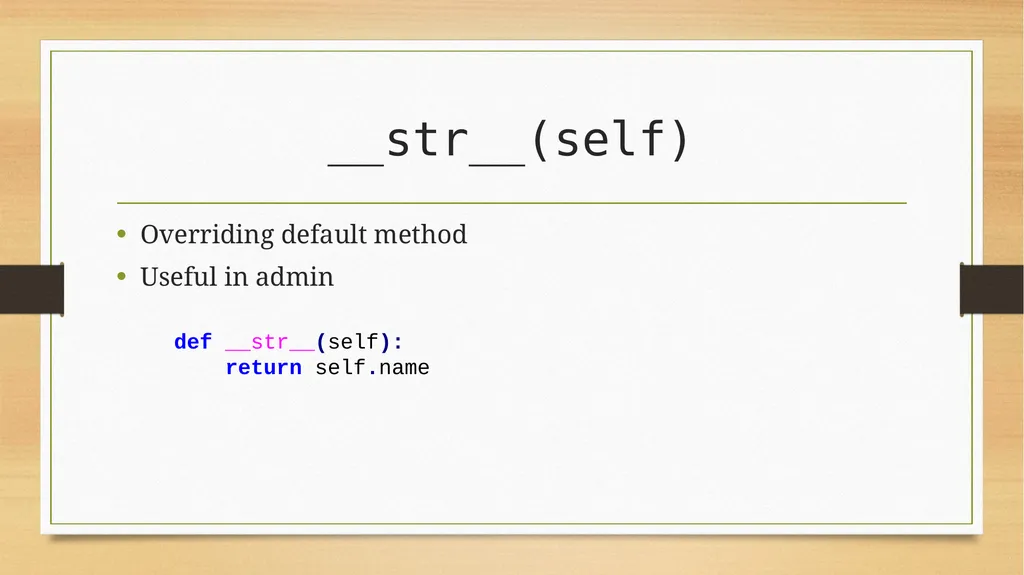
slide15. __str__(self) Overriding default method
Useful in admin def __str__(self):
return self.name<br>
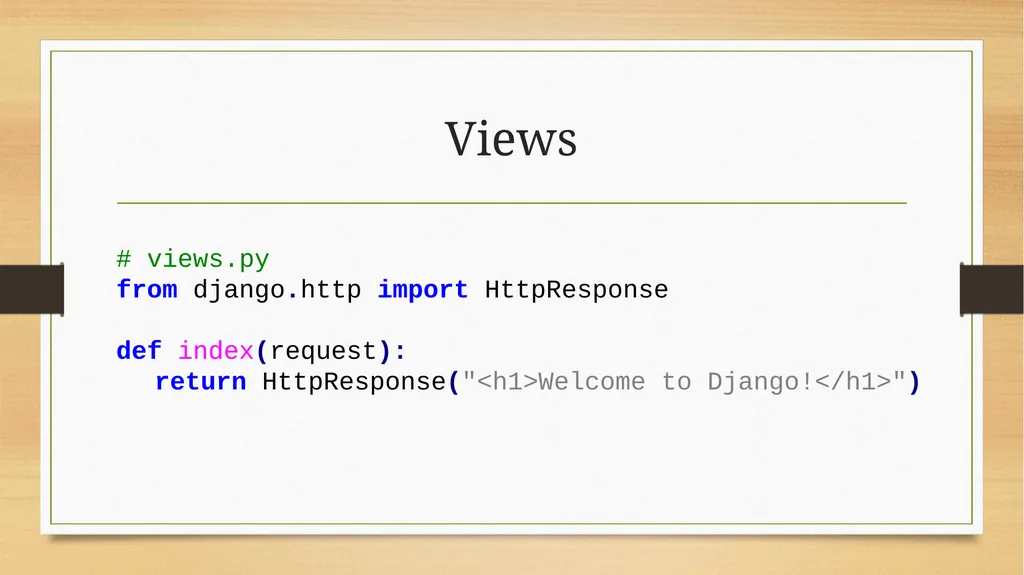
slide16. Views # views.py from django.http import HttpResponse

def index(request): return HttpResponse("<h1>Welcome to Django!</h1>")<br>
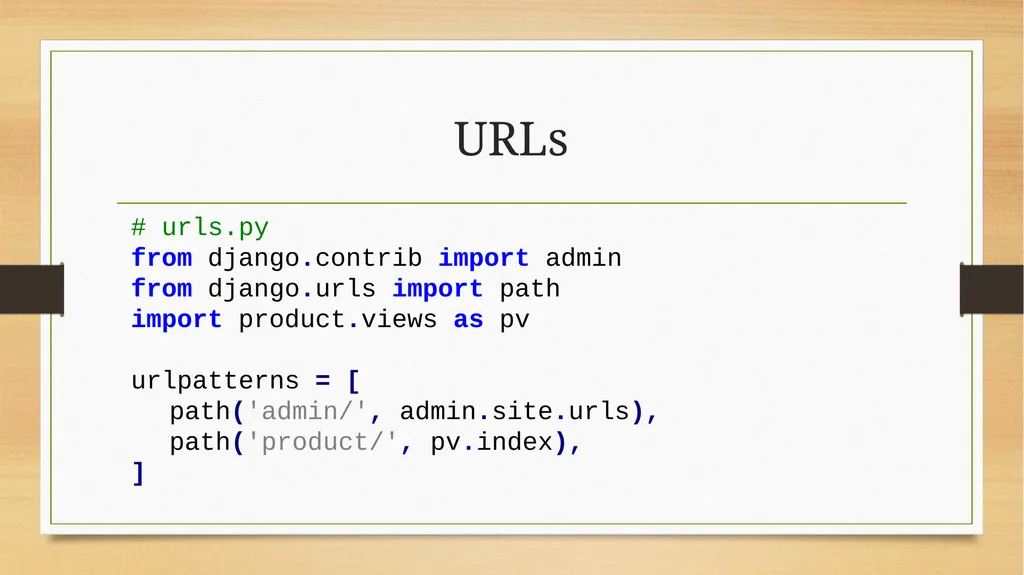
slide17. URLs # urls.py
from django.contrib import admin
from django.urls import path
import product.views as pv

urlpatterns = [ path('admin/', admin.site.urls),
path('product/', pv.index),
]<br>
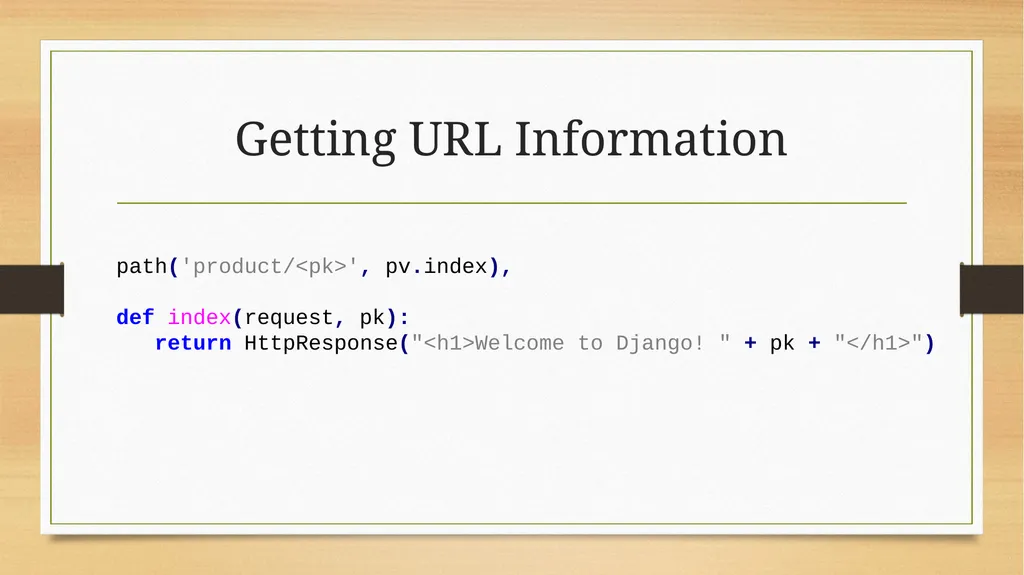
slide18. Getting URL Information path('product/<pk>', pv.index),

def index(request, pk):
return HttpResponse("<h1>Welcome to Django! " + pk + "</h1>")<br>
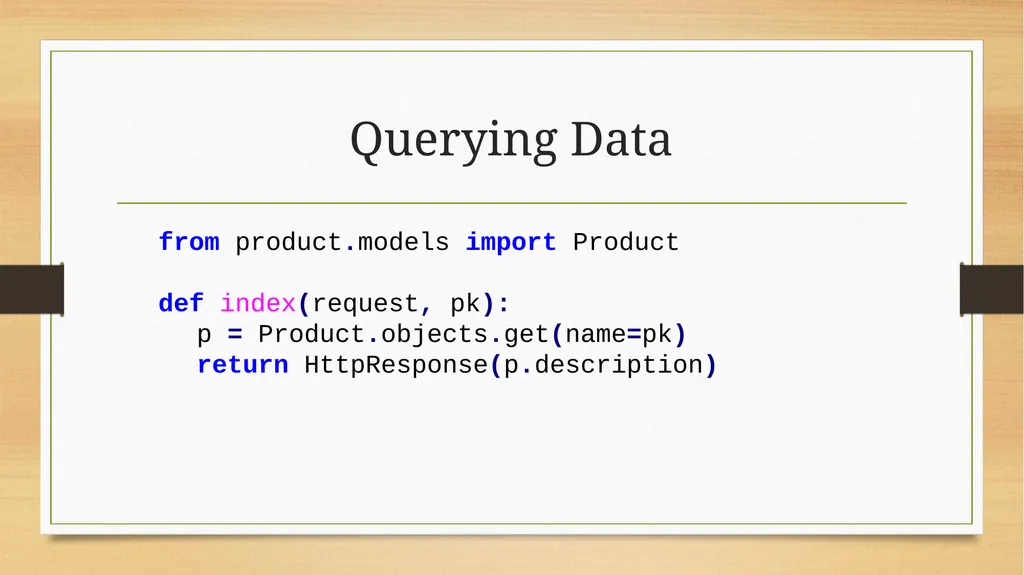
slide19. Querying Data from product.models import Product

def index(request, pk):
p = Product.objects.get(name=pk) return HttpResponse(p.description)<br>
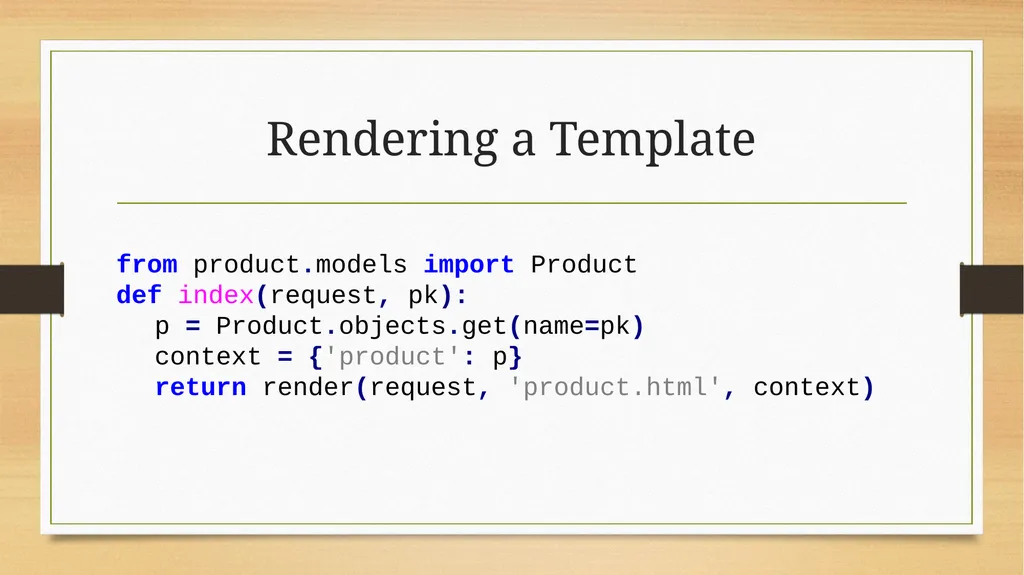
slide20. Rendering a Template from product.models import Product
def index(request, pk):
p = Product.objects.get(name=pk)
context = {'product': p}
return render(request, 'product.html', context)<br>
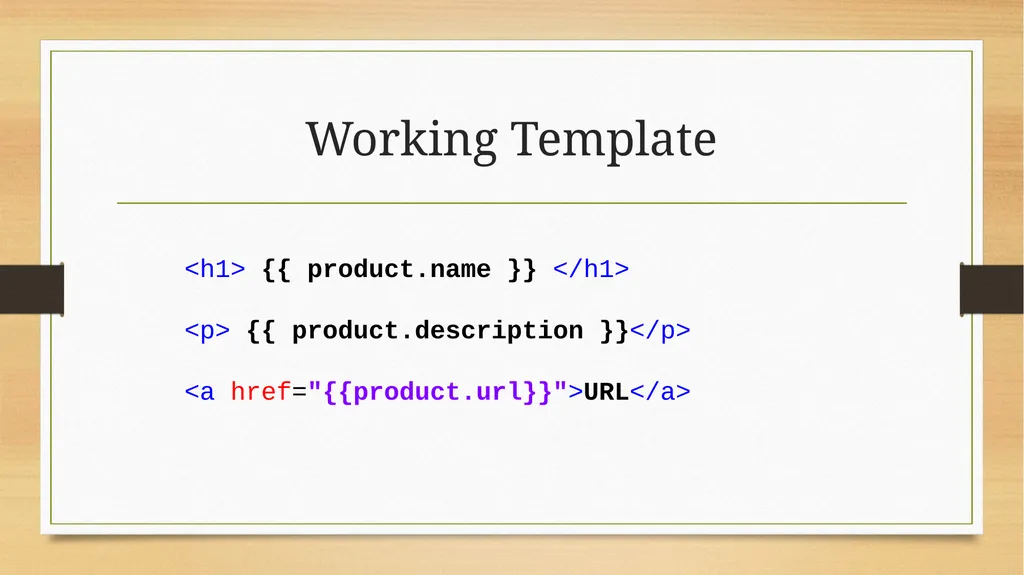
slide21. Working Template <h1> {{ product.name }} </h1>

<p> {{ product.description }}</p>

<a href="{{product.url}}">URL</a><br>
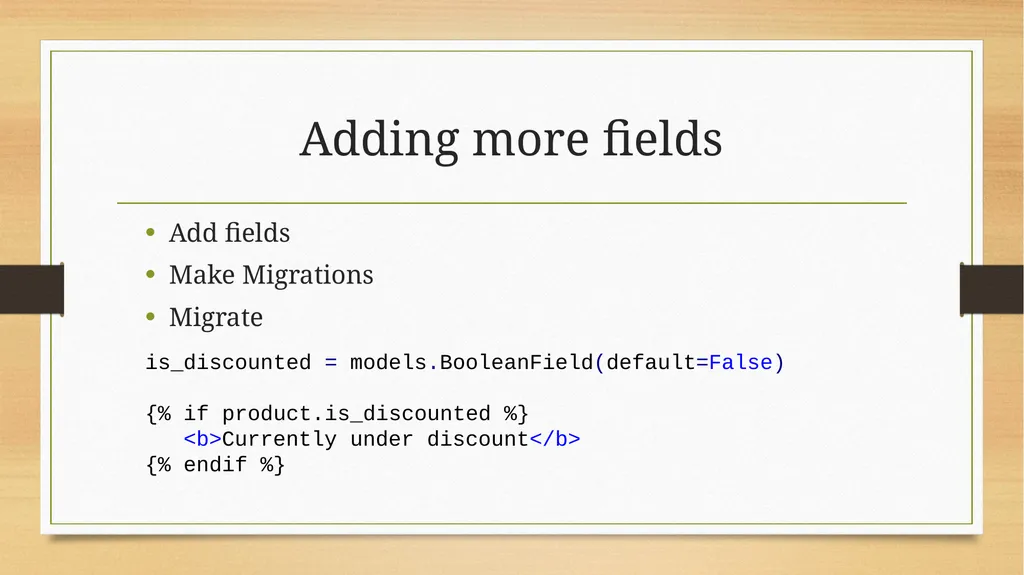
slide22. Adding more fields Add fields
Make Migrations
Migrate is_discounted = models.BooleanField(default=False)

{% if product.is_discounted %}
<b>Currently under discount</b> {% endif %}<br>
slide23. Extra – storing relational data<br>
slide24. Thank You!<br>