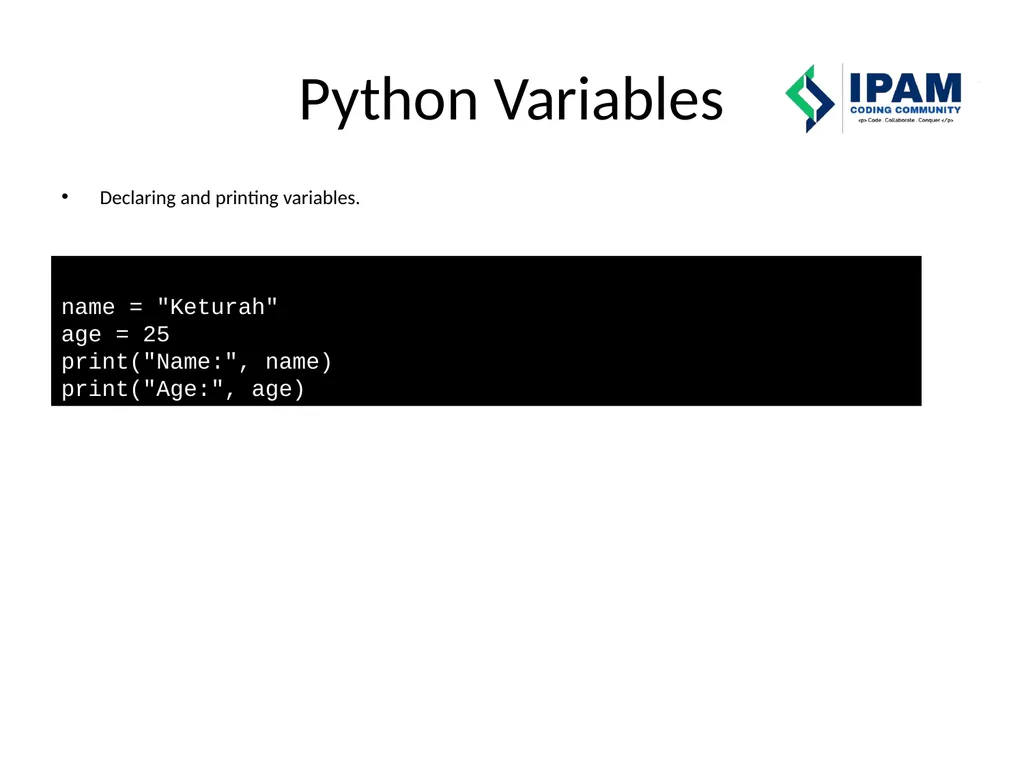
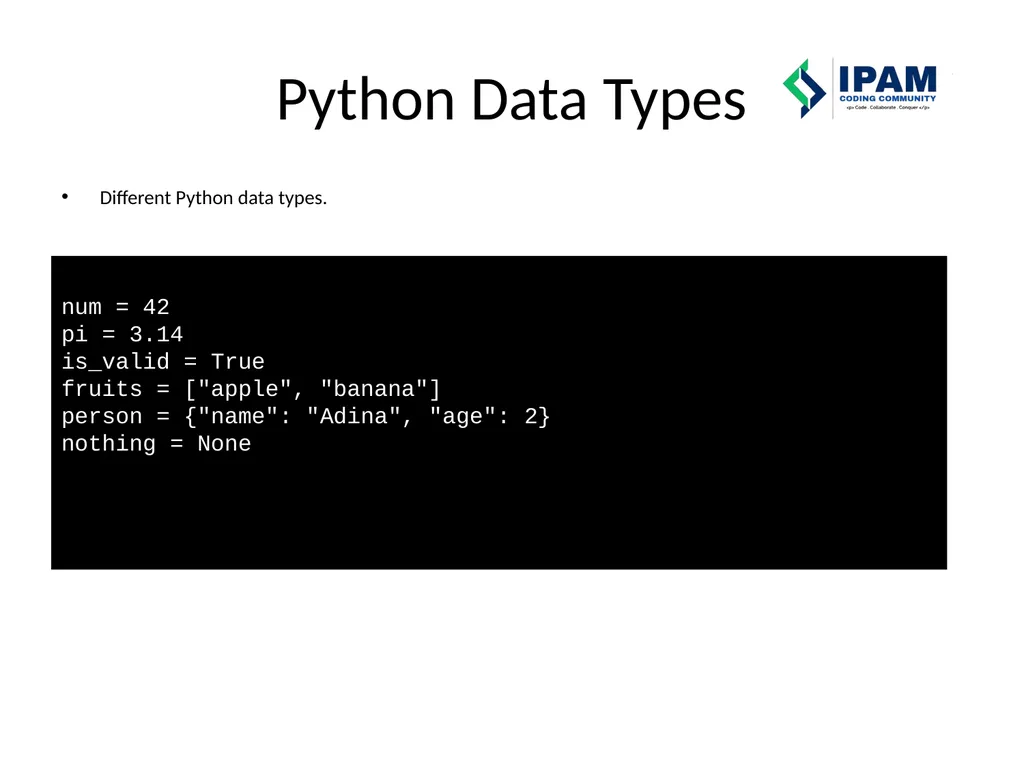
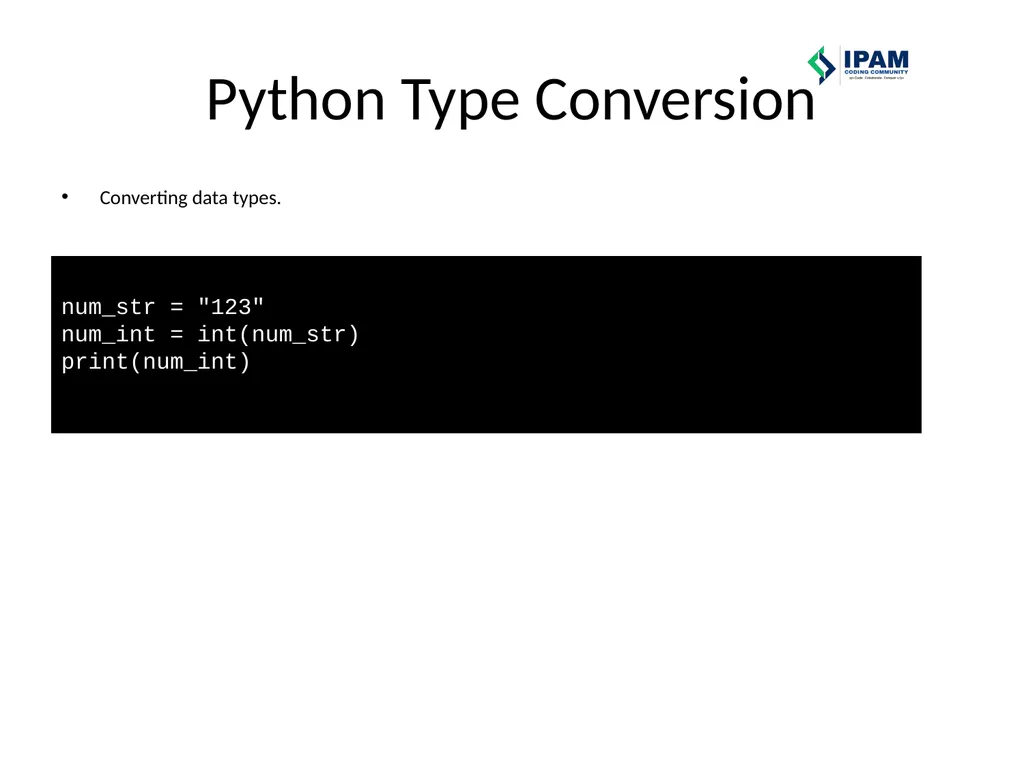
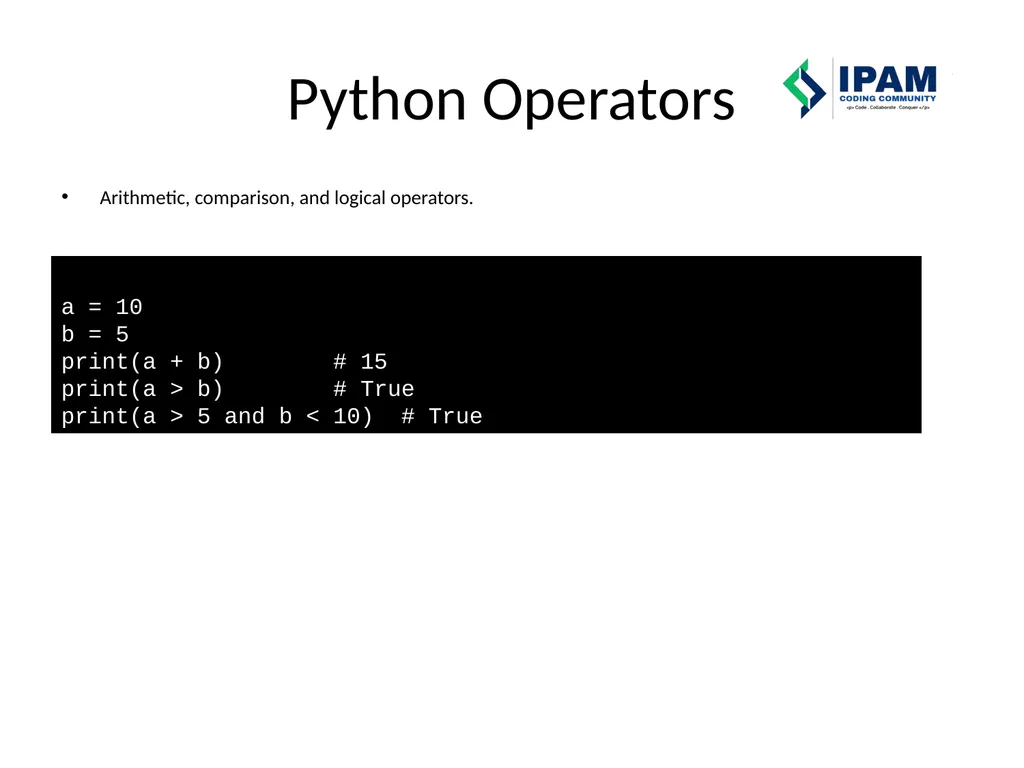
\nslide8. External JavaScript Linking an external JS file. \nslide9. JS Output Methods Different ways to show output in JavaScript. alert(\"This is an alert!\");\u000bconsole.log(\"This is in the console.\");\u000bdocument.write(\"Written on page.\");\u000bdocument.getElementById(\"demo\").innerHTML = \"Changed text.\"; \nslide10. JavaScript Variables Declaring variables using var, let, const. var oldVar = \"I am var\"; // function-scoped\u000blet newLet = \"I am let\"; // block-scoped\u000bconst fixedValue = 100; // constant \nslide11. JavaScript Data Types Different JS data types. let num = 42;\u000blet str = \"Hello\";\u000blet bool = true;\u000blet arr = [1, 2, 3];\u000blet obj = {name: \"Tejan\"};\u000blet empty = null;\u000blet undef; \nslide12. JavaScript Operators Arithmetic, comparison, and logical operators. let a = 10, b = 5;\u000bconsole.log(a + b); // 15\u000bconsole.log(a > b); // true\u000bconsole.log(a > 5 && b < 10); // true \nslide13. JavaScript Functions Defining and calling a function. function greet(name) {\u000b return \"Hello, \" + name;\u000b}\u000bconsole.log(greet(\"Adina\")); \nslide14. JavaScript If/Else Using if/else for conditions. let age = 18;\u000bif (age >= 18) {\u000b console.log(\"Adult\");\u000b} else {\u000b console.log(\"Minor\");\u000b} \nslide15. JavaScript Events Using events like onclick and addEventListener. document.getElementById(\"btn\").onclick = function() {\u000b alert(\"Button clicked!\");\u000b};\u000b\u000bdocument.getElementById(\"btn\").addEventListener(\"dblclick\", function() {\u000b alert(\"Double clicked!\");\u000b}); \nslide16. Python Variables Declaring and printing variables. name = \"Keturah\"\u000bage = 25\u000bprint(\"Name:\", name)\u000bprint(\"Age:\", age) \nslide17. Python Data Types Different Python data types. num = 42 \u000bpi = 3.14\u000bis_valid = True\u000bfruits = [\"apple\", \"banana\"]\u000bperson = {\"name\": \"Adina\", \"age\": 2}\u000bnothing = None \nslide18. Python Type Conversion Converting data types. num_str = \"123\"\u000bnum_int = int(num_str)\u000bprint(num_int) \nslide19. Python Operators Arithmetic, comparison, and logical operators. a = 10\u000bb = 5\u000bprint(a + b) # 15\u000bprint(a > b) # True\u000bprint(a > 5 and b < 10) # True \nslide20. Python If/Elif/Else Using if/else in Python.\nIf --- run code if a condition is true\nElif ----- run if the previous if was false, but this one is true\nElse --- run if none of the above is true age = 20\nif age > 18:\n print(\"Adult\")\nelif age == 18:\n print(\"Exactly 18!\")\nelse:\n print(\"Minor\") \nslide21. Python Loops For and while loops in Python. for i in range(3):\u000b print(\"Loop\", i)\u000b\u000bcount = 0\u000bwhile count < 3:\u000b print(count)\u000b count += 1 \nslide22. Python Functions Defining and calling a Python function. def greet(name):\u000b return \"Hello, \" + name\u000b\u000bprint(greet(\"TZY\")) "
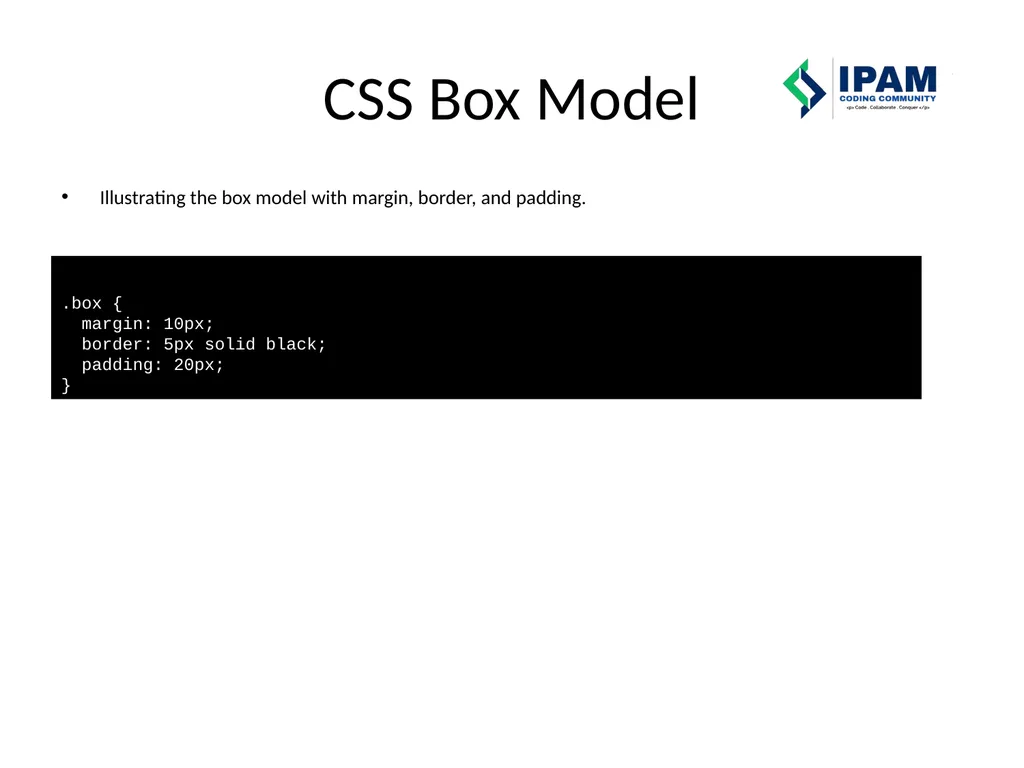
}
Web Prog. Snippets IPAM Coding Community Learn Collaborate - Conquer HTML Headings Paragraphs Basic HTML structure with headings and a paragraph. !DOCTYPE html html body h1Main Headingh1 pThis is a paragraph.p body
"Web Prog. Snippets IPAM Coding Community – Learn –" is the property of its rightful owner. Permission is granted to
download and print the materials on this website for personal, non-commercial use only, and to display it
on your personal computer provided you do not modify the materials and that you retain all copyright
notices contained in the materials. By downloading content from our website, you accept the terms of this
agreement.
Presentation Transcript
01
Web Prog. Snippets IPAM Coding Community – Learn – Collaborate - Conquer<br>
02
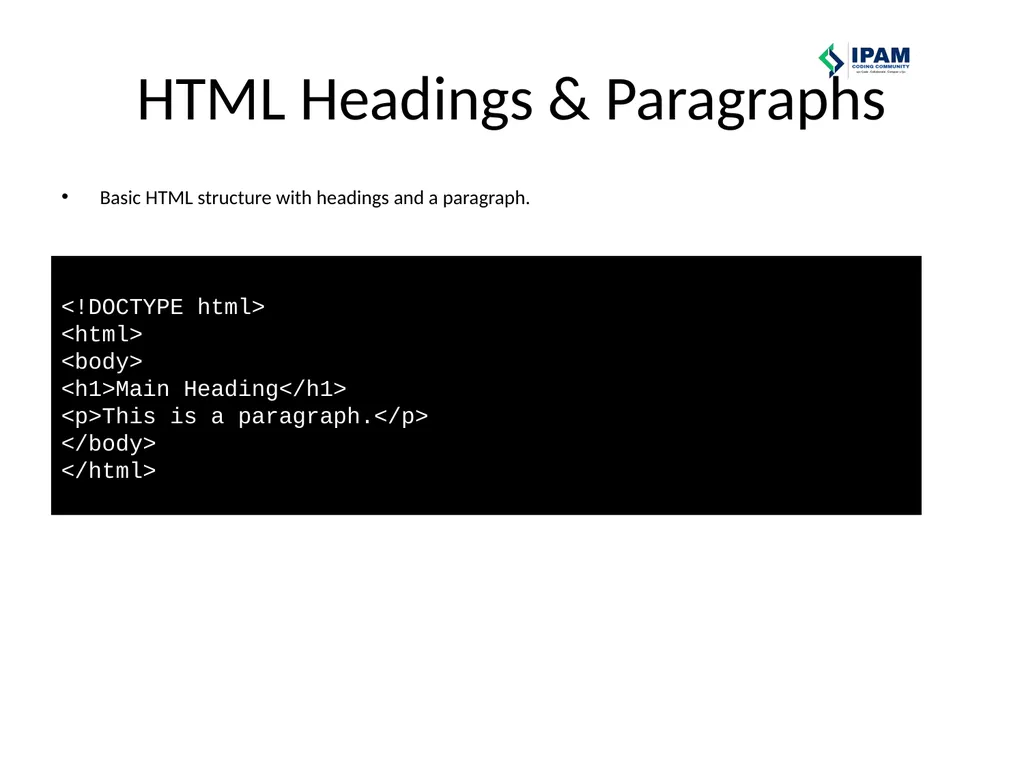
HTML Headings & Paragraphs Basic HTML structure with headings and a paragraph. <!DOCTYPE html> <html> <body> <h1>Main Heading</h1> <p>This is a paragraph.</p> </body> </html><br>
03
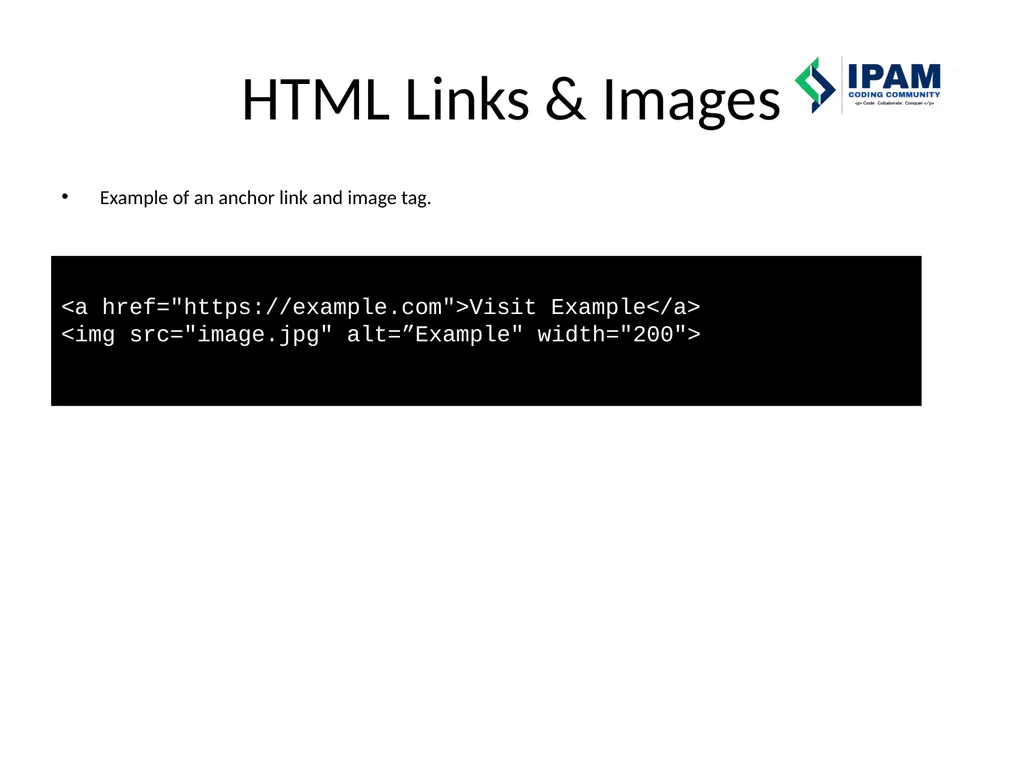
HTML Links & Images Example of an anchor link and image tag. <a href="https://example.com">Visit Example</a> <img src="image.jpg" alt=”Example" width="200"><br>
04
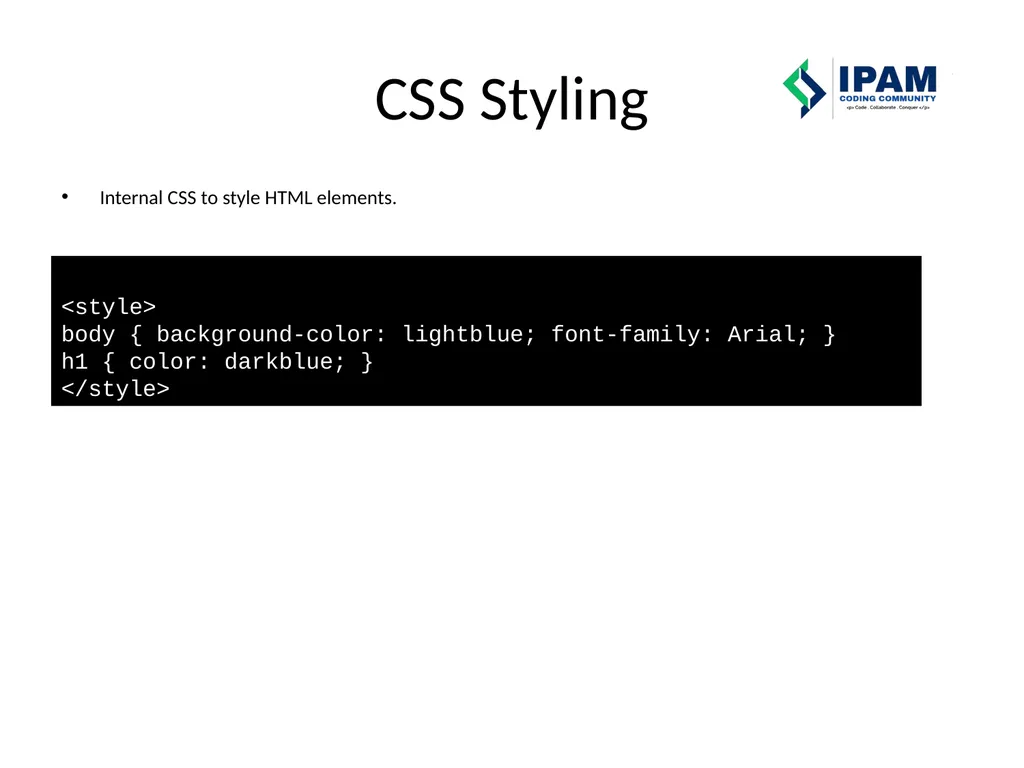
CSS Styling Internal CSS to style HTML elements. <style> body { background-color: lightblue; font-family: Arial; } h1 { color: darkblue; } </style><br>
05
CSS Box Model Illustrating the box model with margin, border, and padding. .box { margin: 10px; border: 5px solid black; padding: 20px; }<br>
06
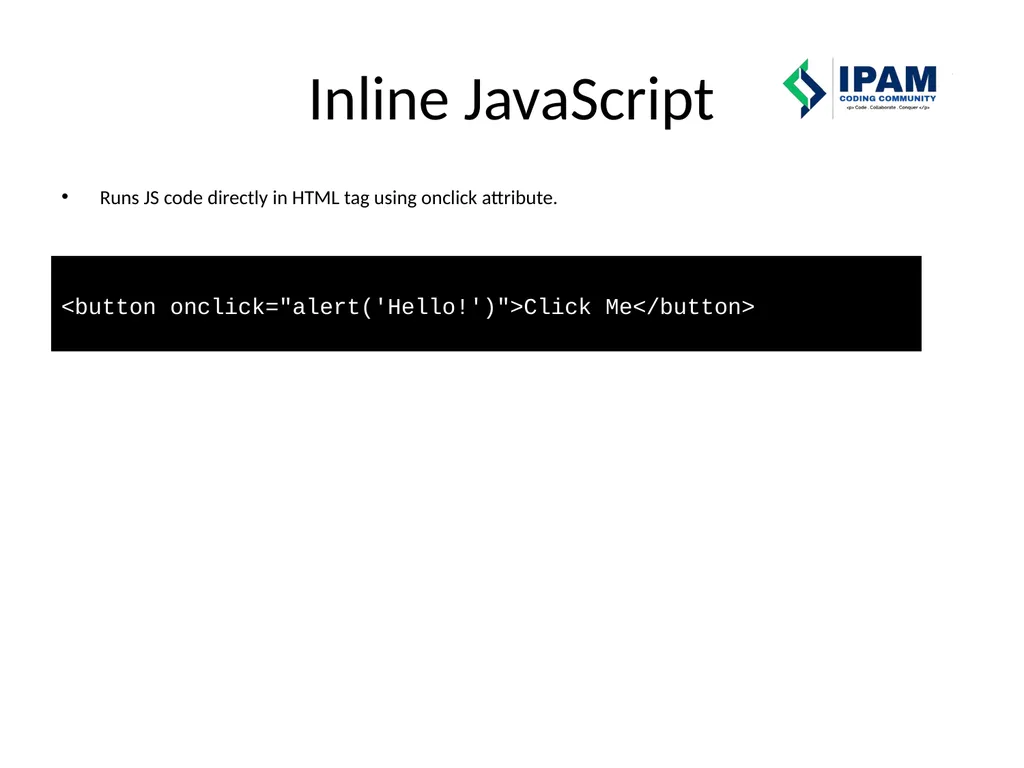
Inline JavaScript Runs JS code directly in HTML tag using onclick attribute. <button onclick="alert('Hello!')">Click Me</button><br>
07
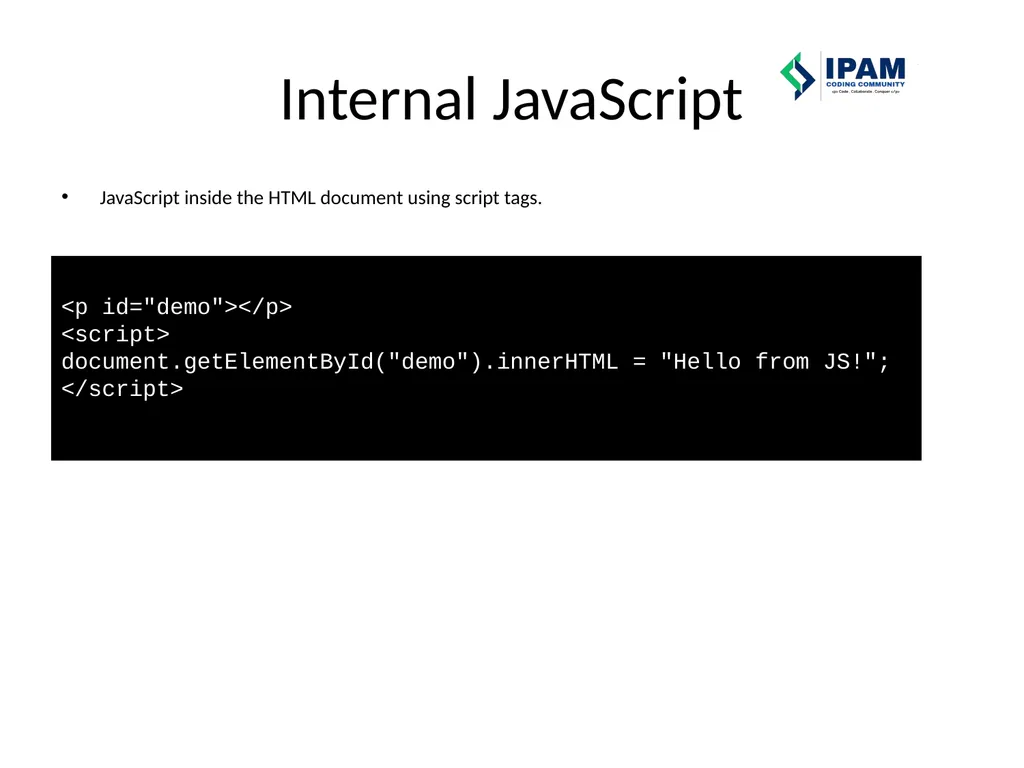
Internal JavaScript JavaScript inside the HTML document using script tags. <p id="demo"></p> <script> document.getElementById("demo").innerHTML = "Hello from JS!"; </script><br>
08
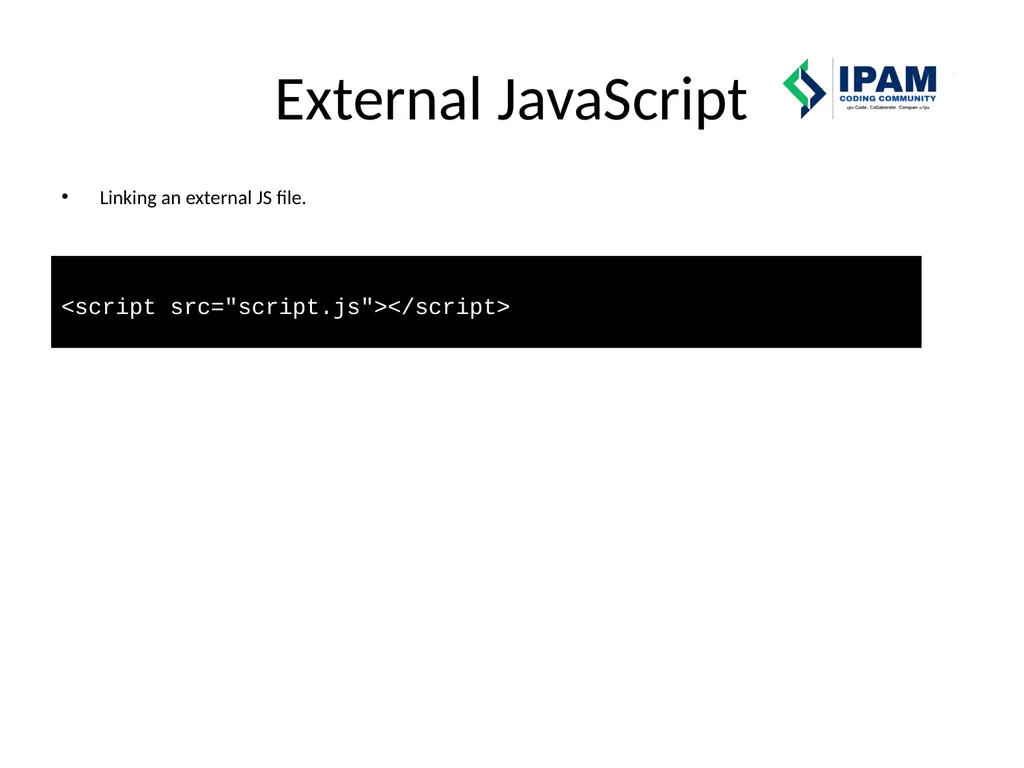
External JavaScript Linking an external JS file. <script src="script.js"></script><br>
09
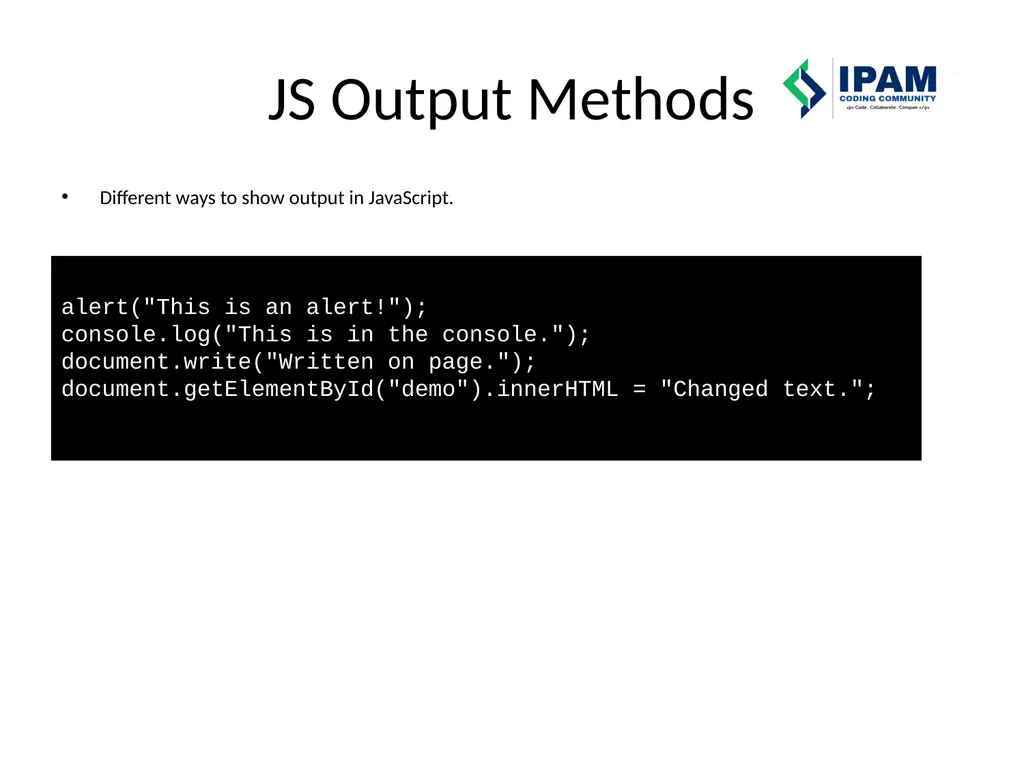
JS Output Methods Different ways to show output in JavaScript. alert("This is an alert!"); console.log("This is in the console."); document.write("Written on page."); document.getElementById("demo").innerHTML = "Changed text.";<br>
10
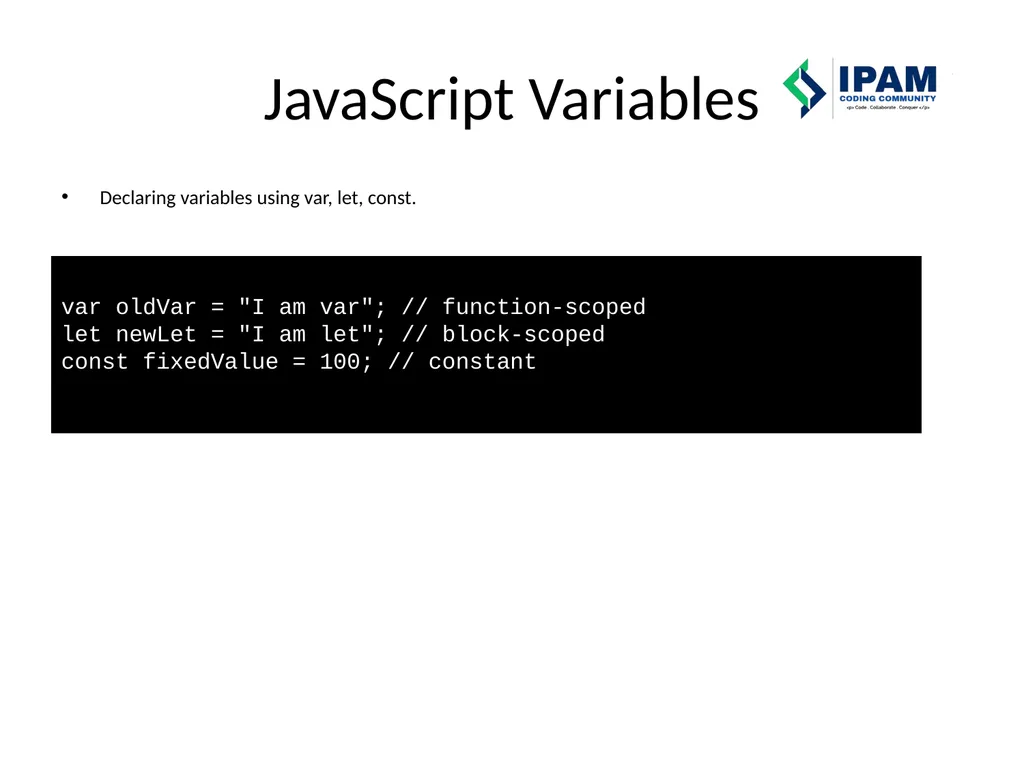
JavaScript Variables Declaring variables using var, let, const. var oldVar = "I am var"; // function-scoped let newLet = "I am let"; // block-scoped const fixedValue = 100; // constant<br>
11
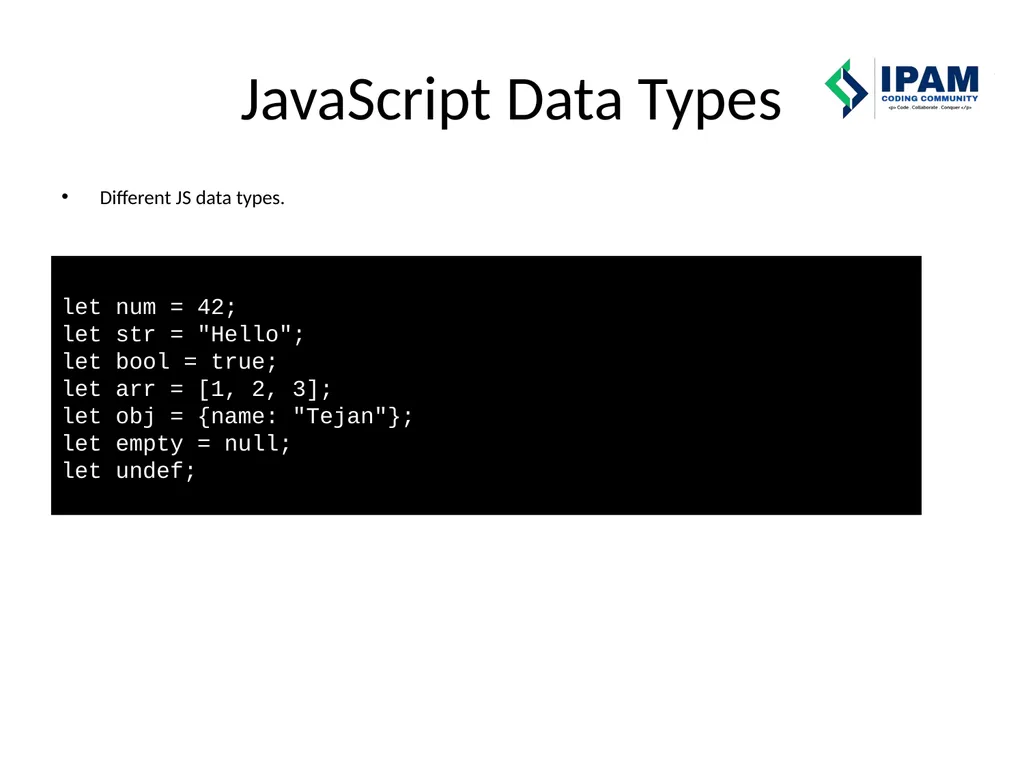
JavaScript Data Types Different JS data types. let num = 42; let str = "Hello"; let bool = true; let arr = [1, 2, 3]; let obj = {name: "Tejan"}; let empty = null; let undef;<br>
12
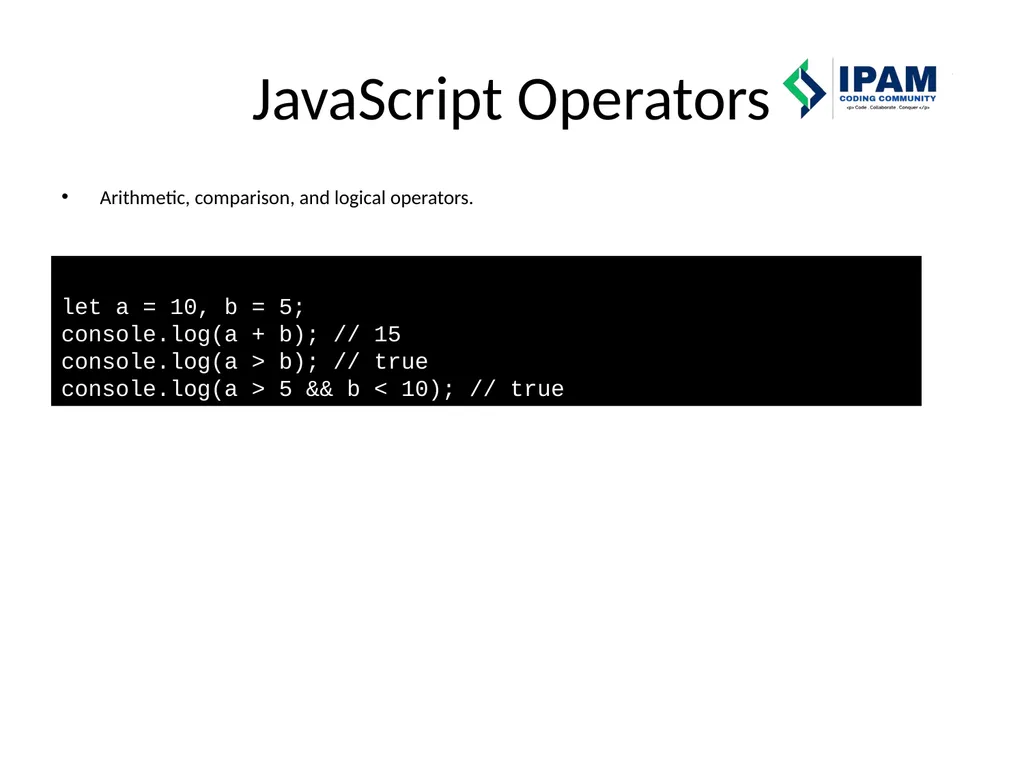
JavaScript Operators Arithmetic, comparison, and logical operators. let a = 10, b = 5; console.log(a + b); // 15 console.log(a > b); // true console.log(a > 5 && b < 10); // true<br>
13
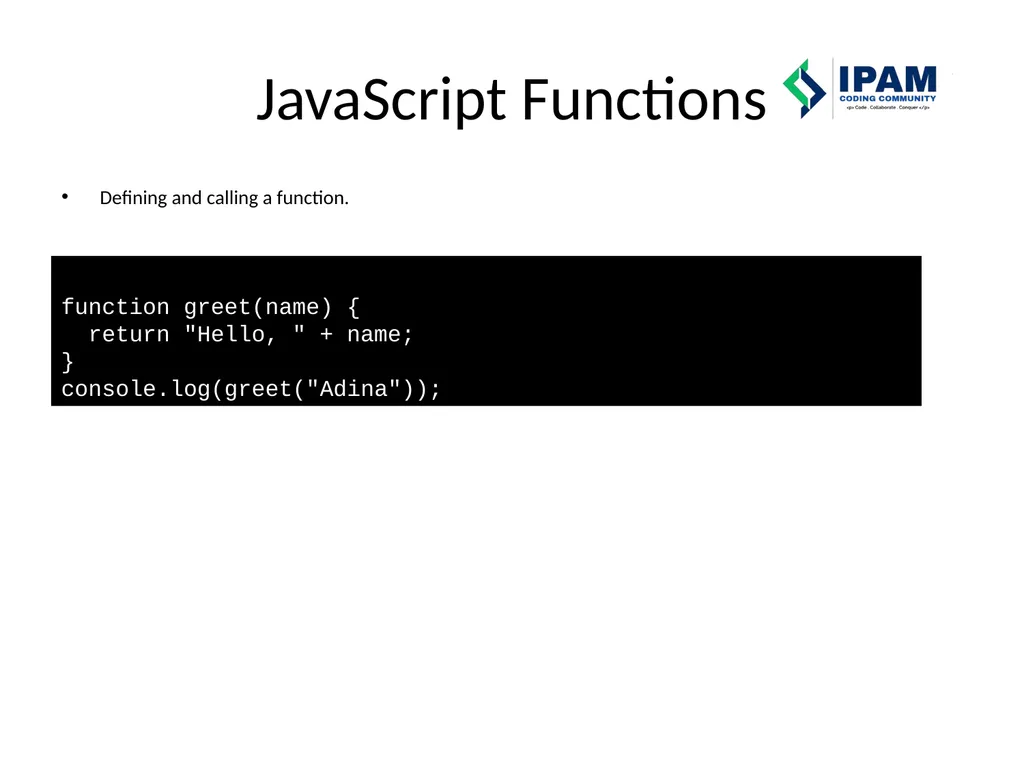
JavaScript Functions Defining and calling a function. function greet(name) { return "Hello, " + name; } console.log(greet("Adina"));<br>
14
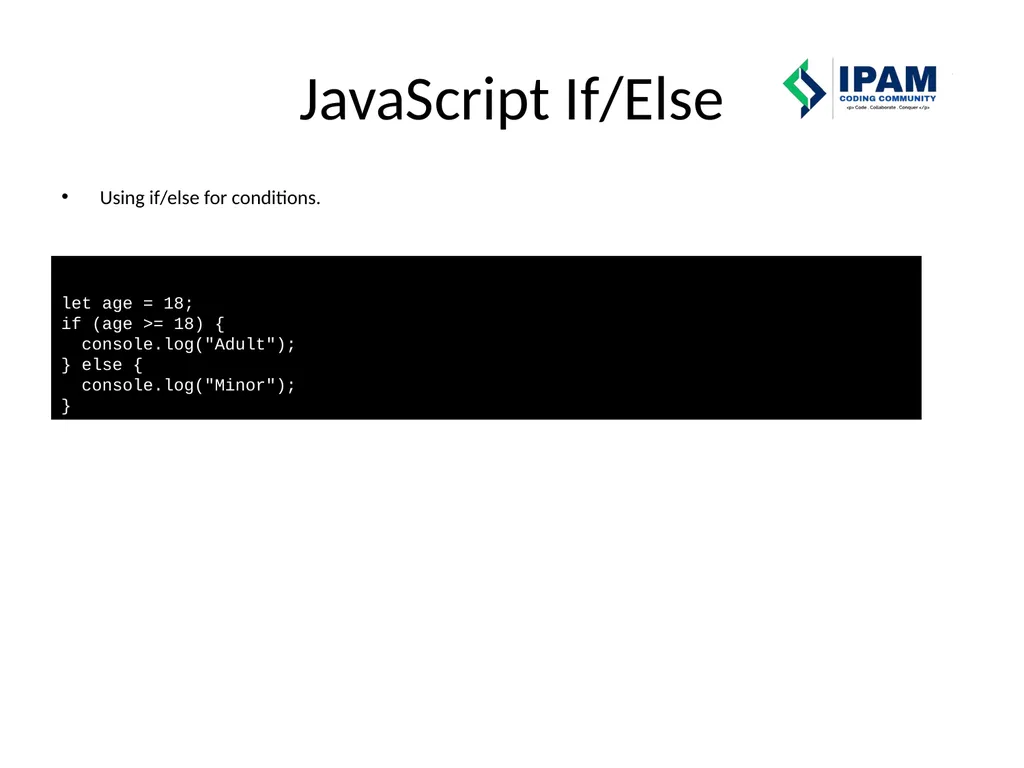
JavaScript If/Else Using if/else for conditions. let age = 18; if (age >= 18) { console.log("Adult"); } else { console.log("Minor"); }<br>
15
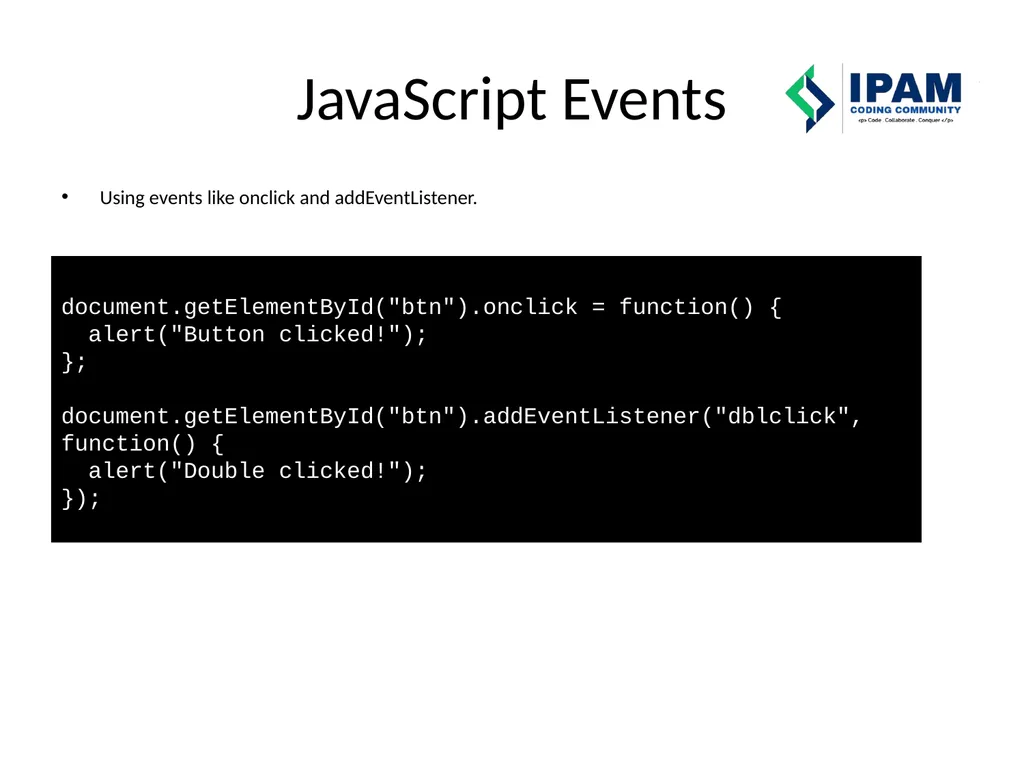
JavaScript Events Using events like onclick and addEventListener. document.getElementById("btn").onclick = function() { alert("Button clicked!"); }; document.getElementById("btn").addEventListener("dblclick", function() { alert("Double clicked!"); });<br>
16
Python Variables Declaring and printing variables. name = "Keturah" age = 25 print("Name:", name) print("Age:", age)<br>
17
Python Data Types Different Python data types. num = 42 pi = 3.14 is_valid = True fruits = ["apple", "banana"] person = {"name": "Adina", "age": 2} nothing = None<br>
18
Python Type Conversion Converting data types. num_str = "123" num_int = int(num_str) print(num_int)<br>
19
Python Operators Arithmetic, comparison, and logical operators. a = 10 b = 5 print(a + b) # 15 print(a > b) # True print(a > 5 and b < 10) # True<br>
20
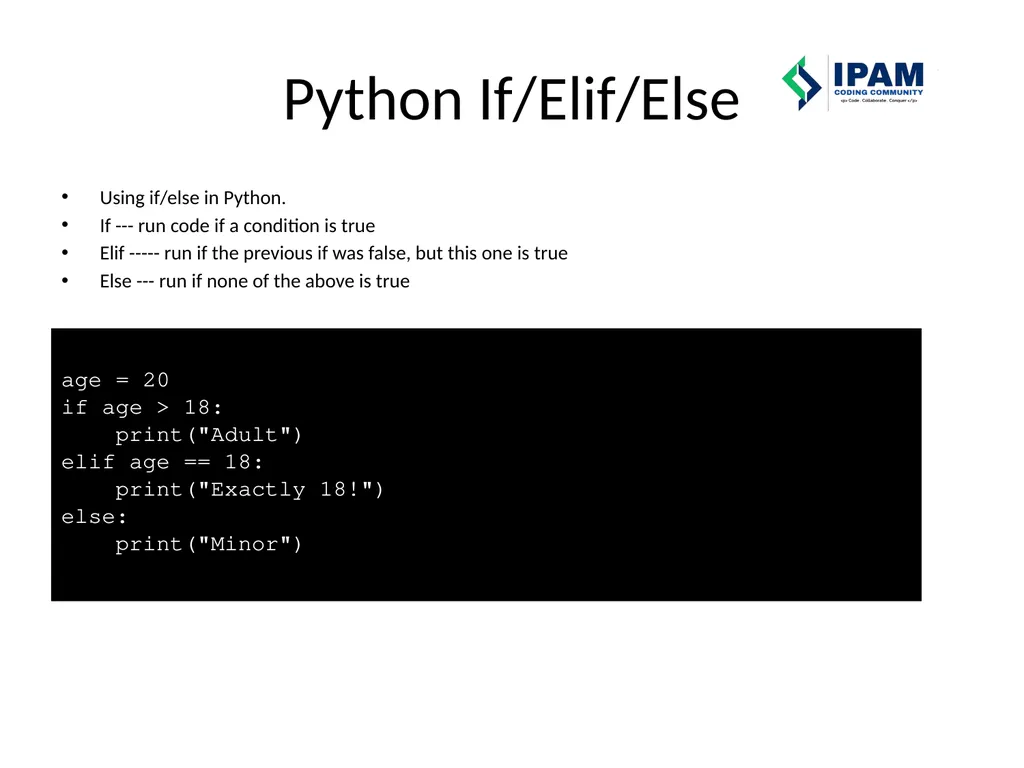
Python If/Elif/Else Using if/else in Python.
If --- run code if a condition is true
Elif ----- run if the previous if was false, but this one is true
Else --- run if none of the above is true age = 20
if age > 18:
print("Adult")
elif age == 18:
print("Exactly 18!")
else:
print("Minor")<br>
21
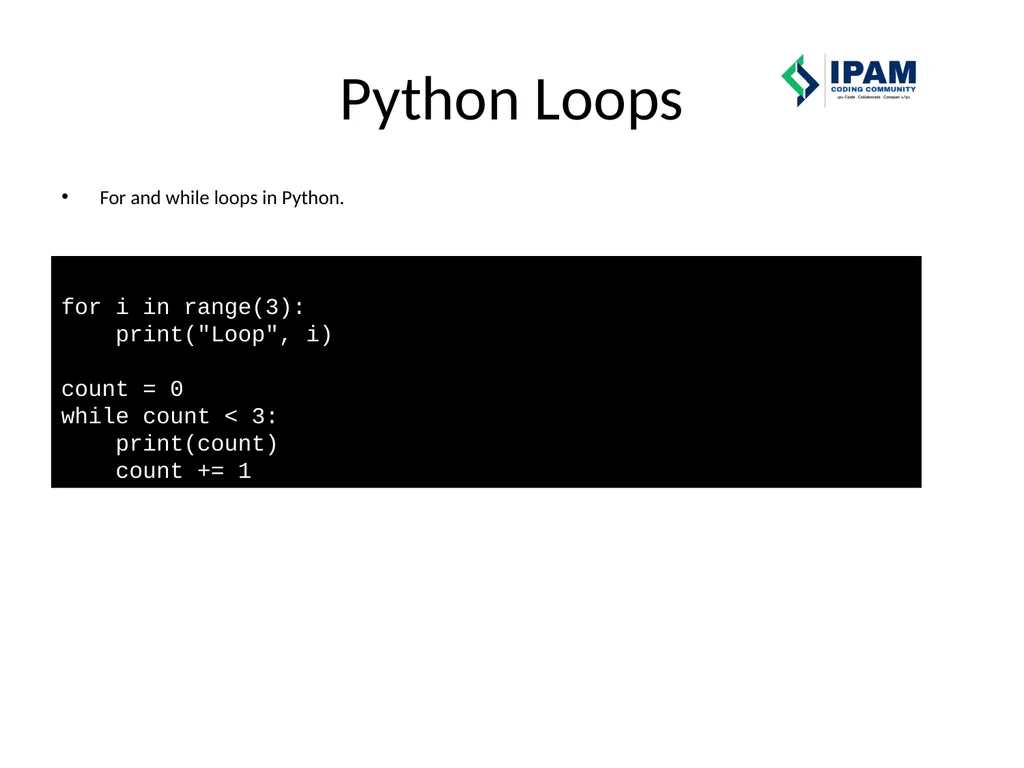
Python Loops For and while loops in Python. for i in range(3): print("Loop", i) count = 0 while count < 3: print(count) count += 1<br>
22
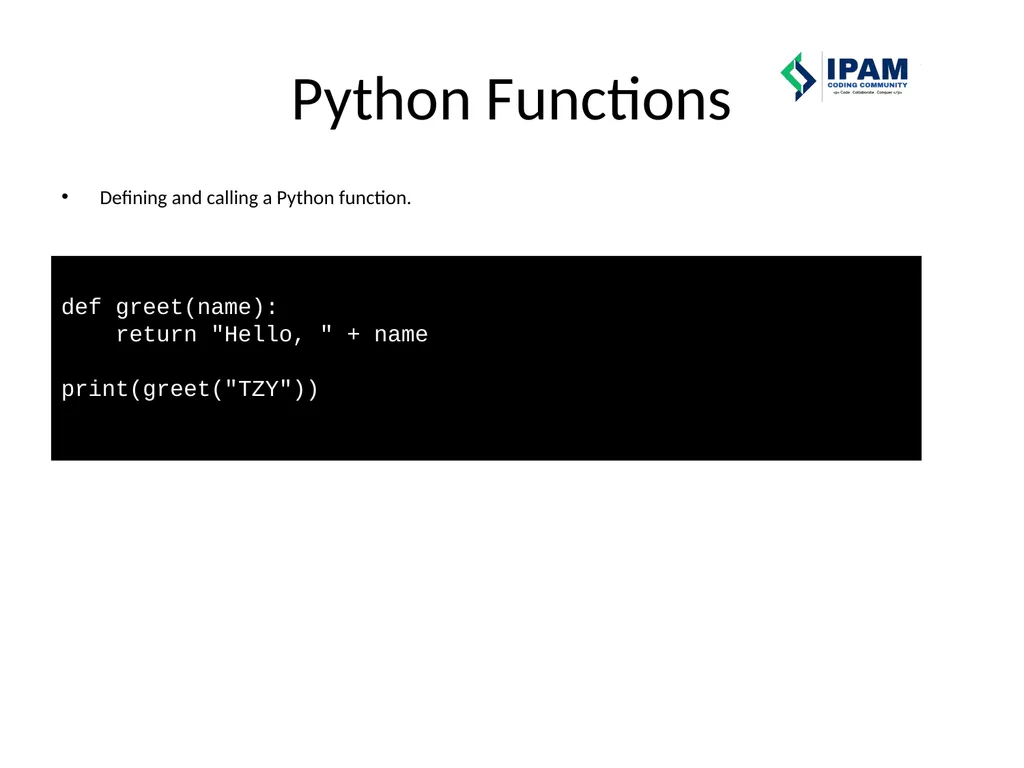
Python Functions Defining and calling a Python function. def greet(name): return "Hello, " + name print(greet("TZY"))<br>