
Web Programming – Java Script Association of

Published  . 0 views
↓ Download
Web Programming – Java Script Association of

1 / 1
Web Programming – Java Script Association of - slide 1 of 8 Web Programming – Java Script Association of - slide 2 of 8 Web Programming – Java Script Association of - slide 3 of 8 Web Programming – Java Script Association of - slide 4 of 8 Web Programming – Java Script Association of - slide 5 of 8 Web Programming – Java Script Association of - slide 6 of 8 Web Programming – Java Script Association of - slide 7 of 8 Web Programming – Java Script Association of - slide 8 of 8

Description: Web Programming Java Script Association of Computing Activities Computer Science and Engineering Indian Institute of Technology Kanpur XAMPP Download and Install XAMPP Start the xampp server by clicking on the desktop icon(if it asks

Related Topics

Download Presentation

"Web Programming – Java Script Association of" is the property of its rightful owner. Permission is granted to download and print the materials on this website for personal, non-commercial use only, and to display it on your personal computer provided you do not modify the materials and that you retain all copyright notices contained in the materials. By downloading content from our website, you accept the terms of this agreement.

Presentation Transcript

slide1. Web Programming – Java Script Association of Computing Activities
Computer Science and Engineering
Indian Institute of Technology Kanpur<br>
slide2. XAMPP Download and Install XAMPP
Start the xampp server by clicking on the desktop icon(if it asks click on the mysql,apache)
Check http://localhost
If you want to run file.php then type in your browser localhost/file.php<br>
slide3. Java Script Scripting Language
User Side dynamic(than php)
Case Sensitive<br>
slide4. Outline of Lecture Format
Basics
Functions
Popups
Events
Validation<br>
slide5. Format Written mostly with html
Script tag with attribute type
ID for part of the code<br>
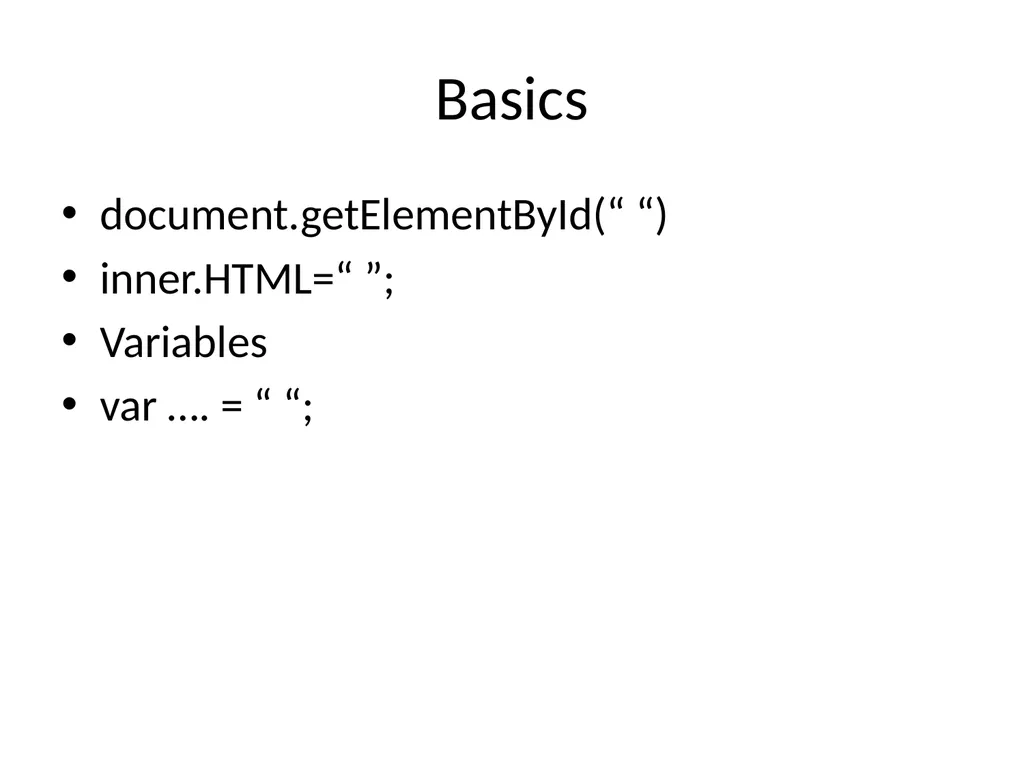
slide6. Basics document.getElementById(“ “)
inner.HTML=“ ”;
Variables
var …. = “ “;<br>
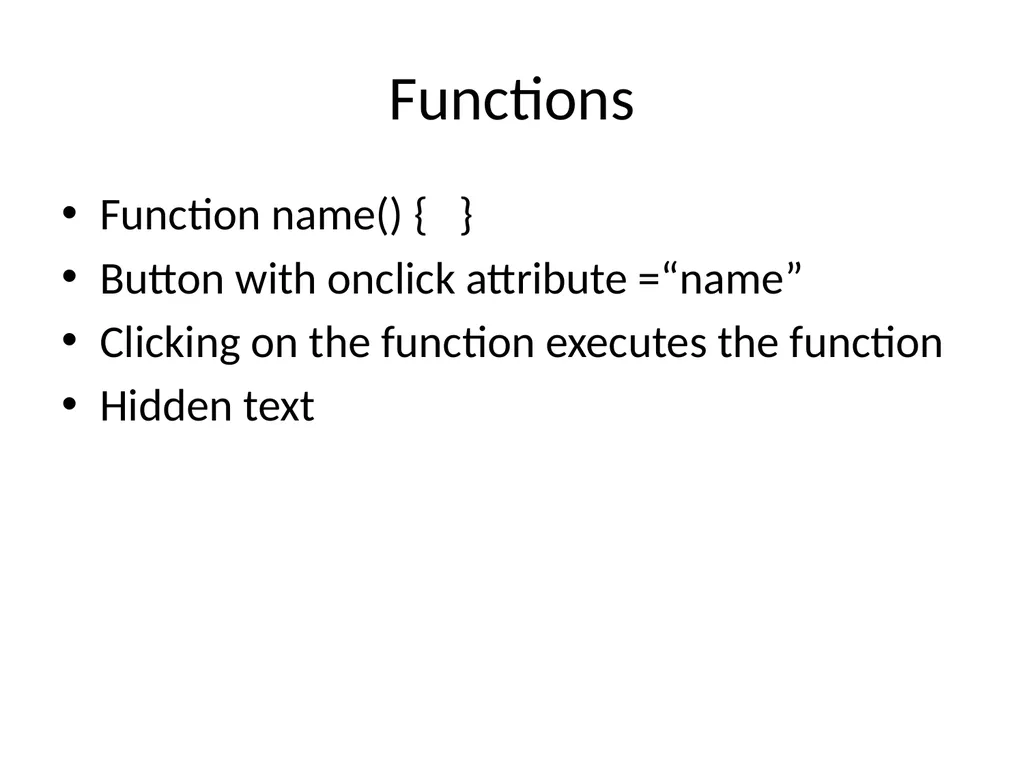
slide7. Functions Function name() { }
Button with onclick attribute =“name”
Clicking on the function executes the function
Hidden text<br>
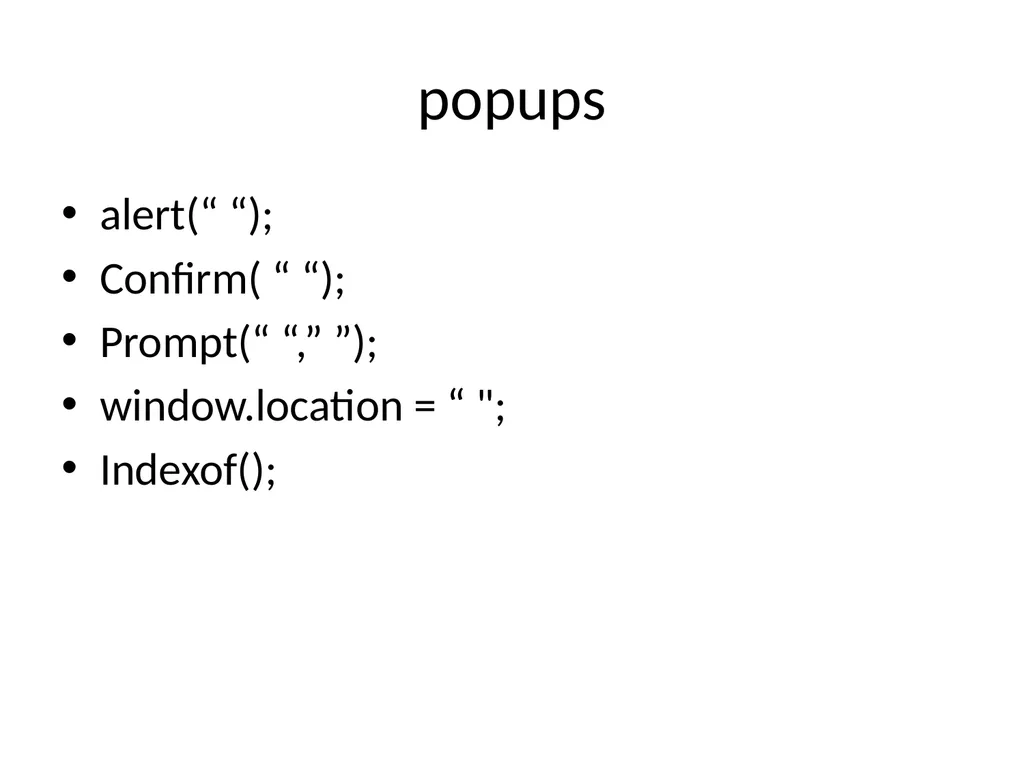
slide8. popups alert(“ “);
Confirm( “ “);
Prompt(“ “,” ”);
window.location = “ ";
Indexof();<br>