WEEK 9 INTRODUCTION TO BASIC PROGRAMMING BASIC stands for BEGINNNERS ALL-PURPOSE SYMBOLIC INSTRUCTION CODE. It is a single easy to use language designed also for beginners. It is not only simple but also powerful. It is science oriented.
"WEEK 9 INTRODUCTION TO BASIC PROGRAMMING BASIC" is the property of its rightful owner. Permission is granted to
download and print the materials on this website for personal, non-commercial use only, and to display it
on your personal computer provided you do not modify the materials and that you retain all copyright
notices contained in the materials. By downloading content from our website, you accept the terms of this
agreement.
Presentation Transcript
01
WEEK 9 INTRODUCTION TO BASIC PROGRAMMING BASIC stands for BEGINNNERS ALL-PURPOSE SYMBOLIC INSTRUCTION CODE. It is a single easy to use language designed also for beginners. It is not only simple but also powerful. It is science oriented. Professor John Kemeny and Thomas Kurtz developed the language in 1964 at Dartmouth College, U.S.A., as a means of teaching students a simple language for programming a computer. The program can be used to solve problem covering a wide range of application on many different types of digital computer. Because the BASIC Language has been designed for ease of use and is readily available on most computers, program development can be achieved in minimum time.<br>
02
There are different versions of Basic. They include:
Turbo Basic (T-BASIC)
BASIC PLUS
GW BASIC
QUICK BASIC (Q-BASIC)
VISUAL BASIC (V-BASIC)
THE BASIC INTERPRETER
For the computer to execute your instructions in order to produce the desired result, the instruction must be first be interpreted to what the computer can understand by another program called the BASIC INTERPRETER (or TRANSLATOR). The BASIC interpreter converts your program into a form that can be executed directly by the computer.<br>
03
KEYWORDS IN BASIC
This is also referred to as BASIC statement or a reserved word. It is an instruction in BASIC, which has a specific means to the compiler or interpreter.
REM STATEMENT
The REM statement is a remark statement. It is used to insert remarks in the program. Such remarks are used to explain what the program is all about.
Example:
10 REM This program finds the average of 5 numbers
2. LET STATEMENT
The LET statement is used to assign (or give) values to variables.
Examples:
10 LET A = B + C
3. INPUT STATEMENT
Input is used to assign or give values to variables while program is running. It can be used with both numeric and string variables.
Examples:
10 INPUT A, B, C<br>
04
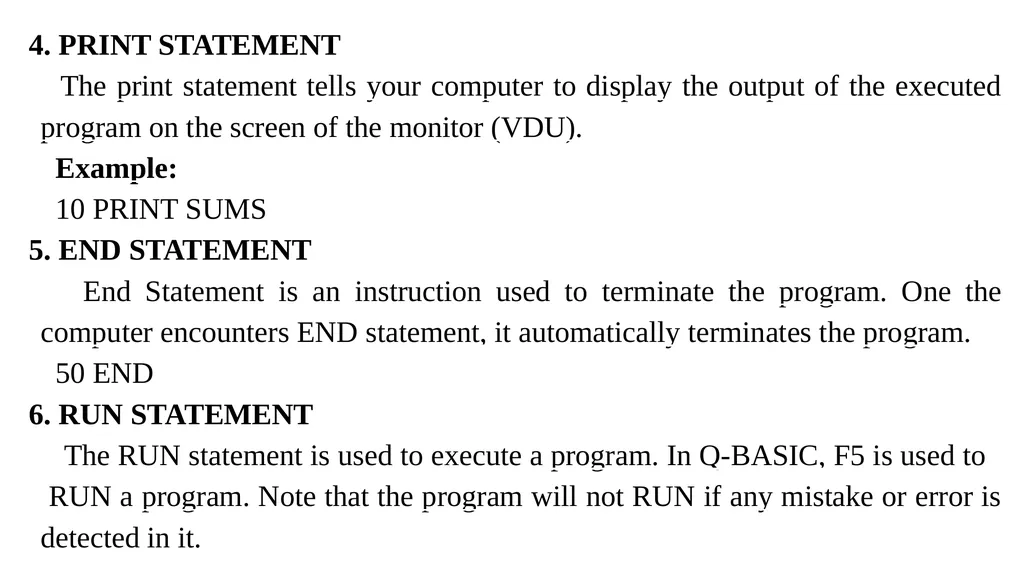
4. PRINT STATEMENT
The print statement tells your computer to display the output of the executed program on the screen of the monitor (VDU).
Example:
10 PRINT SUMS
5. END STATEMENT
End Statement is an instruction used to terminate the program. One the computer encounters END statement, it automatically terminates the program.
50 END
6. RUN STATEMENT
The RUN statement is used to execute a program. In Q-BASIC, F5 is used to RUN a program. Note that the program will not RUN if any mistake or error is detected in it.<br>
05
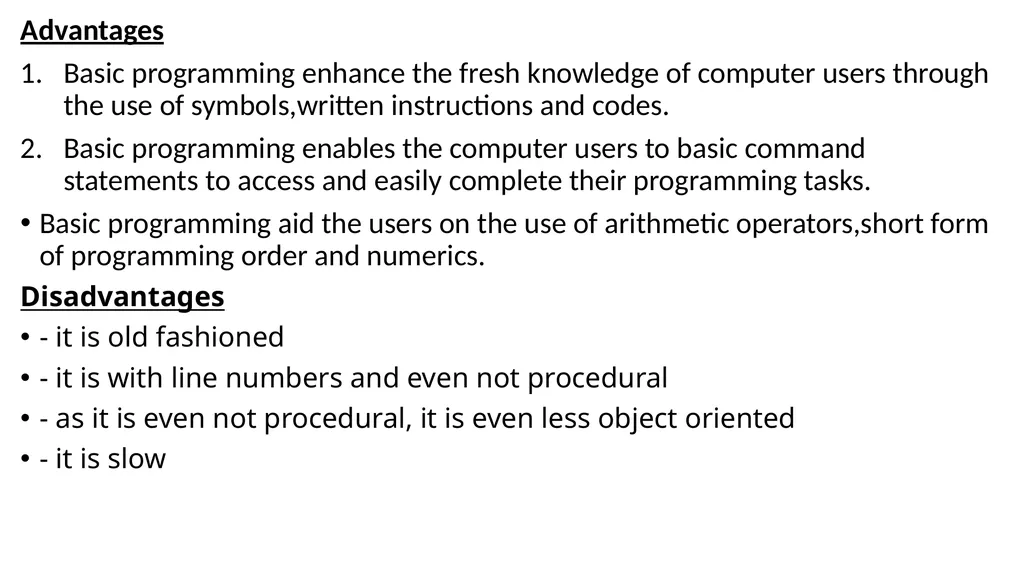
Advantages
Basic programming enhance the fresh knowledge of computer users through the use of symbols,written instructions and codes.
Basic programming enables the computer users to basic command statements to access and easily complete their programming tasks.
Basic programming aid the users on the use of arithmetic operators,short form of programming order and numerics.
Disadvantages
- it is old fashioned
- it is with line numbers and even not procedural
- as it is even not procedural, it is even less object oriented
- it is slow<br>
06
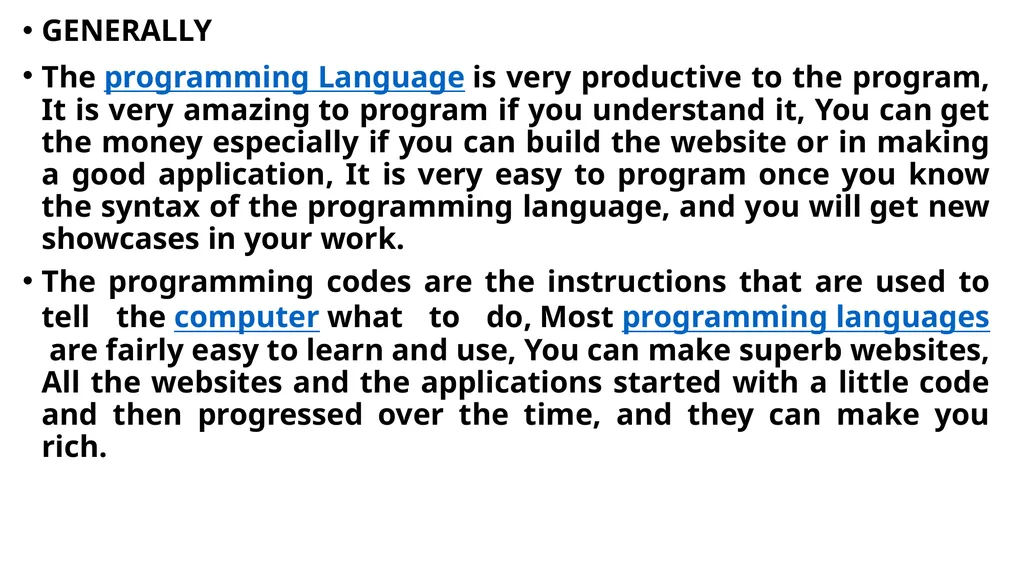
GENERALLY
The programming Language is very productive to the program, It is very amazing to program if you understand it, You can get the money especially if you can build the website or in making a good application, It is very easy to program once you know the syntax of the programming language, and you will get new showcases in your work.
The programming codes are the instructions that are used to tell the computer what to do, Most programming languages are fairly easy to learn and use, You can make superb websites, All the websites and the applications started with a little code and then progressed over the time, and they can make you rich.<br>
07
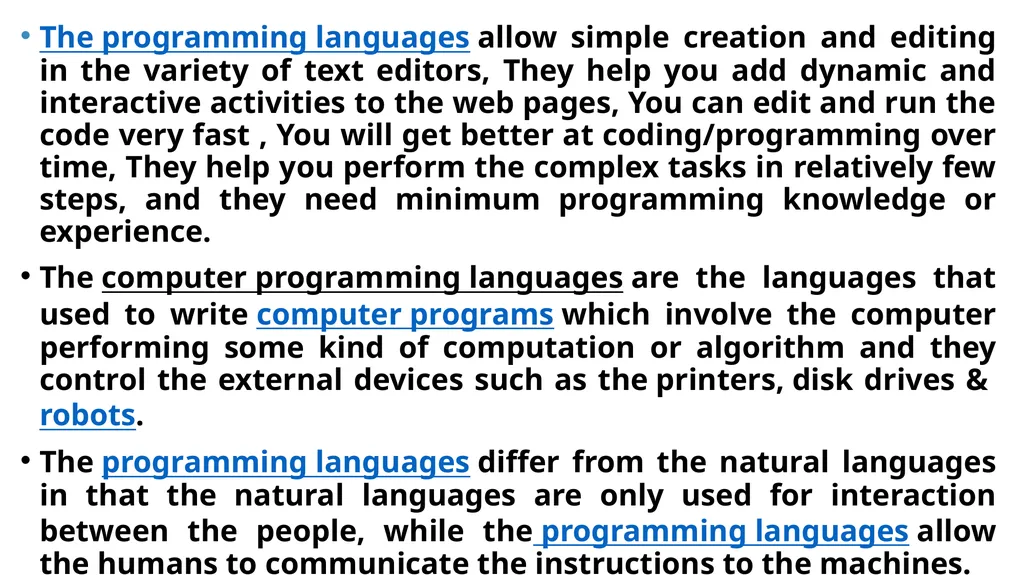
The programming languages allow simple creation and editing in the variety of text editors, They help you add dynamic and interactive activities to the web pages, You can edit and run the code very fast , You will get better at coding/programming over time, They help you perform the complex tasks in relatively few steps, and they need minimum programming knowledge or experience.
The computer programming languages are the languages that used to write computer programs which involve the computer performing some kind of computation or algorithm and they control the external devices such as the printers, disk drives & robots.
The programming languages differ from the natural languages in that the natural languages are only used for interaction between the people, while the programming languages allow the humans to communicate the instructions to the machines.<br>
08
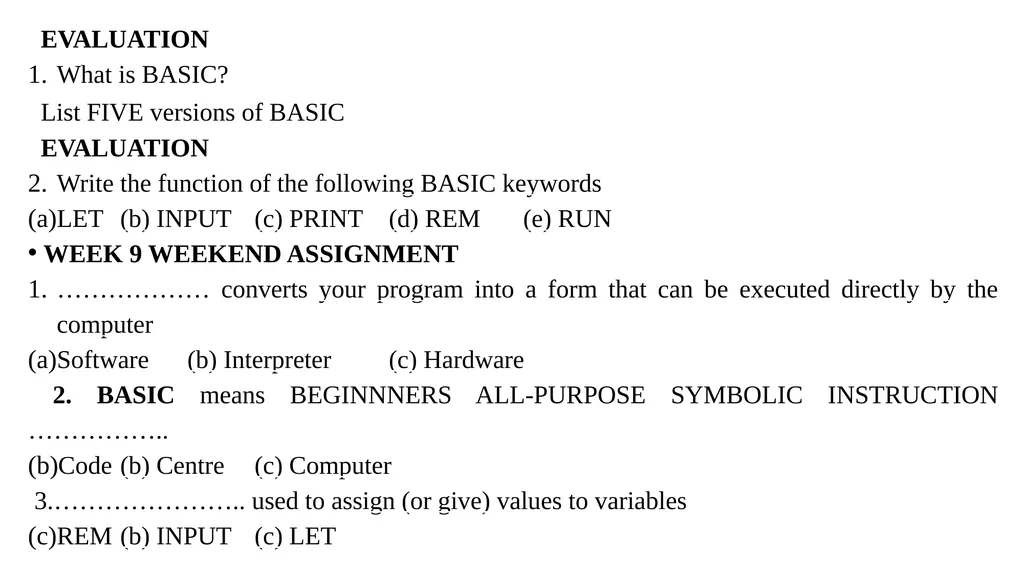
EVALUATION
What is BASIC?
List FIVE versions of BASIC
EVALUATION
Write the function of the following BASIC keywords
LET (b) INPUT (c) PRINT (d) REM (e) RUN
WEEK 9 WEEKEND ASSIGNMENT
……………… converts your program into a form that can be executed directly by the computer
Software (b) Interpreter (c) Hardware
2. BASIC means BEGINNNERS ALL-PURPOSE SYMBOLIC INSTRUCTION ……………..
Code (b) Centre (c) Computer
3.………………….. used to assign (or give) values to variables
REM (b) INPUT (c) LET<br>
09
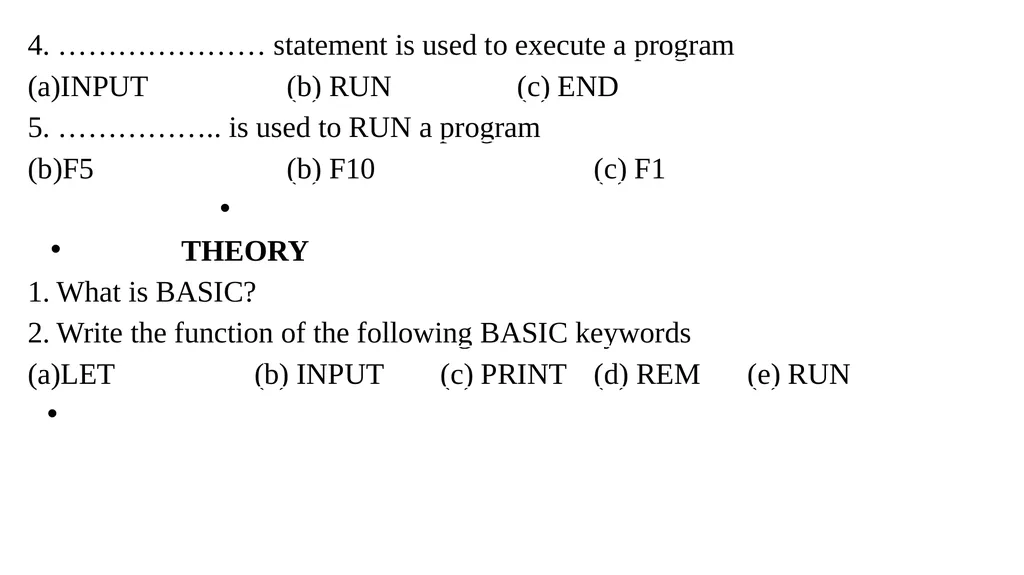
4. ………………… statement is used to execute a program
INPUT (b) RUN (c) END
5. …………….. is used to RUN a program
F5 (b) F10 (c) F1
THEORY
What is BASIC?
Write the function of the following BASIC keywords
LET (b) INPUT (c) PRINT (d) REM (e) RUN<br>