
WELCOME!!! VP Card Program Officer: Rick Lopez
AS
Published · 21 slides · 0 views
1 / 1

Description
WELCOME!!! VP Card Program Officer: Rick Lopez SunTrust Bank What is E-Payables? View detailed statements for SunTrust Purchasing Card and Corporate Card programs. Statement Manager also provides presentment of third party statements such
Related Topics
Share
Embed code
Download this presentation From Below
"WELCOME!!! VP Card Program Officer: Rick Lopez" is the property of its rightful owner. Permission is granted to download and print the materials on this website for personal, non-commercial use only, and to display it on your personal computer provided you do not modify the materials and that you retain all copyright notices contained in the materials. By downloading content from our website, you accept the terms of this agreement.
Presentation Transcript
01
WELCOME!!! VP Card Program Officer:
Rick Lopez
SunTrust Bank<br>
Rick Lopez
SunTrust Bank<br>
02
What is E-Payables?<br>
03
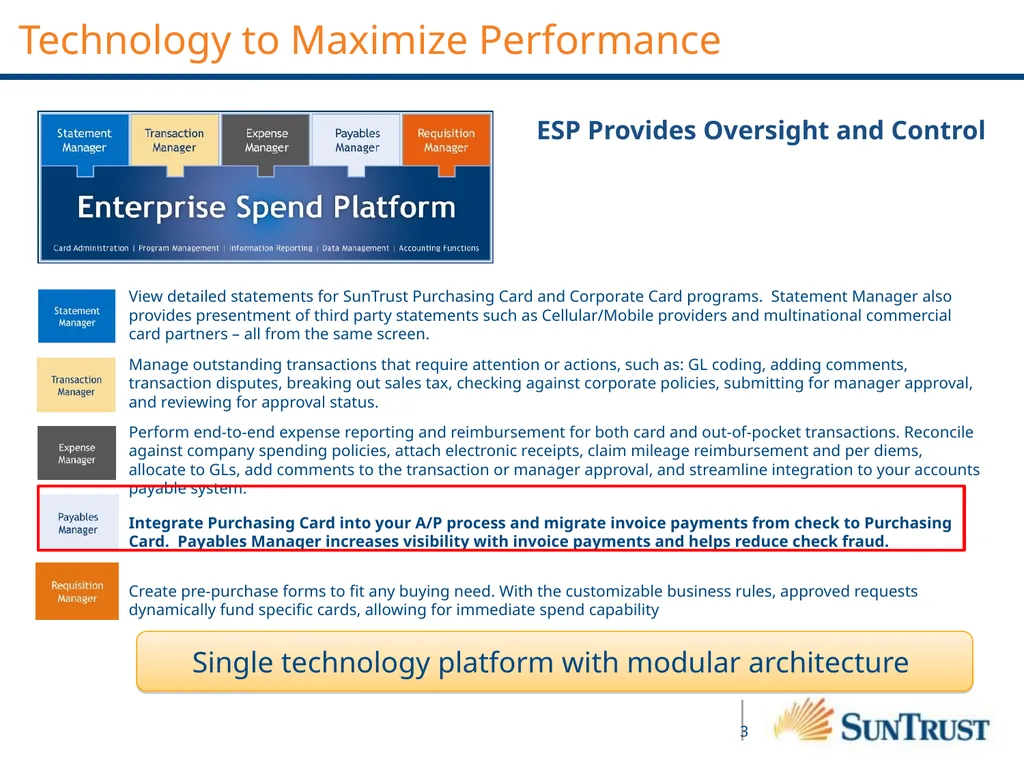
View detailed statements for SunTrust Purchasing Card and Corporate Card programs. Statement Manager also provides presentment of third party statements such as Cellular/Mobile providers and multinational commercial card partners – all from the same screen.
Manage outstanding transactions that require attention or actions, such as: GL coding, adding comments, transaction disputes, breaking out sales tax, checking against corporate policies, submitting for manager approval, and reviewing for approval status.
Perform end-to-end expense reporting and reimbursement for both card and out-of-pocket transactions. Reconcile against company spending policies, attach electronic receipts, claim mileage reimbursement and per diems, allocate to GLs, add comments to the transaction or manager approval, and streamline integration to your accounts payable system.
Integrate Purchasing Card into your A/P process and migrate invoice payments from check to Purchasing Card. Payables Manager increases visibility with invoice payments and helps reduce check fraud.
Create pre-purchase forms to fit any buying need. With the customizable business rules, approved requests dynamically fund specific cards, allowing for immediate spend capability ESP Provides Oversight and Control Technology to Maximize Performance Single technology platform with modular architecture<br>
Manage outstanding transactions that require attention or actions, such as: GL coding, adding comments, transaction disputes, breaking out sales tax, checking against corporate policies, submitting for manager approval, and reviewing for approval status.
Perform end-to-end expense reporting and reimbursement for both card and out-of-pocket transactions. Reconcile against company spending policies, attach electronic receipts, claim mileage reimbursement and per diems, allocate to GLs, add comments to the transaction or manager approval, and streamline integration to your accounts payable system.
Integrate Purchasing Card into your A/P process and migrate invoice payments from check to Purchasing Card. Payables Manager increases visibility with invoice payments and helps reduce check fraud.
Create pre-purchase forms to fit any buying need. With the customizable business rules, approved requests dynamically fund specific cards, allowing for immediate spend capability ESP Provides Oversight and Control Technology to Maximize Performance Single technology platform with modular architecture<br>
04
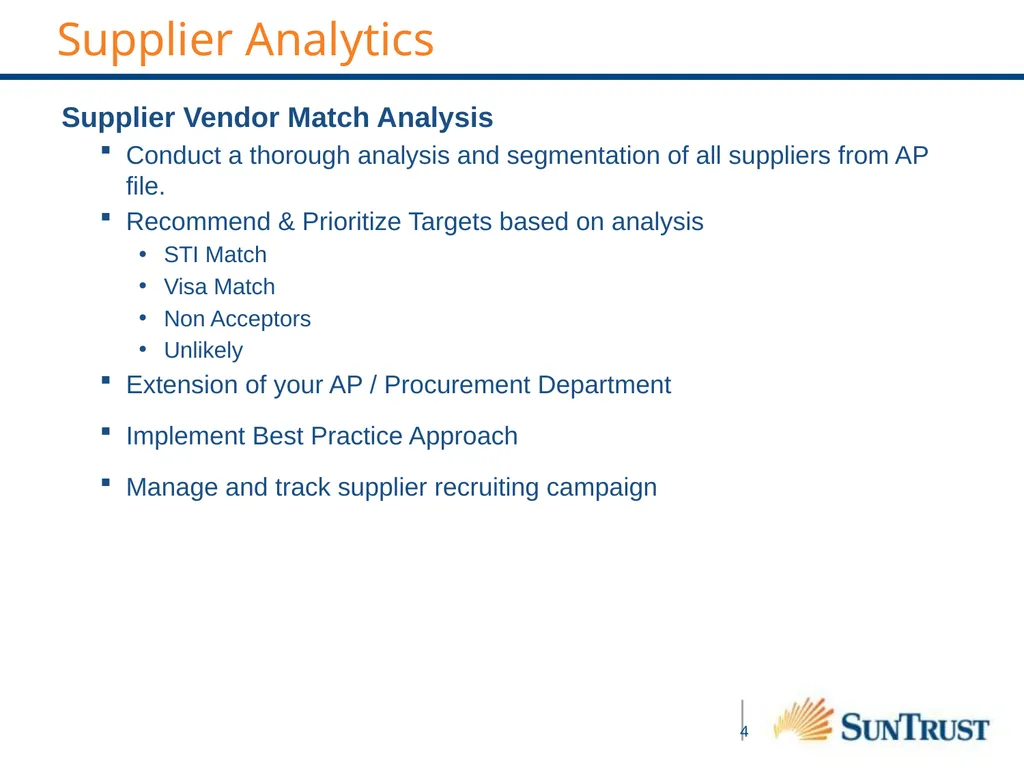
Supplier Analytics Supplier Vendor Match Analysis
Conduct a thorough analysis and segmentation of all suppliers from AP file.
Recommend & Prioritize Targets based on analysis
STI Match
Visa Match
Non Acceptors
Unlikely
Extension of your AP / Procurement Department
Implement Best Practice Approach
Manage and track supplier recruiting campaign<br>
Conduct a thorough analysis and segmentation of all suppliers from AP file.
Recommend & Prioritize Targets based on analysis
STI Match
Visa Match
Non Acceptors
Unlikely
Extension of your AP / Procurement Department
Implement Best Practice Approach
Manage and track supplier recruiting campaign<br>
05
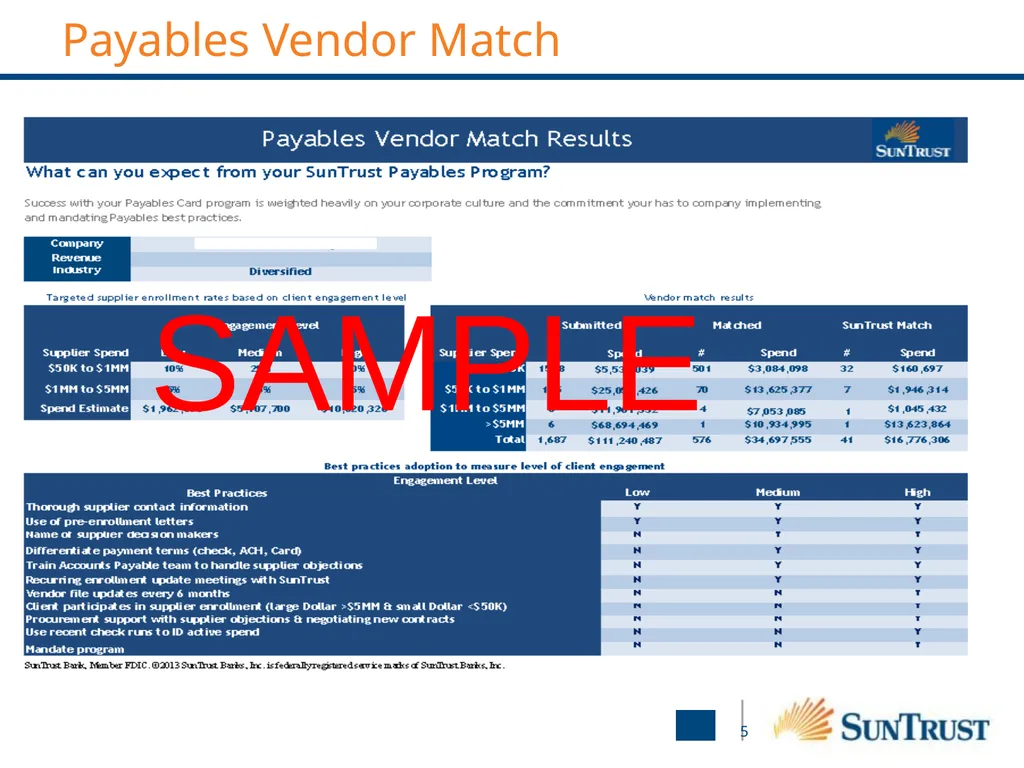
Payables Vendor Match 5 SAMPLE<br>
06
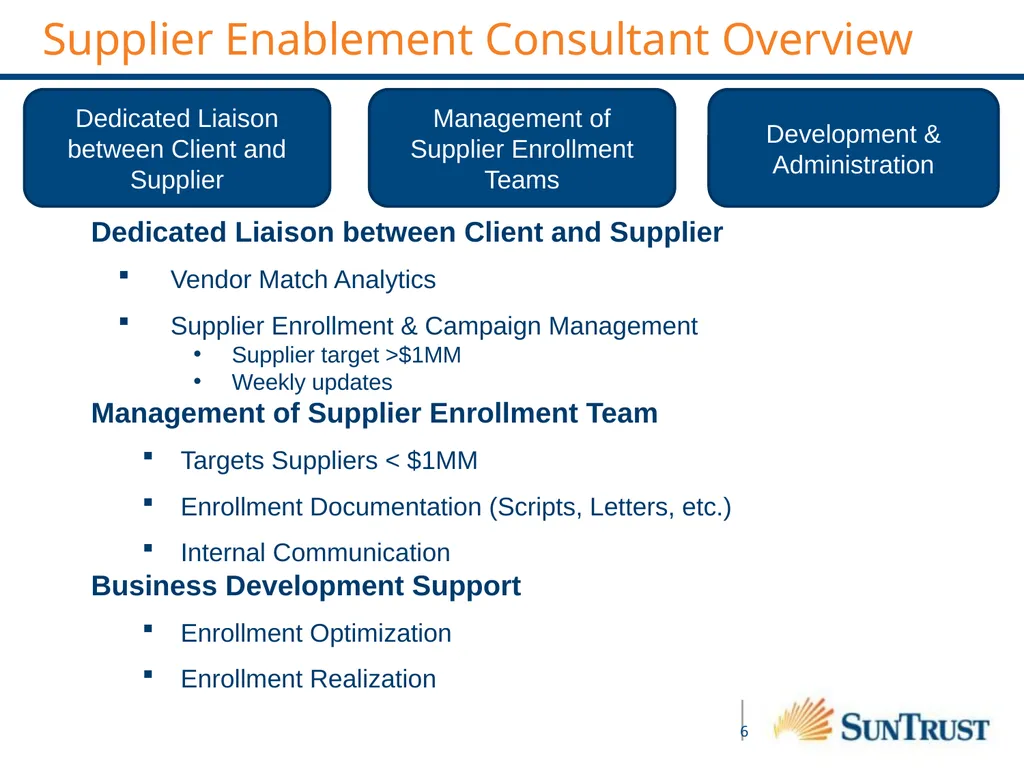
Supplier Enablement Consultant Overview Dedicated Liaison between Client and Supplier Management of Supplier Enrollment Teams Development & Administration Dedicated Liaison between Client and Supplier
Vendor Match Analytics
Supplier Enrollment & Campaign Management
Supplier target >$1MM
Weekly updates
Management of Supplier Enrollment Team
Targets Suppliers < $1MM
Enrollment Documentation (Scripts, Letters, etc.)
Internal Communication
Business Development Support
Enrollment Optimization
Enrollment Realization<br>
Vendor Match Analytics
Supplier Enrollment & Campaign Management
Supplier target >$1MM
Weekly updates
Management of Supplier Enrollment Team
Targets Suppliers < $1MM
Enrollment Documentation (Scripts, Letters, etc.)
Internal Communication
Business Development Support
Enrollment Optimization
Enrollment Realization<br>
07
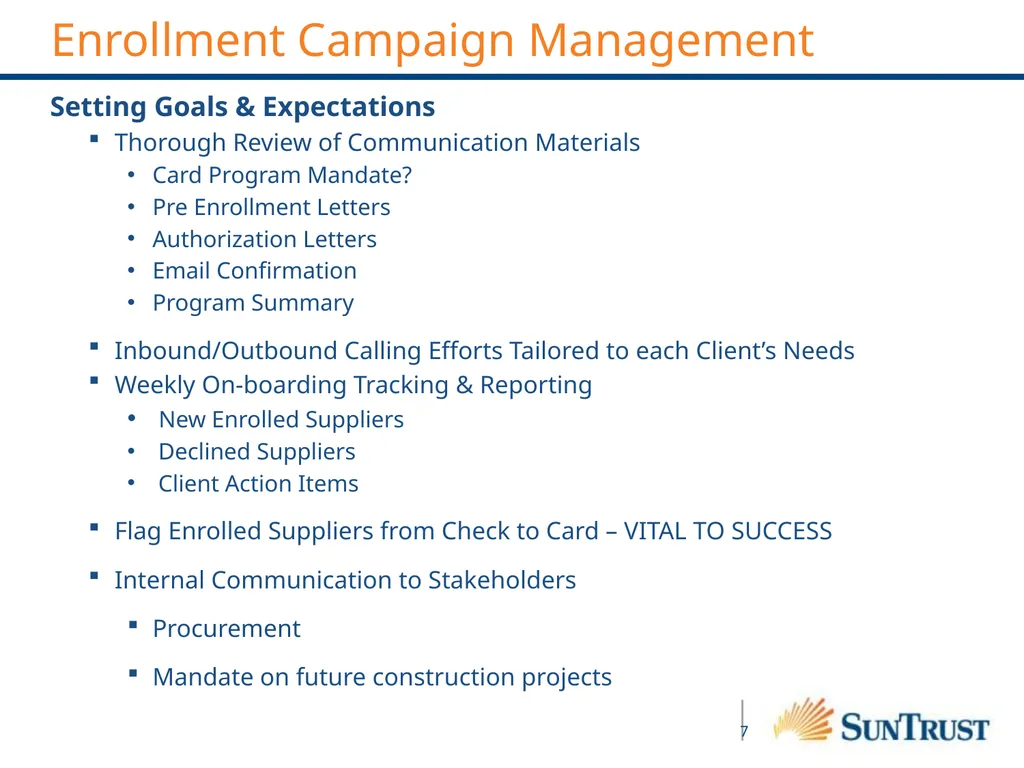
Enrollment Campaign Management Setting Goals & Expectations
Thorough Review of Communication Materials
Card Program Mandate?
Pre Enrollment Letters
Authorization Letters
Email Confirmation
Program Summary
Inbound/Outbound Calling Efforts Tailored to each Client’s Needs
Weekly On-boarding Tracking & Reporting
New Enrolled Suppliers
Declined Suppliers
Client Action Items
Flag Enrolled Suppliers from Check to Card – VITAL TO SUCCESS
Internal Communication to Stakeholders
Procurement
Mandate on future construction projects<br>
Thorough Review of Communication Materials
Card Program Mandate?
Pre Enrollment Letters
Authorization Letters
Email Confirmation
Program Summary
Inbound/Outbound Calling Efforts Tailored to each Client’s Needs
Weekly On-boarding Tracking & Reporting
New Enrolled Suppliers
Declined Suppliers
Client Action Items
Flag Enrolled Suppliers from Check to Card – VITAL TO SUCCESS
Internal Communication to Stakeholders
Procurement
Mandate on future construction projects<br>
08
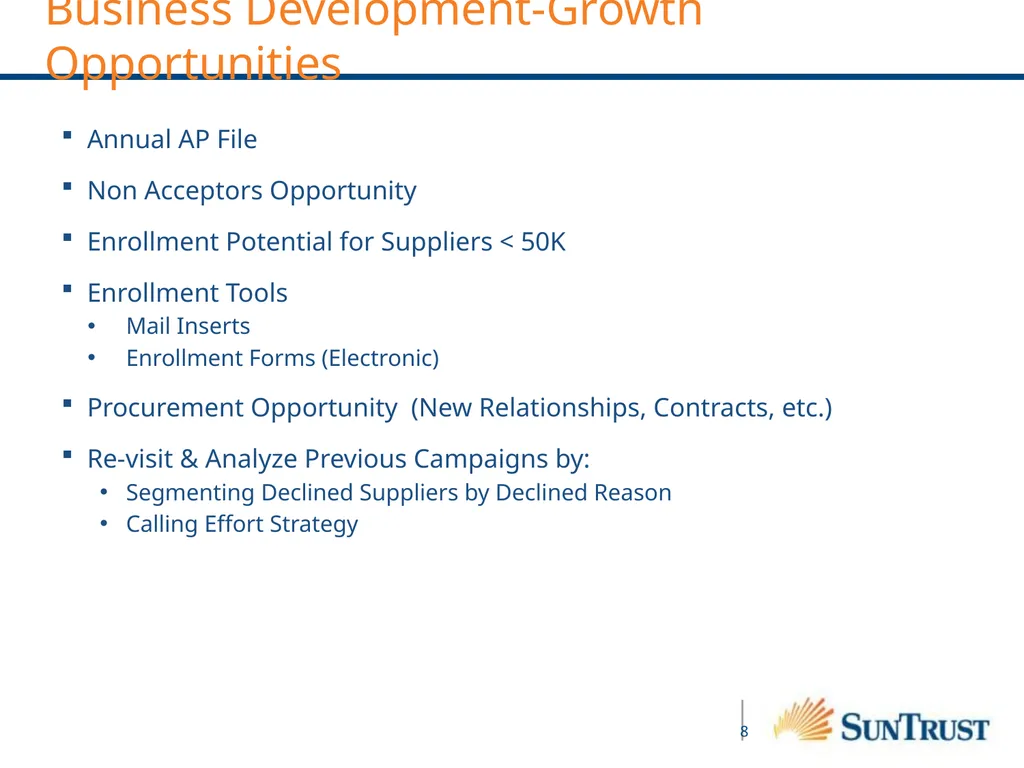
Business Development-Growth Opportunities Annual AP File
Non Acceptors Opportunity
Enrollment Potential for Suppliers < 50K
Enrollment Tools
Mail Inserts
Enrollment Forms (Electronic)
Procurement Opportunity (New Relationships, Contracts, etc.)
Re-visit & Analyze Previous Campaigns by:
Segmenting Declined Suppliers by Declined Reason
Calling Effort Strategy<br>
Non Acceptors Opportunity
Enrollment Potential for Suppliers < 50K
Enrollment Tools
Mail Inserts
Enrollment Forms (Electronic)
Procurement Opportunity (New Relationships, Contracts, etc.)
Re-visit & Analyze Previous Campaigns by:
Segmenting Declined Suppliers by Declined Reason
Calling Effort Strategy<br>
09
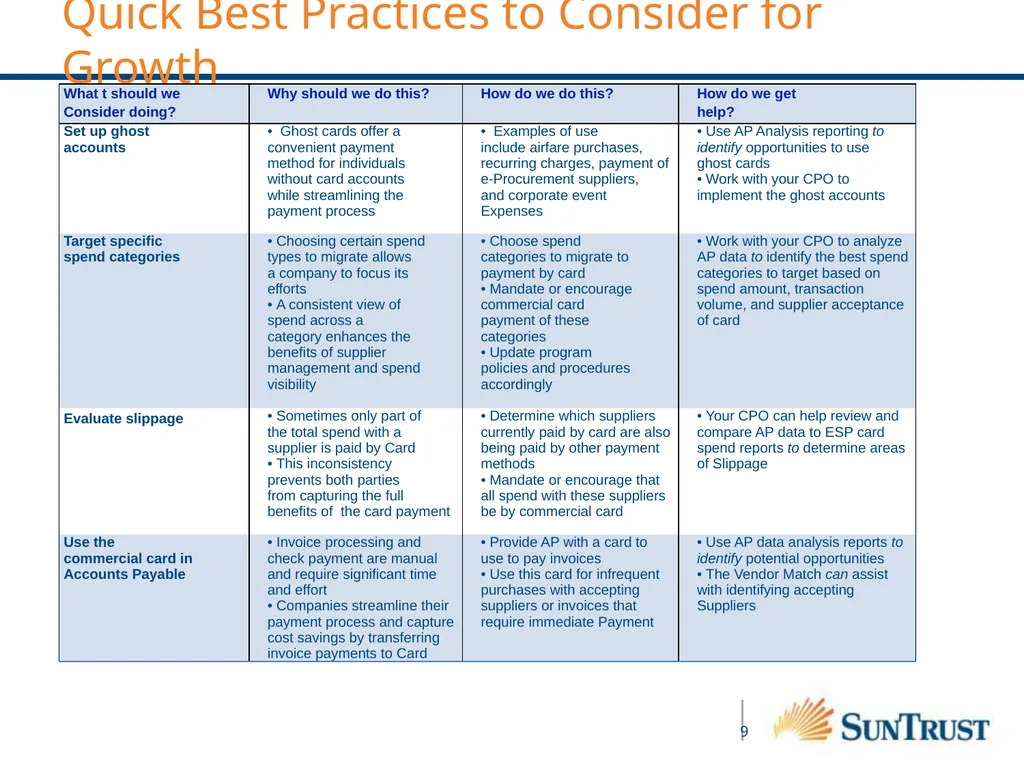
Quick Best Practices to Consider for Growth<br>
10
Our goal is to offer you greater visibility and control over your working capital.
It is a SunTrust strategic priority to commit ongoing investment in technology
and other resources to ensure exceptional treasury solutions. Consistent operational excellence in the core payment and treasury solutions you need. Opportunistic investment in
emerging capabilities that target your
future business needs. Timely access to information and streamlined reporting
for better informed
cash management decisions. Strengthening Capabilities What This Means For You<br>
cash management decisions. Strengthening Capabilities What This Means For You<br>
11
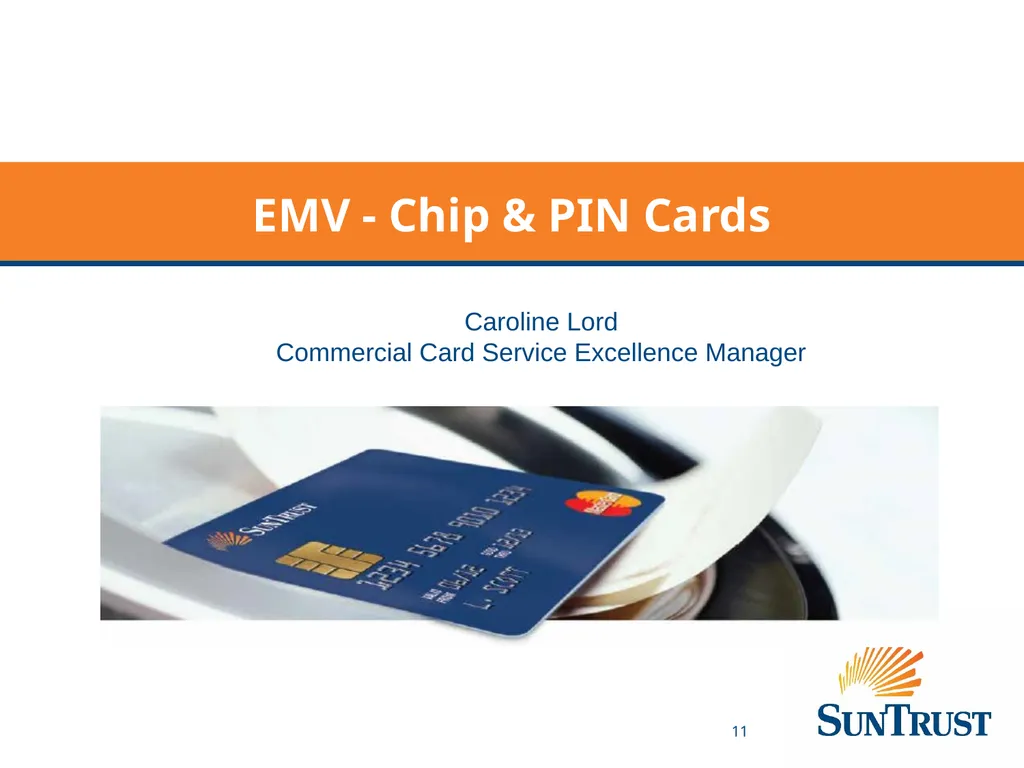
EMV - Chip & PIN Cards Caroline Lord
Commercial Card Service Excellence Manager<br>
Commercial Card Service Excellence Manager<br>
12
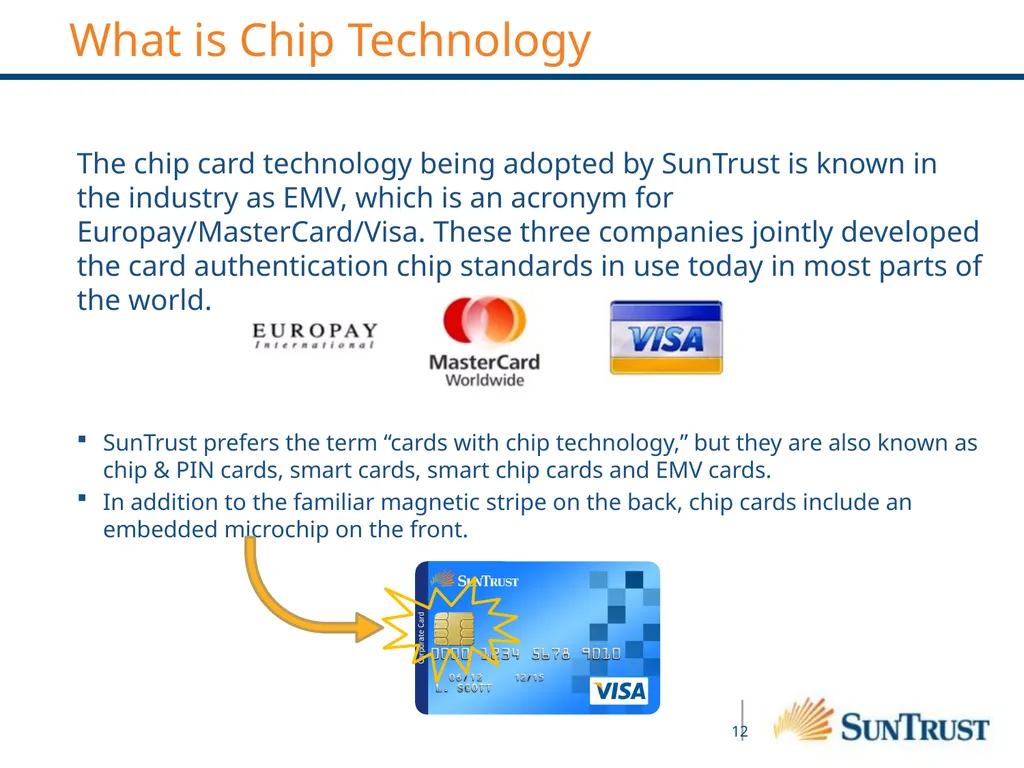
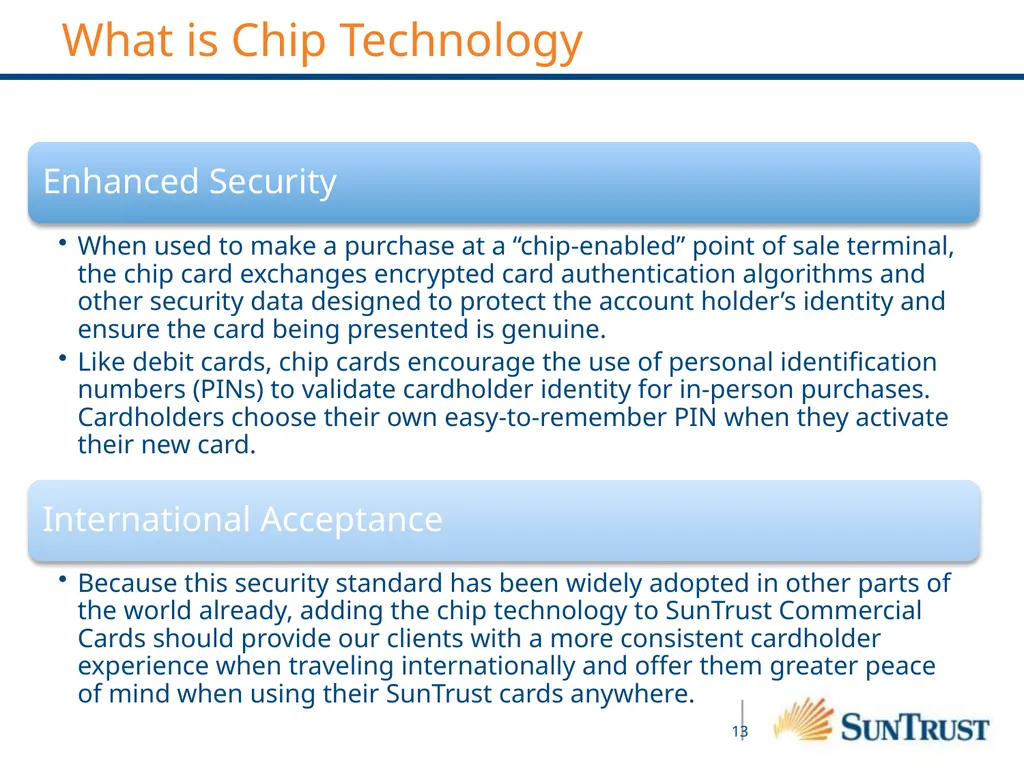
The chip card technology being adopted by SunTrust is known in the industry as EMV, which is an acronym for Europay/MasterCard/Visa. These three companies jointly developed the card authentication chip standards in use today in most parts of the world.
SunTrust prefers the term “cards with chip technology,” but they are also known as chip & PIN cards, smart cards, smart chip cards and EMV cards.
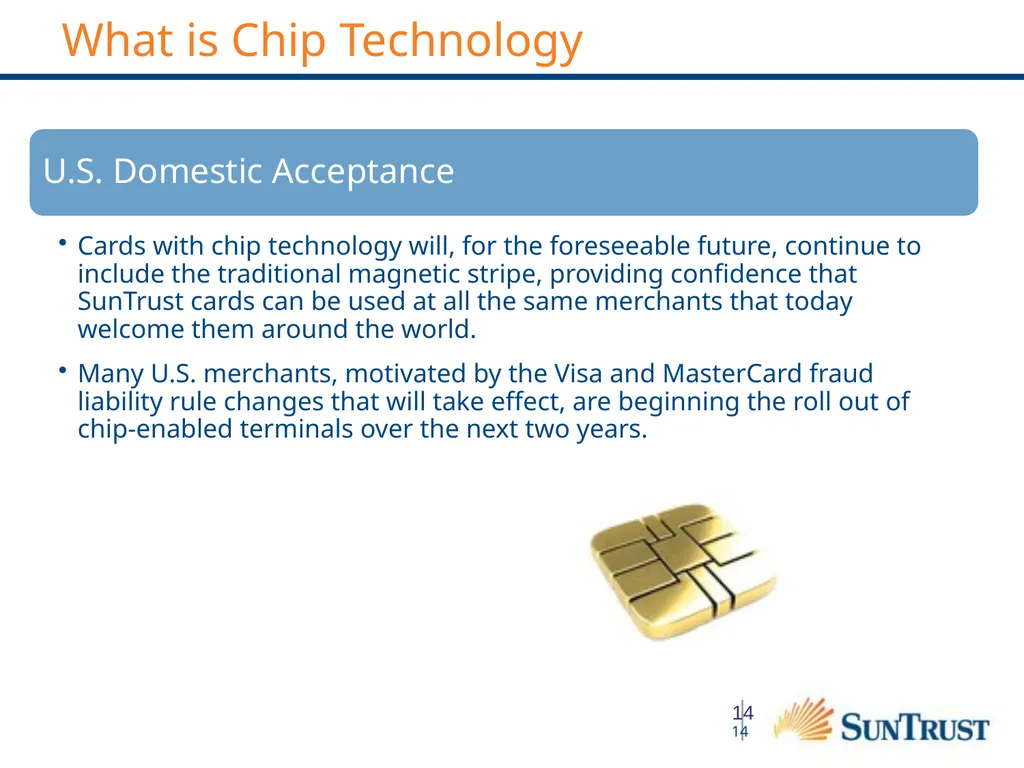
In addition to the familiar magnetic stripe on the back, chip cards include an embedded microchip on the front. What is Chip Technology<br>
SunTrust prefers the term “cards with chip technology,” but they are also known as chip & PIN cards, smart cards, smart chip cards and EMV cards.
In addition to the familiar magnetic stripe on the back, chip cards include an embedded microchip on the front. What is Chip Technology<br>
13
What is Chip Technology<br>
14
14 What is Chip Technology<br>
15
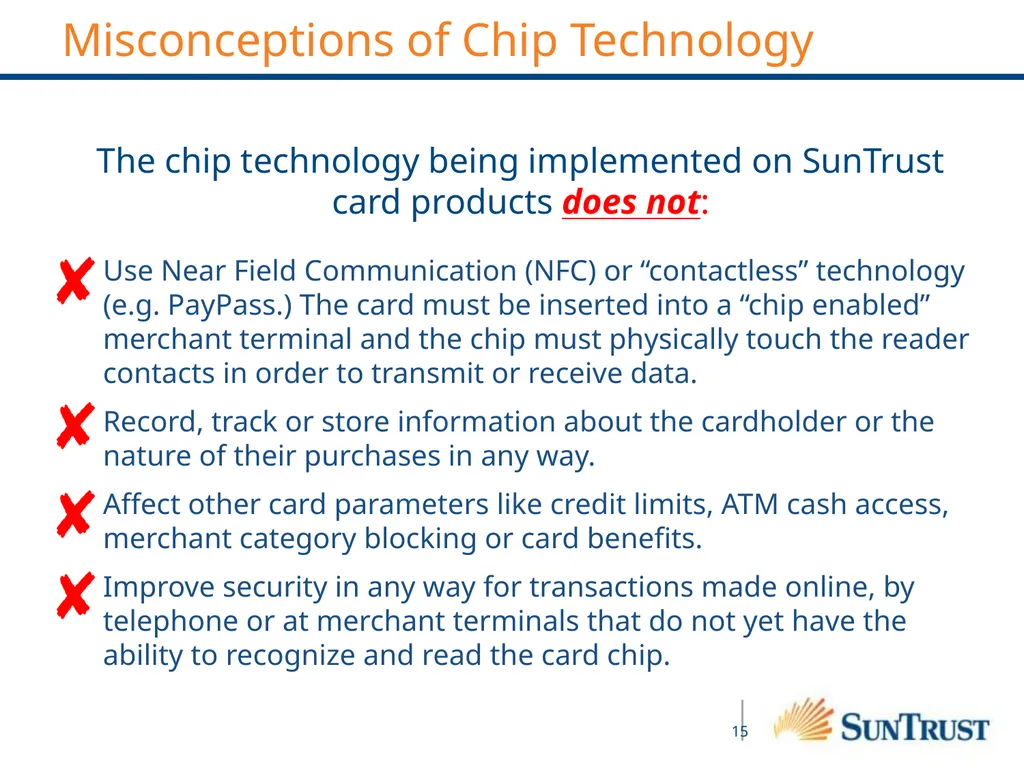
The chip technology being implemented on SunTrust card products does not:
Use Near Field Communication (NFC) or “contactless” technology (e.g. PayPass.) The card must be inserted into a “chip enabled” merchant terminal and the chip must physically touch the reader contacts in order to transmit or receive data.
Record, track or store information about the cardholder or the nature of their purchases in any way.
Affect other card parameters like credit limits, ATM cash access, merchant category blocking or card benefits.
Improve security in any way for transactions made online, by telephone or at merchant terminals that do not yet have the ability to recognize and read the card chip. Misconceptions of Chip Technology<br>
Use Near Field Communication (NFC) or “contactless” technology (e.g. PayPass.) The card must be inserted into a “chip enabled” merchant terminal and the chip must physically touch the reader contacts in order to transmit or receive data.
Record, track or store information about the cardholder or the nature of their purchases in any way.
Affect other card parameters like credit limits, ATM cash access, merchant category blocking or card benefits.
Improve security in any way for transactions made online, by telephone or at merchant terminals that do not yet have the ability to recognize and read the card chip. Misconceptions of Chip Technology<br>
16
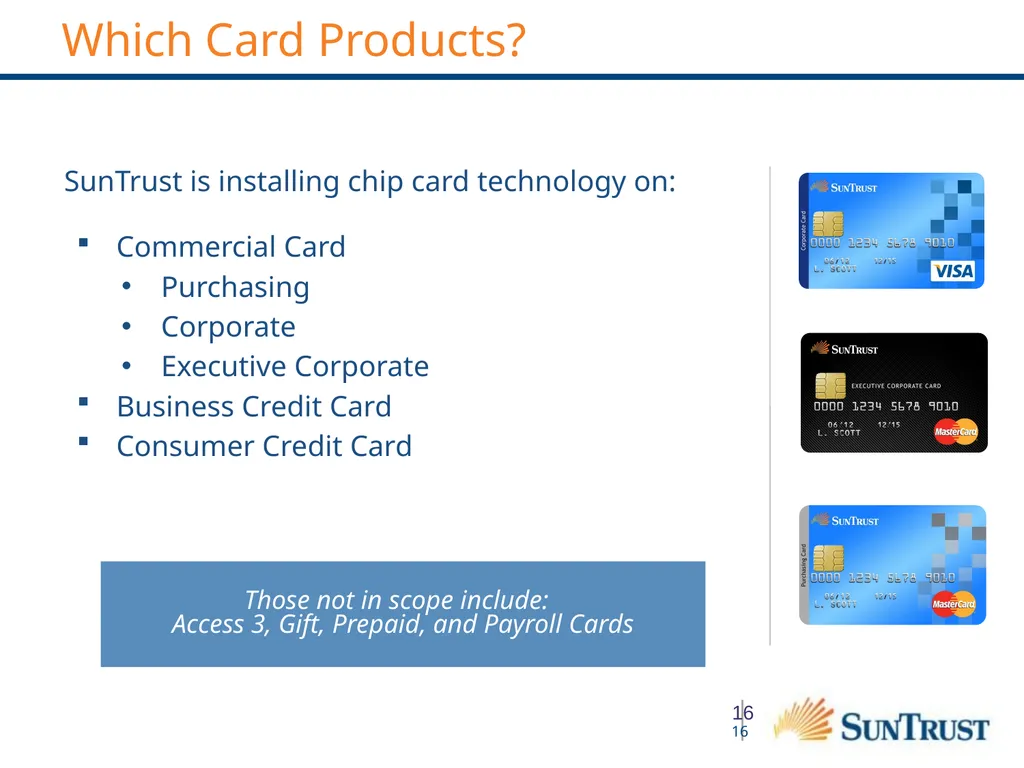
SunTrust is installing chip card technology on:
Commercial Card
Purchasing
Corporate
Executive Corporate
Business Credit Card
Consumer Credit Card Those not in scope include:
Access 3, Gift, Prepaid, and Payroll Cards 16 Which Card Products?<br>
Commercial Card
Purchasing
Corporate
Executive Corporate
Business Credit Card
Consumer Credit Card Those not in scope include:
Access 3, Gift, Prepaid, and Payroll Cards 16 Which Card Products?<br>
17
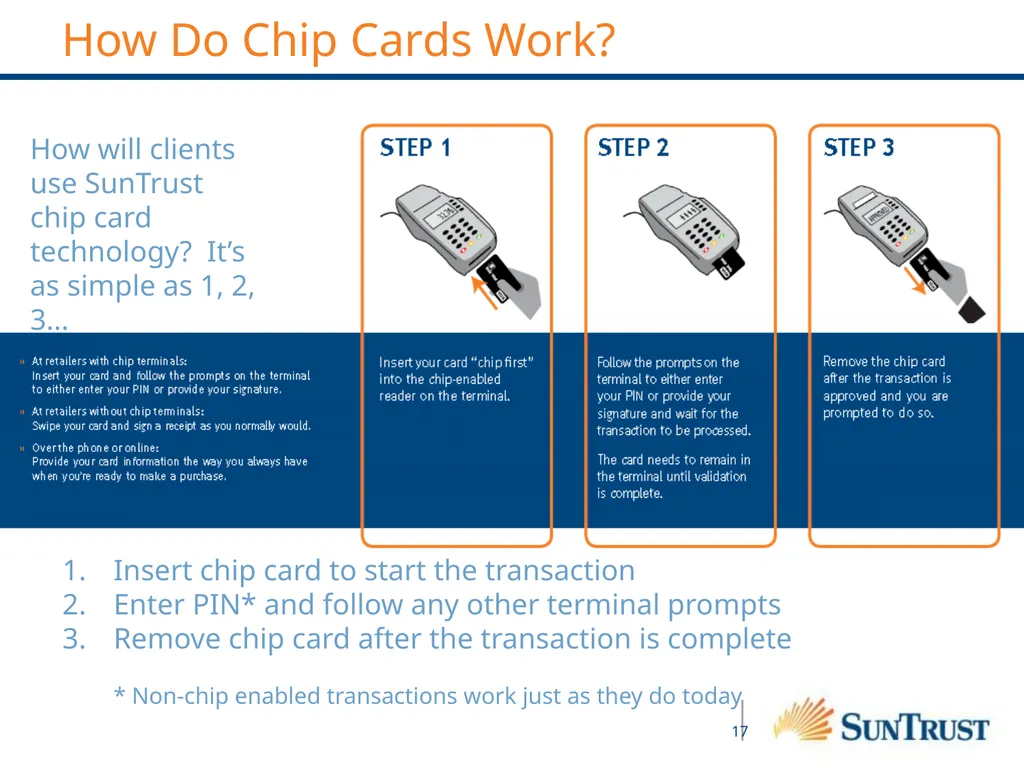
How will clients use SunTrust chip card technology? It’s as simple as 1, 2, 3… Insert chip card to start the transaction
Enter PIN* and follow any other terminal prompts
Remove chip card after the transaction is complete
* Non-chip enabled transactions work just as they do today How Do Chip Cards Work?<br>
Enter PIN* and follow any other terminal prompts
Remove chip card after the transaction is complete
* Non-chip enabled transactions work just as they do today How Do Chip Cards Work?<br>
18
Key Points:
Chip technology offers significant security enhancements, if used as intended
Card authentication – helps guard against counterfeit plastic
User authentication and identity protections – individual PIN use helps ensure accountability
Counseling clients on the best configuration and use of their commercial card program becomes even more important than ever
“Card in hand” programs:
Consider issuing a card to any employee who incurs annually at least $500 in business expenses.
Cards should not be shared. Unassigned or “department” cards are a prime source of misuse and fraud and, to optimize accountability and control, companies should avoid using them.
If a company chooses to designate a single card account for all purchases in a department, it is recommended that that card be issued in the name of the primary user, if possible, so that accountability can be maintained. The introduction of PINs for cardholder identity authentication as part of U.S. credit card industry standards makes this even more evident. Real control is impossible, if a single card can be used by multiple people.
Cardholders should never divulge their PIN to anyone, including the program administrator. Chip card technology provides opportunities for enhanced security and accountability, but like any control, they are only effective if not bypassed.
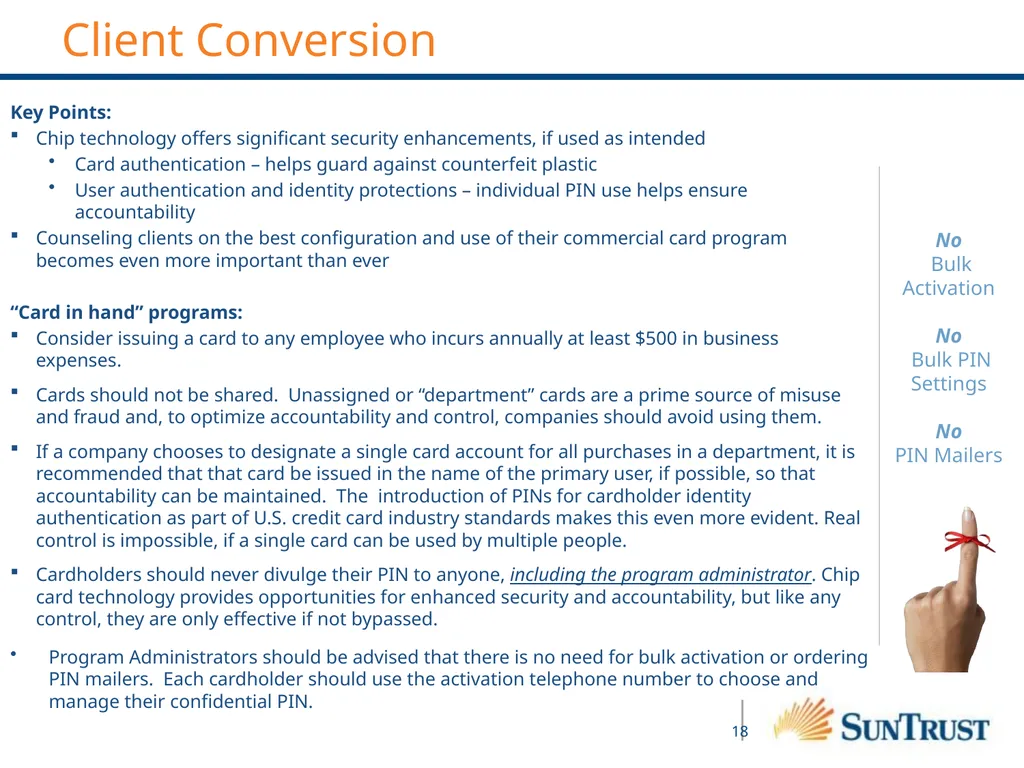
Program Administrators should be advised that there is no need for bulk activation or ordering PIN mailers. Each cardholder should use the activation telephone number to choose and manage their confidential PIN. No
Bulk Activation
No
Bulk PIN Settings
No
PIN Mailers Client Conversion<br>
Chip technology offers significant security enhancements, if used as intended
Card authentication – helps guard against counterfeit plastic
User authentication and identity protections – individual PIN use helps ensure accountability
Counseling clients on the best configuration and use of their commercial card program becomes even more important than ever
“Card in hand” programs:
Consider issuing a card to any employee who incurs annually at least $500 in business expenses.
Cards should not be shared. Unassigned or “department” cards are a prime source of misuse and fraud and, to optimize accountability and control, companies should avoid using them.
If a company chooses to designate a single card account for all purchases in a department, it is recommended that that card be issued in the name of the primary user, if possible, so that accountability can be maintained. The introduction of PINs for cardholder identity authentication as part of U.S. credit card industry standards makes this even more evident. Real control is impossible, if a single card can be used by multiple people.
Cardholders should never divulge their PIN to anyone, including the program administrator. Chip card technology provides opportunities for enhanced security and accountability, but like any control, they are only effective if not bypassed.
Program Administrators should be advised that there is no need for bulk activation or ordering PIN mailers. Each cardholder should use the activation telephone number to choose and manage their confidential PIN. No
Bulk Activation
No
Bulk PIN Settings
No
PIN Mailers Client Conversion<br>
19
When Will We Get Our New Chip Cards? Cardholders will receive their new Chip Card when their current card expires
Each month we migrate approximately 50 clients based on when the majority of their cards expire
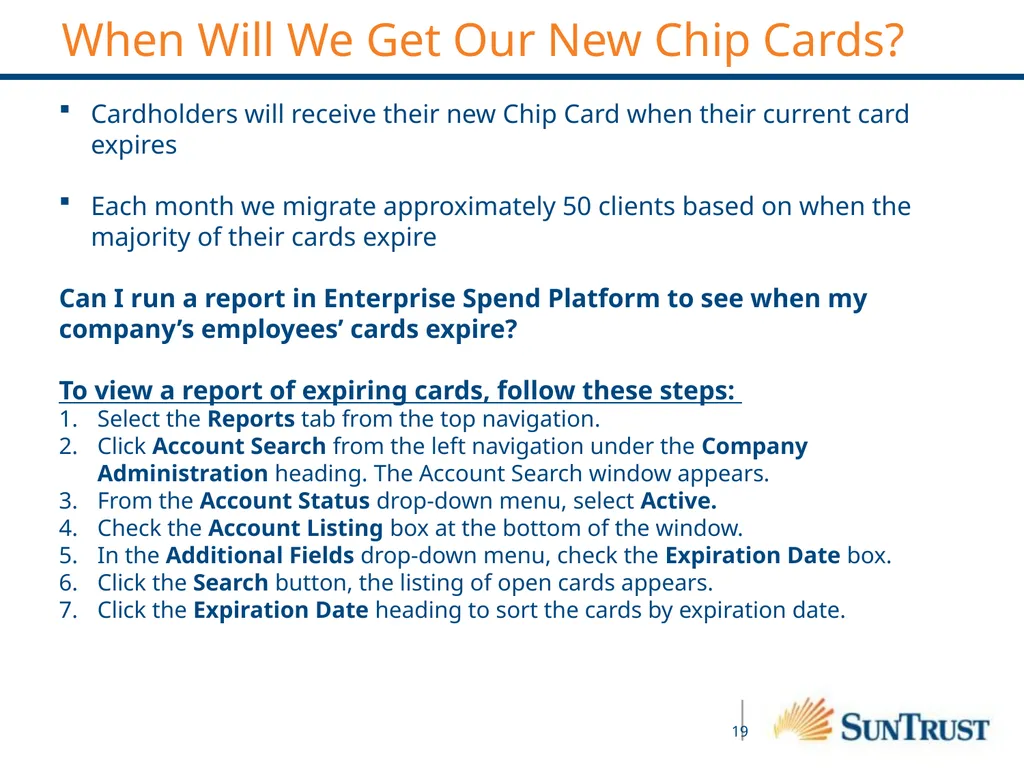
Can I run a report in Enterprise Spend Platform to see when my company’s employees’ cards expire?
To view a report of expiring cards, follow these steps:
Select the Reports tab from the top navigation.
Click Account Search from the left navigation under the Company Administration heading. The Account Search window appears.
From the Account Status drop-down menu, select Active.
Check the Account Listing box at the bottom of the window.
In the Additional Fields drop-down menu, check the Expiration Date box.
Click the Search button, the listing of open cards appears.
Click the Expiration Date heading to sort the cards by expiration date.<br>
Each month we migrate approximately 50 clients based on when the majority of their cards expire
Can I run a report in Enterprise Spend Platform to see when my company’s employees’ cards expire?
To view a report of expiring cards, follow these steps:
Select the Reports tab from the top navigation.
Click Account Search from the left navigation under the Company Administration heading. The Account Search window appears.
From the Account Status drop-down menu, select Active.
Check the Account Listing box at the bottom of the window.
In the Additional Fields drop-down menu, check the Expiration Date box.
Click the Search button, the listing of open cards appears.
Click the Expiration Date heading to sort the cards by expiration date.<br>
20
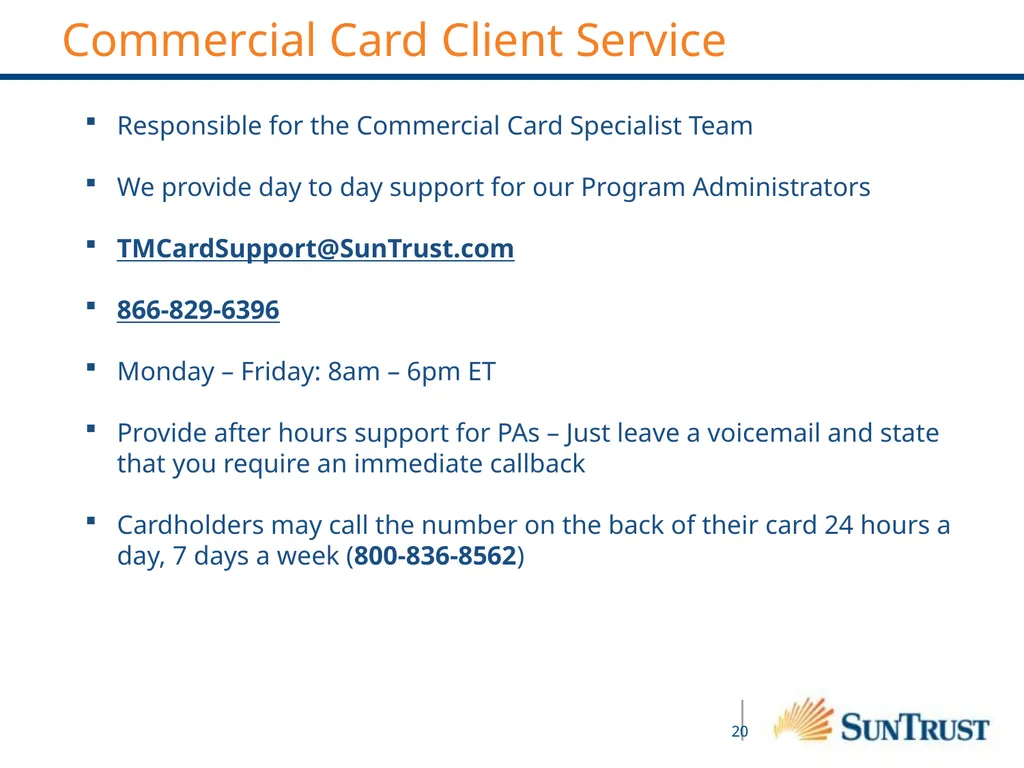
Commercial Card Client Service Responsible for the Commercial Card Specialist Team
We provide day to day support for our Program Administrators
TMCardSupport@SunTrust.com
866-829-6396
Monday – Friday: 8am – 6pm ET
Provide after hours support for PAs – Just leave a voicemail and state that you require an immediate callback
Cardholders may call the number on the back of their card 24 hours a day, 7 days a week (800-836-8562)<br>
We provide day to day support for our Program Administrators
TMCardSupport@SunTrust.com
866-829-6396
Monday – Friday: 8am – 6pm ET
Provide after hours support for PAs – Just leave a voicemail and state that you require an immediate callback
Cardholders may call the number on the back of their card 24 hours a day, 7 days a week (800-836-8562)<br>
21
THANK YOU!<br>