WIGOS Webinar 26 Registration processes and roles in OSCARSurface WMO Secretariat MeteoSwiss Outline Users registration in OSCARSurface and NFP nomination in WMO Community Platform Nomination of NFP in WMO Community Platform (PR, NFP,
"WIGOS Webinar #26 Registration processes and roles" is the property of its rightful owner. Permission is granted to
download and print the materials on this website for personal, non-commercial use only, and to display it
on your personal computer provided you do not modify the materials and that you retain all copyright
notices contained in the materials. By downloading content from our website, you accept the terms of this
agreement.
Presentation Transcript
01
WIGOS Webinar #26
Registration processes and roles in OSCAR/Surface
WMO Secretariat & MeteoSwiss<br>
02
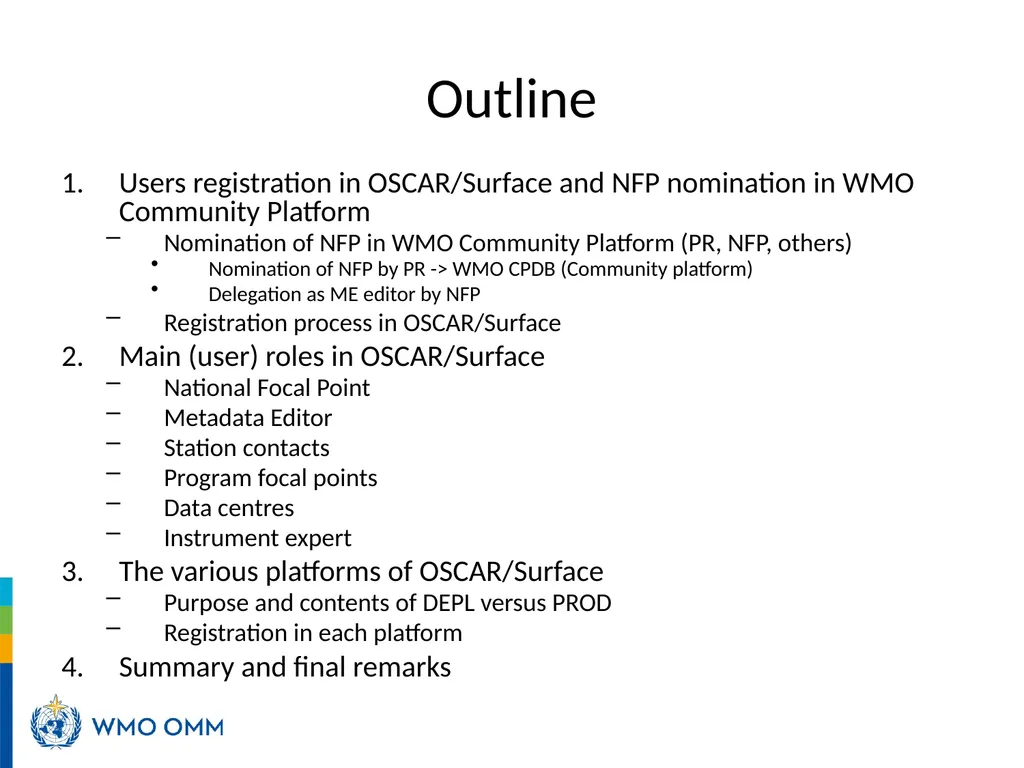
Outline Users registration in OSCAR/Surface and NFP nomination in WMO Community Platform
Nomination of NFP in WMO Community Platform (PR, NFP, others)
Nomination of NFP by PR -> WMO CPDB (Community platform)
Delegation as ME editor by NFP
Registration process in OSCAR/Surface
Main (user) roles in OSCAR/Surface
National Focal Point
Metadata Editor
Station contacts
Program focal points
Data centres
Instrument expert
The various platforms of OSCAR/Surface
Purpose and contents of DEPL versus PROD
Registration in each platform
Summary and final remarks<br>
03
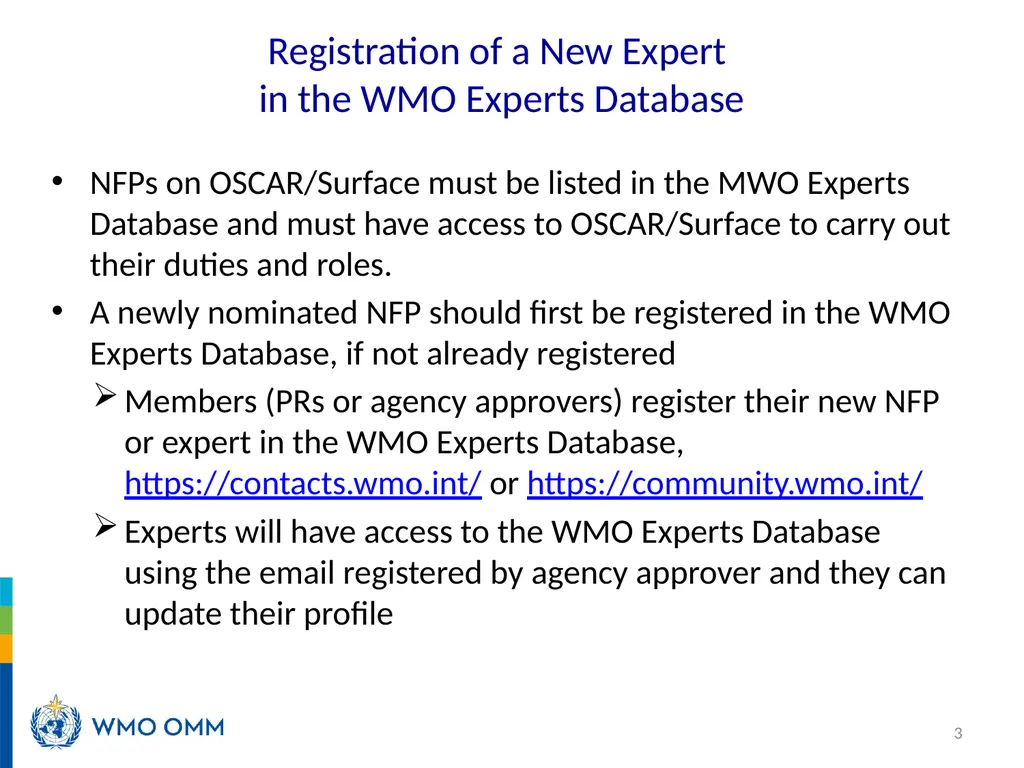
Registration of a New Expert in the WMO Experts Database NFPs on OSCAR/Surface must be listed in the MWO Experts Database and must have access to OSCAR/Surface to carry out their duties and roles.
A newly nominated NFP should first be registered in the WMO Experts Database, if not already registered
Members (PRs or agency approvers) register their new NFP or expert in the WMO Experts Database, https://contacts.wmo.int/ or https://community.wmo.int/
Experts will have access to the WMO Experts Database using the email registered by agency approver and they can update their profile 3<br>
04
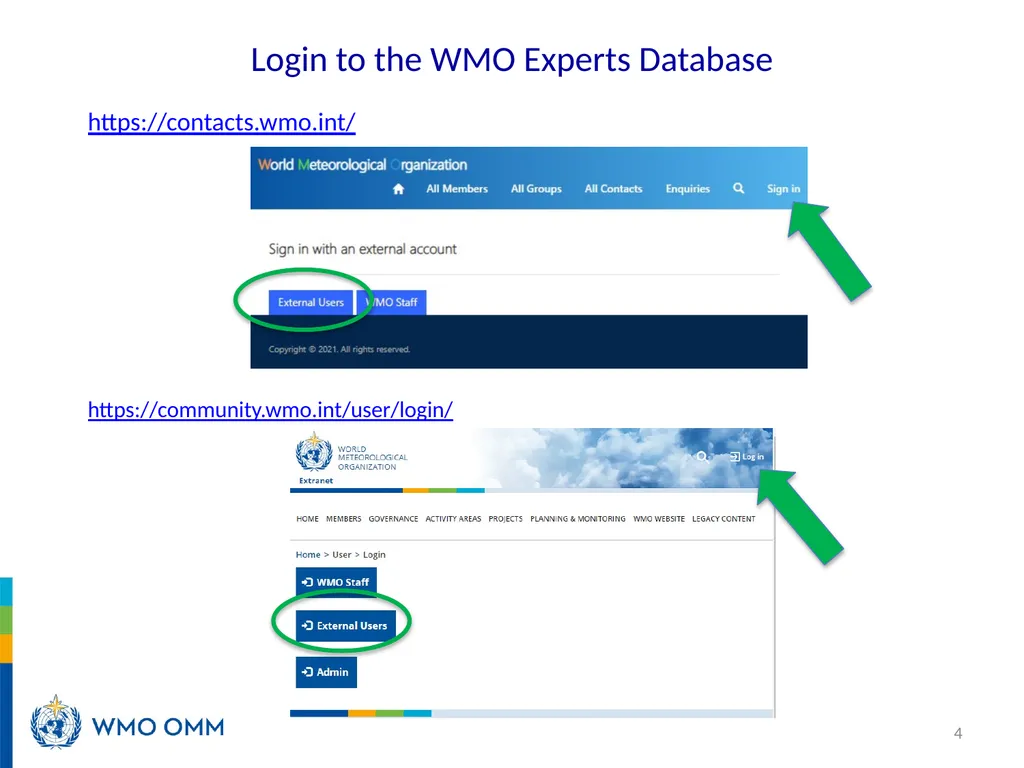
Login to the WMO Experts Database https://contacts.wmo.int/ 4 https://community.wmo.int/user/login/<br>
05
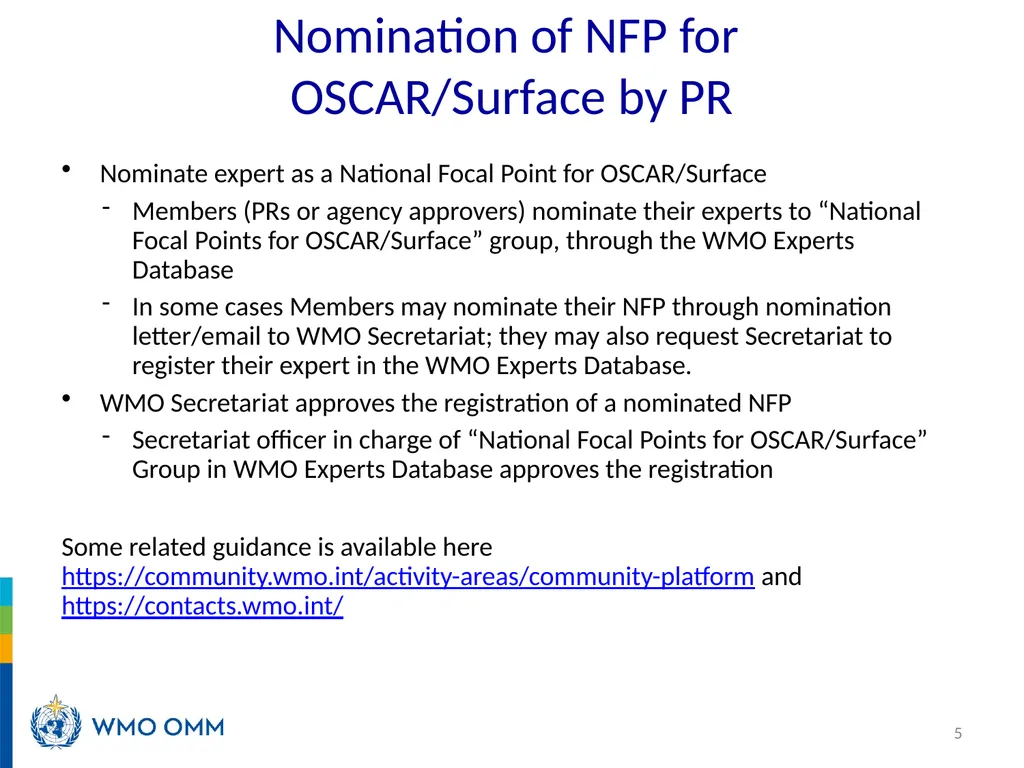
Nomination of NFP for OSCAR/Surface by PR Nominate expert as a National Focal Point for OSCAR/Surface
Members (PRs or agency approvers) nominate their experts to “National Focal Points for OSCAR/Surface” group, through the WMO Experts Database
In some cases Members may nominate their NFP through nomination letter/email to WMO Secretariat; they may also request Secretariat to register their expert in the WMO Experts Database.
WMO Secretariat approves the registration of a nominated NFP
Secretariat officer in charge of “National Focal Points for OSCAR/Surface” Group in WMO Experts Database approves the registration
Some related guidance is available here https://community.wmo.int/activity-areas/community-platform and https://contacts.wmo.int/ 5<br>
06
Delegation as Metadata Editor by NFP National focal points can delegate their role in OSCAR/Surface to a Metadata Editor (ME) to another contact who will then be able to perform the same technical functions as the national focal point, without the formal title
Delegation as ME is done by NFP directly on OSCAR/Surface
ME has the same roles and access rights as NFP, except for deleting/deactivating users 6<br>
07
Users registration in OSCAR/Surface Registration process Registration process in two steps:
Registration as a contact in OSCAR/Surface
by the Administrators or National Focal Points or other user from the same country
2. Creation of an account on eIAM
by the user before the first login 7<br>
08
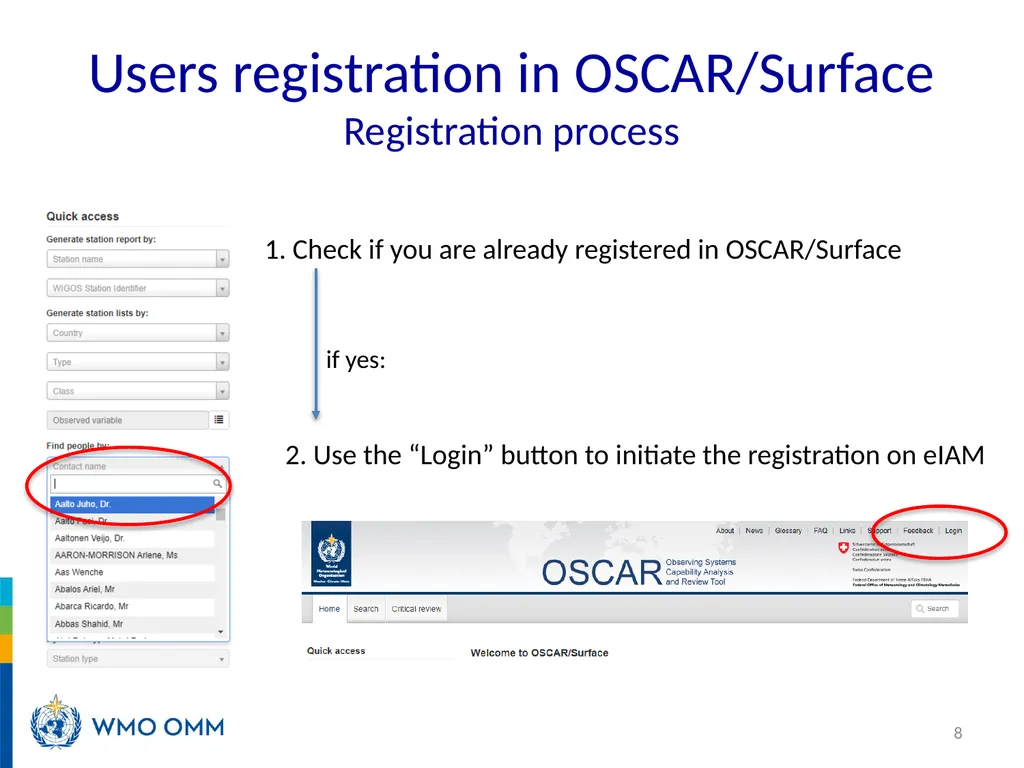
Users registration in OSCAR/Surface Registration process 8 1. Check if you are already registered in OSCAR/Surface 2. Use the “Login” button to initiate the registration on eIAM if yes:<br>
09
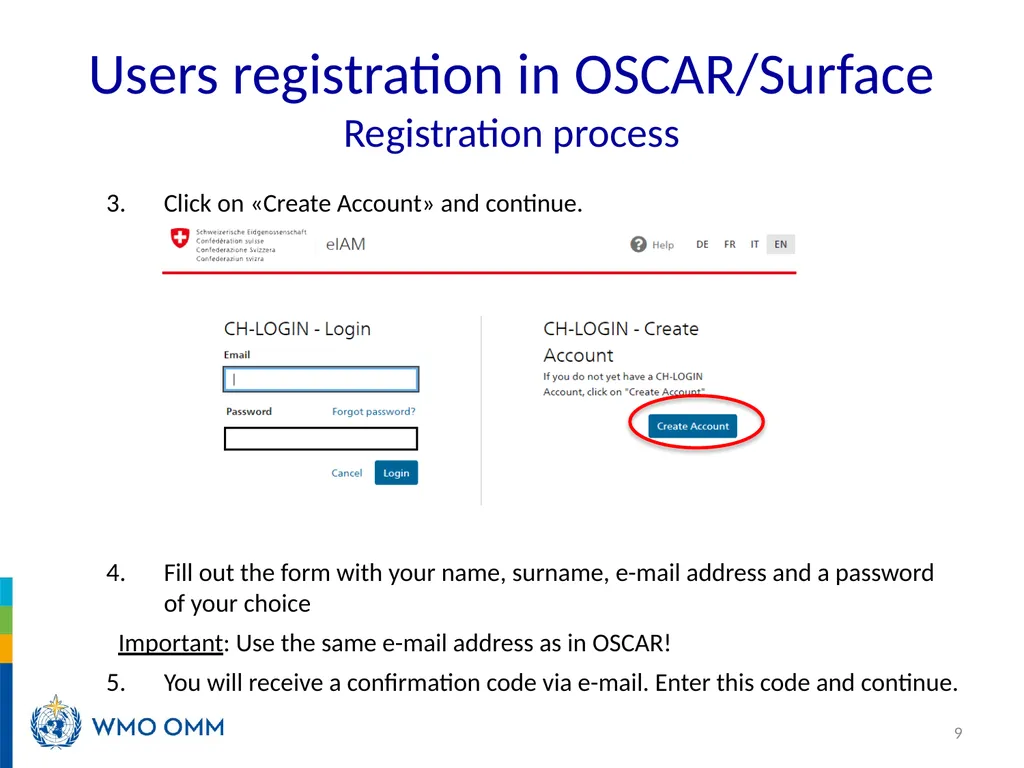
Users registration in OSCAR/Surface Registration process Click on «Create Account» and continue.
Fill out the form with your name, surname, e-mail address and a password of your choice
Important: Use the same e-mail address as in OSCAR!
You will receive a confirmation code via e-mail. Enter this code and continue. 9<br>
10
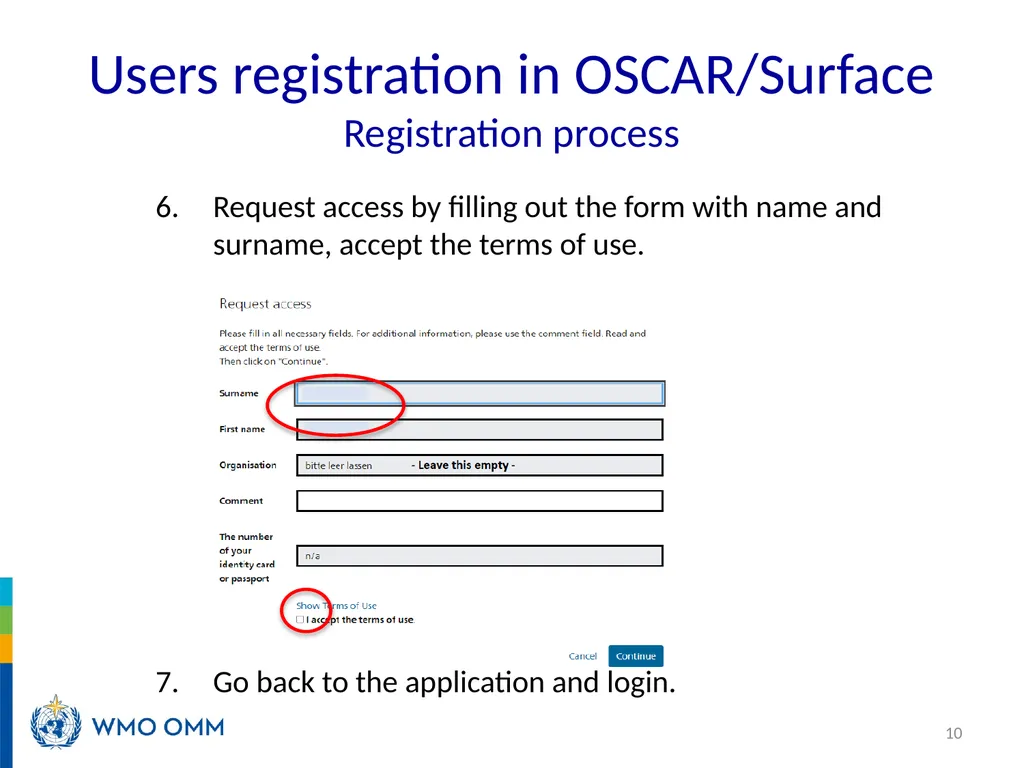
Users registration in OSCAR/Surface Registration process Request access by filling out the form with name and surname, accept the terms of use.
Go back to the application and login. 10<br>
11
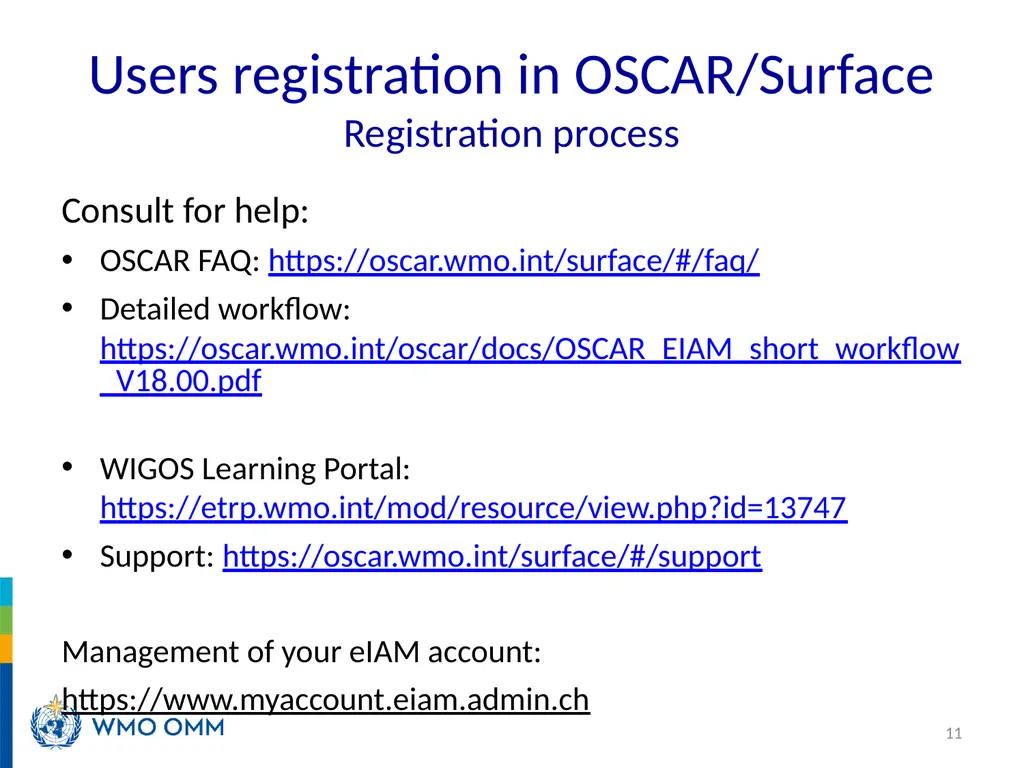
Users registration in OSCAR/Surface Registration process Consult for help:
OSCAR FAQ: https://oscar.wmo.int/surface/#/faq/
Detailed workflow: https://oscar.wmo.int/oscar/docs/OSCAR_EIAM_short_workflow_V18.00.pdf
WIGOS Learning Portal: https://etrp.wmo.int/mod/resource/view.php?id=13747
Support: https://oscar.wmo.int/surface/#/support
Management of your eIAM account:
https://www.myaccount.eiam.admin.ch 11<br>
12
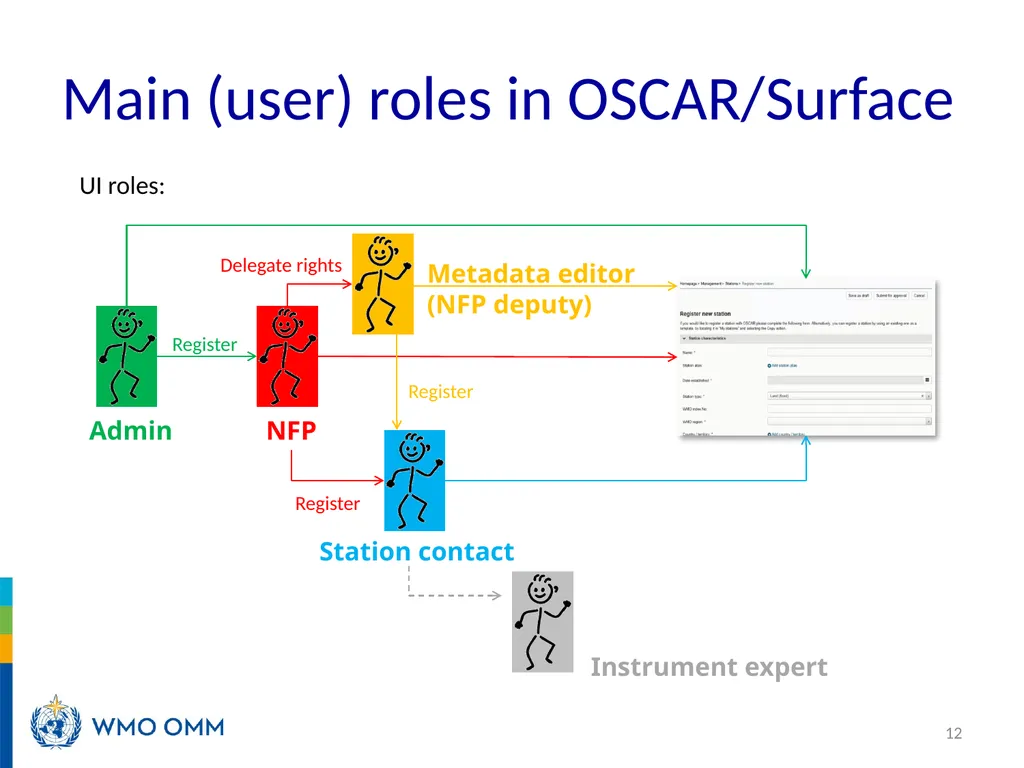
Main (user) roles in OSCAR/Surface 12 NFP Station contact Admin Register Metadata editor
(NFP deputy) Delegate rights Register Register UI roles: Instrument expert<br>
13
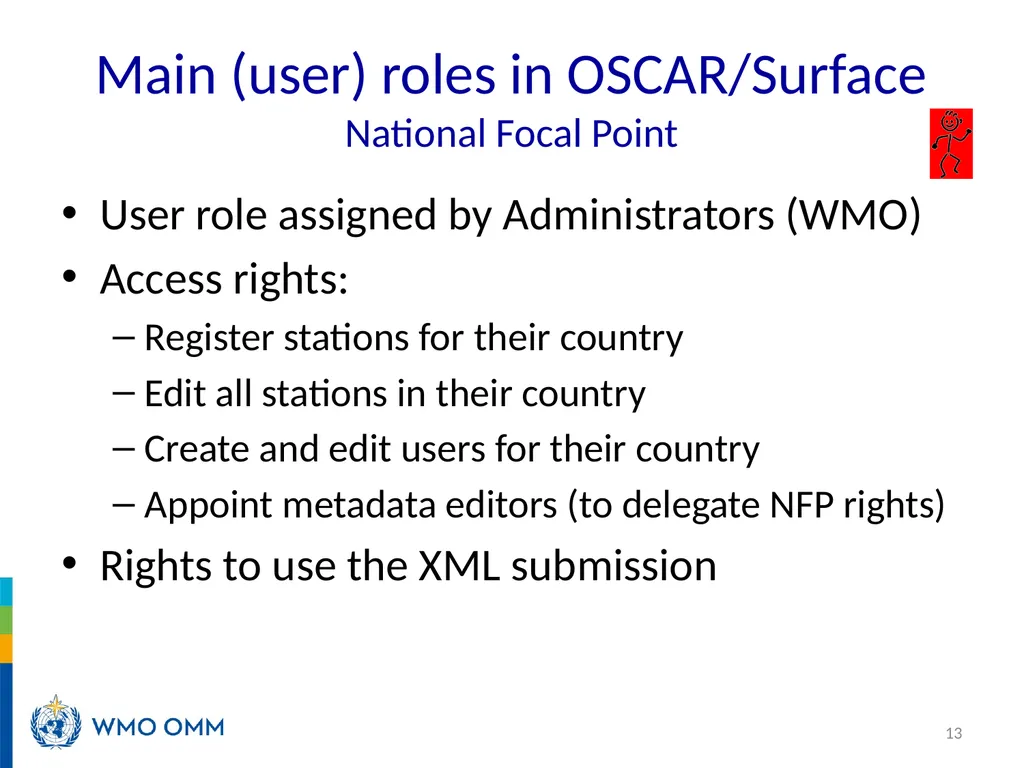
Main (user) roles in OSCAR/Surface National Focal Point User role assigned by Administrators (WMO)
Access rights:
Register stations for their country
Edit all stations in their country
Create and edit users for their country
Appoint metadata editors (to delegate NFP rights)
Rights to use the XML submission 13<br>
14
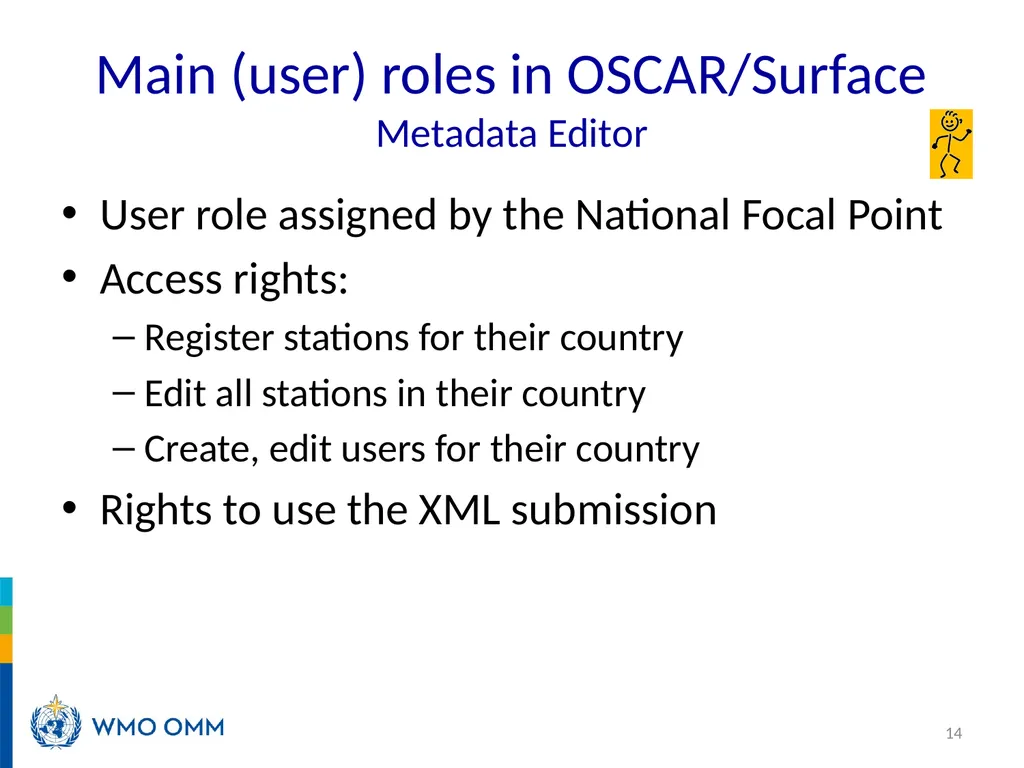
Main (user) roles in OSCAR/Surface Metadata Editor User role assigned by the National Focal Point
Access rights:
Register stations for their country
Edit all stations in their country
Create, edit users for their country
Rights to use the XML submission 14<br>
15
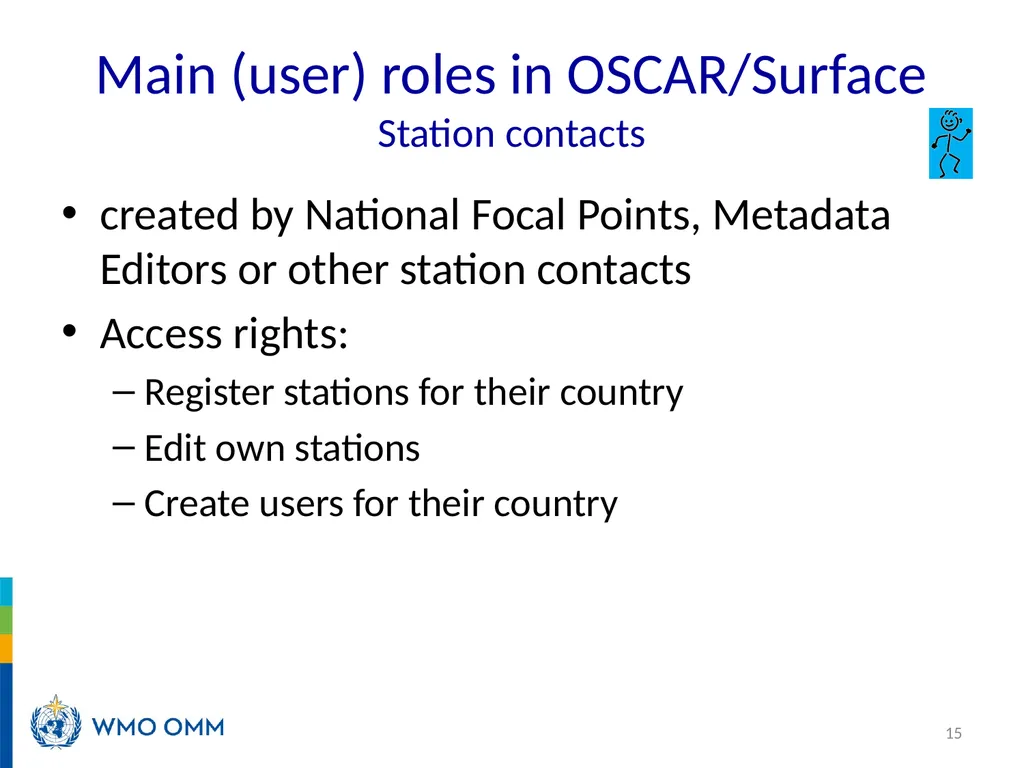
Main (user) roles in OSCAR/Surface Station contacts created by National Focal Points, Metadata Editors or other station contacts
Access rights:
Register stations for their country
Edit own stations
Create users for their country 15<br>
16
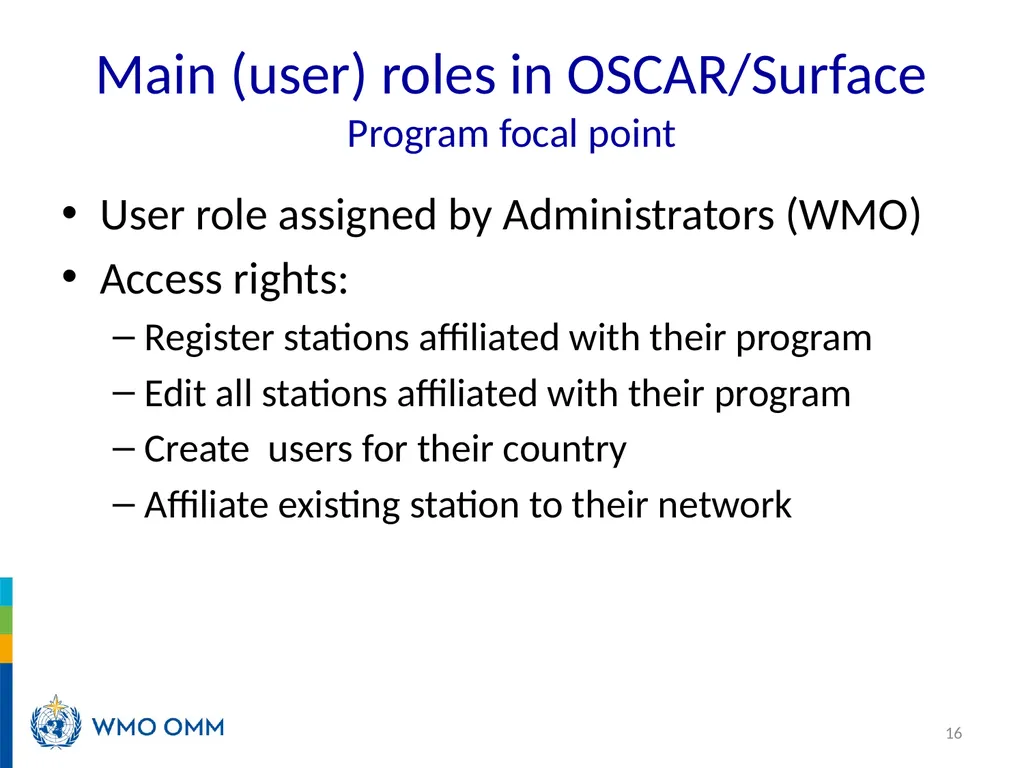
Main (user) roles in OSCAR/Surface Program focal point User role assigned by Administrators (WMO)
Access rights:
Register stations affiliated with their program
Edit all stations affiliated with their program
Create users for their country
Affiliate existing station to their network 16<br>
17
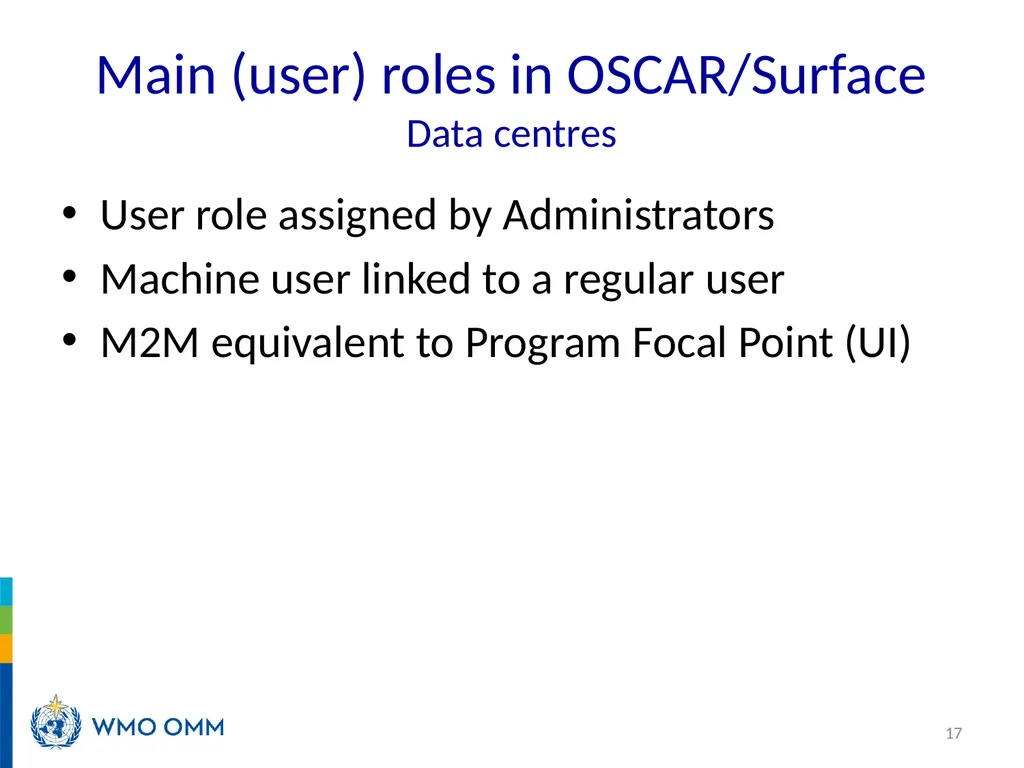
Main (user) roles in OSCAR/Surface Data centres User role assigned by Administrators
Machine user linked to a regular user
M2M equivalent to Program Focal Point (UI) 17<br>
18
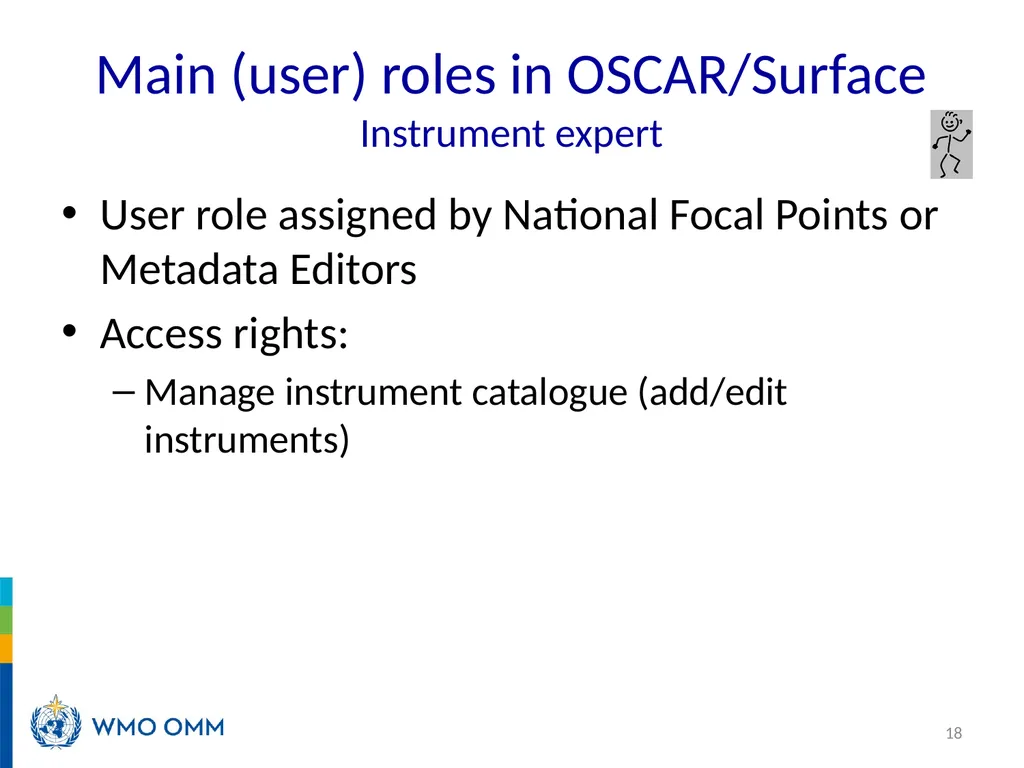
Main (user) roles in OSCAR/Surface Instrument expert User role assigned by National Focal Points or Metadata Editors
Access rights:
Manage instrument catalogue (add/edit instruments) 18<br>
19
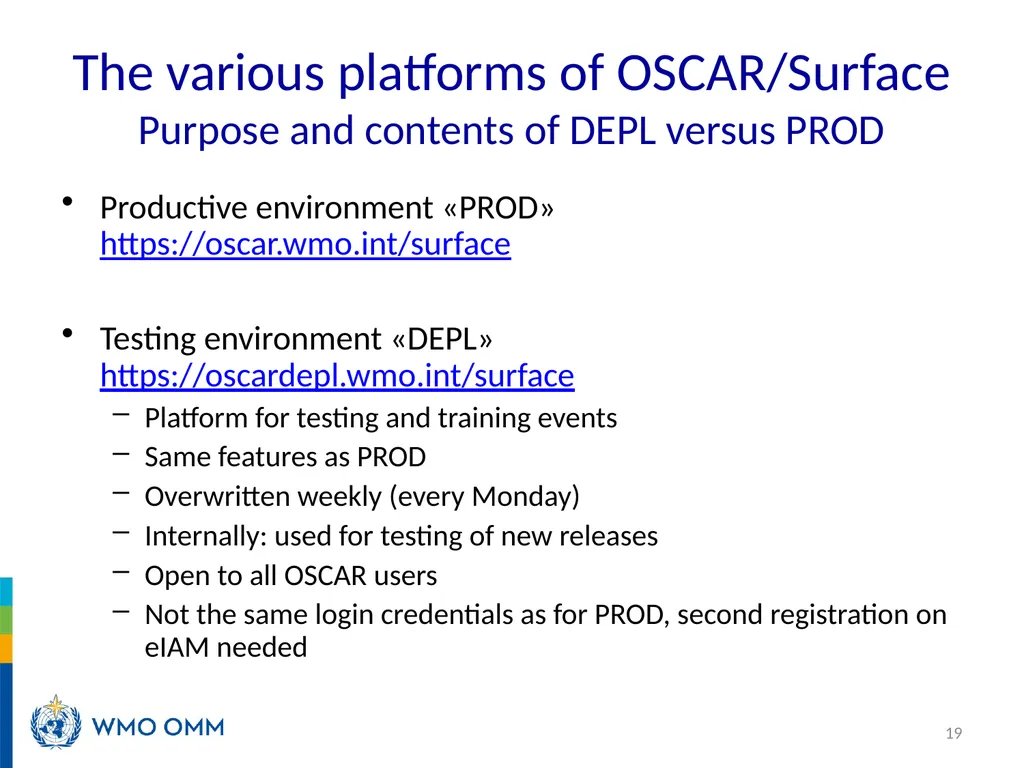
The various platforms of OSCAR/Surface Purpose and contents of DEPL versus PROD Productive environment «PROD» https://oscar.wmo.int/surface
Testing environment «DEPL» https://oscardepl.wmo.int/surface
Platform for testing and training events
Same features as PROD
Overwritten weekly (every Monday)
Internally: used for testing of new releases
Open to all OSCAR users
Not the same login credentials as for PROD, second registration on eIAM needed 19<br>
20
The various platforms of OSCAR/Surface Registration on each platform Registration process on DEPL:
Registration as a contact in OSCAR/Surface
Registered contact on PROD will appear as a contact on DEPL after the next synchronization
Creation of an account on eIAM
Again, by the user before the first login
Same procedure as for PROD 20<br>
21
NFPs on OSCAR/Surface must be registered in WMO Experts Database and in OSCAR/Surface
Registration and nomination in WMO Experts database, https://contacts.wmo.int/ or https://community.wmo.int/ , are done by Members (using agency approver account)
Once a NFP is registered in WMO Experts Database, administrator will register him/her in OSCAR/Surface and he/she will receive a link to complete the registration
NFPs on OSCAR/Surface have access right to update, including register and delete, all stations metadata and users registered in their country
NFPs on OSCAR/Surface can delegate their roles to ME and station contact
ME has the same roles and access rights as NFP, except for deleting/deactivating users
Station contacts can register stations in their country but can only edit their own stations
There are two platforms exists in OSCAR/Surface, which is productive environment, https://oscar.wmo.int/surface/#/ and testing environment, https://oscardepl.wmo.int/surface/#/ Summary and final remarks 21<br>