2025 GRC Presentation Tips Technical Paper PPT Requirements Presentations will be 20 minutes total, including QA (ex. 15 minute presentation and 5 minute QA) All technical presentations must be designed using PowerPoint. 16:9 aspect ratio
"2025 GRC Presentation Tips Technical Paper PPT" is the property of its rightful owner. Permission is granted to
download and print the materials on this website for personal, non-commercial use only, and to display it
on your personal computer provided you do not modify the materials and that you retain all copyright
notices contained in the materials. By downloading content from our website, you accept the terms of this
agreement.
Presentation Transcript
01
2025 GRC Presentation Tips<br>
02
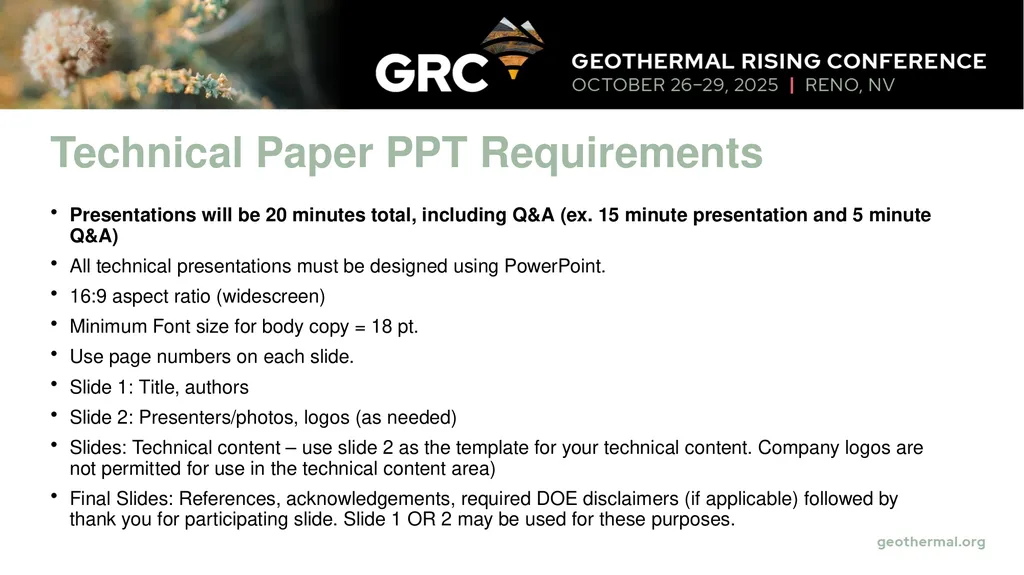
Technical Paper PPT Requirements Presentations will be 20 minutes total, including Q&A (ex. 15 minute presentation and 5 minute Q&A)
All technical presentations must be designed using PowerPoint.
16:9 aspect ratio (widescreen)
Minimum Font size for body copy = 18 pt.
Use page numbers on each slide.
Slide 1: Title, authors
Slide 2: Presenters/photos, logos (as needed)
Slides: Technical content – use slide 2 as the template for your technical content. Company logos are not permitted for use in the technical content area)
Final Slides: References, acknowledgements, required DOE disclaimers (if applicable) followed by thank you for participating slide. Slide 1 OR 2 may be used for these purposes.<br>
03
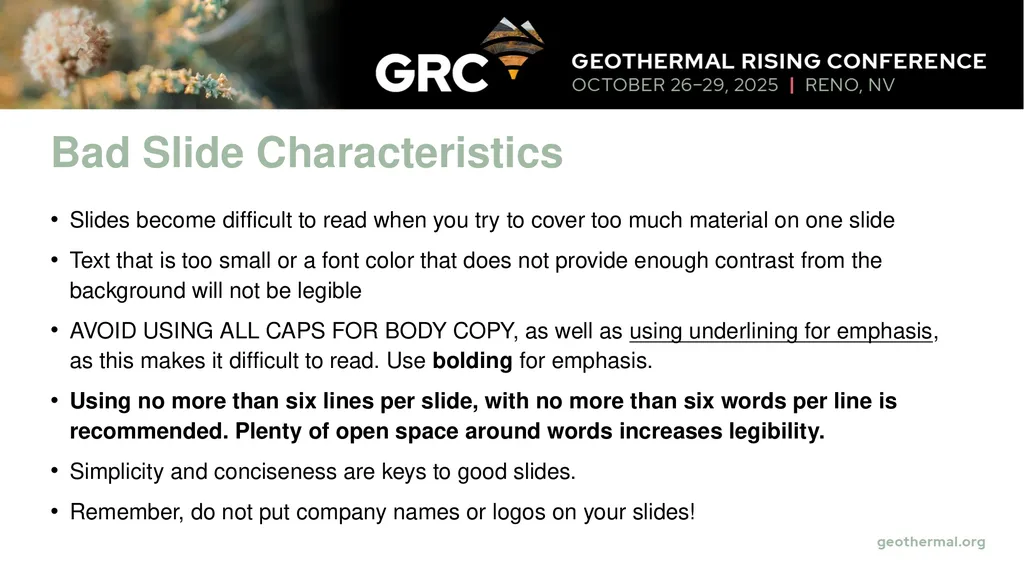
Bad Slide Characteristics Slides become difficult to read when you try to cover too much material on one slide
Text that is too small or a font color that does not provide enough contrast from the background will not be legible
AVOID USING ALL CAPS FOR BODY COPY, as well as using underlining for emphasis, as this makes it difficult to read. Use bolding for emphasis.
Using no more than six lines per slide, with no more than six words per line is recommended. Plenty of open space around words increases legibility.
Simplicity and conciseness are keys to good slides.
Remember, do not put company names or logos on your slides!<br>
04
Good Slide Characteristics Simplicity
Strong color contrast
No more than six lines
Large, readable print<br>
05
Presentation Tips As the person in charge when presenting, it is your job to make your audience feel comfortable and engaged with both you and the material of the presentation.
Mastering the 5 P’s of presentation skills – Preparation, Practice, Performance, Posture, and Pacing – can elevate your public speaking and ensure your message is delivered effectively.<br>
06
The 5 P’s of Presentation Skills Preparation: Set clear goals for your presentation to ensure you are delivering a focused and impactful message. Good preparation involves thoroughly understanding your topic, knowing your audience, and setting clear objectives for your talk.
Practice : It’s not just about memorizing your lines but also about getting comfortable with the flow and structure of your talk. Rehearse your presentation multiple times, ideally in a setting that mimics the actual environment you will be presenting in. This helps in getting used to the timing, transitions, and nuances of your speech.
Performance: Focus on engaging with your audience through eye contact, facial expressions, and gestures. Your aim should be to convey your message with clarity and enthusiasm, keeping your audience interested and involved. Be mindful of your tone and modulation to emphasize key points.<br>
07
The 5 P’s of Presentation Skills Posture: A good posture conveys confidence and helps in maintaining audience engagement. Stand tall, with your feet shoulder-width apart, and avoid slouching. Use hand gestures to emphasize points but avoid excessive movements that can be distracting.
Pacing: Speak clearly and at a pace that allows your audience to easily follow along. Utilize pauses effectively to emphasize points and to allow your audience time to absorb the information. A well-paced presentation helps in maintaining audience engagement.<br>
08
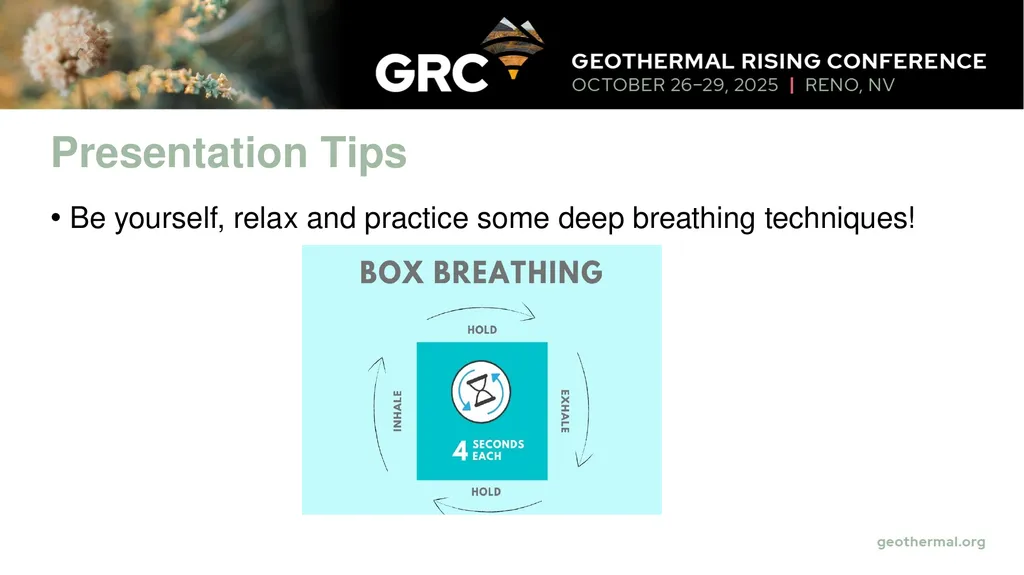
Presentation Tips Be yourself, relax and practice some deep breathing techniques!<br>