Active Learning with Tech Tools Engaging Students
Description: Active Learning with Tech Tools Engaging Students Through Interactive Technology What is Active Learning? Active learning involves students in activities that require them to think about and engage with content. - Promotes critical thinking

Related Topics
Download Presentation
"Active Learning with Tech Tools Engaging Students" is the property of its rightful owner. Permission is granted to download and print the materials on this website for personal, non-commercial use only, and to display it on your personal computer provided you do not modify the materials and that you retain all copyright notices contained in the materials. By downloading content from our website, you accept the terms of this agreement.
Presentation Transcript
slide1. Active Learning with Tech Tools Engaging Students Through Interactive Technology<br>

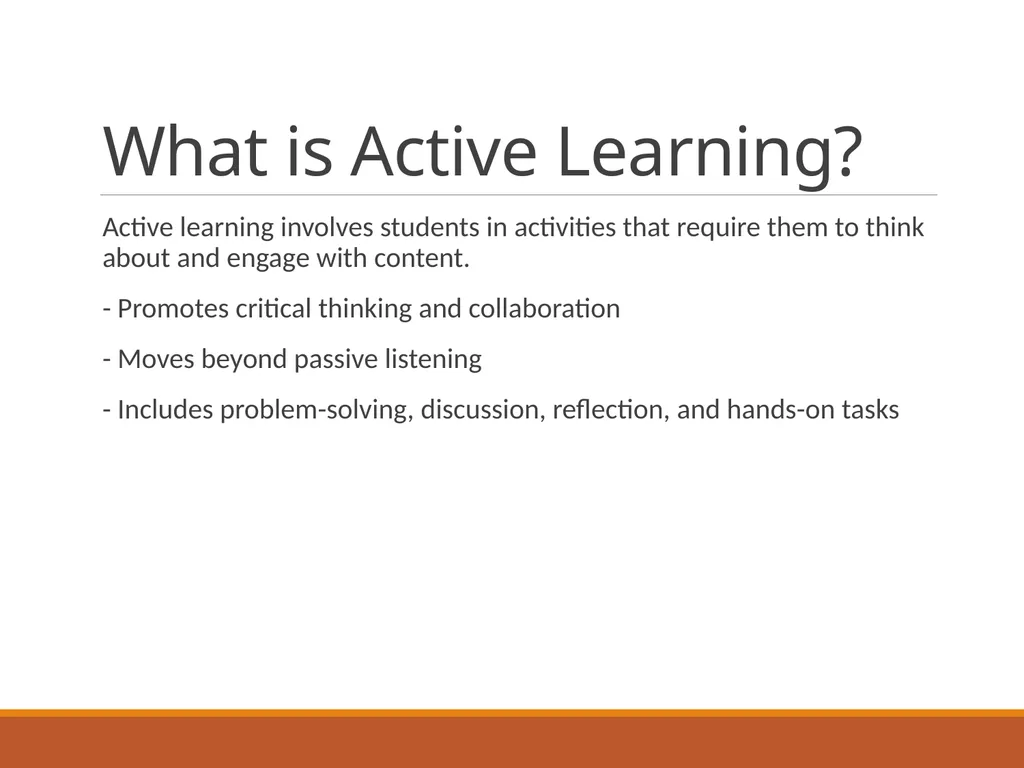
slide2. What is Active Learning? Active learning involves students in activities that require them to think about and engage with content.
- Promotes critical thinking and collaboration
- Moves beyond passive listening
- Includes problem-solving, discussion, reflection, and hands-on tasks<br>
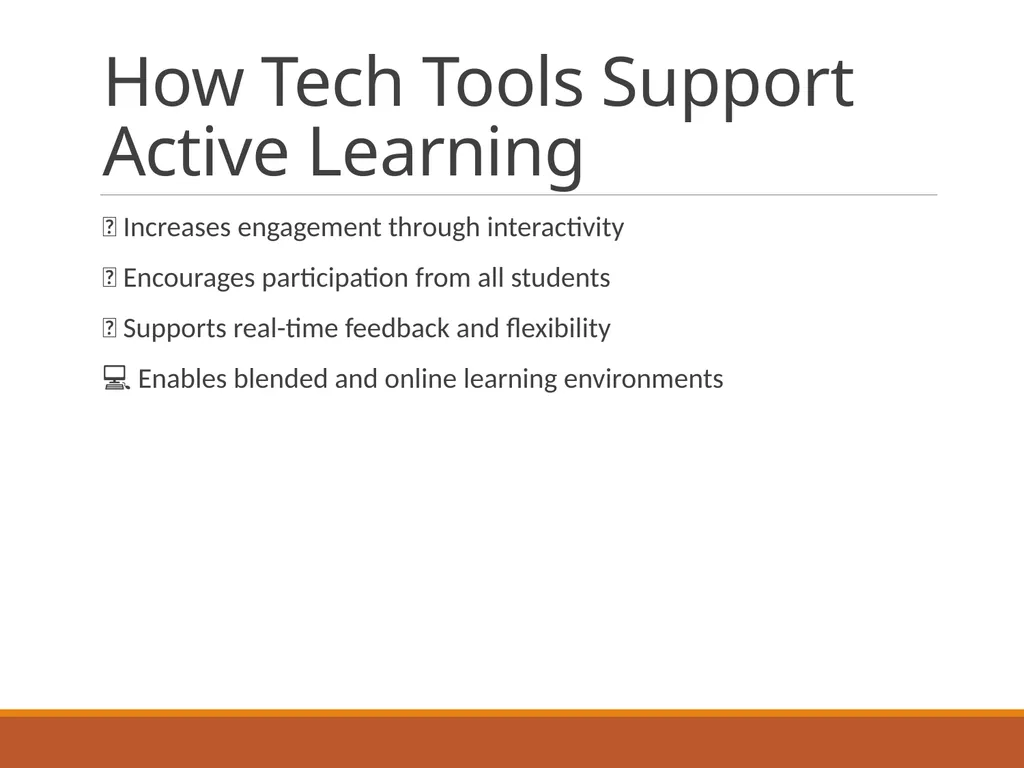
slide3. How Tech Tools Support Active Learning š± Increases engagement through interactivity
š§ Encourages participation from all students
š Supports real-time feedback and flexibility
š» Enables blended and online learning environments<br>
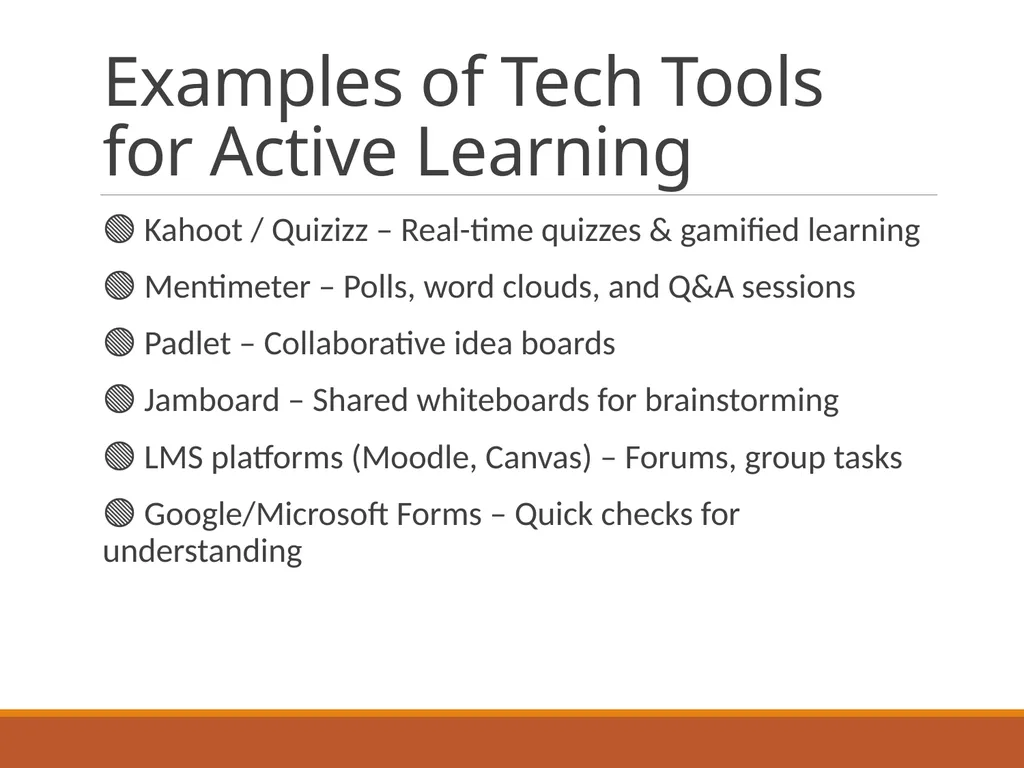
slide4. Examples of Tech Tools for Active Learning š¢ Kahoot / Quizizz ā Real-time quizzes & gamified learning
š¢ Mentimeter ā Polls, word clouds, and Q&A sessions
š¢ Padlet ā Collaborative idea boards
š¢ Jamboard ā Shared whiteboards for brainstorming
š¢ LMS platforms (Moodle, Canvas) ā Forums, group tasks
š¢ Google/Microsoft Forms ā Quick checks for understanding<br>
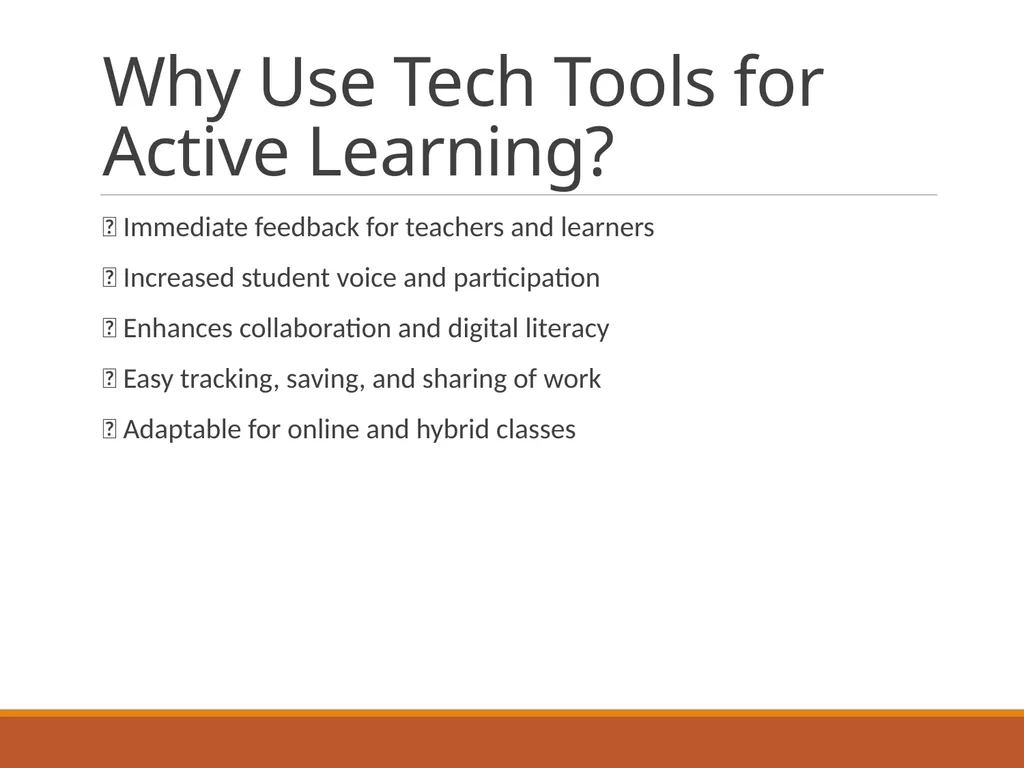
slide5. Why Use Tech Tools for Active Learning? ā Immediate feedback for teachers and learners
ā Increased student voice and participation
ā Enhances collaboration and digital literacy
ā Easy tracking, saving, and sharing of work
ā Adaptable for online and hybrid classes<br>
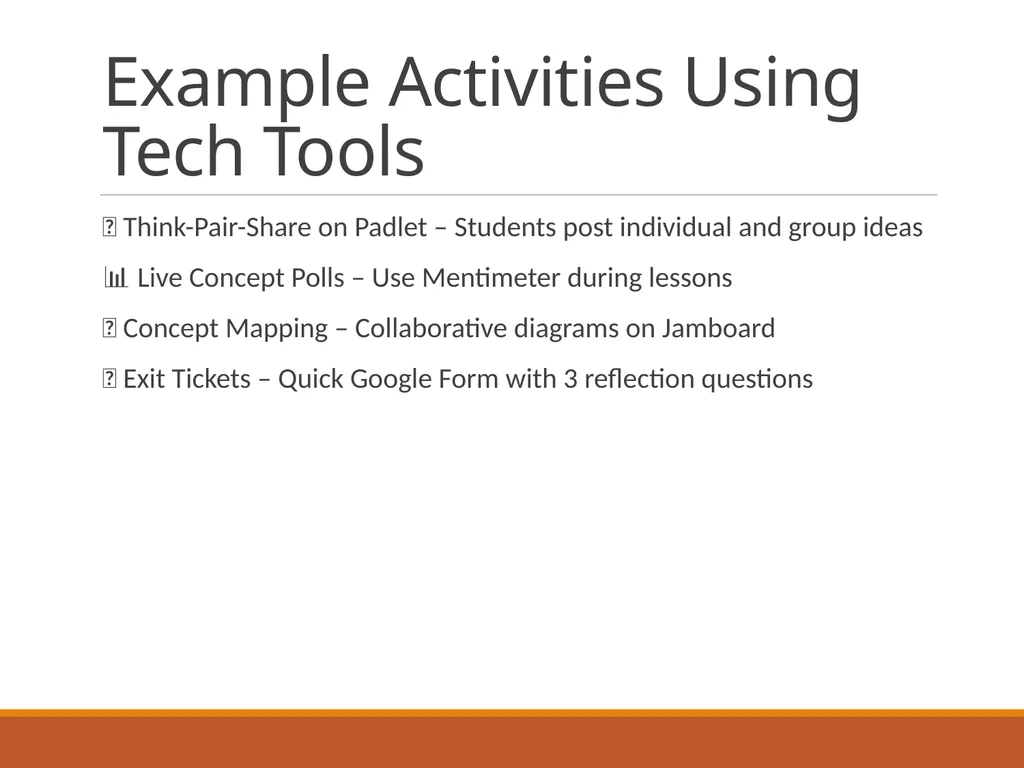
slide6. Example Activities Using Tech Tools š¬ Think-Pair-Share on Padlet ā Students post individual and group ideas
š Live Concept Polls ā Use Mentimeter during lessons
š§ Concept Mapping ā Collaborative diagrams on Jamboard
ā Exit Tickets ā Quick Google Form with 3 reflection questions<br>
slide2. What is Active Learning? Active learning involves students in activities that require them to think about and engage with content.
- Promotes critical thinking and collaboration
- Moves beyond passive listening
- Includes problem-solving, discussion, reflection, and hands-on tasks<br>
slide3. How Tech Tools Support Active Learning š± Increases engagement through interactivity
š§ Encourages participation from all students
š Supports real-time feedback and flexibility
š» Enables blended and online learning environments<br>
slide4. Examples of Tech Tools for Active Learning š¢ Kahoot / Quizizz ā Real-time quizzes & gamified learning
š¢ Mentimeter ā Polls, word clouds, and Q&A sessions
š¢ Padlet ā Collaborative idea boards
š¢ Jamboard ā Shared whiteboards for brainstorming
š¢ LMS platforms (Moodle, Canvas) ā Forums, group tasks
š¢ Google/Microsoft Forms ā Quick checks for understanding<br>
slide5. Why Use Tech Tools for Active Learning? ā Immediate feedback for teachers and learners
ā Increased student voice and participation
ā Enhances collaboration and digital literacy
ā Easy tracking, saving, and sharing of work
ā Adaptable for online and hybrid classes<br>
slide6. Example Activities Using Tech Tools š¬ Think-Pair-Share on Padlet ā Students post individual and group ideas
š Live Concept Polls ā Use Mentimeter during lessons
š§ Concept Mapping ā Collaborative diagrams on Jamboard
ā Exit Tickets ā Quick Google Form with 3 reflection questions<br>