ALU Design CS3410 ALU Overview Arithmetic Logic Unit Core of integer data path 2 operands, 32-bits wide, plus control signals Mechanism Implements add, sub, or, and, shift-left, right-shift Computes many results in parallel Control mux
"ALU Design CS3410 ALU Overview Arithmetic Logic" is the property of its rightful owner. Permission is granted to
download and print the materials on this website for personal, non-commercial use only, and to display it
on your personal computer provided you do not modify the materials and that you retain all copyright
notices contained in the materials. By downloading content from our website, you accept the terms of this
agreement.
Presentation Transcript
01
ALU Design CS3410<br>
02
ALU Overview Arithmetic Logic Unit
Core of integer data path
2 operands, 32-bits wide, plus control signals<br>
03
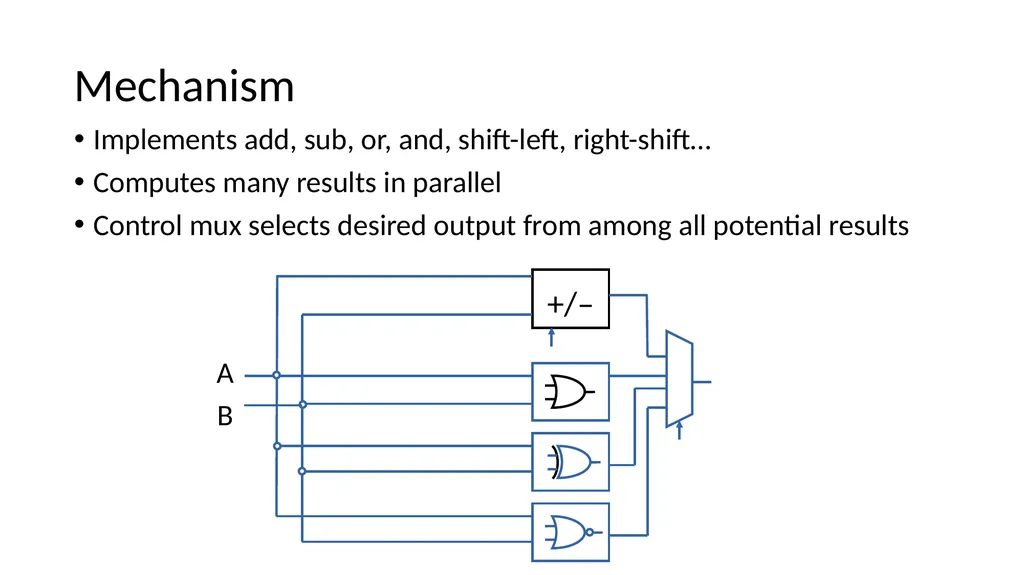
Mechanism Implements add, sub, or, and, shift-left, right-shift…
Computes many results in parallel
Control mux selects desired output from among all potential results A B<br>
04
Requirements You can only use the following Logisim elements:
Anything in the Wiring folder (pins, splitters, probes, tunnels, etc.)
Anything in the Base folder (wires, text, etc.)
Anything in the Gates folder except for the even parity, odd parity, and controlled buffer elements.
Anything in the Plexers folder.<br>
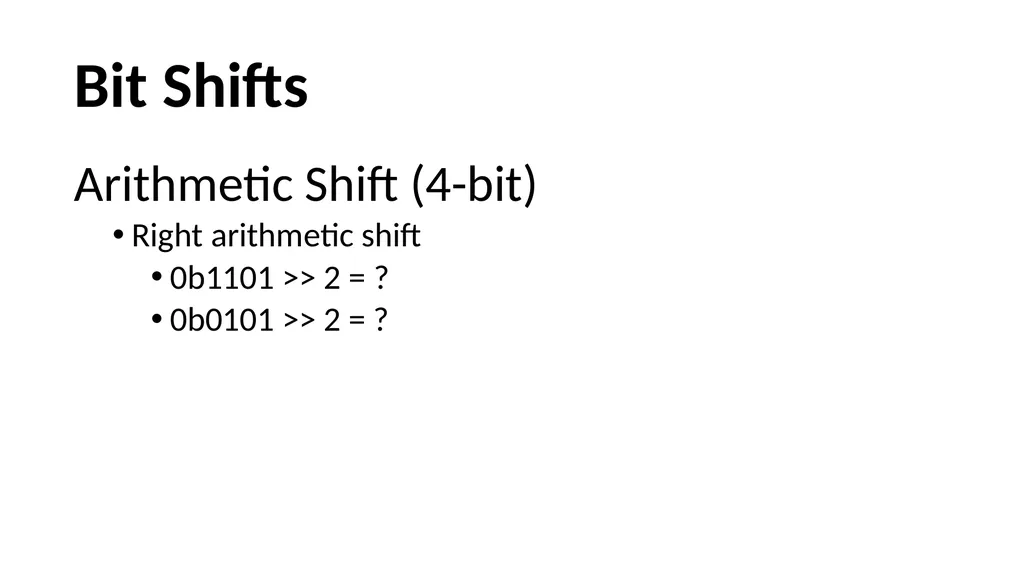
Bit Shifts Arithmetic Shift (4-bit)
Right arithmetic shift
0b1101 >> 2 = ?
0b0101 >> 2 = ?<br>
08
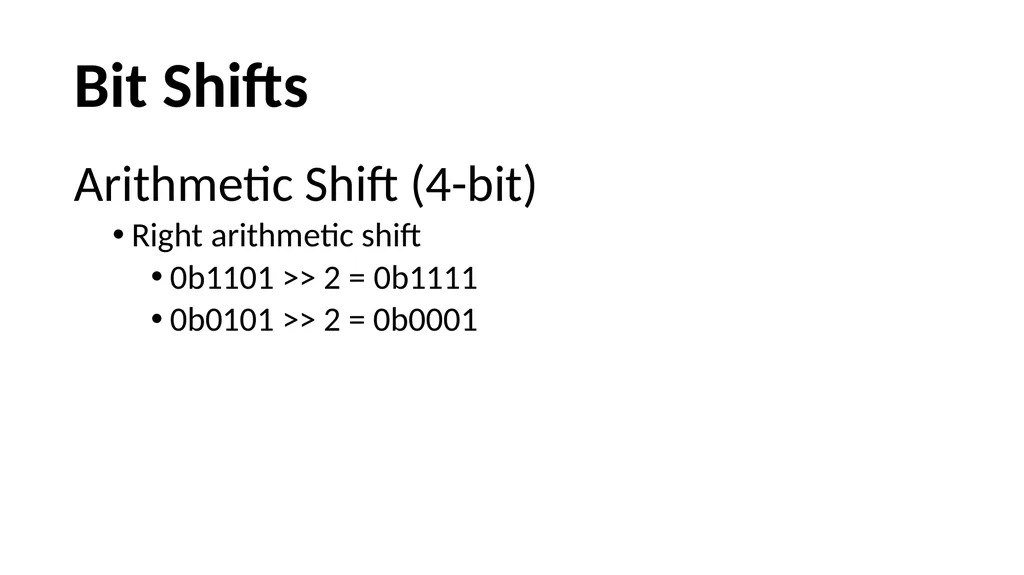
Arithmetic Shift (4-bit)
Right arithmetic shift
0b1101 >> 2 = 0b1111
0b0101 >> 2 = 0b0001 Bit Shifts<br>
09
Basic ALU(2-bit) Note: the two inputs to the adder here for the ALU are NOT signed two's complement numbers. This is different from the requirements listed on the webpage of Lab1. Logisim Example<br>
10
Test Vectors Logisim Example Note: the two inputs to the adder here for the ALU are NOT signed two's complement numbers. This is different from the requirements listed on the webpage of Lab1.<br>
11
What to Submit? README file
Logisim Project file
Three ascii text files containing test vectors
Design documentation
Please read the webpage of Lab1 for detailed information.<br>
12
Lab 1 Dos Best Practices: http://www.cs.cornell.edu/Courses/cs3410/2015fa/labs/logisim_design.html
DO get started early.
DO write your test cases first.
DO use labels to make your circuit readable and executable.
Using labels in the correct way is very very very important. Do not use text boxes to label elements, use the Label option to label them.
DO make sure that the inputs and outputs are positioned correctly.
Data flows left-to-right.
Inputs on the left, outputs on the right.
DO test each component independently.
DO use version control and backup your circuit.<br>
13
Lab 1 Don’ts Points will be take off for DON’Ts
DON’T use tunnels excessively.
DON’T forget to label your inputs and outputs correctly.
The labels are case-sensitive.
DON’T use gates with more number of inputs than necessary.
DON’T forget to test.
DON’T include circuits from different files.
Use subcircuits like we did in Lab0.
Ensure that you do not have external file dependencies.<br>
14
Version Control You can use Git and Github to keep track of revisions of your circuit file.
If using an online repository you MUST make it private. Github (https://education.github.com) and Bitbucket (https://bitbucket.org) allow for free repos.
To learn how to use Git see http://git-scm.com/docs/gittutorial
Logisim and Git sometimes don’t work well together when merging, be careful and check files carefully while merging.<br>