
Annual Inspection Certification Program (AIC)
MJ
Published · 30 slides · 0 views
1 / 1
Description
Annual Inspection Certification Program (AIC) Jacinta Wong 2018 PARTICIPATION All Central Business District properties Sister Agencies Opted in properties outside the CBD Other Mandated Buildings INSPECTORS AIC Inspectors Annual
Related Topics
Share
Embed code
Download this presentation From Below
"Annual Inspection Certification Program (AIC)" is the property of its rightful owner. Permission is granted to download and print the materials on this website for personal, non-commercial use only, and to display it on your personal computer provided you do not modify the materials and that you retain all copyright notices contained in the materials. By downloading content from our website, you accept the terms of this agreement.
Presentation Transcript
01
Annual
Inspection
Certification
Program
(AIC)
Jacinta Wong 2018<br>
Inspection
Certification
Program
(AIC)
Jacinta Wong 2018<br>
02
PARTICIPATION All Central Business District properties
Sister Agencies
Opted – in properties outside the CBD
Other Mandated Buildings<br>
Sister Agencies
Opted – in properties outside the CBD
Other Mandated Buildings<br>
03
INSPECTORS AIC Inspectors
Annual inspections conducted by independent third-party State of Illinois licensed inspectors working for a state licensed inspection company registered with City of Chicago AIC program<br>
Annual inspections conducted by independent third-party State of Illinois licensed inspectors working for a state licensed inspection company registered with City of Chicago AIC program<br>
04
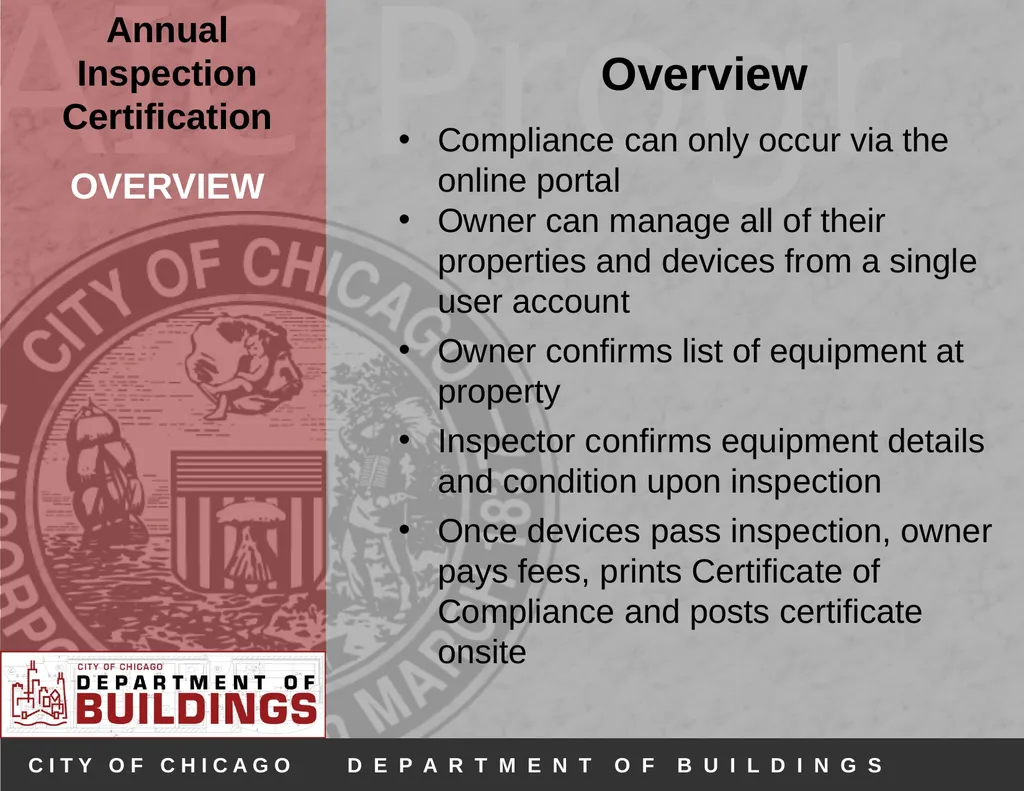
OVERVIEW Overview
Compliance can only occur via the online portal
Owner can manage all of their properties and devices from a single user account
Owner confirms list of equipment at property
Inspector confirms equipment details and condition upon inspection
Once devices pass inspection, owner pays fees, prints Certificate of Compliance and posts certificate onsite<br>
Compliance can only occur via the online portal
Owner can manage all of their properties and devices from a single user account
Owner confirms list of equipment at property
Inspector confirms equipment details and condition upon inspection
Once devices pass inspection, owner pays fees, prints Certificate of Compliance and posts certificate onsite<br>
05
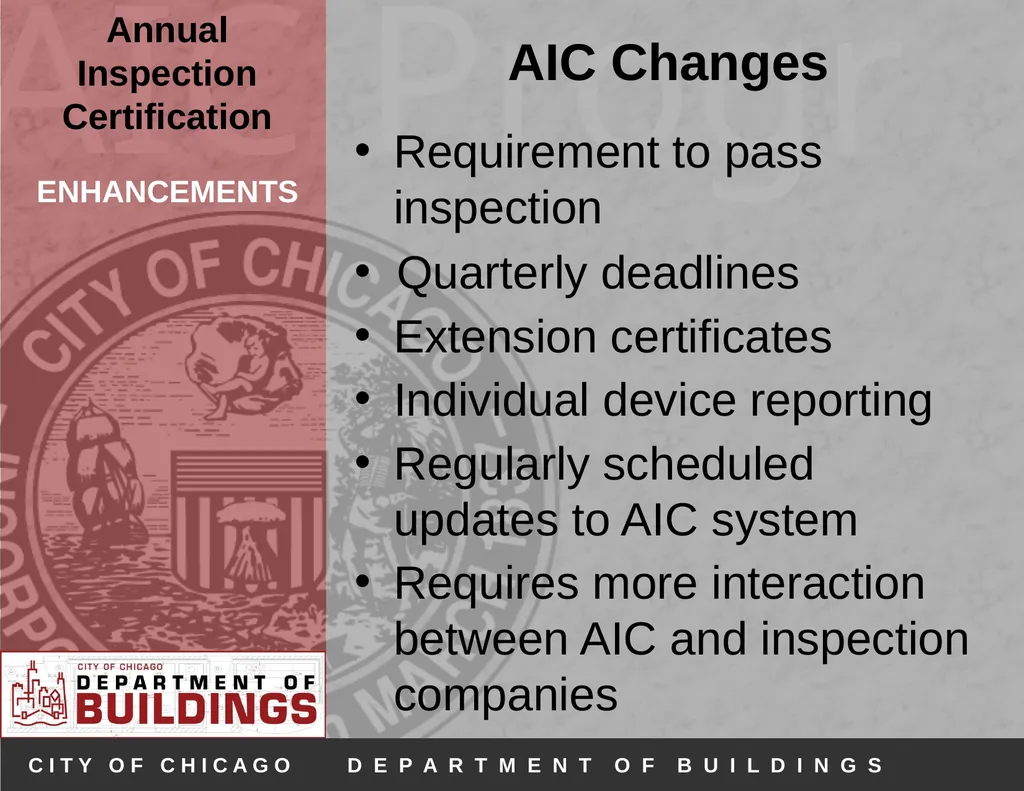
ENHANCEMENTS AIC Changes
Requirement to pass inspection
Quarterly deadlines
Extension certificates
Individual device reporting
Regularly scheduled updates to AIC system
Requires more interaction between AIC and inspection companies<br>
Requirement to pass inspection
Quarterly deadlines
Extension certificates
Individual device reporting
Regularly scheduled updates to AIC system
Requires more interaction between AIC and inspection companies<br>
06
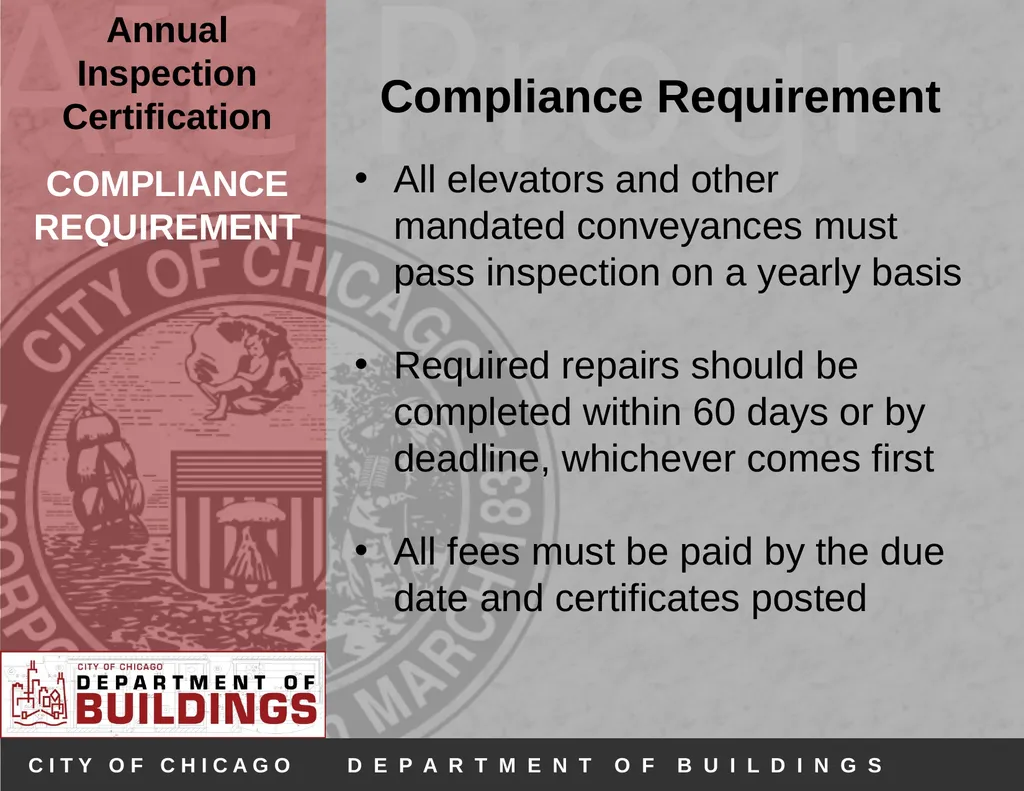
COMPLIANCE REQUIREMENT Compliance Requirement
All elevators and other mandated conveyances must pass inspection on a yearly basis
Required repairs should be completed within 60 days or by deadline, whichever comes first
All fees must be paid by the due date and certificates posted<br>
All elevators and other mandated conveyances must pass inspection on a yearly basis
Required repairs should be completed within 60 days or by deadline, whichever comes first
All fees must be paid by the due date and certificates posted<br>
07
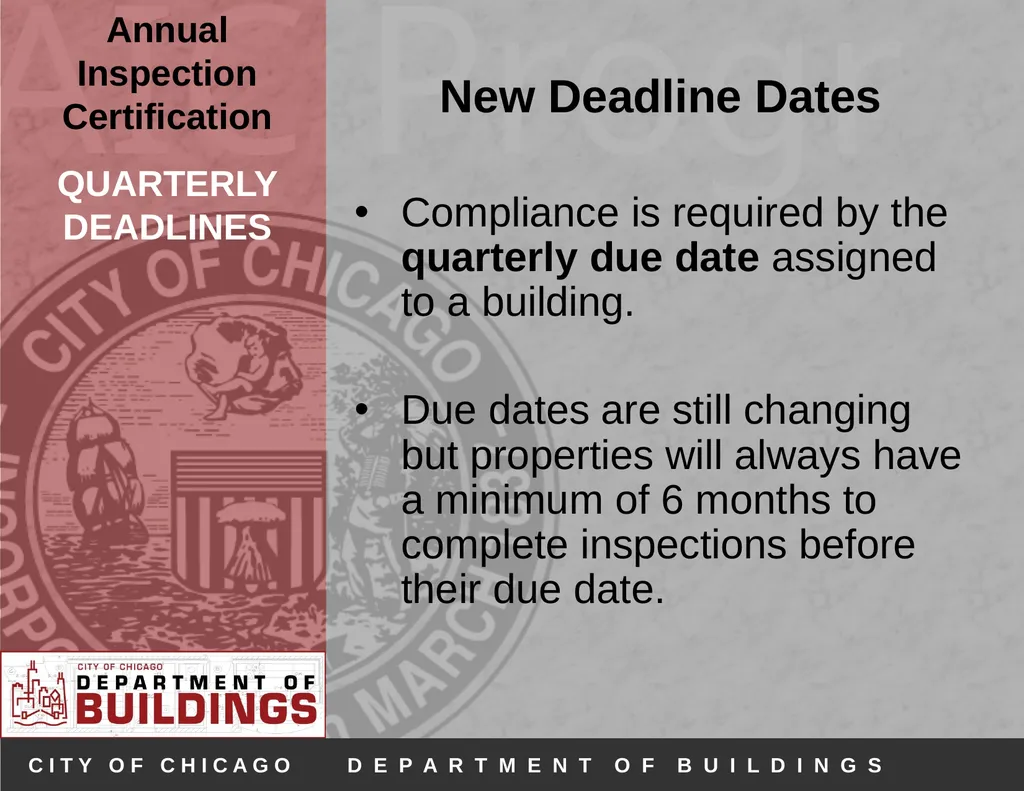
QUARTERLY DEADLINES New Deadline Dates
Compliance is required by the quarterly due date assigned to a building.
Due dates are still changing but properties will always have a minimum of 6 months to complete inspections before their due date.<br>
Compliance is required by the quarterly due date assigned to a building.
Due dates are still changing but properties will always have a minimum of 6 months to complete inspections before their due date.<br>
08
EXTENSION CERTIFICATES Extension Certificates
May be requested if device fails initial inspection and compliance is not possible before due date.
Extension certificate will grant property an additional 60 days past the original due date to bring device into compliance.
Additional fees will apply and must be paid for before the due date.<br>
May be requested if device fails initial inspection and compliance is not possible before due date.
Extension certificate will grant property an additional 60 days past the original due date to bring device into compliance.
Additional fees will apply and must be paid for before the due date.<br>
09
DEVICE ACCOUNTS Multiple Device Accounts
Multiple user accounts can be created to manage different building devices within a single property.
All devices within a building must be on the property account no matter who owns or manages the devices<br>
Multiple user accounts can be created to manage different building devices within a single property.
All devices within a building must be on the property account no matter who owns or manages the devices<br>
10
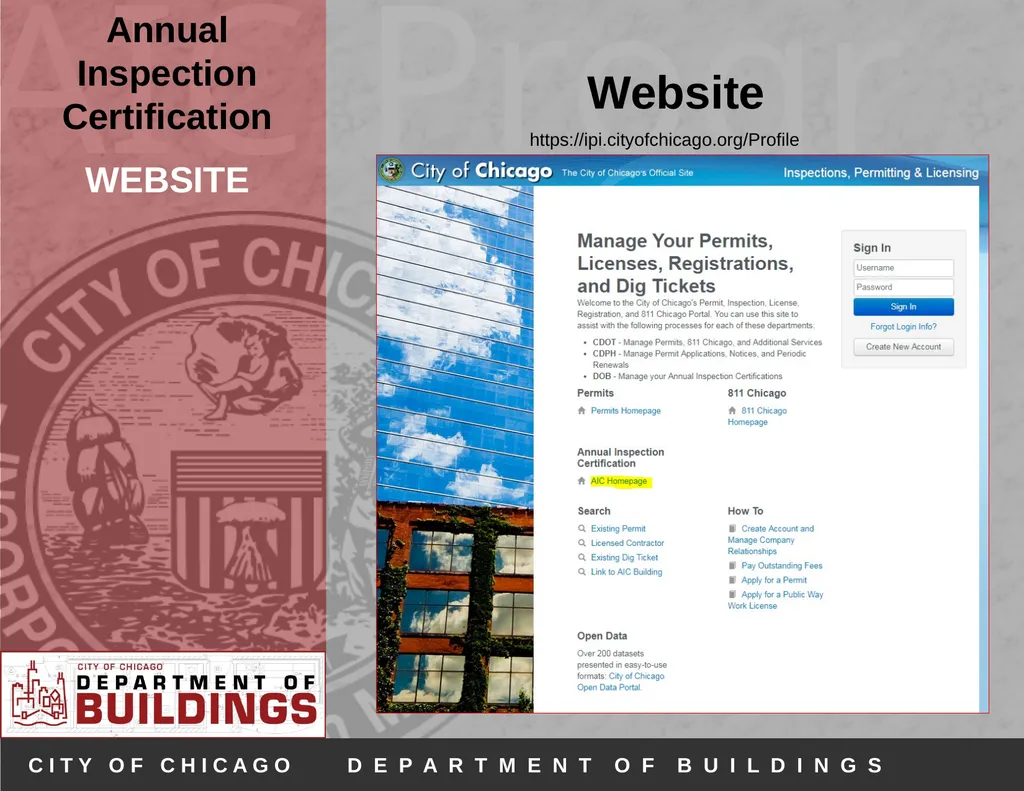
WEBSITE Website https://ipi.cityofchicago.org/Profile<br>
11
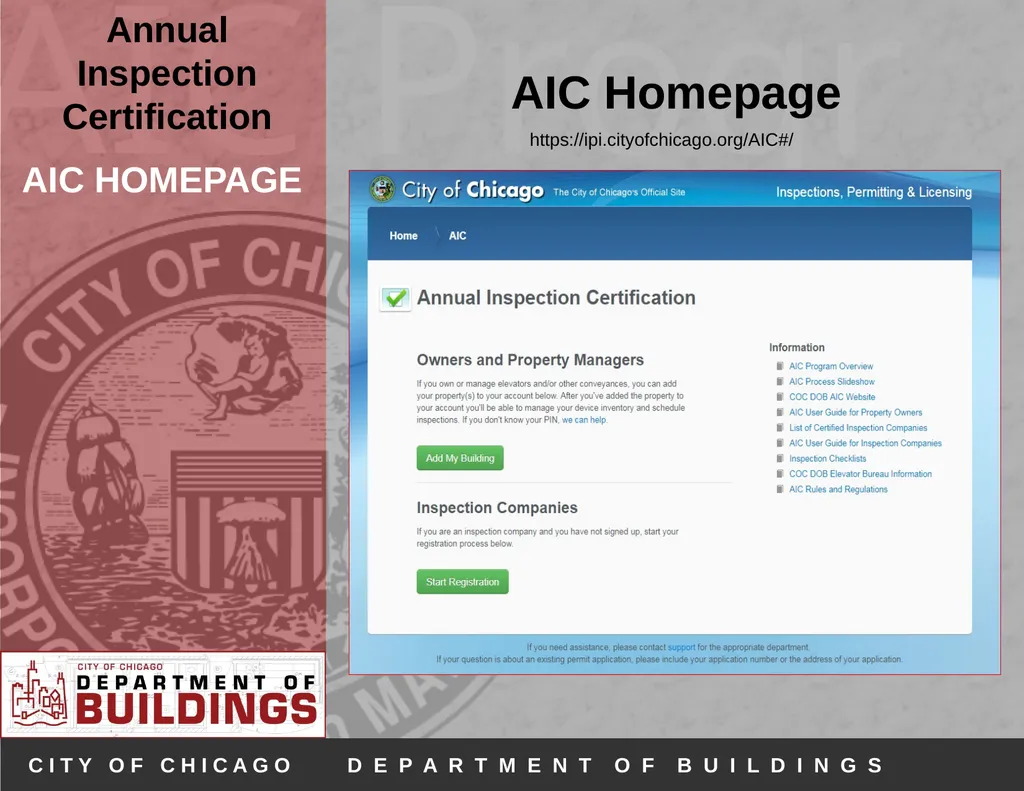
AIC HOMEPAGE AIC Homepage https://ipi.cityofchicago.org/AIC#/<br>
12
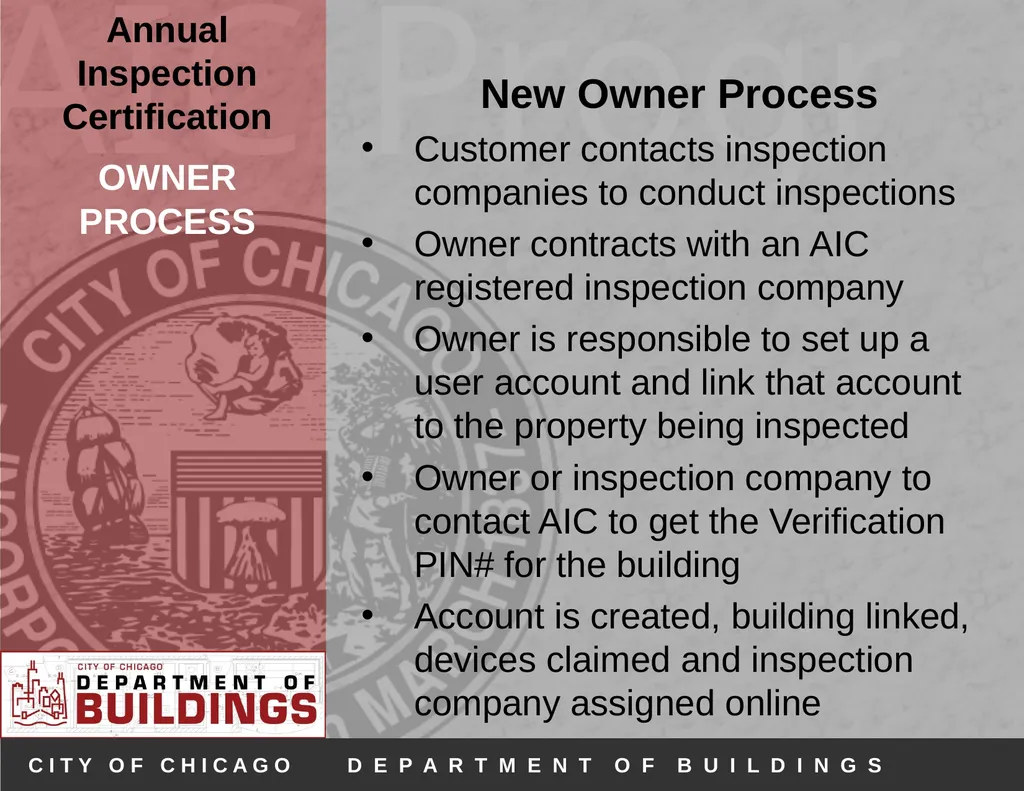
OWNER PROCESS New Owner Process
Customer contacts inspection companies to conduct inspections
Owner contracts with an AIC registered inspection company
Owner is responsible to set up a user account and link that account to the property being inspected
Owner or inspection company to contact AIC to get the Verification PIN# for the building
Account is created, building linked, devices claimed and inspection company assigned online<br>
Customer contacts inspection companies to conduct inspections
Owner contracts with an AIC registered inspection company
Owner is responsible to set up a user account and link that account to the property being inspected
Owner or inspection company to contact AIC to get the Verification PIN# for the building
Account is created, building linked, devices claimed and inspection company assigned online<br>
13
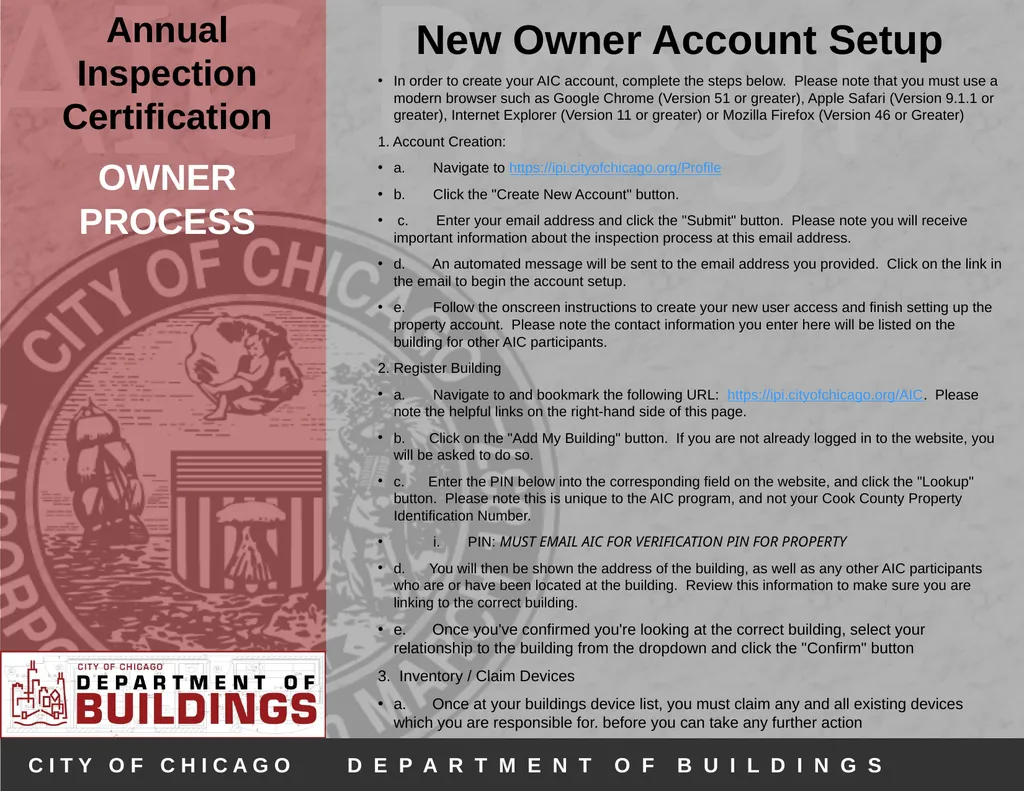
OWNER PROCESS New Owner Account Setup
In order to create your AIC account, complete the steps below. Please note that you must use a modern browser such as Google Chrome (Version 51 or greater), Apple Safari (Version 9.1.1 or greater), Internet Explorer (Version 11 or greater) or Mozilla Firefox (Version 46 or Greater)
1. Account Creation:
a. Navigate to https://ipi.cityofchicago.org/Profile
b. Click the "Create New Account" button.
c. Enter your email address and click the "Submit" button. Please note you will receive important information about the inspection process at this email address.
d. An automated message will be sent to the email address you provided. Click on the link in the email to begin the account setup.
e. Follow the onscreen instructions to create your new user access and finish setting up the property account. Please note the contact information you enter here will be listed on the building for other AIC participants.
2. Register Building
a. Navigate to and bookmark the following URL: https://ipi.cityofchicago.org/AIC. Please note the helpful links on the right-hand side of this page.
b. Click on the "Add My Building" button. If you are not already logged in to the website, you will be asked to do so.
c. Enter the PIN below into the corresponding field on the website, and click the "Lookup" button. Please note this is unique to the AIC program, and not your Cook County Property Identification Number.
i. PIN: MUST EMAIL AIC FOR VERIFICATION PIN FOR PROPERTY
d. You will then be shown the address of the building, as well as any other AIC participants who are or have been located at the building. Review this information to make sure you are linking to the correct building.
e. Once you've confirmed you're looking at the correct building, select your relationship to the building from the dropdown and click the "Confirm" button
3. Inventory / Claim Devices
a. Once at your buildings device list, you must claim any and all existing devices which you are responsible for. before you can take any further action<br>
In order to create your AIC account, complete the steps below. Please note that you must use a modern browser such as Google Chrome (Version 51 or greater), Apple Safari (Version 9.1.1 or greater), Internet Explorer (Version 11 or greater) or Mozilla Firefox (Version 46 or Greater)
1. Account Creation:
a. Navigate to https://ipi.cityofchicago.org/Profile
b. Click the "Create New Account" button.
c. Enter your email address and click the "Submit" button. Please note you will receive important information about the inspection process at this email address.
d. An automated message will be sent to the email address you provided. Click on the link in the email to begin the account setup.
e. Follow the onscreen instructions to create your new user access and finish setting up the property account. Please note the contact information you enter here will be listed on the building for other AIC participants.
2. Register Building
a. Navigate to and bookmark the following URL: https://ipi.cityofchicago.org/AIC. Please note the helpful links on the right-hand side of this page.
b. Click on the "Add My Building" button. If you are not already logged in to the website, you will be asked to do so.
c. Enter the PIN below into the corresponding field on the website, and click the "Lookup" button. Please note this is unique to the AIC program, and not your Cook County Property Identification Number.
i. PIN: MUST EMAIL AIC FOR VERIFICATION PIN FOR PROPERTY
d. You will then be shown the address of the building, as well as any other AIC participants who are or have been located at the building. Review this information to make sure you are linking to the correct building.
e. Once you've confirmed you're looking at the correct building, select your relationship to the building from the dropdown and click the "Confirm" button
3. Inventory / Claim Devices
a. Once at your buildings device list, you must claim any and all existing devices which you are responsible for. before you can take any further action<br>
14
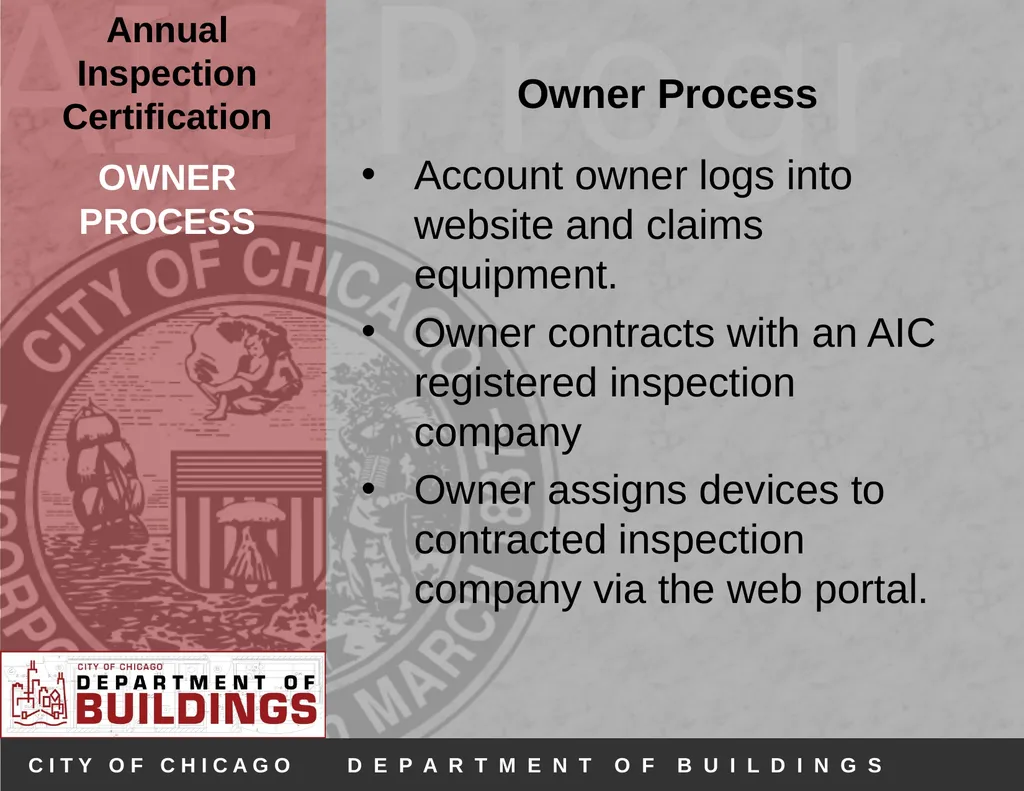
OWNER PROCESS Owner Process
Account owner logs into website and claims equipment.
Owner contracts with an AIC registered inspection company
Owner assigns devices to contracted inspection company via the web portal.<br>
Account owner logs into website and claims equipment.
Owner contracts with an AIC registered inspection company
Owner assigns devices to contracted inspection company via the web portal.<br>
15
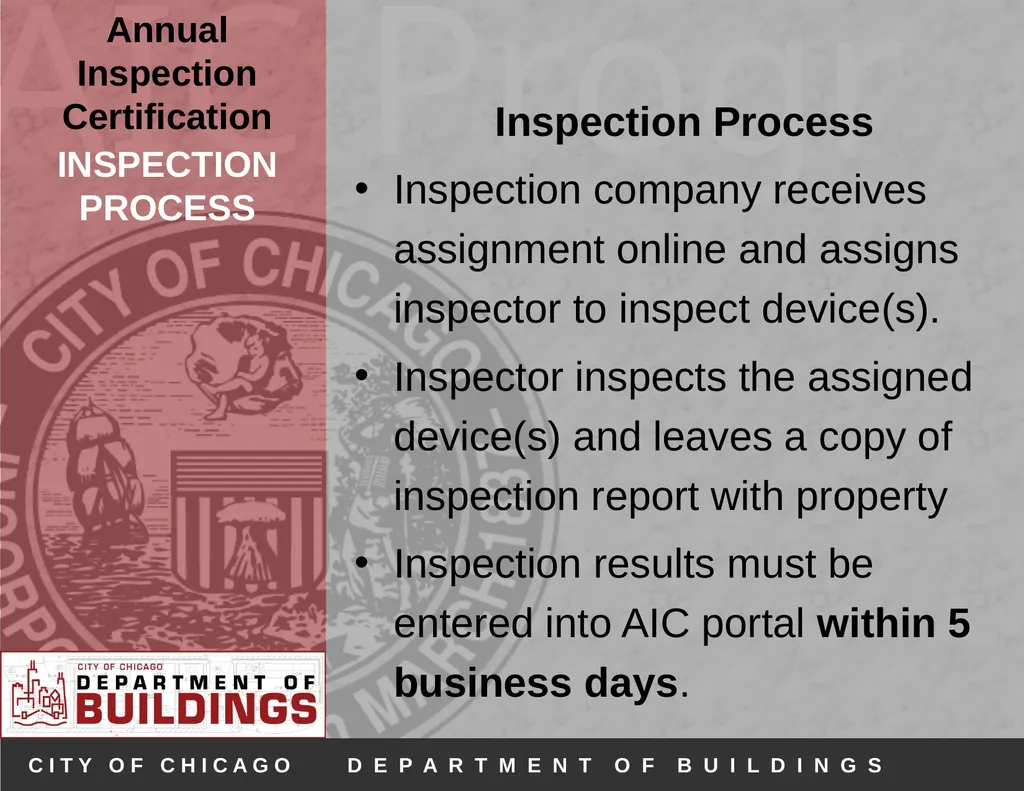
INSPECTION PROCESS Inspection Process
Inspection company receives assignment online and assigns inspector to inspect device(s).
Inspector inspects the assigned device(s) and leaves a copy of inspection report with property
Inspection results must be entered into AIC portal within 5 business days.<br>
Inspection company receives assignment online and assigns inspector to inspect device(s).
Inspector inspects the assigned device(s) and leaves a copy of inspection report with property
Inspection results must be entered into AIC portal within 5 business days.<br>
16
INSPECTION PROCESS When can inspections occur?
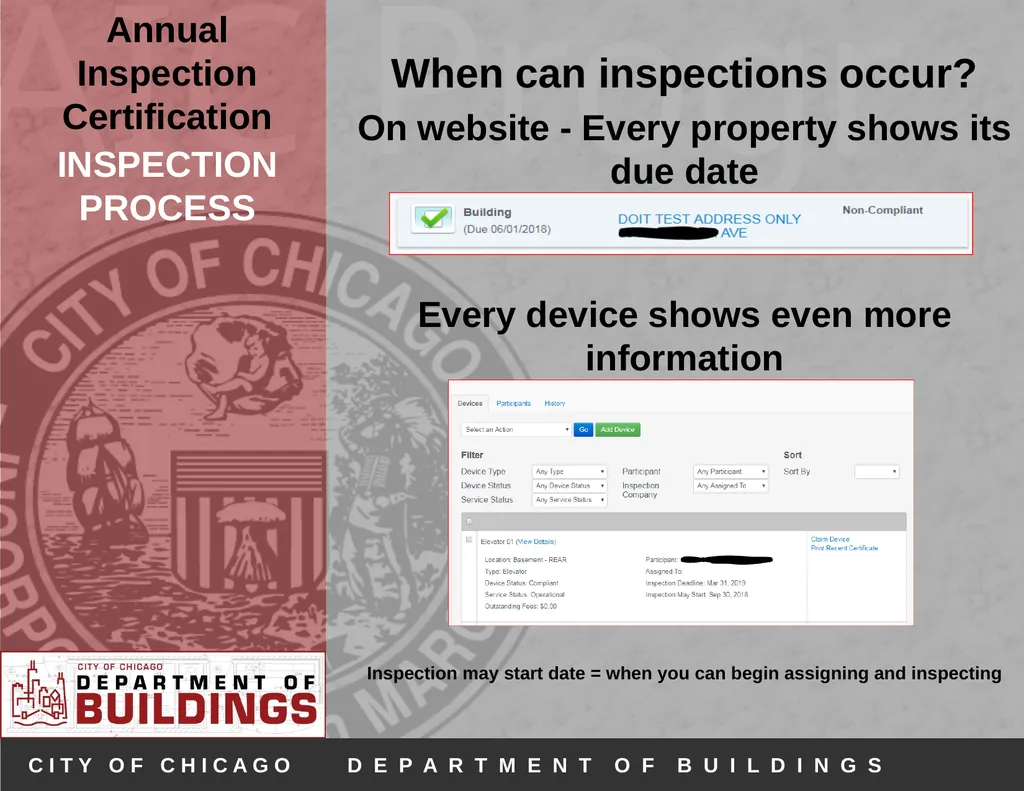
On website - Every property shows its due date
Every device shows even more information
Inspection may start date = when you can begin assigning and inspecting<br>
On website - Every property shows its due date
Every device shows even more information
Inspection may start date = when you can begin assigning and inspecting<br>
17
RESULTING PROCESS
(PASSED) Resulting Process - Passed
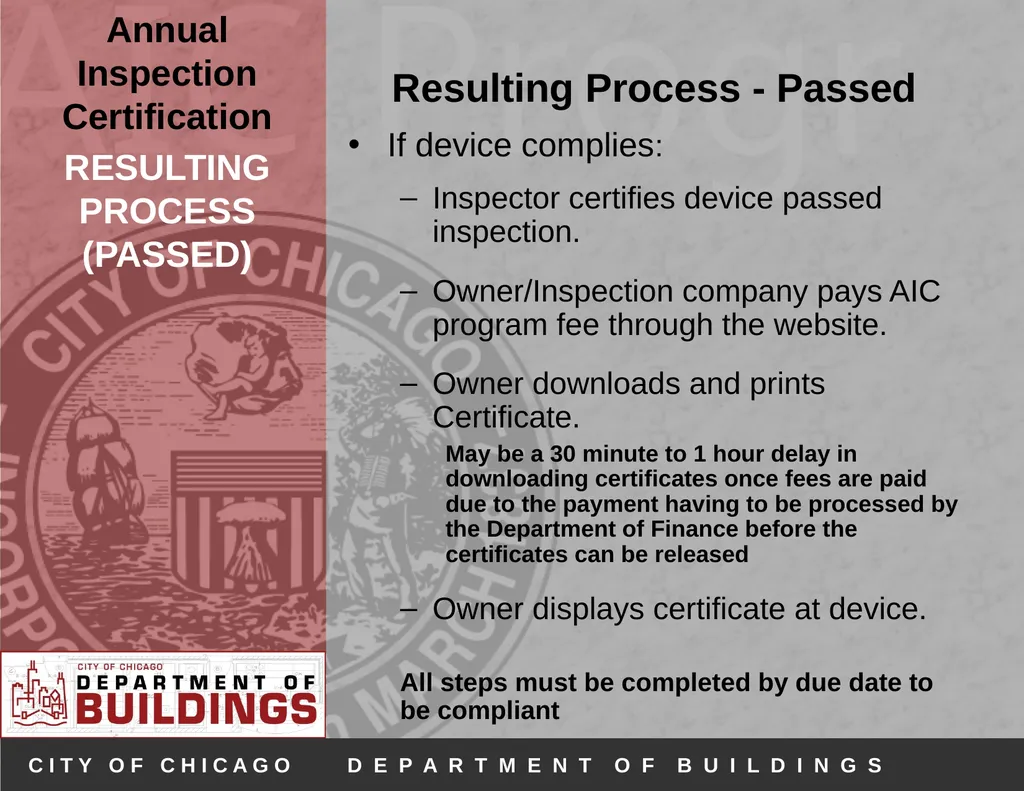
If device complies:
Inspector certifies device passed inspection.
Owner/Inspection company pays AIC program fee through the website.
Owner downloads and prints Certificate.
May be a 30 minute to 1 hour delay in downloading certificates once fees are paid due to the payment having to be processed by the Department of Finance before the certificates can be released
Owner displays certificate at device.
All steps must be completed by due date to be compliant<br>
(PASSED) Resulting Process - Passed
If device complies:
Inspector certifies device passed inspection.
Owner/Inspection company pays AIC program fee through the website.
Owner downloads and prints Certificate.
May be a 30 minute to 1 hour delay in downloading certificates once fees are paid due to the payment having to be processed by the Department of Finance before the certificates can be released
Owner displays certificate at device.
All steps must be completed by due date to be compliant<br>
18
RESULTING PROCESS
FAILED:
MINOR REPAIRS Resulting Process –
Failed (Minor Repairs)
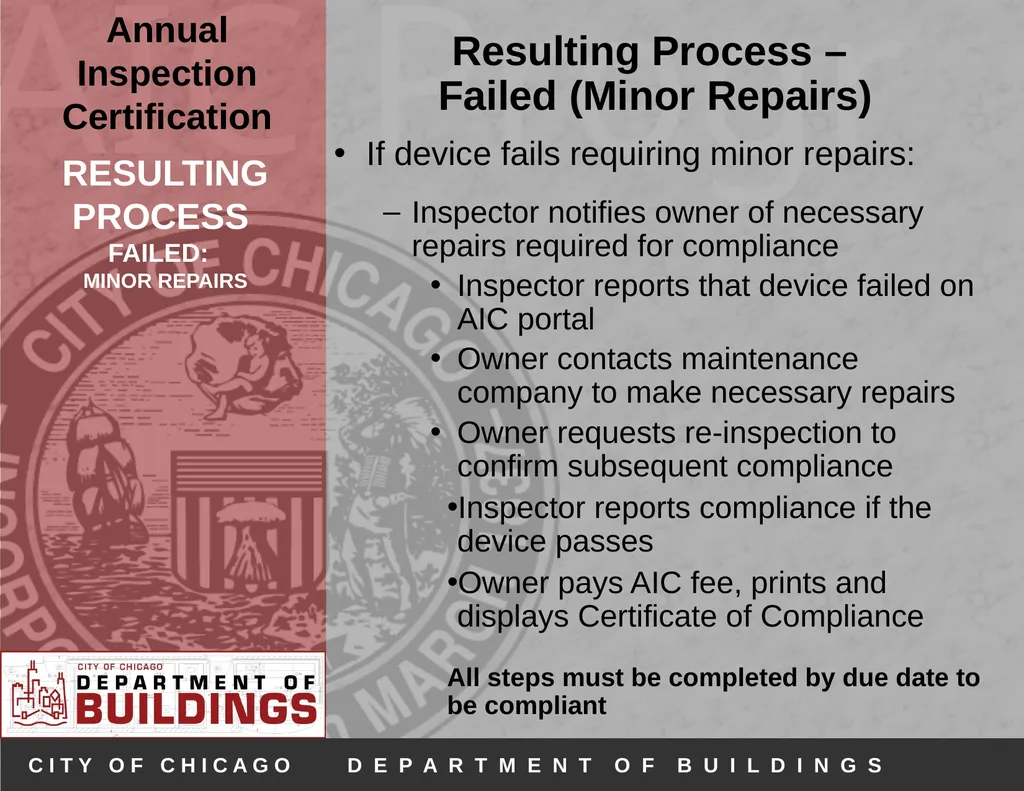
If device fails requiring minor repairs:
Inspector notifies owner of necessary repairs required for compliance
Inspector reports that device failed on AIC portal
Owner contacts maintenance company to make necessary repairs
Owner requests re-inspection to confirm subsequent compliance
Inspector reports compliance if the device passes
Owner pays AIC fee, prints and displays Certificate of Compliance
All steps must be completed by due date to be compliant<br>
Failed (Minor Repairs)
If device fails requiring minor repairs:
Inspector notifies owner of necessary repairs required for compliance
Inspector reports that device failed on AIC portal
Owner contacts maintenance company to make necessary repairs
Owner requests re-inspection to confirm subsequent compliance
Inspector reports compliance if the device passes
Owner pays AIC fee, prints and displays Certificate of Compliance
All steps must be completed by due date to be compliant<br>
19
RESULTING PROCESS
FAILED: PERMIT REQUIRED Resulting Process –
Failed (Permit Required)
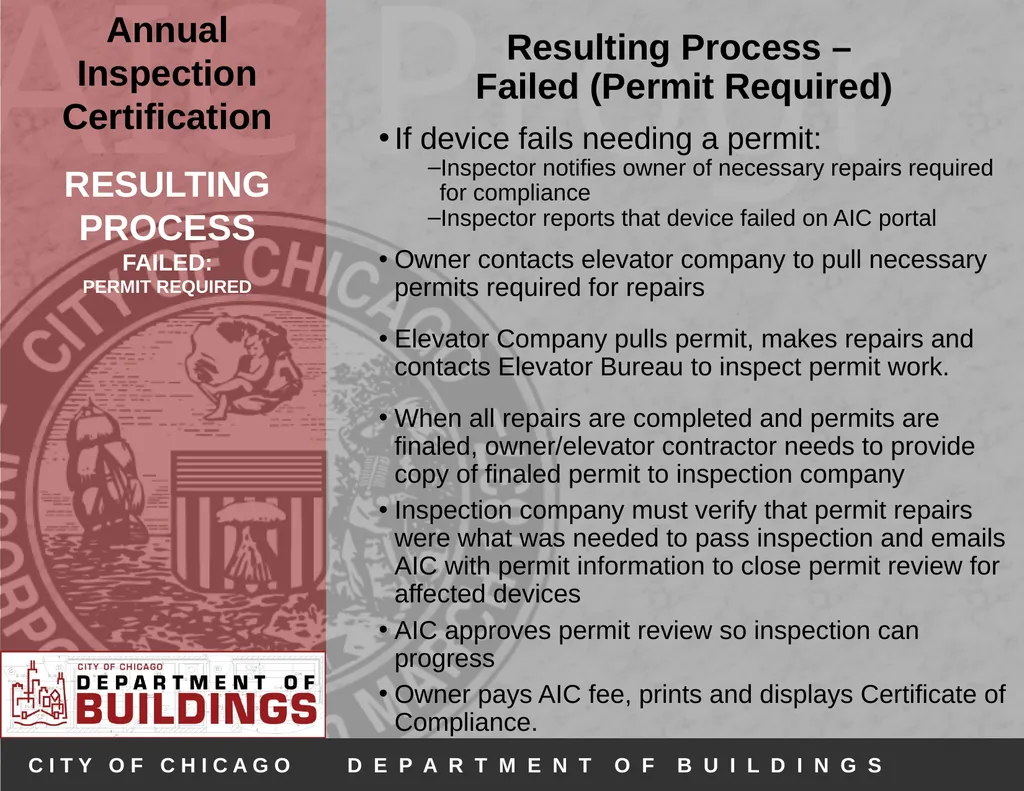
If device fails needing a permit:
Inspector notifies owner of necessary repairs required for compliance
Inspector reports that device failed on AIC portal
Owner contacts elevator company to pull necessary permits required for repairs
Elevator Company pulls permit, makes repairs and contacts Elevator Bureau to inspect permit work.
When all repairs are completed and permits are finaled, owner/elevator contractor needs to provide copy of finaled permit to inspection company
Inspection company must verify that permit repairs were what was needed to pass inspection and emails AIC with permit information to close permit review for affected devices
AIC approves permit review so inspection can progress
Owner pays AIC fee, prints and displays Certificate of Compliance.<br>
FAILED: PERMIT REQUIRED Resulting Process –
Failed (Permit Required)
If device fails needing a permit:
Inspector notifies owner of necessary repairs required for compliance
Inspector reports that device failed on AIC portal
Owner contacts elevator company to pull necessary permits required for repairs
Elevator Company pulls permit, makes repairs and contacts Elevator Bureau to inspect permit work.
When all repairs are completed and permits are finaled, owner/elevator contractor needs to provide copy of finaled permit to inspection company
Inspection company must verify that permit repairs were what was needed to pass inspection and emails AIC with permit information to close permit review for affected devices
AIC approves permit review so inspection can progress
Owner pays AIC fee, prints and displays Certificate of Compliance.<br>
20
If You Cannot Comply By Deadline Date If violations are cited for your devices (either repairs required/permit required/permit and repairs required) - and you cannot make all the necessary repairs before your deadline date, owners may purchase an extension for those devices prior to your deadline date.
An extension certificate will allow you an additional 60 days beyond your due date to make all required repairs, pass inspection, pay for your AIC fees and print your certificates. Extension Certificates<br>
An extension certificate will allow you an additional 60 days beyond your due date to make all required repairs, pass inspection, pay for your AIC fees and print your certificates. Extension Certificates<br>
21
MODERNIZATION Modernizations
Owner hires licensed elevator contractor to pull modernization permit.
Inspection company reports the device(s) that are under mod permit and requests the device status be changed from “operational” to “modernization”.
Once devices are reported, AIC fees are generated.
Owner pays AIC fees.
Owner prints and displays available certificate at the device.
AIC 3rd party continues to inspect annually to confirm that modernization work remains on going. All work performed under modernization permits must be approved by Elevator Bureau inspectors.
Once the modernization permit is approved by Elevator Bureau inspectors, the AIC 3rd party inspector must notify AIC and request that the device status be changed back to “operational”.<br>
Owner hires licensed elevator contractor to pull modernization permit.
Inspection company reports the device(s) that are under mod permit and requests the device status be changed from “operational” to “modernization”.
Once devices are reported, AIC fees are generated.
Owner pays AIC fees.
Owner prints and displays available certificate at the device.
AIC 3rd party continues to inspect annually to confirm that modernization work remains on going. All work performed under modernization permits must be approved by Elevator Bureau inspectors.
Once the modernization permit is approved by Elevator Bureau inspectors, the AIC 3rd party inspector must notify AIC and request that the device status be changed back to “operational”.<br>
22
DECOMMISSION Decommission
Account holder hires licensed elevator contractor to pull the permit to decommission the device
City inspector verifies that elevator has been safely and properly decommissioned and finals the permit
Account holder notifies AIC that device has been properly decommissioned and AIC can expire device from account<br>
Account holder hires licensed elevator contractor to pull the permit to decommission the device
City inspector verifies that elevator has been safely and properly decommissioned and finals the permit
Account holder notifies AIC that device has been properly decommissioned and AIC can expire device from account<br>
23
OUT OF SERVICE Out of Service
Owners can have devices marked as Out of Service if:
Device is not operational 300 days out of the year
Inspection company verifies that devices are not being used and are inoperable
Owners then pay the AIC Fee for the year – no certificate issued
NOTE: Devices can only be marked as Out of Service for a maximum of two years – device needs to be either permanently decommissioned or repaired, returned to service and inspected<br>
Owners can have devices marked as Out of Service if:
Device is not operational 300 days out of the year
Inspection company verifies that devices are not being used and are inoperable
Owners then pay the AIC Fee for the year – no certificate issued
NOTE: Devices can only be marked as Out of Service for a maximum of two years – device needs to be either permanently decommissioned or repaired, returned to service and inspected<br>
24
AUDITS Payment Issues
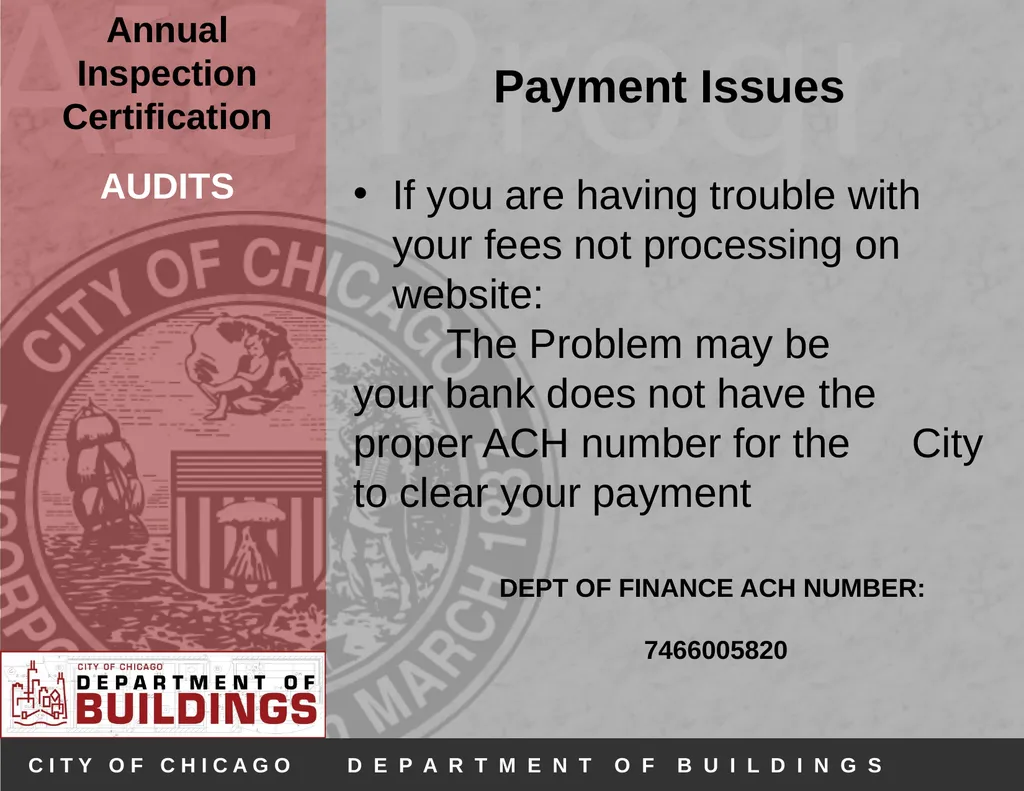
If you are having trouble with your fees not processing on website:
The Problem may be your bank does not have the proper ACH number for the City to clear your payment
DEPT OF FINANCE ACH NUMBER:
7466005820<br>
If you are having trouble with your fees not processing on website:
The Problem may be your bank does not have the proper ACH number for the City to clear your payment
DEPT OF FINANCE ACH NUMBER:
7466005820<br>
25
AUDITS Audits
2 types:
Randomly Selected AIC devices
For Cause inspections
i.e. 311 complaints
Failing an Audit
May lead to enforcement actions<br>
2 types:
Randomly Selected AIC devices
For Cause inspections
i.e. 311 complaints
Failing an Audit
May lead to enforcement actions<br>
26
ENFORCEMENT - AIC Inspectors and Companies Enforcement
AIC Inspectors and Inspection Companies
Any inspector or inspection company found to be in violation of the AIC rules may be penalized
Disciplinary action may include but are not limited to:
Enforcement action filed before Cook County Circuit Court
Expulsion from the AIC Program
Revocation of certification
Any other remedy provided by law<br>
AIC Inspectors and Inspection Companies
Any inspector or inspection company found to be in violation of the AIC rules may be penalized
Disciplinary action may include but are not limited to:
Enforcement action filed before Cook County Circuit Court
Expulsion from the AIC Program
Revocation of certification
Any other remedy provided by law<br>
27
ENFORCEMENT - Buildings Enforcement - Buildings
Administrative Hearing
Any properties not in compliance by the due date may be prosecuted.
Circuit Court
Any properties with equipment deemed to be dangerous and hazardous may be prosecuted.<br>
Administrative Hearing
Any properties not in compliance by the due date may be prosecuted.
Circuit Court
Any properties with equipment deemed to be dangerous and hazardous may be prosecuted.<br>
28
AIC IS MORE THAN JUST INSPECTING Customer Service
Helping customers, you should be the first line of help for customers NOT AIC
MAKE SURE:
You help customers set up online accounts
Devices are correctly reported
Devices are assigned online
Customers understand the system and its requirements
Customers get necessary permits (and that permits are being finalized and reviewed!)
Customers pay fees on time
Customers stay on track for due dates
Know what is going on with properties and devices
Status
What needs to be done MORE THAN JUST INSPECTING<br>
Helping customers, you should be the first line of help for customers NOT AIC
MAKE SURE:
You help customers set up online accounts
Devices are correctly reported
Devices are assigned online
Customers understand the system and its requirements
Customers get necessary permits (and that permits are being finalized and reviewed!)
Customers pay fees on time
Customers stay on track for due dates
Know what is going on with properties and devices
Status
What needs to be done MORE THAN JUST INSPECTING<br>
29
RESPONSIBILITIES OF INSPECTION COMPANIES MUST report online within 5 business days of inspection
If you are having any trouble reporting contact AIC immediately
MUST follow up on clearing permit reviews
AIC doesn’t know what you required a permit for, so you MUST email AIC to verify any issue and that passed permits fulfill permit requirements
IF we find inspection companies are not properly reporting req permits (especially regarding fire service) and it is found in an audit, we will take action against companies for not complying to AIC standards
MUST make sure all licenses are current
IF expiration is coming up make sure the city has renewal information
Respond to Audit Violations
All inspection companies should be responding to audit violations if there are any questions or concerns about violations. Please let your customer know that until all audit violations are cleared by the City they cannot proceed with any further AIC inspections for the audited device. RESPONSIBILITIES<br>
If you are having any trouble reporting contact AIC immediately
MUST follow up on clearing permit reviews
AIC doesn’t know what you required a permit for, so you MUST email AIC to verify any issue and that passed permits fulfill permit requirements
IF we find inspection companies are not properly reporting req permits (especially regarding fire service) and it is found in an audit, we will take action against companies for not complying to AIC standards
MUST make sure all licenses are current
IF expiration is coming up make sure the city has renewal information
Respond to Audit Violations
All inspection companies should be responding to audit violations if there are any questions or concerns about violations. Please let your customer know that until all audit violations are cleared by the City they cannot proceed with any further AIC inspections for the audited device. RESPONSIBILITIES<br>
30
ADDITIONAL INFO & CONTACTS For support and questions-
Email: aic@cityofchicago.org<br>
Email: aic@cityofchicago.org<br>