
BBuckley - 1 CSc 238 Human Computer Interface
MT
Published · 63 slides · 0 views
1 / 1


Description
BBuckley - 1 CSc 238 Human Computer Interface Design ABOUT FACE The Essentials of Interaction Design Cooper, Reimann, Cronin, and Noessel BBuckley - 2 Questions If achieving the users goals drives the design process, wont the user be
Related Topics
Share
Embed code
Download this presentation From Below
"BBuckley - 1 CSc 238 Human Computer Interface" is the property of its rightful owner. Permission is granted to download and print the materials on this website for personal, non-commercial use only, and to display it on your personal computer provided you do not modify the materials and that you retain all copyright notices contained in the materials. By downloading content from our website, you accept the terms of this agreement.
Presentation Transcript
01
BBuckley - 1 CSc 238
Human Computer Interface Design ABOUT FACE
The Essentials of Interaction Design
Cooper, Reimann, Cronin, and Noessel<br>
The Essentials of Interaction Design
Cooper, Reimann, Cronin, and Noessel<br>
02
BBuckley - 2 Questions If “achieving the user’s goals” drives the design process, won’t the user be satisfied and happy with the product?
If the users are happy, won’t they pay money for the product and spread the word to others?
If you make the user happy, won’t your products be a success?
… and if it doesn’t happen
“The absence of design”<br>
If the users are happy, won’t they pay money for the product and spread the word to others?
If you make the user happy, won’t your products be a success?
… and if it doesn’t happen
“The absence of design”<br>
03
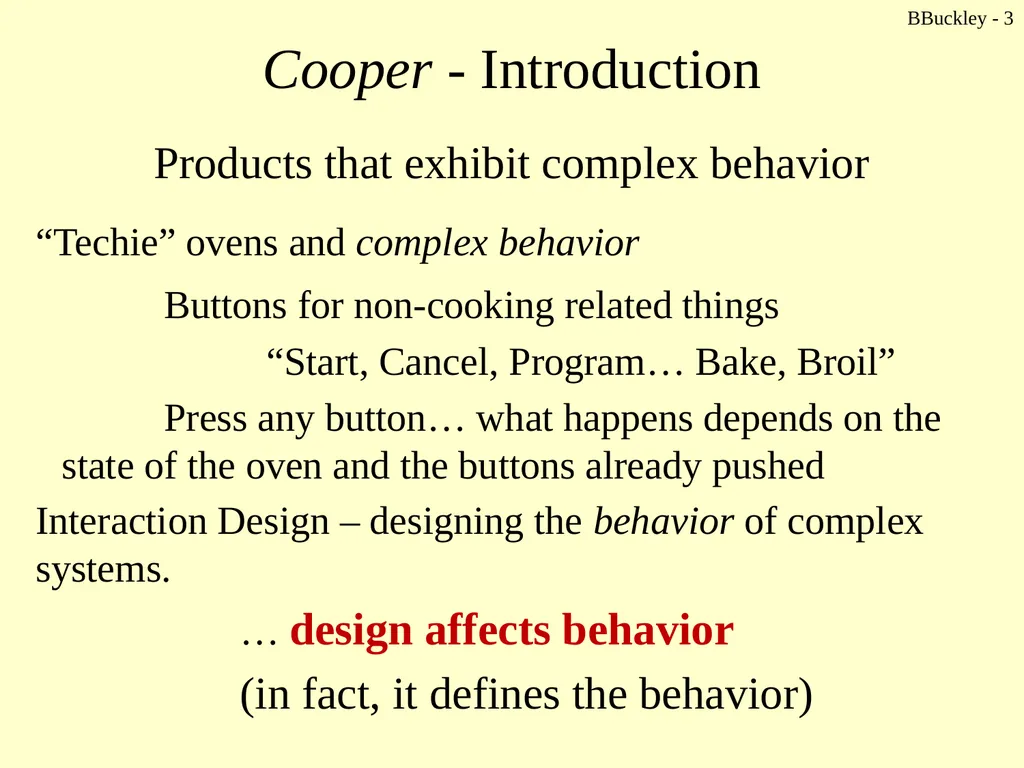
BBuckley - 3 Cooper - Introduction Products that exhibit complex behavior
“Techie” ovens and complex behavior
Buttons for non-cooking related things
“Start, Cancel, Program… Bake, Broil”
Press any button… what happens depends on the state of the oven and the buttons already pushed
Interaction Design – designing the behavior of complex systems.
… design affects behavior
(in fact, it defines the behavior)<br>
“Techie” ovens and complex behavior
Buttons for non-cooking related things
“Start, Cancel, Program… Bake, Broil”
Press any button… what happens depends on the state of the oven and the buttons already pushed
Interaction Design – designing the behavior of complex systems.
… design affects behavior
(in fact, it defines the behavior)<br>
04
The difference between UI and UX UI
The User Interface is the space where interaction between humans and machines occurs.
The goal of this interaction is the effective operation and control of the machine at the user’s end, and feedback from the machine, which aids the operator in making operational decisions.
In other words, a user interface is the system by which people (users) interact with a machine.
The user interface includes hardware (physical) and software (logical) components.
User interfaces exist for various systems, and provide a means of:
Input, allowing the users to manipulate a system
Output, allowing the system to indicate the effects of the users’ manipulation BBuckley - 4<br>
The User Interface is the space where interaction between humans and machines occurs.
The goal of this interaction is the effective operation and control of the machine at the user’s end, and feedback from the machine, which aids the operator in making operational decisions.
In other words, a user interface is the system by which people (users) interact with a machine.
The user interface includes hardware (physical) and software (logical) components.
User interfaces exist for various systems, and provide a means of:
Input, allowing the users to manipulate a system
Output, allowing the system to indicate the effects of the users’ manipulation BBuckley - 4<br>
05
The difference between UI and UX UI
The main goal of human-machine interaction engineering is to produce a user interface which allows to easily (intuitively), efficiently, and enjoyably (user friendly) operate a machine in the way which produces the desired result.
Actually, it’s great when the user needs to provide minimal input to achieve the desired output, and also that the machine minimizes undesired outputs to the user.
Given our dependence personal computer devices, the term user interface is generally assumed to mean the graphical user interface (GUI)
Note. Industrial control panels and machinery control designs are more commonly referred to as human-machine interfaces. BBuckley - 5<br>
The main goal of human-machine interaction engineering is to produce a user interface which allows to easily (intuitively), efficiently, and enjoyably (user friendly) operate a machine in the way which produces the desired result.
Actually, it’s great when the user needs to provide minimal input to achieve the desired output, and also that the machine minimizes undesired outputs to the user.
Given our dependence personal computer devices, the term user interface is generally assumed to mean the graphical user interface (GUI)
Note. Industrial control panels and machinery control designs are more commonly referred to as human-machine interfaces. BBuckley - 5<br>
06
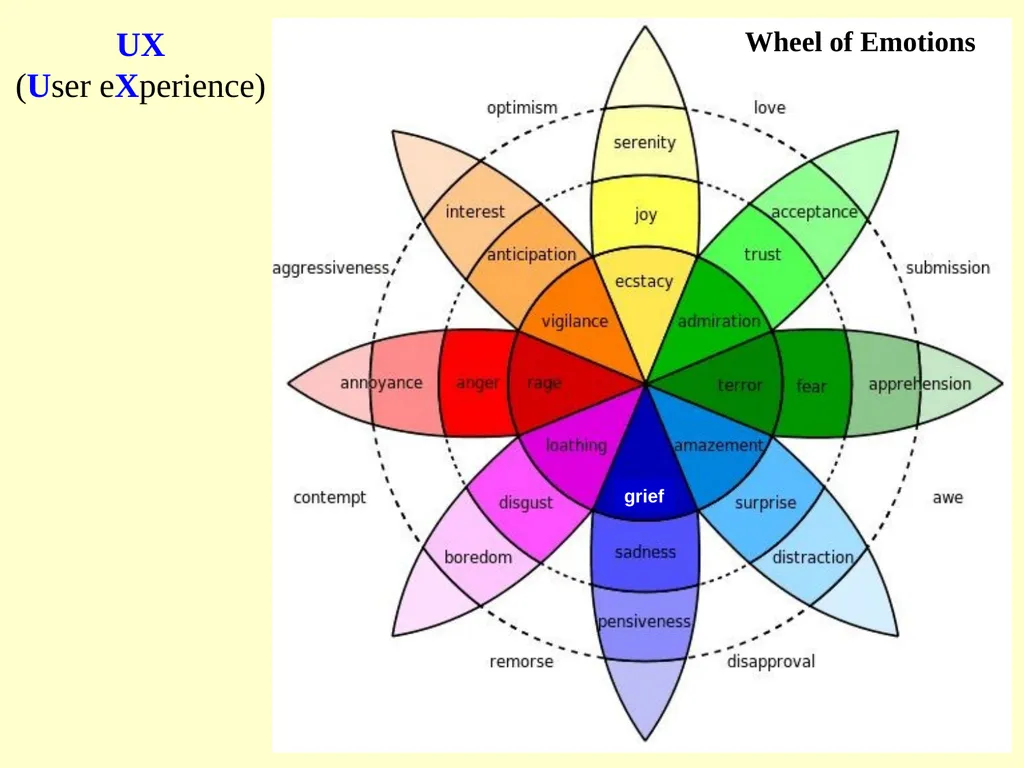
The difference between UI and UX User experience relates to a person’s behavior, attitude, and emotions about using a particular product, system or service.
User experience includes the practical, experiential, effective, meaningful and valuable aspects of human-computer interaction and product ownership.
Additionally, it includes a person’s perceptions of system aspects such as utility, ease of use and efficiency.
The user experience! BBuckley - 6<br>
User experience includes the practical, experiential, effective, meaningful and valuable aspects of human-computer interaction and product ownership.
Additionally, it includes a person’s perceptions of system aspects such as utility, ease of use and efficiency.
The user experience! BBuckley - 6<br>
07
UX
(User eXperience)<br>
(User eXperience)<br>
08
The difference between UI and UX User experience may be considered subjective in nature to the degree that it is about individual perception and thought with respect to the use of the system.
User experience is dynamic as it is constantly modified over time due to changing usage circumstances and changes to individual systems as well as the wider usage context in which they can be found. BBuckley - 8<br>
User experience is dynamic as it is constantly modified over time due to changing usage circumstances and changes to individual systems as well as the wider usage context in which they can be found. BBuckley - 8<br>
09
UX: User experience design User experience design starts with a solid understanding of your user-base, generating ‘personas’ for the dominant character types within your user-base, then setting specific requirements for the project at hand.
Sort out your information architecture through generating a data inventory and organize a solid information hierarchy which would help a ton once the prototyping process begins.
Choose the best prototyping method that would be both cost-efficient and would allow you to gather feedback and reiterate in a fast and easy fashion. BBuckley - 9<br>
Sort out your information architecture through generating a data inventory and organize a solid information hierarchy which would help a ton once the prototyping process begins.
Choose the best prototyping method that would be both cost-efficient and would allow you to gather feedback and reiterate in a fast and easy fashion. BBuckley - 9<br>
10
UX: User experience design Prototypes could be:
horizontal (broad feature-set, less depth functionality-wise)
vertical (deep functionality, narrow set of features)
T-prototypes (much of the design is done at a shallow level while some features are implemented in great depth)
local prototypes (used to come up with design alternatives for particular interaction model).
After choosing an appropriate prototype the iterative process begins.
This usually varies greatly between working on software products, services or industrial design projects. BBuckley - 10<br>
horizontal (broad feature-set, less depth functionality-wise)
vertical (deep functionality, narrow set of features)
T-prototypes (much of the design is done at a shallow level while some features are implemented in great depth)
local prototypes (used to come up with design alternatives for particular interaction model).
After choosing an appropriate prototype the iterative process begins.
This usually varies greatly between working on software products, services or industrial design projects. BBuckley - 10<br>
11
UI and UX design – the differences … although the two concepts are very closely related
A UI is often a part of UX
Both could be applied to (almost) any product (category type).
Both refer to solving the problem statement related to the “design” aspect of the product.
Both are targeted at the user’s comfort. BBuckley - 11<br>
A UI is often a part of UX
Both could be applied to (almost) any product (category type).
Both refer to solving the problem statement related to the “design” aspect of the product.
Both are targeted at the user’s comfort. BBuckley - 11<br>
12
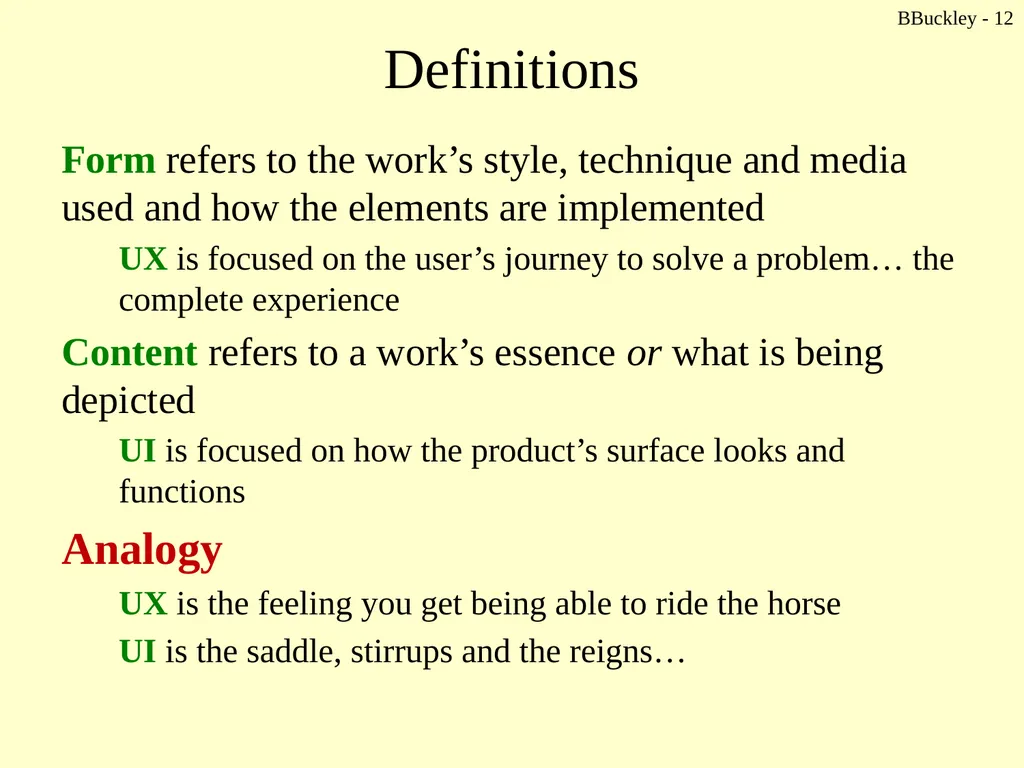
Definitions Form refers to the work’s style, technique and media used and how the elements are implemented
UX is focused on the user’s journey to solve a problem… the complete experience
Content refers to a work’s essence or what is being depicted
UI is focused on how the product’s surface looks and functions
Analogy
UX is the feeling you get being able to ride the horse
UI is the saddle, stirrups and the reigns… BBuckley - 12<br>
UX is focused on the user’s journey to solve a problem… the complete experience
Content refers to a work’s essence or what is being depicted
UI is focused on how the product’s surface looks and functions
Analogy
UX is the feeling you get being able to ride the horse
UI is the saddle, stirrups and the reigns… BBuckley - 12<br>
13
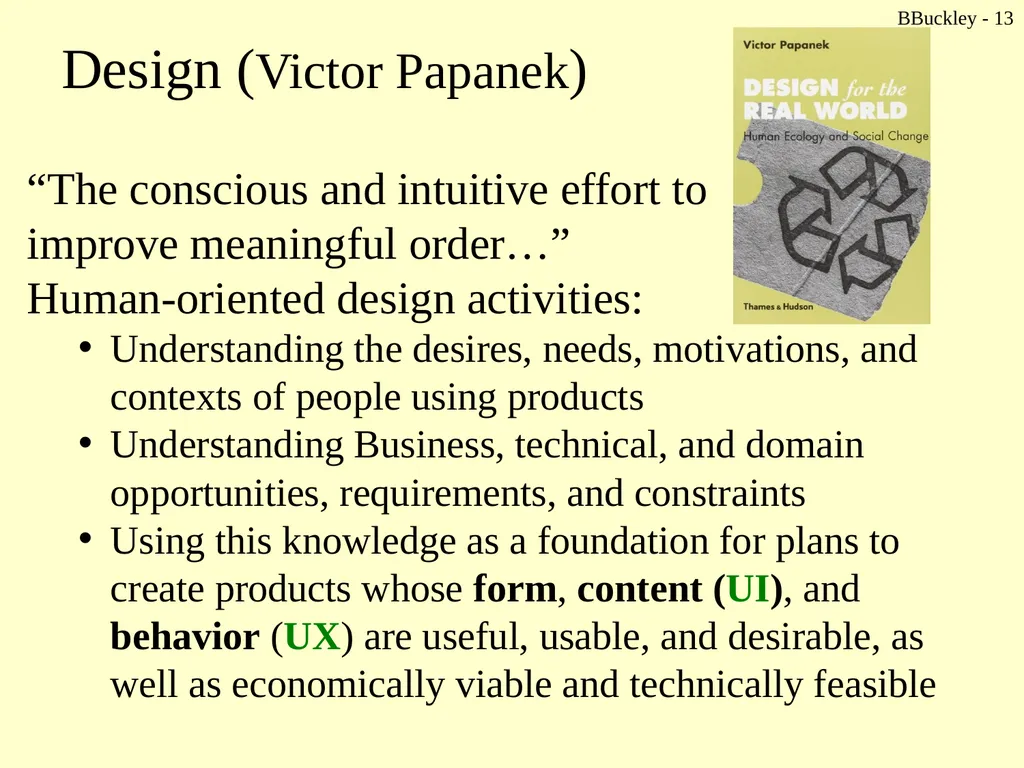
Design (Victor Papanek) “The conscious and intuitive effort to
improve meaningful order…”
Human-oriented design activities:
Understanding the desires, needs, motivations, and contexts of people using products
Understanding Business, technical, and domain opportunities, requirements, and constraints
Using this knowledge as a foundation for plans to create products whose form, content (UI), and behavior (UX) are useful, usable, and desirable, as well as economically viable and technically feasible BBuckley - 13<br>
improve meaningful order…”
Human-oriented design activities:
Understanding the desires, needs, motivations, and contexts of people using products
Understanding Business, technical, and domain opportunities, requirements, and constraints
Using this knowledge as a foundation for plans to create products whose form, content (UI), and behavior (UX) are useful, usable, and desirable, as well as economically viable and technically feasible BBuckley - 13<br>
14
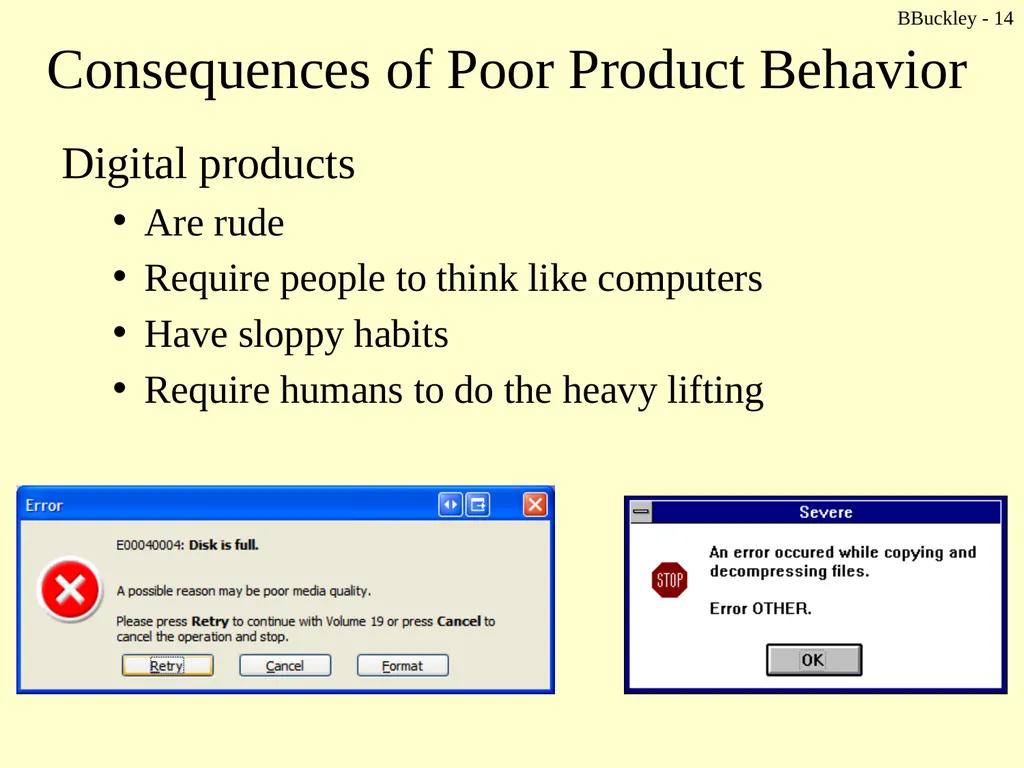
Consequences of Poor Product Behavior Digital products
Are rude
Require people to think like computers
Have sloppy habits
Require humans to do the heavy lifting BBuckley - 14<br>
Are rude
Require people to think like computers
Have sloppy habits
Require humans to do the heavy lifting BBuckley - 14<br>
15
BBuckley - 15 Brief History 1970s and 1980s: Xerox PARC
“Consumers… want good technology”
That is, Technology that has been designed to provide a compelling and effective user experience.
Not just interface design… and the arrangement of widgets on the screen.
Influencing people’s experiences by designing the mechanisms for interacting with a product
(IxDA: Interaction Design Association – www.ixda.org)<br>
“Consumers… want good technology”
That is, Technology that has been designed to provide a compelling and effective user experience.
Not just interface design… and the arrangement of widgets on the screen.
Influencing people’s experiences by designing the mechanisms for interacting with a product
(IxDA: Interaction Design Association – www.ixda.org)<br>
16
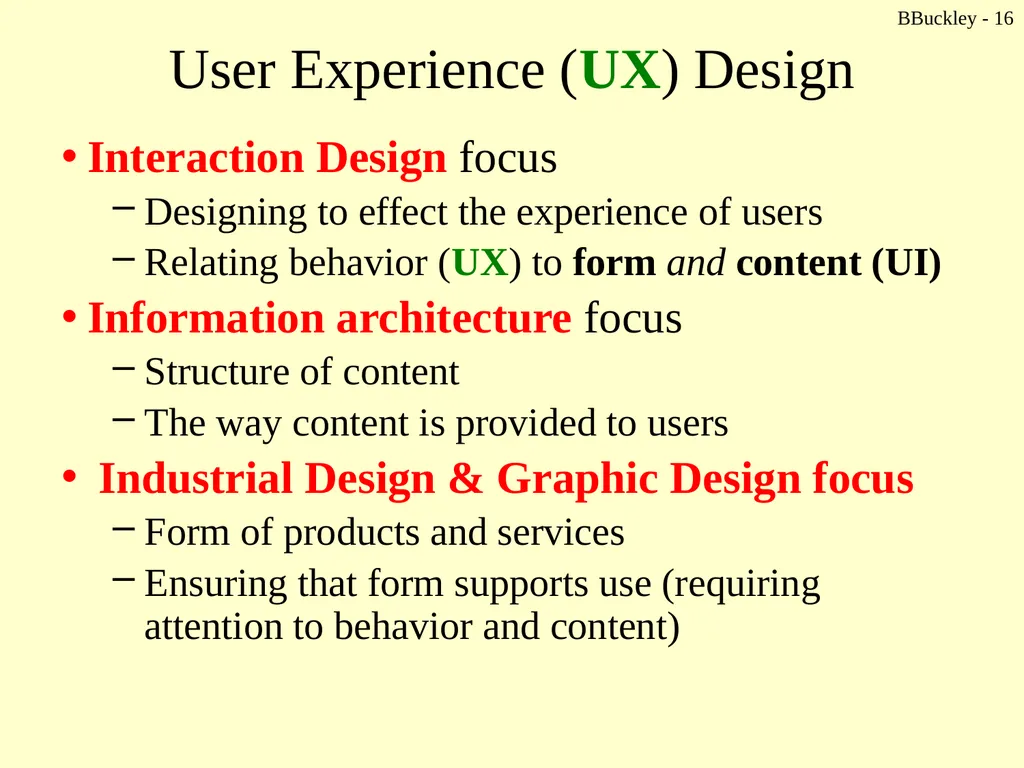
BBuckley - 16 User Experience (UX) Design Interaction Design focus
Designing to effect the experience of users
Relating behavior (UX) to form and content (UI)
Information architecture focus
Structure of content
The way content is provided to users
Industrial Design & Graphic Design focus
Form of products and services
Ensuring that form supports use (requiring attention to behavior and content)<br>
Designing to effect the experience of users
Relating behavior (UX) to form and content (UI)
Information architecture focus
Structure of content
The way content is provided to users
Industrial Design & Graphic Design focus
Form of products and services
Ensuring that form supports use (requiring attention to behavior and content)<br>
17
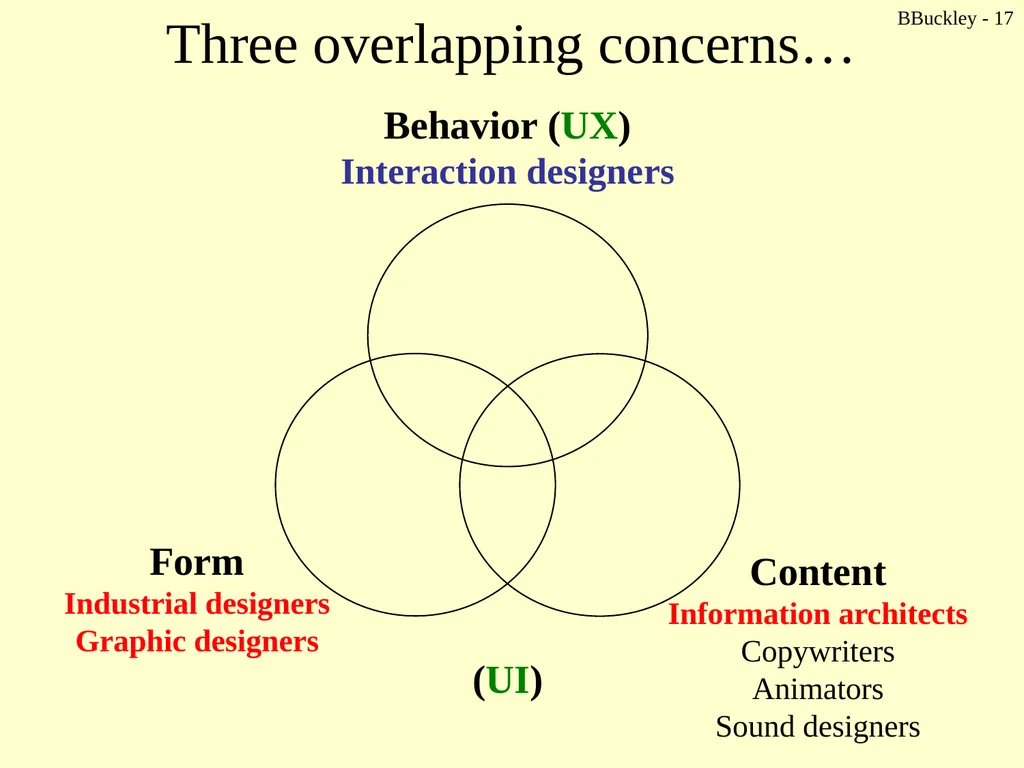
BBuckley - 17 Three overlapping concerns… (UI)<br>
18
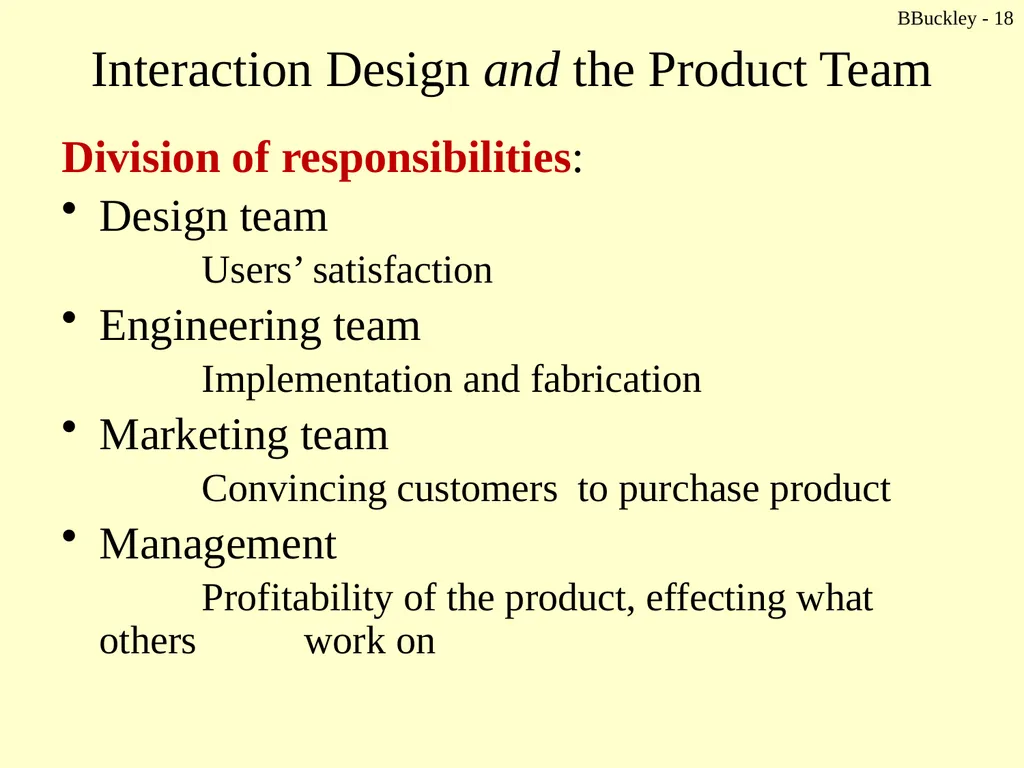
BBuckley - 18 Interaction Design and the Product Team Division of responsibilities:
Design team
Users’ satisfaction
Engineering team
Implementation and fabrication
Marketing team
Convincing customers to purchase product
Management
Profitability of the product, effecting what others work on<br>
Design team
Users’ satisfaction
Engineering team
Implementation and fabrication
Marketing team
Convincing customers to purchase product
Management
Profitability of the product, effecting what others work on<br>
19
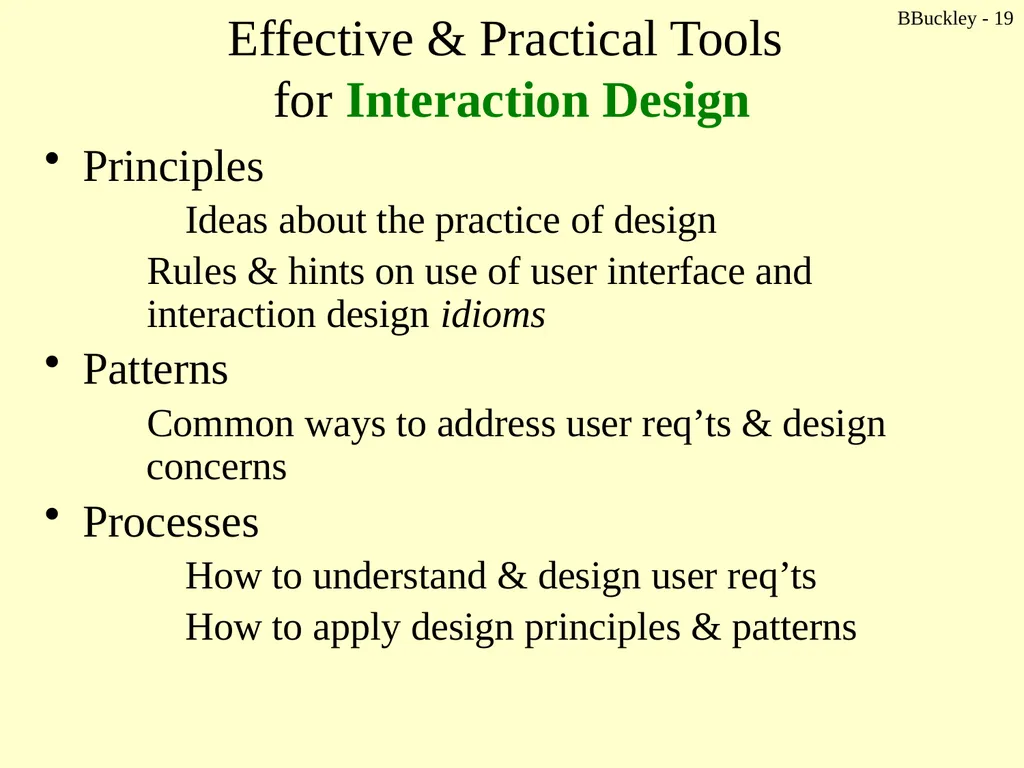
BBuckley - 19 Effective & Practical Tools
for Interaction Design Principles
Ideas about the practice of design
Rules & hints on use of user interface and interaction design idioms
Patterns
Common ways to address user req’ts & design concerns
Processes
How to understand & design user req’ts
How to apply design principles & patterns<br>
Ideas about the practice of design
Rules & hints on use of user interface and interaction design idioms
Patterns
Common ways to address user req’ts & design concerns
Processes
How to understand & design user req’ts
How to apply design principles & patterns<br>
20
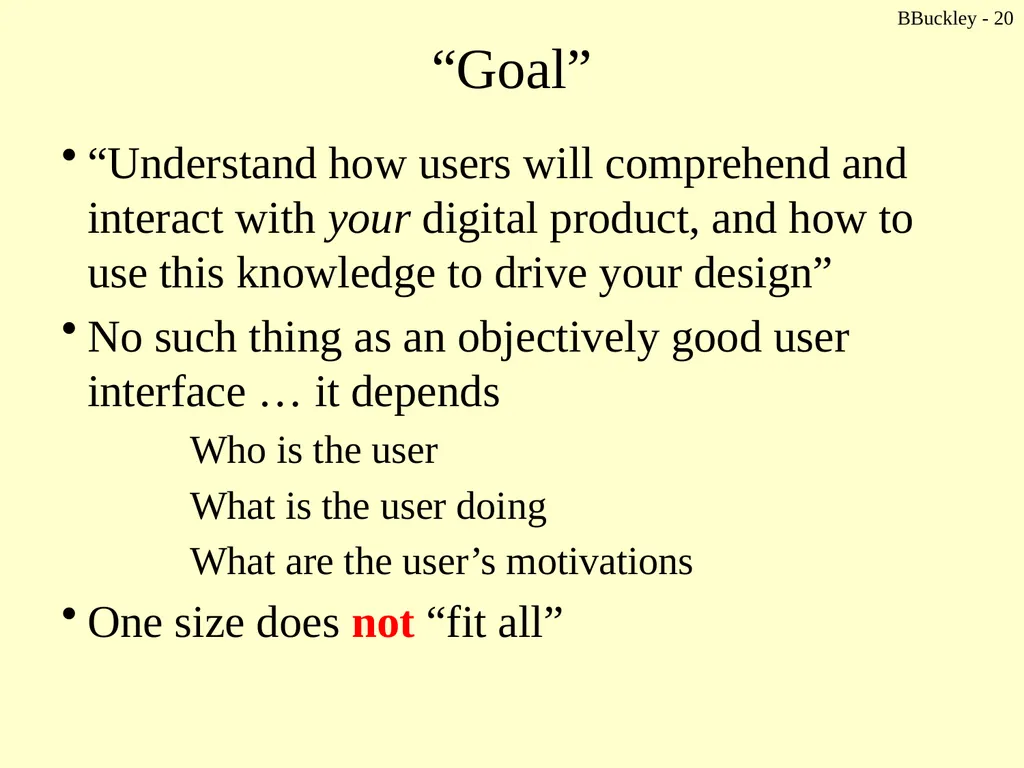
BBuckley - 20 “Goal” “Understand how users will comprehend and interact with your digital product, and how to use this knowledge to drive your design”
No such thing as an objectively good user interface … it depends
Who is the user
What is the user doing
What are the user’s motivations
One size does not “fit all”<br>
No such thing as an objectively good user interface … it depends
Who is the user
What is the user doing
What are the user’s motivations
One size does not “fit all”<br>
21
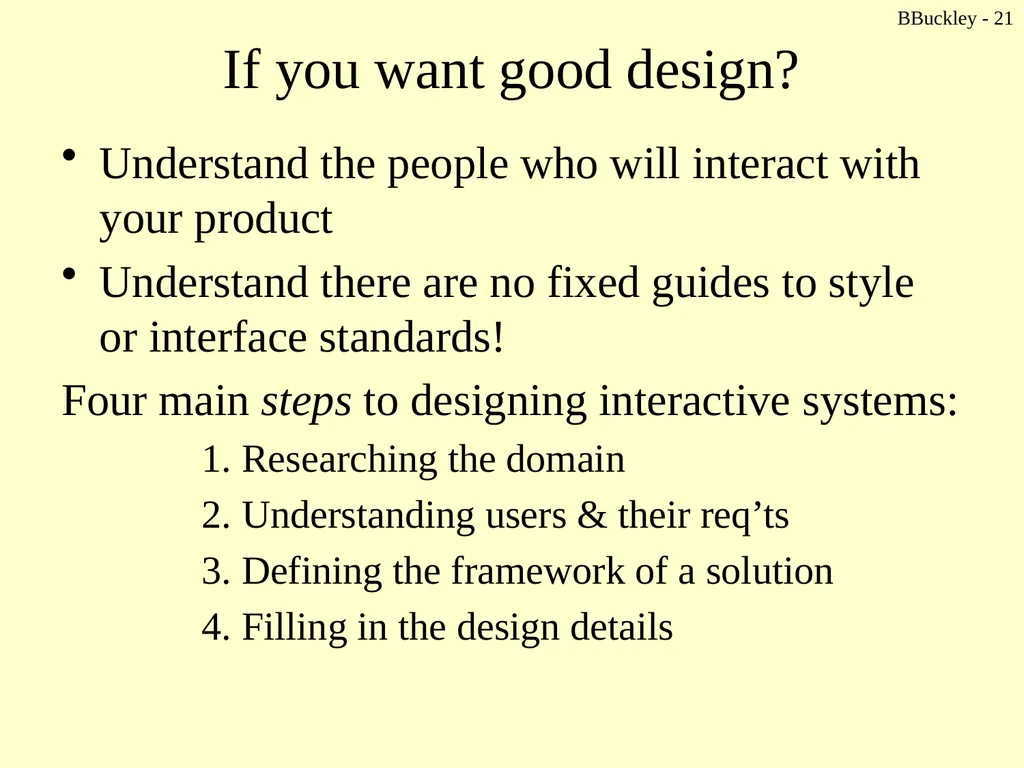
BBuckley - 21 If you want good design? Understand the people who will interact with your product
Understand there are no fixed guides to style or interface standards!
Four main steps to designing interactive systems:
1. Researching the domain
2. Understanding users & their req’ts
3. Defining the framework of a solution
4. Filling in the design details<br>
Understand there are no fixed guides to style or interface standards!
Four main steps to designing interactive systems:
1. Researching the domain
2. Understanding users & their req’ts
3. Defining the framework of a solution
4. Filling in the design details<br>
22
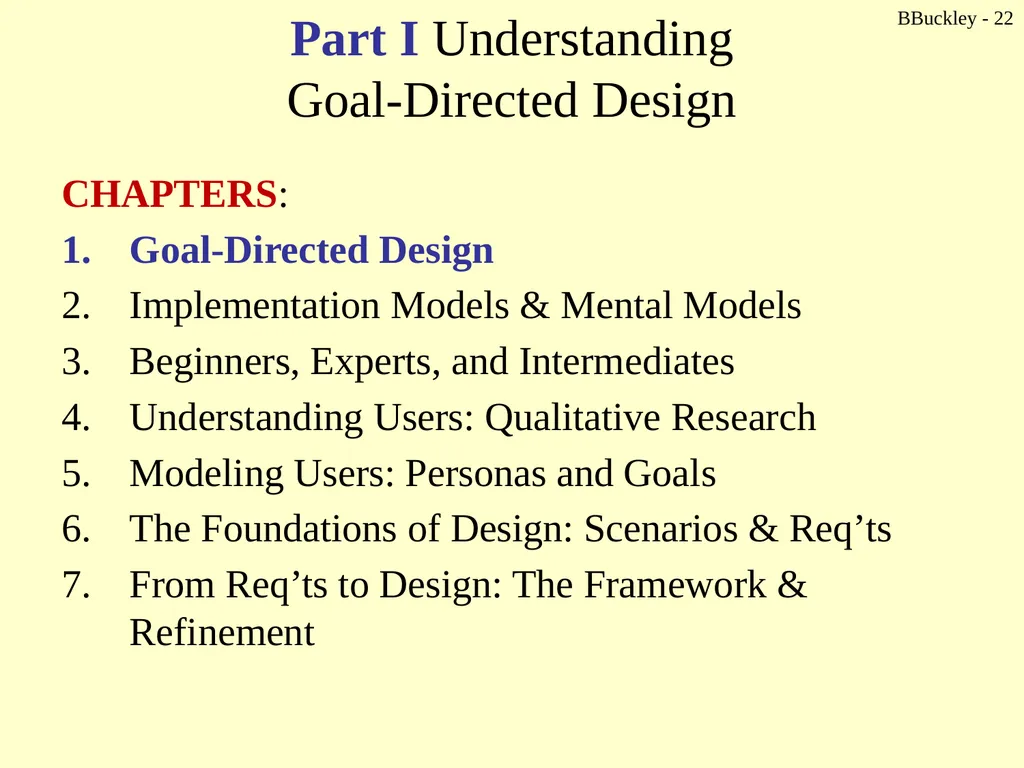
BBuckley - 22 Part I Understanding
Goal-Directed Design CHAPTERS:
Goal-Directed Design
Implementation Models & Mental Models
Beginners, Experts, and Intermediates
Understanding Users: Qualitative Research
Modeling Users: Personas and Goals
The Foundations of Design: Scenarios & Req’ts
From Req’ts to Design: The Framework & Refinement<br>
Goal-Directed Design
Implementation Models & Mental Models
Beginners, Experts, and Intermediates
Understanding Users: Qualitative Research
Modeling Users: Personas and Goals
The Foundations of Design: Scenarios & Req’ts
From Req’ts to Design: The Framework & Refinement<br>
23
BBuckley - 23 CSc 238
Human Computer Interface Design
A Design Process for Digital Products Cooper – Chapter 1<br>
24
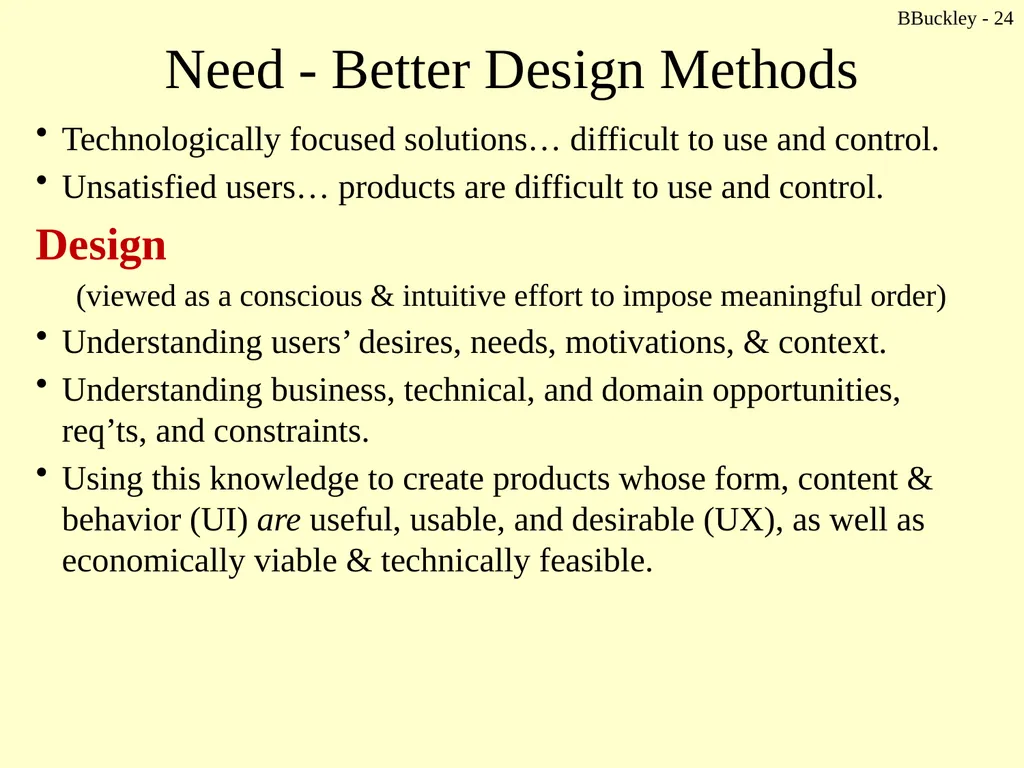
BBuckley - 24 Need - Better Design Methods Technologically focused solutions… difficult to use and control.
Unsatisfied users… products are difficult to use and control.
Design
(viewed as a conscious & intuitive effort to impose meaningful order)
Understanding users’ desires, needs, motivations, & context.
Understanding business, technical, and domain opportunities, req’ts, and constraints.
Using this knowledge to create products whose form, content & behavior (UI) are useful, usable, and desirable (UX), as well as economically viable & technically feasible.<br>
Unsatisfied users… products are difficult to use and control.
Design
(viewed as a conscious & intuitive effort to impose meaningful order)
Understanding users’ desires, needs, motivations, & context.
Understanding business, technical, and domain opportunities, req’ts, and constraints.
Using this knowledge to create products whose form, content & behavior (UI) are useful, usable, and desirable (UX), as well as economically viable & technically feasible.<br>
25
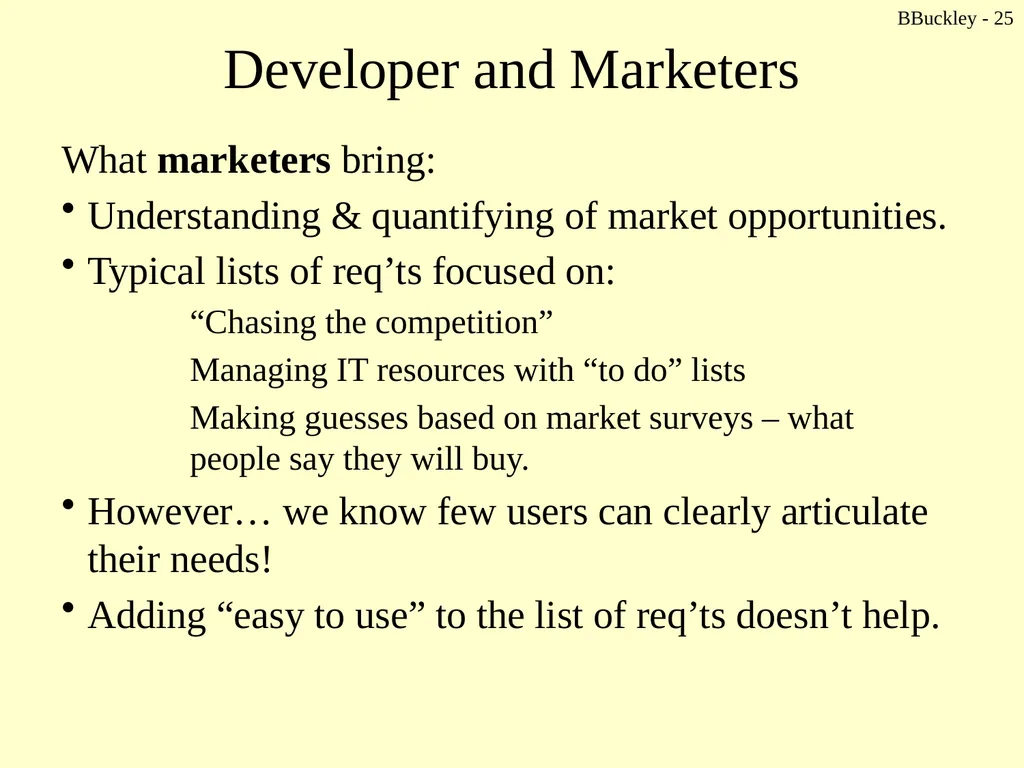
BBuckley - 25 Developer and Marketers What marketers bring:
Understanding & quantifying of market opportunities.
Typical lists of req’ts focused on:
“Chasing the competition”
Managing IT resources with “to do” lists
Making guesses based on market surveys – what people say they will buy.
However… we know few users can clearly articulate their needs!
Adding “easy to use” to the list of req’ts doesn’t help.<br>
Understanding & quantifying of market opportunities.
Typical lists of req’ts focused on:
“Chasing the competition”
Managing IT resources with “to do” lists
Making guesses based on market surveys – what people say they will buy.
However… we know few users can clearly articulate their needs!
Adding “easy to use” to the list of req’ts doesn’t help.<br>
26
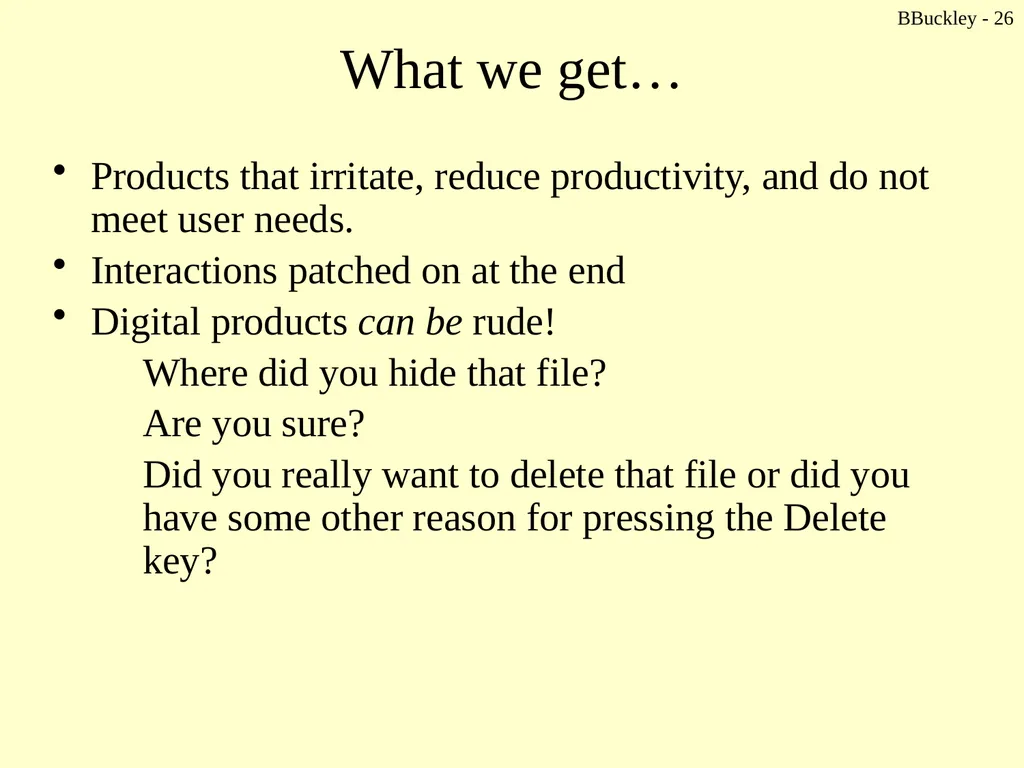
BBuckley - 26 What we get… Products that irritate, reduce productivity, and do not meet user needs.
Interactions patched on at the end
Digital products can be rude!
Where did you hide that file?
Are you sure?
Did you really want to delete that file or did you have some other reason for pressing the Delete key?<br>
Interactions patched on at the end
Digital products can be rude!
Where did you hide that file?
Are you sure?
Did you really want to delete that file or did you have some other reason for pressing the Delete key?<br>
27
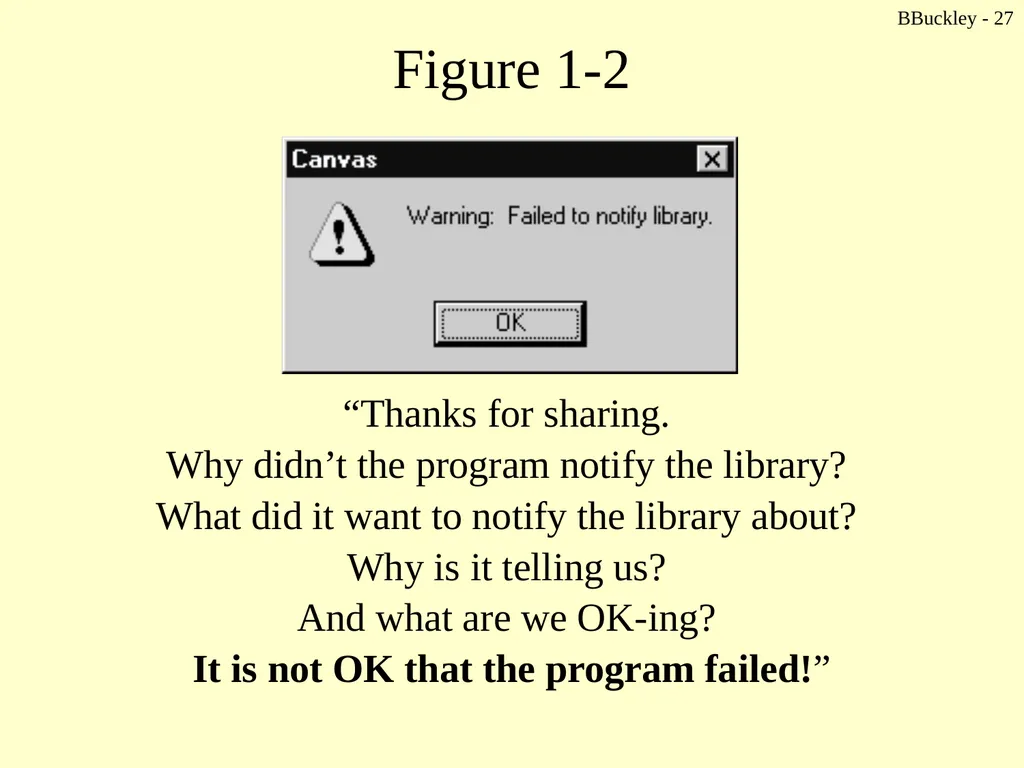
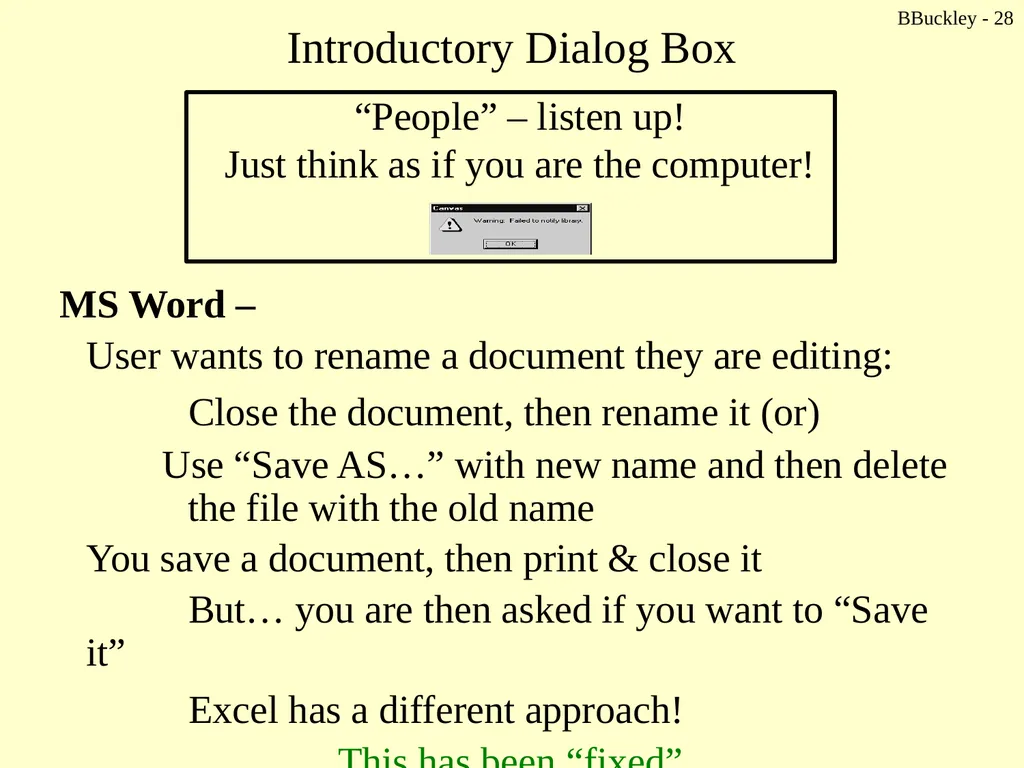
BBuckley - 27 Figure 1-2 “Thanks for sharing.
Why didn’t the program notify the library?
What did it want to notify the library about?
Why is it telling us?
And what are we OK-ing?
It is not OK that the program failed!”<br>
Why didn’t the program notify the library?
What did it want to notify the library about?
Why is it telling us?
And what are we OK-ing?
It is not OK that the program failed!”<br>
28
BBuckley - 28 Introductory Dialog Box MS Word –
User wants to rename a document they are editing:
Close the document, then rename it (or)
Use “Save AS…” with new name and then delete the file with the old name
You save a document, then print & close it
But… you are then asked if you want to “Save it”
Excel has a different approach!
This has been “fixed”<br>
User wants to rename a document they are editing:
Close the document, then rename it (or)
Use “Save AS…” with new name and then delete the file with the old name
You save a document, then print & close it
But… you are then asked if you want to “Save it”
Excel has a different approach!
This has been “fixed”<br>
29
BBuckley - 29 Work interrupted Software requires you to “stop” what you are doing.
How much work are you forced to do in order to manage your use of the software?
What about you?
Think… discuss and write down some examples…<br>
How much work are you forced to do in order to manage your use of the software?
What about you?
Think… discuss and write down some examples…<br>
30
BBuckley - 30 Why products are so bad? 1. Misplaced priorities
Focus is on functionality, not how it is to be provided
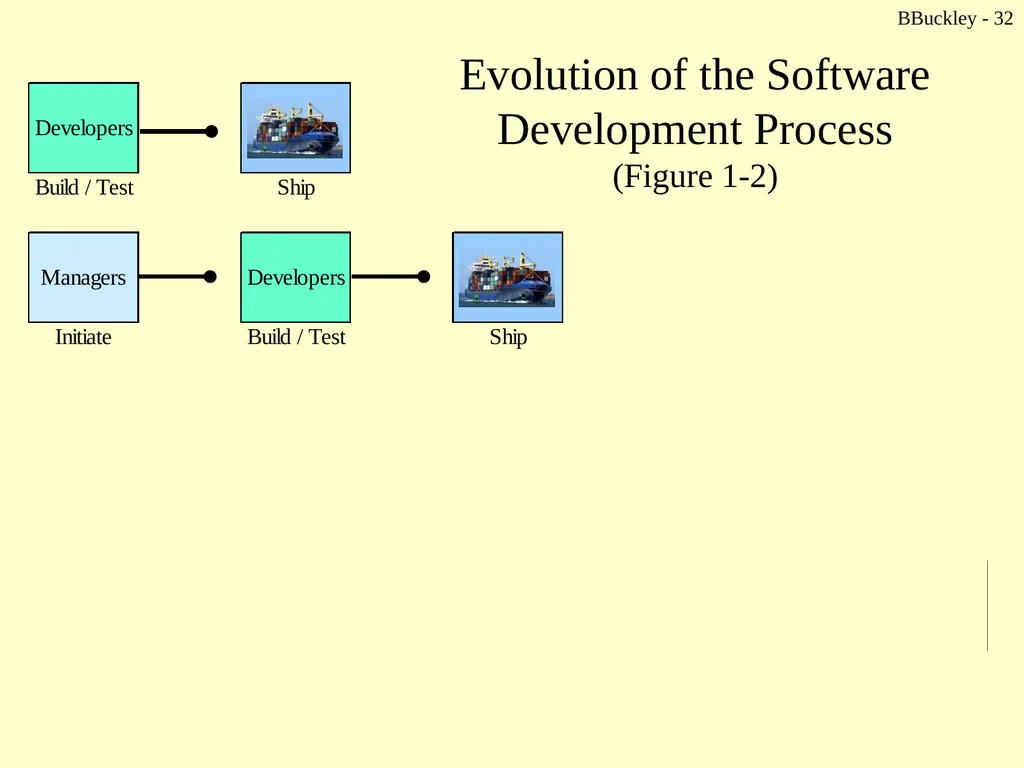
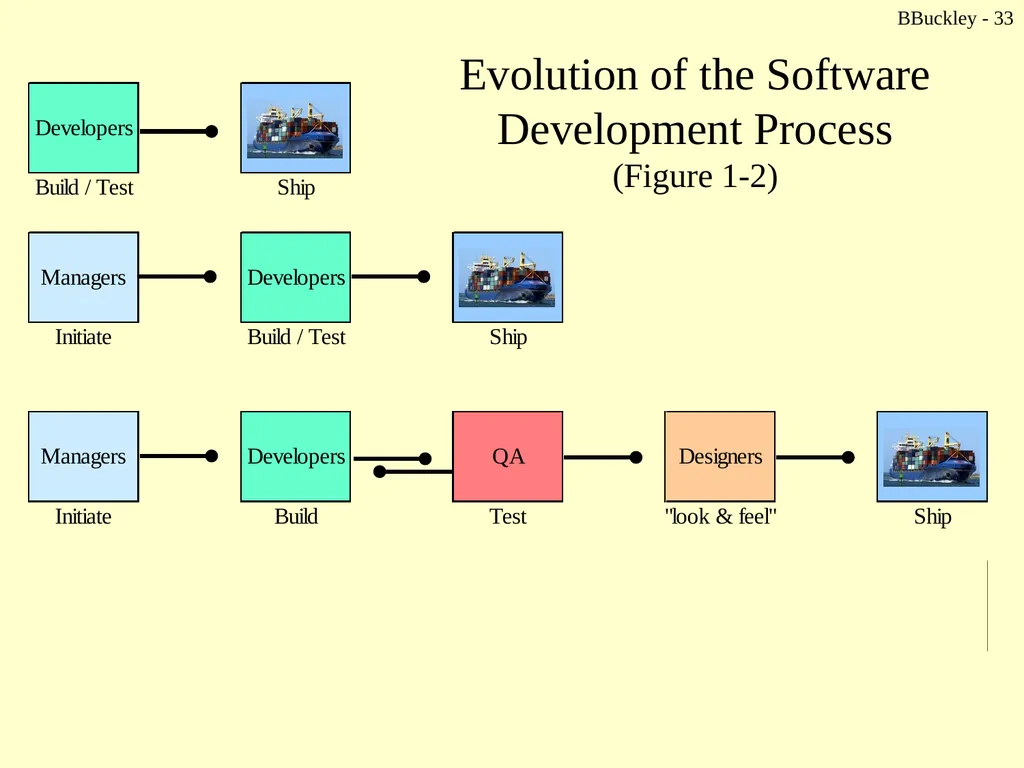
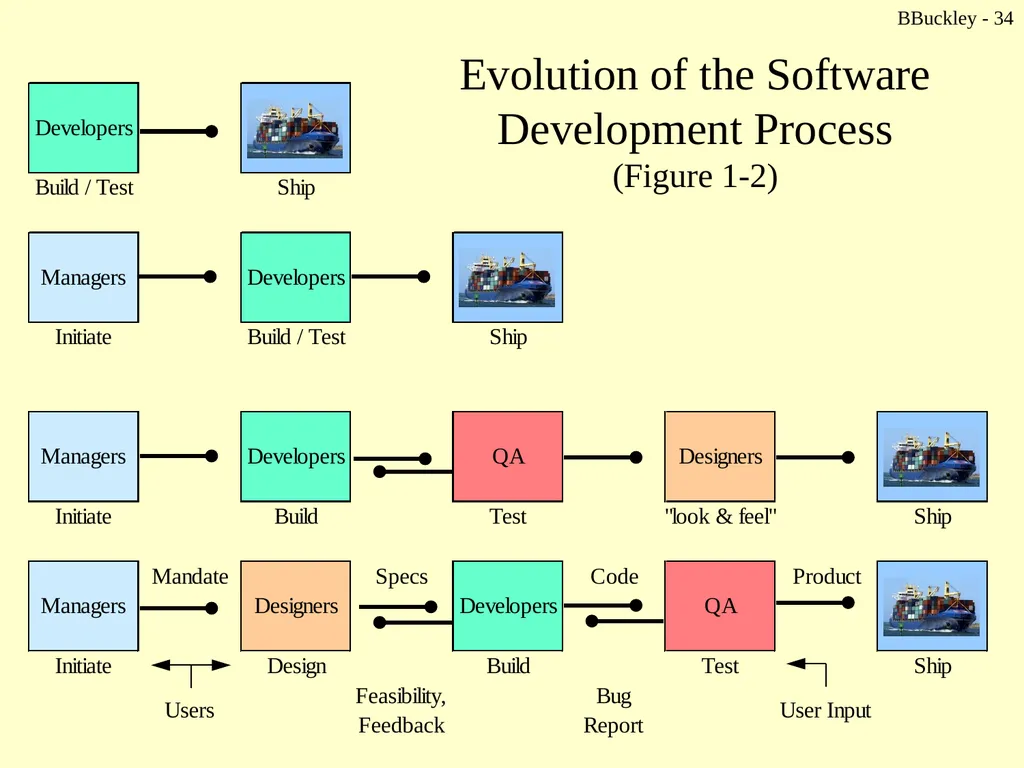
User’s goals are not “front and center” to the design (see Figure 1-2)
2. Ignorance about users
How will users use the product?
What will they be using the product to do?
Why did they choose our product?
What will make users happy?
2. Conflicting interests
Tradeoff between ease of coding & ease of use
Programmers cannot advocate for the user, the business, and the technology - simultaneously
3. The lack of a process
A repeatable, predictable & analytic process
Transforms understanding of users into products that meet their needs & excite their imaginations
Especially when buyers are not users<br>
Focus is on functionality, not how it is to be provided
User’s goals are not “front and center” to the design (see Figure 1-2)
2. Ignorance about users
How will users use the product?
What will they be using the product to do?
Why did they choose our product?
What will make users happy?
2. Conflicting interests
Tradeoff between ease of coding & ease of use
Programmers cannot advocate for the user, the business, and the technology - simultaneously
3. The lack of a process
A repeatable, predictable & analytic process
Transforms understanding of users into products that meet their needs & excite their imaginations
Especially when buyers are not users<br>
31
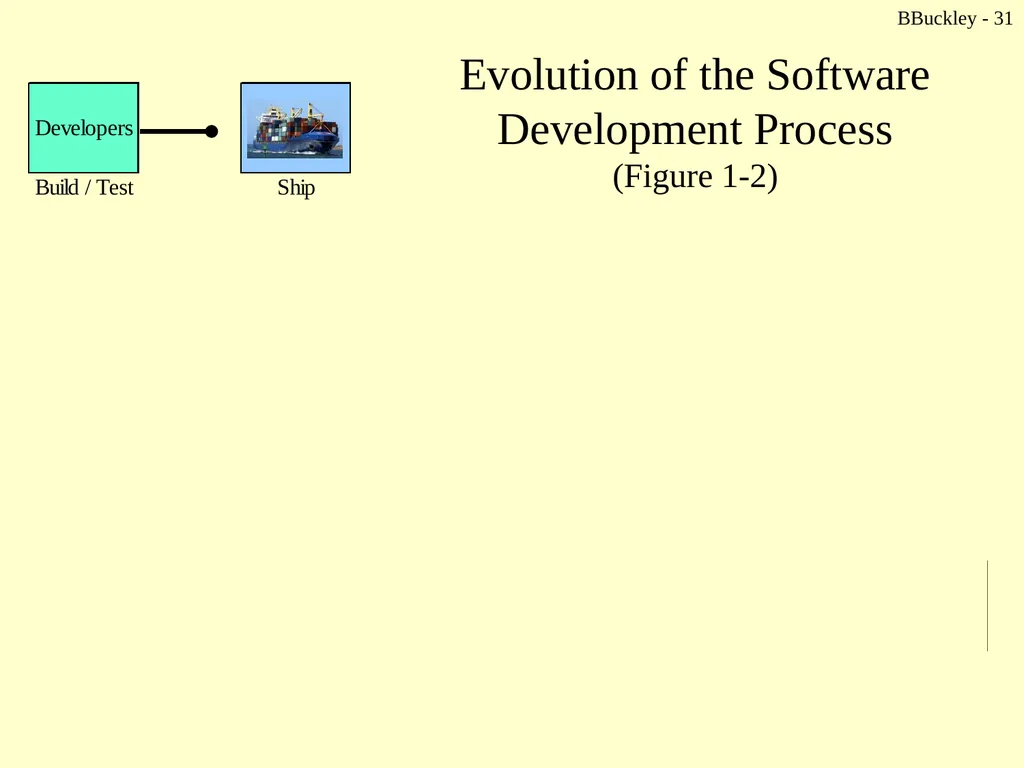
Evolution of the Software Development Process
(Figure 1-2) BBuckley - 31<br>
32
Evolution of the Software Development Process
(Figure 1-2) BBuckley - 32<br>
33
Evolution of the Software Development Process
(Figure 1-2) BBuckley - 33<br>
34
Evolution of the Software Development Process
(Figure 1-2) BBuckley - 34<br>
35
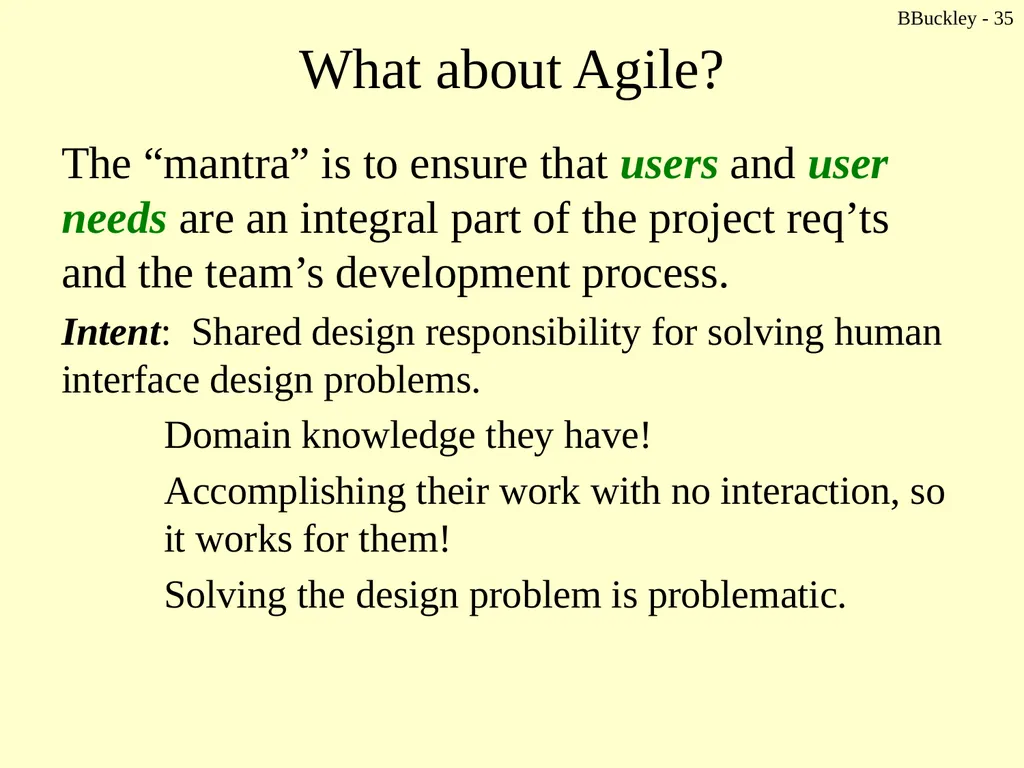
BBuckley - 35 What about Agile? The “mantra” is to ensure that users and user needs are an integral part of the project req’ts and the team’s development process.
Intent: Shared design responsibility for solving human interface design problems.
Domain knowledge they have!
Accomplishing their work with no interaction, so it works for them!
Solving the design problem is problematic.<br>
Intent: Shared design responsibility for solving human interface design problems.
Domain knowledge they have!
Accomplishing their work with no interaction, so it works for them!
Solving the design problem is problematic.<br>
36
BBuckley - 36 Analogy Patient goes to the doctor – has horrendous stomach ache.
“It really hurts. I think it’s my appendix. You have to take it out as soon as possible.”
The patient is good at explaining symptoms.
The patient has no skills to make the correct diagnosis.<br>
“It really hurts. I think it’s my appendix. You have to take it out as soon as possible.”
The patient is good at explaining symptoms.
The patient has no skills to make the correct diagnosis.<br>
37
BBuckley - 37 Now enter the computer Allows for limitless behavior
Alters the nature of the products it touches
User focus is on the screen, keyboard and mouse… it is this interactive behavior that is important!
Design requires understanding the user’s relationship with product – before purchase
How will the user actually use the product, in what ways, and to what ends?<br>
Alters the nature of the products it touches
User focus is on the screen, keyboard and mouse… it is this interactive behavior that is important!
Design requires understanding the user’s relationship with product – before purchase
How will the user actually use the product, in what ways, and to what ends?<br>
38
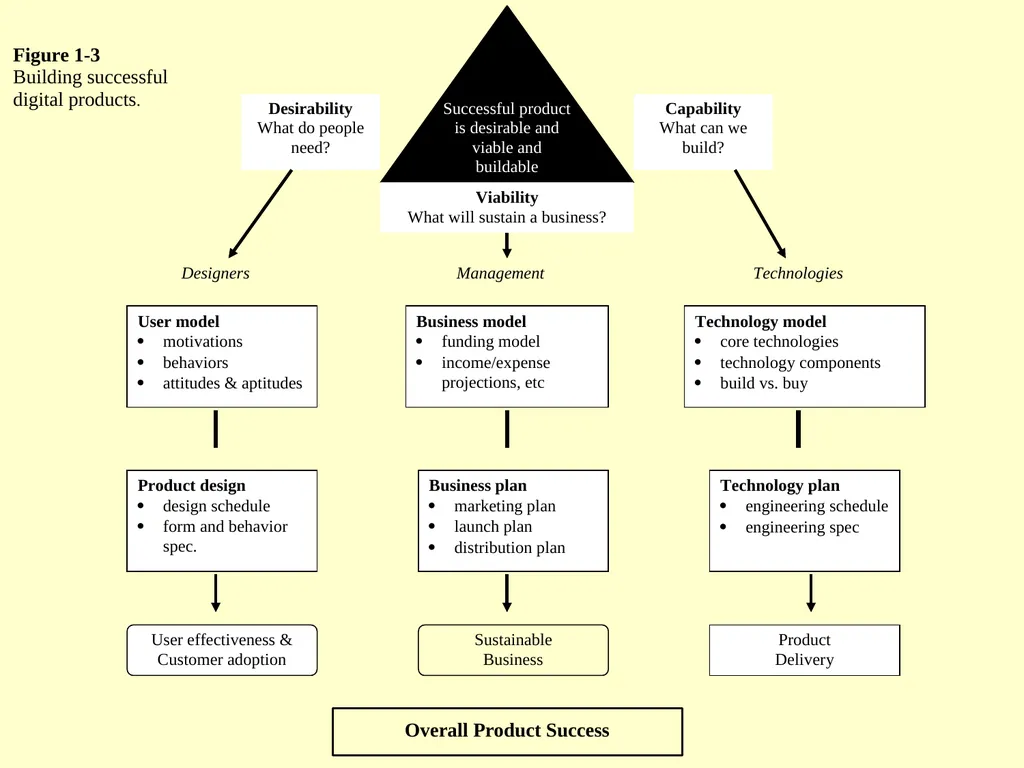
BBuckley - 38 Evolution of Design Product development concerns:
Desirability
Viability
Capability
All three must be addressed…
… to achieve user goals providing appropriately designed user interactions<br>
Desirability
Viability
Capability
All three must be addressed…
… to achieve user goals providing appropriately designed user interactions<br>
39
Companies that have struggled to find the balance Apple
… emphasized desirability but has made many business blunders. Nevertheless, it is sustained by the loyalty created by its attention to user appearance
Microsoft
… is one of the best run businesses ever, but it has not been able to create highly desirable products. This provides an opening for competition
Novell … now part of
… emphasized technology and gave little attention to desirability. This made it vulnerable to competition BBuckley - 40<br>
… emphasized desirability but has made many business blunders. Nevertheless, it is sustained by the loyalty created by its attention to user appearance
Microsoft
… is one of the best run businesses ever, but it has not been able to create highly desirable products. This provides an opening for competition
Novell … now part of
… emphasized technology and gave little attention to desirability. This made it vulnerable to competition BBuckley - 40<br>
40
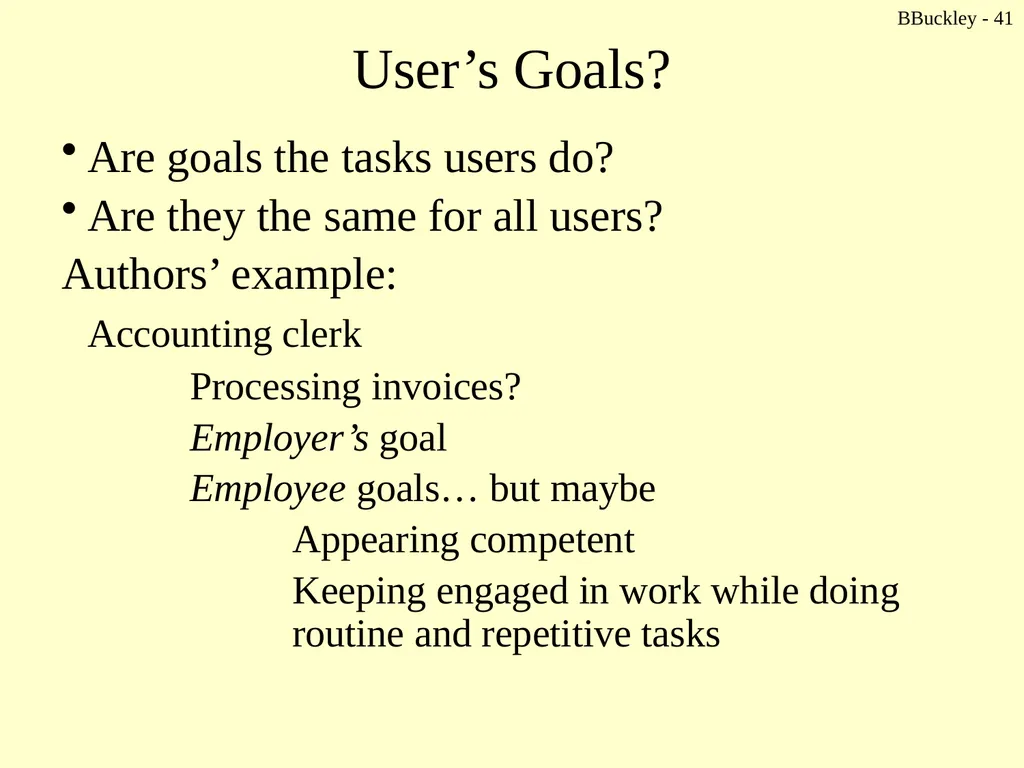
BBuckley - 41 User’s Goals? Are goals the tasks users do?
Are they the same for all users?
Authors’ example:
Accounting clerk
Processing invoices?
Employer’s goal
Employee goals… but maybe
Appearing competent
Keeping engaged in work while doing routine and repetitive tasks<br>
Are they the same for all users?
Authors’ example:
Accounting clerk
Processing invoices?
Employer’s goal
Employee goals… but maybe
Appearing competent
Keeping engaged in work while doing routine and repetitive tasks<br>
41
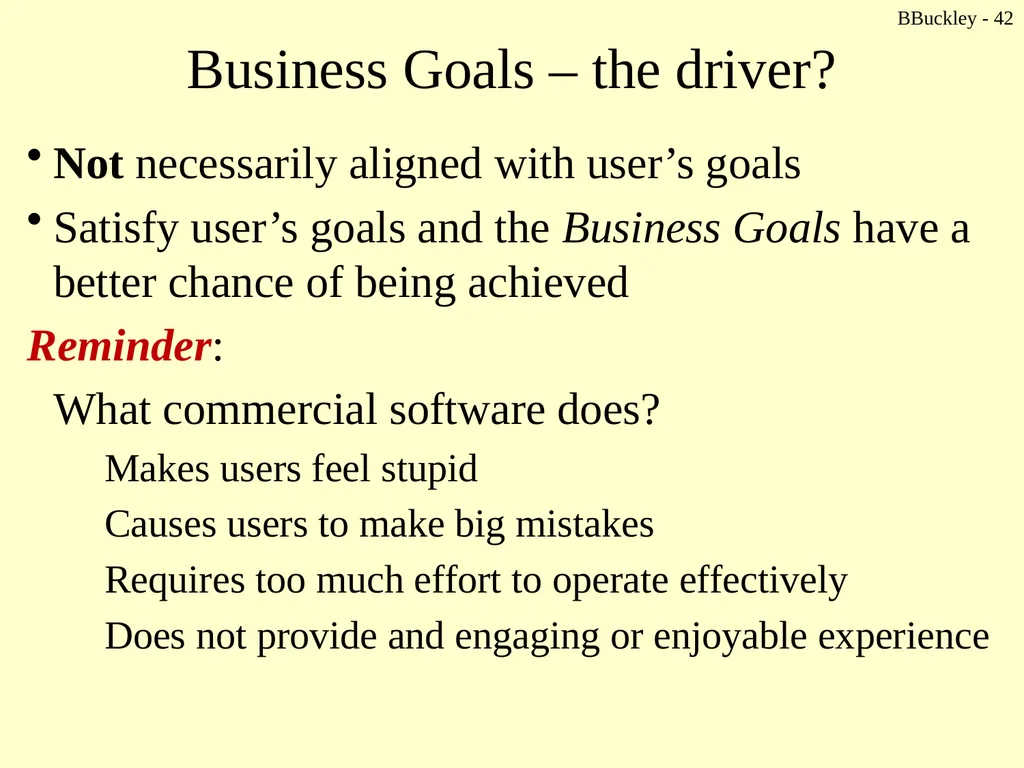
BBuckley - 42 Business Goals – the driver? Not necessarily aligned with user’s goals
Satisfy user’s goals and the Business Goals have a better chance of being achieved
Reminder:
What commercial software does?
Makes users feel stupid
Causes users to make big mistakes
Requires too much effort to operate effectively
Does not provide and engaging or enjoyable experience<br>
Satisfy user’s goals and the Business Goals have a better chance of being achieved
Reminder:
What commercial software does?
Makes users feel stupid
Causes users to make big mistakes
Requires too much effort to operate effectively
Does not provide and engaging or enjoyable experience<br>
42
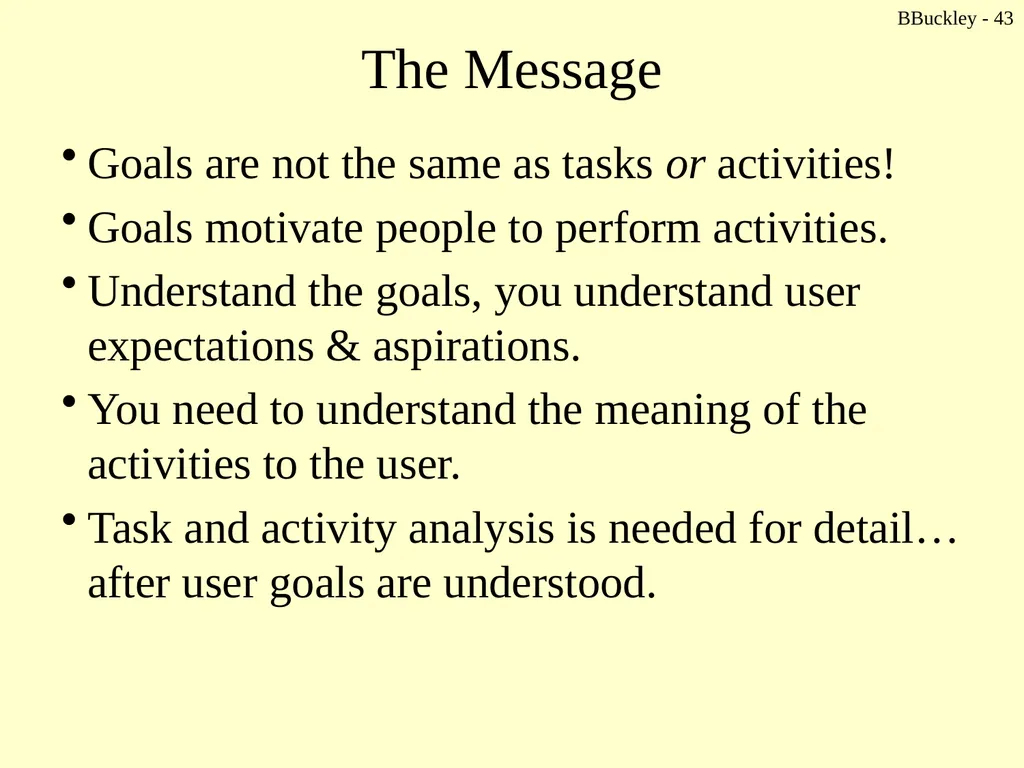
BBuckley - 43 The Message Goals are not the same as tasks or activities!
Goals motivate people to perform activities.
Understand the goals, you understand user expectations & aspirations.
You need to understand the meaning of the activities to the user.
Task and activity analysis is needed for detail… after user goals are understood.<br>
Goals motivate people to perform activities.
Understand the goals, you understand user expectations & aspirations.
You need to understand the meaning of the activities to the user.
Task and activity analysis is needed for detail… after user goals are understood.<br>
43
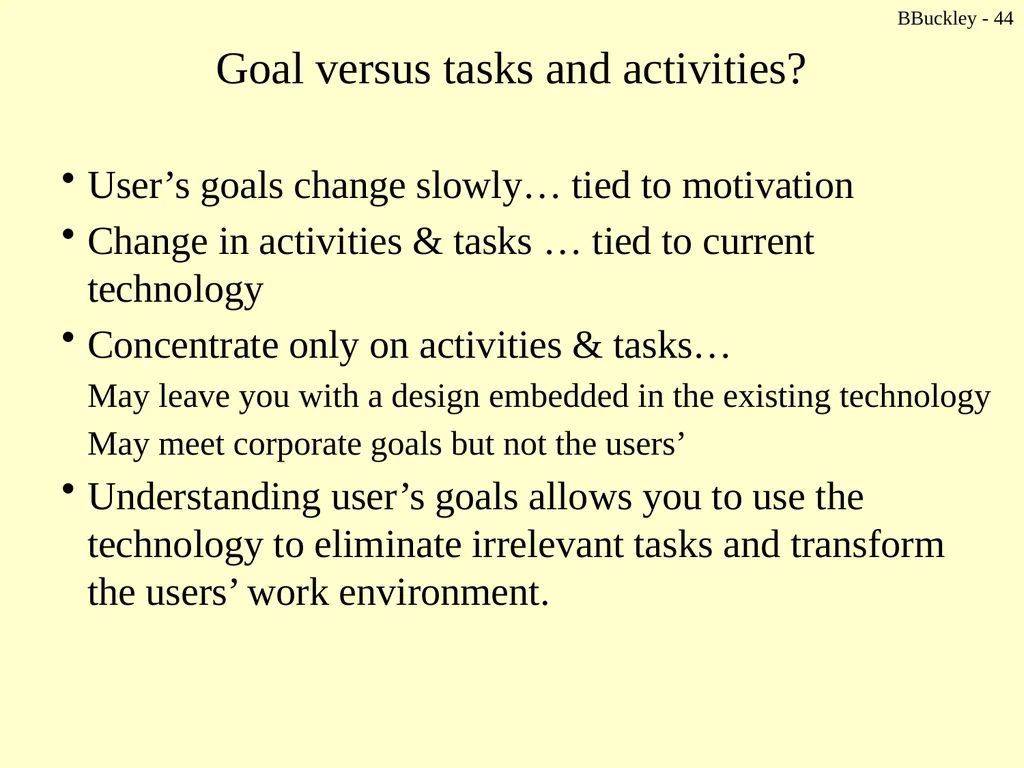
BBuckley - 44 Goal versus tasks and activities? User’s goals change slowly… tied to motivation
Change in activities & tasks … tied to current technology
Concentrate only on activities & tasks…
May leave you with a design embedded in the existing technology
May meet corporate goals but not the users’
Understanding user’s goals allows you to use the technology to eliminate irrelevant tasks and transform the users’ work environment.<br>
Change in activities & tasks … tied to current technology
Concentrate only on activities & tasks…
May leave you with a design embedded in the existing technology
May meet corporate goals but not the users’
Understanding user’s goals allows you to use the technology to eliminate irrelevant tasks and transform the users’ work environment.<br>
44
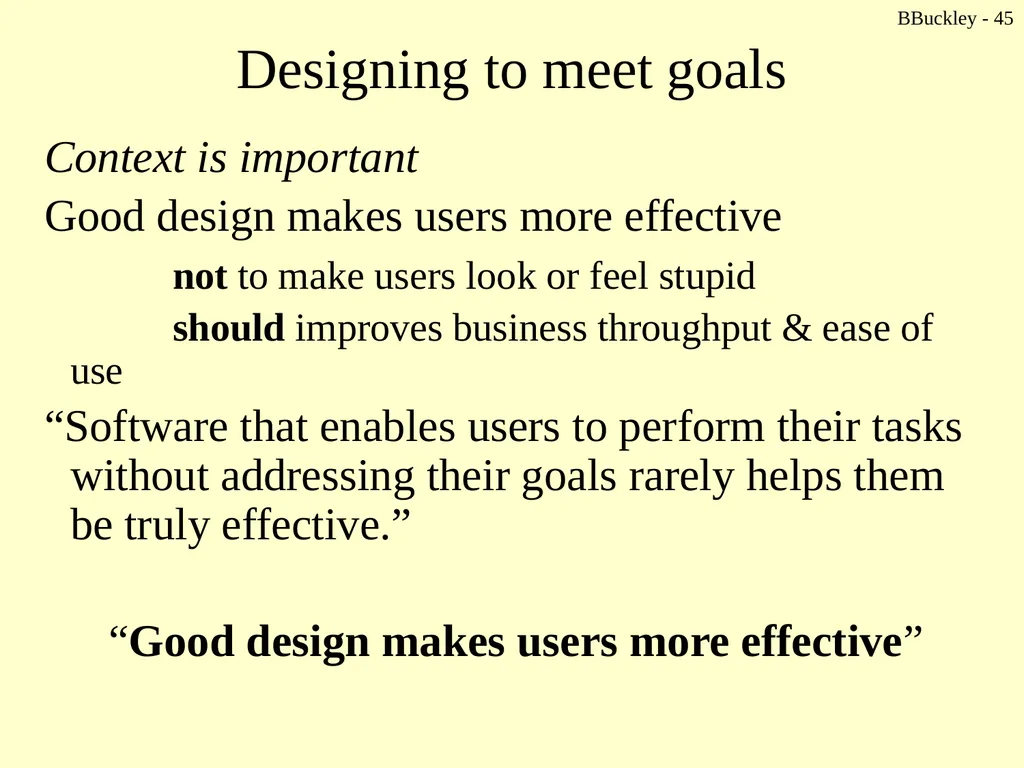
BBuckley - 45 Designing to meet goals Context is important
Good design makes users more effective
not to make users look or feel stupid
should improves business throughput & ease of use
“Software that enables users to perform their tasks without addressing their goals rarely helps them be truly effective.”
“Good design makes users more effective”<br>
Good design makes users more effective
not to make users look or feel stupid
should improves business throughput & ease of use
“Software that enables users to perform their tasks without addressing their goals rarely helps them be truly effective.”
“Good design makes users more effective”<br>
45
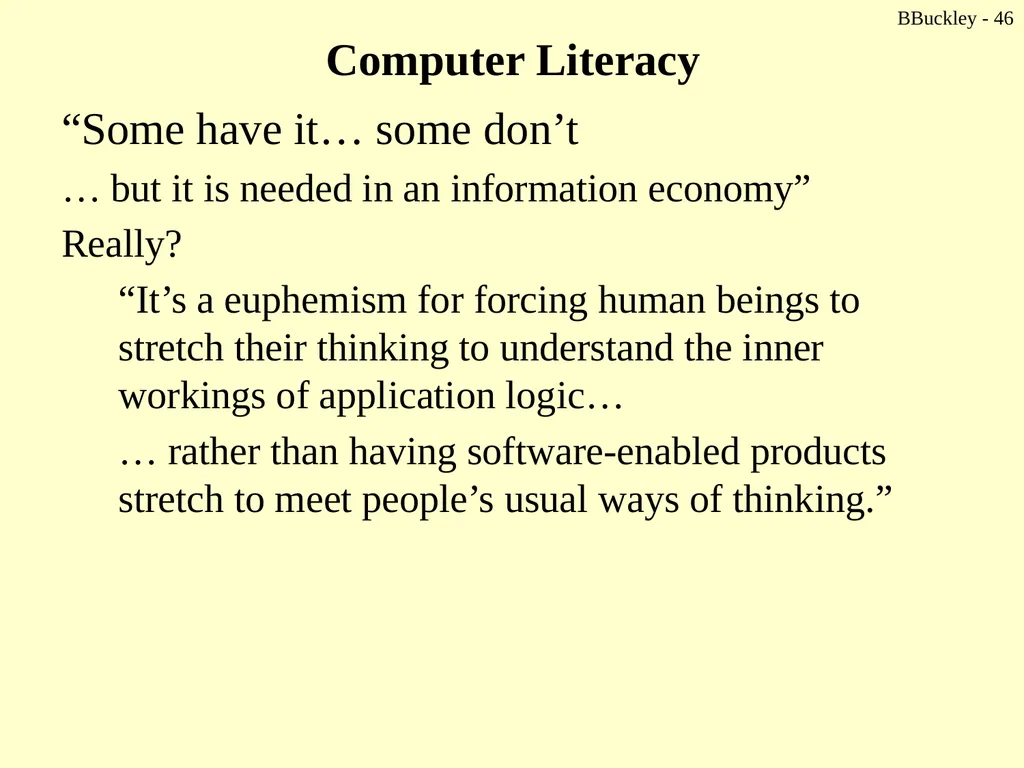
Computer Literacy “Some have it… some don’t
… but it is needed in an information economy”
Really?
“It’s a euphemism for forcing human beings to stretch their thinking to understand the inner workings of application logic…
… rather than having software-enabled products stretch to meet people’s usual ways of thinking.” BBuckley - 46<br>
… but it is needed in an information economy”
Really?
“It’s a euphemism for forcing human beings to stretch their thinking to understand the inner workings of application logic…
… rather than having software-enabled products stretch to meet people’s usual ways of thinking.” BBuckley - 46<br>
46
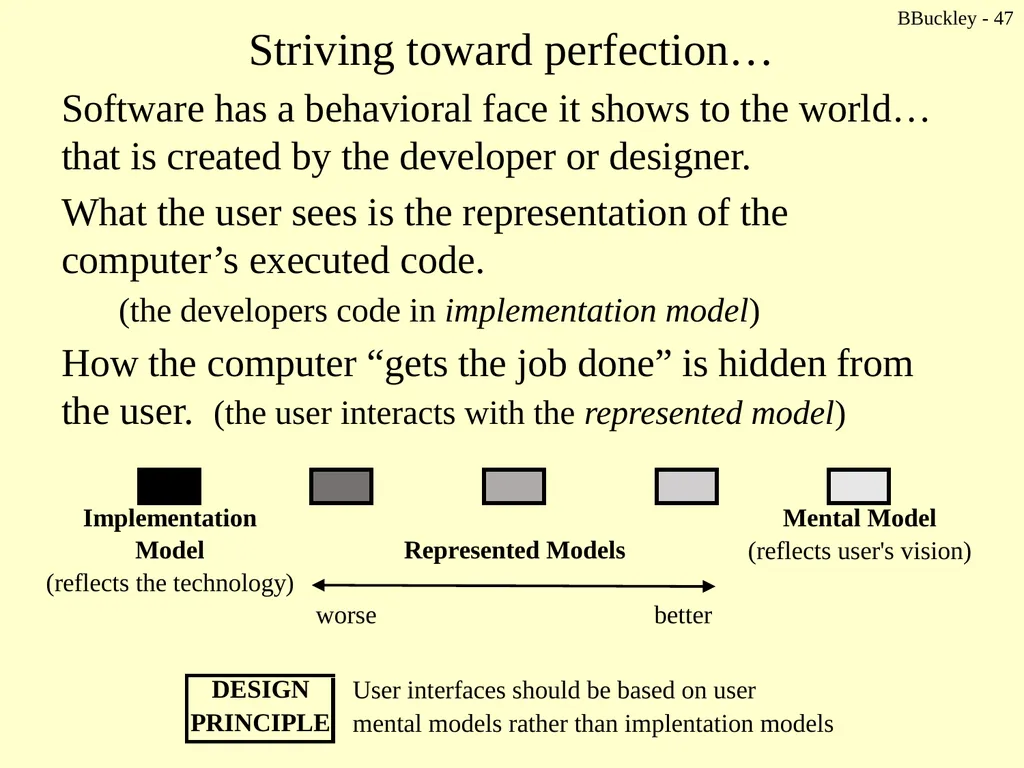
Striving toward perfection… Software has a behavioral face it shows to the world… that is created by the developer or designer.
What the user sees is the representation of the computer’s executed code.
(the developers code in implementation model)
How the computer “gets the job done” is hidden from the user. (the user interacts with the represented model) BBuckley - 47<br>
What the user sees is the representation of the computer’s executed code.
(the developers code in implementation model)
How the computer “gets the job done” is hidden from the user. (the user interacts with the represented model) BBuckley - 47<br>
47
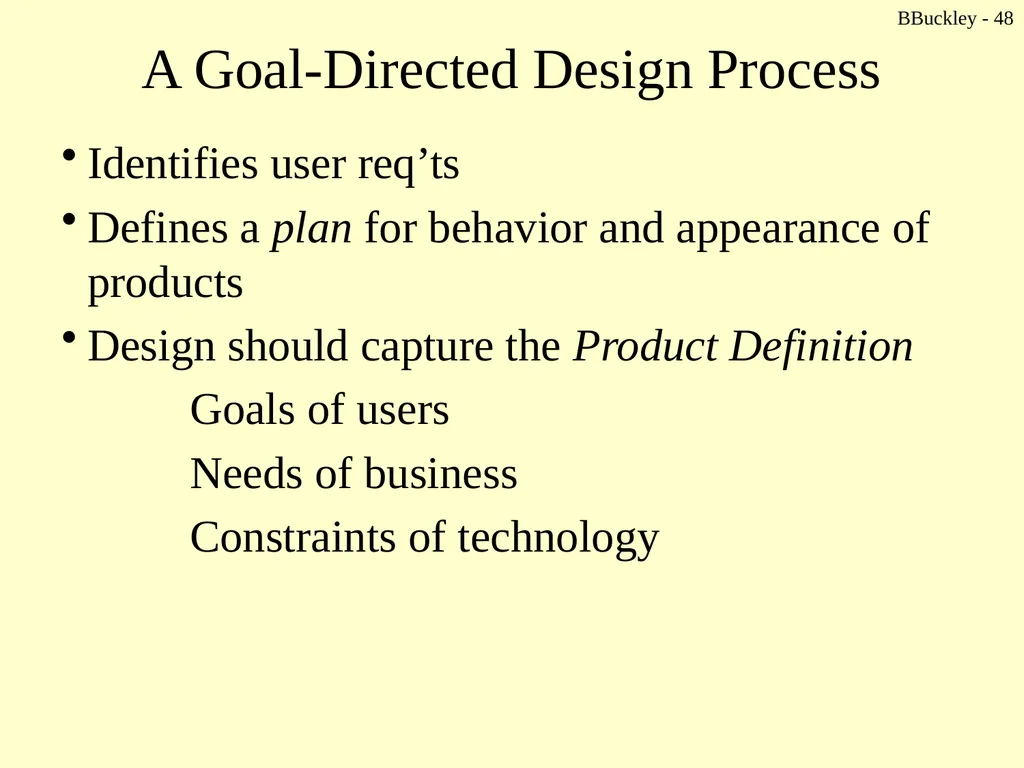
BBuckley - 48 A Goal-Directed Design Process Identifies user req’ts
Defines a plan for behavior and appearance of products
Design should capture the Product Definition
Goals of users
Needs of business
Constraints of technology<br>
Defines a plan for behavior and appearance of products
Design should capture the Product Definition
Goals of users
Needs of business
Constraints of technology<br>
48
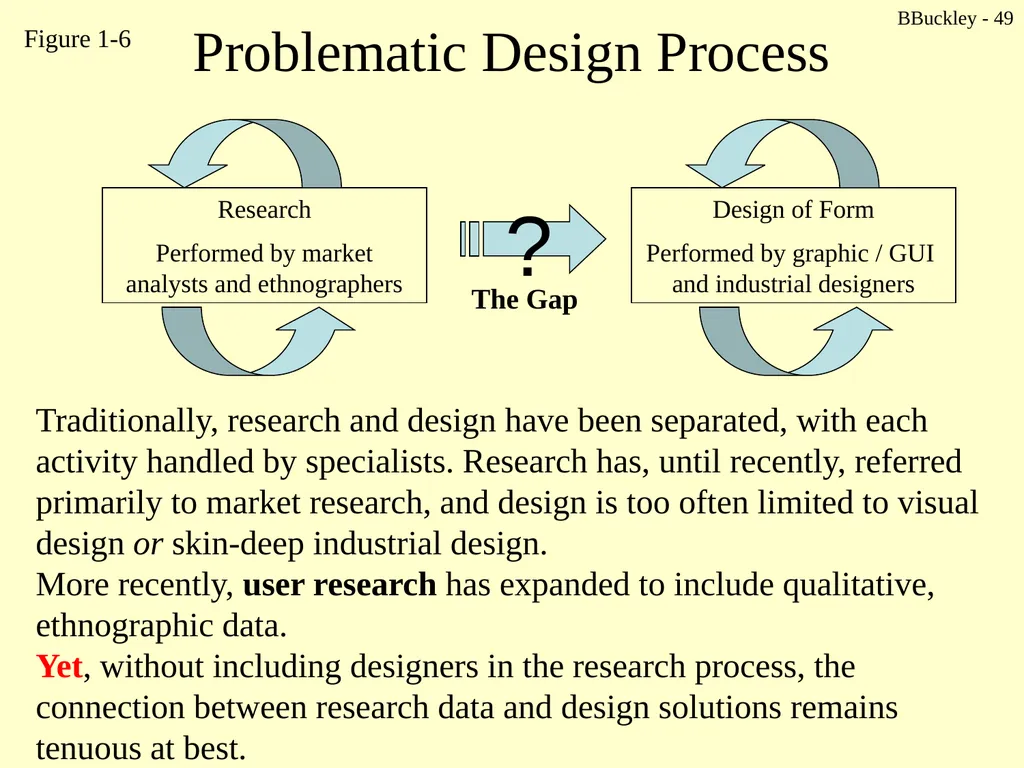
BBuckley - 49 Problematic Design Process Traditionally, research and design have been separated, with each activity handled by specialists. Research has, until recently, referred primarily to market research, and design is too often limited to visual design or skin-deep industrial design.
More recently, user research has expanded to include qualitative, ethnographic data.
Yet, without including designers in the research process, the connection between research data and design solutions remains tenuous at best. The Gap Figure 1-6<br>
More recently, user research has expanded to include qualitative, ethnographic data.
Yet, without including designers in the research process, the connection between research data and design solutions remains tenuous at best. The Gap Figure 1-6<br>
49
What about empathy? The action of …
Understanding
Being aware of
Being sensitive to, and
vicariously experiencing the feelings, thoughts, and experience of another
… without having the feelings, thoughts, and experience fully communicated in an objectively explicit manner BBuckley - 50<br>
Understanding
Being aware of
Being sensitive to, and
vicariously experiencing the feelings, thoughts, and experience of another
… without having the feelings, thoughts, and experience fully communicated in an objectively explicit manner BBuckley - 50<br>
50
BBuckley - 51 What about empathy? “Direct and extensive exposure to users
(required for effective user-research)
… immerses designers in the users’ world, and gets them thinking about users long before they propose solutions.”
“One of the most dangerous practices in product development is isolating designers from the users because doing so eliminates empathic knowledge.”<br>
(required for effective user-research)
… immerses designers in the users’ world, and gets them thinking about users long before they propose solutions.”
“One of the most dangerous practices in product development is isolating designers from the users because doing so eliminates empathic knowledge.”<br>
51
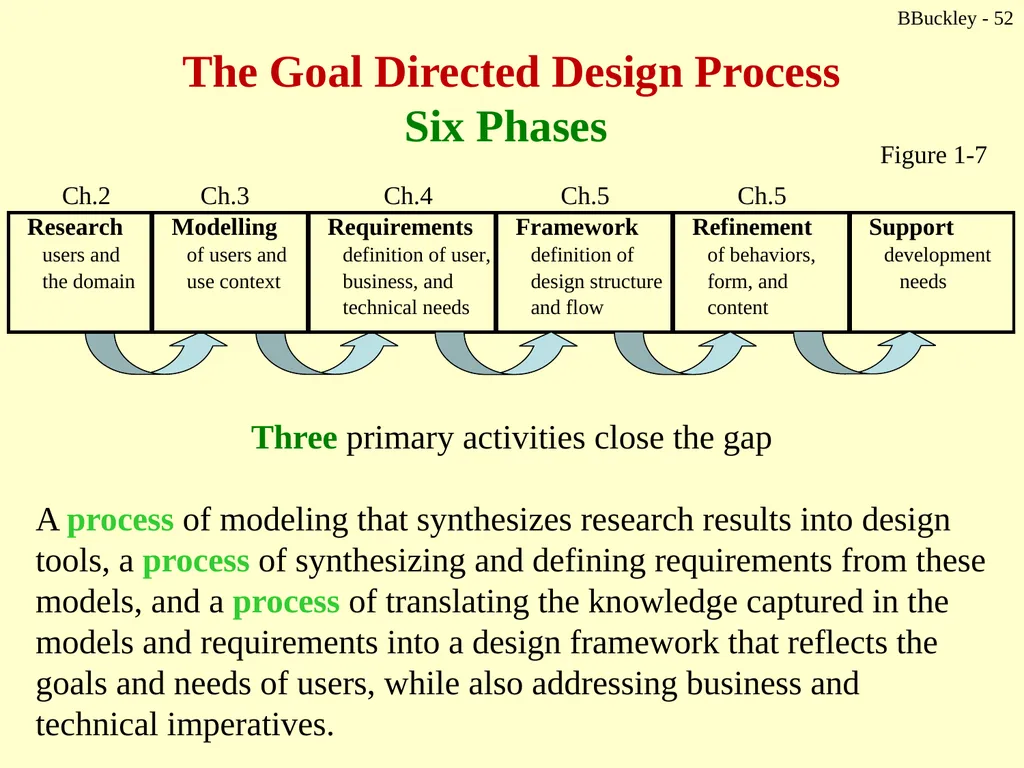
BBuckley - 52 The Goal Directed Design Process
Six Phases Three primary activities close the gap
A process of modeling that synthesizes research results into design tools, a process of synthesizing and defining requirements from these models, and a process of translating the knowledge captured in the models and requirements into a design framework that reflects the goals and needs of users, while also addressing business and technical imperatives. Figure 1-7<br>
A process of modeling that synthesizes research results into design tools, a process of synthesizing and defining requirements from these models, and a process of translating the knowledge captured in the models and requirements into a design framework that reflects the goals and needs of users, while also addressing business and technical imperatives. Figure 1-7<br>
52
BBuckley - 53 Research You need to understand the behavior patterns of potential and/or actual users of the product.
Research informs the creation of personas in the Modeling phase.
Stakeholder interviews, literature reviews, and product audits…<br>
Research informs the creation of personas in the Modeling phase.
Stakeholder interviews, literature reviews, and product audits…<br>
53
BBuckley - 54 Modeling Domain models
Information flow and workflow diagrams
Personas
Detailed, composite user archetypes representing grouping of behaviors, attitudes, goals, and motivations observed and identified during research
More coming in Chapter 3<br>
Information flow and workflow diagrams
Personas
Detailed, composite user archetypes representing grouping of behaviors, attitudes, goals, and motivations observed and identified during research
More coming in Chapter 3<br>
54
BBuckley - 55 Requirements Definition Scenario-based – a day-in-the life
Focus on meeting goals and needs of specific user personas
… do not focus on user’s codable tasks
Understanding which tasks are truly important and why.
A balance of user, business, and technical req’ts.<br>
Focus on meeting goals and needs of specific user personas
… do not focus on user’s codable tasks
Understanding which tasks are truly important and why.
A balance of user, business, and technical req’ts.<br>
55
BBuckley - 56 Framework The overall product concept… defining product’s behavior and visual design, (and physical form, if that fits).
Uses:
Interaction design principles
Interaction design patterns
Interaction framework definition
Principles help identify design elements
Principles and patterns guide the development of design sketches and behavior descriptions<br>
Uses:
Interaction design principles
Interaction design patterns
Interaction framework definition
Principles help identify design elements
Principles and patterns guide the development of design sketches and behavior descriptions<br>
56
BBuckley - 57 Refinement Focus on detail and implementation
Focus on task coherence
Use walkthroughs and validation scenarios
Storyboarding paths through the interface in high detail
Form and behavior specification is produced<br>
Focus on task coherence
Use walkthroughs and validation scenarios
Storyboarding paths through the interface in high detail
Form and behavior specification is produced<br>
57
BBuckley - 58 Development Support “Help” resources needed to answer developers’ questions… real-time as they occur.
The developers should not be left alone to…
Prioritize the work
Make trade-offs to meet deadlines
Adjust design requiring scaled-down design solutions
The detailed look at Goal-Directed Design
(see handout)<br>
The developers should not be left alone to…
Prioritize the work
Make trade-offs to meet deadlines
Adjust design requiring scaled-down design solutions
The detailed look at Goal-Directed Design
(see handout)<br>
58
Figure 1-8: A more detailed look at the Goal Directed Design process<br>
59
BBuckley - 60 Goals, not features Developers build software function by function.
A list of features is one way to explain the product’s value to customers.
But what do you know about how effective and happy users will be actually using the software?
What’s your job? How about…
Orchestrating technological capability to serve human needs and goals.
“Too often the features … are a patchwork of nifty technological innovations structured around marketing req’ts or the organization of the development team…”
Where do we attend to the overall user experience?<br>
A list of features is one way to explain the product’s value to customers.
But what do you know about how effective and happy users will be actually using the software?
What’s your job? How about…
Orchestrating technological capability to serve human needs and goals.
“Too often the features … are a patchwork of nifty technological innovations structured around marketing req’ts or the organization of the development team…”
Where do we attend to the overall user experience?<br>
60
BBuckley - 61 The important questions! Who are the users?
What are my users trying to accomplish?
How do my users think about what they’re trying to accomplish?
What kind of experiences do my users find appealing and rewarding?
How should my product behave?
What form should my product take?
How will users interact with my product?
How can my product's functions be most effectively organized?
How will my product introduce itself to first-time users?<br>
What are my users trying to accomplish?
How do my users think about what they’re trying to accomplish?
What kind of experiences do my users find appealing and rewarding?
How should my product behave?
What form should my product take?
How will users interact with my product?
How can my product's functions be most effectively organized?
How will my product introduce itself to first-time users?<br>
61
BBuckley - 62 .. more questions How can my product put an understandable, appealing, and controllable face on technology?
How can my product deal with problems that users encounter?
How will my product help infrequent and inexperienced users understand how to accomplish their goals?
How can my product provided sufficient depth and power for expert users?
“The remainder of this book is dedicated to answering these questions.”<br>
How can my product deal with problems that users encounter?
How will my product help infrequent and inexperienced users understand how to accomplish their goals?
How can my product provided sufficient depth and power for expert users?
“The remainder of this book is dedicated to answering these questions.”<br>
62
BBuckley - 63 Designer’s job Look beyond the task… identify who the most important users are… what are their goals and why…
that’s Chapter 1 <br>
that’s Chapter 1 <br>