
Buying Database Hardware Adam Backman – President
AM
Published · 34 slides · 0 views
1 / 1
Description
Buying Database Hardware Adam Backman President White Star Software, LLC. About the speaker President White Star Software One of the oldest and most respected consulting and training companies in the Progress OpenEdge sector Vice
Related Topics
Download this presentation From Below
"Buying Database Hardware Adam Backman – President" is the property of its rightful owner. Permission is granted to download and print the materials on this website for personal, non-commercial use only, and to display it on your personal computer provided you do not modify the materials and that you retain all copyright notices contained in the materials. By downloading content from our website, you accept the terms of this agreement.
Share
Embed code
Presentation Transcript
01
Buying Database Hardware Adam Backman – President
White Star Software, LLC.<br>
White Star Software, LLC.<br>
02
About the speaker President – White Star Software
One of the oldest and most respected consulting and training companies in the Progress OpenEdge sector
Vice President – DBAppraise
Managed database services backed up by experienced Progress OpenEdge professionals not rookies off the bench
Author – Progress Software’s Expert Series
Over 25 years of Progress OpenEdge experience
Technical support
Training
Consulting (Database and System configuration, management and tuning)<br>
One of the oldest and most respected consulting and training companies in the Progress OpenEdge sector
Vice President – DBAppraise
Managed database services backed up by experienced Progress OpenEdge professionals not rookies off the bench
Author – Progress Software’s Expert Series
Over 25 years of Progress OpenEdge experience
Technical support
Training
Consulting (Database and System configuration, management and tuning)<br>
03
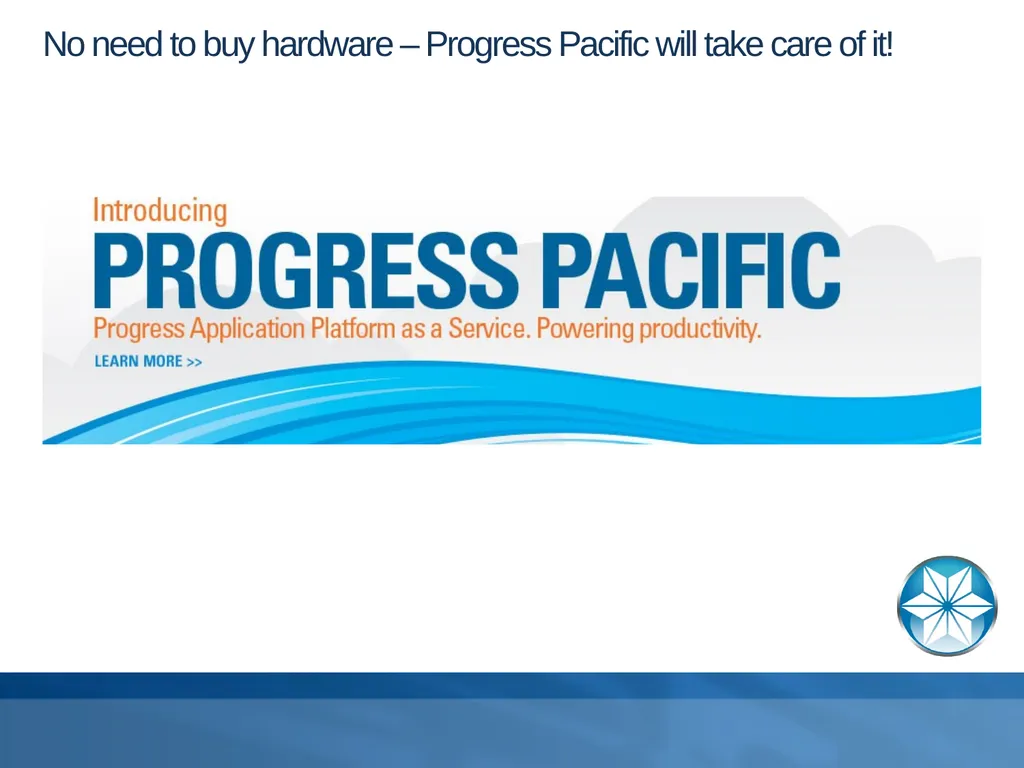
No need to buy hardware – Progress Pacific will take care of it!<br>
04
Agenda Understanding system resources
Picking the right vendor
Where to spend your money
CPU fast vs. many
Memory – can you ever have too much
Disk – where all the data starts
Network and other parts of the system
Conclusion<br>
Picking the right vendor
Where to spend your money
CPU fast vs. many
Memory – can you ever have too much
Disk – where all the data starts
Network and other parts of the system
Conclusion<br>
05
Understanding system resources Supported architectures
Understand your options
Performance tradeoffs<br>
Understand your options
Performance tradeoffs<br>
06
Main types of architectures supported by OpenEdge Database engine
Database with no portion of the application
Host-based system
Database, clients and background all on one system
Pure client/server
Database on one machine and clients on other machines
Part of an n-tier architecture
Database and background on Machine A
AppServers on Machine B
Clients on individual machines<br>
Database with no portion of the application
Host-based system
Database, clients and background all on one system
Pure client/server
Database on one machine and clients on other machines
Part of an n-tier architecture
Database and background on Machine A
AppServers on Machine B
Clients on individual machines<br>
07
Understand your options Single large system vs. 2 or more smaller machines
Virtualization
Single platform or multi-platform
Cloud vendors
SAN vs. Direct attached storage
Network considerations<br>
Virtualization
Single platform or multi-platform
Cloud vendors
SAN vs. Direct attached storage
Network considerations<br>
08
Single large machine vs. 2 or more smaller machines Single large machine
Pros
Highest potential performance by eliminating network layer
Easier to manage as everything is in one place
Cons
A single machine will have limited scalability
Usually two mid-range systems are more cost effective than a single high-end system
Potential license cost issues (CPU-Based pricing)<br>
Pros
Highest potential performance by eliminating network layer
Easier to manage as everything is in one place
Cons
A single machine will have limited scalability
Usually two mid-range systems are more cost effective than a single high-end system
Potential license cost issues (CPU-Based pricing)<br>
09
Single large machine vs. 2 or more smaller machines (cont.) Multi-machine
Pros
Flexibility – ability to repurpose machines
Scalability – ability to add additional machines to solution
Recoverability – ability to use AppServer machine as the database engine
Cons
Cost – duplication of items, power, maintnenace
Adding network layer can hurt performance
Management – more machines to manage
Maintenance – more things to break<br>
Pros
Flexibility – ability to repurpose machines
Scalability – ability to add additional machines to solution
Recoverability – ability to use AppServer machine as the database engine
Cons
Cost – duplication of items, power, maintnenace
Adding network layer can hurt performance
Management – more machines to manage
Maintenance – more things to break<br>
10
Purchase guidance Databases tend to use disk extensively
Spend on disk subsystem
Allow for a minimum of 10% of the database size for database buffers (-B memory)
Do not forget other memory allocations
OS buffers can be reduced to 10% or less of total memory
Applications are memory and CPU intensive
Generally better to buy more cores vs. fewer faster cores but not always some apps have major single-threaded operations
Memory can greatly reduce I/O via –B -Bp -Bt, -mmax, …
Examine your use cases for the machine and buy with both primary use and most likely alternative uses in mind<br>
Spend on disk subsystem
Allow for a minimum of 10% of the database size for database buffers (-B memory)
Do not forget other memory allocations
OS buffers can be reduced to 10% or less of total memory
Applications are memory and CPU intensive
Generally better to buy more cores vs. fewer faster cores but not always some apps have major single-threaded operations
Memory can greatly reduce I/O via –B -Bp -Bt, -mmax, …
Examine your use cases for the machine and buy with both primary use and most likely alternative uses in mind<br>
11
Purchase guidance Most people over spend on CPU
You can have all the CPU in the world but it will do you no good unless you can get data to them efficiently
People should focus on the performance “food chain”
Network
Disk
Memory
CPU
Slower resources should be addressed before faster resources<br>
You can have all the CPU in the world but it will do you no good unless you can get data to them efficiently
People should focus on the performance “food chain”
Network
Disk
Memory
CPU
Slower resources should be addressed before faster resources<br>
12
Virtualization Everyone is doing it but why?
Ability to build new environments
Ability to recover quickly (part of a DR solution)
Reduction in common resource use per server
Power
Cooling
Floor/rack space
Potential for better resource saturation (unused CPU)
Why not?
Complexity
Cost (VMWare is not free :-)
More applications affected by an outage<br>
Ability to build new environments
Ability to recover quickly (part of a DR solution)
Reduction in common resource use per server
Power
Cooling
Floor/rack space
Potential for better resource saturation (unused CPU)
Why not?
Complexity
Cost (VMWare is not free :-)
More applications affected by an outage<br>
13
Options: N-tier option Database engine
Fast Disk
Moderate memory (over 10% of DB + OS and extras)
Relatively little CPU
AppServer machine
Internal disk – setup well but not crazy
Higher memory usage
CPU intensive
Client machine
Web/Mobile
Desktops
Citrix/Windows terminal server<br>
Fast Disk
Moderate memory (over 10% of DB + OS and extras)
Relatively little CPU
AppServer machine
Internal disk – setup well but not crazy
Higher memory usage
CPU intensive
Client machine
Web/Mobile
Desktops
Citrix/Windows terminal server<br>
14
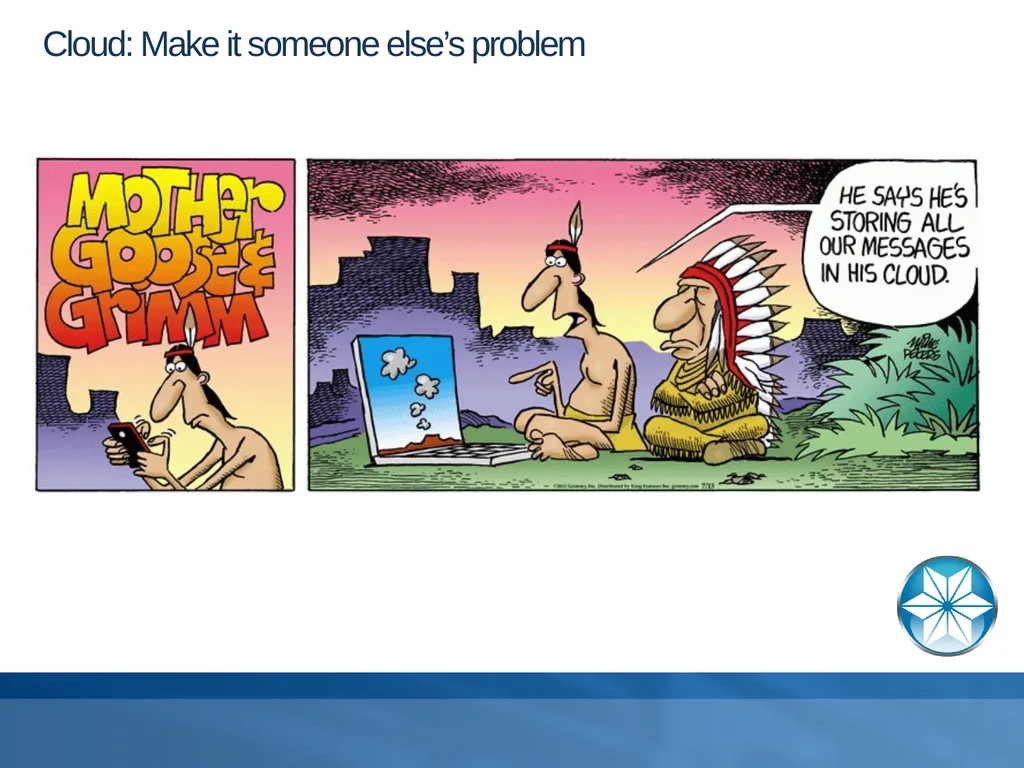
Cloud: Make it someone else’s problem<br>
15
Cloud Watch for variable performance
Measure throughput (Disk and memory)
Measure compute capacity
Measure at different days/times
Performance guaranty from vendor
Iops/sec. vs. perception (real measurements)
Amazon (HPC) high performance computing<br>
Measure throughput (Disk and memory)
Measure compute capacity
Measure at different days/times
Performance guaranty from vendor
Iops/sec. vs. perception (real measurements)
Amazon (HPC) high performance computing<br>
16
Why is disk important CPU capacity doubles every 18 months
Network bandwidth doubling every 12 months
Memory is 37,000+ times faster than disk
Disk (per disk I/O rate) fairly static (150 – 200 iops/sec.)
Storage will generally cost more than servers and this is particularly true for database servers<br>
Network bandwidth doubling every 12 months
Memory is 37,000+ times faster than disk
Disk (per disk I/O rate) fairly static (150 – 200 iops/sec.)
Storage will generally cost more than servers and this is particularly true for database servers<br>
17
Buy better storage Many disks
150 iops/sec. per disk
Look at you buffer hit rate and total request load
Don’t forget temporary file I/O which can account for a significant percentage of your total I/O load
Larger cache
Some systems require you to expand cache when you expand your storage but most don’t
Adding cache is akin to adding database buffers to a database
SSD – save money buy fewer devices
SSDs are a real solution now and prices are competitive though not cheap when compared to conventional storage on a per GB basis<br>
150 iops/sec. per disk
Look at you buffer hit rate and total request load
Don’t forget temporary file I/O which can account for a significant percentage of your total I/O load
Larger cache
Some systems require you to expand cache when you expand your storage but most don’t
Adding cache is akin to adding database buffers to a database
SSD – save money buy fewer devices
SSDs are a real solution now and prices are competitive though not cheap when compared to conventional storage on a per GB basis<br>
18
Do better disk configuration Still no RAID 5, No RAID S, No RAID 6, No RAID 7
RAID 10 still king for database storage – really there are a bunch of really cool stats to prove this out
Large stripe widths
Performance improved with stripe width through 2MB
Use best portion of rotating disk (rotating rust)
Using outer edge of disk will provide the best performance which may be as much as 15% better vs. inner portion of disk
Even usage across all disks
Eliminate disk variance
Think of ALL sources of I/O (DB, BI, AI, Temp files, OS, …)<br>
RAID 10 still king for database storage – really there are a bunch of really cool stats to prove this out
Large stripe widths
Performance improved with stripe width through 2MB
Use best portion of rotating disk (rotating rust)
Using outer edge of disk will provide the best performance which may be as much as 15% better vs. inner portion of disk
Even usage across all disks
Eliminate disk variance
Think of ALL sources of I/O (DB, BI, AI, Temp files, OS, …)<br>
19
Storage Direct attached
Less expensive in most cases
Less complex – Single machine tuning OS and Array
High performance – Disks dedicated
SAN – generalized business storage
NAS – file optimized storage
SAN – Purpose-built high performance
Why SAN twice? There is a huge difference in SANs and you need to buy for your need not for their marketing<br>
Less expensive in most cases
Less complex – Single machine tuning OS and Array
High performance – Disks dedicated
SAN – generalized business storage
NAS – file optimized storage
SAN – Purpose-built high performance
Why SAN twice? There is a huge difference in SANs and you need to buy for your need not for their marketing<br>
20
Direct-attached storage Pros
Not shared with other hosts (isolation is bliss)
Easier problem resolution
Massive controller throughput for little money
Cheaper to maintain
Cons
Not shared with other hosts (no cost sharing)<br>
Not shared with other hosts (isolation is bliss)
Easier problem resolution
Massive controller throughput for little money
Cheaper to maintain
Cons
Not shared with other hosts (no cost sharing)<br>
21
SAN: Generalized business storage Pros
Best option in virtualized environment
Share one powerful storage system with many hosts
One stop storage system for all hosts
Cons
High initial cost
Single point of failure unless array mirroring/clustering is in place
Not optimized to individual tasks
Complex<br>
Best option in virtualized environment
Share one powerful storage system with many hosts
One stop storage system for all hosts
Cons
High initial cost
Single point of failure unless array mirroring/clustering is in place
Not optimized to individual tasks
Complex<br>
22
SAN: Purpose-built Pros:
Excellent performance
Additional control at array level
Massively scalable
Ability to dedicate resources to hosts
Reliable (fault tolerant)
Cons
Single point of failure unless array mirroring is in place
Cost
Complexity<br>
Excellent performance
Additional control at array level
Massively scalable
Ability to dedicate resources to hosts
Reliable (fault tolerant)
Cons
Single point of failure unless array mirroring is in place
Cost
Complexity<br>
23
SAN monitoring More difficult as there are many moving parts
Multiple hosts need to be monitored
SAN needs to be monitored
Monitoring data needs to be synchronized
Work loads need to be balanced across hosts<br>
Multiple hosts need to be monitored
SAN needs to be monitored
Monitoring data needs to be synchronized
Work loads need to be balanced across hosts<br>
24
NAS: file optimized storage Pros
Sharable across hosts
Generally cheaper than SAN
Good service for application files
Cons
File optimized not block optimized
Not database optimized
Not client temporary file optimized<br>
Sharable across hosts
Generally cheaper than SAN
Good service for application files
Cons
File optimized not block optimized
Not database optimized
Not client temporary file optimized<br>
25
Storage network Should be isolated
Physically
Separate vlan if physical is not possible
Use large MTU size (ALL must be the same)
Host
Guest
Switch
Array<br>
Physically
Separate vlan if physical is not possible
Use large MTU size (ALL must be the same)
Host
Guest
Switch
Array<br>
26
Network options Simple
Put a single quad card in the server and bind the ports for performance
Moderate
Multiple cards bound with a two networks. One for Data and the other for client traffic
Complex
Multiple machine
Multiple networks (vlan)
Dedicated networks for DB, replication, client traffic, AppServer<br>
Put a single quad card in the server and bind the ports for performance
Moderate
Multiple cards bound with a two networks. One for Data and the other for client traffic
Complex
Multiple machine
Multiple networks (vlan)
Dedicated networks for DB, replication, client traffic, AppServer<br>
27
Network Try to use your network efficiently
-Mm 8192 to increase throughput
Remember to move to jumbo frames (client, server, switches, …)
Move invasive processes to separate network
Backup
Replication
System syncronizations<br>
-Mm 8192 to increase throughput
Remember to move to jumbo frames (client, server, switches, …)
Move invasive processes to separate network
Backup
Replication
System syncronizations<br>
28
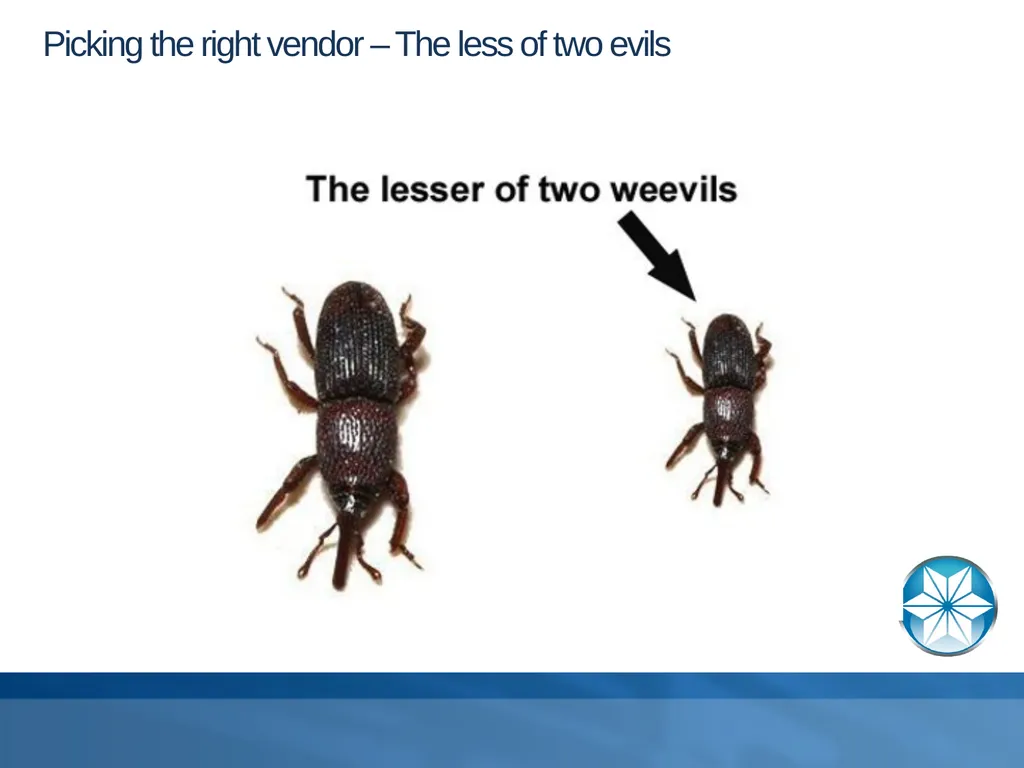
Picking the right vendor – The less of two evils<br>
29
Picking the right vendor Better support nearly always beats a better upfront price
Look at quality of “local” support infrastructure
Response time (SLA)
In country
In the correct language
Always comparison shop even if you “know” what you want
This keeps vendors honest
Choosing historic rivals helps drive down price
Simplify to enhance support
Bundle Linux support under hardware contract
Single vendor simplicity<br>
Look at quality of “local” support infrastructure
Response time (SLA)
In country
In the correct language
Always comparison shop even if you “know” what you want
This keeps vendors honest
Choosing historic rivals helps drive down price
Simplify to enhance support
Bundle Linux support under hardware contract
Single vendor simplicity<br>
30
Paying for support Buy all support with the initial purchase
Allows easier (capital) write-off
Years 4+ of support can cost as much as the initial price if purchased later<br>
Allows easier (capital) write-off
Years 4+ of support can cost as much as the initial price if purchased later<br>
31
Picking the wrong solution NetApp for database storage. Performance will be non-optimal
NUMA Architecture – Good vendors make bad solutions
All CPUs allocated to a Progress domain must come from the same book/shelf/node
All Memory must meet the same criteria as CPU
Using client/server for reporting
Kill the network access whenever possible
Use AppServer for complex OLTP<br>
NUMA Architecture – Good vendors make bad solutions
All CPUs allocated to a Progress domain must come from the same book/shelf/node
All Memory must meet the same criteria as CPU
Using client/server for reporting
Kill the network access whenever possible
Use AppServer for complex OLTP<br>
32
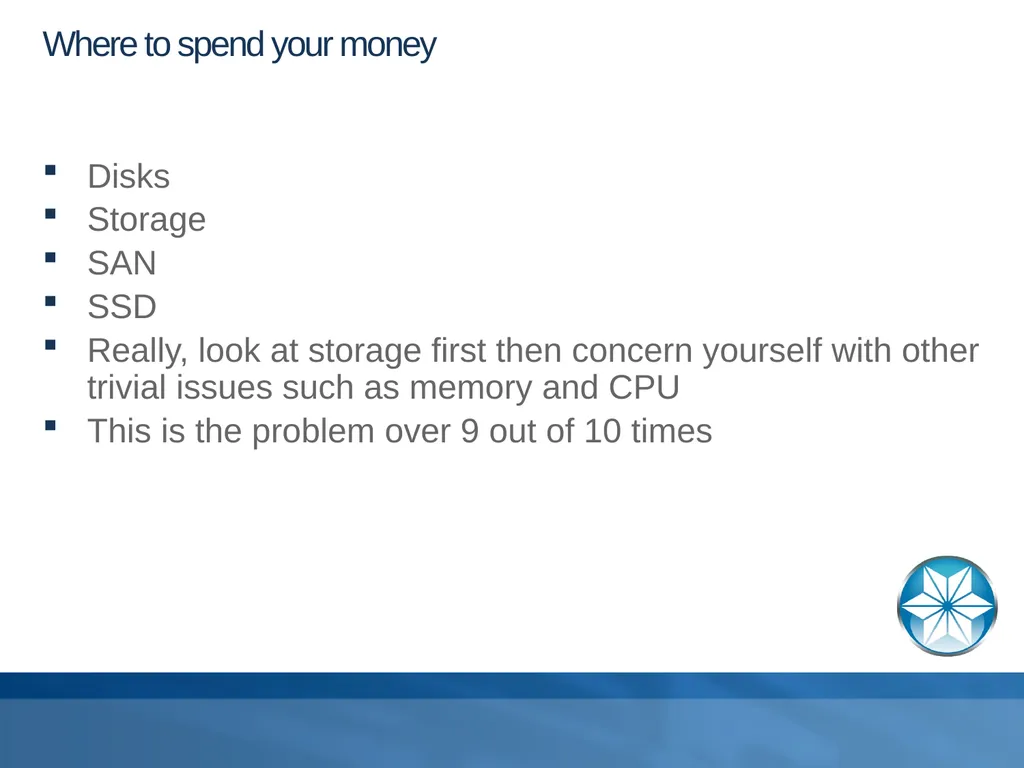
Where to spend your money Disks
Storage
SAN
SSD
Really, look at storage first then concern yourself with other trivial issues such as memory and CPU
This is the problem over 9 out of 10 times<br>
Storage
SAN
SSD
Really, look at storage first then concern yourself with other trivial issues such as memory and CPU
This is the problem over 9 out of 10 times<br>
33
Questions, Comments, … Fragen Vragen Galderak Kysymykt 问题 질문 Вопросы Frågor Preguntas<br>
34
THANK YOU Thank you for your time<br>