
chapter 3 the interaction The Interaction
CB
Published · 70 slides · 0 views
1 / 1

Description
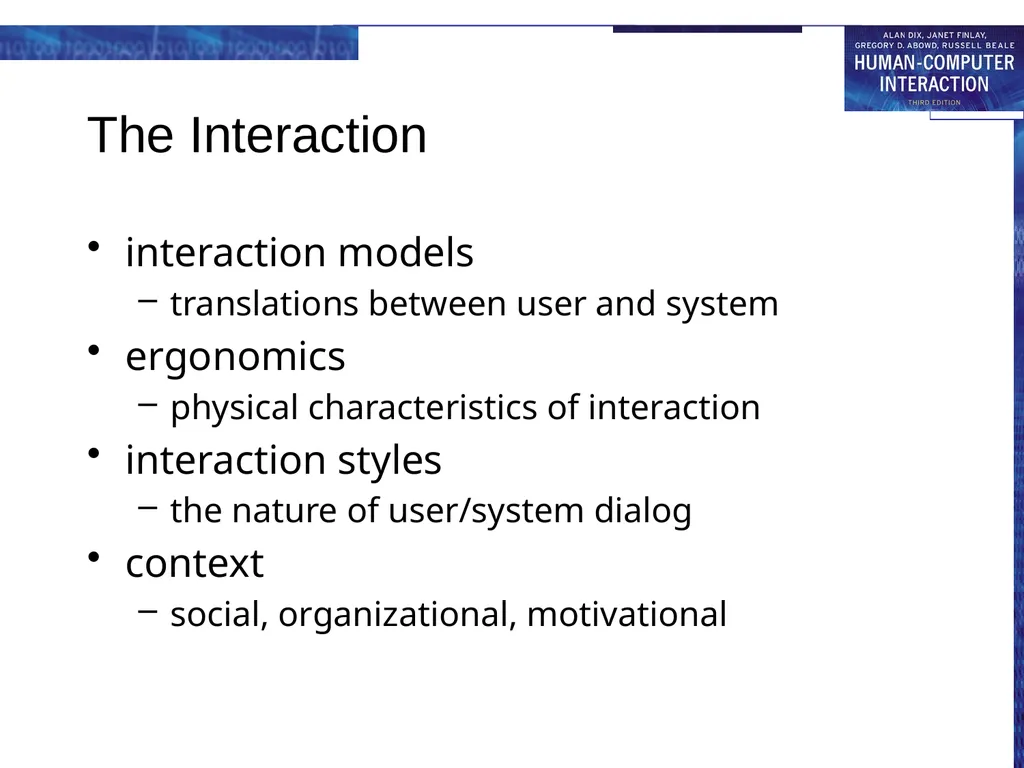
chapter 3 the interaction The Interaction interaction models translations between user and system ergonomics physical characteristics of interaction interaction styles the nature of usersystem dialog context social, organizational,
Related Topics
Share
Embed code
Download this presentation From Below
"chapter 3 the interaction The Interaction" is the property of its rightful owner. Permission is granted to download and print the materials on this website for personal, non-commercial use only, and to display it on your personal computer provided you do not modify the materials and that you retain all copyright notices contained in the materials. By downloading content from our website, you accept the terms of this agreement.
Presentation Transcript
01
chapter 3 the interaction<br>
02
The Interaction interaction models
translations between user and system
ergonomics
physical characteristics of interaction
interaction styles
the nature of user/system dialog
context
social, organizational, motivational<br>
translations between user and system
ergonomics
physical characteristics of interaction
interaction styles
the nature of user/system dialog
context
social, organizational, motivational<br>
03
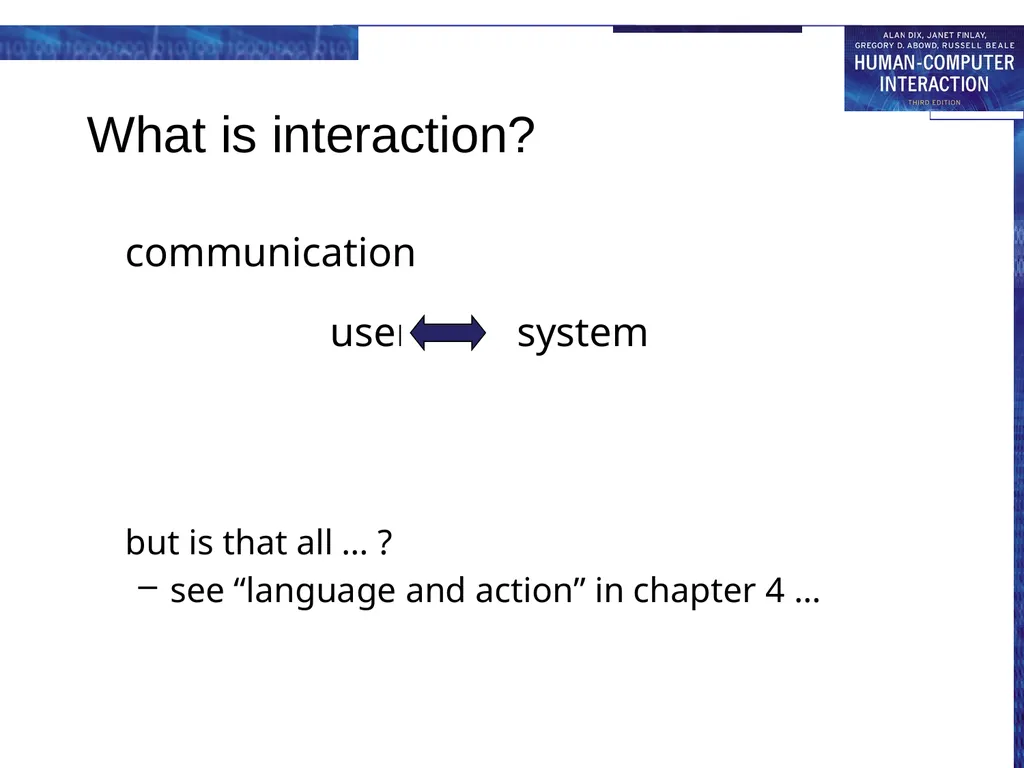
What is interaction? communication
user system
but is that all … ?
see “language and action” in chapter 4 …<br>
user system
but is that all … ?
see “language and action” in chapter 4 …<br>
04
models of interaction terms of interaction
Norman model
interaction framework<br>
Norman model
interaction framework<br>
05
Some terms of interaction domain – the area of work under study
e.g. graphic design
goal – what you want to achieve
e.g. create a solid red triangle
task – how you go about doing it – ultimately in terms of operations or actions
e.g. … select fill tool, click over triangle
Note …
traditional interaction …
use of terms differs a lot especially task/goal !!!<br>
e.g. graphic design
goal – what you want to achieve
e.g. create a solid red triangle
task – how you go about doing it – ultimately in terms of operations or actions
e.g. … select fill tool, click over triangle
Note …
traditional interaction …
use of terms differs a lot especially task/goal !!!<br>
06
Donald Norman’s model Seven stages
user establishes the goal
formulates intention
specifies actions at interface
executes action
perceives system state
interprets system state
evaluates system state with respect to goal
Norman’s model concentrates on user’s view of the interface<br>
user establishes the goal
formulates intention
specifies actions at interface
executes action
perceives system state
interprets system state
evaluates system state with respect to goal
Norman’s model concentrates on user’s view of the interface<br>
07
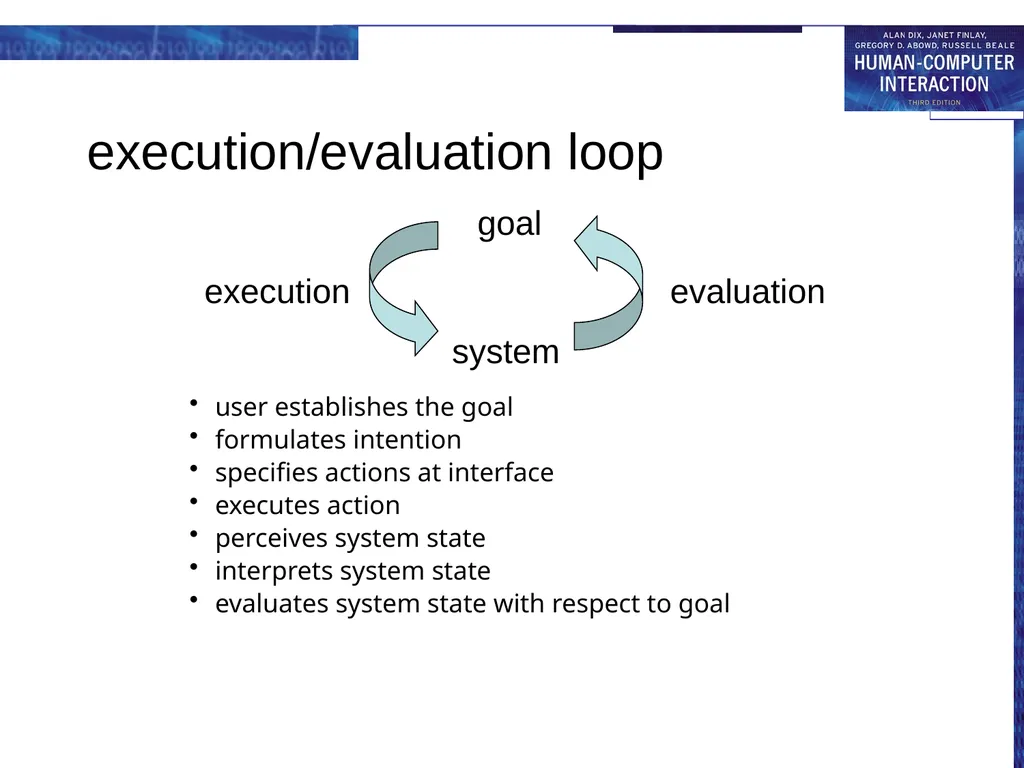
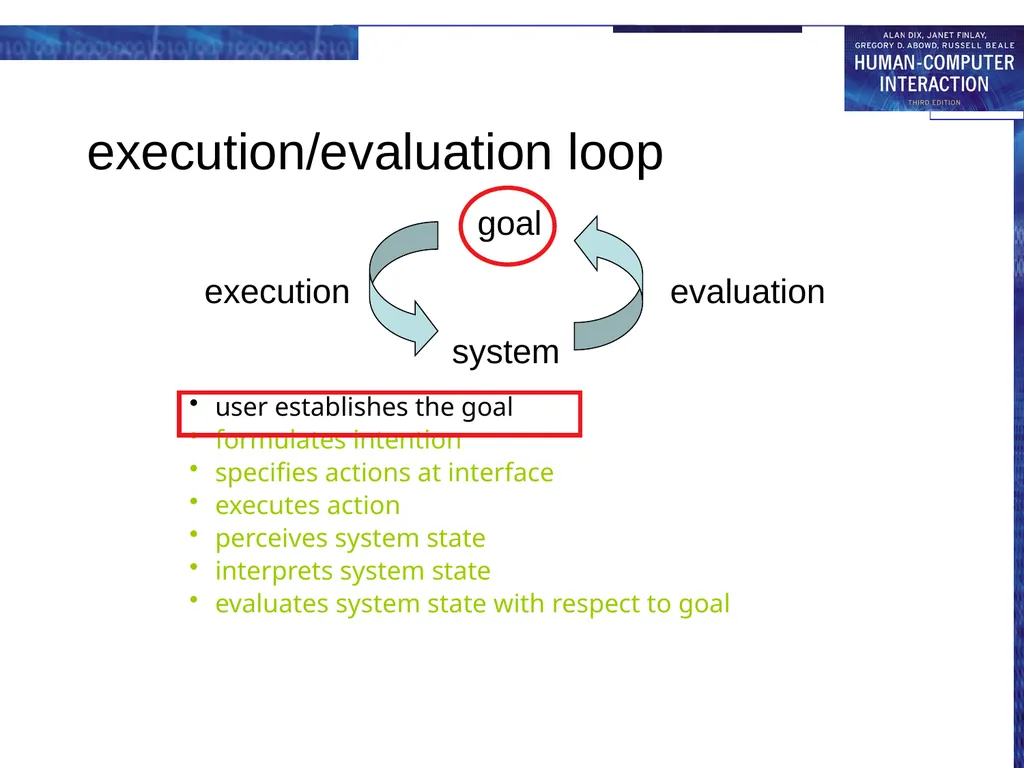
execution/evaluation loop user establishes the goal
formulates intention
specifies actions at interface
executes action
perceives system state
interprets system state
evaluates system state with respect to goal<br>
formulates intention
specifies actions at interface
executes action
perceives system state
interprets system state
evaluates system state with respect to goal<br>
08
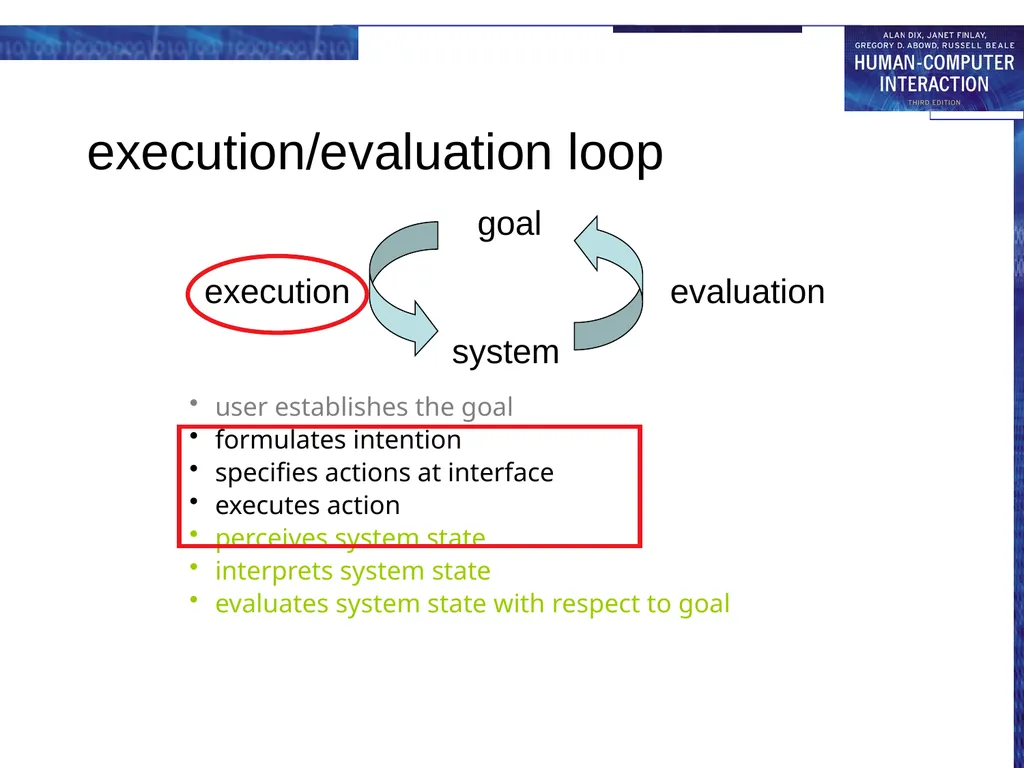
execution/evaluation loop user establishes the goal
formulates intention
specifies actions at interface
executes action
perceives system state
interprets system state
evaluates system state with respect to goal<br>
formulates intention
specifies actions at interface
executes action
perceives system state
interprets system state
evaluates system state with respect to goal<br>
09
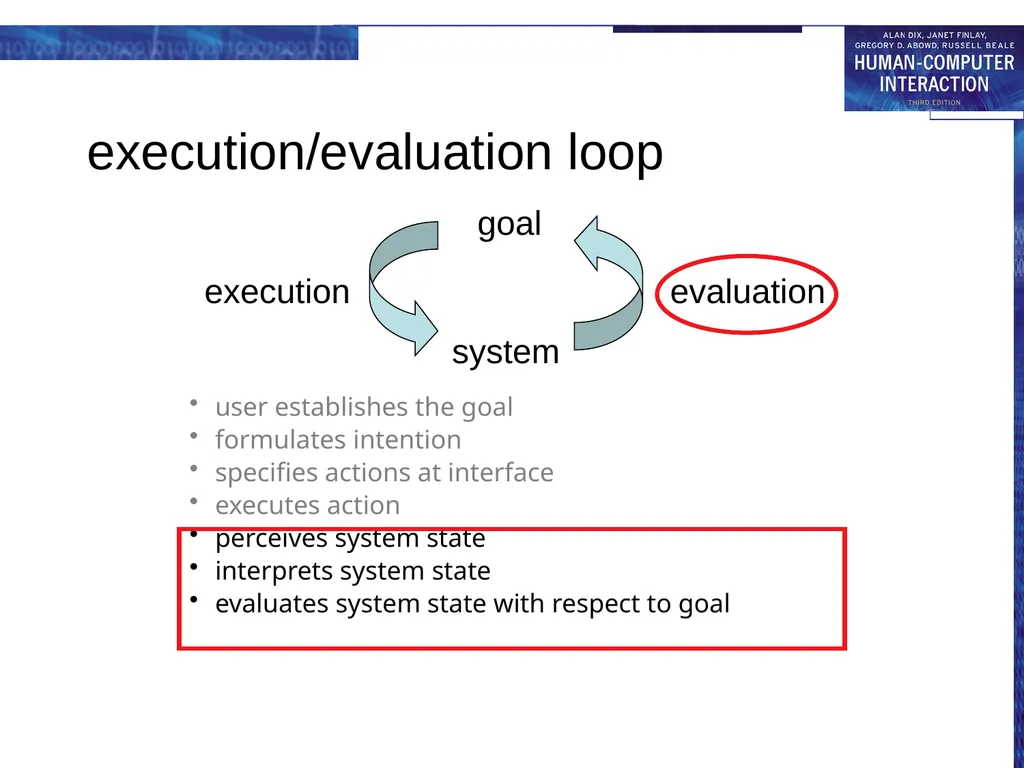
execution/evaluation loop user establishes the goal
formulates intention
specifies actions at interface
executes action
perceives system state
interprets system state
evaluates system state with respect to goal<br>
formulates intention
specifies actions at interface
executes action
perceives system state
interprets system state
evaluates system state with respect to goal<br>
10
execution/evaluation loop user establishes the goal
formulates intention
specifies actions at interface
executes action
perceives system state
interprets system state
evaluates system state with respect to goal<br>
formulates intention
specifies actions at interface
executes action
perceives system state
interprets system state
evaluates system state with respect to goal<br>
11
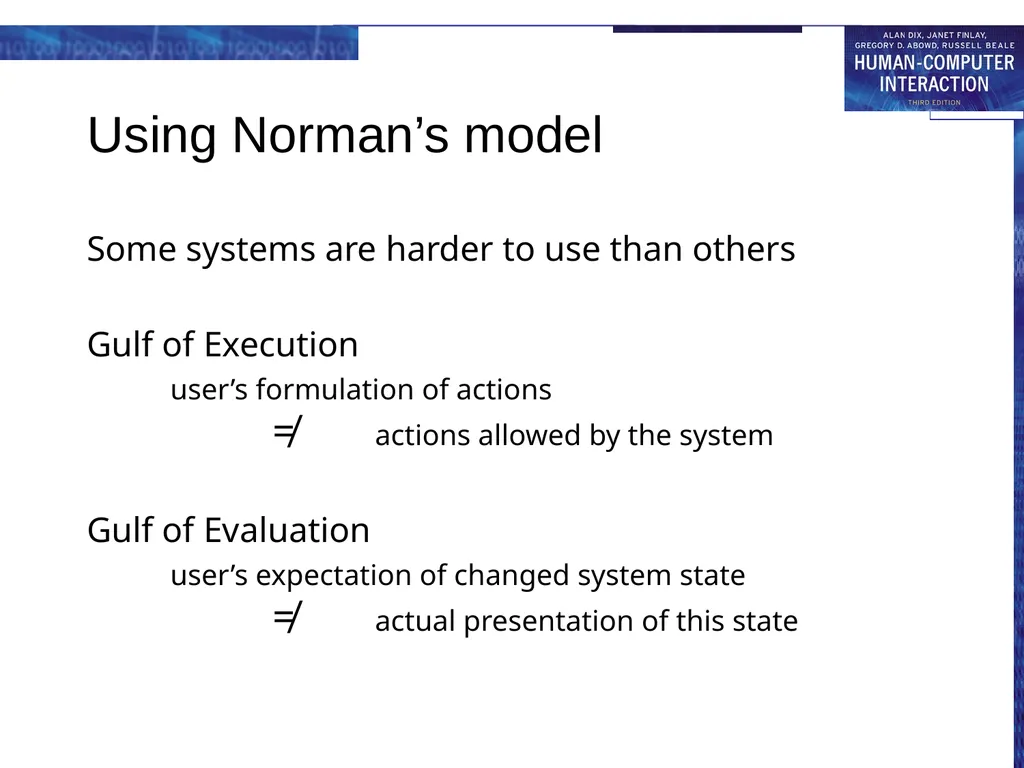
Using Norman’s model Some systems are harder to use than others
Gulf of Execution
user’s formulation of actions ≠ actions allowed by the system
Gulf of Evaluation
user’s expectation of changed system state ≠ actual presentation of this state<br>
Gulf of Execution
user’s formulation of actions ≠ actions allowed by the system
Gulf of Evaluation
user’s expectation of changed system state ≠ actual presentation of this state<br>
12
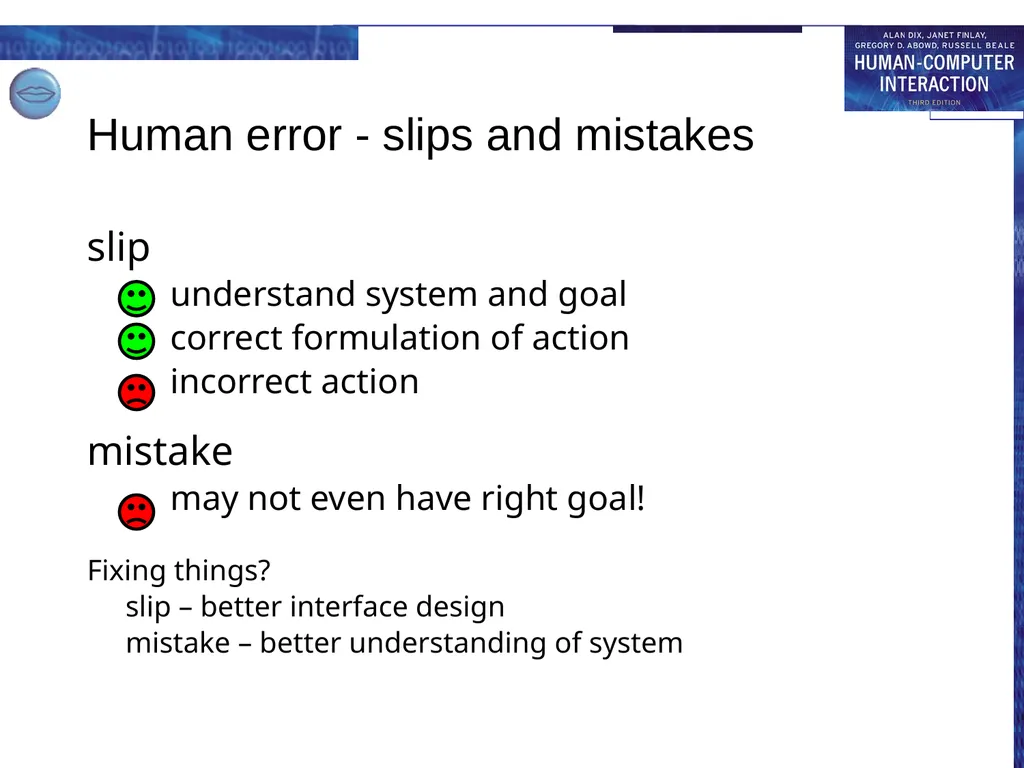
Human error - slips and mistakes slip
understand system and goal
correct formulation of action
incorrect action
mistake
may not even have right goal!
Fixing things?
slip – better interface design
mistake – better understanding of system<br>
understand system and goal
correct formulation of action
incorrect action
mistake
may not even have right goal!
Fixing things?
slip – better interface design
mistake – better understanding of system<br>
13
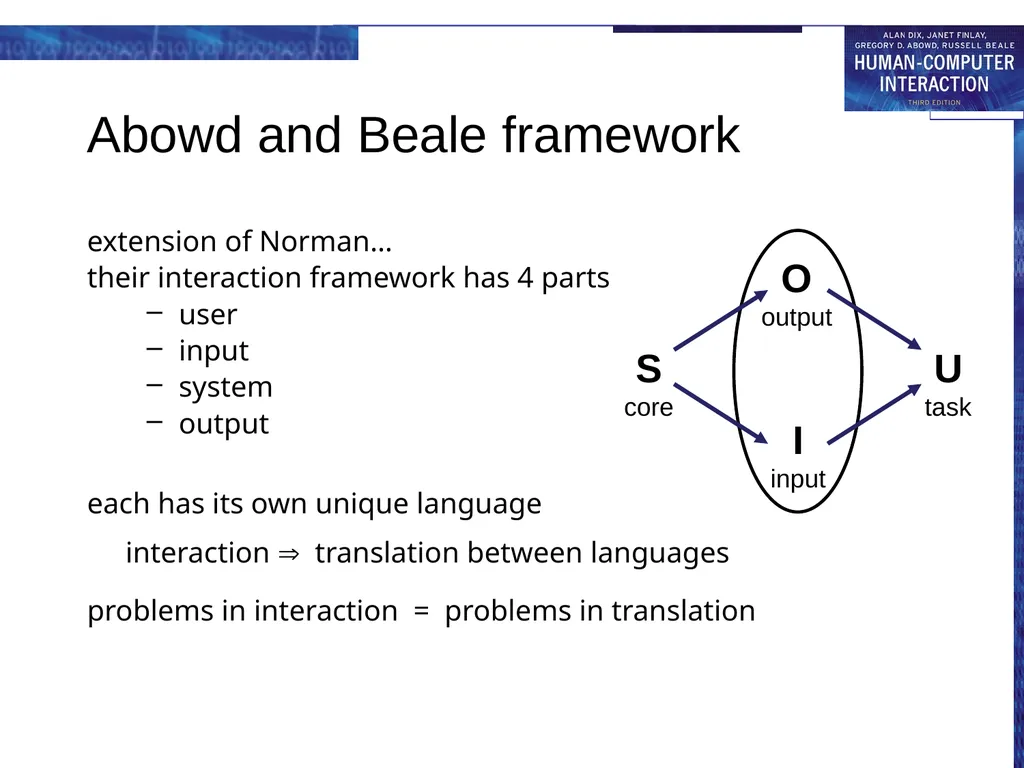
Abowd and Beale framework extension of Norman…
their interaction framework has 4 parts
user
input
system
output
each has its own unique language interaction translation between languages
problems in interaction = problems in translation<br>
their interaction framework has 4 parts
user
input
system
output
each has its own unique language interaction translation between languages
problems in interaction = problems in translation<br>
14
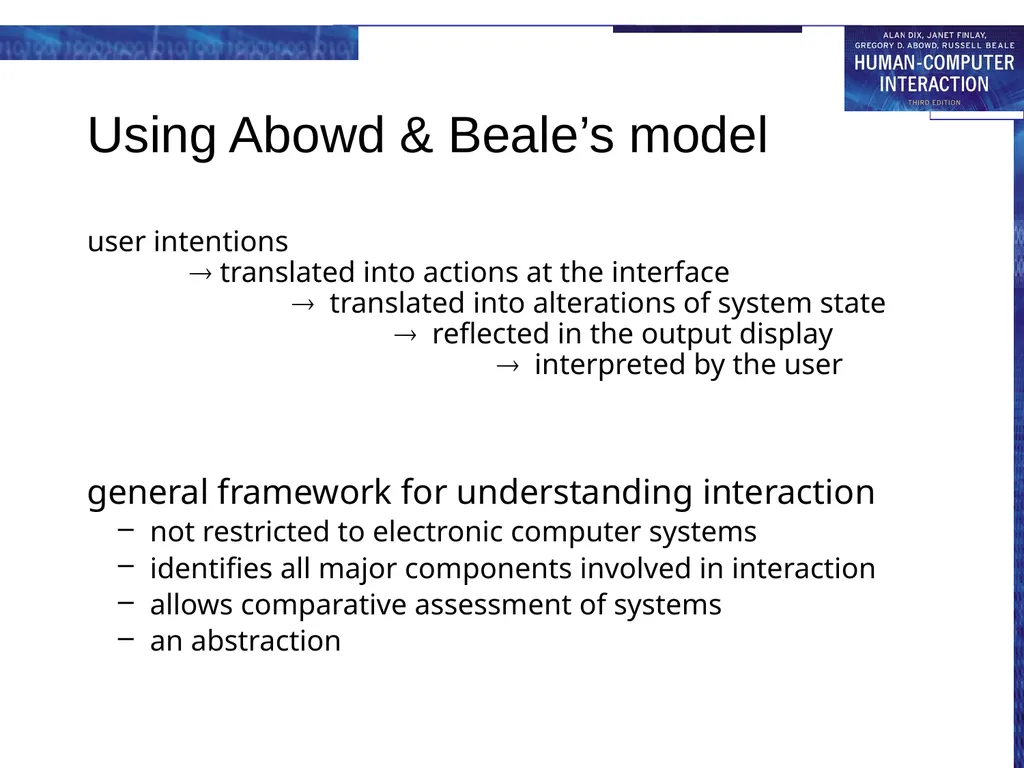
Using Abowd & Beale’s model user intentions
translated into actions at the interface
translated into alterations of system state
reflected in the output display
interpreted by the user
general framework for understanding interaction
not restricted to electronic computer systems
identifies all major components involved in interaction
allows comparative assessment of systems
an abstraction<br>
general framework for understanding interaction
not restricted to electronic computer systems
identifies all major components involved in interaction
allows comparative assessment of systems
an abstraction<br>
15
ergonomics physical aspects of interfaces
industrial interfaces<br>
industrial interfaces<br>
16
Ergonomics Study of the physical characteristics of interaction
Also known as human factors – but this can also be used to mean much of HCI!
Ergonomics good at defining standards and guidelines for constraining the way we design certain aspects of systems<br>
Also known as human factors – but this can also be used to mean much of HCI!
Ergonomics good at defining standards and guidelines for constraining the way we design certain aspects of systems<br>
17
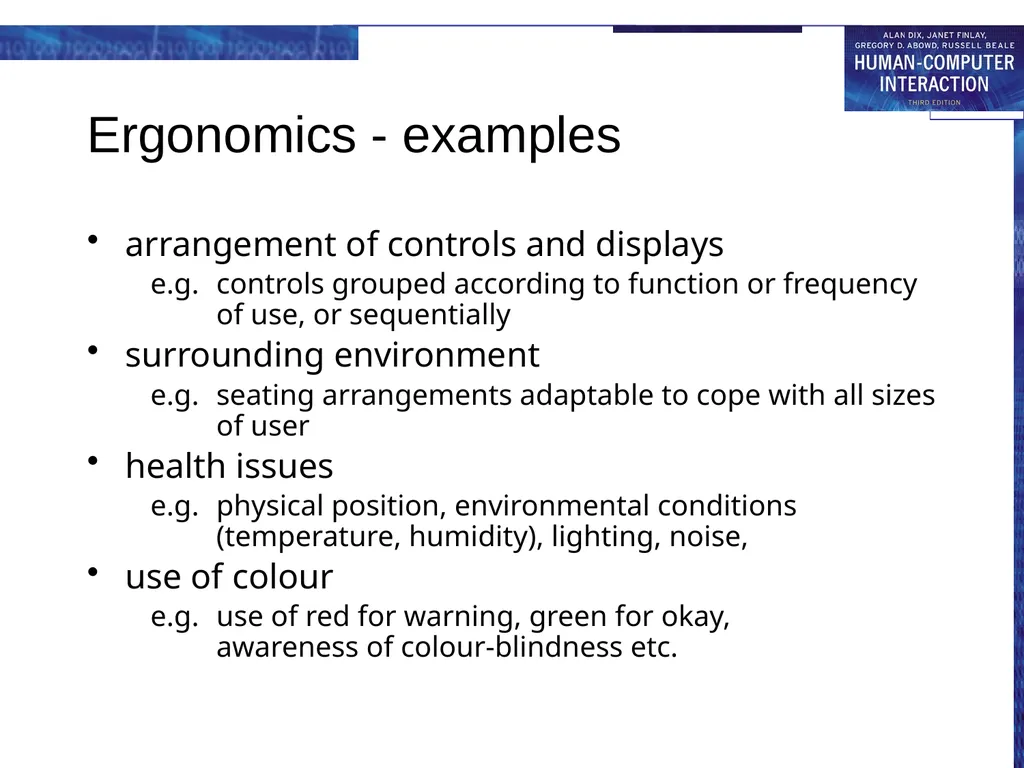
Ergonomics - examples arrangement of controls and displays
e.g. controls grouped according to function or frequency of use, or sequentially
surrounding environment
e.g. seating arrangements adaptable to cope with all sizes of user
health issues
e.g. physical position, environmental conditions (temperature, humidity), lighting, noise,
use of colour
e.g. use of red for warning, green for okay, awareness of colour-blindness etc.<br>
e.g. controls grouped according to function or frequency of use, or sequentially
surrounding environment
e.g. seating arrangements adaptable to cope with all sizes of user
health issues
e.g. physical position, environmental conditions (temperature, humidity), lighting, noise,
use of colour
e.g. use of red for warning, green for okay, awareness of colour-blindness etc.<br>
18
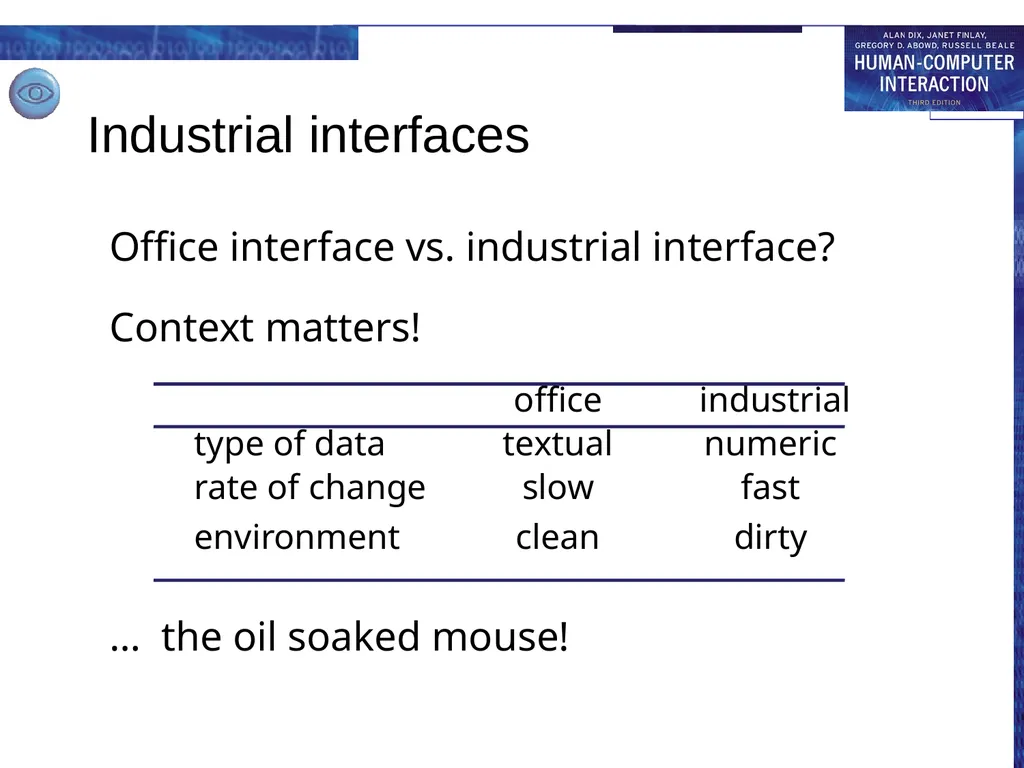
Industrial interfaces Office interface vs. industrial interface?
Context matters!
office industrial
type of data textual numeric
rate of change slow fast
environment clean dirty
… the oil soaked mouse!<br>
Context matters!
office industrial
type of data textual numeric
rate of change slow fast
environment clean dirty
… the oil soaked mouse!<br>
19
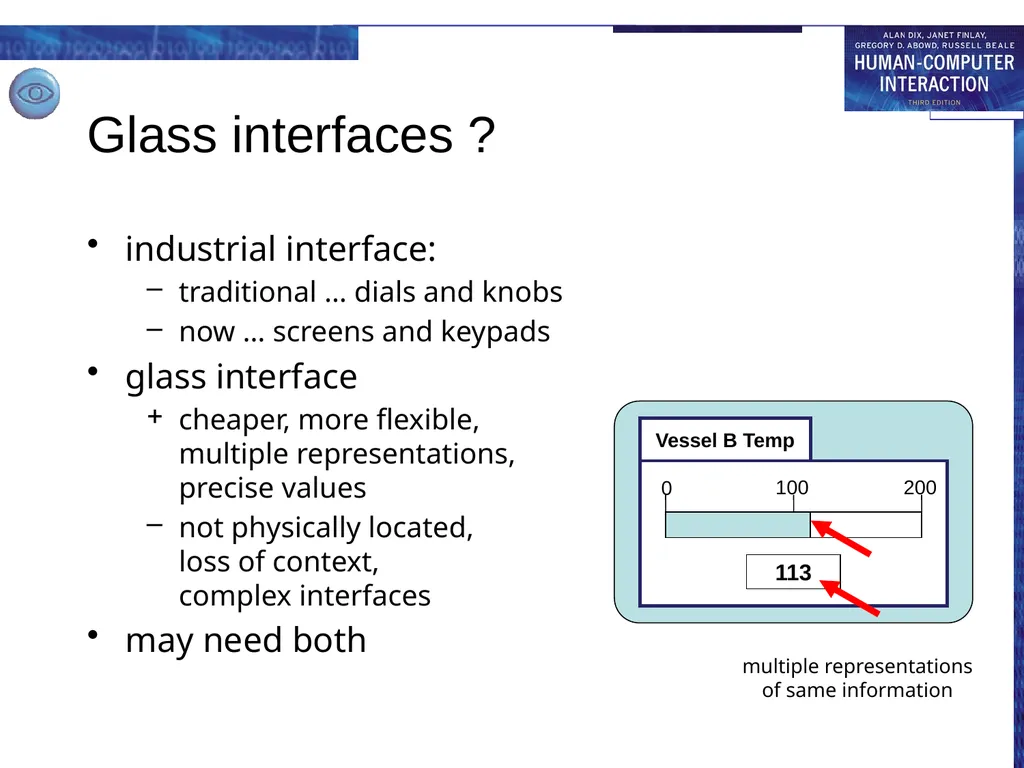
Glass interfaces ? industrial interface:
traditional … dials and knobs
now … screens and keypads
glass interface
cheaper, more flexible, multiple representations, precise values
not physically located, loss of context, complex interfaces
may need both<br>
traditional … dials and knobs
now … screens and keypads
glass interface
cheaper, more flexible, multiple representations, precise values
not physically located, loss of context, complex interfaces
may need both<br>
20
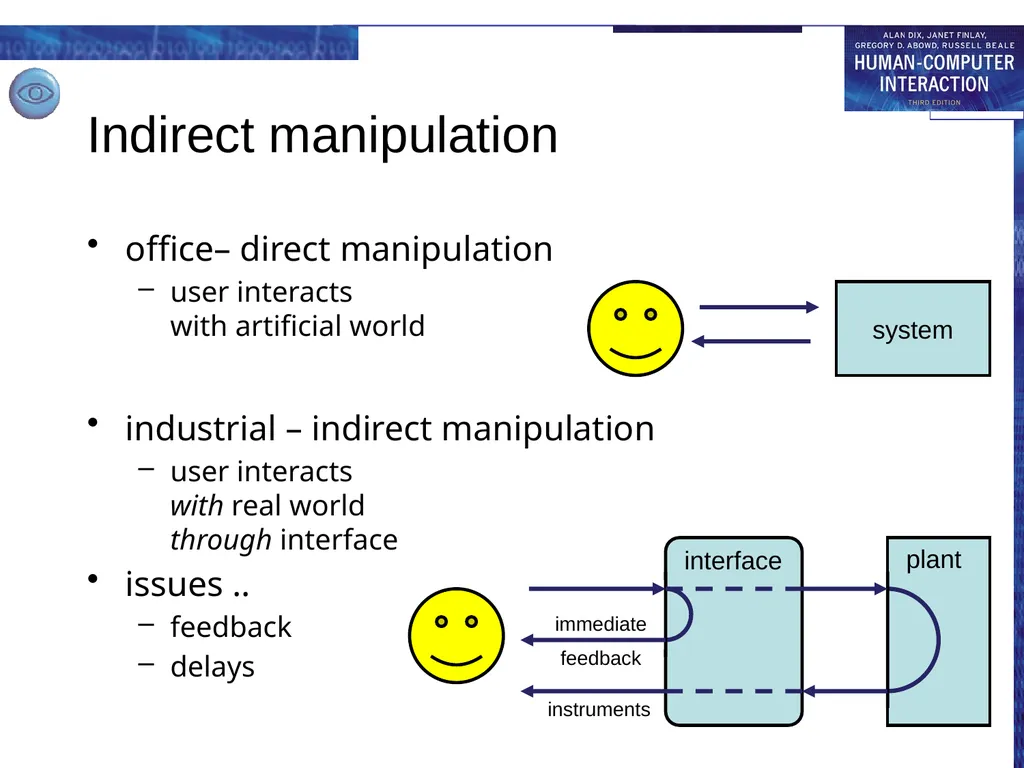
Indirect manipulation office– direct manipulation
user interacts with artificial world industrial – indirect manipulation
user interacts with real world through interface
issues ..
feedback
delays<br>
user interacts with artificial world industrial – indirect manipulation
user interacts with real world through interface
issues ..
feedback
delays<br>
21
interaction styles dialogue … computer and user
distinct styles of interaction<br>
distinct styles of interaction<br>
22
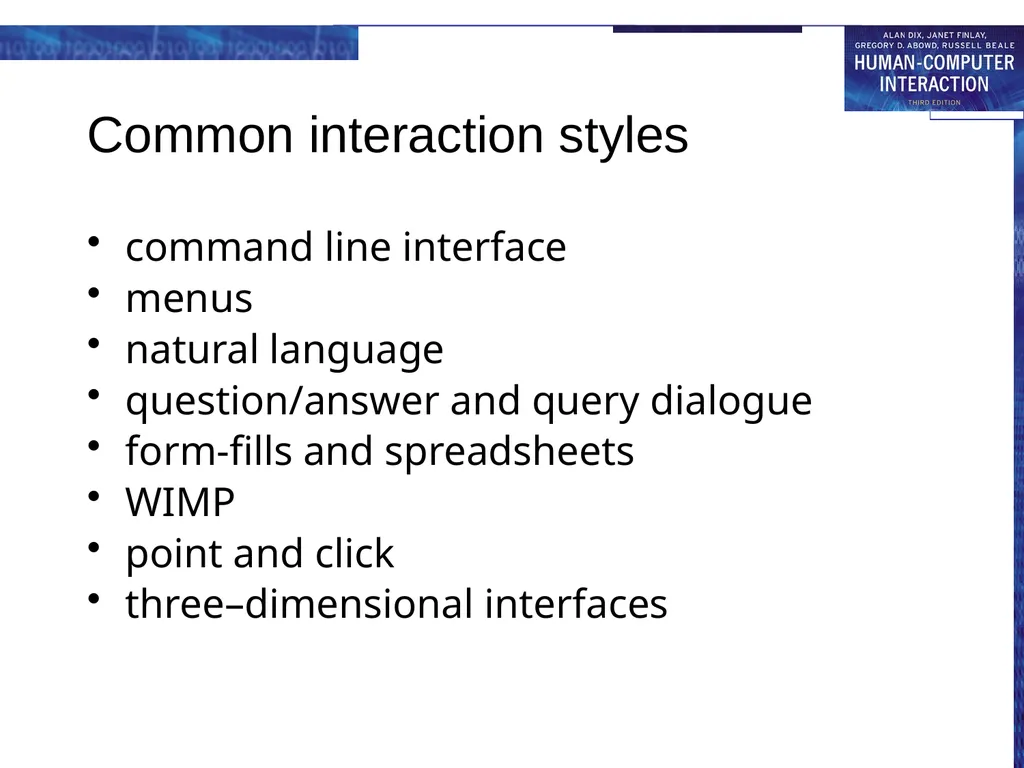
Common interaction styles command line interface
menus
natural language
question/answer and query dialogue
form-fills and spreadsheets
WIMP
point and click
three–dimensional interfaces<br>
menus
natural language
question/answer and query dialogue
form-fills and spreadsheets
WIMP
point and click
three–dimensional interfaces<br>
23
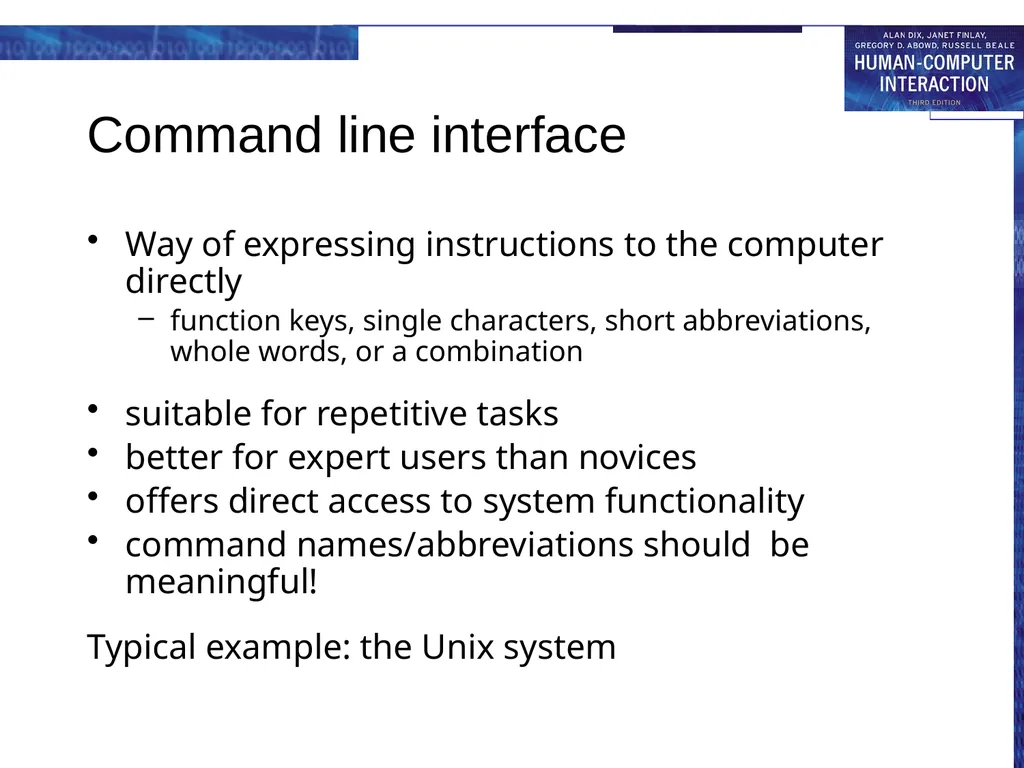
Command line interface Way of expressing instructions to the computer directly
function keys, single characters, short abbreviations, whole words, or a combination
suitable for repetitive tasks
better for expert users than novices
offers direct access to system functionality
command names/abbreviations should be meaningful!
Typical example: the Unix system<br>
function keys, single characters, short abbreviations, whole words, or a combination
suitable for repetitive tasks
better for expert users than novices
offers direct access to system functionality
command names/abbreviations should be meaningful!
Typical example: the Unix system<br>
24
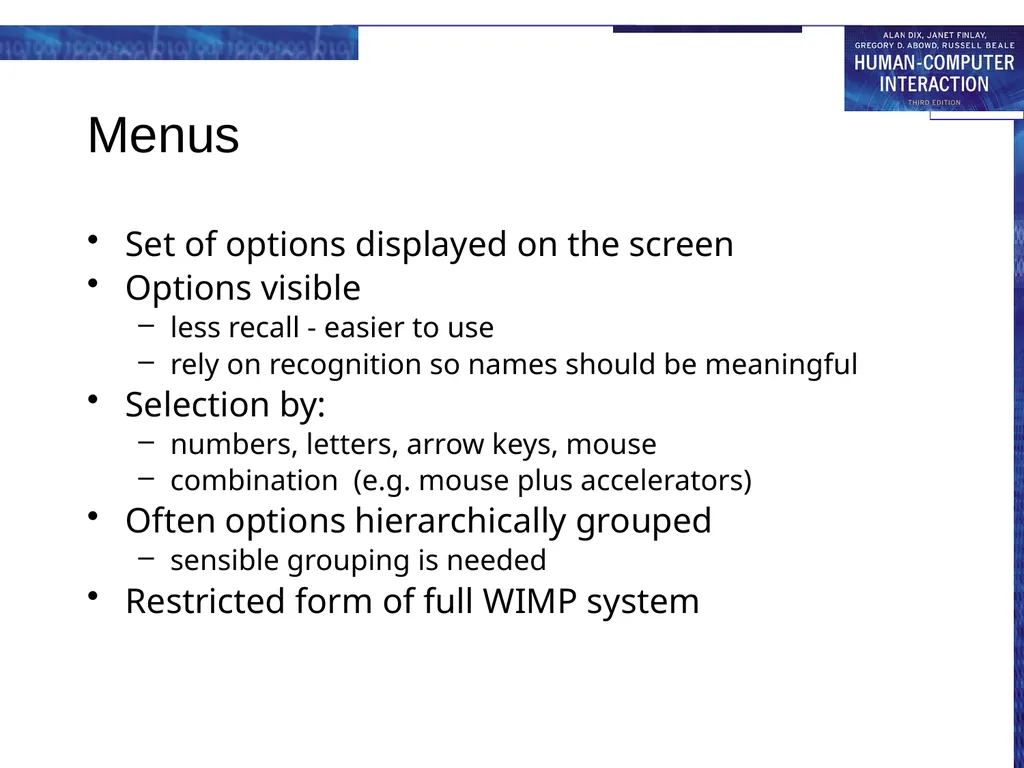
Menus Set of options displayed on the screen
Options visible
less recall - easier to use
rely on recognition so names should be meaningful
Selection by:
numbers, letters, arrow keys, mouse
combination (e.g. mouse plus accelerators)
Often options hierarchically grouped
sensible grouping is needed
Restricted form of full WIMP system<br>
Options visible
less recall - easier to use
rely on recognition so names should be meaningful
Selection by:
numbers, letters, arrow keys, mouse
combination (e.g. mouse plus accelerators)
Often options hierarchically grouped
sensible grouping is needed
Restricted form of full WIMP system<br>
25
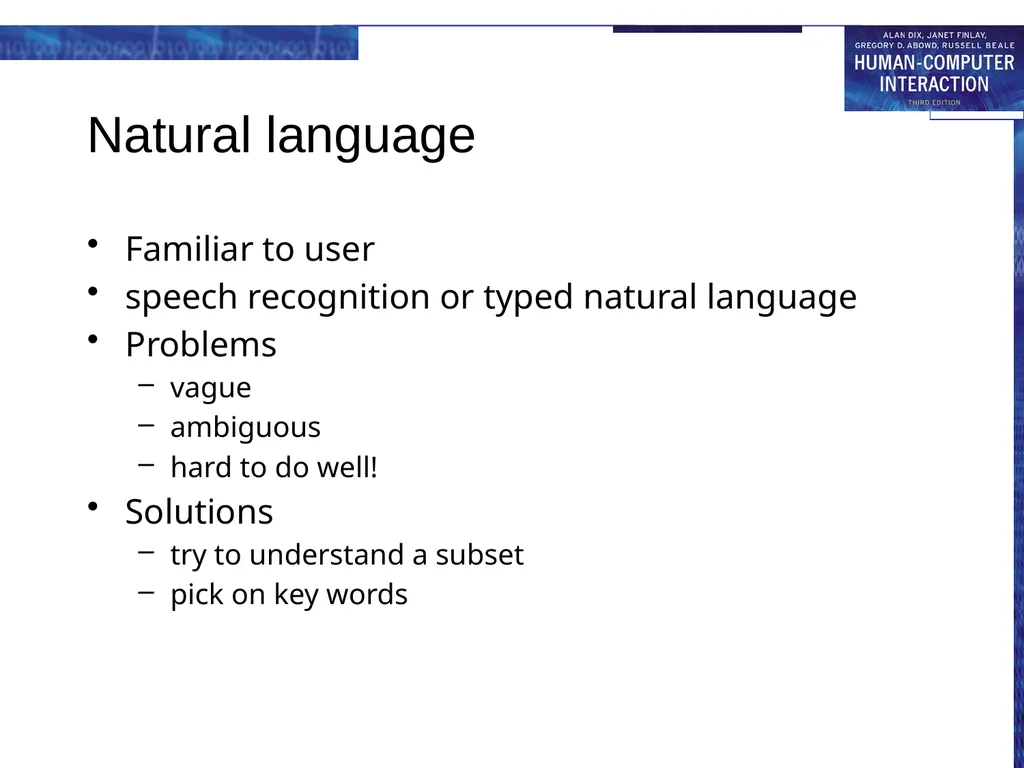
Natural language Familiar to user
speech recognition or typed natural language
Problems
vague
ambiguous
hard to do well!
Solutions
try to understand a subset
pick on key words<br>
speech recognition or typed natural language
Problems
vague
ambiguous
hard to do well!
Solutions
try to understand a subset
pick on key words<br>
26
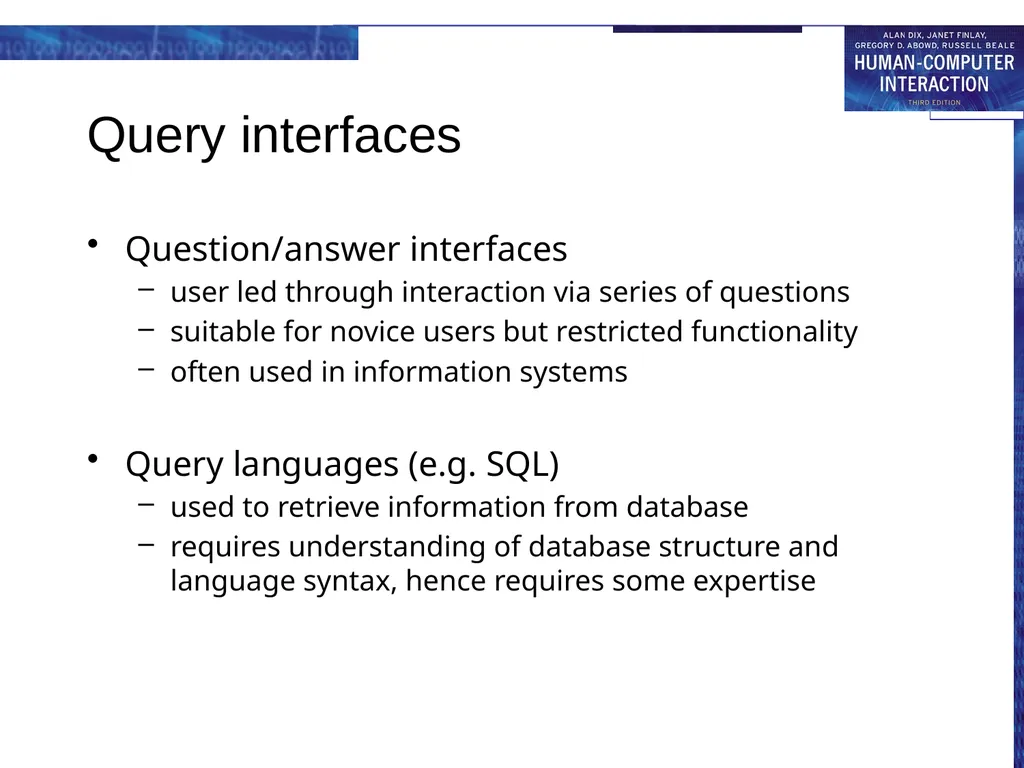
Query interfaces Question/answer interfaces
user led through interaction via series of questions
suitable for novice users but restricted functionality
often used in information systems
Query languages (e.g. SQL)
used to retrieve information from database
requires understanding of database structure and language syntax, hence requires some expertise<br>
user led through interaction via series of questions
suitable for novice users but restricted functionality
often used in information systems
Query languages (e.g. SQL)
used to retrieve information from database
requires understanding of database structure and language syntax, hence requires some expertise<br>
27
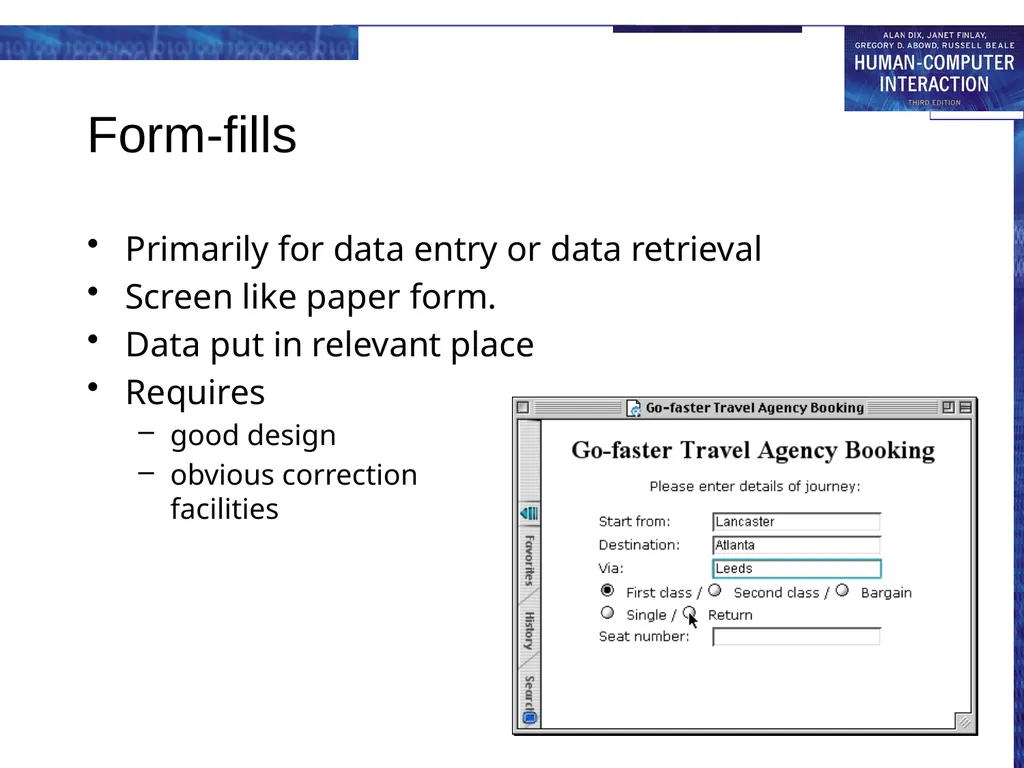
Form-fills Primarily for data entry or data retrieval
Screen like paper form.
Data put in relevant place
Requires
good design
obvious correction facilities<br>
Screen like paper form.
Data put in relevant place
Requires
good design
obvious correction facilities<br>
28
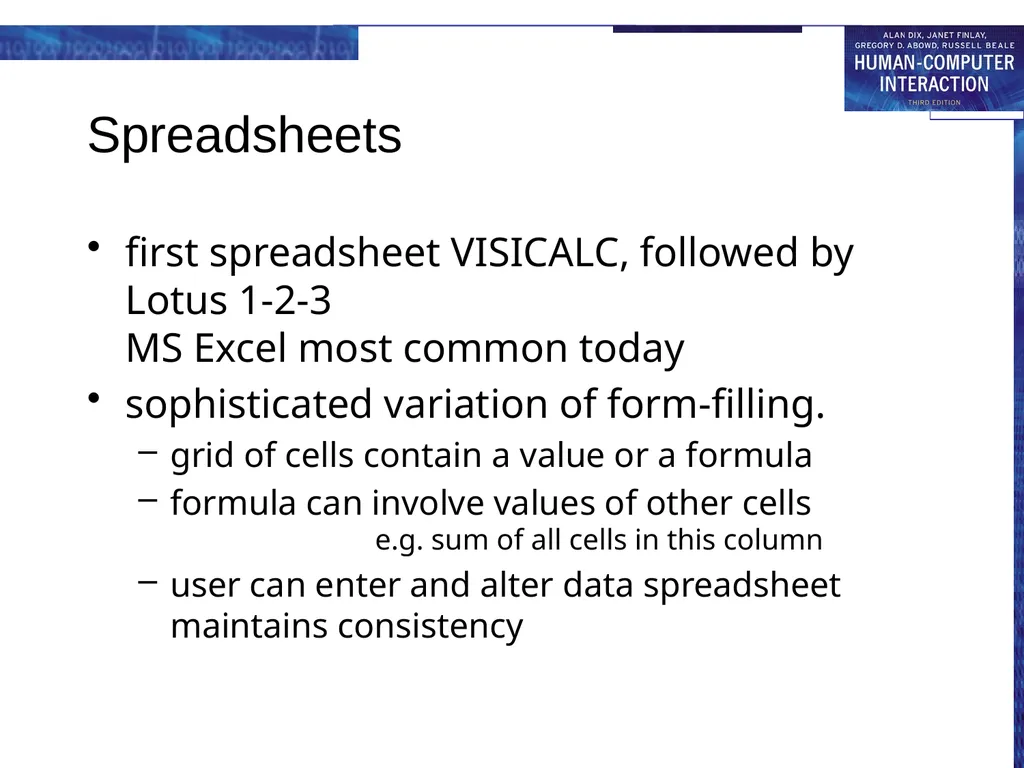
Spreadsheets first spreadsheet VISICALC, followed by Lotus 1-2-3
MS Excel most common today
sophisticated variation of form-filling.
grid of cells contain a value or a formula
formula can involve values of other cells e.g. sum of all cells in this column
user can enter and alter data spreadsheet maintains consistency<br>
sophisticated variation of form-filling.
grid of cells contain a value or a formula
formula can involve values of other cells e.g. sum of all cells in this column
user can enter and alter data spreadsheet maintains consistency<br>
29
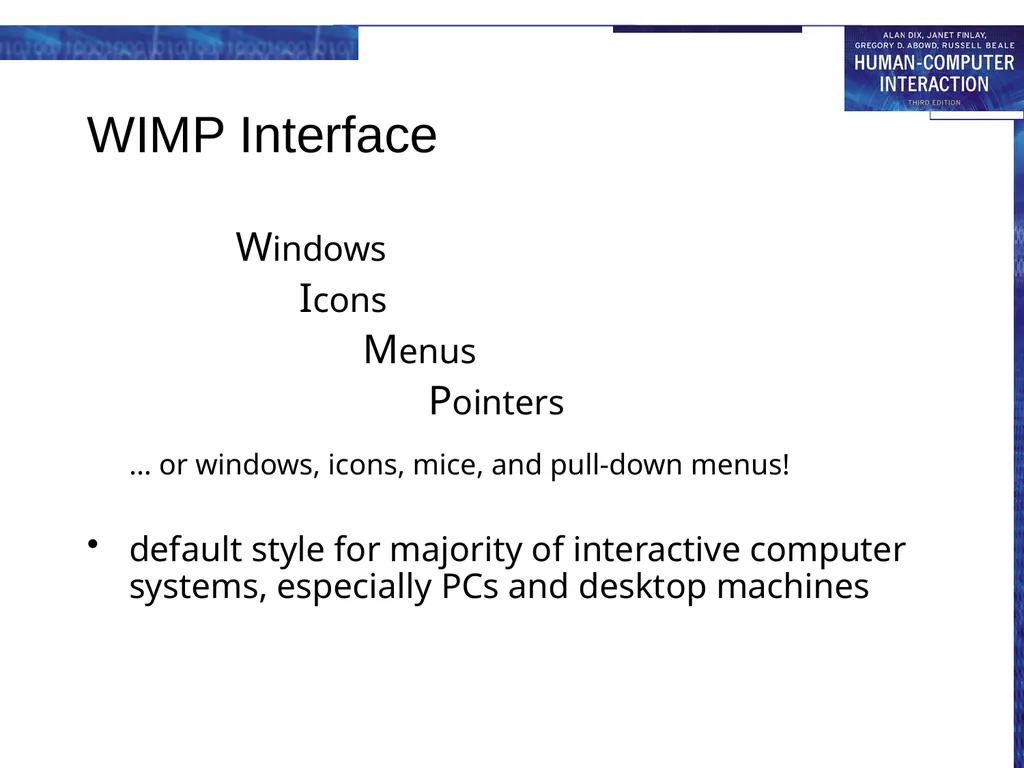
WIMP Interface Windows
Icons
Menus
Pointers
… or windows, icons, mice, and pull-down menus!
default style for majority of interactive computer systems, especially PCs and desktop machines<br>
Icons
Menus
Pointers
… or windows, icons, mice, and pull-down menus!
default style for majority of interactive computer systems, especially PCs and desktop machines<br>
30
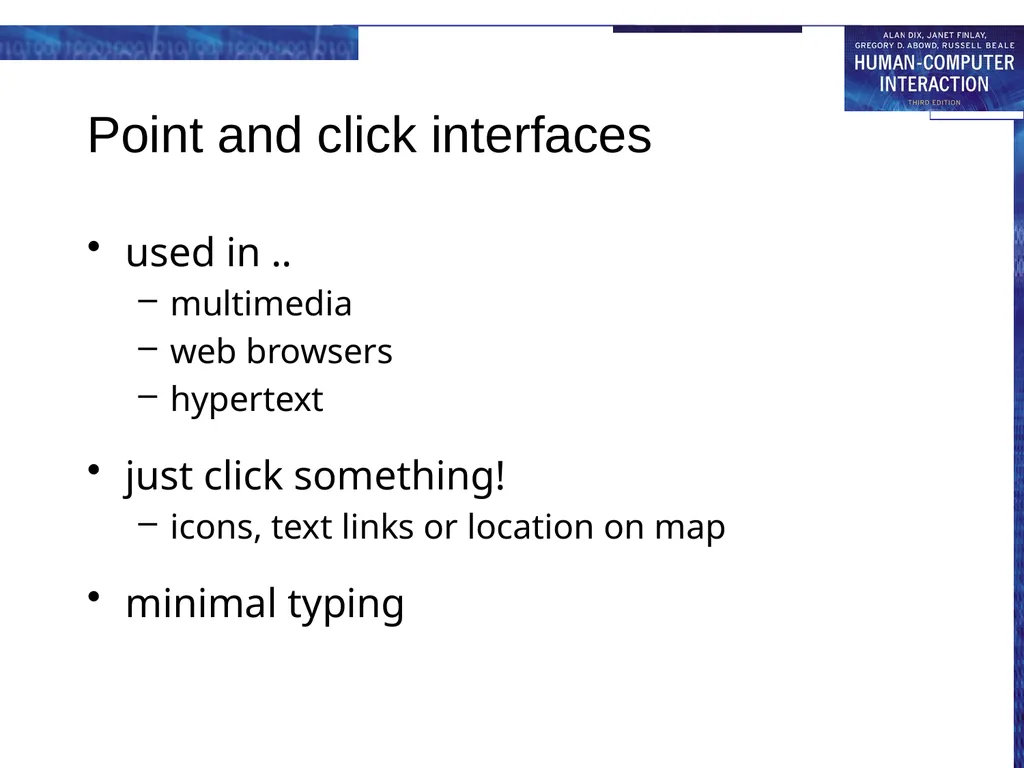
Point and click interfaces used in ..
multimedia
web browsers
hypertext
just click something!
icons, text links or location on map
minimal typing<br>
multimedia
web browsers
hypertext
just click something!
icons, text links or location on map
minimal typing<br>
31
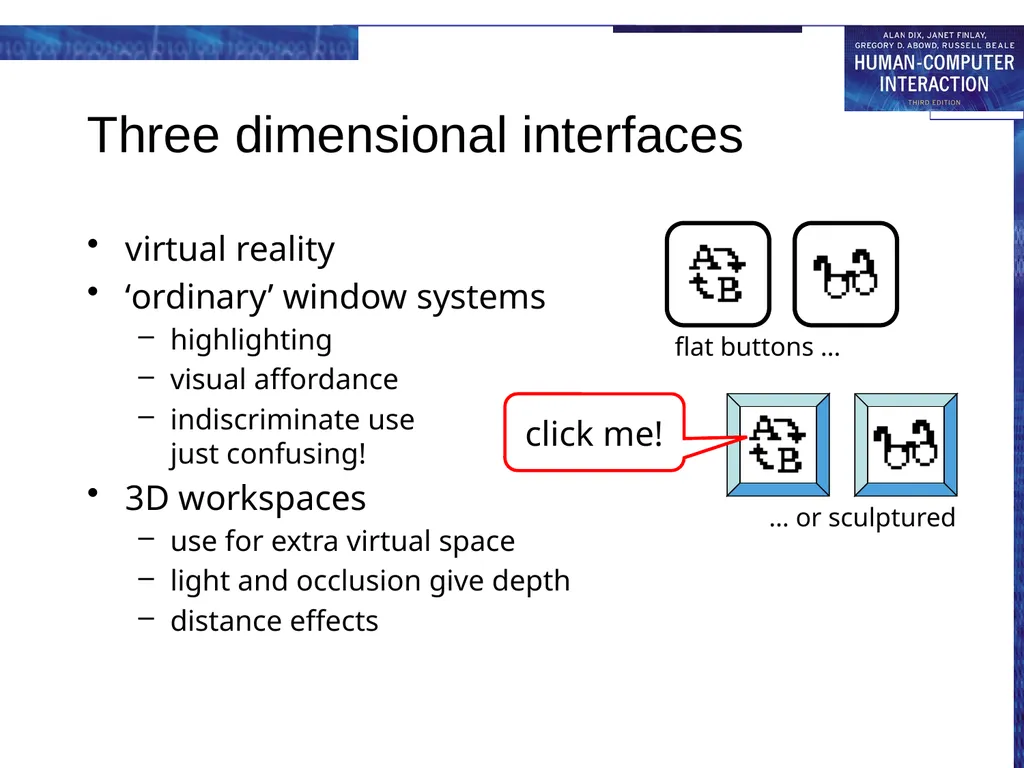
Three dimensional interfaces virtual reality
‘ordinary’ window systems
highlighting
visual affordance
indiscriminate use just confusing!
3D workspaces
use for extra virtual space
light and occlusion give depth
distance effects flat buttons … … or sculptured click me!<br>
‘ordinary’ window systems
highlighting
visual affordance
indiscriminate use just confusing!
3D workspaces
use for extra virtual space
light and occlusion give depth
distance effects flat buttons … … or sculptured click me!<br>
32
elements of the wimp interface windows, icons, menus, pointers
+++
buttons, toolbars, palettes, dialog boxes also see supplementary material on choosing wimp elements<br>
+++
buttons, toolbars, palettes, dialog boxes also see supplementary material on choosing wimp elements<br>
33
Windows Areas of the screen that behave as if they were independent
can contain text or graphics
can be moved or resized
can overlap and obscure each other, or can be laid out next to one another (tiled)
scrollbars
allow the user to move the contents of the window up and down or from side to side
title bars
describe the name of the window<br>
can contain text or graphics
can be moved or resized
can overlap and obscure each other, or can be laid out next to one another (tiled)
scrollbars
allow the user to move the contents of the window up and down or from side to side
title bars
describe the name of the window<br>
34
Icons small picture or image
represents some object in the interface
often a window or action
windows can be closed down (iconised)
small representation fi many accessible windows
icons can be many and various
highly stylized
realistic representations.<br>
represents some object in the interface
often a window or action
windows can be closed down (iconised)
small representation fi many accessible windows
icons can be many and various
highly stylized
realistic representations.<br>
35
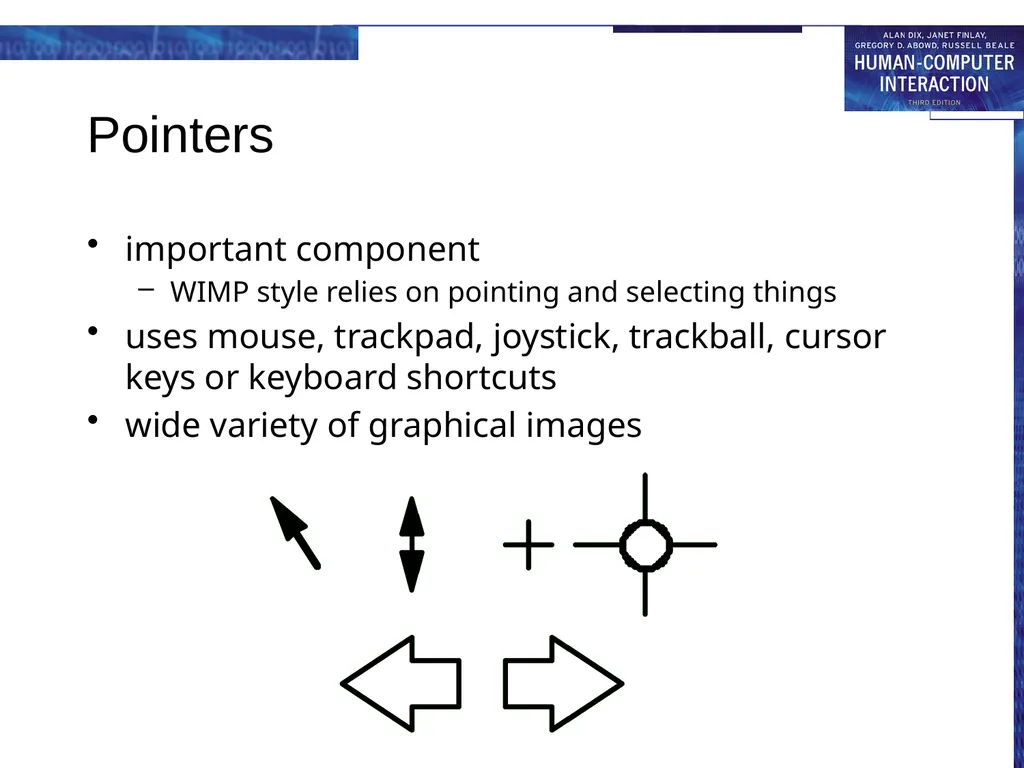
Pointers important component
WIMP style relies on pointing and selecting things
uses mouse, trackpad, joystick, trackball, cursor keys or keyboard shortcuts
wide variety of graphical images<br>
WIMP style relies on pointing and selecting things
uses mouse, trackpad, joystick, trackball, cursor keys or keyboard shortcuts
wide variety of graphical images<br>
36
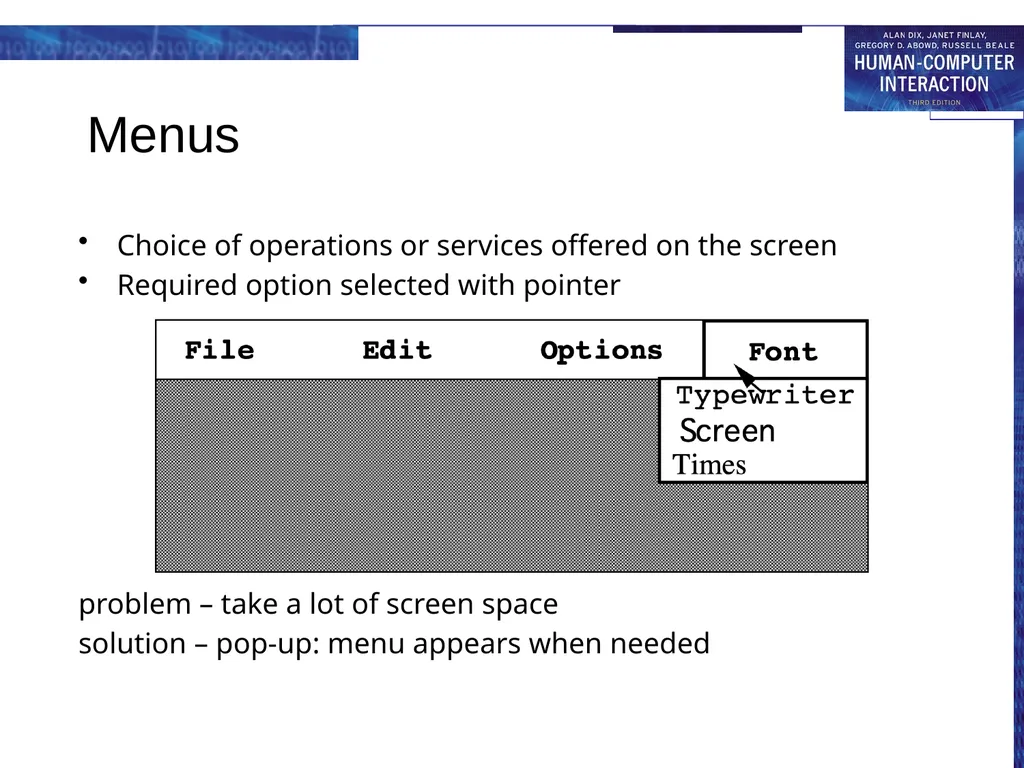
Menus Choice of operations or services offered on the screen
Required option selected with pointer
problem – take a lot of screen space
solution – pop-up: menu appears when needed<br>
Required option selected with pointer
problem – take a lot of screen space
solution – pop-up: menu appears when needed<br>
37
Kinds of Menus Menu Bar at top of screen (normally), menu drags down
pull-down menu - mouse hold and drag down menu
drop-down menu - mouse click reveals menu
fall-down menus - mouse just moves over bar!
Contextual menu appears where you are
pop-up menus - actions for selected object
pie menus - arranged in a circle
easier to select item (larger target area)
quicker (same distance to any option) … but not widely used!<br>
pull-down menu - mouse hold and drag down menu
drop-down menu - mouse click reveals menu
fall-down menus - mouse just moves over bar!
Contextual menu appears where you are
pop-up menus - actions for selected object
pie menus - arranged in a circle
easier to select item (larger target area)
quicker (same distance to any option) … but not widely used!<br>
38
Menus extras Cascading menus
hierarchical menu structure
menu selection opens new menu
and so in ad infinitum
Keyboard accelerators
key combinations - same effect as menu item
two kinds
active when menu open – usually first letter
active when menu closed – usually Ctrl + letter
usually different !!!<br>
hierarchical menu structure
menu selection opens new menu
and so in ad infinitum
Keyboard accelerators
key combinations - same effect as menu item
two kinds
active when menu open – usually first letter
active when menu closed – usually Ctrl + letter
usually different !!!<br>
39
Menus design issues which kind to use
what to include in menus at all
words to use (action or description)
how to group items
choice of keyboard accelerators<br>
what to include in menus at all
words to use (action or description)
how to group items
choice of keyboard accelerators<br>
40
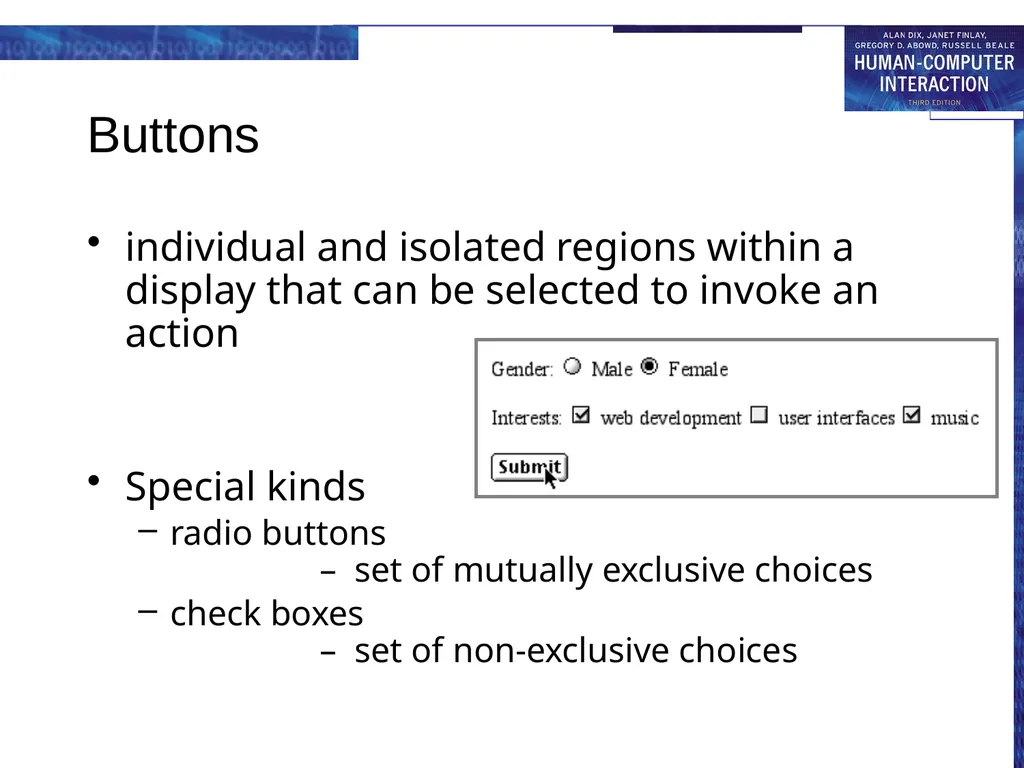
Buttons individual and isolated regions within a display that can be selected to invoke an action
Special kinds
radio buttons – set of mutually exclusive choices
check boxes – set of non-exclusive choices<br>
Special kinds
radio buttons – set of mutually exclusive choices
check boxes – set of non-exclusive choices<br>
41
Toolbars long lines of icons …
… but what do they do?
fast access to common actions
often customizable:
choose which toolbars to see
choose what options are on it<br>
fast access to common actions
often customizable:
choose which toolbars to see
choose what options are on it<br>
42
Palettes and tear-off menus Problem
menu not there when you want it
Solution palettes – little windows of actions
shown/hidden via menu option e.g. available shapes in drawing package
tear-off and pin-up menus
menu ‘tears off’ to become palette<br>
Solution palettes – little windows of actions
shown/hidden via menu option e.g. available shapes in drawing package
tear-off and pin-up menus
menu ‘tears off’ to become palette<br>
43
Dialogue boxes information windows that pop up to inform of an important event or request information.
e.g: when saving a file, a dialogue box is displayed to allow the user to specify the filename and location. Once the file is saved, the box disappears.<br>
e.g: when saving a file, a dialogue box is displayed to allow the user to specify the filename and location. Once the file is saved, the box disappears.<br>
44
interactivity easy to focus on look
what about feel?<br>
what about feel?<br>
45
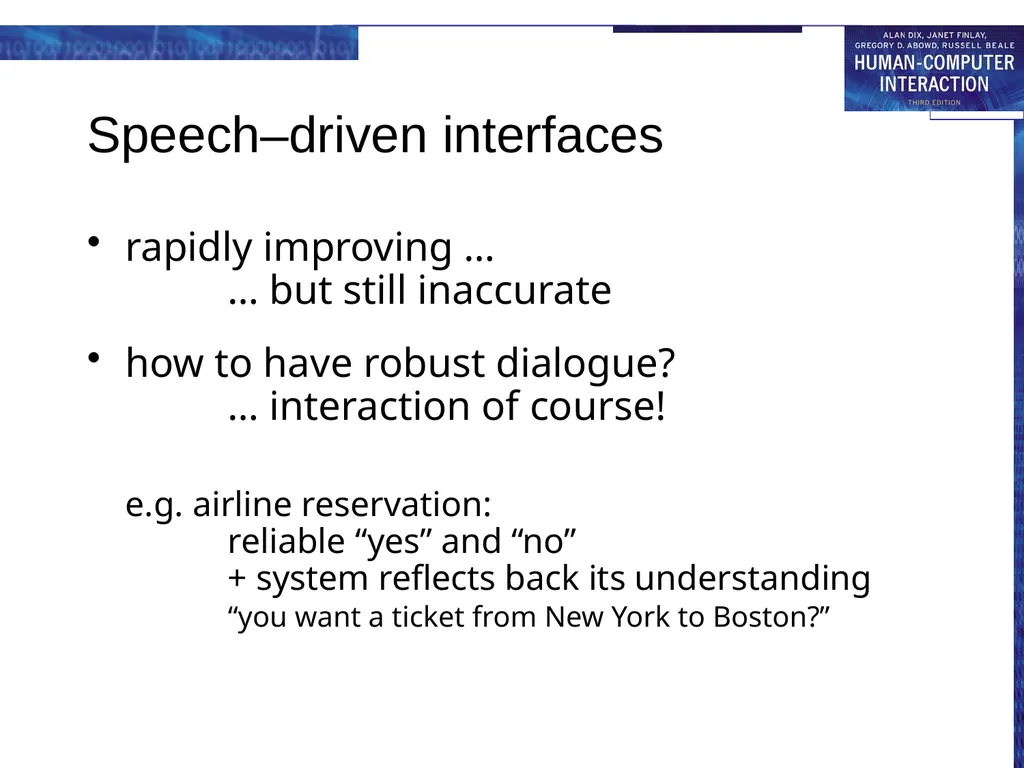
Speech–driven interfaces rapidly improving …
… but still inaccurate
how to have robust dialogue? … interaction of course!
e.g. airline reservation: reliable “yes” and “no” + system reflects back its understanding “you want a ticket from New York to Boston?”<br>
how to have robust dialogue? … interaction of course!
e.g. airline reservation: reliable “yes” and “no” + system reflects back its understanding “you want a ticket from New York to Boston?”<br>
46
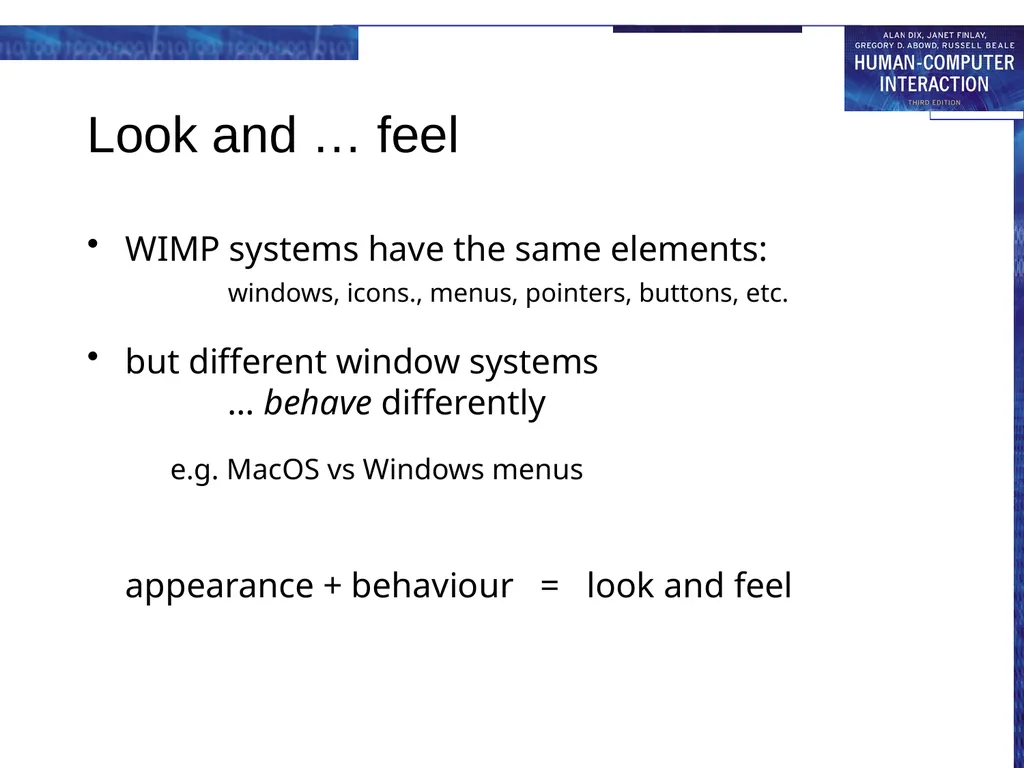
Look and … feel WIMP systems have the same elements:
windows, icons., menus, pointers, buttons, etc.
but different window systems … behave differently
e.g. MacOS vs Windows menus
appearance + behaviour = look and feel<br>
but different window systems … behave differently
e.g. MacOS vs Windows menus
appearance + behaviour = look and feel<br>
47
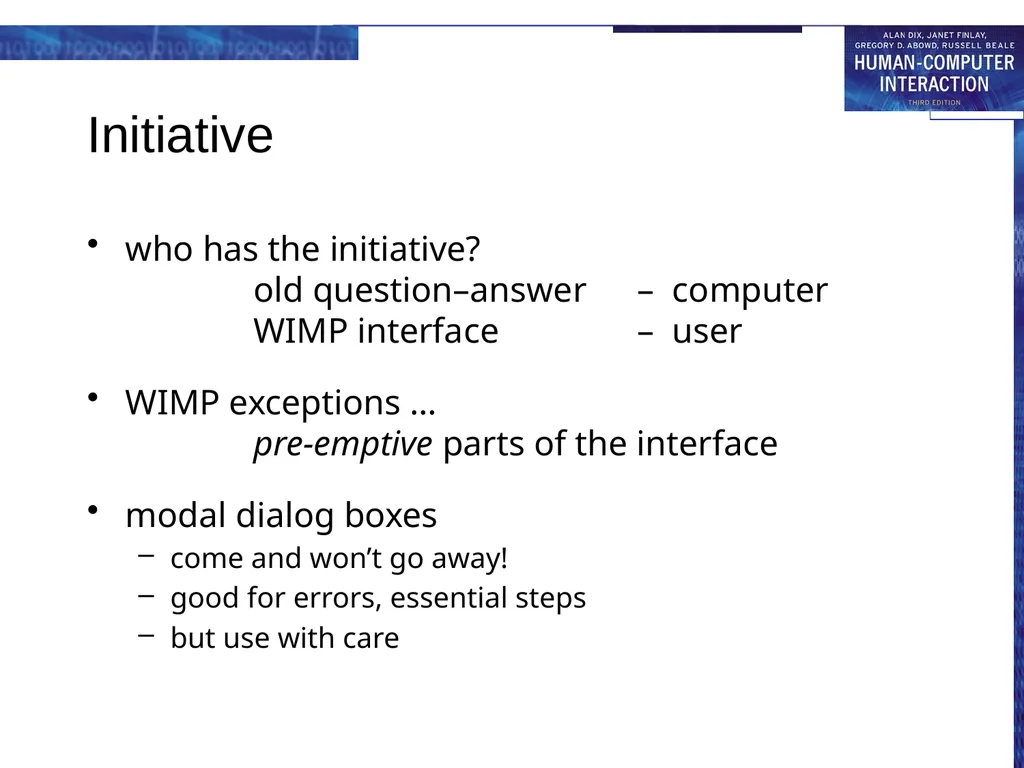
Initiative who has the initiative?
old question–answer – computer
WIMP interface – user
WIMP exceptions … pre-emptive parts of the interface
modal dialog boxes
come and won’t go away!
good for errors, essential steps
but use with care<br>
WIMP exceptions … pre-emptive parts of the interface
modal dialog boxes
come and won’t go away!
good for errors, essential steps
but use with care<br>
48
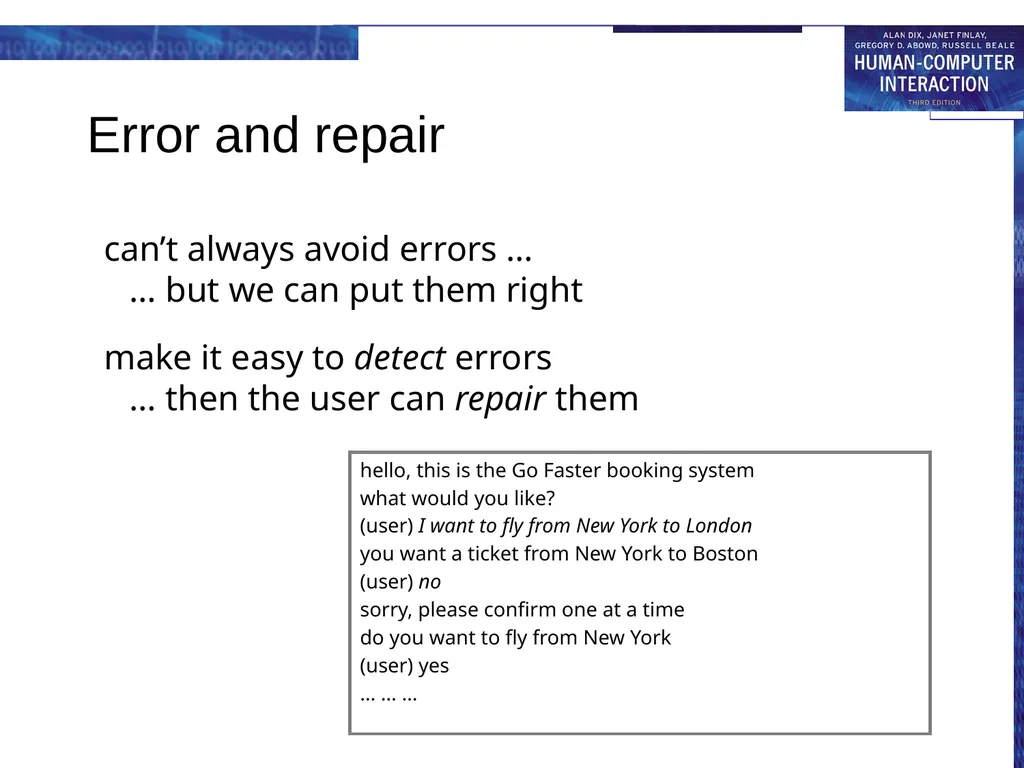
Error and repair can’t always avoid errors …
… but we can put them right
make it easy to detect errors … then the user can repair them hello, this is the Go Faster booking system
what would you like?
(user) I want to fly from New York to London
you want a ticket from New York to Boston
(user) no
sorry, please confirm one at a time
do you want to fly from New York
(user) yes
… … …<br>
make it easy to detect errors … then the user can repair them hello, this is the Go Faster booking system
what would you like?
(user) I want to fly from New York to London
you want a ticket from New York to Boston
(user) no
sorry, please confirm one at a time
do you want to fly from New York
(user) yes
… … …<br>
49
Context Interaction affected by social and organizational context
other people
desire to impress, competition, fear of failure
motivation
fear, allegiance, ambition, self-satisfaction
inadequate systems
cause frustration and lack of motivation<br>
other people
desire to impress, competition, fear of failure
motivation
fear, allegiance, ambition, self-satisfaction
inadequate systems
cause frustration and lack of motivation<br>
50
Experience, engagement and fun designing experience
physical engagement
managing value<br>
physical engagement
managing value<br>
51
Experience? home, entertainment, shopping
not enough that people can use a system
they must want to use it!
psychology of experience
flow (Csikszentimihalyi)
balance between anxiety and boredom
education
zone of proximal development
things you can just do with help
wider ...
literary analysis, film studies, drama<br>
not enough that people can use a system
they must want to use it!
psychology of experience
flow (Csikszentimihalyi)
balance between anxiety and boredom
education
zone of proximal development
things you can just do with help
wider ...
literary analysis, film studies, drama<br>
52
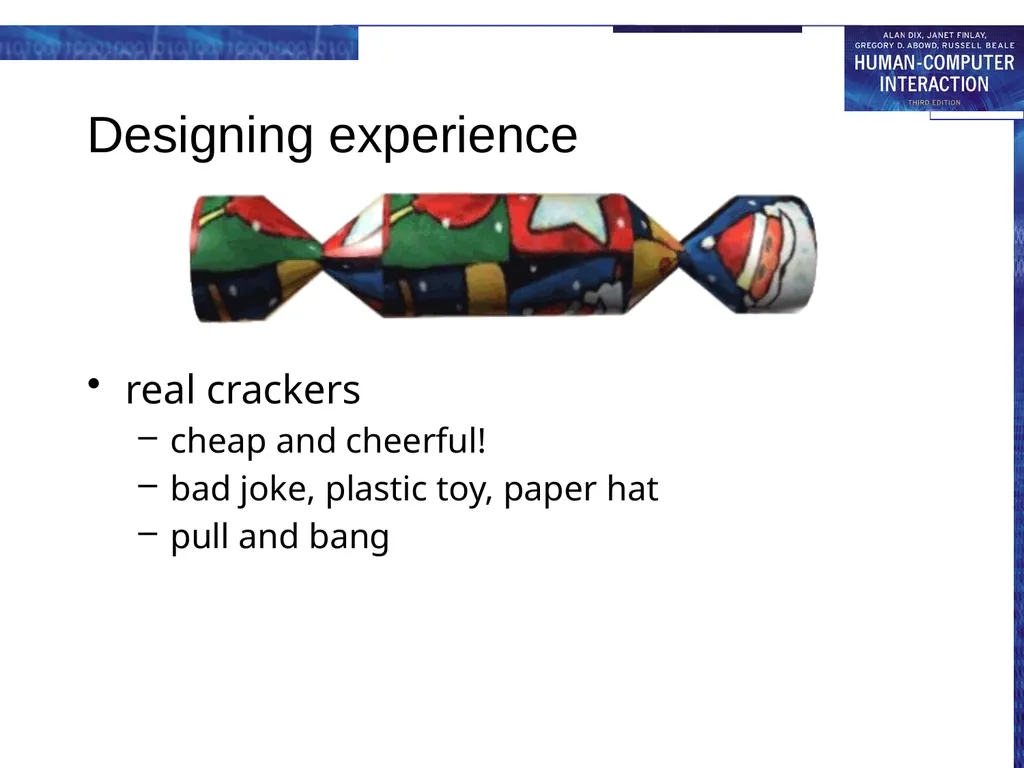
Designing experience real crackers
cheap and cheerful!
bad joke, plastic toy, paper hat
pull and bang<br>
cheap and cheerful!
bad joke, plastic toy, paper hat
pull and bang<br>
53
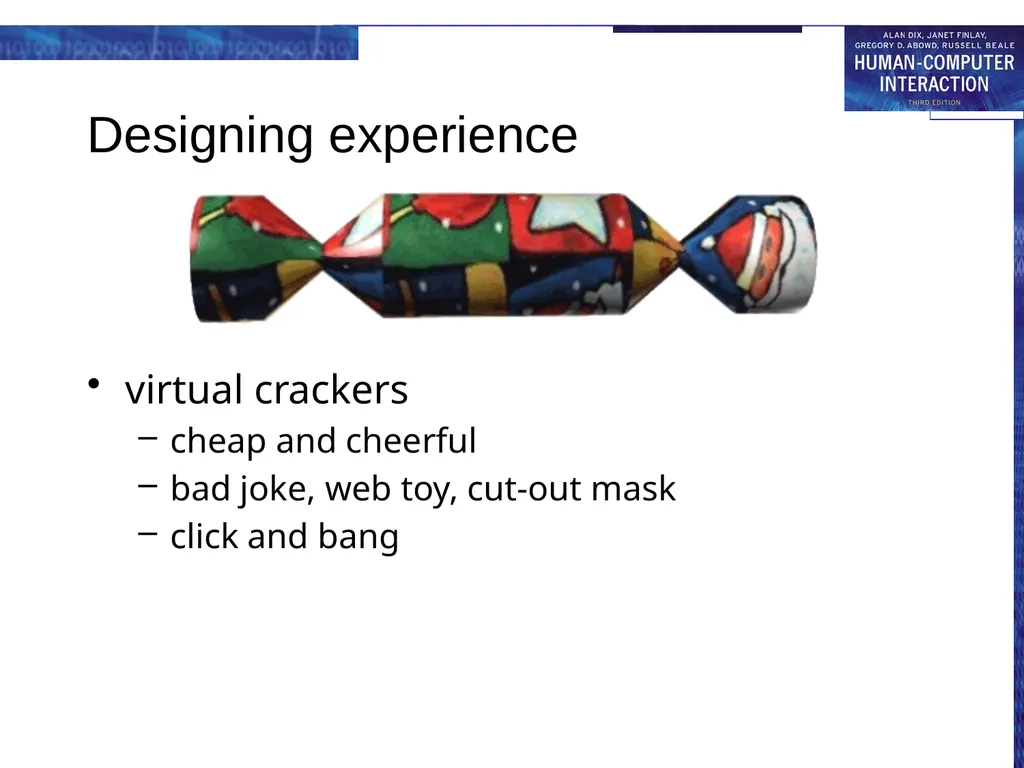
Designing experience virtual crackers
cheap and cheerful
bad joke, web toy, cut-out mask
click and bang<br>
cheap and cheerful
bad joke, web toy, cut-out mask
click and bang<br>
54
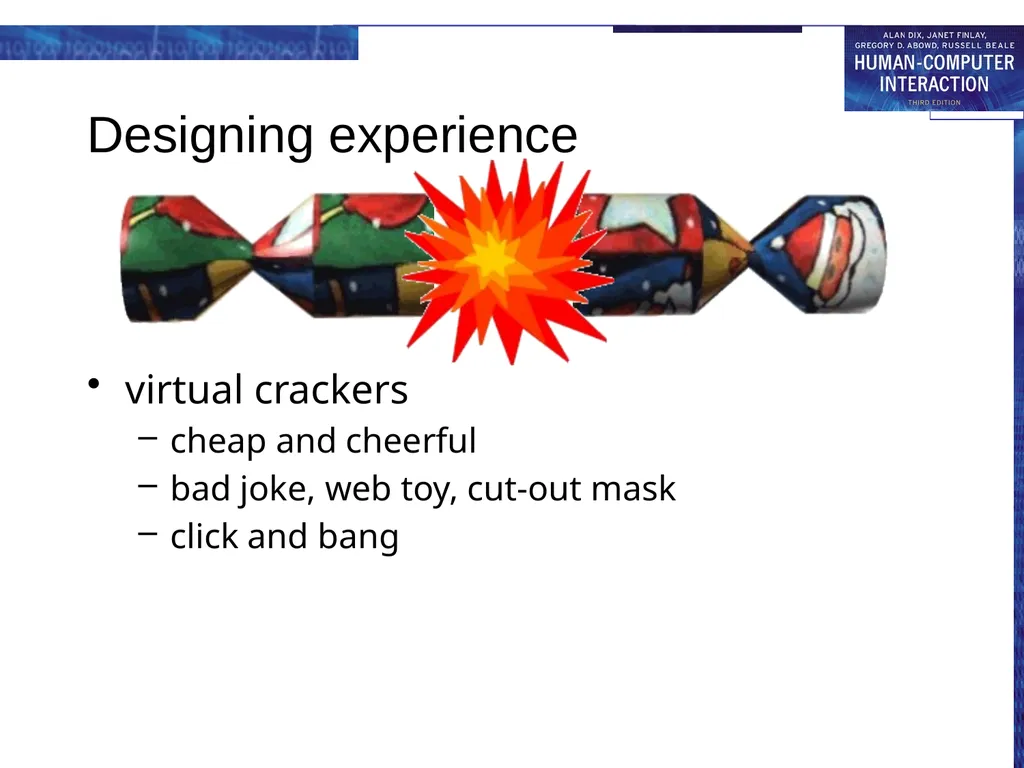
Designing experience virtual crackers
cheap and cheerful
bad joke, web toy, cut-out mask
click and bang<br>
cheap and cheerful
bad joke, web toy, cut-out mask
click and bang<br>
55
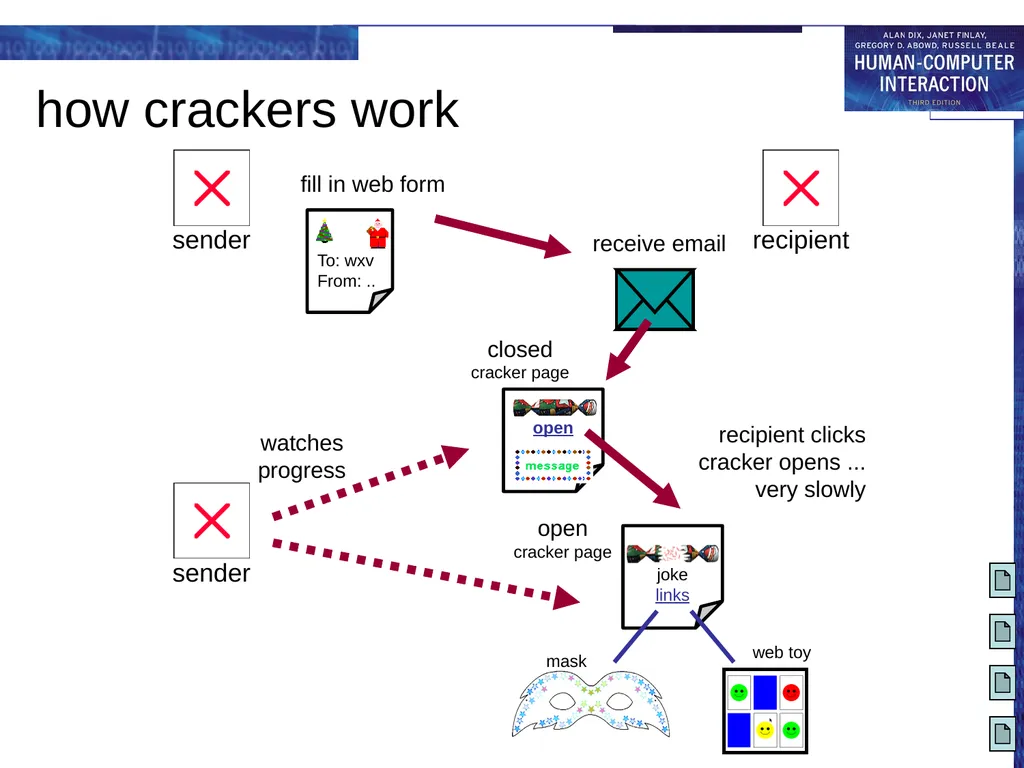
how crackers work<br>
56
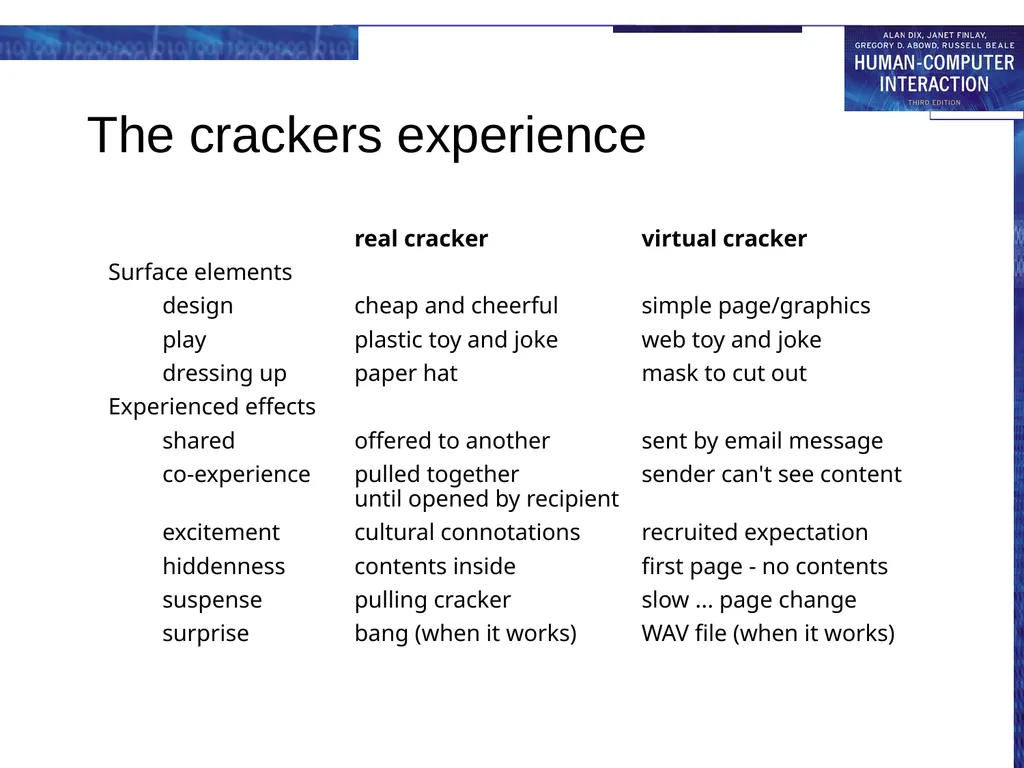
The crackers experience real cracker virtual cracker
Surface elements
design cheap and cheerful simple page/graphics
play plastic toy and joke web toy and joke
dressing up paper hat mask to cut out
Experienced effects
shared offered to another sent by email message
co-experience pulled together sender can't see content until opened by recipient
excitement cultural connotations recruited expectation
hiddenness contents inside first page - no contents
suspense pulling cracker slow ... page change
surprise bang (when it works) WAV file (when it works)<br>
Surface elements
design cheap and cheerful simple page/graphics
play plastic toy and joke web toy and joke
dressing up paper hat mask to cut out
Experienced effects
shared offered to another sent by email message
co-experience pulled together sender can't see content until opened by recipient
excitement cultural connotations recruited expectation
hiddenness contents inside first page - no contents
suspense pulling cracker slow ... page change
surprise bang (when it works) WAV file (when it works)<br>
57
Physical design many constraints:
ergonomic – minimum button size
physical – high-voltage switches are big
legal and safety – high cooker controls
context and environment – easy to clean
aesthetic – must look good
economic – … and not cost too much!<br>
ergonomic – minimum button size
physical – high-voltage switches are big
legal and safety – high cooker controls
context and environment – easy to clean
aesthetic – must look good
economic – … and not cost too much!<br>
58
Design trade-offs constraints are contradictory … need trade-offs
within categories:
e.g. safety – cooker controls
front panel – safer for adult
rear panel – safer for child
between categories
e.g. ergonomics vs. physical – MiniDisc remote
ergonomics – controls need to be bigger
physical – no room!
solution – multifunction controls & reduced functionality<br>
within categories:
e.g. safety – cooker controls
front panel – safer for adult
rear panel – safer for child
between categories
e.g. ergonomics vs. physical – MiniDisc remote
ergonomics – controls need to be bigger
physical – no room!
solution – multifunction controls & reduced functionality<br>
59
Fluidity do external physical aspects reflect logical effect?
related to affordance (chap 5)
logical state revealed in physical state?
e.g. on/off buttons
inverse actions inverse effects?
e.g. arrow buttons, twist controls<br>
related to affordance (chap 5)
logical state revealed in physical state?
e.g. on/off buttons
inverse actions inverse effects?
e.g. arrow buttons, twist controls<br>
60
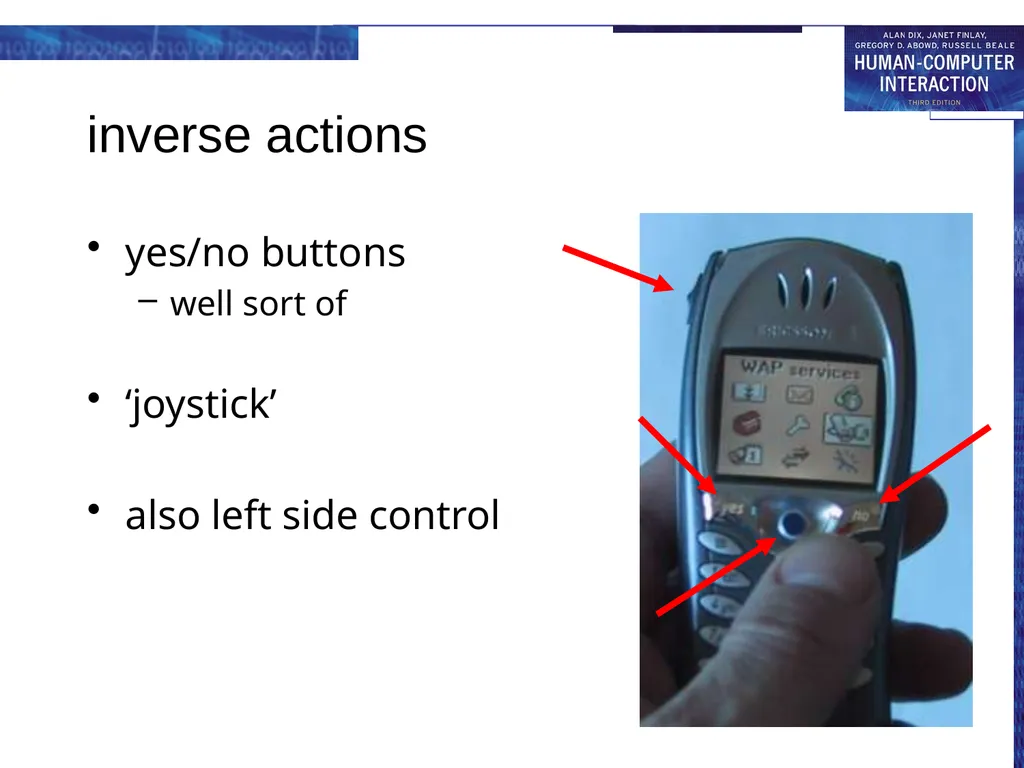
inverse actions yes/no buttons
well sort of
‘joystick’
also left side control<br>
well sort of
‘joystick’
also left side control<br>
61
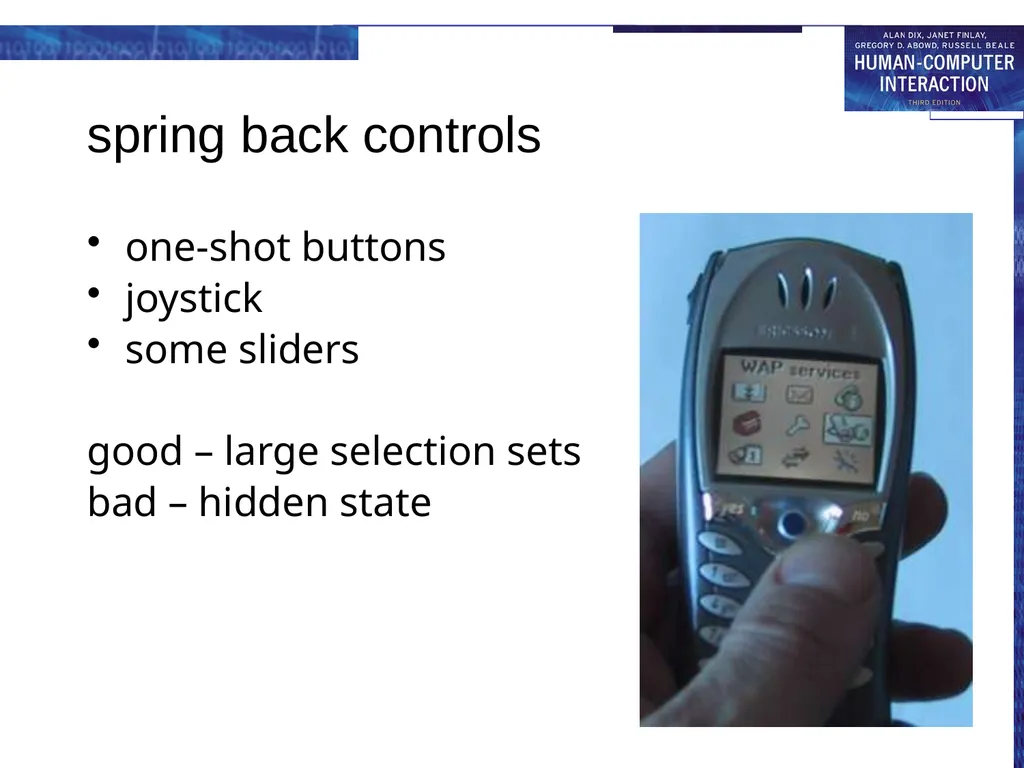
spring back controls one-shot buttons
joystick
some sliders
good – large selection sets
bad – hidden state<br>
joystick
some sliders
good – large selection sets
bad – hidden state<br>
62
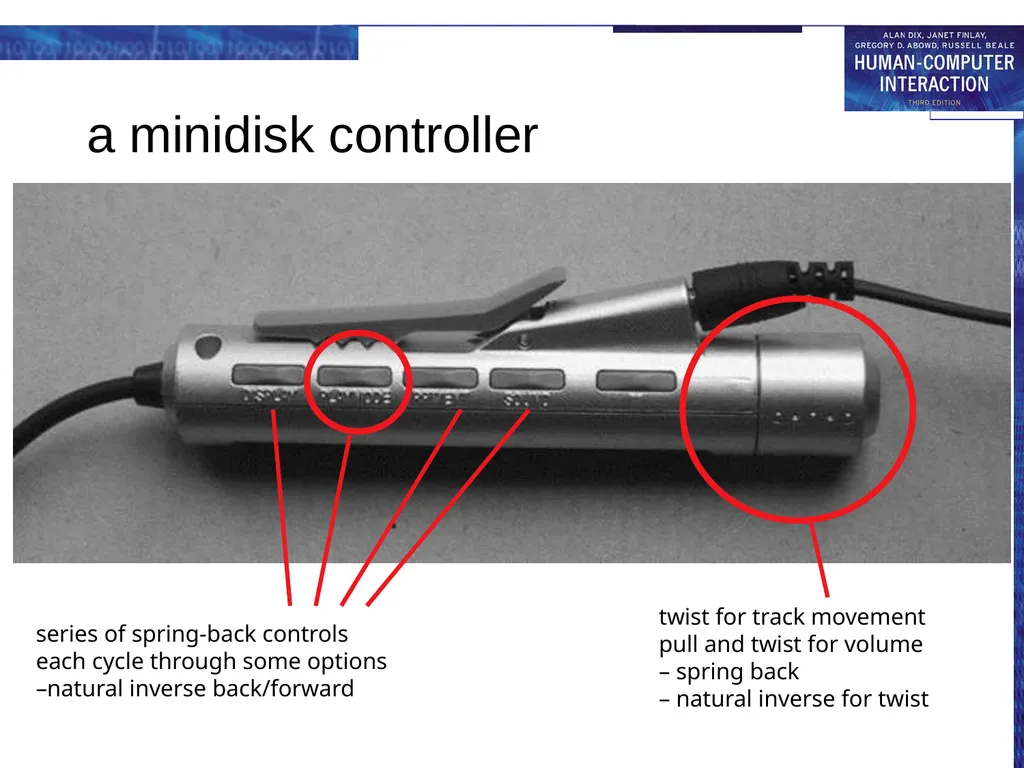
a minidisk controller series of spring-back controls
each cycle through some options
–natural inverse back/forward twist for track movement
pull and twist for volume
– spring back
– natural inverse for twist<br>
each cycle through some options
–natural inverse back/forward twist for track movement
pull and twist for volume
– spring back
– natural inverse for twist<br>
63
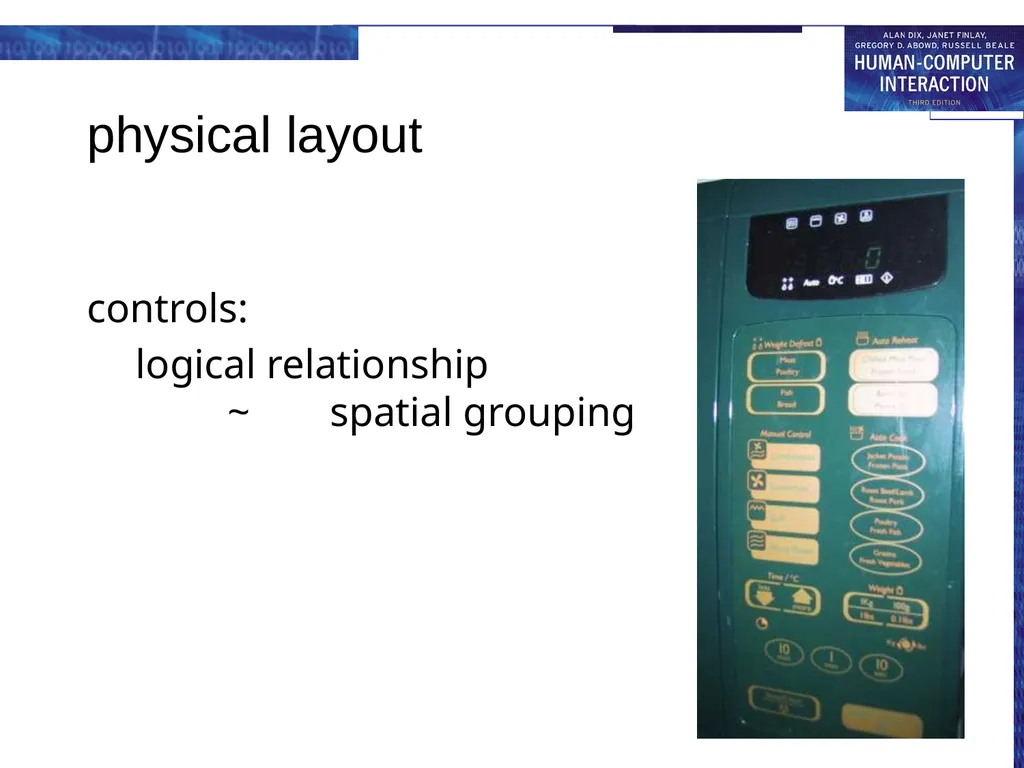
physical layout controls:
logical relationship ~ spatial grouping<br>
logical relationship ~ spatial grouping<br>
64
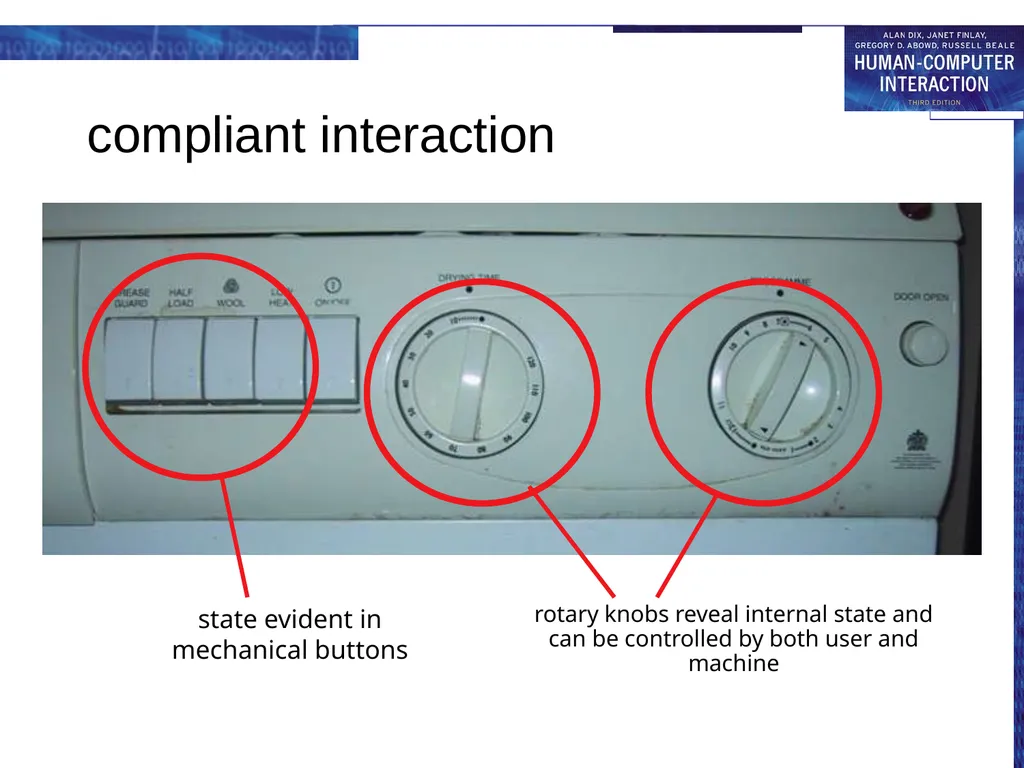
compliant interaction state evident in
mechanical buttons rotary knobs reveal internal state and can be controlled by both user and machine<br>
65
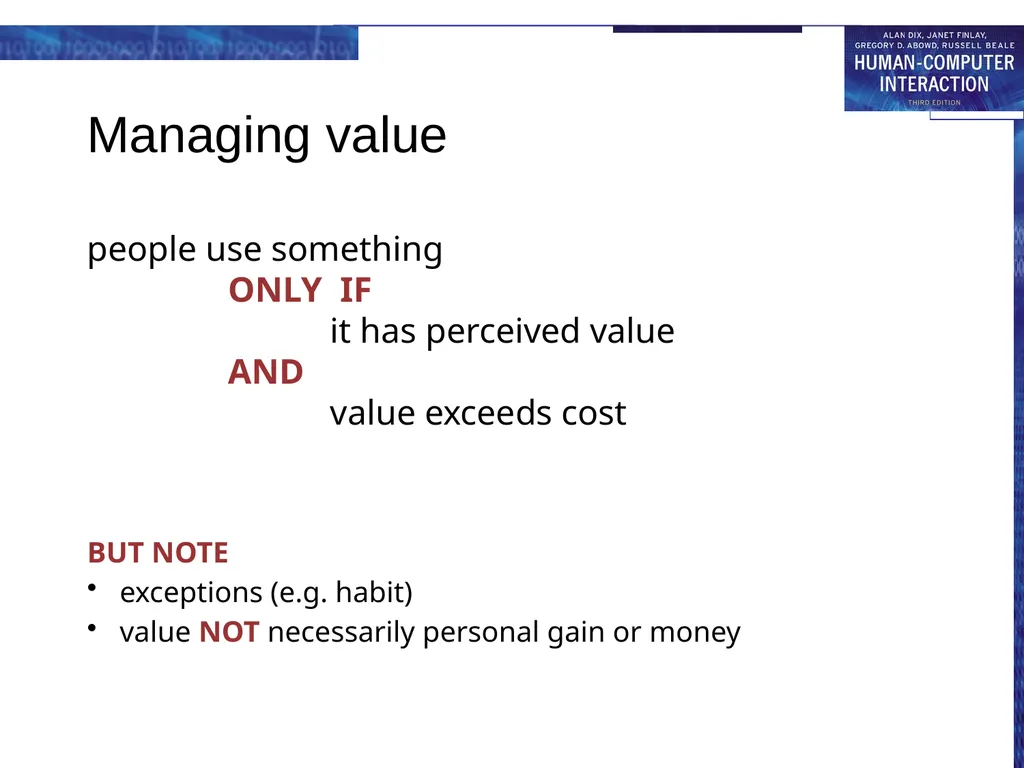
Managing value people use something
ONLY IF
it has perceived value
AND
value exceeds cost BUT NOTE
exceptions (e.g. habit)
value NOT necessarily personal gain or money<br>
exceptions (e.g. habit)
value NOT necessarily personal gain or money<br>
66
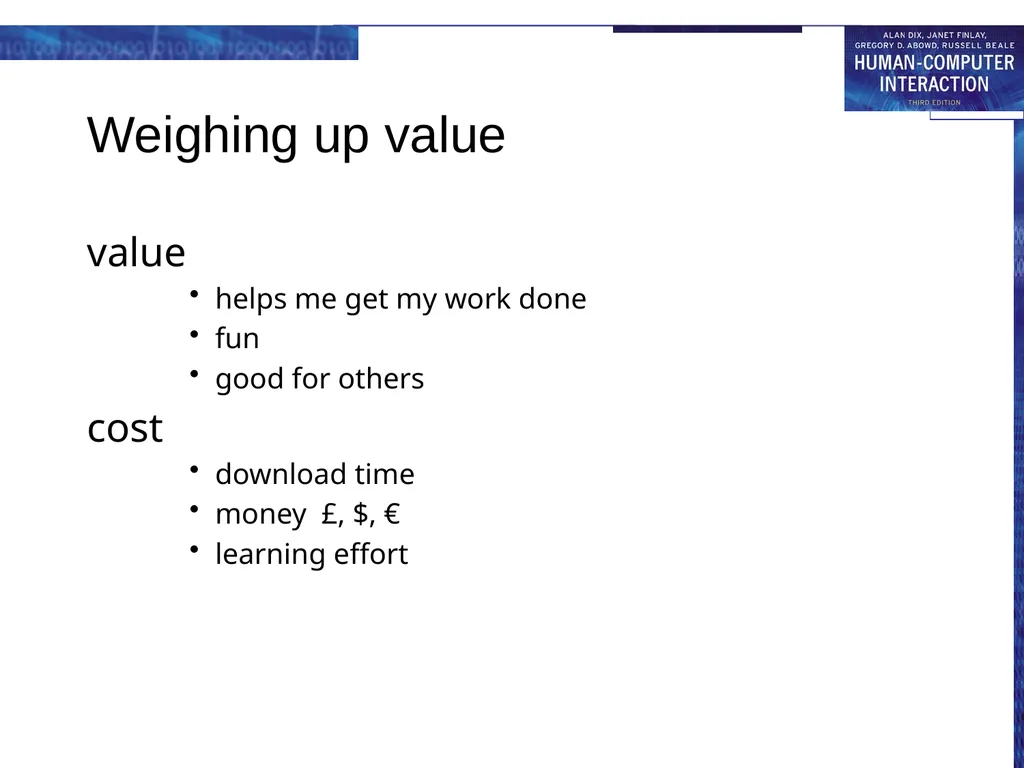
Weighing up value value
helps me get my work done
fun
good for others
cost
download time
money £, $, €
learning effort<br>
helps me get my work done
fun
good for others
cost
download time
money £, $, €
learning effort<br>
67
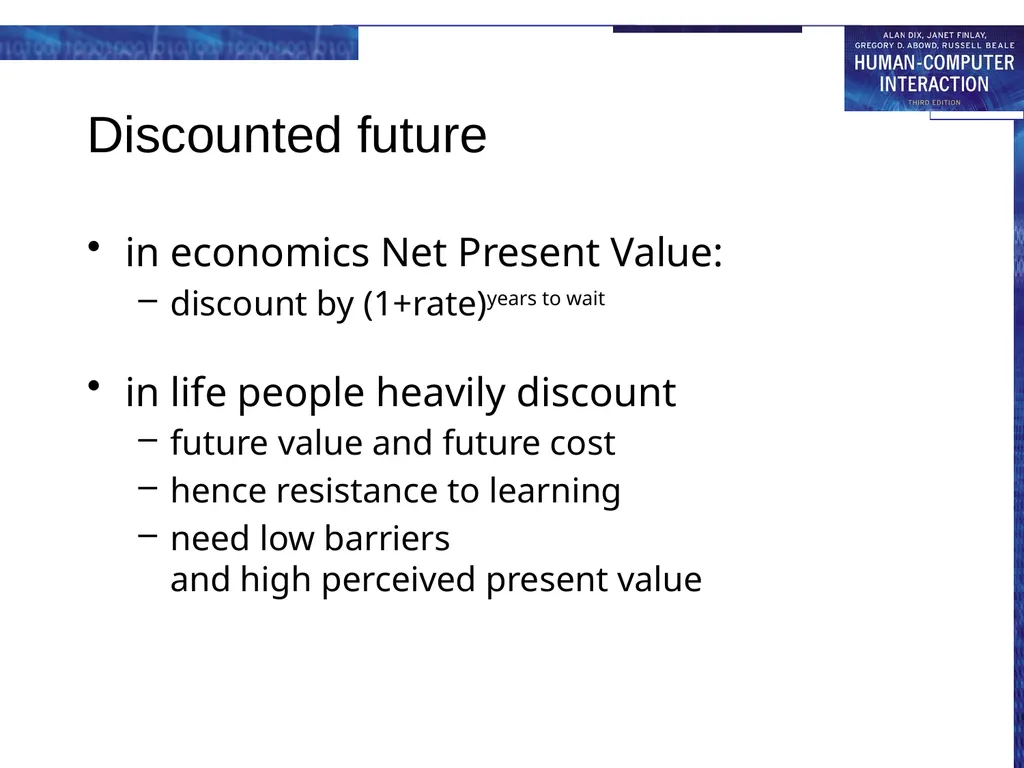
in economics Net Present Value:
discount by (1+rate)years to wait
in life people heavily discount
future value and future cost
hence resistance to learning
need low barriers and high perceived present value Discounted future<br>
discount by (1+rate)years to wait
in life people heavily discount
future value and future cost
hence resistance to learning
need low barriers and high perceived present value Discounted future<br>
68
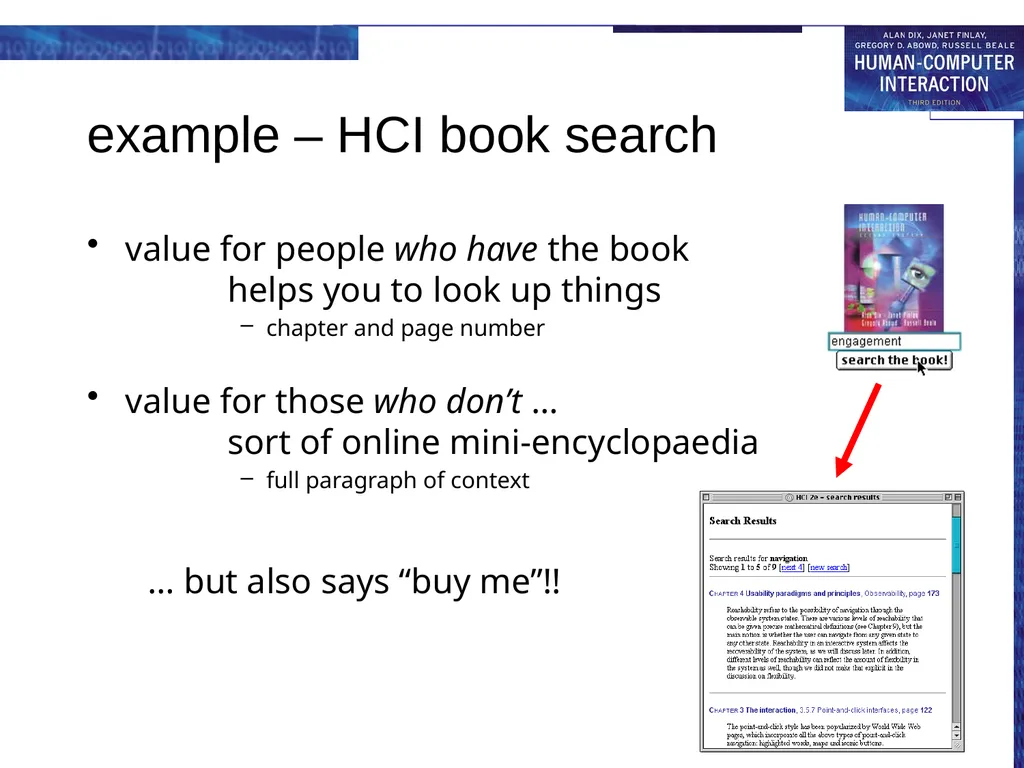
example – HCI book search value for people who have the book
helps you to look up things
chapter and page number
value for those who don’t … sort of online mini-encyclopaedia
full paragraph of context
… but also says “buy me”!! … but also says “buy me”!!<br>
chapter and page number
value for those who don’t … sort of online mini-encyclopaedia
full paragraph of context
… but also says “buy me”!! … but also says “buy me”!!<br>
69
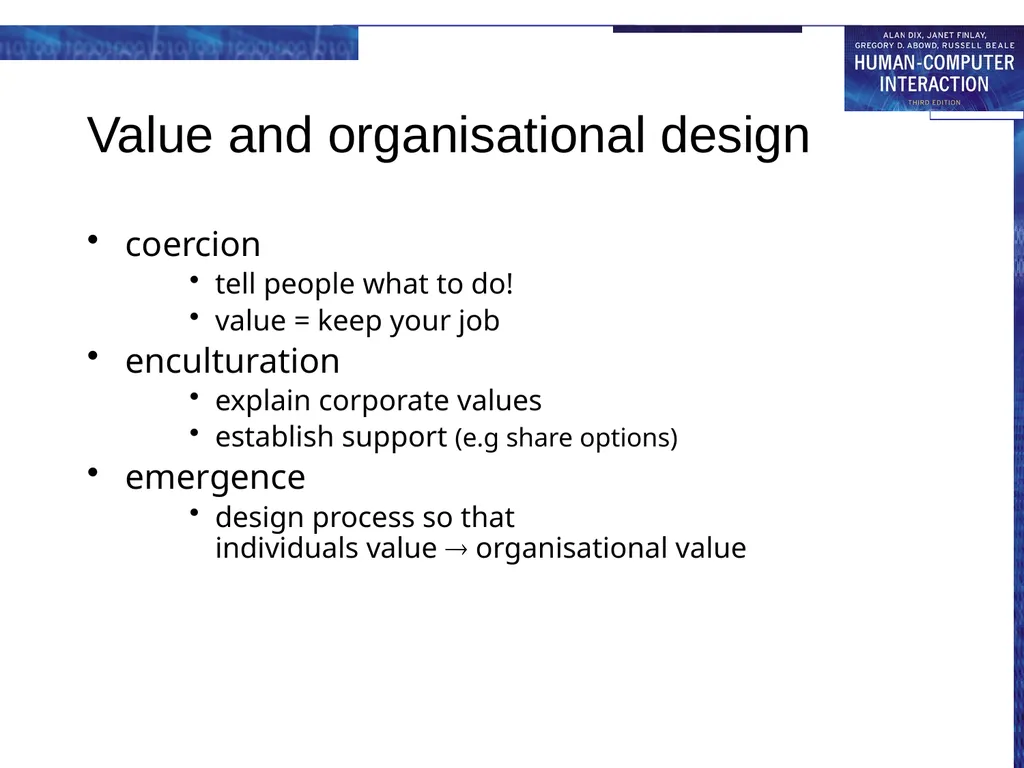
Value and organisational design coercion
tell people what to do!
value = keep your job
enculturation
explain corporate values
establish support (e.g share options)
emergence
design process so that individuals value organisational value<br>
tell people what to do!
value = keep your job
enculturation
explain corporate values
establish support (e.g share options)
emergence
design process so that individuals value organisational value<br>
70
General lesson … if you want someone to do something …
make it easy for them!
understand their values<br>
make it easy for them!
understand their values<br>