chapter 4 paradigms why study paradigms Concerns how can an interactive system be developed to ensure its usability? how can the usability of an interactive system be demonstrated or measured? History of interactive system design provides
"chapter 4 paradigms why study paradigms Concerns" is the property of its rightful owner. Permission is granted to
download and print the materials on this website for personal, non-commercial use only, and to display it
on your personal computer provided you do not modify the materials and that you retain all copyright
notices contained in the materials. By downloading content from our website, you accept the terms of this
agreement.
Presentation Transcript
01
chapter 4 paradigms<br>
02
why study paradigms Concerns
how can an interactive system be developed to ensure its usability?
how can the usability of an interactive system be demonstrated or measured?
History of interactive system design provides paradigms for usable designs<br>
03
What are Paradigms Predominant theoretical frameworks or scientific world views
e.g., Aristotelian, Newtonian, Einsteinian (relativistic) paradigms in physics
Understanding HCI history is largely about understanding a series of paradigm shifts
Not all listed here are necessarily “paradigm” shifts, but are at least candidates
History will judge which are true shifts<br>
04
Paradigms of interaction New computing technologies arrive, creating a new perception of the human—computer relationship.
We can trace some of these shifts in the history of interactive technologies.<br>
05
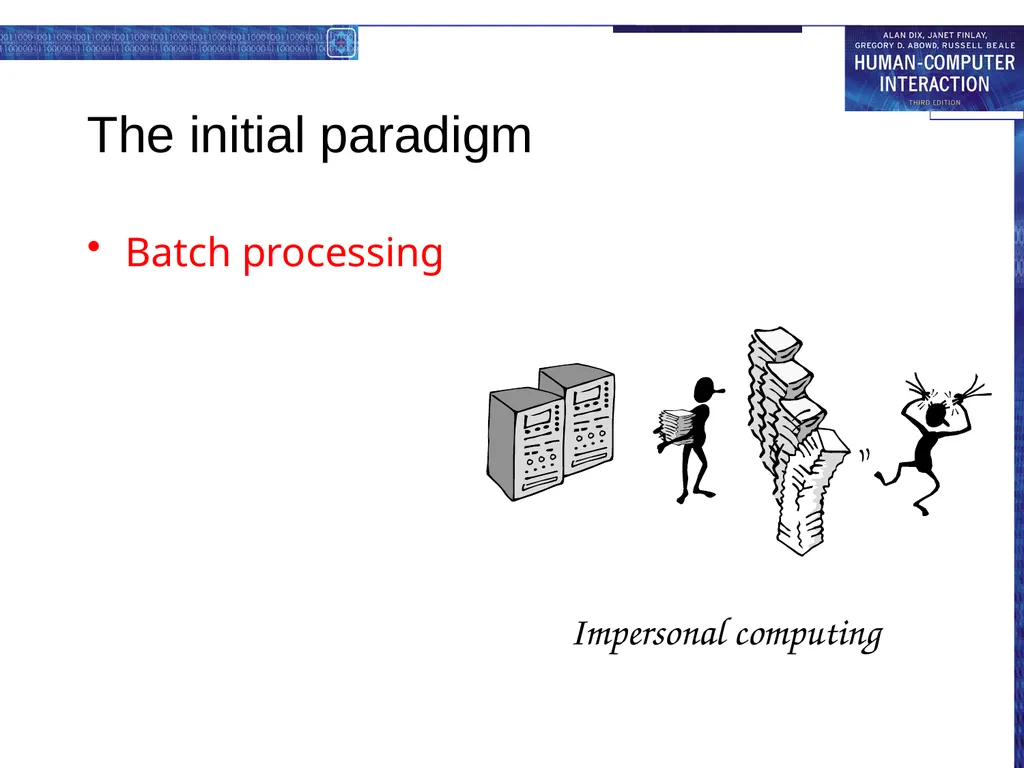
The initial paradigm Batch processing Impersonal computing<br>
06
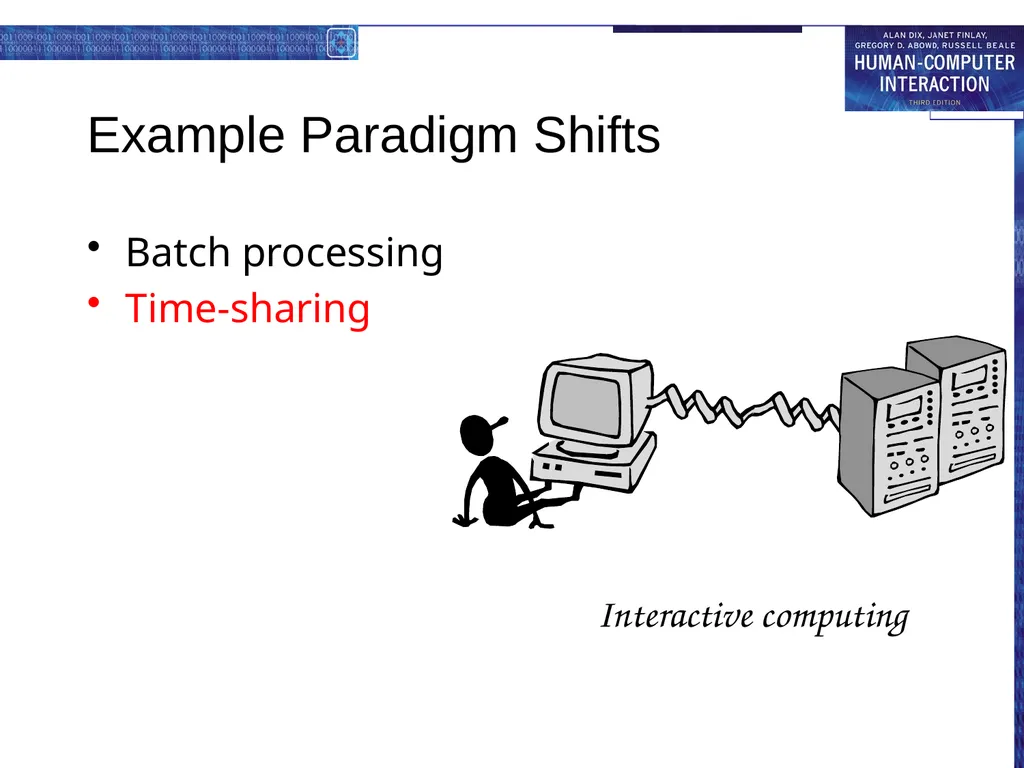
Example Paradigm Shifts Batch processing
Time-sharing Interactive computing<br>
07
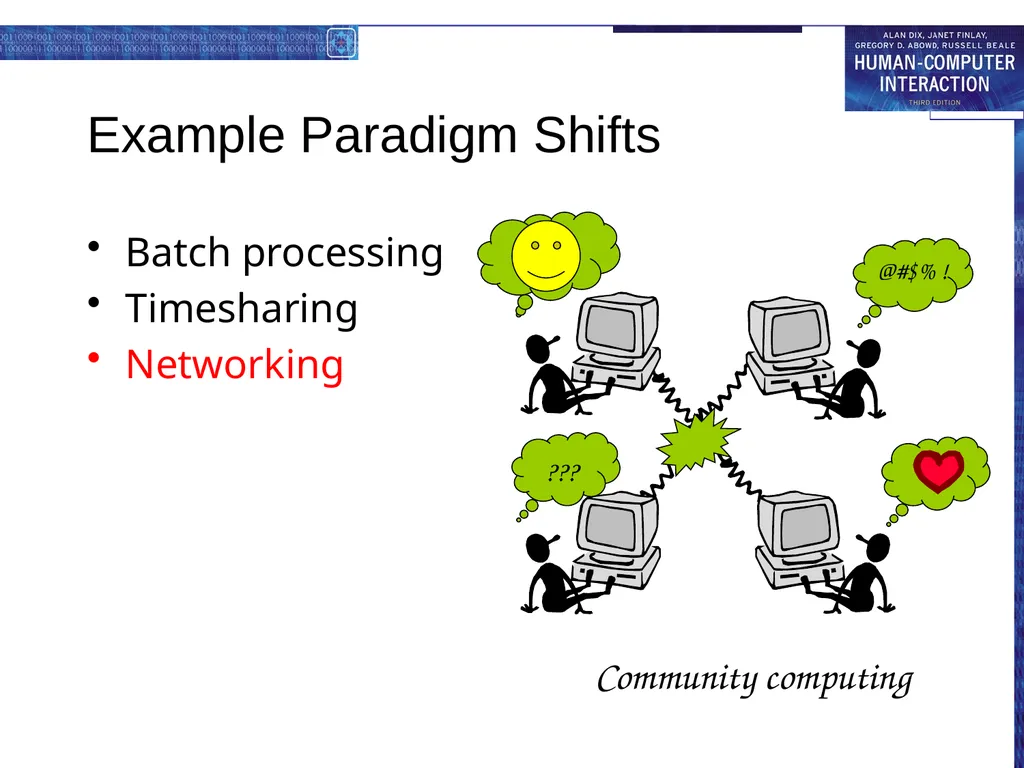
Example Paradigm Shifts Batch processing
Timesharing
Networking Community computing<br>
08
Example Paradigm Shifts Batch processing
Timesharing
Networking
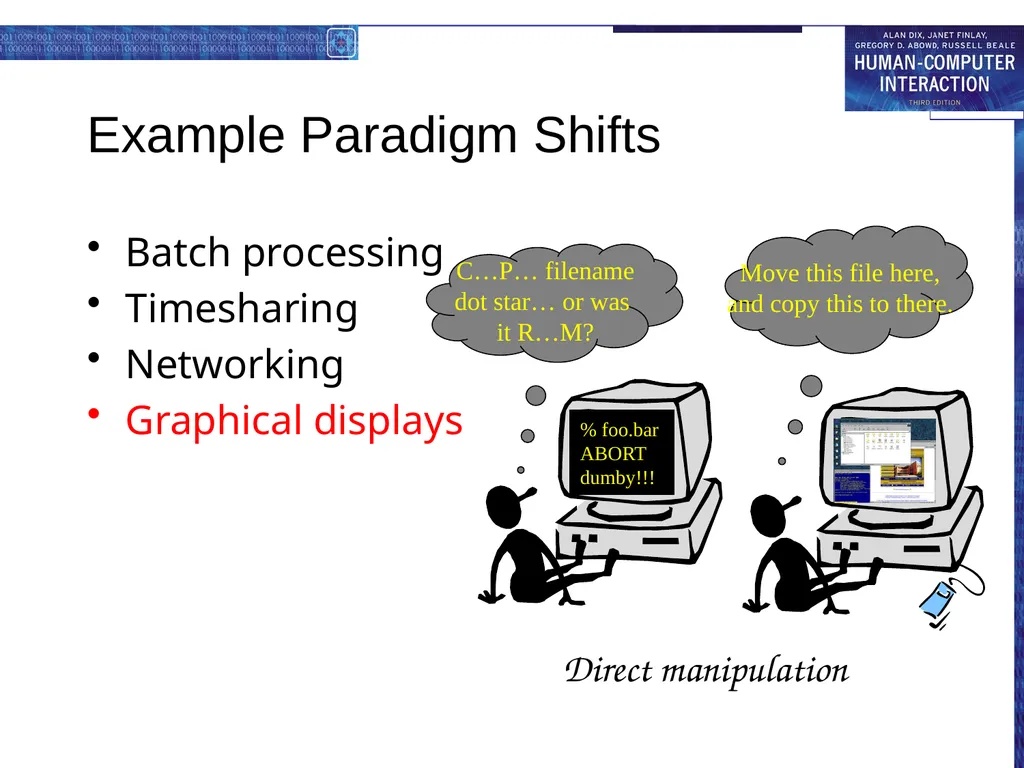
Graphical displays % foo.bar
ABORT
dumby!!! C…P… filename
dot star… or was
it R…M? Move this file here,
and copy this to there. Direct manipulation<br>
09
Example Paradigm Shifts Batch processing
Timesharing
Networking
Graphical display
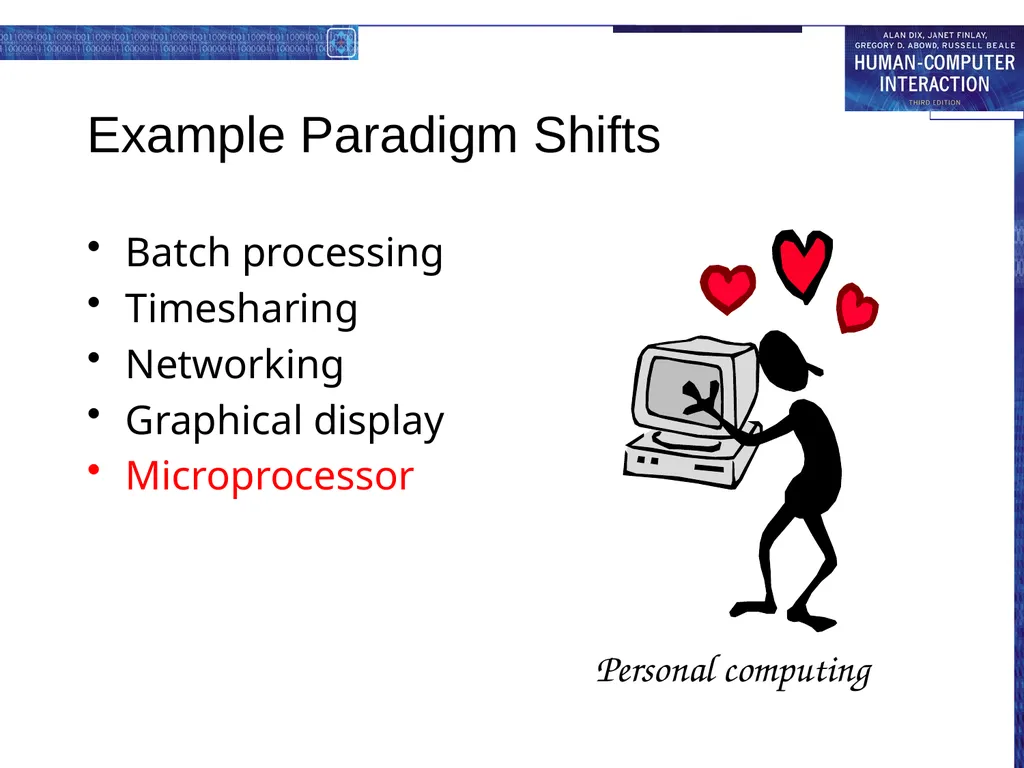
Microprocessor Personal computing<br>
10
Example Paradigm Shifts Batch processing
Timesharing
Networking
Graphical display
Microprocessor
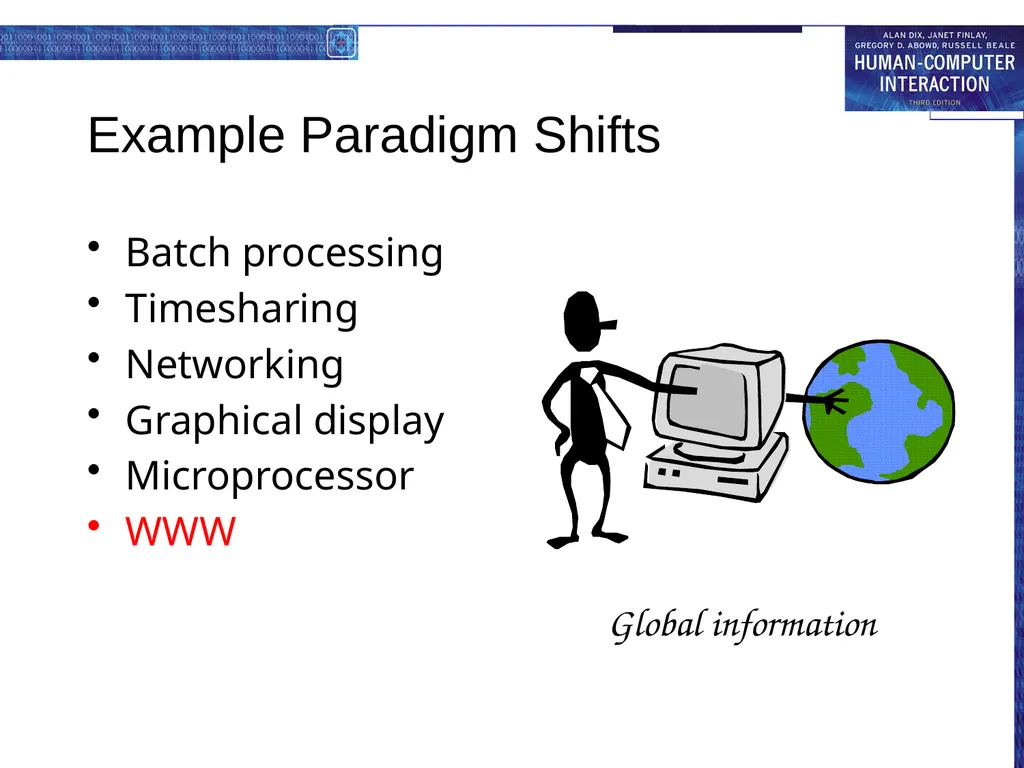
WWW Global information<br>
11
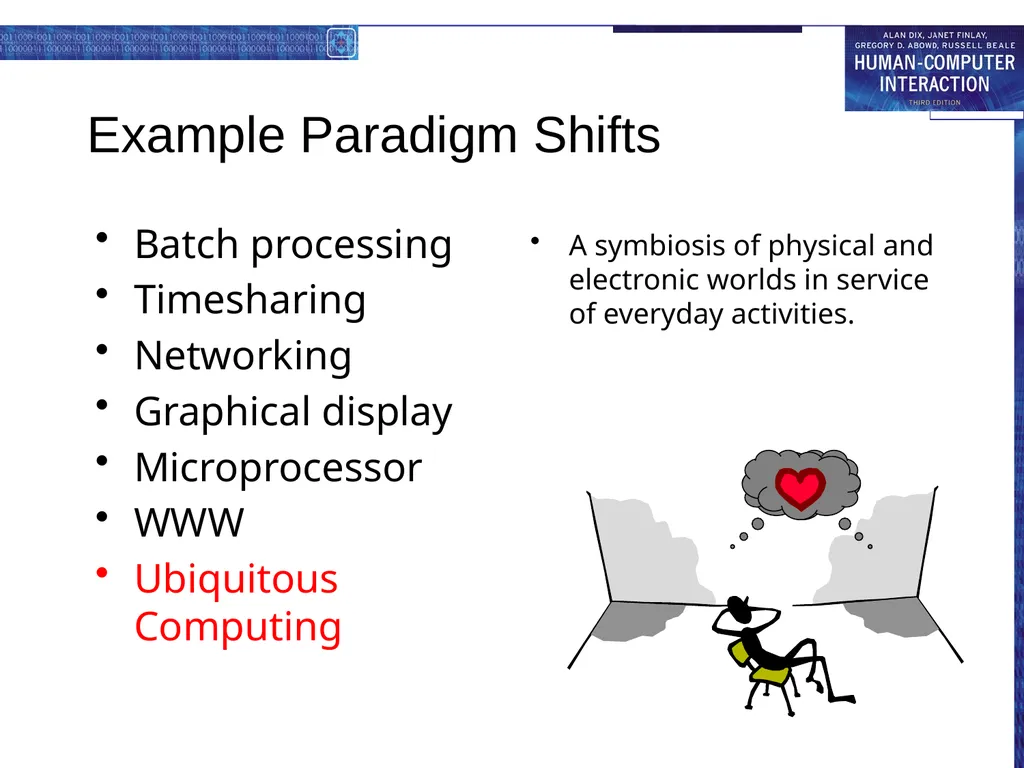
Example Paradigm Shifts A symbiosis of physical and electronic worlds in service of everyday activities. Batch processing
Timesharing
Networking
Graphical display
Microprocessor
WWW
Ubiquitous Computing<br>
12
Time-sharing 1940s and 1950s – explosive technological growth
1960s – need to channel the power
J.C.R. Licklider at ARPA
single computer supporting multiple users<br>
13
Video Display Units more suitable medium than paper
1962 – Sutherland's Sketchpad
computers for visualizing and manipulating data
one person's contribution could drastically change the history of computing<br>
14
Programming toolkits Engelbart at Stanford Research Institute
1963 – augmenting man's intellect
1968 NLS/Augment system demonstration
the right programming toolkit provides building blocks to producing complex interactive systems<br>
15
Personal computing 1970s – Papert's LOGO language for simple graphics programming by children
A system is more powerful as it becomes easier to user
Future of computing in small, powerful machines dedicated to the individual
Kay at Xerox PARC – the Dynabook as the ultimate personal computer<br>
16
Window systems and the WIMP interface humans can pursue more than one task at a time
windows used for dialogue partitioning, to “change the topic”
1981 – Xerox Star first commercial windowing system
windows, icons, menus and pointers now familiar interaction mechanisms<br>
17
Metaphor relating computing to other real-world activity is effective teaching technique
LOGO's turtle dragging its tail
file management on an office desktop
word processing as typing
financial analysis on spreadsheets
virtual reality – user inside the metaphor
Problems
some tasks do not fit into a given metaphor
cultural bias<br>
18
Direct manipulation 1982 – Shneiderman describes appeal of graphically-based interaction
visibility of objects
incremental action and rapid feedback
reversibility encourages exploration
syntactic correctness of all actions
replace language with action
1984 – Apple Macintosh
the model-world metaphor
What You See Is What You Get (WYSIWYG)<br>
19
Language versus Action actions do not always speak louder than words!
DM – interface replaces underlying system
language paradigm
interface as mediator
interface acts as intelligent agent
programming by example is both action and language<br>
20
Hypertext 1945 – Vannevar Bush and the memex
key to success in managing explosion of information
mid 1960s – Nelson describes hypertext as non-linear browsing structure
hypermedia and multimedia
Nelson's Xanadu project still a dream today<br>
21
Multimodality a mode is a human communication channel
emphasis on simultaneous use of multiple channels for input and output<br>
22
Computer Supported Cooperative Work (CSCW) CSCW removes bias of single user / single computer system
Can no longer neglect the social aspects
Electronic mail is most prominent success<br>
23
The World Wide Web Hypertext, as originally realized, was a closed system
Simple, universal protocols (e.g. HTTP) and mark-up languages (e.g. HTML) made publishing and accessing easy
Critical mass of users lead to a complete transformation of our information economy.<br>
24
Agent-based Interfaces Original interfaces
Commands given to computer
Language-based
Direct Manipulation/WIMP
Commands performed on “world” representation
Action based
Agents - return to language by instilling proactivity and “intelligence” in command processor
Avatars, natural language processing<br>
25
Ubiquitous Computing “The most profound technologies are those that disappear.”
Mark Weiser, 1991
Late 1980’s: computer was very apparent
How to make it disappear?
Shrink and embed/distribute it in the physical world
Design interactions that don’t demand our intention<br>
26
Sensor-based and Context-aware Interaction Humans are good at recognizing the “context” of a situation and reacting appropriately
Automatically sensing physical phenomena (e.g., light, temp, location, identity) becoming easier
How can we go from sensed physical measures to interactions that behave as if made “aware” of the surroundings?<br>