
Collaborative Work and Group Project Design
Description: Collaborative Work and Group Project Design Jessica DeSpain English jdespaisiue.edu Andrew Leland Educational Leadership alelandsiue.edu Collaboration is a process that involves mixing ideas, approaches, and contributions into a uniquely
Related Topics
Download Presentation
"Collaborative Work and Group Project Design" is the property of its rightful owner. Permission is granted to download and print the materials on this website for personal, non-commercial use only, and to display it on your personal computer provided you do not modify the materials and that you retain all copyright notices contained in the materials. By downloading content from our website, you accept the terms of this agreement.
Presentation Transcript
slide2. Collaborative Work and Group Project Design Jessica DeSpain
English
jdespai@siue.edu
Andrew Leland
Educational Leadership
aleland@siue.edu<br>
slide3. Collaboration is a process that involves mixing ideas, approaches, and contributions into a uniquely representative outcome.
—Janet Salmons, Learning to Collaborate, Collaborating to Learn 3<br>
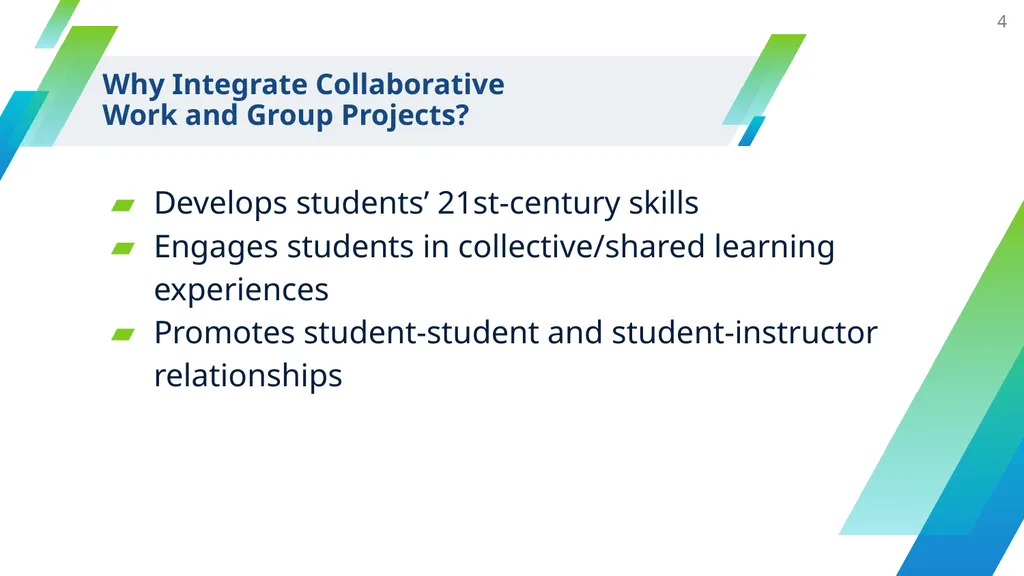
slide4. Why Integrate Collaborative
Work and Group Projects? Develops students’ 21st-century skills
Engages students in collective/shared learning experiences
Promotes student-student and student-instructor relationships 4<br>
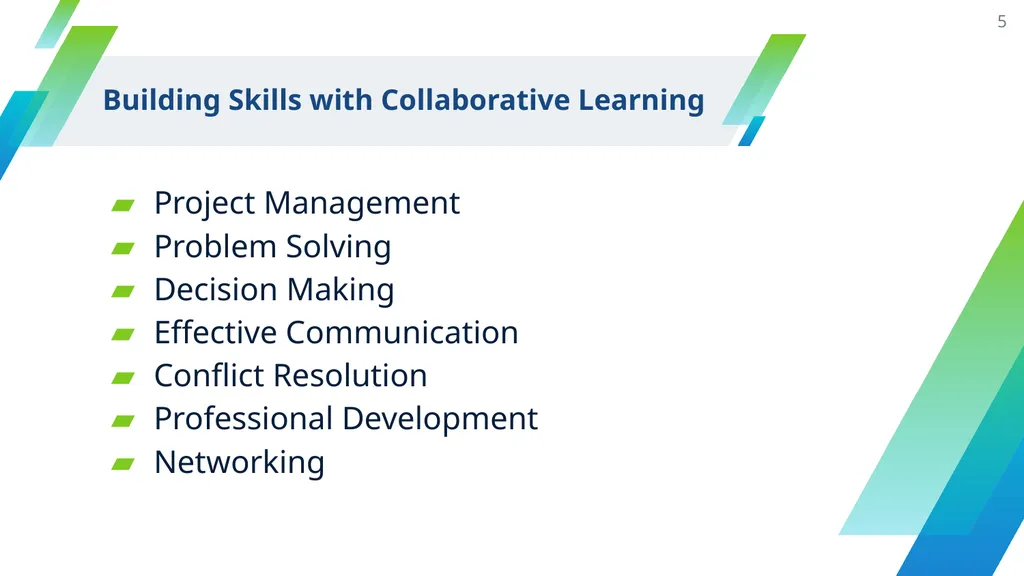
slide5. Building Skills with Collaborative Learning Project Management
Problem Solving
Decision Making
Effective Communication
Conflict Resolution
Professional Development
Networking 5<br>
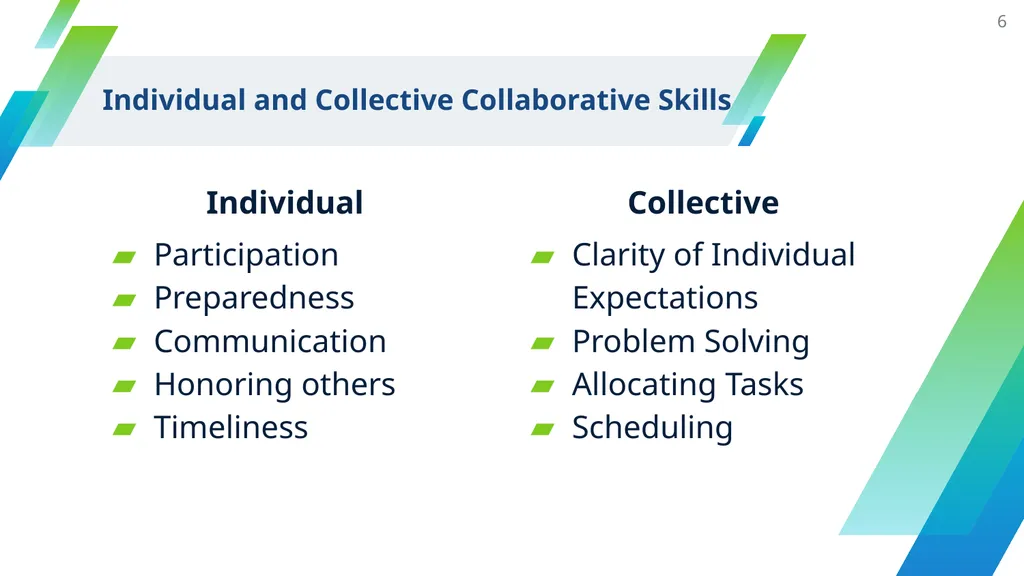
slide6. Individual and Collective Collaborative Skills Individual
Participation
Preparedness
Communication
Honoring others
Timeliness Collective
Clarity of Individual Expectations
Problem Solving
Allocating Tasks
Scheduling 6<br>
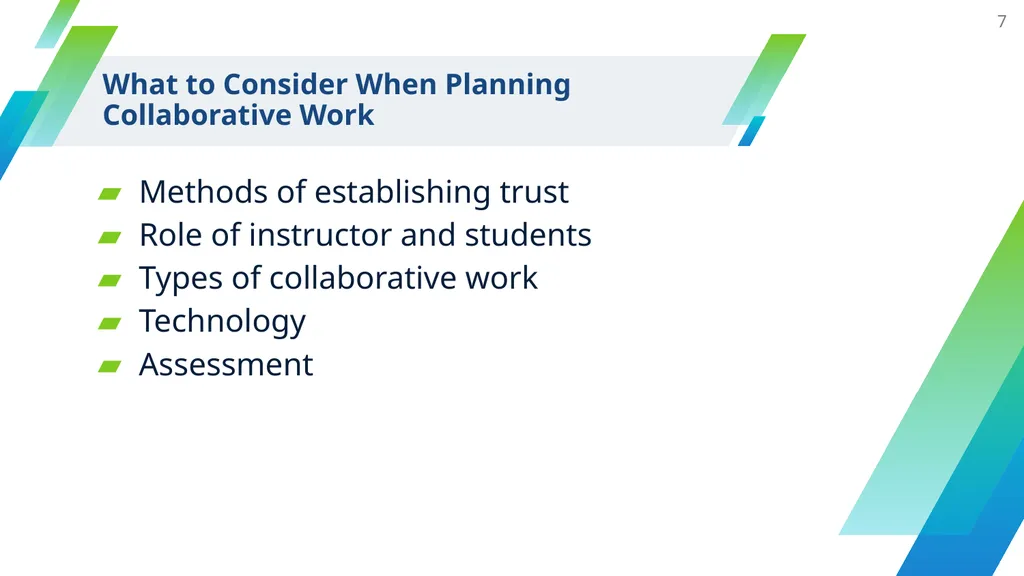
slide7. What to Consider When Planning
Collaborative Work Methods of establishing trust
Role of instructor and students
Types of collaborative work
Technology
Assessment 7<br>
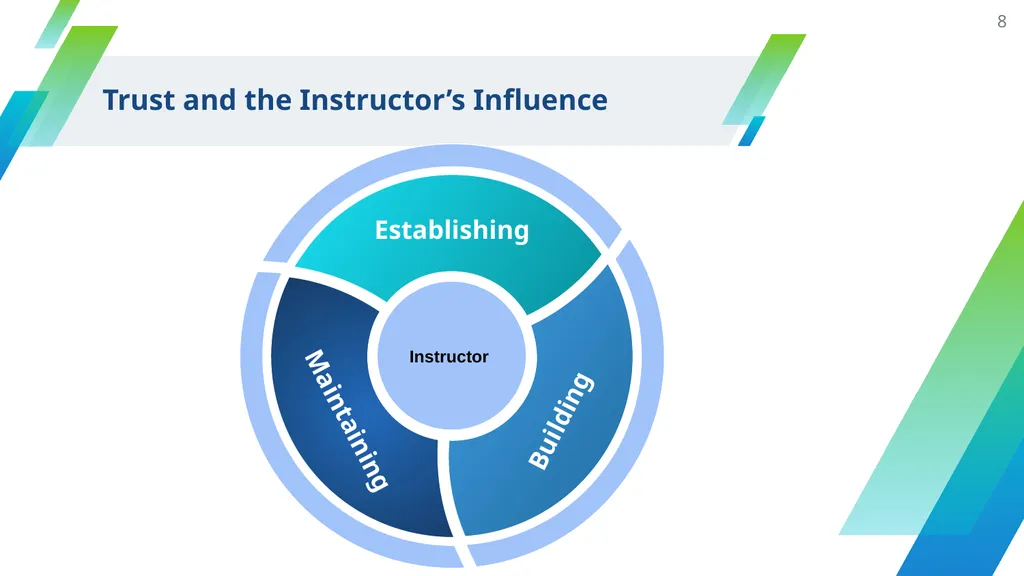
slide8. Trust and the Instructor’s Influence 8 Instructor<br>
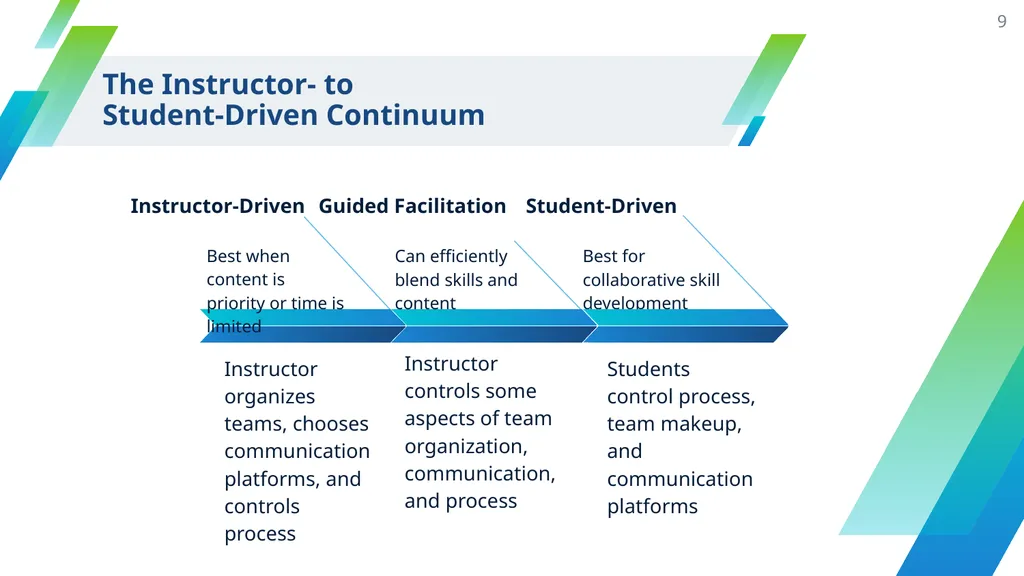
slide9. 9 The Instructor- to
Student-Driven Continuum Guided Facilitation Instructor controls some aspects of team organization, communication, and process Best when content is priority or time is limited Best for collaborative skill development Can efficiently blend skills and content<br>
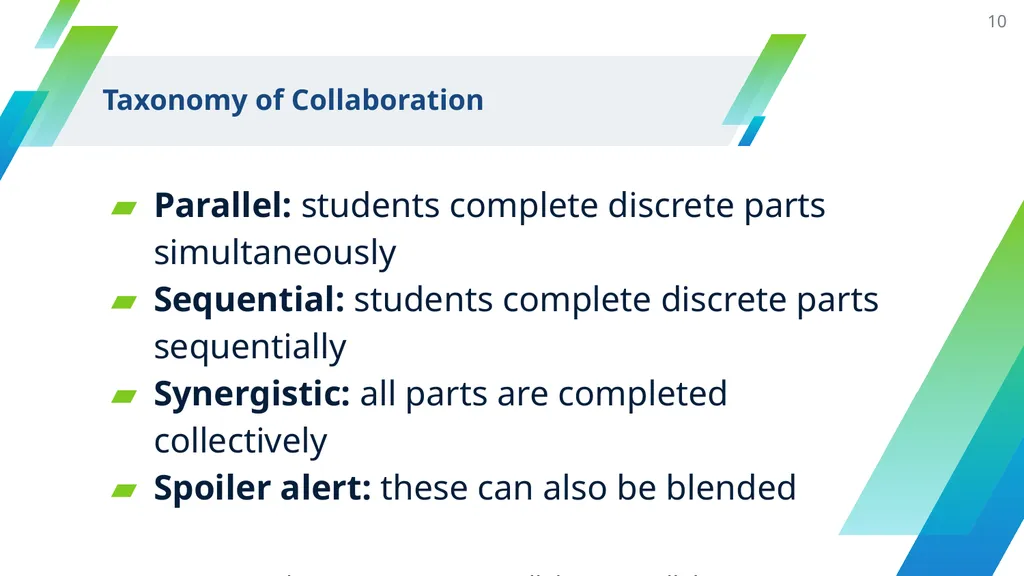
slide10. Taxonomy of Collaboration Parallel: students complete discrete parts simultaneously
Sequential: students complete discrete parts sequentially
Synergistic: all parts are completed collectively
Spoiler alert: these can also be blended
Source: Janet Salmons, Learning to Collaborate, Collaborating to Learn 10<br>
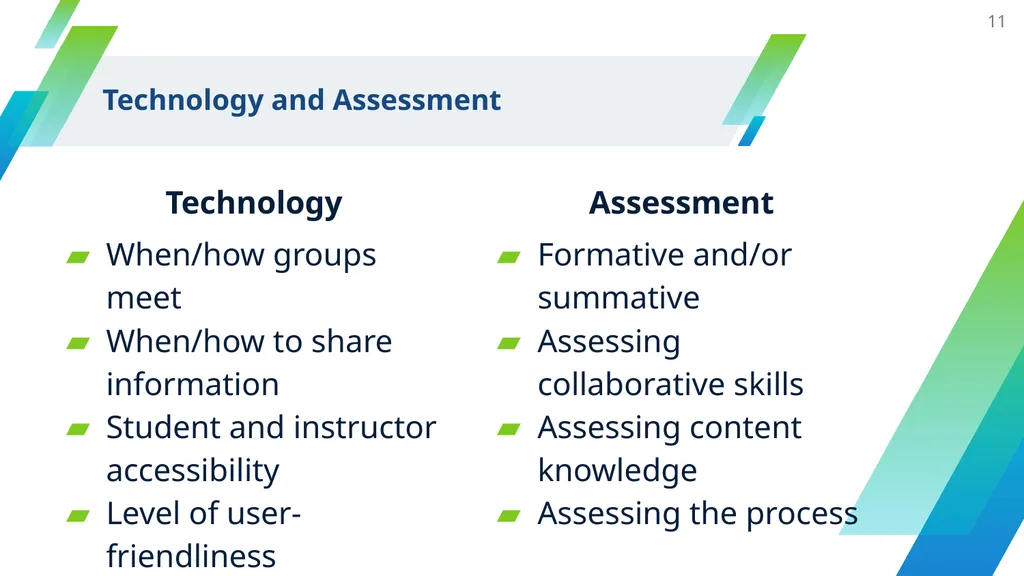
slide11. Technology and Assessment Technology
When/how groups meet
When/how to share information
Student and instructor accessibility
Level of user-friendliness Assessment
Formative and/or summative
Assessing collaborative skills
Assessing content knowledge
Assessing the process 11<br>
slide12. Day-to-Day Collaborative Learning<br>
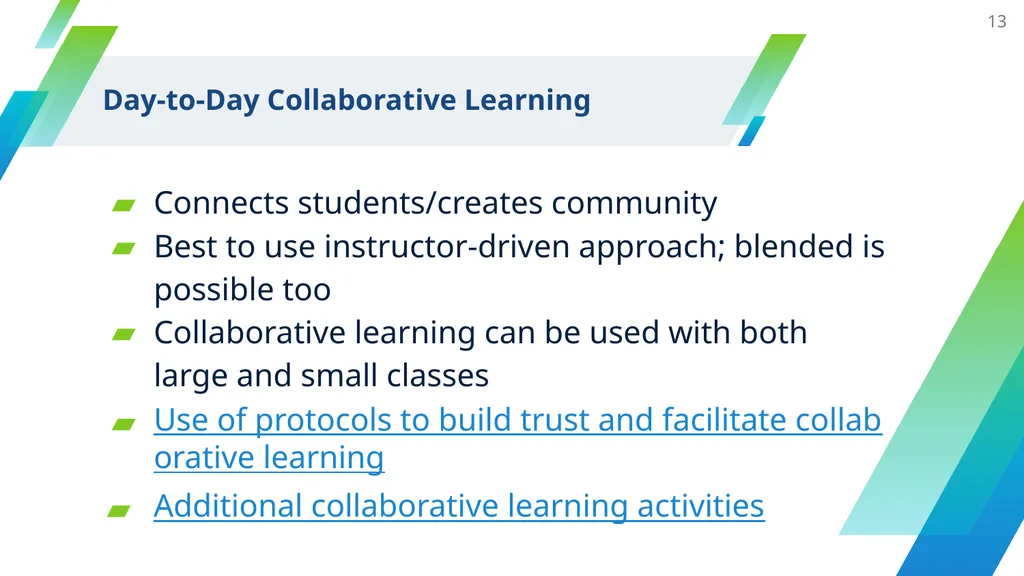
slide13. Day-to-Day Collaborative Learning 13 Connects students/creates community
Best to use instructor-driven approach; blended is possible too
Collaborative learning can be used with both large and small classes
Use of protocols to build trust and facilitate collaborative learning
Additional collaborative learning activities<br>
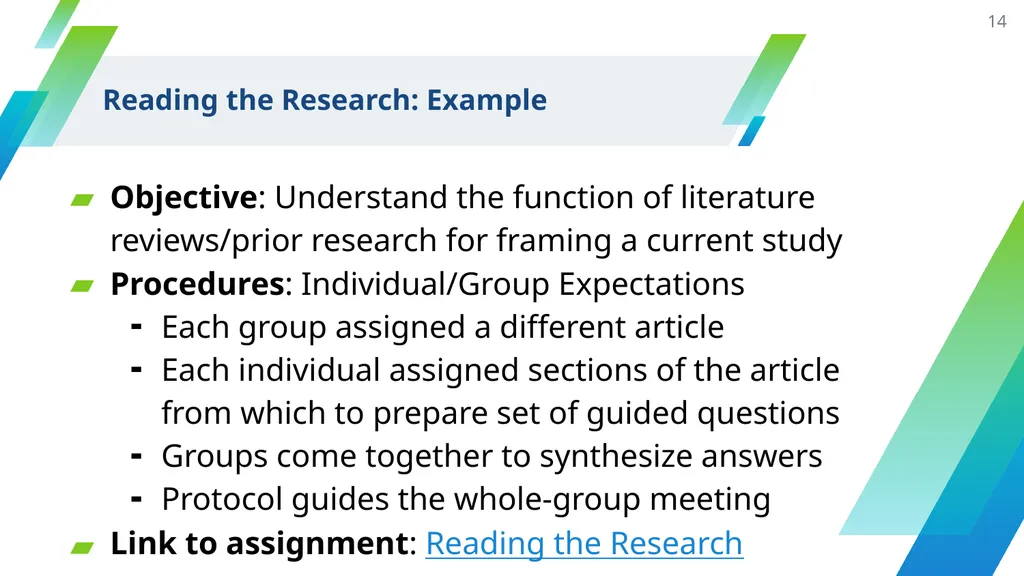
slide14. Reading the Research: Example Objective: Understand the function of literature reviews/prior research for framing a current study
Procedures: Individual/Group Expectations
Each group assigned a different article
Each individual assigned sections of the article from which to prepare set of guided questions
Groups come together to synthesize answers
Protocol guides the whole-group meeting
Link to assignment: Reading the Research 14<br>
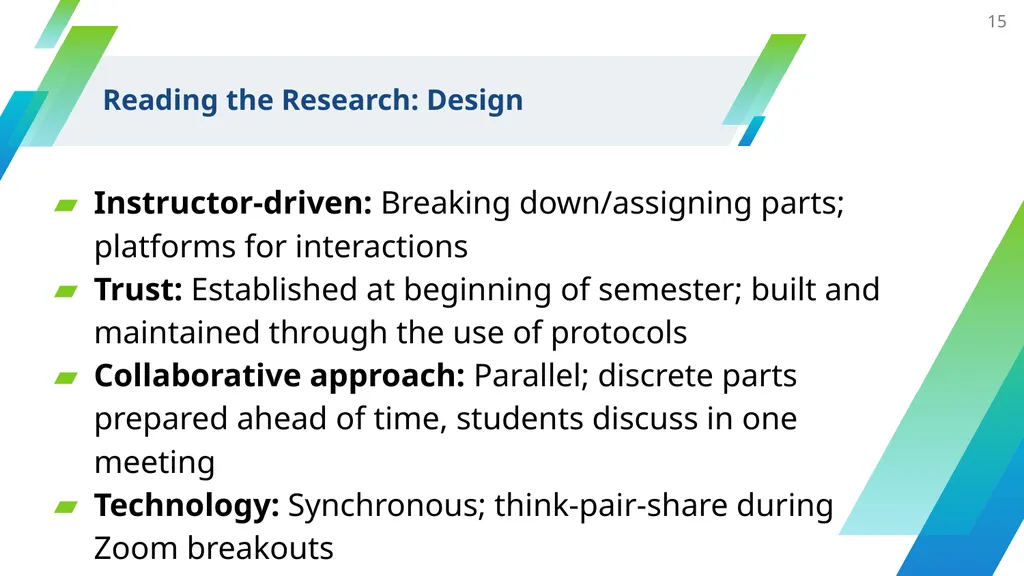
slide15. Instructor-driven: Breaking down/assigning parts; platforms for interactions
Trust: Established at beginning of semester; built and maintained through the use of protocols
Collaborative approach: Parallel; discrete parts prepared ahead of time, students discuss in one meeting
Technology: Synchronous; think-pair-share during Zoom breakouts 15 Reading the Research: Design<br>
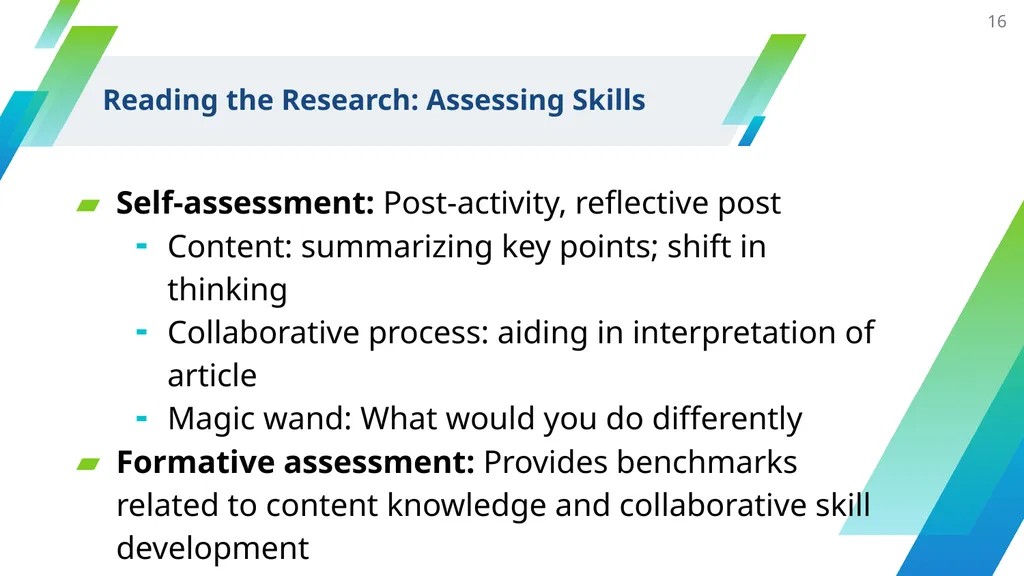
slide16. Self-assessment: Post-activity, reflective post
Content: summarizing key points; shift in thinking
Collaborative process: aiding in interpretation of article
Magic wand: What would you do differently
Formative assessment: Provides benchmarks related to content knowledge and collaborative skill development 16 Reading the Research: Assessing Skills<br>
slide17. Group Project Design<br>
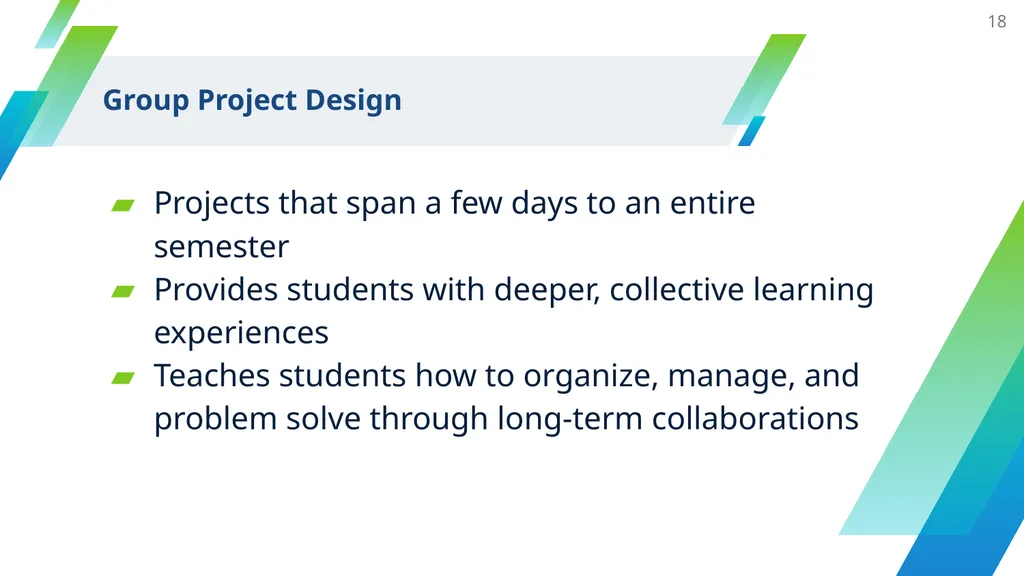
slide18. Group Project Design 18 Projects that span a few days to an entire semester
Provides students with deeper, collective learning experiences
Teaches students how to organize, manage, and problem solve through long-term collaborations<br>
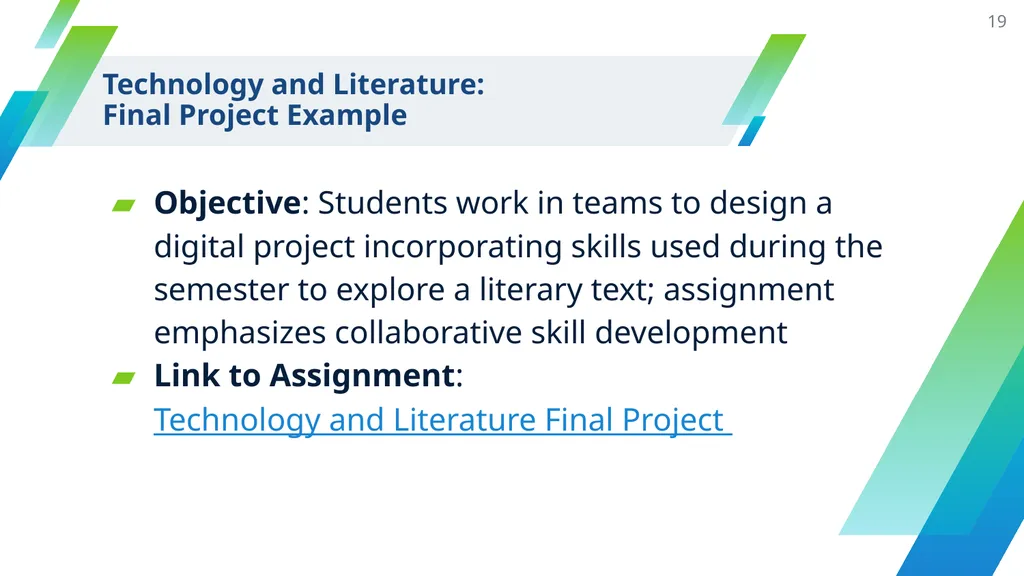
slide19. Objective: Students work in teams to design a digital project incorporating skills used during the semester to explore a literary text; assignment emphasizes collaborative skill development
Link to Assignment: Technology and Literature Final Project 19 Technology and Literature:
Final Project Example<br>
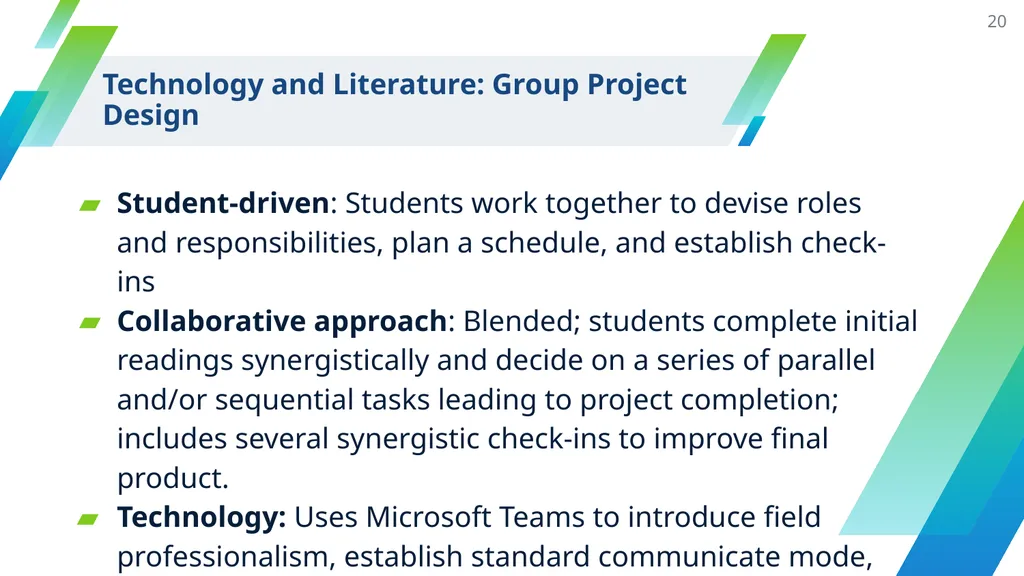
slide20. 20 Technology and Literature: Group Project Design Student-driven: Students work together to devise roles and responsibilities, plan a schedule, and establish check-ins
Collaborative approach: Blended; students complete initial readings synergistically and decide on a series of parallel and/or sequential tasks leading to project completion; includes several synergistic check-ins to improve final product.
Technology: Uses Microsoft Teams to introduce field professionalism, establish standard communicate mode, and simplify assessment<br>
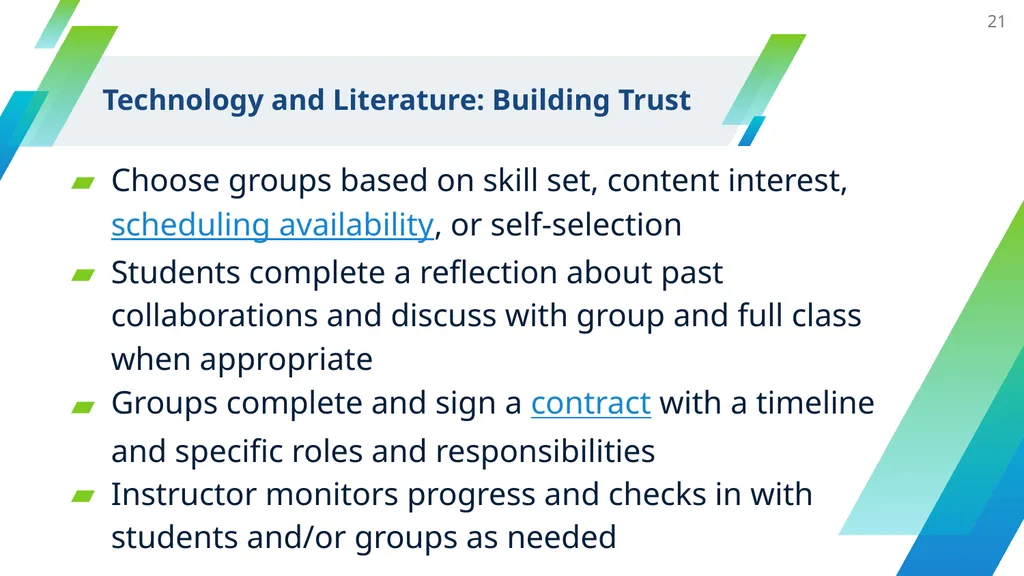
slide21. Choose groups based on skill set, content interest, scheduling availability, or self-selection
Students complete a reflection about past collaborations and discuss with group and full class when appropriate
Groups complete and sign a contract with a timeline and specific roles and responsibilities
Instructor monitors progress and checks in with students and/or groups as needed 21 Technology and Literature: Building Trust<br>
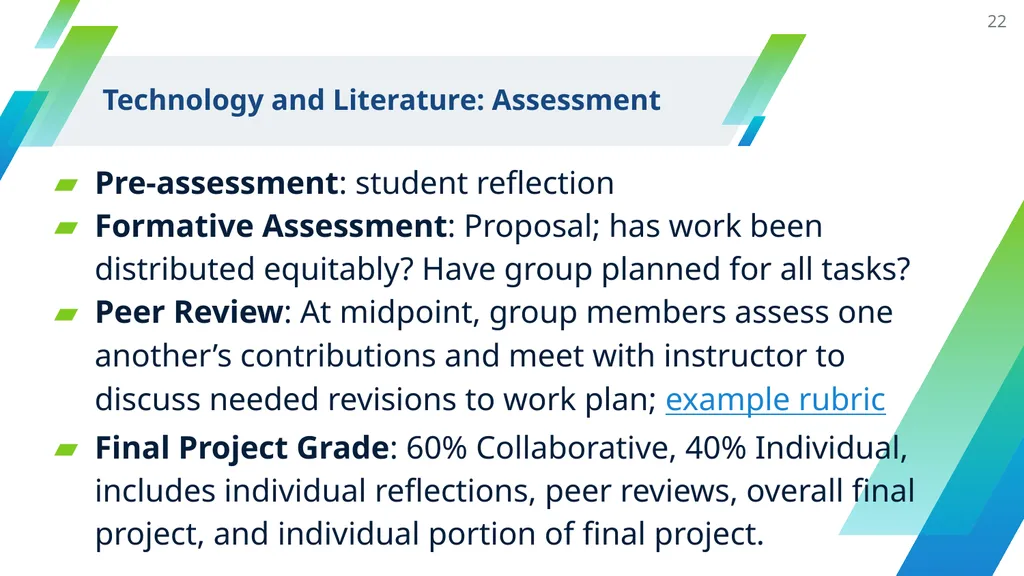
slide22. Pre-assessment: student reflection
Formative Assessment: Proposal; has work been distributed equitably? Have group planned for all tasks?
Peer Review: At midpoint, group members assess one another’s contributions and meet with instructor to discuss needed revisions to work plan; example rubric
Final Project Grade: 60% Collaborative, 40% Individual, includes individual reflections, peer reviews, overall final project, and individual portion of final project. 22 Technology and Literature: Assessment<br>
slide23. Technological Tools<br>
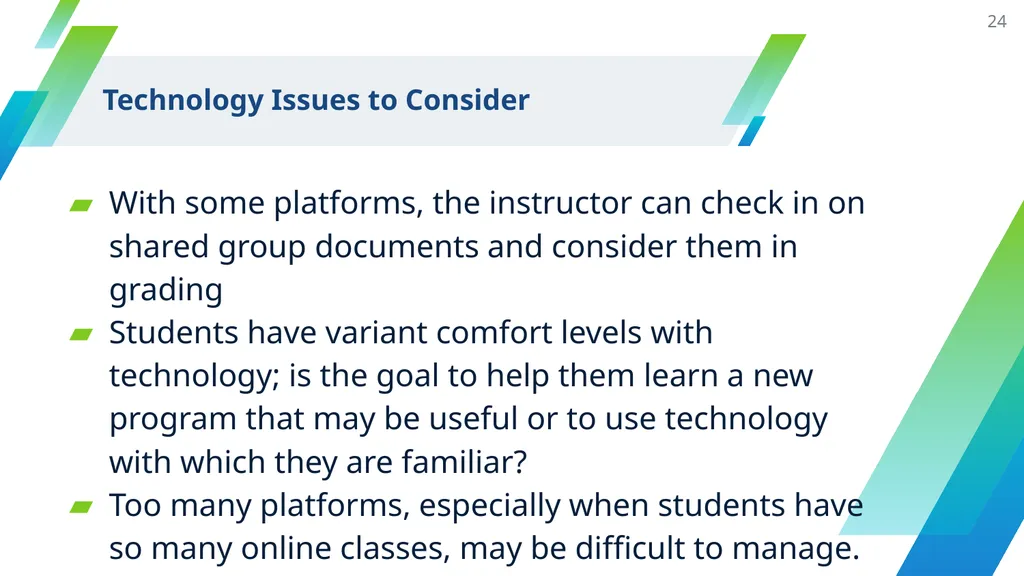
slide24. Technology Issues to Consider With some platforms, the instructor can check in on shared group documents and consider them in grading
Students have variant comfort levels with technology; is the goal to help them learn a new program that may be useful or to use technology with which they are familiar?
Too many platforms, especially when students have so many online classes, may be difficult to manage. 24<br>
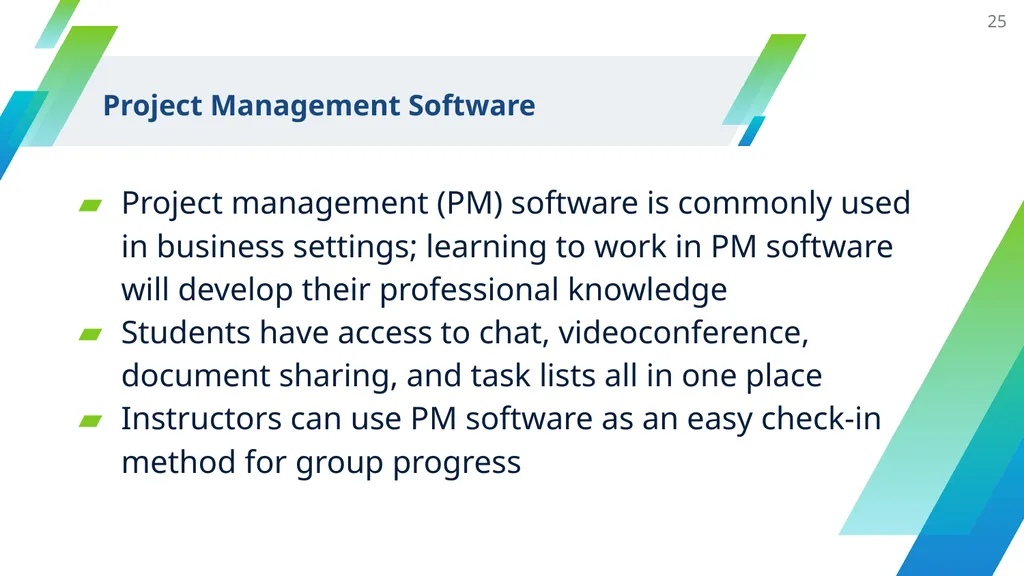
slide25. Project Management Software Project management (PM) software is commonly used in business settings; learning to work in PM software will develop their professional knowledge
Students have access to chat, videoconference, document sharing, and task lists all in one place
Instructors can use PM software as an easy check-in method for group progress 25<br>
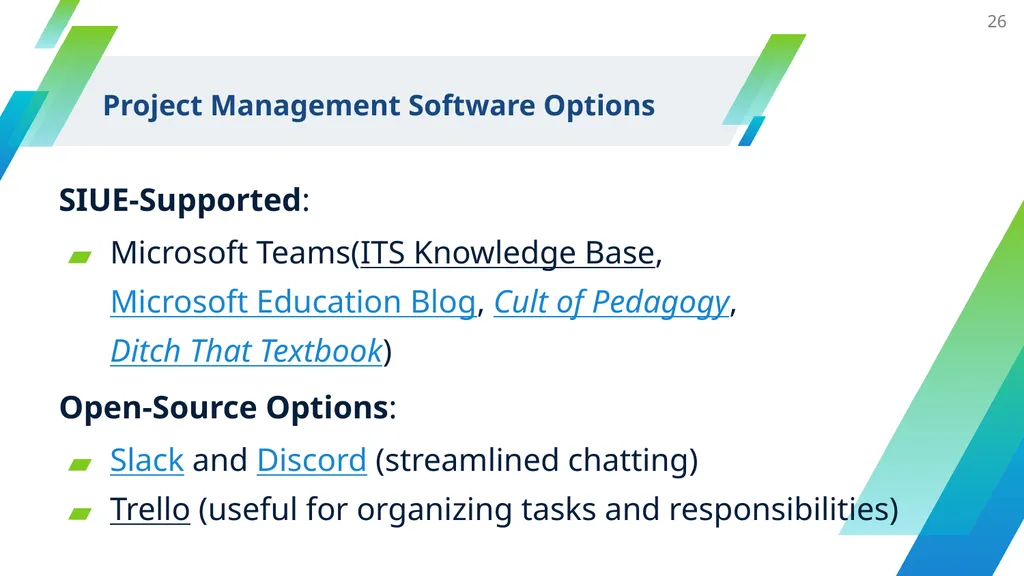
slide26. Project Management Software Options SIUE-Supported:
Microsoft Teams(ITS Knowledge Base, Microsoft Education Blog, Cult of Pedagogy, Ditch That Textbook)
Open-Source Options:
Slack and Discord (streamlined chatting)
Trello (useful for organizing tasks and responsibilities) 26<br>
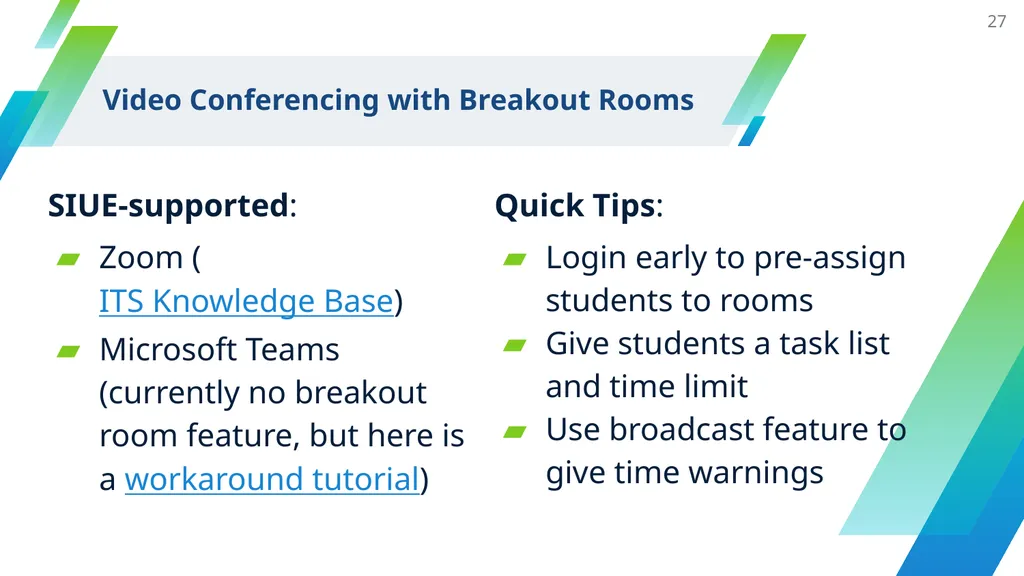
slide27. Video Conferencing with Breakout Rooms SIUE-supported:
Zoom (ITS Knowledge Base)
Microsoft Teams (currently no breakout room feature, but here is a workaround tutorial) 27 Quick Tips:
Login early to pre-assign students to rooms
Give students a task list and time limit
Use broadcast feature to give time warnings<br>
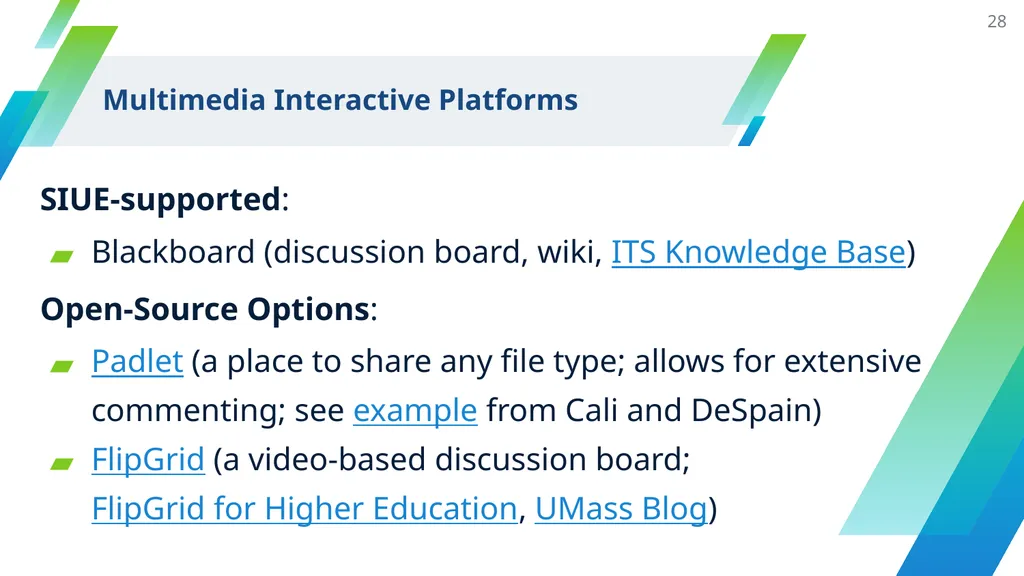
slide28. Multimedia Interactive Platforms SIUE-supported:
Blackboard (discussion board, wiki, ITS Knowledge Base)
Open-Source Options:
Padlet (a place to share any file type; allows for extensive commenting; see example from Cali and DeSpain)
FlipGrid (a video-based discussion board; FlipGrid for Higher Education, UMass Blog) 28<br>
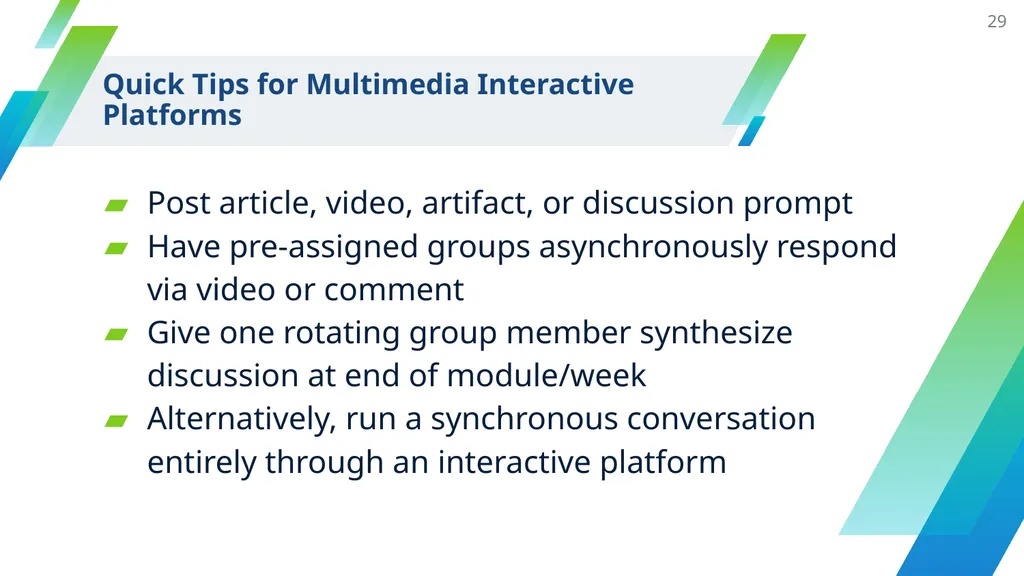
slide29. Quick Tips for Multimedia Interactive Platforms Post article, video, artifact, or discussion prompt
Have pre-assigned groups asynchronously respond via video or comment
Give one rotating group member synthesize discussion at end of module/week
Alternatively, run a synchronous conversation entirely through an interactive platform 29<br>
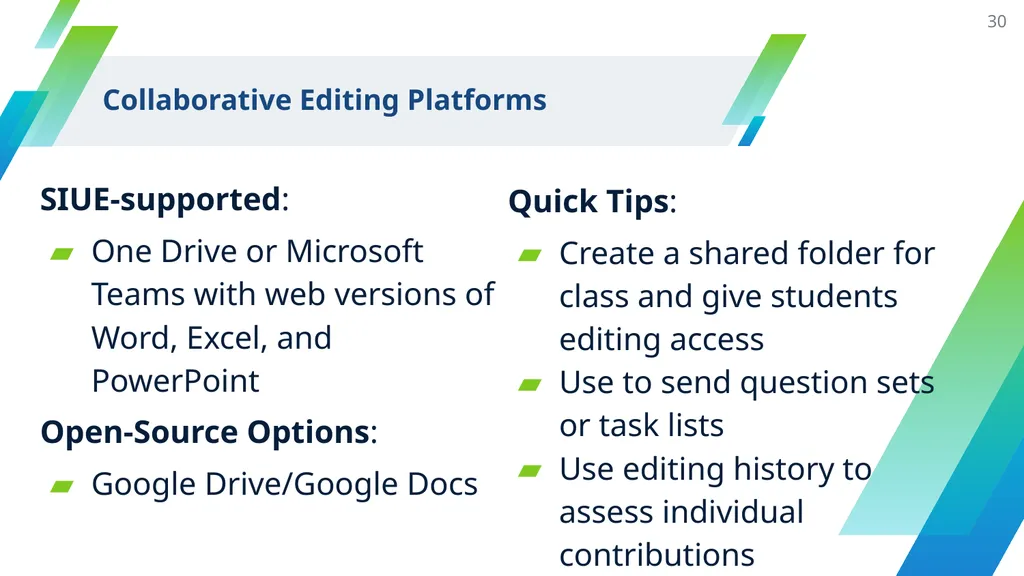
slide30. Collaborative Editing Platforms SIUE-supported:
One Drive or Microsoft Teams with web versions of Word, Excel, and PowerPoint
Open-Source Options:
Google Drive/Google Docs 30 Quick Tips:
Create a shared folder for class and give students editing access
Use to send question sets or task lists
Use editing history to assess individual contributions<br>
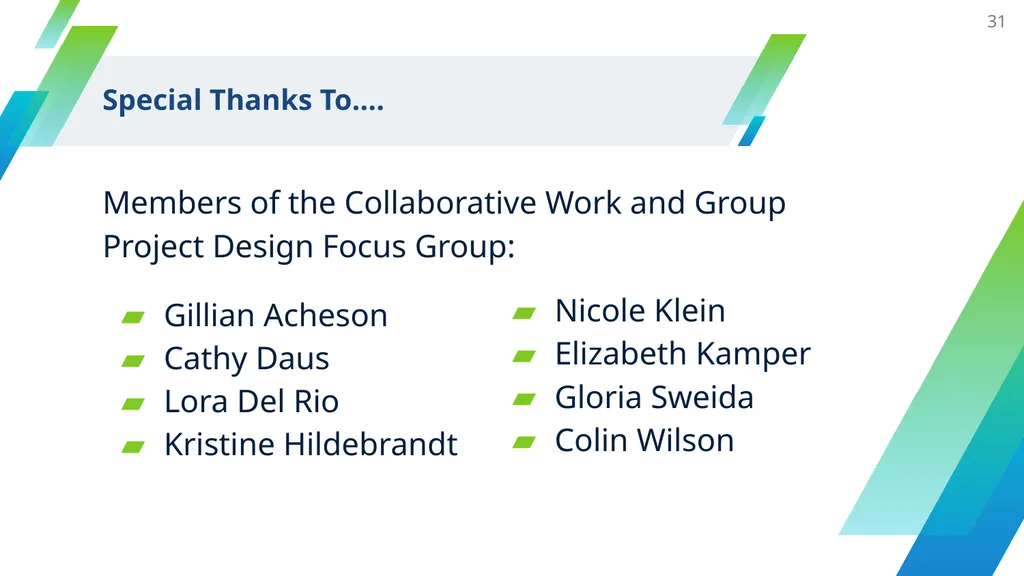
slide31. Special Thanks To…. Members of the Collaborative Work and Group Project Design Focus Group: 31 Gillian Acheson
Cathy Daus
Lora Del Rio
Kristine Hildebrandt Nicole Klein
Elizabeth Kamper
Gloria Sweida
Colin Wilson<br>
slide32. Thanks! Additional Resources can be found at: https://siuecougars-my.sharepoint.com/:f:/g/personal/aleland_siue_edu/EoUFohsM56dJpOQ9dTWXZ98B-E_HGKm7LSVm-V35kJMwIQ?e=ChRNHH 32<br>
slide33. Works Cited “Building a Higher Education Flipgrid Community.” Flipgrid, https://static.flipgrid.com/docs/Flipgrid_higher_ed_community.pdf. Accessed 22 Jul. 2020.
“Flip Grid.” Online Tools for Teaching and Learning. University of Massachusetts, https://blogs.umass.edu/onlinetools/community-centered-tools/flipgrid/. Accessed 22 Jul. 2020.
Gonzalez, Jennifer. “Building a Collaborative Classroom with Microsoft Teams.” Cult of Pedagogy, 5 Aug. 2018, https://www.cultofpedagogy.com/microsoft-teams/.
“How to Use Breakout Rooms in Microsoft Teams.” UTS, 15 Jun. 2020, https://lx.uts.edu.au/resources/use-breakout-rooms-microsoft-teams/ 33<br>
slide34. Works Cited (continued) “Microsoft Teams Education: How to Manage it Like a Pro.” Ditch That Textbook, 20 Apr. 2020. https://ditchthattextbook.com/microsoft-teams/.
Salmons, Janet. Learning to Collaborate, Collaborating to Learn : Engaging Students in the Classroom and Online, Stylus Publishing, LLC, 2019. ProQuest Ebook Central, https://ebookcentral.proquest.com/lib/siu/detail.action?docID=5748777.
Tholfsen, Mike. “Top 5 Ways Teachers can use Teams During Remote Learning.” Microsoft Education Blog, 17 Apr. 2020, https://educationblog.microsoft.com/en-us/2020/04/top-5-ways-teachers-can-use-microsoft-teams-during-remote-learning/.
“What are Protocols? Why Use Them?” National School Reform Faculty, https://nsrfharmony.org/whatareprotocols/. Accessed 22 Jul. 2020. 34<br>
slide35. 35<br>
English
jdespai@siue.edu
Andrew Leland
Educational Leadership
aleland@siue.edu<br>
slide3. Collaboration is a process that involves mixing ideas, approaches, and contributions into a uniquely representative outcome.
—Janet Salmons, Learning to Collaborate, Collaborating to Learn 3<br>
slide4. Why Integrate Collaborative
Work and Group Projects? Develops students’ 21st-century skills
Engages students in collective/shared learning experiences
Promotes student-student and student-instructor relationships 4<br>
slide5. Building Skills with Collaborative Learning Project Management
Problem Solving
Decision Making
Effective Communication
Conflict Resolution
Professional Development
Networking 5<br>
slide6. Individual and Collective Collaborative Skills Individual
Participation
Preparedness
Communication
Honoring others
Timeliness Collective
Clarity of Individual Expectations
Problem Solving
Allocating Tasks
Scheduling 6<br>
slide7. What to Consider When Planning
Collaborative Work Methods of establishing trust
Role of instructor and students
Types of collaborative work
Technology
Assessment 7<br>
slide8. Trust and the Instructor’s Influence 8 Instructor<br>
slide9. 9 The Instructor- to
Student-Driven Continuum Guided Facilitation Instructor controls some aspects of team organization, communication, and process Best when content is priority or time is limited Best for collaborative skill development Can efficiently blend skills and content<br>
slide10. Taxonomy of Collaboration Parallel: students complete discrete parts simultaneously
Sequential: students complete discrete parts sequentially
Synergistic: all parts are completed collectively
Spoiler alert: these can also be blended
Source: Janet Salmons, Learning to Collaborate, Collaborating to Learn 10<br>
slide11. Technology and Assessment Technology
When/how groups meet
When/how to share information
Student and instructor accessibility
Level of user-friendliness Assessment
Formative and/or summative
Assessing collaborative skills
Assessing content knowledge
Assessing the process 11<br>
slide12. Day-to-Day Collaborative Learning<br>
slide13. Day-to-Day Collaborative Learning 13 Connects students/creates community
Best to use instructor-driven approach; blended is possible too
Collaborative learning can be used with both large and small classes
Use of protocols to build trust and facilitate collaborative learning
Additional collaborative learning activities<br>
slide14. Reading the Research: Example Objective: Understand the function of literature reviews/prior research for framing a current study
Procedures: Individual/Group Expectations
Each group assigned a different article
Each individual assigned sections of the article from which to prepare set of guided questions
Groups come together to synthesize answers
Protocol guides the whole-group meeting
Link to assignment: Reading the Research 14<br>
slide15. Instructor-driven: Breaking down/assigning parts; platforms for interactions
Trust: Established at beginning of semester; built and maintained through the use of protocols
Collaborative approach: Parallel; discrete parts prepared ahead of time, students discuss in one meeting
Technology: Synchronous; think-pair-share during Zoom breakouts 15 Reading the Research: Design<br>
slide16. Self-assessment: Post-activity, reflective post
Content: summarizing key points; shift in thinking
Collaborative process: aiding in interpretation of article
Magic wand: What would you do differently
Formative assessment: Provides benchmarks related to content knowledge and collaborative skill development 16 Reading the Research: Assessing Skills<br>
slide17. Group Project Design<br>
slide18. Group Project Design 18 Projects that span a few days to an entire semester
Provides students with deeper, collective learning experiences
Teaches students how to organize, manage, and problem solve through long-term collaborations<br>
slide19. Objective: Students work in teams to design a digital project incorporating skills used during the semester to explore a literary text; assignment emphasizes collaborative skill development
Link to Assignment: Technology and Literature Final Project 19 Technology and Literature:
Final Project Example<br>
slide20. 20 Technology and Literature: Group Project Design Student-driven: Students work together to devise roles and responsibilities, plan a schedule, and establish check-ins
Collaborative approach: Blended; students complete initial readings synergistically and decide on a series of parallel and/or sequential tasks leading to project completion; includes several synergistic check-ins to improve final product.
Technology: Uses Microsoft Teams to introduce field professionalism, establish standard communicate mode, and simplify assessment<br>
slide21. Choose groups based on skill set, content interest, scheduling availability, or self-selection
Students complete a reflection about past collaborations and discuss with group and full class when appropriate
Groups complete and sign a contract with a timeline and specific roles and responsibilities
Instructor monitors progress and checks in with students and/or groups as needed 21 Technology and Literature: Building Trust<br>
slide22. Pre-assessment: student reflection
Formative Assessment: Proposal; has work been distributed equitably? Have group planned for all tasks?
Peer Review: At midpoint, group members assess one another’s contributions and meet with instructor to discuss needed revisions to work plan; example rubric
Final Project Grade: 60% Collaborative, 40% Individual, includes individual reflections, peer reviews, overall final project, and individual portion of final project. 22 Technology and Literature: Assessment<br>
slide23. Technological Tools<br>
slide24. Technology Issues to Consider With some platforms, the instructor can check in on shared group documents and consider them in grading
Students have variant comfort levels with technology; is the goal to help them learn a new program that may be useful or to use technology with which they are familiar?
Too many platforms, especially when students have so many online classes, may be difficult to manage. 24<br>
slide25. Project Management Software Project management (PM) software is commonly used in business settings; learning to work in PM software will develop their professional knowledge
Students have access to chat, videoconference, document sharing, and task lists all in one place
Instructors can use PM software as an easy check-in method for group progress 25<br>
slide26. Project Management Software Options SIUE-Supported:
Microsoft Teams(ITS Knowledge Base, Microsoft Education Blog, Cult of Pedagogy, Ditch That Textbook)
Open-Source Options:
Slack and Discord (streamlined chatting)
Trello (useful for organizing tasks and responsibilities) 26<br>
slide27. Video Conferencing with Breakout Rooms SIUE-supported:
Zoom (ITS Knowledge Base)
Microsoft Teams (currently no breakout room feature, but here is a workaround tutorial) 27 Quick Tips:
Login early to pre-assign students to rooms
Give students a task list and time limit
Use broadcast feature to give time warnings<br>
slide28. Multimedia Interactive Platforms SIUE-supported:
Blackboard (discussion board, wiki, ITS Knowledge Base)
Open-Source Options:
Padlet (a place to share any file type; allows for extensive commenting; see example from Cali and DeSpain)
FlipGrid (a video-based discussion board; FlipGrid for Higher Education, UMass Blog) 28<br>
slide29. Quick Tips for Multimedia Interactive Platforms Post article, video, artifact, or discussion prompt
Have pre-assigned groups asynchronously respond via video or comment
Give one rotating group member synthesize discussion at end of module/week
Alternatively, run a synchronous conversation entirely through an interactive platform 29<br>
slide30. Collaborative Editing Platforms SIUE-supported:
One Drive or Microsoft Teams with web versions of Word, Excel, and PowerPoint
Open-Source Options:
Google Drive/Google Docs 30 Quick Tips:
Create a shared folder for class and give students editing access
Use to send question sets or task lists
Use editing history to assess individual contributions<br>
slide31. Special Thanks To…. Members of the Collaborative Work and Group Project Design Focus Group: 31 Gillian Acheson
Cathy Daus
Lora Del Rio
Kristine Hildebrandt Nicole Klein
Elizabeth Kamper
Gloria Sweida
Colin Wilson<br>
slide32. Thanks! Additional Resources can be found at: https://siuecougars-my.sharepoint.com/:f:/g/personal/aleland_siue_edu/EoUFohsM56dJpOQ9dTWXZ98B-E_HGKm7LSVm-V35kJMwIQ?e=ChRNHH 32<br>
slide33. Works Cited “Building a Higher Education Flipgrid Community.” Flipgrid, https://static.flipgrid.com/docs/Flipgrid_higher_ed_community.pdf. Accessed 22 Jul. 2020.
“Flip Grid.” Online Tools for Teaching and Learning. University of Massachusetts, https://blogs.umass.edu/onlinetools/community-centered-tools/flipgrid/. Accessed 22 Jul. 2020.
Gonzalez, Jennifer. “Building a Collaborative Classroom with Microsoft Teams.” Cult of Pedagogy, 5 Aug. 2018, https://www.cultofpedagogy.com/microsoft-teams/.
“How to Use Breakout Rooms in Microsoft Teams.” UTS, 15 Jun. 2020, https://lx.uts.edu.au/resources/use-breakout-rooms-microsoft-teams/ 33<br>
slide34. Works Cited (continued) “Microsoft Teams Education: How to Manage it Like a Pro.” Ditch That Textbook, 20 Apr. 2020. https://ditchthattextbook.com/microsoft-teams/.
Salmons, Janet. Learning to Collaborate, Collaborating to Learn : Engaging Students in the Classroom and Online, Stylus Publishing, LLC, 2019. ProQuest Ebook Central, https://ebookcentral.proquest.com/lib/siu/detail.action?docID=5748777.
Tholfsen, Mike. “Top 5 Ways Teachers can use Teams During Remote Learning.” Microsoft Education Blog, 17 Apr. 2020, https://educationblog.microsoft.com/en-us/2020/04/top-5-ways-teachers-can-use-microsoft-teams-during-remote-learning/.
“What are Protocols? Why Use Them?” National School Reform Faculty, https://nsrfharmony.org/whatareprotocols/. Accessed 22 Jul. 2020. 34<br>
slide35. 35<br>