
Computer Hardware and History Computers Personal
KB
Published · 41 slides · 0 views
1 / 1
Description
Computer Hardware and History Computers Personal computers desktop, laptop, and notebook machines web-surf, chat, write letterspapers, ... Embedded systems games consoles, cell phones, cars, ... might not even notice youre using a
Related Topics
Share
Embed code
Download this presentation From Below
"Computer Hardware and History Computers Personal" is the property of its rightful owner. Permission is granted to download and print the materials on this website for personal, non-commercial use only, and to display it on your personal computer provided you do not modify the materials and that you retain all copyright notices contained in the materials. By downloading content from our website, you accept the terms of this agreement.
Presentation Transcript
01
Computer Hardware and History<br>
02
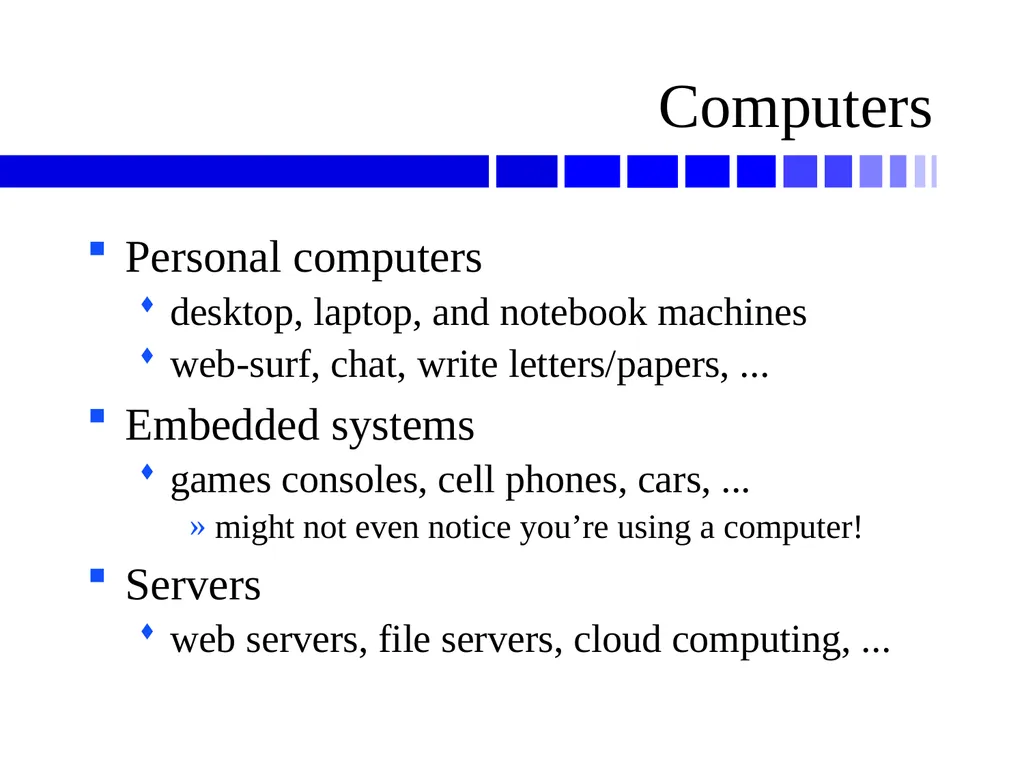
Computers Personal computers
desktop, laptop, and notebook machines
web-surf, chat, write letters/papers, ...
Embedded systems
games consoles, cell phones, cars, ...
might not even notice you’re using a computer!
Servers
web servers, file servers, cloud computing, ...<br>
desktop, laptop, and notebook machines
web-surf, chat, write letters/papers, ...
Embedded systems
games consoles, cell phones, cars, ...
might not even notice you’re using a computer!
Servers
web servers, file servers, cloud computing, ...<br>
03
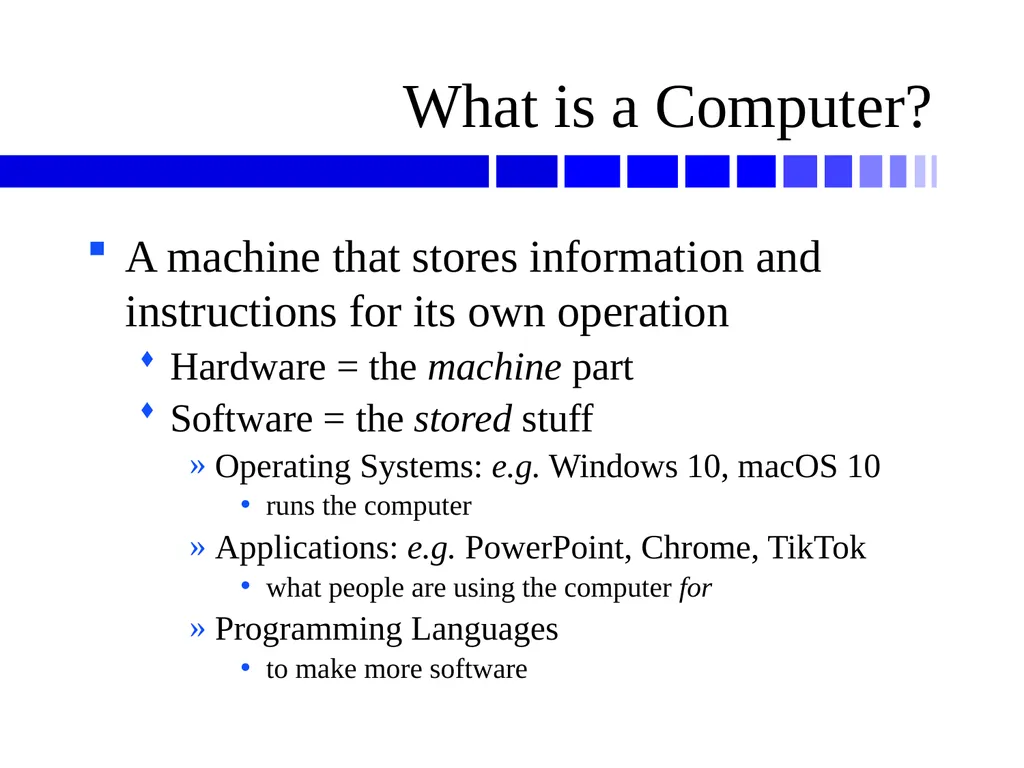
What is a Computer? A machine that stores information and instructions for its own operation
Hardware = the machine part
Software = the stored stuff
Operating Systems: e.g. Windows 10, macOS 10
runs the computer
Applications: e.g. PowerPoint, Chrome, TikTok
what people are using the computer for
Programming Languages
to make more software<br>
Hardware = the machine part
Software = the stored stuff
Operating Systems: e.g. Windows 10, macOS 10
runs the computer
Applications: e.g. PowerPoint, Chrome, TikTok
what people are using the computer for
Programming Languages
to make more software<br>
04
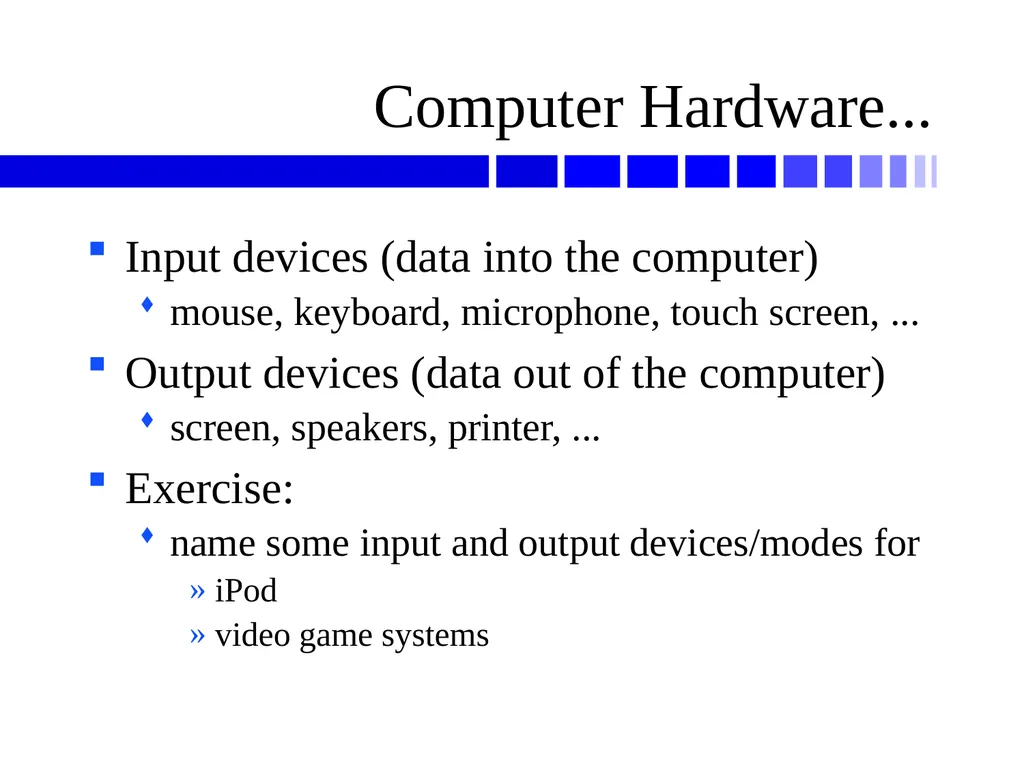
Computer Hardware... Input devices (data into the computer)
mouse, keyboard, microphone, touch screen, ...
Output devices (data out of the computer)
screen, speakers, printer, ...
Exercise:
name some input and output devices/modes for
iPod
video game systems<br>
mouse, keyboard, microphone, touch screen, ...
Output devices (data out of the computer)
screen, speakers, printer, ...
Exercise:
name some input and output devices/modes for
iPod
video game systems<br>
05
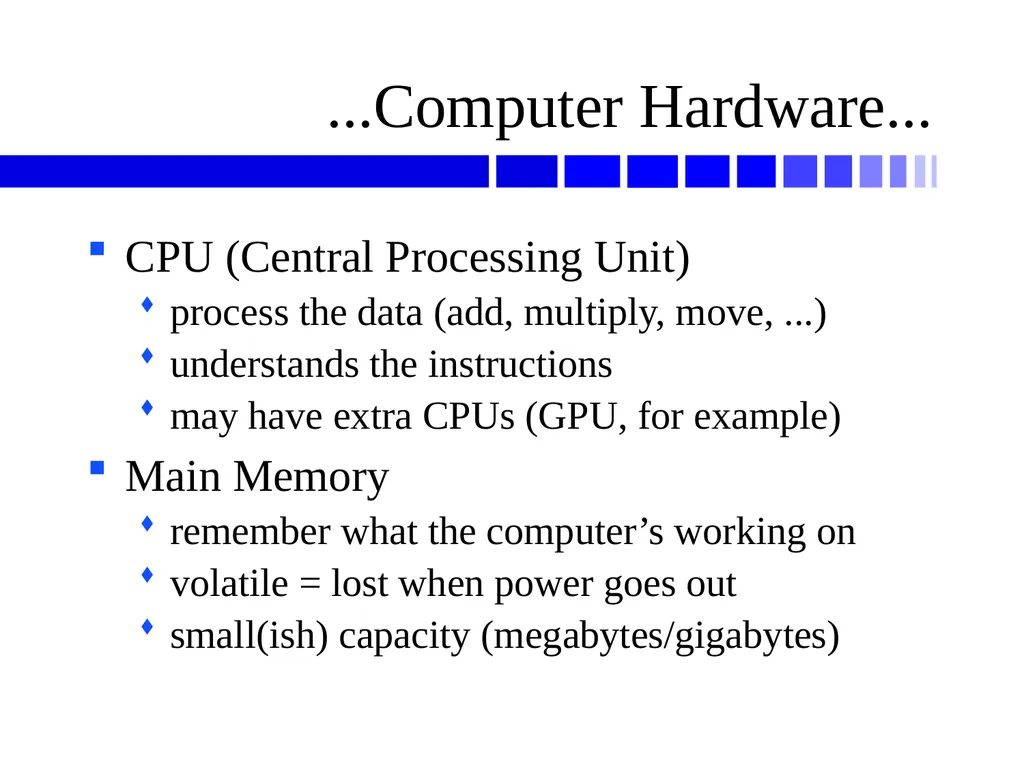
...Computer Hardware... CPU (Central Processing Unit)
process the data (add, multiply, move, ...)
understands the instructions
may have extra CPUs (GPU, for example)
Main Memory
remember what the computer’s working on
volatile = lost when power goes out
small(ish) capacity (megabytes/gigabytes)<br>
process the data (add, multiply, move, ...)
understands the instructions
may have extra CPUs (GPU, for example)
Main Memory
remember what the computer’s working on
volatile = lost when power goes out
small(ish) capacity (megabytes/gigabytes)<br>
06
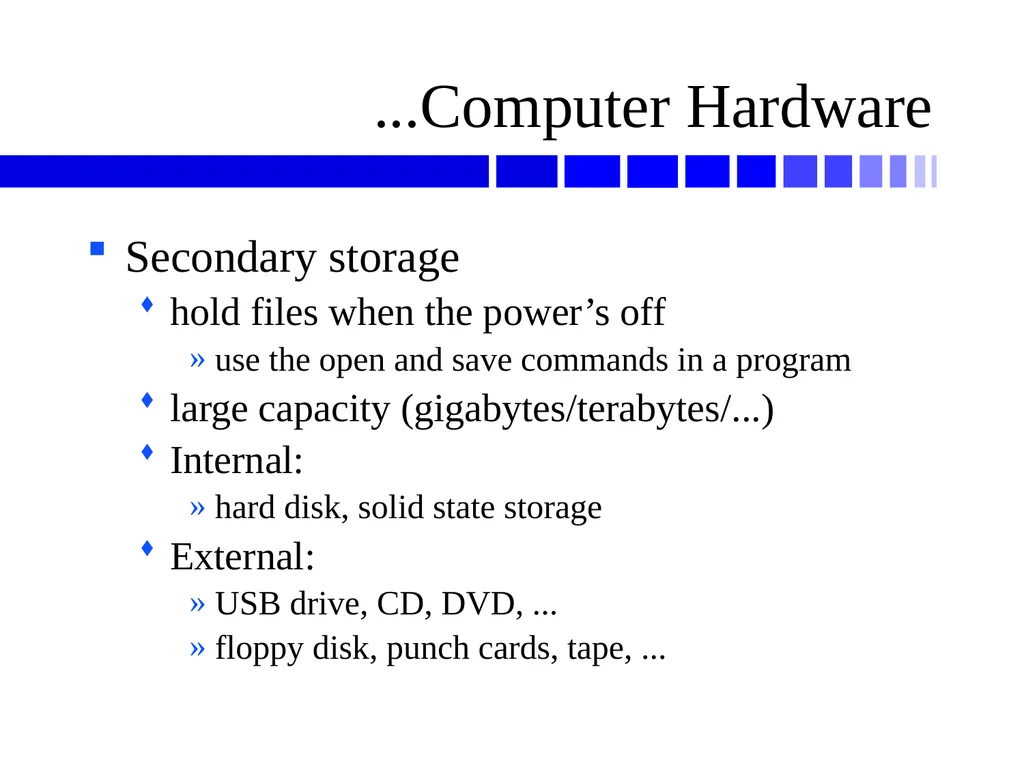
...Computer Hardware Secondary storage
hold files when the power’s off
use the open and save commands in a program
large capacity (gigabytes/terabytes/...)
Internal:
hard disk, solid state storage
External:
USB drive, CD, DVD, ...
floppy disk, punch cards, tape, ...<br>
hold files when the power’s off
use the open and save commands in a program
large capacity (gigabytes/terabytes/...)
Internal:
hard disk, solid state storage
External:
USB drive, CD, DVD, ...
floppy disk, punch cards, tape, ...<br>
07
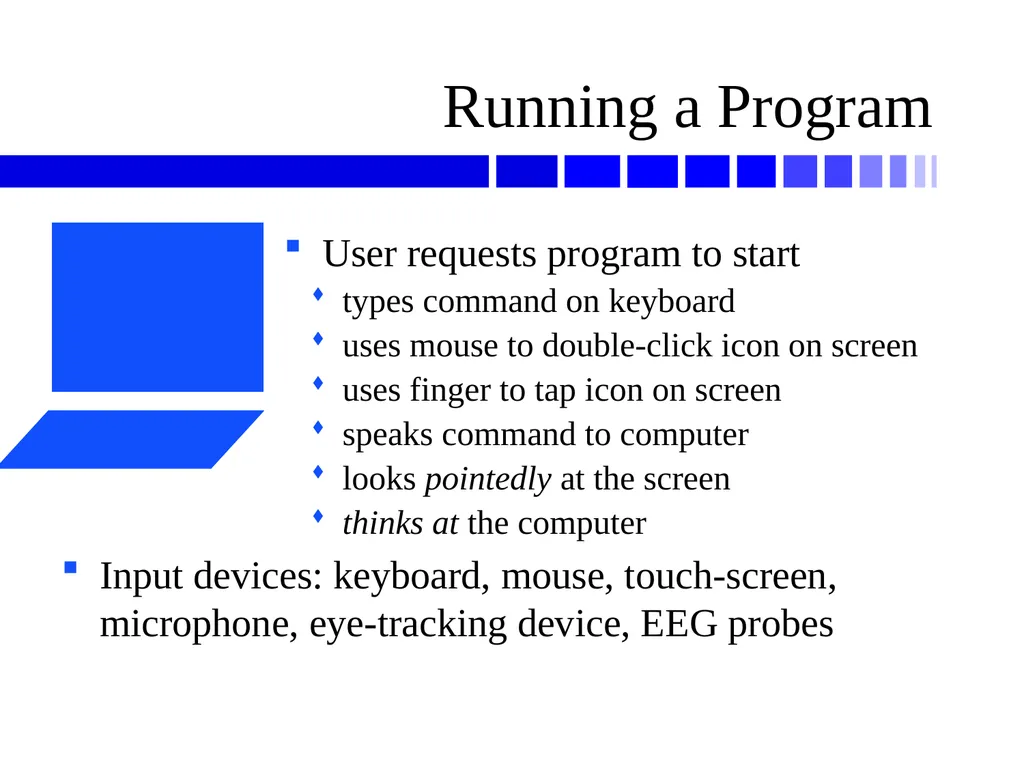
Running a Program User requests program to start
types command on keyboard
uses mouse to double-click icon on screen
uses finger to tap icon on screen
speaks command to computer
looks pointedly at the screen
thinks at the computer
Input devices: keyboard, mouse, touch-screen, microphone, eye-tracking device, EEG probes<br>
types command on keyboard
uses mouse to double-click icon on screen
uses finger to tap icon on screen
speaks command to computer
looks pointedly at the screen
thinks at the computer
Input devices: keyboard, mouse, touch-screen, microphone, eye-tracking device, EEG probes<br>
08
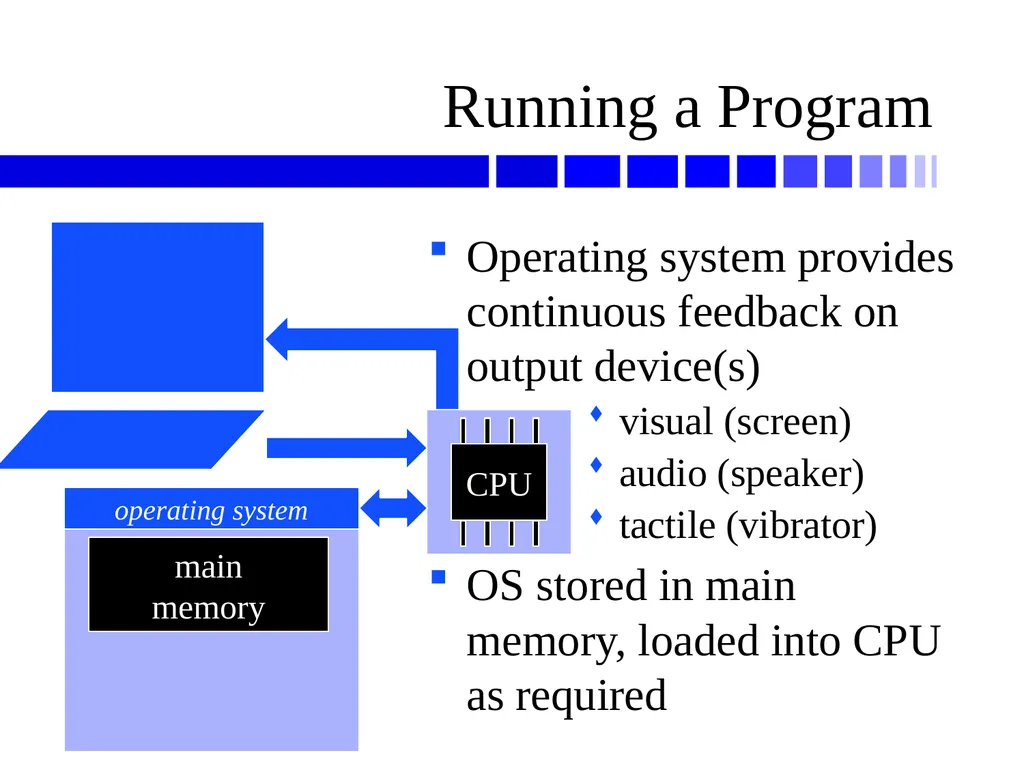
Running a Program Operating system provides continuous feedback on output device(s)
visual (screen)
audio (speaker)
tactile (vibrator)
OS stored in main memory, loaded into CPU as required CPU<br>
visual (screen)
audio (speaker)
tactile (vibrator)
OS stored in main memory, loaded into CPU as required CPU<br>
09
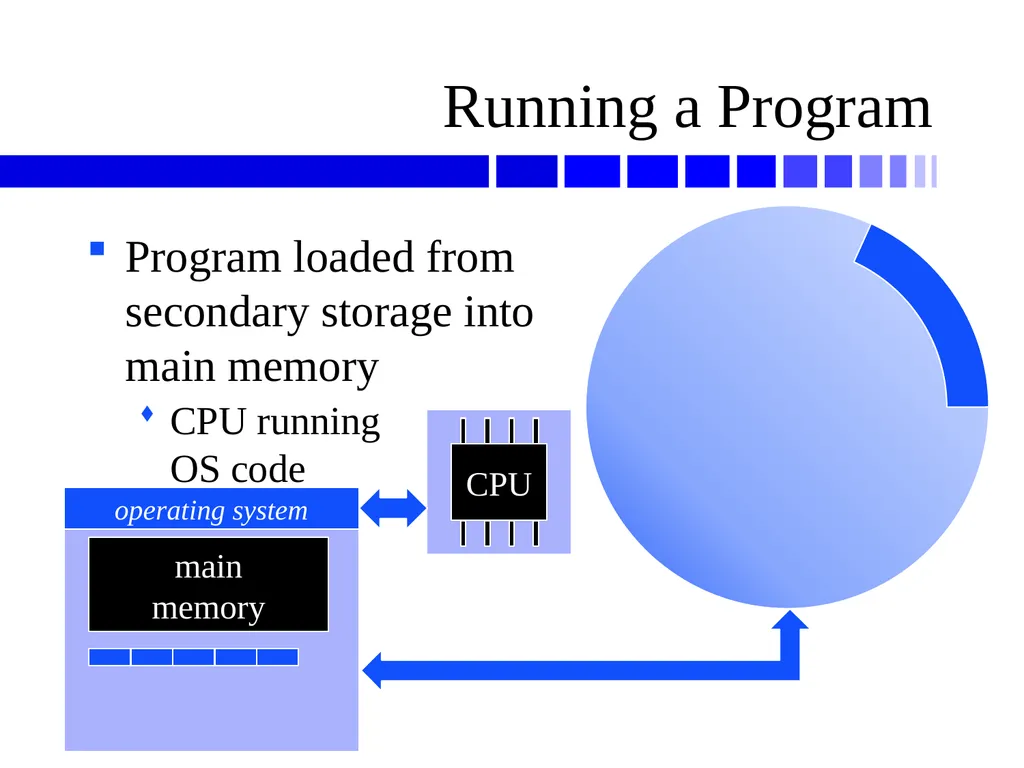
Running a Program Program loaded from secondary storage into main memory
CPU running OS code CPU<br>
CPU running OS code CPU<br>
10
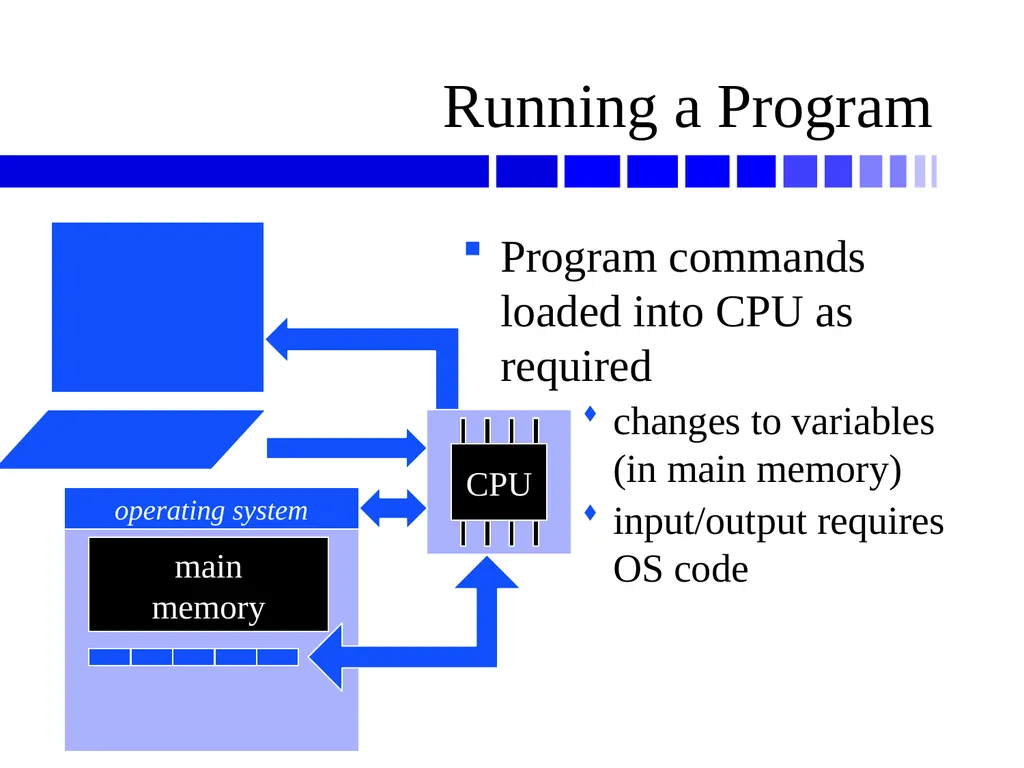
Running a Program Program commands loaded into CPU as required
changes to variables (in main memory)
input/output requires OS code CPU<br>
changes to variables (in main memory)
input/output requires OS code CPU<br>
11
Computer Networks Computers send messages to each other
phone to web server: Can I have this page?
web server to phone: Here it is.
“File Servers” remember files
DropBox has computers that hold your files
need to be on internet to get them
J-drive on lab computers is a link to other computers here at SMU
need to be on SMU file network to get them<br>
phone to web server: Can I have this page?
web server to phone: Here it is.
“File Servers” remember files
DropBox has computers that hold your files
need to be on internet to get them
J-drive on lab computers is a link to other computers here at SMU
need to be on SMU file network to get them<br>
12
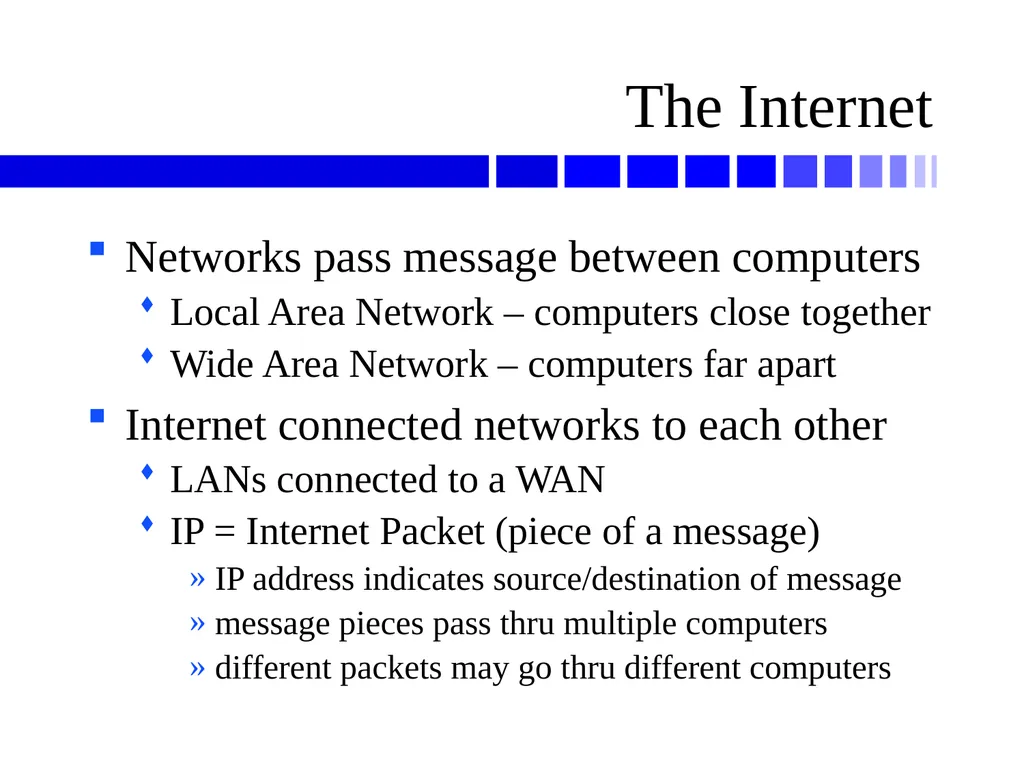
The Internet Networks pass message between computers
Local Area Network – computers close together
Wide Area Network – computers far apart
Internet connected networks to each other
LANs connected to a WAN
IP = Internet Packet (piece of a message)
IP address indicates source/destination of message
message pieces pass thru multiple computers
different packets may go thru different computers<br>
Local Area Network – computers close together
Wide Area Network – computers far apart
Internet connected networks to each other
LANs connected to a WAN
IP = Internet Packet (piece of a message)
IP address indicates source/destination of message
message pieces pass thru multiple computers
different packets may go thru different computers<br>
13
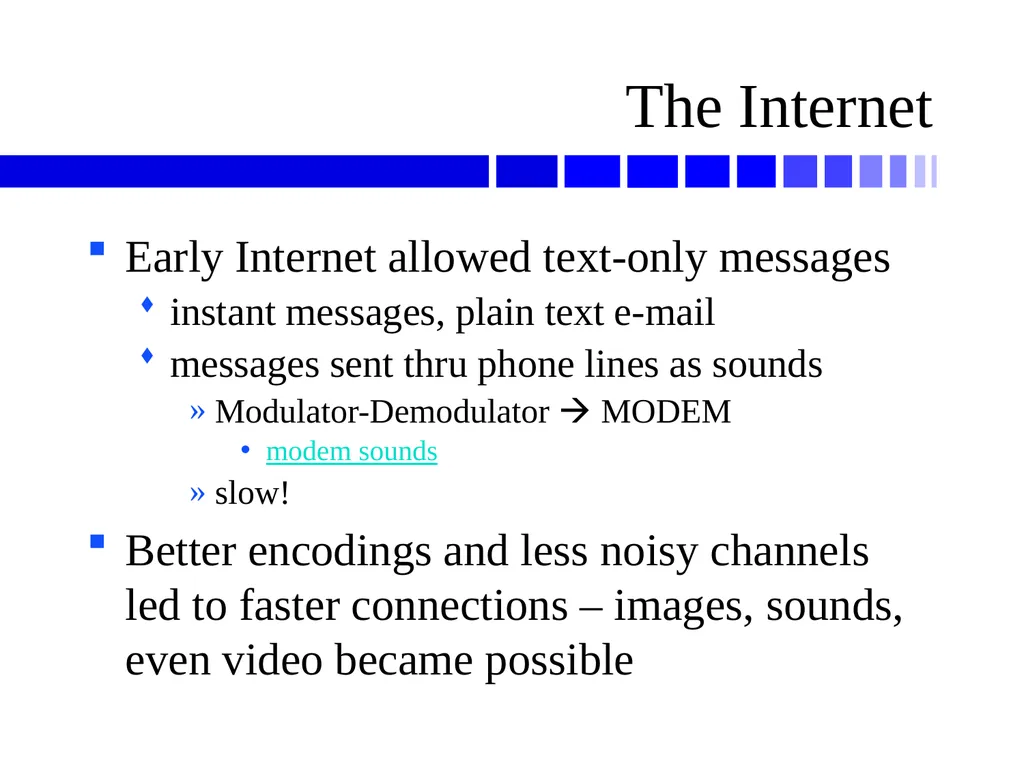
The Internet Early Internet allowed text-only messages
instant messages, plain text e-mail
messages sent thru phone lines as sounds
Modulator-Demodulator MODEM
modem sounds
slow!
Better encodings and less noisy channels led to faster connections – images, sounds, even video became possible<br>
instant messages, plain text e-mail
messages sent thru phone lines as sounds
Modulator-Demodulator MODEM
modem sounds
slow!
Better encodings and less noisy channels led to faster connections – images, sounds, even video became possible<br>
14
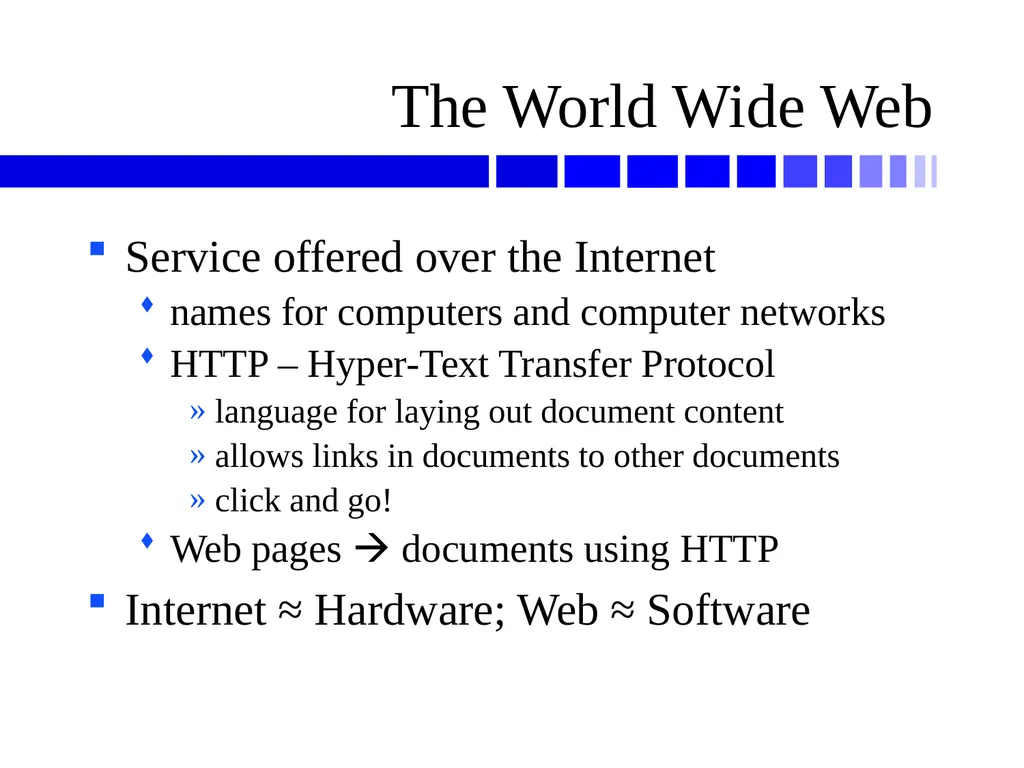
The World Wide Web Service offered over the Internet
names for computers and computer networks
HTTP – Hyper-Text Transfer Protocol
language for laying out document content
allows links in documents to other documents
click and go!
Web pages documents using HTTP
Internet ≈ Hardware; Web ≈ Software<br>
names for computers and computer networks
HTTP – Hyper-Text Transfer Protocol
language for laying out document content
allows links in documents to other documents
click and go!
Web pages documents using HTTP
Internet ≈ Hardware; Web ≈ Software<br>
15
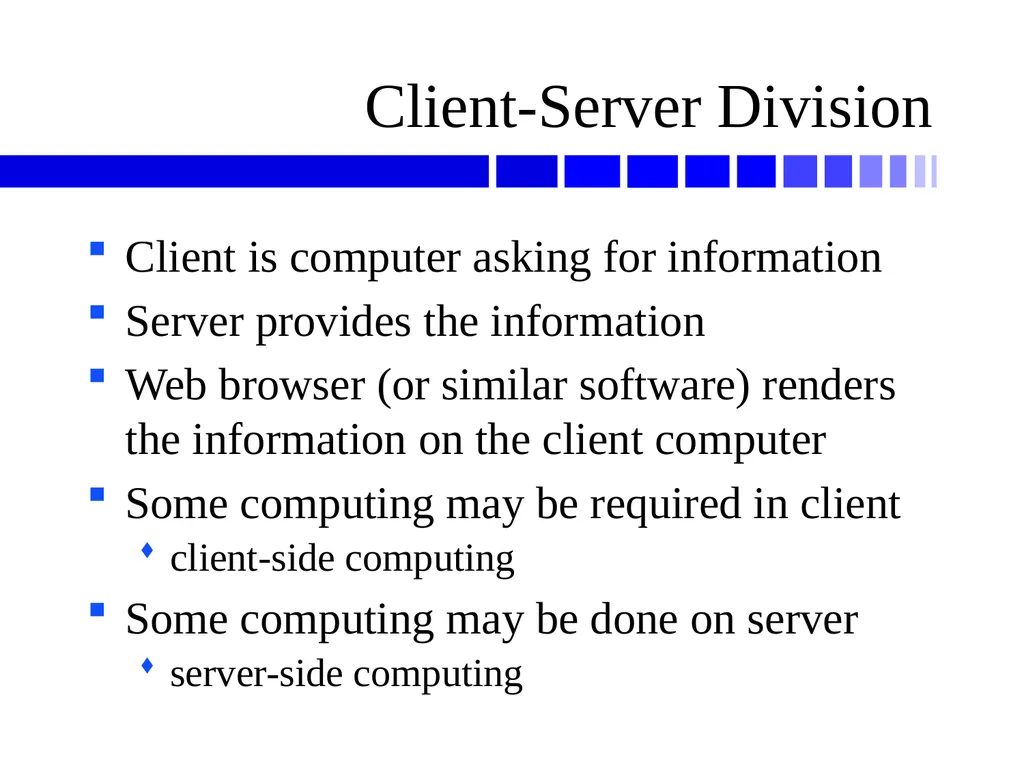
Client-Server Division Client is computer asking for information
Server provides the information
Web browser (or similar software) renders the information on the client computer
Some computing may be required in client
client-side computing
Some computing may be done on server
server-side computing<br>
Server provides the information
Web browser (or similar software) renders the information on the client computer
Some computing may be required in client
client-side computing
Some computing may be done on server
server-side computing<br>
16
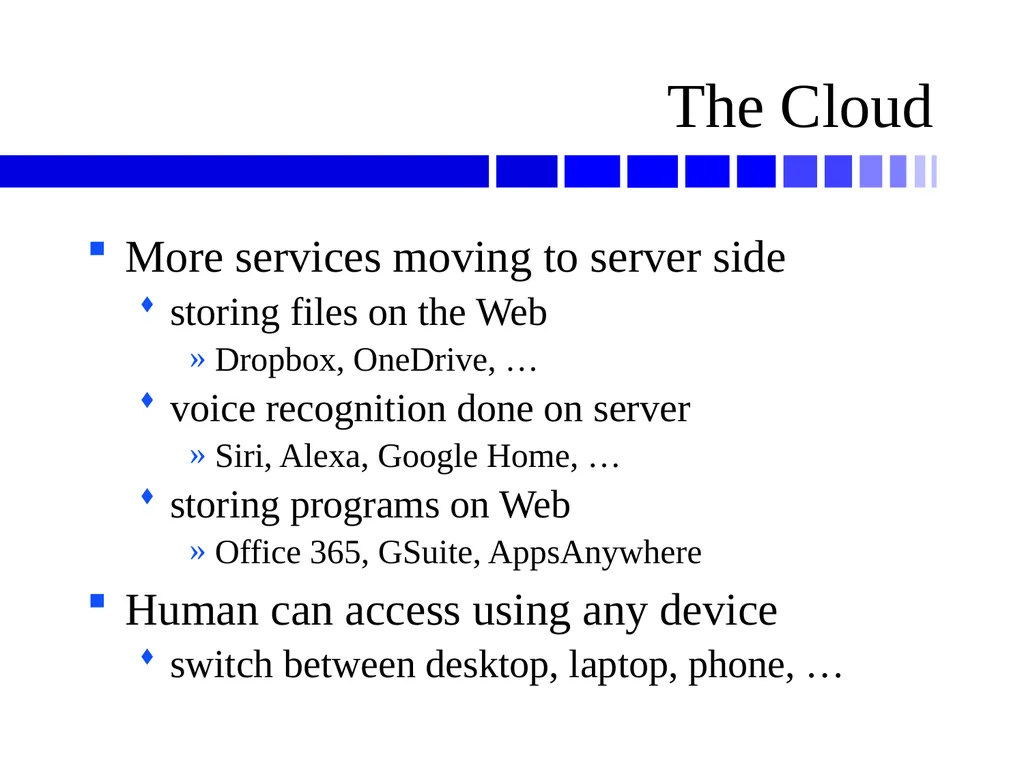
The Cloud More services moving to server side
storing files on the Web
Dropbox, OneDrive, …
voice recognition done on server
Siri, Alexa, Google Home, …
storing programs on Web
Office 365, GSuite, AppsAnywhere
Human can access using any device
switch between desktop, laptop, phone, …<br>
storing files on the Web
Dropbox, OneDrive, …
voice recognition done on server
Siri, Alexa, Google Home, …
storing programs on Web
Office 365, GSuite, AppsAnywhere
Human can access using any device
switch between desktop, laptop, phone, …<br>
17
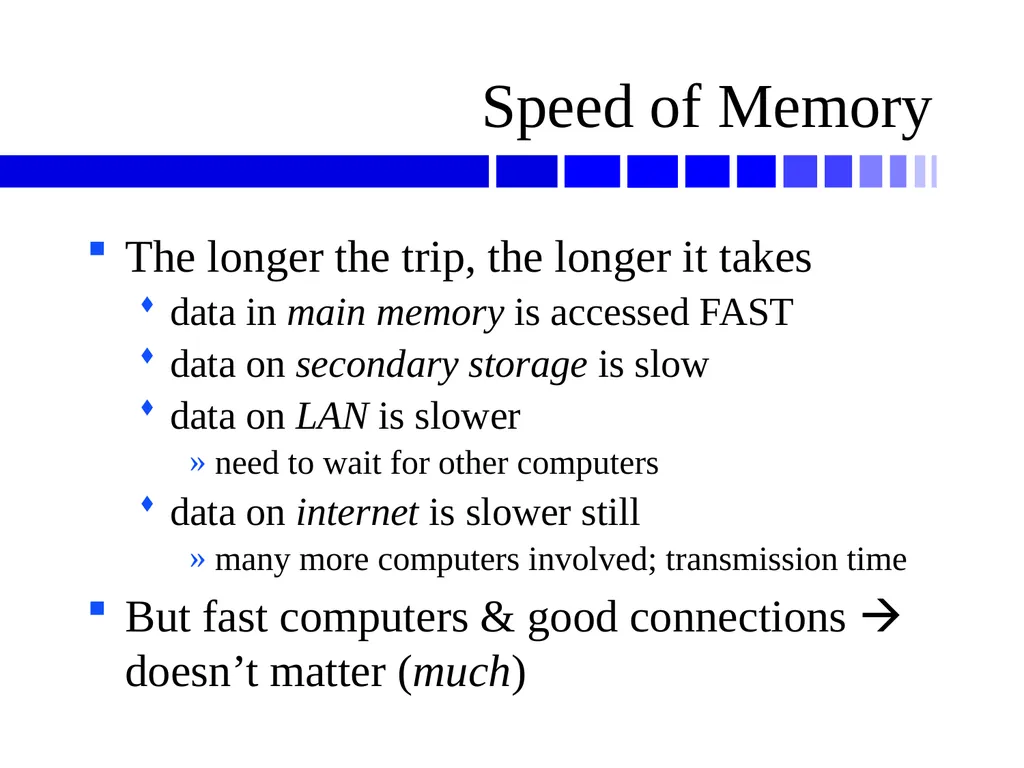
Speed of Memory The longer the trip, the longer it takes
data in main memory is accessed FAST
data on secondary storage is slow
data on LAN is slower
need to wait for other computers
data on internet is slower still
many more computers involved; transmission time
But fast computers & good connections doesn’t matter (much)<br>
data in main memory is accessed FAST
data on secondary storage is slow
data on LAN is slower
need to wait for other computers
data on internet is slower still
many more computers involved; transmission time
But fast computers & good connections doesn’t matter (much)<br>
18
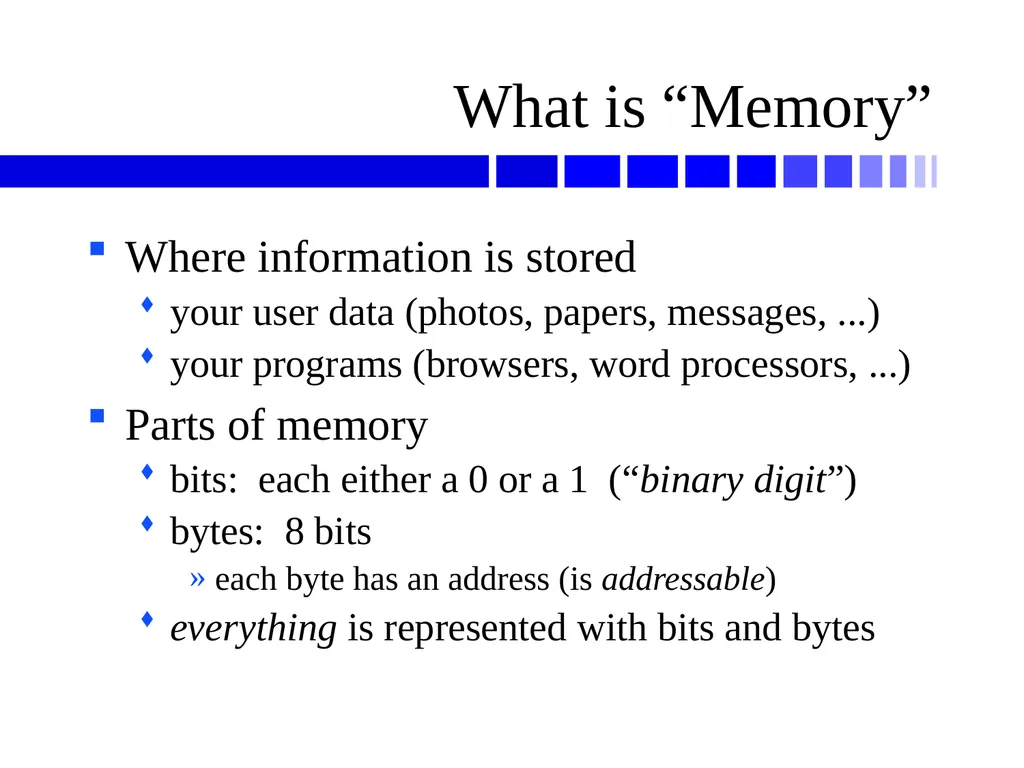
What is “Memory” Where information is stored
your user data (photos, papers, messages, ...)
your programs (browsers, word processors, ...)
Parts of memory
bits: each either a 0 or a 1 (“binary digit”)
bytes: 8 bits
each byte has an address (is addressable)
everything is represented with bits and bytes<br>
your user data (photos, papers, messages, ...)
your programs (browsers, word processors, ...)
Parts of memory
bits: each either a 0 or a 1 (“binary digit”)
bytes: 8 bits
each byte has an address (is addressable)
everything is represented with bits and bytes<br>
19
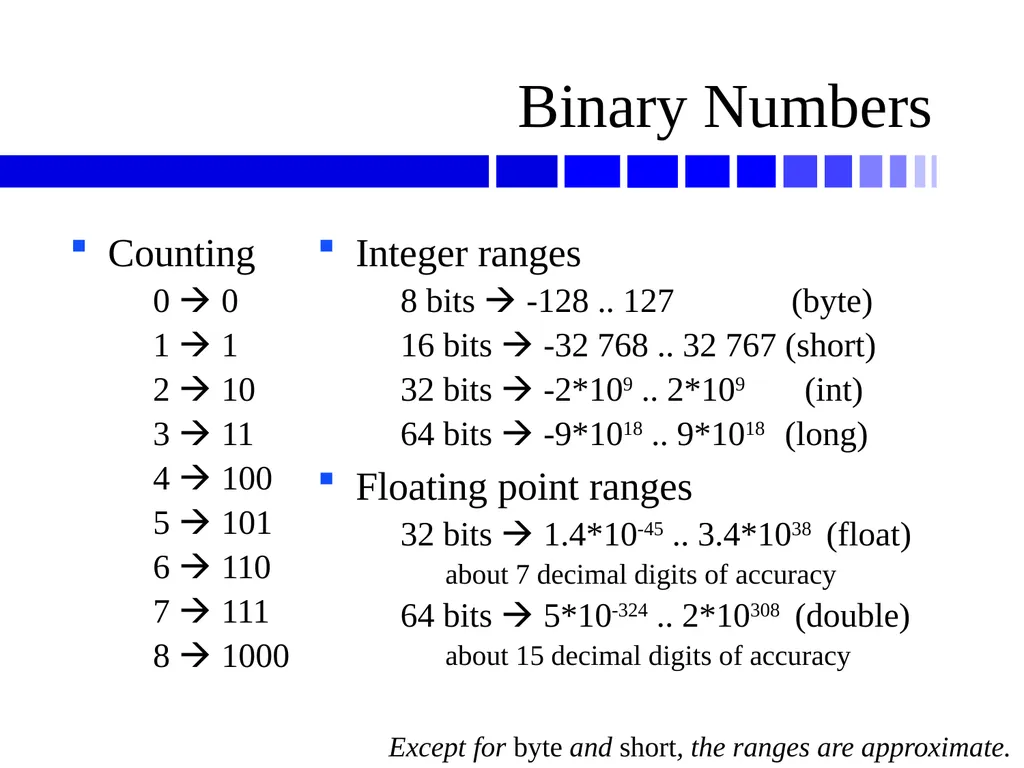
Binary Numbers Counting
0 0
1 1
2 10
3 11
4 100
5 101
6 110
7 111
8 1000 Integer ranges
8 bits -128 .. 127 (byte)
16 bits -32 768 .. 32 767 (short)
32 bits -2*109 .. 2*109 (int)
64 bits -9*1018 .. 9*1018 (long)
Floating point ranges
32 bits 1.4*10-45 .. 3.4*1038 (float)
about 7 decimal digits of accuracy
64 bits 5*10-324 .. 2*10308 (double)
about 15 decimal digits of accuracy Except for byte and short, the ranges are approximate.<br>
0 0
1 1
2 10
3 11
4 100
5 101
6 110
7 111
8 1000 Integer ranges
8 bits -128 .. 127 (byte)
16 bits -32 768 .. 32 767 (short)
32 bits -2*109 .. 2*109 (int)
64 bits -9*1018 .. 9*1018 (long)
Floating point ranges
32 bits 1.4*10-45 .. 3.4*1038 (float)
about 7 decimal digits of accuracy
64 bits 5*10-324 .. 2*10308 (double)
about 15 decimal digits of accuracy Except for byte and short, the ranges are approximate.<br>
20
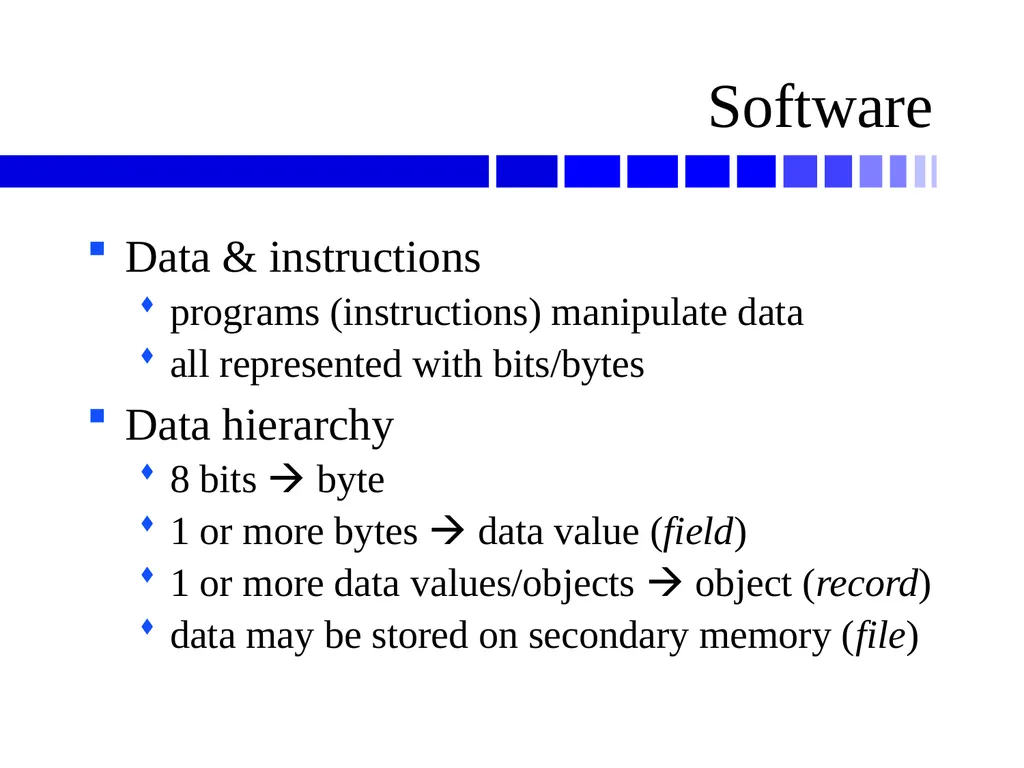
Software Data & instructions
programs (instructions) manipulate data
all represented with bits/bytes
Data hierarchy
8 bits byte
1 or more bytes data value (field)
1 or more data values/objects object (record)
data may be stored on secondary memory (file)<br>
programs (instructions) manipulate data
all represented with bits/bytes
Data hierarchy
8 bits byte
1 or more bytes data value (field)
1 or more data values/objects object (record)
data may be stored on secondary memory (file)<br>
21
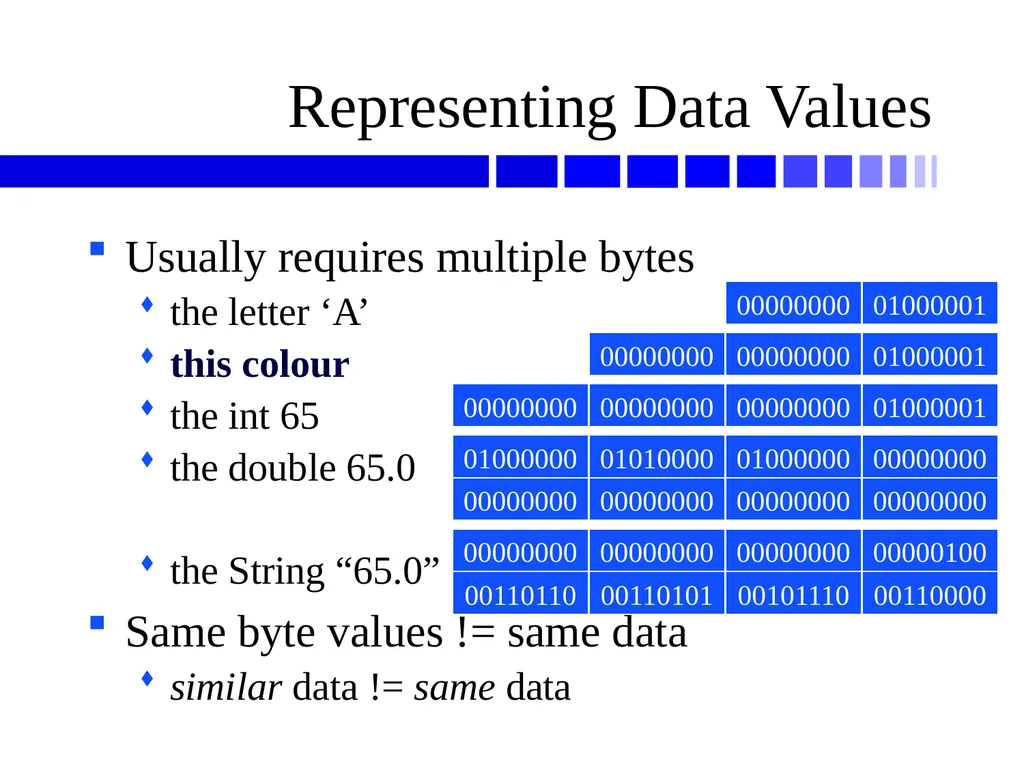
Representing Data Values Usually requires multiple bytes
the letter ‘A’
this colour
the int 65
the double 65.0
the String “65.0”
Same byte values != same data
similar data != same data 00000000 01000001 00000000 01000001 00000000 01000001 00000000 00000000 00000000 01000000 00000000 01010000 01000000 00000000 00000000 00000000 00000000 00000000 00000100 00000000 00000000 00110110 00110101 00101110 00110000<br>
the letter ‘A’
this colour
the int 65
the double 65.0
the String “65.0”
Same byte values != same data
similar data != same data 00000000 01000001 00000000 01000001 00000000 01000001 00000000 00000000 00000000 01000000 00000000 01010000 01000000 00000000 00000000 00000000 00000000 00000000 00000100 00000000 00000000 00110110 00110101 00101110 00110000<br>
22
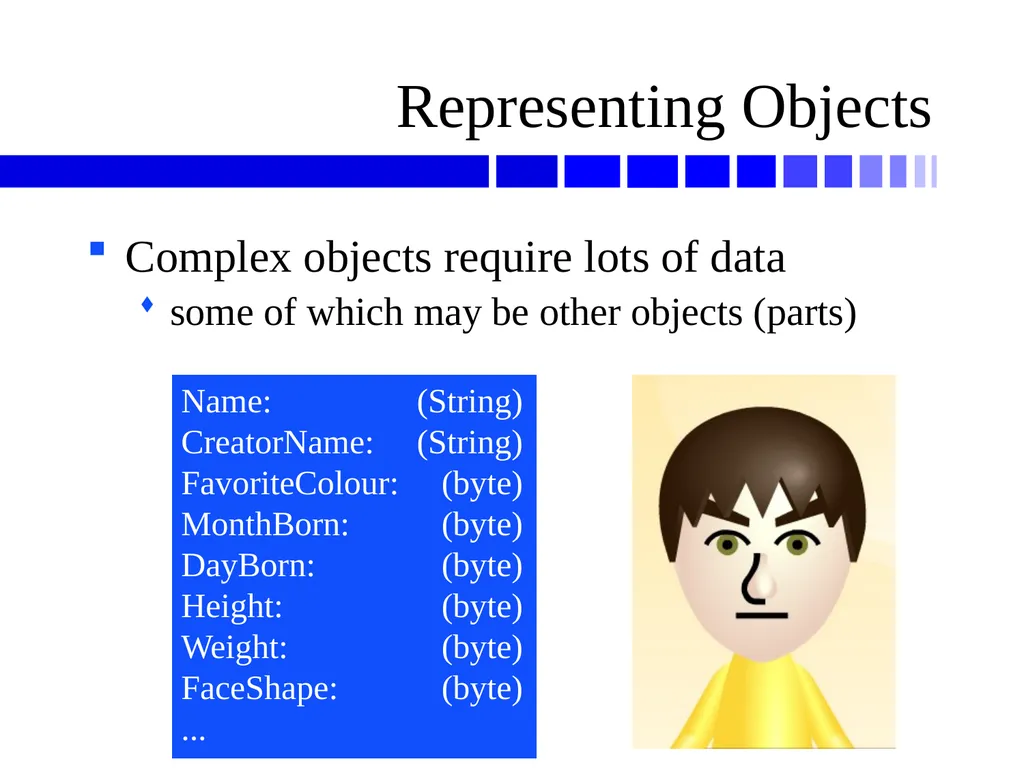
Representing Objects Complex objects require lots of data
some of which may be other objects (parts)<br>
some of which may be other objects (parts)<br>
23
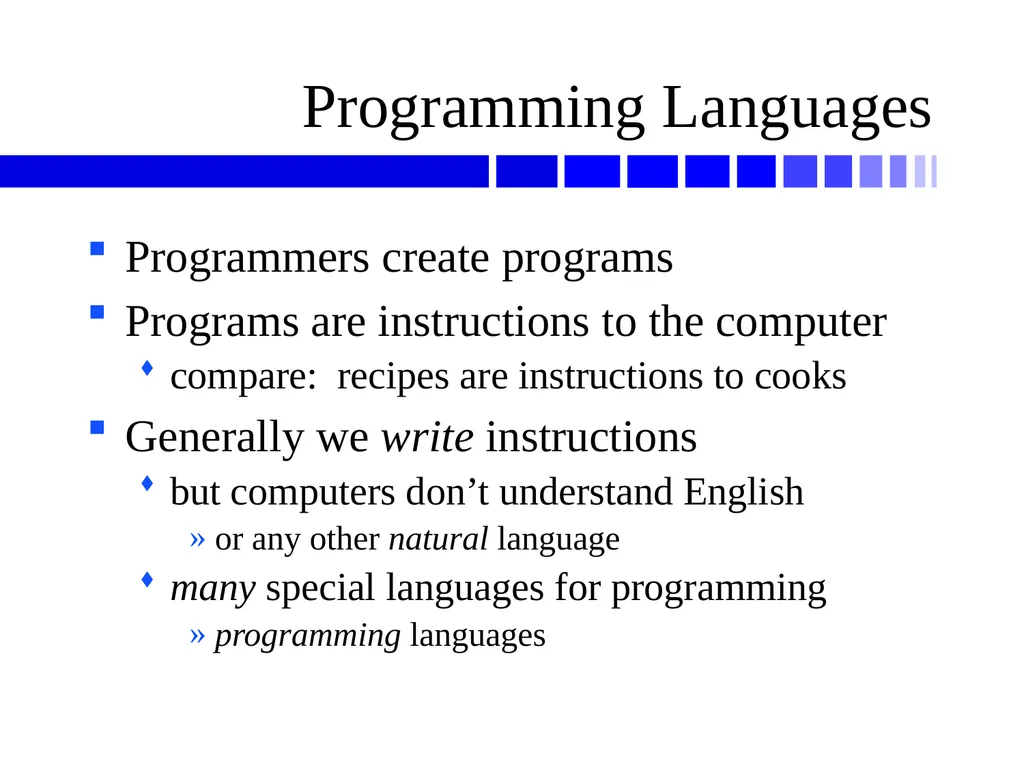
Programming Languages Programmers create programs
Programs are instructions to the computer
compare: recipes are instructions to cooks
Generally we write instructions
but computers don’t understand English
or any other natural language
many special languages for programming
programming languages<br>
Programs are instructions to the computer
compare: recipes are instructions to cooks
Generally we write instructions
but computers don’t understand English
or any other natural language
many special languages for programming
programming languages<br>
24
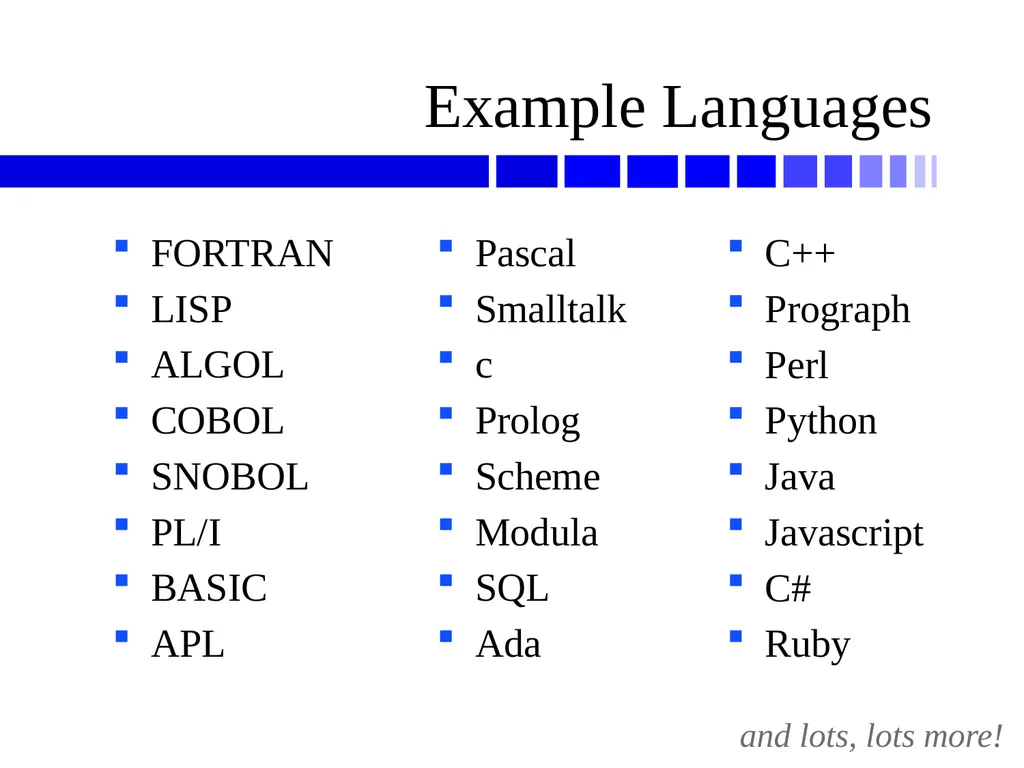
Example Languages and lots, lots more! FORTRAN
LISP
ALGOL
COBOL
SNOBOL
PL/I
BASIC
APL Pascal
Smalltalk
c
Prolog
Scheme
Modula
SQL
Ada C++
Prograph
Perl
Python
Java
Javascript
C#
Ruby<br>
LISP
ALGOL
COBOL
SNOBOL
PL/I
BASIC
APL Pascal
Smalltalk
c
Prolog
Scheme
Modula
SQL
Ada C++
Prograph
Perl
Python
Java
Javascript
C#
Ruby<br>
25
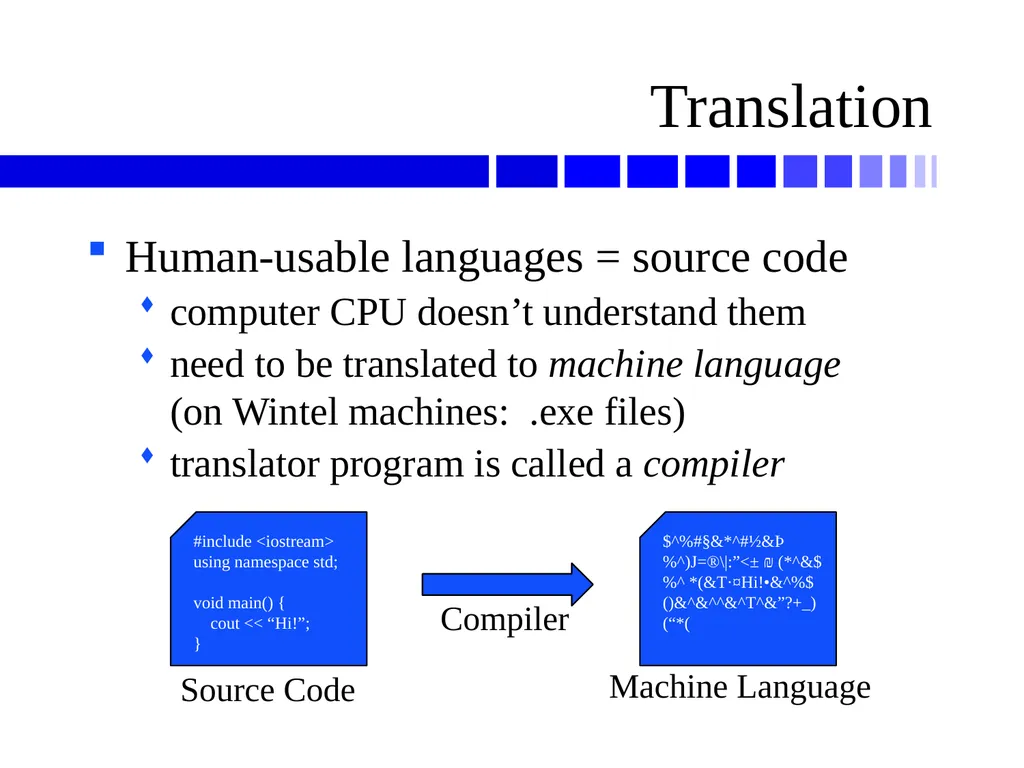
Translation Human-usable languages = source code
computer CPU doesn’t understand them
need to be translated to machine language (on Wintel machines: .exe files)
translator program is called a compiler #include <iostream>
using namespace std;
void main() {
cout << “Hi!”;
} HiProg.cpp $^%#§&*^#½&Þ%^)J=®\|:”<± ₪ (*^&$%^ *(&T·¤Hi!•&^%$()&^&^^&^T^&”?+_)(“*( HiProg.exe C++ compiler Source Code Machine Language Compiler<br>
computer CPU doesn’t understand them
need to be translated to machine language (on Wintel machines: .exe files)
translator program is called a compiler #include <iostream>
using namespace std;
void main() {
cout << “Hi!”;
} HiProg.cpp $^%#§&*^#½&Þ%^)J=®\|:”<± ₪ (*^&$%^ *(&T·¤Hi!•&^%$()&^&^^&^T^&”?+_)(“*( HiProg.exe C++ compiler Source Code Machine Language Compiler<br>
26
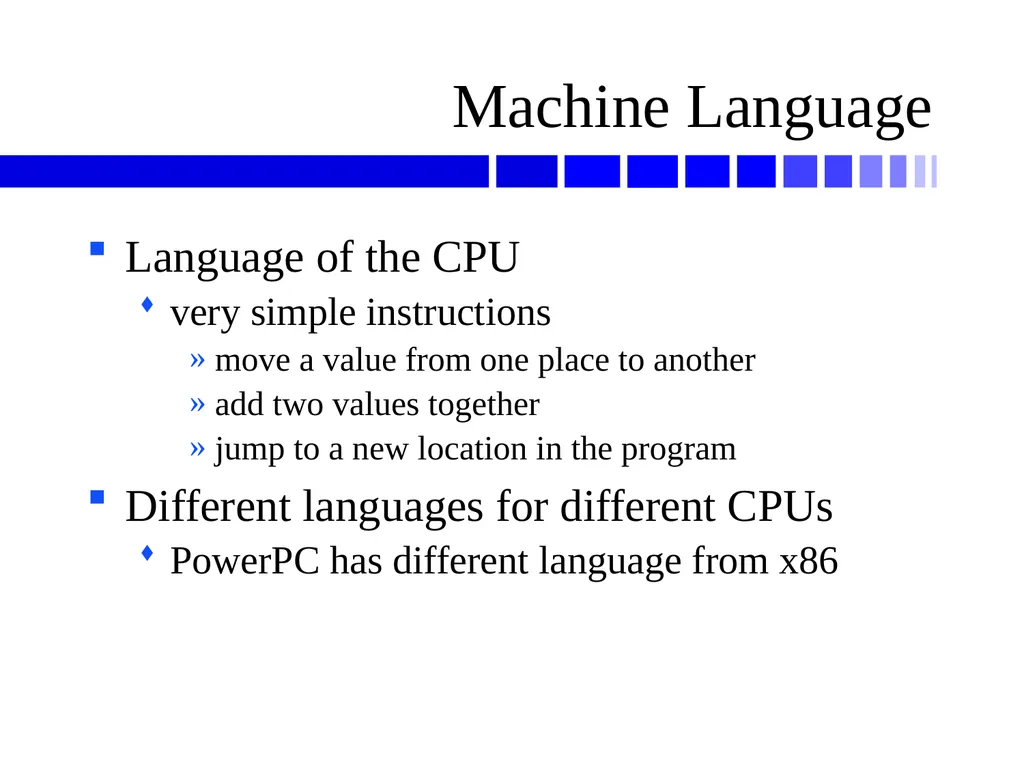
Machine Language Language of the CPU
very simple instructions
move a value from one place to another
add two values together
jump to a new location in the program
Different languages for different CPUs
PowerPC has different language from x86<br>
very simple instructions
move a value from one place to another
add two values together
jump to a new location in the program
Different languages for different CPUs
PowerPC has different language from x86<br>
27
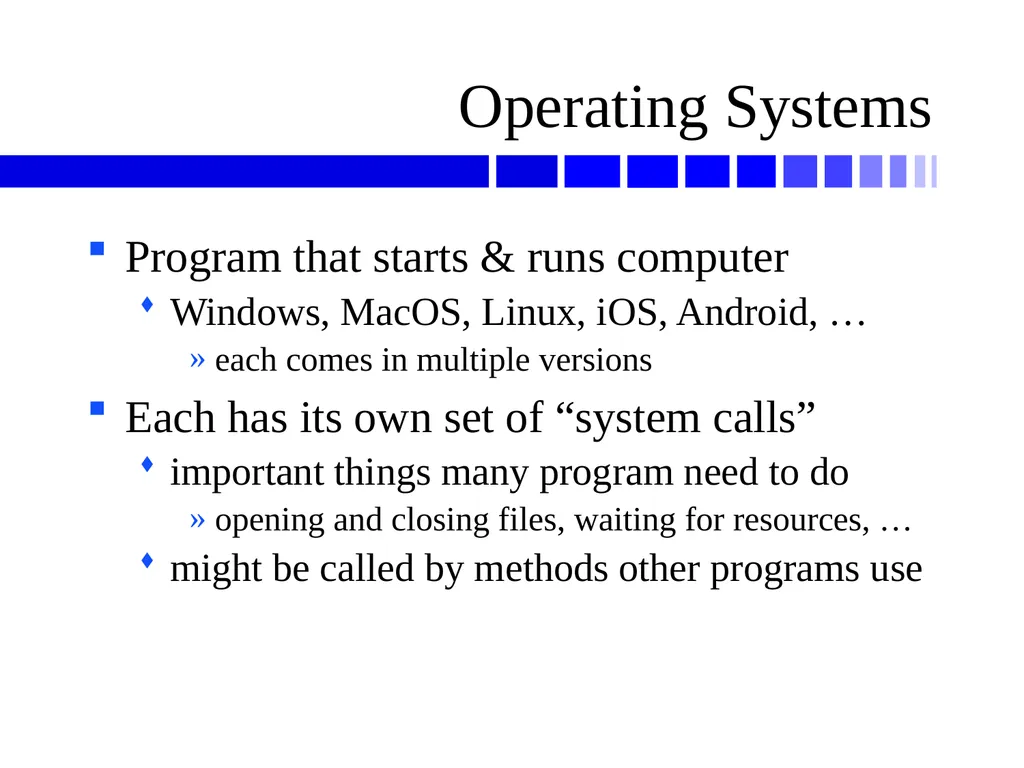
Operating Systems Program that starts & runs computer
Windows, MacOS, Linux, iOS, Android, …
each comes in multiple versions
Each has its own set of “system calls”
important things many program need to do
opening and closing files, waiting for resources, …
might be called by methods other programs use<br>
Windows, MacOS, Linux, iOS, Android, …
each comes in multiple versions
Each has its own set of “system calls”
important things many program need to do
opening and closing files, waiting for resources, …
might be called by methods other programs use<br>
28
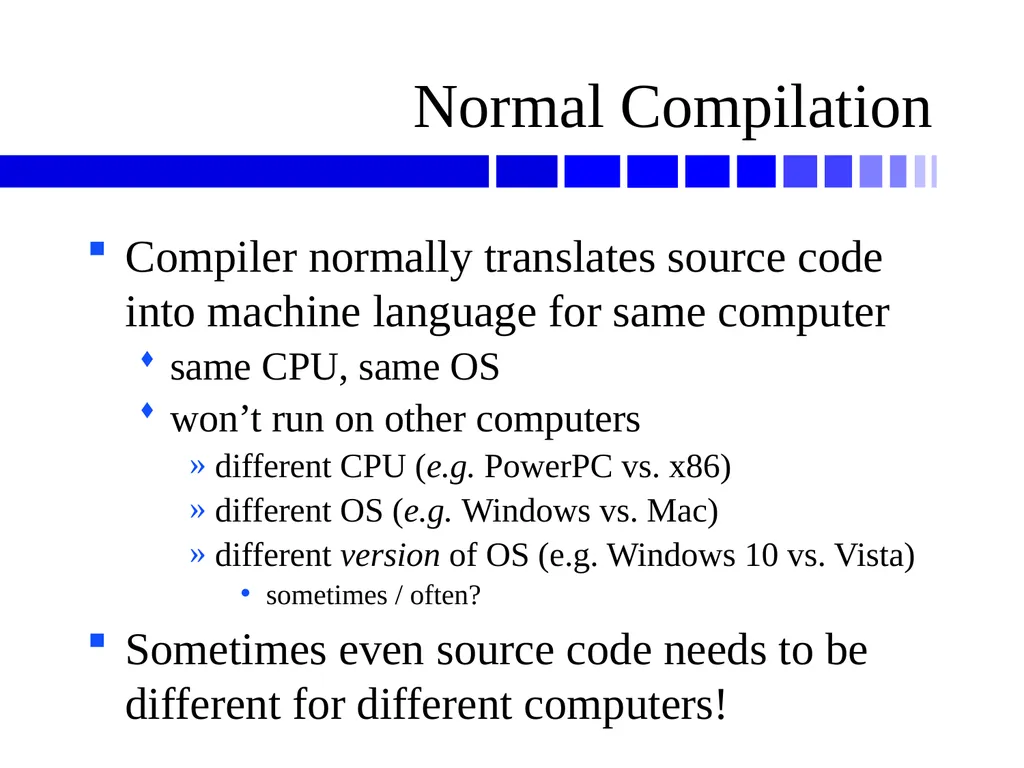
Normal Compilation Compiler normally translates source code into machine language for same computer
same CPU, same OS
won’t run on other computers
different CPU (e.g. PowerPC vs. x86)
different OS (e.g. Windows vs. Mac)
different version of OS (e.g. Windows 10 vs. Vista)
sometimes / often?
Sometimes even source code needs to be different for different computers!<br>
same CPU, same OS
won’t run on other computers
different CPU (e.g. PowerPC vs. x86)
different OS (e.g. Windows vs. Mac)
different version of OS (e.g. Windows 10 vs. Vista)
sometimes / often?
Sometimes even source code needs to be different for different computers!<br>
29
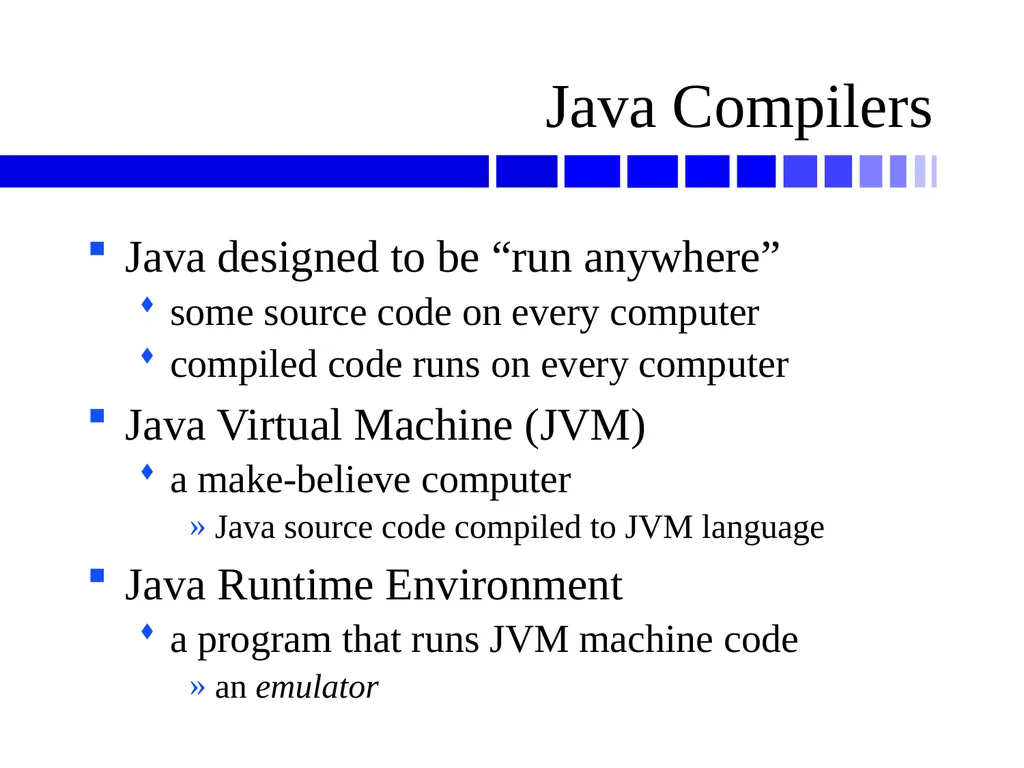
Java Compilers Java designed to be “run anywhere”
some source code on every computer
compiled code runs on every computer
Java Virtual Machine (JVM)
a make-believe computer
Java source code compiled to JVM language
Java Runtime Environment
a program that runs JVM machine code
an emulator<br>
some source code on every computer
compiled code runs on every computer
Java Virtual Machine (JVM)
a make-believe computer
Java source code compiled to JVM language
Java Runtime Environment
a program that runs JVM machine code
an emulator<br>
30
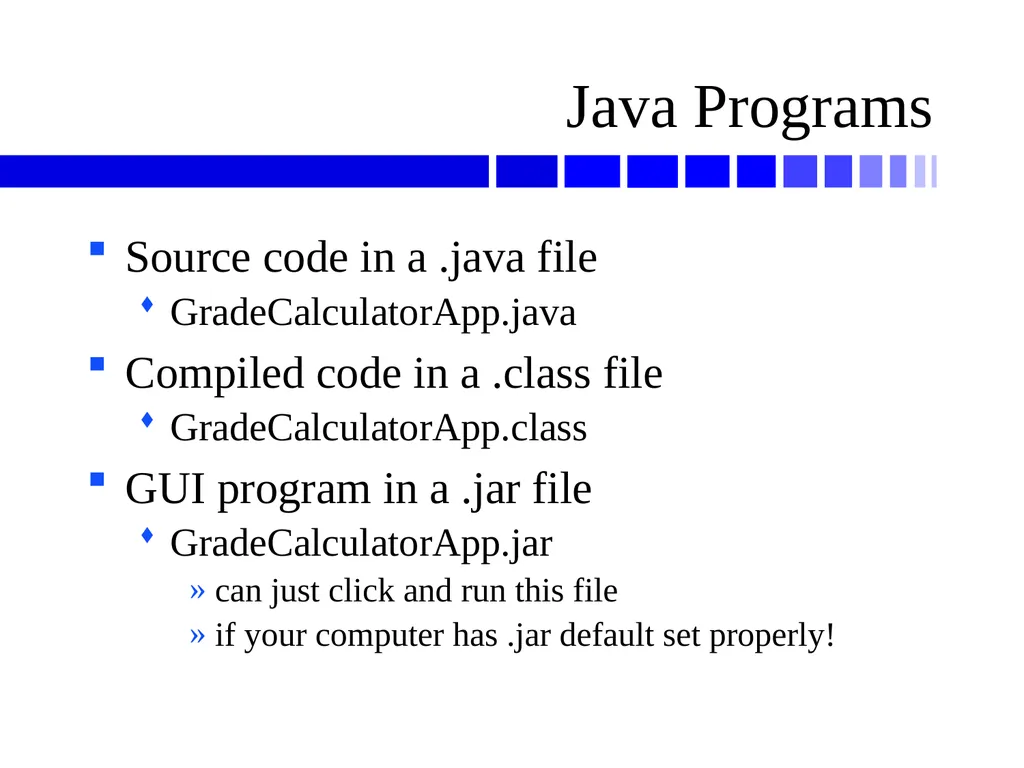
Java Programs Source code in a .java file
GradeCalculatorApp.java
Compiled code in a .class file
GradeCalculatorApp.class
GUI program in a .jar file
GradeCalculatorApp.jar
can just click and run this file
if your computer has .jar default set properly!<br>
GradeCalculatorApp.java
Compiled code in a .class file
GradeCalculatorApp.class
GUI program in a .jar file
GradeCalculatorApp.jar
can just click and run this file
if your computer has .jar default set properly!<br>
31
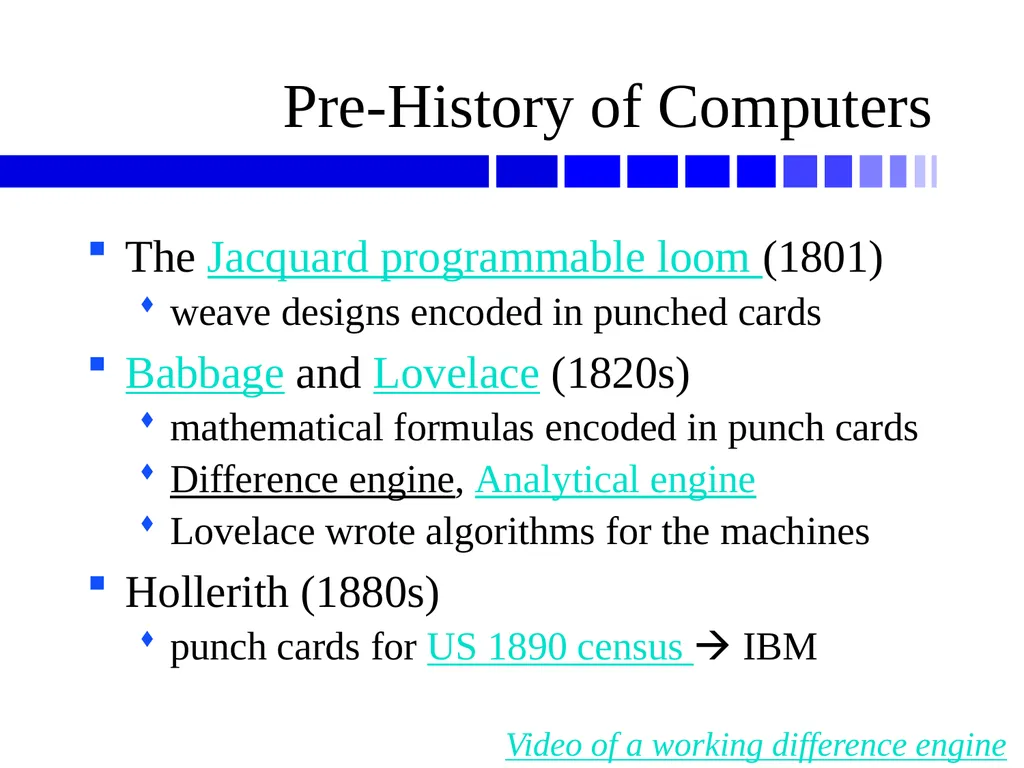
Pre-History of Computers The Jacquard programmable loom (1801)
weave designs encoded in punched cards
Babbage and Lovelace (1820s)
mathematical formulas encoded in punch cards
Difference engine, Analytical engine
Lovelace wrote algorithms for the machines
Hollerith (1880s)
punch cards for US 1890 census IBM Video of a working difference engine<br>
weave designs encoded in punched cards
Babbage and Lovelace (1820s)
mathematical formulas encoded in punch cards
Difference engine, Analytical engine
Lovelace wrote algorithms for the machines
Hollerith (1880s)
punch cards for US 1890 census IBM Video of a working difference engine<br>
32
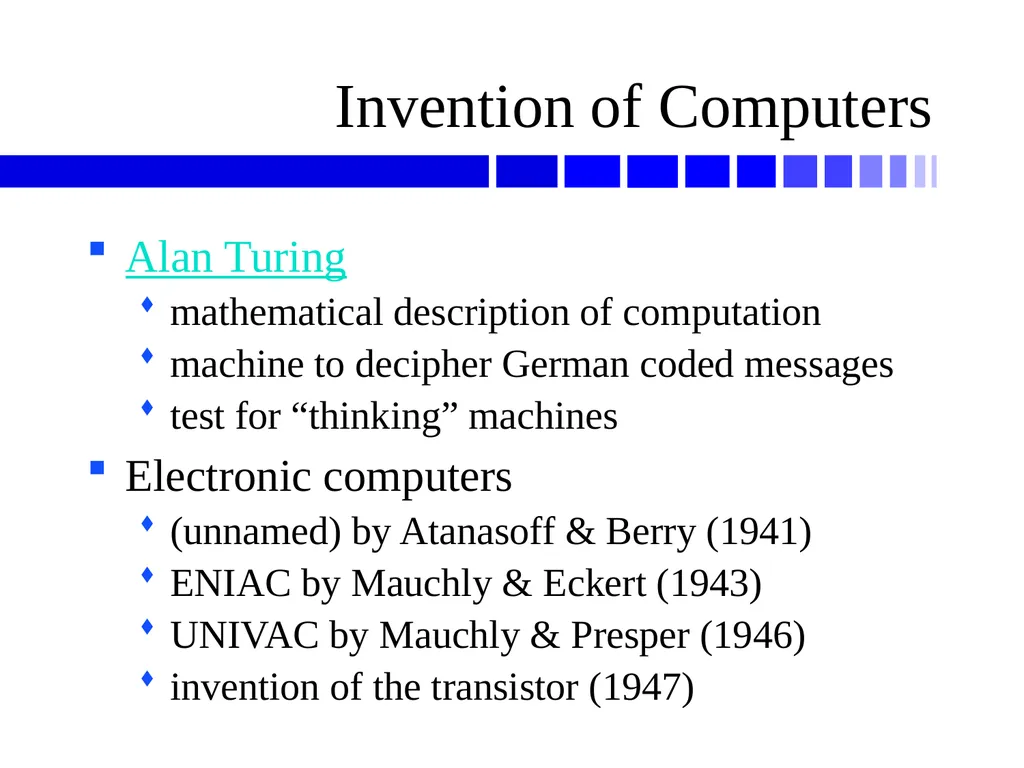
Invention of Computers Alan Turing
mathematical description of computation
machine to decipher German coded messages
test for “thinking” machines
Electronic computers
(unnamed) by Atanasoff & Berry (1941)
ENIAC by Mauchly & Eckert (1943)
UNIVAC by Mauchly & Presper (1946)
invention of the transistor (1947)<br>
mathematical description of computation
machine to decipher German coded messages
test for “thinking” machines
Electronic computers
(unnamed) by Atanasoff & Berry (1941)
ENIAC by Mauchly & Eckert (1943)
UNIVAC by Mauchly & Presper (1946)
invention of the transistor (1947)<br>
33
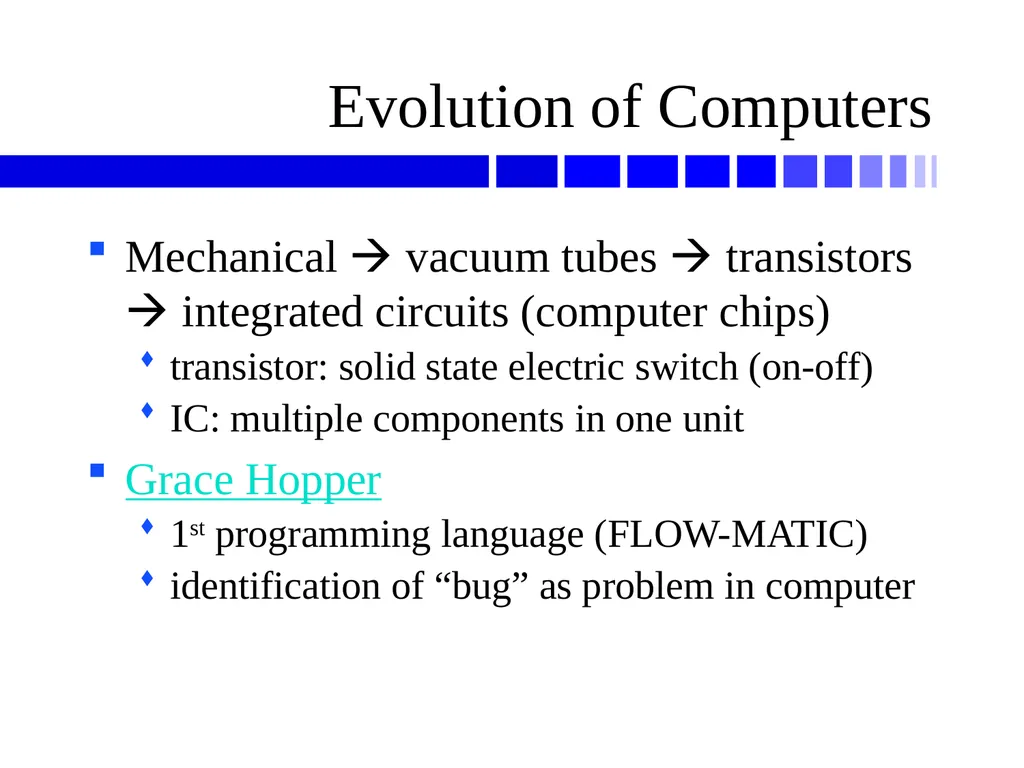
Evolution of Computers Mechanical vacuum tubes transistors integrated circuits (computer chips)
transistor: solid state electric switch (on-off)
IC: multiple components in one unit
Grace Hopper
1st programming language (FLOW-MATIC)
identification of “bug” as problem in computer<br>
transistor: solid state electric switch (on-off)
IC: multiple components in one unit
Grace Hopper
1st programming language (FLOW-MATIC)
identification of “bug” as problem in computer<br>
34
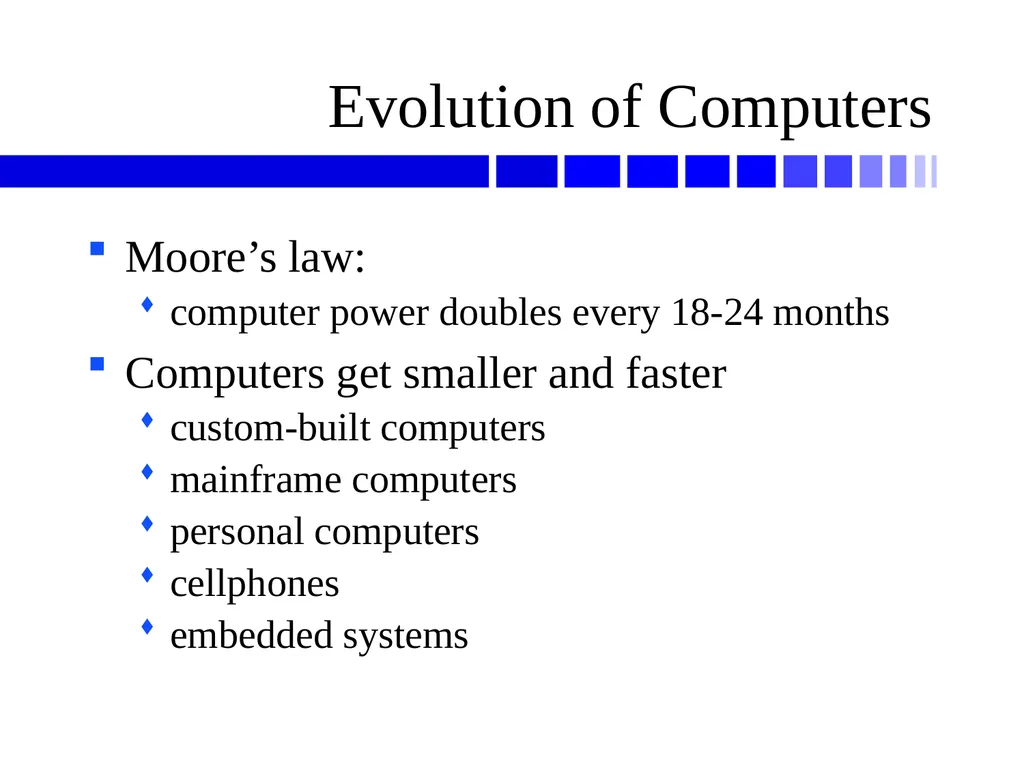
Evolution of Computers Moore’s law:
computer power doubles every 18-24 months
Computers get smaller and faster
custom-built computers
mainframe computers
personal computers
cellphones
embedded systems<br>
computer power doubles every 18-24 months
Computers get smaller and faster
custom-built computers
mainframe computers
personal computers
cellphones
embedded systems<br>
35
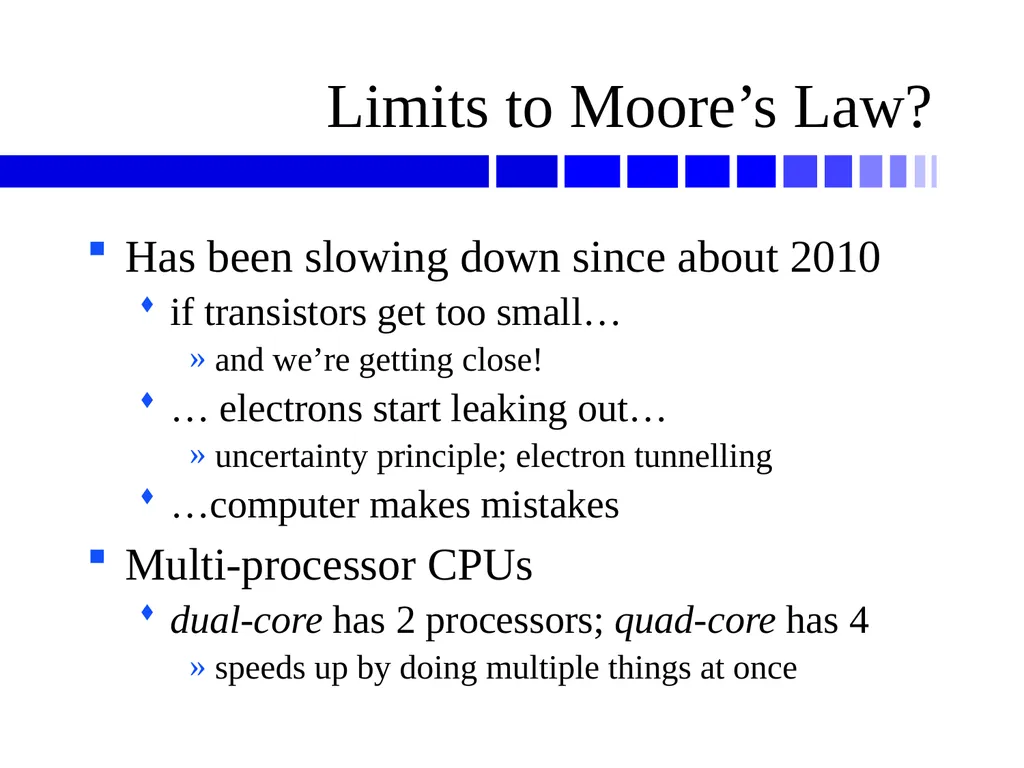
Limits to Moore’s Law? Has been slowing down since about 2010
if transistors get too small…
and we’re getting close!
… electrons start leaking out…
uncertainty principle; electron tunnelling
…computer makes mistakes
Multi-processor CPUs
dual-core has 2 processors; quad-core has 4
speeds up by doing multiple things at once<br>
if transistors get too small…
and we’re getting close!
… electrons start leaking out…
uncertainty principle; electron tunnelling
…computer makes mistakes
Multi-processor CPUs
dual-core has 2 processors; quad-core has 4
speeds up by doing multiple things at once<br>
36
Artificial Intelligence The quest to build a machine with human-level intelligence (artificial = not natural)
Turing again – the imitation game / tournament
Symbolic methods: computers and logic
expert systems – clever but brittle (failure)
Neural simulation: artificial brains
very limited power – using old-time computers
modern computers bring lots of power<br>
Turing again – the imitation game / tournament
Symbolic methods: computers and logic
expert systems – clever but brittle (failure)
Neural simulation: artificial brains
very limited power – using old-time computers
modern computers bring lots of power<br>
37
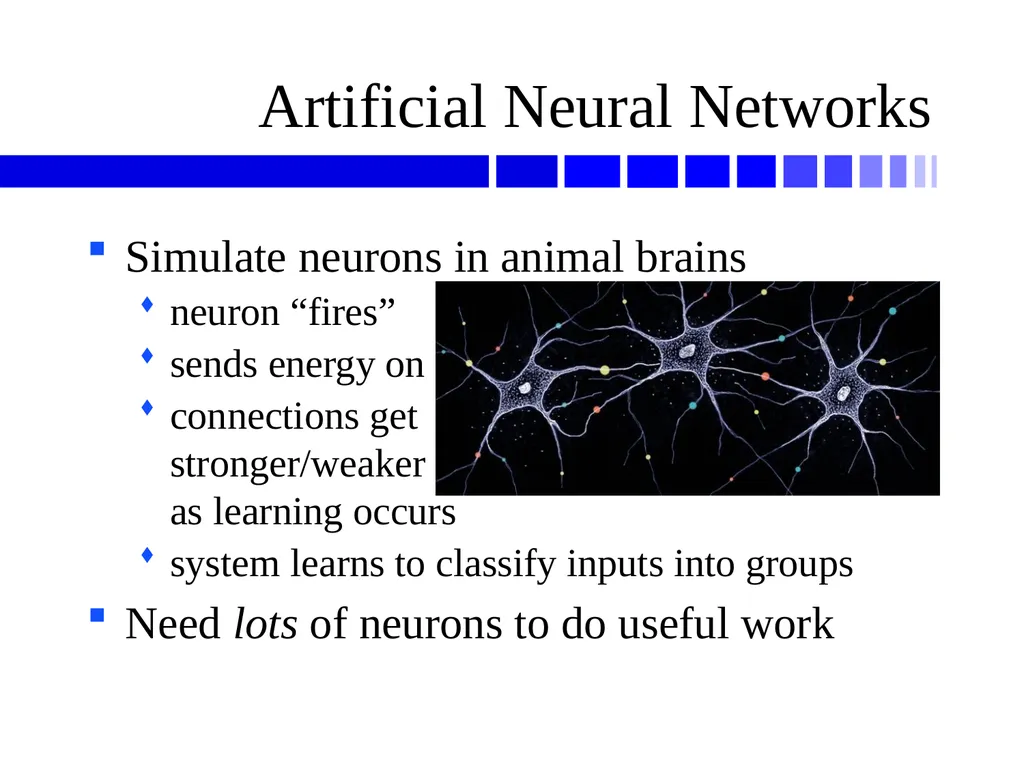
Artificial Neural Networks Simulate neurons in animal brains
neuron “fires”
sends energy on
connections get stronger/weaker as learning occurs
system learns to classify inputs into groups
Need lots of neurons to do useful work<br>
neuron “fires”
sends energy on
connections get stronger/weaker as learning occurs
system learns to classify inputs into groups
Need lots of neurons to do useful work<br>
38
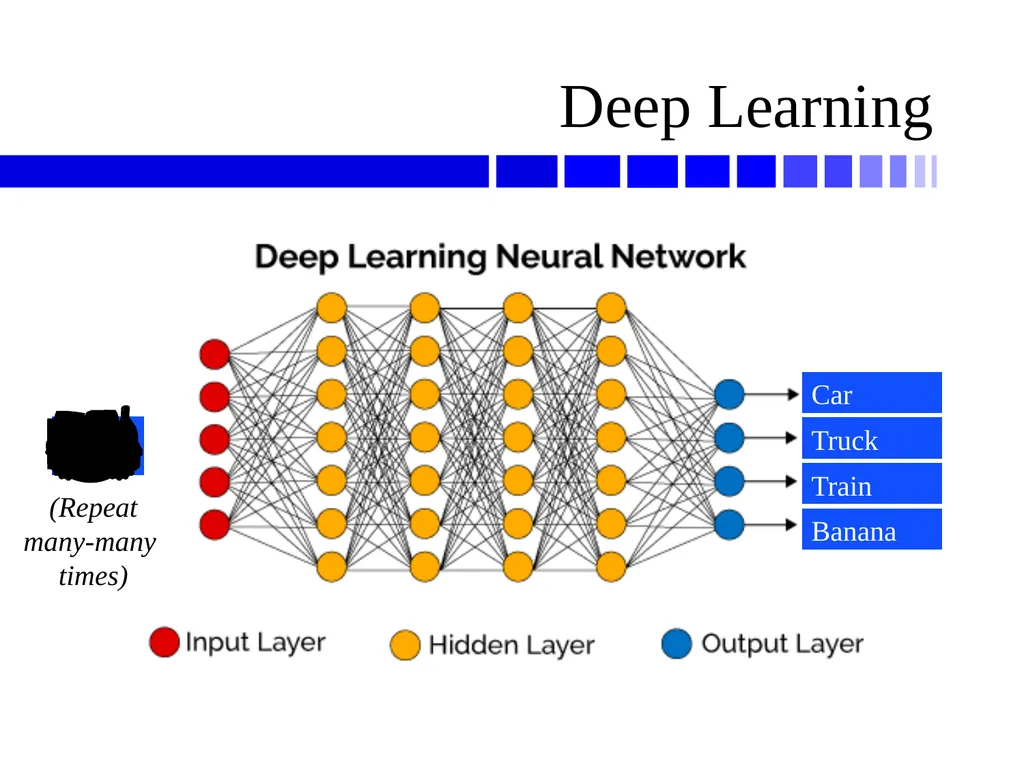
Deep Learning Input Option #1 Option #2 Option #3 Option #4 Car Truck Train Banana (Repeat
many-many
times)<br>
many-many
times)<br>
39
Deep Learning Applications Speech recognition
input = sounds; output = words
Language translation
input = sentence in L1; output = sentence in L2
Image recognition
input = image; output = object labels
e.g. tagging faces in photographs<br>
input = sounds; output = words
Language translation
input = sentence in L1; output = sentence in L2
Image recognition
input = image; output = object labels
e.g. tagging faces in photographs<br>
40
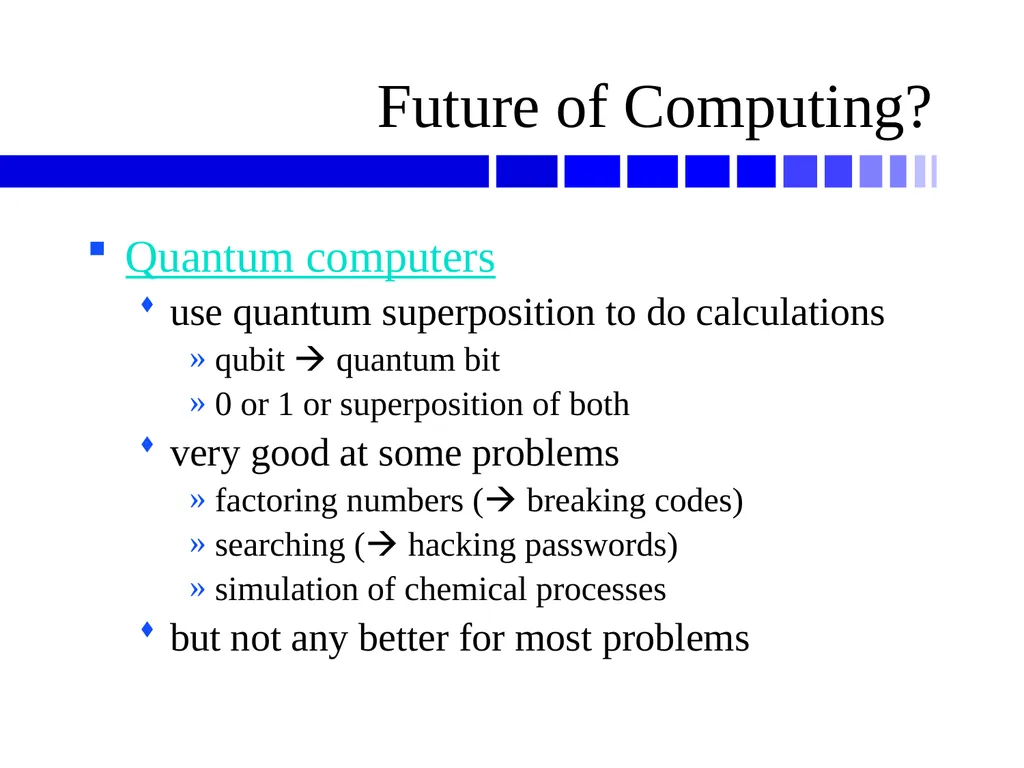
Future of Computing? Quantum computers
use quantum superposition to do calculations
qubit quantum bit
0 or 1 or superposition of both
very good at some problems
factoring numbers ( breaking codes)
searching ( hacking passwords)
simulation of chemical processes
but not any better for most problems<br>
use quantum superposition to do calculations
qubit quantum bit
0 or 1 or superposition of both
very good at some problems
factoring numbers ( breaking codes)
searching ( hacking passwords)
simulation of chemical processes
but not any better for most problems<br>
41
Questions?<br>