
Computer Security: Principles and Practice
KB
Published · 30 slides · 0 views
1 / 1
Description
Computer Security: Principles and Practice EECS710: Information Security Professor Hossein Saiedian Fall 2014 Chapter 12: Operating System Security Each layer is vulnerable to attack from below if the lower layers are not secured
Related Topics
Share
Embed code
Download this presentation From Below
"Computer Security: Principles and Practice" is the property of its rightful owner. Permission is granted to download and print the materials on this website for personal, non-commercial use only, and to display it on your personal computer provided you do not modify the materials and that you retain all copyright notices contained in the materials. By downloading content from our website, you accept the terms of this agreement.
Presentation Transcript
01
Computer Security: Principles and Practice EECS710: Information Security
Professor Hossein Saiedian
Fall 2014 Chapter 12: Operating System Security<br>
Professor Hossein Saiedian
Fall 2014 Chapter 12: Operating System Security<br>
02
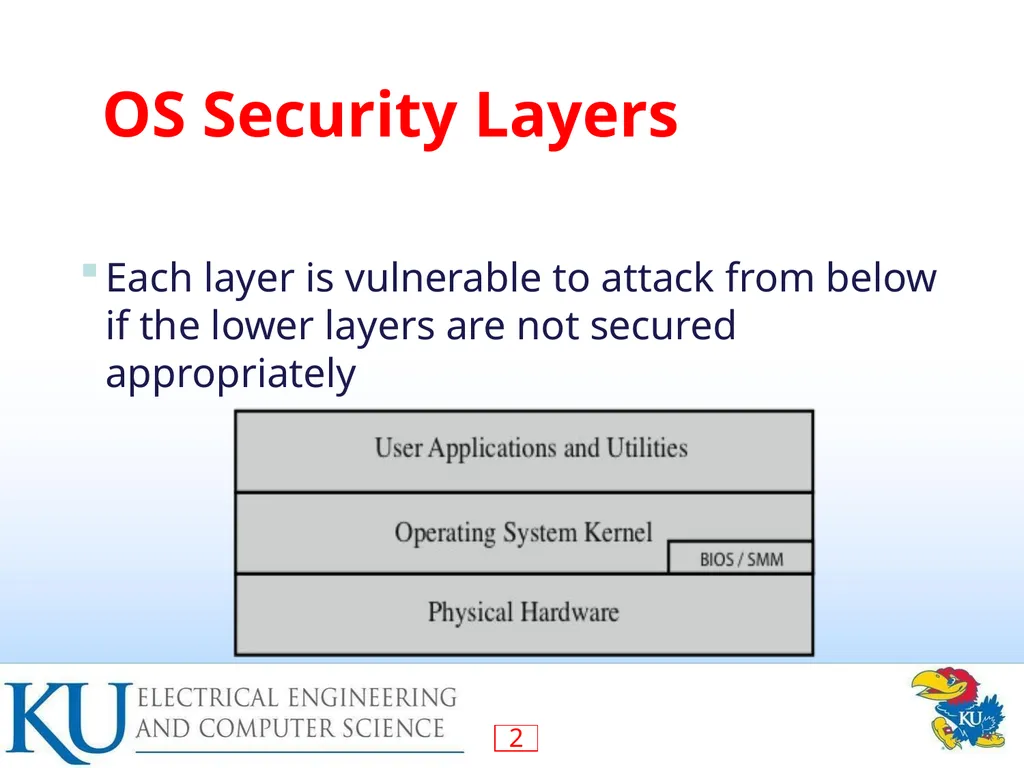
Each layer is vulnerable to attack from below if the lower layers are not secured appropriately OS Security Layers<br>
03
OS Hardening Measures The 2010 Australian Defense Signals Directorate (DSD) list the “Top 35 Mitigation Strategies”
Over 70% of the targeted cyber intrusions investigated by DSD in 2009 could have been prevented the top four measures
The top four measures for prevention are:
white-list approved applications
patch third-party applications and OS vulnerabilities
restrict admin privileges to users who need them
create a defense-in-depth DSD list similar to NSA top 20<br>
Over 70% of the targeted cyber intrusions investigated by DSD in 2009 could have been prevented the top four measures
The top four measures for prevention are:
white-list approved applications
patch third-party applications and OS vulnerabilities
restrict admin privileges to users who need them
create a defense-in-depth DSD list similar to NSA top 20<br>
04
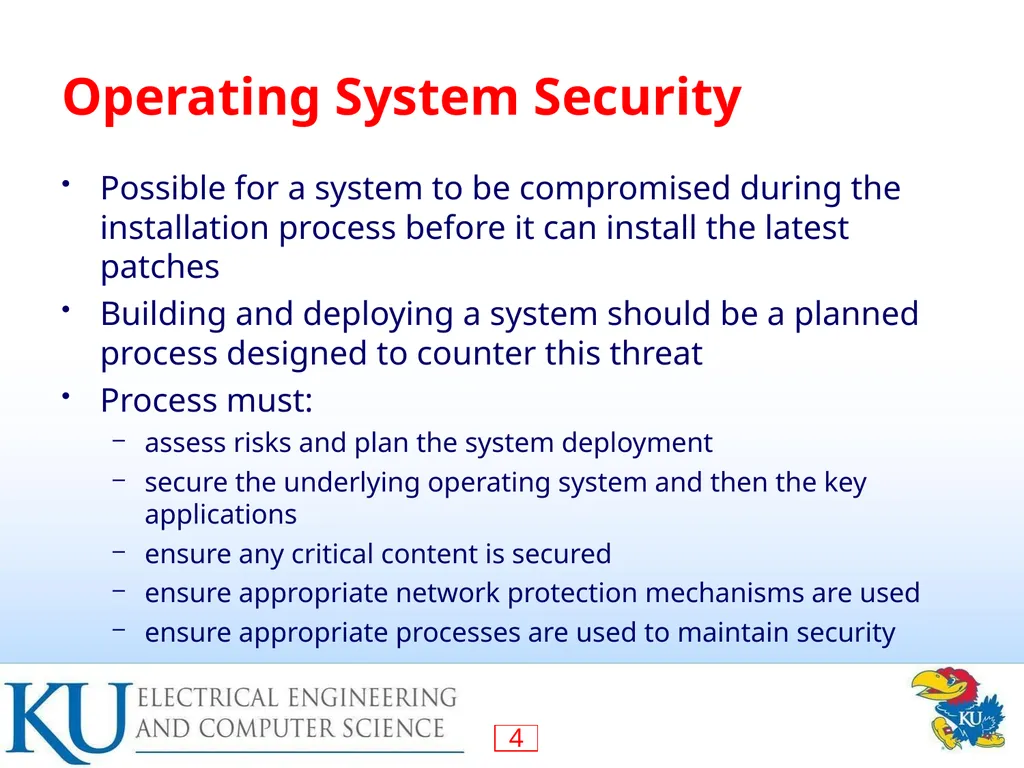
Operating System Security Possible for a system to be compromised during the installation process before it can install the latest patches
Building and deploying a system should be a planned process designed to counter this threat
Process must:
assess risks and plan the system deployment
secure the underlying operating system and then the key applications
ensure any critical content is secured
ensure appropriate network protection mechanisms are used
ensure appropriate processes are used to maintain security<br>
Building and deploying a system should be a planned process designed to counter this threat
Process must:
assess risks and plan the system deployment
secure the underlying operating system and then the key applications
ensure any critical content is secured
ensure appropriate network protection mechanisms are used
ensure appropriate processes are used to maintain security<br>
05
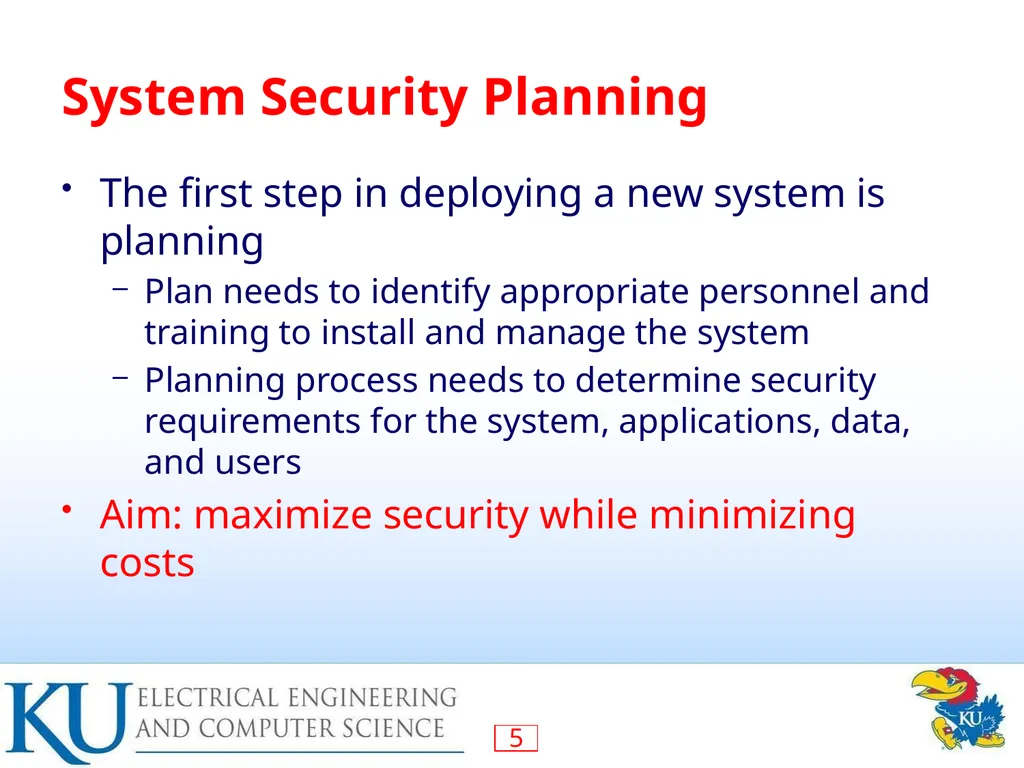
System Security Planning The first step in deploying a new system is planning
Plan needs to identify appropriate personnel and training to install and manage the system
Planning process needs to determine security requirements for the system, applications, data, and users
Aim: maximize security while minimizing costs<br>
Plan needs to identify appropriate personnel and training to install and manage the system
Planning process needs to determine security requirements for the system, applications, data, and users
Aim: maximize security while minimizing costs<br>
06
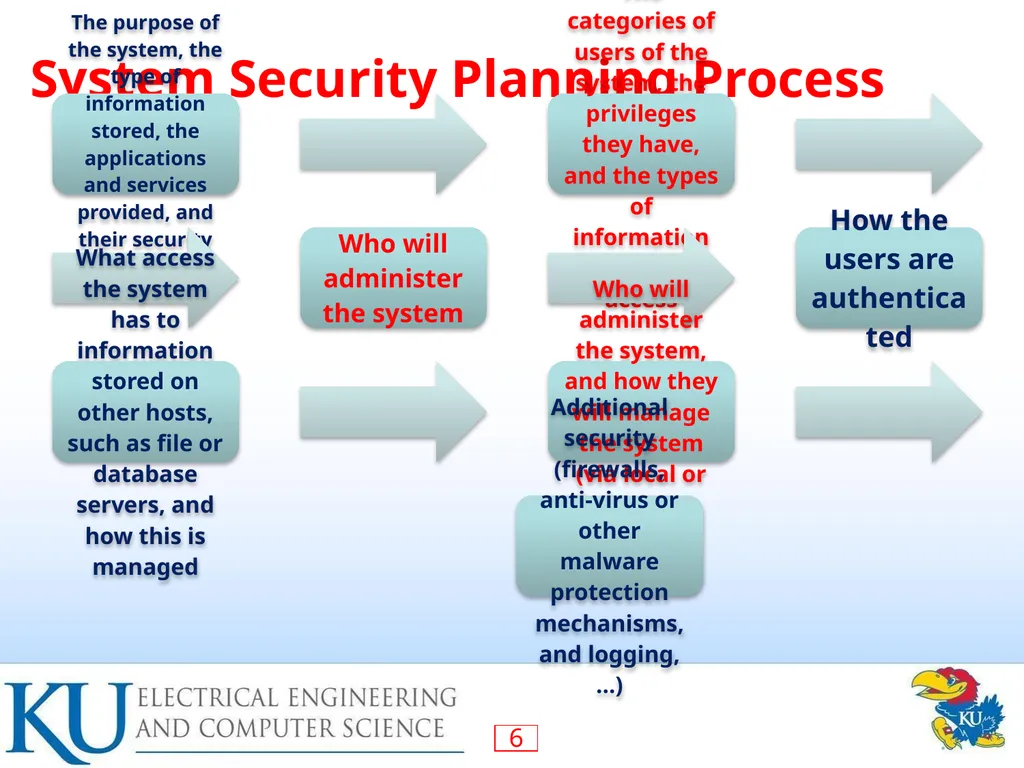
System Security Planning Process<br>
07
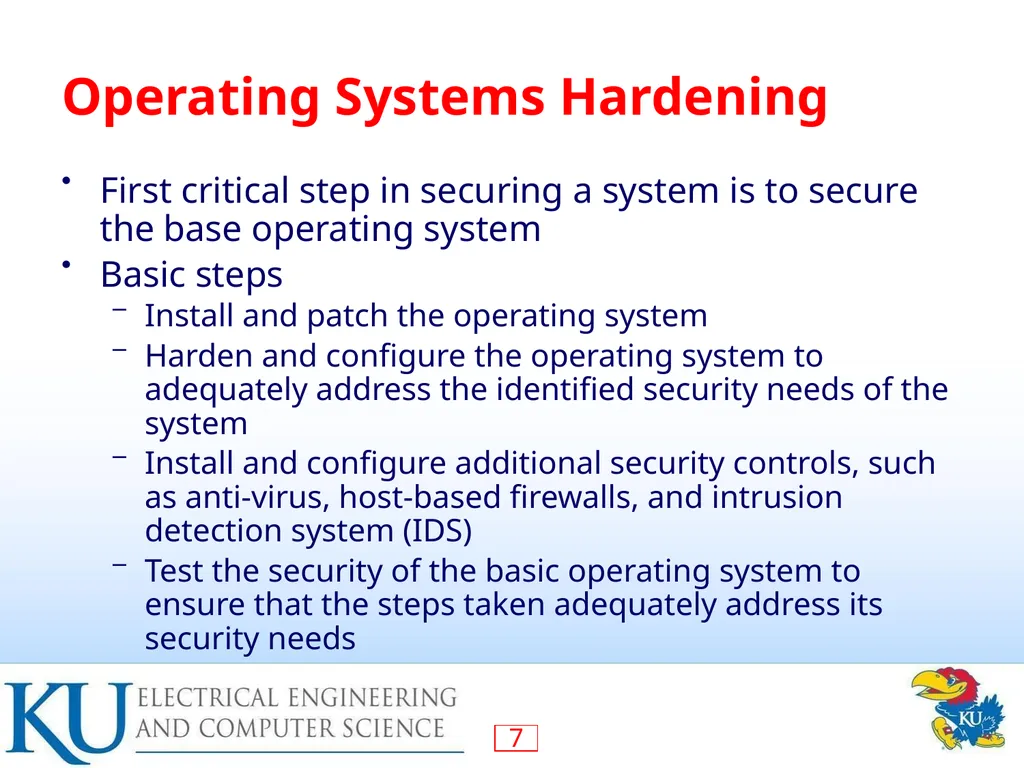
Operating Systems Hardening First critical step in securing a system is to secure the base operating system
Basic steps
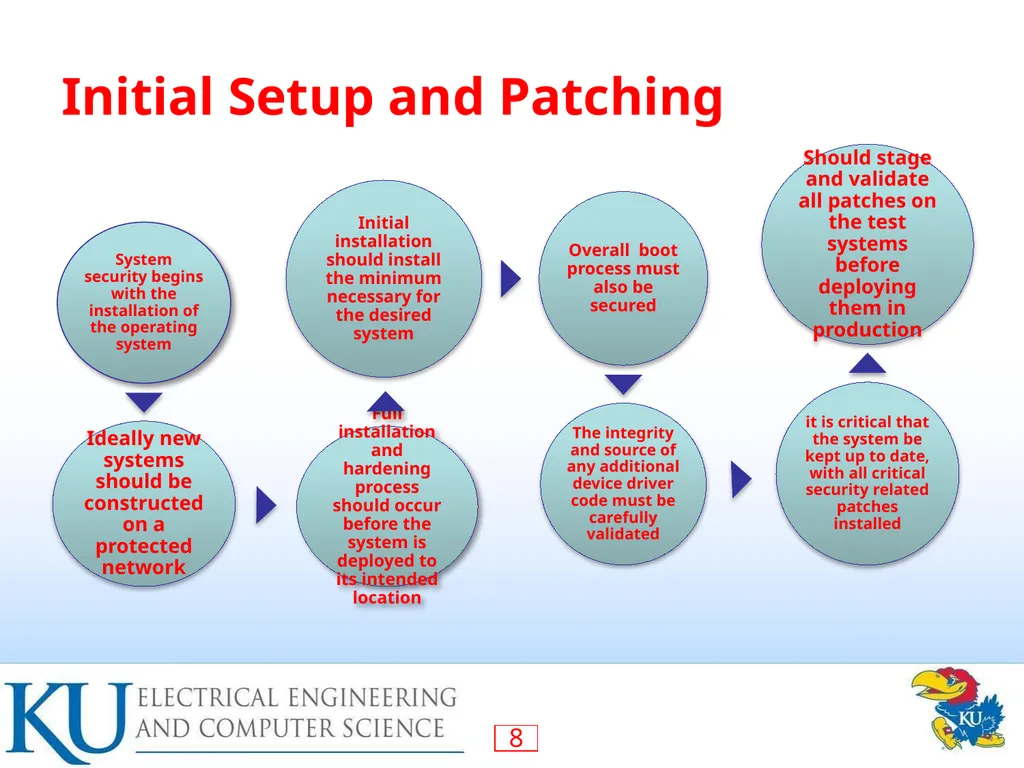
Install and patch the operating system
Harden and configure the operating system to adequately address the identified security needs of the system
Install and configure additional security controls, such as anti-virus, host-based firewalls, and intrusion detection system (IDS)
Test the security of the basic operating system to ensure that the steps taken adequately address its security needs<br>
Basic steps
Install and patch the operating system
Harden and configure the operating system to adequately address the identified security needs of the system
Install and configure additional security controls, such as anti-virus, host-based firewalls, and intrusion detection system (IDS)
Test the security of the basic operating system to ensure that the steps taken adequately address its security needs<br>
08
Initial Setup and Patching<br>
09
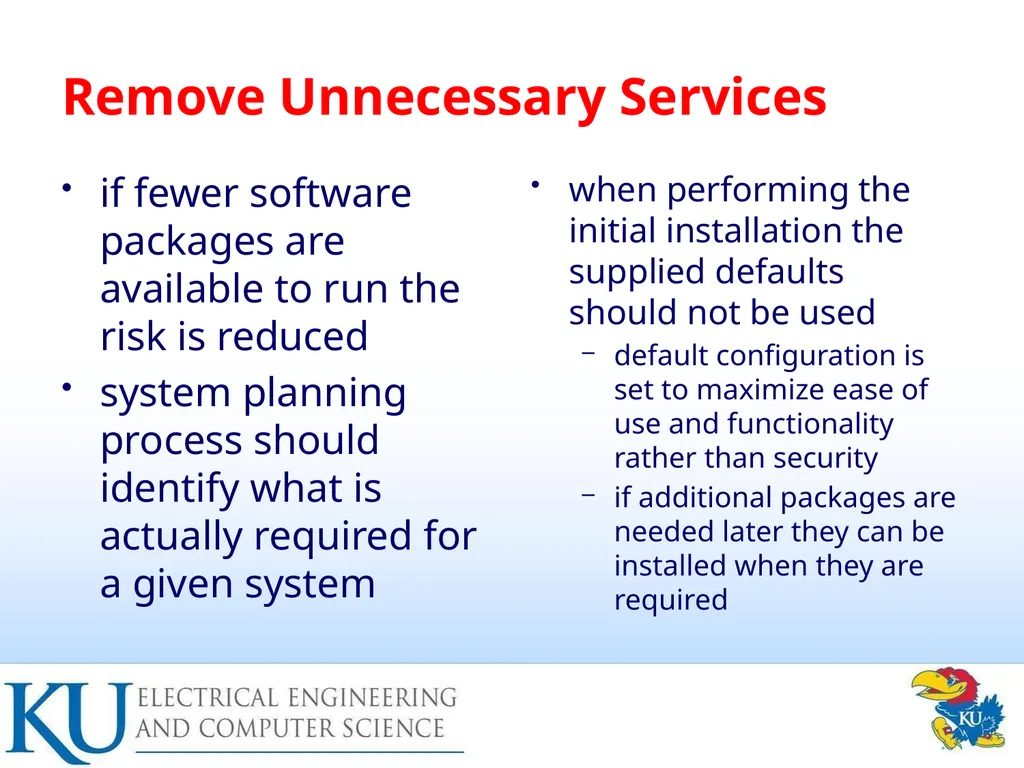
Remove Unnecessary Services if fewer software packages are available to run the risk is reduced
system planning process should identify what is actually required for a given system when performing the initial installation the supplied defaults should not be used
default configuration is set to maximize ease of use and functionality rather than security
if additional packages are needed later they can be installed when they are required<br>
system planning process should identify what is actually required for a given system when performing the initial installation the supplied defaults should not be used
default configuration is set to maximize ease of use and functionality rather than security
if additional packages are needed later they can be installed when they are required<br>
10
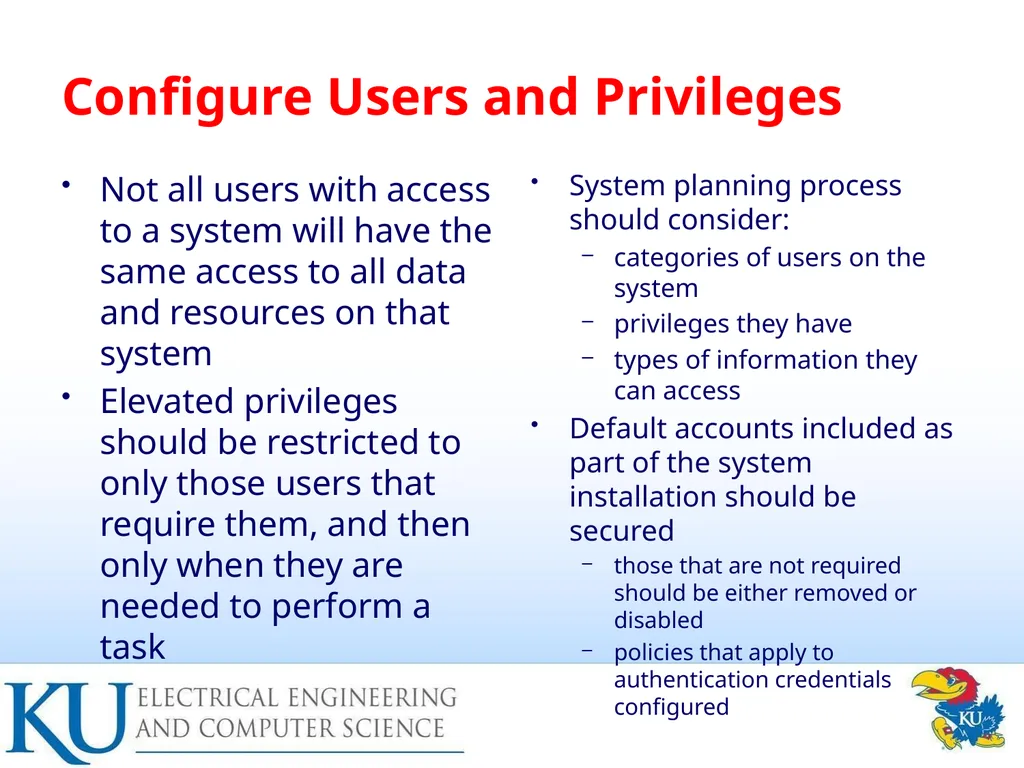
Configure Users and Privileges Not all users with access to a system will have the same access to all data and resources on that system
Elevated privileges should be restricted to only those users that require them, and then only when they are needed to perform a task System planning process should consider:
categories of users on the system
privileges they have
types of information they can access
Default accounts included as part of the system installation should be secured
those that are not required should be either removed or disabled
policies that apply to authentication credentials configured<br>
Elevated privileges should be restricted to only those users that require them, and then only when they are needed to perform a task System planning process should consider:
categories of users on the system
privileges they have
types of information they can access
Default accounts included as part of the system installation should be secured
those that are not required should be either removed or disabled
policies that apply to authentication credentials configured<br>
11
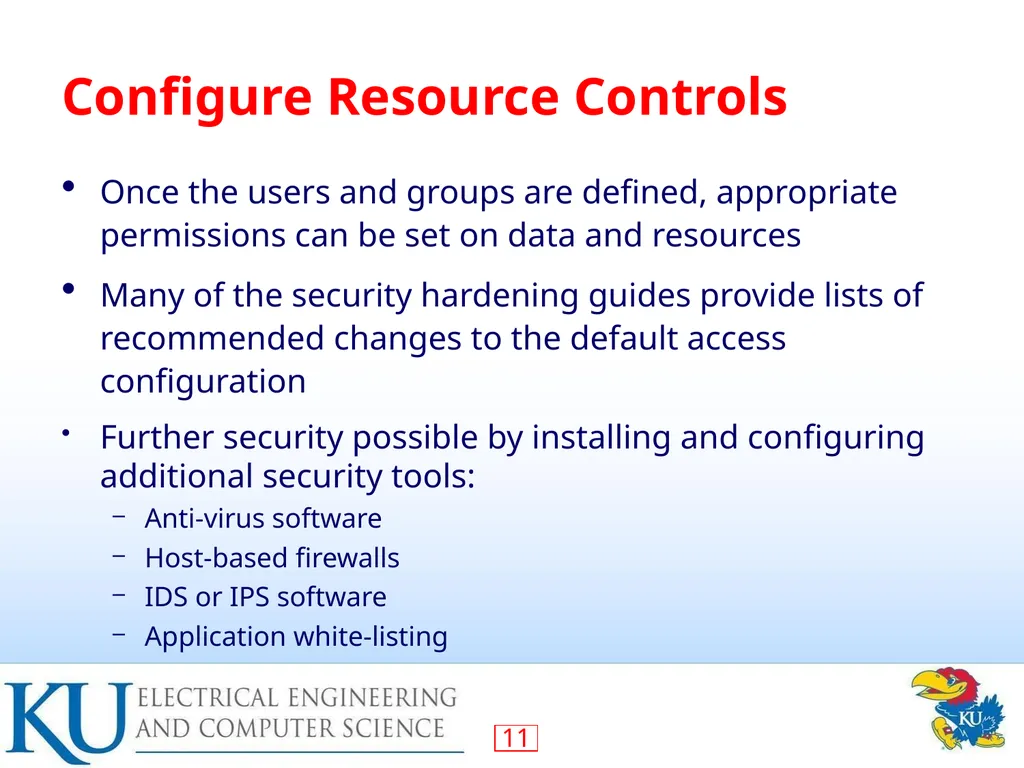
Configure Resource Controls Once the users and groups are defined, appropriate permissions can be set on data and resources
Many of the security hardening guides provide lists of recommended changes to the default access configuration
Further security possible by installing and configuring additional security tools:
Anti-virus software
Host-based firewalls
IDS or IPS software
Application white-listing<br>
Many of the security hardening guides provide lists of recommended changes to the default access configuration
Further security possible by installing and configuring additional security tools:
Anti-virus software
Host-based firewalls
IDS or IPS software
Application white-listing<br>
12
System Testing Final step in the process of initially securing the base operating system is security testing
Goal: Ensure the previous security configuration steps are correctly implemented
Checklists are included in security hardening guides
There are programs specifically designed to:
Review a system to ensure that a system meets the basic security requirements
Scan for known vulnerabilities and poor configuration practices<br>
Goal: Ensure the previous security configuration steps are correctly implemented
Checklists are included in security hardening guides
There are programs specifically designed to:
Review a system to ensure that a system meets the basic security requirements
Scan for known vulnerabilities and poor configuration practices<br>
13
Application Configuration May include:
Creating and specifying appropriate data storage areas for application
Making appropriate changes to the application or service default configuration details
Some applications or services may include:
Default data, scripts, user accounts
Of particular concern with remotely accessed services such as Web and file transfer services
Risk from this form of attack is reduced by ensuring that most of the files can only be read, but not written, by the server<br>
Creating and specifying appropriate data storage areas for application
Making appropriate changes to the application or service default configuration details
Some applications or services may include:
Default data, scripts, user accounts
Of particular concern with remotely accessed services such as Web and file transfer services
Risk from this form of attack is reduced by ensuring that most of the files can only be read, but not written, by the server<br>
14
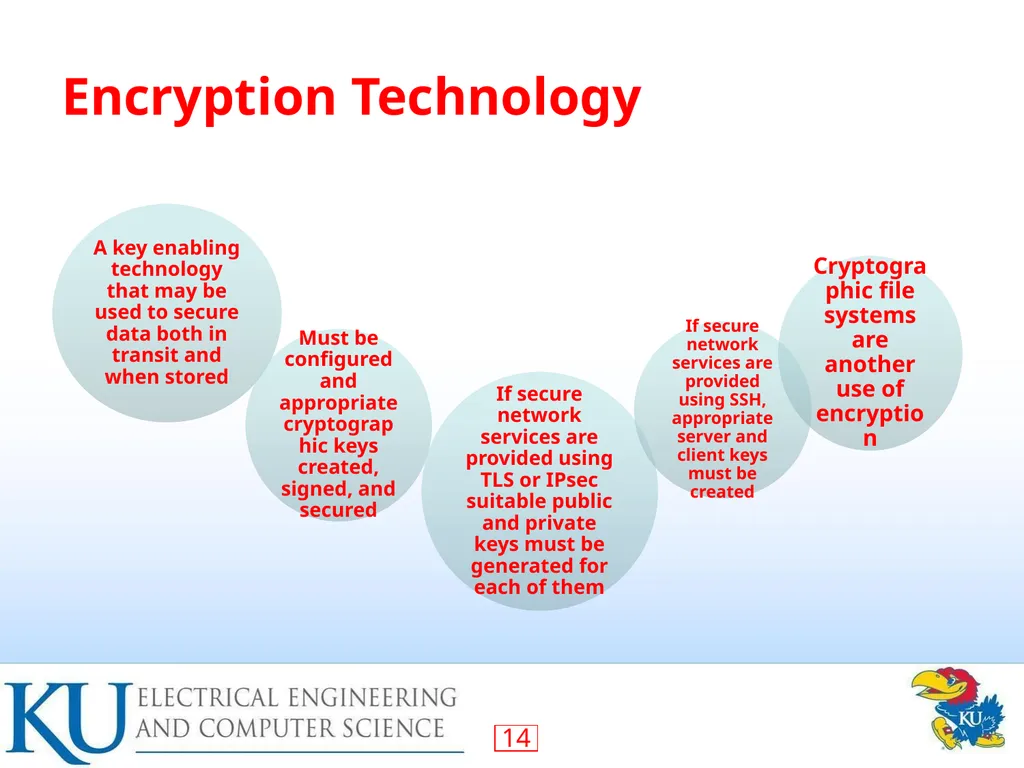
Encryption Technology<br>
15
Security Maintenance Process of maintaining security is continuous
Security maintenance includes:
Monitoring and analyzing logging information
Performing regular backups
Recovering from security compromises
Regularly testing system security
Using appropriate software maintenance processes to patch and update all critical software, and to monitor and revise configuration as needed<br>
Security maintenance includes:
Monitoring and analyzing logging information
Performing regular backups
Recovering from security compromises
Regularly testing system security
Using appropriate software maintenance processes to patch and update all critical software, and to monitor and revise configuration as needed<br>
16
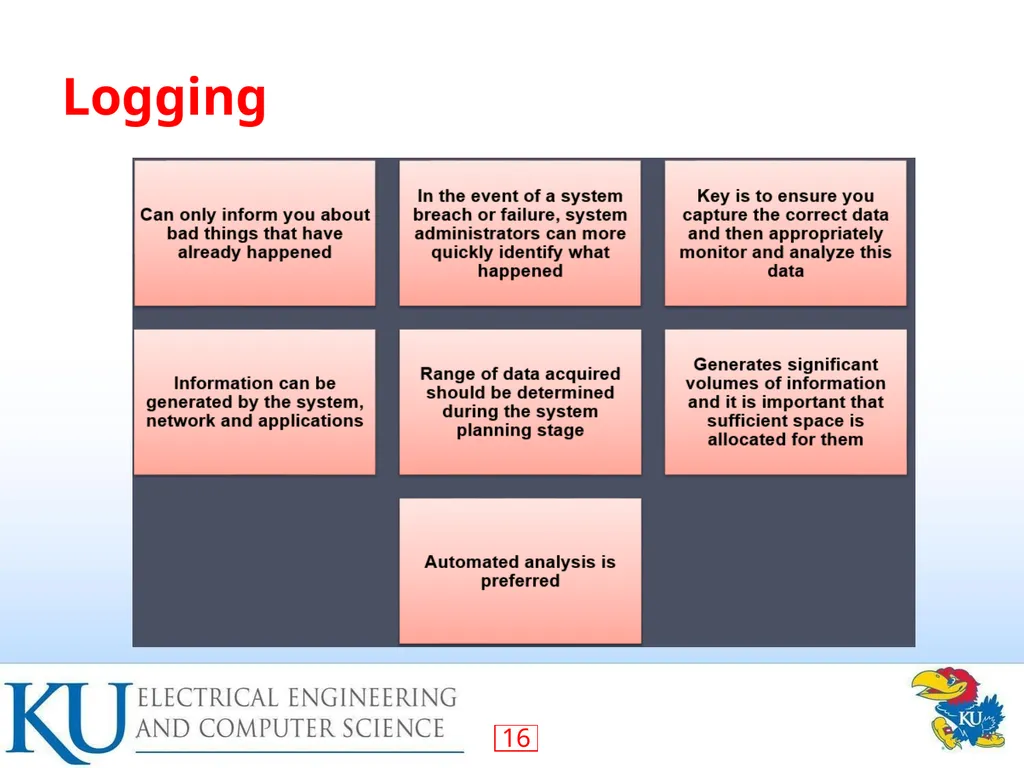
Logging<br>
17
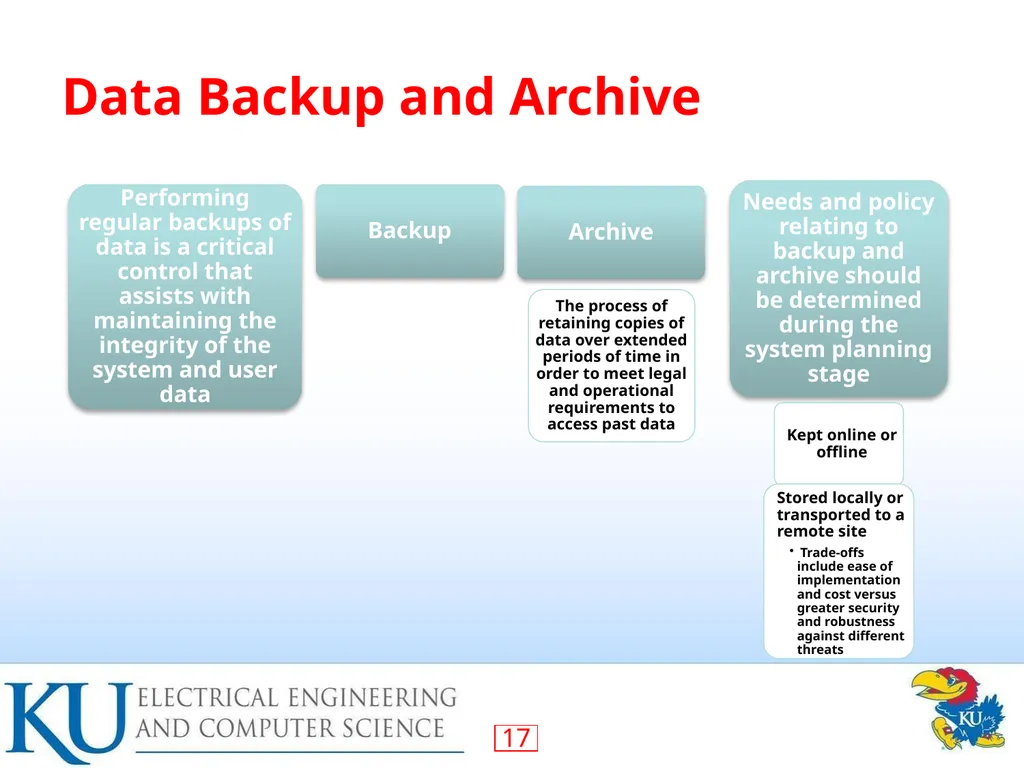
Data Backup and Archive<br>
18
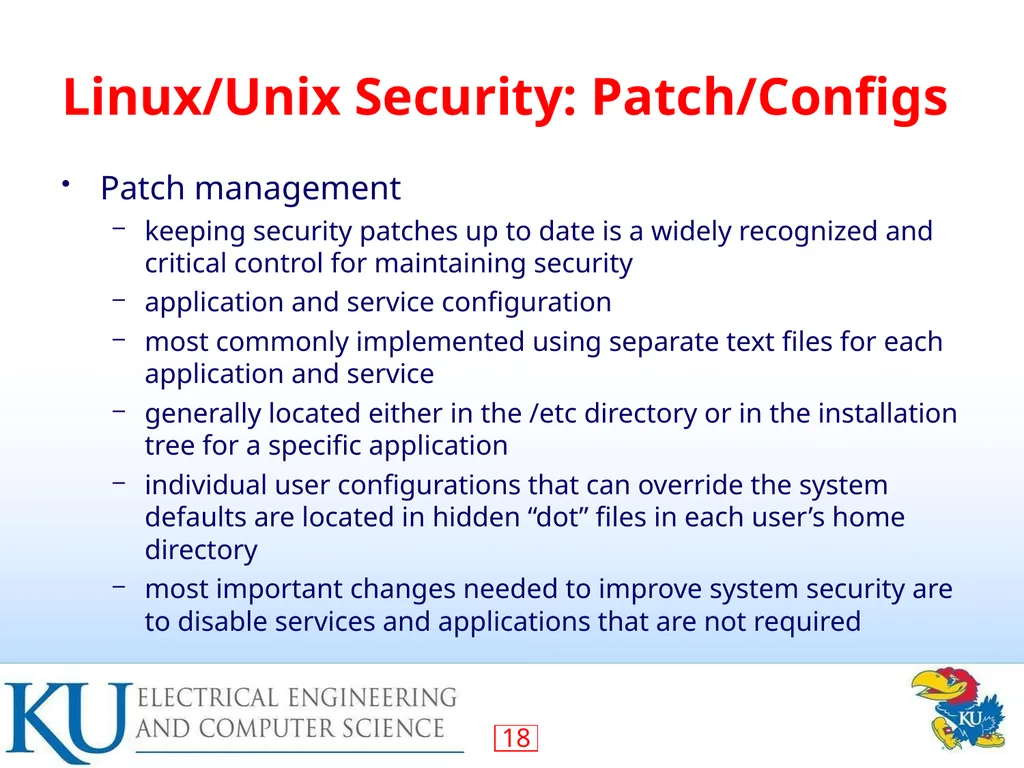
Linux/Unix Security: Patch/Configs Patch management
keeping security patches up to date is a widely recognized and critical control for maintaining security
application and service configuration
most commonly implemented using separate text files for each application and service
generally located either in the /etc directory or in the installation tree for a specific application
individual user configurations that can override the system defaults are located in hidden “dot” files in each user’s home directory
most important changes needed to improve system security are to disable services and applications that are not required<br>
keeping security patches up to date is a widely recognized and critical control for maintaining security
application and service configuration
most commonly implemented using separate text files for each application and service
generally located either in the /etc directory or in the installation tree for a specific application
individual user configurations that can override the system defaults are located in hidden “dot” files in each user’s home directory
most important changes needed to improve system security are to disable services and applications that are not required<br>
19
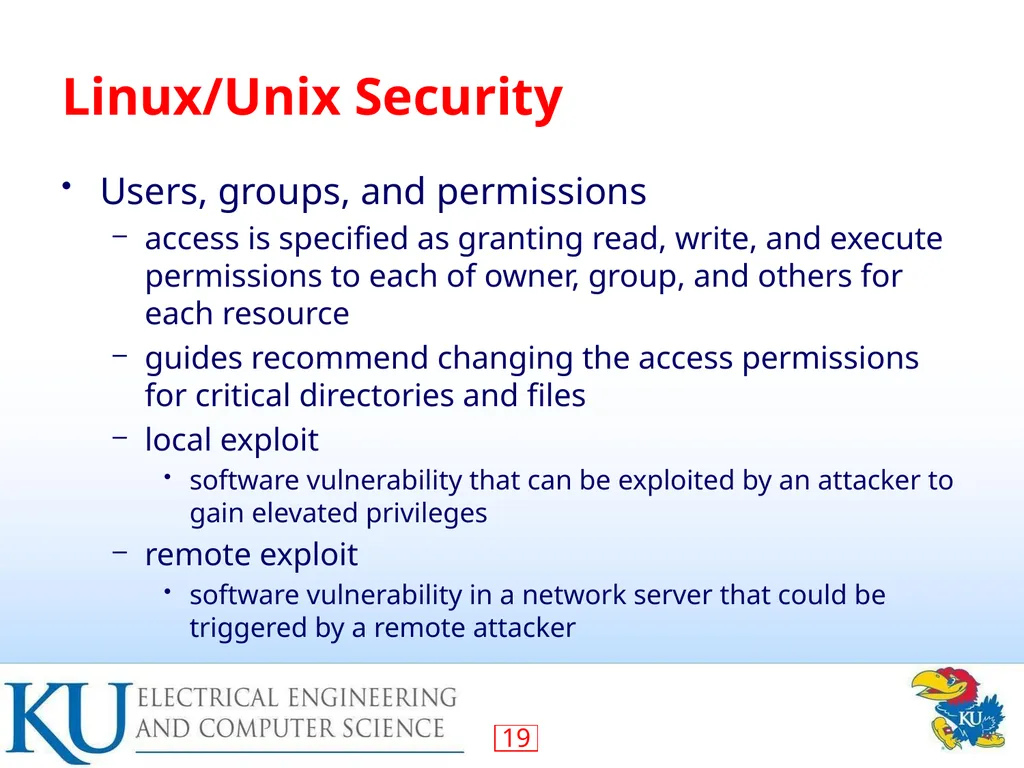
Linux/Unix Security Users, groups, and permissions
access is specified as granting read, write, and execute permissions to each of owner, group, and others for each resource
guides recommend changing the access permissions for critical directories and files
local exploit
software vulnerability that can be exploited by an attacker to gain elevated privileges
remote exploit
software vulnerability in a network server that could be triggered by a remote attacker<br>
access is specified as granting read, write, and execute permissions to each of owner, group, and others for each resource
guides recommend changing the access permissions for critical directories and files
local exploit
software vulnerability that can be exploited by an attacker to gain elevated privileges
remote exploit
software vulnerability in a network server that could be triggered by a remote attacker<br>
20
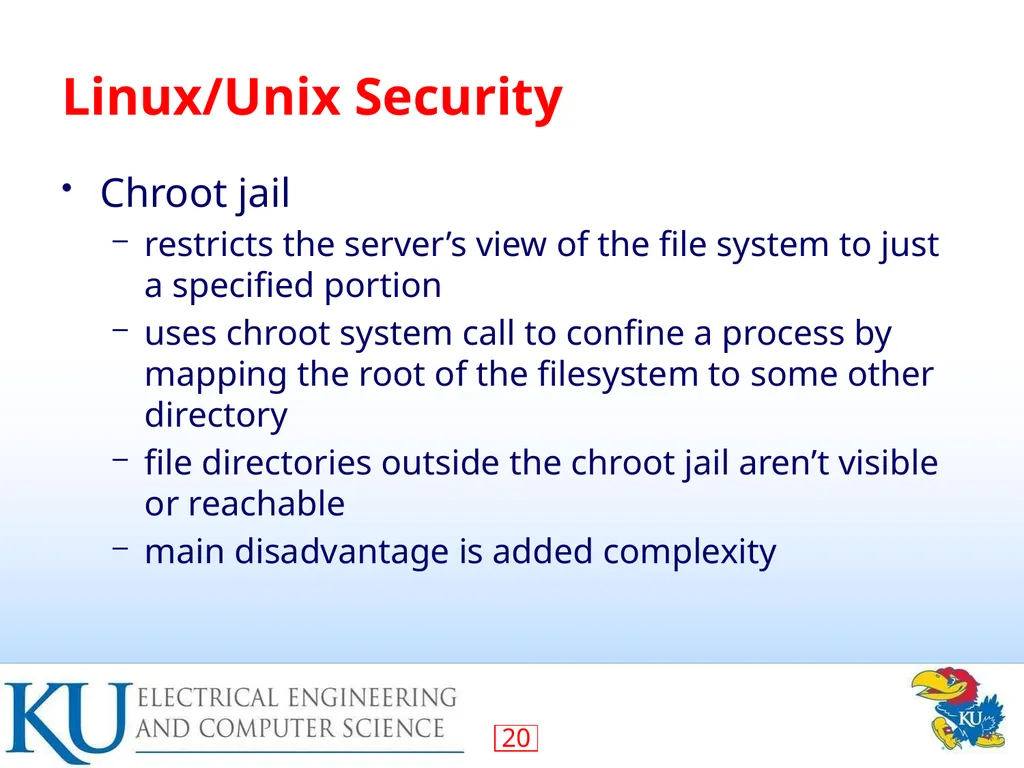
Linux/Unix Security Chroot jail
restricts the server’s view of the file system to just a specified portion
uses chroot system call to confine a process by mapping the root of the filesystem to some other directory
file directories outside the chroot jail aren’t visible or reachable
main disadvantage is added complexity<br>
restricts the server’s view of the file system to just a specified portion
uses chroot system call to confine a process by mapping the root of the filesystem to some other directory
file directories outside the chroot jail aren’t visible or reachable
main disadvantage is added complexity<br>
21
Windows Security<br>
22
Windows Security<br>
23
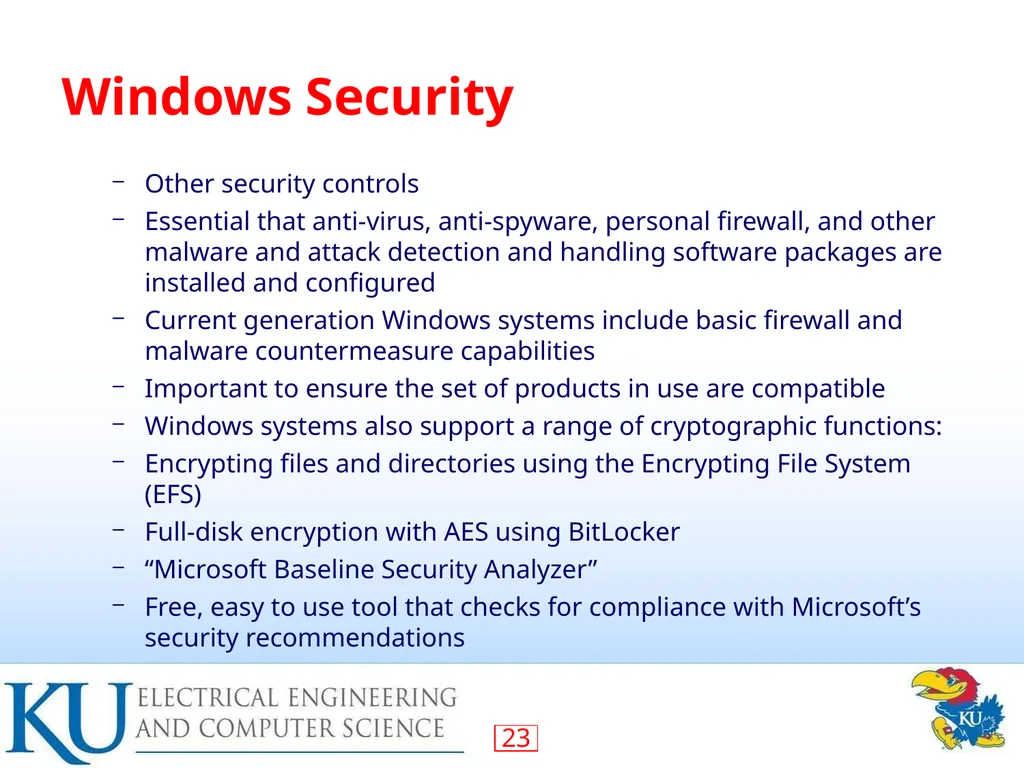
Windows Security Other security controls
Essential that anti-virus, anti-spyware, personal firewall, and other malware and attack detection and handling software packages are installed and configured
Current generation Windows systems include basic firewall and malware countermeasure capabilities
Important to ensure the set of products in use are compatible
Windows systems also support a range of cryptographic functions:
Encrypting files and directories using the Encrypting File System (EFS)
Full-disk encryption with AES using BitLocker
“Microsoft Baseline Security Analyzer”
Free, easy to use tool that checks for compliance with Microsoft’s security recommendations<br>
Essential that anti-virus, anti-spyware, personal firewall, and other malware and attack detection and handling software packages are installed and configured
Current generation Windows systems include basic firewall and malware countermeasure capabilities
Important to ensure the set of products in use are compatible
Windows systems also support a range of cryptographic functions:
Encrypting files and directories using the Encrypting File System (EFS)
Full-disk encryption with AES using BitLocker
“Microsoft Baseline Security Analyzer”
Free, easy to use tool that checks for compliance with Microsoft’s security recommendations<br>
24
Virtualization A technology that provides an abstraction of the resources used by some software which runs in a simulated environment called a virtual machine (VM)
Benefits include better efficiency in the use of the physical system resources
Provides support for multiple distinct operating systems and associated applications on one physical system
Raises additional security concerns<br>
Benefits include better efficiency in the use of the physical system resources
Provides support for multiple distinct operating systems and associated applications on one physical system
Raises additional security concerns<br>
25
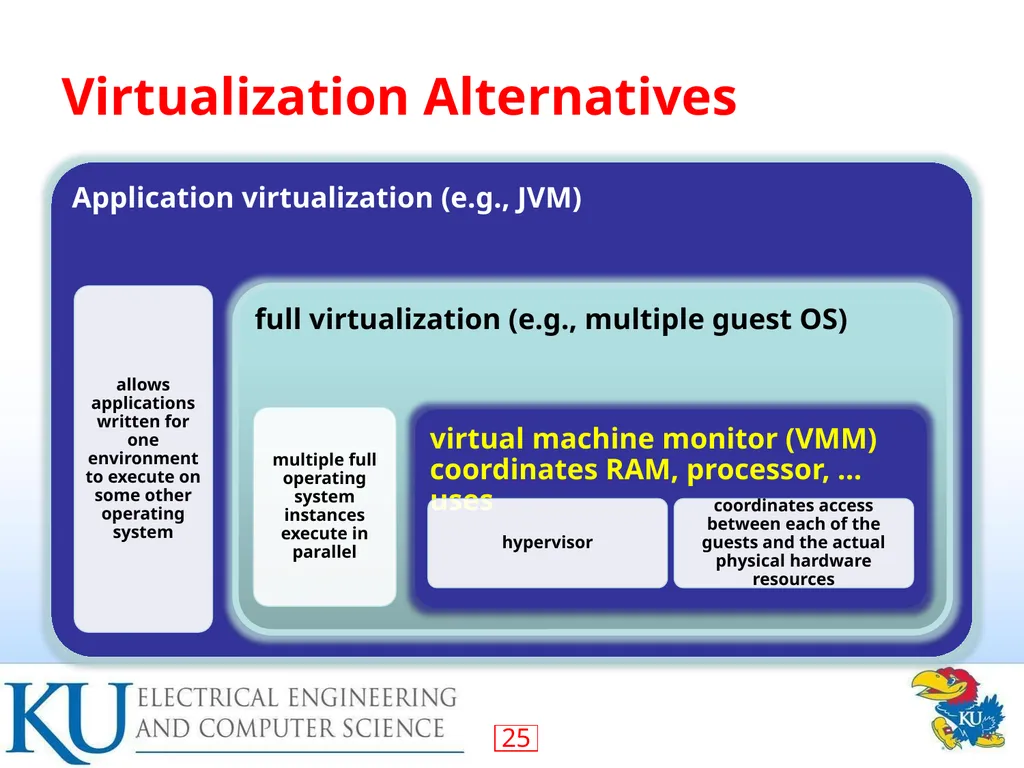
Virtualization Alternatives<br>
26
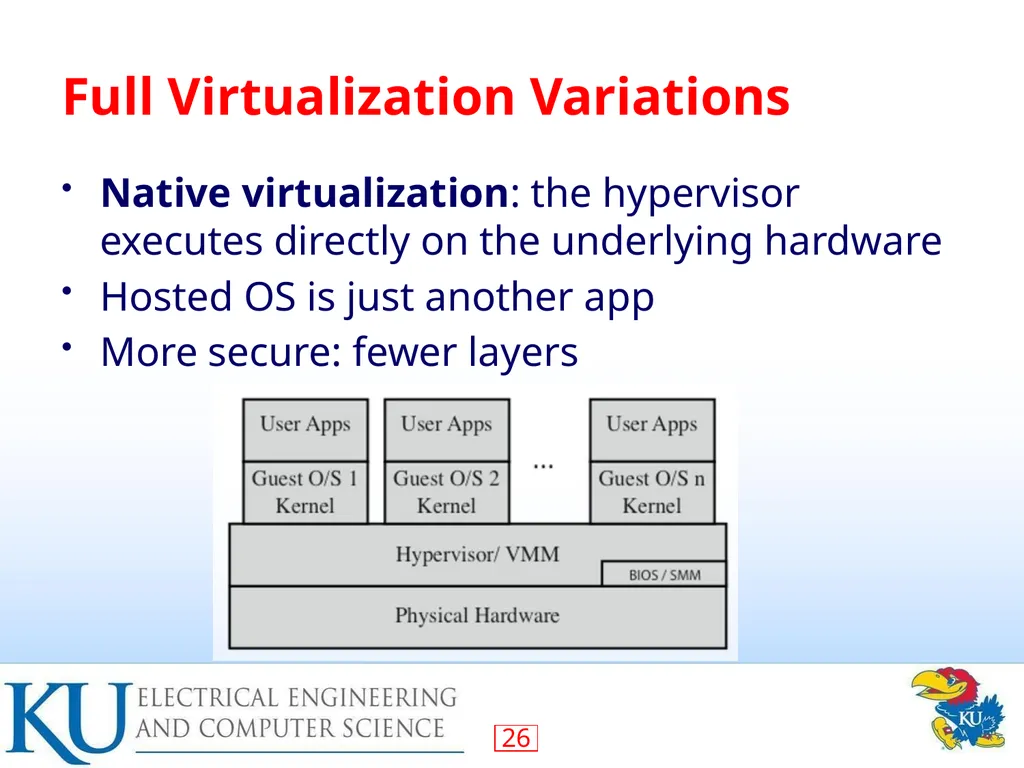
Full Virtualization Variations Native virtualization: the hypervisor executes directly on the underlying hardware
Hosted OS is just another app
More secure: fewer layers<br>
Hosted OS is just another app
More secure: fewer layers<br>
27
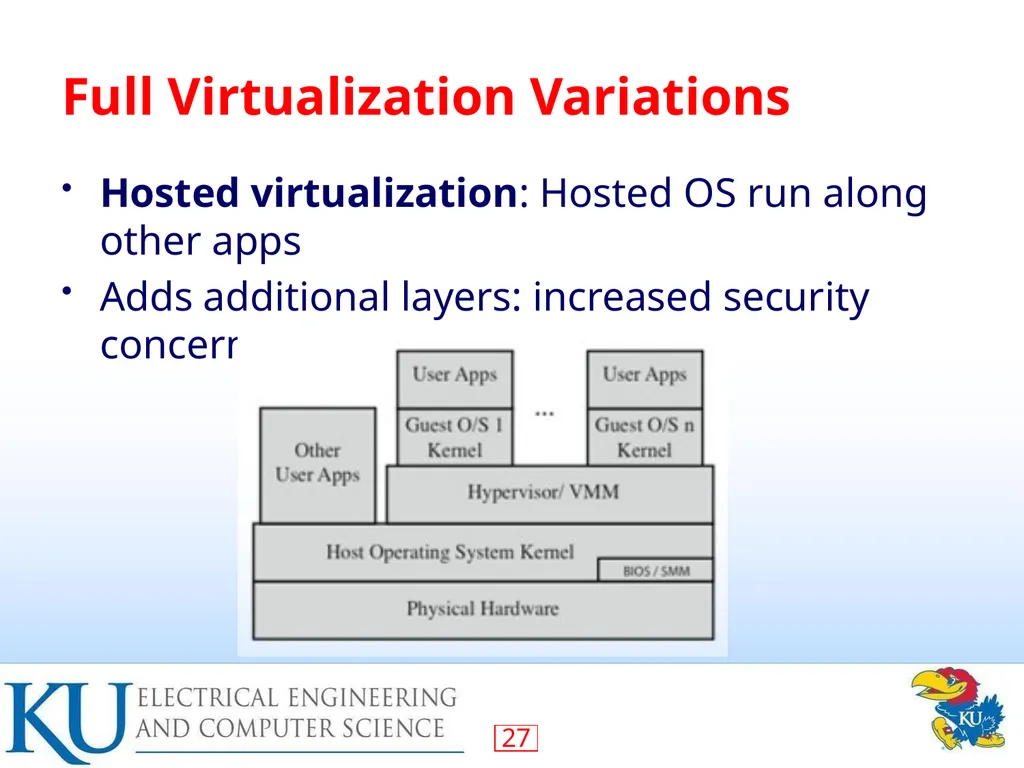
Full Virtualization Variations Hosted virtualization: Hosted OS run along other apps
Adds additional layers: increased security concerns<br>
Adds additional layers: increased security concerns<br>
28
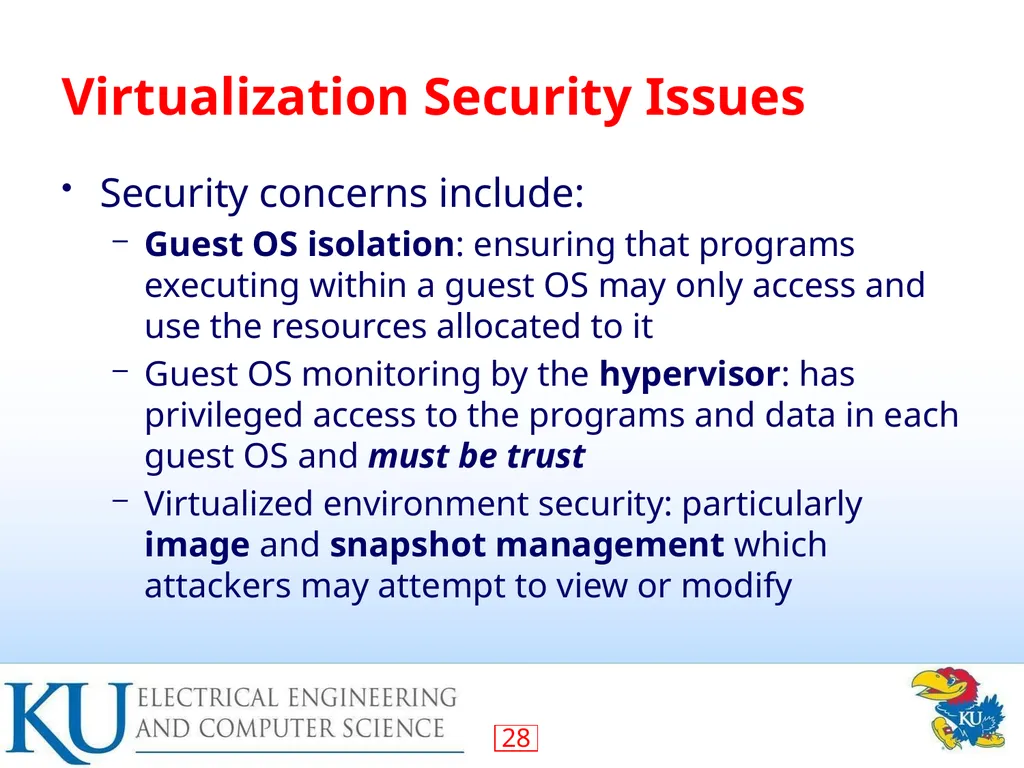
Virtualization Security Issues Security concerns include:
Guest OS isolation: ensuring that programs executing within a guest OS may only access and use the resources allocated to it
Guest OS monitoring by the hypervisor: has privileged access to the programs and data in each guest OS and must be trust
Virtualized environment security: particularly image and snapshot management which attackers may attempt to view or modify<br>
Guest OS isolation: ensuring that programs executing within a guest OS may only access and use the resources allocated to it
Guest OS monitoring by the hypervisor: has privileged access to the programs and data in each guest OS and must be trust
Virtualized environment security: particularly image and snapshot management which attackers may attempt to view or modify<br>
29
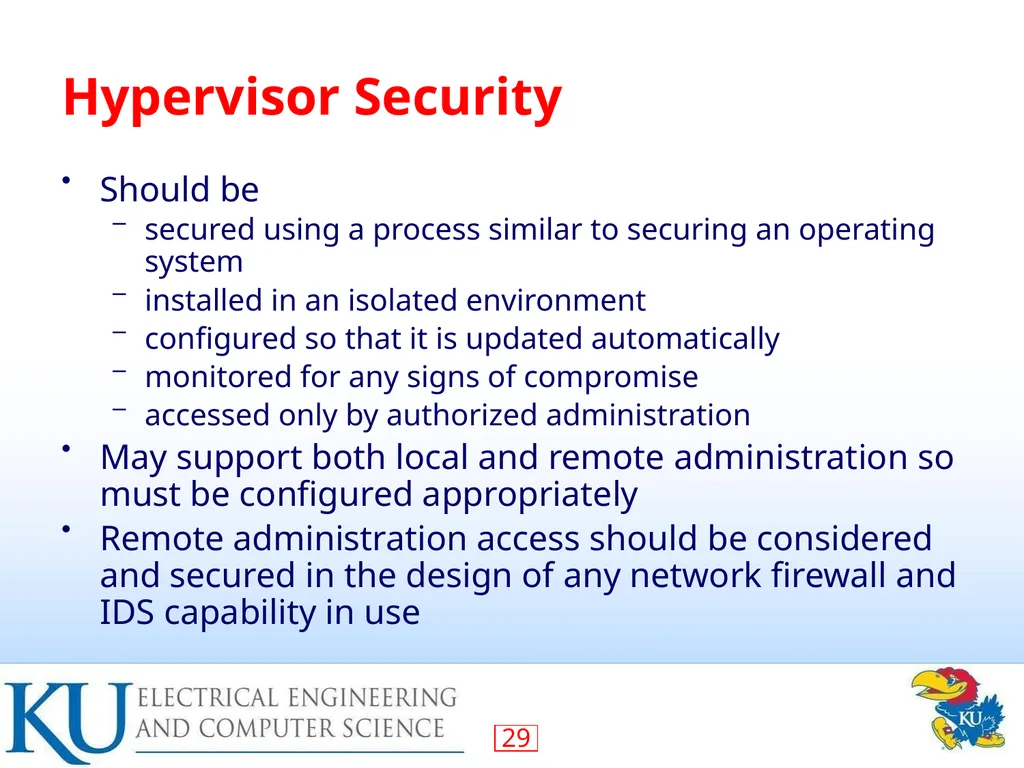
Hypervisor Security Should be
secured using a process similar to securing an operating system
installed in an isolated environment
configured so that it is updated automatically
monitored for any signs of compromise
accessed only by authorized administration
May support both local and remote administration so must be configured appropriately
Remote administration access should be considered and secured in the design of any network firewall and IDS capability in use<br>
secured using a process similar to securing an operating system
installed in an isolated environment
configured so that it is updated automatically
monitored for any signs of compromise
accessed only by authorized administration
May support both local and remote administration so must be configured appropriately
Remote administration access should be considered and secured in the design of any network firewall and IDS capability in use<br>
30
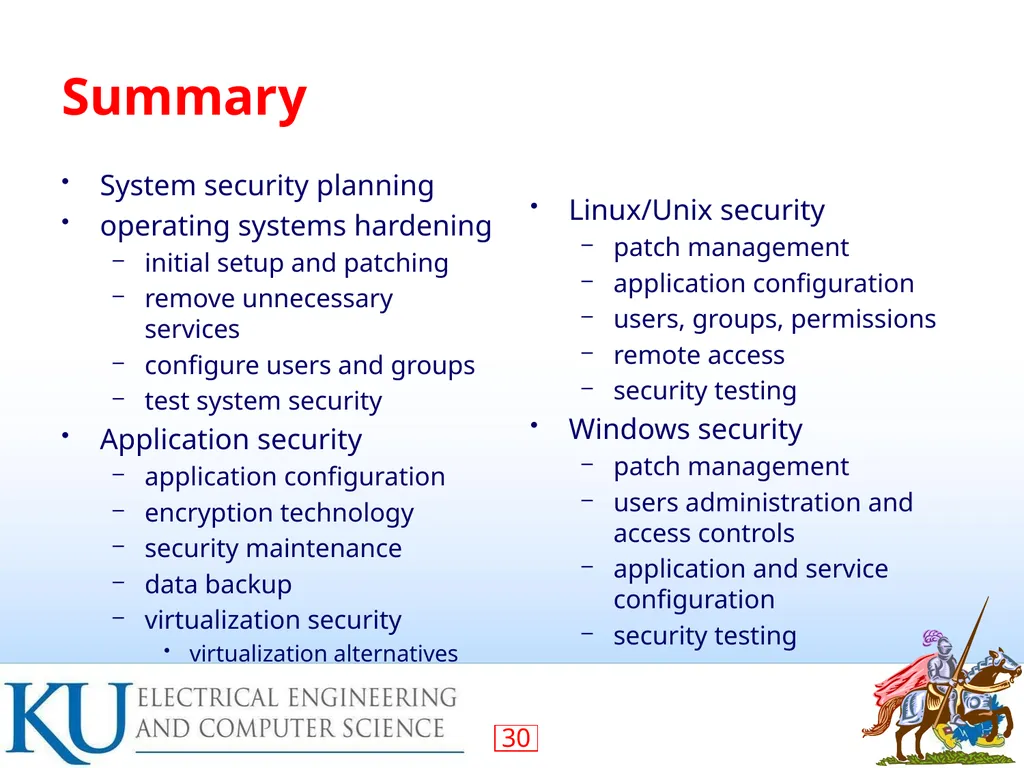
Summary System security planning
operating systems hardening
initial setup and patching
remove unnecessary services
configure users and groups
test system security
Application security
application configuration
encryption technology
security maintenance
data backup
virtualization security
virtualization alternatives Linux/Unix security
patch management
application configuration
users, groups, permissions
remote access
security testing
Windows security
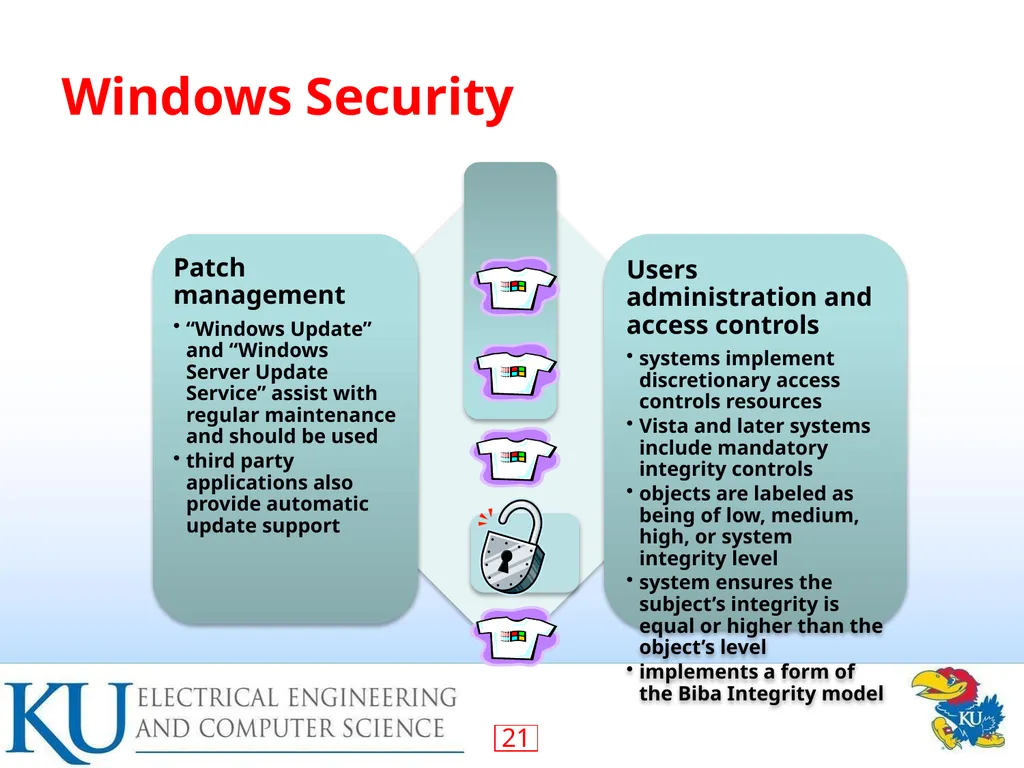
patch management
users administration and access controls
application and service configuration
security testing<br>
operating systems hardening
initial setup and patching
remove unnecessary services
configure users and groups
test system security
Application security
application configuration
encryption technology
security maintenance
data backup
virtualization security
virtualization alternatives Linux/Unix security
patch management
application configuration
users, groups, permissions
remote access
security testing
Windows security
patch management
users administration and access controls
application and service configuration
security testing<br>