Configuring GBVIMS GBVIMS is one room. CPIMS is one room. MRMIMS is one room. Primero is the foundation. Configuring GBVIMS Contact Information Modules Program User Groups Roles Agency Users Forms Configuring GBVIMS Configuring
"Configuring GBVIMS+ GBVIMS+ is one room. CPIMS+ is" is the property of its rightful owner. Permission is granted to
download and print the materials on this website for personal, non-commercial use only, and to display it
on your personal computer provided you do not modify the materials and that you retain all copyright
notices contained in the materials. By downloading content from our website, you accept the terms of this
agreement.
Presentation Transcript
01
Configuring GBVIMS+ GBVIMS+ is one room.
CPIMS+ is one room.
MRMIMS+ is one room.
Primero is the foundation.<br>
02
Configuring GBVIMS+ Contact Information
Modules
Program
User Groups
Roles
Agency
Users
Forms<br>
03
Configuring GBVIMS+<br>
04
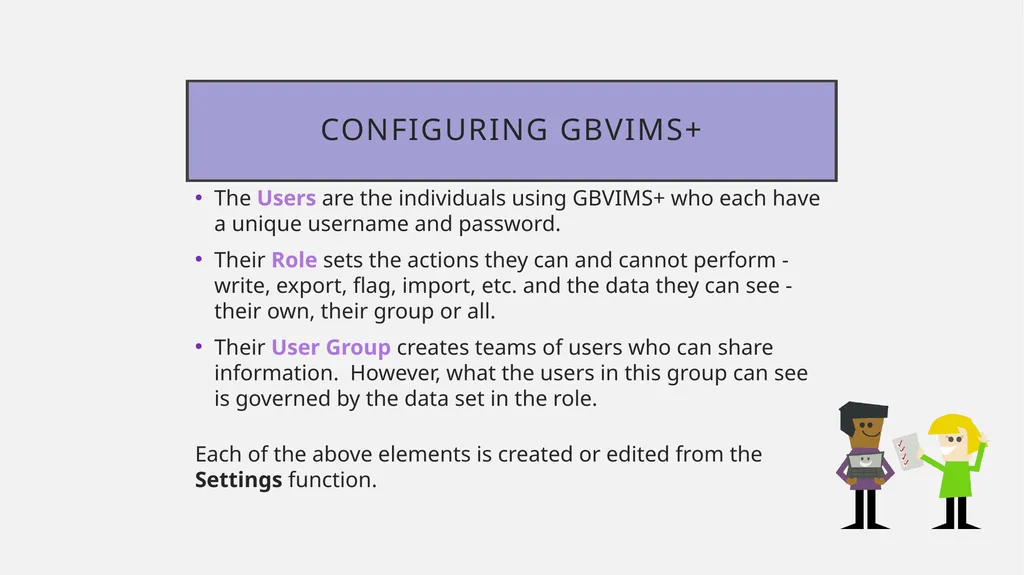
Configuring GBVIMS+ The Users are the individuals using GBVIMS+ who each have a unique username and password.
Their Role sets the actions they can and cannot perform - write, export, flag, import, etc. and the data they can see - their own, their group or all.
Their User Group creates teams of users who can share information. However, what the users in this group can see is governed by the data set in the role.
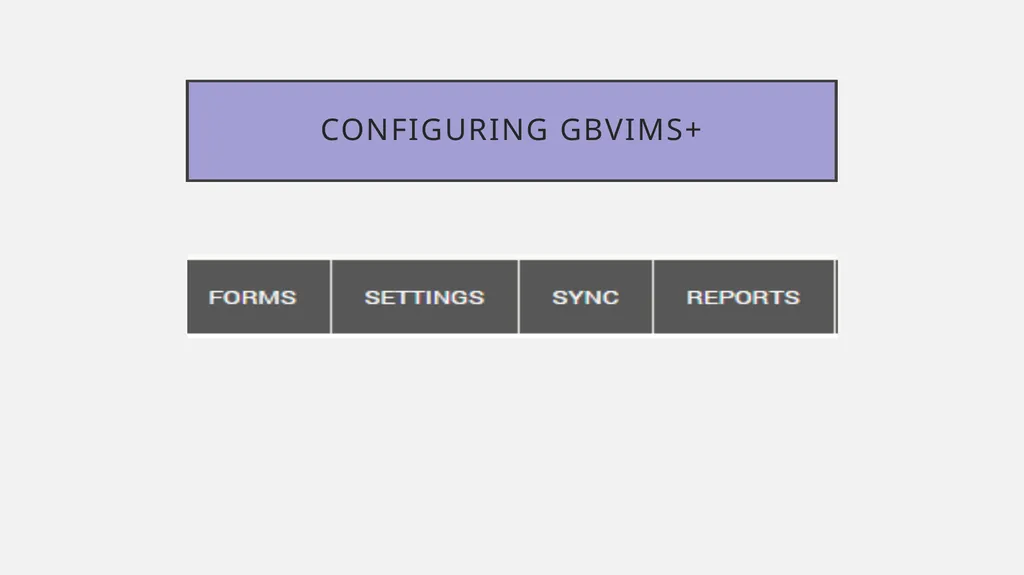
Each of the above elements is created or edited from the Settings function.<br>
05
User Groups are teams of users
Typically set by site User Groups<br>
06
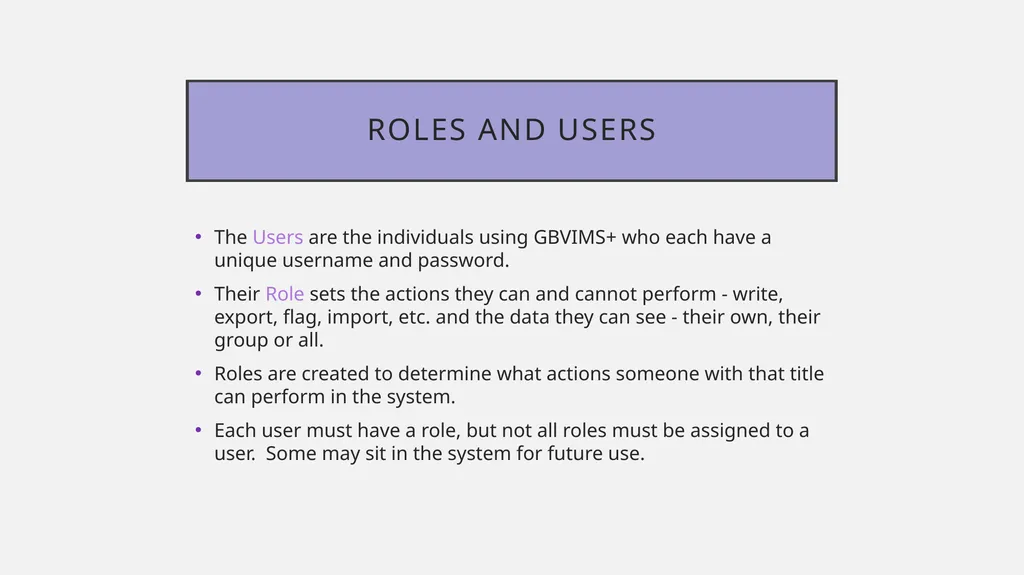
Roles and Users The Users are the individuals using GBVIMS+ who each have a unique username and password.
Their Role sets the actions they can and cannot perform - write, export, flag, import, etc. and the data they can see - their own, their group or all.
Roles are created to determine what actions someone with that title can perform in the system.
Each user must have a role, but not all roles must be assigned to a user. Some may sit in the system for future use.<br>
07
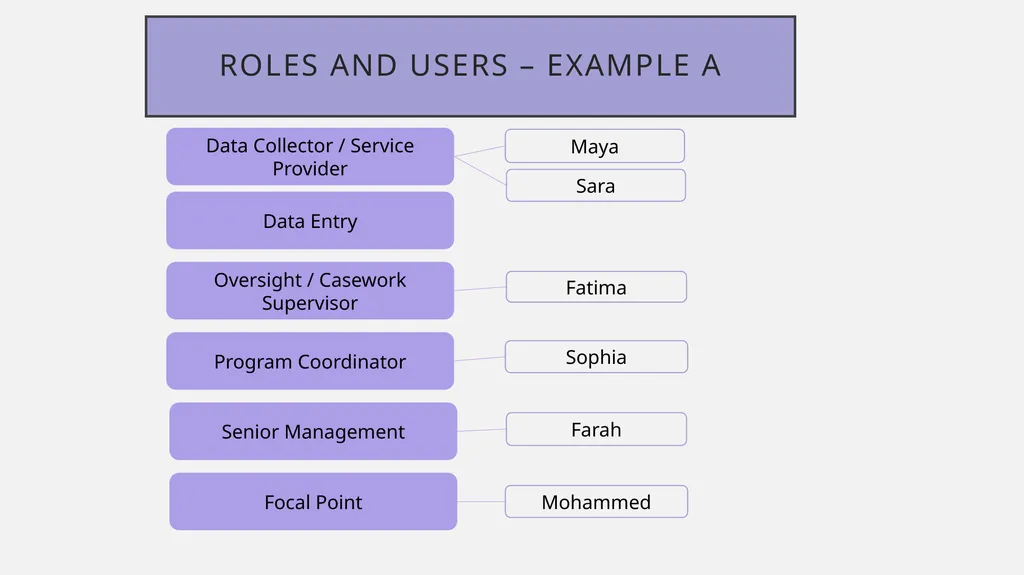
Roles and Users – Example A Data Collector / Service Provider Data Entry Oversight / Casework Supervisor Program Coordinator Senior Management Focal Point Farah Fatima Sara Maya Mohammed Sophia<br>
08
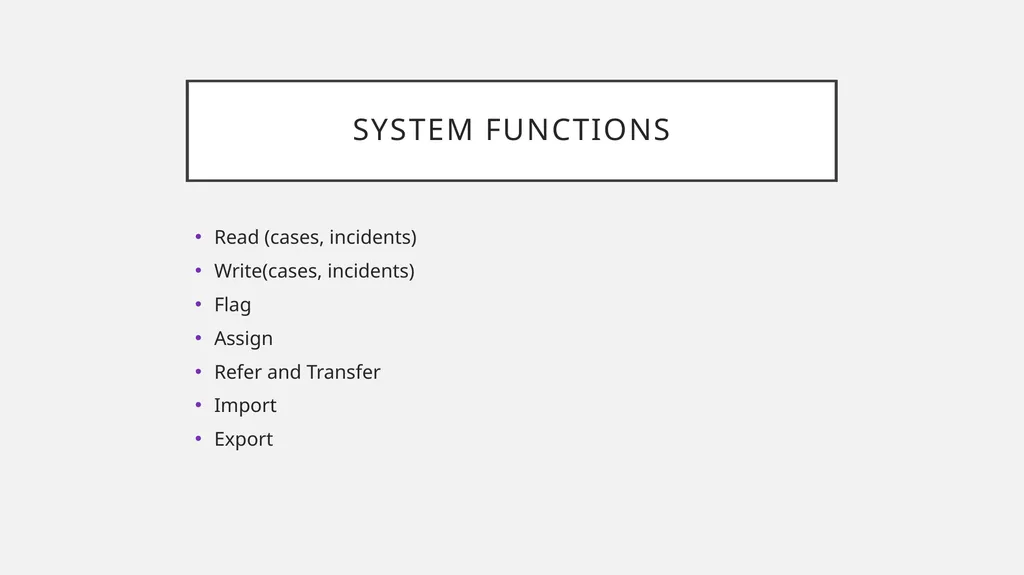
System Functions Read (cases, incidents)
Write(cases, incidents)
Flag
Assign
Refer and Transfer
Import
Export<br>
09
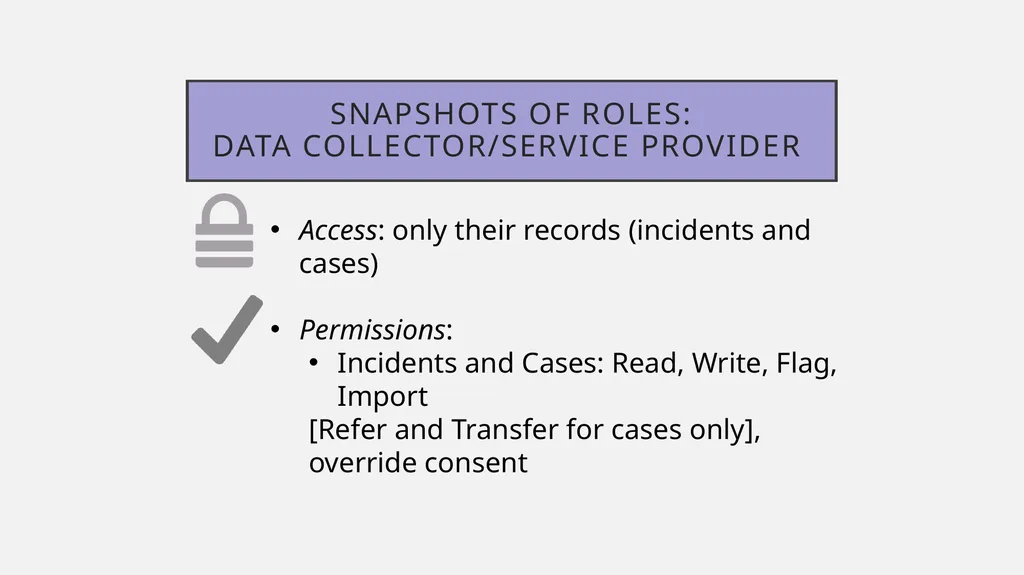
Snapshots of Roles: Data Collector/Service Provider Access: only their records (incidents and cases)
Permissions:
Incidents and Cases: Read, Write, Flag, Import
[Refer and Transfer for cases only], override consent<br>
10
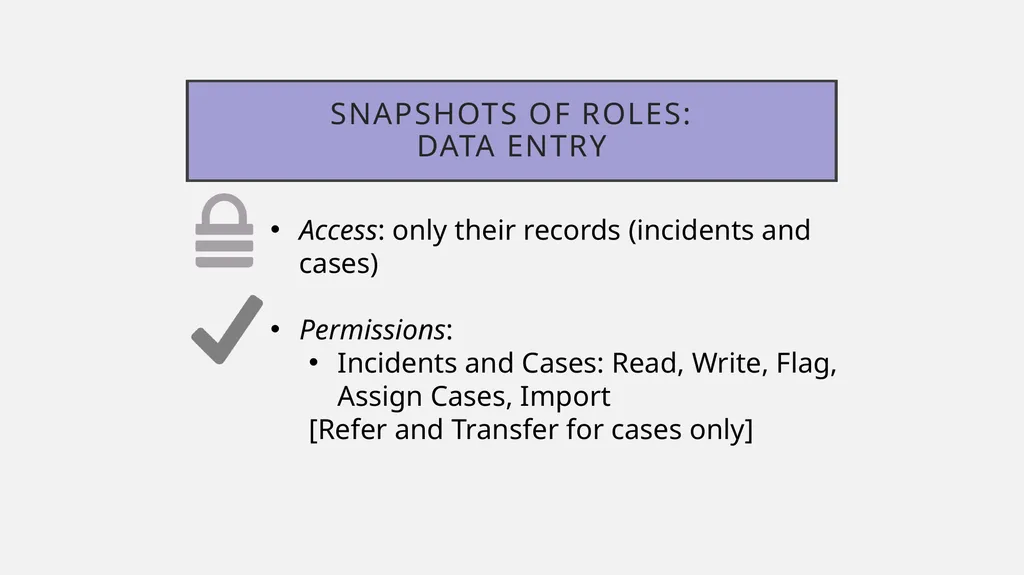
Snapshots of Roles: Data ENTRY Access: only their records (incidents and cases)
Permissions:
Incidents and Cases: Read, Write, Flag, Assign Cases, Import
[Refer and Transfer for cases only]<br>
11
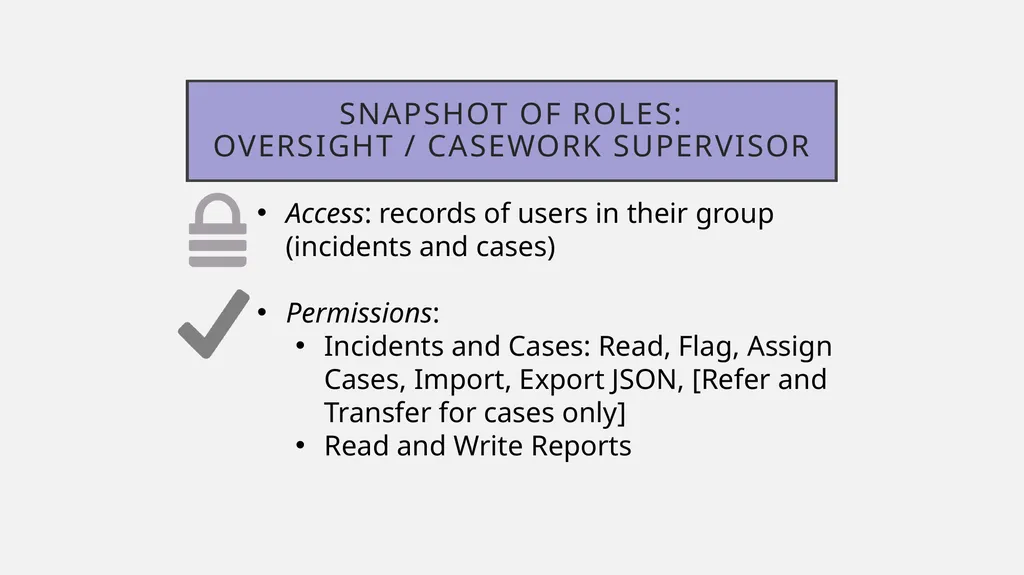
Snapshot of Roles: Oversight / Casework supervisor Access: records of users in their group (incidents and cases)
Permissions:
Incidents and Cases: Read, Flag, Assign Cases, Import, Export JSON, [Refer and Transfer for cases only]
Read and Write Reports<br>
12
Snapshots of Roles: Organizational Program Coordinator Access: all records (not individual level)
Permissions:
Incidents and Cases: Read, Flag, Import
Users: Read, Export, Import, Assign
Read and Write Reports<br>
13
Snapshots of Roles: Organizational Focal Point Access: all records*
Permissions:
Incidents and Cases: Read, Flag, Export (xls and JSON, IR), Import, Assign, [Refer and Transfer for cases only]
Roles: Read, Export, Import, Assign
Users: Read, Export, Import, Assign
Read and Write Reports<br>
14
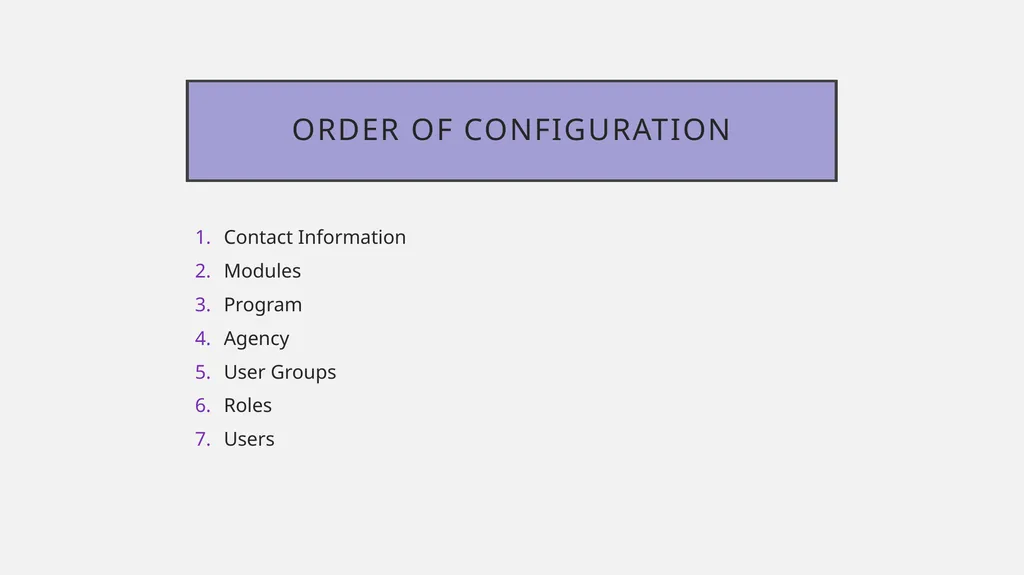
Contact Information
Modules
Program
Agency
User Groups
Roles
Users Order of Configuration<br>