Creating Knockout User Experiences in SharePoint with JavaScript Making awesome with Knockout, jQuery and SharePoint REST about John Liu Senior Consultant for SharePoint Gurus Sydney http:johnliu.net Community: user groups, SharePoint
"Creating Knockout User Experiences in SharePoint" is the property of its rightful owner. Permission is granted to
download and print the materials on this website for personal, non-commercial use only, and to display it
on your personal computer provided you do not modify the materials and that you retain all copyright
notices contained in the materials. By downloading content from our website, you accept the terms of this
agreement.
Presentation Transcript
01
Creating Knockout User Experiences in SharePoint with JavaScript Making awesome with Knockout, jQuery and SharePoint REST<br>
02
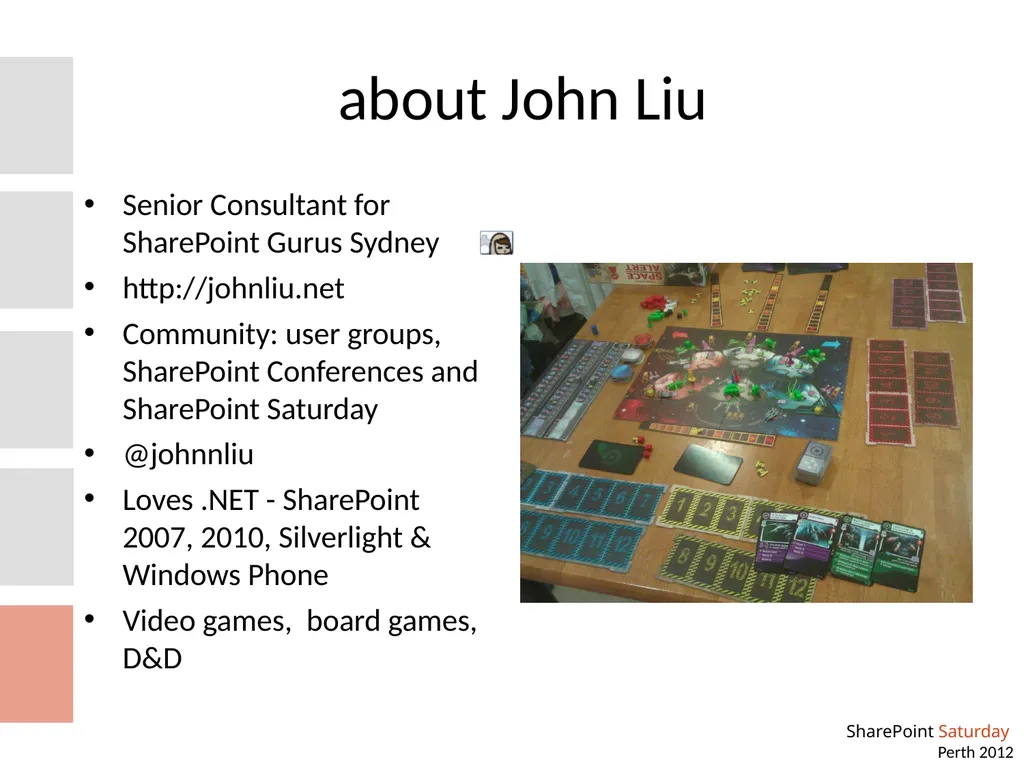
about John Liu Senior Consultant for SharePoint Gurus Sydney
http://johnliu.net
Community: user groups, SharePoint Conferences and SharePoint Saturday
@johnnliu
Loves .NET - SharePoint 2007, 2010, Silverlight & Windows Phone
Video games, board games, D&D<br>
03
Contents Demo, demo, demo (5 demos)
Tricks
Risks
Related techniques<br>
04
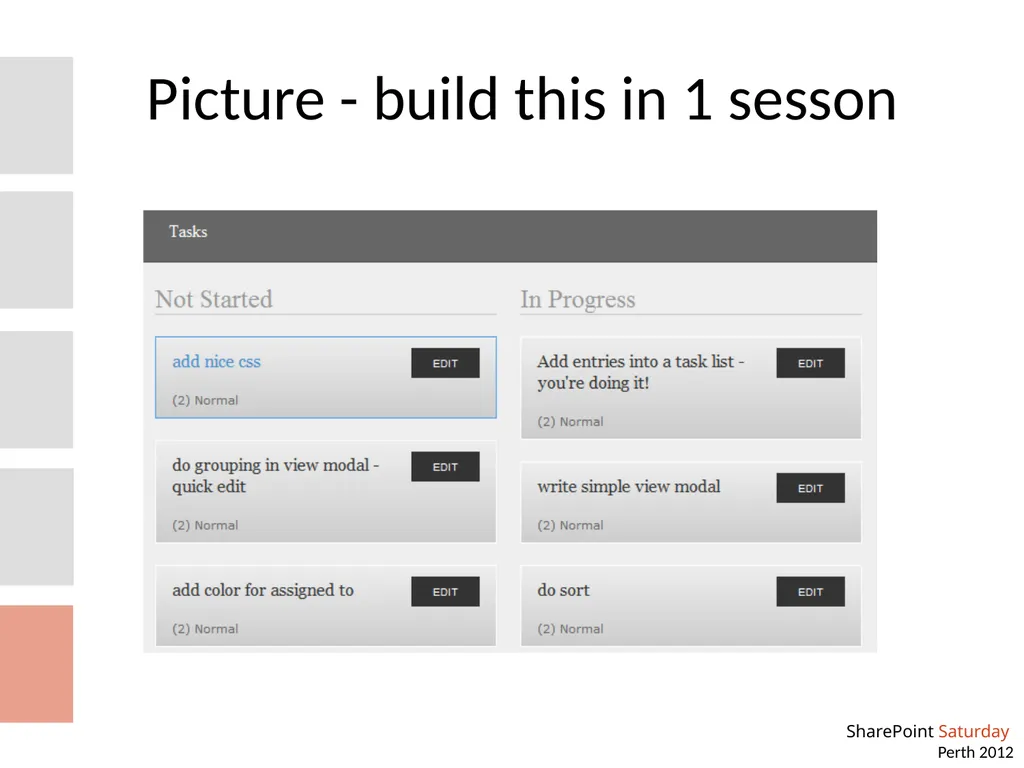
Picture - build this in 1 sesson<br>
05
Demo - ko … 0<br>
06
Demo - ko.mapping … 1<br>
07
Demo - SP2010 REST … 2
listdata.svc
GET interface<br>
08
Demo - SP2010 REST … 3
POST
MERGE
Remember e-tag<br>
09
Demo - crazy … everything!<br>
10
A real world example <picture removed><br>
11
Current issues Debugging is not as great as Visual Studio. You'll need to know how to use the browser's JavaScript debugger fairly well
Not all binding errors show up in the console log - sometimes you only see an error when you debug
It is possible to create circular dependency graphs and then your JavaScript will slow to a dog!<br>
12
Tricks IE developer toolbar
Using HTML inspector
Using JavaScript debugger
Using Network inspector<br>
13
Risk: Is this mainstream? Knockout is created as an open source project, by Steve Sanderson. Who is actually a Microsoft Program Manager in the ASP.NET team.
There are other template engines but they aren't as mature - some are still in beta. Knockout is stable and in version 2 already.
Has been proven to work for ASP.NET WCF, ASP.NET MVC, Ruby on Rails, and now SharePoint
Knockout supports other template engine as plugins.<br>
14
Risk: looks difficult A good grasp of the concepts is the right starting point
Go through the demos and experiment, use that as a reference to build your own UI
Developers with Silverlight/MVVM experience will find this is a good way to reunite that skillset back into client-side HTML
Developers with ASPNET MVC experience will also find this a lot easier<br>
15
What about if you can't use REST? Use the client object model, load SPItem via SP.ClientContext then use ko.mapping
In SP2007, you can also use SPServices.codeplex.com which is a JavaScript wrapper library around SharePoint 2007/2010 SOAP Services
Use KO with your own custom REST services<br>
16
Whoa! We don't do dirty Content Editor webparts! Take the entire content of the html file, and put it into a sandbox visual web part. This will create a sandbox solution and you can deploy that within your site collection<br>