
CS 115 Lecture Lists Part 1 Taken from notes by
FD
Published · 30 slides · 0 views
1 / 1
Description
CS 115 Lecture Lists Part 1 Taken from notes by Dr. Neil Moore Lists In Python, a string is a sequence of characters, but there are other kinds of sequences too. The most important is the list. A list is, like a string, a sequence of
Related Topics
Share
Embed code
Download this presentation From Below
"CS 115 Lecture Lists Part 1 Taken from notes by" is the property of its rightful owner. Permission is granted to download and print the materials on this website for personal, non-commercial use only, and to display it on your personal computer provided you do not modify the materials and that you retain all copyright notices contained in the materials. By downloading content from our website, you accept the terms of this agreement.
Presentation Transcript
01
CS 115 Lecture Lists Part 1
Taken from notes by Dr. Neil Moore<br>
Taken from notes by Dr. Neil Moore<br>
02
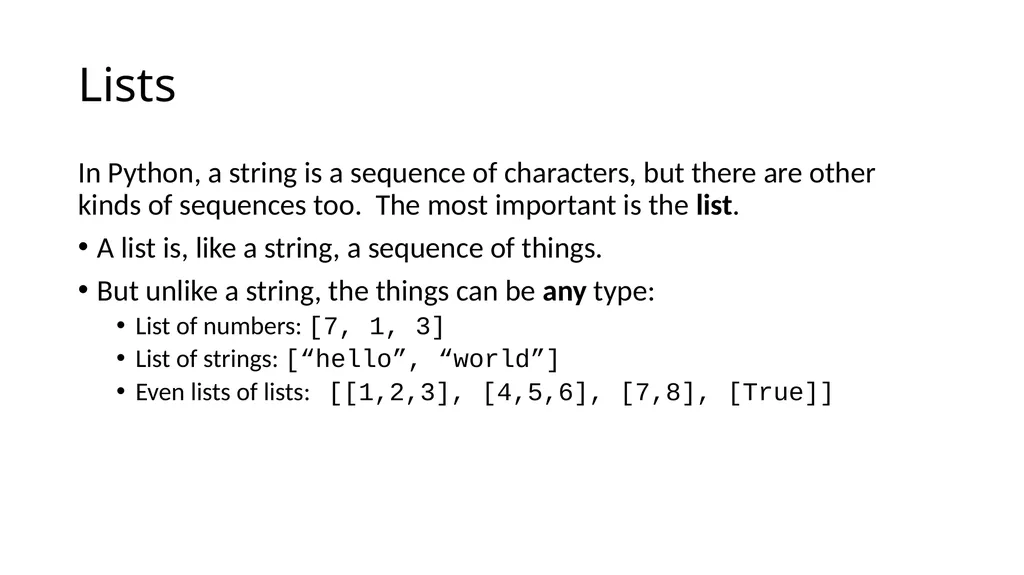
Lists In Python, a string is a sequence of characters, but there are other kinds of sequences too. The most important is the list.
A list is, like a string, a sequence of things.
But unlike a string, the things can be any type:
List of numbers: [7, 1, 3]
List of strings: [“hello”, “world”]
Even lists of lists: [[1,2,3], [4,5,6], [7,8], [True]]<br>
A list is, like a string, a sequence of things.
But unlike a string, the things can be any type:
List of numbers: [7, 1, 3]
List of strings: [“hello”, “world”]
Even lists of lists: [[1,2,3], [4,5,6], [7,8], [True]]<br>
03
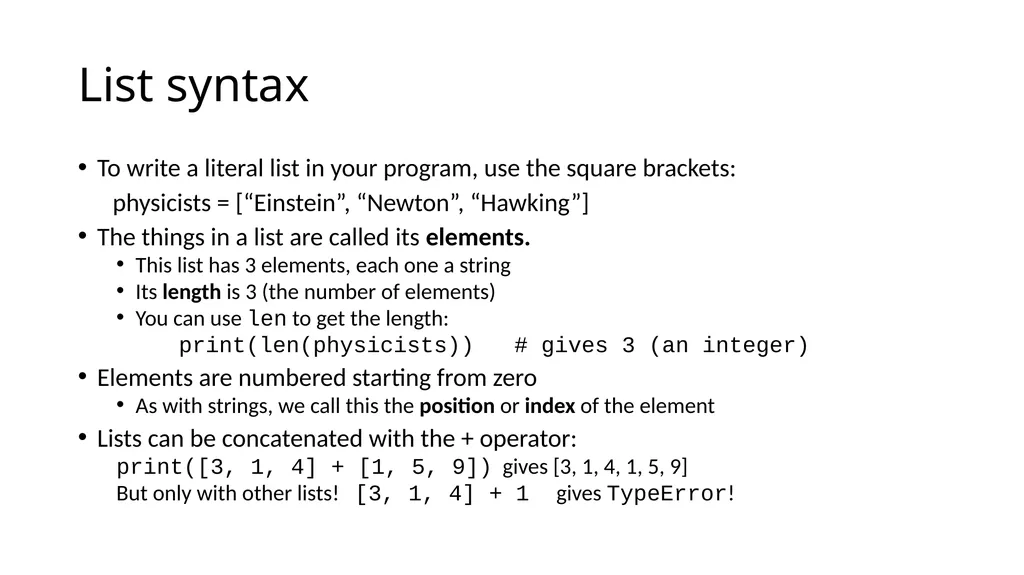
List syntax To write a literal list in your program, use the square brackets:
physicists = [“Einstein”, “Newton”, “Hawking”]
The things in a list are called its elements.
This list has 3 elements, each one a string
Its length is 3 (the number of elements)
You can use len to get the length:
print(len(physicists)) # gives 3 (an integer)
Elements are numbered starting from zero
As with strings, we call this the position or index of the element
Lists can be concatenated with the + operator:
print([3, 1, 4] + [1, 5, 9]) gives [3, 1, 4, 1, 5, 9]
But only with other lists! [3, 1, 4] + 1 gives TypeError!<br>
physicists = [“Einstein”, “Newton”, “Hawking”]
The things in a list are called its elements.
This list has 3 elements, each one a string
Its length is 3 (the number of elements)
You can use len to get the length:
print(len(physicists)) # gives 3 (an integer)
Elements are numbered starting from zero
As with strings, we call this the position or index of the element
Lists can be concatenated with the + operator:
print([3, 1, 4] + [1, 5, 9]) gives [3, 1, 4, 1, 5, 9]
But only with other lists! [3, 1, 4] + 1 gives TypeError!<br>
04
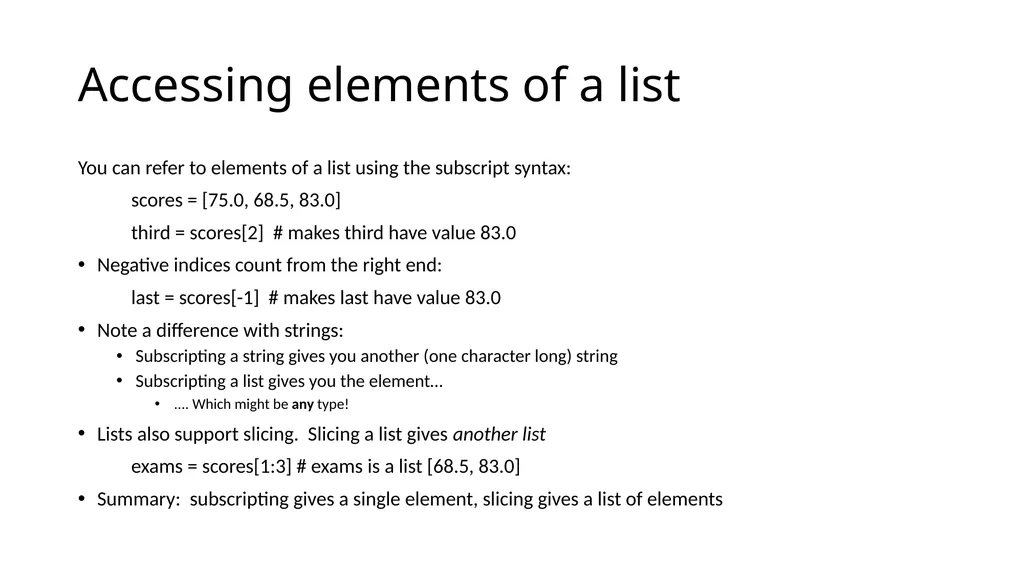
Accessing elements of a list You can refer to elements of a list using the subscript syntax:
scores = [75.0, 68.5, 83.0]
third = scores[2] # makes third have value 83.0
Negative indices count from the right end:
last = scores[-1] # makes last have value 83.0
Note a difference with strings:
Subscripting a string gives you another (one character long) string
Subscripting a list gives you the element…
.... Which might be any type!
Lists also support slicing. Slicing a list gives another list
exams = scores[1:3] # exams is a list [68.5, 83.0]
Summary: subscripting gives a single element, slicing gives a list of elements<br>
scores = [75.0, 68.5, 83.0]
third = scores[2] # makes third have value 83.0
Negative indices count from the right end:
last = scores[-1] # makes last have value 83.0
Note a difference with strings:
Subscripting a string gives you another (one character long) string
Subscripting a list gives you the element…
.... Which might be any type!
Lists also support slicing. Slicing a list gives another list
exams = scores[1:3] # exams is a list [68.5, 83.0]
Summary: subscripting gives a single element, slicing gives a list of elements<br>
05
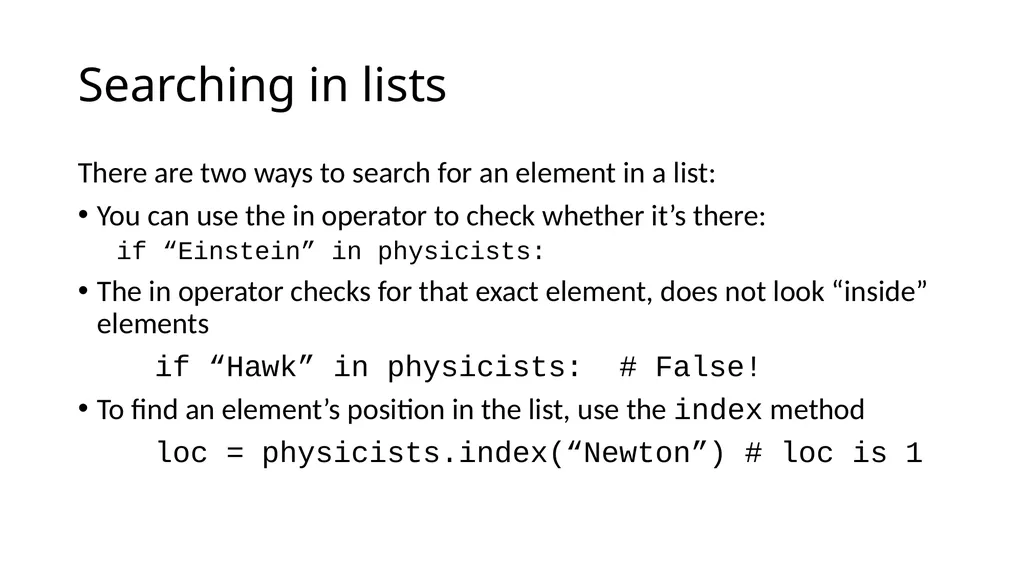
Searching in lists There are two ways to search for an element in a list:
You can use the in operator to check whether it’s there:
if “Einstein” in physicists:
The in operator checks for that exact element, does not look “inside” elements
if “Hawk” in physicists: # False!
To find an element’s position in the list, use the index method
loc = physicists.index(“Newton”) # loc is 1<br>
You can use the in operator to check whether it’s there:
if “Einstein” in physicists:
The in operator checks for that exact element, does not look “inside” elements
if “Hawk” in physicists: # False!
To find an element’s position in the list, use the index method
loc = physicists.index(“Newton”) # loc is 1<br>
06
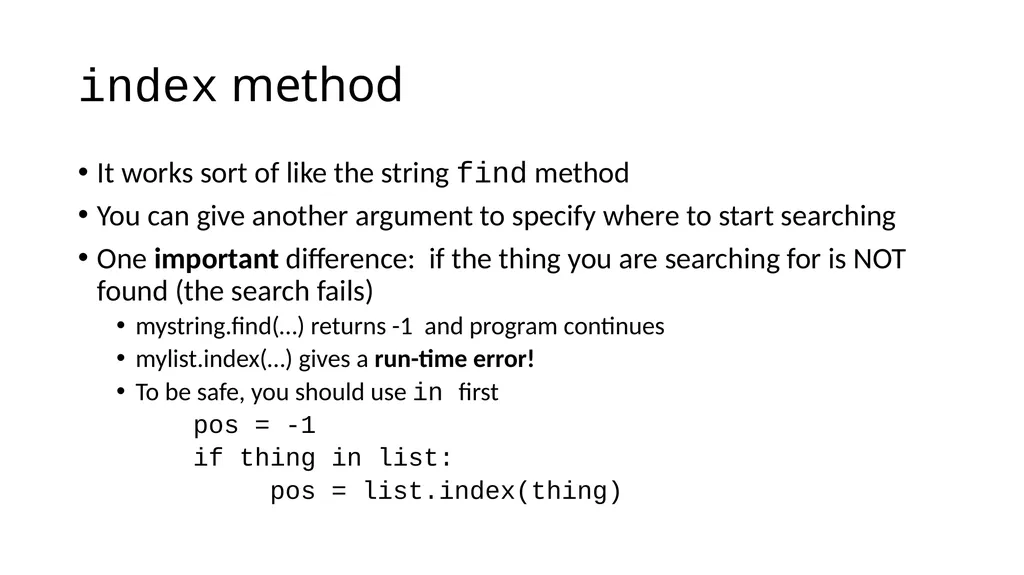
index method It works sort of like the string find method
You can give another argument to specify where to start searching
One important difference: if the thing you are searching for is NOT found (the search fails)
mystring.find(…) returns -1 and program continues
mylist.index(…) gives a run-time error!
To be safe, you should use in first
pos = -1
if thing in list:
pos = list.index(thing)<br>
You can give another argument to specify where to start searching
One important difference: if the thing you are searching for is NOT found (the search fails)
mystring.find(…) returns -1 and program continues
mylist.index(…) gives a run-time error!
To be safe, you should use in first
pos = -1
if thing in list:
pos = list.index(thing)<br>
07
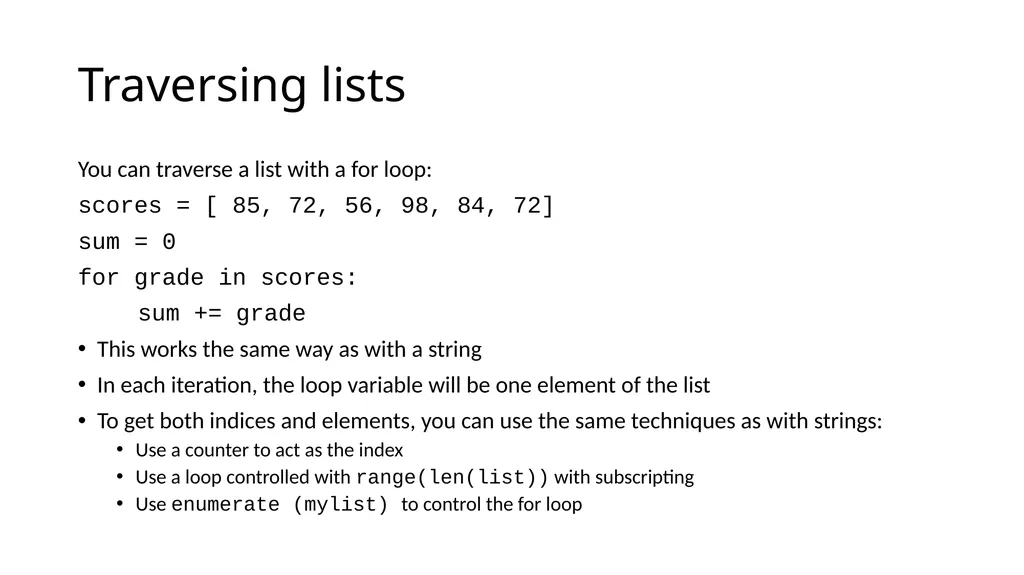
Traversing lists You can traverse a list with a for loop:
scores = [ 85, 72, 56, 98, 84, 72]
sum = 0
for grade in scores:
sum += grade
This works the same way as with a string
In each iteration, the loop variable will be one element of the list
To get both indices and elements, you can use the same techniques as with strings:
Use a counter to act as the index
Use a loop controlled with range(len(list)) with subscripting
Use enumerate (mylist) to control the for loop<br>
scores = [ 85, 72, 56, 98, 84, 72]
sum = 0
for grade in scores:
sum += grade
This works the same way as with a string
In each iteration, the loop variable will be one element of the list
To get both indices and elements, you can use the same techniques as with strings:
Use a counter to act as the index
Use a loop controlled with range(len(list)) with subscripting
Use enumerate (mylist) to control the for loop<br>
08
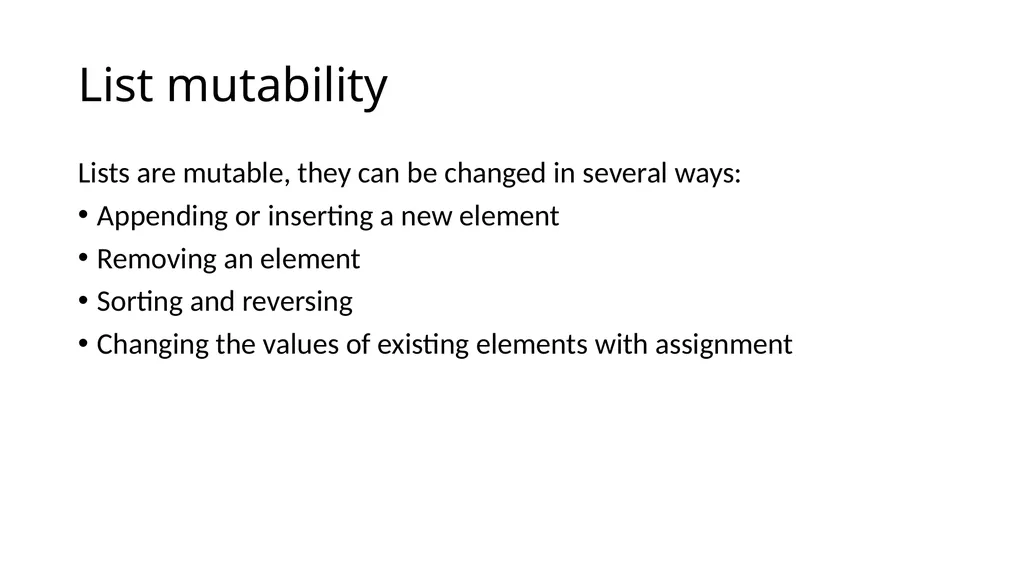
List mutability Lists are mutable, they can be changed in several ways:
Appending or inserting a new element
Removing an element
Sorting and reversing
Changing the values of existing elements with assignment<br>
Appending or inserting a new element
Removing an element
Sorting and reversing
Changing the values of existing elements with assignment<br>
09
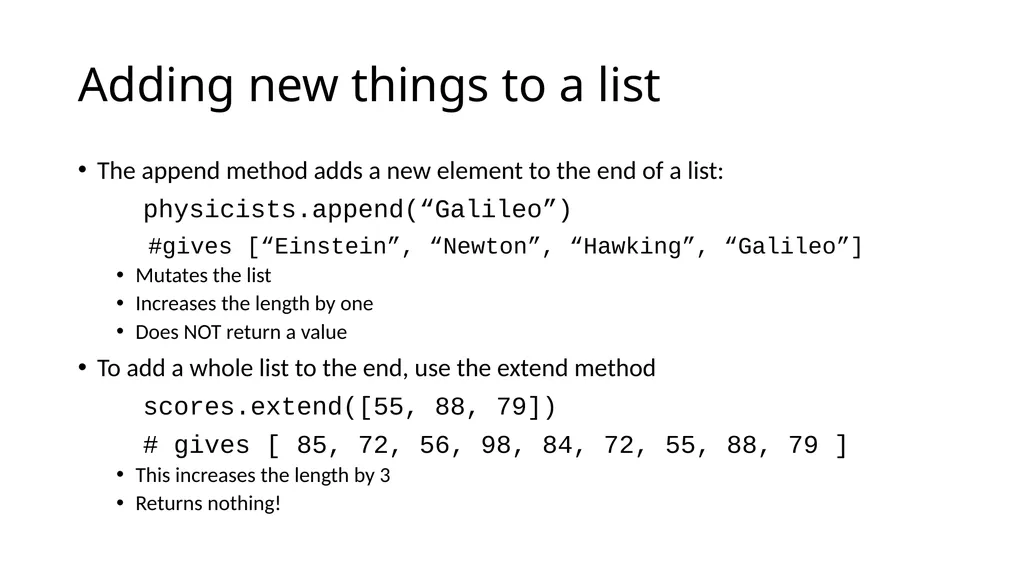
Adding new things to a list The append method adds a new element to the end of a list:
physicists.append(“Galileo”)
#gives [“Einstein”, “Newton”, “Hawking”, “Galileo”]
Mutates the list
Increases the length by one
Does NOT return a value
To add a whole list to the end, use the extend method
scores.extend([55, 88, 79])
# gives [ 85, 72, 56, 98, 84, 72, 55, 88, 79 ]
This increases the length by 3
Returns nothing!<br>
physicists.append(“Galileo”)
#gives [“Einstein”, “Newton”, “Hawking”, “Galileo”]
Mutates the list
Increases the length by one
Does NOT return a value
To add a whole list to the end, use the extend method
scores.extend([55, 88, 79])
# gives [ 85, 72, 56, 98, 84, 72, 55, 88, 79 ]
This increases the length by 3
Returns nothing!<br>
10
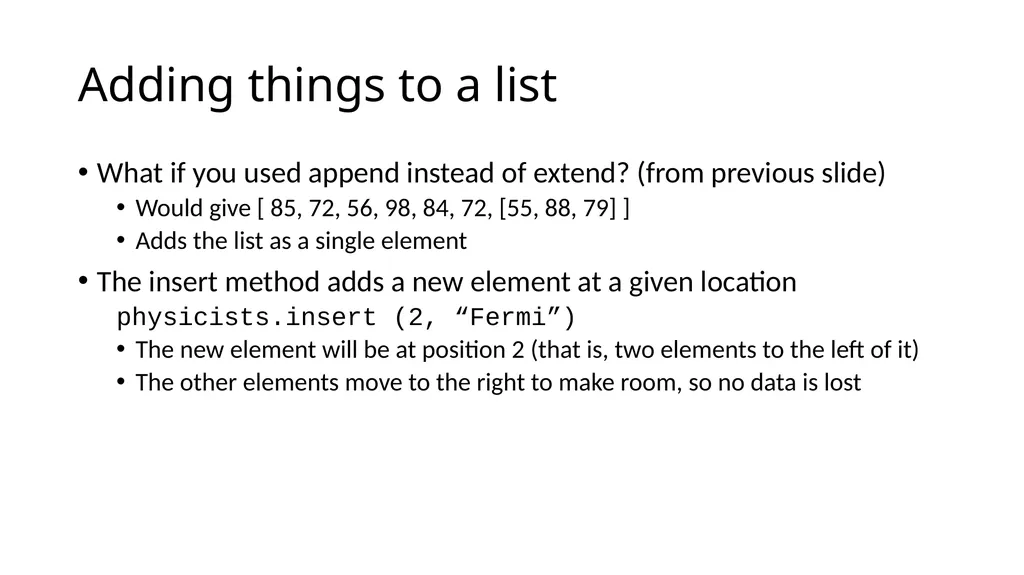
Adding things to a list What if you used append instead of extend? (from previous slide)
Would give [ 85, 72, 56, 98, 84, 72, [55, 88, 79] ]
Adds the list as a single element
The insert method adds a new element at a given location
physicists.insert (2, “Fermi”)
The new element will be at position 2 (that is, two elements to the left of it)
The other elements move to the right to make room, so no data is lost<br>
Would give [ 85, 72, 56, 98, 84, 72, [55, 88, 79] ]
Adds the list as a single element
The insert method adds a new element at a given location
physicists.insert (2, “Fermi”)
The new element will be at position 2 (that is, two elements to the left of it)
The other elements move to the right to make room, so no data is lost<br>
11
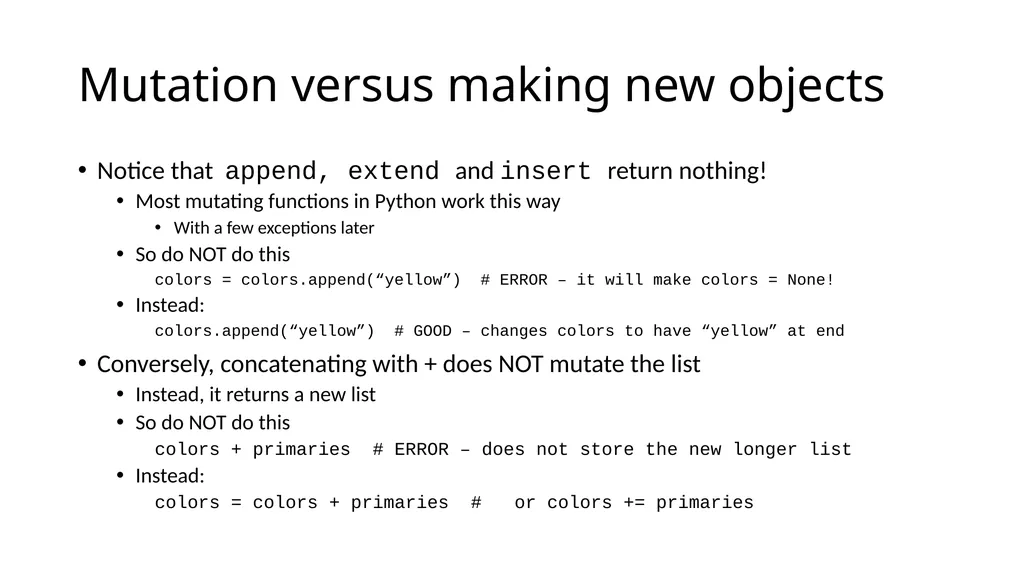
Mutation versus making new objects Notice that append, extend and insert return nothing!
Most mutating functions in Python work this way
With a few exceptions later
So do NOT do this
colors = colors.append(“yellow”) # ERROR – it will make colors = None!
Instead:
colors.append(“yellow”) # GOOD – changes colors to have “yellow” at end
Conversely, concatenating with + does NOT mutate the list
Instead, it returns a new list
So do NOT do this
colors + primaries # ERROR – does not store the new longer list
Instead:
colors = colors + primaries # or colors += primaries<br>
Most mutating functions in Python work this way
With a few exceptions later
So do NOT do this
colors = colors.append(“yellow”) # ERROR – it will make colors = None!
Instead:
colors.append(“yellow”) # GOOD – changes colors to have “yellow” at end
Conversely, concatenating with + does NOT mutate the list
Instead, it returns a new list
So do NOT do this
colors + primaries # ERROR – does not store the new longer list
Instead:
colors = colors + primaries # or colors += primaries<br>
12
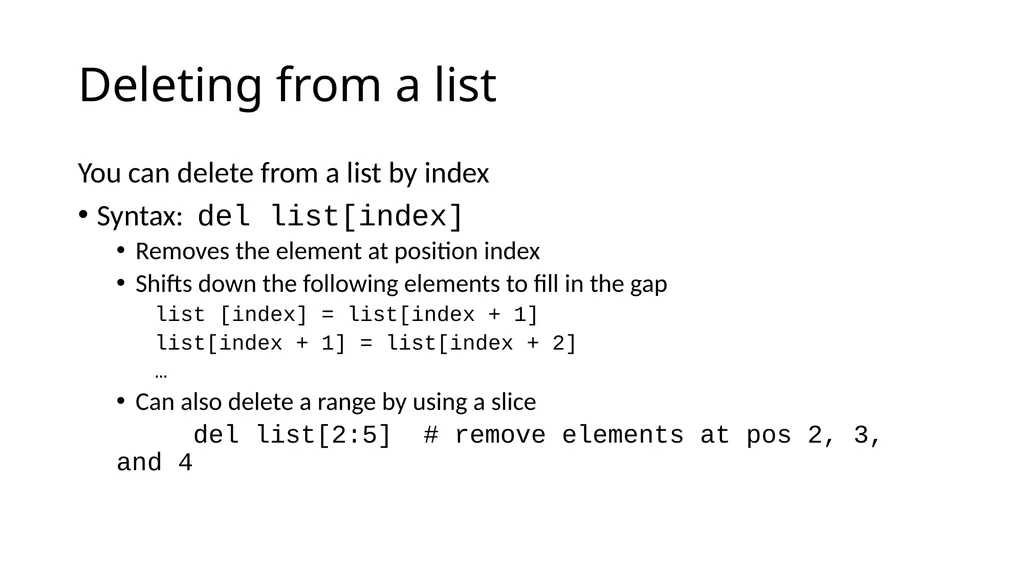
Deleting from a list You can delete from a list by index
Syntax: del list[index]
Removes the element at position index
Shifts down the following elements to fill in the gap
list [index] = list[index + 1]
list[index + 1] = list[index + 2]
…
Can also delete a range by using a slice
del list[2:5] # remove elements at pos 2, 3, and 4<br>
Syntax: del list[index]
Removes the element at position index
Shifts down the following elements to fill in the gap
list [index] = list[index + 1]
list[index + 1] = list[index + 2]
…
Can also delete a range by using a slice
del list[2:5] # remove elements at pos 2, 3, and 4<br>
13
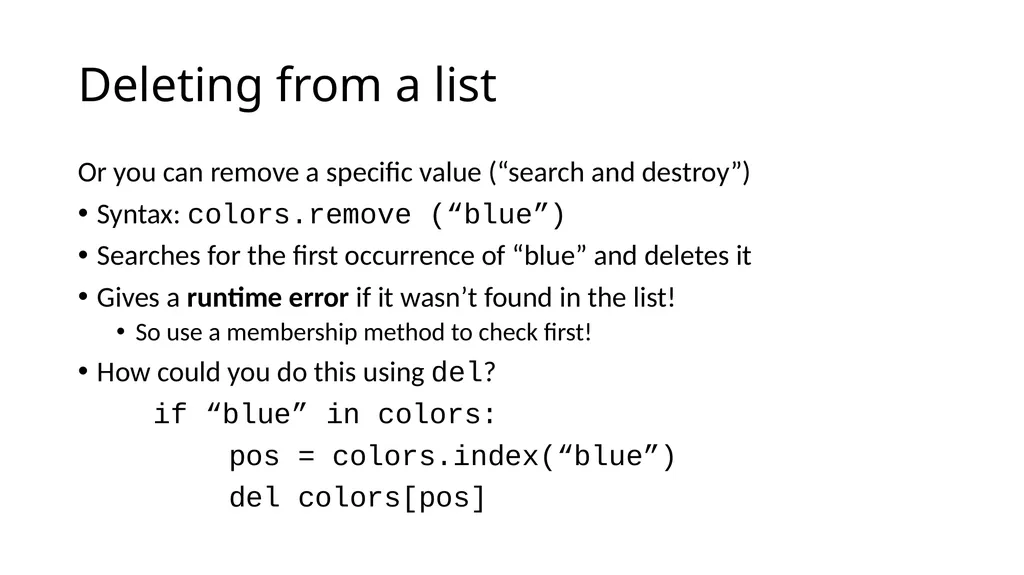
Deleting from a list Or you can remove a specific value (“search and destroy”)
Syntax: colors.remove (“blue”)
Searches for the first occurrence of “blue” and deletes it
Gives a runtime error if it wasn’t found in the list!
So use a membership method to check first!
How could you do this using del?
if “blue” in colors:
pos = colors.index(“blue”)
del colors[pos]<br>
Syntax: colors.remove (“blue”)
Searches for the first occurrence of “blue” and deletes it
Gives a runtime error if it wasn’t found in the list!
So use a membership method to check first!
How could you do this using del?
if “blue” in colors:
pos = colors.index(“blue”)
del colors[pos]<br>
14
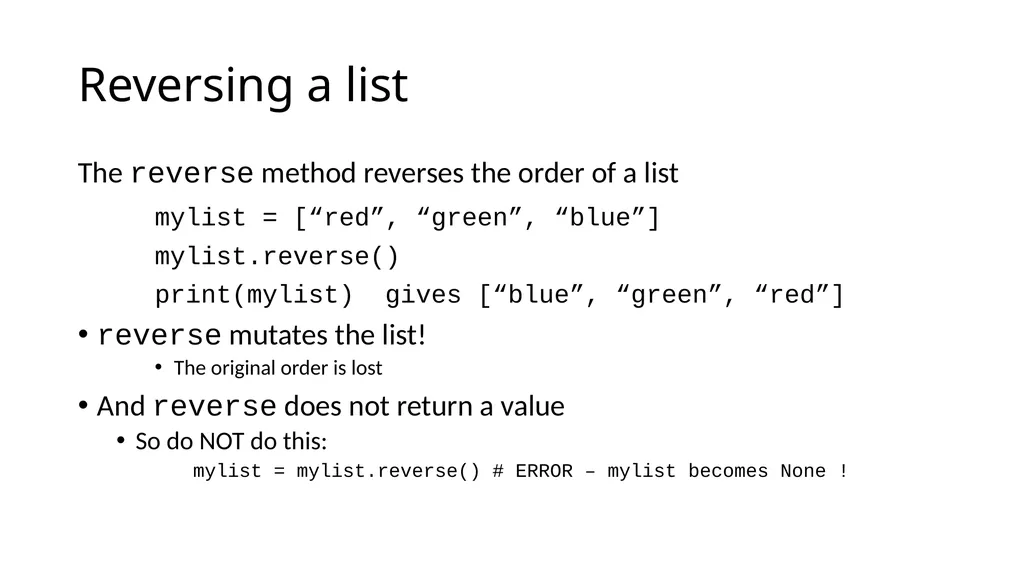
Reversing a list The reverse method reverses the order of a list
mylist = [“red”, “green”, “blue”]
mylist.reverse()
print(mylist) gives [“blue”, “green”, “red”]
reverse mutates the list!
The original order is lost
And reverse does not return a value
So do NOT do this:
mylist = mylist.reverse() # ERROR – mylist becomes None !<br>
mylist = [“red”, “green”, “blue”]
mylist.reverse()
print(mylist) gives [“blue”, “green”, “red”]
reverse mutates the list!
The original order is lost
And reverse does not return a value
So do NOT do this:
mylist = mylist.reverse() # ERROR – mylist becomes None !<br>
15
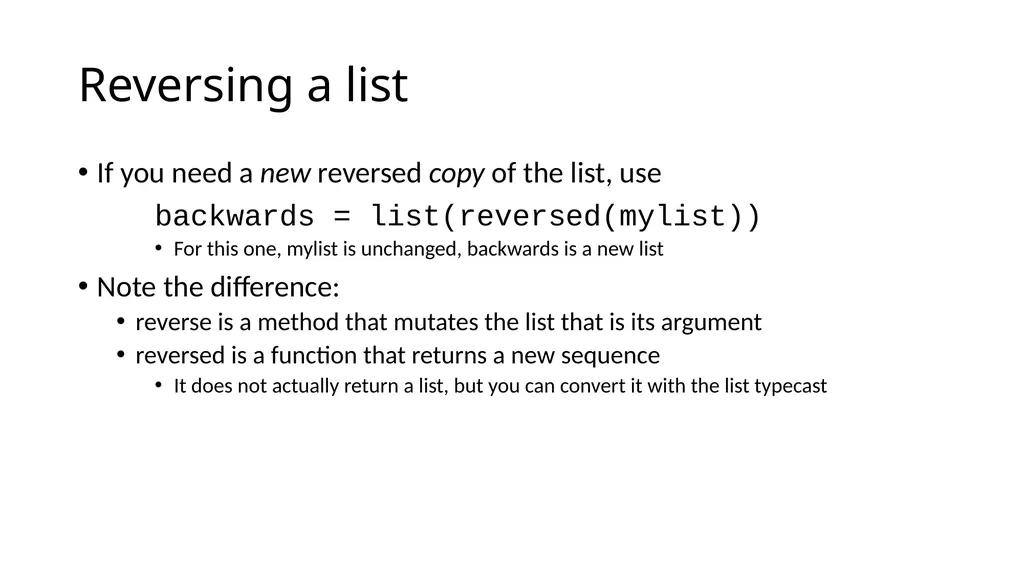
Reversing a list If you need a new reversed copy of the list, use
backwards = list(reversed(mylist))
For this one, mylist is unchanged, backwards is a new list
Note the difference:
reverse is a method that mutates the list that is its argument
reversed is a function that returns a new sequence
It does not actually return a list, but you can convert it with the list typecast<br>
backwards = list(reversed(mylist))
For this one, mylist is unchanged, backwards is a new list
Note the difference:
reverse is a method that mutates the list that is its argument
reversed is a function that returns a new sequence
It does not actually return a list, but you can convert it with the list typecast<br>
16
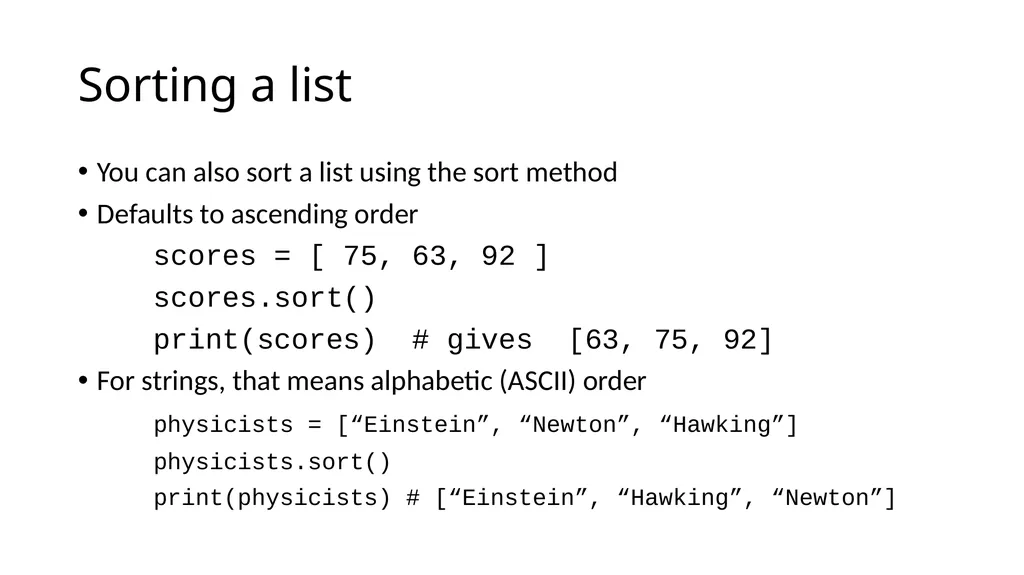
Sorting a list You can also sort a list using the sort method
Defaults to ascending order
scores = [ 75, 63, 92 ]
scores.sort()
print(scores) # gives [63, 75, 92]
For strings, that means alphabetic (ASCII) order
physicists = [“Einstein”, “Newton”, “Hawking”]
physicists.sort()
print(physicists) # [“Einstein”, “Hawking”, “Newton”]<br>
Defaults to ascending order
scores = [ 75, 63, 92 ]
scores.sort()
print(scores) # gives [63, 75, 92]
For strings, that means alphabetic (ASCII) order
physicists = [“Einstein”, “Newton”, “Hawking”]
physicists.sort()
print(physicists) # [“Einstein”, “Hawking”, “Newton”]<br>
17
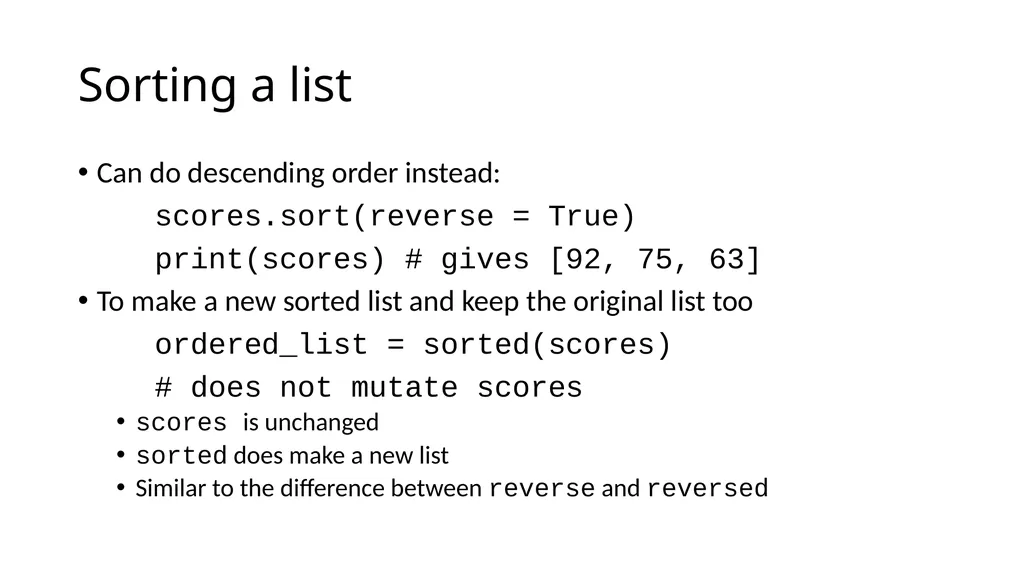
Sorting a list Can do descending order instead:
scores.sort(reverse = True)
print(scores) # gives [92, 75, 63]
To make a new sorted list and keep the original list too
ordered_list = sorted(scores)
# does not mutate scores
scores is unchanged
sorted does make a new list
Similar to the difference between reverse and reversed<br>
scores.sort(reverse = True)
print(scores) # gives [92, 75, 63]
To make a new sorted list and keep the original list too
ordered_list = sorted(scores)
# does not mutate scores
scores is unchanged
sorted does make a new list
Similar to the difference between reverse and reversed<br>
18
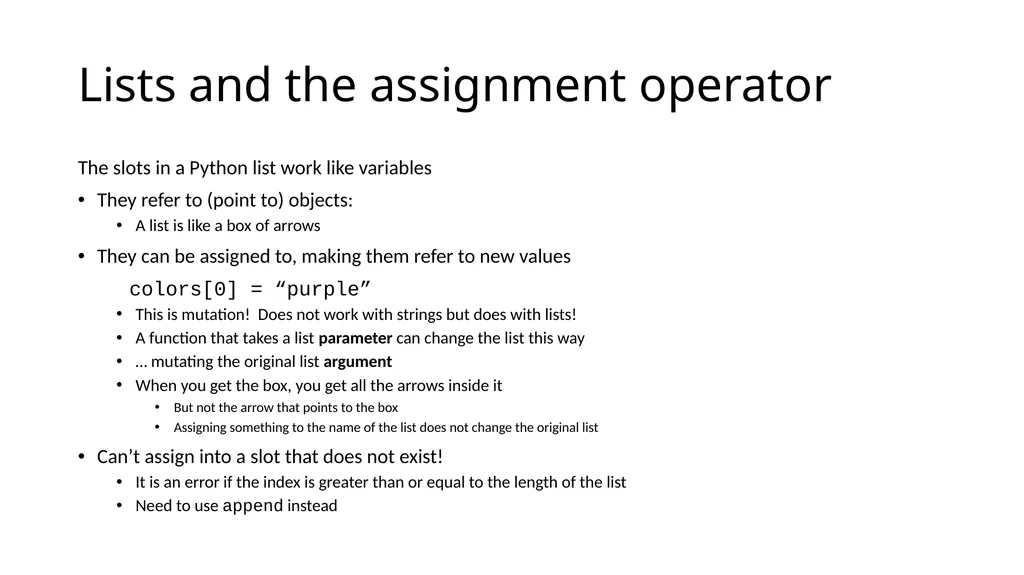
Lists and the assignment operator The slots in a Python list work like variables
They refer to (point to) objects:
A list is like a box of arrows
They can be assigned to, making them refer to new values
colors[0] = “purple”
This is mutation! Does not work with strings but does with lists!
A function that takes a list parameter can change the list this way
… mutating the original list argument
When you get the box, you get all the arrows inside it
But not the arrow that points to the box
Assigning something to the name of the list does not change the original list
Can’t assign into a slot that does not exist!
It is an error if the index is greater than or equal to the length of the list
Need to use append instead<br>
They refer to (point to) objects:
A list is like a box of arrows
They can be assigned to, making them refer to new values
colors[0] = “purple”
This is mutation! Does not work with strings but does with lists!
A function that takes a list parameter can change the list this way
… mutating the original list argument
When you get the box, you get all the arrows inside it
But not the arrow that points to the box
Assigning something to the name of the list does not change the original list
Can’t assign into a slot that does not exist!
It is an error if the index is greater than or equal to the length of the list
Need to use append instead<br>
19
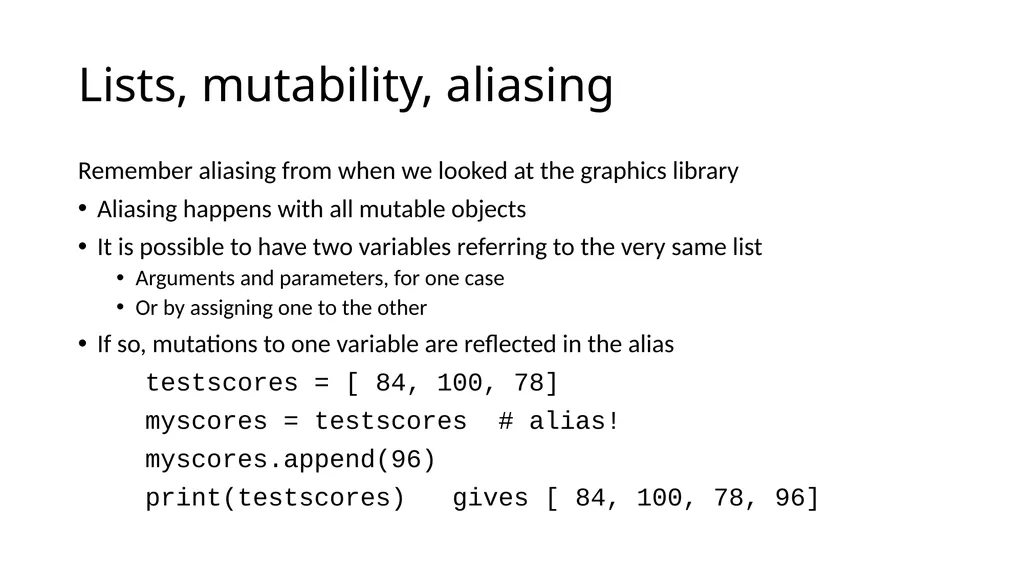
Lists, mutability, aliasing Remember aliasing from when we looked at the graphics library
Aliasing happens with all mutable objects
It is possible to have two variables referring to the very same list
Arguments and parameters, for one case
Or by assigning one to the other
If so, mutations to one variable are reflected in the alias
testscores = [ 84, 100, 78]
myscores = testscores # alias!
myscores.append(96)
print(testscores) gives [ 84, 100, 78, 96]<br>
Aliasing happens with all mutable objects
It is possible to have two variables referring to the very same list
Arguments and parameters, for one case
Or by assigning one to the other
If so, mutations to one variable are reflected in the alias
testscores = [ 84, 100, 78]
myscores = testscores # alias!
myscores.append(96)
print(testscores) gives [ 84, 100, 78, 96]<br>
20
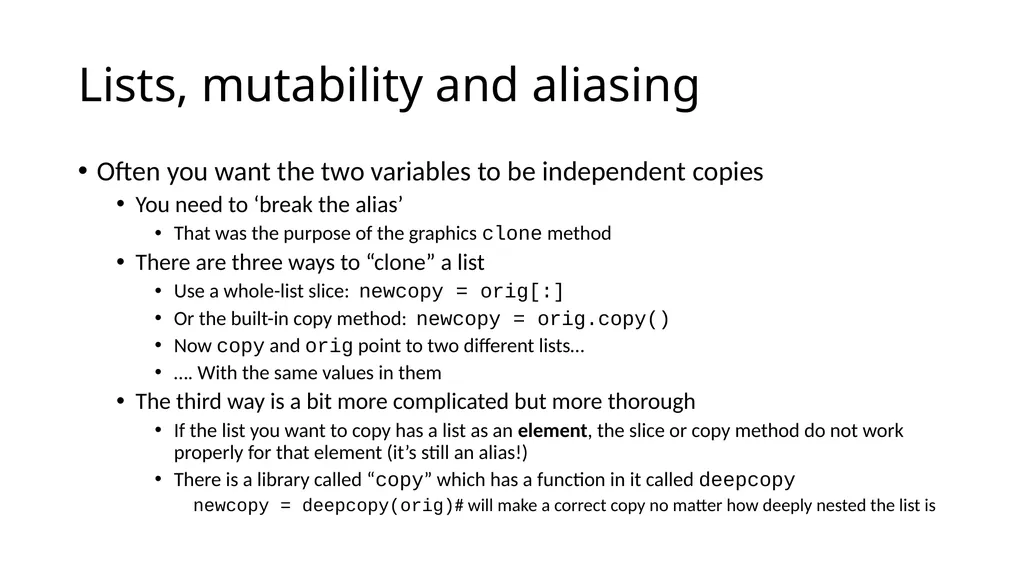
Lists, mutability and aliasing Often you want the two variables to be independent copies
You need to ‘break the alias’
That was the purpose of the graphics clone method
There are three ways to “clone” a list
Use a whole-list slice: newcopy = orig[:]
Or the built-in copy method: newcopy = orig.copy()
Now copy and orig point to two different lists…
…. With the same values in them
The third way is a bit more complicated but more thorough
If the list you want to copy has a list as an element, the slice or copy method do not work properly for that element (it’s still an alias!)
There is a library called “copy” which has a function in it called deepcopy
newcopy = deepcopy(orig)# will make a correct copy no matter how deeply nested the list is<br>
You need to ‘break the alias’
That was the purpose of the graphics clone method
There are three ways to “clone” a list
Use a whole-list slice: newcopy = orig[:]
Or the built-in copy method: newcopy = orig.copy()
Now copy and orig point to two different lists…
…. With the same values in them
The third way is a bit more complicated but more thorough
If the list you want to copy has a list as an element, the slice or copy method do not work properly for that element (it’s still an alias!)
There is a library called “copy” which has a function in it called deepcopy
newcopy = deepcopy(orig)# will make a correct copy no matter how deeply nested the list is<br>
21
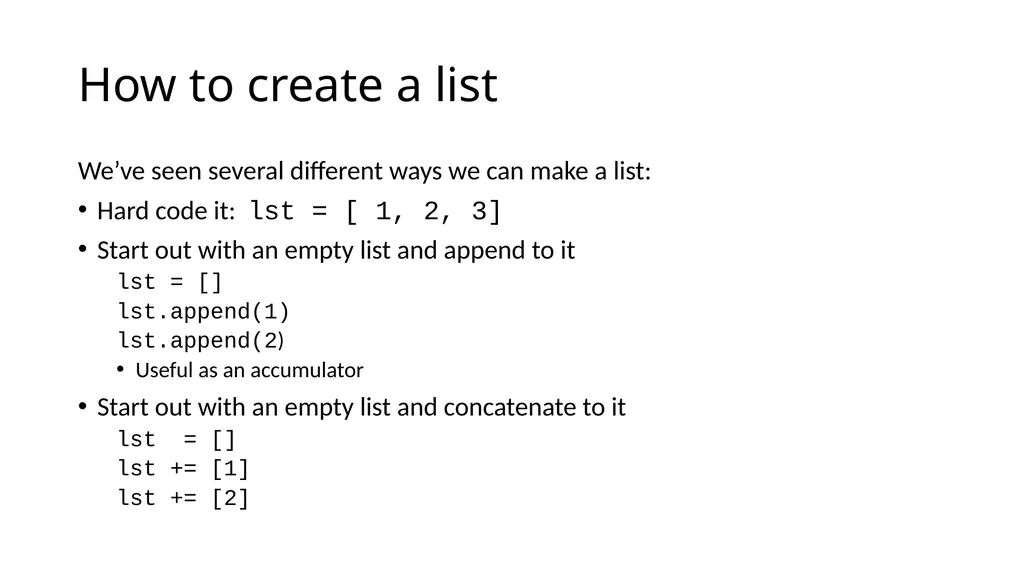
How to create a list We’ve seen several different ways we can make a list:
Hard code it: lst = [ 1, 2, 3]
Start out with an empty list and append to it
lst = []
lst.append(1)
lst.append(2)
Useful as an accumulator
Start out with an empty list and concatenate to it
lst = []
lst += [1]
lst += [2]<br>
Hard code it: lst = [ 1, 2, 3]
Start out with an empty list and append to it
lst = []
lst.append(1)
lst.append(2)
Useful as an accumulator
Start out with an empty list and concatenate to it
lst = []
lst += [1]
lst += [2]<br>
22
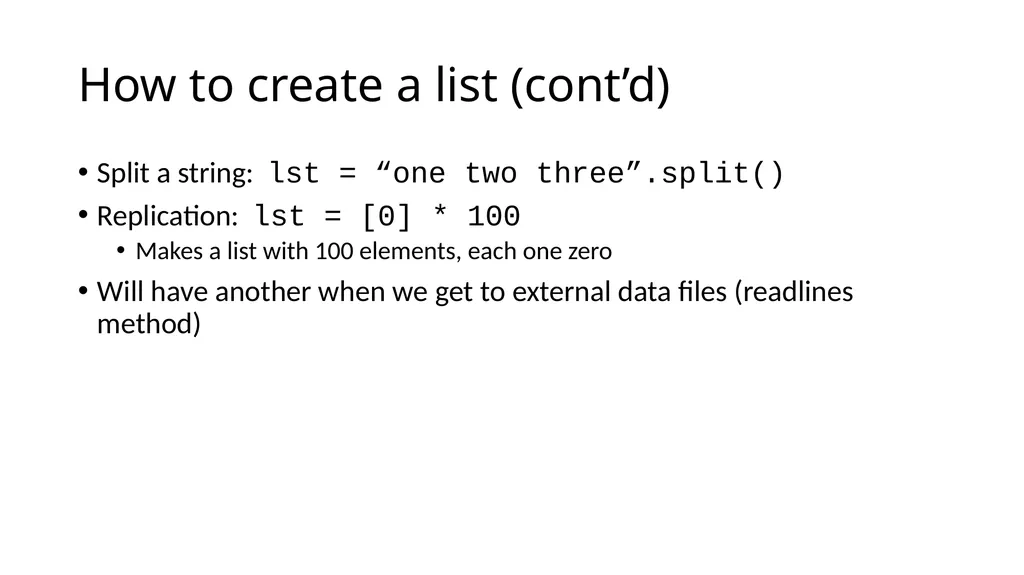
How to create a list (cont’d) Split a string: lst = “one two three”.split()
Replication: lst = [0] * 100
Makes a list with 100 elements, each one zero
Will have another when we get to external data files (readlines method)<br>
Replication: lst = [0] * 100
Makes a list with 100 elements, each one zero
Will have another when we get to external data files (readlines method)<br>
23
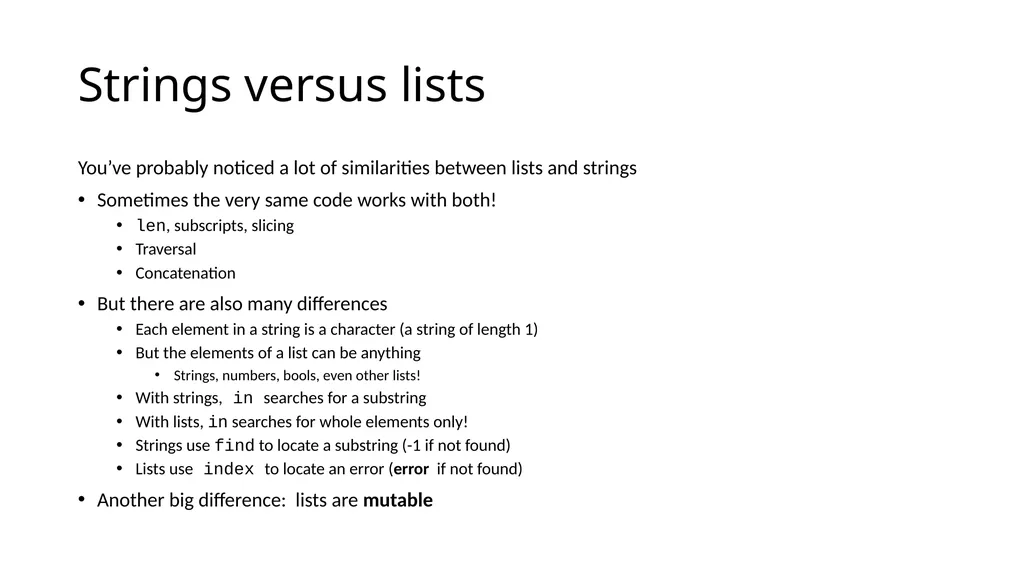
Strings versus lists You’ve probably noticed a lot of similarities between lists and strings
Sometimes the very same code works with both!
len, subscripts, slicing
Traversal
Concatenation
But there are also many differences
Each element in a string is a character (a string of length 1)
But the elements of a list can be anything
Strings, numbers, bools, even other lists!
With strings, in searches for a substring
With lists, in searches for whole elements only!
Strings use find to locate a substring (-1 if not found)
Lists use index to locate an error (error if not found)
Another big difference: lists are mutable<br>
Sometimes the very same code works with both!
len, subscripts, slicing
Traversal
Concatenation
But there are also many differences
Each element in a string is a character (a string of length 1)
But the elements of a list can be anything
Strings, numbers, bools, even other lists!
With strings, in searches for a substring
With lists, in searches for whole elements only!
Strings use find to locate a substring (-1 if not found)
Lists use index to locate an error (error if not found)
Another big difference: lists are mutable<br>
24
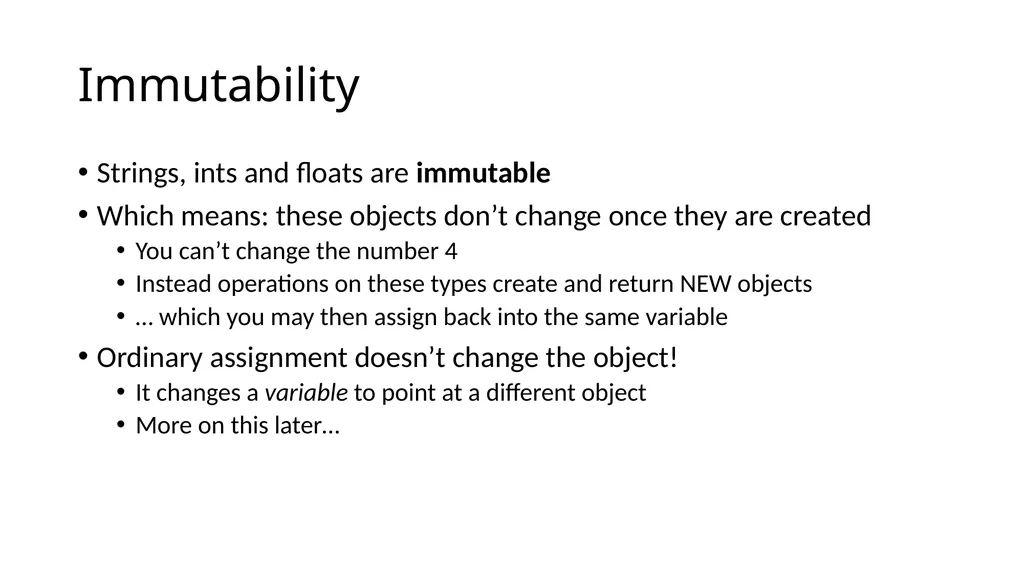
Immutability Strings, ints and floats are immutable
Which means: these objects don’t change once they are created
You can’t change the number 4
Instead operations on these types create and return NEW objects
… which you may then assign back into the same variable
Ordinary assignment doesn’t change the object!
It changes a variable to point at a different object
More on this later…<br>
Which means: these objects don’t change once they are created
You can’t change the number 4
Instead operations on these types create and return NEW objects
… which you may then assign back into the same variable
Ordinary assignment doesn’t change the object!
It changes a variable to point at a different object
More on this later…<br>
25
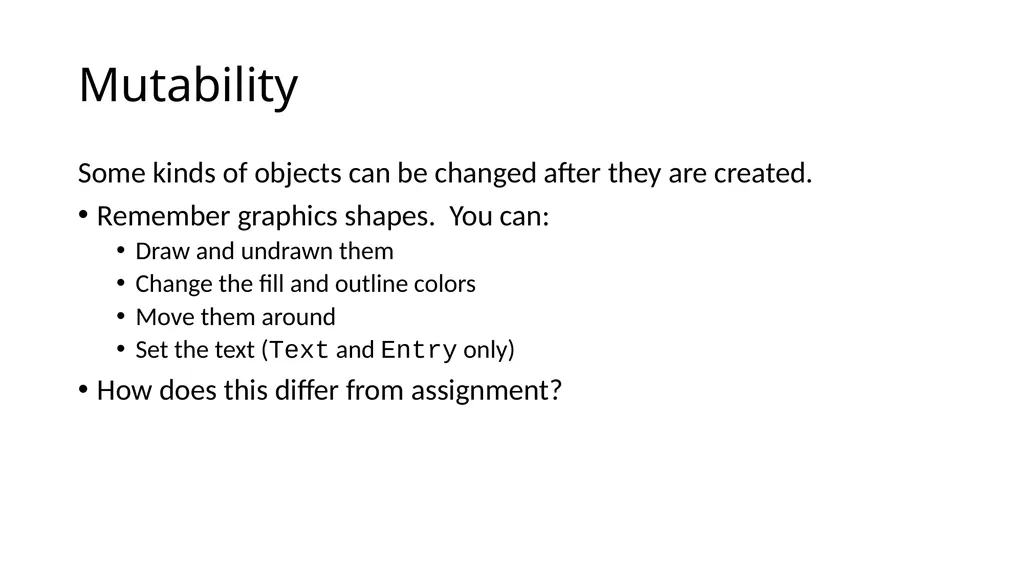
Mutability Some kinds of objects can be changed after they are created.
Remember graphics shapes. You can:
Draw and undrawn them
Change the fill and outline colors
Move them around
Set the text (Text and Entry only)
How does this differ from assignment?<br>
Remember graphics shapes. You can:
Draw and undrawn them
Change the fill and outline colors
Move them around
Set the text (Text and Entry only)
How does this differ from assignment?<br>
26
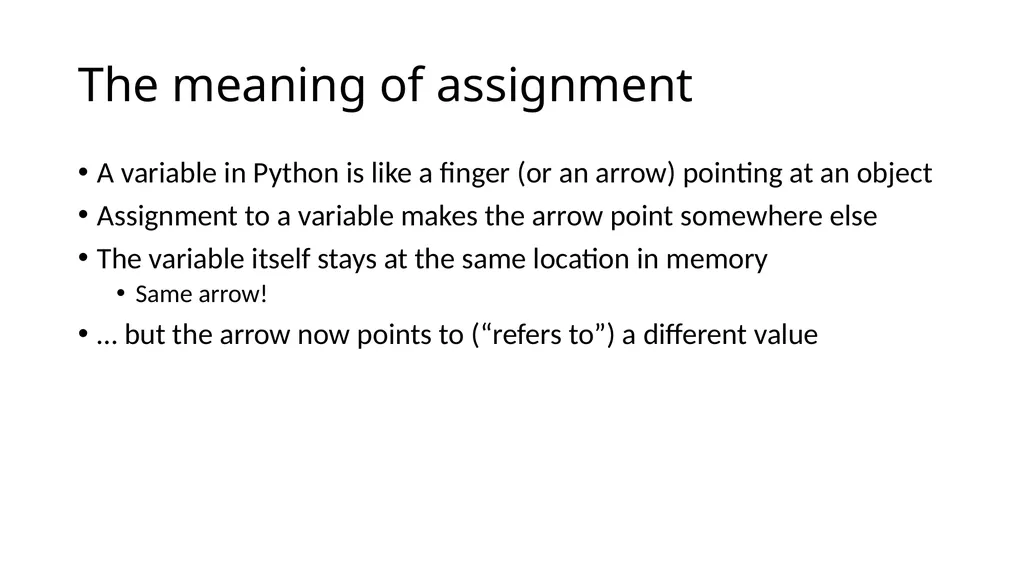
The meaning of assignment A variable in Python is like a finger (or an arrow) pointing at an object
Assignment to a variable makes the arrow point somewhere else
The variable itself stays at the same location in memory
Same arrow!
… but the arrow now points to (“refers to”) a different value<br>
Assignment to a variable makes the arrow point somewhere else
The variable itself stays at the same location in memory
Same arrow!
… but the arrow now points to (“refers to”) a different value<br>
27
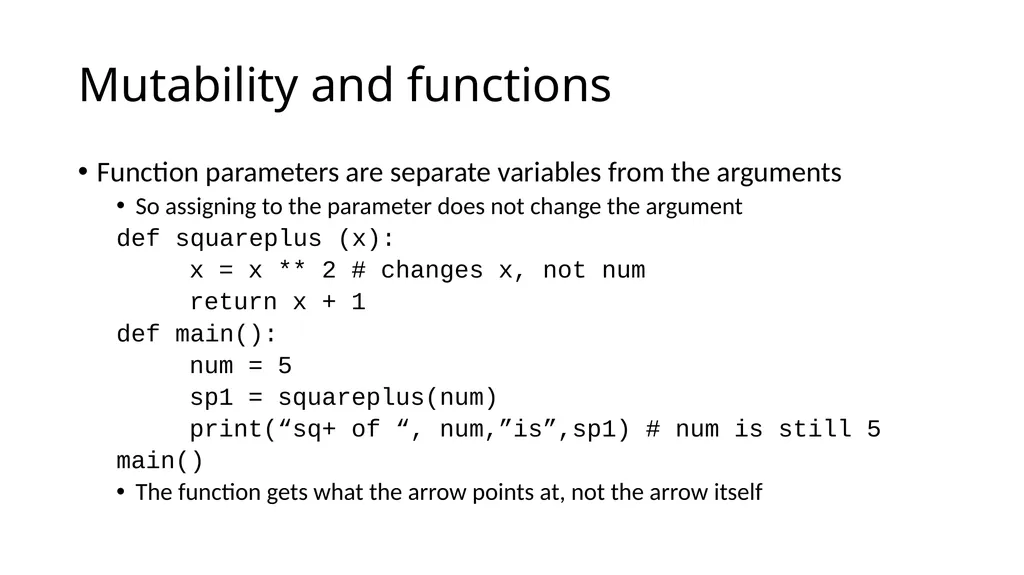
Mutability and functions Function parameters are separate variables from the arguments
So assigning to the parameter does not change the argument
def squareplus (x):
x = x ** 2 # changes x, not num
return x + 1
def main():
num = 5
sp1 = squareplus(num)
print(“sq+ of “, num,”is”,sp1) # num is still 5
main()
The function gets what the arrow points at, not the arrow itself<br>
So assigning to the parameter does not change the argument
def squareplus (x):
x = x ** 2 # changes x, not num
return x + 1
def main():
num = 5
sp1 = squareplus(num)
print(“sq+ of “, num,”is”,sp1) # num is still 5
main()
The function gets what the arrow points at, not the arrow itself<br>
28
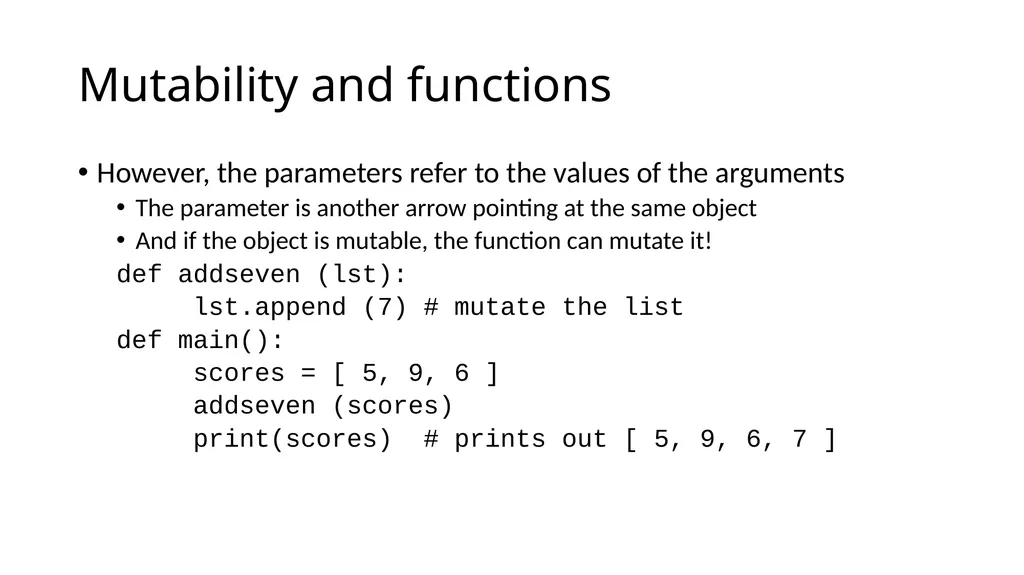
Mutability and functions However, the parameters refer to the values of the arguments
The parameter is another arrow pointing at the same object
And if the object is mutable, the function can mutate it!
def addseven (lst):
lst.append (7) # mutate the list
def main():
scores = [ 5, 9, 6 ]
addseven (scores)
print(scores) # prints out [ 5, 9, 6, 7 ]<br>
The parameter is another arrow pointing at the same object
And if the object is mutable, the function can mutate it!
def addseven (lst):
lst.append (7) # mutate the list
def main():
scores = [ 5, 9, 6 ]
addseven (scores)
print(scores) # prints out [ 5, 9, 6, 7 ]<br>
29
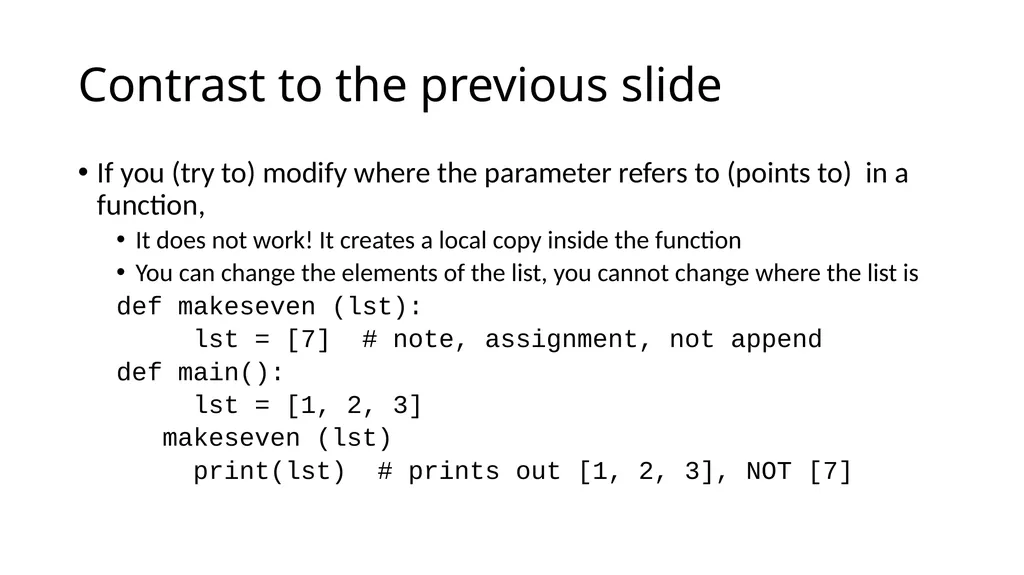
Contrast to the previous slide If you (try to) modify where the parameter refers to (points to) in a function,
It does not work! It creates a local copy inside the function
You can change the elements of the list, you cannot change where the list is
def makeseven (lst):
lst = [7] # note, assignment, not append
def main():
lst = [1, 2, 3]
makeseven (lst)
print(lst) # prints out [1, 2, 3], NOT [7]<br>
It does not work! It creates a local copy inside the function
You can change the elements of the list, you cannot change where the list is
def makeseven (lst):
lst = [7] # note, assignment, not append
def main():
lst = [1, 2, 3]
makeseven (lst)
print(lst) # prints out [1, 2, 3], NOT [7]<br>
30
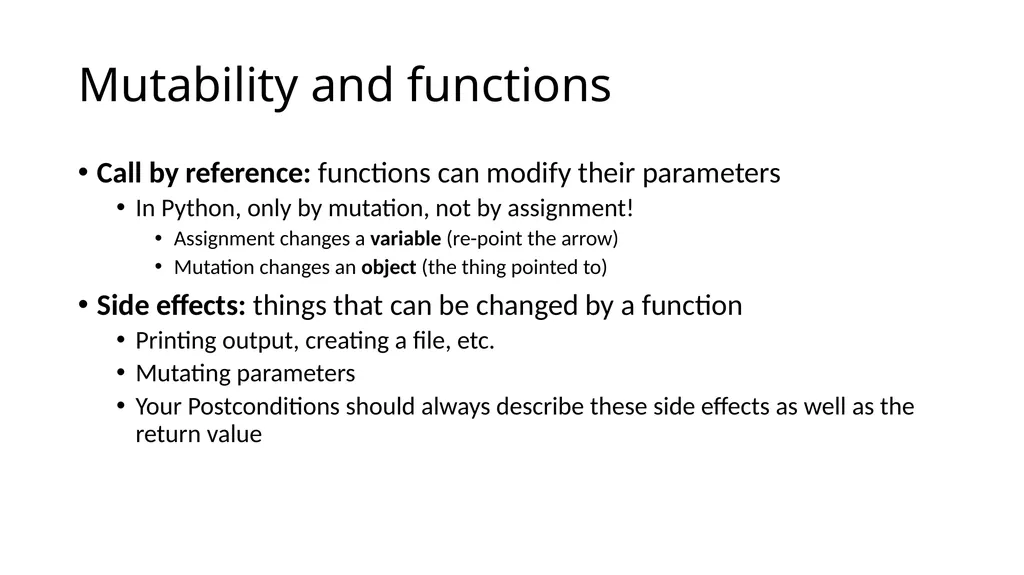
Mutability and functions Call by reference: functions can modify their parameters
In Python, only by mutation, not by assignment!
Assignment changes a variable (re-point the arrow)
Mutation changes an object (the thing pointed to)
Side effects: things that can be changed by a function
Printing output, creating a file, etc.
Mutating parameters
Your Postconditions should always describe these side effects as well as the return value<br>
In Python, only by mutation, not by assignment!
Assignment changes a variable (re-point the arrow)
Mutation changes an object (the thing pointed to)
Side effects: things that can be changed by a function
Printing output, creating a file, etc.
Mutating parameters
Your Postconditions should always describe these side effects as well as the return value<br>