
CSE1300 MIDTERM REVIEW Intro to Computing (History

Description: CSE1300 MIDTERM REVIEW Intro to Computing (History Trends) Computers Everywhere: Phones, watches, smart TVs, cars, IoT. Historical Progress: Mainframes affordable personal computers smartphones wearables. Moores Law: Doubles in
Related Topics
Download Presentation
"CSE1300 MIDTERM REVIEW Intro to Computing (History" is the property of its rightful owner. Permission is granted to download and print the materials on this website for personal, non-commercial use only, and to display it on your personal computer provided you do not modify the materials and that you retain all copyright notices contained in the materials. By downloading content from our website, you accept the terms of this agreement.
Presentation Transcript
slide1. CSE1300 MIDTERM REVIEW<br>
slide2. Intro to Computing (History & Trends) Computers Everywhere: Phones, watches, smart TVs, cars, IoT.
Historical Progress: Mainframes → affordable personal computers → smartphones & wearables.
Moore’s Law: Doubles in processing power every two years (slowing down recently).
Effect on Society: Automation, job shifts, global connectivity, social challenges.
Example: A 1980s personal computer cost $600 with 64KB of RAM. Today, a phone might cost $600 but has 6GB RAM and multiple CPU cores—enormous growth thanks to Moore’s Law.<br>
slide3. Computer Components Case: Protects internal components, aids cooling.
CPU: Central chip for processing (Intel, AMD, ARM). Runs at GHz speeds; multiple cores.
RAM: Temporary working memory (4GB, 8GB, 16GB+).
Motherboard: Connects all components (CPU, RAM, GPU, storage, etc.).
GPU: Specialized for graphics/math-heavy tasks (3D rendering, cryptography).
Storage: HDD vs. SSD vs. NVMe. Where data is kept when powered off.
Example: A gaming PC has a high-end GPU to handle intense 3D computations and several fans to keep the CPU and GPU from overheating during gaming marathons.<br>
slide4. Computational Thinking Computational Thinking is a problem-solving approach involving:
Decomposition – Breaking down a complex task into smaller, more manageable parts
Algorithmic Thinking – Designing step-by-step instructions or procedures
Abstraction – Identifying relevant information while ignoring the details
Pattern Recognition – Finding similarities and repeated elements across problems
Crucial for analyzing ambiguous or open-ended problems in many disciplines.
Example: A student organizing a charity event applies decomposition (venue, budget, volunteers, publicity), then uses algorithmic thinking to schedule tasks in order.<br>
slide5. Decomposition Decomposition: Splitting a large task (or problem) into subtasks.
Makes complex problems easier to solve, test, and maintain.
Facilitates team collaboration: each person can handle a different subtask.
In Computer Science, we decompose tasks (e.g., reading data, processing it, outputting results) before coding.
Example: When writing a research paper, you decompose it into sections: introduction, methods, results, discussion, conclusion. Each section can be tackled independently, then combined.<br>
slide6. Algorithmic Thinking Algorithm: Precisely defined instructions for solving a problem (e.g., sorting a list, calculating area).
Algorithmic Thinking: Ability to outline and analyze these steps clearly before coding or implementing.
Flowcharts can visually represent algorithms (decisions, processes, inputs/outputs).
Efficiency matters: We aim for solutions that are less time- or resource-intensive.
Example: A bank’s ATM uses an algorithm to read your card, verify your PIN, check your balance, and dispense cash. That sequence of steps ensures a correct, secure transaction.<br>
slide7. Abstraction Abstraction: Focusing on the essential details of a problem while hiding irrelevant complexity.
Multiple levels of abstraction – e.g., giving your exact street address vs. just saying you live in Georgia.
Common in software design (e.g., function calls, APIs) to hide lower-level details.
Example: A modern car’s driver only needs to know the steering wheel, pedals, and gear—abstracting away the complexity of the engine’s mechanics beneath the hood.<br>
slide8. Pattern Recognition Pattern Recognition: Identifying common features or trends to simplify problems.
Helps reuse solutions or designs from similar contexts.
Drives efficiency; “don’t reinvent the wheel” if a pattern can be replicated or adapted.
Essential in data science, machine learning, and AI for identifying recurring structures in large datasets.
Example: An e-commerce site recognizes purchasing patterns (e.g., customers who buy a camera often buy a memory card). It then suggests additional items automatically.<br>
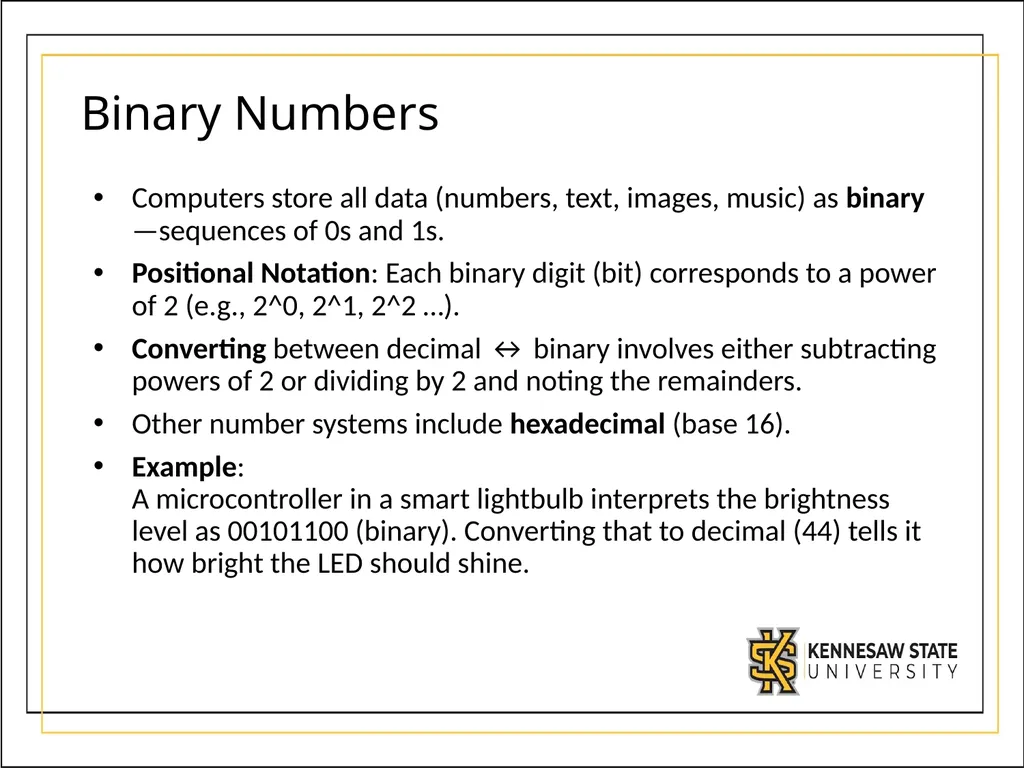
slide9. Binary Numbers Computers store all data (numbers, text, images, music) as binary—sequences of 0s and 1s.
Positional Notation: Each binary digit (bit) corresponds to a power of 2 (e.g., 2^0, 2^1, 2^2 …).
Converting between decimal ↔ binary involves either subtracting powers of 2 or dividing by 2 and noting the remainders.
Other number systems include hexadecimal (base 16).
Example: A microcontroller in a smart lightbulb interprets the brightness level as 00101100 (binary). Converting that to decimal (44) tells it how bright the LED should shine.<br>
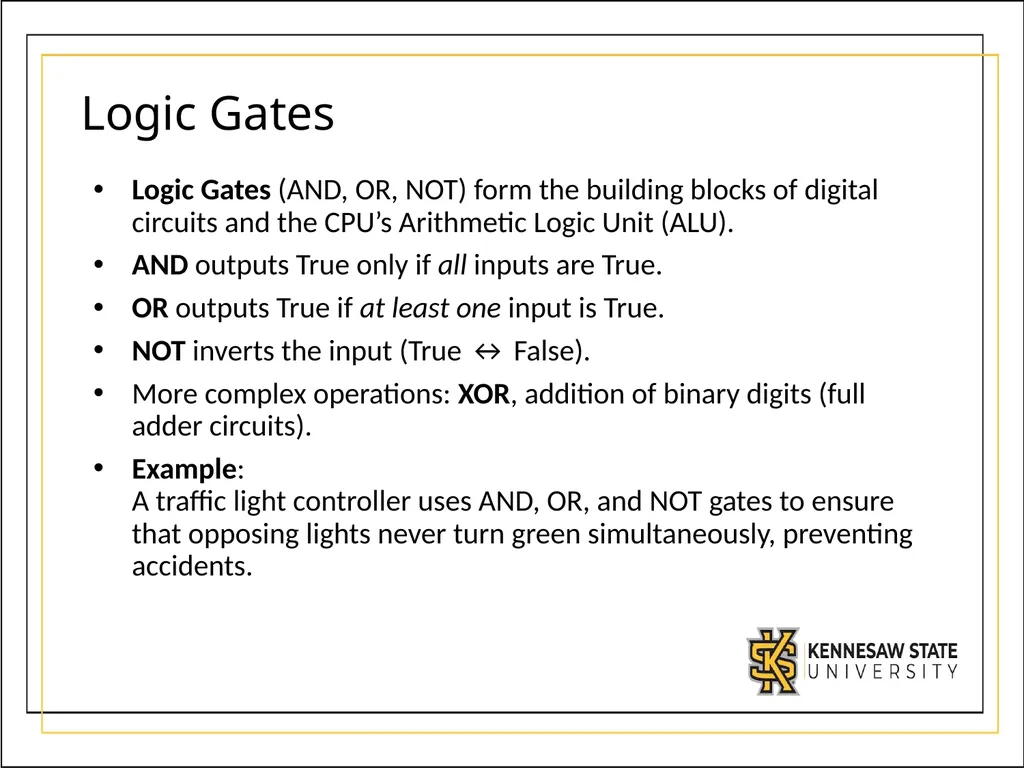
slide10. Logic Gates Logic Gates (AND, OR, NOT) form the building blocks of digital circuits and the CPU’s Arithmetic Logic Unit (ALU).
AND outputs True only if all inputs are True.
OR outputs True if at least one input is True.
NOT inverts the input (True ↔ False).
More complex operations: XOR, addition of binary digits (full adder circuits).
Example: A traffic light controller uses AND, OR, and NOT gates to ensure that opposing lights never turn green simultaneously, preventing accidents.<br>
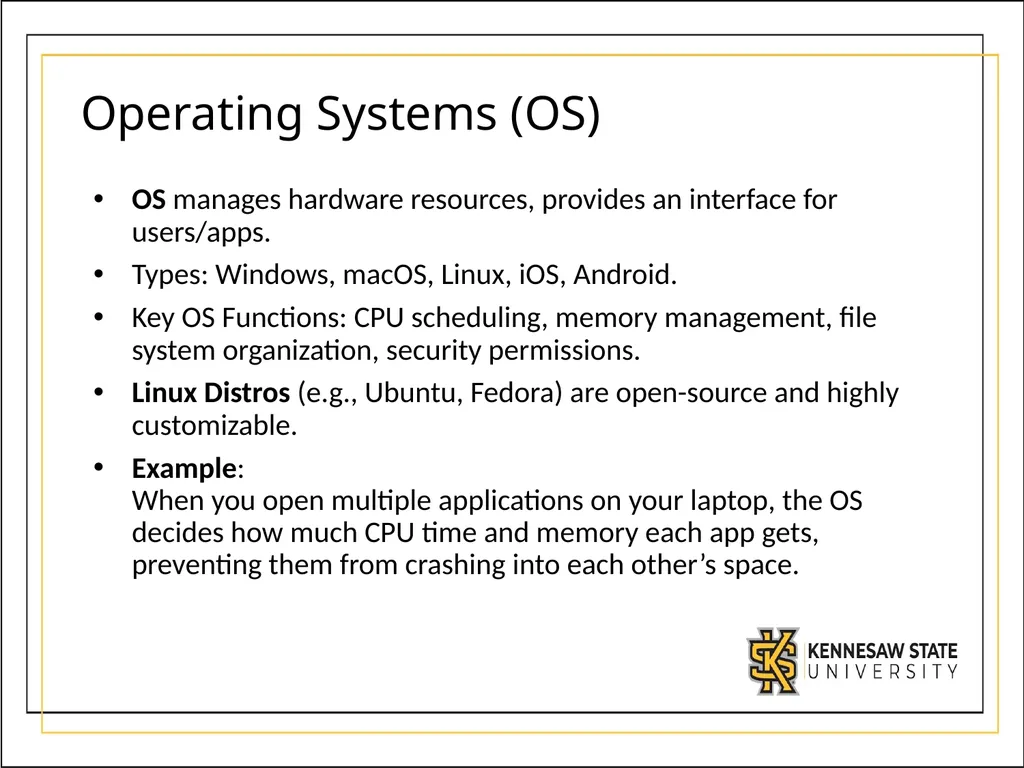
slide11. Operating Systems (OS) OS manages hardware resources, provides an interface for users/apps.
Types: Windows, macOS, Linux, iOS, Android.
Key OS Functions: CPU scheduling, memory management, file system organization, security permissions.
Linux Distros (e.g., Ubuntu, Fedora) are open-source and highly customizable.
Example: When you open multiple applications on your laptop, the OS decides how much CPU time and memory each app gets, preventing them from crashing into each other’s space.<br>
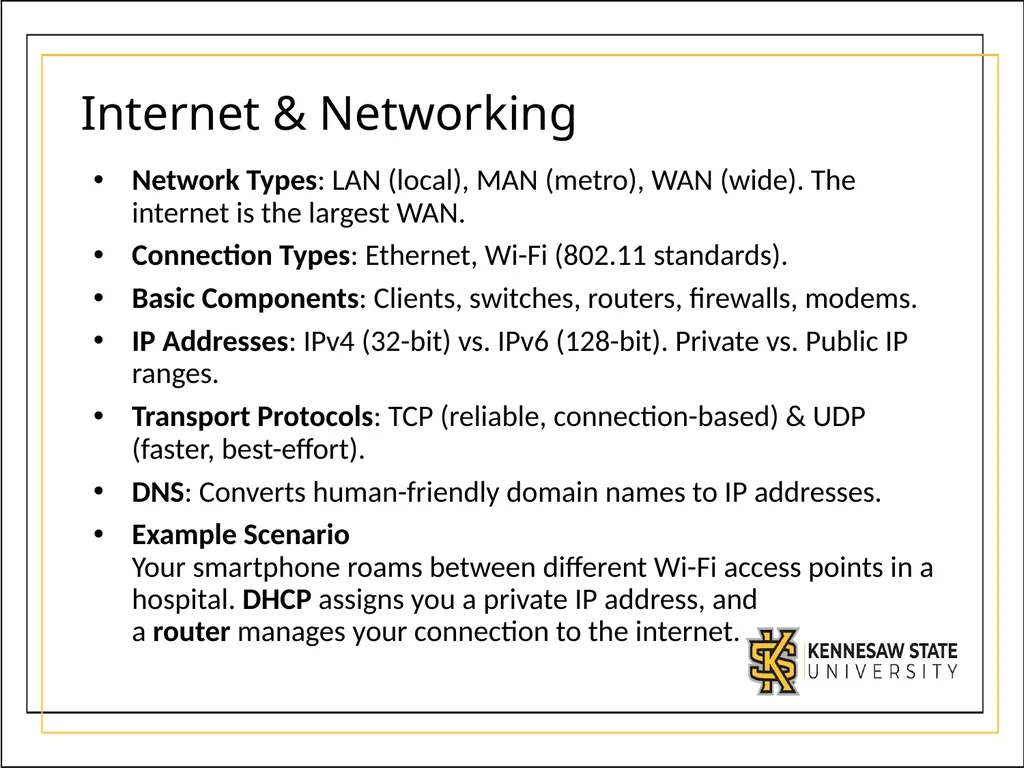
slide12. Internet & Networking Network Types: LAN (local), MAN (metro), WAN (wide). The internet is the largest WAN.
Connection Types: Ethernet, Wi-Fi (802.11 standards).
Basic Components: Clients, switches, routers, firewalls, modems.
IP Addresses: IPv4 (32-bit) vs. IPv6 (128-bit). Private vs. Public IP ranges.
Transport Protocols: TCP (reliable, connection-based) & UDP (faster, best-effort).
DNS: Converts human-friendly domain names to IP addresses.
Example Scenario Your smartphone roams between different Wi-Fi access points in a hospital. DHCP assigns you a private IP address, and a router manages your connection to the internet.<br>
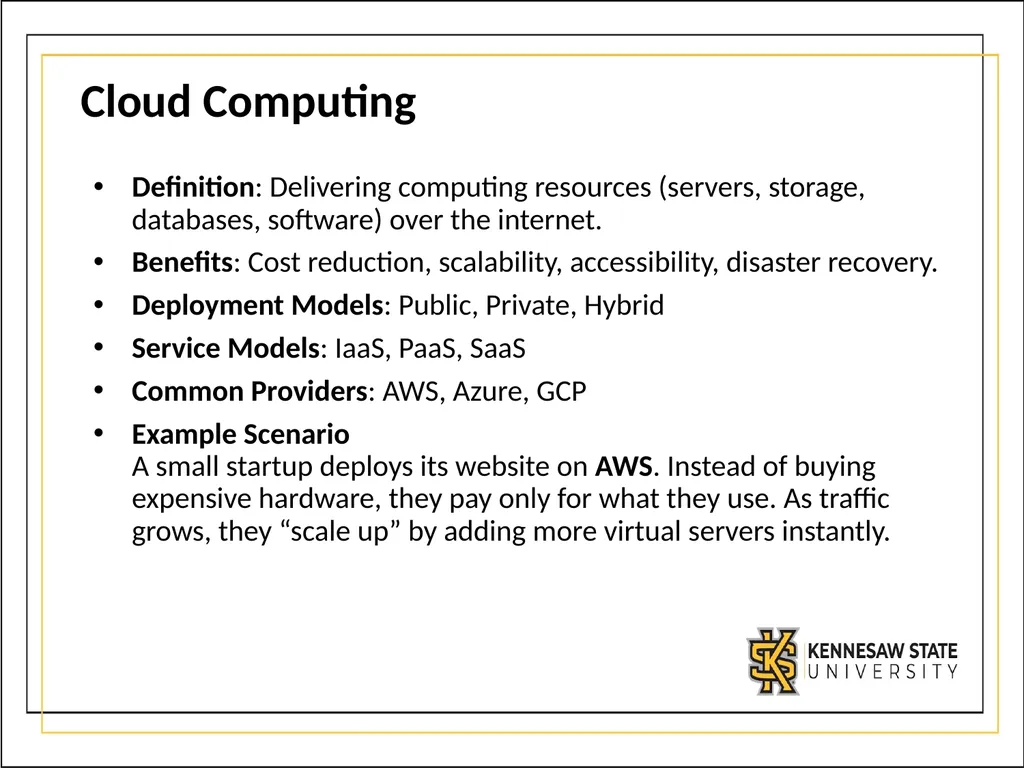
slide13. Cloud Computing Definition: Delivering computing resources (servers, storage, databases, software) over the internet.
Benefits: Cost reduction, scalability, accessibility, disaster recovery.
Deployment Models: Public, Private, Hybrid
Service Models: IaaS, PaaS, SaaS
Common Providers: AWS, Azure, GCP
Example Scenario A small startup deploys its website on AWS. Instead of buying expensive hardware, they pay only for what they use. As traffic grows, they “scale up” by adding more virtual servers instantly.<br>
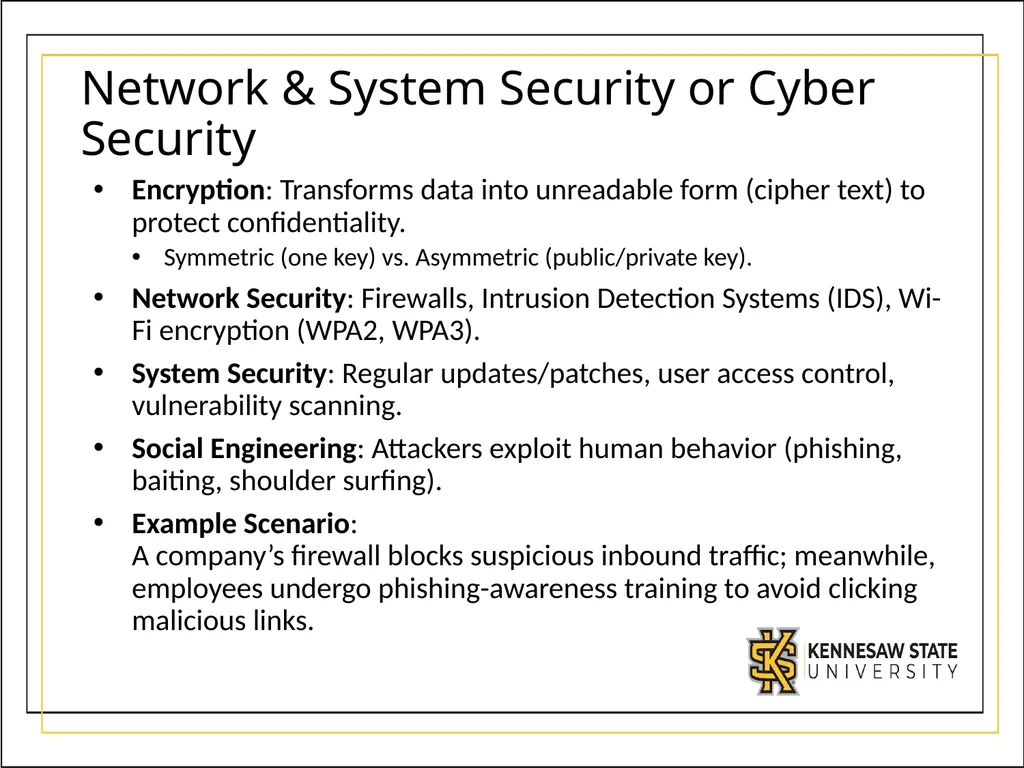
slide14. Network & System Security or Cyber Security Encryption: Transforms data into unreadable form (cipher text) to protect confidentiality.
Symmetric (one key) vs. Asymmetric (public/private key).
Network Security: Firewalls, Intrusion Detection Systems (IDS), Wi-Fi encryption (WPA2, WPA3).
System Security: Regular updates/patches, user access control, vulnerability scanning.
Social Engineering: Attackers exploit human behavior (phishing, baiting, shoulder surfing).
Example Scenario: A company’s firewall blocks suspicious inbound traffic; meanwhile, employees undergo phishing-awareness training to avoid clicking malicious links.<br>
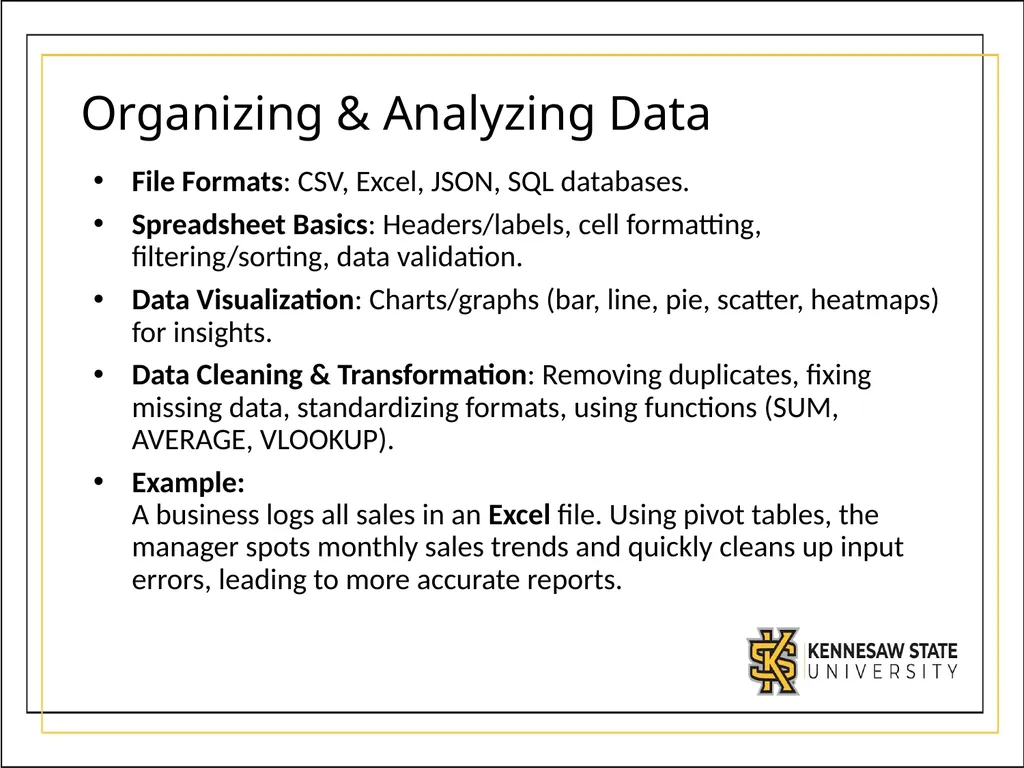
slide15. Organizing & Analyzing Data File Formats: CSV, Excel, JSON, SQL databases.
Spreadsheet Basics: Headers/labels, cell formatting, filtering/sorting, data validation.
Data Visualization: Charts/graphs (bar, line, pie, scatter, heatmaps) for insights.
Data Cleaning & Transformation: Removing duplicates, fixing missing data, standardizing formats, using functions (SUM, AVERAGE, VLOOKUP).
Example: A business logs all sales in an Excel file. Using pivot tables, the manager spots monthly sales trends and quickly cleans up input errors, leading to more accurate reports.<br>
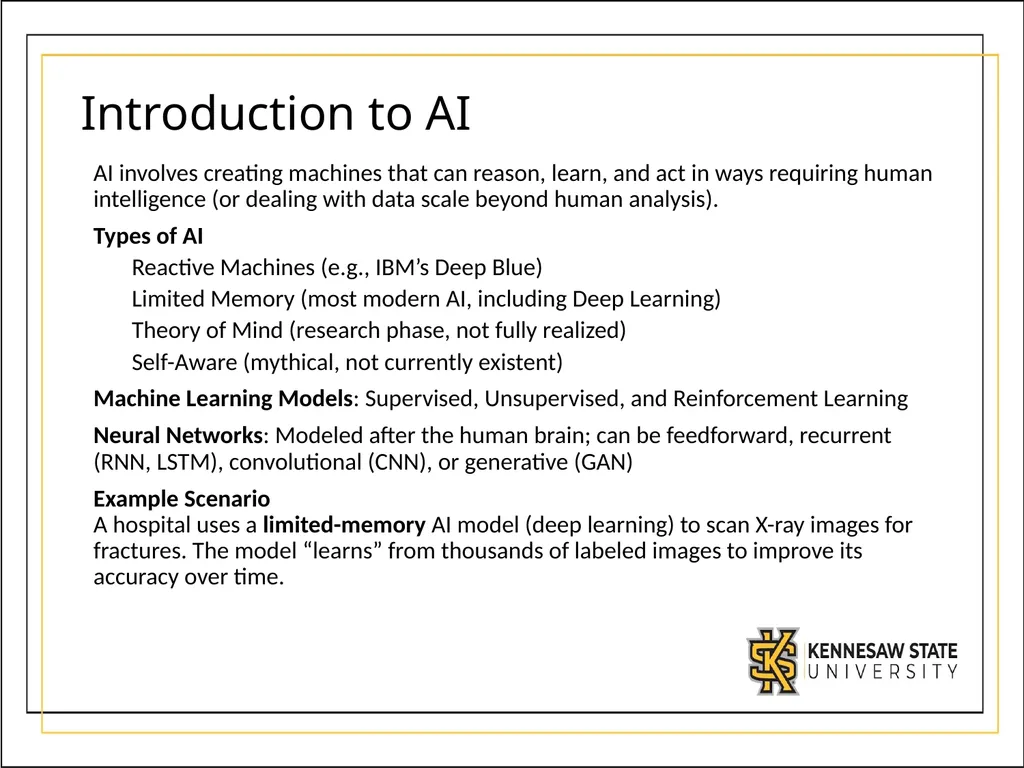
slide16. Introduction to AI AI involves creating machines that can reason, learn, and act in ways requiring human intelligence (or dealing with data scale beyond human analysis).
Types of AI
Reactive Machines (e.g., IBM’s Deep Blue)
Limited Memory (most modern AI, including Deep Learning)
Theory of Mind (research phase, not fully realized)
Self-Aware (mythical, not currently existent)
Machine Learning Models: Supervised, Unsupervised, and Reinforcement Learning
Neural Networks: Modeled after the human brain; can be feedforward, recurrent (RNN, LSTM), convolutional (CNN), or generative (GAN)
Example Scenario A hospital uses a limited-memory AI model (deep learning) to scan X-ray images for fractures. The model “learns” from thousands of labeled images to improve its accuracy over time.<br>
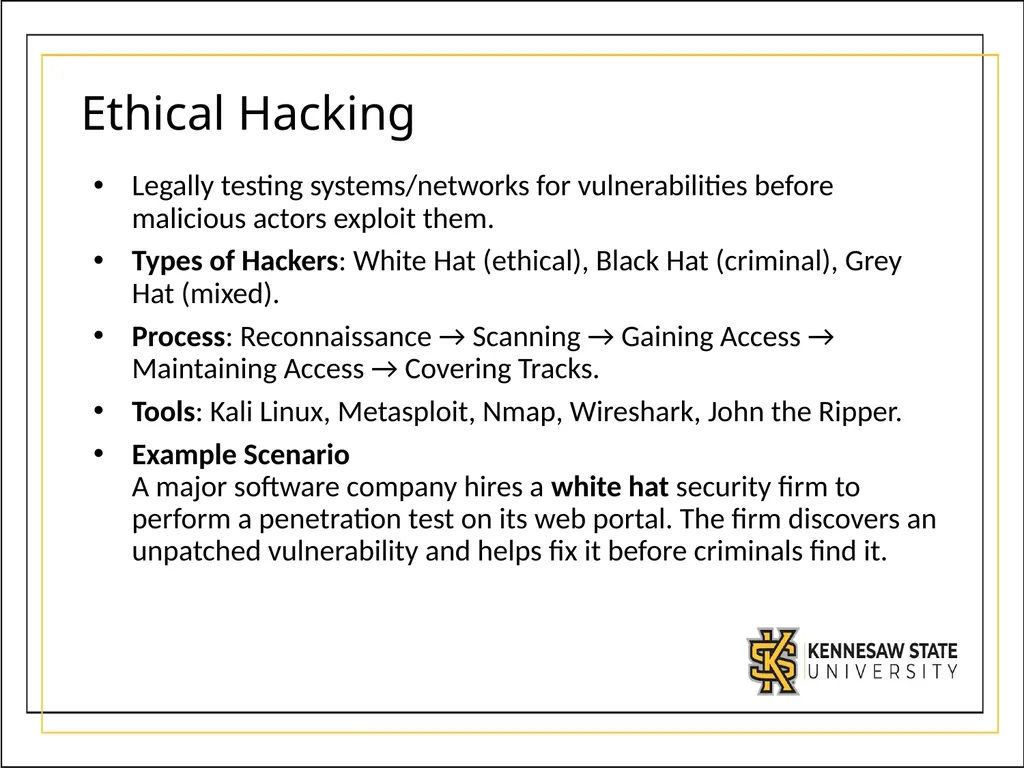
slide17. Ethical Hacking Legally testing systems/networks for vulnerabilities before malicious actors exploit them.
Types of Hackers: White Hat (ethical), Black Hat (criminal), Grey Hat (mixed).
Process: Reconnaissance → Scanning → Gaining Access → Maintaining Access → Covering Tracks.
Tools: Kali Linux, Metasploit, Nmap, Wireshark, John the Ripper.
Example Scenario A major software company hires a white hat security firm to perform a penetration test on its web portal. The firm discovers an unpatched vulnerability and helps fix it before criminals find it.<br>
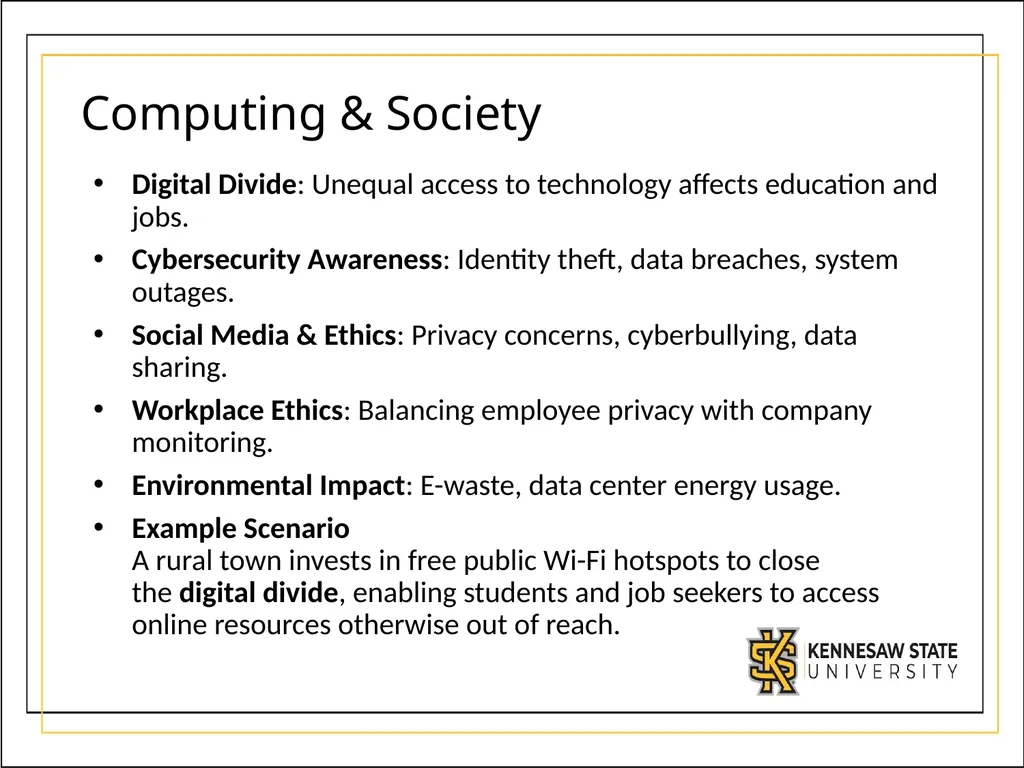
slide18. Computing & Society Digital Divide: Unequal access to technology affects education and jobs.
Cybersecurity Awareness: Identity theft, data breaches, system outages.
Social Media & Ethics: Privacy concerns, cyberbullying, data sharing.
Workplace Ethics: Balancing employee privacy with company monitoring.
Environmental Impact: E-waste, data center energy usage.
Example Scenario A rural town invests in free public Wi-Fi hotspots to close the digital divide, enabling students and job seekers to access online resources otherwise out of reach.<br>
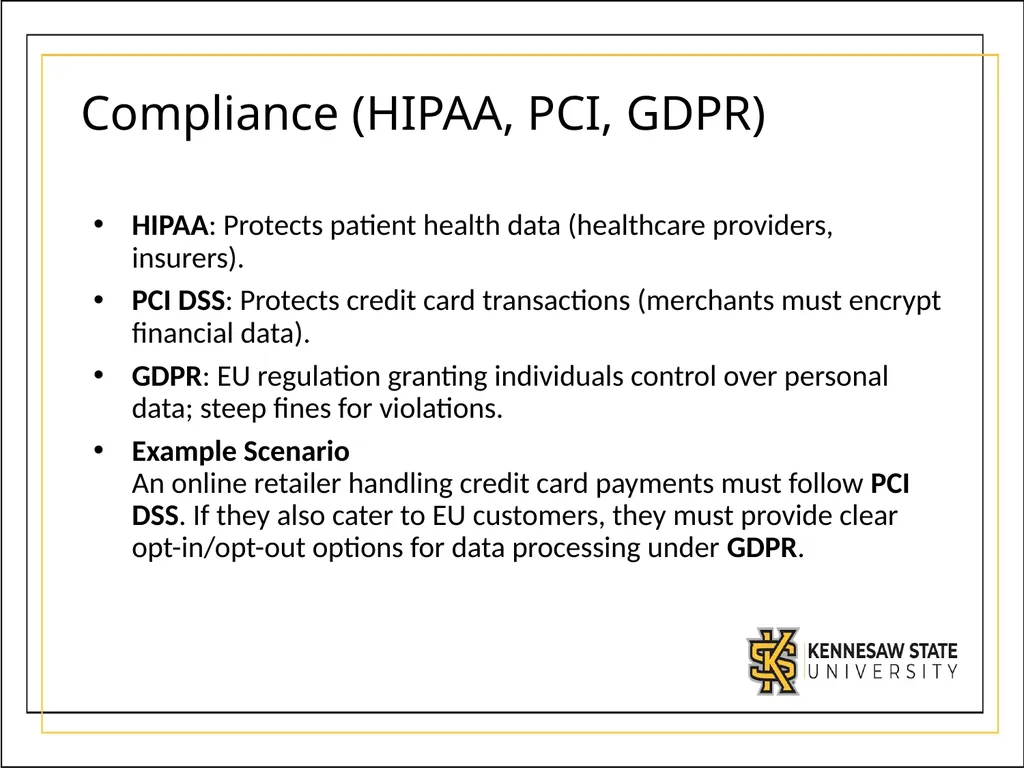
slide19. Compliance (HIPAA, PCI, GDPR) HIPAA: Protects patient health data (healthcare providers, insurers).
PCI DSS: Protects credit card transactions (merchants must encrypt financial data).
GDPR: EU regulation granting individuals control over personal data; steep fines for violations.
Example Scenario An online retailer handling credit card payments must follow PCI DSS. If they also cater to EU customers, they must provide clear opt-in/opt-out options for data processing under GDPR.<br>
slide2. Intro to Computing (History & Trends) Computers Everywhere: Phones, watches, smart TVs, cars, IoT.
Historical Progress: Mainframes → affordable personal computers → smartphones & wearables.
Moore’s Law: Doubles in processing power every two years (slowing down recently).
Effect on Society: Automation, job shifts, global connectivity, social challenges.
Example: A 1980s personal computer cost $600 with 64KB of RAM. Today, a phone might cost $600 but has 6GB RAM and multiple CPU cores—enormous growth thanks to Moore’s Law.<br>
slide3. Computer Components Case: Protects internal components, aids cooling.
CPU: Central chip for processing (Intel, AMD, ARM). Runs at GHz speeds; multiple cores.
RAM: Temporary working memory (4GB, 8GB, 16GB+).
Motherboard: Connects all components (CPU, RAM, GPU, storage, etc.).
GPU: Specialized for graphics/math-heavy tasks (3D rendering, cryptography).
Storage: HDD vs. SSD vs. NVMe. Where data is kept when powered off.
Example: A gaming PC has a high-end GPU to handle intense 3D computations and several fans to keep the CPU and GPU from overheating during gaming marathons.<br>
slide4. Computational Thinking Computational Thinking is a problem-solving approach involving:
Decomposition – Breaking down a complex task into smaller, more manageable parts
Algorithmic Thinking – Designing step-by-step instructions or procedures
Abstraction – Identifying relevant information while ignoring the details
Pattern Recognition – Finding similarities and repeated elements across problems
Crucial for analyzing ambiguous or open-ended problems in many disciplines.
Example: A student organizing a charity event applies decomposition (venue, budget, volunteers, publicity), then uses algorithmic thinking to schedule tasks in order.<br>
slide5. Decomposition Decomposition: Splitting a large task (or problem) into subtasks.
Makes complex problems easier to solve, test, and maintain.
Facilitates team collaboration: each person can handle a different subtask.
In Computer Science, we decompose tasks (e.g., reading data, processing it, outputting results) before coding.
Example: When writing a research paper, you decompose it into sections: introduction, methods, results, discussion, conclusion. Each section can be tackled independently, then combined.<br>
slide6. Algorithmic Thinking Algorithm: Precisely defined instructions for solving a problem (e.g., sorting a list, calculating area).
Algorithmic Thinking: Ability to outline and analyze these steps clearly before coding or implementing.
Flowcharts can visually represent algorithms (decisions, processes, inputs/outputs).
Efficiency matters: We aim for solutions that are less time- or resource-intensive.
Example: A bank’s ATM uses an algorithm to read your card, verify your PIN, check your balance, and dispense cash. That sequence of steps ensures a correct, secure transaction.<br>
slide7. Abstraction Abstraction: Focusing on the essential details of a problem while hiding irrelevant complexity.
Multiple levels of abstraction – e.g., giving your exact street address vs. just saying you live in Georgia.
Common in software design (e.g., function calls, APIs) to hide lower-level details.
Example: A modern car’s driver only needs to know the steering wheel, pedals, and gear—abstracting away the complexity of the engine’s mechanics beneath the hood.<br>
slide8. Pattern Recognition Pattern Recognition: Identifying common features or trends to simplify problems.
Helps reuse solutions or designs from similar contexts.
Drives efficiency; “don’t reinvent the wheel” if a pattern can be replicated or adapted.
Essential in data science, machine learning, and AI for identifying recurring structures in large datasets.
Example: An e-commerce site recognizes purchasing patterns (e.g., customers who buy a camera often buy a memory card). It then suggests additional items automatically.<br>
slide9. Binary Numbers Computers store all data (numbers, text, images, music) as binary—sequences of 0s and 1s.
Positional Notation: Each binary digit (bit) corresponds to a power of 2 (e.g., 2^0, 2^1, 2^2 …).
Converting between decimal ↔ binary involves either subtracting powers of 2 or dividing by 2 and noting the remainders.
Other number systems include hexadecimal (base 16).
Example: A microcontroller in a smart lightbulb interprets the brightness level as 00101100 (binary). Converting that to decimal (44) tells it how bright the LED should shine.<br>
slide10. Logic Gates Logic Gates (AND, OR, NOT) form the building blocks of digital circuits and the CPU’s Arithmetic Logic Unit (ALU).
AND outputs True only if all inputs are True.
OR outputs True if at least one input is True.
NOT inverts the input (True ↔ False).
More complex operations: XOR, addition of binary digits (full adder circuits).
Example: A traffic light controller uses AND, OR, and NOT gates to ensure that opposing lights never turn green simultaneously, preventing accidents.<br>
slide11. Operating Systems (OS) OS manages hardware resources, provides an interface for users/apps.
Types: Windows, macOS, Linux, iOS, Android.
Key OS Functions: CPU scheduling, memory management, file system organization, security permissions.
Linux Distros (e.g., Ubuntu, Fedora) are open-source and highly customizable.
Example: When you open multiple applications on your laptop, the OS decides how much CPU time and memory each app gets, preventing them from crashing into each other’s space.<br>
slide12. Internet & Networking Network Types: LAN (local), MAN (metro), WAN (wide). The internet is the largest WAN.
Connection Types: Ethernet, Wi-Fi (802.11 standards).
Basic Components: Clients, switches, routers, firewalls, modems.
IP Addresses: IPv4 (32-bit) vs. IPv6 (128-bit). Private vs. Public IP ranges.
Transport Protocols: TCP (reliable, connection-based) & UDP (faster, best-effort).
DNS: Converts human-friendly domain names to IP addresses.
Example Scenario Your smartphone roams between different Wi-Fi access points in a hospital. DHCP assigns you a private IP address, and a router manages your connection to the internet.<br>
slide13. Cloud Computing Definition: Delivering computing resources (servers, storage, databases, software) over the internet.
Benefits: Cost reduction, scalability, accessibility, disaster recovery.
Deployment Models: Public, Private, Hybrid
Service Models: IaaS, PaaS, SaaS
Common Providers: AWS, Azure, GCP
Example Scenario A small startup deploys its website on AWS. Instead of buying expensive hardware, they pay only for what they use. As traffic grows, they “scale up” by adding more virtual servers instantly.<br>
slide14. Network & System Security or Cyber Security Encryption: Transforms data into unreadable form (cipher text) to protect confidentiality.
Symmetric (one key) vs. Asymmetric (public/private key).
Network Security: Firewalls, Intrusion Detection Systems (IDS), Wi-Fi encryption (WPA2, WPA3).
System Security: Regular updates/patches, user access control, vulnerability scanning.
Social Engineering: Attackers exploit human behavior (phishing, baiting, shoulder surfing).
Example Scenario: A company’s firewall blocks suspicious inbound traffic; meanwhile, employees undergo phishing-awareness training to avoid clicking malicious links.<br>
slide15. Organizing & Analyzing Data File Formats: CSV, Excel, JSON, SQL databases.
Spreadsheet Basics: Headers/labels, cell formatting, filtering/sorting, data validation.
Data Visualization: Charts/graphs (bar, line, pie, scatter, heatmaps) for insights.
Data Cleaning & Transformation: Removing duplicates, fixing missing data, standardizing formats, using functions (SUM, AVERAGE, VLOOKUP).
Example: A business logs all sales in an Excel file. Using pivot tables, the manager spots monthly sales trends and quickly cleans up input errors, leading to more accurate reports.<br>
slide16. Introduction to AI AI involves creating machines that can reason, learn, and act in ways requiring human intelligence (or dealing with data scale beyond human analysis).
Types of AI
Reactive Machines (e.g., IBM’s Deep Blue)
Limited Memory (most modern AI, including Deep Learning)
Theory of Mind (research phase, not fully realized)
Self-Aware (mythical, not currently existent)
Machine Learning Models: Supervised, Unsupervised, and Reinforcement Learning
Neural Networks: Modeled after the human brain; can be feedforward, recurrent (RNN, LSTM), convolutional (CNN), or generative (GAN)
Example Scenario A hospital uses a limited-memory AI model (deep learning) to scan X-ray images for fractures. The model “learns” from thousands of labeled images to improve its accuracy over time.<br>
slide17. Ethical Hacking Legally testing systems/networks for vulnerabilities before malicious actors exploit them.
Types of Hackers: White Hat (ethical), Black Hat (criminal), Grey Hat (mixed).
Process: Reconnaissance → Scanning → Gaining Access → Maintaining Access → Covering Tracks.
Tools: Kali Linux, Metasploit, Nmap, Wireshark, John the Ripper.
Example Scenario A major software company hires a white hat security firm to perform a penetration test on its web portal. The firm discovers an unpatched vulnerability and helps fix it before criminals find it.<br>
slide18. Computing & Society Digital Divide: Unequal access to technology affects education and jobs.
Cybersecurity Awareness: Identity theft, data breaches, system outages.
Social Media & Ethics: Privacy concerns, cyberbullying, data sharing.
Workplace Ethics: Balancing employee privacy with company monitoring.
Environmental Impact: E-waste, data center energy usage.
Example Scenario A rural town invests in free public Wi-Fi hotspots to close the digital divide, enabling students and job seekers to access online resources otherwise out of reach.<br>
slide19. Compliance (HIPAA, PCI, GDPR) HIPAA: Protects patient health data (healthcare providers, insurers).
PCI DSS: Protects credit card transactions (merchants must encrypt financial data).
GDPR: EU regulation granting individuals control over personal data; steep fines for violations.
Example Scenario An online retailer handling credit card payments must follow PCI DSS. If they also cater to EU customers, they must provide clear opt-in/opt-out options for data processing under GDPR.<br>