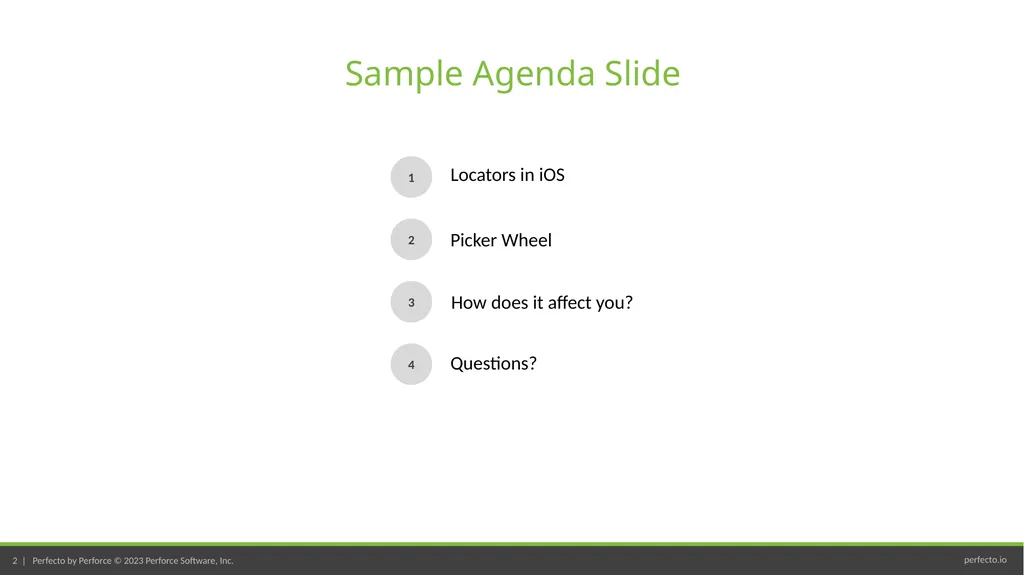
Cucumber Training Automating ioS Sample Agenda Slide 1 2 3 4 Locators in iOS Picker Wheel How does it affect you? Questions? Locators in iOS We learned using XPath for identifying objects BUT XPath queries are no longer recommended for
"Cucumber Training – Automating ioS Sample Agenda" is the property of its rightful owner. Permission is granted to
download and print the materials on this website for personal, non-commercial use only, and to display it
on your personal computer provided you do not modify the materials and that you retain all copyright
notices contained in the materials. By downloading content from our website, you accept the terms of this
agreement.
Presentation Transcript
01
Cucumber Training – Automating ioS<br>
02
Sample Agenda Slide 1 2 3 4 Locators in iOS Picker Wheel How does it affect you? Questions?<br>
03
Locators in iOS<br>
04
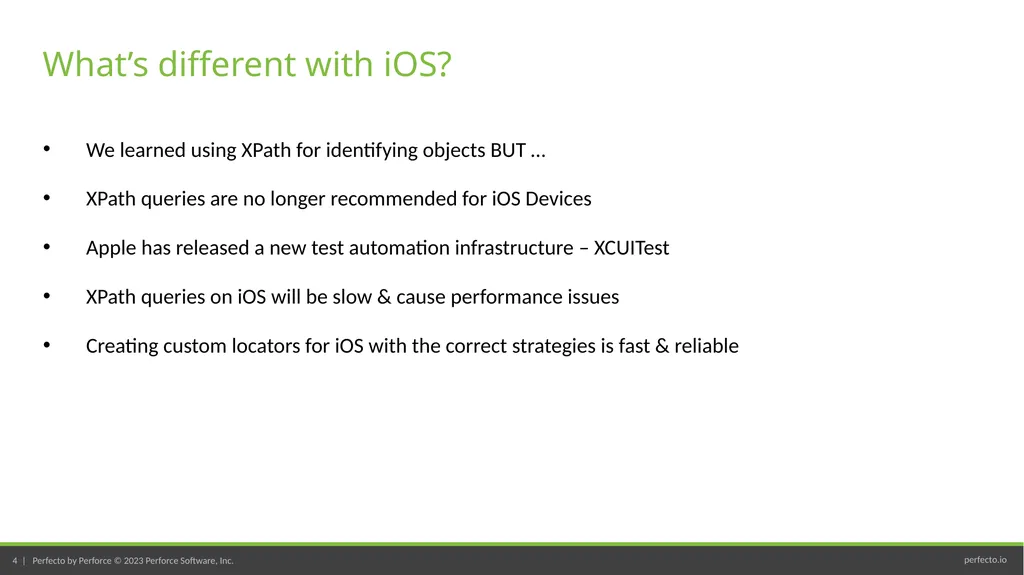
We learned using XPath for identifying objects BUT …
XPath queries are no longer recommended for iOS Devices
Apple has released a new test automation infrastructure – XCUITest
XPath queries on iOS will be slow & cause performance issues
Creating custom locators for iOS with the correct strategies is fast & reliable What’s different with iOS?<br>
05
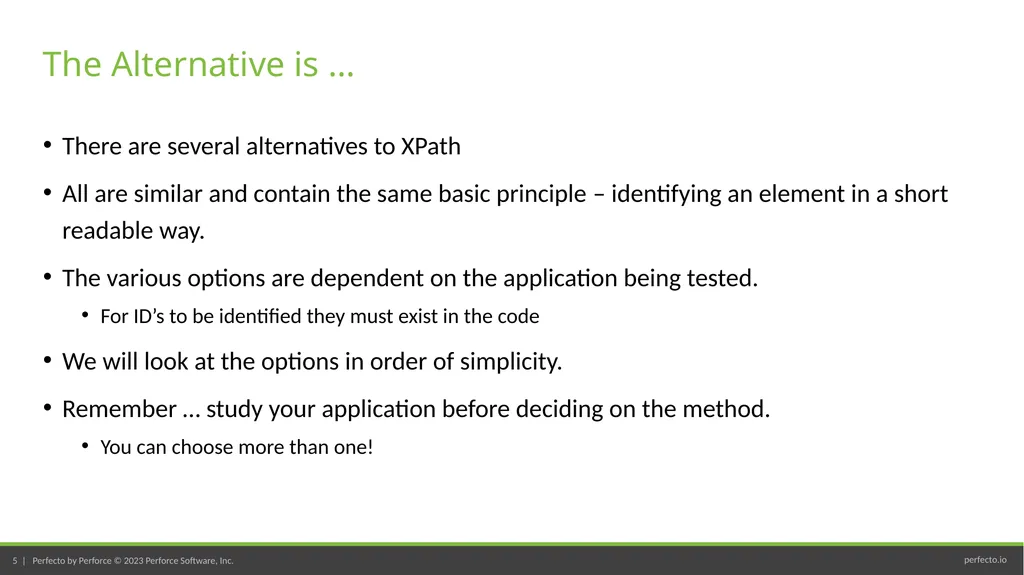
There are several alternatives to XPath
All are similar and contain the same basic principle – identifying an element in a short readable way.
The various options are dependent on the application being tested.
For ID’s to be identified they must exist in the code
We will look at the options in order of simplicity.
Remember … study your application before deciding on the method.
You can choose more than one! The Alternative is …<br>
06
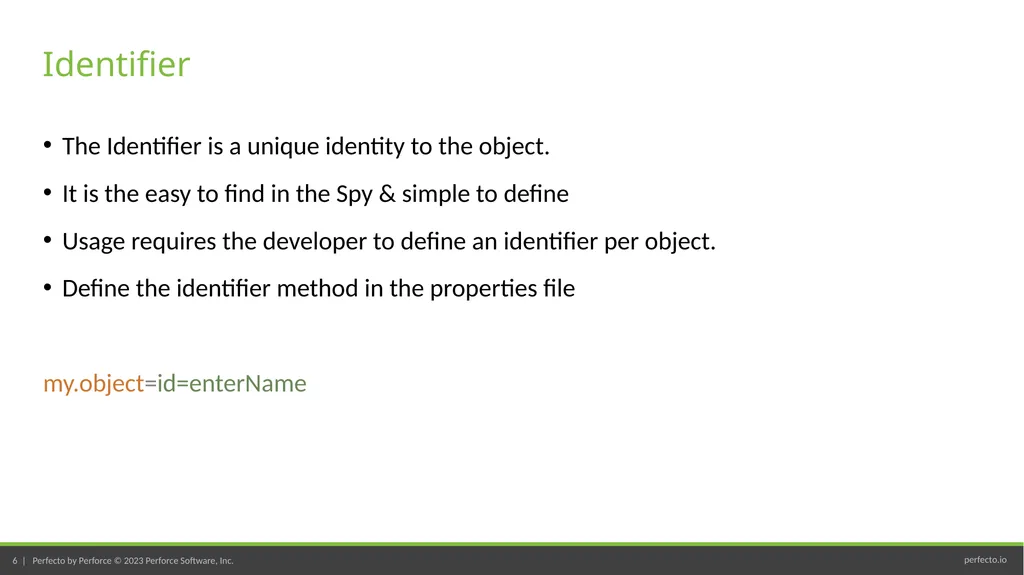
The Identifier is a unique identity to the object.
It is the easy to find in the Spy & simple to define
Usage requires the developer to define an identifier per object.
Define the identifier method in the properties file
my.object=id=enterName Identifier<br>
07
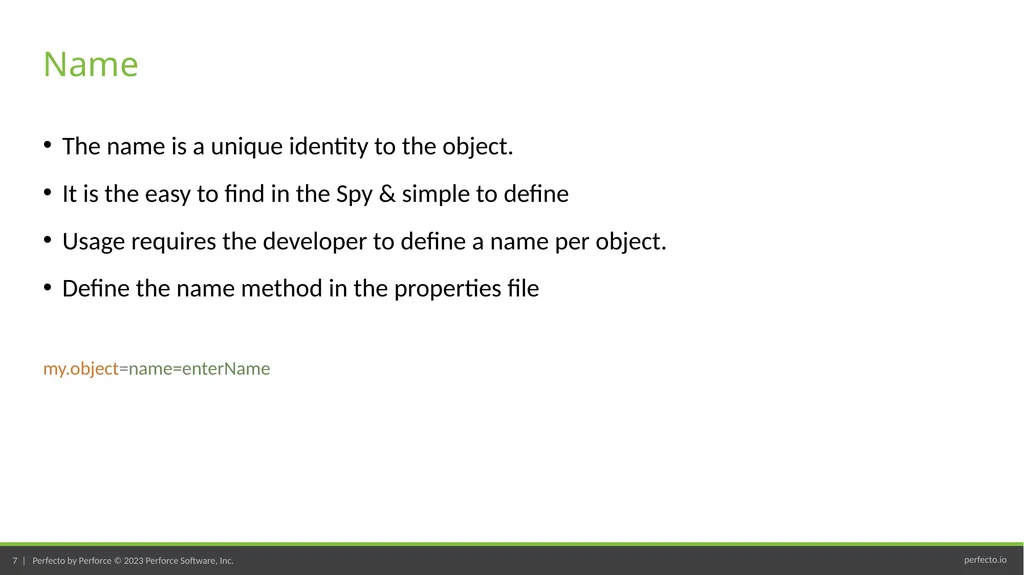
The name is a unique identity to the object.
It is the easy to find in the Spy & simple to define
Usage requires the developer to define a name per object.
Define the name method in the properties file
my.object=name=enterName Name<br>
08
The name similar to the name
It is the easy to find in the Spy & simple to define
Usage requires the developer to define a label per object.
Define the label method in the properties file
my.object=label=enterName Label<br>
09
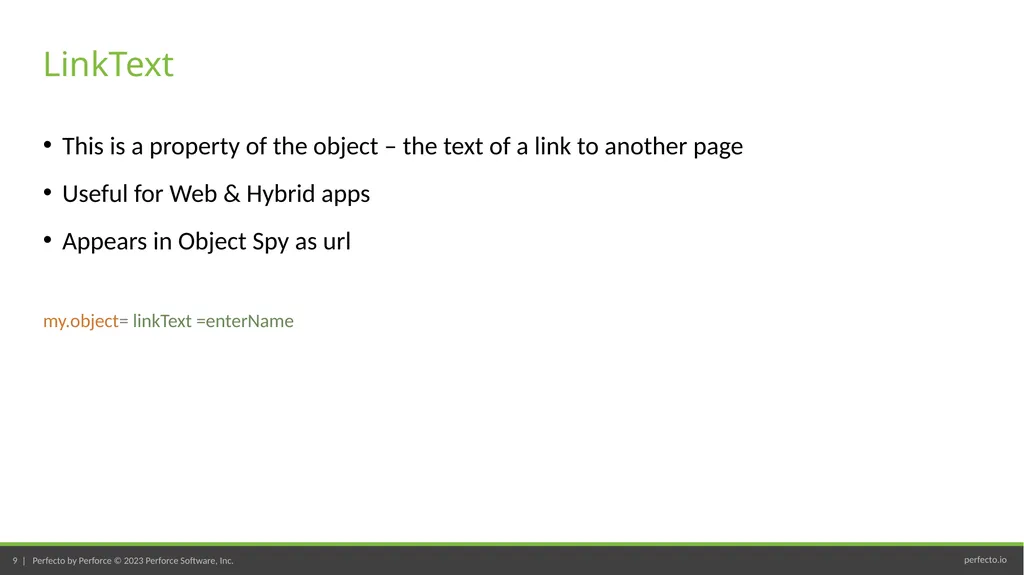
This is a property of the object – the text of a link to another page
Useful for Web & Hybrid apps
Appears in Object Spy as url
my.object= linkText =enterName LinkText<br>
10
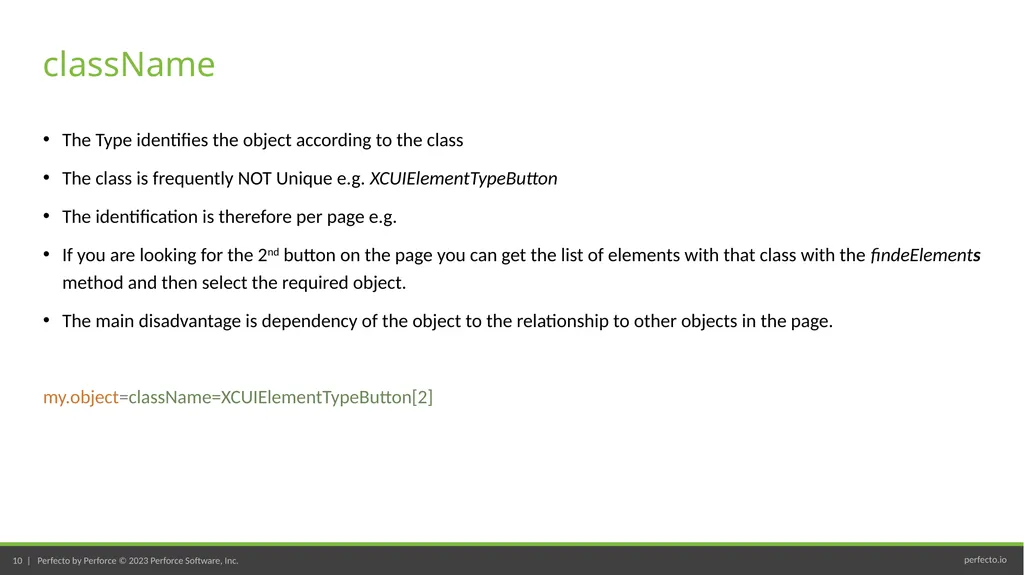
The Type identifies the object according to the class
The class is frequently NOT Unique e.g. XCUIElementTypeButton
The identification is therefore per page e.g.
If you are looking for the 2nd button on the page you can get the list of elements with that class with the findeElements method and then select the required object.
The main disadvantage is dependency of the object to the relationship to other objects in the page.
Feeling confused? It is simpler than the first impression may be. Follow these instructions:
Check your application. What does it provide?
Try to use identifier, name & linkText
Use the className if needed<br>
12
Picker Wheel<br>
13
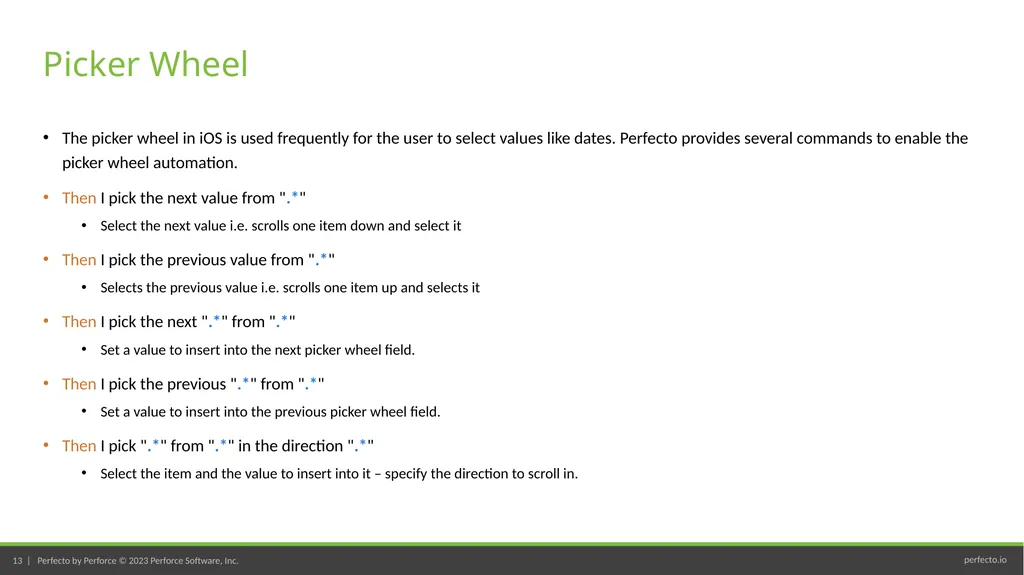
The picker wheel in iOS is used frequently for the user to select values like dates. Perfecto provides several commands to enable the picker wheel automation.
Then I pick the next value from ".*"
Select the next value i.e. scrolls one item down and select it
Then I pick the previous value from ".*"
Selects the previous value i.e. scrolls one item up and selects it
Then I pick the next ".*" from ".*"
Set a value to insert into the next picker wheel field.
Then I pick the previous ".*" from ".*"
Set a value to insert into the previous picker wheel field.
Then I pick ".*" from ".*" in the direction ".*"
Select the item and the value to insert into it – specify the direction to scroll in. Picker Wheel<br>
14
We can handle the picker wheel in Java as well https://www.youtube.com/watch?v=4m_1Y-UC_3E Picker Wheel in Java<br>