Digital Access Advisor Themed Scenarios Transitions and Lifelong Learning: Scenario 1 After working intermittent jobs for five years, Tamara is exploring options for further study. As a starting point, shes decided to take lots of free
Related Topics
Share
Embed code
Download this presentation From Below
"Digital Access Advisor Themed Scenarios" is the property of its rightful owner. Permission is granted to
download and print the materials on this website for personal, non-commercial use only, and to display it
on your personal computer provided you do not modify the materials and that you retain all copyright
notices contained in the materials. By downloading content from our website, you accept the terms of this
agreement.
Presentation Transcript
01
Digital Access Advisor Themed Scenarios<br>
02
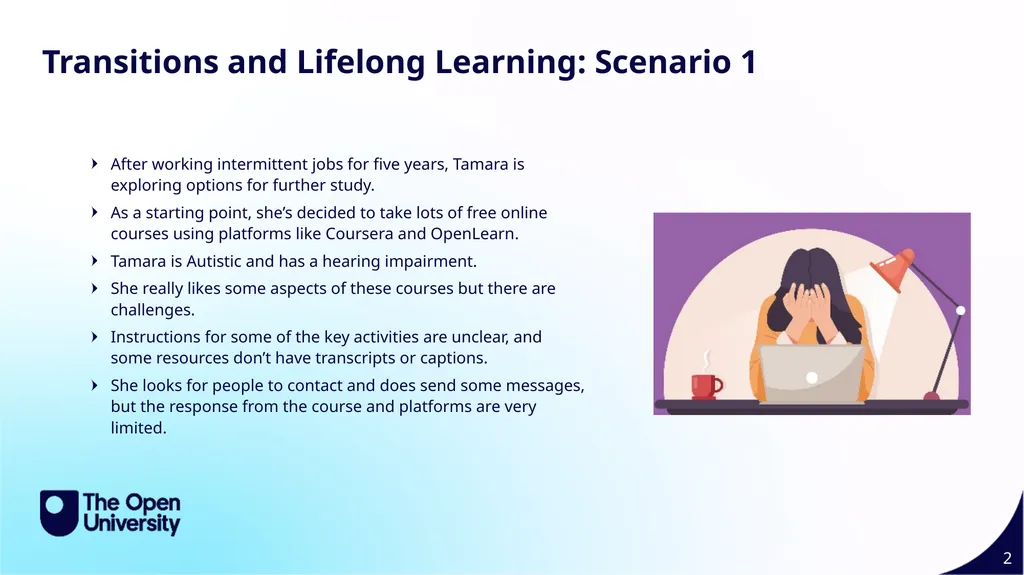
Transitions and Lifelong Learning: Scenario 1 After working intermittent jobs for five years, Tamara is exploring options for further study.
As a starting point, she’s decided to take lots of free online courses using platforms like Coursera and OpenLearn.
Tamara is Autistic and has a hearing impairment.
She really likes some aspects of these courses but there are challenges.
Instructions for some of the key activities are unclear, and some resources don’t have transcripts or captions.
She looks for people to contact and does send some messages, but the response from the course and platforms are very limited.<br>
03
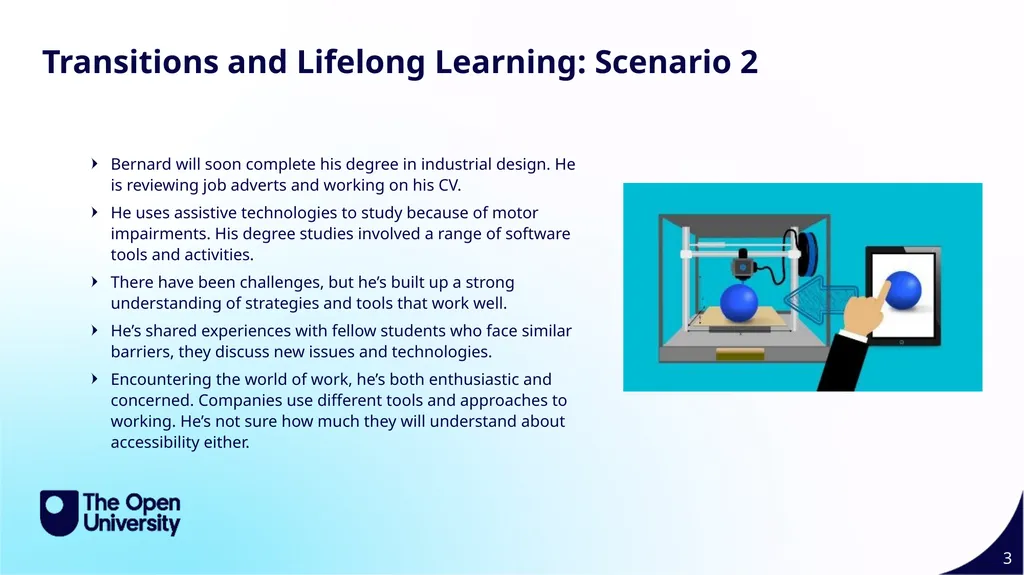
Transitions and Lifelong Learning: Scenario 2 Bernard will soon complete his degree in industrial design. He is reviewing job adverts and working on his CV.
He uses assistive technologies to study because of motor impairments. His degree studies involved a range of software tools and activities.
There have been challenges, but he’s built up a strong understanding of strategies and tools that work well.
He’s shared experiences with fellow students who face similar barriers, they discuss new issues and technologies.
Encountering the world of work, he’s both enthusiastic and concerned. Companies use different tools and approaches to working. He’s not sure how much they will understand about accessibility either.<br>
04
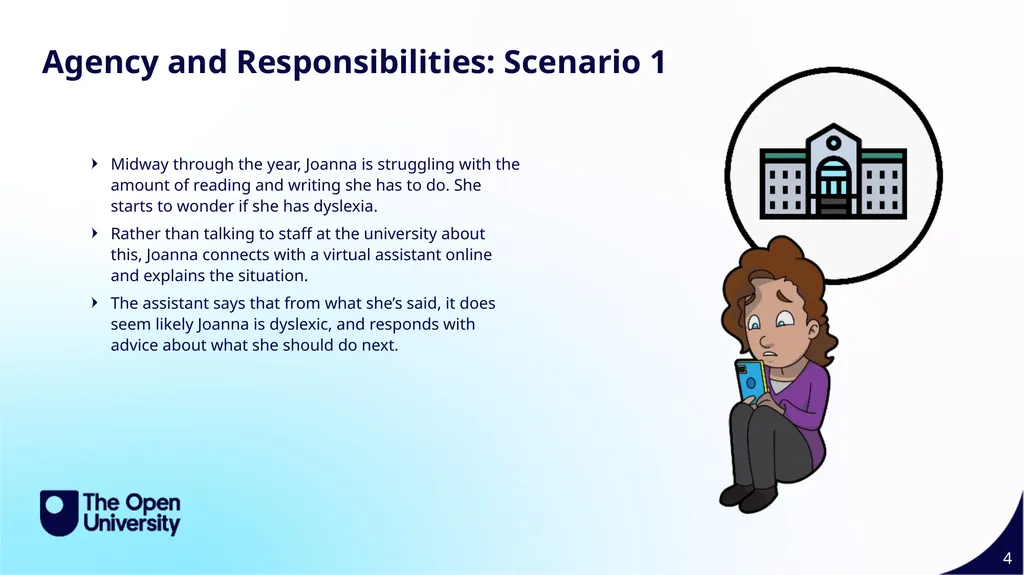
Agency and Responsibilities: Scenario 1 Midway through the year, Joanna is struggling with the amount of reading and writing she has to do. She starts to wonder if she has dyslexia.
Rather than talking to staff at the university about this, Joanna connects with a virtual assistant online and explains the situation.
The assistant says that from what she’s said, it does seem likely Joanna is dyslexic, and responds with advice about what she should do next.<br>
05
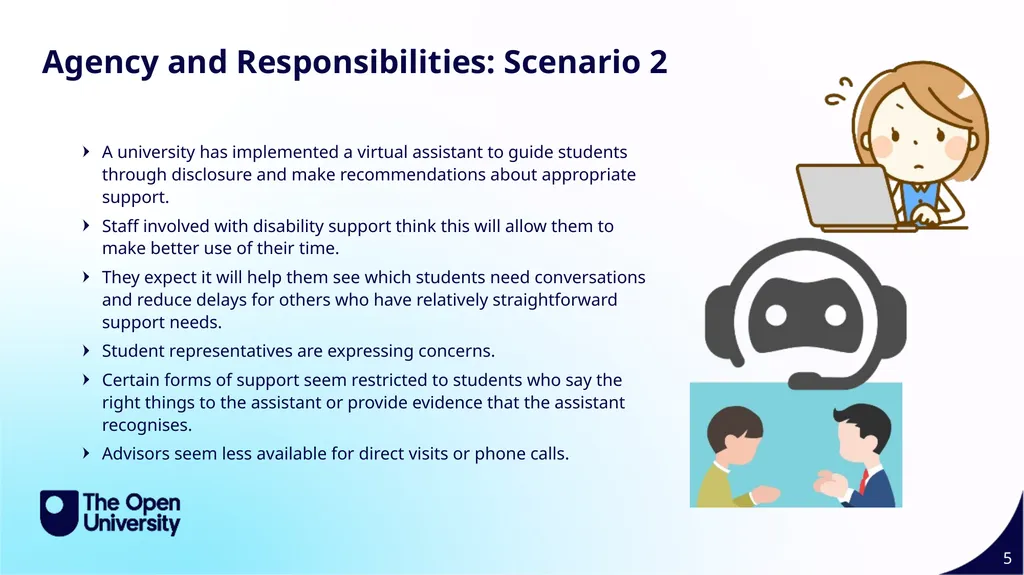
Agency and Responsibilities: Scenario 2 A university has implemented a virtual assistant to guide students through disclosure and make recommendations about appropriate support.
Staff involved with disability support think this will allow them to make better use of their time.
They expect it will help them see which students need conversations and reduce delays for others who have relatively straightforward support needs.
Student representatives are expressing concerns.
Certain forms of support seem restricted to students who say the right things to the assistant or provide evidence that the assistant recognises.
Advisors seem less available for direct visits or phone calls.<br>
06
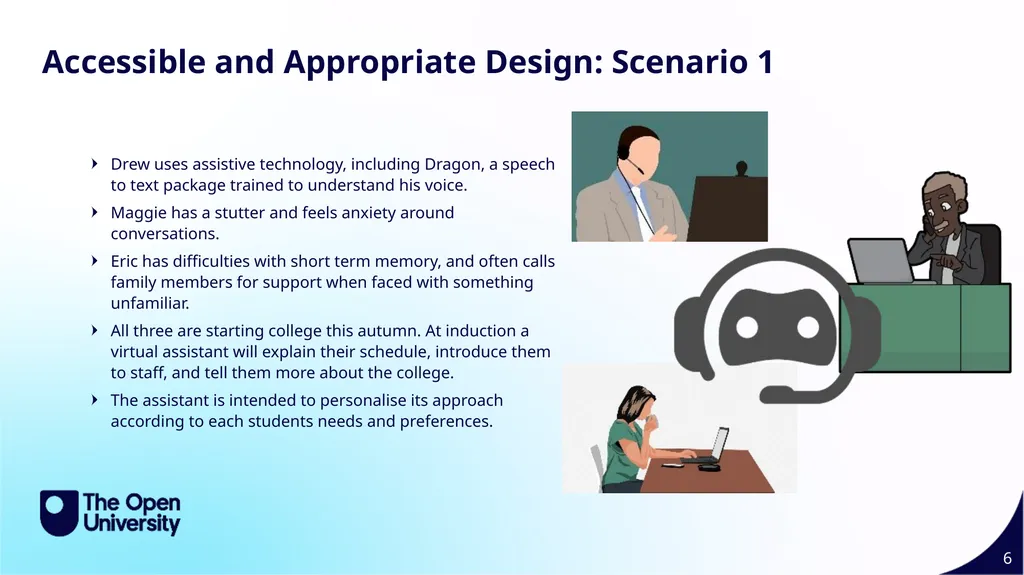
Accessible and Appropriate Design: Scenario 1 Drew uses assistive technology, including Dragon, a speech to text package trained to understand his voice.
Maggie has a stutter and feels anxiety around conversations.
Eric has difficulties with short term memory, and often calls family members for support when faced with something unfamiliar.
All three are starting college this autumn. At induction a virtual assistant will explain their schedule, introduce them to staff, and tell them more about the college.
The assistant is intended to personalise its approach according to each students needs and preferences.<br>
07
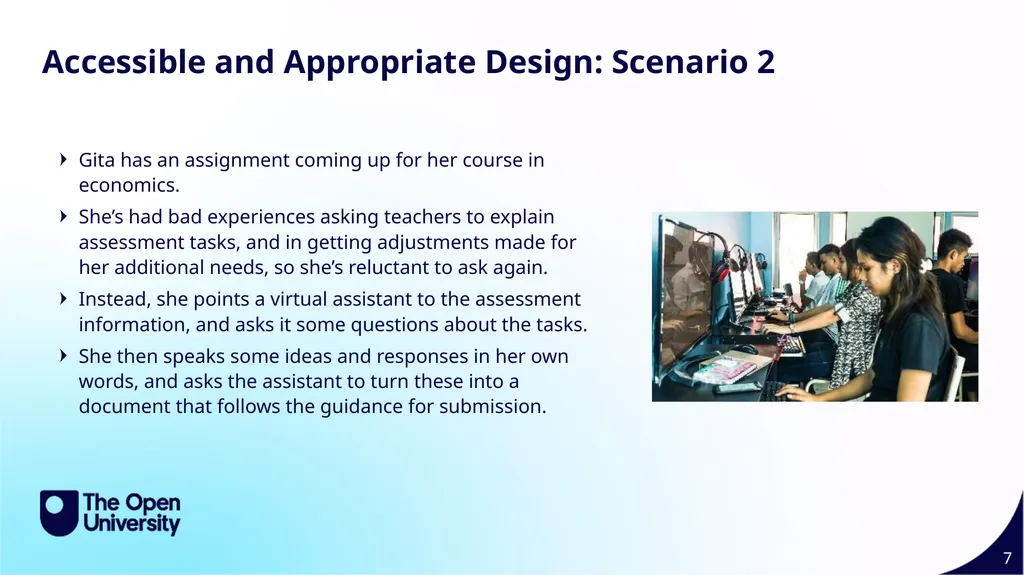
Accessible and Appropriate Design: Scenario 2 Gita has an assignment coming up for her course in economics.
She’s had bad experiences asking teachers to explain assessment tasks, and in getting adjustments made for her additional needs, so she’s reluctant to ask again.
Instead, she points a virtual assistant to the assessment information, and asks it some questions about the tasks.
She then speaks some ideas and responses in her own words, and asks the assistant to turn these into a document that follows the guidance for submission.<br>
08
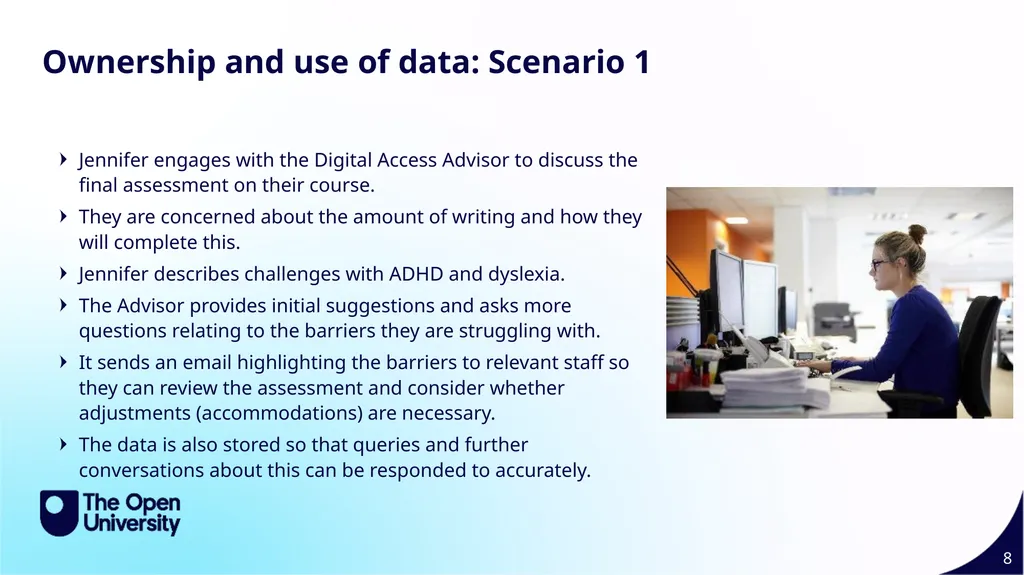
Ownership and use of data: Scenario 1 Jennifer engages with the Digital Access Advisor to discuss the final assessment on their course.
They are concerned about the amount of writing and how they will complete this.
Jennifer describes challenges with ADHD and dyslexia.
The Advisor provides initial suggestions and asks more questions relating to the barriers they are struggling with.
It sends an email highlighting the barriers to relevant staff so they can review the assessment and consider whether adjustments (accommodations) are necessary.
The data is also stored so that queries and further conversations about this can be responded to accurately.<br>
09
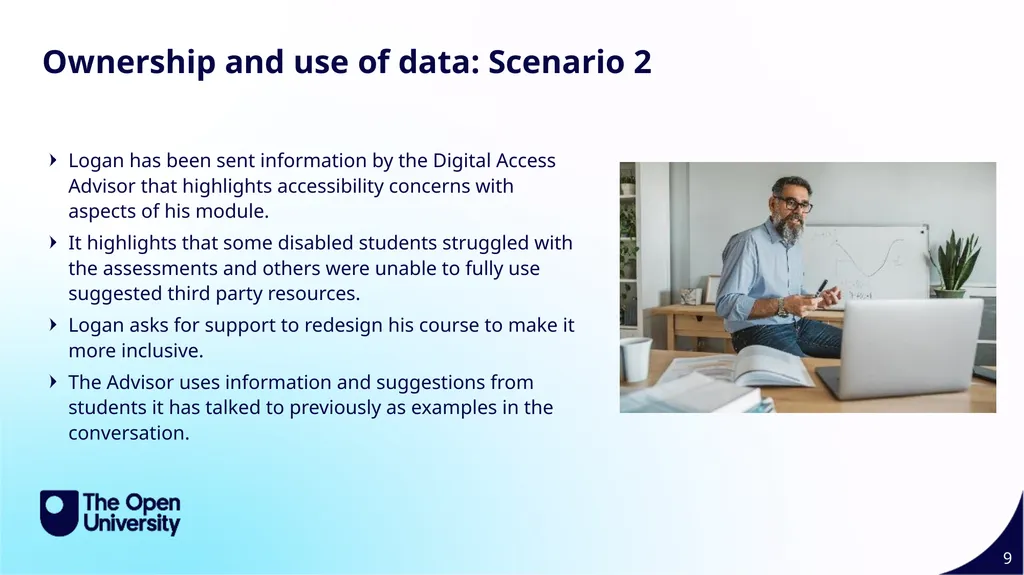
Ownership and use of data: Scenario 2 Logan has been sent information by the Digital Access Advisor that highlights accessibility concerns with aspects of his module.
It highlights that some disabled students struggled with the assessments and others were unable to fully use suggested third party resources.
Logan asks for support to redesign his course to make it more inclusive.
The Advisor uses information and suggestions from students it has talked to previously as examples in the conversation.<br>