
E133: OPERATIONS-BASED EXERCISE DESIGN AND
LO
Published · 71 slides · 0 views
1 / 1
Description
E133: OPERATIONS-BASED EXERCISE DESIGN AND EVALUATION COURSE Unit 2: MSEL Development 2.1 FEMA News Photo Unit Objectives By the end of this unit you will be able to: Explain the Eight Exercise Design Steps with regard to operations-based
Related Topics
Share
Embed code
Download this presentation From Below
"E133: OPERATIONS-BASED EXERCISE DESIGN AND" is the property of its rightful owner. Permission is granted to download and print the materials on this website for personal, non-commercial use only, and to display it on your personal computer provided you do not modify the materials and that you retain all copyright notices contained in the materials. By downloading content from our website, you accept the terms of this agreement.
Presentation Transcript
01
E133: OPERATIONS-BASED EXERCISE DESIGN
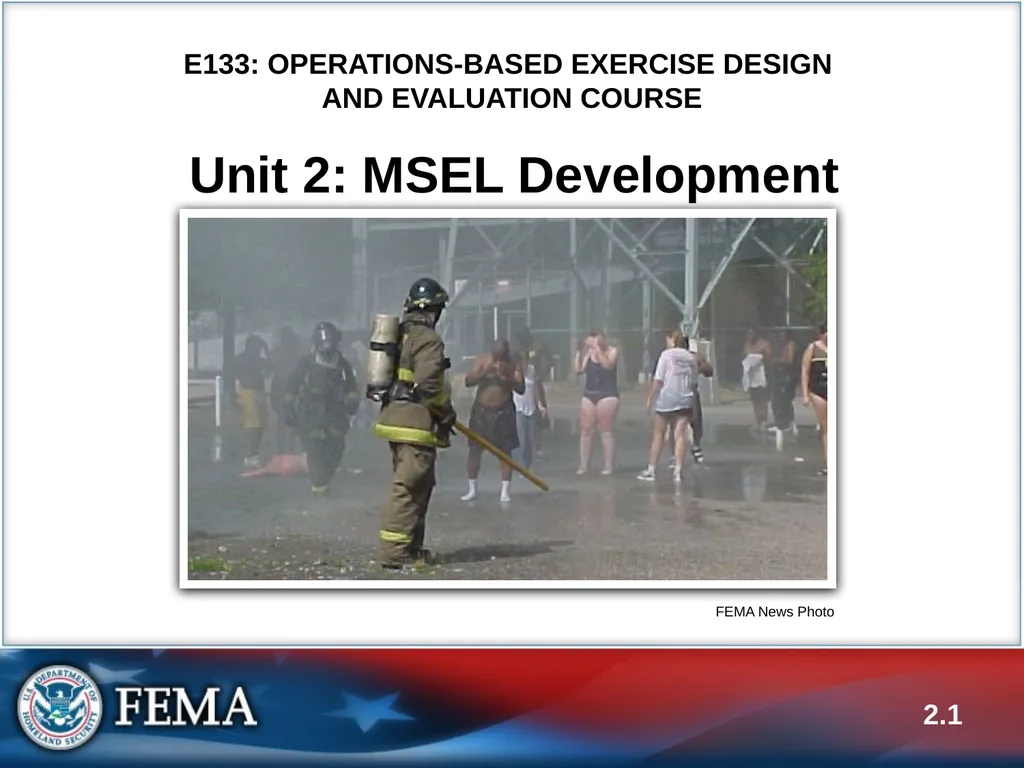
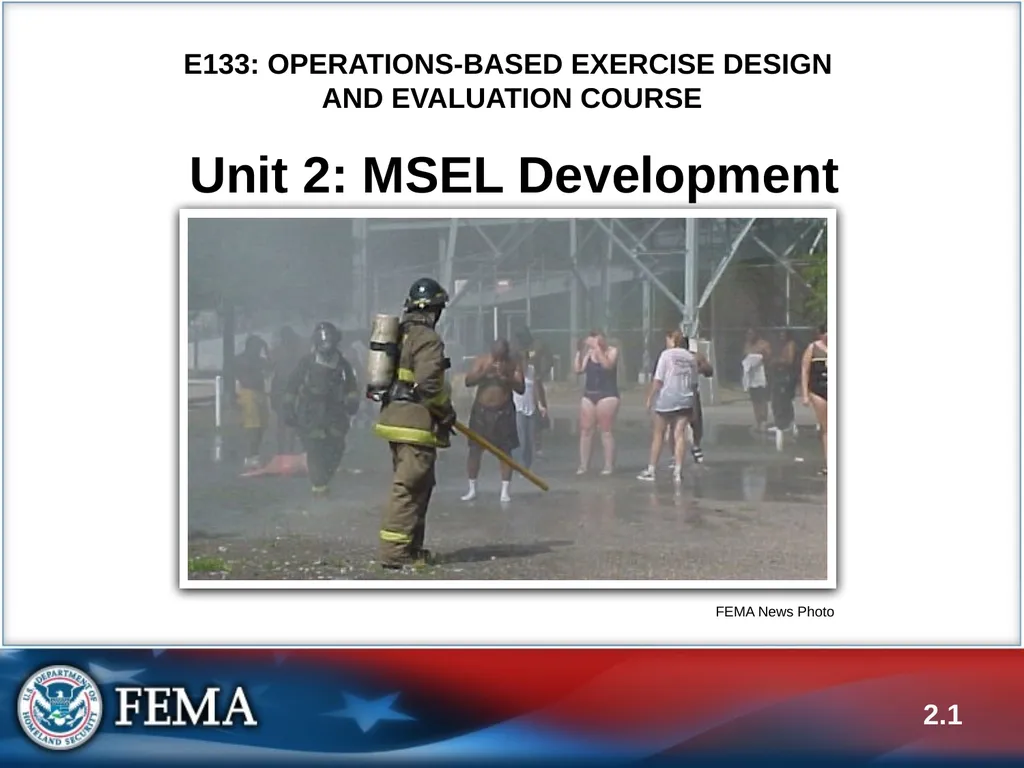
AND EVALUATION COURSE Unit 2: MSEL Development 2.1 FEMA News Photo<br>
02
Unit Objectives By the end of this unit you will be able to:
Explain the Eight Exercise Design Steps with regard to operations-based exercises
Develop major and detailed events, expected actions, and injects for an operations-based exercise
List the information contained in a MSEL
Describe the documentation and tools used with operations-based exercises 2.2<br>
Explain the Eight Exercise Design Steps with regard to operations-based exercises
Develop major and detailed events, expected actions, and injects for an operations-based exercise
List the information contained in a MSEL
Describe the documentation and tools used with operations-based exercises 2.2<br>
03
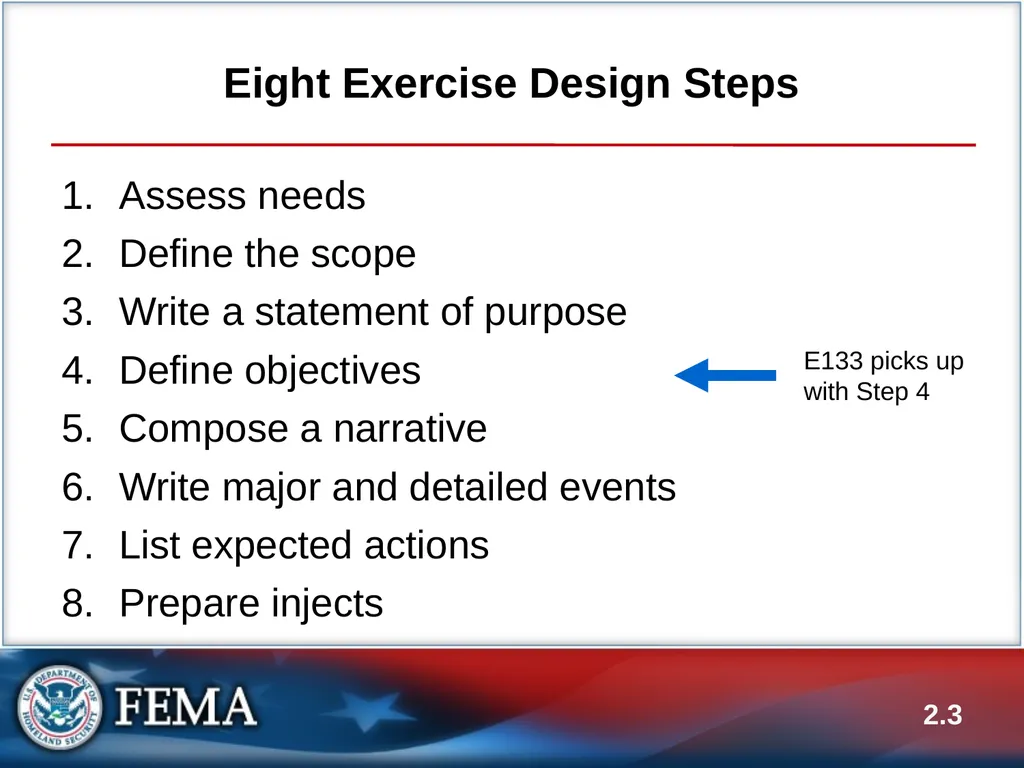
Eight Exercise Design Steps 2.3 Assess needs
Define the scope
Write a statement of purpose
Define objectives
Compose a narrative
Write major and detailed events
List expected actions
Prepare injects E133 picks up with Step 4<br>
Define the scope
Write a statement of purpose
Define objectives
Compose a narrative
Write major and detailed events
List expected actions
Prepare injects E133 picks up with Step 4<br>
04
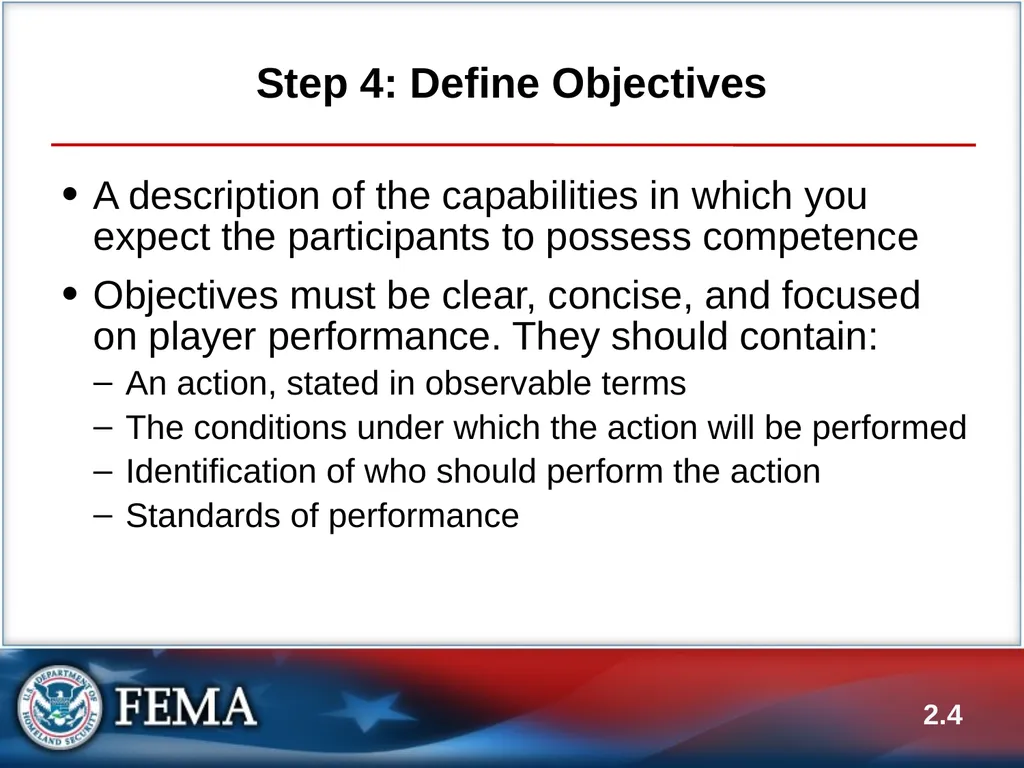
Step 4: Define Objectives A description of the capabilities in which you expect the participants to possess competence
Objectives must be clear, concise, and focused on player performance. They should contain:
An action, stated in observable terms
The conditions under which the action will be performed
Identification of who should perform the action
Standards of performance 2.4<br>
Objectives must be clear, concise, and focused on player performance. They should contain:
An action, stated in observable terms
The conditions under which the action will be performed
Identification of who should perform the action
Standards of performance 2.4<br>
05
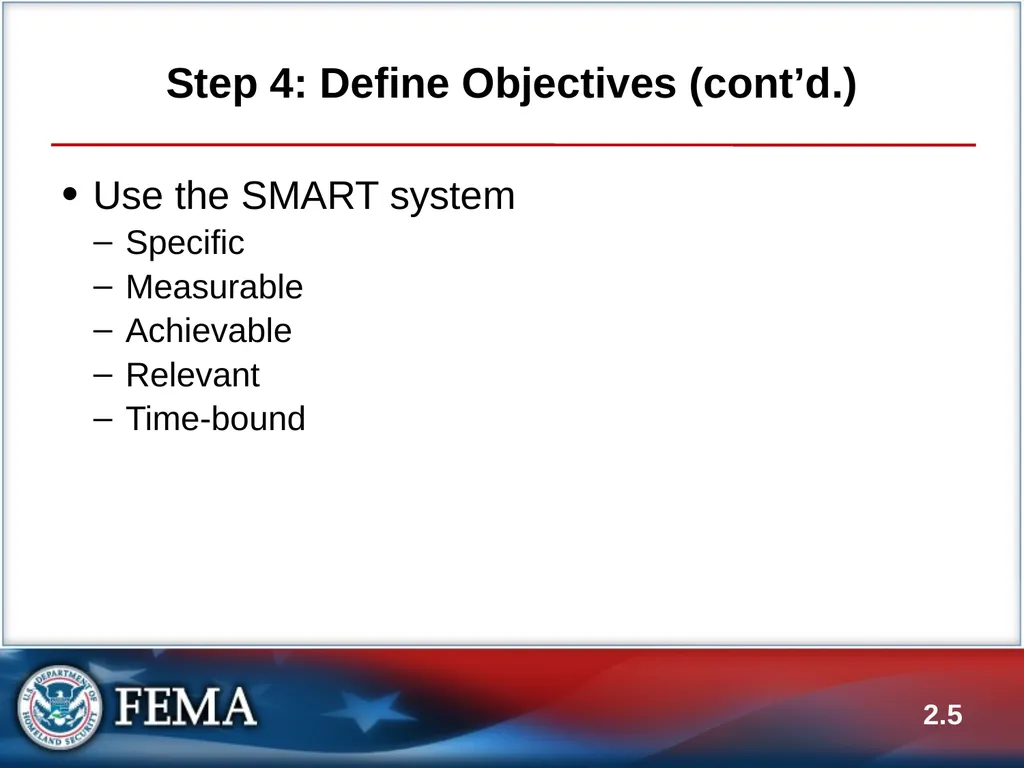
Step 4: Define Objectives (cont’d.) Use the SMART system
Specific
Measurable
Achievable
Relevant
Time-bound 2.5<br>
Specific
Measurable
Achievable
Relevant
Time-bound 2.5<br>
06
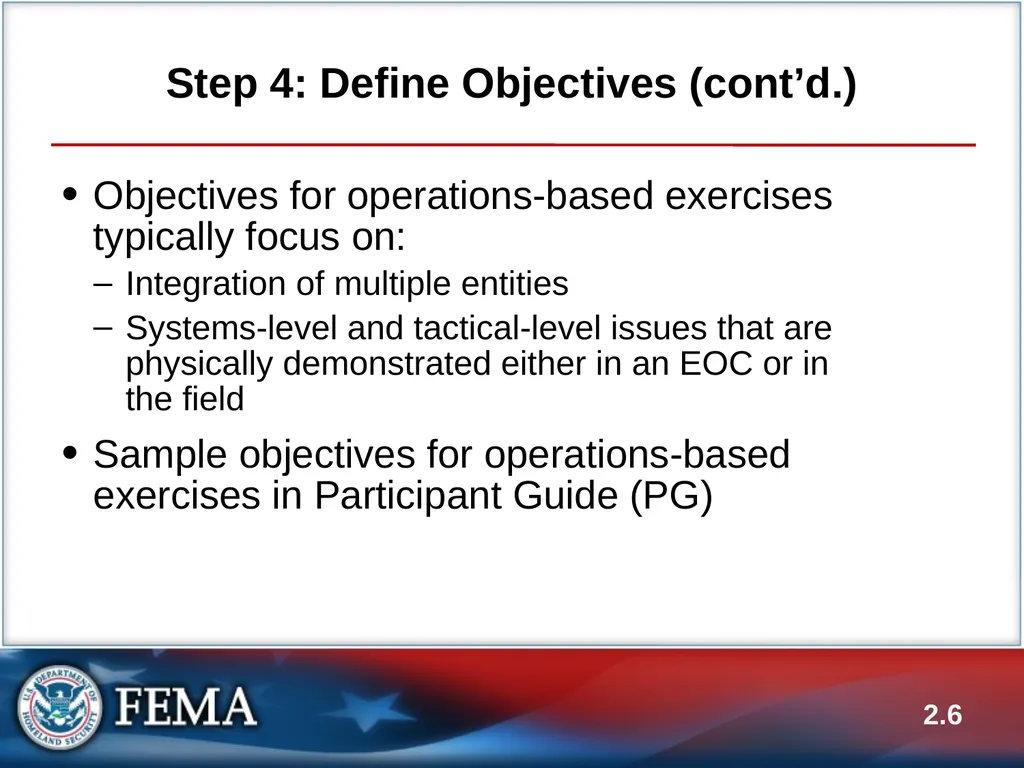
Step 4: Define Objectives (cont’d.) Objectives for operations-based exercises typically focus on:
Integration of multiple entities
Systems-level and tactical-level issues that are physically demonstrated either in an EOC or in the field
Sample objectives for operations-based exercises in Participant Guide (PG) 2.6<br>
Integration of multiple entities
Systems-level and tactical-level issues that are physically demonstrated either in an EOC or in the field
Sample objectives for operations-based exercises in Participant Guide (PG) 2.6<br>
07
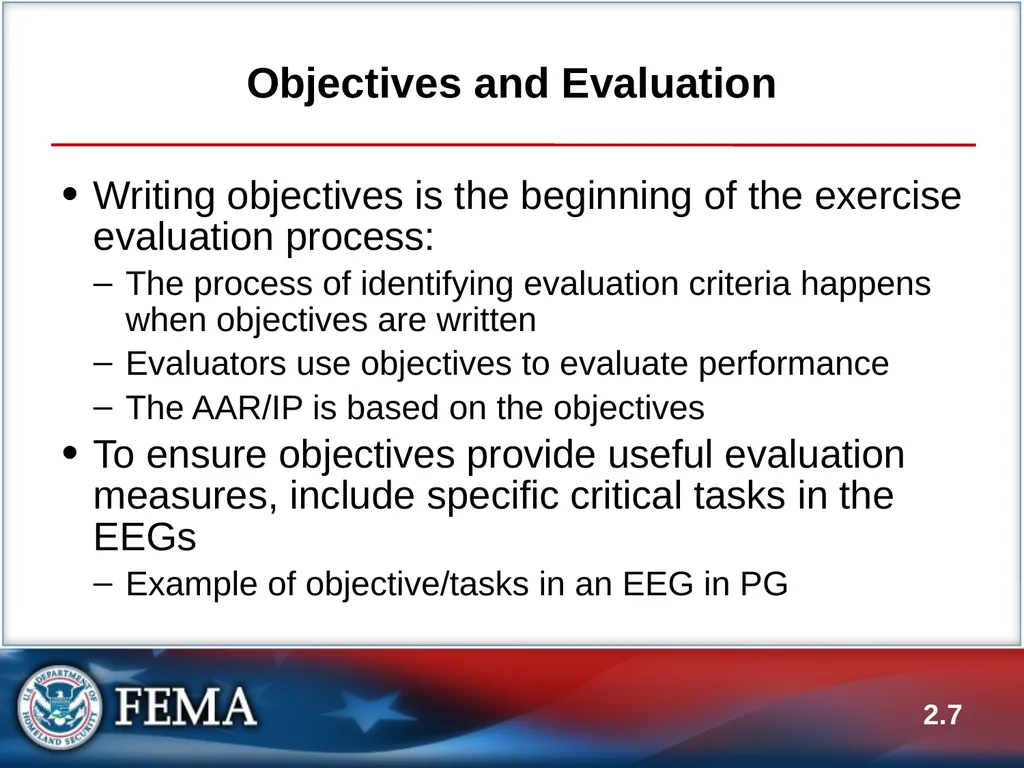
Objectives and Evaluation Writing objectives is the beginning of the exercise evaluation process:
The process of identifying evaluation criteria happens when objectives are written
Evaluators use objectives to evaluate performance
The AAR/IP is based on the objectives
To ensure objectives provide useful evaluation measures, include specific critical tasks in the EEGs
Example of objective/tasks in an EEG in PG 2.7<br>
The process of identifying evaluation criteria happens when objectives are written
Evaluators use objectives to evaluate performance
The AAR/IP is based on the objectives
To ensure objectives provide useful evaluation measures, include specific critical tasks in the EEGs
Example of objective/tasks in an EEG in PG 2.7<br>
08
Objectives and Evaluation (cont’d.) How would the objective and corresponding EEG look different if this was for a discussion-based exercise? 2.8<br>
09
Objectives and Evaluation (cont’d.) Are the critical tasks in the EEG clearly tied back to the exercise objective? 2.9<br>
10
2.10 Activity #1:
FE Preparation: Objectives<br>
11
Activity #1:
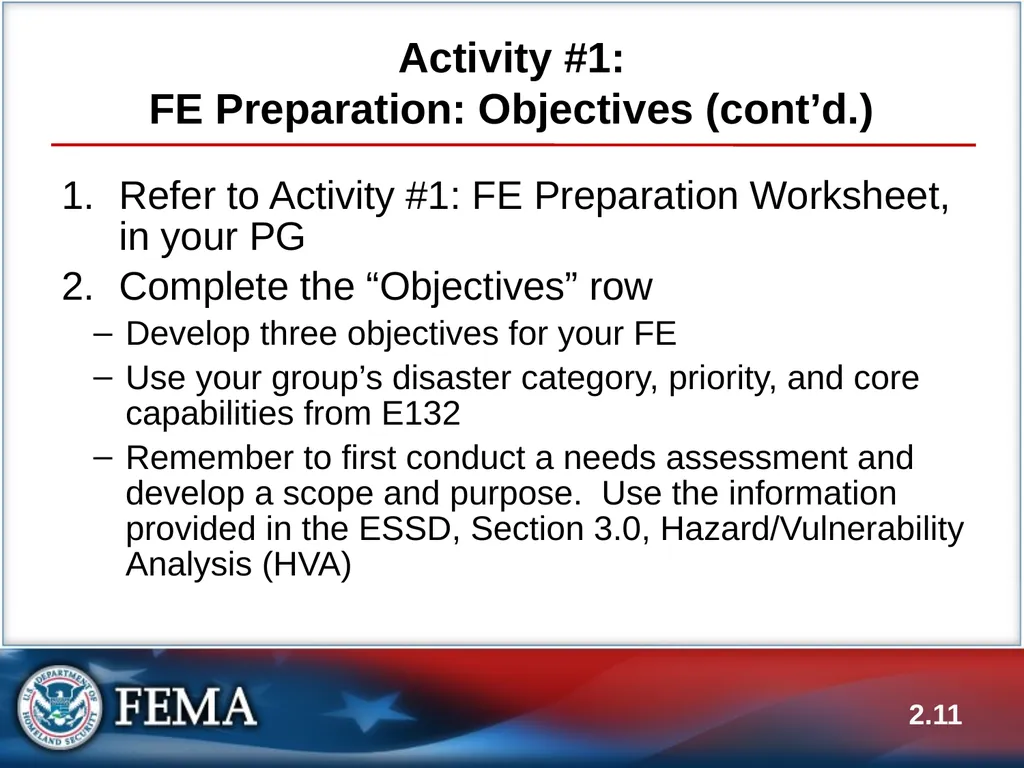
FE Preparation: Objectives (cont’d.) Refer to Activity #1: FE Preparation Worksheet, in your PG
Complete the “Objectives” row
Develop three objectives for your FE
Use your group’s disaster category, priority, and core capabilities from E132
Remember to first conduct a needs assessment and develop a scope and purpose. Use the information provided in the ESSD, Section 3.0, Hazard/Vulnerability Analysis (HVA) 2.11<br>
Complete the “Objectives” row
Develop three objectives for your FE
Use your group’s disaster category, priority, and core capabilities from E132
Remember to first conduct a needs assessment and develop a scope and purpose. Use the information provided in the ESSD, Section 3.0, Hazard/Vulnerability Analysis (HVA) 2.11<br>
12
Activity #1:
FE Preparation: Objectives (cont’d.) Work in your Proficiency Demonstration groups
Submit your objectives to your group instructor for review and acceptance
Your goal is to get your group instructor’s approval to progress with your objectives and use them for your FE
You have 30 minutes to complete the activity
Ensure your objectives are reviewed early enough to allow time to implement feedback and get acceptance 2.12<br>
Submit your objectives to your group instructor for review and acceptance
Your goal is to get your group instructor’s approval to progress with your objectives and use them for your FE
You have 30 minutes to complete the activity
Ensure your objectives are reviewed early enough to allow time to implement feedback and get acceptance 2.12<br>
13
Step 5: Compose a Narrative A brief description of the events that have occurred up to the minute the exercise begins
Provided in the Controller/Evaluator (C/E) Handbook and MSEL, and briefed to the exercise participants at StartEx
Sample narrative in PG 2.13<br>
Provided in the Controller/Evaluator (C/E) Handbook and MSEL, and briefed to the exercise participants at StartEx
Sample narrative in PG 2.13<br>
14
Step 6: Write Major and Detailed Events 2.14 Events are:
Occurrences that happen as a result of the emergency described in the narrative
Problems requiring actions that will meet the objectives
The goal is to provide a structure that will:
Link the simulated event to the expected player actions
Provide unity to the exercise
Careful scripting is required to:
Produce a convincing, unified scenario
Create an exercise governed by objectives<br>
Occurrences that happen as a result of the emergency described in the narrative
Problems requiring actions that will meet the objectives
The goal is to provide a structure that will:
Link the simulated event to the expected player actions
Provide unity to the exercise
Careful scripting is required to:
Produce a convincing, unified scenario
Create an exercise governed by objectives<br>
15
Developing Major Events To develop major events:
Identify major occurrences that might follow the narrative events
Select those that will likely generate situations to test the objectives
In discussion-based exercises, a major event is usually introduced in a new module; in operations-based exercises, major events can be injects as part of the overall MSEL 2.15<br>
Identify major occurrences that might follow the narrative events
Select those that will likely generate situations to test the objectives
In discussion-based exercises, a major event is usually introduced in a new module; in operations-based exercises, major events can be injects as part of the overall MSEL 2.15<br>
16
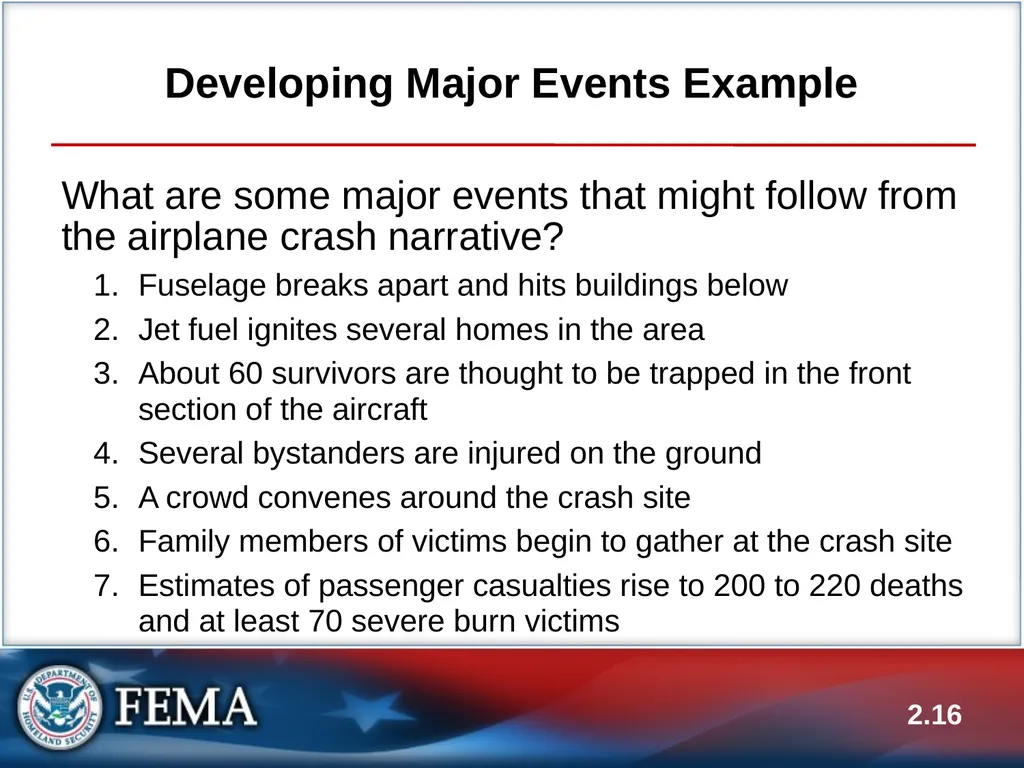
Developing Major Events Example What are some major events that might follow from the airplane crash narrative?
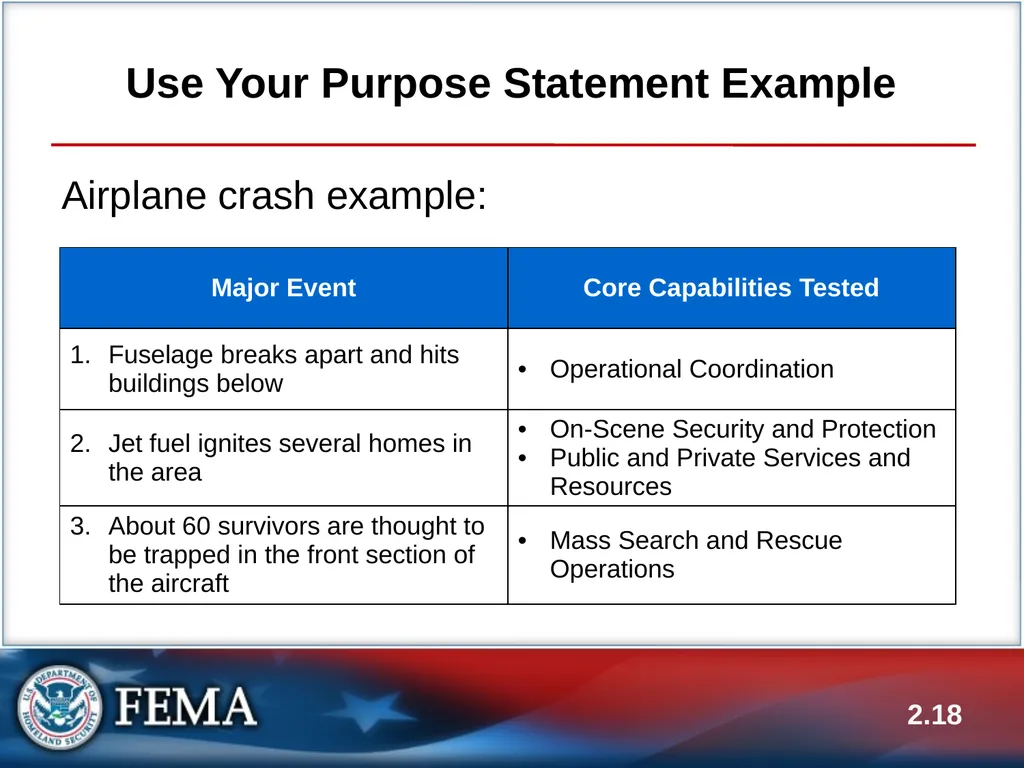
Fuselage breaks apart and hits buildings below
Jet fuel ignites several homes in the area
About 60 survivors are thought to be trapped in the front section of the aircraft
Several bystanders are injured on the ground
A crowd convenes around the crash site
Family members of victims begin to gather at the crash site
Estimates of passenger casualties rise to 200 to 220 deaths and at least 70 severe burn victims 2.16<br>
Fuselage breaks apart and hits buildings below
Jet fuel ignites several homes in the area
About 60 survivors are thought to be trapped in the front section of the aircraft
Several bystanders are injured on the ground
A crowd convenes around the crash site
Family members of victims begin to gather at the crash site
Estimates of passenger casualties rise to 200 to 220 deaths and at least 70 severe burn victims 2.16<br>
17
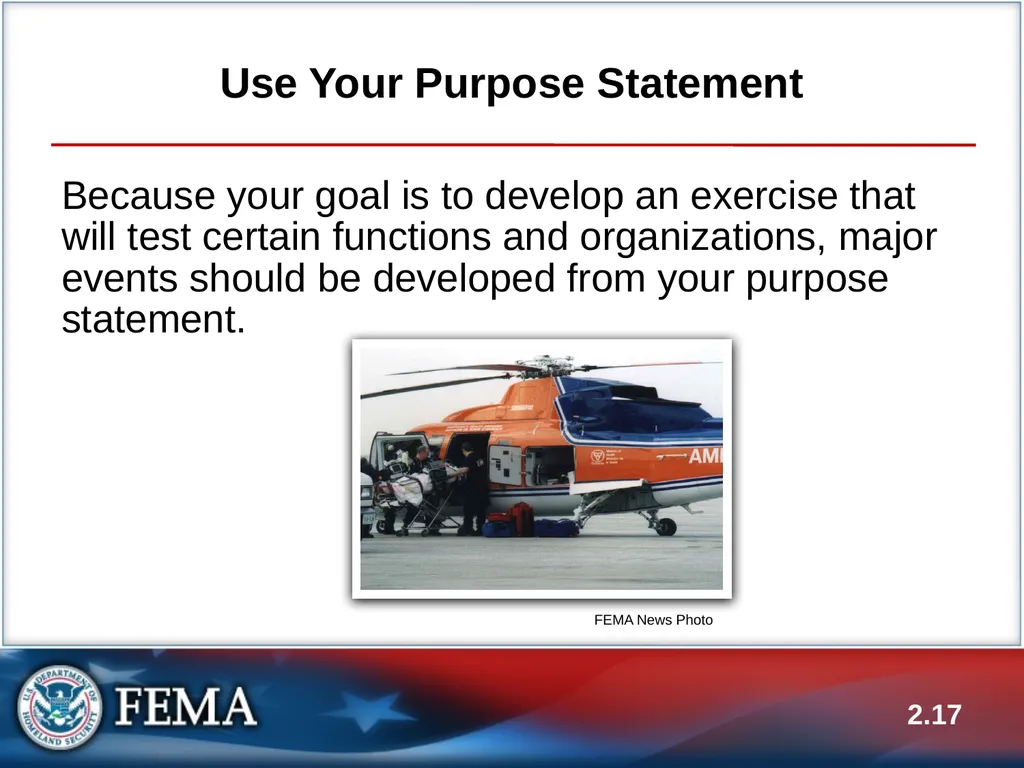
Use Your Purpose Statement Because your goal is to develop an exercise that will test certain functions and organizations, major events should be developed from your purpose statement. 2.17 FEMA News Photo<br>
18
2.18 Use Your Purpose Statement Example Airplane crash example:<br>
19
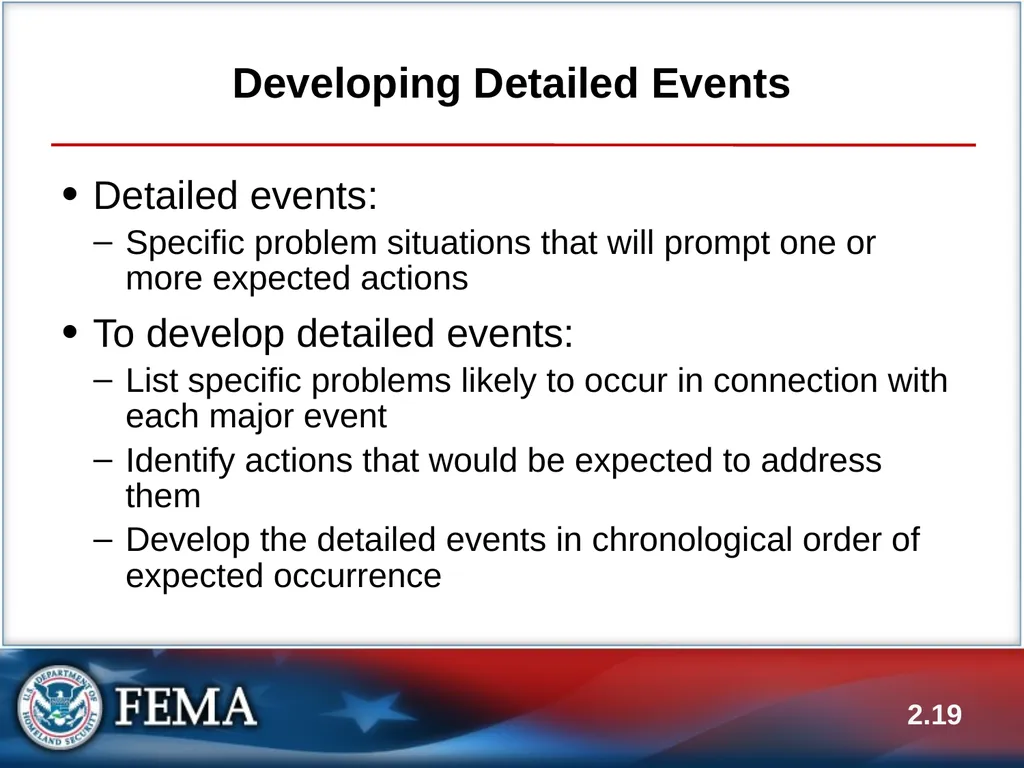
Developing Detailed Events Detailed events:
Specific problem situations that will prompt one or more expected actions
To develop detailed events:
List specific problems likely to occur in connection with each major event
Identify actions that would be expected to address them
Develop the detailed events in chronological order of expected occurrence 2.19<br>
Specific problem situations that will prompt one or more expected actions
To develop detailed events:
List specific problems likely to occur in connection with each major event
Identify actions that would be expected to address them
Develop the detailed events in chronological order of expected occurrence 2.19<br>
20
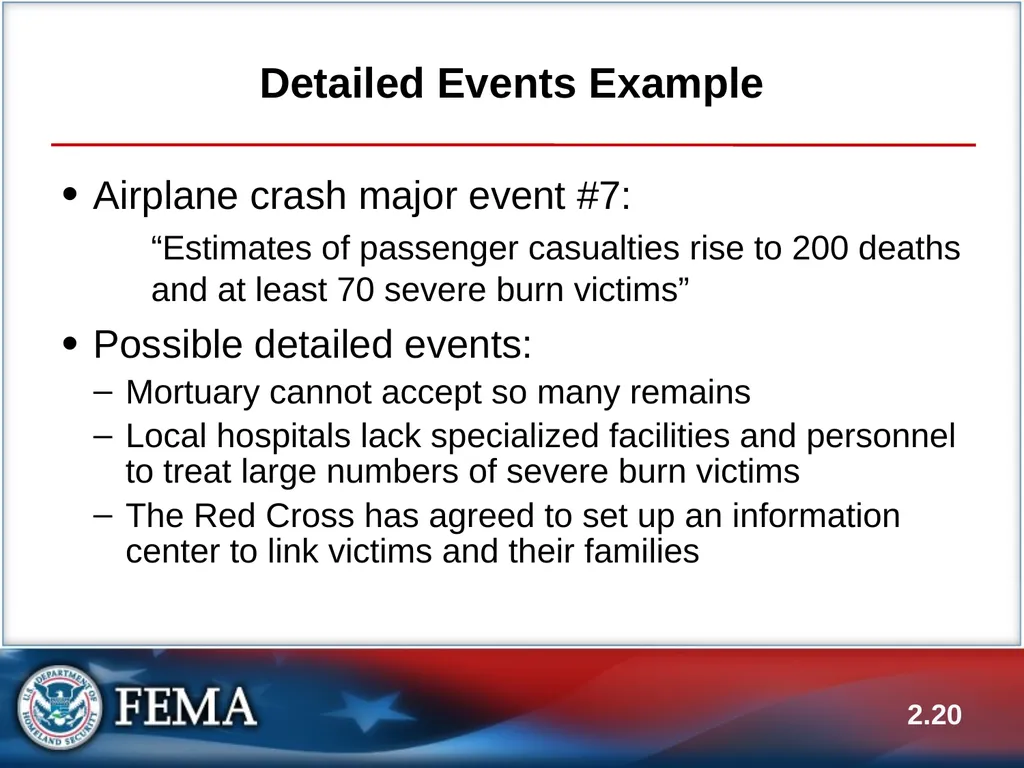
Detailed Events Example Airplane crash major event #7:
“Estimates of passenger casualties rise to 200 deaths and at least 70 severe burn victims”
Possible detailed events:
Mortuary cannot accept so many remains
Local hospitals lack specialized facilities and personnel to treat large numbers of severe burn victims
The Red Cross has agreed to set up an information center to link victims and their families 2.20<br>
“Estimates of passenger casualties rise to 200 deaths and at least 70 severe burn victims”
Possible detailed events:
Mortuary cannot accept so many remains
Local hospitals lack specialized facilities and personnel to treat large numbers of severe burn victims
The Red Cross has agreed to set up an information center to link victims and their families 2.20<br>
21
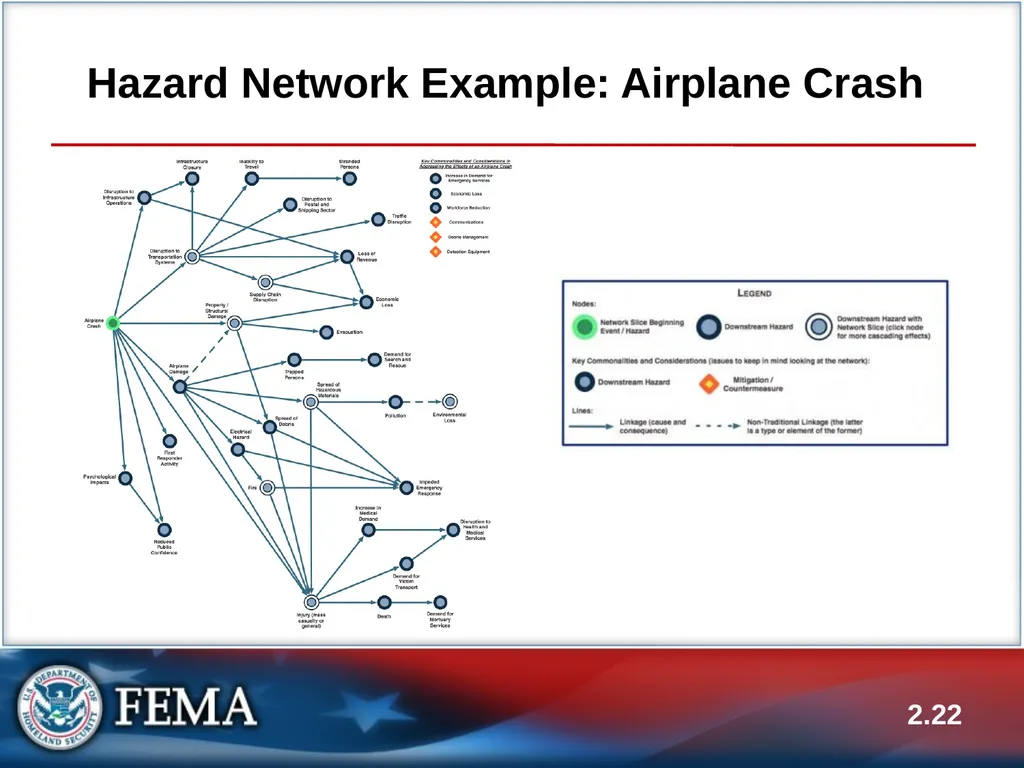
Hazard Networks A useful tool for helping develop major and detailed events is FEMA’s hazard networks
They represent the potential cascading effects of a hazard in a visual, network-style format
The hazard networks come from FEMA’s discontinued Full-Spectrum Risk Knowledgebase
Copies of the hazard networks are provided on the Shared Drive, and a copy of the hazard network for an airplane crash is provided in your Participant Guides 2.21<br>
They represent the potential cascading effects of a hazard in a visual, network-style format
The hazard networks come from FEMA’s discontinued Full-Spectrum Risk Knowledgebase
Copies of the hazard networks are provided on the Shared Drive, and a copy of the hazard network for an airplane crash is provided in your Participant Guides 2.21<br>
22
Hazard Network Example: Airplane Crash 2.22<br>
23
2.23 Activity #2:
FE Preparation: Major and Detailed Events<br>
24
Activity #2: FE Preparation:
Major and Detailed Events (cont’d.) Refer back to Activity #1: FE Preparation Worksheet, in your PG
Complete the Major Events and the Detailed Events rows:
Write one major event for each objective
Write two detailed events for each major event
Work in your groups 2.24<br>
Complete the Major Events and the Detailed Events rows:
Write one major event for each objective
Write two detailed events for each major event
Work in your groups 2.24<br>
25
Activity #2: FE Preparation:
Major and Detailed Events (cont’d.) Submit your major and detailed events to your group instructor for review and acceptance
You have 30 minutes to complete the activity
Ensure your major and detailed events are reviewed early enough to allow time to implement feedback and get acceptance 2.25<br>
You have 30 minutes to complete the activity
Ensure your major and detailed events are reviewed early enough to allow time to implement feedback and get acceptance 2.25<br>
26
Step 7: List Expected Actions Expected actions: Actions or decisions you want participants to carry out in order to demonstrate competence
Necessary for injects and evaluation
Types of actions:
Verification
Consideration
Deferral
Decision 2.26<br>
Necessary for injects and evaluation
Types of actions:
Verification
Consideration
Deferral
Decision 2.26<br>
27
Step 7: List Expected Actions (cont’d.) How do you know what actions are appropriate in response to a given inject? 2.27<br>
28
Relationship to Objectives Expected actions are closely tied to objectives
Objectives state general desired actions
“Expected actions” are a breakdown of objectives—the actions that would be taken by an organization or an individual to meet the objective
Example of the relationship between expected actions and objectives in PG 2.28<br>
Objectives state general desired actions
“Expected actions” are a breakdown of objectives—the actions that would be taken by an organization or an individual to meet the objective
Example of the relationship between expected actions and objectives in PG 2.28<br>
29
What to List Generally, every detailed event results in one or more expected actions
List only those actions that involve the participating organizations
List expected actions for all participating organizations
It is not necessary for each detailed event to generate responses from all players 2.29<br>
List only those actions that involve the participating organizations
List expected actions for all participating organizations
It is not necessary for each detailed event to generate responses from all players 2.29<br>
30
Step 8: Prepare Injects Injects are used to communicate detailed events to exercise participants
Characteristics
Purpose: Evoke a response (decision or action) to meet objectives
Transmission: Phone, radio, note, fax, in person, etc.
Credibility: Must come from credible source, through credible channels
Sample injects provided in PG 2.30<br>
Characteristics
Purpose: Evoke a response (decision or action) to meet objectives
Transmission: Phone, radio, note, fax, in person, etc.
Credibility: Must come from credible source, through credible channels
Sample injects provided in PG 2.30<br>
31
Injects, Events, and Actions Injects and events
One inject may represent one event, or several injects may be needed to notify participants of the event
Injects and expected actions
Each inject is designed to generate one or more expected actions
Examples of injects that could achieve the expected actions in PG
Sample inject planning sheet in PG 2.31<br>
One inject may represent one event, or several injects may be needed to notify participants of the event
Injects and expected actions
Each inject is designed to generate one or more expected actions
Examples of injects that could achieve the expected actions in PG
Sample inject planning sheet in PG 2.31<br>
32
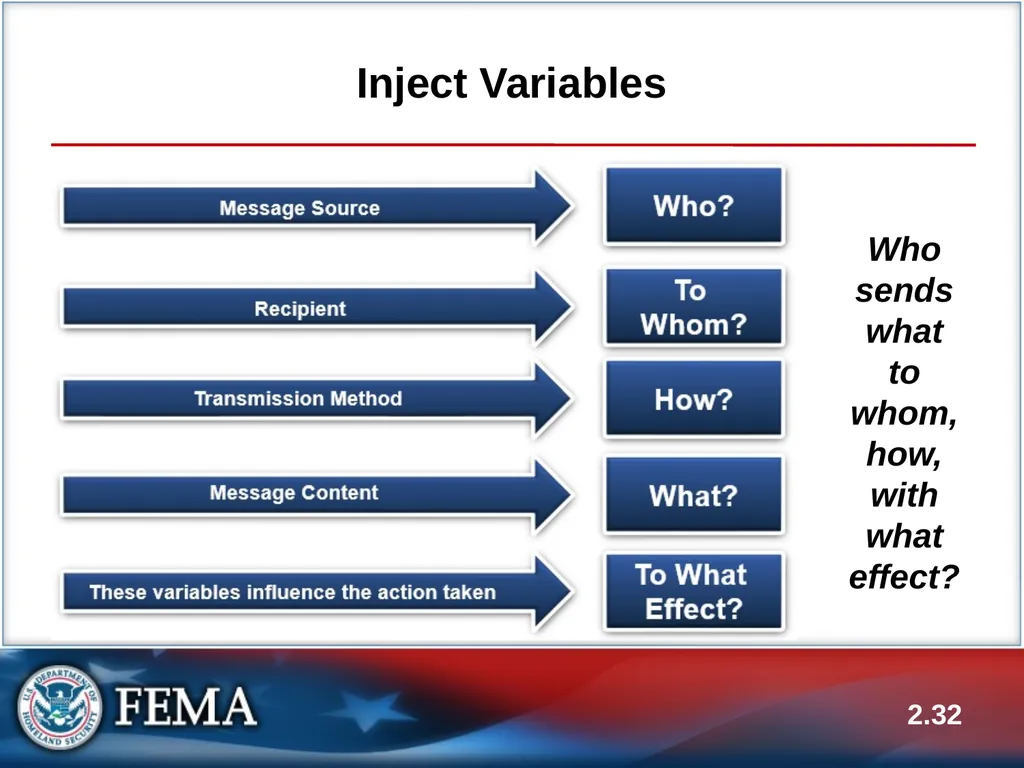
Inject Variables Who sends what to whom, how, with what effect? 2.32<br>
33
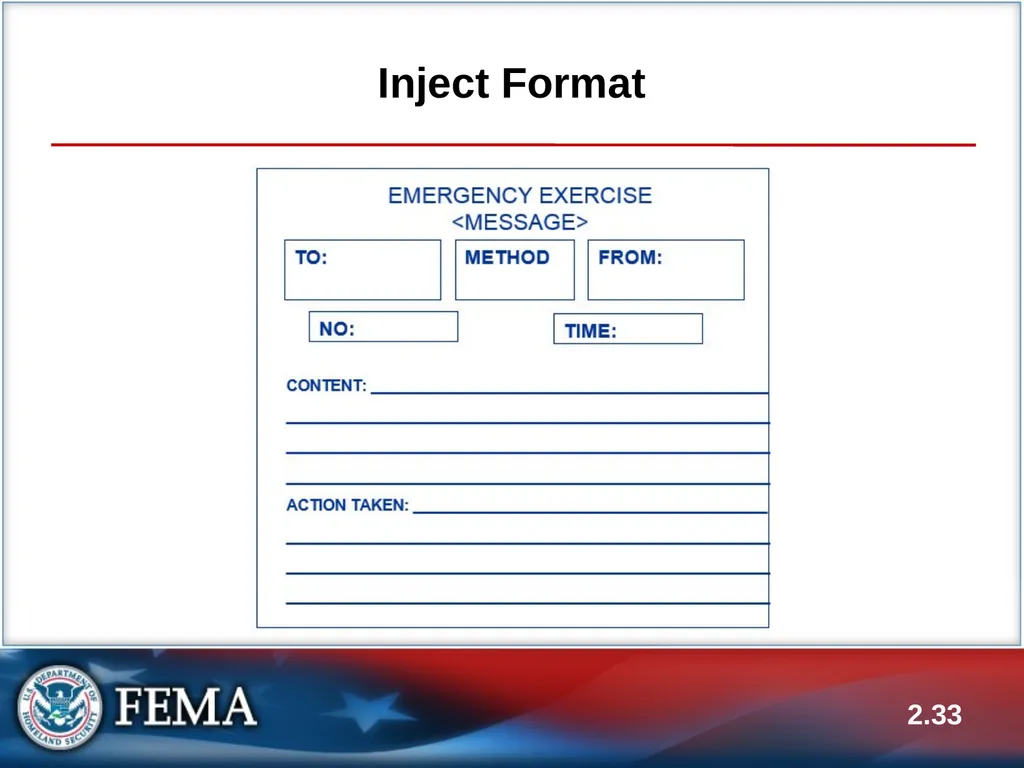
Inject Format 2.33<br>
34
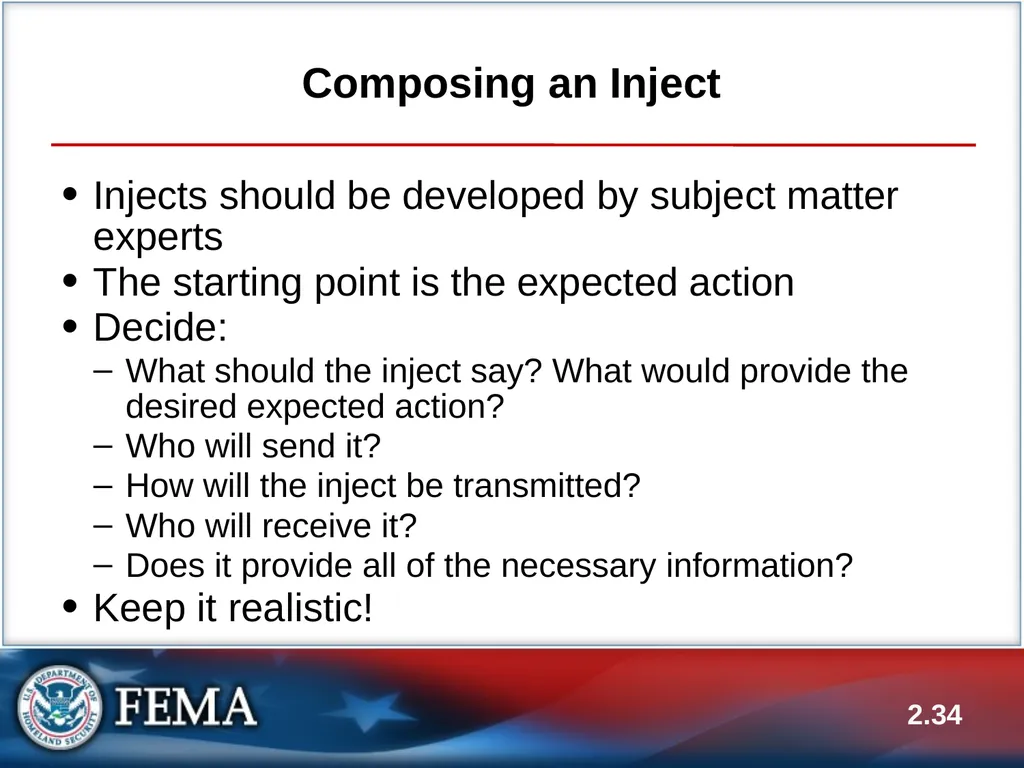
Composing an Inject Injects should be developed by subject matter experts
The starting point is the expected action
Decide:
What should the inject say? What would provide the desired expected action?
Who will send it?
How will the inject be transmitted?
Who will receive it?
Does it provide all of the necessary information?
Keep it realistic! 2.34<br>
The starting point is the expected action
Decide:
What should the inject say? What would provide the desired expected action?
Who will send it?
How will the inject be transmitted?
Who will receive it?
Does it provide all of the necessary information?
Keep it realistic! 2.34<br>
35
Pulling It Together:
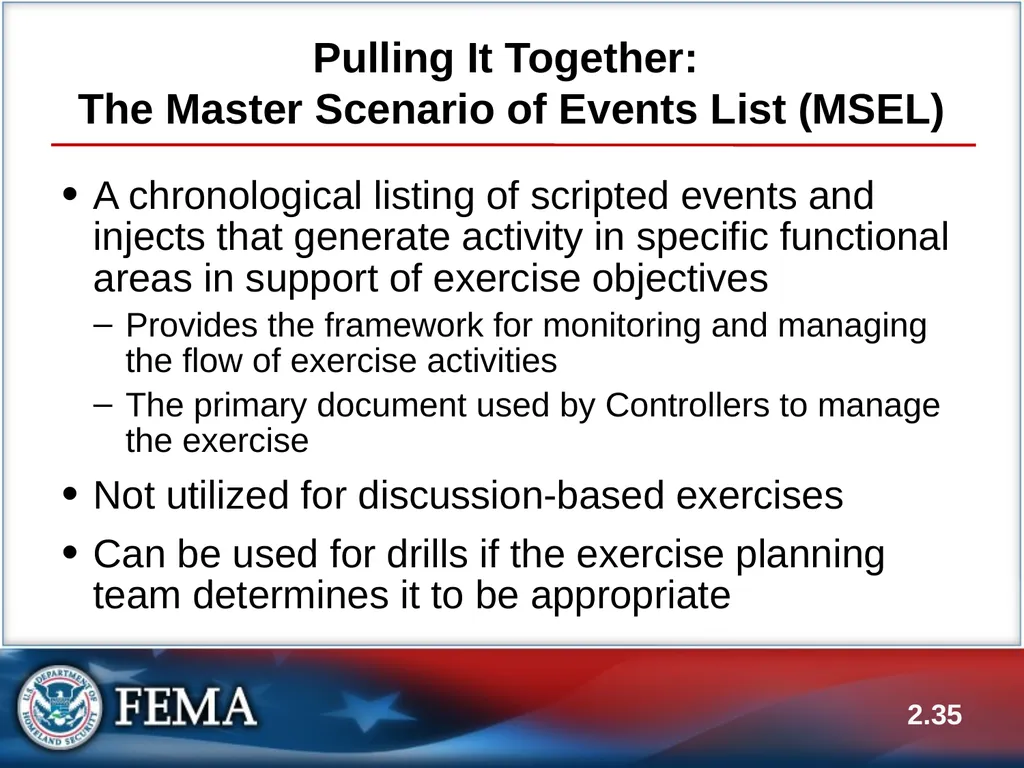
The Master Scenario of Events List (MSEL) A chronological listing of scripted events and injects that generate activity in specific functional areas in support of exercise objectives
Provides the framework for monitoring and managing the flow of exercise activities
The primary document used by Controllers to manage the exercise
Not utilized for discussion-based exercises
Can be used for drills if the exercise planning team determines it to be appropriate 2.35<br>
Provides the framework for monitoring and managing the flow of exercise activities
The primary document used by Controllers to manage the exercise
Not utilized for discussion-based exercises
Can be used for drills if the exercise planning team determines it to be appropriate 2.35<br>
36
MSEL Development MSEL development process is simple—use the Eight Exercise Design Steps
There is no standard MSEL format
Format depends on the scale and scope of the exercise
Example of MSEL format in PG 2.36<br>
There is no standard MSEL format
Format depends on the scale and scope of the exercise
Example of MSEL format in PG 2.36<br>
37
MSEL Development (cont’d.) In the MSEL format example, notice the column for delivery time, and notice that it was left blank.
What are your thoughts for including times in a MSEL? 2.37<br>
What are your thoughts for including times in a MSEL? 2.37<br>
38
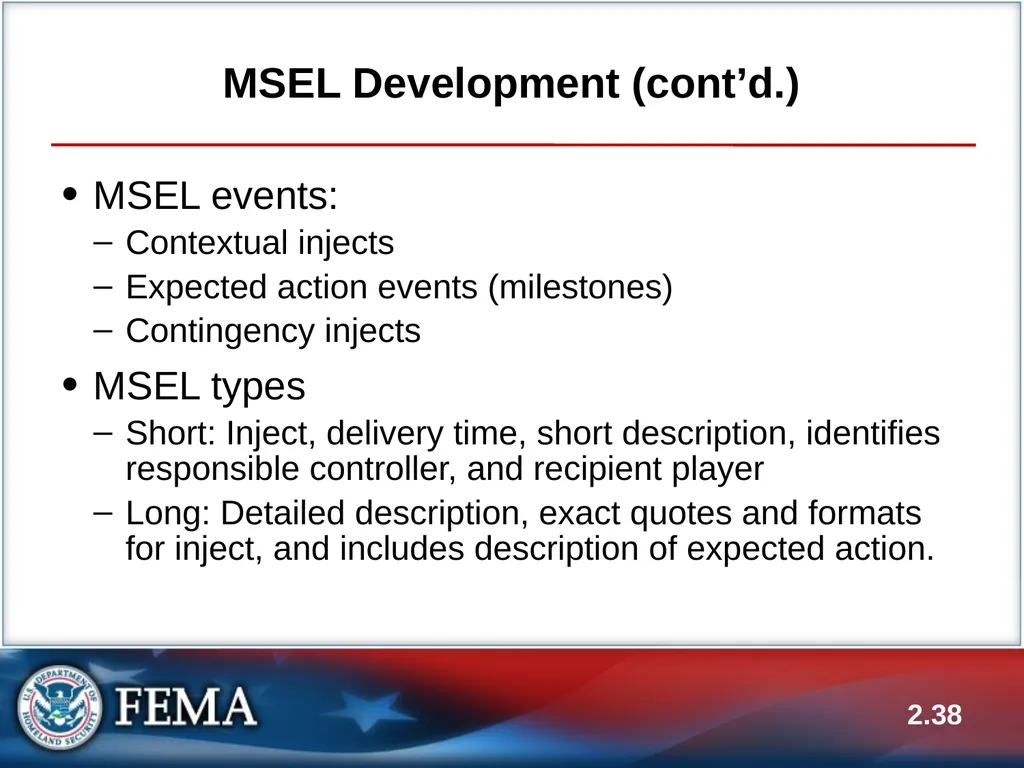
MSEL Development (cont’d.) MSEL events:
Contextual injects
Expected action events (milestones)
Contingency injects
MSEL types
Short: Inject, delivery time, short description, identifies responsible controller, and recipient player
Long: Detailed description, exact quotes and formats for inject, and includes description of expected action. 2.38<br>
Contextual injects
Expected action events (milestones)
Contingency injects
MSEL types
Short: Inject, delivery time, short description, identifies responsible controller, and recipient player
Long: Detailed description, exact quotes and formats for inject, and includes description of expected action. 2.38<br>
39
MSEL Development (cont’d.) How do you develop your MSEL document in your jurisdiction? 2.39<br>
40
MSEL Development (cont’d.) Review capabilities
Identify chronology of key actions
Anticipate Player actions
Identify information resources
Compile all MSEL events into single list
Refine selected MSEL events; create detailed long version. 2.40<br>
Identify chronology of key actions
Anticipate Player actions
Identify information resources
Compile all MSEL events into single list
Refine selected MSEL events; create detailed long version. 2.40<br>
41
MSEL Development (cont’d.) Different ways to develop a MSEL:
Chronological
Threads
“Sticky Note” Method taught in HSEEP (Timeline Development) 2.41<br>
Chronological
Threads
“Sticky Note” Method taught in HSEEP (Timeline Development) 2.41<br>
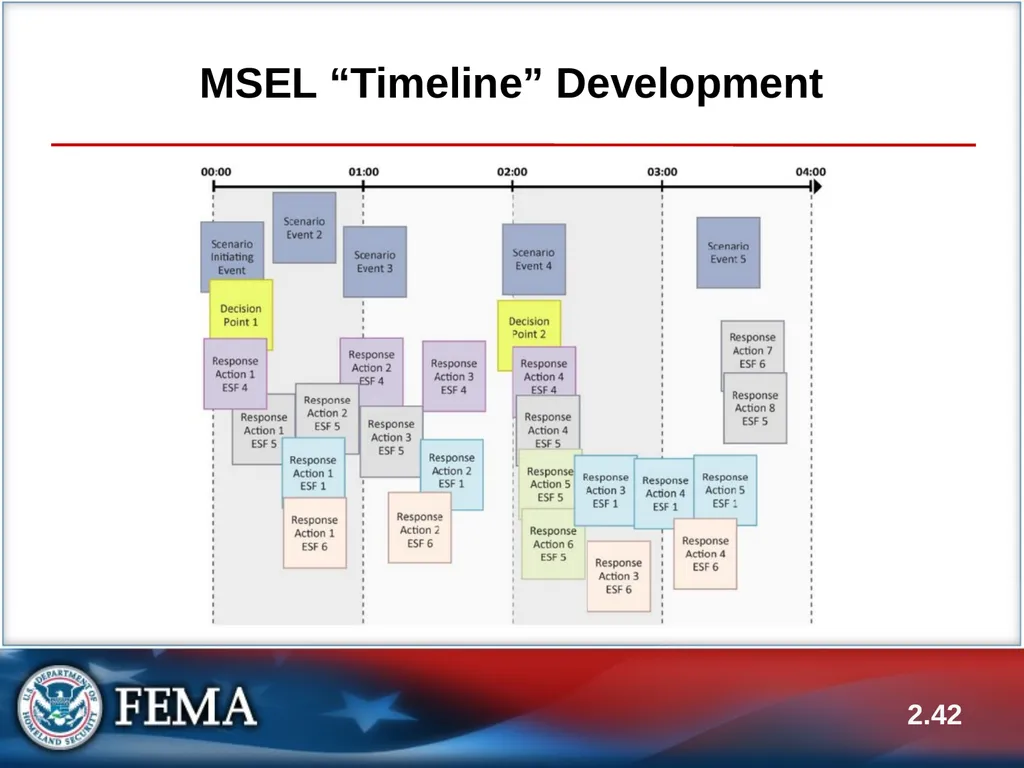
42
MSEL “Timeline” Development 2.42<br>
43
MSEL Best Practices Review scenario and exercise objectives
Identify chronology of major/detailed events
Develop a timeline of anticipated player actions
Every agency/organization will not necessarily have a role in every major and detailed event
Identify chronology of key actions
Use an electronic MSEL program
Compile all MSEL events into a single list
Ensure no injects go to non-participants
Refine selected MSEL events
DO NOT show MSEL to participants! 2.43<br>
Identify chronology of major/detailed events
Develop a timeline of anticipated player actions
Every agency/organization will not necessarily have a role in every major and detailed event
Identify chronology of key actions
Use an electronic MSEL program
Compile all MSEL events into a single list
Ensure no injects go to non-participants
Refine selected MSEL events
DO NOT show MSEL to participants! 2.43<br>
44
MSEL Best Practices (cont’d.) Share your best practices for developing a MSEL:
What works for you? 2.44<br>
What works for you? 2.44<br>
45
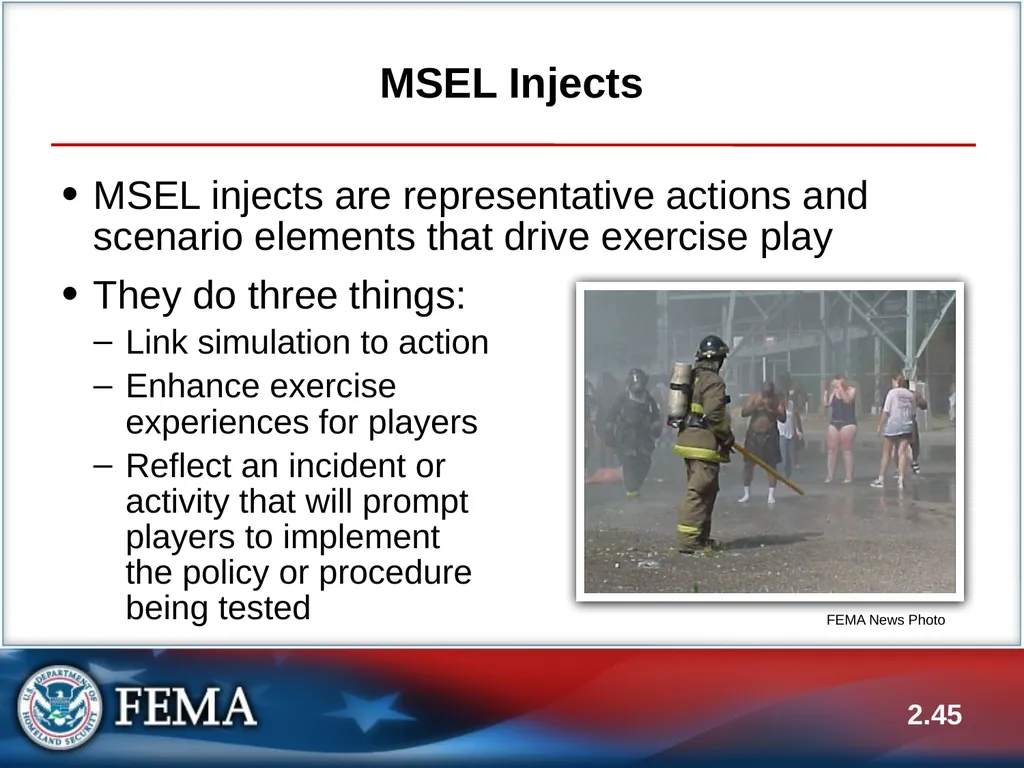
MSEL Injects MSEL injects are representative actions and scenario elements that drive exercise play
They do three things:
Link simulation to action
Enhance exercise experiences for players
Reflect an incident or activity that will prompt players to implement the policy or procedure being tested 2.45 FEMA News Photo<br>
They do three things:
Link simulation to action
Enhance exercise experiences for players
Reflect an incident or activity that will prompt players to implement the policy or procedure being tested 2.45 FEMA News Photo<br>
46
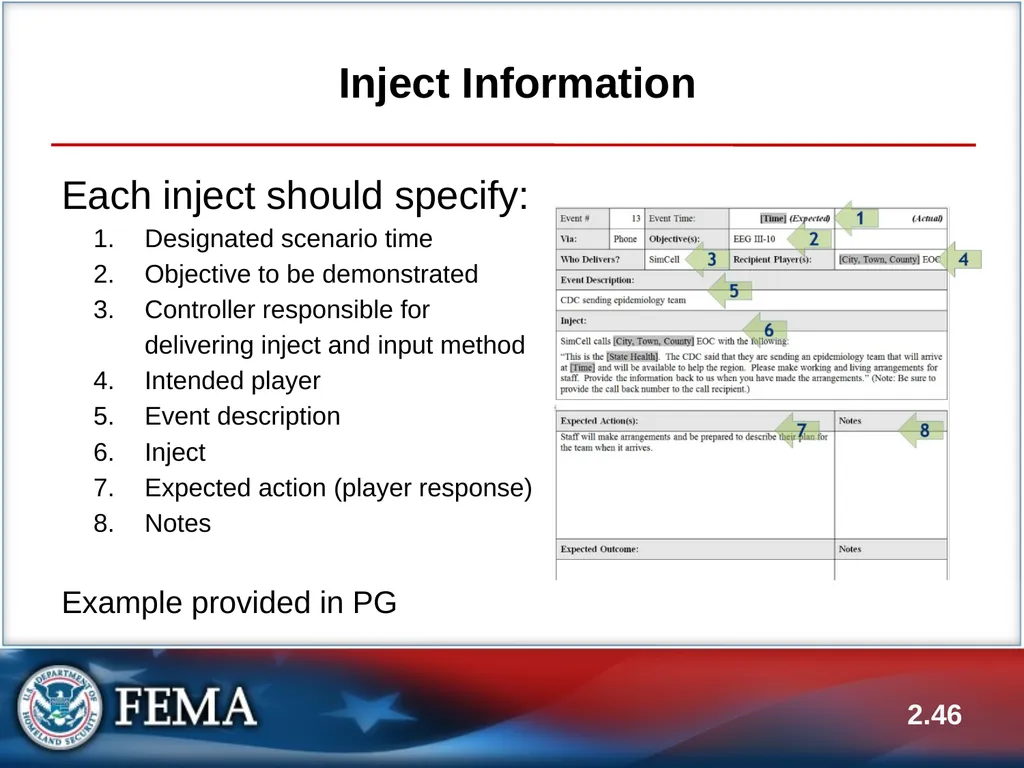
Inject Information Each inject should specify:
Designated scenario time
Objective to be demonstrated
Controller responsible for delivering inject and input method
Intended player
Event description
Inject
Expected action (player response)
Notes
Example provided in PG 2.46<br>
Designated scenario time
Objective to be demonstrated
Controller responsible for delivering inject and input method
Intended player
Event description
Inject
Expected action (player response)
Notes
Example provided in PG 2.46<br>
47
Contingency Injects Players do not always respond as you expect
It may become necessary for the controller and simulators to improvise injects
Usually, the Senior Controller will decide on an appropriate response
A contingency inject should not impact future injects or other expected participant actions—it should move play forward in a manner that will permit Evaluators to determine if tasks were completed successfully
A contingency inject should not be entered until approved by the Senior Controller 2.47<br>
It may become necessary for the controller and simulators to improvise injects
Usually, the Senior Controller will decide on an appropriate response
A contingency inject should not impact future injects or other expected participant actions—it should move play forward in a manner that will permit Evaluators to determine if tasks were completed successfully
A contingency inject should not be entered until approved by the Senior Controller 2.47<br>
48
FE vs. FSE MSEL use during FE
Monitors the progress of the exercise to keep it on schedule and on track
Drives participant play
MSEL use during FSE
Supplements active play 2.48<br>
Monitors the progress of the exercise to keep it on schedule and on track
Drives participant play
MSEL use during FSE
Supplements active play 2.48<br>
49
2.49 Activity #3:
FE Preparation: Expected Actions
and Injects<br>
50
Activity #3: FE Preparation:
Expected Actions and Injects (cont’d.) Refer back to Activity #1: FE Preparation Worksheet in your PG
Complete the Expected Actions and Injects rows:
Write one expected action for each detailed event
Write one inject for each expected action
Work in your groups 2.50<br>
Complete the Expected Actions and Injects rows:
Write one expected action for each detailed event
Write one inject for each expected action
Work in your groups 2.50<br>
51
Activity #3: FE Preparation:
Expected Actions and Injects (cont’d.) Submit your expected actions and injects to your group instructor for review and acceptance
You have 45 minutes to complete the activity
Ensure your expected actions and injects are reviewed with enough time to implement feedback and get acceptance 2.51<br>
You have 45 minutes to complete the activity
Ensure your expected actions and injects are reviewed with enough time to implement feedback and get acceptance 2.51<br>
52
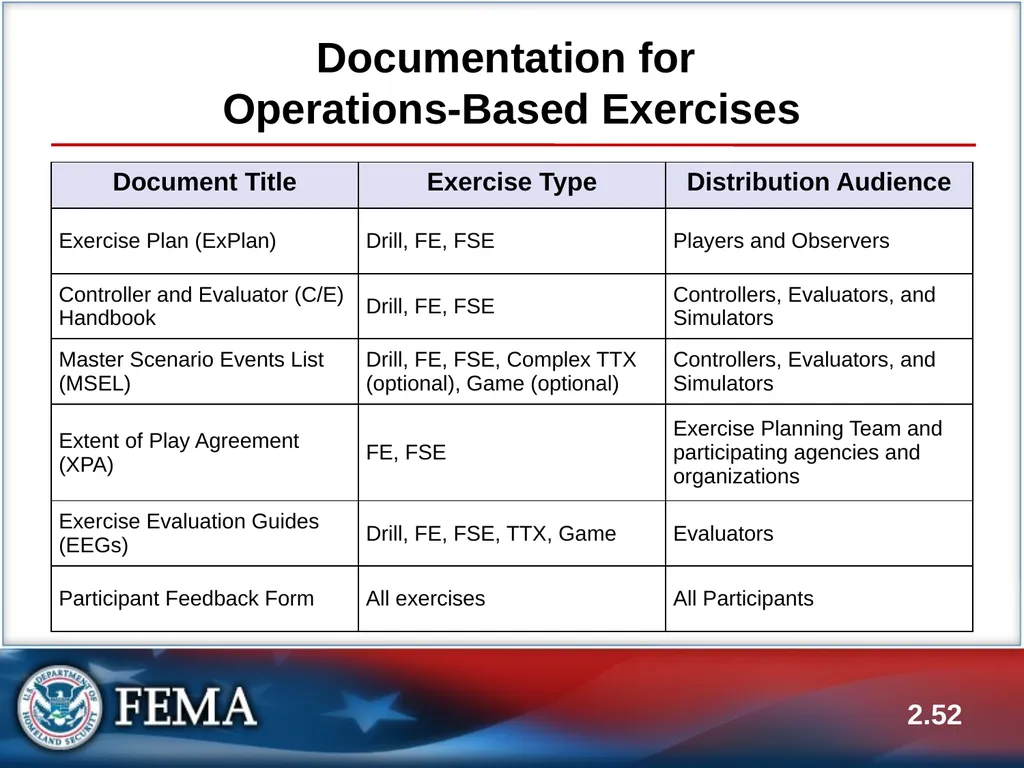
Documentation for
Operations-Based Exercises 2.52<br>
53
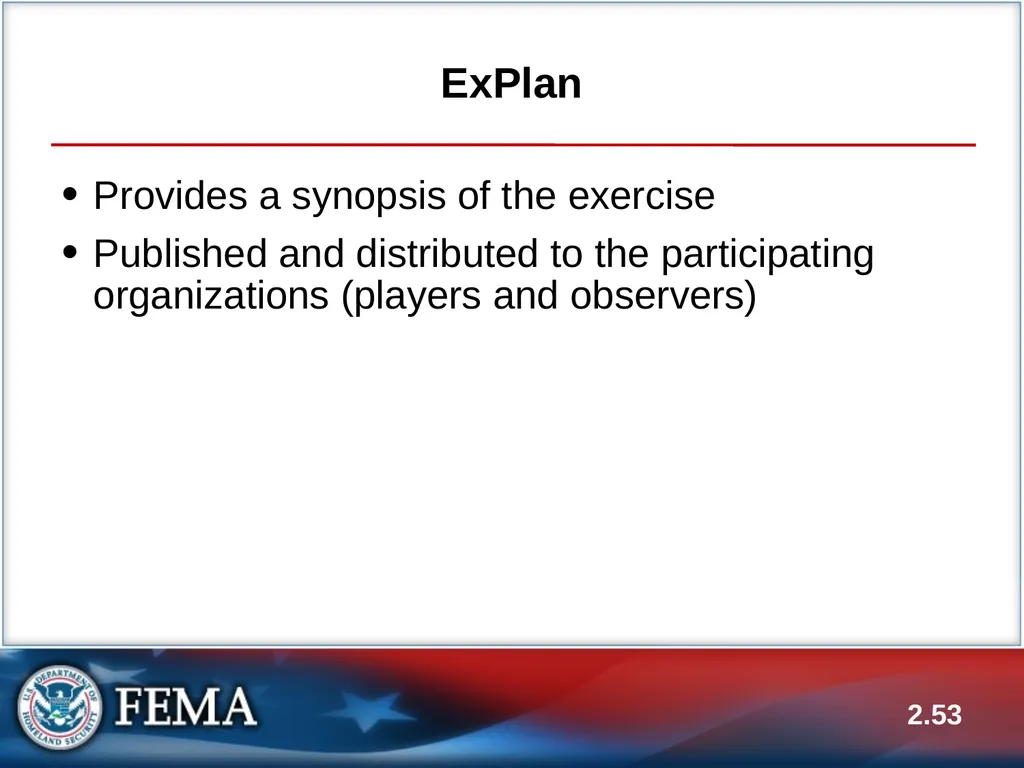
ExPlan Provides a synopsis of the exercise
Published and distributed to the participating organizations (players and observers) 2.53<br>
Published and distributed to the participating organizations (players and observers) 2.53<br>
54
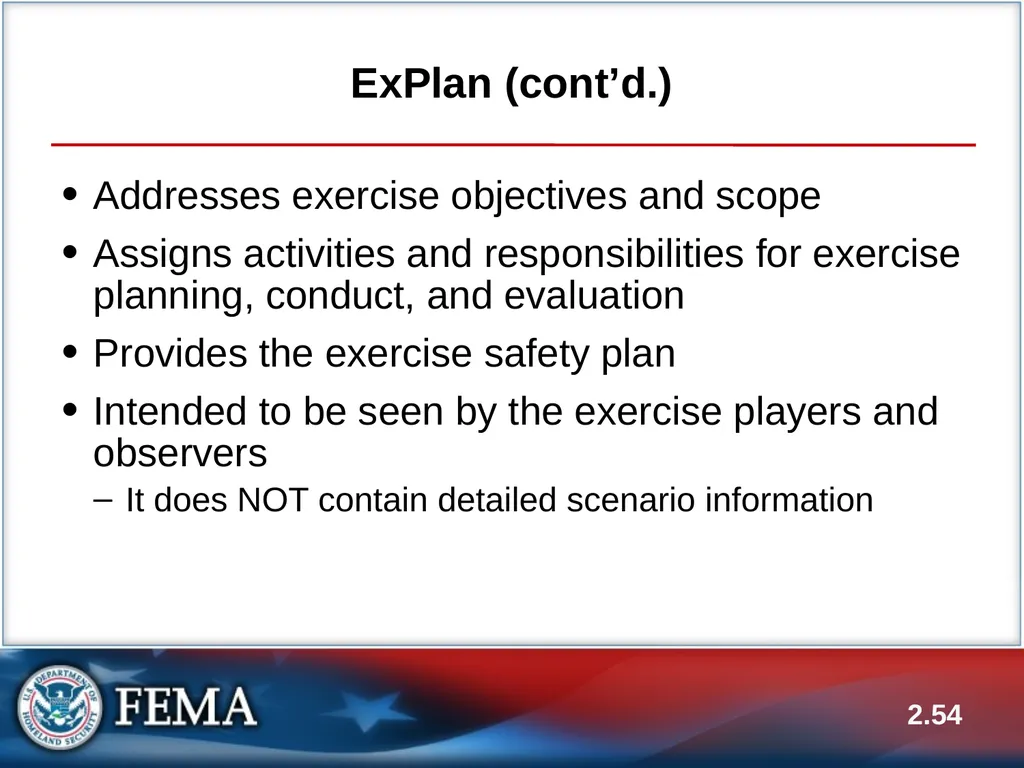
ExPlan (cont’d.) Addresses exercise objectives and scope
Assigns activities and responsibilities for exercise planning, conduct, and evaluation
Provides the exercise safety plan
Intended to be seen by the exercise players and observers
It does NOT contain detailed scenario information 2.54<br>
Assigns activities and responsibilities for exercise planning, conduct, and evaluation
Provides the exercise safety plan
Intended to be seen by the exercise players and observers
It does NOT contain detailed scenario information 2.54<br>
55
ExPlan (cont’d.) Refer to Handout 2.1—Sample EOC Response ExPlan
In what areas of the ExPlan do you notice a expansion from the HSEEP Template?
From a players perspective, do you think this contains the appropriate amount of information you need to participate?
General comments? 2.55<br>
In what areas of the ExPlan do you notice a expansion from the HSEEP Template?
From a players perspective, do you think this contains the appropriate amount of information you need to participate?
General comments? 2.55<br>
56
ExPlan (cont’d.) An ExPlan can be supplemented with a
Player Handout
Provides players with a quick-reference guide to logistics, agenda or schedule, and key contact information for players 2.56<br>
Provides players with a quick-reference guide to logistics, agenda or schedule, and key contact information for players 2.56<br>
57
C/E Handbook Describes roles and responsibilities of exercise controllers, evaluators, and simulators and the procedures they should follow
Distributed ONLY to exercise staff because it contains detailed scenario information 2.57<br>
Distributed ONLY to exercise staff because it contains detailed scenario information 2.57<br>
58
C/E Handbook (cont’d.) The C/E Handbook can supplement the ExPlan or be a standalone document:
When used as a supplement, it points readers to the ExPlan for more general exercise information
When used as a standalone document, it should include the basic information contained in the ExPlan, and detailed scenario information 2.58<br>
When used as a supplement, it points readers to the ExPlan for more general exercise information
When used as a standalone document, it should include the basic information contained in the ExPlan, and detailed scenario information 2.58<br>
59
C/E Handbook (cont’d.) The C/E Handbook usually contains the following sections:
Assignments, roles, and responsibilities of group or individual controllers, evaluators, and simulators
Detailed scenario information
Exercise safety plan
Controller communications plan
Evaluation instructions 2.59<br>
Assignments, roles, and responsibilities of group or individual controllers, evaluators, and simulators
Detailed scenario information
Exercise safety plan
Controller communications plan
Evaluation instructions 2.59<br>
60
C/E Handbook (cont’d.) Controller portion provides controllers with:
Guidelines for control and simulation support and establishes a management structure for these activities
Guidance for controllers, simulators, and evaluators on procedures and responsibilities for exercise control, simulation, and support
Evaluation portion provides evaluators with:
Guidance and instructions on evaluation or observation methodology to be used
Essential materials required to execute their specific functions 2.60<br>
Guidelines for control and simulation support and establishes a management structure for these activities
Guidance for controllers, simulators, and evaluators on procedures and responsibilities for exercise control, simulation, and support
Evaluation portion provides evaluators with:
Guidance and instructions on evaluation or observation methodology to be used
Essential materials required to execute their specific functions 2.60<br>
61
Extent of Play Agreement (XPA) Used to define the organizations participating in the exercise as well as their extent of play
A negotiated document that details the organizations’ commitments to the exercise
Example: One fire station will play for 8 hours, county EOC activation level and duration of activation (24/7 exercise operations)
HSEEP XPA template in PG 2.61<br>
A negotiated document that details the organizations’ commitments to the exercise
Example: One fire station will play for 8 hours, county EOC activation level and duration of activation (24/7 exercise operations)
HSEEP XPA template in PG 2.61<br>
62
EEGs Help evaluators collect relevant exercise observations
EEGs are aligned to objectives, and document the related core capability, capability target(s), and critical tasks 2.62<br>
EEGs are aligned to objectives, and document the related core capability, capability target(s), and critical tasks 2.62<br>
63
Participant Feedback Forms A means to solicit player input on the exercise
At a minimum, the questions on the Participant Feedback Form should solicit the following:
Strengths and areas for improvement pertaining to the implementation of participating agencies and organizations’ policies, plans, and SOPs
Impressions about exercise conduct and logistics 2.63<br>
At a minimum, the questions on the Participant Feedback Form should solicit the following:
Strengths and areas for improvement pertaining to the implementation of participating agencies and organizations’ policies, plans, and SOPs
Impressions about exercise conduct and logistics 2.63<br>
64
Participant Feedback Forms (cont’d.) Information collected from feedback forms contributes to the issues, observations, recommendations, and corrective actions in the AAR/IP
Feedback forms can be supplemented by the conduct of a player Hot Wash 2.64<br>
Feedback forms can be supplemented by the conduct of a player Hot Wash 2.64<br>
65
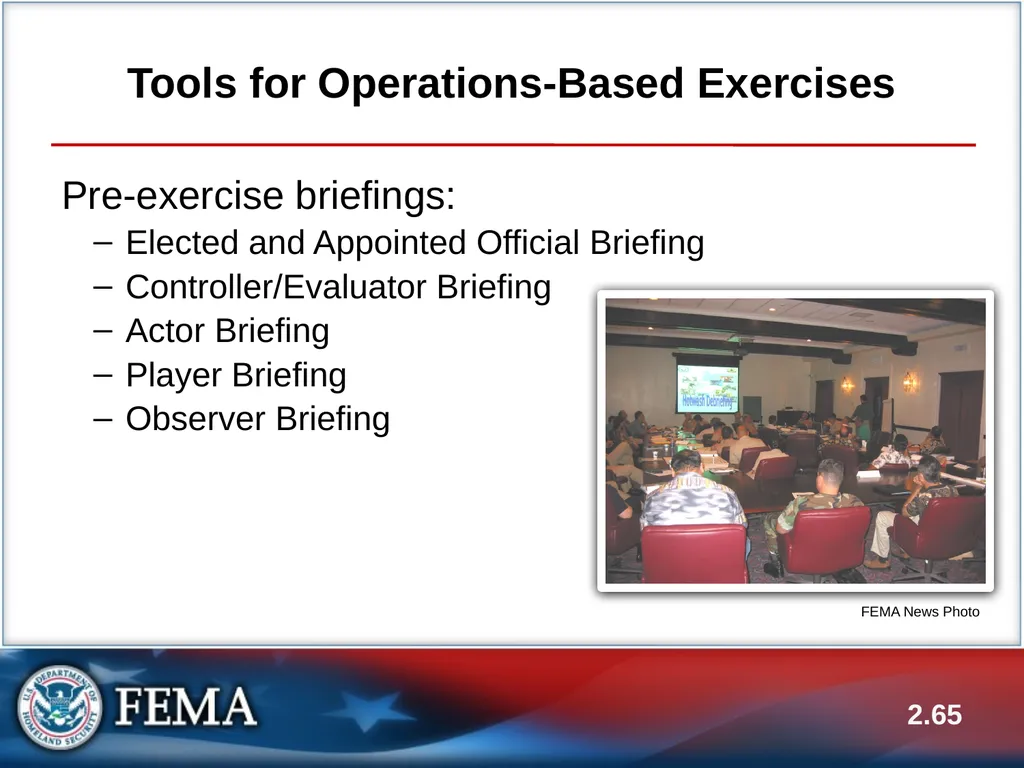
Tools for Operations-Based Exercises Pre-exercise briefings:
Elected and Appointed Official Briefing
Controller/Evaluator Briefing
Actor Briefing
Player Briefing
Observer Briefing 2.65 FEMA News Photo<br>
Elected and Appointed Official Briefing
Controller/Evaluator Briefing
Actor Briefing
Player Briefing
Observer Briefing 2.65 FEMA News Photo<br>
66
Tools for Operations-Based Exercises (cont’d.) Controller and evaluator packets:
Controller/evaluator materials should be placed in a packet for easy use during the exercise
The packet should contain everything controllers and evaluators need to perform their required tasks 2.66<br>
Controller/evaluator materials should be placed in a packet for easy use during the exercise
The packet should contain everything controllers and evaluators need to perform their required tasks 2.66<br>
67
Tools for Operations-Based Exercises (cont’d.) The controller packet should contain:
Essential C/E Handbook information:
Scenario and threat/hazard information
Communications and safety plans
Exercise staff organization
MSEL:
Including injects for each responsible controller
Maps and directions 2.67<br>
Essential C/E Handbook information:
Scenario and threat/hazard information
Communications and safety plans
Exercise staff organization
MSEL:
Including injects for each responsible controller
Maps and directions 2.67<br>
68
Tools for Operations-Based Exercises (cont’d.) The evaluator packet should contain:
All the same information as the controller packets, plus EEGs 2.68<br>
All the same information as the controller packets, plus EEGs 2.68<br>
69
Tools for Operations-Based Exercises (cont’d.) Post-exercise tools:
Player Hot Wash
Controller/Evaluator Debriefing
Exercise Planning Team Debriefing 2.69<br>
Player Hot Wash
Controller/Evaluator Debriefing
Exercise Planning Team Debriefing 2.69<br>
70
Unit Summary In this unit you learned:
How the Eight Exercise Design Steps apply to operations-based exercises
About major and detailed events, expected actions, and injects
About the MSEL and MSEL injects
The documentation for operations-based exercises
The tools for operations-based exercises 2.70<br>
How the Eight Exercise Design Steps apply to operations-based exercises
About major and detailed events, expected actions, and injects
About the MSEL and MSEL injects
The documentation for operations-based exercises
The tools for operations-based exercises 2.70<br>
71
Questions? 2.71<br>