Effective JavaScript: Three Days of the Good Parts
Description: Effective JavaScript: Three Days of the Good Parts Douglas Crockford The First Day Programming Style and Your Brain And Then There Was JavaScript Function the Ultimate The Metamorphosis of Ajax The Second Day Fun with Functions The Third
Related Topics
Download Presentation
"Effective JavaScript: Three Days of the Good Parts" is the property of its rightful owner. Permission is granted to download and print the materials on this website for personal, non-commercial use only, and to display it on your personal computer provided you do not modify the materials and that you retain all copyright notices contained in the materials. By downloading content from our website, you accept the terms of this agreement.
Presentation Transcript
slide1. Effective JavaScript:Three Days of the Good Parts Douglas Crockford<br>
slide2. The First Day
Programming Style and Your Brain
And Then There Was JavaScript
Function the Ultimate
The Metamorphosis of Ajax
The Second Day
Fun with Functions
The Third Day
Fun with Functions
Principles of Security
Managing Eventuality
The Better Parts<br>
slide3. Programming Style&Your Brain Douglas Crockford<br>
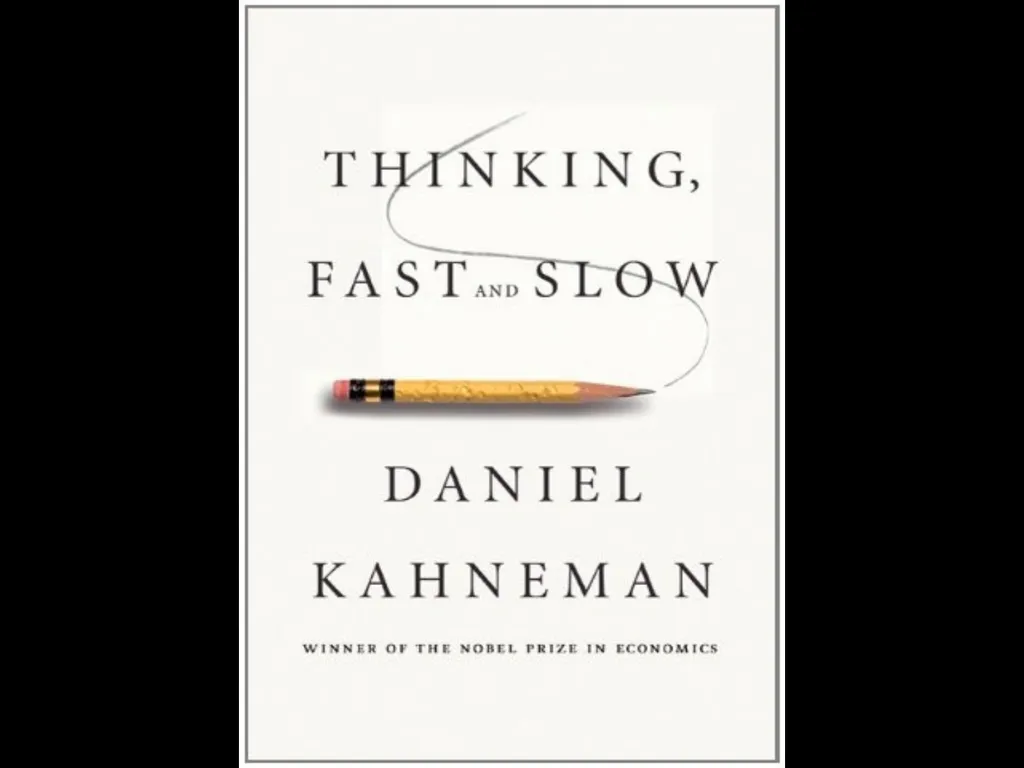
slide5. System Two: HeadSystem One: Gut<br>
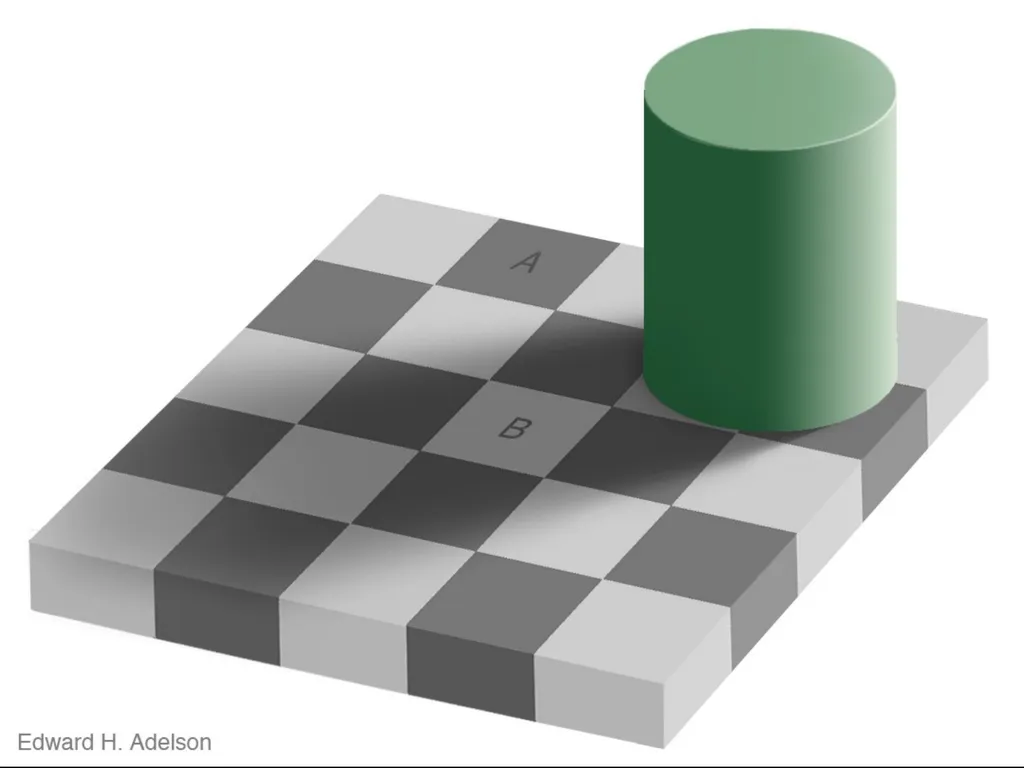
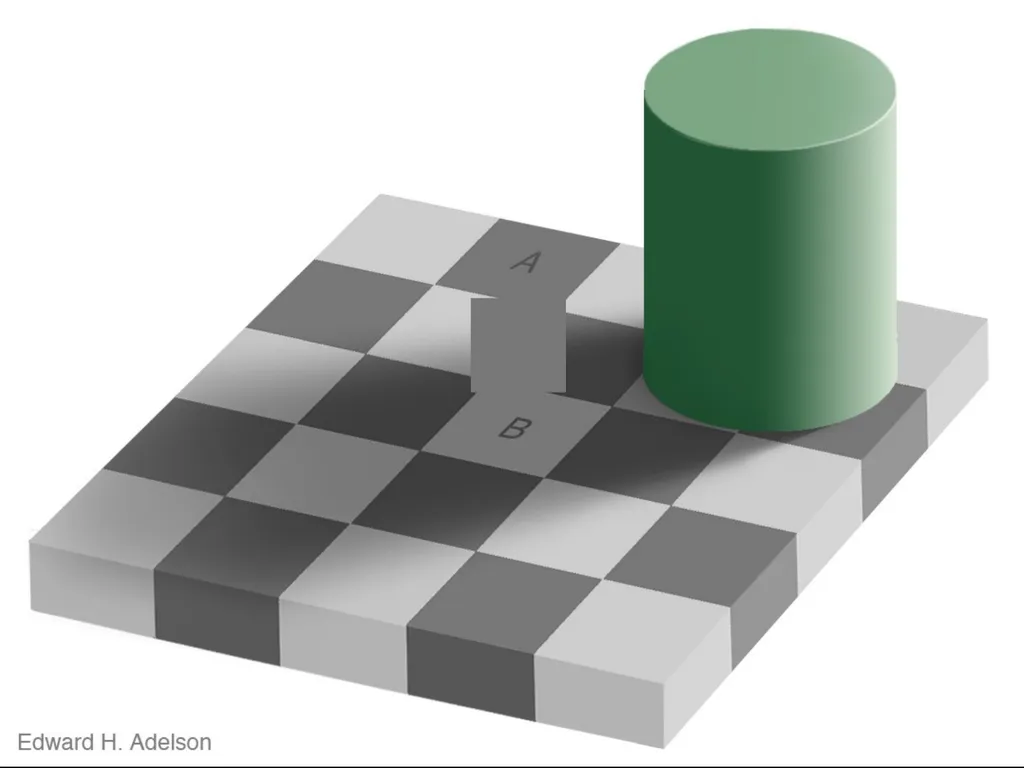
slide6. Visual Processing. An analogy.<br>
slide10. Advertising.<br>
slide11. Tobacco.<br>
slide12. Computer Programs. The most complicated things people make.<br>
slide13. Artificial Intelligence.<br>
slide14. Programming Language.<br>
slide15. Perfection.<br>
slide16. Hunters and Gatherers.<br>
slide17. Programming uses Head and Gut. Tradeoffs.<br>
slide18. JavaScript. Good Parts.
Bad Parts.<br>
slide19. JSLint. JSLint defines a professional subset of JavaScript.
http://www.JSLint.com/<br>
slide20. WARNING! JSLint will hurt your feelings.<br>
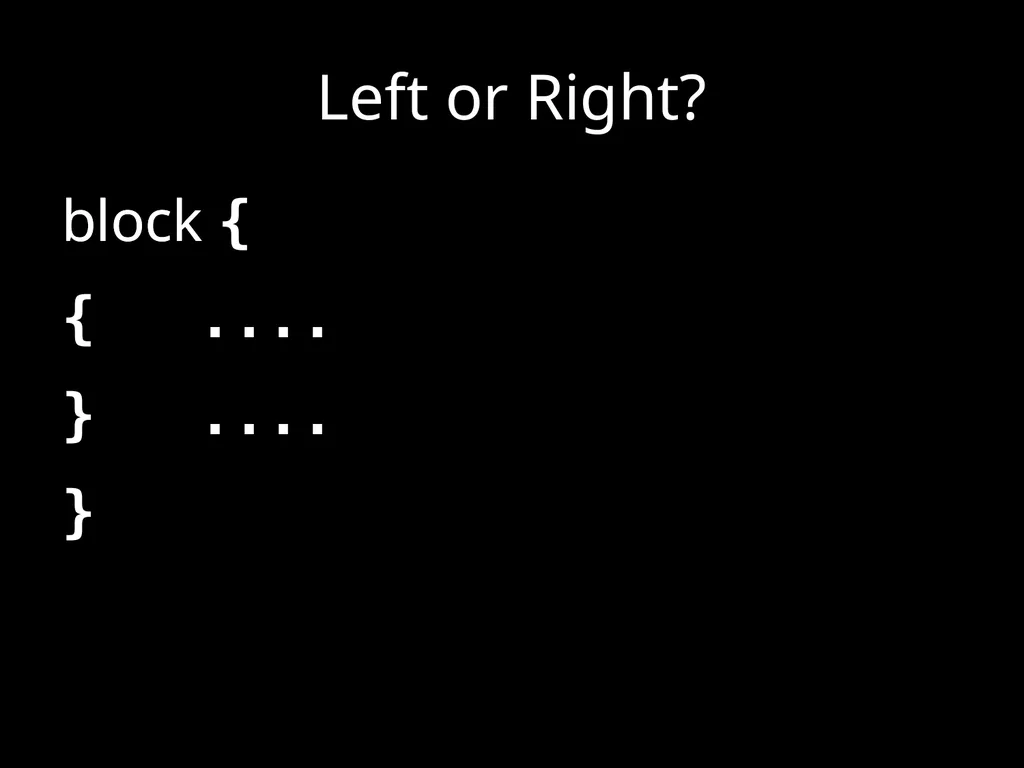
slide21. Left or Right? block
{
....
} block {
....
}<br>
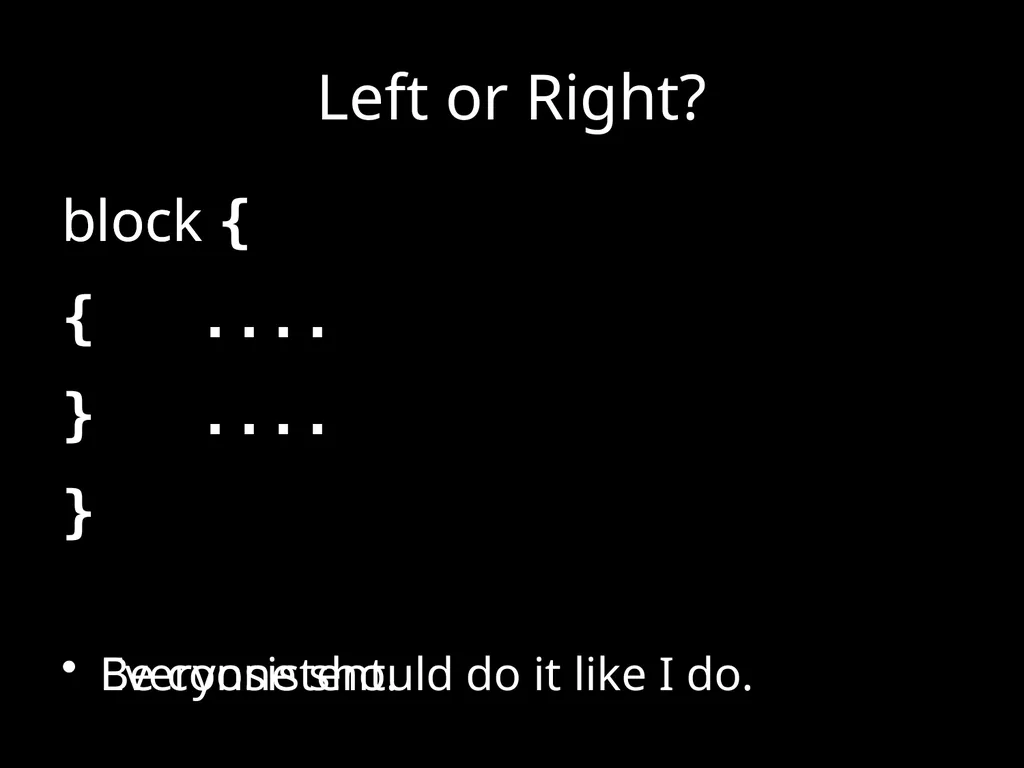
slide22. Left or Right? block
{
....
}
Be consistent. block {
....
}
Everyone should do it like I do.<br>
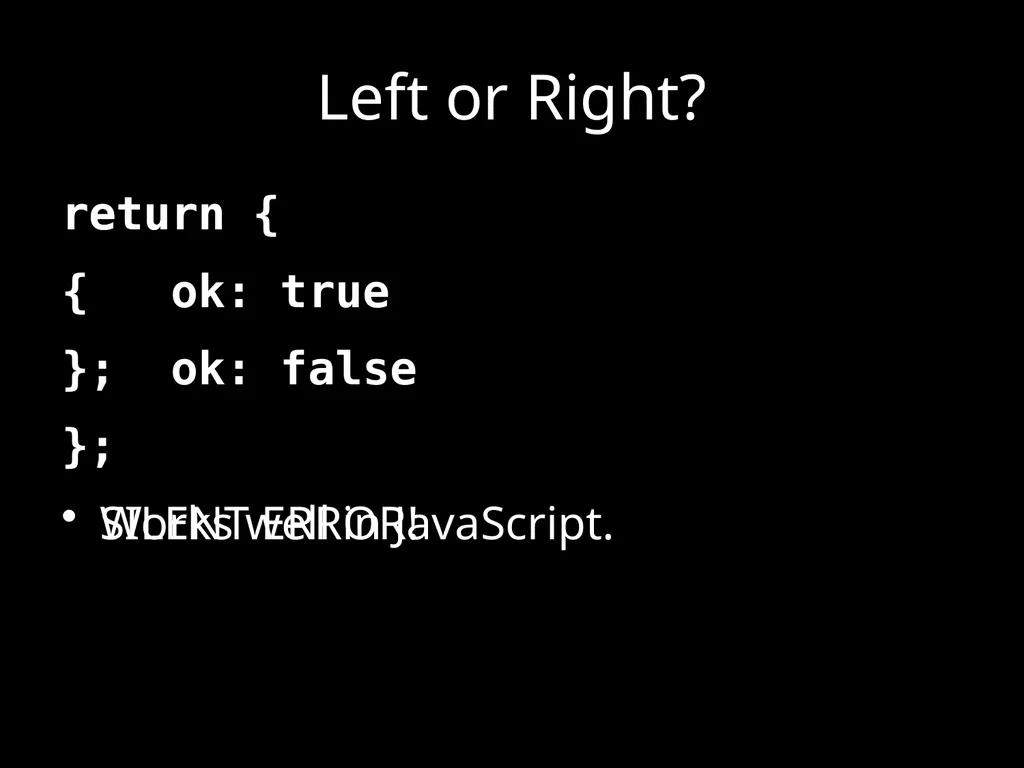
slide23. Left or Right? return
{
ok: false
};
SILENT ERROR! return {
ok: true
};
Works well in JavaScript.<br>
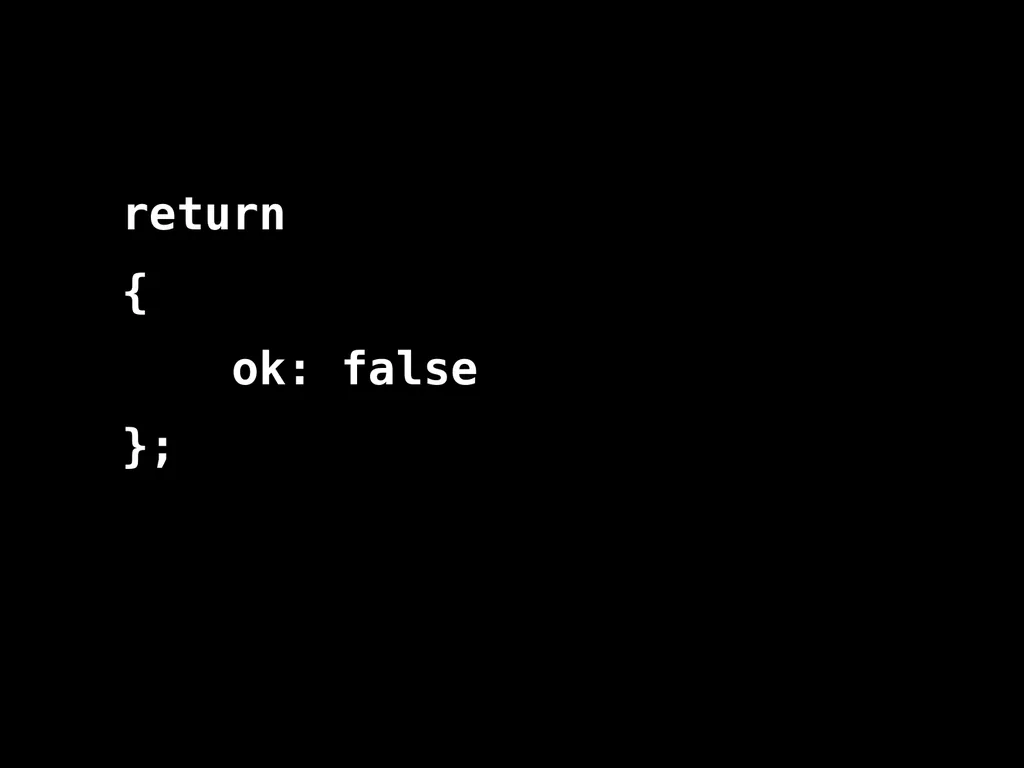
slide24. return
{
ok: false
};<br>
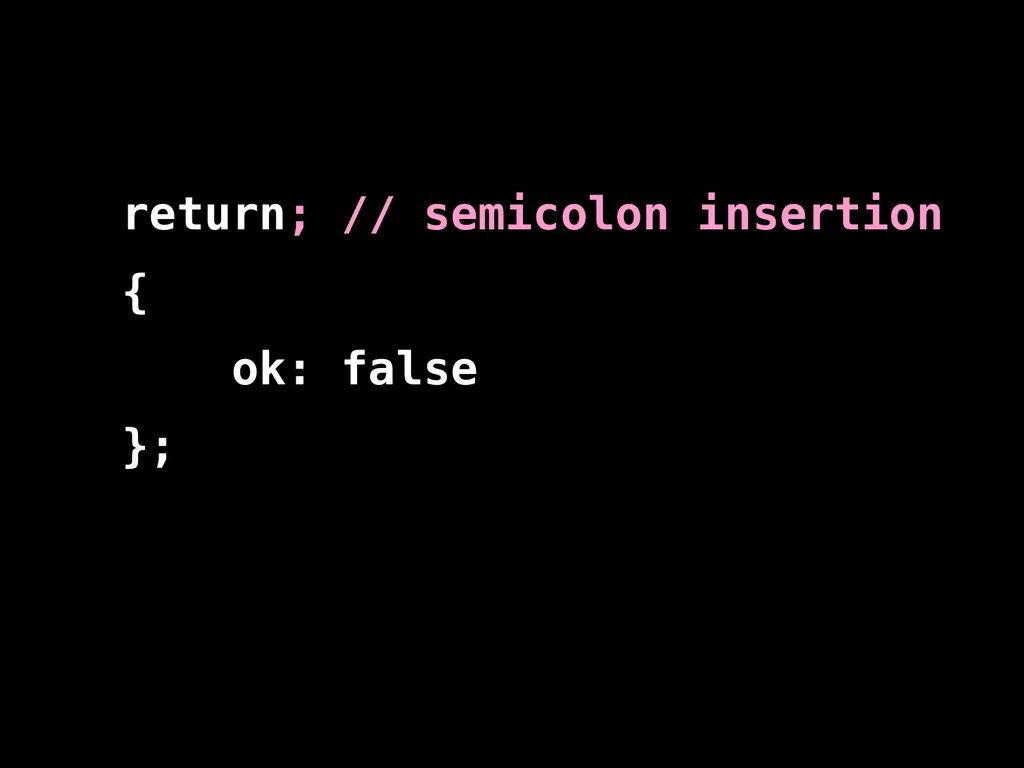
slide25. return; // semicolon insertion
{
ok: false
};<br>
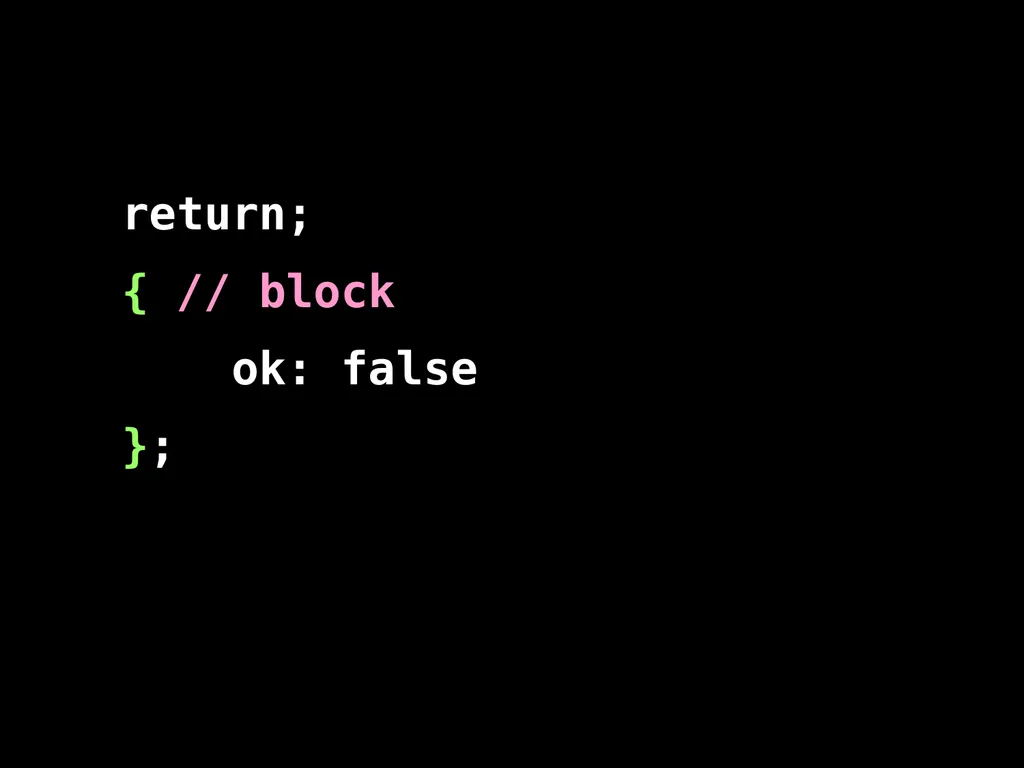
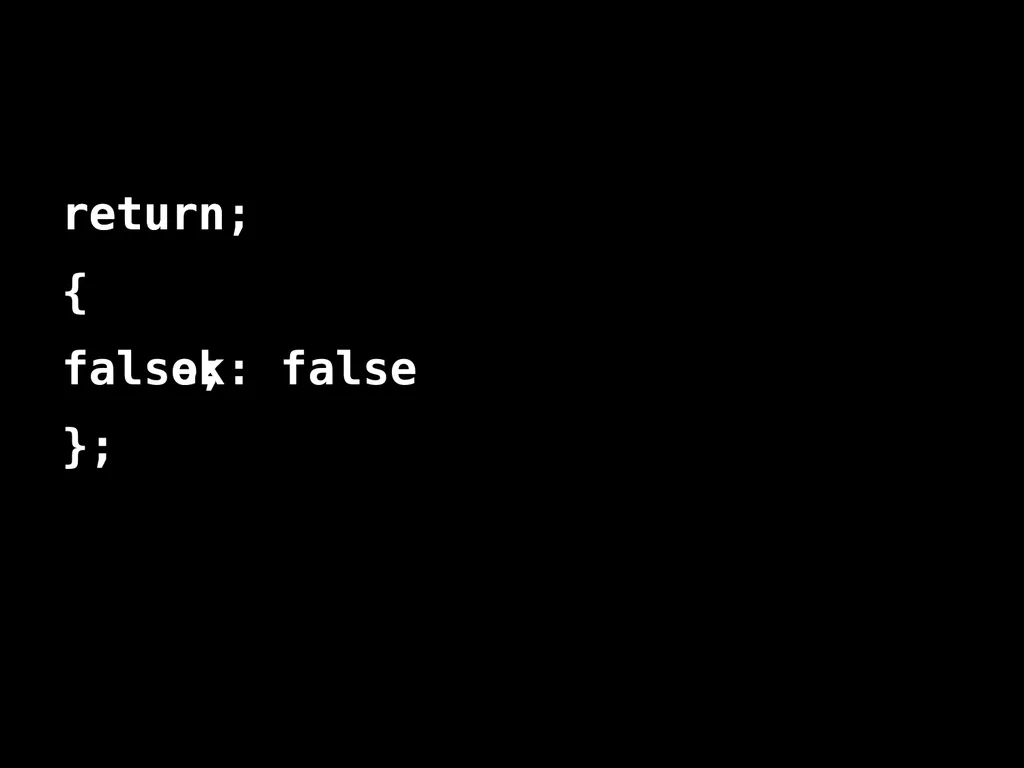
slide26. return;
{ // block
ok: false
};<br>
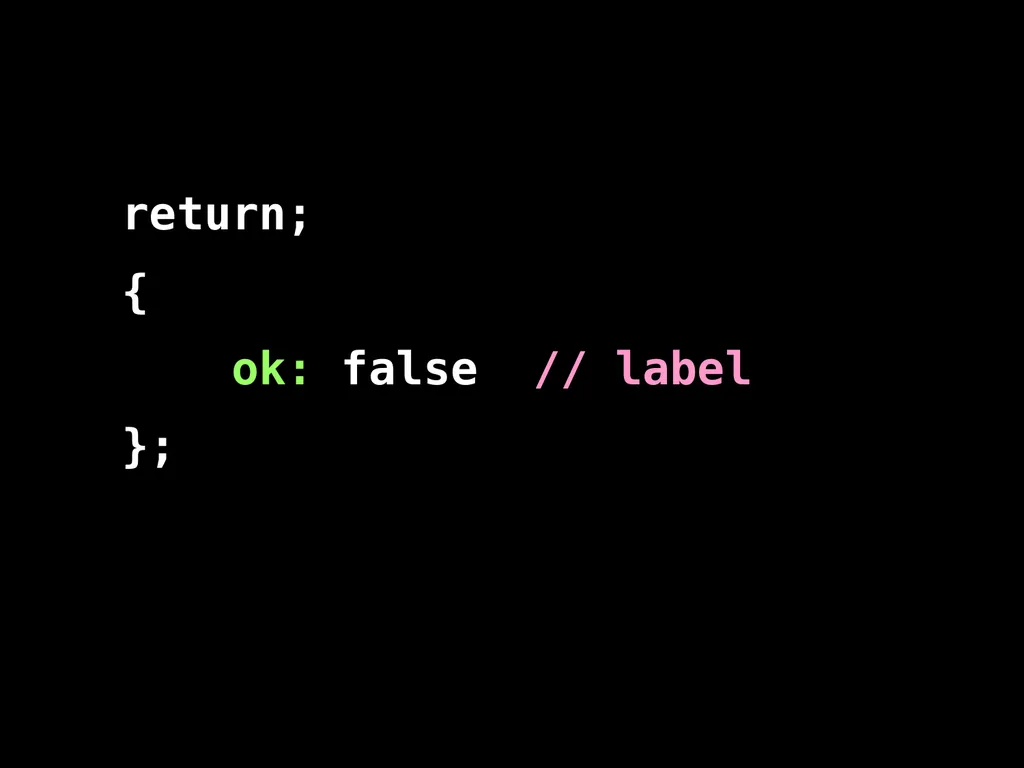
slide27. return;
{
ok: false // label
};<br>
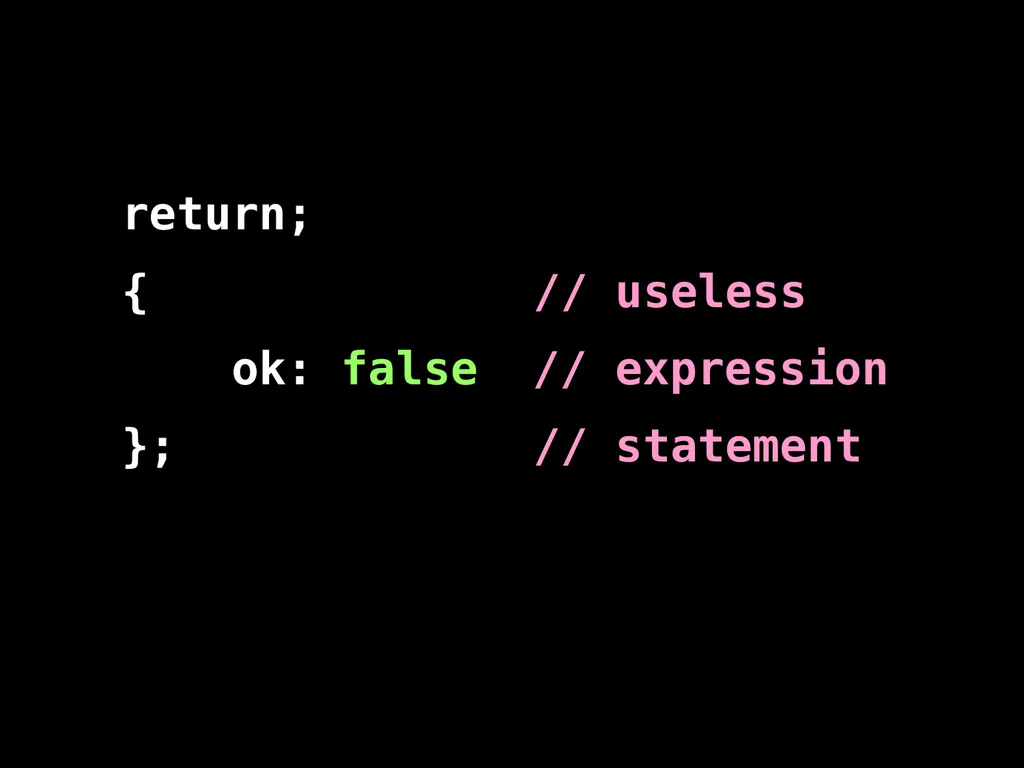
slide28. return;
{ // useless
ok: false // expression
}; // statement<br>
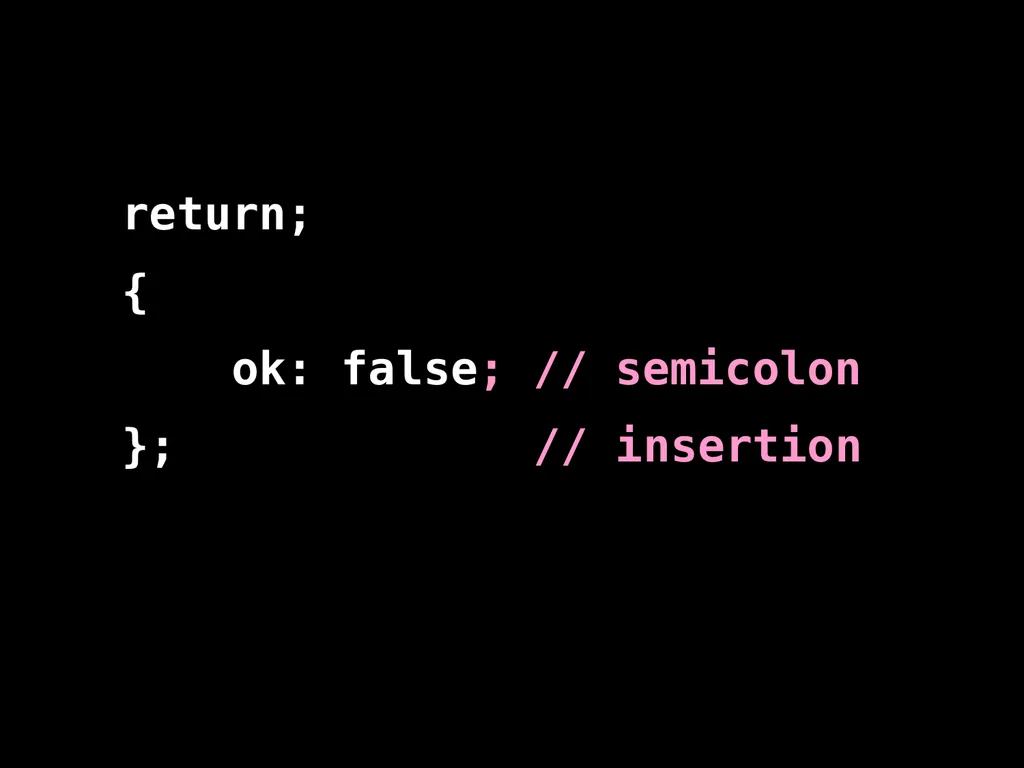
slide29. return;
{
ok: false; // semicolon
}; // insertion<br>
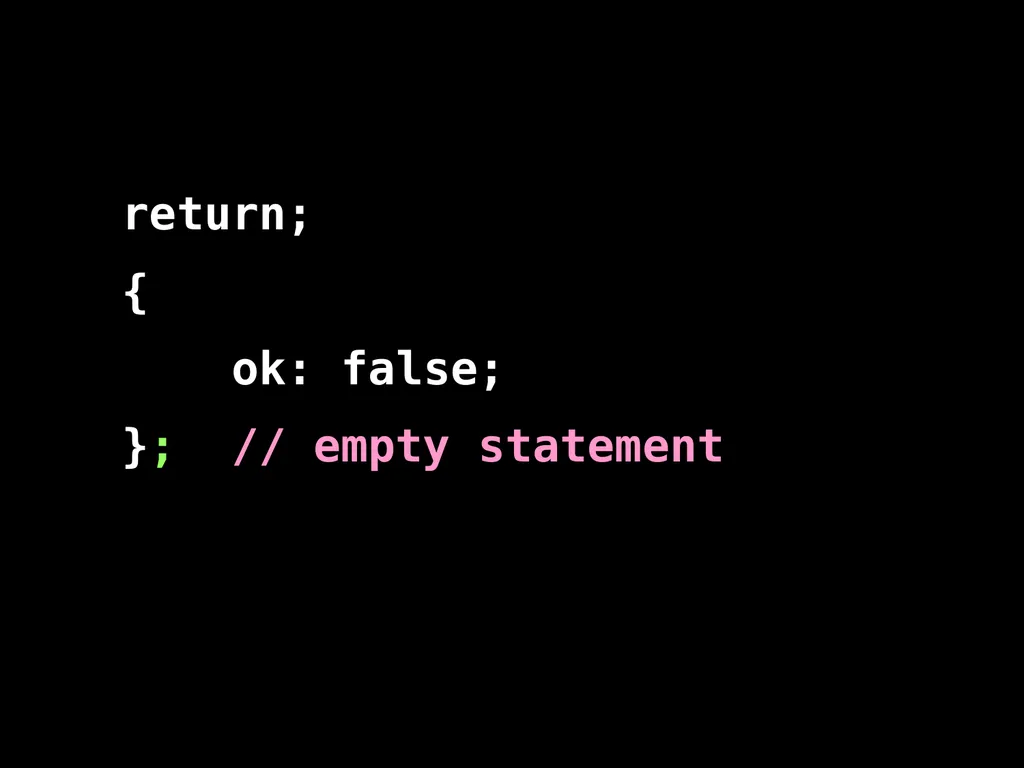
slide30. return;
{
ok: false;
}; // empty statement<br>
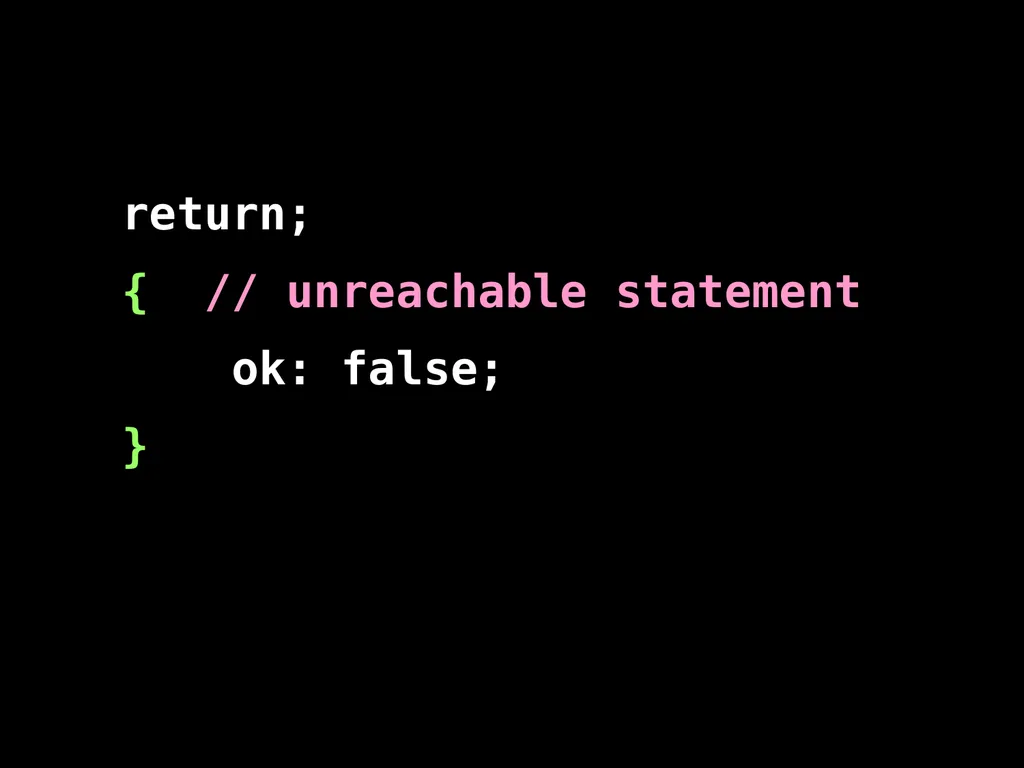
slide31. return;
{ // unreachable statement
ok: false;
}<br>
slide32. return
{
ok: false
}; return;
false;<br>
slide33. Prefer forms that are error resistant.<br>
slide34. switch statement. The fallthrough hazard.<br>
slide35. “That hardly ever happens” is another way of saying“It happens”.<br>
slide36. A good style can help produce better programs. Style should not be about personal preference and self-expression.<br>
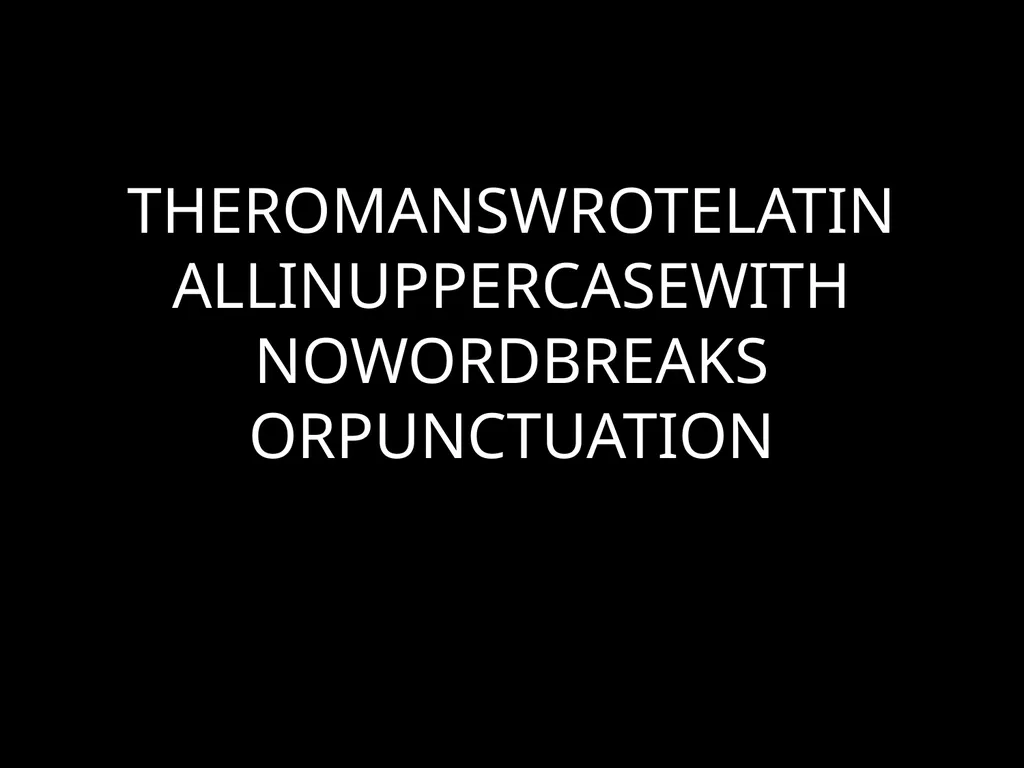
slide37. THEROMANSWROTELATINALLINUPPERCASEWITHNOWORDBREAKSORPUNCTUATION<br>
slide39. Medieval copyists introduced lowercase, word breaks, and punctuation. These innovations helped reduce the error rate.<br>
slide40. Good use of style can help reduce the occurrence of errors.<br>
slide41. The Elements of StyleWilliam Strunk http://www.crockford.com/wrrrld/style.html<br>
slide42. Programs must communicate clearly to people.<br>
slide43. Use elements of good composition where applicable. For example, use a space after a comma, not before.<br>
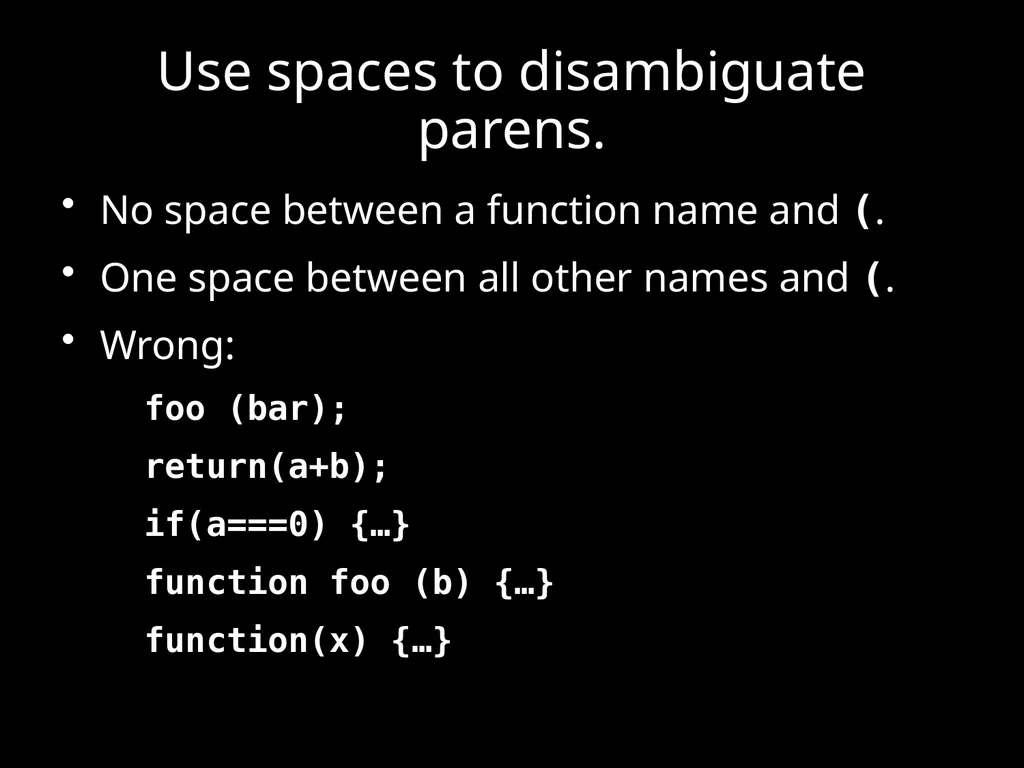
slide44. Use spaces to disambiguate parens. No space between a function name and (.
One space between all other names and (.
Wrong:
foo (bar);
return(a+b);
if(a===0) {…}
function foo (b) {…}
function(x) {…}<br>
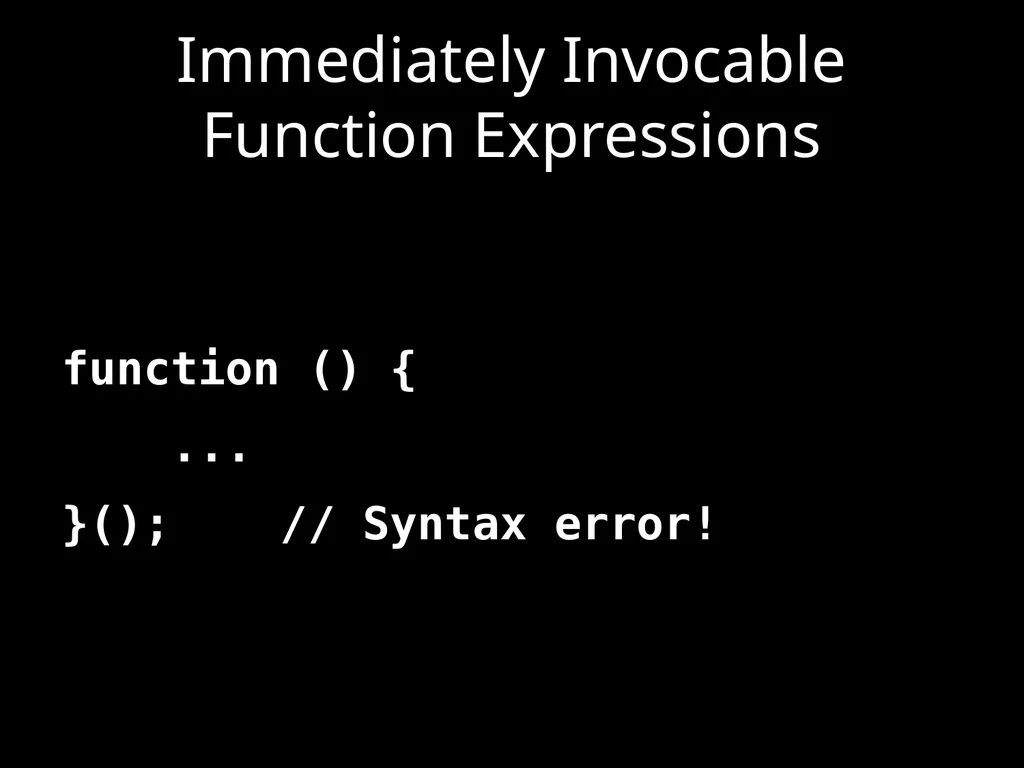
slide45. Immediately Invocable Function Expressions function () {
...
}(); // Syntax error!<br>
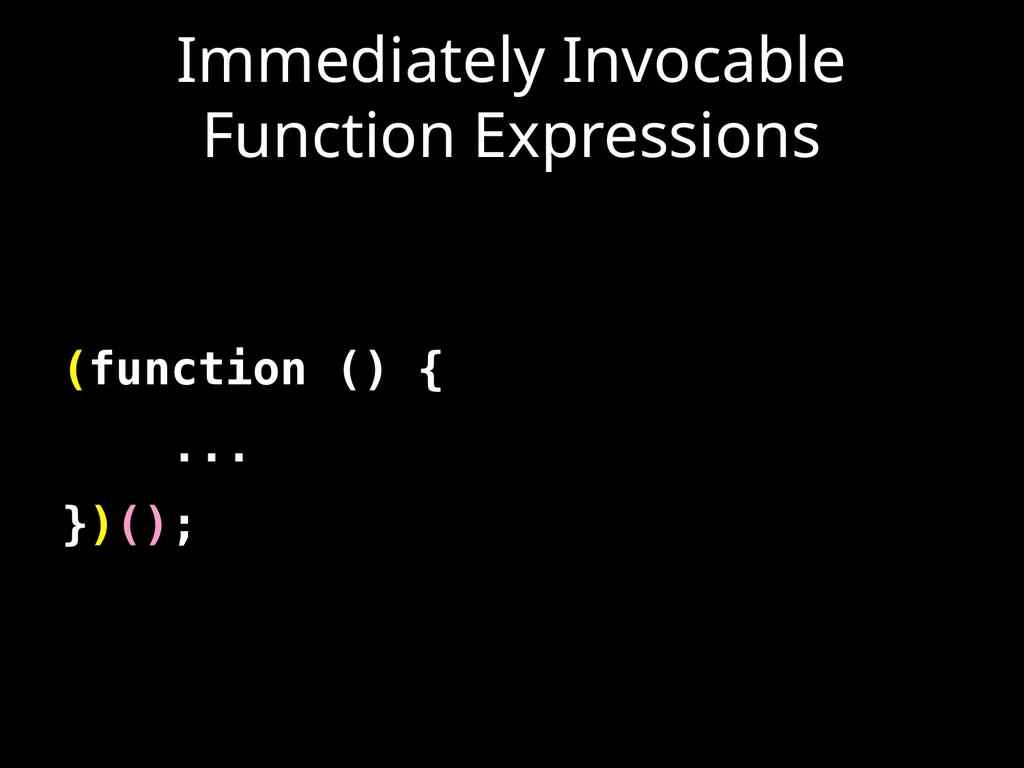
slide46. Immediately Invocable Function Expressions (function () {
...
})();<br>
slide47. Immediately Invocable Function Expressions (function () {
...
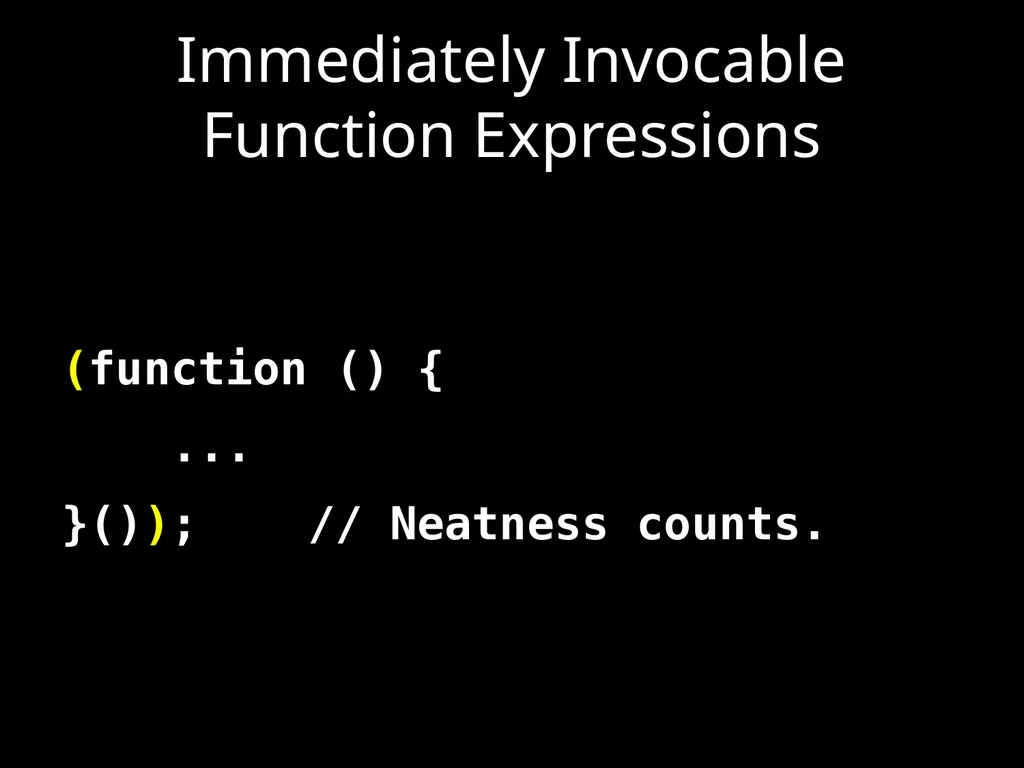
}()); // Neatness counts.<br>
slide48. The Heartbreak of Automatic Semicolon Insertion x = y // <-- Missing semicolon
(function () {
...
}());
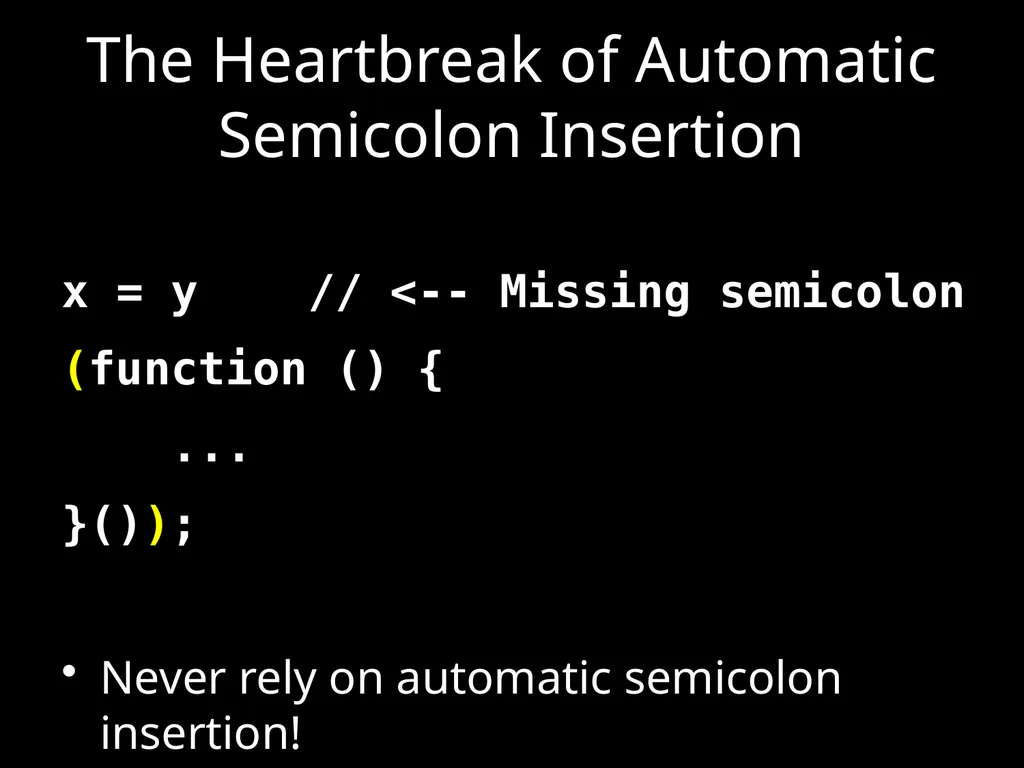
Never rely on automatic semicolon insertion!<br>
slide49. with statement. with (o) {
foo = koda;
} o.foo = koda;
o.foo = o.koda;
foo = koda;
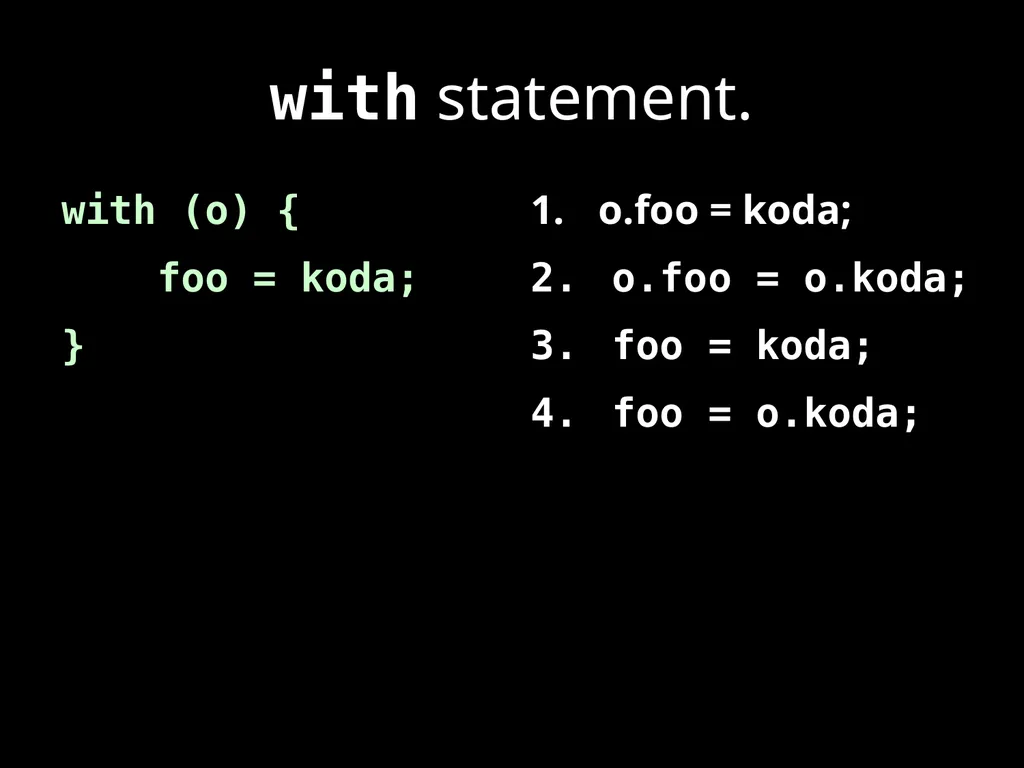
foo = o.koda;<br>
slide50. with statement. with (o) {
foo = koda;
} o.foo = koda;
o.foo = o.koda;
foo = koda;
foo = o.koda; I am not saying that it isn’t useful.
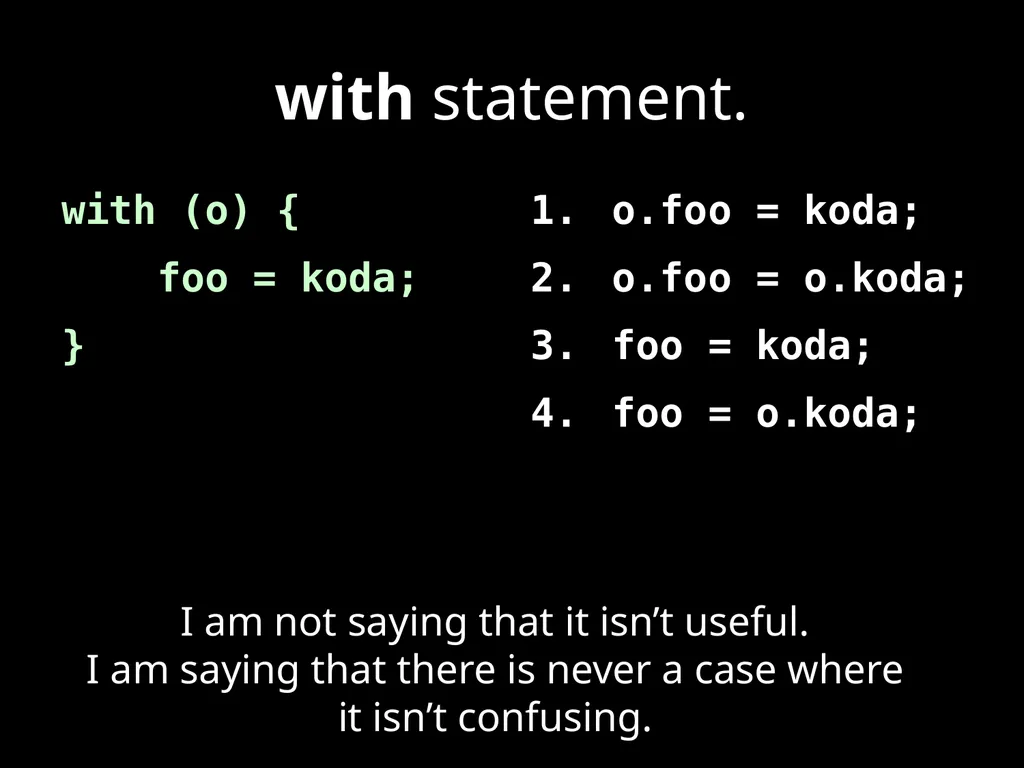
I am saying that there is never a case where it isn’t confusing.<br>
slide51. Confusion must be avoided.<br>
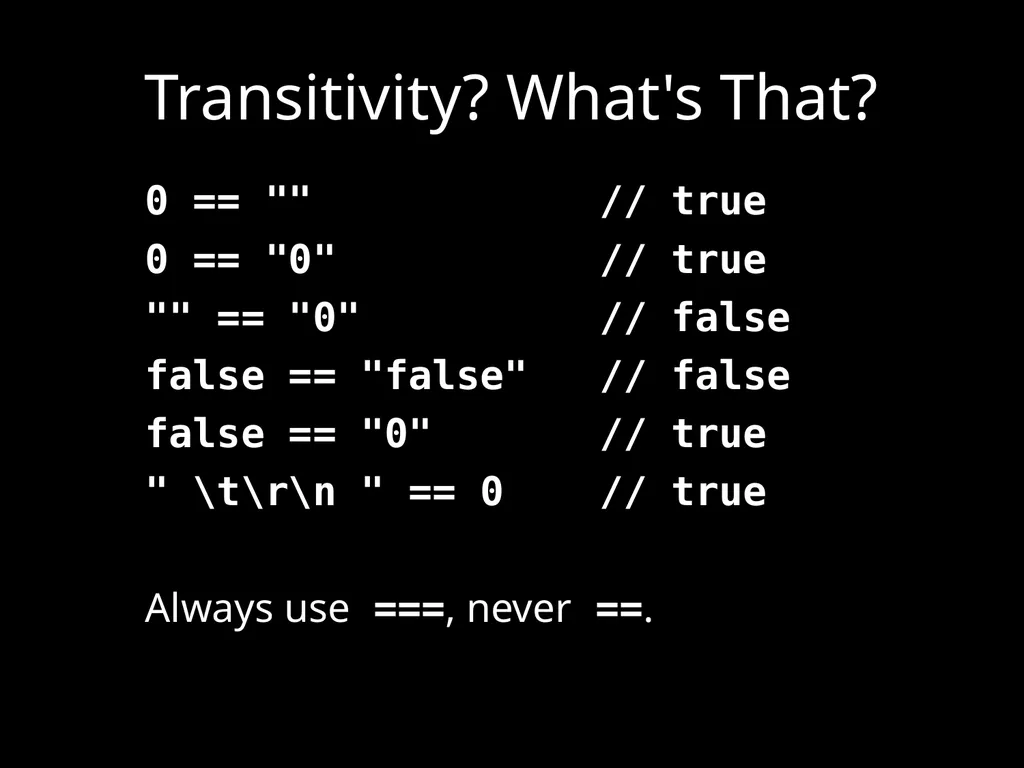
slide52. Transitivity? What's That? 0 == "" // true
0 == "0" // true
"" == "0" // false
false == "false" // false
false == "0" // true
" \t\r\n " == 0 // true
Always use ===, never ==.<br>
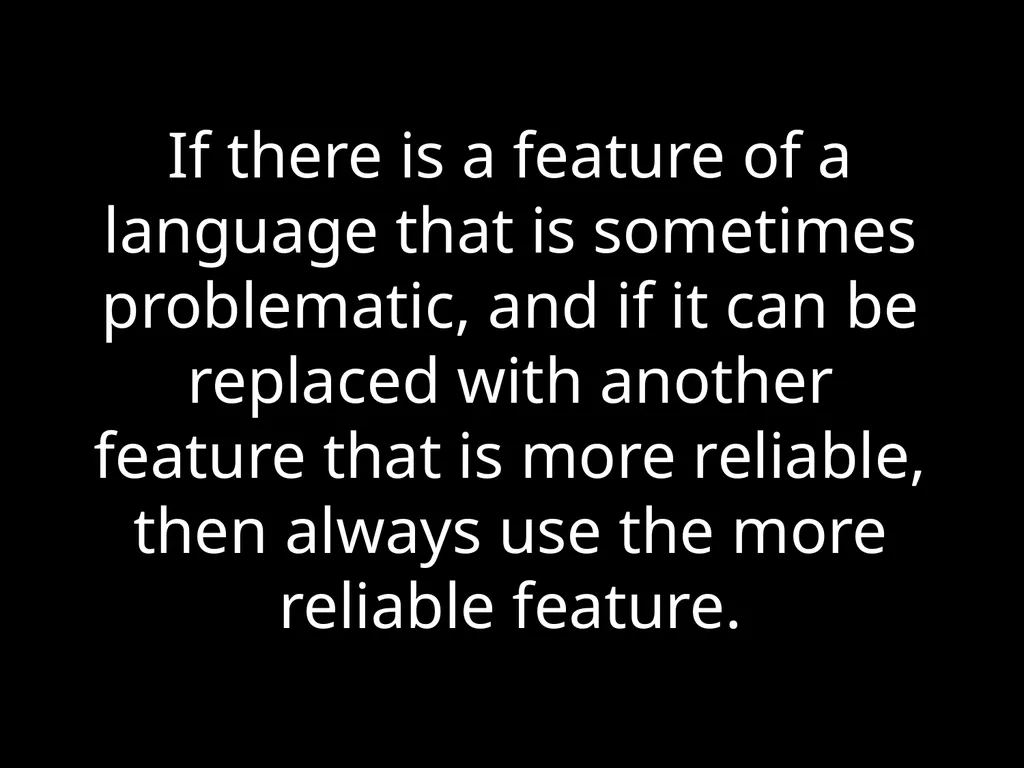
slide53. If there is a feature of a language that is sometimes problematic, and if it can be replaced with another feature that is more reliable, then always use the more reliable feature.<br>
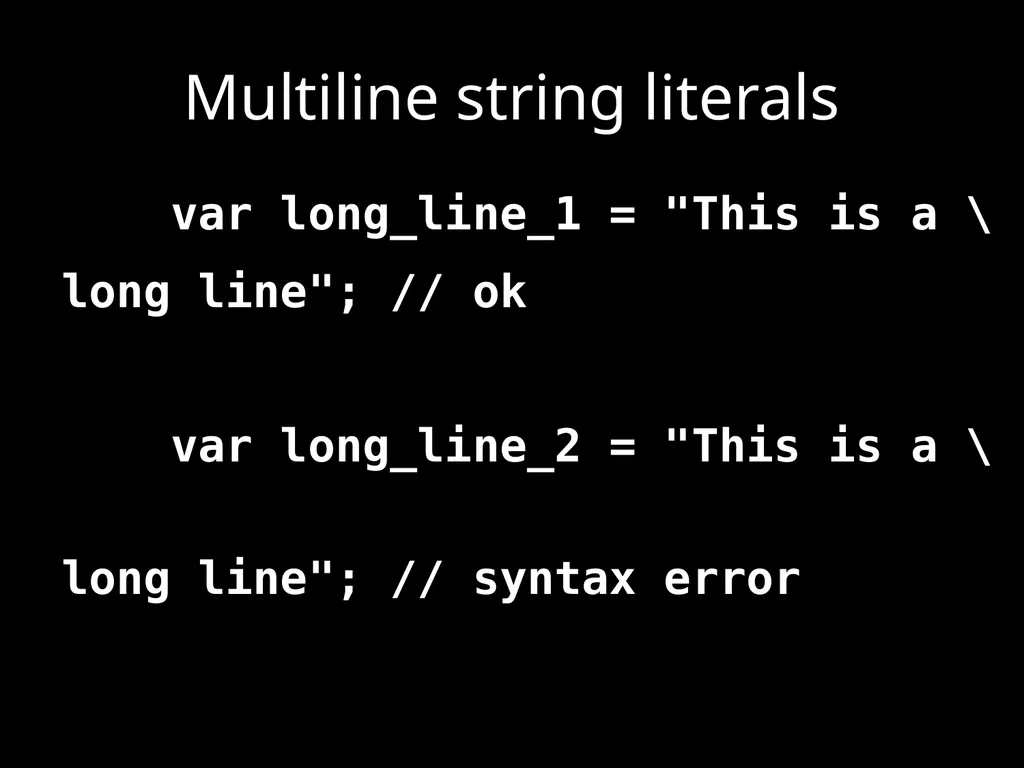
slide54. Multiline string literals var long_line_1 = "This is a \
long line"; // ok
var long_line_2 = "This is a \
long line"; // syntax error<br>
slide55. Avoid forms that are difficult to distinguish from common errors.<br>
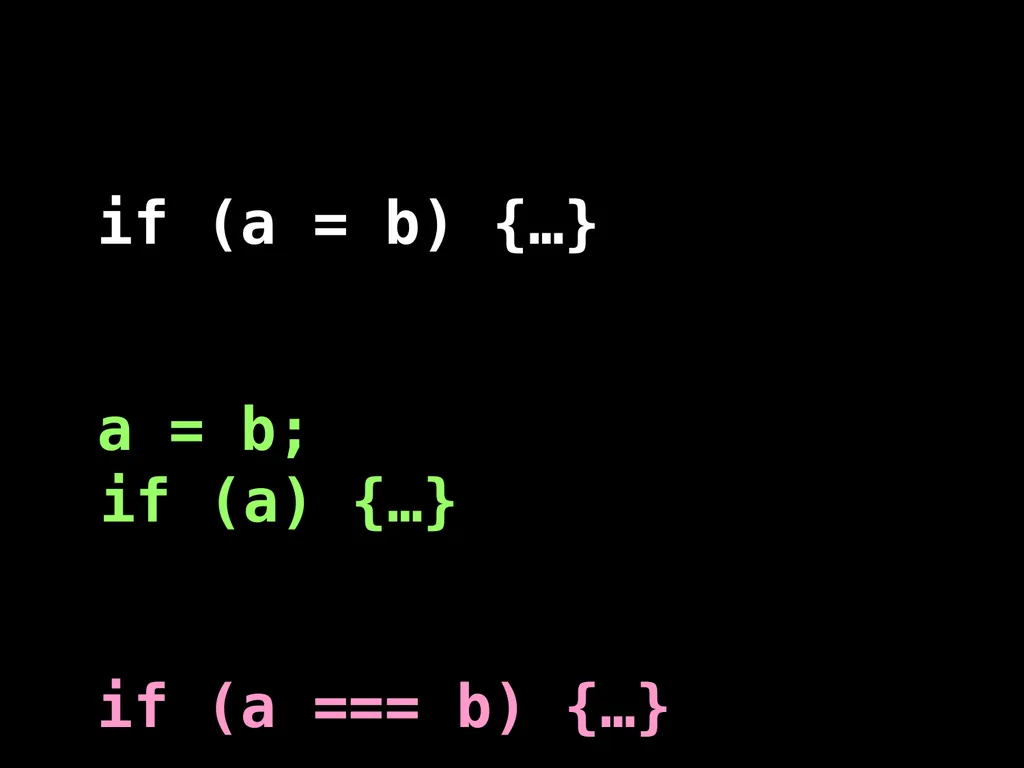
slide56. if (a = b) {…}
a = b;if (a) {…}
if (a === b) {…}<br>
slide57. Make your programs look like what they do.<br>
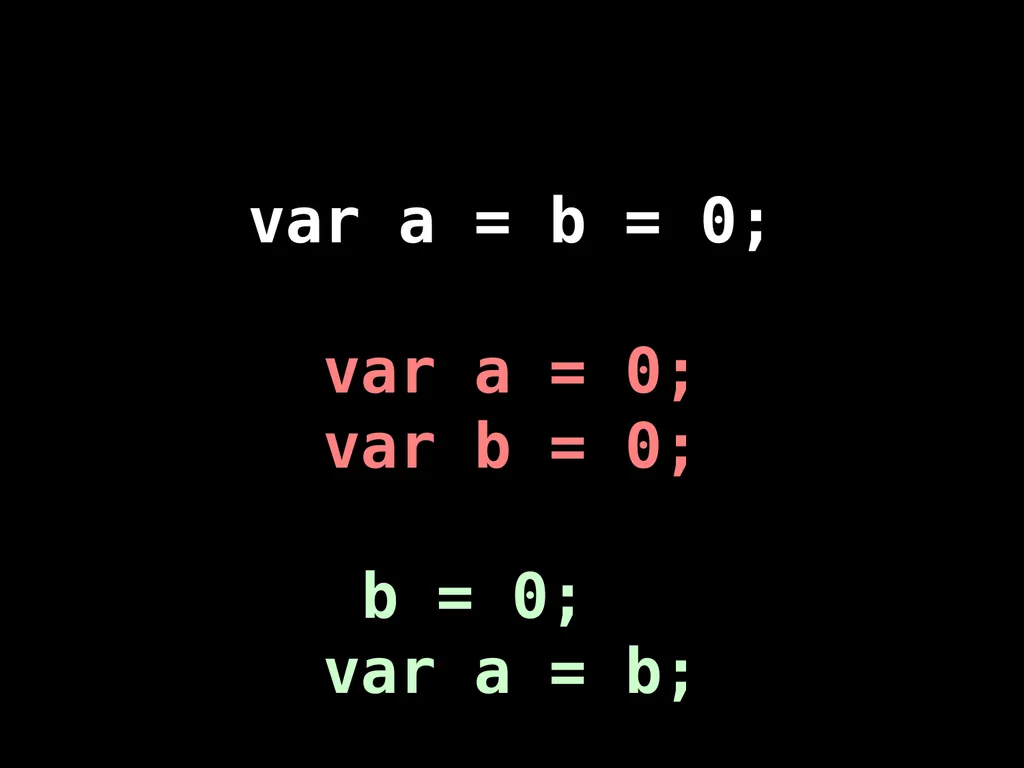
slide58. var a = b = 0;
var a = 0;
var b = 0;
b = 0;
var a = b;<br>
slide59. Write in a way that clearly communicates your intent.<br>
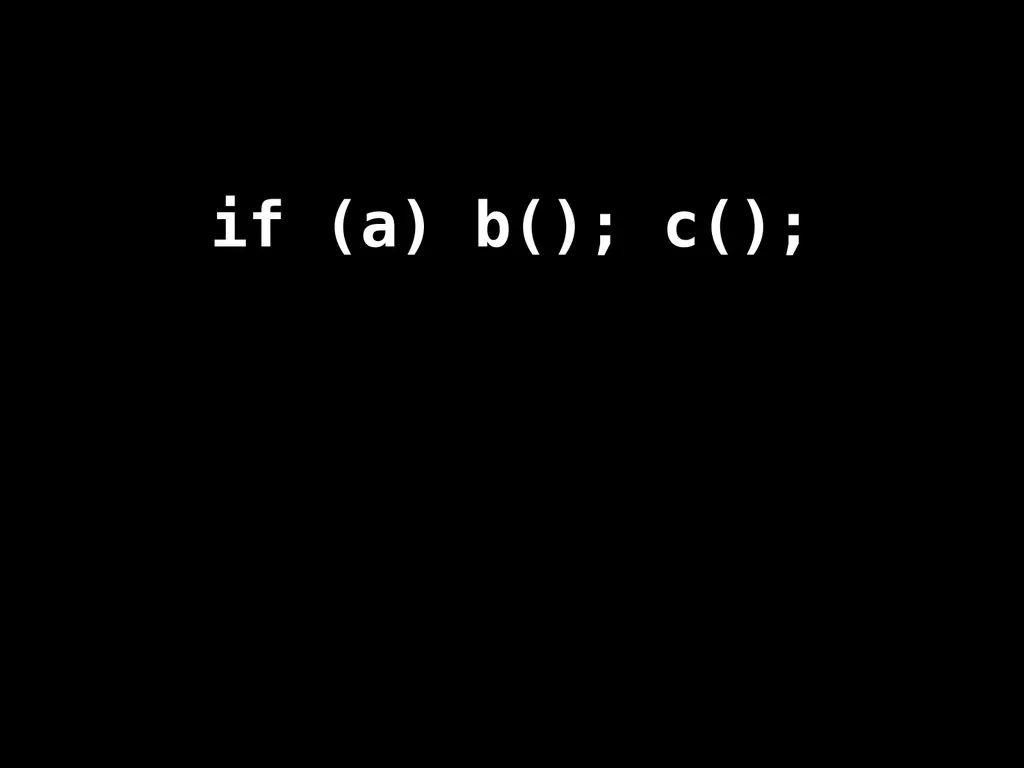
slide60. if (a) b(); c();<br>
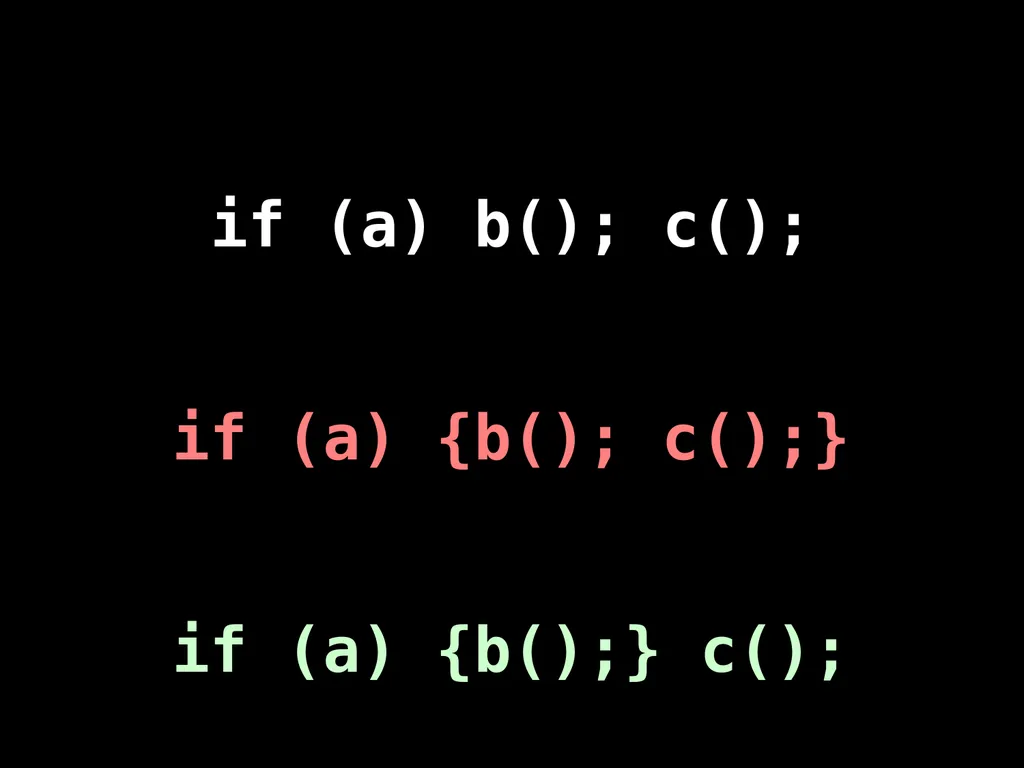
slide61. if (a) b(); c();
if (a) {b(); c();}
if (a) {b();} c();<br>
slide62. As our processes become more agile, our coding must be more resilient.<br>
slide63. ++<br>
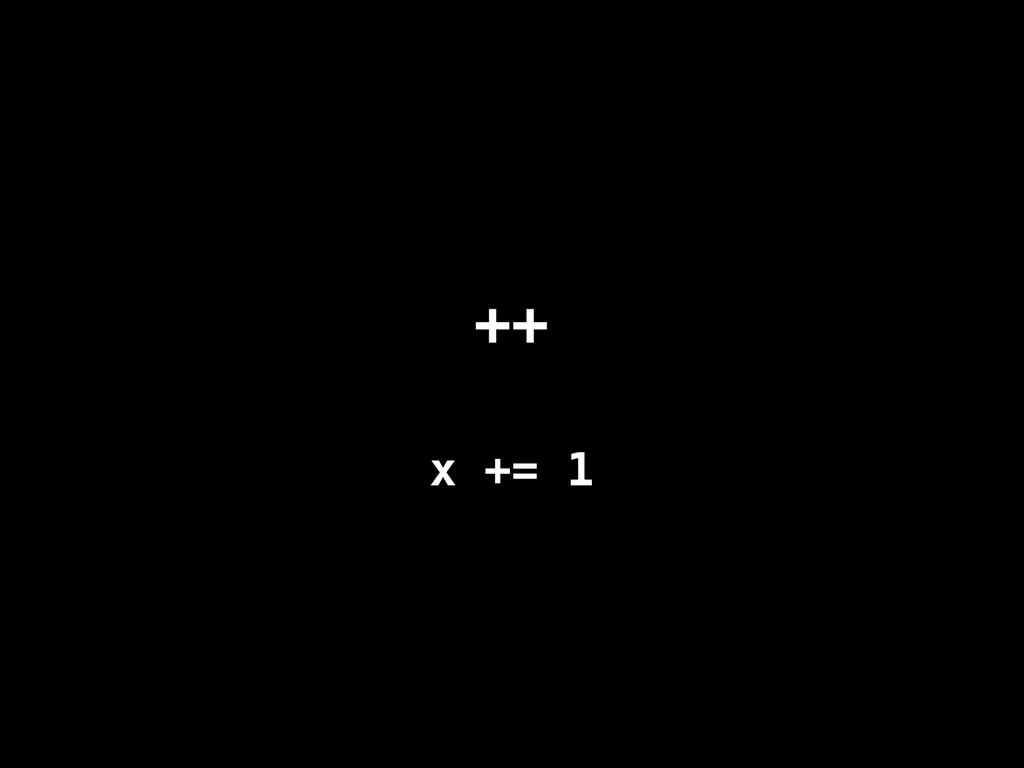
slide64. ++ x += 1<br>
slide65. ++ x += 1
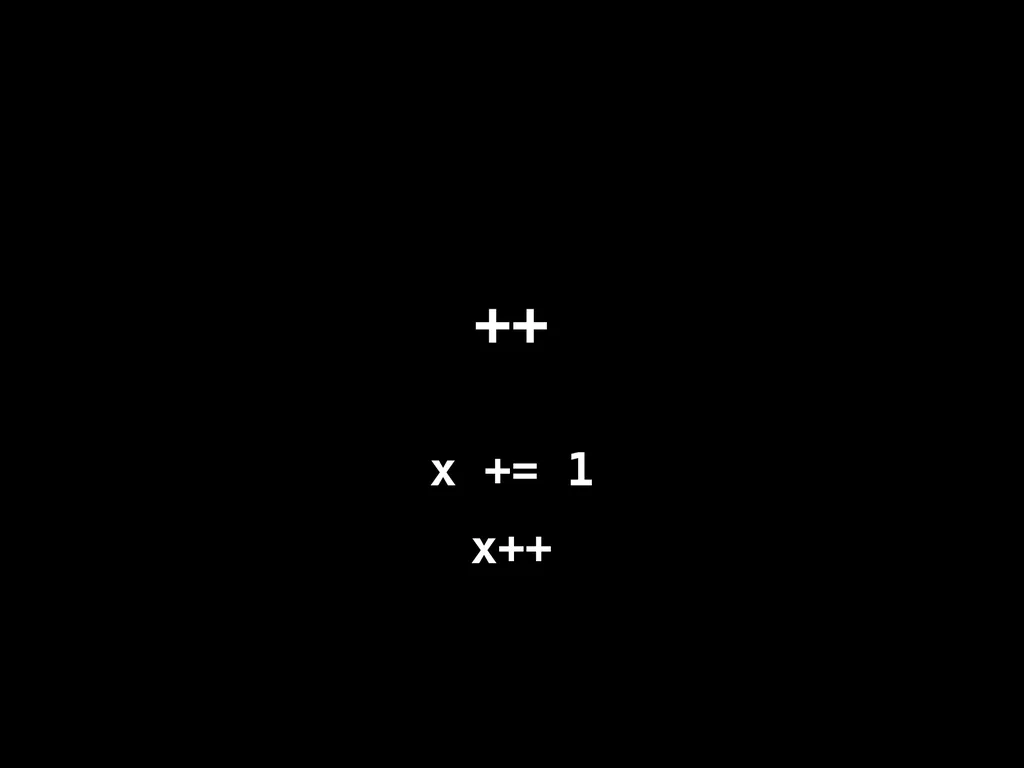
x++<br>
slide66. ++ x += 1
x++
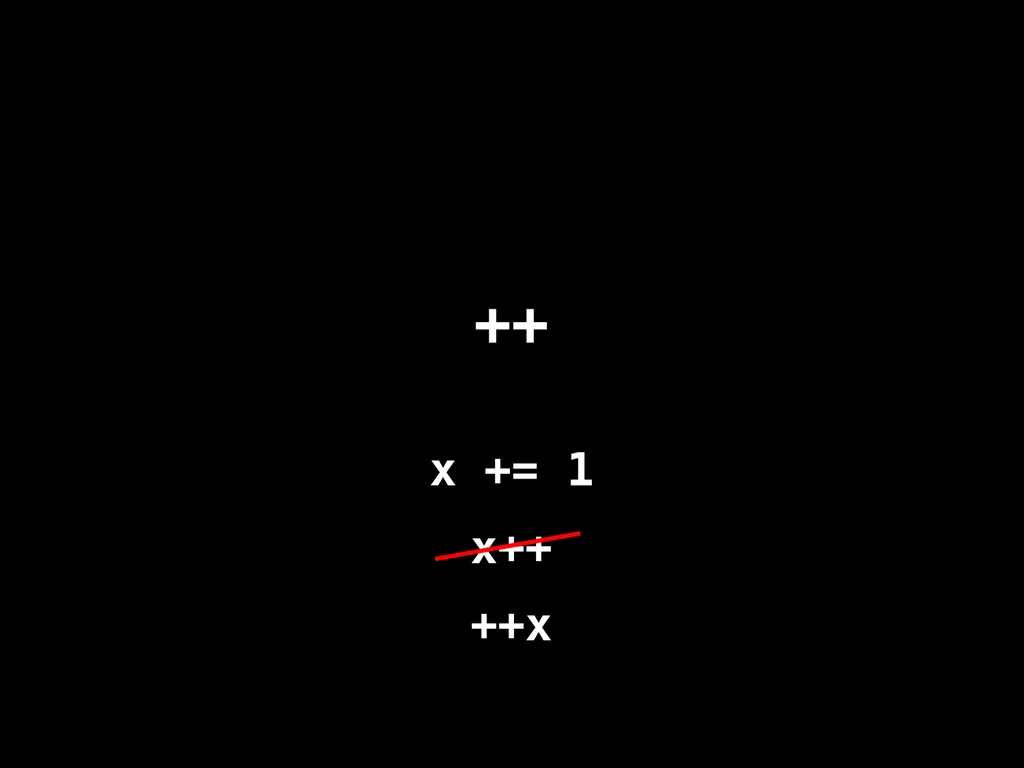
++x<br>
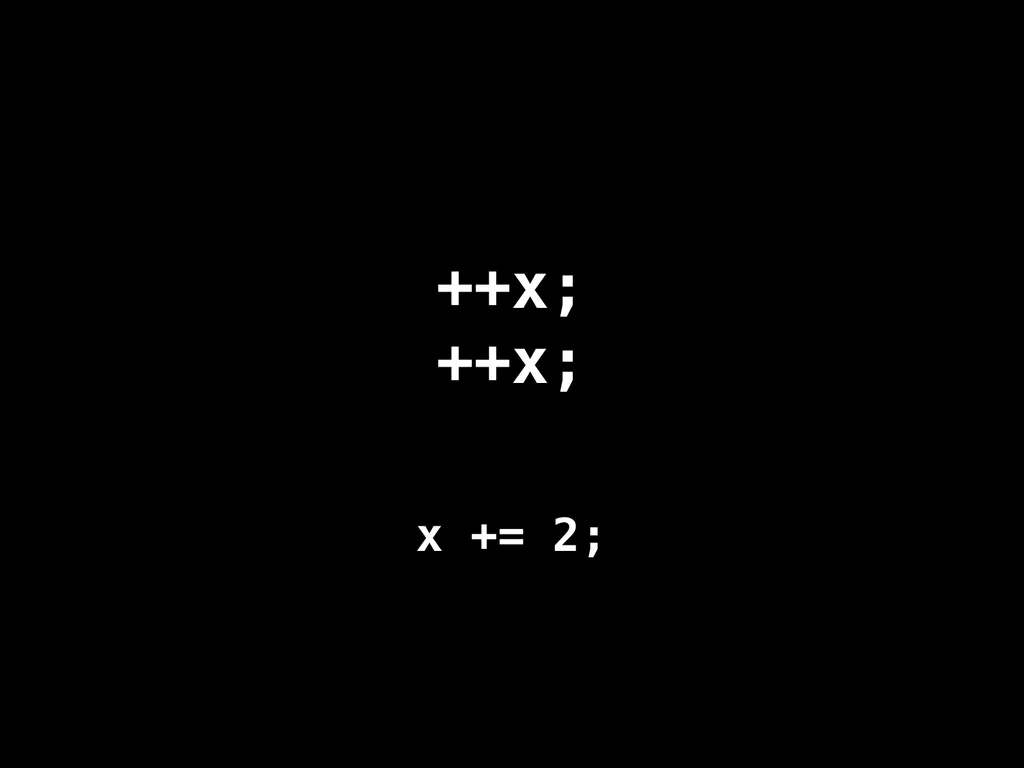
slide67. ++x;++x; x += 2;<br>
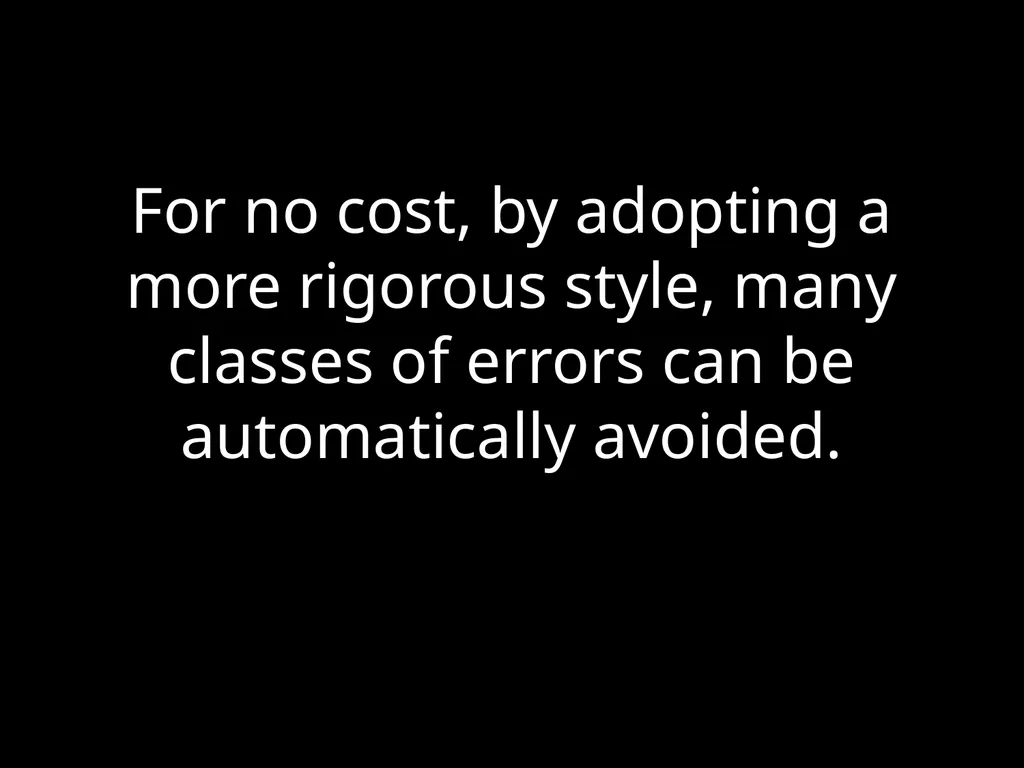
slide68. For no cost, by adopting a more rigorous style, many classes of errors can be automatically avoided.<br>
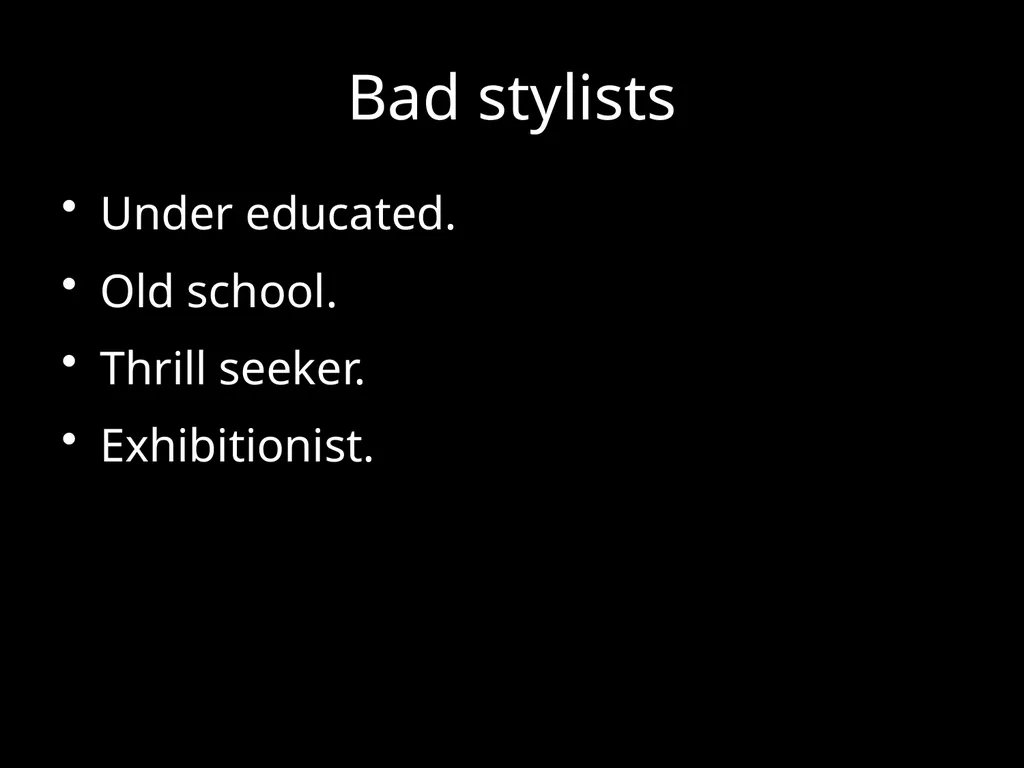
slide69. Bad stylists Under educated.
Old school.
Thrill seeker.
Exhibitionist.<br>
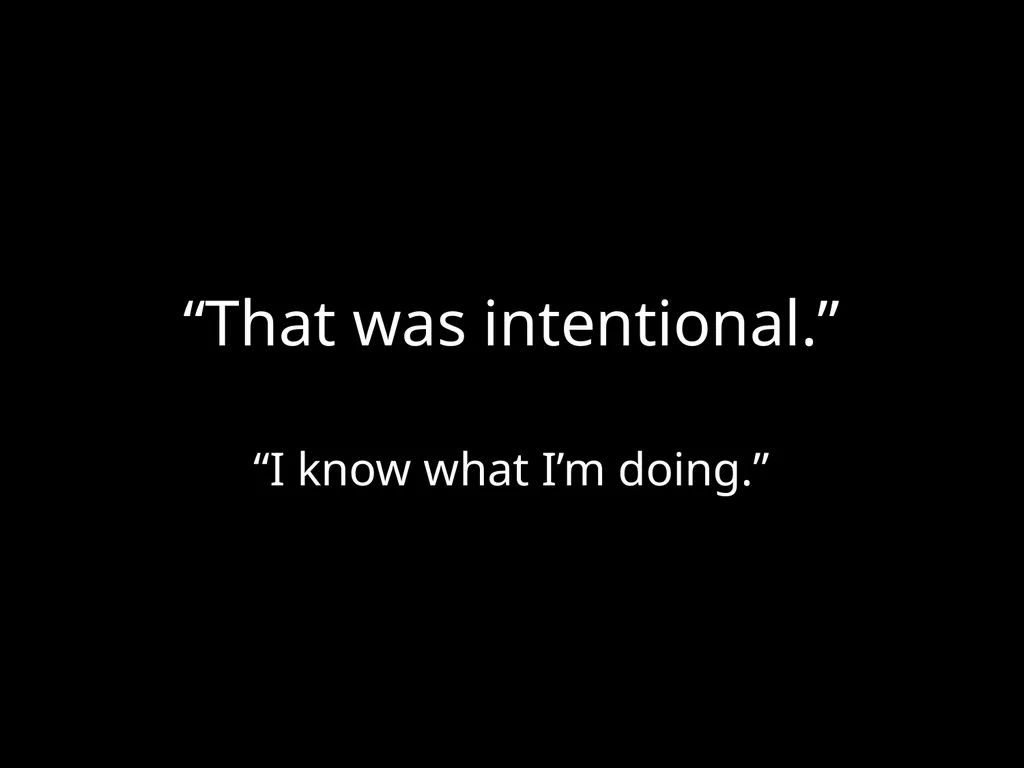
slide70. “That was intentional.” “I know what I’m doing.”<br>
slide71. Performance. Performance specific code is usually crufty.
Clean code is easier to reason about.
Premature optimization is the root of all evil. Donald Knuth
Most of the code has a negligible impact on performance. Only optimize the code that is taking the time.
Algorithm replacement is vastly more effective than code fiddling.<br>
slide72. Programming is the most complicated thing that humans do. Computer programs must be perfect.
Humans are not good at perfect.<br>
slide73. Designing a programming style demands discipline. It is not selecting features because they are liked, or pretty, or familiar.<br>
slide74. The Abyss<br>
slide75. The JSLint style was driven by the need to automatically detect defects. Forms that can hide defects are considered defective.<br>
slide76. Language Subsetting. Only a madman would use all of C++.<br>
slide77. There will be bugs. Do what you can to move the odds to your favor.<br>
slide78. NextChapter 2: Then There Was JavaScript<br>
slide2. The First Day
Programming Style and Your Brain
And Then There Was JavaScript
Function the Ultimate
The Metamorphosis of Ajax
The Second Day
Fun with Functions
The Third Day
Fun with Functions
Principles of Security
Managing Eventuality
The Better Parts<br>
slide3. Programming Style&Your Brain Douglas Crockford<br>
slide5. System Two: HeadSystem One: Gut<br>
slide6. Visual Processing. An analogy.<br>
slide10. Advertising.<br>
slide11. Tobacco.<br>
slide12. Computer Programs. The most complicated things people make.<br>
slide13. Artificial Intelligence.<br>
slide14. Programming Language.<br>
slide15. Perfection.<br>
slide16. Hunters and Gatherers.<br>
slide17. Programming uses Head and Gut. Tradeoffs.<br>
slide18. JavaScript. Good Parts.
Bad Parts.<br>
slide19. JSLint. JSLint defines a professional subset of JavaScript.
http://www.JSLint.com/<br>
slide20. WARNING! JSLint will hurt your feelings.<br>
slide21. Left or Right? block
{
....
} block {
....
}<br>
slide22. Left or Right? block
{
....
}
Be consistent. block {
....
}
Everyone should do it like I do.<br>
slide23. Left or Right? return
{
ok: false
};
SILENT ERROR! return {
ok: true
};
Works well in JavaScript.<br>
slide24. return
{
ok: false
};<br>
slide25. return; // semicolon insertion
{
ok: false
};<br>
slide26. return;
{ // block
ok: false
};<br>
slide27. return;
{
ok: false // label
};<br>
slide28. return;
{ // useless
ok: false // expression
}; // statement<br>
slide29. return;
{
ok: false; // semicolon
}; // insertion<br>
slide30. return;
{
ok: false;
}; // empty statement<br>
slide31. return;
{ // unreachable statement
ok: false;
}<br>
slide32. return
{
ok: false
}; return;
false;<br>
slide33. Prefer forms that are error resistant.<br>
slide34. switch statement. The fallthrough hazard.<br>
slide35. “That hardly ever happens” is another way of saying“It happens”.<br>
slide36. A good style can help produce better programs. Style should not be about personal preference and self-expression.<br>
slide37. THEROMANSWROTELATINALLINUPPERCASEWITHNOWORDBREAKSORPUNCTUATION<br>
slide39. Medieval copyists introduced lowercase, word breaks, and punctuation. These innovations helped reduce the error rate.<br>
slide40. Good use of style can help reduce the occurrence of errors.<br>
slide41. The Elements of StyleWilliam Strunk http://www.crockford.com/wrrrld/style.html<br>
slide42. Programs must communicate clearly to people.<br>
slide43. Use elements of good composition where applicable. For example, use a space after a comma, not before.<br>
slide44. Use spaces to disambiguate parens. No space between a function name and (.
One space between all other names and (.
Wrong:
foo (bar);
return(a+b);
if(a===0) {…}
function foo (b) {…}
function(x) {…}<br>
slide45. Immediately Invocable Function Expressions function () {
...
}(); // Syntax error!<br>
slide46. Immediately Invocable Function Expressions (function () {
...
})();<br>
slide47. Immediately Invocable Function Expressions (function () {
...
}()); // Neatness counts.<br>
slide48. The Heartbreak of Automatic Semicolon Insertion x = y // <-- Missing semicolon
(function () {
...
}());
Never rely on automatic semicolon insertion!<br>
slide49. with statement. with (o) {
foo = koda;
} o.foo = koda;
o.foo = o.koda;
foo = koda;
foo = o.koda;<br>
slide50. with statement. with (o) {
foo = koda;
} o.foo = koda;
o.foo = o.koda;
foo = koda;
foo = o.koda; I am not saying that it isn’t useful.
I am saying that there is never a case where it isn’t confusing.<br>
slide51. Confusion must be avoided.<br>
slide52. Transitivity? What's That? 0 == "" // true
0 == "0" // true
"" == "0" // false
false == "false" // false
false == "0" // true
" \t\r\n " == 0 // true
Always use ===, never ==.<br>
slide53. If there is a feature of a language that is sometimes problematic, and if it can be replaced with another feature that is more reliable, then always use the more reliable feature.<br>
slide54. Multiline string literals var long_line_1 = "This is a \
long line"; // ok
var long_line_2 = "This is a \
long line"; // syntax error<br>
slide55. Avoid forms that are difficult to distinguish from common errors.<br>
slide56. if (a = b) {…}
a = b;if (a) {…}
if (a === b) {…}<br>
slide57. Make your programs look like what they do.<br>
slide58. var a = b = 0;
var a = 0;
var b = 0;
b = 0;
var a = b;<br>
slide59. Write in a way that clearly communicates your intent.<br>
slide60. if (a) b(); c();<br>
slide61. if (a) b(); c();
if (a) {b(); c();}
if (a) {b();} c();<br>
slide62. As our processes become more agile, our coding must be more resilient.<br>
slide63. ++<br>
slide64. ++ x += 1<br>
slide65. ++ x += 1
x++<br>
slide66. ++ x += 1
x++
++x<br>
slide67. ++x;++x; x += 2;<br>
slide68. For no cost, by adopting a more rigorous style, many classes of errors can be automatically avoided.<br>
slide69. Bad stylists Under educated.
Old school.
Thrill seeker.
Exhibitionist.<br>
slide70. “That was intentional.” “I know what I’m doing.”<br>
slide71. Performance. Performance specific code is usually crufty.
Clean code is easier to reason about.
Premature optimization is the root of all evil. Donald Knuth
Most of the code has a negligible impact on performance. Only optimize the code that is taking the time.
Algorithm replacement is vastly more effective than code fiddling.<br>
slide72. Programming is the most complicated thing that humans do. Computer programs must be perfect.
Humans are not good at perfect.<br>
slide73. Designing a programming style demands discipline. It is not selecting features because they are liked, or pretty, or familiar.<br>
slide74. The Abyss<br>
slide75. The JSLint style was driven by the need to automatically detect defects. Forms that can hide defects are considered defective.<br>
slide76. Language Subsetting. Only a madman would use all of C++.<br>
slide77. There will be bugs. Do what you can to move the odds to your favor.<br>
slide78. NextChapter 2: Then There Was JavaScript<br>