
Effective Presentations Peter Masucci Adjunct
PT
Published · 52 slides · 0 views
1 / 1
Description
Effective Presentations Peter Masucci Adjunct Professor of Marketing University of New Hampshire Peter T. Paul College of Business and Economics 1 Jan. 26, 2007 Great speakers arent born, they are trained. Presenting is a skill developed
Related Topics
Share
Embed code
Download this presentation From Below
"Effective Presentations Peter Masucci Adjunct" is the property of its rightful owner. Permission is granted to download and print the materials on this website for personal, non-commercial use only, and to display it on your personal computer provided you do not modify the materials and that you retain all copyright notices contained in the materials. By downloading content from our website, you accept the terms of this agreement.
Presentation Transcript
01
Effective Presentations Peter Masucci
Adjunct Professor of Marketing
University of New Hampshire
Peter T. Paul College of Business and Economics 1 Jan. 26, 2007<br>
Adjunct Professor of Marketing
University of New Hampshire
Peter T. Paul College of Business and Economics 1 Jan. 26, 2007<br>
02
“Great speakers aren’t born,
they are trained.” Presenting is a skill developed through training and experience 2<br>
03
Agenda Introduction
Planning your presentation
Presentation sequence
Creating effective visual aids
Effective presentation techniques 3<br>
Planning your presentation
Presentation sequence
Creating effective visual aids
Effective presentation techniques 3<br>
04
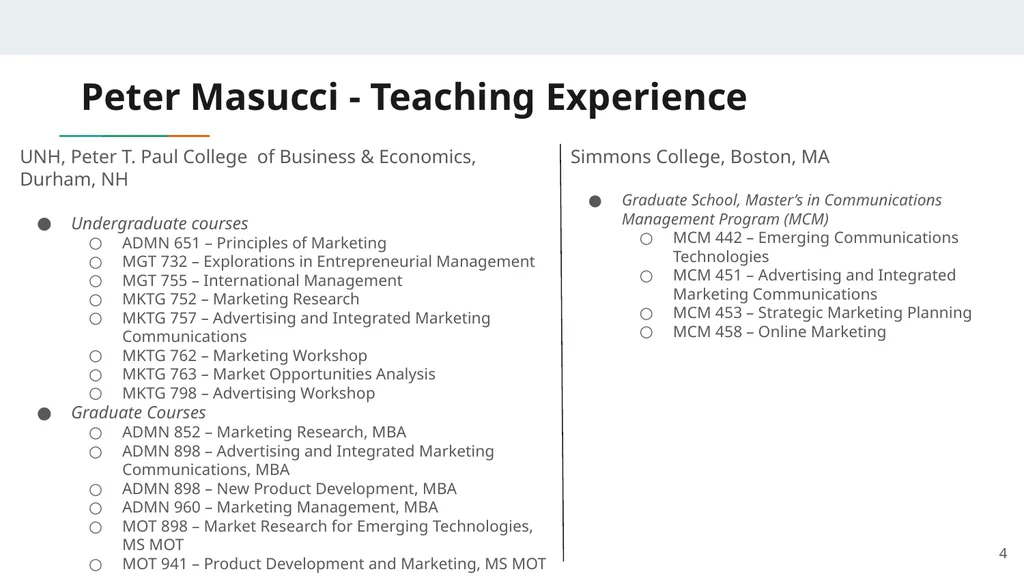
Peter Masucci - Teaching Experience UNH, Peter T. Paul College of Business & Economics, Durham, NH
Undergraduate courses
ADMN 651 – Principles of Marketing
MGT 732 – Explorations in Entrepreneurial Management
MGT 755 – International Management
MKTG 752 – Marketing Research
MKTG 757 – Advertising and Integrated Marketing Communications
MKTG 762 – Marketing Workshop
MKTG 763 – Market Opportunities Analysis
MKTG 798 – Advertising Workshop
Graduate Courses
ADMN 852 – Marketing Research, MBA
ADMN 898 – Advertising and Integrated Marketing Communications, MBA
ADMN 898 – New Product Development, MBA
ADMN 960 – Marketing Management, MBA
MOT 898 – Market Research for Emerging Technologies, MS MOT
MOT 941 – Product Development and Marketing, MS MOT 4 Simmons College, Boston, MA
Graduate School, Master’s in Communications Management Program (MCM)
MCM 442 – Emerging Communications Technologies
MCM 451 – Advertising and Integrated Marketing Communications
MCM 453 – Strategic Marketing Planning
MCM 458 – Online Marketing<br>
Undergraduate courses
ADMN 651 – Principles of Marketing
MGT 732 – Explorations in Entrepreneurial Management
MGT 755 – International Management
MKTG 752 – Marketing Research
MKTG 757 – Advertising and Integrated Marketing Communications
MKTG 762 – Marketing Workshop
MKTG 763 – Market Opportunities Analysis
MKTG 798 – Advertising Workshop
Graduate Courses
ADMN 852 – Marketing Research, MBA
ADMN 898 – Advertising and Integrated Marketing Communications, MBA
ADMN 898 – New Product Development, MBA
ADMN 960 – Marketing Management, MBA
MOT 898 – Market Research for Emerging Technologies, MS MOT
MOT 941 – Product Development and Marketing, MS MOT 4 Simmons College, Boston, MA
Graduate School, Master’s in Communications Management Program (MCM)
MCM 442 – Emerging Communications Technologies
MCM 451 – Advertising and Integrated Marketing Communications
MCM 453 – Strategic Marketing Planning
MCM 458 – Online Marketing<br>
05
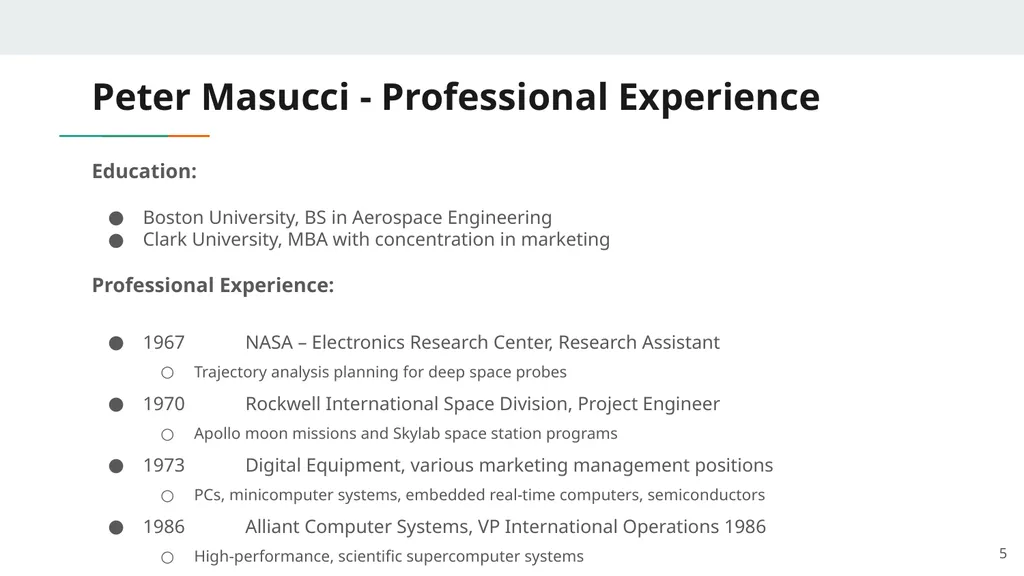
Peter Masucci - Professional Experience Education:
Boston University, BS in Aerospace Engineering
Clark University, MBA with concentration in marketing
Professional Experience:
1967 NASA – Electronics Research Center, Research Assistant
Trajectory analysis planning for deep space probes
1970 Rockwell International Space Division, Project Engineer
Apollo moon missions and Skylab space station programs
1973 Digital Equipment, various marketing management positions
PCs, minicomputer systems, embedded real-time computers, semiconductors
1986 Alliant Computer Systems, VP International Operations 1986
High-performance, scientific supercomputer systems 5<br>
Boston University, BS in Aerospace Engineering
Clark University, MBA with concentration in marketing
Professional Experience:
1967 NASA – Electronics Research Center, Research Assistant
Trajectory analysis planning for deep space probes
1970 Rockwell International Space Division, Project Engineer
Apollo moon missions and Skylab space station programs
1973 Digital Equipment, various marketing management positions
PCs, minicomputer systems, embedded real-time computers, semiconductors
1986 Alliant Computer Systems, VP International Operations 1986
High-performance, scientific supercomputer systems 5<br>
06
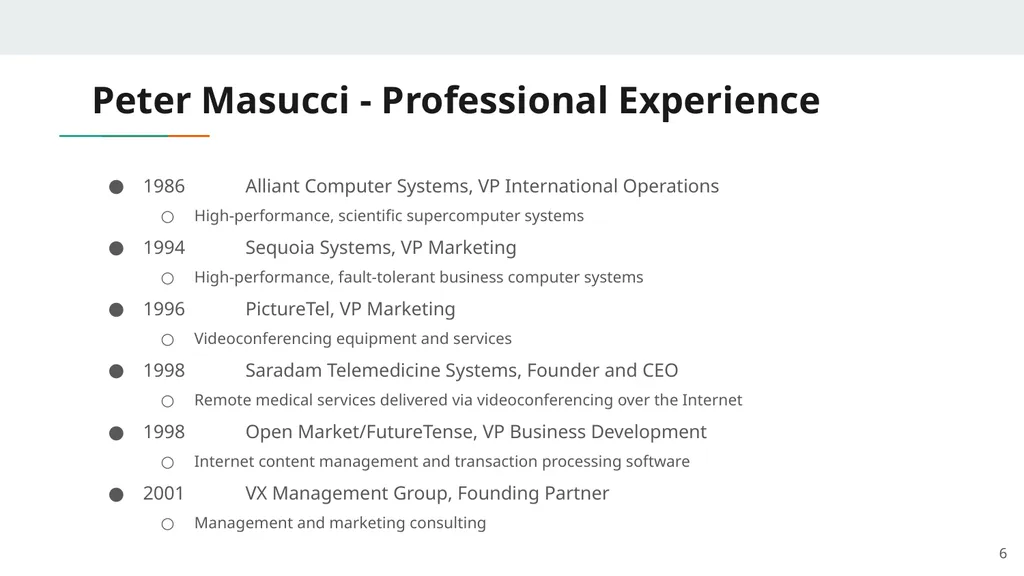
Peter Masucci - Professional Experience 1986 Alliant Computer Systems, VP International Operations
High-performance, scientific supercomputer systems
1994 Sequoia Systems, VP Marketing
High-performance, fault-tolerant business computer systems
1996 PictureTel, VP Marketing
Videoconferencing equipment and services
1998 Saradam Telemedicine Systems, Founder and CEO
Remote medical services delivered via videoconferencing over the Internet
1998 Open Market/FutureTense, VP Business Development
Internet content management and transaction processing software
2001 VX Management Group, Founding Partner
Management and marketing consulting 6<br>
High-performance, scientific supercomputer systems
1994 Sequoia Systems, VP Marketing
High-performance, fault-tolerant business computer systems
1996 PictureTel, VP Marketing
Videoconferencing equipment and services
1998 Saradam Telemedicine Systems, Founder and CEO
Remote medical services delivered via videoconferencing over the Internet
1998 Open Market/FutureTense, VP Business Development
Internet content management and transaction processing software
2001 VX Management Group, Founding Partner
Management and marketing consulting 6<br>
07
Introduction 7<br>
08
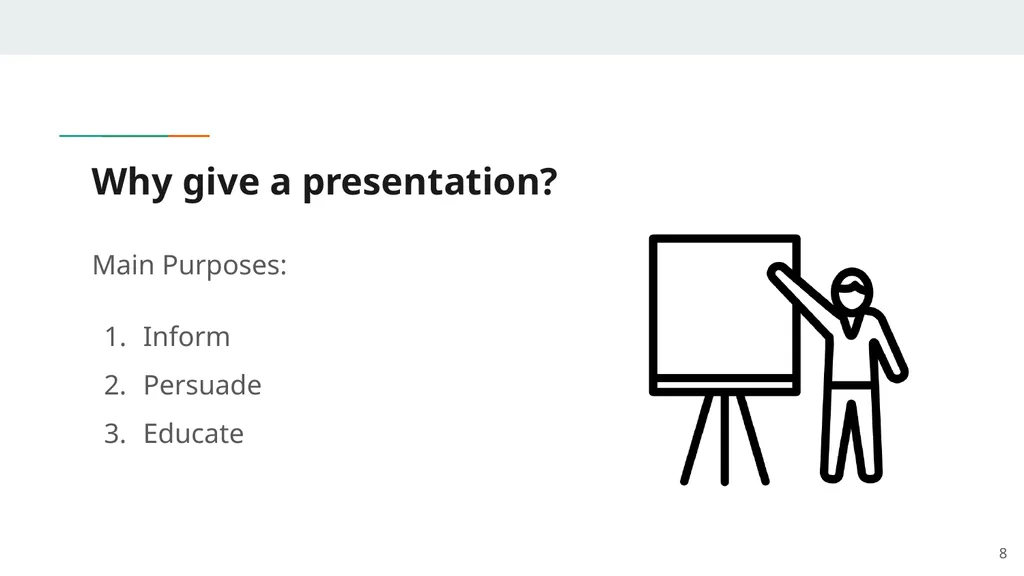
Why give a presentation? 8 Main Purposes:
Inform
Persuade
Educate<br>
Inform
Persuade
Educate<br>
09
Definitions Presentation
“Something set forth to an audience for the attention of the mind”
Effective
“…producing a desired result” 9<br>
“Something set forth to an audience for the attention of the mind”
Effective
“…producing a desired result” 9<br>
10
Public Speaking, A Common Fear Feared more than death!
Often experience:
Shaky hands
Blushing cheeks
Memory loss
Nausea
Knocking knees
All completely normal! 10<br>
Often experience:
Shaky hands
Blushing cheeks
Memory loss
Nausea
Knocking knees
All completely normal! 10<br>
11
Causes of Presentation Anxiety Fear of the unknown OR loss of control
Fight or flight mode
No backup plan
No enthusiasm for subject
Focus of attention 11<br>
Fight or flight mode
No backup plan
No enthusiasm for subject
Focus of attention 11<br>
12
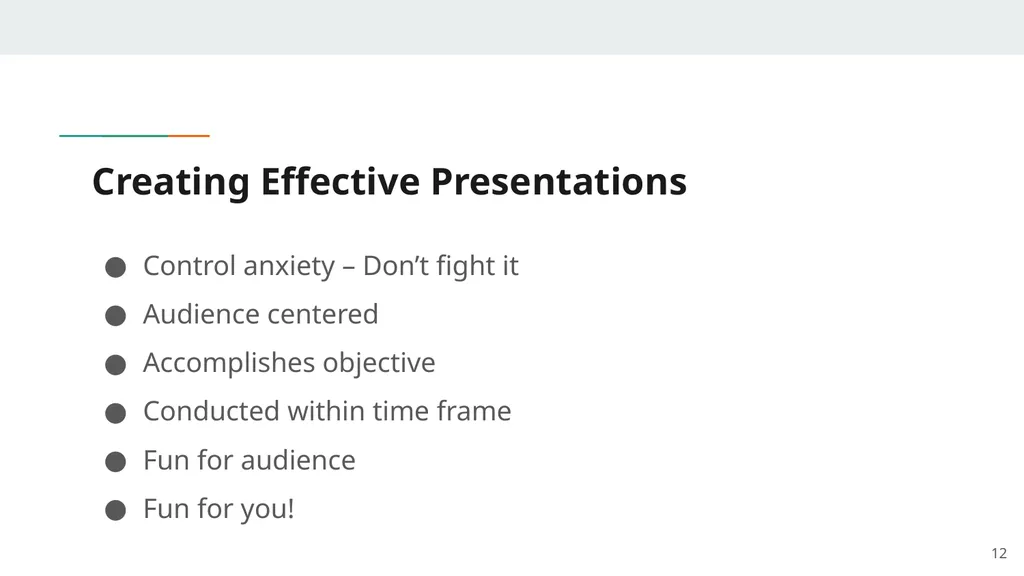
Creating Effective Presentations Control anxiety – Don’t fight it
Audience centered
Accomplishes objective
Conducted within time frame
Fun for audience
Fun for you! 12<br>
Audience centered
Accomplishes objective
Conducted within time frame
Fun for audience
Fun for you! 12<br>
13
Planning Your Presentation 13<br>
14
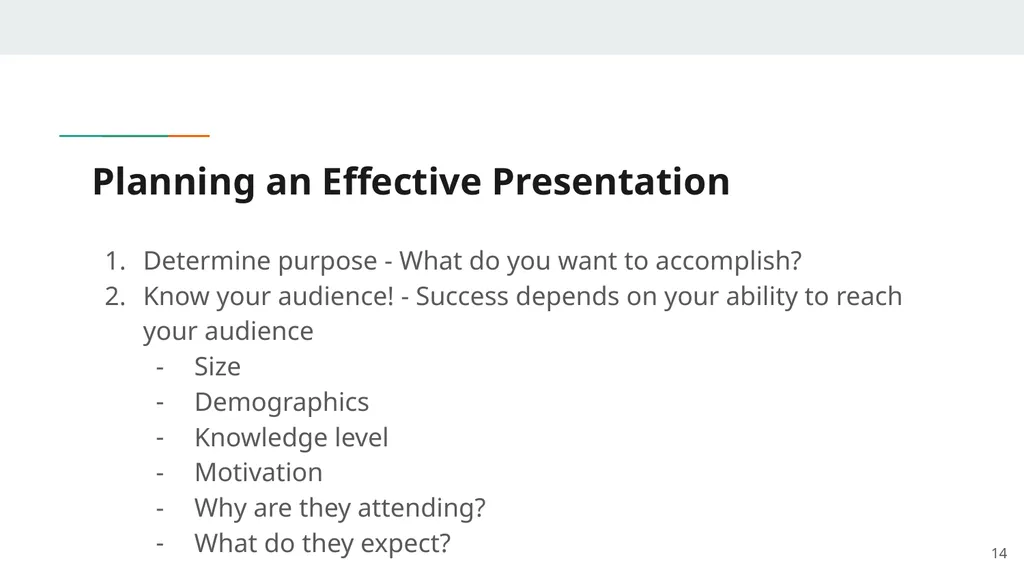
Planning an Effective Presentation 14 Determine purpose - What do you want to accomplish?
Know your audience! - Success depends on your ability to reach your audience
Size
Demographics
Knowledge level
Motivation
Why are they attending?
What do they expect?<br>
Know your audience! - Success depends on your ability to reach your audience
Size
Demographics
Knowledge level
Motivation
Why are they attending?
What do they expect?<br>
15
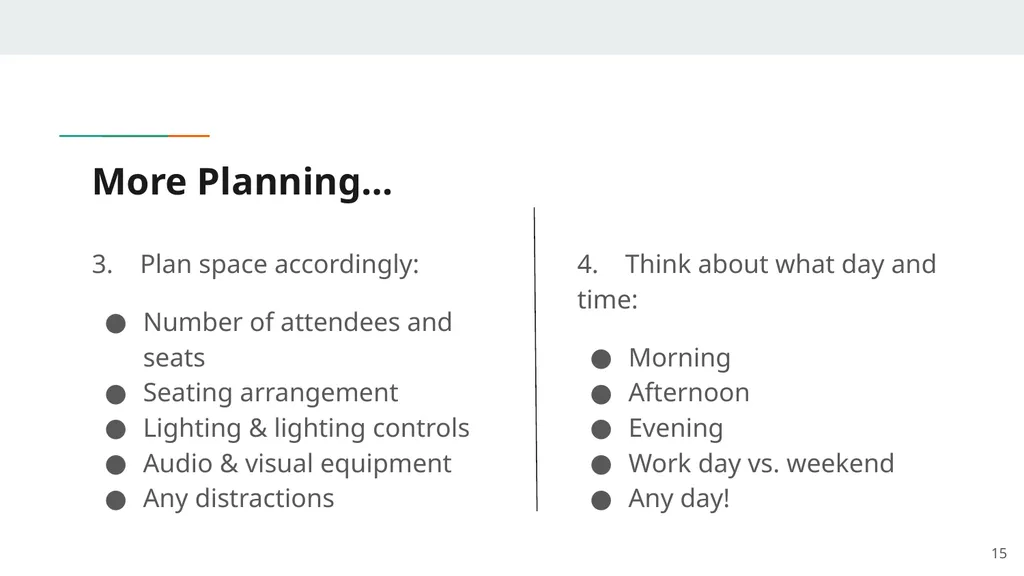
More Planning… 3. Plan space accordingly:
Number of attendees and seats
Seating arrangement
Lighting & lighting controls
Audio & visual equipment
Any distractions 15 4. Think about what day and time:
Morning
Afternoon
Evening
Work day vs. weekend
Any day!<br>
Number of attendees and seats
Seating arrangement
Lighting & lighting controls
Audio & visual equipment
Any distractions 15 4. Think about what day and time:
Morning
Afternoon
Evening
Work day vs. weekend
Any day!<br>
16
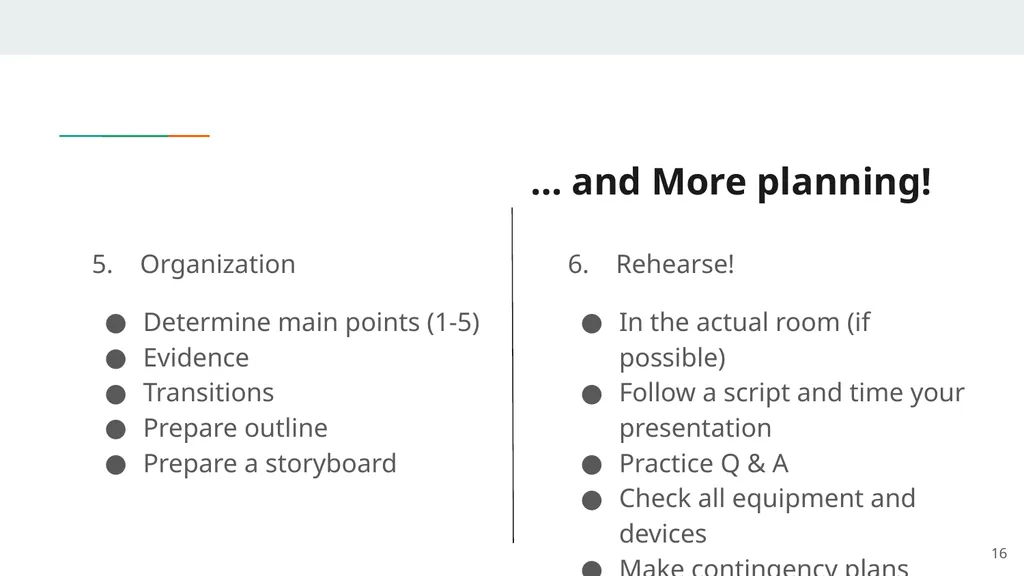
… and More planning! 5. Organization
Determine main points (1-5)
Evidence
Transitions
Prepare outline
Prepare a storyboard 6. Rehearse!
In the actual room (if possible)
Follow a script and time your presentation
Practice Q & A
Check all equipment and devices
Make contingency plans 16<br>
Determine main points (1-5)
Evidence
Transitions
Prepare outline
Prepare a storyboard 6. Rehearse!
In the actual room (if possible)
Follow a script and time your presentation
Practice Q & A
Check all equipment and devices
Make contingency plans 16<br>
17
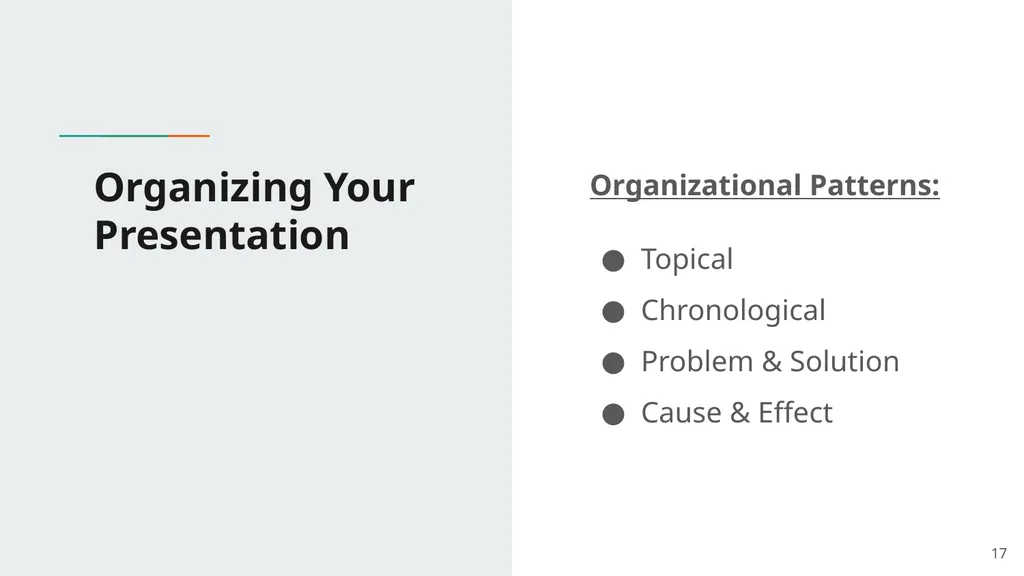
Organizing Your Presentation Organizational Patterns:
Topical
Chronological
Problem & Solution
Cause & Effect 17<br>
Topical
Chronological
Problem & Solution
Cause & Effect 17<br>
18
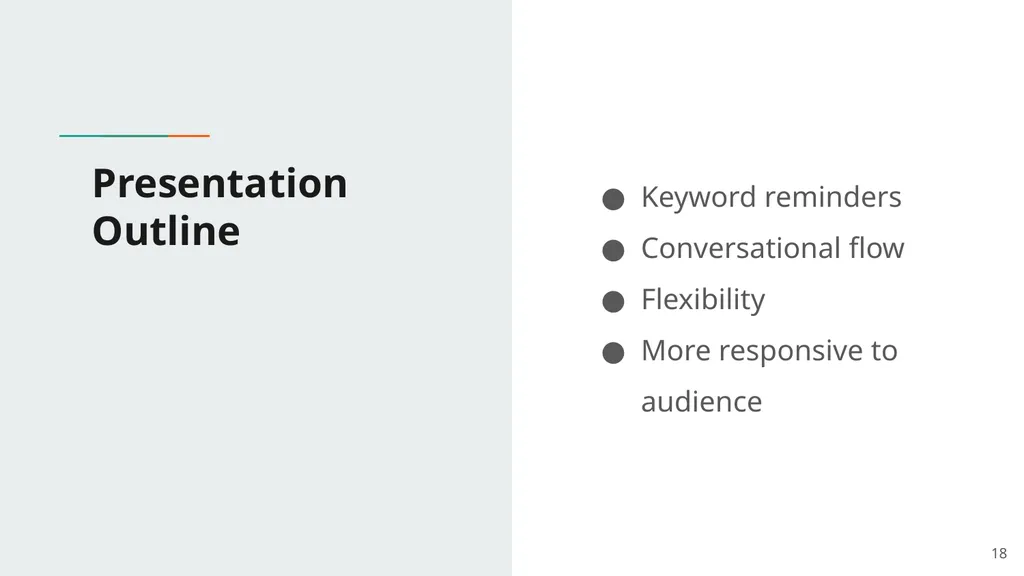
Presentation Outline Keyword reminders
Conversational flow
Flexibility
More responsive to audience 18<br>
Conversational flow
Flexibility
More responsive to audience 18<br>
19
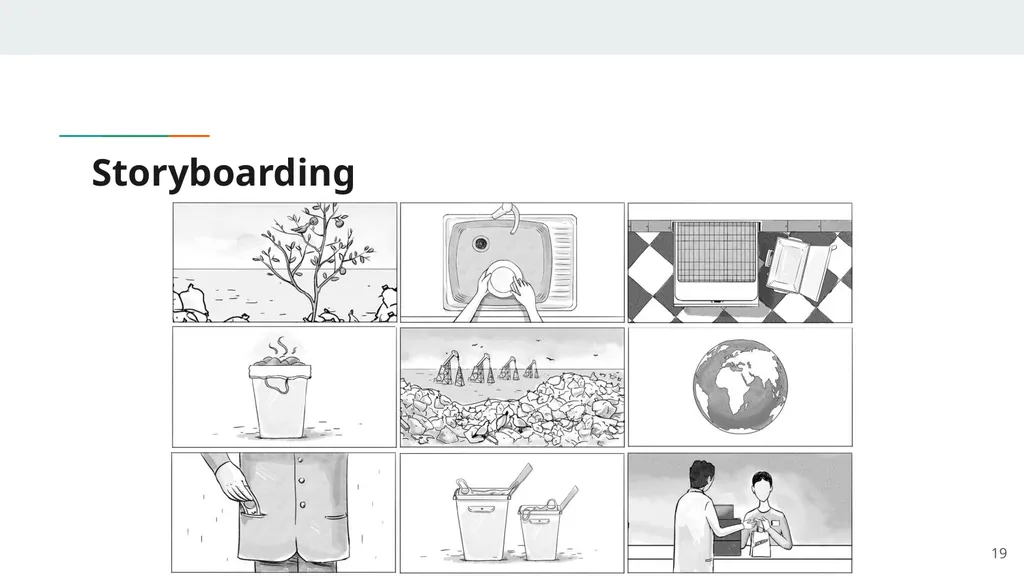
Storyboarding 19<br>
20
The Presentation Sequence 20<br>
21
Build Rapport Relation marked by harmony or affinity
Audience members need to trust you & feel that you care about them
Start before you begin
Mingle, learn names
Opportunity to reinforce or correct audience assessment
Strong first impression
People listen to people they like 21<br>
Audience members need to trust you & feel that you care about them
Start before you begin
Mingle, learn names
Opportunity to reinforce or correct audience assessment
Strong first impression
People listen to people they like 21<br>
22
2. Opening Your Presentation Introduce yourself
Why should they listen
Gett attention, build more rapport, introduce topic
Humor
Short story
Startling statistic
Make audience think
Invite participation
Get audience response 22<br>
Why should they listen
Gett attention, build more rapport, introduce topic
Humor
Short story
Startling statistic
Make audience think
Invite participation
Get audience response 22<br>
23
3. Completing the Opening Clearly define topic
If informative…
Clear parameters for content within time
If persuasive…
What’s the problem
Who cares
What’s the solution
Overview 23<br>
If informative…
Clear parameters for content within time
If persuasive…
What’s the problem
Who cares
What’s the solution
Overview 23<br>
24
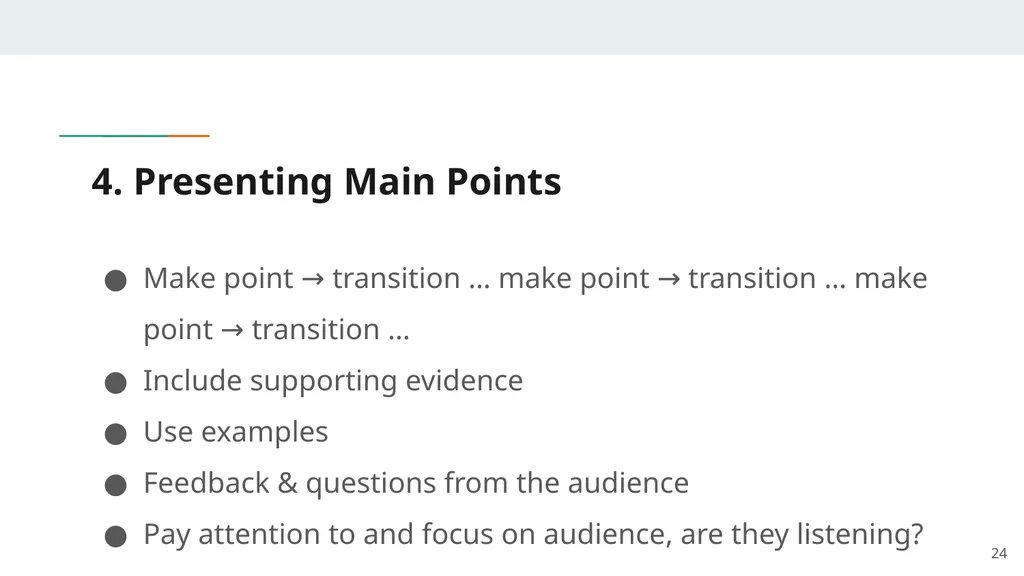
4. Presenting Main Points Make point → transition … make point → transition … make point → transition …
Include supporting evidence
Use examples
Feedback & questions from the audience
Pay attention to and focus on audience, are they listening? 24<br>
Include supporting evidence
Use examples
Feedback & questions from the audience
Pay attention to and focus on audience, are they listening? 24<br>
25
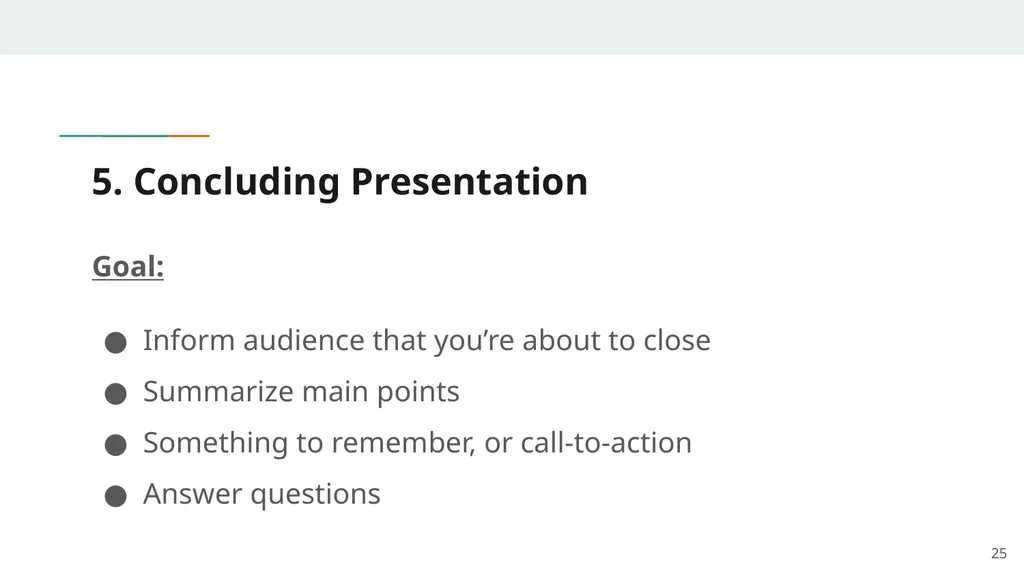
5. Concluding Presentation Goal:
Inform audience that you’re about to close
Summarize main points
Something to remember, or call-to-action
Answer questions 25<br>
Inform audience that you’re about to close
Summarize main points
Something to remember, or call-to-action
Answer questions 25<br>
26
Creating Effective Visual Aids 26<br>
27
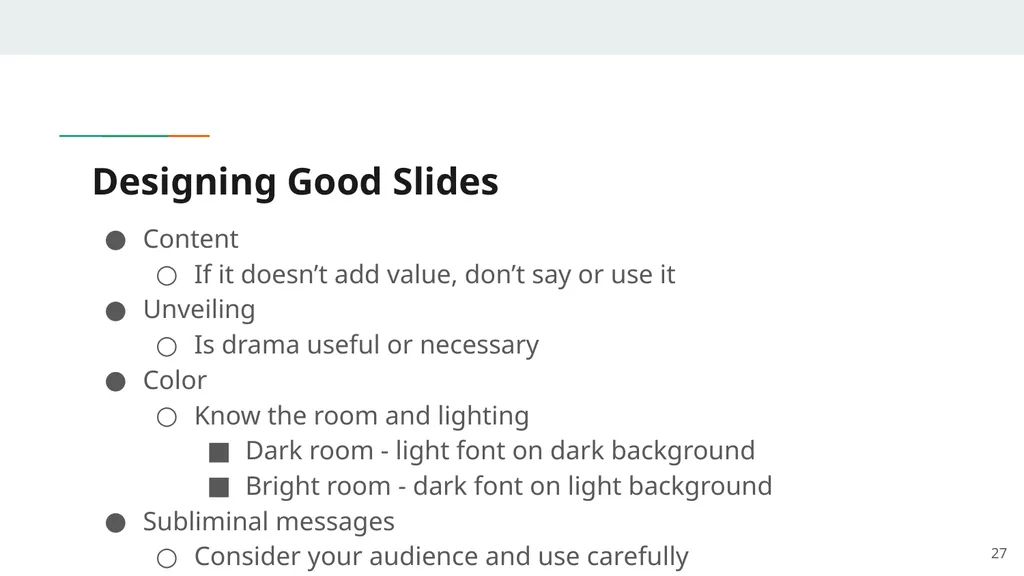
Designing Good Slides Content
If it doesn’t add value, don’t say or use it
Unveiling
Is drama useful or necessary
Color
Know the room and lighting
Dark room - light font on dark background
Bright room - dark font on light background
Subliminal messages
Consider your audience and use carefully 27<br>
If it doesn’t add value, don’t say or use it
Unveiling
Is drama useful or necessary
Color
Know the room and lighting
Dark room - light font on dark background
Bright room - dark font on light background
Subliminal messages
Consider your audience and use carefully 27<br>
28
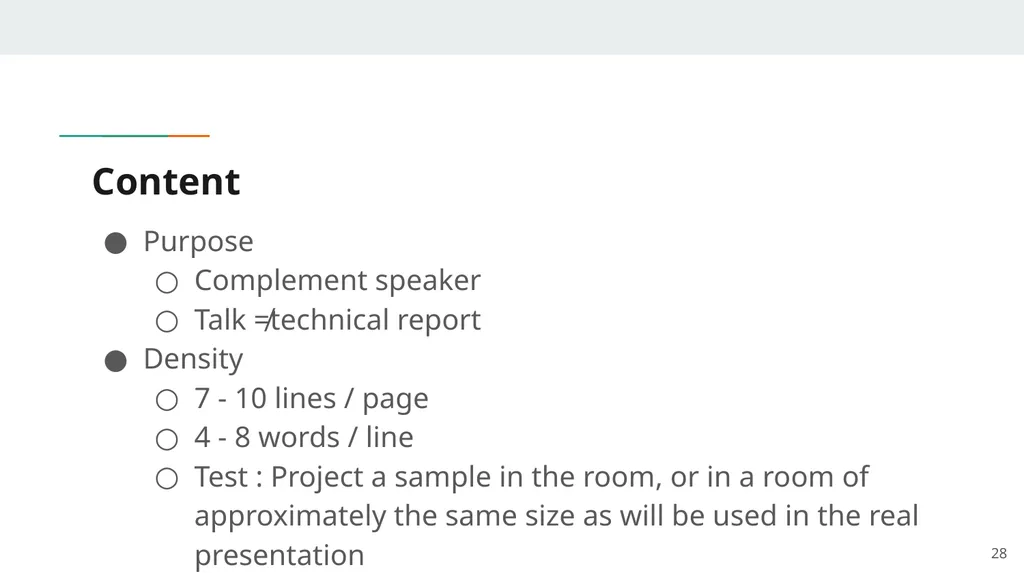
Content Purpose
Complement speaker
Talk ≠technical report
Density
7 - 10 lines / page
4 - 8 words / line
Test : Project a sample in the room, or in a room of approximately the same size as will be used in the real presentation 28<br>
Complement speaker
Talk ≠technical report
Density
7 - 10 lines / page
4 - 8 words / line
Test : Project a sample in the room, or in a room of approximately the same size as will be used in the real presentation 28<br>
29
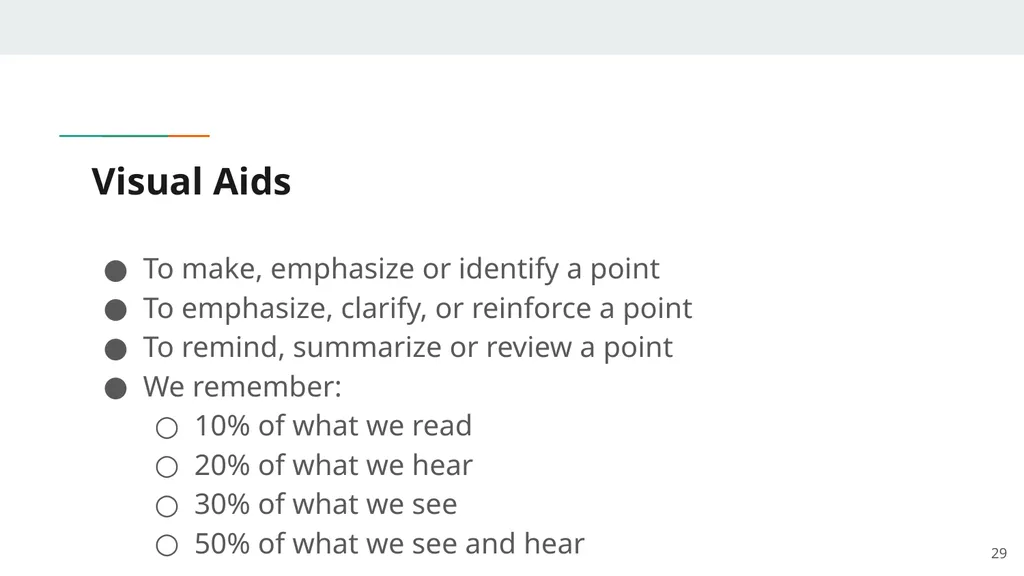
Visual Aids To make, emphasize or identify a point
To emphasize, clarify, or reinforce a point
To remind, summarize or review a point
We remember:
10% of what we read
20% of what we hear
30% of what we see
50% of what we see and hear 29<br>
To emphasize, clarify, or reinforce a point
To remind, summarize or review a point
We remember:
10% of what we read
20% of what we hear
30% of what we see
50% of what we see and hear 29<br>
30
Visual Aids Enhance understanding
Add variety
Support claims
Lasting impact
When used poorly, however, they can be a distraction and lead to an ineffective presentation 30<br>
Add variety
Support claims
Lasting impact
When used poorly, however, they can be a distraction and lead to an ineffective presentation 30<br>
31
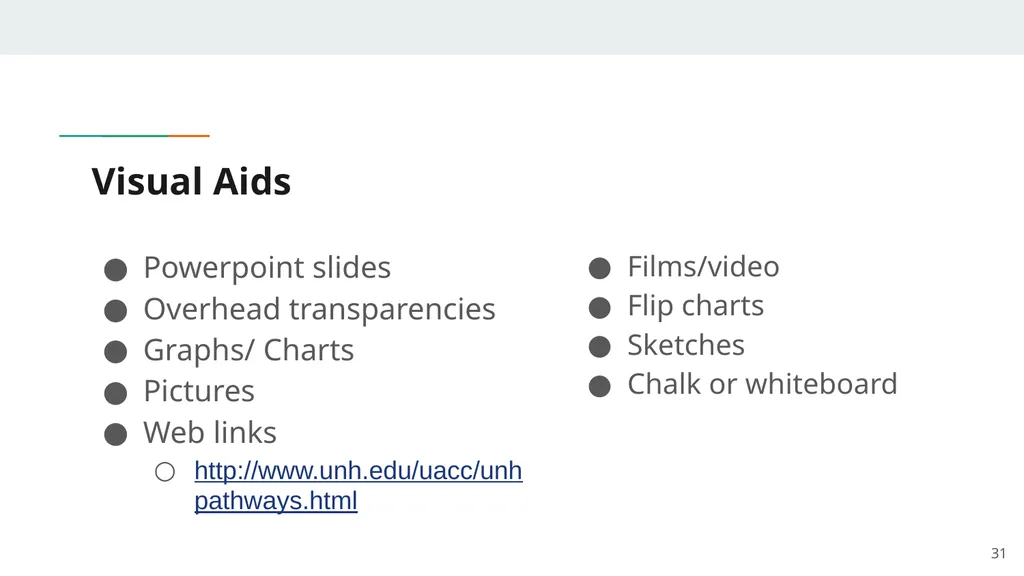
Visual Aids Powerpoint slides
Overhead transparencies
Graphs/ Charts
Pictures
Web links
http://www.unh.edu/uacc/unhpathways.html 31 Films/video
Flip charts
Sketches
Chalk or whiteboard<br>
Overhead transparencies
Graphs/ Charts
Pictures
Web links
http://www.unh.edu/uacc/unhpathways.html 31 Films/video
Flip charts
Sketches
Chalk or whiteboard<br>
32
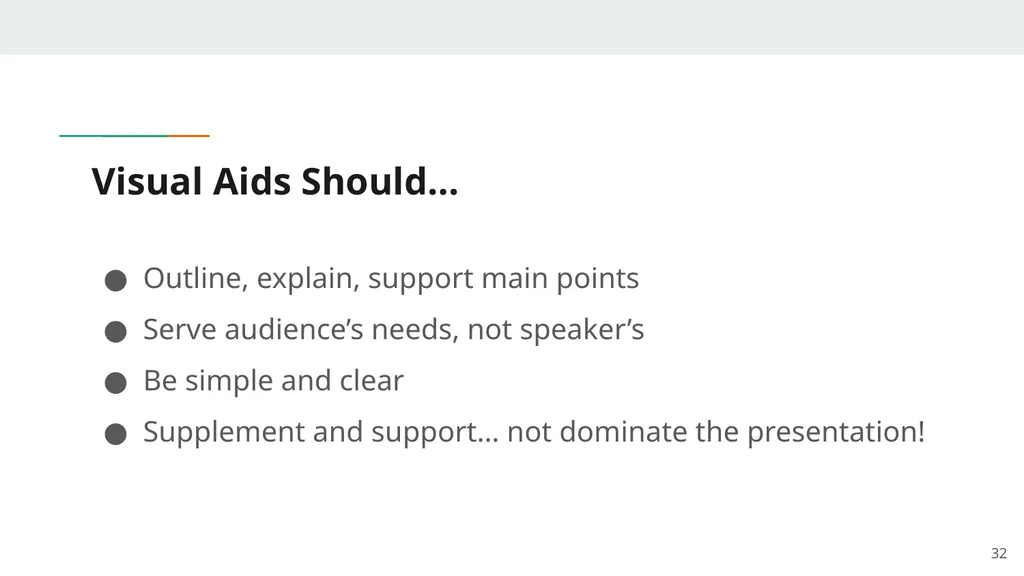
Visual Aids Should… Outline, explain, support main points
Serve audience’s needs, not speaker’s
Be simple and clear
Supplement and support… not dominate the presentation! 32<br>
Serve audience’s needs, not speaker’s
Be simple and clear
Supplement and support… not dominate the presentation! 32<br>
33
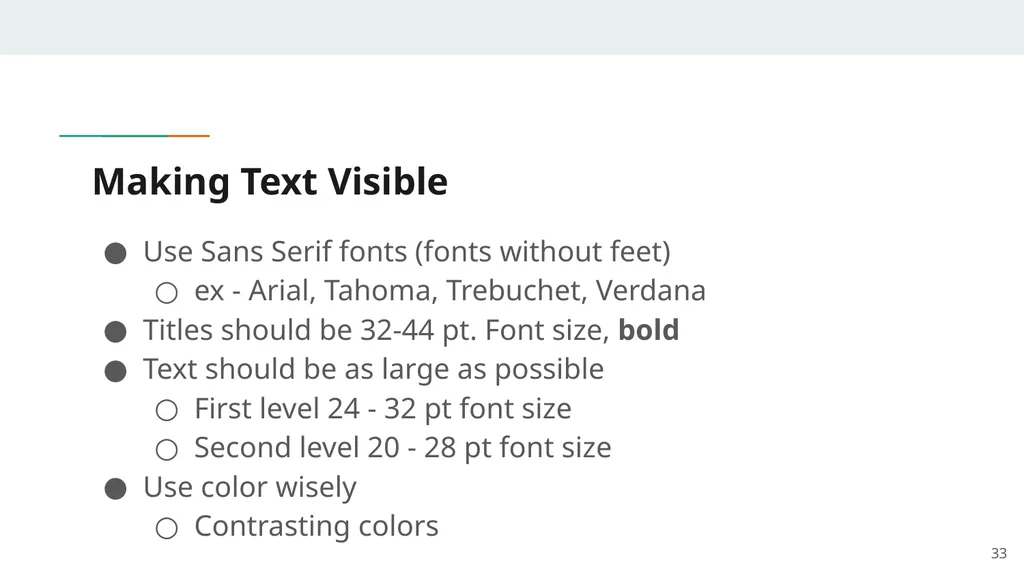
Making Text Visible Use Sans Serif fonts (fonts without feet)
ex - Arial, Tahoma, Trebuchet, Verdana
Titles should be 32-44 pt. Font size, bold
Text should be as large as possible
First level 24 - 32 pt font size
Second level 20 - 28 pt font size
Use color wisely
Contrasting colors 33<br>
ex - Arial, Tahoma, Trebuchet, Verdana
Titles should be 32-44 pt. Font size, bold
Text should be as large as possible
First level 24 - 32 pt font size
Second level 20 - 28 pt font size
Use color wisely
Contrasting colors 33<br>
34
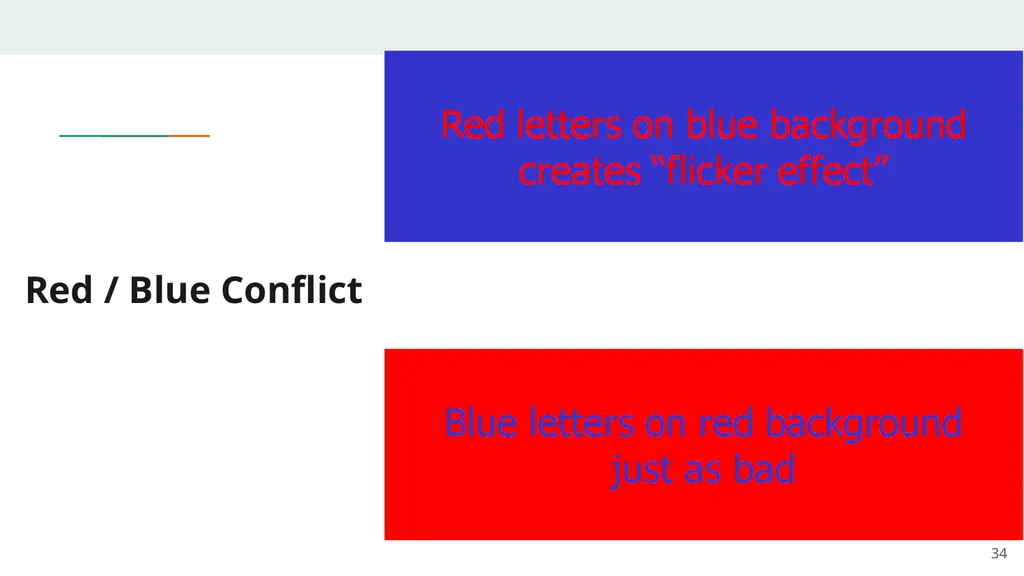
Red / Blue Conflict 34<br>
35
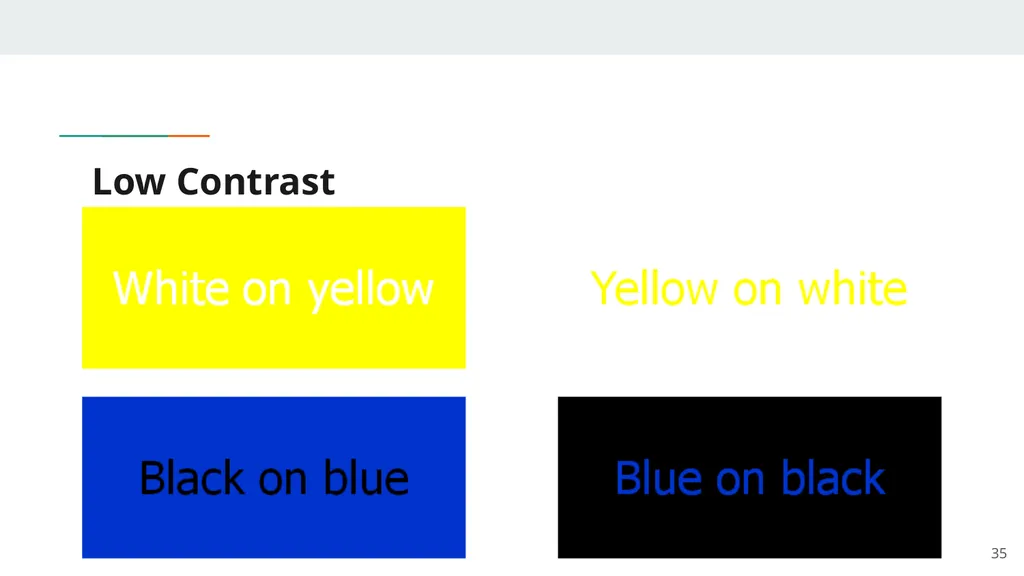
Low Contrast 35<br>
36
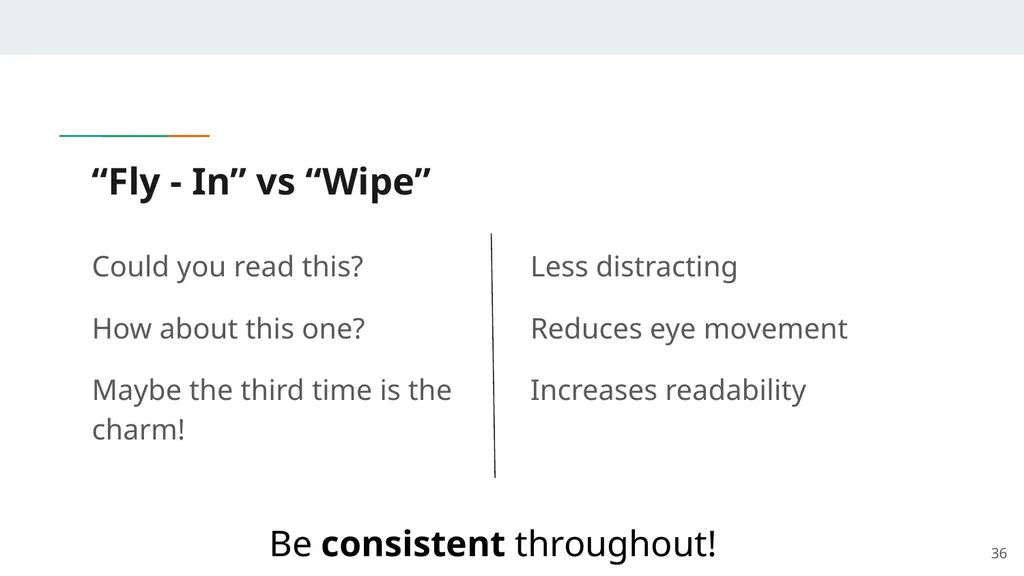
“Fly - In” vs “Wipe” Could you read this?
How about this one?
Maybe the third time is the charm! 36 Less distracting
Reduces eye movement
Increases readability Be consistent throughout!<br>
How about this one?
Maybe the third time is the charm! 36 Less distracting
Reduces eye movement
Increases readability Be consistent throughout!<br>
37
Effective Presentation Techniques 37<br>
38
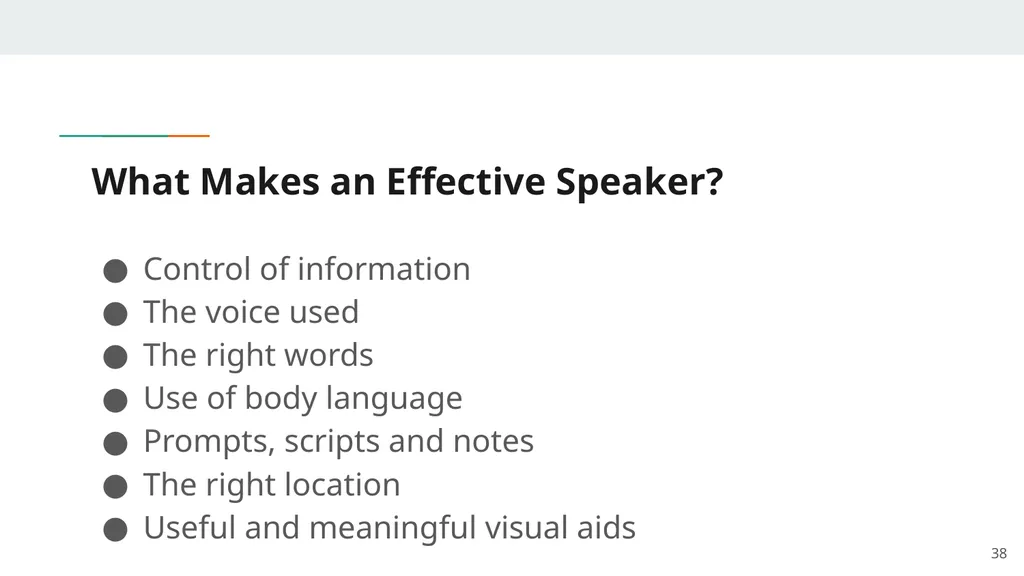
What Makes an Effective Speaker? Control of information
The voice used
The right words
Use of body language
Prompts, scripts and notes
The right location
Useful and meaningful visual aids 38<br>
The voice used
The right words
Use of body language
Prompts, scripts and notes
The right location
Useful and meaningful visual aids 38<br>
39
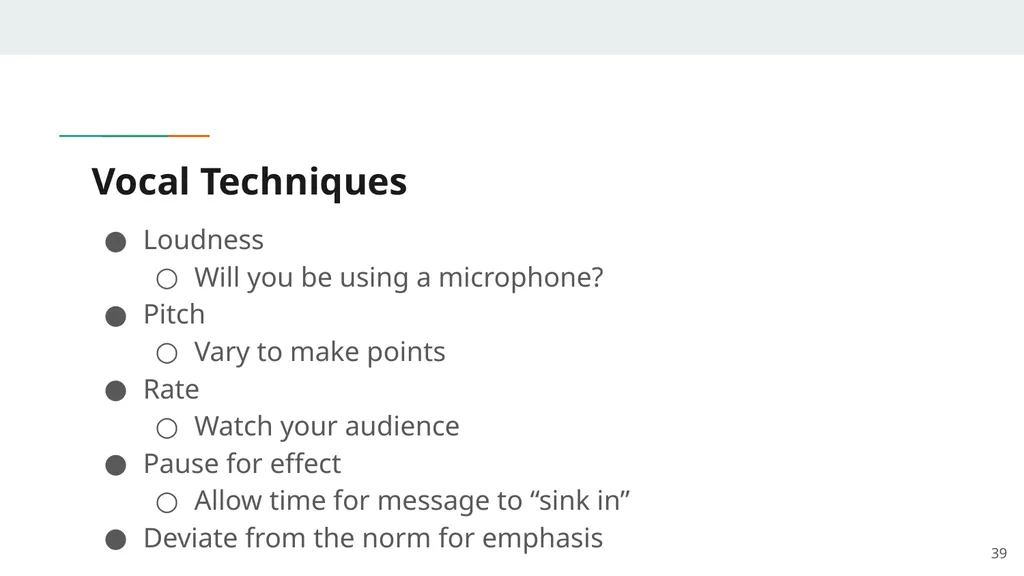
Vocal Techniques Loudness
Will you be using a microphone?
Pitch
Vary to make points
Rate
Watch your audience
Pause for effect
Allow time for message to “sink in”
Deviate from the norm for emphasis 39<br>
Will you be using a microphone?
Pitch
Vary to make points
Rate
Watch your audience
Pause for effect
Allow time for message to “sink in”
Deviate from the norm for emphasis 39<br>
40
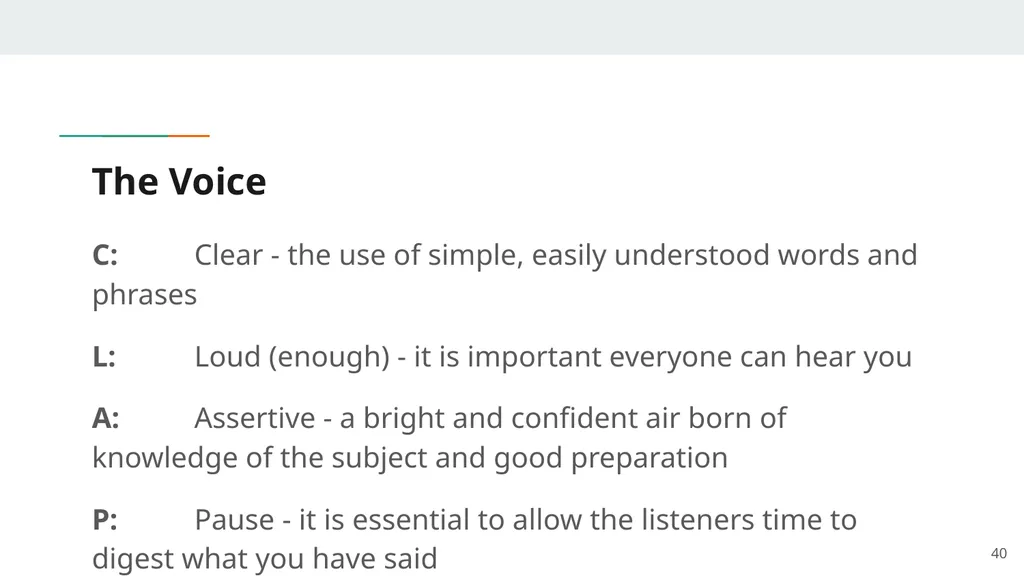
The Voice C: Clear - the use of simple, easily understood words and phrases
L: Loud (enough) - it is important everyone can hear you
A: Assertive - a bright and confident air born of knowledge of the subject and good preparation
P: Pause - it is essential to allow the listeners time to digest what you have said 40<br>
L: Loud (enough) - it is important everyone can hear you
A: Assertive - a bright and confident air born of knowledge of the subject and good preparation
P: Pause - it is essential to allow the listeners time to digest what you have said 40<br>
41
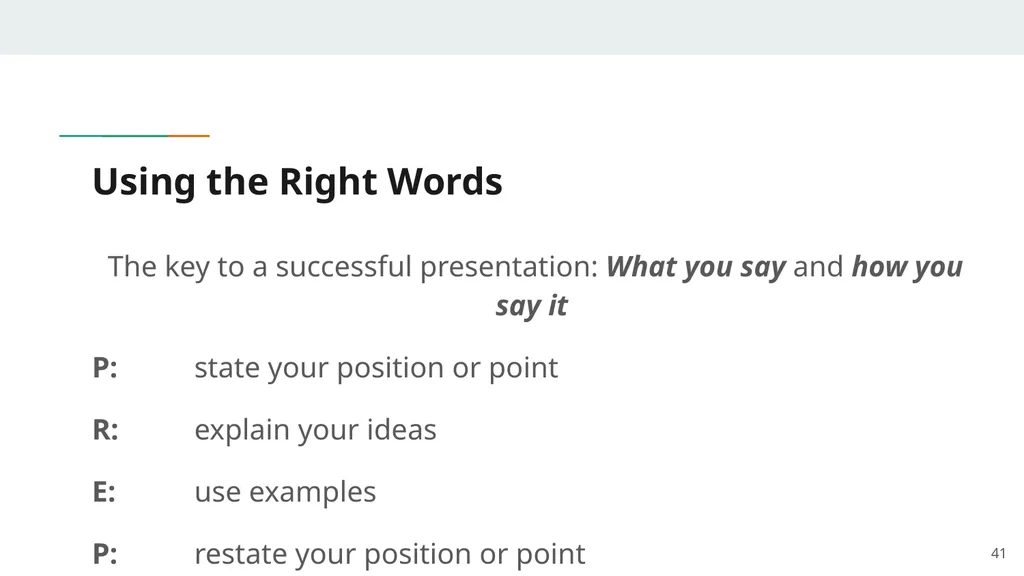
Using the Right Words The key to a successful presentation: What you say and how you say it
P: state your position or point
R: explain your ideas
E: use examples
P: restate your position or point 41<br>
P: state your position or point
R: explain your ideas
E: use examples
P: restate your position or point 41<br>
42
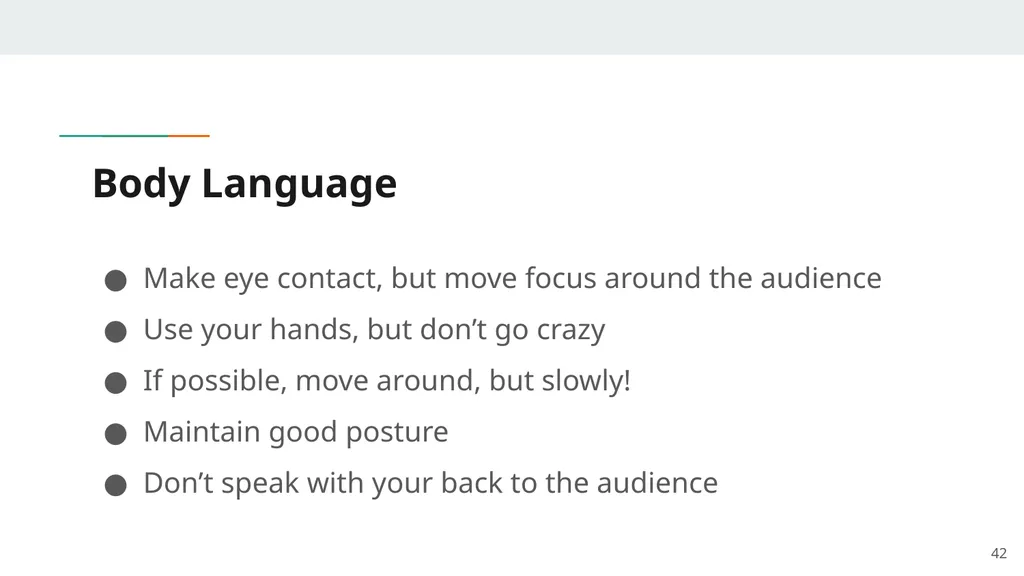
Body Language Make eye contact, but move focus around the audience
Use your hands, but don’t go crazy
If possible, move around, but slowly!
Maintain good posture
Don’t speak with your back to the audience 42<br>
Use your hands, but don’t go crazy
If possible, move around, but slowly!
Maintain good posture
Don’t speak with your back to the audience 42<br>
43
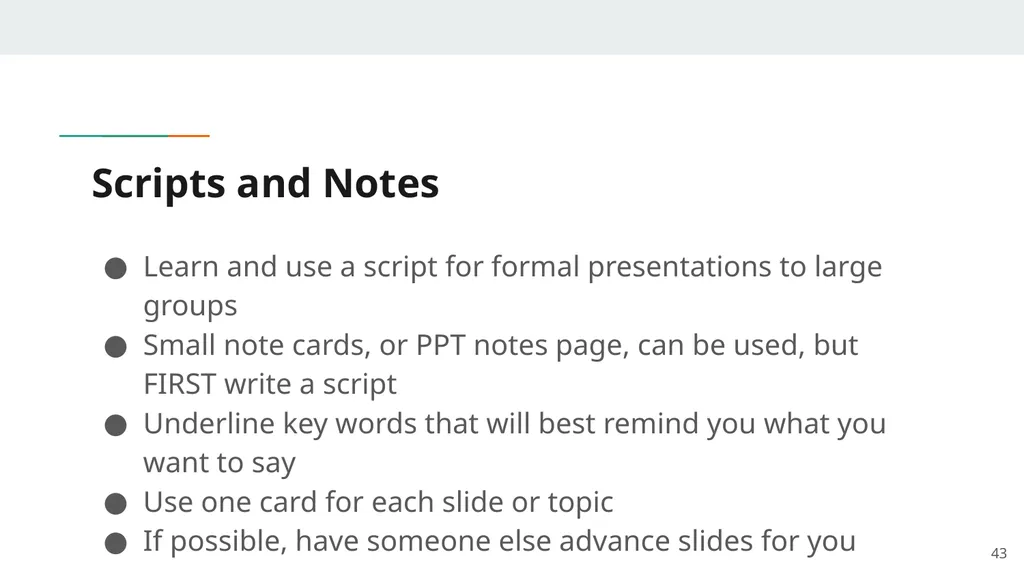
Scripts and Notes Learn and use a script for formal presentations to large groups
Small note cards, or PPT notes page, can be used, but FIRST write a script
Underline key words that will best remind you what you want to say
Use one card for each slide or topic
If possible, have someone else advance slides for you 43<br>
Small note cards, or PPT notes page, can be used, but FIRST write a script
Underline key words that will best remind you what you want to say
Use one card for each slide or topic
If possible, have someone else advance slides for you 43<br>
44
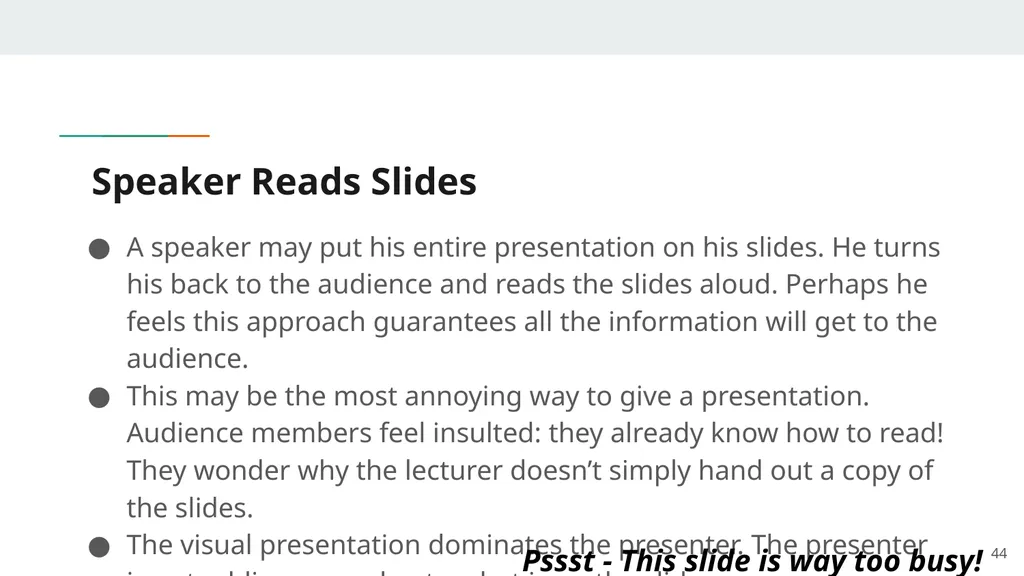
Speaker Reads Slides A speaker may put his entire presentation on his slides. He turns his back to the audience and reads the slides aloud. Perhaps he feels this approach guarantees all the information will get to the audience.
This may be the most annoying way to give a presentation. Audience members feel insulted: they already know how to read! They wonder why the lecturer doesn’t simply hand out a copy of the slides.
The visual presentation dominates the presenter. The presenter is not adding any value to what is on the slides. 44 Pssst - This slide is way too busy!<br>
This may be the most annoying way to give a presentation. Audience members feel insulted: they already know how to read! They wonder why the lecturer doesn’t simply hand out a copy of the slides.
The visual presentation dominates the presenter. The presenter is not adding any value to what is on the slides. 44 Pssst - This slide is way too busy!<br>
45
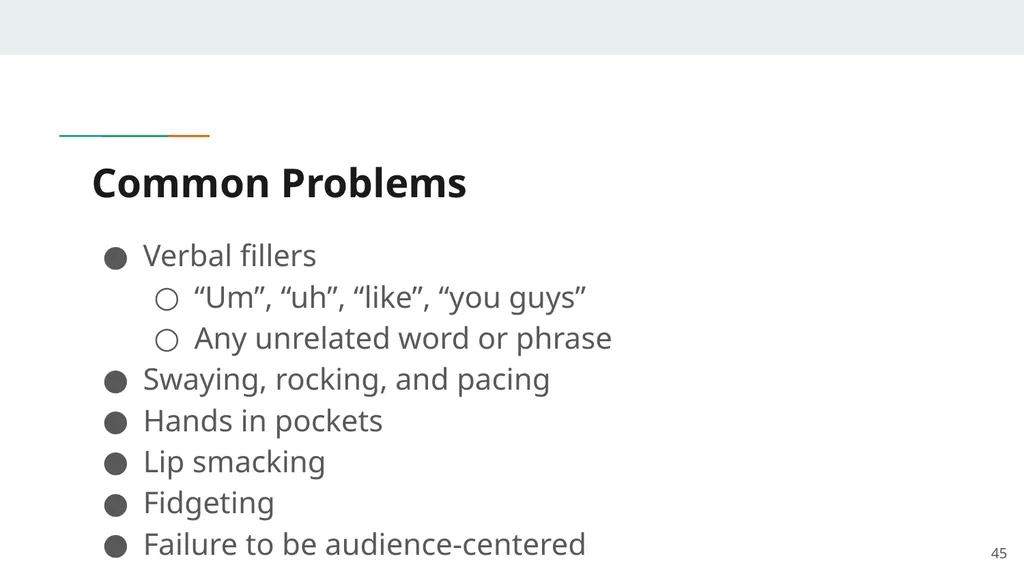
Common Problems Verbal fillers
“Um”, “uh”, “like”, “you guys”
Any unrelated word or phrase
Swaying, rocking, and pacing
Hands in pockets
Lip smacking
Fidgeting
Failure to be audience-centered 45<br>
“Um”, “uh”, “like”, “you guys”
Any unrelated word or phrase
Swaying, rocking, and pacing
Hands in pockets
Lip smacking
Fidgeting
Failure to be audience-centered 45<br>
46
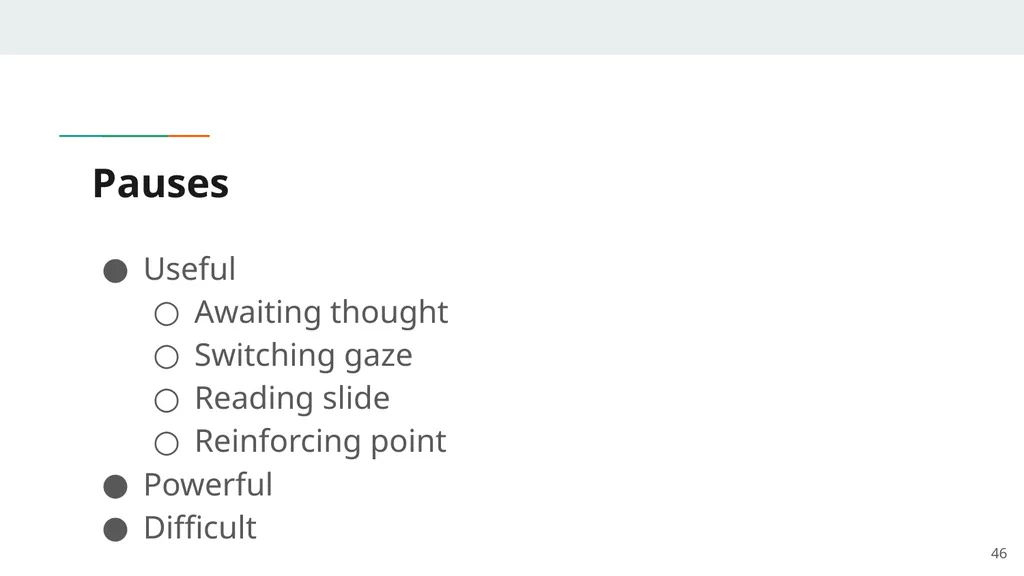
Pauses Useful
Awaiting thought
Switching gaze
Reading slide
Reinforcing point
Powerful
Difficult 46<br>
Awaiting thought
Switching gaze
Reading slide
Reinforcing point
Powerful
Difficult 46<br>
47
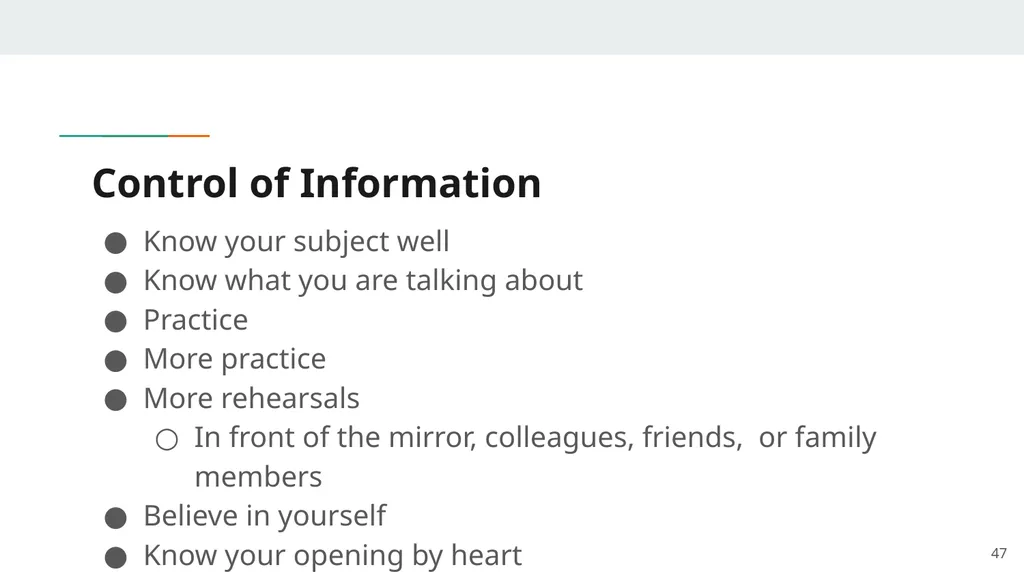
Control of Information Know your subject well
Know what you are talking about
Practice
More practice
More rehearsals
In front of the mirror, colleagues, friends, or family members
Believe in yourself
Know your opening by heart 47<br>
Know what you are talking about
Practice
More practice
More rehearsals
In front of the mirror, colleagues, friends, or family members
Believe in yourself
Know your opening by heart 47<br>
48
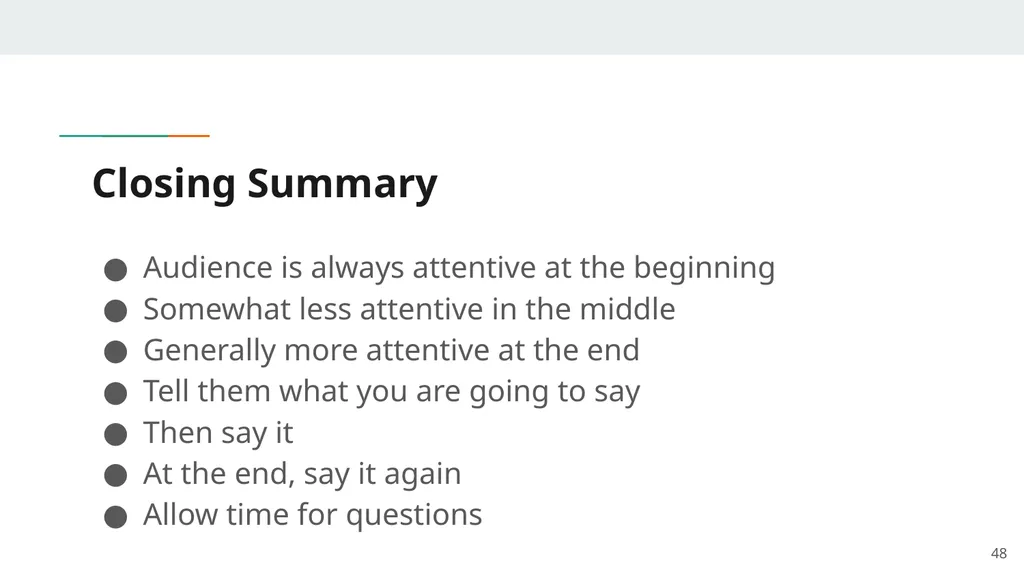
Closing Summary Audience is always attentive at the beginning
Somewhat less attentive in the middle
Generally more attentive at the end
Tell them what you are going to say
Then say it
At the end, say it again
Allow time for questions 48<br>
Somewhat less attentive in the middle
Generally more attentive at the end
Tell them what you are going to say
Then say it
At the end, say it again
Allow time for questions 48<br>
49
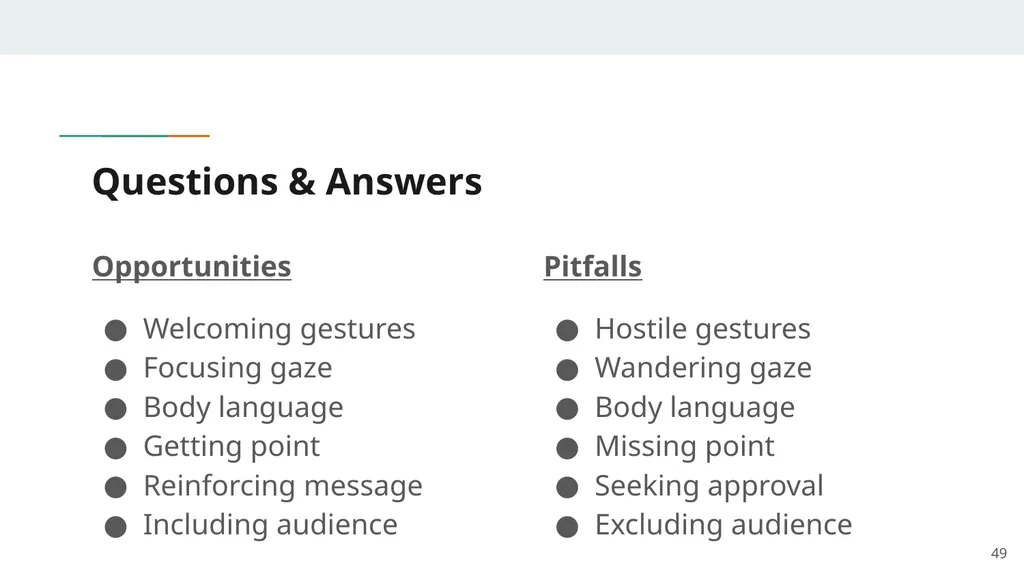
Questions & Answers Opportunities
Welcoming gestures
Focusing gaze
Body language
Getting point
Reinforcing message
Including audience Pitfalls
Hostile gestures
Wandering gaze
Body language
Missing point
Seeking approval
Excluding audience 49<br>
Welcoming gestures
Focusing gaze
Body language
Getting point
Reinforcing message
Including audience Pitfalls
Hostile gestures
Wandering gaze
Body language
Missing point
Seeking approval
Excluding audience 49<br>
50
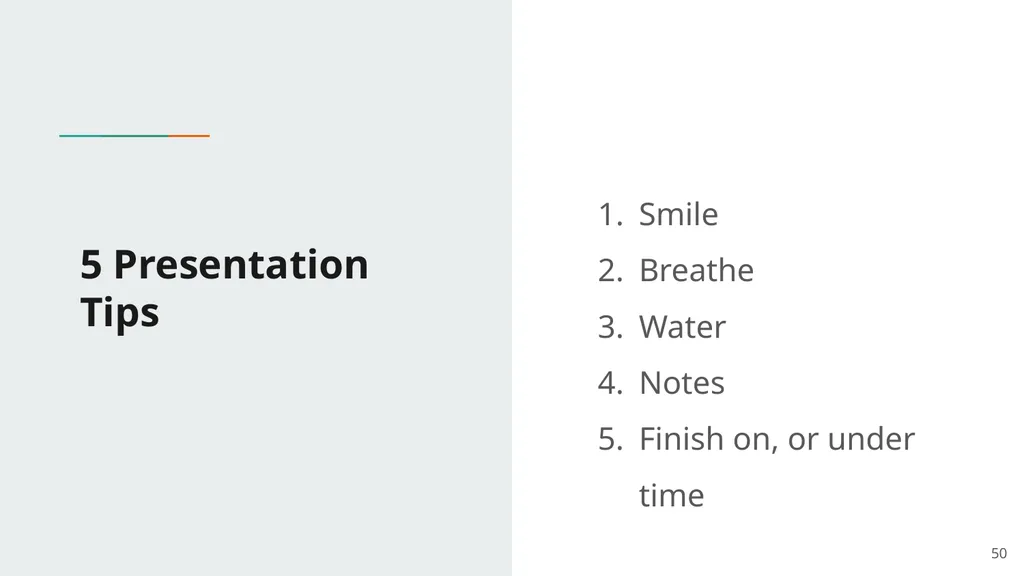
5 Presentation Tips Smile
Breathe
Water
Notes
Finish on, or under time 50<br>
Breathe
Water
Notes
Finish on, or under time 50<br>
51
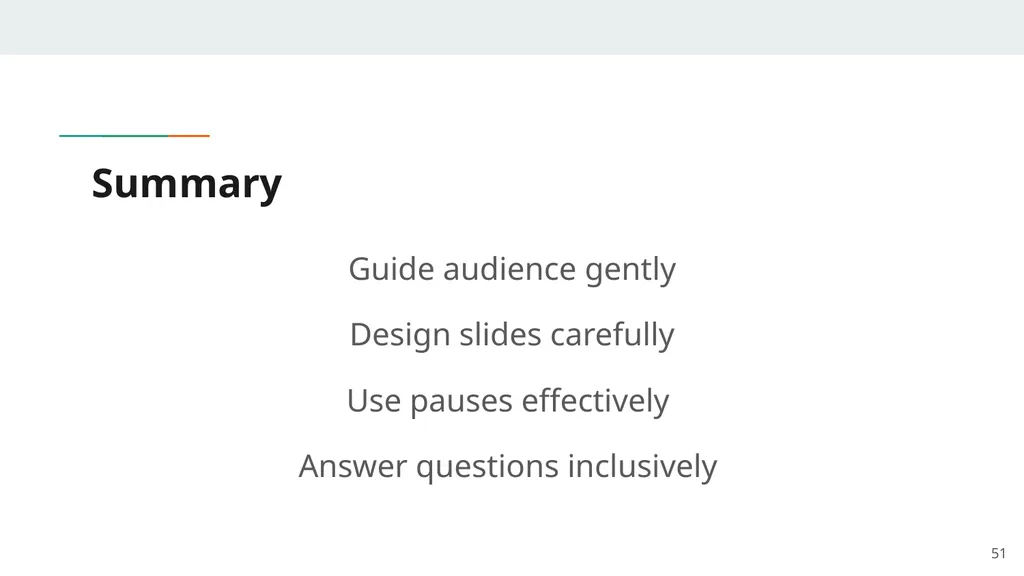
Summary Guide audience gently
Design slides carefully
Use pauses effectively
Answer questions inclusively 51<br>
Design slides carefully
Use pauses effectively
Answer questions inclusively 51<br>
52
Thank you!
Questions? 52<br>
Questions? 52<br>