Electronic ThesesDissertation (ETD) Submissions at ProQuest What is an ETD? What is an ETD? A students thesis or dissertation converted into an electronic document. CUA theses and dissertations must be submitted as ETDs through ProQuest,
"Electronic Theses/Dissertation (ETD) Submissions" is the property of its rightful owner. Permission is granted to
download and print the materials on this website for personal, non-commercial use only, and to display it
on your personal computer provided you do not modify the materials and that you retain all copyright
notices contained in the materials. By downloading content from our website, you accept the terms of this
agreement.
Presentation Transcript
01
Electronic Theses/Dissertation (ETD) Submissions at ProQuest<br>
02
What is an ETD? What is an ETD?
A student’s thesis or dissertation converted into an electronic document. CUA theses and dissertations must be submitted as ETDs through ProQuest, the world's only comprehensive service for publishing, archiving, and disseminating graduate research. By publishing with ProQuest, you ensure your dissertation or thesis gains the widest possible audience. Any word processing
document<br>
03
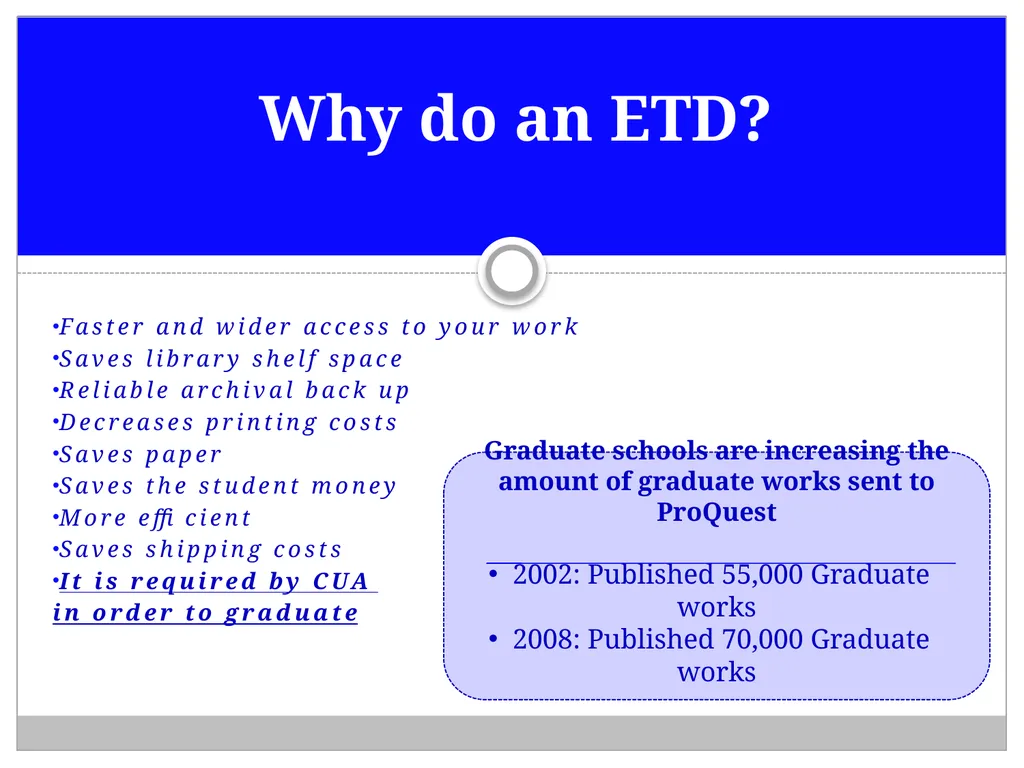
Faster and wider access to your work
Saves library shelf space
Reliable archival back up
Decreases printing costs
Saves paper
Saves the student money
More efficient
Saves shipping costs
It is required by CUA
in order to graduate Why do an ETD? Graduate schools are increasing the amount of graduate works sent to ProQuest
2002: Published 55,000 Graduate works
2008: Published 70,000 Graduate works<br>
04
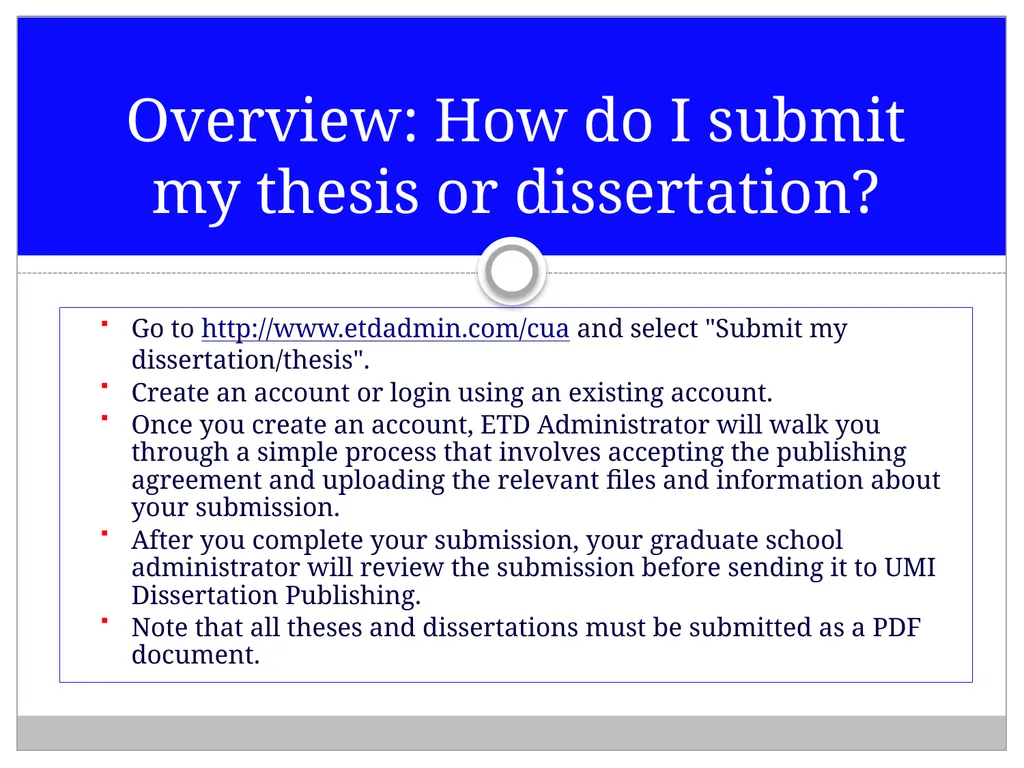
Go to http://www.etdadmin.com/cua and select "Submit my dissertation/thesis".
Create an account or login using an existing account.
Once you create an account, ETD Administrator will walk you through a simple process that involves accepting the publishing agreement and uploading the relevant files and information about your submission.
After you complete your submission, your graduate school administrator will review the submission before sending it to UMI Dissertation Publishing.
Note that all theses and dissertations must be submitted as a PDF document. Overview: How do I submit my thesis or dissertation?<br>
05
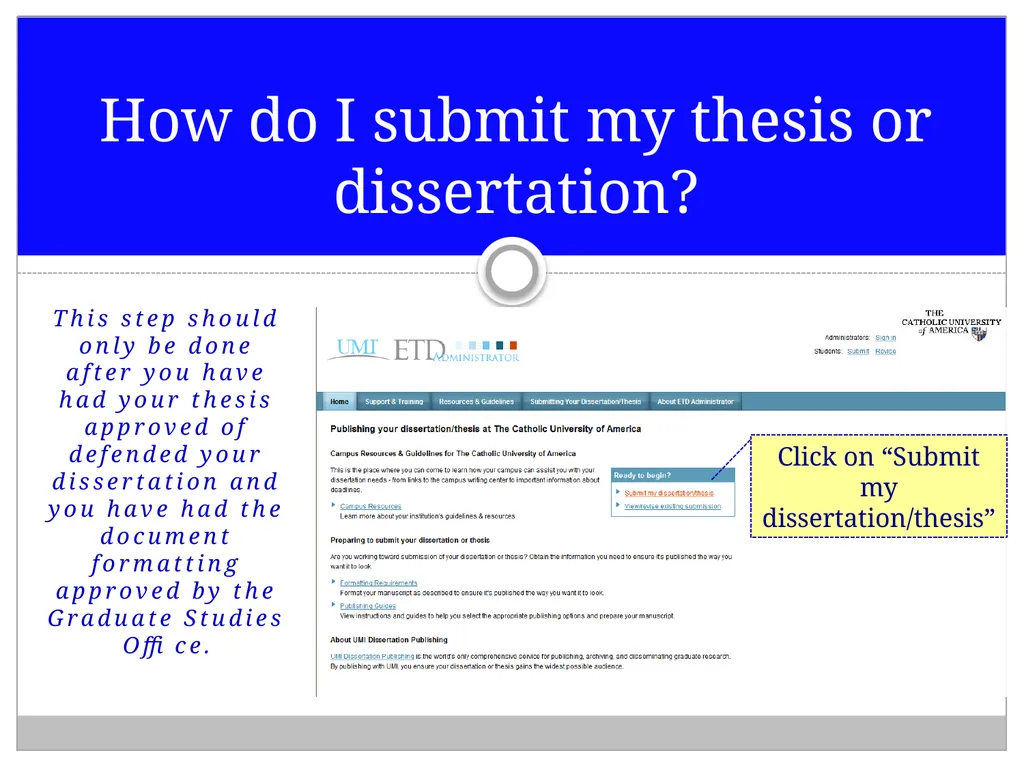
This step should only be done after you have had your thesis approved of defended your dissertation and you have had the document formatting approved by the Graduate Studies Office. How do I submit my thesis or dissertation? Click on “Submit my dissertation/thesis”<br>
06
The ETD website will walk you
through this process using the conversion tool. How do I convert my thesis or dissertation to a PDF document?<br>
07
Do I have to use UMI’s PDF conversion tool or can I upload my own PDF?
You may use your own PDF file, but you may run into difficulties submitting it because it might be a different version of Adobe. If you do run into problems, try using UMI’s conversion tool.
How do I embed my fonts?
Please follow the instructions on UMI’s website. Common PDF Questions<br>
08
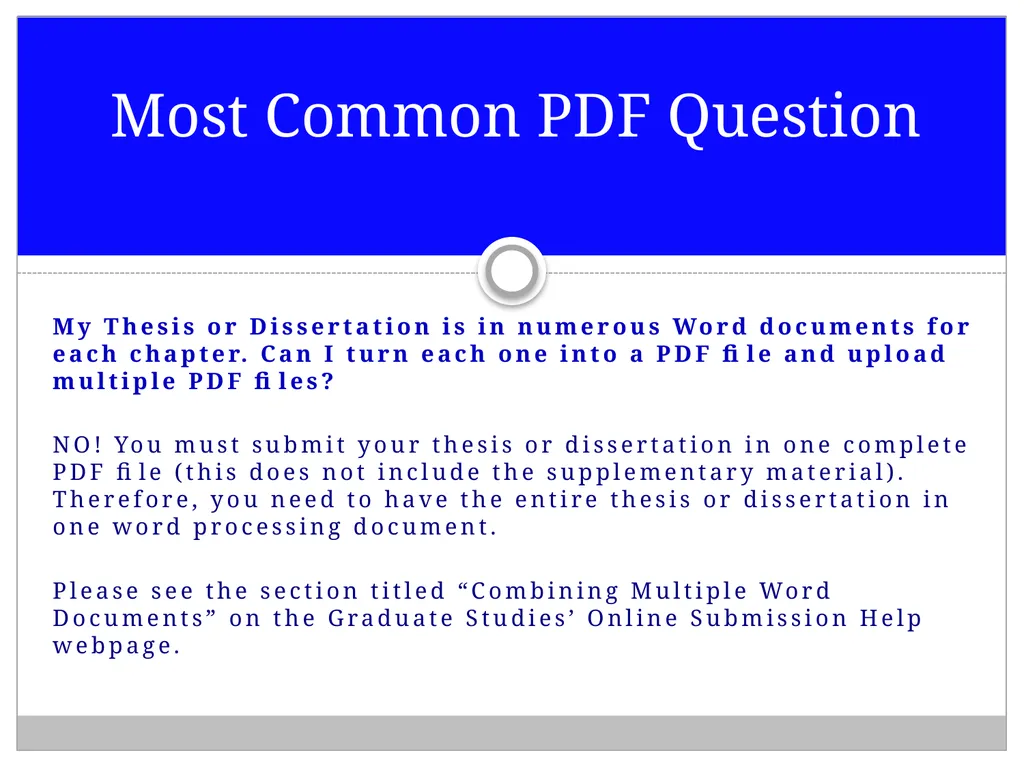
My Thesis or Dissertation is in numerous Word documents for each chapter. Can I turn each one into a PDF file and upload multiple PDF files?
NO! You must submit your thesis or dissertation in one complete PDF file (this does not include the supplementary material). Therefore, you need to have the entire thesis or dissertation in one word processing document.
Please see the section titled “Combining Multiple Word Documents” on the Graduate Studies’ Online Submission Help webpage. Most Common PDF Question<br>
09
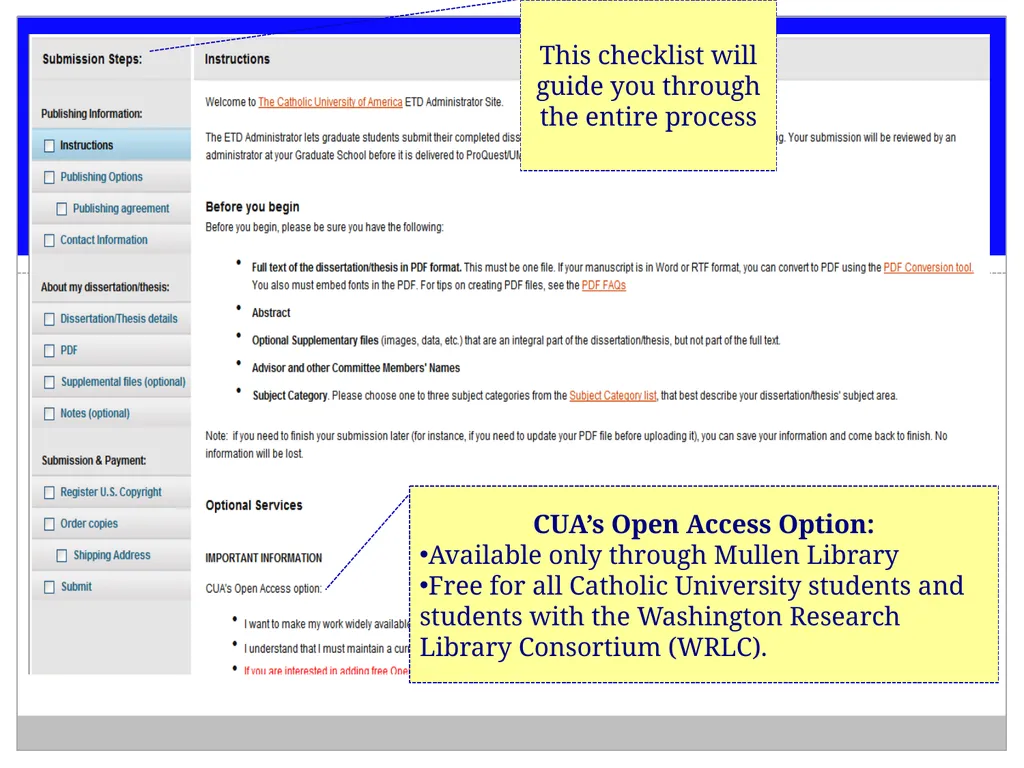
This checklist will guide you through the entire process CUA’s Open Access Option:
Available only through Mullen Library
Free for all Catholic University students and students with the Washington Research Library Consortium (WRLC).<br>
10
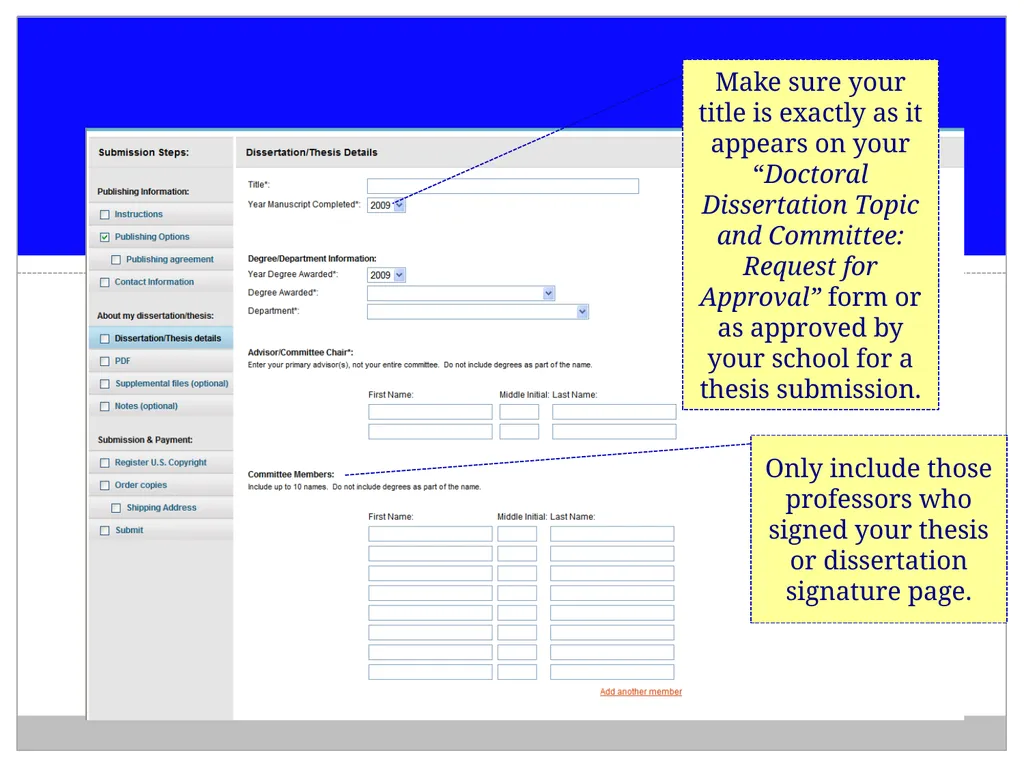
Make sure your title is exactly as it appears on your “Doctoral Dissertation Topic and Committee: Request for Approval” form or as approved by your school for a thesis submission. Only include those professors who signed your thesis or dissertation signature page.<br>
11
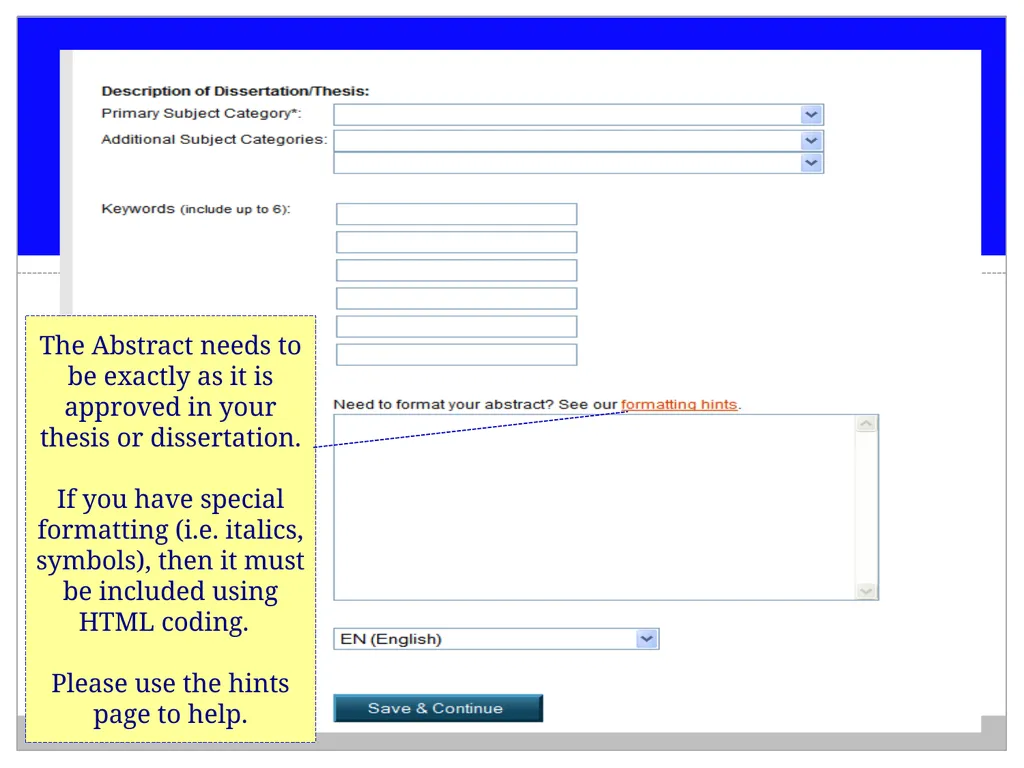
The Abstract needs to be exactly as it is approved in your thesis or dissertation.
If you have special formatting (i.e. italics, symbols), then it must be included using HTML coding.
Please use the hints page to help.<br>
12
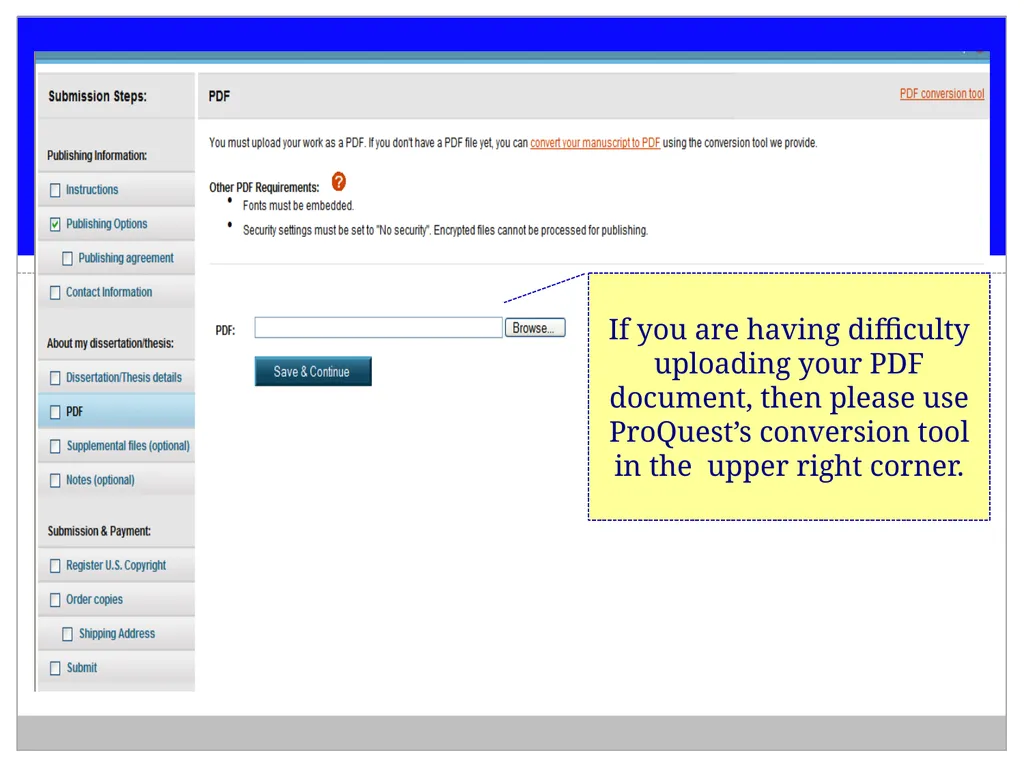
If you are having difficulty uploading your PDF document, then please use ProQuest’s conversion tool in the upper right corner.<br>
13
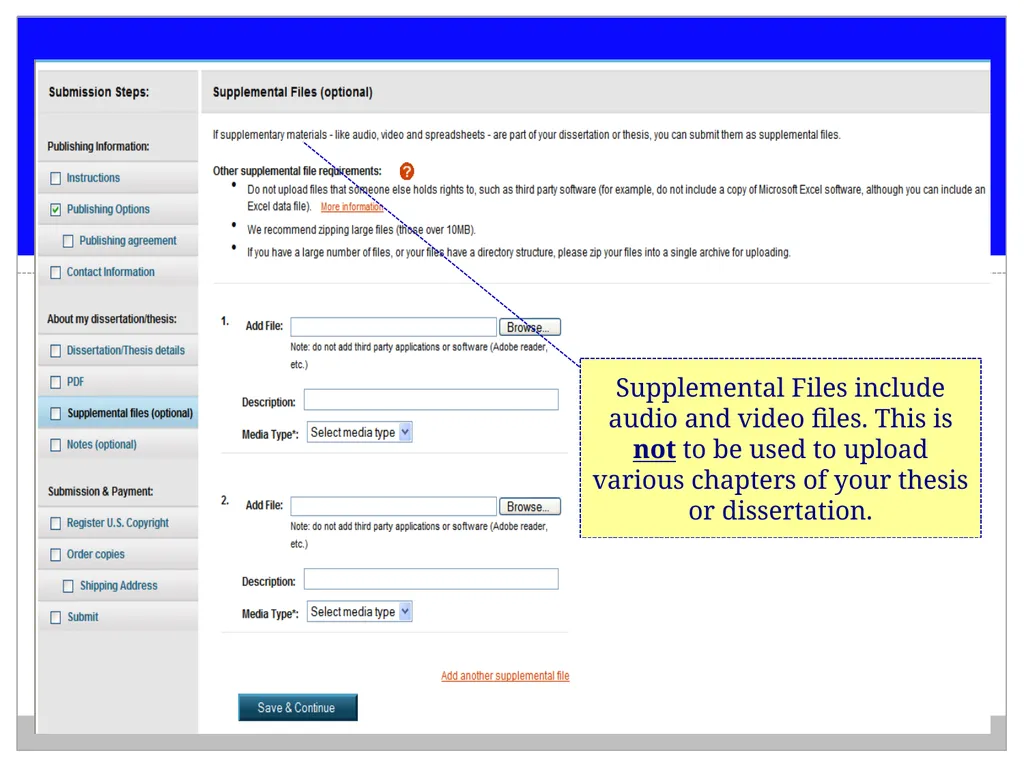
Supplemental Files include audio and video files. This is not to be used to upload various chapters of your thesis or dissertation.<br>
14
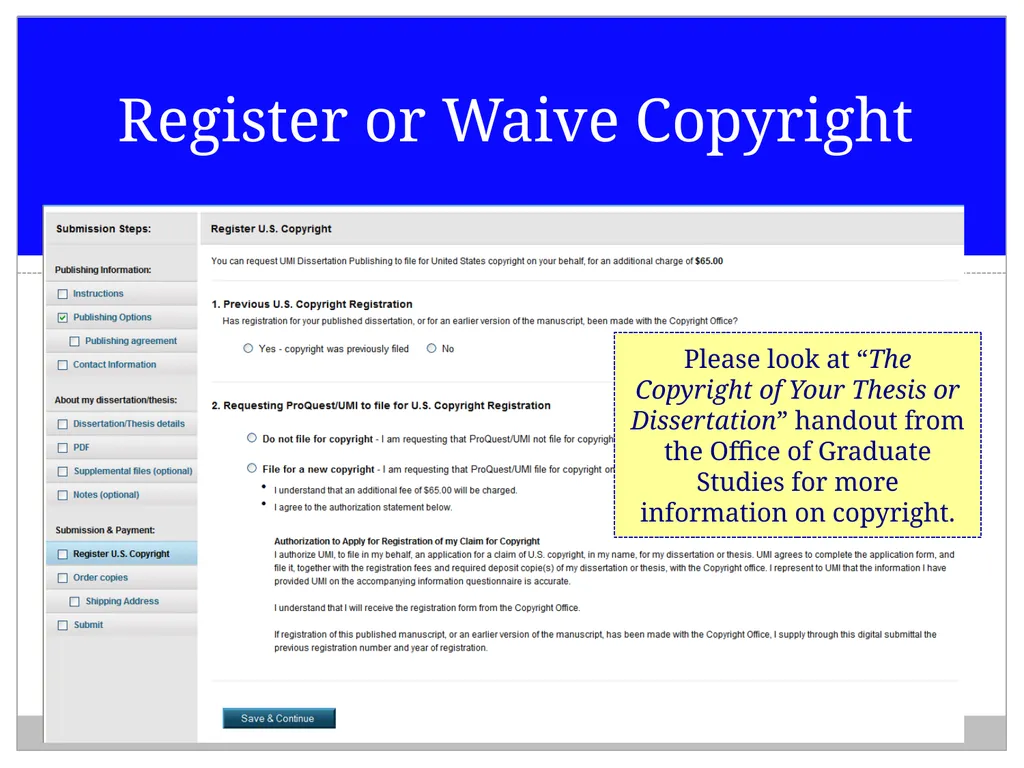
Register or Waive Copyright Please look at “The Copyright of Your Thesis or Dissertation” handout from the Office of Graduate Studies for more information on copyright.<br>
15
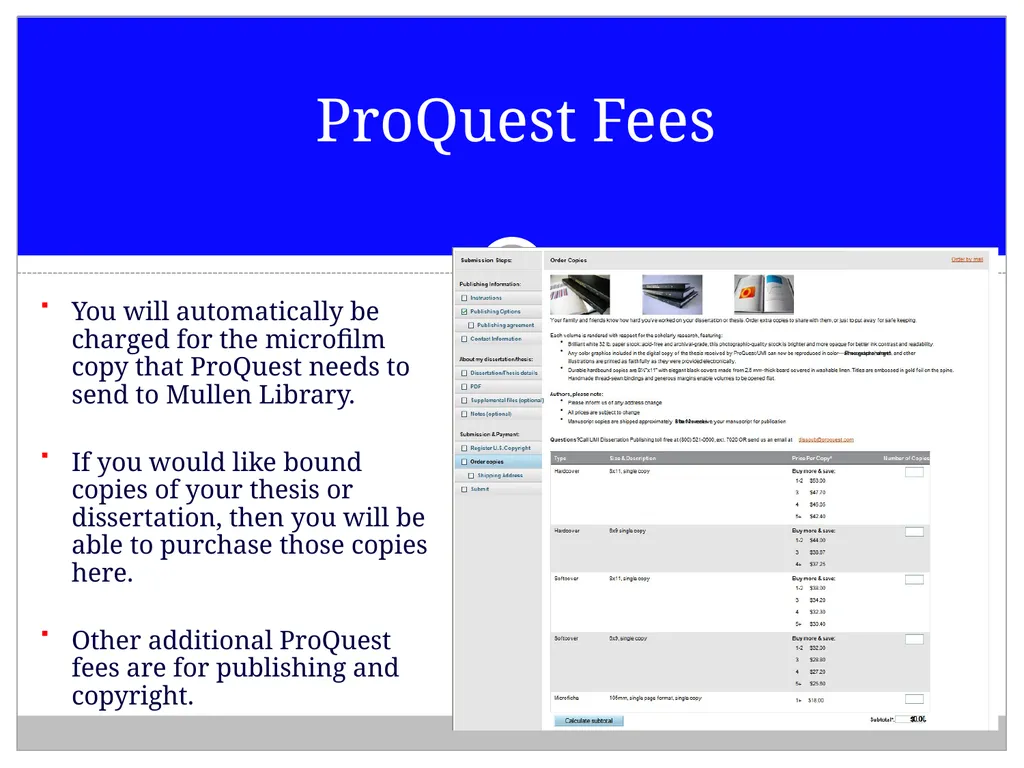
You will automatically be charged for the microfilm copy that ProQuest needs to send to Mullen Library.
If you would like bound copies of your thesis or dissertation, then you will be able to purchase those copies here.
Other additional ProQuest fees are for publishing and copyright. ProQuest Fees<br>
16
Once you have submitted your thesis or dissertation, the Administrator in the Office of Graduate Studies will double-check all the formatting.
Your thesis or dissertation deposit will be complete once you have submitted all the required forms and fees to the Office of Graduate Studies.
Once your deposit is confirmed, the Administrator will lock your ProQuest account. You will not be able to revise or resubmit any documents once the account is locked.
The Administrator will submit the final batch of theses and dissertations to ProQuest following the graduation date. Submission<br>