
Exam Prep: Microsoft Technology Associate 98-366:
FD
Published · 43 slides · 0 views
1 / 1
Description
Exam Prep: Microsoft Technology Associate 98-366: Windows Server Administration Fundamentals Background IT manager and implementer focused on deploying, maintaining and optimizing networks of all sizes IT Consulting projects include Custom
Related Topics
Share
Embed code
Download this presentation From Below
"Exam Prep: Microsoft Technology Associate 98-366:" is the property of its rightful owner. Permission is granted to download and print the materials on this website for personal, non-commercial use only, and to display it on your personal computer provided you do not modify the materials and that you retain all copyright notices contained in the materials. By downloading content from our website, you accept the terms of this agreement.
Presentation Transcript
01
Exam Prep:
Microsoft Technology Associate 98-366: Windows Server Administration Fundamentals<br>
02
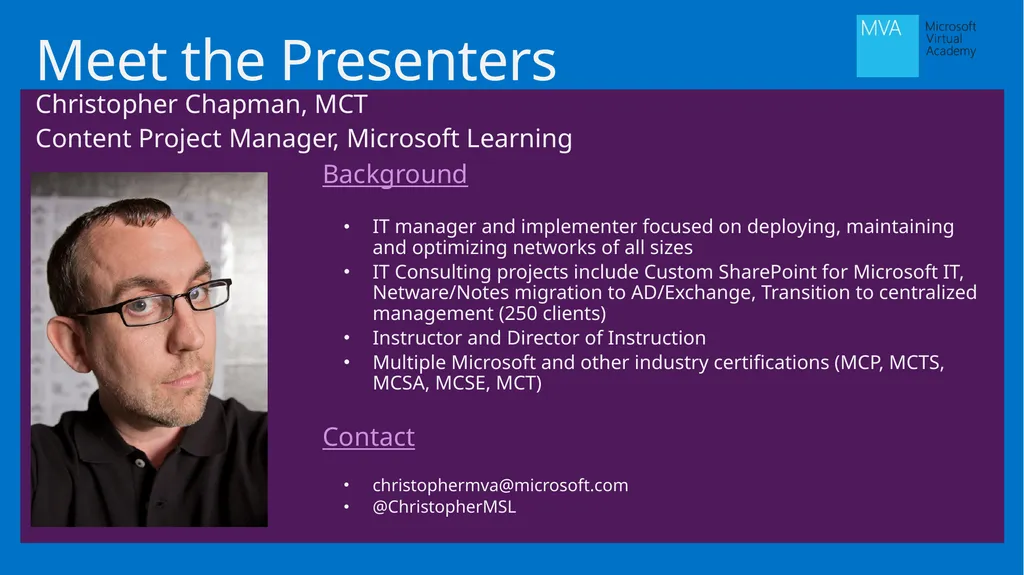
Background
IT manager and implementer focused on deploying, maintaining and optimizing networks of all sizes
IT Consulting projects include Custom SharePoint for Microsoft IT, Netware/Notes migration to AD/Exchange, Transition to centralized management (250 clients)
Instructor and Director of Instruction
Multiple Microsoft and other industry certifications (MCP, MCTS, MCSA, MCSE, MCT)
Contact
christophermva@microsoft.com
@ChristopherMSL Meet the Presenters Christopher Chapman, MCT
Content Project Manager, Microsoft Learning<br>
IT manager and implementer focused on deploying, maintaining and optimizing networks of all sizes
IT Consulting projects include Custom SharePoint for Microsoft IT, Netware/Notes migration to AD/Exchange, Transition to centralized management (250 clients)
Instructor and Director of Instruction
Multiple Microsoft and other industry certifications (MCP, MCTS, MCSA, MCSE, MCT)
Contact
christophermva@microsoft.com
@ChristopherMSL Meet the Presenters Christopher Chapman, MCT
Content Project Manager, Microsoft Learning<br>
03
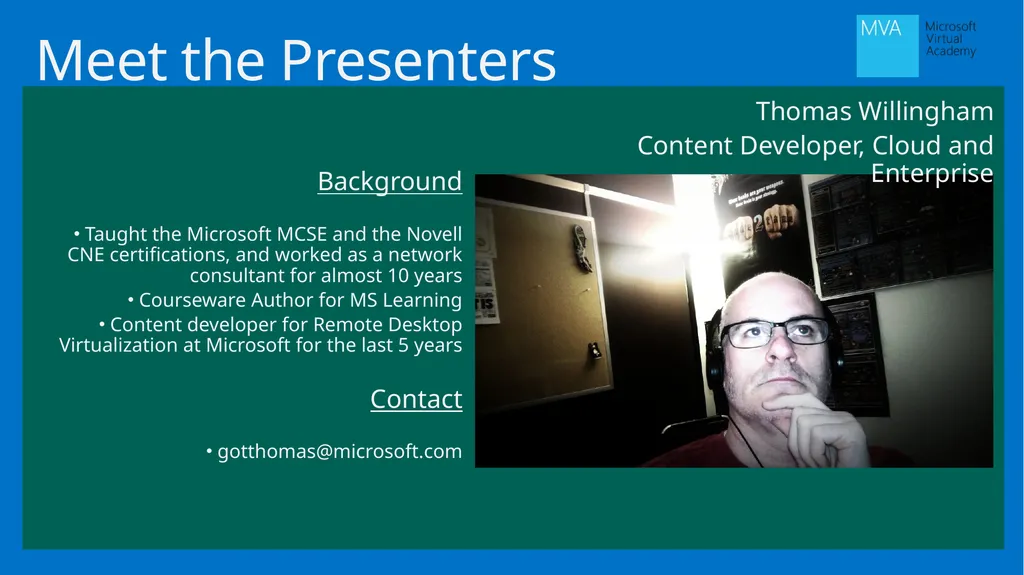
Meet the Presenters Thomas Willingham
Content Developer, Cloud and Enterprise Background
Taught the Microsoft MCSE and the Novell CNE certifications, and worked as a network consultant for almost 10 years
Courseware Author for MS Learning
Content developer for Remote Desktop Virtualization at Microsoft for the last 5 years
Contact
gotthomas@microsoft.com<br>
Content Developer, Cloud and Enterprise Background
Taught the Microsoft MCSE and the Novell CNE certifications, and worked as a network consultant for almost 10 years
Courseware Author for MS Learning
Content developer for Remote Desktop Virtualization at Microsoft for the last 5 years
Contact
gotthomas@microsoft.com<br>
04
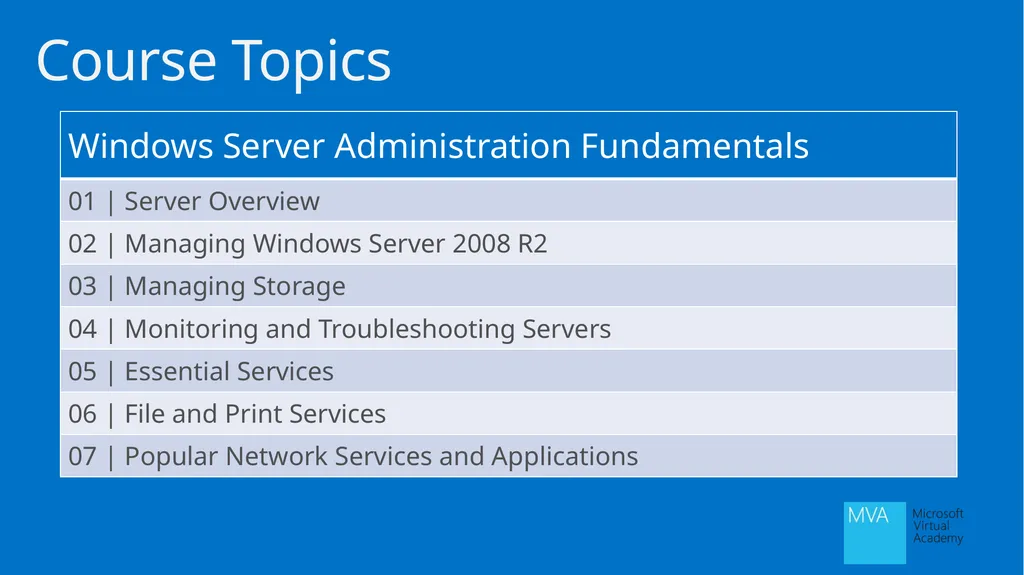
Course Topics<br>
05
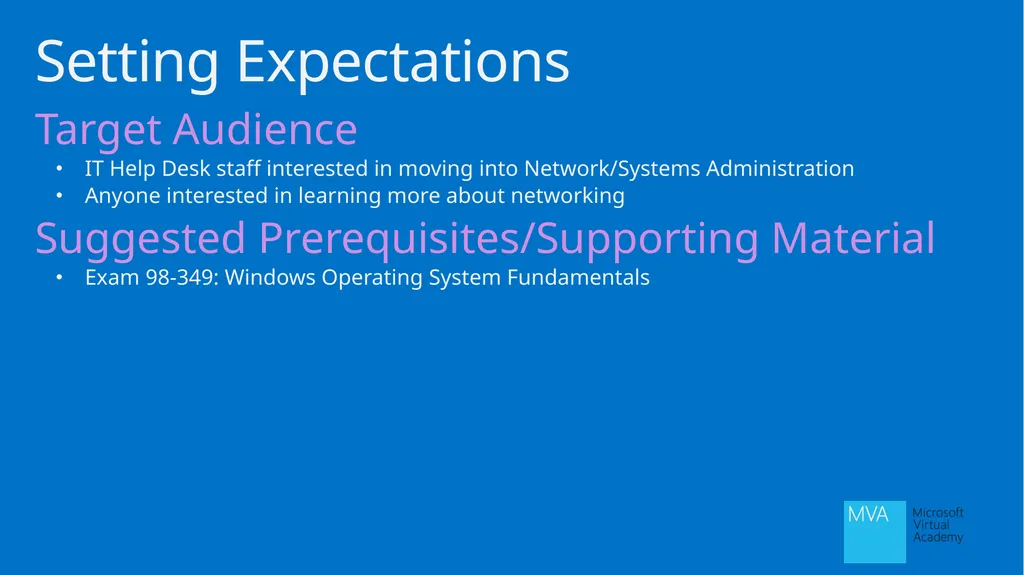
Target Audience
IT Help Desk staff interested in moving into Network/Systems Administration
Anyone interested in learning more about networking
Suggested Prerequisites/Supporting Material
Exam 98-349: Windows Operating System Fundamentals Setting Expectations<br>
IT Help Desk staff interested in moving into Network/Systems Administration
Anyone interested in learning more about networking
Suggested Prerequisites/Supporting Material
Exam 98-349: Windows Operating System Fundamentals Setting Expectations<br>
06
Server Overview Module 1<br>
07
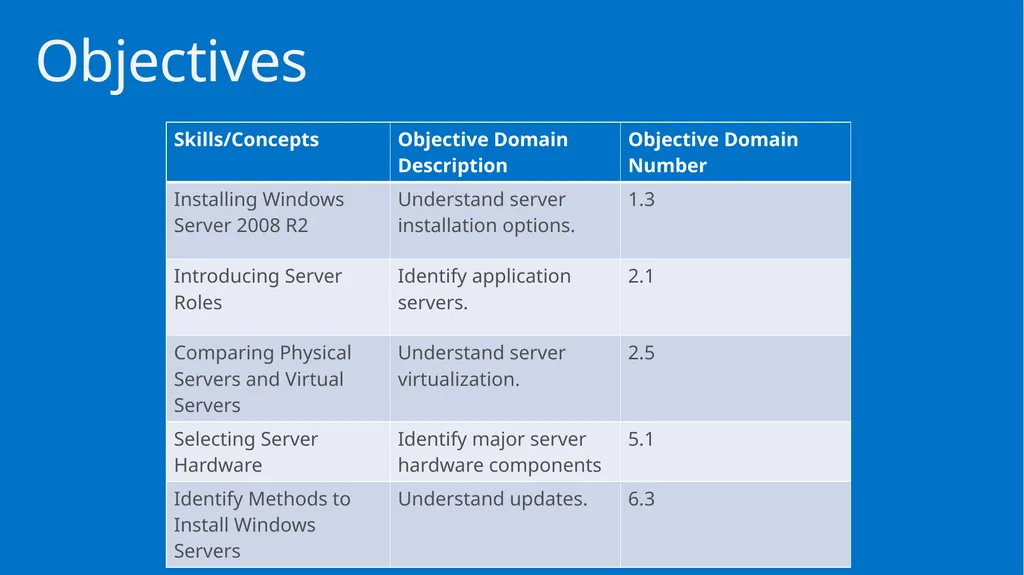
Objectives<br>
08
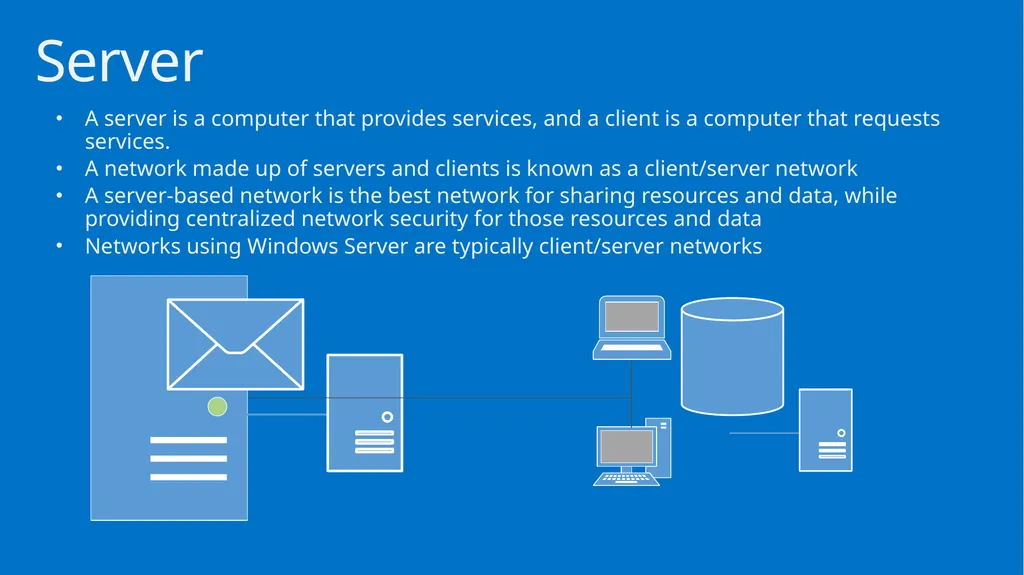
A server is a computer that provides services, and a client is a computer that requests services.
A network made up of servers and clients is known as a client/server network
A server-based network is the best network for sharing resources and data, while providing centralized network security for those resources and data
Networks using Windows Server are typically client/server networks Server<br>
A network made up of servers and clients is known as a client/server network
A server-based network is the best network for sharing resources and data, while providing centralized network security for those resources and data
Networks using Windows Server are typically client/server networks Server<br>
09
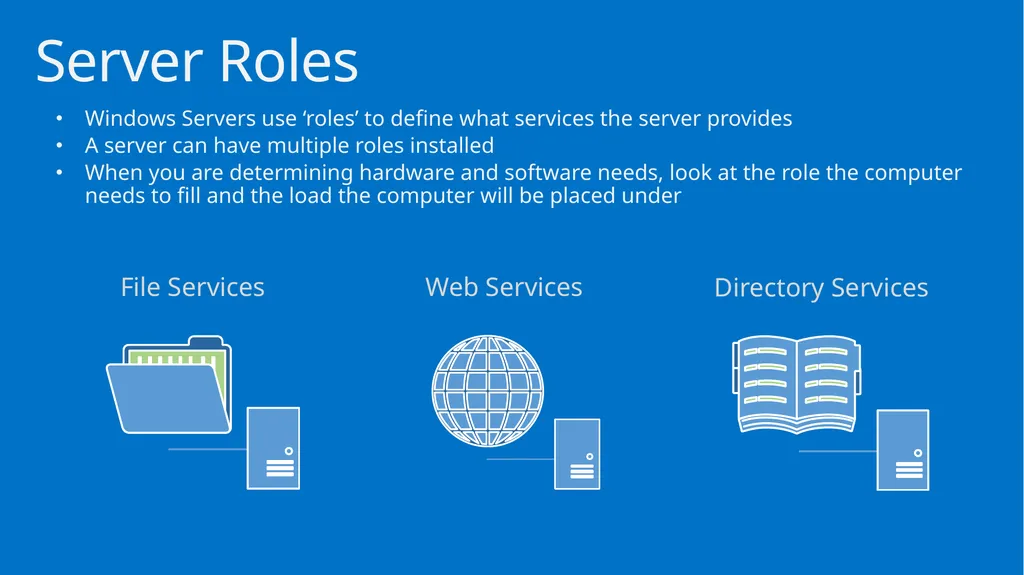
Windows Servers use ‘roles’ to define what services the server provides
A server can have multiple roles installed
When you are determining hardware and software needs, look at the role the computer needs to fill and the load the computer will be placed under Server Roles File Services Web Services Directory Services<br>
A server can have multiple roles installed
When you are determining hardware and software needs, look at the role the computer needs to fill and the load the computer will be placed under Server Roles File Services Web Services Directory Services<br>
10
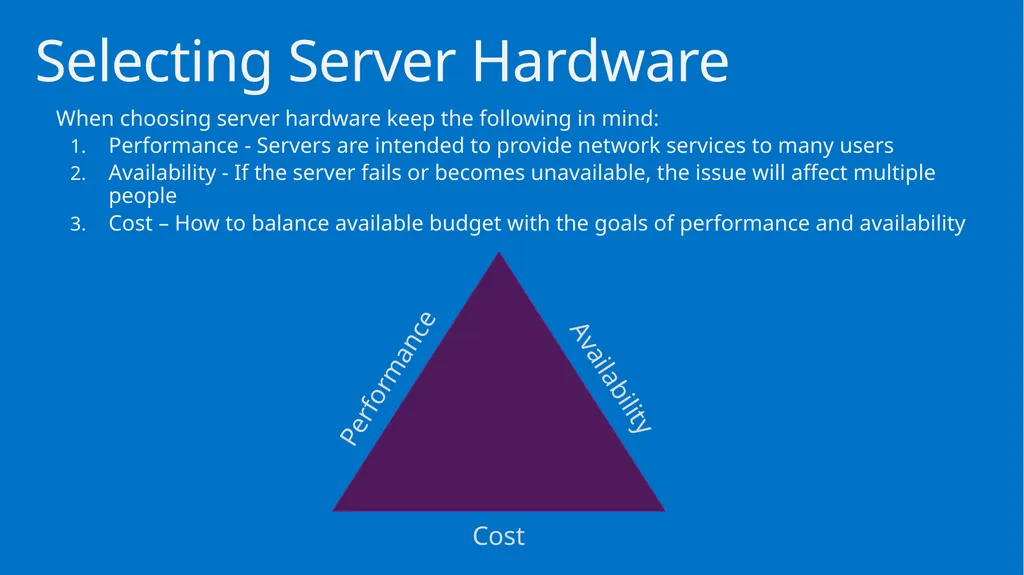
When choosing server hardware keep the following in mind:
Performance - Servers are intended to provide network services to many users
Availability - If the server fails or becomes unavailable, the issue will affect multiple people
Cost – How to balance available budget with the goals of performance and availability Selecting Server Hardware Performance Cost Availability<br>
Performance - Servers are intended to provide network services to many users
Availability - If the server fails or becomes unavailable, the issue will affect multiple people
Cost – How to balance available budget with the goals of performance and availability Selecting Server Hardware Performance Cost Availability<br>
11
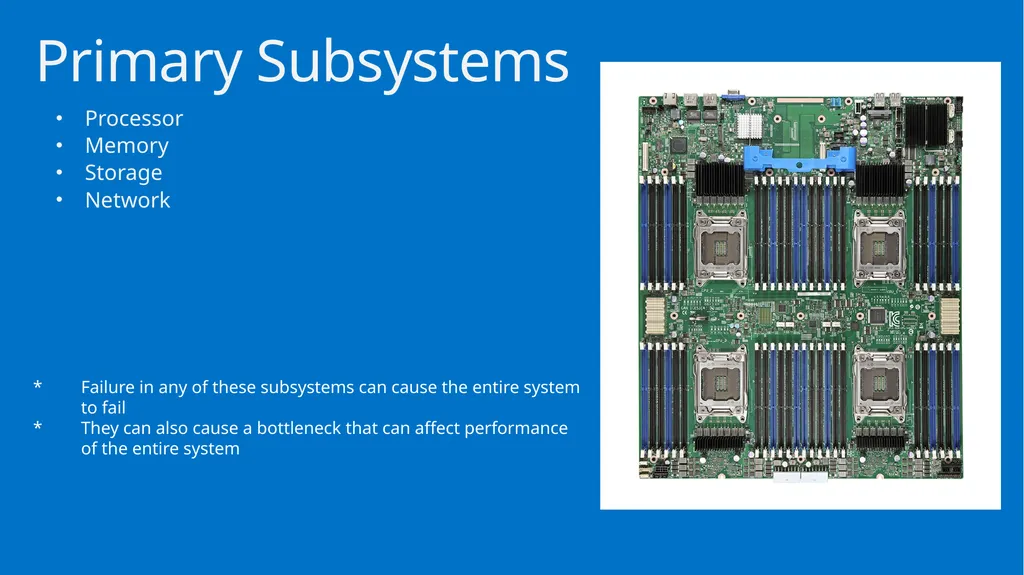
Processor
Memory
Storage
Network Primary Subsystems Failure in any of these subsystems can cause the entire system to fail
They can also cause a bottleneck that can affect performance of the entire system<br>
Memory
Storage
Network Primary Subsystems Failure in any of these subsystems can cause the entire system to fail
They can also cause a bottleneck that can affect performance of the entire system<br>
12
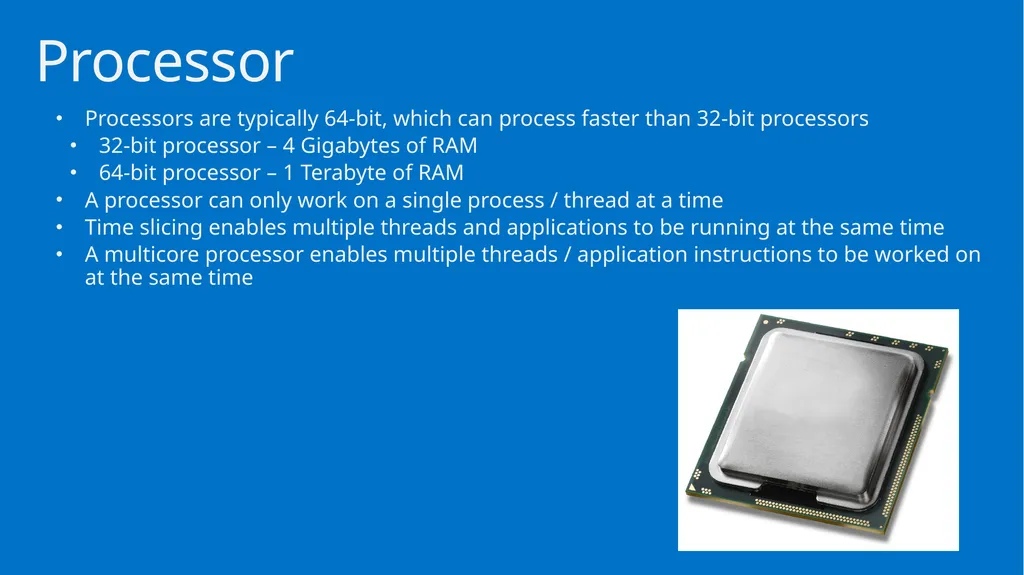
Processors are typically 64-bit, which can process faster than 32-bit processors
32-bit processor – 4 Gigabytes of RAM
64-bit processor – 1 Terabyte of RAM
A processor can only work on a single process / thread at a time
Time slicing enables multiple threads and applications to be running at the same time
A multicore processor enables multiple threads / application instructions to be worked on at the same time Processor<br>
32-bit processor – 4 Gigabytes of RAM
64-bit processor – 1 Terabyte of RAM
A processor can only work on a single process / thread at a time
Time slicing enables multiple threads and applications to be running at the same time
A multicore processor enables multiple threads / application instructions to be worked on at the same time Processor<br>
13
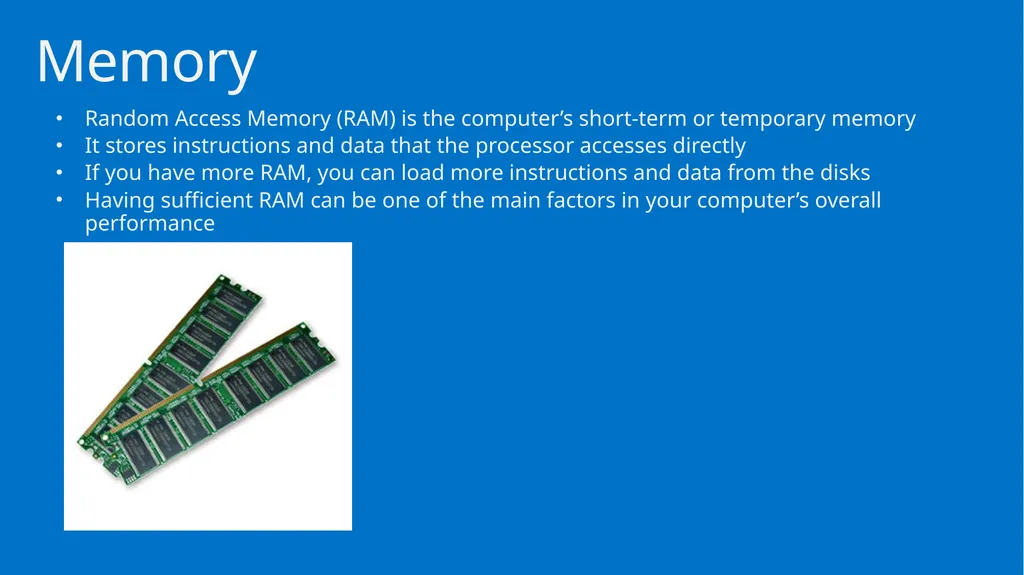
Random Access Memory (RAM) is the computer’s short-term or temporary memory
It stores instructions and data that the processor accesses directly
If you have more RAM, you can load more instructions and data from the disks
Having sufficient RAM can be one of the main factors in your computer’s overall performance Memory<br>
It stores instructions and data that the processor accesses directly
If you have more RAM, you can load more instructions and data from the disks
Having sufficient RAM can be one of the main factors in your computer’s overall performance Memory<br>
14
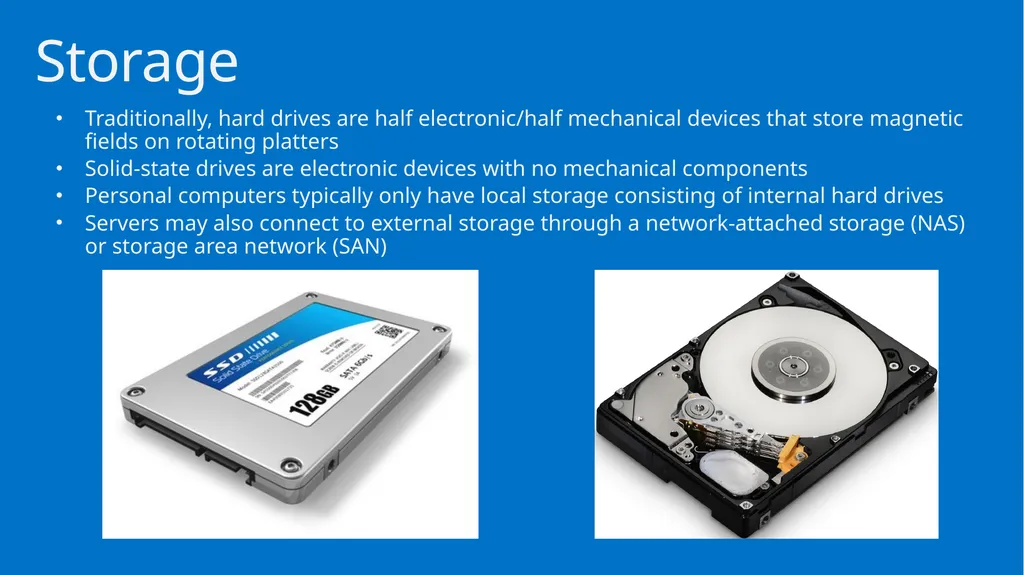
Traditionally, hard drives are half electronic/half mechanical devices that store magnetic fields on rotating platters
Solid-state drives are electronic devices with no mechanical components
Personal computers typically only have local storage consisting of internal hard drives
Servers may also connect to external storage through a network-attached storage (NAS) or storage area network (SAN) Storage<br>
Solid-state drives are electronic devices with no mechanical components
Personal computers typically only have local storage consisting of internal hard drives
Servers may also connect to external storage through a network-attached storage (NAS) or storage area network (SAN) Storage<br>
15
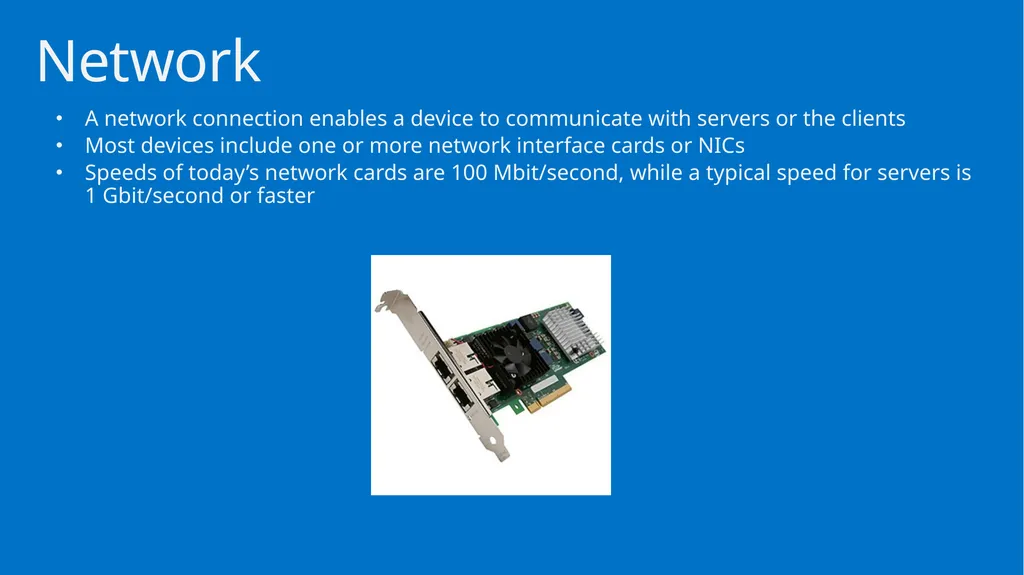
A network connection enables a device to communicate with servers or the clients
Most devices include one or more network interface cards or NICs
Speeds of today’s network cards are 100 Mbit/second, while a typical speed for servers is 1 Gbit/second or faster Network<br>
Most devices include one or more network interface cards or NICs
Speeds of today’s network cards are 100 Mbit/second, while a typical speed for servers is 1 Gbit/second or faster Network<br>
16
Motherboard is the main printed circuit board that brings these four subsystems together
The processor plugs in or connects to the motherboard or system board enabling communication with the rest of the system
The motherboard provides the electrical connections enabling components of the system to communicate Motherboard<br>
The processor plugs in or connects to the motherboard or system board enabling communication with the rest of the system
The motherboard provides the electrical connections enabling components of the system to communicate Motherboard<br>
17
Basic Input/Output System (BIOS) are the instructions that control most of the computer’s input/output functions
BIOS functions include communicating with disks, RAM, and the monitor kept in the System Read Only Memory (ROM) chips
By having instructions (software) written on the BIOS, the system already knows how to communicate with some basic components such as a keyboard and how to read some basic disks such as IDE drives
The BIOS also looks for additional ROM chips that may be on the motherboard or on expansion cards that you add to the system
Flashing the BIOS is the process of updating your system ROM BIOS BIOS<br>
BIOS functions include communicating with disks, RAM, and the monitor kept in the System Read Only Memory (ROM) chips
By having instructions (software) written on the BIOS, the system already knows how to communicate with some basic components such as a keyboard and how to read some basic disks such as IDE drives
The BIOS also looks for additional ROM chips that may be on the motherboard or on expansion cards that you add to the system
Flashing the BIOS is the process of updating your system ROM BIOS BIOS<br>
18
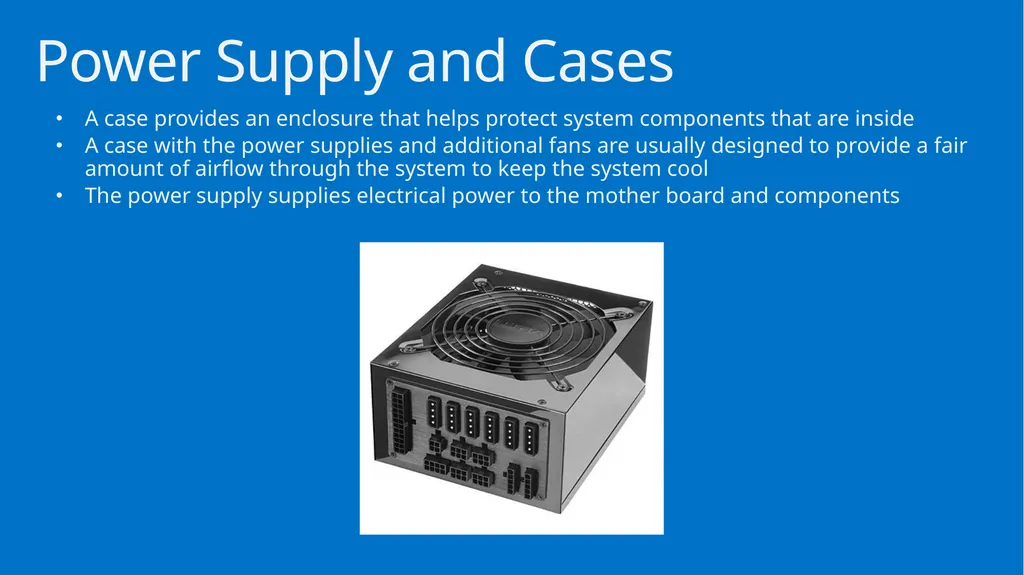
A case provides an enclosure that helps protect system components that are inside
A case with the power supplies and additional fans are usually designed to provide a fair amount of airflow through the system to keep the system cool
The power supply supplies electrical power to the mother board and components Power Supply and Cases<br>
A case with the power supplies and additional fans are usually designed to provide a fair amount of airflow through the system to keep the system cool
The power supply supplies electrical power to the mother board and components Power Supply and Cases<br>
19
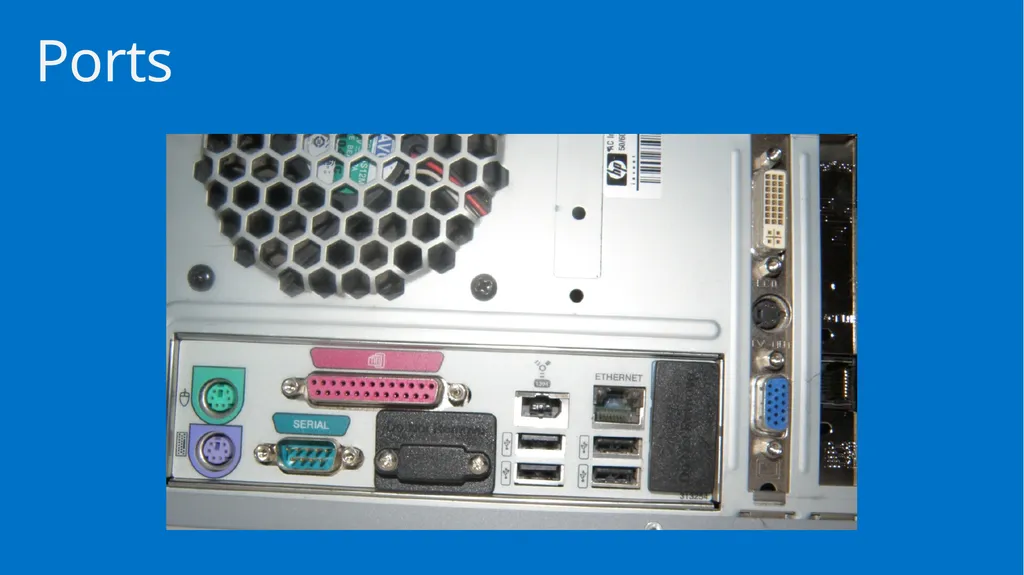
Ports are plug sockets that enable you to connect peripheral deices to your computer
Devices can include a printer, keyboard, mouse, external drive or another computer
Types of ports:
Ethernet
Parallel
PS/2
Serial
VGA
USB
SCSI
HDMI
Audio Ports<br>
Devices can include a printer, keyboard, mouse, external drive or another computer
Types of ports:
Ethernet
Parallel
PS/2
Serial
VGA
USB
SCSI
HDMI
Audio Ports<br>
20
Ports<br>
21
Virtual machines or virtual server technology enables multiple operating systems to run concurrently on a single machine
Virtual servers allows for a separation of services so that changes on one virtual server do not affect the other virtual servers
Virtualization offers a better way utilize hardware since most hardware is sitting idle most of the time Virtual Servers<br>
Virtual servers allows for a separation of services so that changes on one virtual server do not affect the other virtual servers
Virtualization offers a better way utilize hardware since most hardware is sitting idle most of the time Virtual Servers<br>
22
After you select and purchase the server and its components, you also need to determine where to physically locate the server
The server room is the work area of the Information Technology (IT) department that contains servers and most of the communication devices including switches and routers
The room should be secure, with only a handful of people allowed to have access to it Locating the Server<br>
The server room is the work area of the Information Technology (IT) department that contains servers and most of the communication devices including switches and routers
The room should be secure, with only a handful of people allowed to have access to it Locating the Server<br>
23
Software contains the instructions that the hardware follows, which make the computer do what it does.
It provides us with an interface that we can use to configure and manage the computer
Configuring a server:
Select, install and configure the operating system
Select, install and configure the services that the operating system provides
Install and configure additional software on the server Software<br>
It provides us with an interface that we can use to configure and manage the computer
Configuring a server:
Select, install and configure the operating system
Select, install and configure the services that the operating system provides
Install and configure additional software on the server Software<br>
24
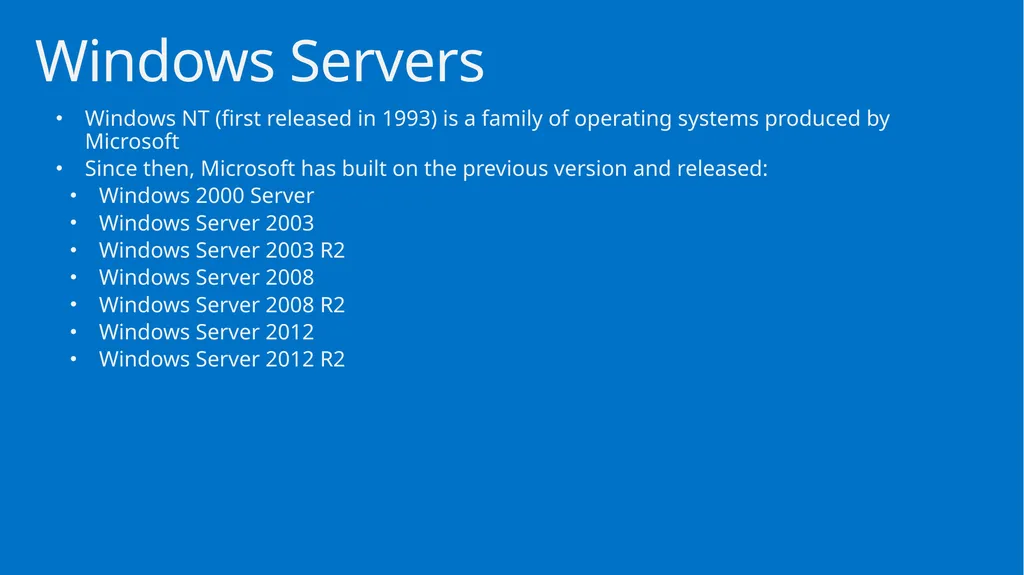
Windows NT (first released in 1993) is a family of operating systems produced by Microsoft
Since then, Microsoft has built on the previous version and released:
Windows 2000 Server
Windows Server 2003
Windows Server 2003 R2
Windows Server 2008
Windows Server 2008 R2
Windows Server 2012
Windows Server 2012 R2 Windows Servers<br>
Since then, Microsoft has built on the previous version and released:
Windows 2000 Server
Windows Server 2003
Windows Server 2003 R2
Windows Server 2008
Windows Server 2008 R2
Windows Server 2012
Windows Server 2012 R2 Windows Servers<br>
25
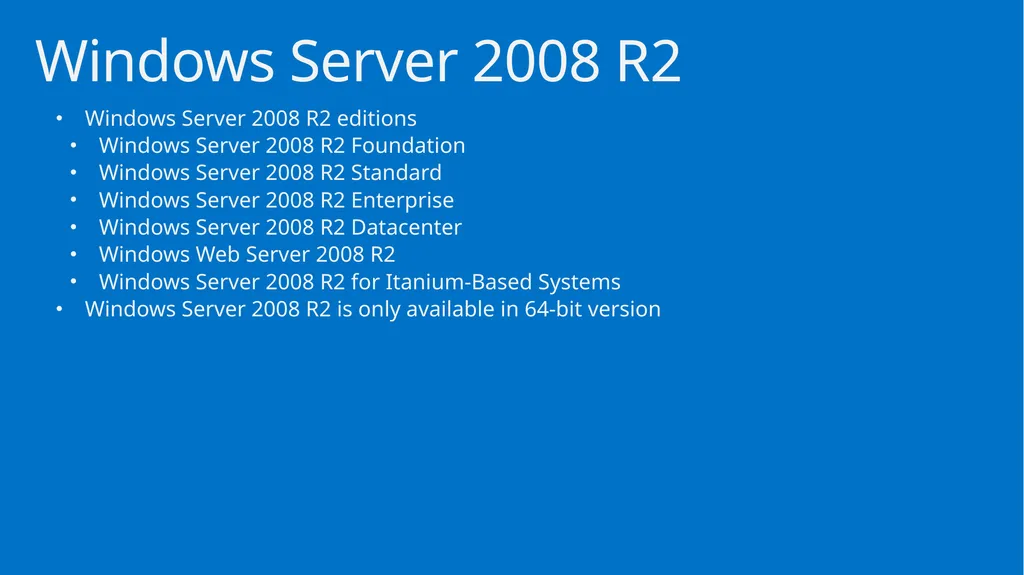
Windows Server 2008 R2 editions
Windows Server 2008 R2 Foundation
Windows Server 2008 R2 Standard
Windows Server 2008 R2 Enterprise
Windows Server 2008 R2 Datacenter
Windows Web Server 2008 R2
Windows Server 2008 R2 for Itanium-Based Systems
Windows Server 2008 R2 is only available in 64-bit version Windows Server 2008 R2<br>
Windows Server 2008 R2 Foundation
Windows Server 2008 R2 Standard
Windows Server 2008 R2 Enterprise
Windows Server 2008 R2 Datacenter
Windows Web Server 2008 R2
Windows Server 2008 R2 for Itanium-Based Systems
Windows Server 2008 R2 is only available in 64-bit version Windows Server 2008 R2<br>
26
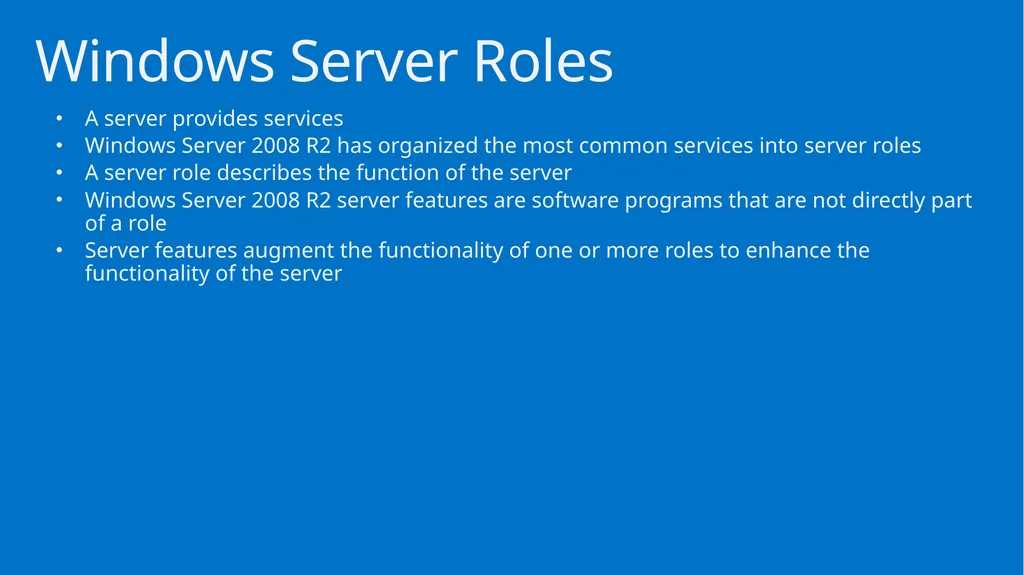
A server provides services
Windows Server 2008 R2 has organized the most common services into server roles
A server role describes the function of the server
Windows Server 2008 R2 server features are software programs that are not directly part of a role
Server features augment the functionality of one or more roles to enhance the functionality of the server Windows Server Roles<br>
Windows Server 2008 R2 has organized the most common services into server roles
A server role describes the function of the server
Windows Server 2008 R2 server features are software programs that are not directly part of a role
Server features augment the functionality of one or more roles to enhance the functionality of the server Windows Server Roles<br>
27
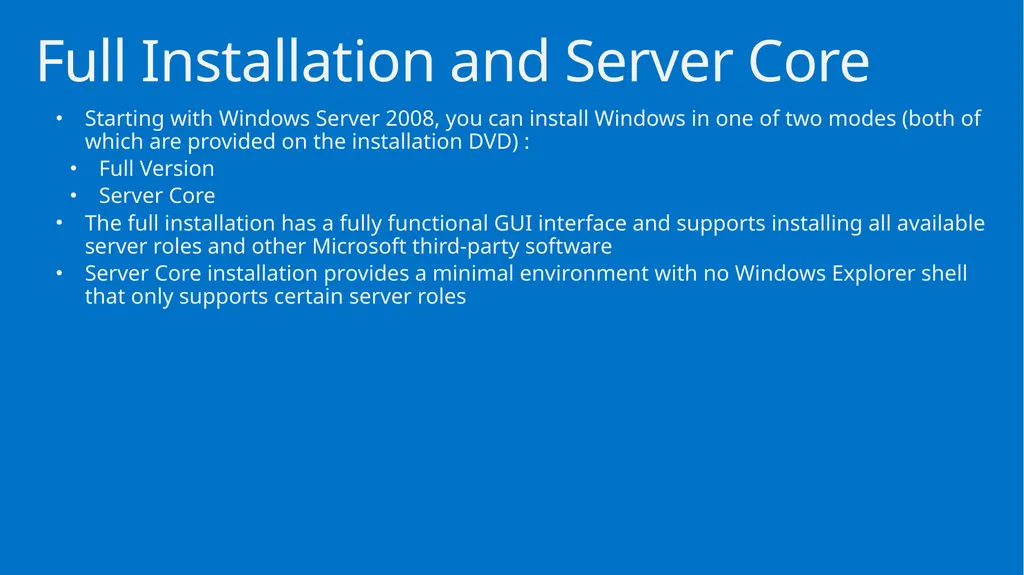
Starting with Windows Server 2008, you can install Windows in one of two modes (both of which are provided on the installation DVD) :
Full Version
Server Core
The full installation has a fully functional GUI interface and supports installing all available server roles and other Microsoft third-party software
Server Core installation provides a minimal environment with no Windows Explorer shell that only supports certain server roles Full Installation and Server Core<br>
Full Version
Server Core
The full installation has a fully functional GUI interface and supports installing all available server roles and other Microsoft third-party software
Server Core installation provides a minimal environment with no Windows Explorer shell that only supports certain server roles Full Installation and Server Core<br>
28
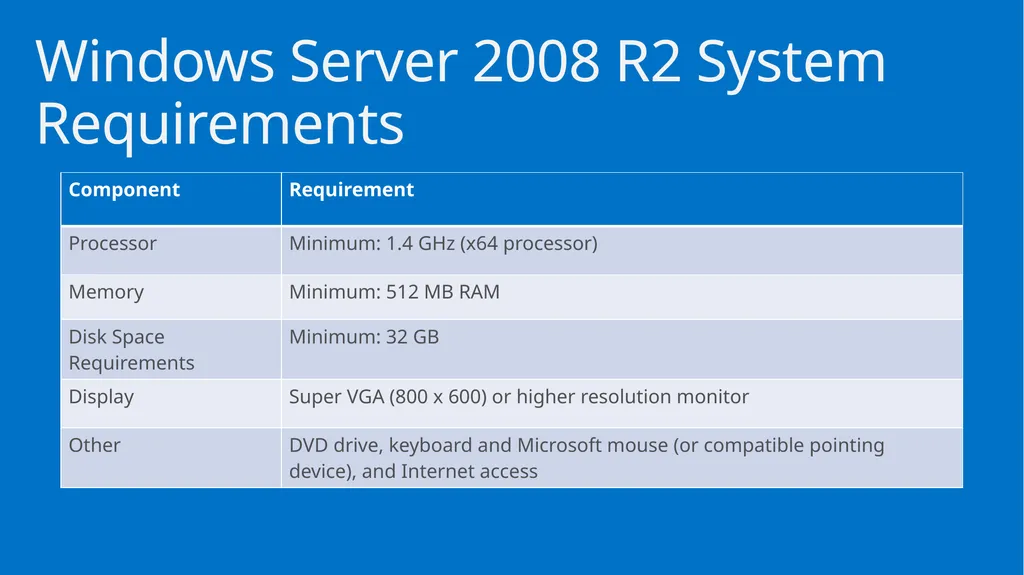
Windows Server 2008 R2 System Requirements<br>
29
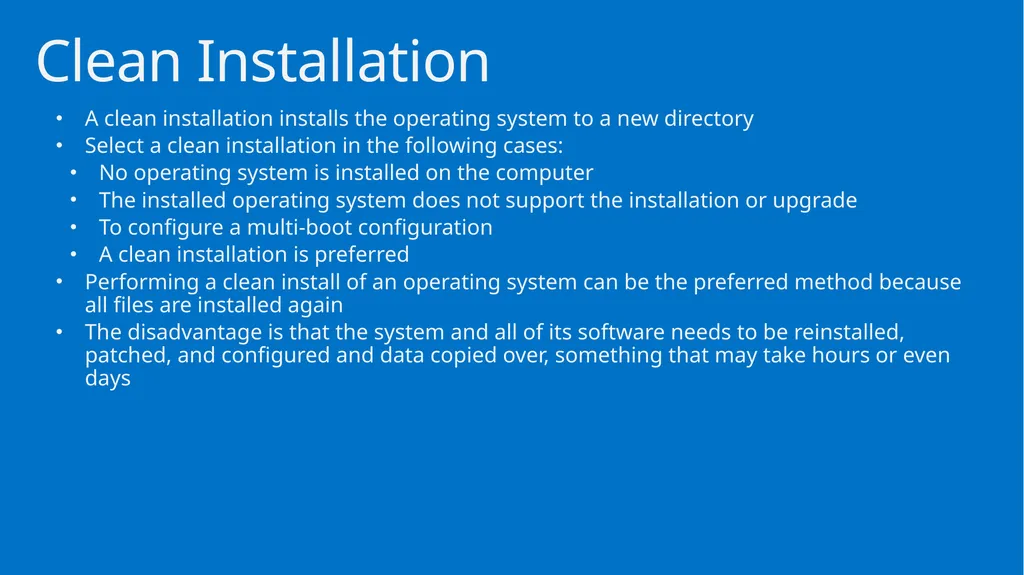
A clean installation installs the operating system to a new directory
Select a clean installation in the following cases:
No operating system is installed on the computer
The installed operating system does not support the installation or upgrade
To configure a multi-boot configuration
A clean installation is preferred
Performing a clean install of an operating system can be the preferred method because all files are installed again
The disadvantage is that the system and all of its software needs to be reinstalled, patched, and configured and data copied over, something that may take hours or even days Clean Installation<br>
Select a clean installation in the following cases:
No operating system is installed on the computer
The installed operating system does not support the installation or upgrade
To configure a multi-boot configuration
A clean installation is preferred
Performing a clean install of an operating system can be the preferred method because all files are installed again
The disadvantage is that the system and all of its software needs to be reinstalled, patched, and configured and data copied over, something that may take hours or even days Clean Installation<br>
30
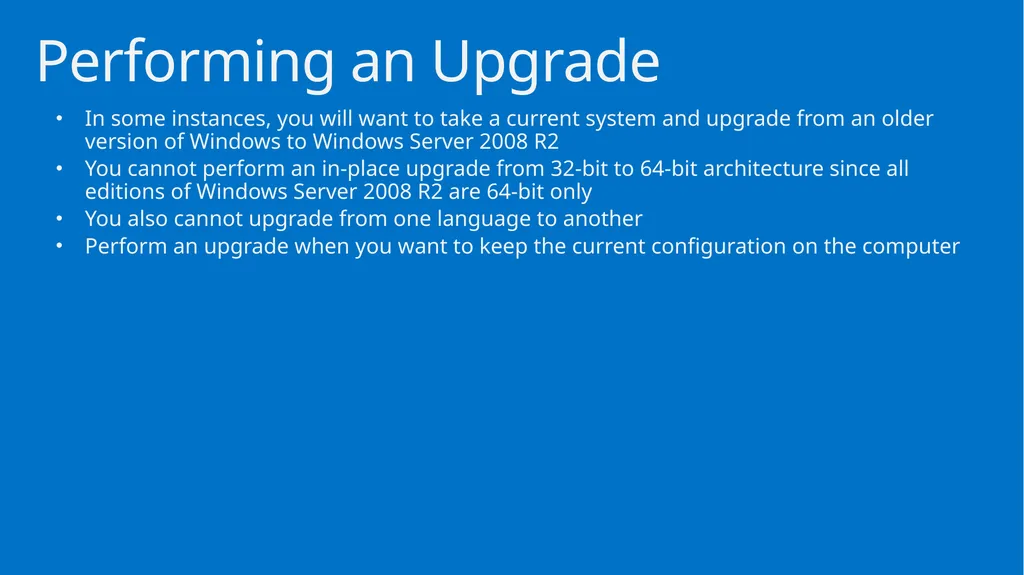
In some instances, you will want to take a current system and upgrade from an older version of Windows to Windows Server 2008 R2
You cannot perform an in-place upgrade from 32-bit to 64-bit architecture since all editions of Windows Server 2008 R2 are 64-bit only
You also cannot upgrade from one language to another
Perform an upgrade when you want to keep the current configuration on the computer Performing an Upgrade<br>
You cannot perform an in-place upgrade from 32-bit to 64-bit architecture since all editions of Windows Server 2008 R2 are 64-bit only
You also cannot upgrade from one language to another
Perform an upgrade when you want to keep the current configuration on the computer Performing an Upgrade<br>
31
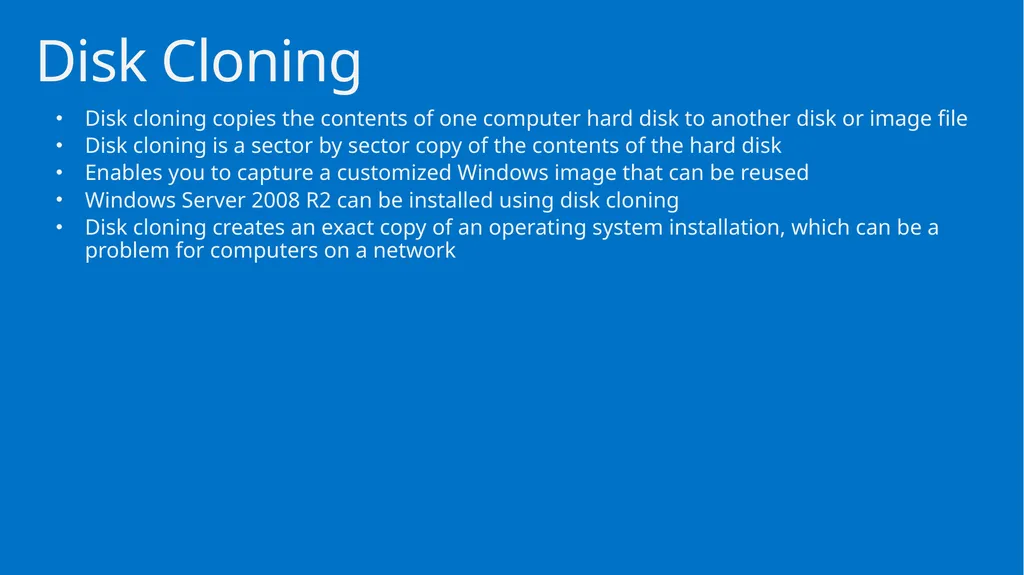
Disk cloning copies the contents of one computer hard disk to another disk or image file
Disk cloning is a sector by sector copy of the contents of the hard disk
Enables you to capture a customized Windows image that can be reused
Windows Server 2008 R2 can be installed using disk cloning
Disk cloning creates an exact copy of an operating system installation, which can be a problem for computers on a network Disk Cloning<br>
Disk cloning is a sector by sector copy of the contents of the hard disk
Enables you to capture a customized Windows image that can be reused
Windows Server 2008 R2 can be installed using disk cloning
Disk cloning creates an exact copy of an operating system installation, which can be a problem for computers on a network Disk Cloning<br>
32
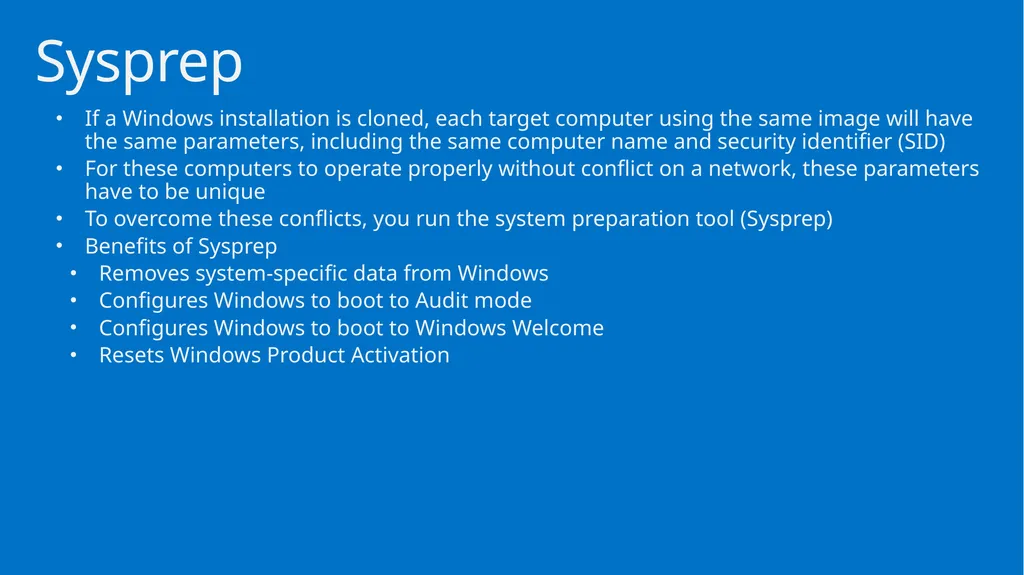
If a Windows installation is cloned, each target computer using the same image will have the same parameters, including the same computer name and security identifier (SID)
For these computers to operate properly without conflict on a network, these parameters have to be unique
To overcome these conflicts, you run the system preparation tool (Sysprep)
Benefits of Sysprep
Removes system-specific data from Windows
Configures Windows to boot to Audit mode
Configures Windows to boot to Windows Welcome
Resets Windows Product Activation Sysprep<br>
For these computers to operate properly without conflict on a network, these parameters have to be unique
To overcome these conflicts, you run the system preparation tool (Sysprep)
Benefits of Sysprep
Removes system-specific data from Windows
Configures Windows to boot to Audit mode
Configures Windows to boot to Windows Welcome
Resets Windows Product Activation Sysprep<br>
33
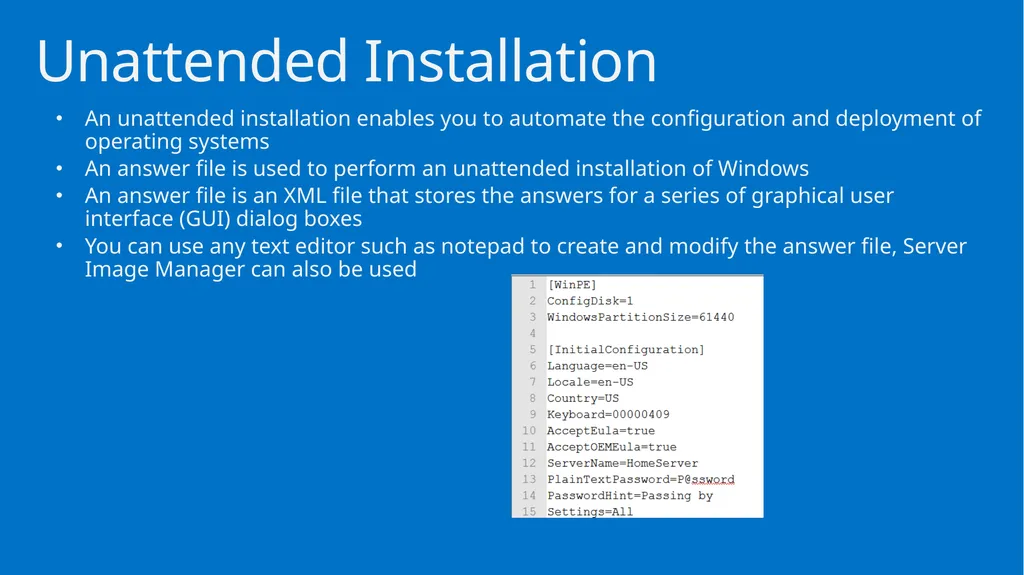
An unattended installation enables you to automate the configuration and deployment of operating systems
An answer file is used to perform an unattended installation of Windows
An answer file is an XML file that stores the answers for a series of graphical user interface (GUI) dialog boxes
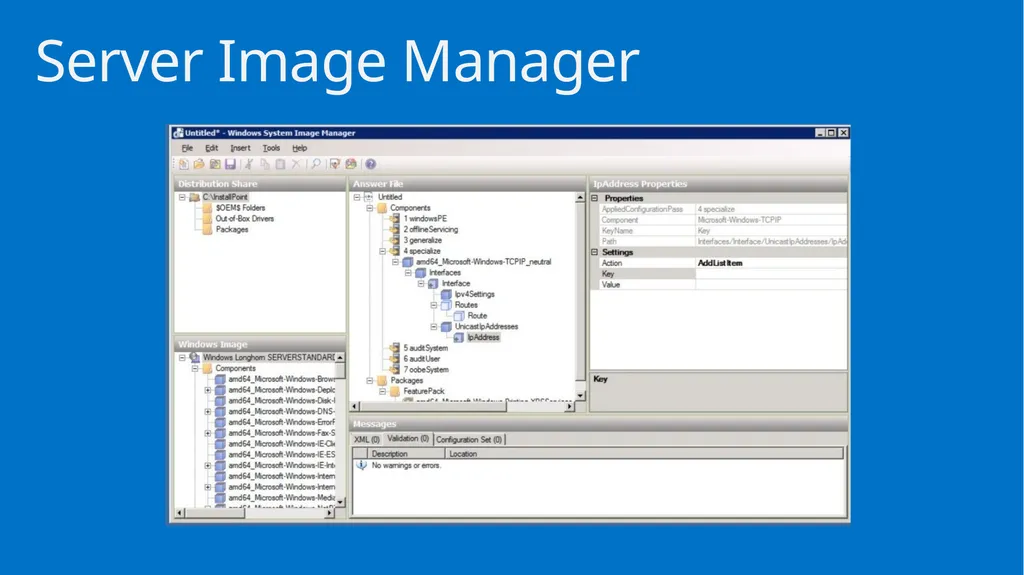
You can use any text editor such as notepad to create and modify the answer file, Server Image Manager can also be used Unattended Installation<br>
An answer file is used to perform an unattended installation of Windows
An answer file is an XML file that stores the answers for a series of graphical user interface (GUI) dialog boxes
You can use any text editor such as notepad to create and modify the answer file, Server Image Manager can also be used Unattended Installation<br>
34
Server Image Manager<br>
35
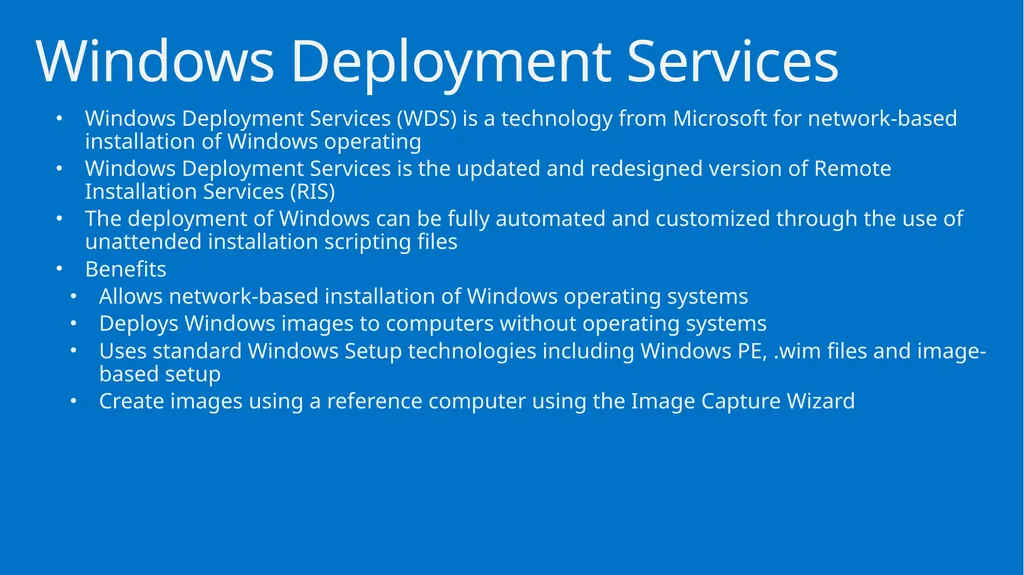
Windows Deployment Services (WDS) is a technology from Microsoft for network-based installation of Windows operating
Windows Deployment Services is the updated and redesigned version of Remote Installation Services (RIS)
The deployment of Windows can be fully automated and customized through the use of unattended installation scripting files
Benefits
Allows network-based installation of Windows operating systems
Deploys Windows images to computers without operating systems
Uses standard Windows Setup technologies including Windows PE, .wim files and image-based setup
Create images using a reference computer using the Image Capture Wizard Windows Deployment Services<br>
Windows Deployment Services is the updated and redesigned version of Remote Installation Services (RIS)
The deployment of Windows can be fully automated and customized through the use of unattended installation scripting files
Benefits
Allows network-based installation of Windows operating systems
Deploys Windows images to computers without operating systems
Uses standard Windows Setup technologies including Windows PE, .wim files and image-based setup
Create images using a reference computer using the Image Capture Wizard Windows Deployment Services<br>
36
Windows installation files can be distributed within a Windows Imaging Format (WIM) file
WIM is the file-based imaging format that Windows Server uses for rapid installation on new computers
WIM files store copies (known as images) of the operating systems Windows Imaging Format (WIM) File<br>
WIM is the file-based imaging format that Windows Server uses for rapid installation on new computers
WIM files store copies (known as images) of the operating systems Windows Imaging Format (WIM) File<br>
37
DEMO: WIM File<br>
38
A software license is purchased from a software company like Microsoft that gives you permission to use a specific software package
Most licenses from corporations such as Microsoft work more like a lease rather than a purchase of the actual software
Licenses are typically purchased for a specific number of users Windows Licensing<br>
Most licenses from corporations such as Microsoft work more like a lease rather than a purchase of the actual software
Licenses are typically purchased for a specific number of users Windows Licensing<br>
39
Microsoft product activation, including Windows activation, is an anti-piracy technology designed to verify that software products are legitimately licensed
Product activation is included in some technologies
A product key is required to activate the product Windows Activation<br>
Product activation is included in some technologies
A product key is required to activate the product Windows Activation<br>
40
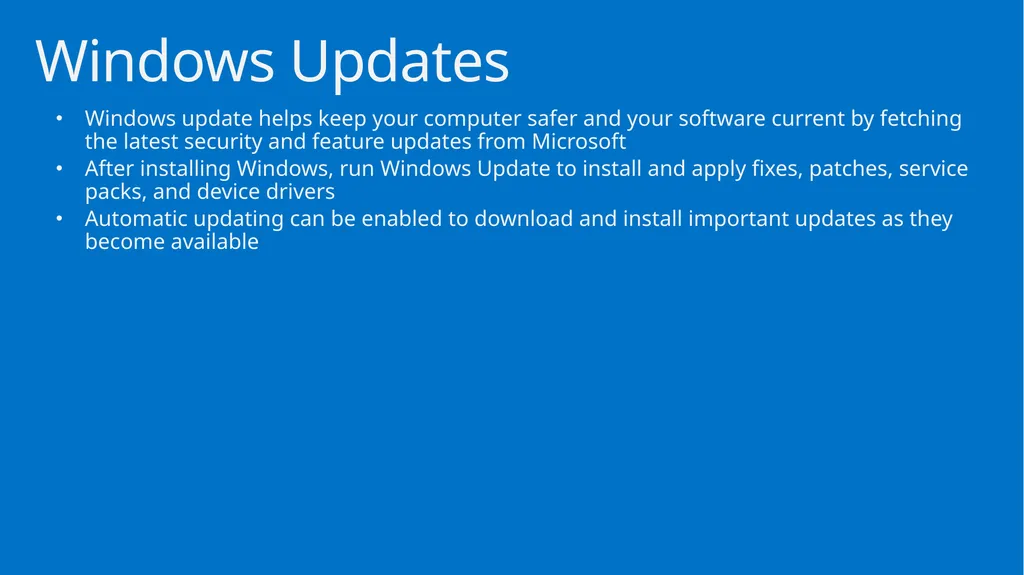
Windows update helps keep your computer safer and your software current by fetching the latest security and feature updates from Microsoft
After installing Windows, run Windows Update to install and apply fixes, patches, service packs, and device drivers
Automatic updating can be enabled to download and install important updates as they become available Windows Updates<br>
After installing Windows, run Windows Update to install and apply fixes, patches, service packs, and device drivers
Automatic updating can be enabled to download and install important updates as they become available Windows Updates<br>
41
DEMO: Windows Update<br>
42
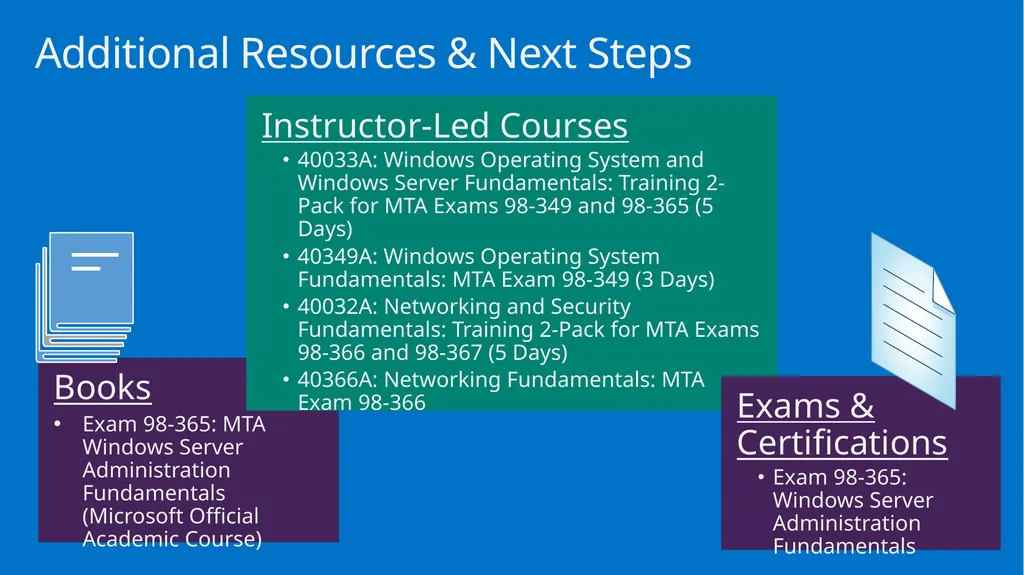
Additional Resources & Next Steps Books
Exam 98-365: MTA Windows Server Administration Fundamentals (Microsoft Official Academic Course) Instructor-Led Courses
40033A: Windows Operating System and Windows Server Fundamentals: Training 2-Pack for MTA Exams 98-349 and 98-365 (5 Days)
40349A: Windows Operating System Fundamentals: MTA Exam 98-349 (3 Days)
40032A: Networking and Security Fundamentals: Training 2-Pack for MTA Exams 98-366 and 98-367 (5 Days)
40366A: Networking Fundamentals: MTA Exam 98-366 Exams & Certifications
Exam 98-365: Windows Server Administration Fundamentals<br>
Exam 98-365: MTA Windows Server Administration Fundamentals (Microsoft Official Academic Course) Instructor-Led Courses
40033A: Windows Operating System and Windows Server Fundamentals: Training 2-Pack for MTA Exams 98-349 and 98-365 (5 Days)
40349A: Windows Operating System Fundamentals: MTA Exam 98-349 (3 Days)
40032A: Networking and Security Fundamentals: Training 2-Pack for MTA Exams 98-366 and 98-367 (5 Days)
40366A: Networking Fundamentals: MTA Exam 98-366 Exams & Certifications
Exam 98-365: Windows Server Administration Fundamentals<br>
43
© 2012 Microsoft Corporation. All rights reserved. Microsoft, Windows, Windows Vista and other product names are or may be registered trademarks and/or trademarks in the U.S. and/or other countries.
The information herein is for informational purposes only and represents the current view of Microsoft Corporation as of the date of this presentation. Because Microsoft must respond to changing market conditions, it should not be interpreted to be a commitment on the part of Microsoft, and Microsoft cannot guarantee the accuracy of any information provided after the date of this presentation. MICROSOFT MAKES NO WARRANTIES, EXPRESS, IMPLIED OR STATUTORY, AS TO THE INFORMATION IN THIS PRESENTATION.<br>
The information herein is for informational purposes only and represents the current view of Microsoft Corporation as of the date of this presentation. Because Microsoft must respond to changing market conditions, it should not be interpreted to be a commitment on the part of Microsoft, and Microsoft cannot guarantee the accuracy of any information provided after the date of this presentation. MICROSOFT MAKES NO WARRANTIES, EXPRESS, IMPLIED OR STATUTORY, AS TO THE INFORMATION IN THIS PRESENTATION.<br>