Graphical Screen Design Part 1: Contrast, Repetition, Alignment, Proximity Lecture slide deck produced by Saul Greenberg, University of Calgary, Canada Notice: some material in this deck is used from other sources without permission.
"Graphical Screen Design Part 1: Contrast," is the property of its rightful owner. Permission is granted to
download and print the materials on this website for personal, non-commercial use only, and to display it
on your personal computer provided you do not modify the materials and that you retain all copyright
notices contained in the materials. By downloading content from our website, you accept the terms of this
agreement.
Presentation Transcript
01
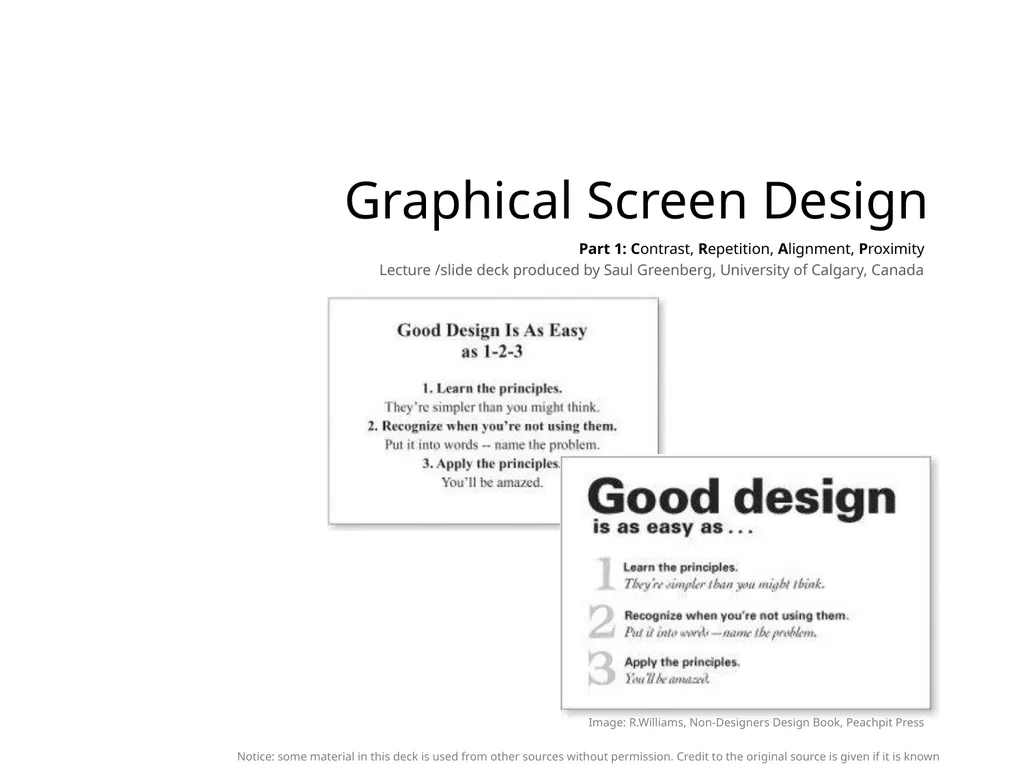
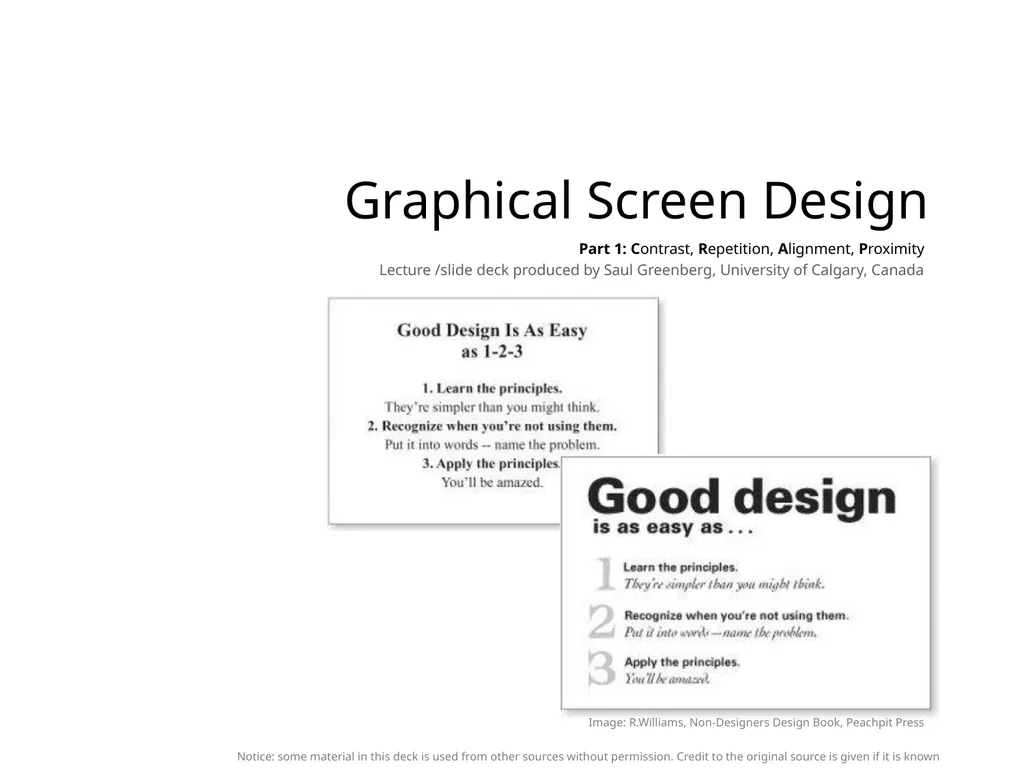
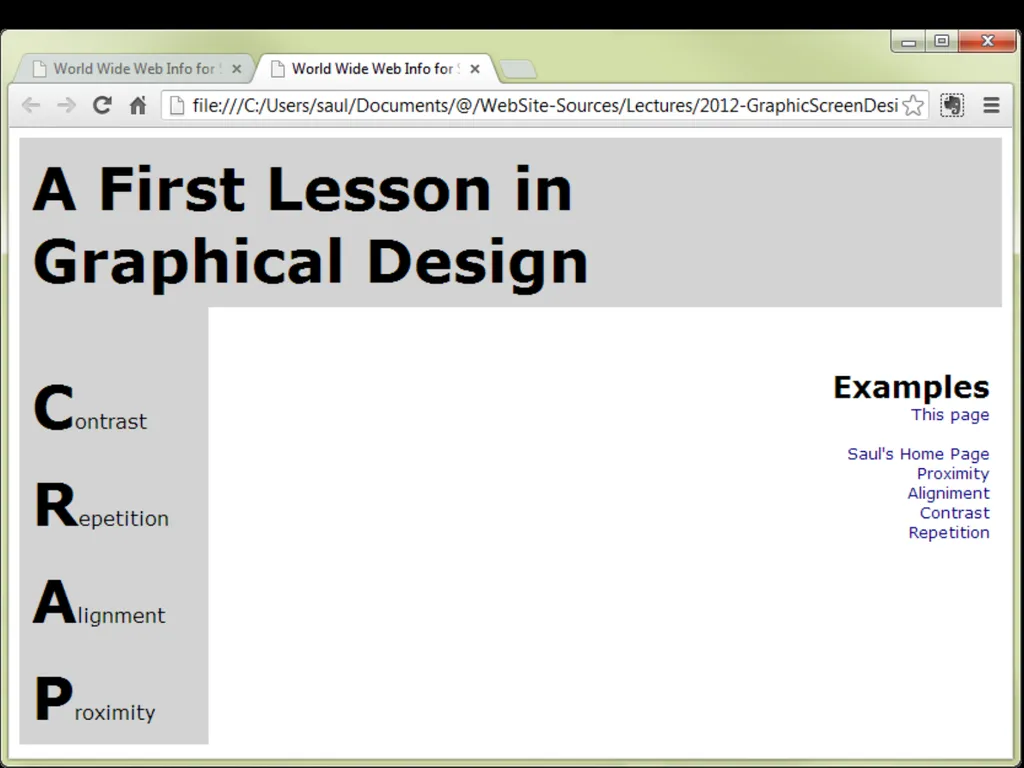
Graphical Screen Design Part 1: Contrast, Repetition, Alignment, Proximity Lecture /slide deck produced by Saul Greenberg, University of Calgary, Canada Notice: some material in this deck is used from other sources without permission. Credit to the original source is given if it is known Image: R.Williams, Non-Designers Design Book, Peachpit Press<br>
Grids
Other visual design concepts
consistency relationships
organization legibility and readability
navigational cues appropriate imagery
familiar idioms<br>
03
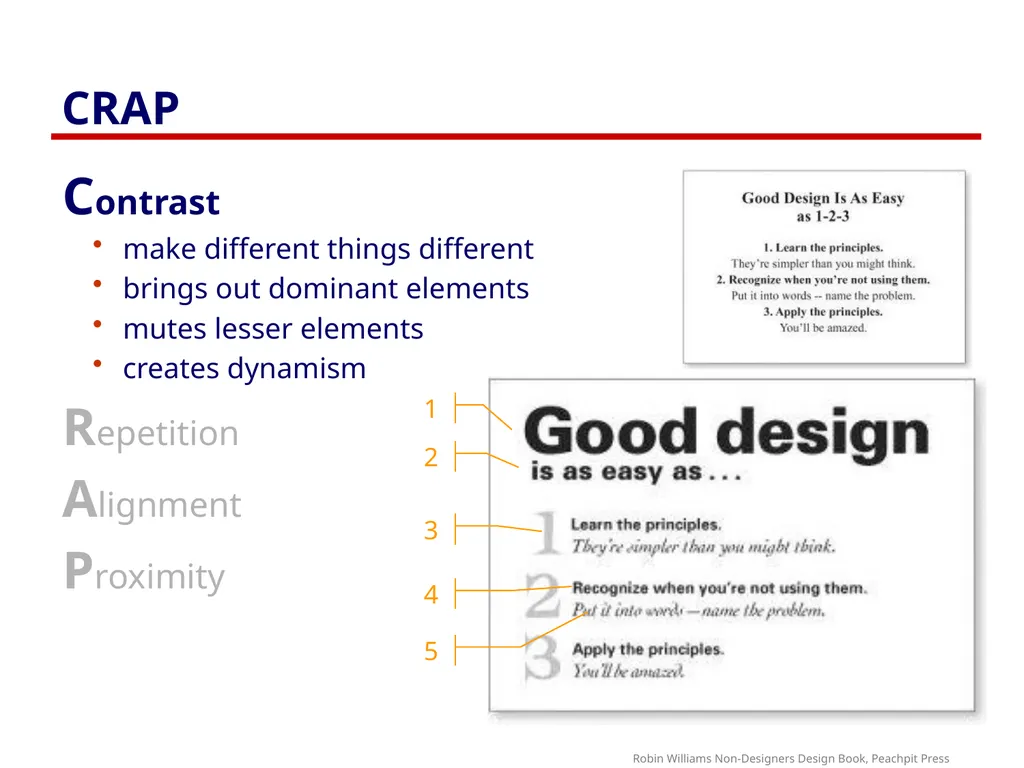
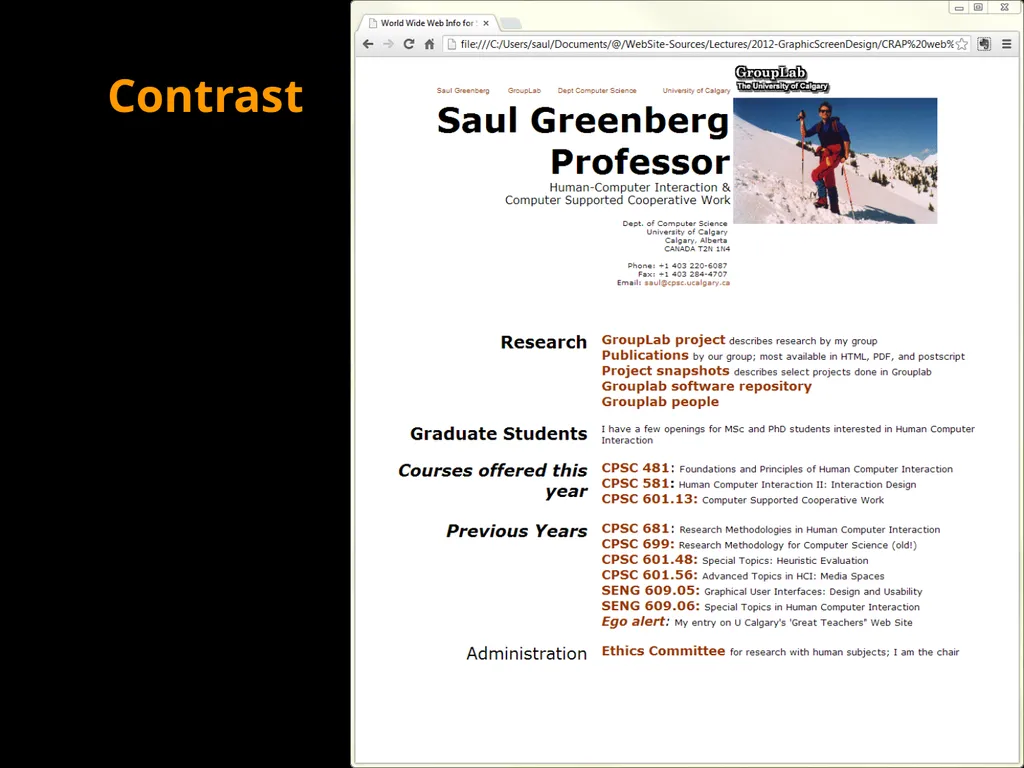
CRAP Contrast
make different things different
brings out dominant elements
mutes lesser elements
creates dynamism
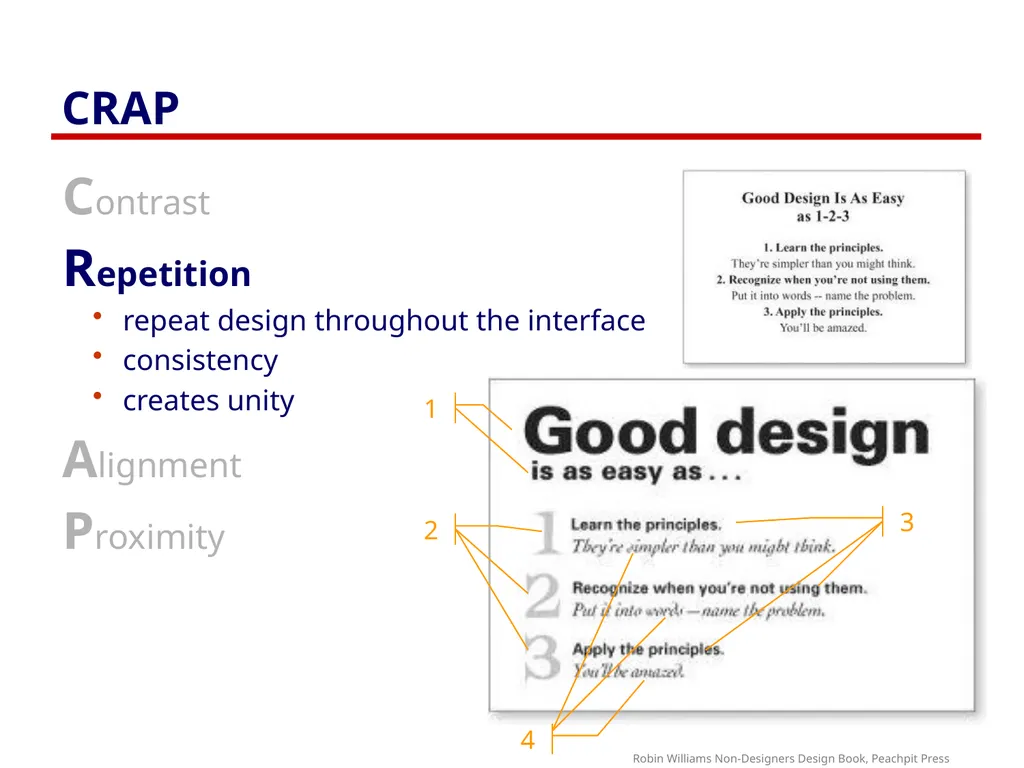
Repetition
Alignment
Proximity Robin Williams Non-Designers Design Book, Peachpit Press<br>
04
CRAP Contrast
Repetition
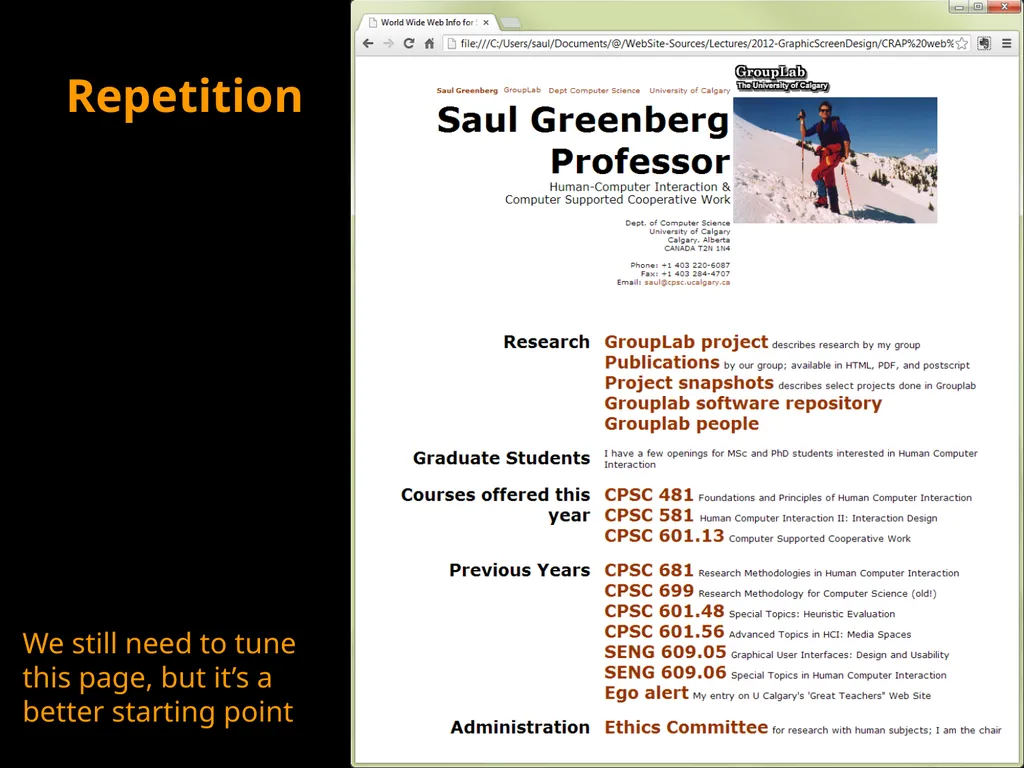
repeat design throughout the interface
consistency
creates unity
Alignment
Proximity Robin Williams Non-Designers Design Book, Peachpit Press<br>
05
CRAP Contrast
Repetition
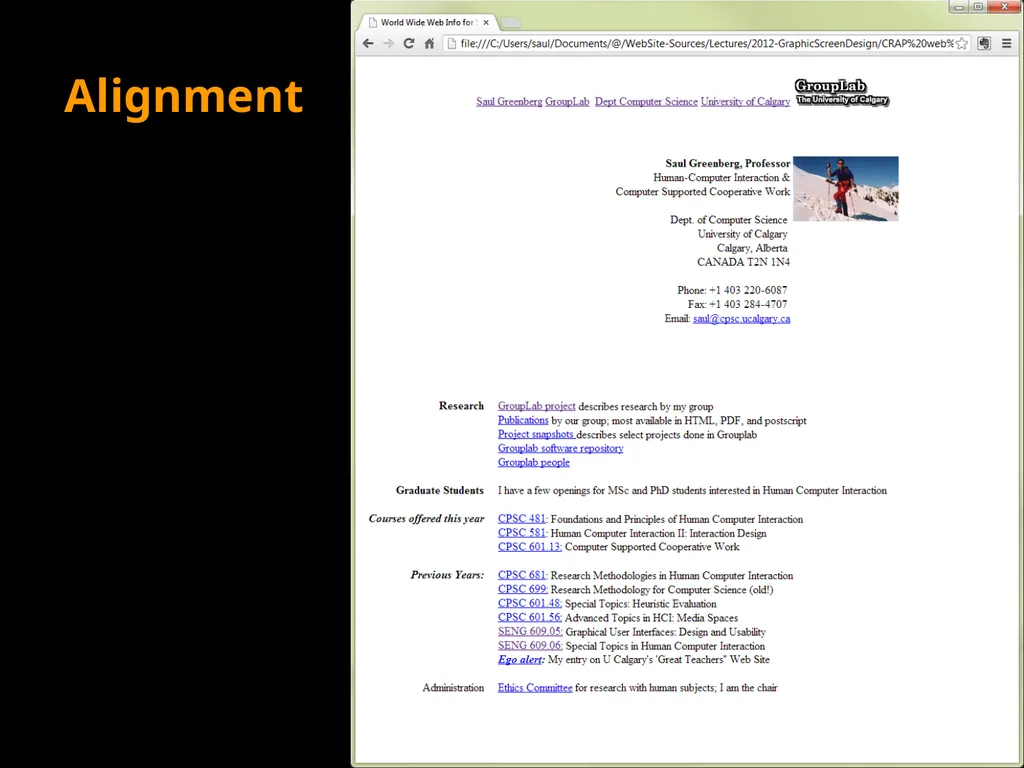
Alignment
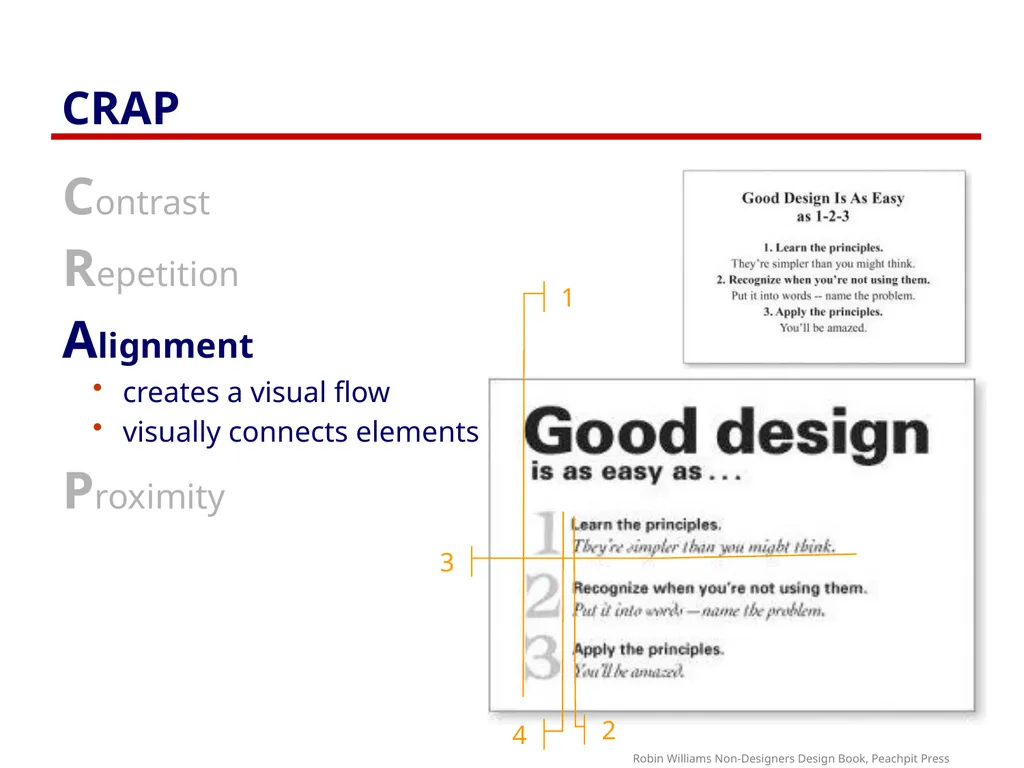
creates a visual flow
visually connects elements
Proximity Robin Williams Non-Designers Design Book, Peachpit Press<br>
06
CRAP Contrast
Repetition
Alignment
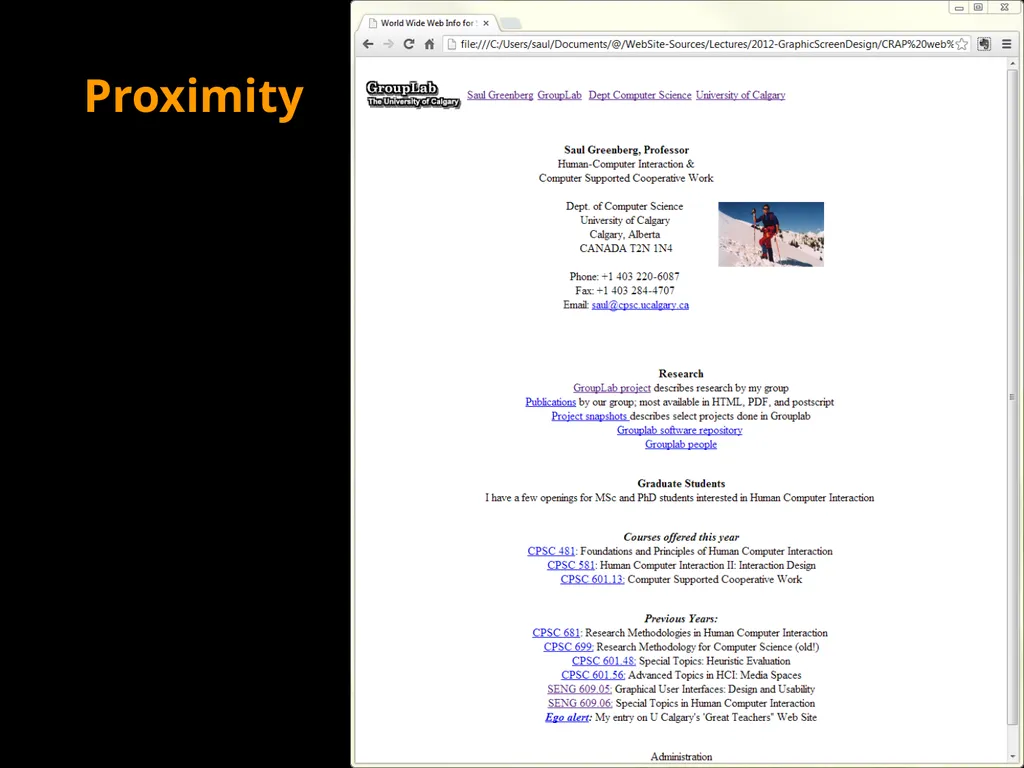
Proximity
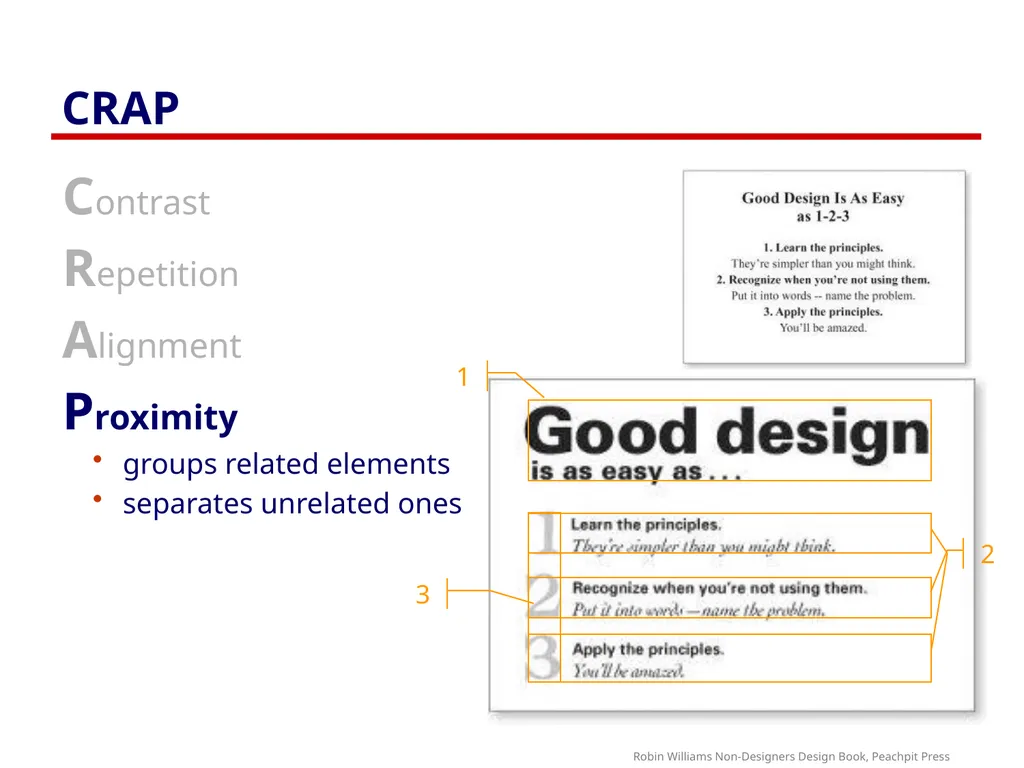
groups related elements
separates unrelated ones Robin Williams Non-Designers Design Book, Peachpit Press<br>
07
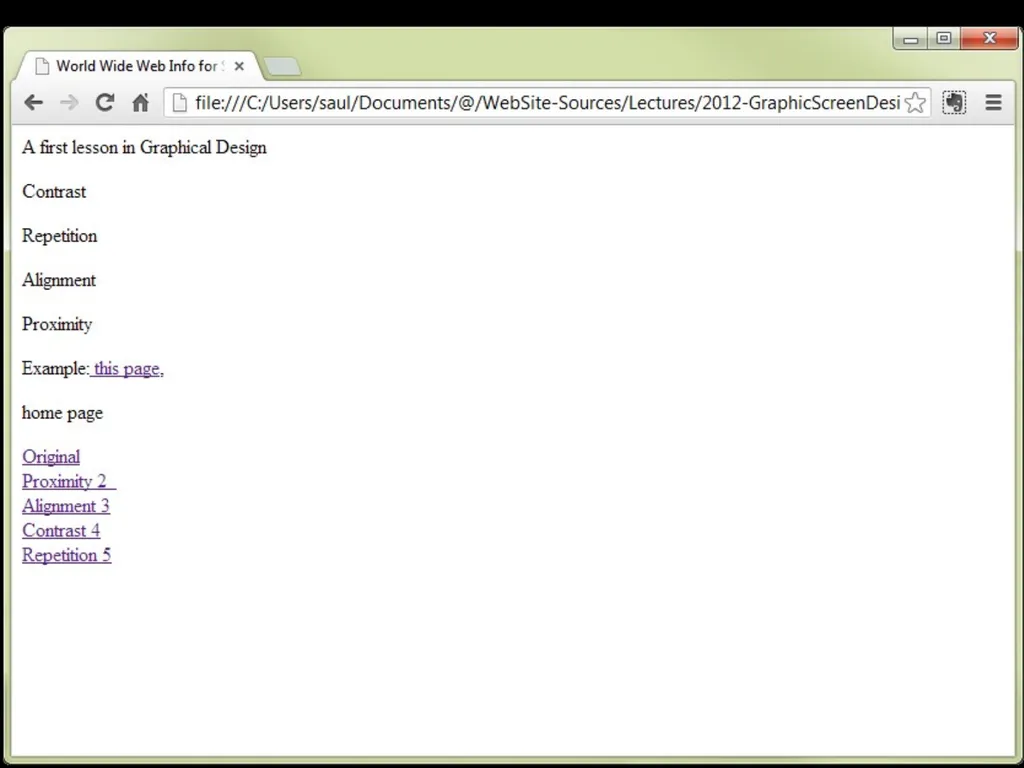
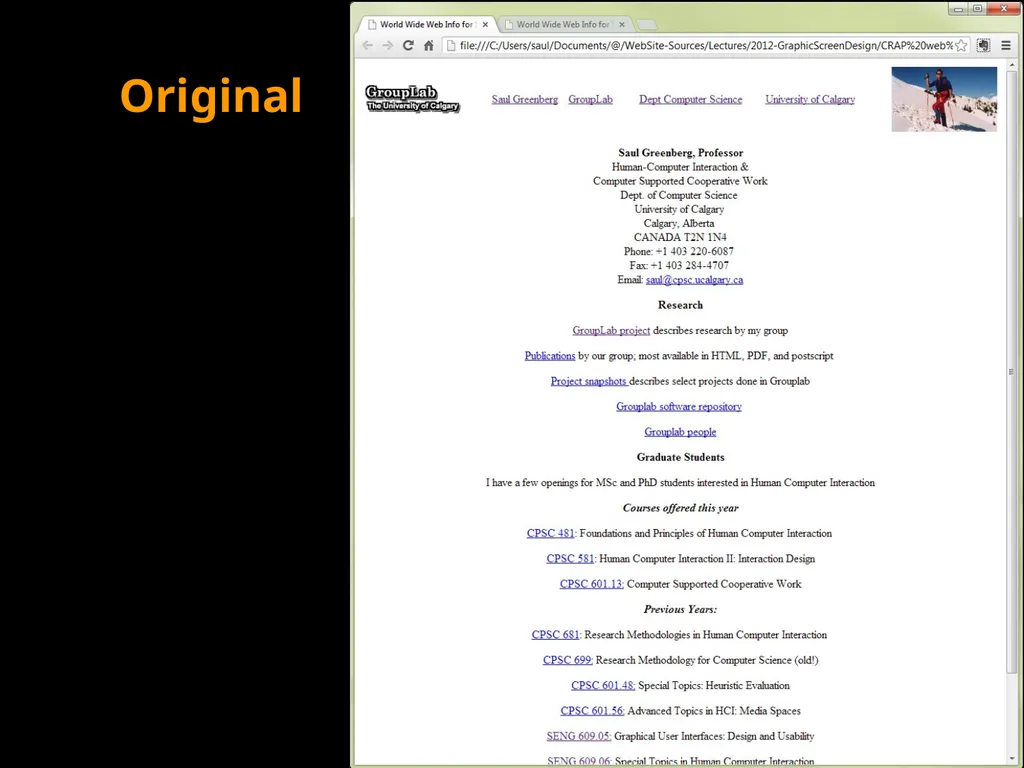
Original<br>
08
Proximity<br>
09
Alignment<br>
10
Contrast<br>
11
Repetition We still need to tune this page, but it’s a better starting point<br>
12
We still need to tune this page, but it’s a better starting point<br>
13
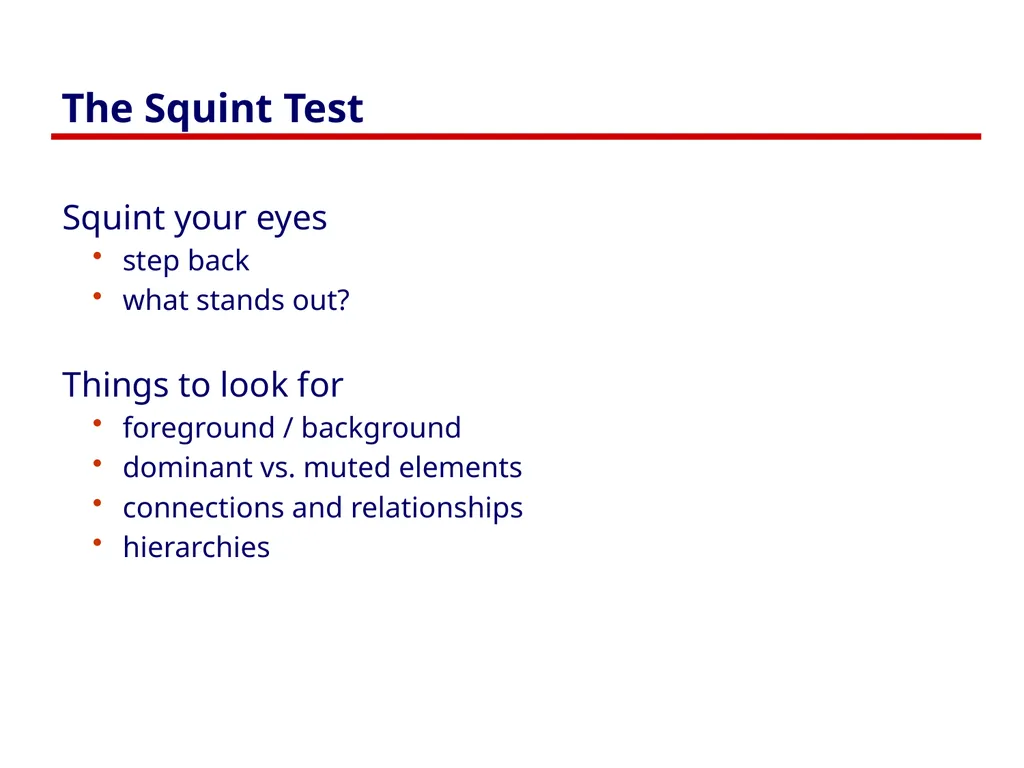
The Squint Test Squint your eyes
step back
what stands out?
Things to look for
foreground / background
dominant vs. muted elements
connections and relationships
hierarchies<br>
14
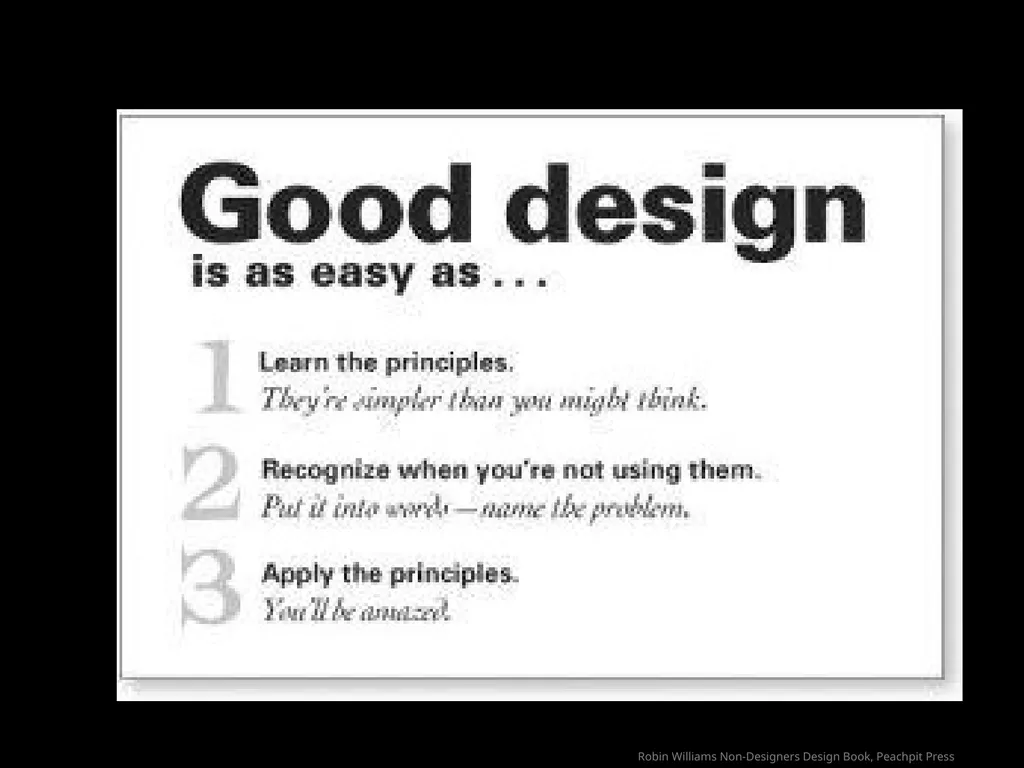
Robin Williams Non-Designers Design Book, Peachpit Press<br>
15
Modifed from Robin Williams Non-Designers Design Book, Peachpit Press<br>
16
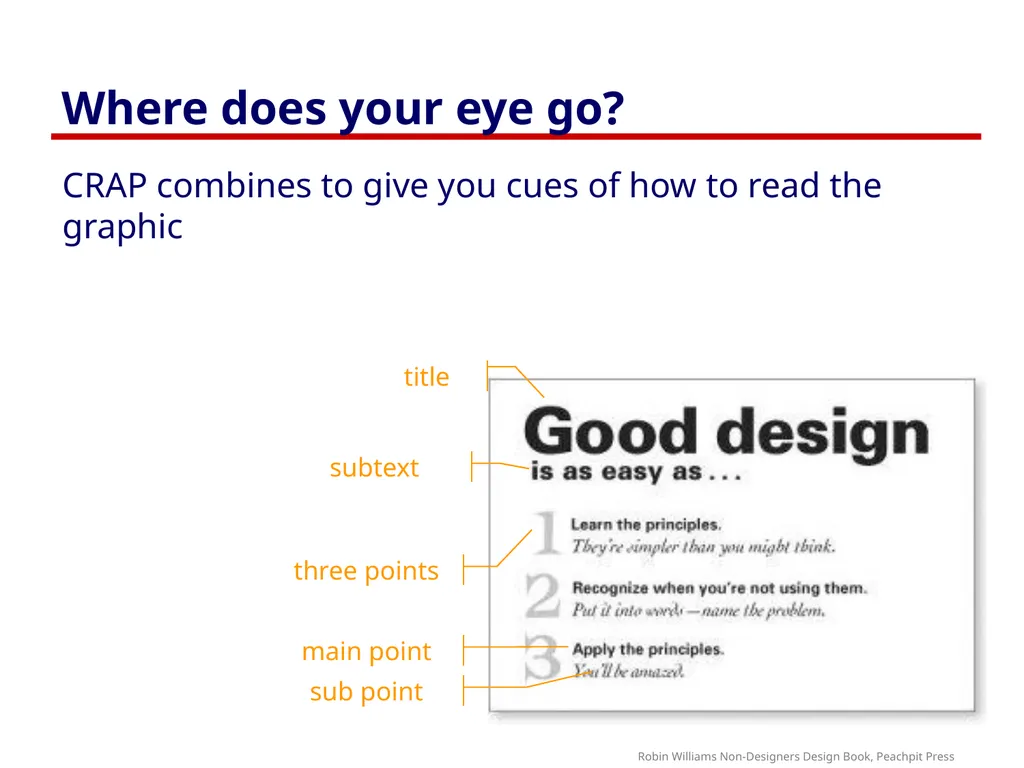
Where does your eye go? CRAP combines to give you cues of how to read the graphic Robin Williams Non-Designers Design Book, Peachpit Press title subtext three points main point sub point<br>
17
You know now Your graphical design friends
Contrast
Repetition
Alignment
Proximity<br>
18
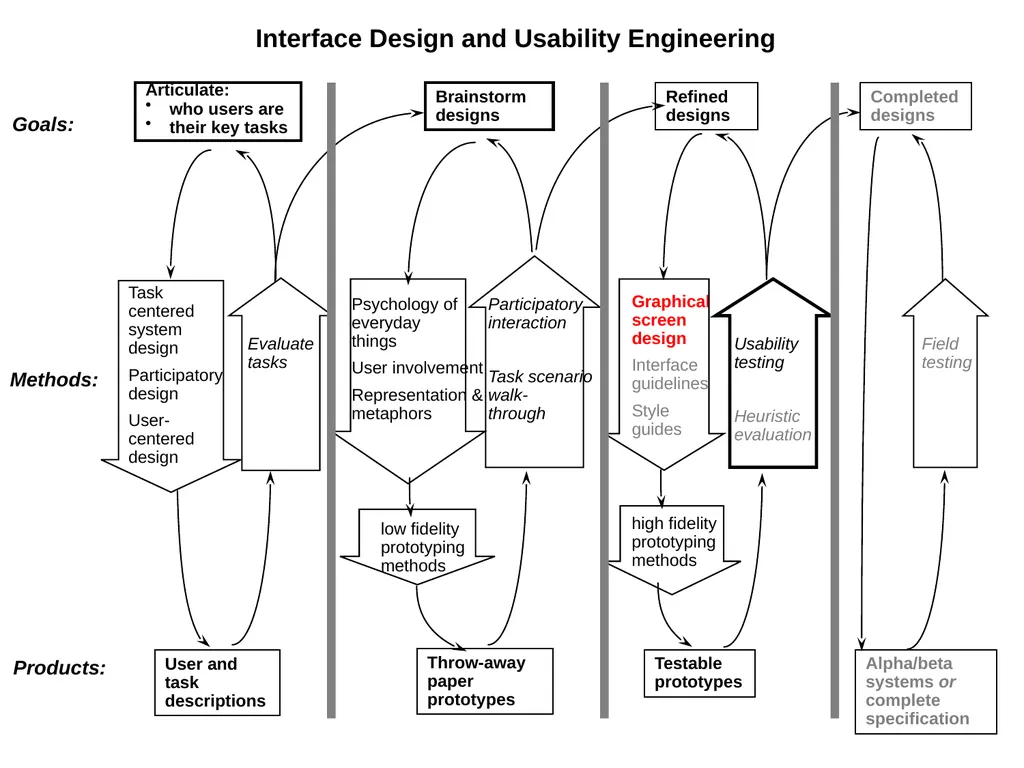
Articulate:
who users are
their key tasks User and task descriptions Goals: Methods: Products: Brainstorm designs Task centered system design
Participatory design
User-centered design Evaluate tasks Psychology of everyday things
User involvement
Representation & metaphors low fidelity prototyping methods Throw-away paper prototypes Participatory interaction
Heuristic evaluation Completed designs Alpha/beta systems or complete specification Field testing Interface Design and Usability Engineering<br>
19
Primary Sources This slide deck is partly based on concepts as taught by:
Designing Visual Interfaces, Mullet & Sano, Prentice Hall
Robin Williams Non-Designers Design Book, Peachpit Press<br>
20
Permissions You are free:
to Share — to copy, distribute and transmit the work
to Remix — to adapt the work
Under the following conditions:
Attribution — You must attribute the work in the manner specified by the author (but not in any way that suggests that they endorse you or your use of the work) by citing:
“Lecture materials by Saul Greenberg, University of Calgary, AB, Canada. http://saul.cpsc.ucalgary.ca/saul/pmwiki.php/HCIResources/HCILectures”
Noncommercial — You may not use this work for commercial purposes, except to assist one’s own teaching and training within commercial organizations.
Share Alike — If you alter, transform, or build upon this work, you may distribute the resulting work only under the same or similar license to this one.
With the understanding that:
Not all material have transferable rights — materials from other sources which are included here are cited
Waiver — Any of the above conditions can be waived if you get permission from the copyright holder.
Public Domain — Where the work or any of its elements is in the public domain under applicable law, that status is in no way affected by the license.
Other Rights — In no way are any of the following rights affected by the license:
Your fair dealing or fair use rights, or other applicable copyright exceptions and limitations;
The author's moral rights;
Rights other persons may have either in the work itself or in how the work is used, such as publicity or privacy rights.
Notice — For any reuse or distribution, you must make clear to others the license terms of this work. The best way to do this is with a link to this web page.<br>