How to use this UPEI widescreen presentation template Please note: This template has a variety of slides available for you to choose from: 7 cover slides 4 dividers 3 end slides There are examples of pages with: bulleted copy bulleted
"How to use this UPEI widescreen presentation" is the property of its rightful owner. Permission is granted to
download and print the materials on this website for personal, non-commercial use only, and to display it
on your personal computer provided you do not modify the materials and that you retain all copyright
notices contained in the materials. By downloading content from our website, you accept the terms of this
agreement.
Presentation Transcript
01
How to use this UPEI widescreen presentation template Please note: This template has a variety of slides available for you to choose from:
7 cover slides
4 dividers
3 end slides
There are examples of pages with:
• bulleted copy
• bulleted copy with photos
• copy with charts or tables
• copy with an image
• text only
• a quote or single phrase Please make your choice of slides and either:
copy and paste into a new PowerPoint document
(or)
b) delete pages in this template not chosen.
Please ensure you have replaced text copy and images (if you wish) with your own. These slides are meant to be examples for your own PowerPoint presentation.<br>
02
PRESENTATION TITLE PAGE WITH SIDE IMAGE DAY MONTH YEAR<br>
03
PRESENTATION TITLE PAGE WITH SIDE IMAGE DAY MONTH YEAR<br>
04
PRESENTATION TITLE PAGE WITH SIDE IMAGE DAY MONTH YEAR<br>
05
PRESENTATION TITLE PAGE WITH SIDE IMAGE DAY MONTH YEAR<br>
06
PRESENTATION TITLE PAGE WITH TOP IMAGE DAY MONTH YEAR<br>
07
PRESENTATION TITLE PAGE WITH NO IMAGE DAY MONTH YEAR<br>
08
PRESENTATION TITLE PAGE WITH NO IMAGE DAY MONTH YEAR<br>
09
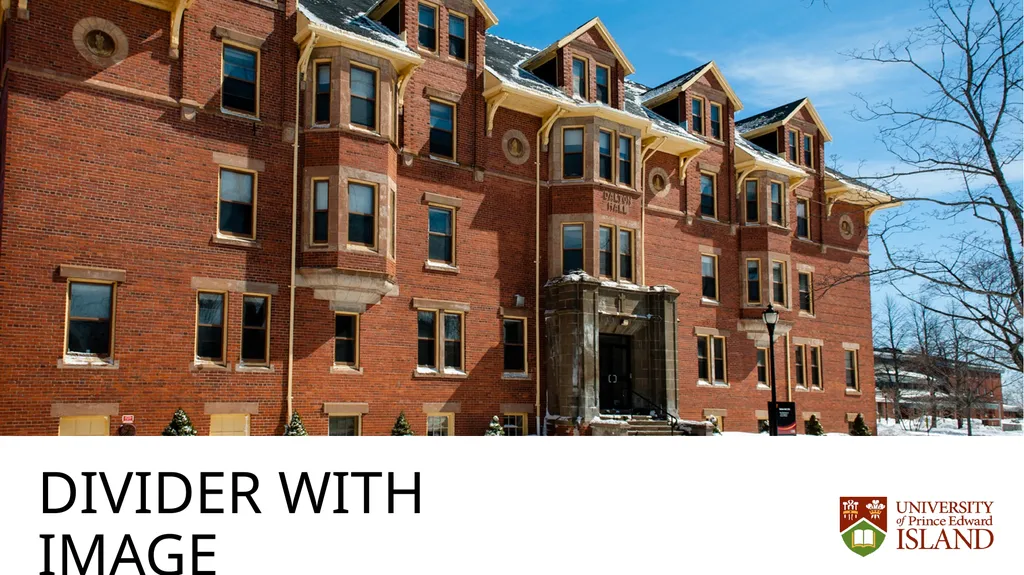
DIVIDER WITH IMAGE<br>
10
DIVIDER WITH NO IMAGE<br>
11
DIVIDER WITH NO IMAGE<br>
12
DIVIDER WITH NO IMAGE<br>
13
DIVIDER WITH NO IMAGE<br>
14
HEADER SUBHEADER Lorem ipsum dolor sit amet, consectetur adipiscing elit. Sed vitae sem non lacus
Etiam sed urna ullamcorper
Laoreet nulla at, dignissim enim.<br>
15
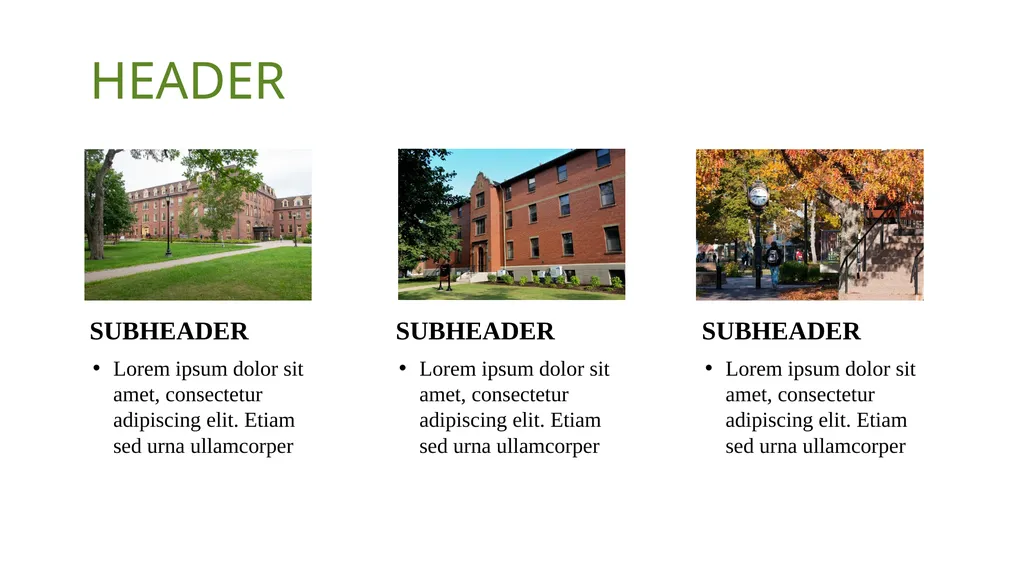
HEADER Lorem ipsum dolor sit amet, consectetur adipiscing elit. Etiam sed urna ullamcorper SUBHEADER Lorem ipsum dolor sit amet, consectetur adipiscing elit. Etiam sed urna ullamcorper SUBHEADER Lorem ipsum dolor sit amet, consectetur adipiscing elit. Etiam sed urna ullamcorper SUBHEADER<br>
16
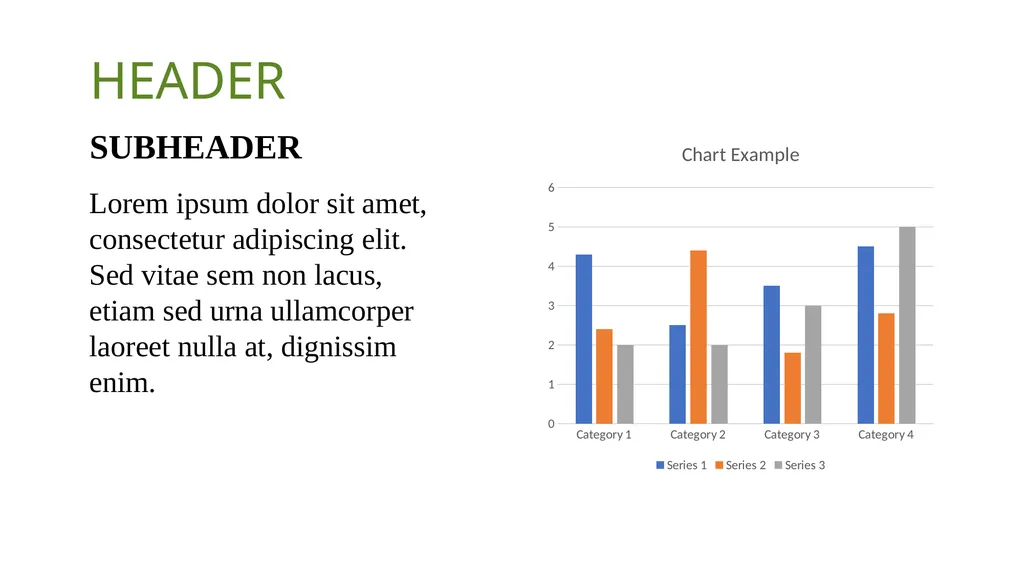
HEADER SUBHEADER Lorem ipsum dolor sit amet, consectetur adipiscing elit. Sed vitae sem non lacus, etiam sed urna ullamcorper laoreet nulla at, dignissim enim.<br>
17
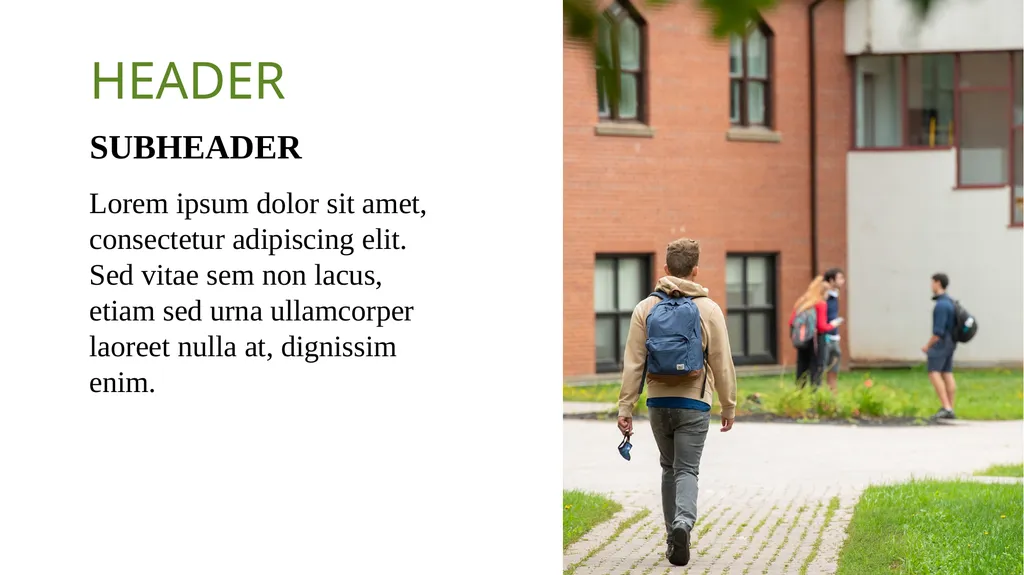
HEADER SUBHEADER Lorem ipsum dolor sit amet, consectetur adipiscing elit. Sed vitae sem non lacus, etiam sed urna ullamcorper laoreet nulla at, dignissim enim.<br>
18
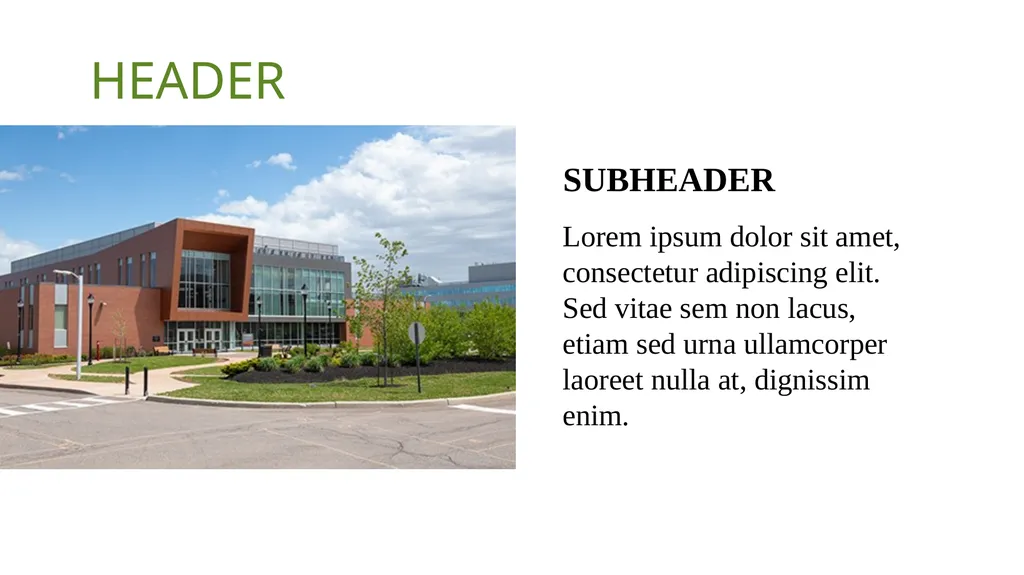
HEADER SUBHEADER Lorem ipsum dolor sit amet, consectetur adipiscing elit. Sed vitae sem non lacus, etiam sed urna ullamcorper laoreet nulla at, dignissim enim.<br>
19
HEADER SUBHEADER Lorem ipsum dolor sit amet, consectetur adipiscing elit. Aliquam auctor posuere felis imperdiet placerat. Sed fermentum commodo nunc, vitae auctor purus iaculis at. Curabitur molestie porttitor risus. Duis nec tempus diam, non iaculis justo. Nulla in porttitor ante, ut pulvinar velit. Curabitur pellentesque neque ut sollicitudin maximus. Mauris convallis quam elit, at blandit dolor pellentesque cursus.<br>