Human Resources Systems and Tools Welcome to Everett Public Schools! Ingrid Stafford Michelle Olson System Support Analyst Administrative Assistant 425-385-4114 425-385-4127 istaffordeverettsd.org molson2everettsd.org Jessica Peyton Randi
"Human Resources Systems and Tools Welcome to" is the property of its rightful owner. Permission is granted to
download and print the materials on this website for personal, non-commercial use only, and to display it
on your personal computer provided you do not modify the materials and that you retain all copyright
notices contained in the materials. By downloading content from our website, you accept the terms of this
agreement.
Presentation Transcript
01
Human Resources Systems and Tools Welcome to Everett Public Schools!
Ingrid Stafford Michelle Olson
System Support Analyst Administrative Assistant
425-385-4114 425-385-4127
istafford@everettsd.org molson2@everettsd.org
EMPLOYEE ONLINE is a self-service module available to all employees providing personnel and payroll information and
allows employees to update personal, payroll, and benefit information online.
Address change Benefit information
Collective bargaining agreements Check stub
Current position Direct deposit
Education and course information Federal IRS forms
GETTING STARTED: New employees refer to the introductory letter for your login information. If you have any problems with connecting, please contact the Help Desk by creating a work order. Employee Online<br>
03
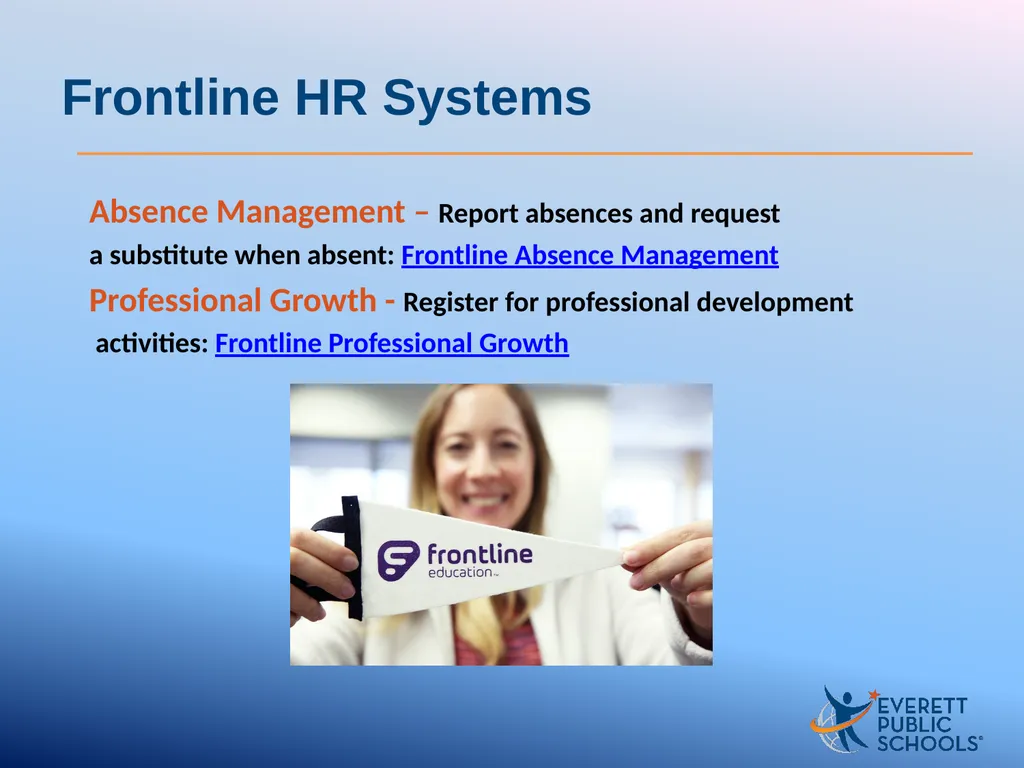
Absence Management – Report absences and request
a substitute when absent: Frontline Absence Management
Professional Growth - Register for professional development
activities: Frontline Professional Growth Frontline HR Systems<br>
04
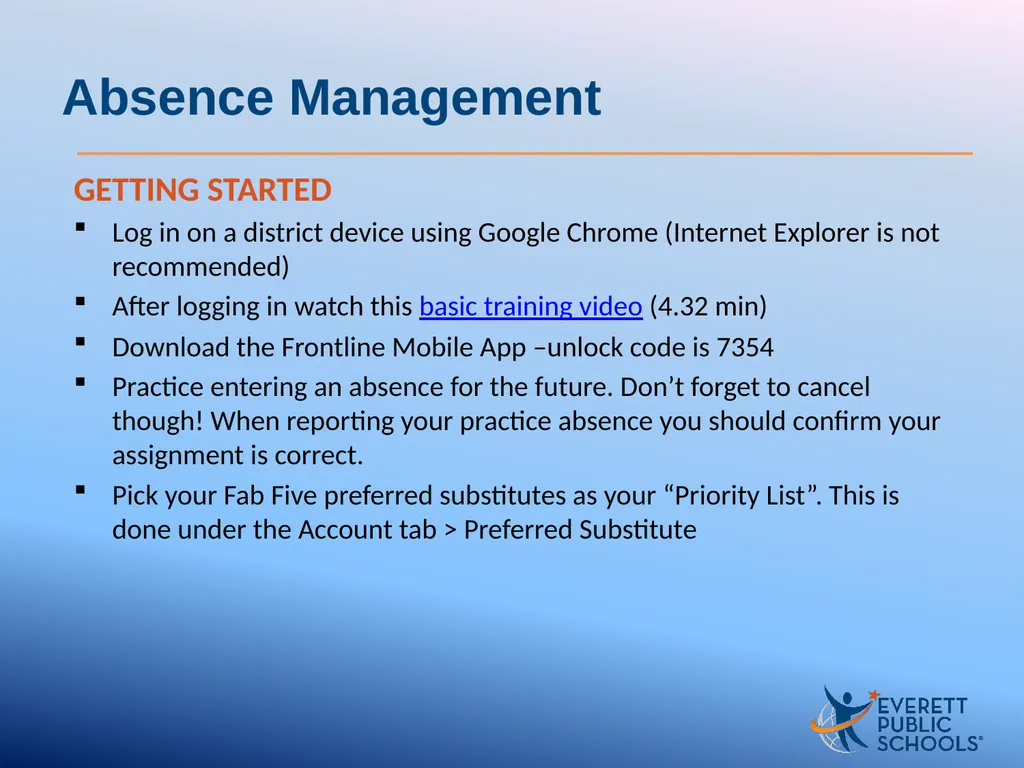
GETTING STARTED
Log in on a district device using Google Chrome (Internet Explorer is not recommended)
After logging in watch this basic training video (4.32 min)
Download the Frontline Mobile App –unlock code is 7354
Practice entering an absence for the future. Don’t forget to cancel though! When reporting your practice absence you should confirm your assignment is correct.
Pick your Fab Five preferred substitutes as your “Priority List”. This is done under the Account tab > Preferred Substitute Absence Management<br>
05
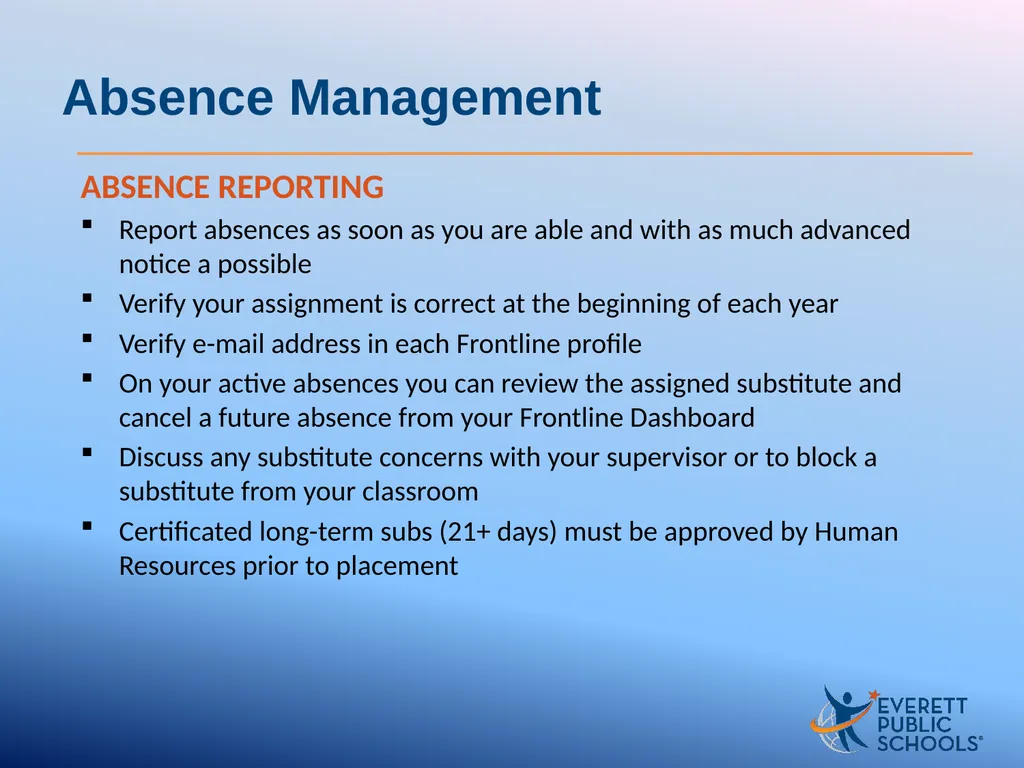
ABSENCE REPORTING
Report absences as soon as you are able and with as much advanced notice a possible
Verify your assignment is correct at the beginning of each year
Verify e-mail address in each Frontline profile
On your active absences you can review the assigned substitute and cancel a future absence from your Frontline Dashboard
Discuss any substitute concerns with your supervisor or to block a substitute from your classroom
Certificated long-term subs (21+ days) must be approved by Human Resources prior to placement Absence Management<br>
06
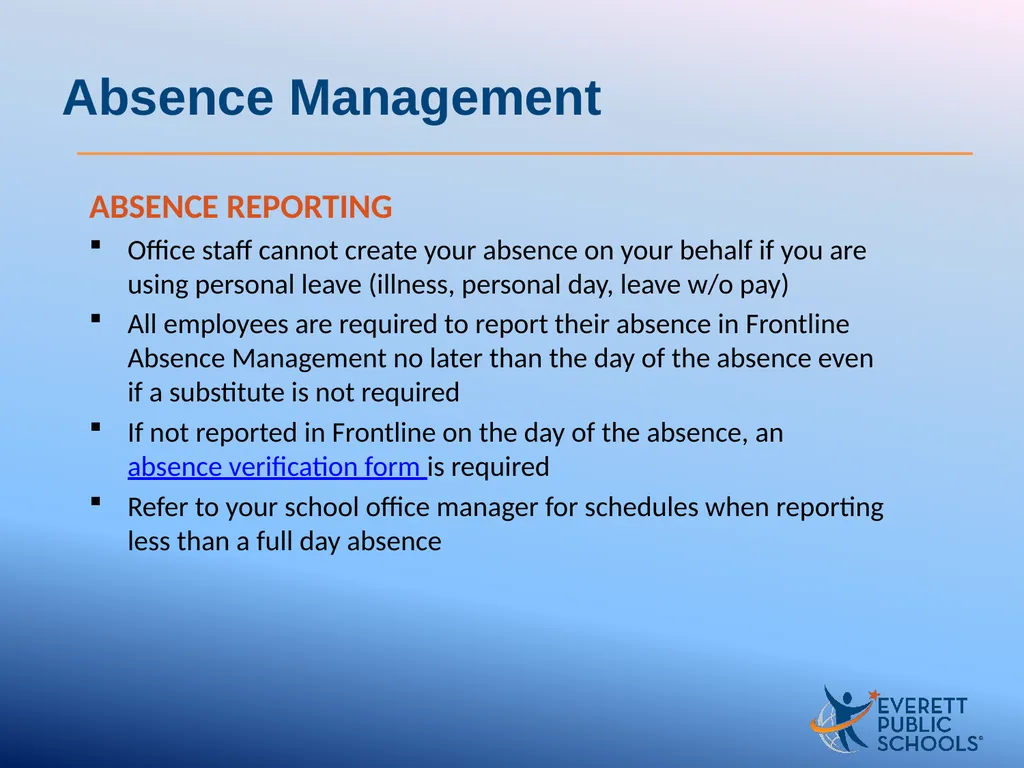
ABSENCE REPORTING
Office staff cannot create your absence on your behalf if you are using personal leave (illness, personal day, leave w/o pay)
All employees are required to report their absence in Frontline Absence Management no later than the day of the absence even if a substitute is not required
If not reported in Frontline on the day of the absence, an absence verification form is required
Refer to your school office manager for schedules when reporting less than a full day absence Absence Management<br>
07
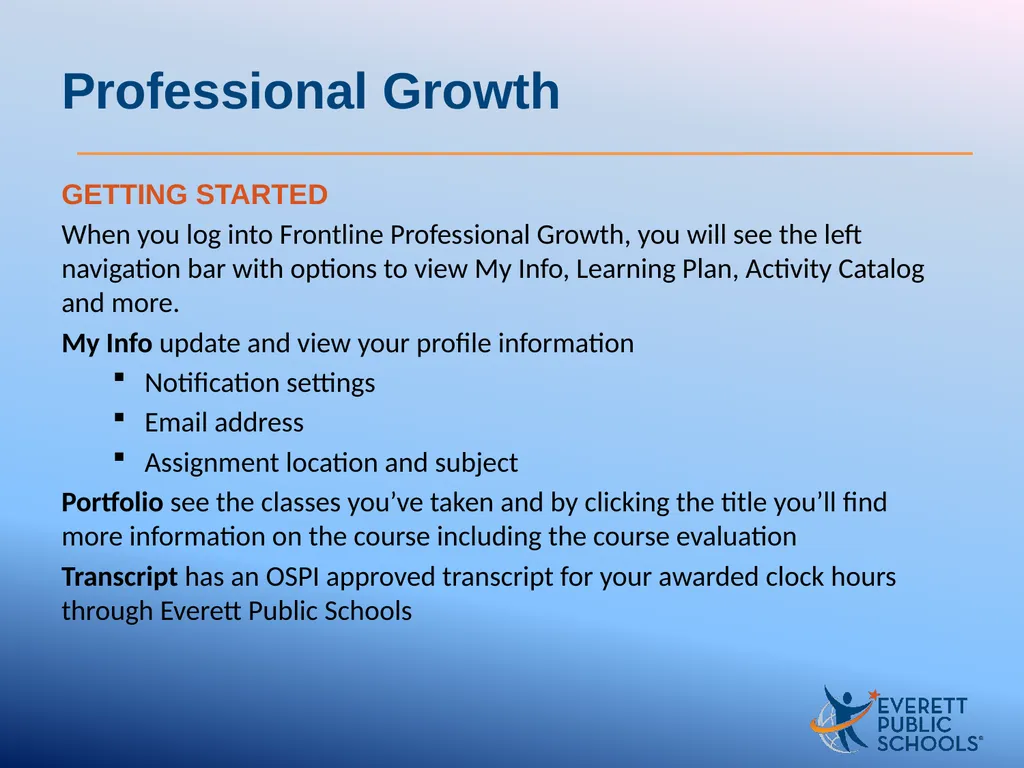
GETTING STARTED
When you log into Frontline Professional Growth, you will see the left navigation bar with options to view My Info, Learning Plan, Activity Catalog and more.
My Info update and view your profile information
Notification settings
Email address
Assignment location and subject
Portfolio see the classes you’ve taken and by clicking the title you’ll find more information on the course including the course evaluation
Transcript has an OSPI approved transcript for your awarded clock hours through Everett Public Schools Professional Growth<br>
08
Viewing the Catalog & Registering for Activities
Search the catalog by course code, title or date
DON’T FORGET TO SIGN IN! Your registration and signature at a training is important to you being awarded clock hours accurately
Frontline e-Timesheet is used for attendance outside of your normal work hours. You will not submit timecard online for training
To review your schedule, click on Learning Plan from the Navigation bar. All activities for which you have signed up will appear under Approved and/or In-Progress
To receive clock hours a course evaluations is required and can be access when attendance has been completed Professional Growth<br>
09
SafeSchools Online Training
Everett Public Schools requires all employees be trained on the following topics through SafeSchools. These trainings are a condition of employment and should be completed outside of your workday.
Log into SafeSchools using your employee ID, a list of mandatory trainings are assigned to you according to your hire status and assignment. Click on a course title to begin the training.
To avoid past due notices, complete all trainings assigned by the due date.
If you have previously taken any of the trainings in the “New Hire” training plan you may be able to receive credit and not have to complete it again. Send a copy of the certificate of completion to pd@everettsd.org
Hints:
• Use volume as videos have sound
• Use Google Chrome, Firefox or Safari. Internet Explorer not recommended
• It is not necessary to notify Human Resources regarding completions SafeSchools<br>
10
Training Plans
Upon new employment to the district, in addition to the trainings listed below, it is required each new staff member receive training in the following:
What Every Employee Must Be Told
Back Injury and Lifting
District Employee Handbook
Every year, the law requires each staff member to receive training in:
Bullying: Recognition & Response
Health Emergencies Overview
Staff Handbooks & District Policies and Procedures
McKinney-Vento Homeless Assistance Act
Bloodborne Pathogen Exposure Prevention
Responding to Civil Rights Complains In Everett Public Schools
Every three years, which included the 2019-20 school year, the law requires each staff member to receive training in:
Boundary Invasion Training (25 minutes) SafeSchools<br>
11
Help and training resources
Please use the following links
Mobile app and access from home
Training guides and manuals in Docushare
HR Information Systems Overview Frontline HR Systems<br>
12
Welcome, welcome - its going to be a good year! Human Resources Systems and Tools<br>