
Identifiers : An identifier is a name given to a
TD
Published · 49 slides · 0 views
1 / 1

Description
Identifiers : An identifier is a name given to a variable,function,class. Eg: a 20 It is a valid Python statement. Here a is an identifier. Rules to define identifiers in Python: 1. The only allowed characters in Python are Alphabet
Related Topics
Share
Embed code
Download this presentation From Below
"Identifiers : An identifier is a name given to a" is the property of its rightful owner. Permission is granted to download and print the materials on this website for personal, non-commercial use only, and to display it on your personal computer provided you do not modify the materials and that you retain all copyright notices contained in the materials. By downloading content from our website, you accept the terms of this agreement.
Presentation Transcript
01
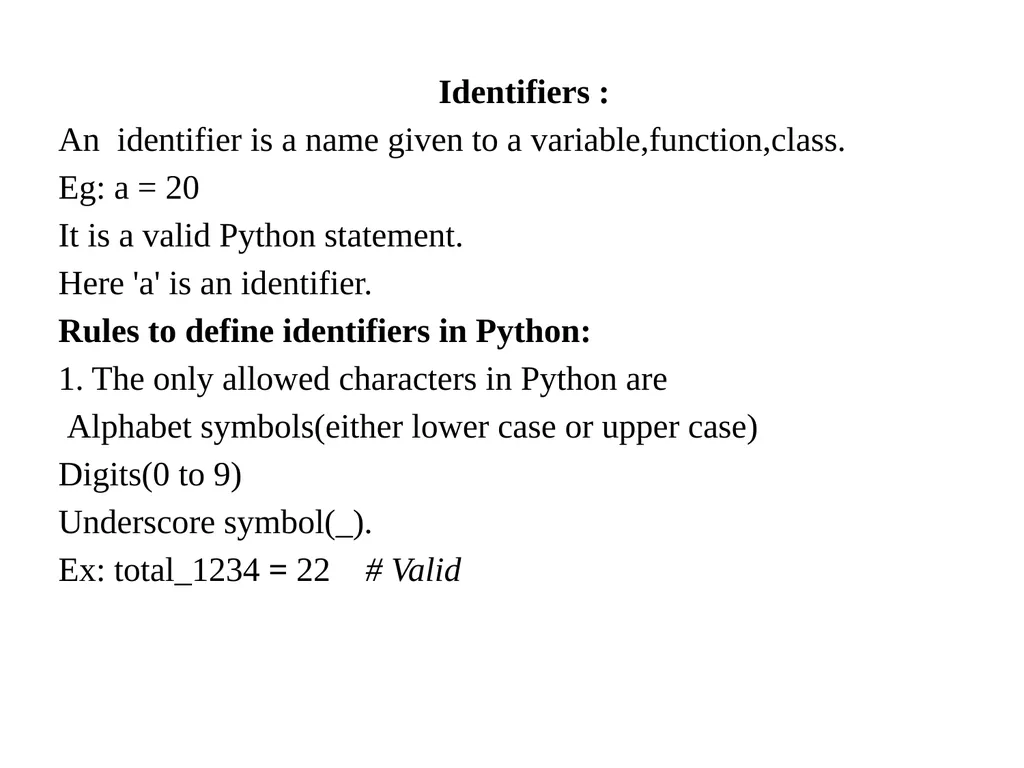
Identifiers :
An identifier is a name given to a variable,function,class.
Eg: a = 20
It is a valid Python statement.
Here 'a' is an identifier.
Rules to define identifiers in Python:
1. The only allowed characters in Python are
Alphabet symbols(either lower case or upper case)
Digits(0 to 9)
Underscore symbol(_).
Ex: total_1234 = 22 # Valid<br>
An identifier is a name given to a variable,function,class.
Eg: a = 20
It is a valid Python statement.
Here 'a' is an identifier.
Rules to define identifiers in Python:
1. The only allowed characters in Python are
Alphabet symbols(either lower case or upper case)
Digits(0 to 9)
Underscore symbol(_).
Ex: total_1234 = 22 # Valid<br>
02
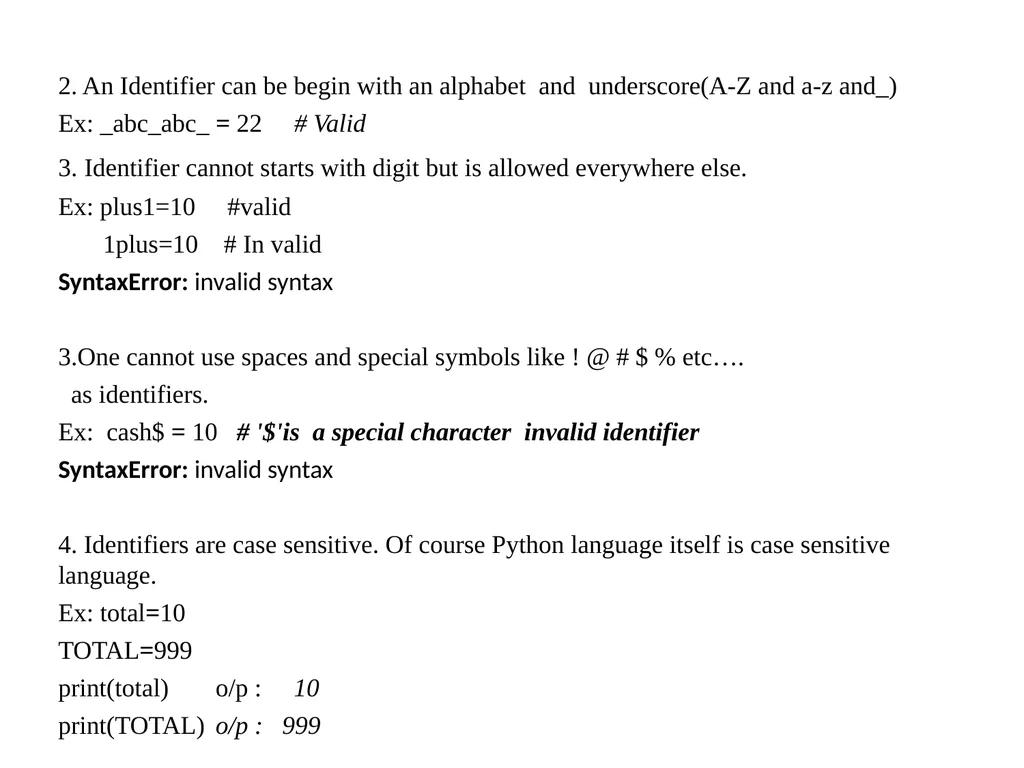
2. An Identifier can be begin with an alphabet and underscore(A-Z and a-z and_)
Ex: _abc_abc_ = 22 # Valid
3. Identifier cannot starts with digit but is allowed everywhere else.
Ex: plus1=10 #valid
1plus=10 # In valid
SyntaxError: invalid syntax
3.One cannot use spaces and special symbols like ! @ # $ % etc….
as identifiers.
Ex: cash$ = 10 # '$'is a special character invalid identifier
SyntaxError: invalid syntax
4. Identifiers are case sensitive. Of course Python language itself is case sensitive language.
Ex: total=10
TOTAL=999
print(total) o/p : 10
print(TOTAL) o/p : 999<br>
Ex: _abc_abc_ = 22 # Valid
3. Identifier cannot starts with digit but is allowed everywhere else.
Ex: plus1=10 #valid
1plus=10 # In valid
SyntaxError: invalid syntax
3.One cannot use spaces and special symbols like ! @ # $ % etc….
as identifiers.
Ex: cash$ = 10 # '$'is a special character invalid identifier
SyntaxError: invalid syntax
4. Identifiers are case sensitive. Of course Python language itself is case sensitive language.
Ex: total=10
TOTAL=999
print(total) o/p : 10
print(TOTAL) o/p : 999<br>
03
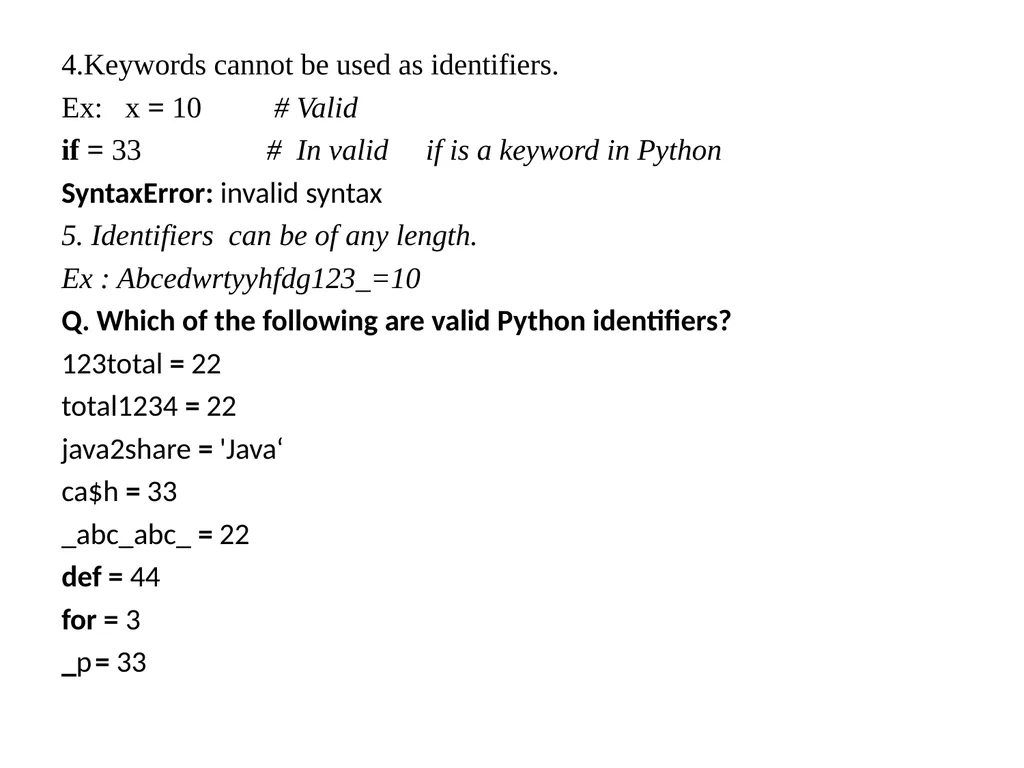
4.Keywords cannot be used as identifiers.
Ex: x = 10 # Valid
if = 33 # In valid if is a keyword in Python
SyntaxError: invalid syntax
5. Identifiers can be of any length.
Ex : Abcedwrtyyhfdg123_=10
Q. Which of the following are valid Python identifiers?
123total = 22
total1234 = 22
java2share = 'Java‘
ca$h = 33
_abc_abc_ = 22
def = 44
for = 3
_p = 33<br>
Ex: x = 10 # Valid
if = 33 # In valid if is a keyword in Python
SyntaxError: invalid syntax
5. Identifiers can be of any length.
Ex : Abcedwrtyyhfdg123_=10
Q. Which of the following are valid Python identifiers?
123total = 22
total1234 = 22
java2share = 'Java‘
ca$h = 33
_abc_abc_ = 22
def = 44
for = 3
_p = 33<br>
04
Keywords:
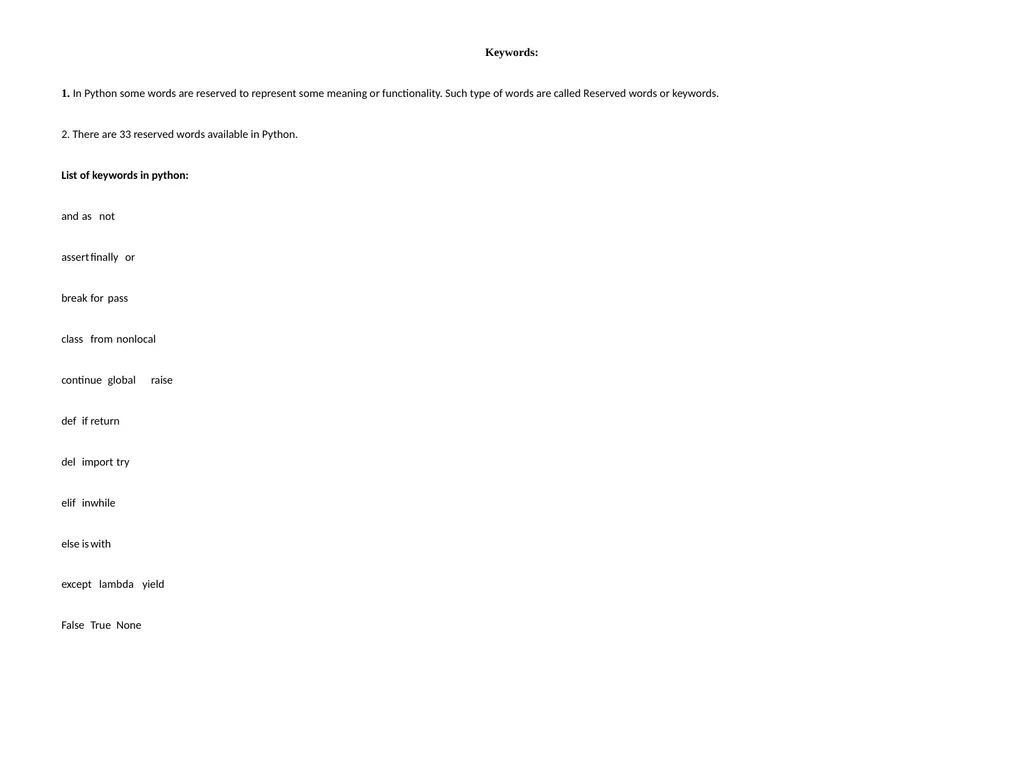
1. In Python some words are reserved to represent some meaning or functionality. Such type of words are called Reserved words or keywords.
2. There are 33 reserved words available in Python.
List of keywords in python:
and as not
assert finally or
break for pass
class from nonlocal
continue global raise
def if return
del import try
elif in while
else is with
except lambda yield
False True None<br>
1. In Python some words are reserved to represent some meaning or functionality. Such type of words are called Reserved words or keywords.
2. There are 33 reserved words available in Python.
List of keywords in python:
and as not
assert finally or
break for pass
class from nonlocal
continue global raise
def if return
del import try
elif in while
else is with
except lambda yield
False True None<br>
05
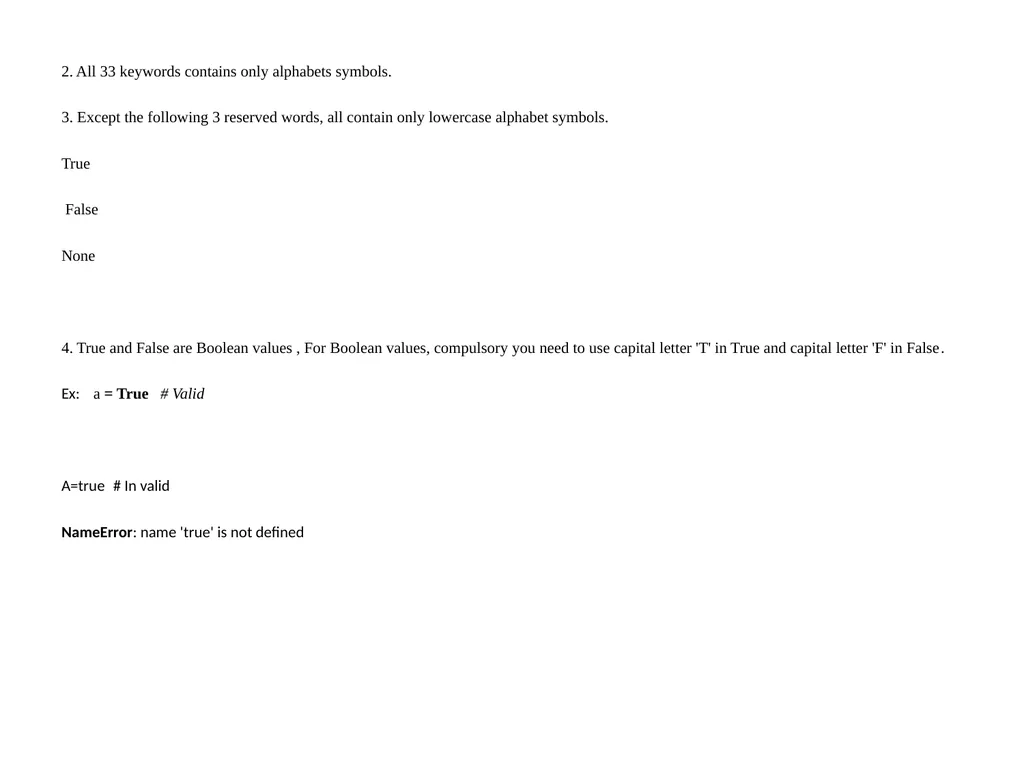
2. All 33 keywords contains only alphabets symbols.
3. Except the following 3 reserved words, all contain only lowercase alphabet symbols.
True
False
None
4. True and False are Boolean values , For Boolean values, compulsory you need to use capital letter 'T' in True and capital letter 'F' in False.
Ex: a = True # Valid
A=true # In valid
NameError: name 'true' is not defined<br>
3. Except the following 3 reserved words, all contain only lowercase alphabet symbols.
True
False
None
4. True and False are Boolean values , For Boolean values, compulsory you need to use capital letter 'T' in True and capital letter 'F' in False.
Ex: a = True # Valid
A=true # In valid
NameError: name 'true' is not defined<br>
06
Statements and Expressions:
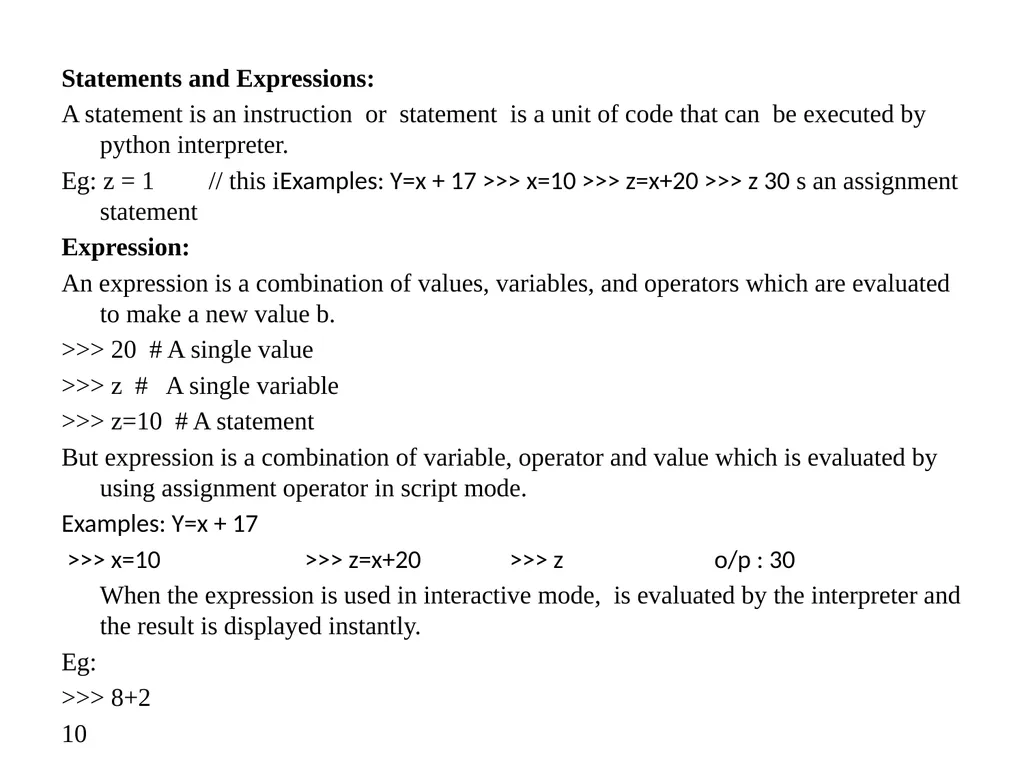
A statement is an instruction or statement is a unit of code that can be executed by python interpreter.
Eg: z = 1 // this iExamples: Y=x + 17 >>> x=10 >>> z=x+20 >>> z 30 s an assignment statement
Expression:
An expression is a combination of values, variables, and operators which are evaluated to make a new value b.
>>> 20 # A single value
>>> z # A single variable
>>> z=10 # A statement
But expression is a combination of variable, operator and value which is evaluated by using assignment operator in script mode.
Examples: Y=x + 17
>>> x=10 >>> z=x+20 >>> z o/p : 30
When the expression is used in interactive mode, is evaluated by the interpreter and the result is displayed instantly.
Eg:
>>> 8+2
10<br>
A statement is an instruction or statement is a unit of code that can be executed by python interpreter.
Eg: z = 1 // this iExamples: Y=x + 17 >>> x=10 >>> z=x+20 >>> z 30 s an assignment statement
Expression:
An expression is a combination of values, variables, and operators which are evaluated to make a new value b.
>>> 20 # A single value
>>> z # A single variable
>>> z=10 # A statement
But expression is a combination of variable, operator and value which is evaluated by using assignment operator in script mode.
Examples: Y=x + 17
>>> x=10 >>> z=x+20 >>> z o/p : 30
When the expression is used in interactive mode, is evaluated by the interpreter and the result is displayed instantly.
Eg:
>>> 8+2
10<br>
07
Variables:
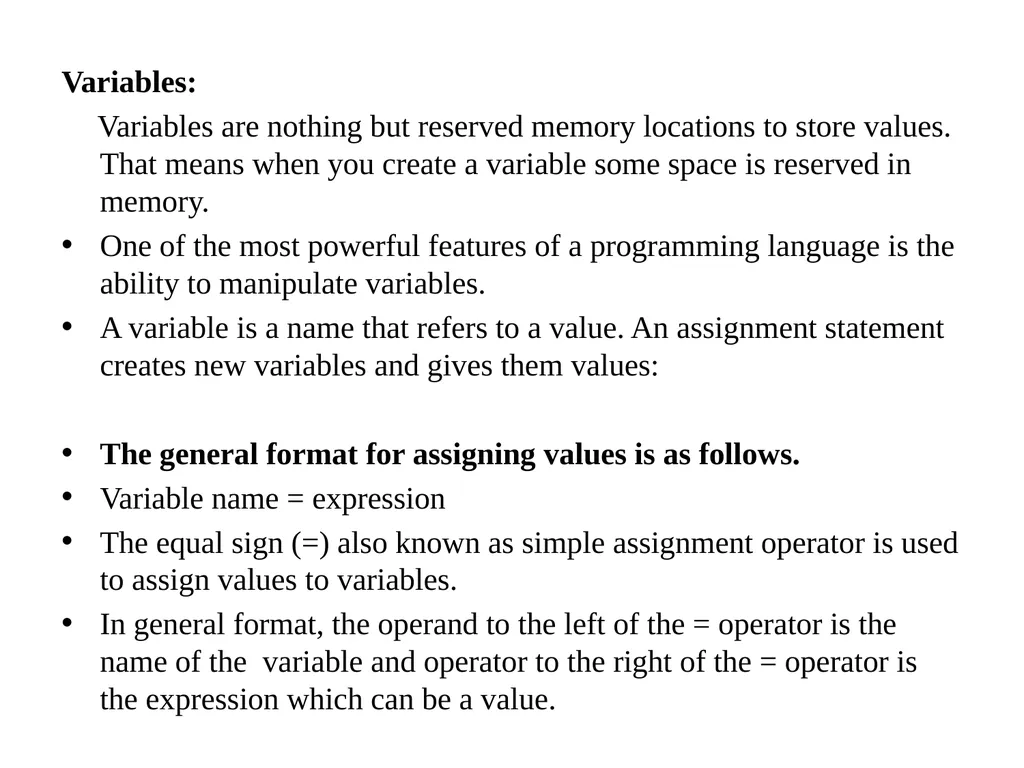
Variables are nothing but reserved memory locations to store values. That means when you create a variable some space is reserved in memory.
One of the most powerful features of a programming language is the ability to manipulate variables.
A variable is a name that refers to a value. An assignment statement creates new variables and gives them values:
The general format for assigning values is as follows.
Variable name = expression
The equal sign (=) also known as simple assignment operator is used to assign values to variables.
In general format, the operand to the left of the = operator is the name of the variable and operator to the right of the = operator is the expression which can be a value.<br>
Variables are nothing but reserved memory locations to store values. That means when you create a variable some space is reserved in memory.
One of the most powerful features of a programming language is the ability to manipulate variables.
A variable is a name that refers to a value. An assignment statement creates new variables and gives them values:
The general format for assigning values is as follows.
Variable name = expression
The equal sign (=) also known as simple assignment operator is used to assign values to variables.
In general format, the operand to the left of the = operator is the name of the variable and operator to the right of the = operator is the expression which can be a value.<br>
08
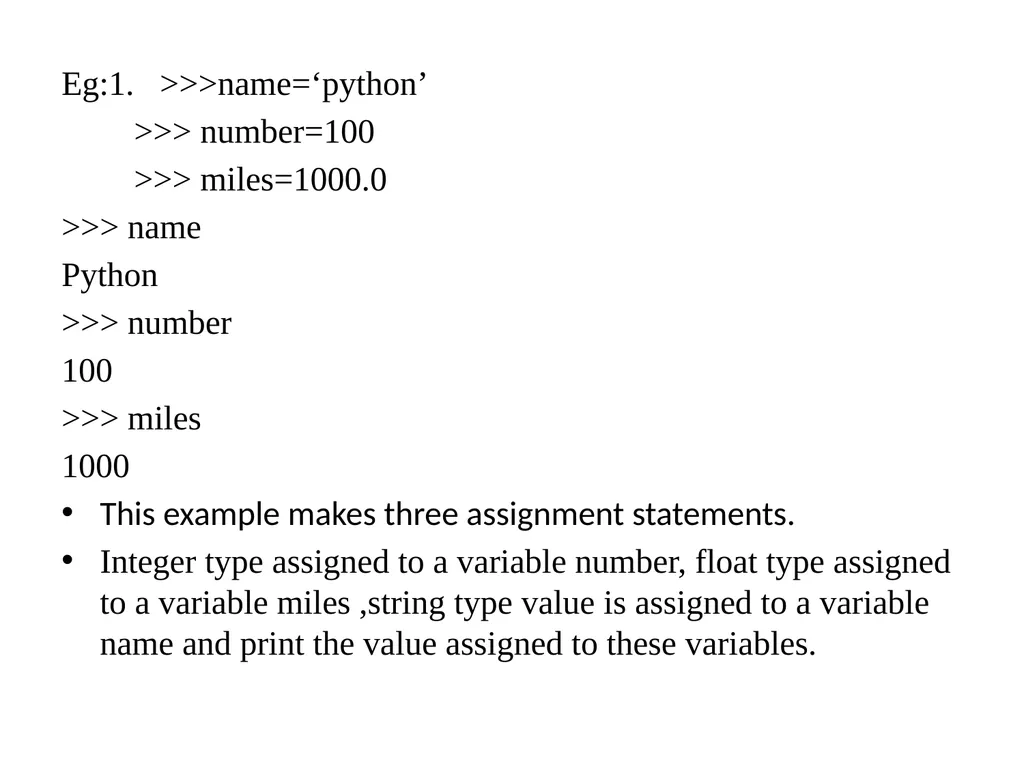
Eg:1. >>>name=‘python’
>>> number=100
>>> miles=1000.0
>>> name
Python
>>> number
100
>>> miles
1000
This example makes three assignment statements.
Integer type assigned to a variable number, float type assigned to a variable miles ,string type value is assigned to a variable name and print the value assigned to these variables.<br>
>>> number=100
>>> miles=1000.0
>>> name
Python
>>> number
100
>>> miles
1000
This example makes three assignment statements.
Integer type assigned to a variable number, float type assigned to a variable miles ,string type value is assigned to a variable name and print the value assigned to these variables.<br>
09
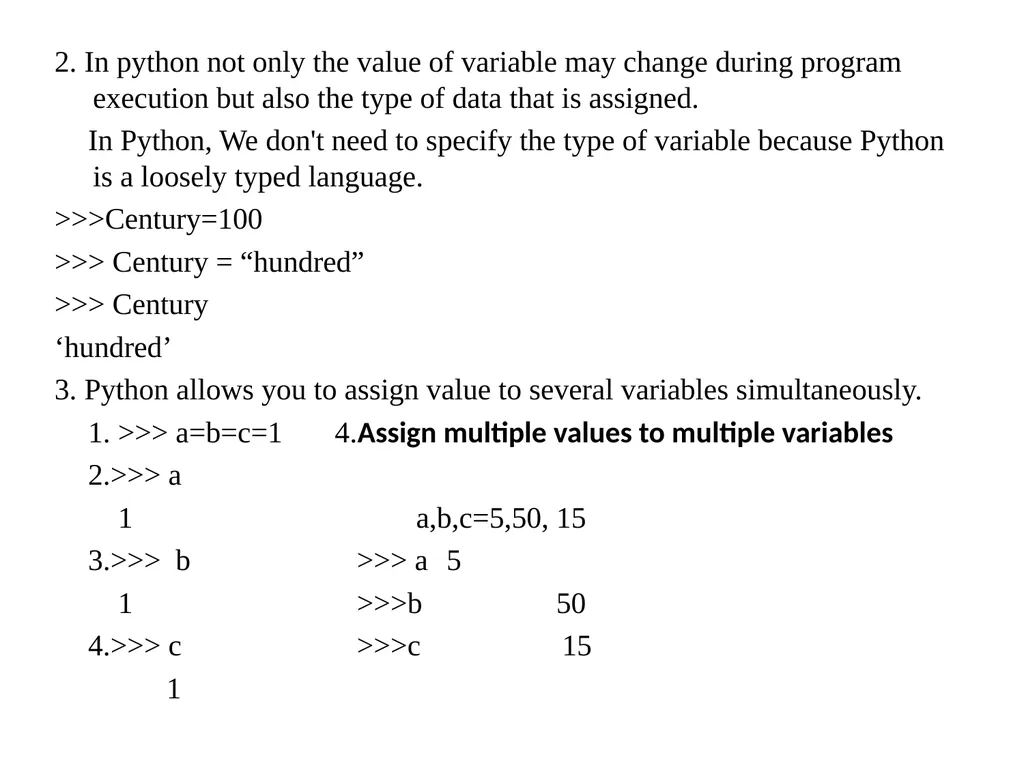
2. In python not only the value of variable may change during program execution but also the type of data that is assigned.
In Python, We don't need to specify the type of variable because Python is a loosely typed language.
>>>Century=100
>>> Century = “hundred”
>>> Century
‘hundred’
3. Python allows you to assign value to several variables simultaneously.
1. >>> a=b=c=1 4.Assign multiple values to multiple variables
2.>>> a
1 a,b,c=5,50, 15
3.>>> b >>> a 5
1 >>>b 50
4.>>> c >>>c 15
1<br>
In Python, We don't need to specify the type of variable because Python is a loosely typed language.
>>>Century=100
>>> Century = “hundred”
>>> Century
‘hundred’
3. Python allows you to assign value to several variables simultaneously.
1. >>> a=b=c=1 4.Assign multiple values to multiple variables
2.>>> a
1 a,b,c=5,50, 15
3.>>> b >>> a 5
1 >>>b 50
4.>>> c >>>c 15
1<br>
10
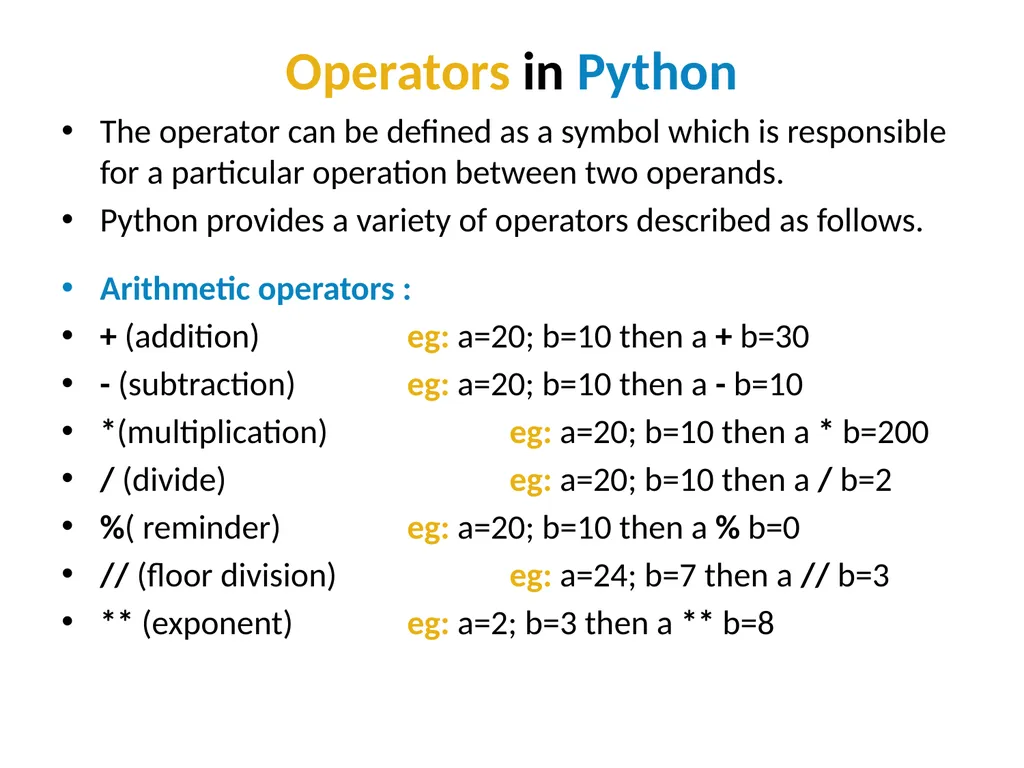
Operators in Python The operator can be defined as a symbol which is responsible for a particular operation between two operands.
Python provides a variety of operators described as follows.
Arithmetic operators :
+ (addition) eg: a=20; b=10 then a + b=30
- (subtraction) eg: a=20; b=10 then a - b=10
*(multiplication) eg: a=20; b=10 then a * b=200
/ (divide) eg: a=20; b=10 then a / b=2
%( reminder) eg: a=20; b=10 then a % b=0
// (floor division) eg: a=24; b=7 then a // b=3
** (exponent) eg: a=2; b=3 then a ** b=8<br>
Python provides a variety of operators described as follows.
Arithmetic operators :
+ (addition) eg: a=20; b=10 then a + b=30
- (subtraction) eg: a=20; b=10 then a - b=10
*(multiplication) eg: a=20; b=10 then a * b=200
/ (divide) eg: a=20; b=10 then a / b=2
%( reminder) eg: a=20; b=10 then a % b=0
// (floor division) eg: a=24; b=7 then a // b=3
** (exponent) eg: a=2; b=3 then a ** b=8<br>
11
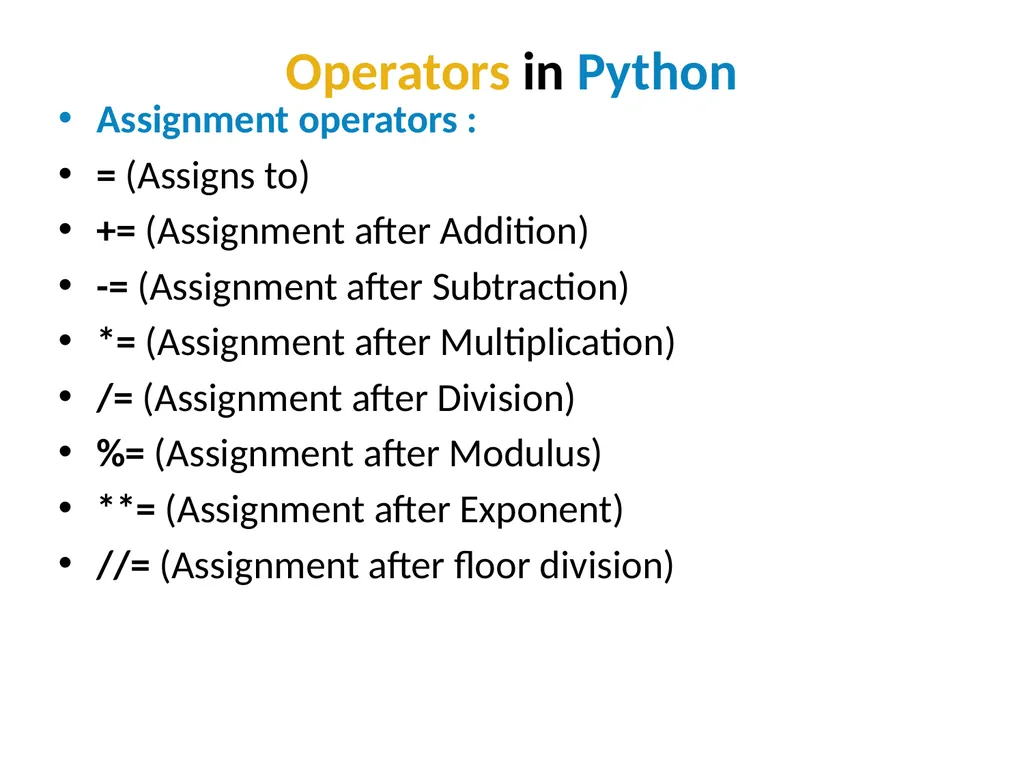
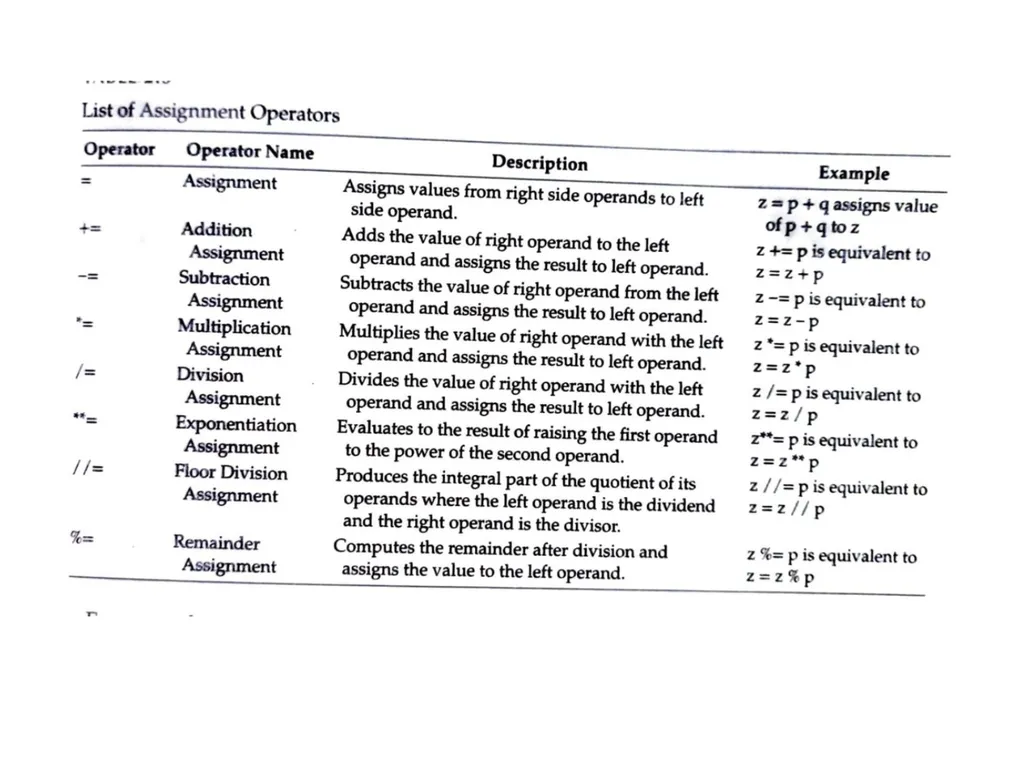
Operators in Python Assignment operators :
= (Assigns to)
+= (Assignment after Addition)
-= (Assignment after Subtraction)
*= (Assignment after Multiplication)
/= (Assignment after Division)
%= (Assignment after Modulus)
**= (Assignment after Exponent)
//= (Assignment after floor division)<br>
= (Assigns to)
+= (Assignment after Addition)
-= (Assignment after Subtraction)
*= (Assignment after Multiplication)
/= (Assignment after Division)
%= (Assignment after Modulus)
**= (Assignment after Exponent)
//= (Assignment after floor division)<br>
12
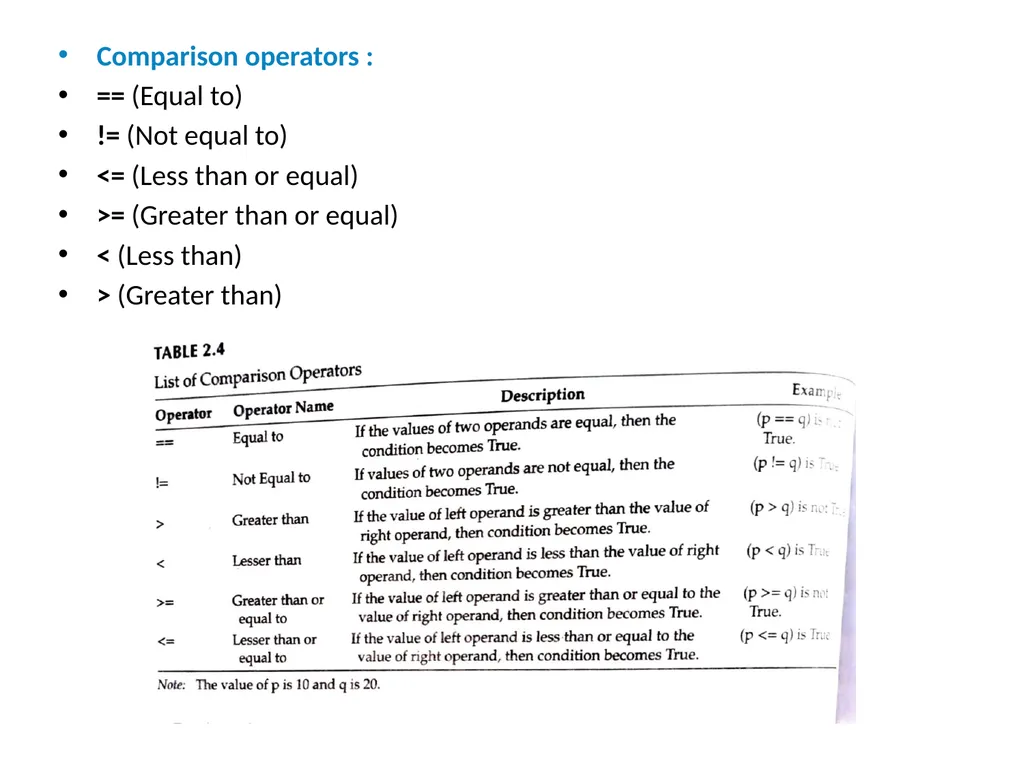
Comparison operators :
== (Equal to)
!= (Not equal to)
<= (Less than or equal)
>= (Greater than or equal)
< (Less than)
> (Greater than)<br>
== (Equal to)
!= (Not equal to)
<= (Less than or equal)
>= (Greater than or equal)
< (Less than)
> (Greater than)<br>
13
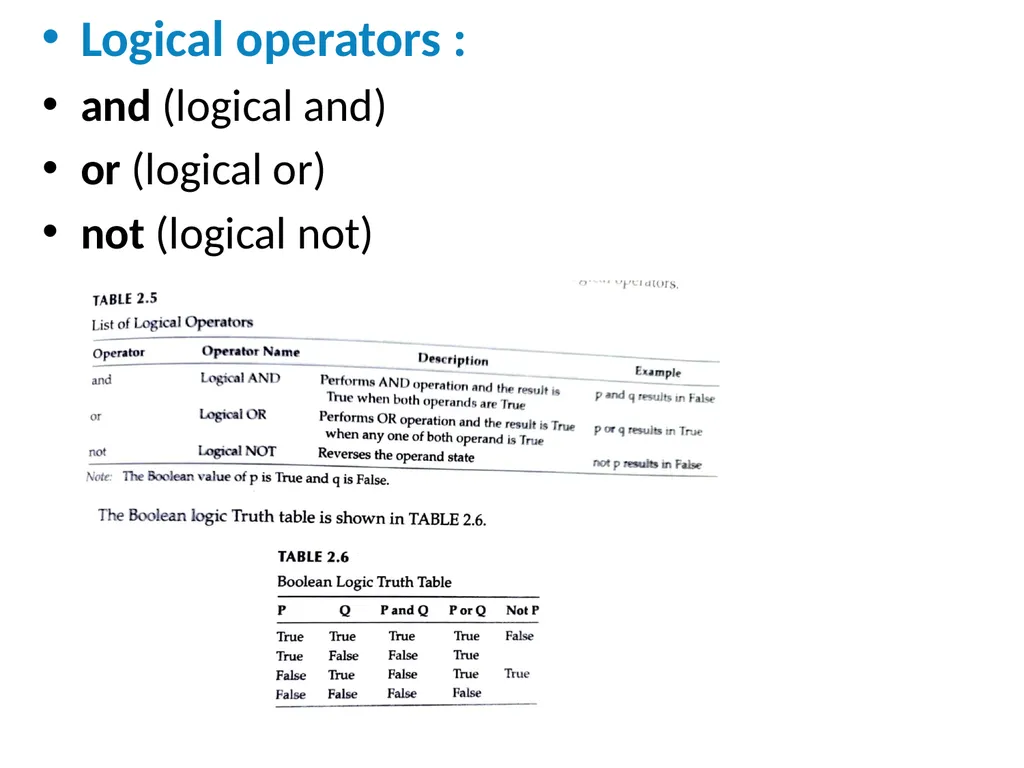
Logical operators :
and (logical and)
or (logical or)
not (logical not)<br>
and (logical and)
or (logical or)
not (logical not)<br>
14
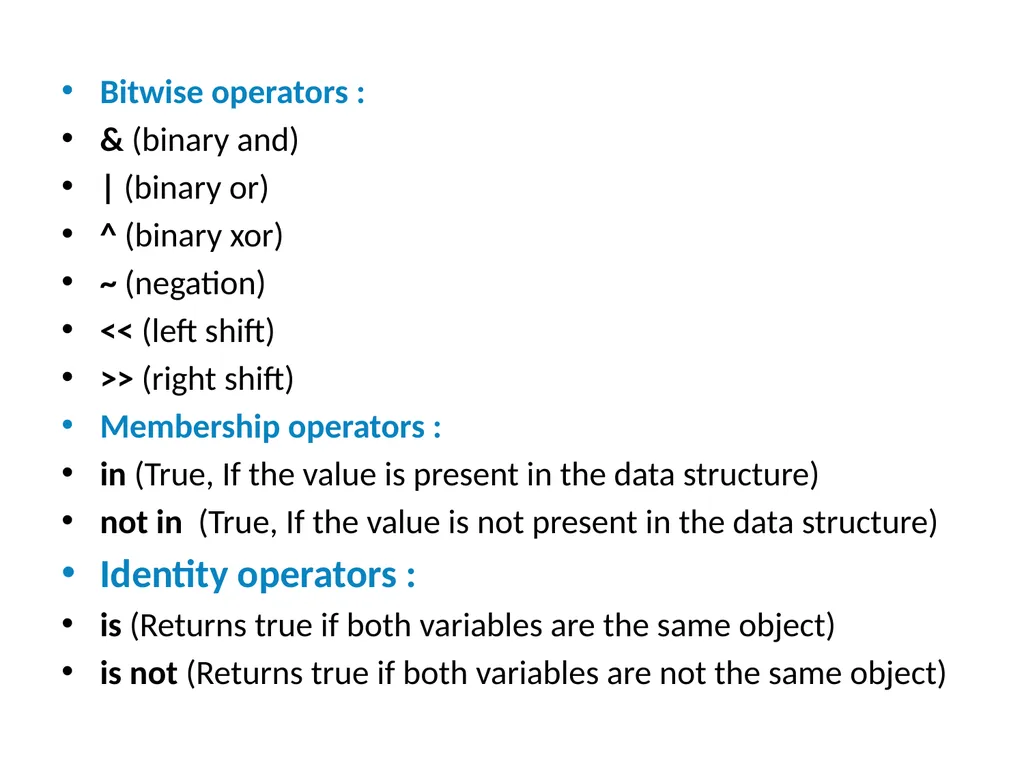
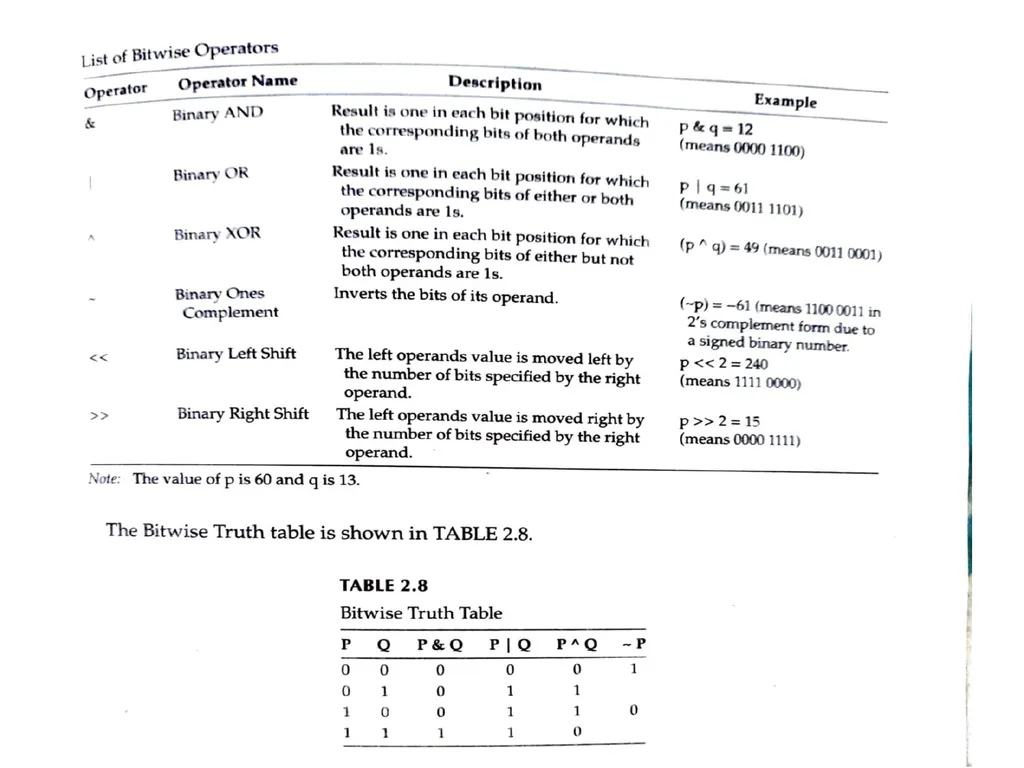
Bitwise operators :
& (binary and)
| (binary or)
^ (binary xor)
~ (negation)
<< (left shift)
>> (right shift)
Membership operators :
in (True, If the value is present in the data structure)
not in (True, If the value is not present in the data structure)
Identity operators :
is (Returns true if both variables are the same object)
is not (Returns true if both variables are not the same object)<br>
& (binary and)
| (binary or)
^ (binary xor)
~ (negation)
<< (left shift)
>> (right shift)
Membership operators :
in (True, If the value is present in the data structure)
not in (True, If the value is not present in the data structure)
Identity operators :
is (Returns true if both variables are the same object)
is not (Returns true if both variables are not the same object)<br>
15
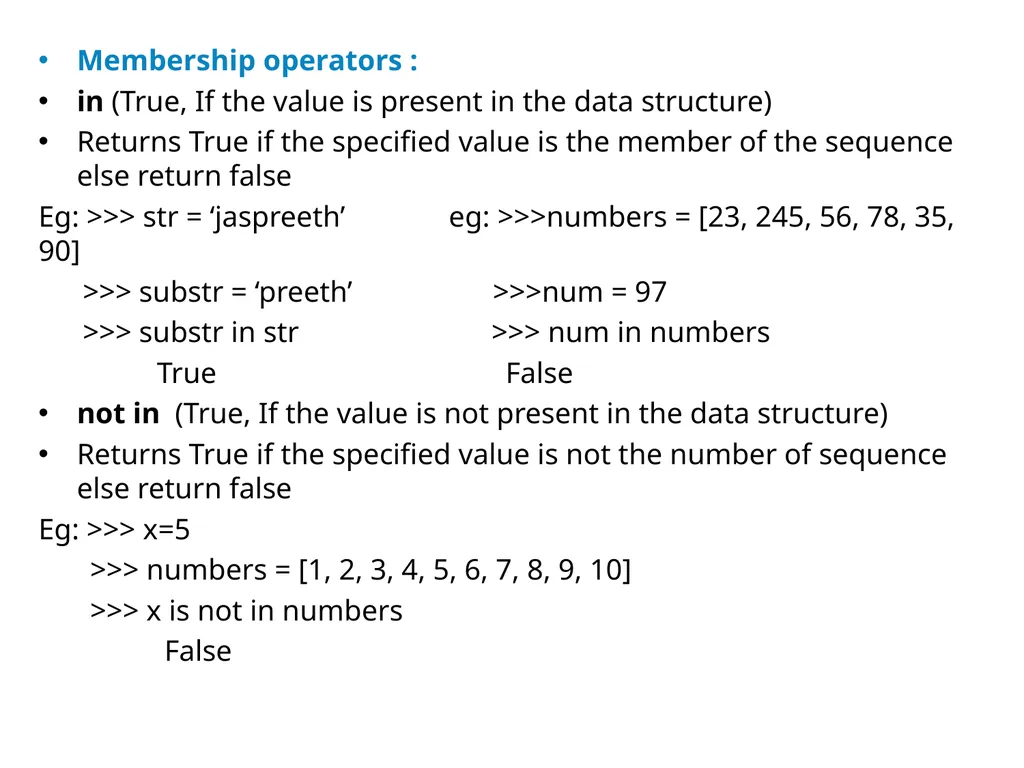
Membership operators :
in (True, If the value is present in the data structure)
Returns True if the specified value is the member of the sequence else return false
Eg: >>> str = ‘jaspreeth’ eg: >>>numbers = [23, 245, 56, 78, 35, 90]
>>> substr = ‘preeth’ >>>num = 97
>>> substr in str >>> num in numbers
True False
not in (True, If the value is not present in the data structure)
Returns True if the specified value is not the number of sequence else return false
Eg: >>> x=5
>>> numbers = [1, 2, 3, 4, 5, 6, 7, 8, 9, 10]
>>> x is not in numbers
False<br>
in (True, If the value is present in the data structure)
Returns True if the specified value is the member of the sequence else return false
Eg: >>> str = ‘jaspreeth’ eg: >>>numbers = [23, 245, 56, 78, 35, 90]
>>> substr = ‘preeth’ >>>num = 97
>>> substr in str >>> num in numbers
True False
not in (True, If the value is not present in the data structure)
Returns True if the specified value is not the number of sequence else return false
Eg: >>> x=5
>>> numbers = [1, 2, 3, 4, 5, 6, 7, 8, 9, 10]
>>> x is not in numbers
False<br>
16
Identity operators :
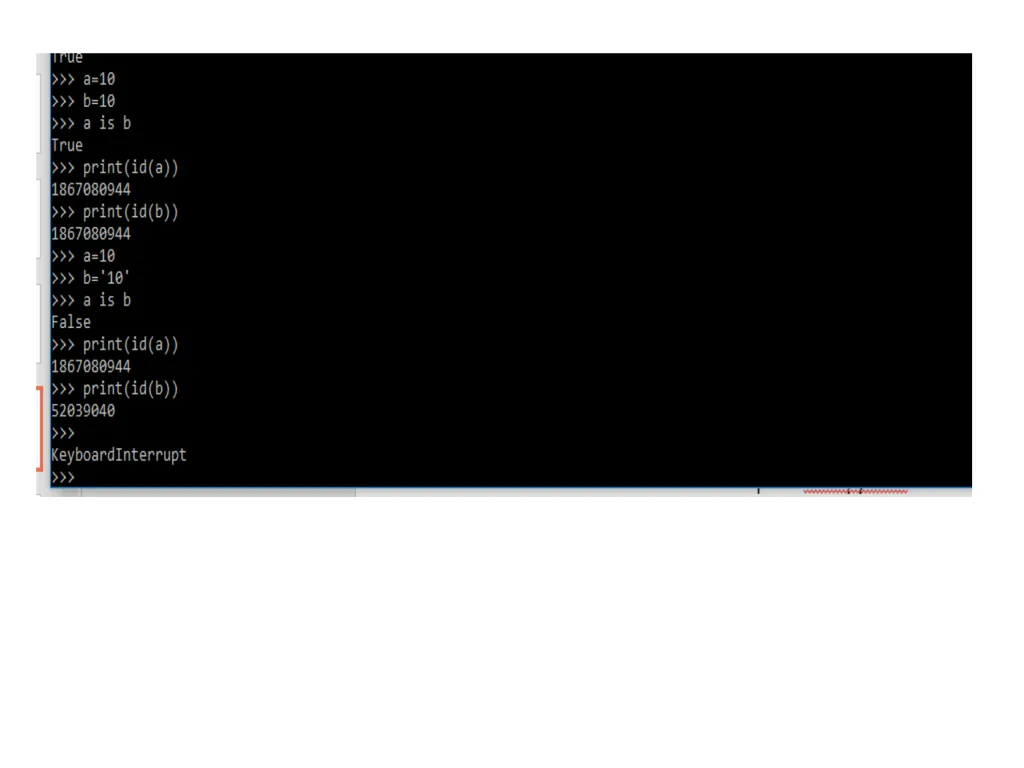
is (Returns true if both variables are the same object)
Indentity operators are used to compare the objects, not if they are equal, but if they are actually the same object, with the same memory location.
Ex:>>> x = ["apple", "banana"]
>>> y = ["apple", "banana"]
>>> z = x
>>> print(x is z)
True # returns True because z is the same object as x
>>> print(x is y)
False # returns False because x is not the same object as y, even if they have the same content
>>> print(x == y)
True # to demonstrate the difference betweeen "is" and "==": this comparison returns True because x is equal to y
is not (Returns true if both variables are not the same object)<br>
is (Returns true if both variables are the same object)
Indentity operators are used to compare the objects, not if they are equal, but if they are actually the same object, with the same memory location.
Ex:>>> x = ["apple", "banana"]
>>> y = ["apple", "banana"]
>>> z = x
>>> print(x is z)
True # returns True because z is the same object as x
>>> print(x is y)
False # returns False because x is not the same object as y, even if they have the same content
>>> print(x == y)
True # to demonstrate the difference betweeen "is" and "==": this comparison returns True because x is equal to y
is not (Returns true if both variables are not the same object)<br>
17
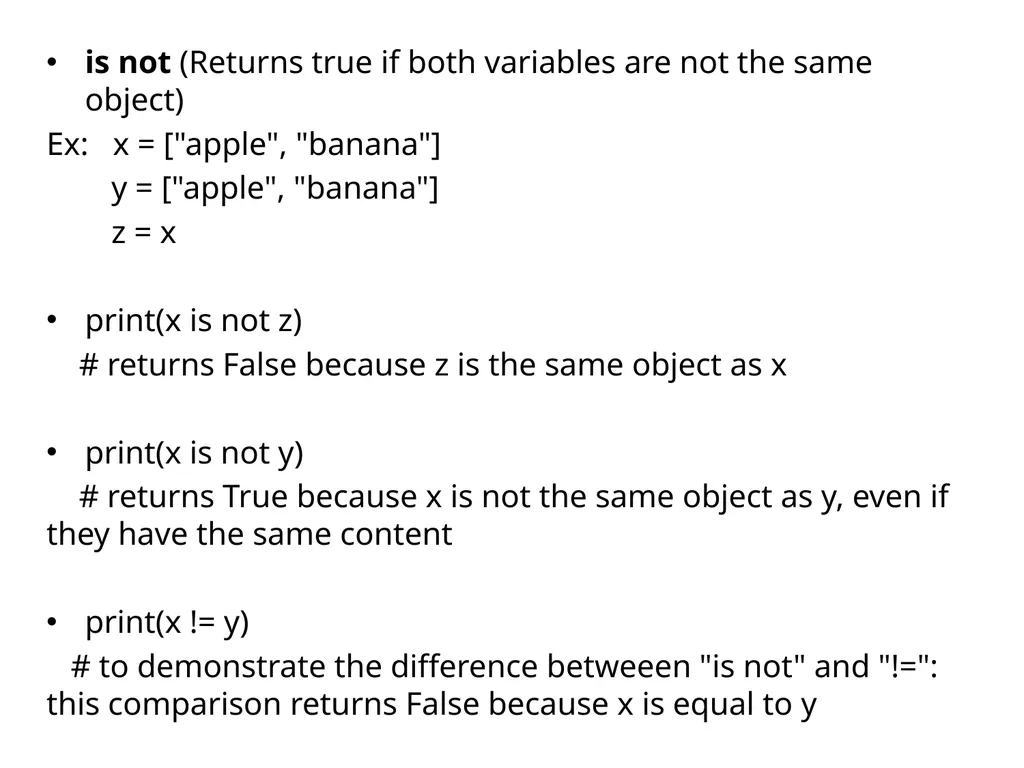
is not (Returns true if both variables are not the same object)
Ex: x = ["apple", "banana"]
y = ["apple", "banana"]
z = x
print(x is not z)
# returns False because z is the same object as x
print(x is not y)
# returns True because x is not the same object as y, even if they have the same content
print(x != y)
# to demonstrate the difference betweeen "is not" and "!=": this comparison returns False because x is equal to y<br>
Ex: x = ["apple", "banana"]
y = ["apple", "banana"]
z = x
print(x is not z)
# returns False because z is the same object as x
print(x is not y)
# returns True because x is not the same object as y, even if they have the same content
print(x != y)
# to demonstrate the difference betweeen "is not" and "!=": this comparison returns False because x is equal to y<br>
18
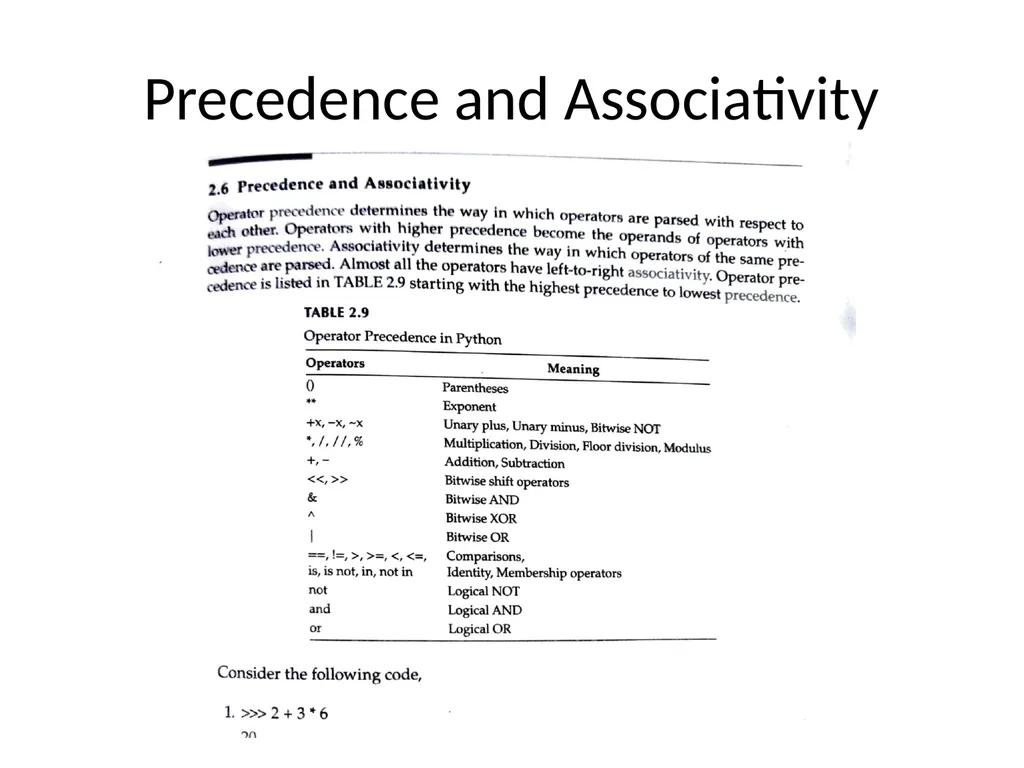
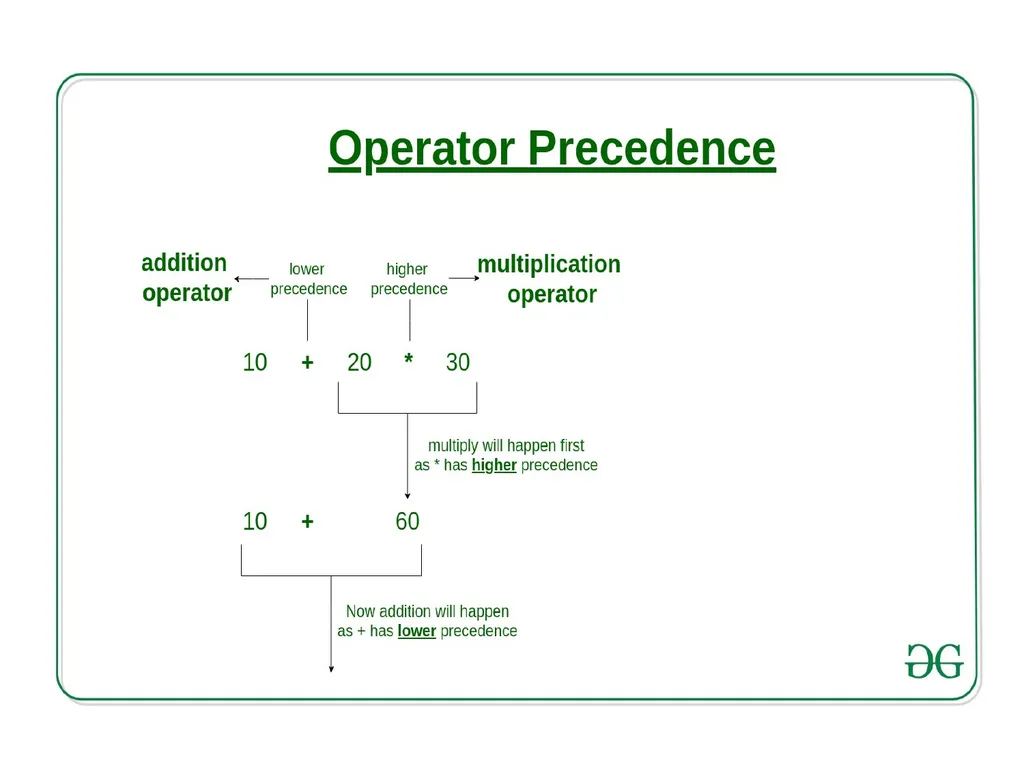
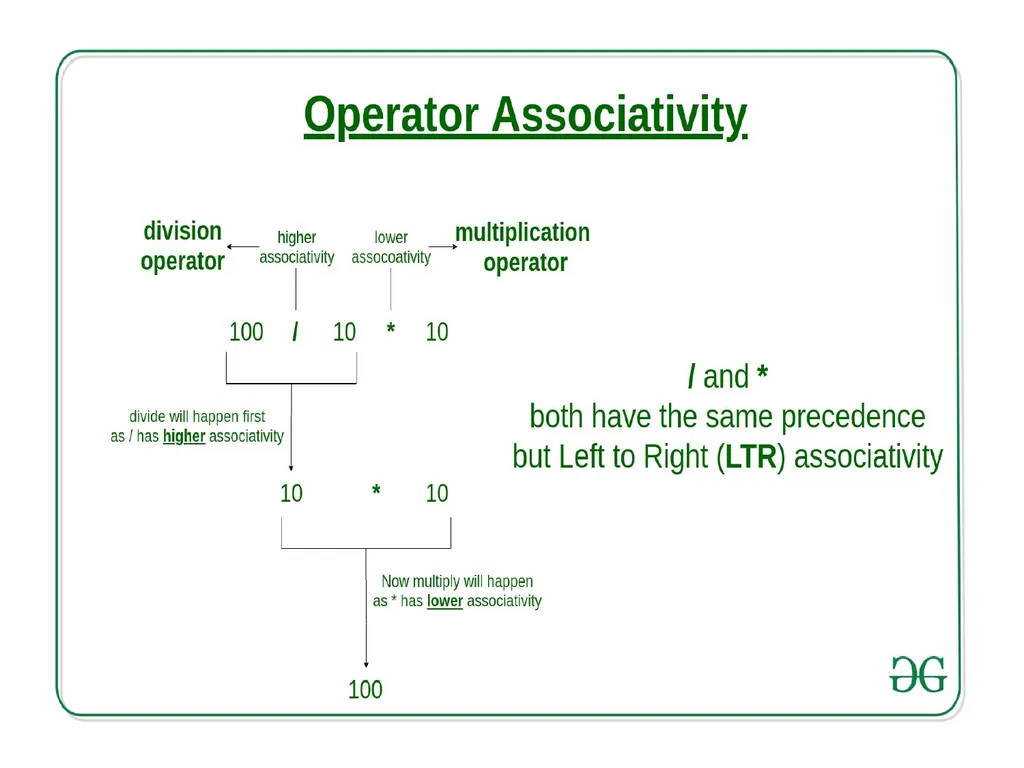
Precedence and Associativity<br>
19
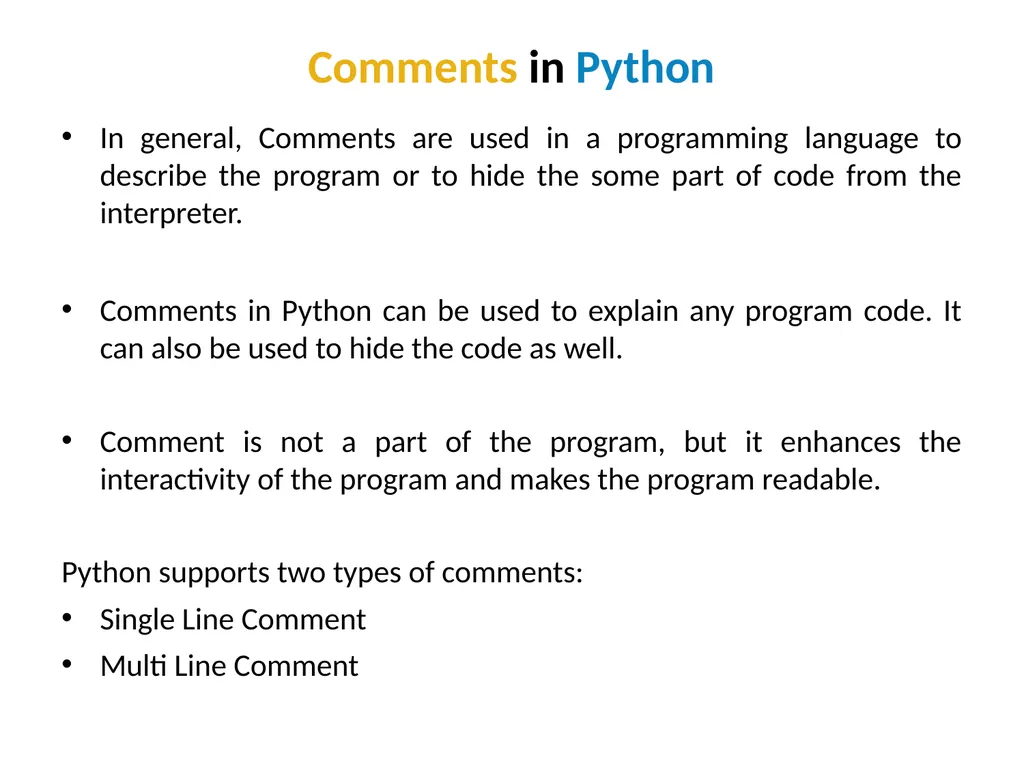
Comments in Python In general, Comments are used in a programming language to describe the program or to hide the some part of code from the interpreter.
Comments in Python can be used to explain any program code. It can also be used to hide the code as well.
Comment is not a part of the program, but it enhances the interactivity of the program and makes the program readable.
Python supports two types of comments:
Single Line Comment
Multi Line Comment<br>
Comments in Python can be used to explain any program code. It can also be used to hide the code as well.
Comment is not a part of the program, but it enhances the interactivity of the program and makes the program readable.
Python supports two types of comments:
Single Line Comment
Multi Line Comment<br>
20
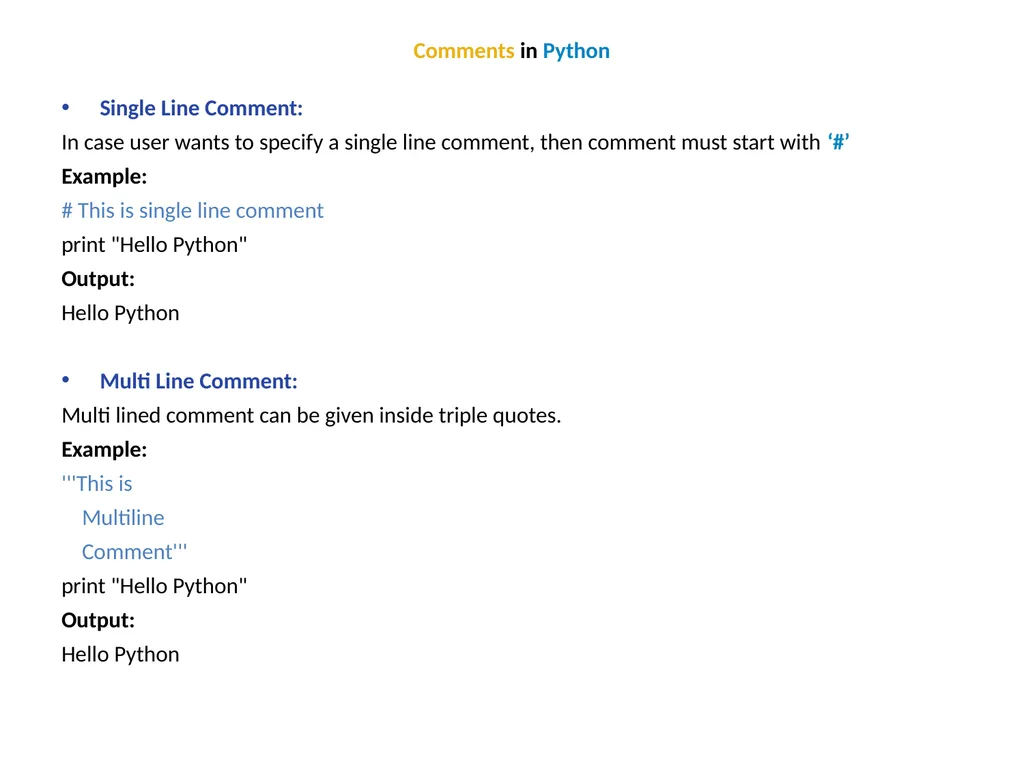
Comments in Python Single Line Comment:
In case user wants to specify a single line comment, then comment must start with ‘#’
Example:
# This is single line comment
print "Hello Python"
Output:
Hello Python
Multi Line Comment:
Multi lined comment can be given inside triple quotes.
Example:
'''This is
Multiline
Comment'''
print "Hello Python"
Output:
Hello Python<br>
In case user wants to specify a single line comment, then comment must start with ‘#’
Example:
# This is single line comment
print "Hello Python"
Output:
Hello Python
Multi Line Comment:
Multi lined comment can be given inside triple quotes.
Example:
'''This is
Multiline
Comment'''
print "Hello Python"
Output:
Hello Python<br>
21
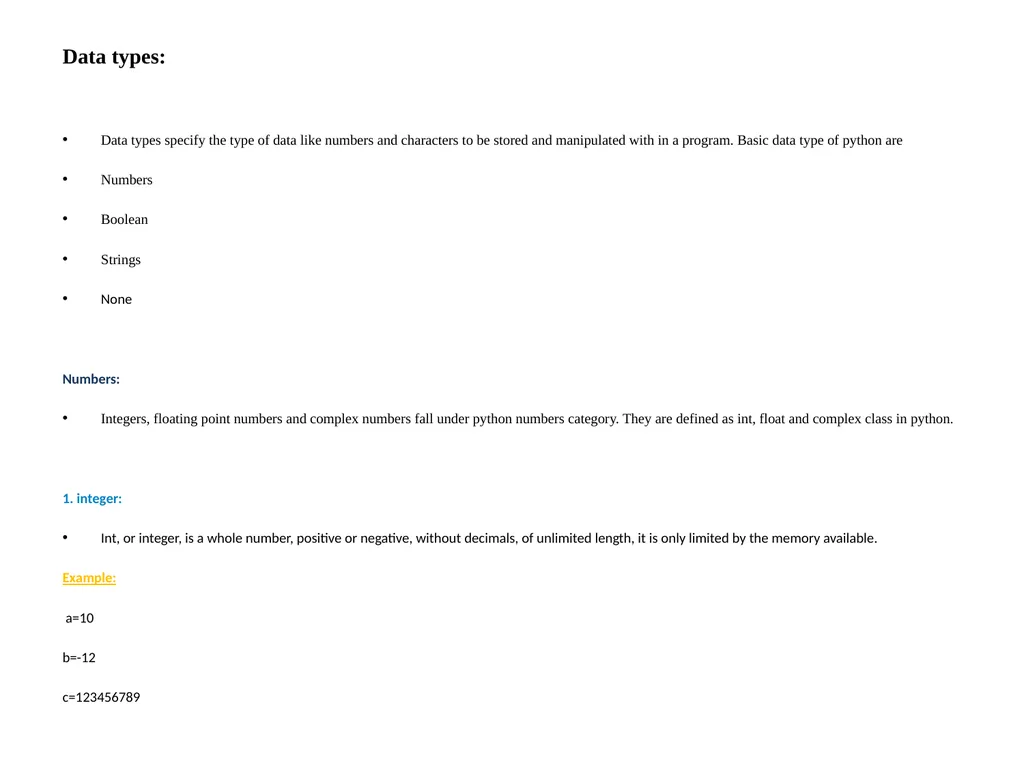
Data types:
Data types specify the type of data like numbers and characters to be stored and manipulated with in a program. Basic data type of python are
Numbers
Boolean
Strings
None
Numbers:
Integers, floating point numbers and complex numbers fall under python numbers category. They are defined as int, float and complex class in python.
1. integer:
Int, or integer, is a whole number, positive or negative, without decimals, of unlimited length, it is only limited by the memory available.
Example:
a=10
b=-12
c=123456789<br>
Data types specify the type of data like numbers and characters to be stored and manipulated with in a program. Basic data type of python are
Numbers
Boolean
Strings
None
Numbers:
Integers, floating point numbers and complex numbers fall under python numbers category. They are defined as int, float and complex class in python.
1. integer:
Int, or integer, is a whole number, positive or negative, without decimals, of unlimited length, it is only limited by the memory available.
Example:
a=10
b=-12
c=123456789<br>
22
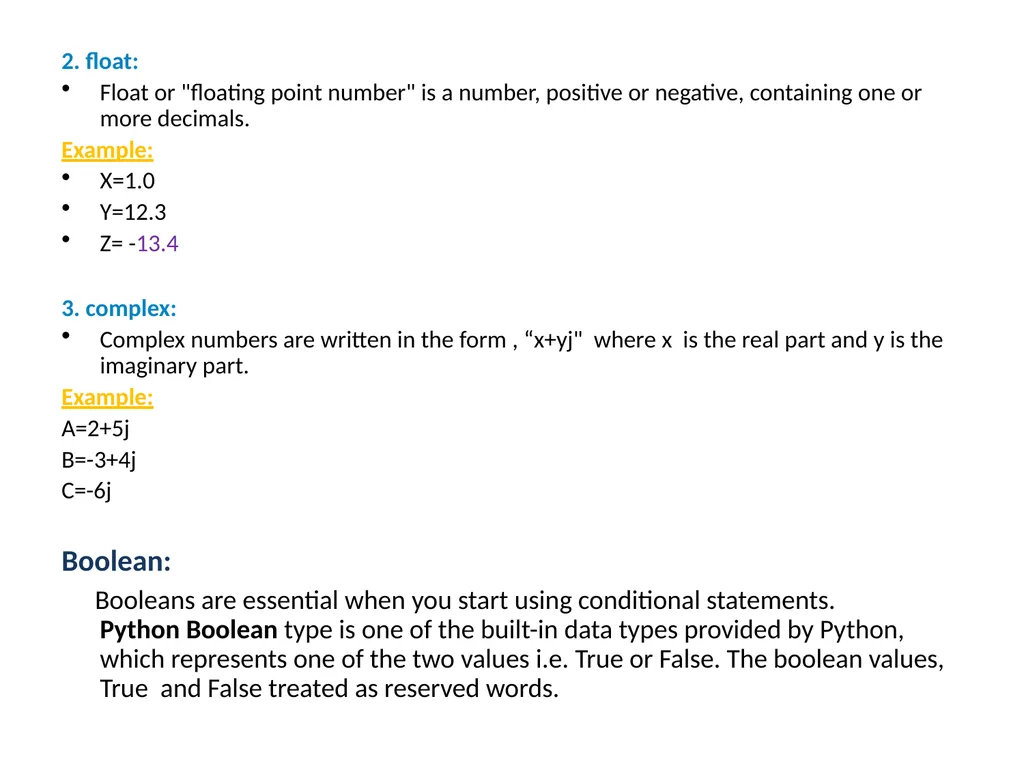
2. float:
Float or "floating point number" is a number, positive or negative, containing one or more decimals.
Example:
X=1.0
Y=12.3
Z= -13.4
3. complex:
Complex numbers are written in the form , “x+yj" where x is the real part and y is the imaginary part.
Example:
A=2+5j
B=-3+4j
C=-6j
Boolean:
Booleans are essential when you start using conditional statements. Python Boolean type is one of the built-in data types provided by Python, which represents one of the two values i.e. True or False. The boolean values, True and False treated as reserved words.<br>
Float or "floating point number" is a number, positive or negative, containing one or more decimals.
Example:
X=1.0
Y=12.3
Z= -13.4
3. complex:
Complex numbers are written in the form , “x+yj" where x is the real part and y is the imaginary part.
Example:
A=2+5j
B=-3+4j
C=-6j
Boolean:
Booleans are essential when you start using conditional statements. Python Boolean type is one of the built-in data types provided by Python, which represents one of the two values i.e. True or False. The boolean values, True and False treated as reserved words.<br>
23
String:
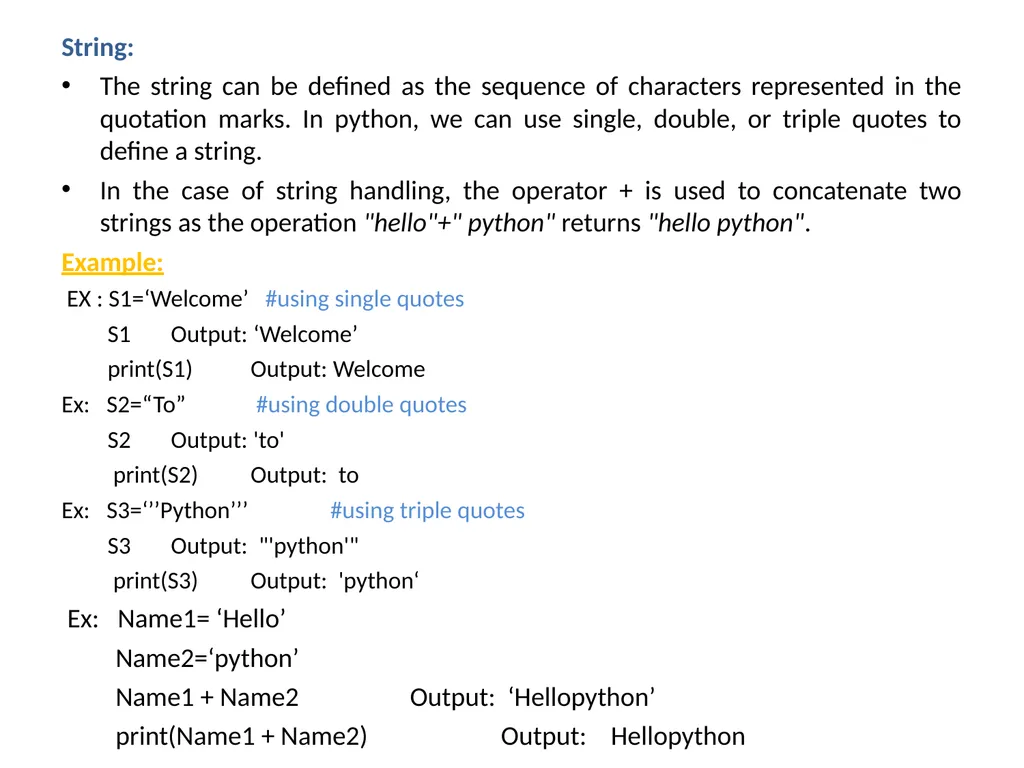
The string can be defined as the sequence of characters represented in the quotation marks. In python, we can use single, double, or triple quotes to define a string.
In the case of string handling, the operator + is used to concatenate two strings as the operation "hello"+" python" returns "hello python".
Example:
EX : S1=‘Welcome’ #using single quotes
S1 Output: ‘Welcome’
print(S1) Output: Welcome
Ex: S2=“To” #using double quotes
S2 Output: 'to'
print(S2) Output: to
Ex: S3=‘’’Python’’’ #using triple quotes
S3 Output: "'python'"
print(S3) Output: 'python‘
Ex: Name1= ‘Hello’
Name2=‘python’
Name1 + Name2 Output: ‘Hellopython’
print(Name1 + Name2) Output: Hellopython<br>
The string can be defined as the sequence of characters represented in the quotation marks. In python, we can use single, double, or triple quotes to define a string.
In the case of string handling, the operator + is used to concatenate two strings as the operation "hello"+" python" returns "hello python".
Example:
EX : S1=‘Welcome’ #using single quotes
S1 Output: ‘Welcome’
print(S1) Output: Welcome
Ex: S2=“To” #using double quotes
S2 Output: 'to'
print(S2) Output: to
Ex: S3=‘’’Python’’’ #using triple quotes
S3 Output: "'python'"
print(S3) Output: 'python‘
Ex: Name1= ‘Hello’
Name2=‘python’
Name1 + Name2 Output: ‘Hellopython’
print(Name1 + Name2) Output: Hellopython<br>
24
Example:
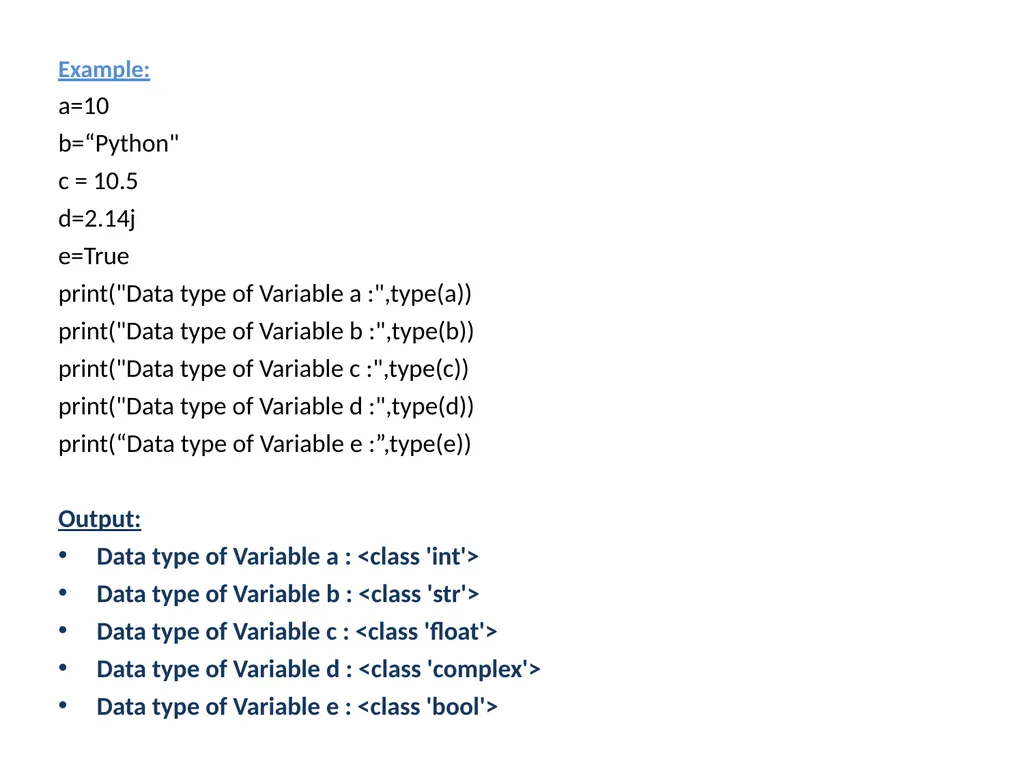
a=10
b=“Python"
c = 10.5
d=2.14j
e=True
print("Data type of Variable a :",type(a))
print("Data type of Variable b :",type(b))
print("Data type of Variable c :",type(c))
print("Data type of Variable d :",type(d))
print(“Data type of Variable e :”,type(e))
Output:
Data type of Variable a : <class 'int'>
Data type of Variable b : <class 'str'>
Data type of Variable c : <class 'float'>
Data type of Variable d : <class 'complex'>
Data type of Variable e : <class 'bool'><br>
a=10
b=“Python"
c = 10.5
d=2.14j
e=True
print("Data type of Variable a :",type(a))
print("Data type of Variable b :",type(b))
print("Data type of Variable c :",type(c))
print("Data type of Variable d :",type(d))
print(“Data type of Variable e :”,type(e))
Output:
Data type of Variable a : <class 'int'>
Data type of Variable b : <class 'str'>
Data type of Variable c : <class 'float'>
Data type of Variable d : <class 'complex'>
Data type of Variable e : <class 'bool'><br>
25
Indentation:
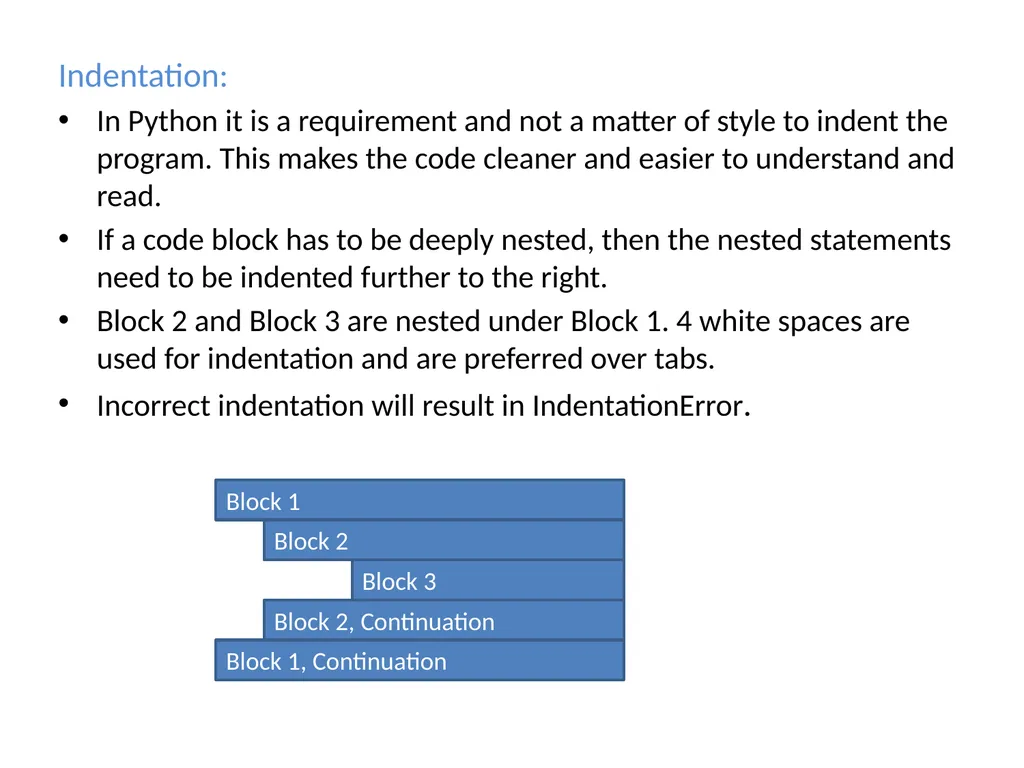
In Python it is a requirement and not a matter of style to indent the program. This makes the code cleaner and easier to understand and read.
If a code block has to be deeply nested, then the nested statements need to be indented further to the right.
Block 2 and Block 3 are nested under Block 1. 4 white spaces are used for indentation and are preferred over tabs.
Incorrect indentation will result in IndentationError.<br>
In Python it is a requirement and not a matter of style to indent the program. This makes the code cleaner and easier to understand and read.
If a code block has to be deeply nested, then the nested statements need to be indented further to the right.
Block 2 and Block 3 are nested under Block 1. 4 white spaces are used for indentation and are preferred over tabs.
Incorrect indentation will result in IndentationError.<br>
26
Reading Input :
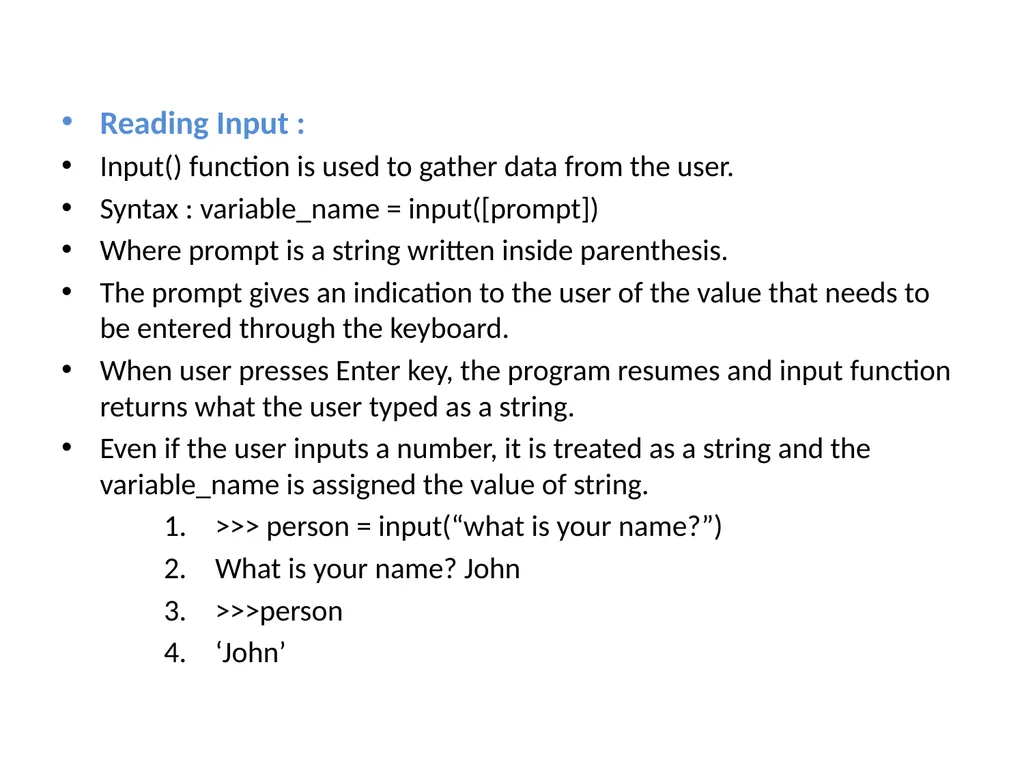
Input() function is used to gather data from the user.
Syntax : variable_name = input([prompt])
Where prompt is a string written inside parenthesis.
The prompt gives an indication to the user of the value that needs to be entered through the keyboard.
When user presses Enter key, the program resumes and input function returns what the user typed as a string.
Even if the user inputs a number, it is treated as a string and the variable_name is assigned the value of string.
>>> person = input(“what is your name?”)
What is your name? John
>>>person
‘John’<br>
Input() function is used to gather data from the user.
Syntax : variable_name = input([prompt])
Where prompt is a string written inside parenthesis.
The prompt gives an indication to the user of the value that needs to be entered through the keyboard.
When user presses Enter key, the program resumes and input function returns what the user typed as a string.
Even if the user inputs a number, it is treated as a string and the variable_name is assigned the value of string.
>>> person = input(“what is your name?”)
What is your name? John
>>>person
‘John’<br>
27
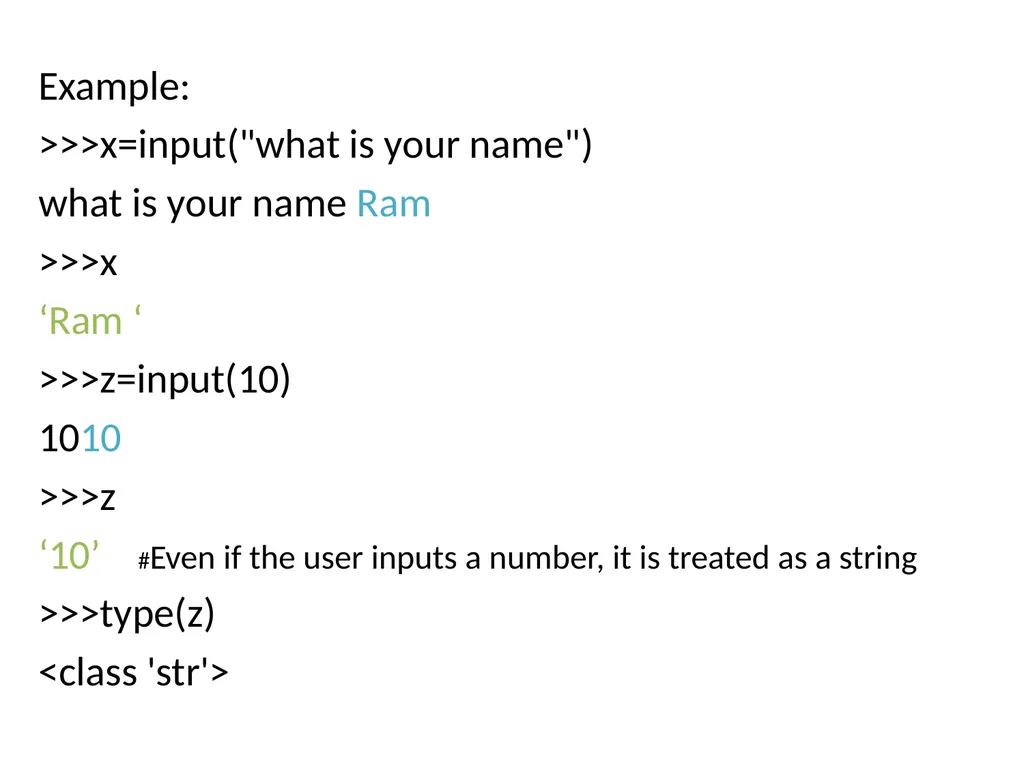
Example:
>>>x=input("what is your name")
what is your name Ram
>>>x
‘Ram ‘
>>>z=input(10)
1010
>>>z
‘10’ #Even if the user inputs a number, it is treated as a string
>>>type(z)
<class 'str'><br>
>>>x=input("what is your name")
what is your name Ram
>>>x
‘Ram ‘
>>>z=input(10)
1010
>>>z
‘10’ #Even if the user inputs a number, it is treated as a string
>>>type(z)
<class 'str'><br>
28
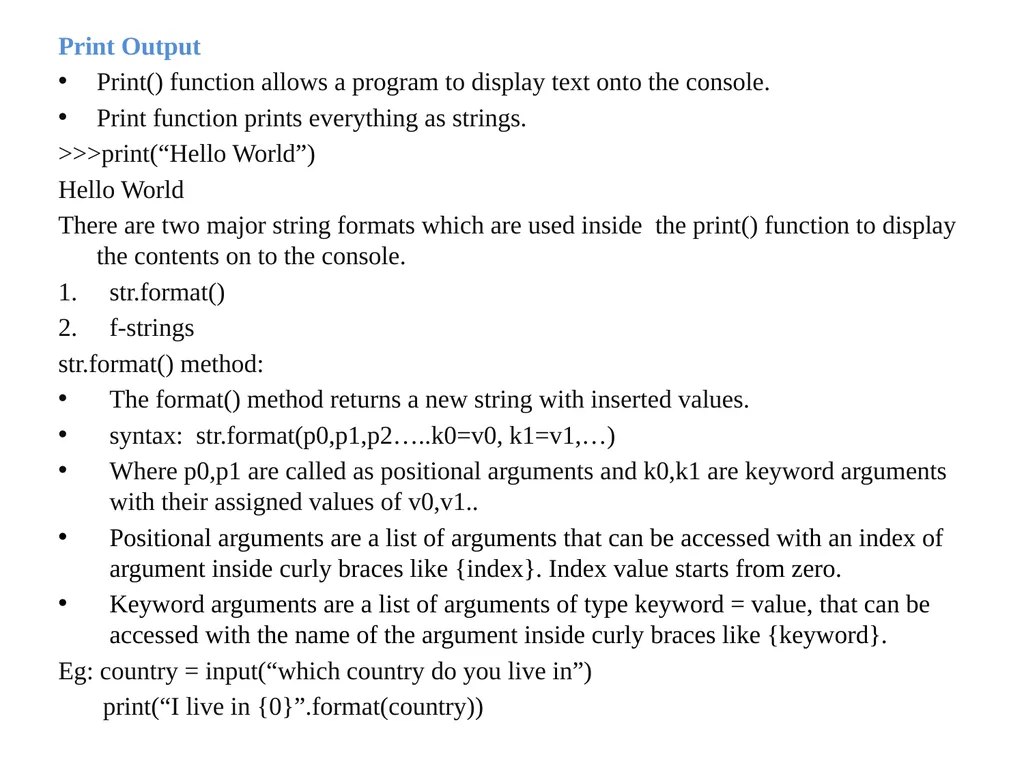
Print Output
Print() function allows a program to display text onto the console.
Print function prints everything as strings.
>>>print(“Hello World”)
Hello World
There are two major string formats which are used inside the print() function to display the contents on to the console.
str.format()
f-strings
str.format() method:
The format() method returns a new string with inserted values.
syntax: str.format(p0,p1,p2…..k0=v0, k1=v1,…)
Where p0,p1 are called as positional arguments and k0,k1 are keyword arguments with their assigned values of v0,v1..
Positional arguments are a list of arguments that can be accessed with an index of argument inside curly braces like {index}. Index value starts from zero.
Keyword arguments are a list of arguments of type keyword = value, that can be accessed with the name of the argument inside curly braces like {keyword}.
Eg: country = input(“which country do you live in”)
print(“I live in {0}”.format(country))<br>
Print() function allows a program to display text onto the console.
Print function prints everything as strings.
>>>print(“Hello World”)
Hello World
There are two major string formats which are used inside the print() function to display the contents on to the console.
str.format()
f-strings
str.format() method:
The format() method returns a new string with inserted values.
syntax: str.format(p0,p1,p2…..k0=v0, k1=v1,…)
Where p0,p1 are called as positional arguments and k0,k1 are keyword arguments with their assigned values of v0,v1..
Positional arguments are a list of arguments that can be accessed with an index of argument inside curly braces like {index}. Index value starts from zero.
Keyword arguments are a list of arguments of type keyword = value, that can be accessed with the name of the argument inside curly braces like {keyword}.
Eg: country = input(“which country do you live in”)
print(“I live in {0}”.format(country))<br>
29
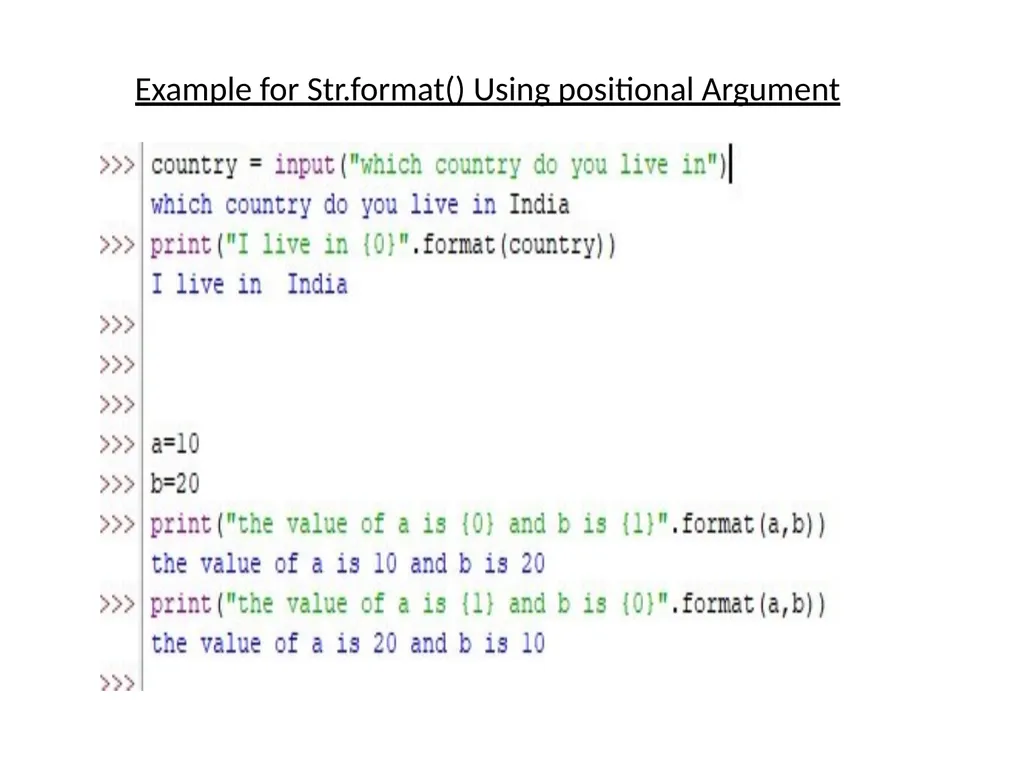
Example for Str.format() Using positional Argument<br>
30
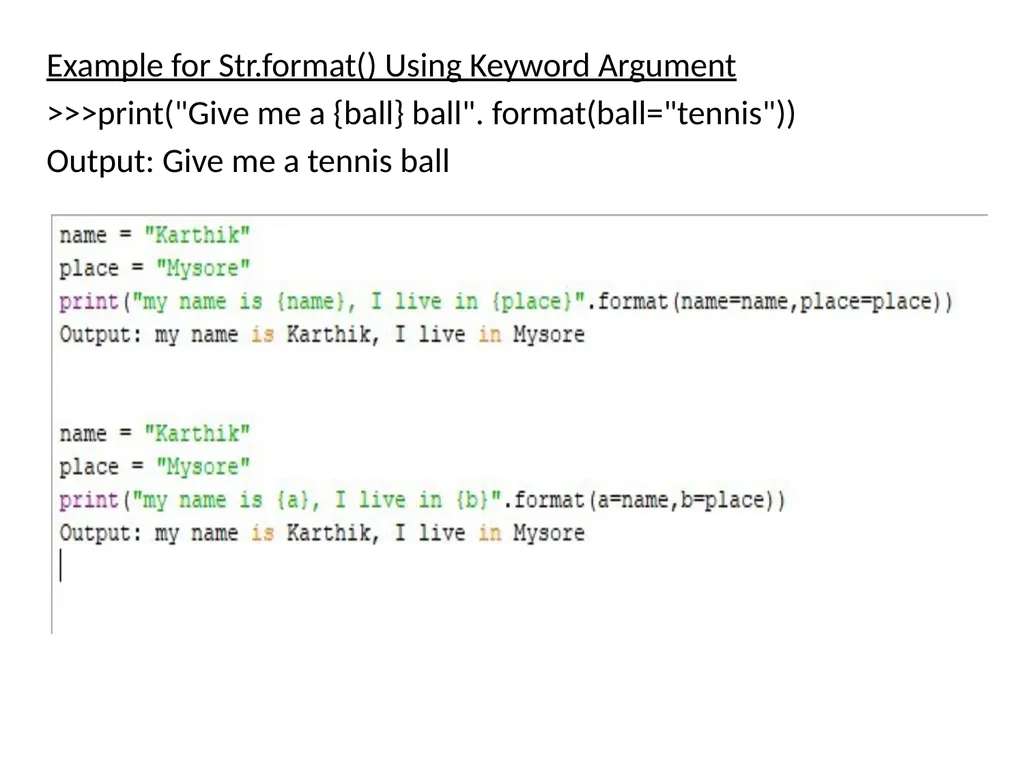
Example for Str.format() Using Keyword Argument
>>>print("Give me a {ball} ball". format(ball="tennis"))
Output: Give me a tennis ball<br>
>>>print("Give me a {ball} ball". format(ball="tennis"))
Output: Give me a tennis ball<br>
31
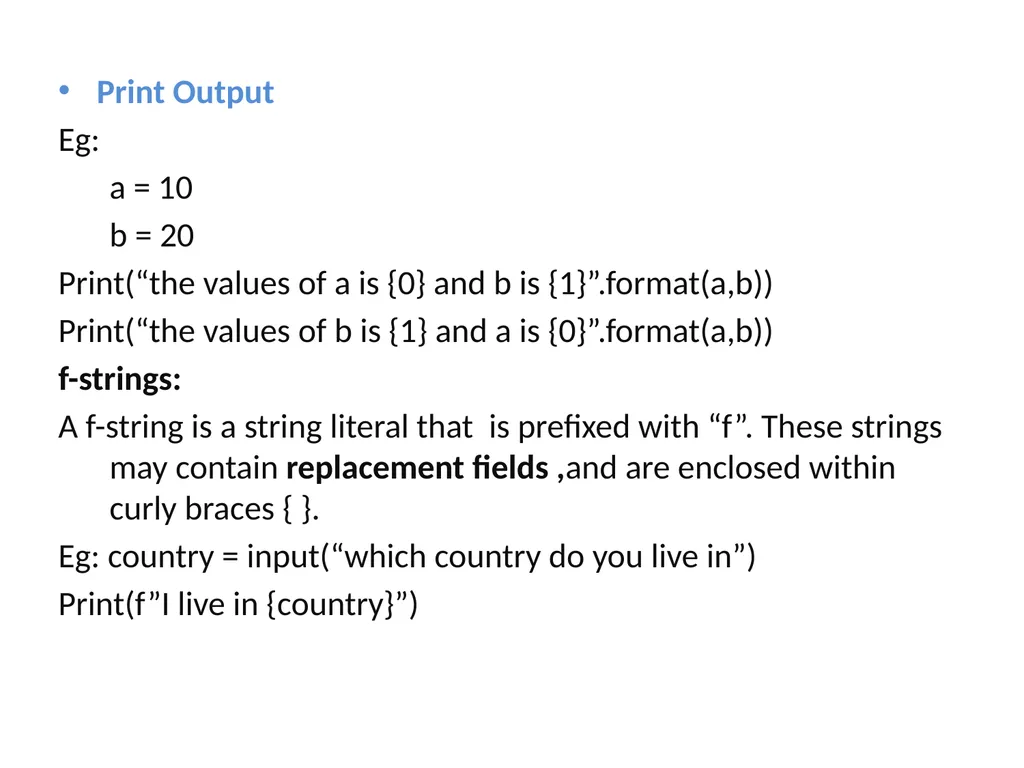
Print Output
Eg:
a = 10
b = 20
Print(“the values of a is {0} and b is {1}”.format(a,b))
Print(“the values of b is {1} and a is {0}”.format(a,b))
f-strings:
A f-string is a string literal that is prefixed with “f”. These strings may contain replacement fields ,and are enclosed within curly braces { }.
Eg: country = input(“which country do you live in”)
Print(f”I live in {country}”)<br>
Eg:
a = 10
b = 20
Print(“the values of a is {0} and b is {1}”.format(a,b))
Print(“the values of b is {1} and a is {0}”.format(a,b))
f-strings:
A f-string is a string literal that is prefixed with “f”. These strings may contain replacement fields ,and are enclosed within curly braces { }.
Eg: country = input(“which country do you live in”)
Print(f”I live in {country}”)<br>
32
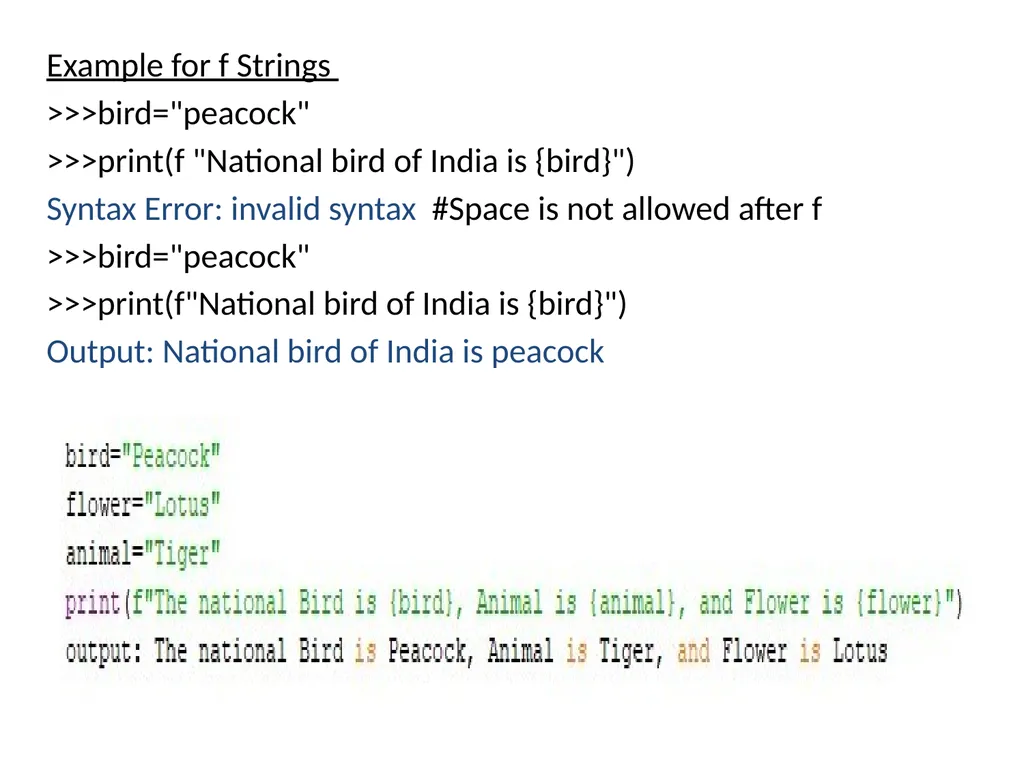
Example for f Strings
>>>bird="peacock"
>>>print(f "National bird of India is {bird}")
Syntax Error: invalid syntax #Space is not allowed after f
>>>bird="peacock"
>>>print(f"National bird of India is {bird}")
Output: National bird of India is peacock<br>
>>>bird="peacock"
>>>print(f "National bird of India is {bird}")
Syntax Error: invalid syntax #Space is not allowed after f
>>>bird="peacock"
>>>print(f"National bird of India is {bird}")
Output: National bird of India is peacock<br>
33
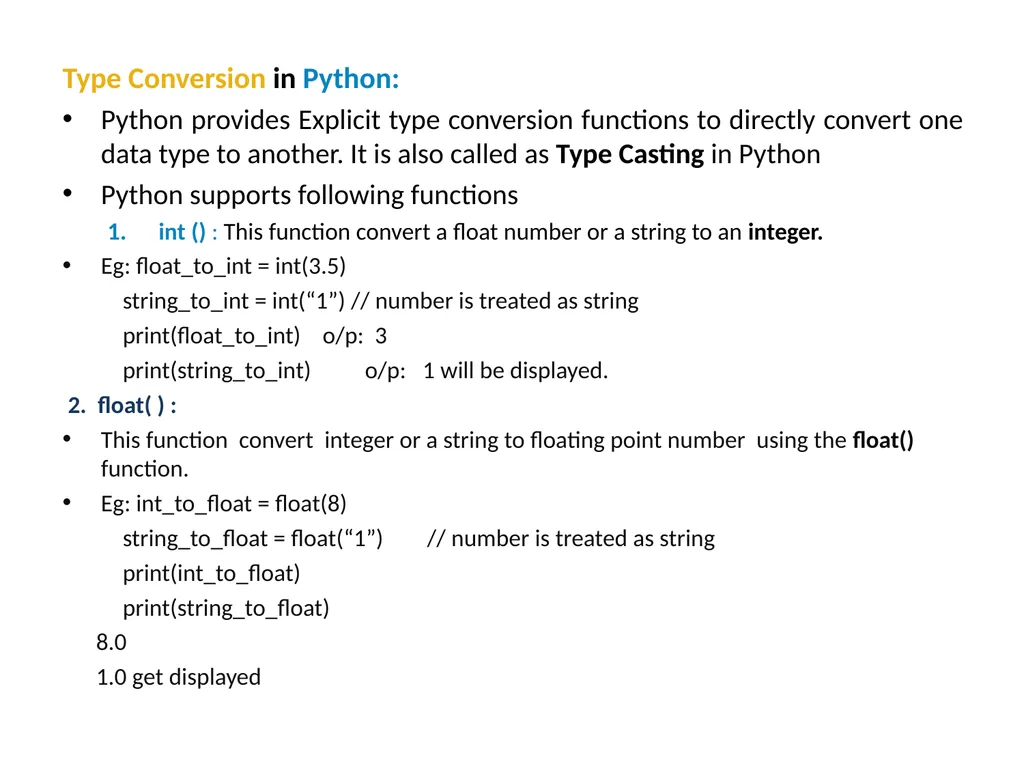
Type Conversion in Python:
Python provides Explicit type conversion functions to directly convert one data type to another. It is also called as Type Casting in Python
Python supports following functions
int () : This function convert a float number or a string to an integer.
Eg: float_to_int = int(3.5)
string_to_int = int(“1”) // number is treated as string
print(float_to_int) o/p: 3
print(string_to_int) o/p: 1 will be displayed.
2. float( ) :
This function convert integer or a string to floating point number using the float() function.
Eg: int_to_float = float(8)
string_to_float = float(“1”) // number is treated as string
print(int_to_float)
print(string_to_float)
8.0
1.0 get displayed<br>
Python provides Explicit type conversion functions to directly convert one data type to another. It is also called as Type Casting in Python
Python supports following functions
int () : This function convert a float number or a string to an integer.
Eg: float_to_int = int(3.5)
string_to_int = int(“1”) // number is treated as string
print(float_to_int) o/p: 3
print(string_to_int) o/p: 1 will be displayed.
2. float( ) :
This function convert integer or a string to floating point number using the float() function.
Eg: int_to_float = float(8)
string_to_float = float(“1”) // number is treated as string
print(int_to_float)
print(string_to_float)
8.0
1.0 get displayed<br>
34
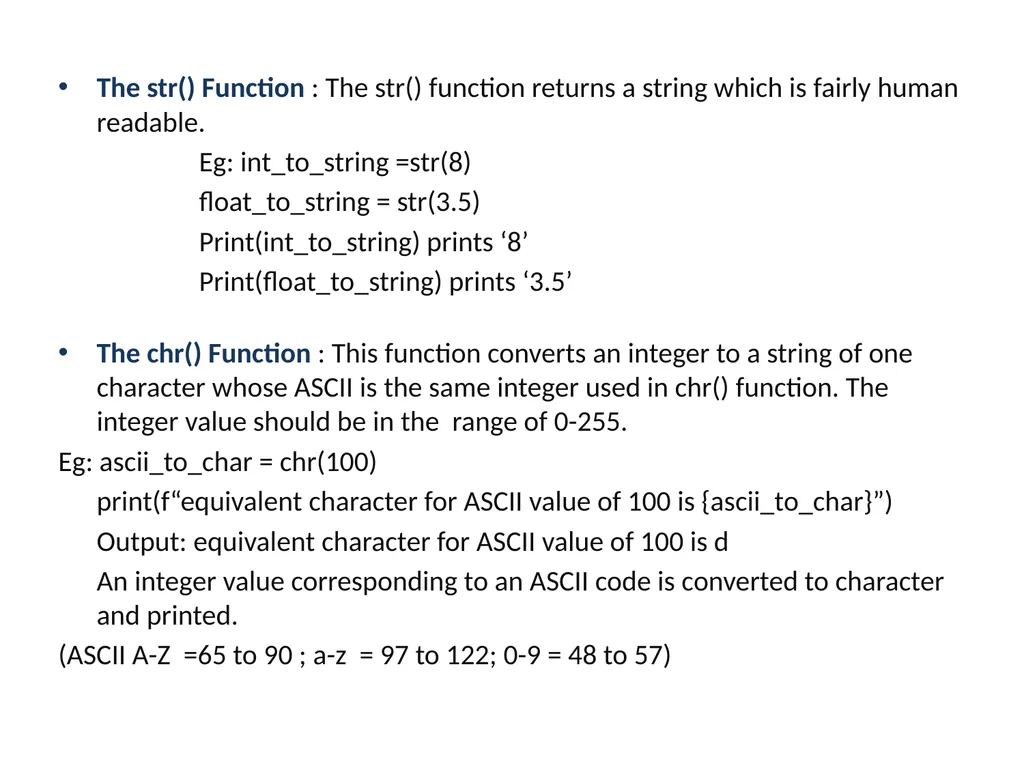
The str() Function : The str() function returns a string which is fairly human readable.
Eg: int_to_string =str(8)
float_to_string = str(3.5)
Print(int_to_string) prints ‘8’
Print(float_to_string) prints ‘3.5’
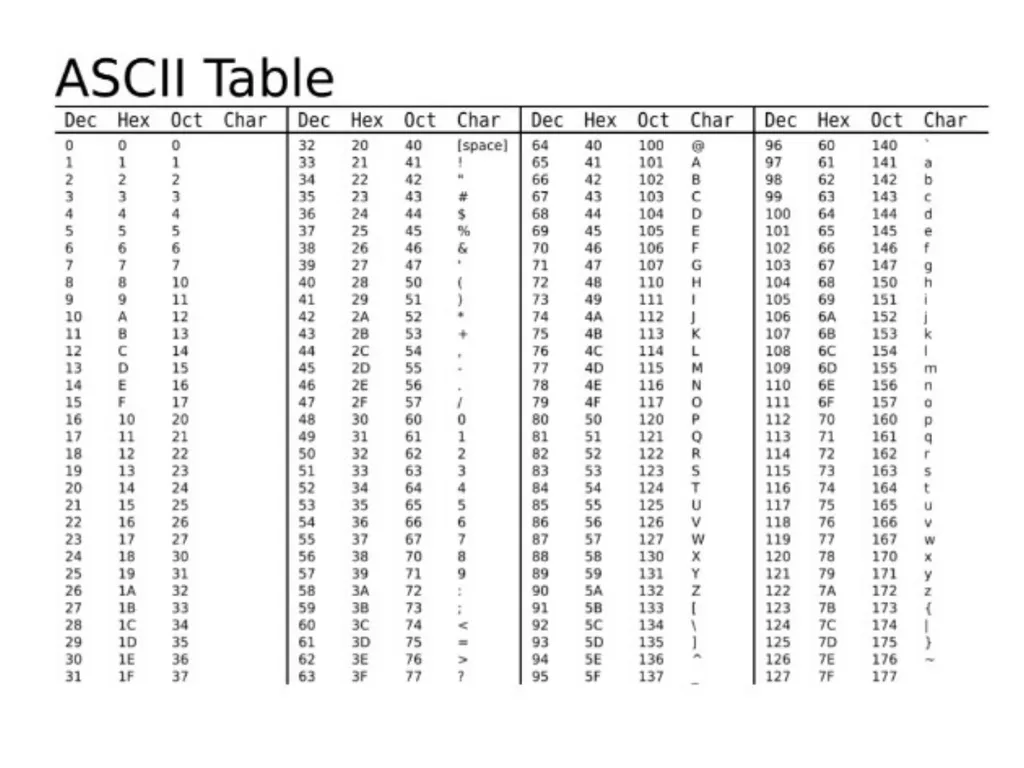
The chr() Function : This function converts an integer to a string of one character whose ASCII is the same integer used in chr() function. The integer value should be in the range of 0-255.
Eg: ascii_to_char = chr(100)
print(f“equivalent character for ASCII value of 100 is {ascii_to_char}”)
Output: equivalent character for ASCII value of 100 is d
An integer value corresponding to an ASCII code is converted to character and printed.
(ASCII A-Z =65 to 90 ; a-z = 97 to 122; 0-9 = 48 to 57)<br>
Eg: int_to_string =str(8)
float_to_string = str(3.5)
Print(int_to_string) prints ‘8’
Print(float_to_string) prints ‘3.5’
The chr() Function : This function converts an integer to a string of one character whose ASCII is the same integer used in chr() function. The integer value should be in the range of 0-255.
Eg: ascii_to_char = chr(100)
print(f“equivalent character for ASCII value of 100 is {ascii_to_char}”)
Output: equivalent character for ASCII value of 100 is d
An integer value corresponding to an ASCII code is converted to character and printed.
(ASCII A-Z =65 to 90 ; a-z = 97 to 122; 0-9 = 48 to 57)<br>
35
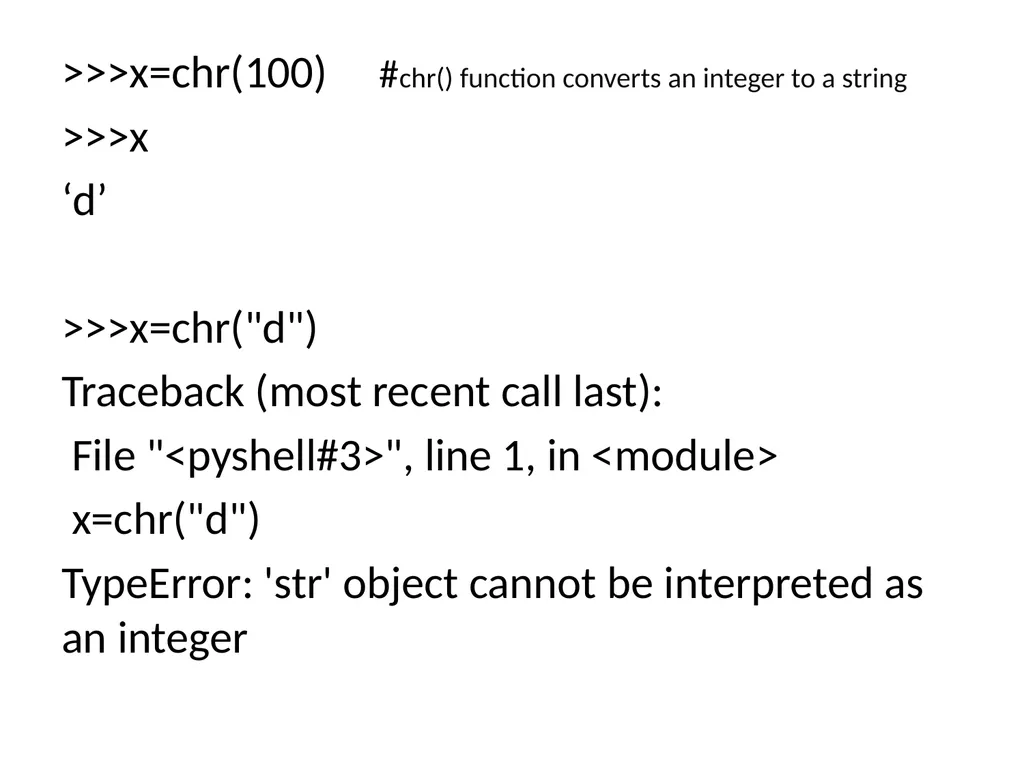
>>>x=chr(100) #chr() function converts an integer to a string
>>>x
‘d’
>>>x=chr("d")
Traceback (most recent call last):
File "<pyshell#3>", line 1, in <module>
x=chr("d")
TypeError: 'str' object cannot be interpreted as an integer<br>
>>>x
‘d’
>>>x=chr("d")
Traceback (most recent call last):
File "<pyshell#3>", line 1, in <module>
x=chr("d")
TypeError: 'str' object cannot be interpreted as an integer<br>
36
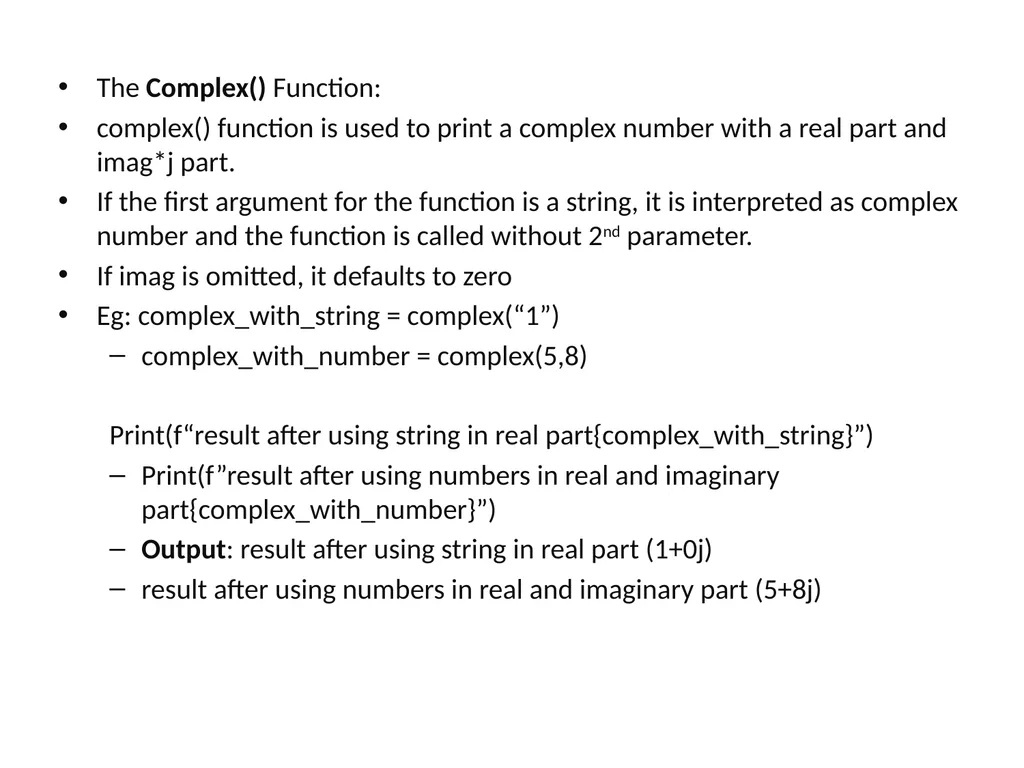
The Complex() Function:
complex() function is used to print a complex number with a real part and imag*j part.
If the first argument for the function is a string, it is interpreted as complex number and the function is called without 2nd parameter.
If imag is omitted, it defaults to zero
Eg: complex_with_string = complex(“1”)
complex_with_number = complex(5,8)
Print(f“result after using string in real part{complex_with_string}”)
Print(f”result after using numbers in real and imaginary part{complex_with_number}”)
Output: result after using string in real part (1+0j)
result after using numbers in real and imaginary part (5+8j)<br>
complex() function is used to print a complex number with a real part and imag*j part.
If the first argument for the function is a string, it is interpreted as complex number and the function is called without 2nd parameter.
If imag is omitted, it defaults to zero
Eg: complex_with_string = complex(“1”)
complex_with_number = complex(5,8)
Print(f“result after using string in real part{complex_with_string}”)
Print(f”result after using numbers in real and imaginary part{complex_with_number}”)
Output: result after using string in real part (1+0j)
result after using numbers in real and imaginary part (5+8j)<br>
37
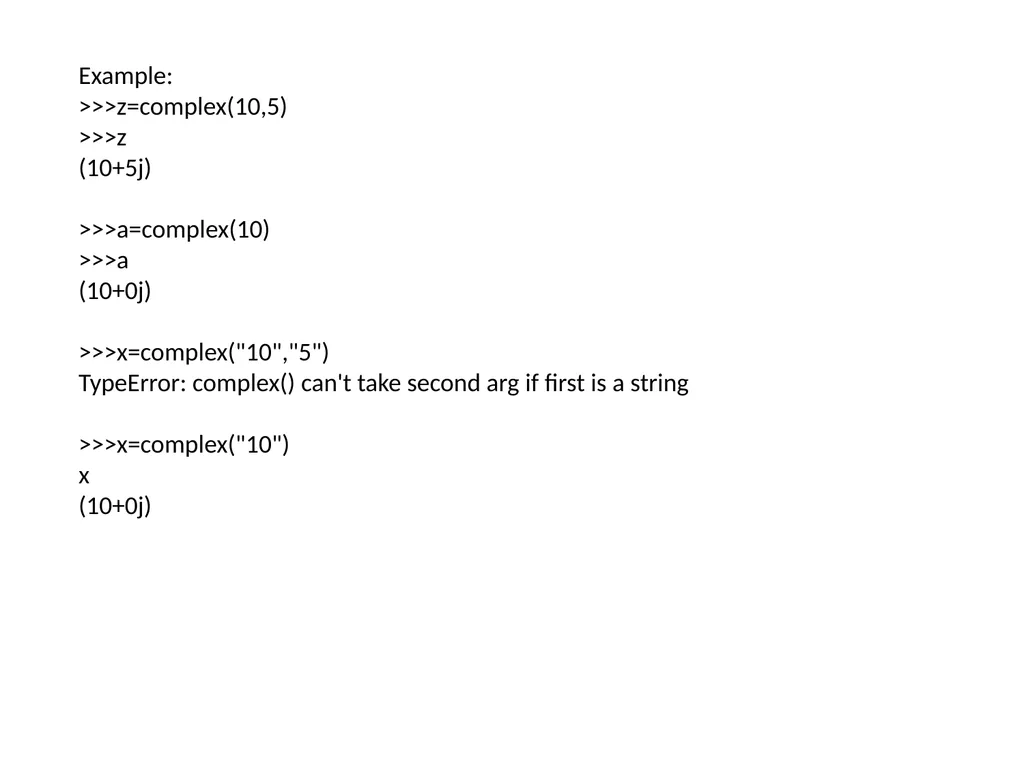
Example:
>>>z=complex(10,5)
>>>z
(10+5j)
>>>a=complex(10)
>>>a
(10+0j)
>>>x=complex("10","5")
TypeError: complex() can't take second arg if first is a string
>>>x=complex("10")
x
(10+0j)<br>
>>>z=complex(10,5)
>>>z
(10+5j)
>>>a=complex(10)
>>>a
(10+0j)
>>>x=complex("10","5")
TypeError: complex() can't take second arg if first is a string
>>>x=complex("10")
x
(10+0j)<br>
38
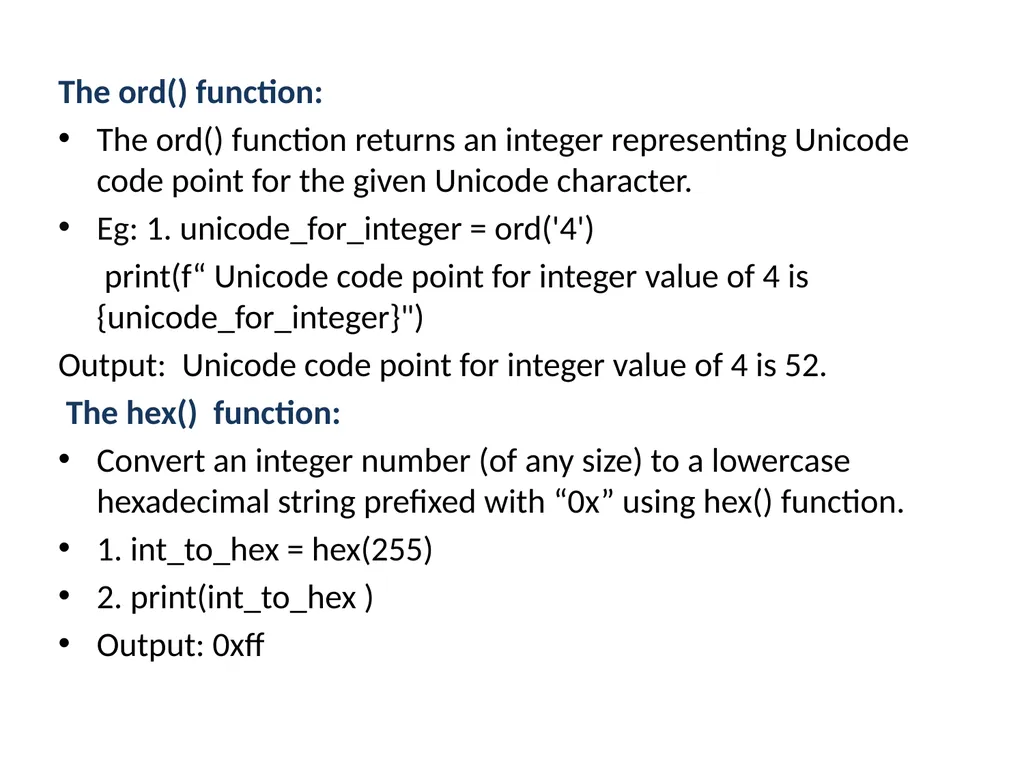
The ord() function:
The ord() function returns an integer representing Unicode code point for the given Unicode character.
Eg: 1. unicode_for_integer = ord('4')
print(f“ Unicode code point for integer value of 4 is {unicode_for_integer}")
Output: Unicode code point for integer value of 4 is 52.
The hex() function:
Convert an integer number (of any size) to a lowercase hexadecimal string prefixed with “0x” using hex() function.
1. int_to_hex = hex(255)
2. print(int_to_hex )
Output: 0xff<br>
The ord() function returns an integer representing Unicode code point for the given Unicode character.
Eg: 1. unicode_for_integer = ord('4')
print(f“ Unicode code point for integer value of 4 is {unicode_for_integer}")
Output: Unicode code point for integer value of 4 is 52.
The hex() function:
Convert an integer number (of any size) to a lowercase hexadecimal string prefixed with “0x” using hex() function.
1. int_to_hex = hex(255)
2. print(int_to_hex )
Output: 0xff<br>
39
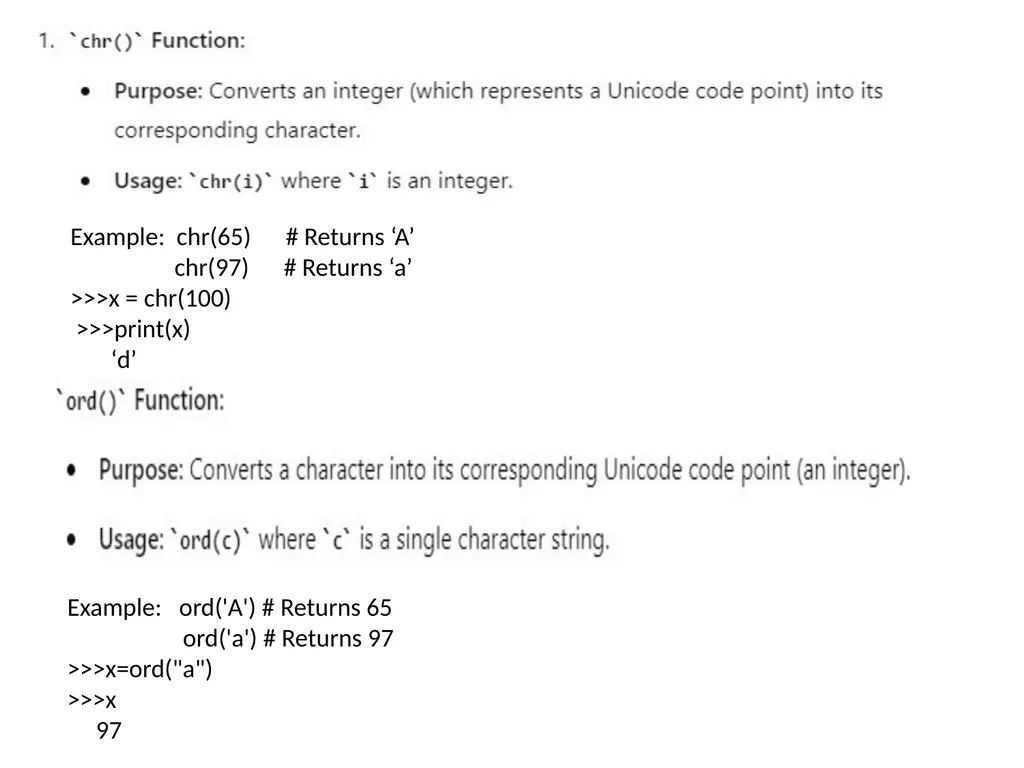
Example: chr(65) # Returns ‘A’
chr(97) # Returns ‘a’
>>>x = chr(100)
>>>print(x)
‘d’ Example: ord('A') # Returns 65
ord('a') # Returns 97
>>>x=ord("a")
>>>x
97<br>
chr(97) # Returns ‘a’
>>>x = chr(100)
>>>print(x)
‘d’ Example: ord('A') # Returns 65
ord('a') # Returns 97
>>>x=ord("a")
>>>x
97<br>
40
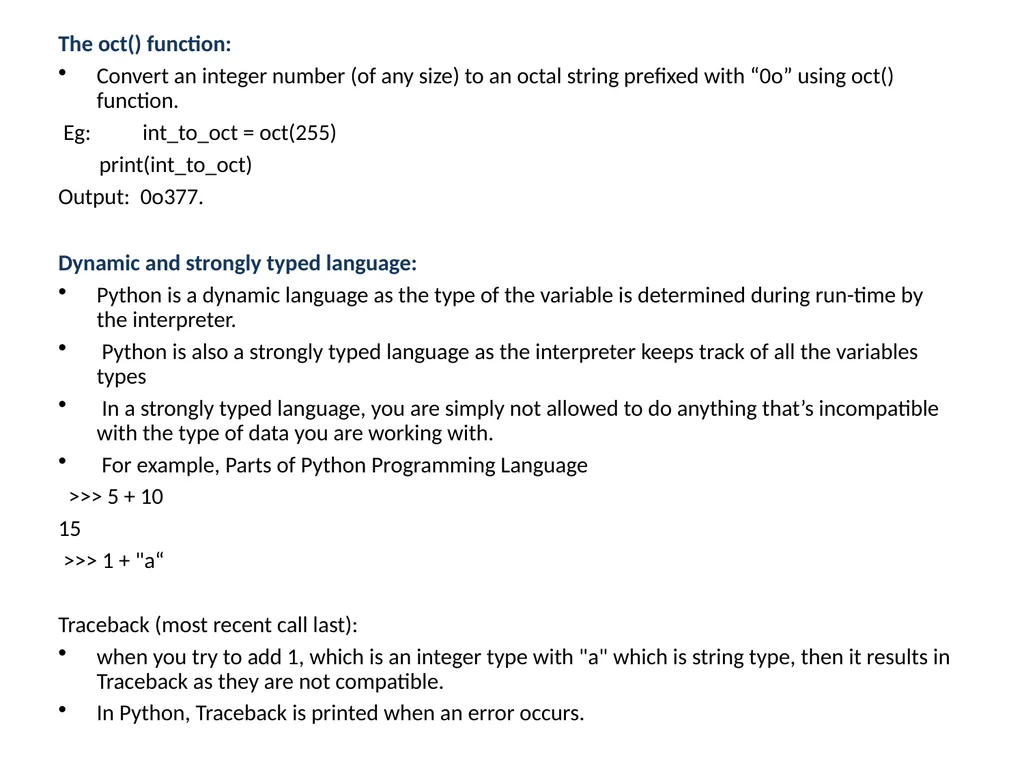
The oct() function:
Convert an integer number (of any size) to an octal string prefixed with “0o” using oct() function.
Eg: int_to_oct = oct(255)
print(int_to_oct)
Output: 0o377.
Dynamic and strongly typed language:
Python is a dynamic language as the type of the variable is determined during run-time by the interpreter.
Python is also a strongly typed language as the interpreter keeps track of all the variables types
In a strongly typed language, you are simply not allowed to do anything that’s incompatible with the type of data you are working with.
For example, Parts of Python Programming Language
>>> 5 + 10
15
>>> 1 + "a“
Traceback (most recent call last):
when you try to add 1, which is an integer type with "a" which is string type, then it results in Traceback as they are not compatible.
In Python, Traceback is printed when an error occurs.<br>
Convert an integer number (of any size) to an octal string prefixed with “0o” using oct() function.
Eg: int_to_oct = oct(255)
print(int_to_oct)
Output: 0o377.
Dynamic and strongly typed language:
Python is a dynamic language as the type of the variable is determined during run-time by the interpreter.
Python is also a strongly typed language as the interpreter keeps track of all the variables types
In a strongly typed language, you are simply not allowed to do anything that’s incompatible with the type of data you are working with.
For example, Parts of Python Programming Language
>>> 5 + 10
15
>>> 1 + "a“
Traceback (most recent call last):
when you try to add 1, which is an integer type with "a" which is string type, then it results in Traceback as they are not compatible.
In Python, Traceback is printed when an error occurs.<br>
41
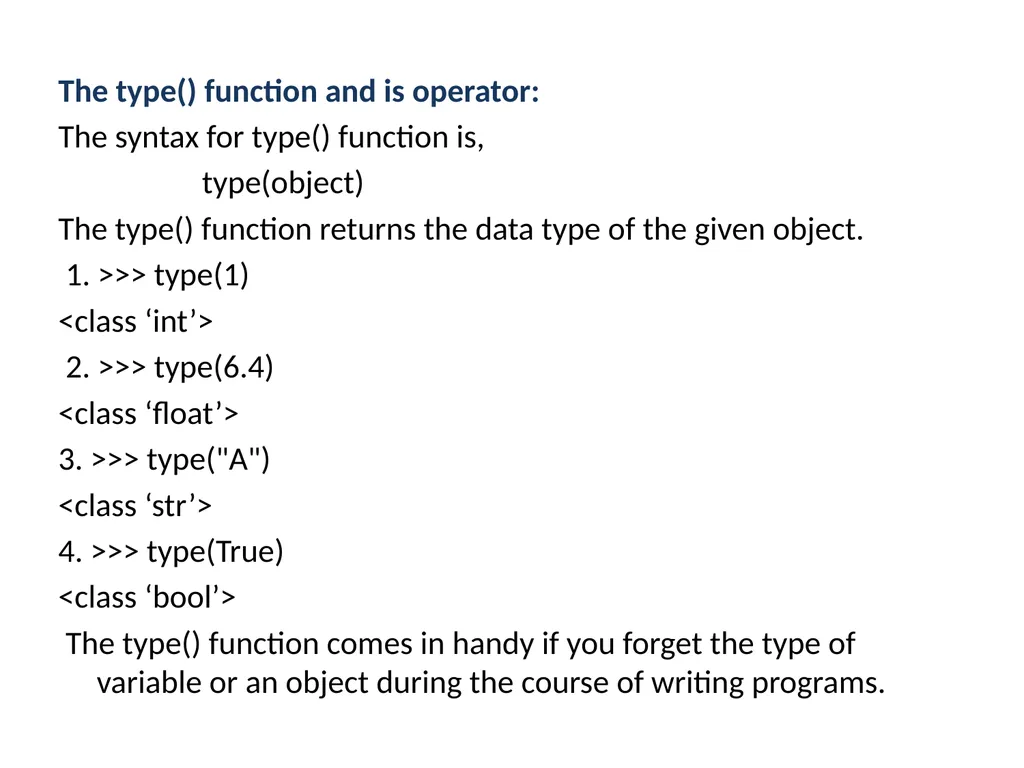
The type() function and is operator:
The syntax for type() function is,
type(object)
The type() function returns the data type of the given object.
1. >>> type(1)
<class ‘int’>
2. >>> type(6.4)
<class ‘float’>
3. >>> type("A")
<class ‘str’>
4. >>> type(True)
<class ‘bool’>
The type() function comes in handy if you forget the type of variable or an object during the course of writing programs.<br>
The syntax for type() function is,
type(object)
The type() function returns the data type of the given object.
1. >>> type(1)
<class ‘int’>
2. >>> type(6.4)
<class ‘float’>
3. >>> type("A")
<class ‘str’>
4. >>> type(True)
<class ‘bool’>
The type() function comes in handy if you forget the type of variable or an object during the course of writing programs.<br>
42
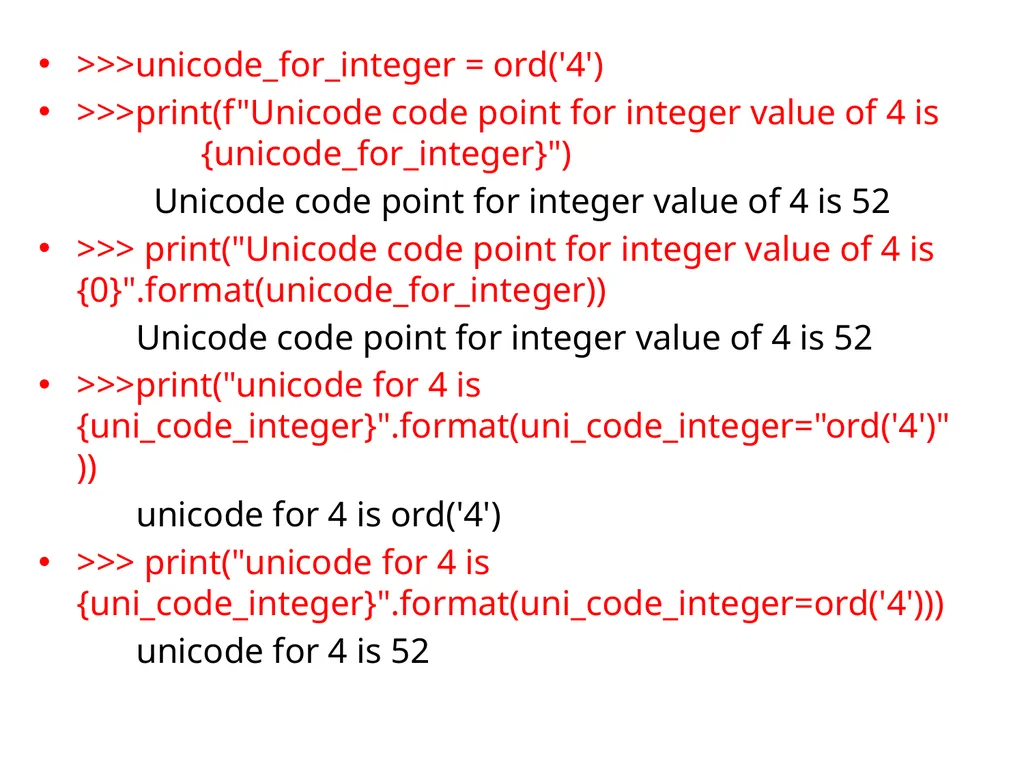
>>>unicode_for_integer = ord('4')
>>>print(f"Unicode code point for integer value of 4 is {unicode_for_integer}")
Unicode code point for integer value of 4 is 52
>>> print("Unicode code point for integer value of 4 is {0}".format(unicode_for_integer))
Unicode code point for integer value of 4 is 52
>>>print("unicode for 4 is {uni_code_integer}".format(uni_code_integer="ord('4')"))
unicode for 4 is ord('4')
>>> print("unicode for 4 is {uni_code_integer}".format(uni_code_integer=ord('4')))
unicode for 4 is 52<br>
>>>print(f"Unicode code point for integer value of 4 is {unicode_for_integer}")
Unicode code point for integer value of 4 is 52
>>> print("Unicode code point for integer value of 4 is {0}".format(unicode_for_integer))
Unicode code point for integer value of 4 is 52
>>>print("unicode for 4 is {uni_code_integer}".format(uni_code_integer="ord('4')"))
unicode for 4 is ord('4')
>>> print("unicode for 4 is {uni_code_integer}".format(uni_code_integer=ord('4')))
unicode for 4 is 52<br>