Improving Web Site Performance and Scalability
Description: Improving Web Site Performance and Scalability While Saving Money Robert Boedigheimer Web Application Architect boedie robertbaspalliance.com http:blogs.aspadvice.comrobertb About Me Web developer since 1995 MCPD Web, Charter Member
Related Topics
Download Presentation
"Improving Web Site Performance and Scalability" is the property of its rightful owner. Permission is granted to download and print the materials on this website for personal, non-commercial use only, and to display it on your personal computer provided you do not modify the materials and that you retain all copyright notices contained in the materials. By downloading content from our website, you accept the terms of this agreement.
Presentation Transcript
slide1. Improving Web Site Performance and Scalability While Saving Money Robert Boedigheimer ∙ Web Application Architect @boedie
robertb@aspalliance.com
http://blogs.aspadvice.com/robertb<br>

slide2. About Me Web developer since 1995
MCPD Web, Charter Member
Columnist for aspalliance.com
Wrox Author
3rd Degree Black Belt, Tae Kwon Do
ASP.NET MVP<br>
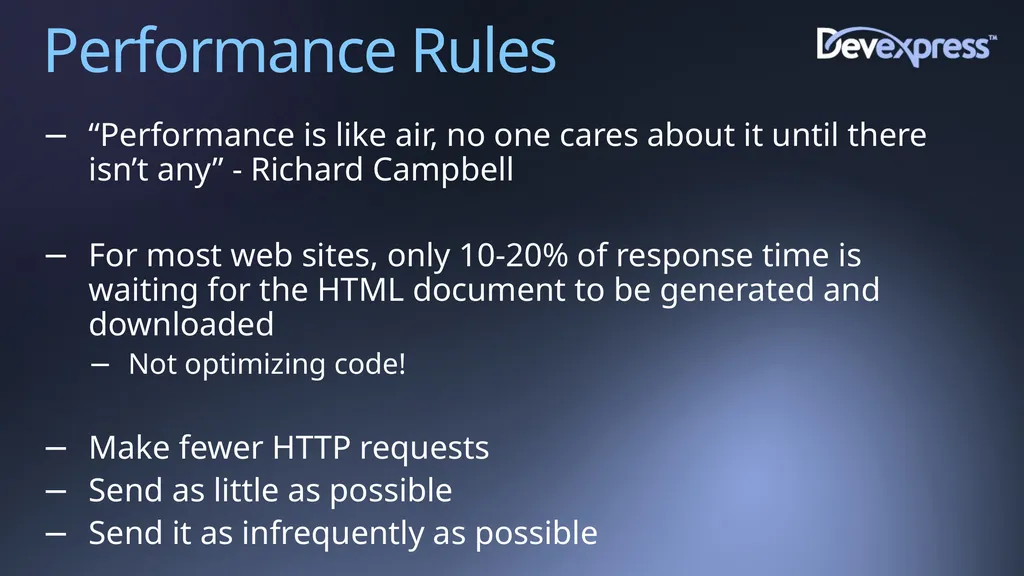
slide3. Performance Rules “Performance is like air, no one cares about it until there isn’t any” - Richard Campbell
For most web sites, only 10-20% of response time is waiting for the HTML document to be generated and downloaded
Not optimizing code!
Make fewer HTTP requests
Send as little as possible
Send it as infrequently as possible<br>
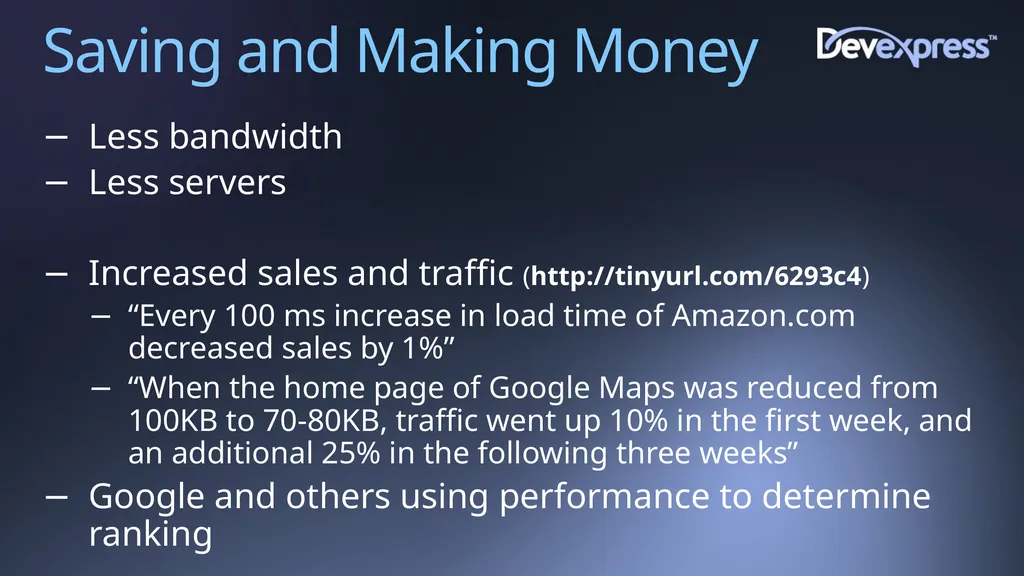
slide4. Saving and Making Money Less bandwidth
Less servers
Increased sales and traffic (http://tinyurl.com/6293c4)
“Every 100 ms increase in load time of Amazon.com decreased sales by 1%”
“When the home page of Google Maps was reduced from 100KB to 70-80KB, traffic went up 10% in the first week, and an additional 25% in the following three weeks”
Google and others using performance to determine ranking<br>
slide5. HTTP Hypertext Transfer Protocol
Protocol defined in RFC 2068 (Http 1.1), January 1997
Request/response paradigm
Header and body
http://www.ietf.org/rfc/rfc2068.txt<br>
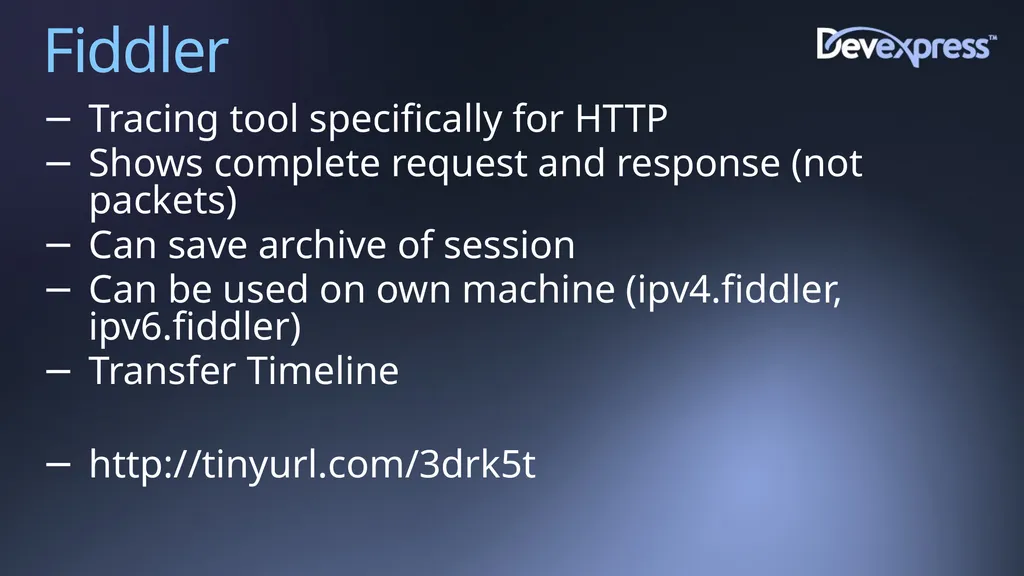
slide6. Fiddler Tracing tool specifically for HTTP
Shows complete request and response (not packets)
Can save archive of session
Can be used on own machine (ipv4.fiddler, ipv6.fiddler)
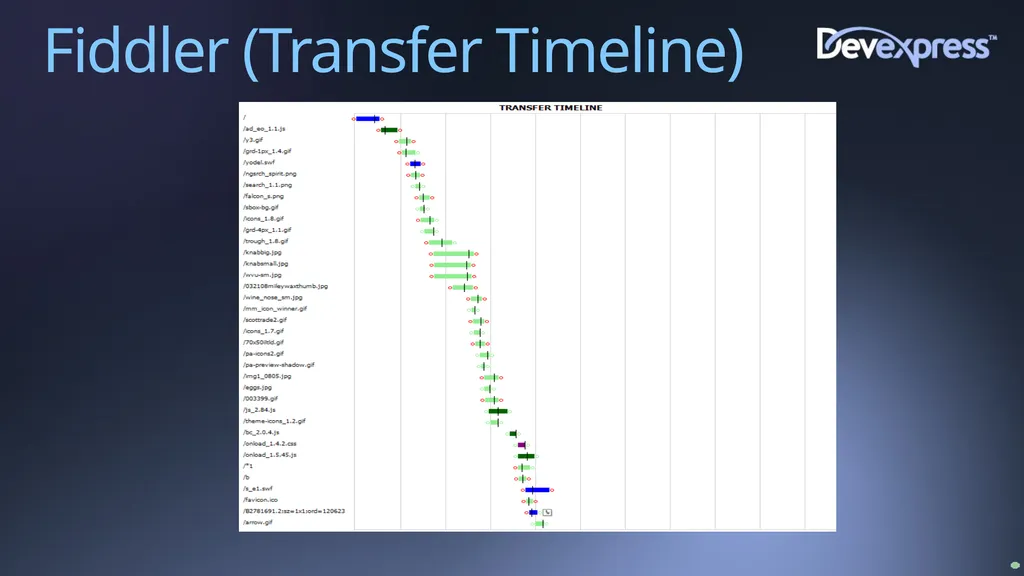
Transfer Timeline
http://tinyurl.com/3drk5t<br>
slide7. Fiddler (Transfer Timeline)<br>
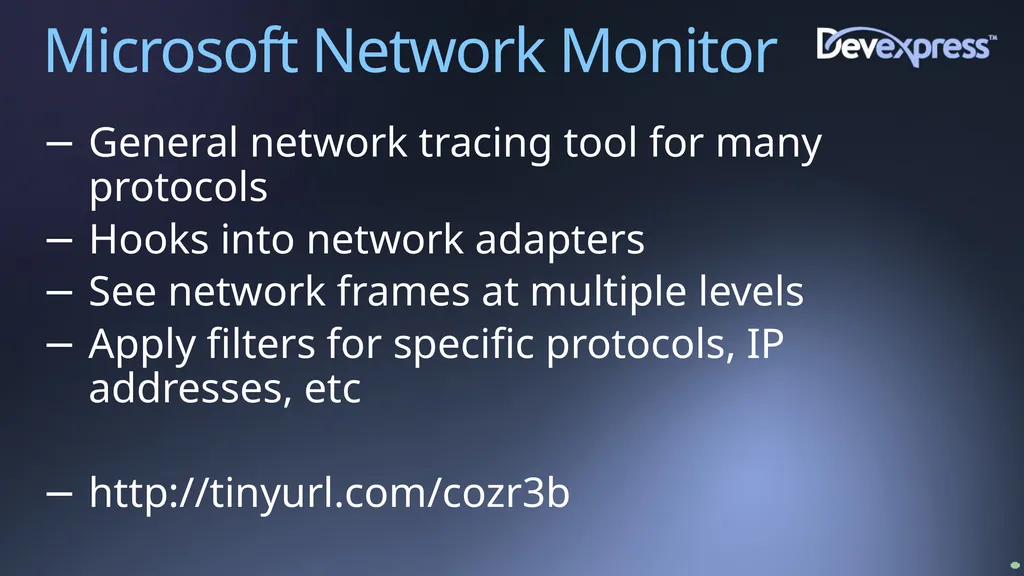
slide8. Microsoft Network Monitor General network tracing tool for many protocols
Hooks into network adapters
See network frames at multiple levels
Apply filters for specific protocols, IP addresses, etc
http://tinyurl.com/cozr3b<br>
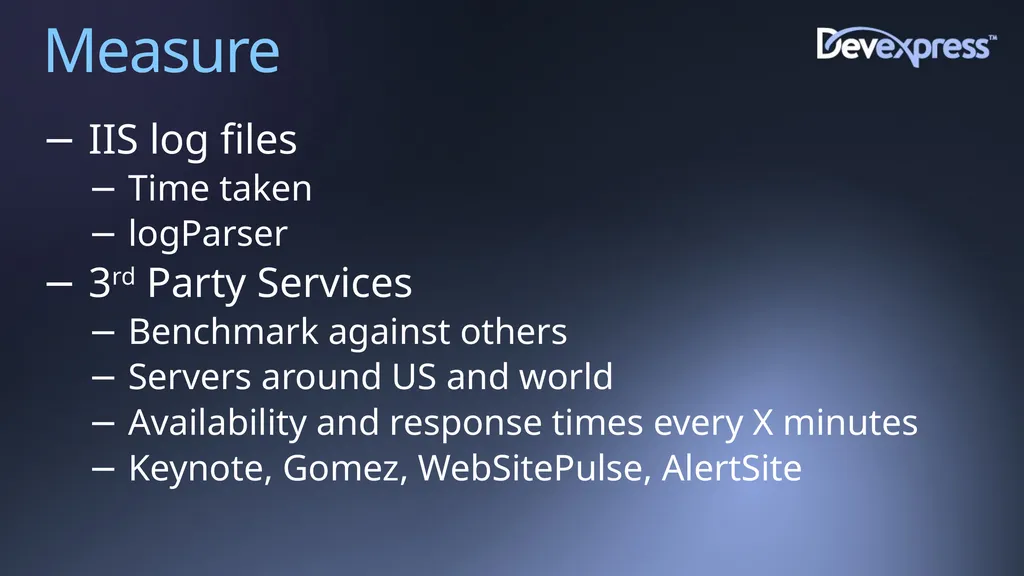
slide9. Measure IIS log files
Time taken
logParser
3rd Party Services
Benchmark against others
Servers around US and world
Availability and response times every X minutes
Keynote, Gomez, WebSitePulse, AlertSite<br>
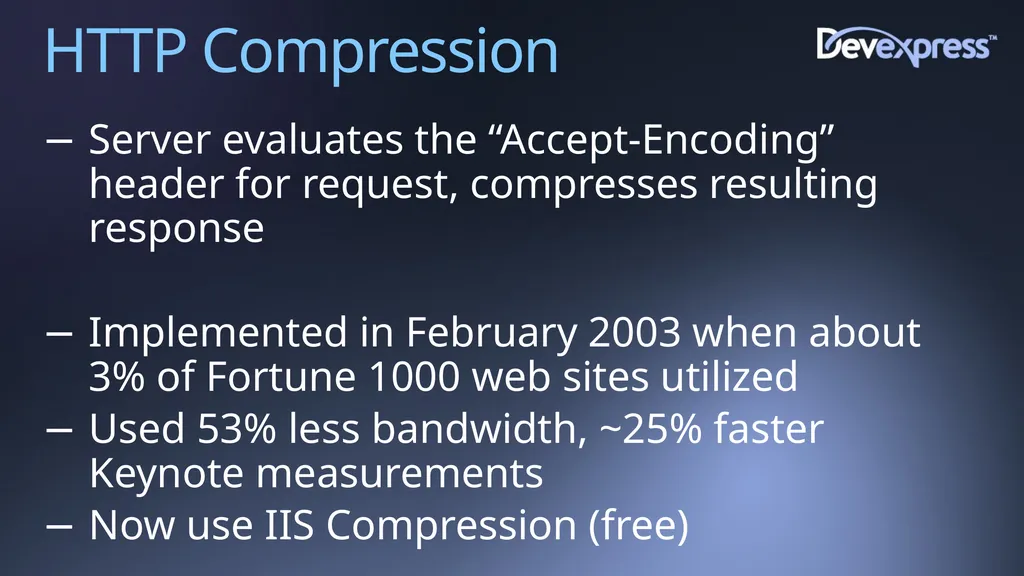
slide10. HTTP Compression Server evaluates the “Accept-Encoding” header for request, compresses resulting response
Implemented in February 2003 when about 3% of Fortune 1000 web sites utilized
Used 53% less bandwidth, ~25% faster Keynote measurements
Now use IIS Compression (free)<br>
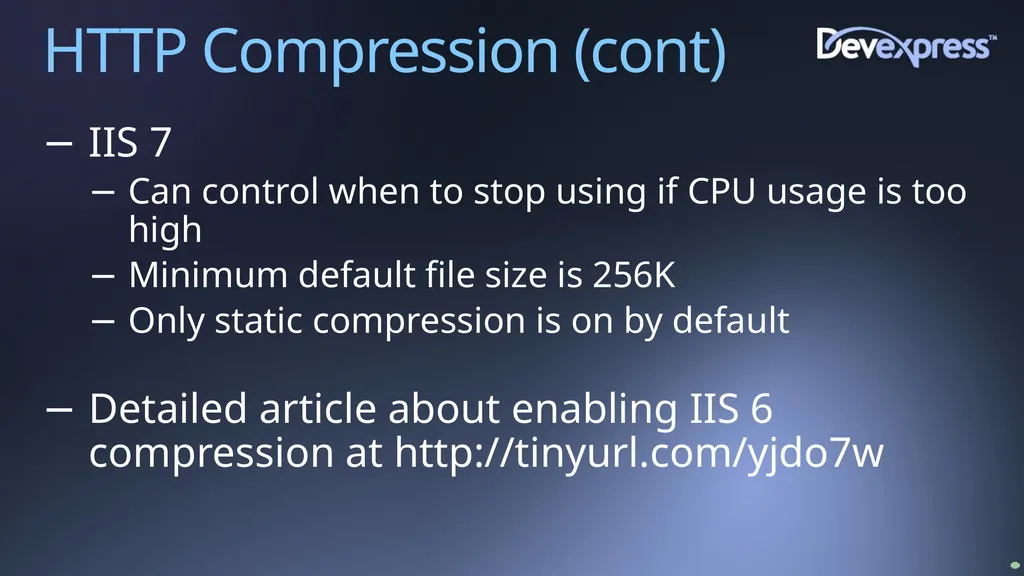
slide11. HTTP Compression (cont) IIS 7
Can control when to stop using if CPU usage is too high
Minimum default file size is 256K
Only static compression is on by default
Detailed article about enabling IIS 6 compression at http://tinyurl.com/yjdo7w<br>
slide12. Content Expirations Client asks “if-modified-since”
Small content files it is just as expensive to see if modified as to receive content
Leverage user’s browser cache
Setup expiration times for content folders
Avoid requests for files that seldom change (.js, .css, images, etc)
Rename the file if need to override browser caching<br>
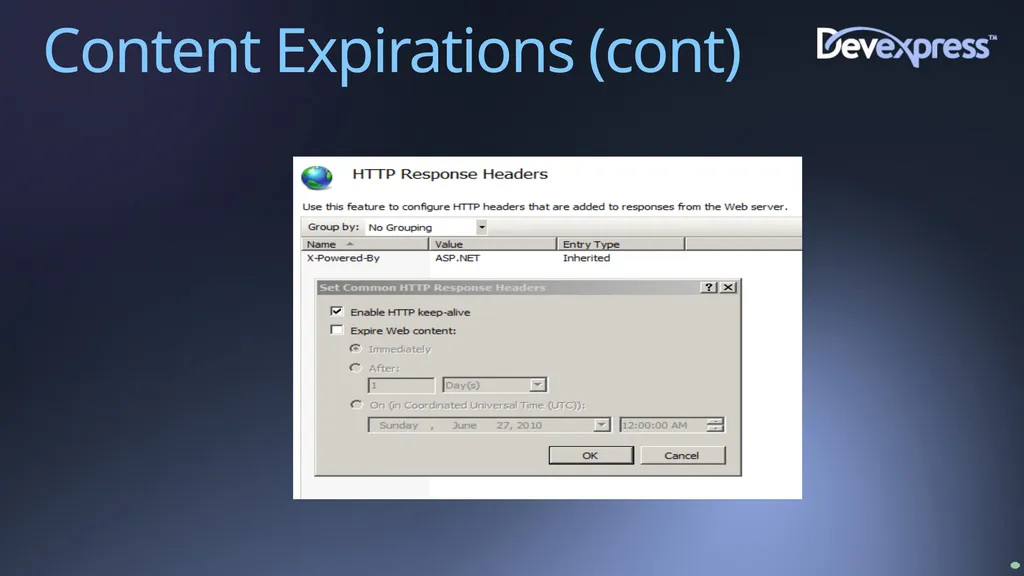
slide13. Content Expirations (cont)<br>
slide14. CSS and JavaScript External (Almost) always put CSS and JavaScript in external files
Reduces page size(s)
Allows reuse
Able to use expirations<br>
slide15. ETags Used for cache validation
IIS sends the ETag header in response for static files
hash:changeNumber
IIS 6
changeNumber – specific to server
Setup a custom response header “ETag” with no value
IIS 7
changeNumber - 0 by default
Completely remove header with HttpModule<br>
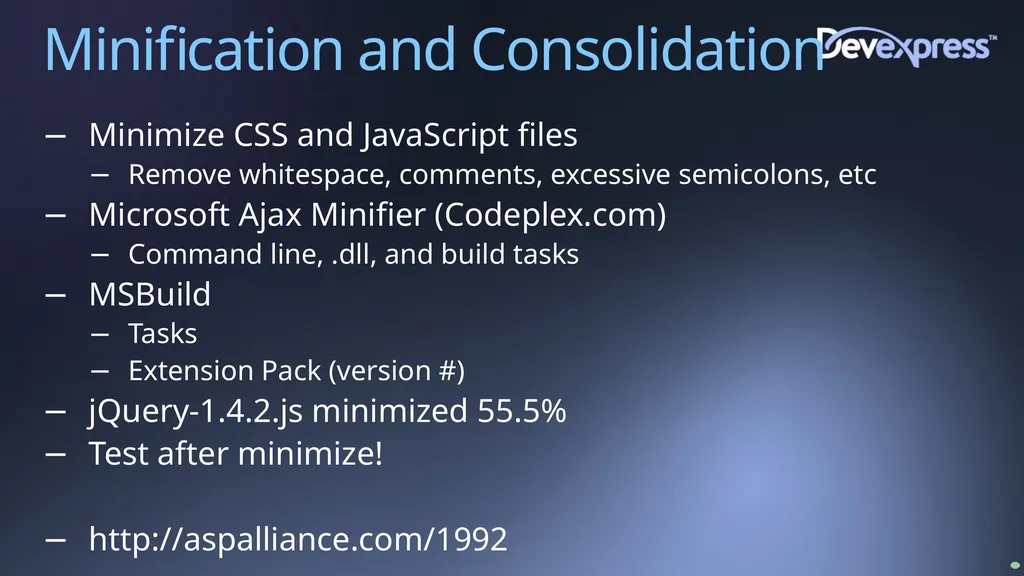
slide16. Minification and Consolidation Minimize CSS and JavaScript files
Remove whitespace, comments, excessive semicolons, etc
Microsoft Ajax Minifier (Codeplex.com)
Command line, .dll, and build tasks
MSBuild
Tasks
Extension Pack (version #)
jQuery-1.4.2.js minimized 55.5%
Test after minimize!
http://aspalliance.com/1992<br>
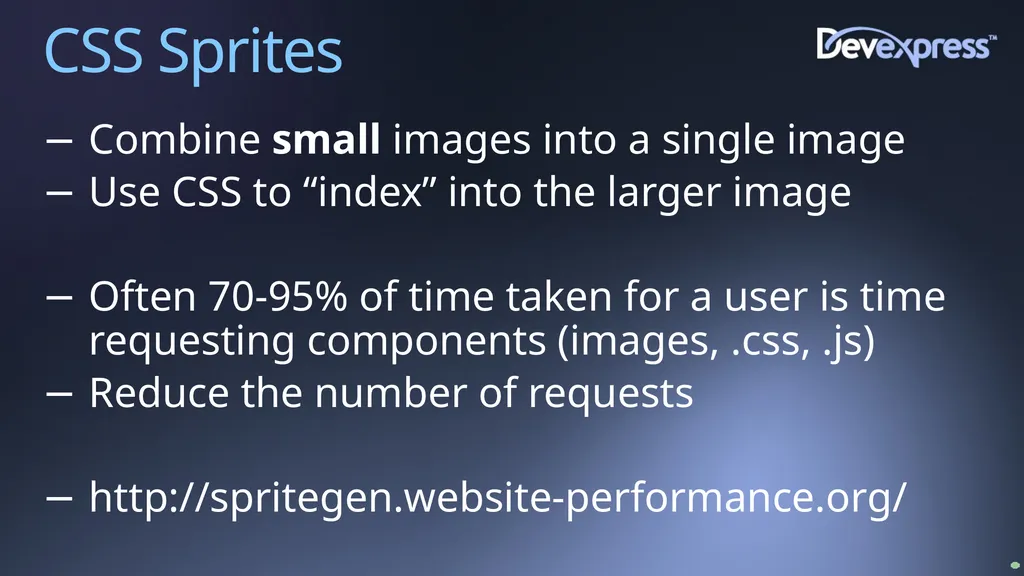
slide17. CSS Sprites Combine small images into a single image
Use CSS to “index” into the larger image
Often 70-95% of time taken for a user is time requesting components (images, .css, .js)
Reduce the number of requests
http://spritegen.website-performance.org/<br>
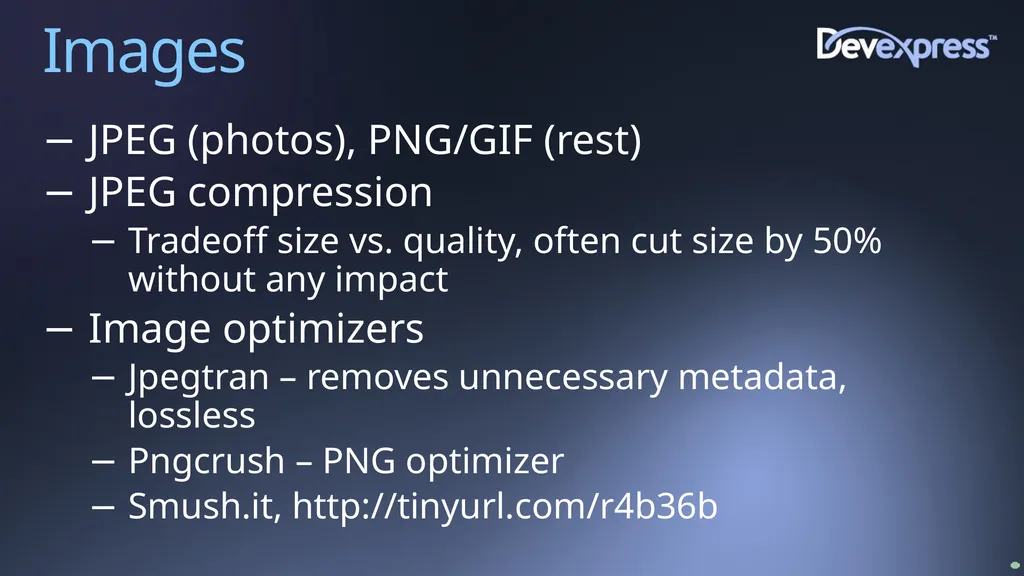
slide18. Images JPEG (photos), PNG/GIF (rest)
JPEG compression
Tradeoff size vs. quality, often cut size by 50% without any impact
Image optimizers
Jpegtran – removes unnecessary metadata, lossless
Pngcrush – PNG optimizer
Smush.it, http://tinyurl.com/r4b36b<br>
slide19. Favicon.ico Caching By default, most browsers automatically look for this file in root folder of site (use for favorites, address bar, etc)
Use <link> to point to a specific image
Setup to use an image with expirations<br>
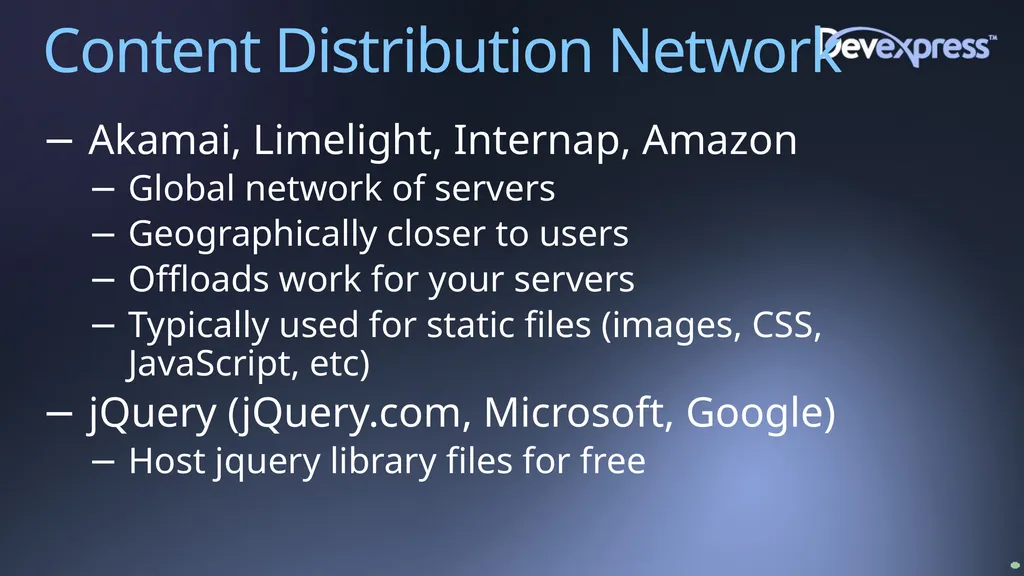
slide20. Content Distribution Network Akamai, Limelight, Internap, Amazon
Global network of servers
Geographically closer to users
Offloads work for your servers
Typically used for static files (images, CSS, JavaScript, etc)
jQuery (jQuery.com, Microsoft, Google)
Host jquery library files for free<br>
slide21. Caching Data caching (Cache), cut 50% of our SQL queries which was 72,080,000 less queries each month!
Substitution
Scalability, Performance, and Reliability
http://aspalliance.com/66<br>
slide22. Server Side Viewstate Default hidden client field for viewstate can become very large on pages
Can specify to store in session on server to avoid downloading to the client
Create a new Page Adapter to specify use of Session rather than client side hidden fields
Two PageStatePersister derived classes
HiddenFieldStatePersister (default)
SessionPageStatePersister
Create .browser file in App_Browsers and configure new class
<sessionPageState historySize="5" /><br>
slide23. Ajax May be times when only need to update a portion of a page
jQuery
.load( ) – call server and return HTML fragment
.ajax( ) – call and get various types of data<br>
slide24. Tools Performance analysis tools
Review a web page for how well it implements various performance techniques like compression, expirations, etc
YSlow
Google PageSpeed
Charles proxy – can use to simulate various connection speeds<br>
slide25. Other Ideas Pre-fetch
Remove unused response headers from IIS
Host static pages on cookieless domains
Image width/height (faster rendering)
Keep Alives
Serve images from multiple domains (more parallelism)
Stylesheets at top of pages
Scripts at bottom of pages<br>
slide26. Resources “High Performance Web Sites” by Steve Souders
“Website Optimization” by Andrew King
http://code.google.com/speed/page-speed/<br>
slide27. Robert Boedigheimer ∙ Web Application Architect @boedie
robertb@aspalliance.com
http://blogs.aspadvice.com/robertb<br>

robertb@aspalliance.com
http://blogs.aspadvice.com/robertb<br>

slide2. About Me Web developer since 1995
MCPD Web, Charter Member
Columnist for aspalliance.com
Wrox Author
3rd Degree Black Belt, Tae Kwon Do
ASP.NET MVP<br>
slide3. Performance Rules “Performance is like air, no one cares about it until there isn’t any” - Richard Campbell
For most web sites, only 10-20% of response time is waiting for the HTML document to be generated and downloaded
Not optimizing code!
Make fewer HTTP requests
Send as little as possible
Send it as infrequently as possible<br>
slide4. Saving and Making Money Less bandwidth
Less servers
Increased sales and traffic (http://tinyurl.com/6293c4)
“Every 100 ms increase in load time of Amazon.com decreased sales by 1%”
“When the home page of Google Maps was reduced from 100KB to 70-80KB, traffic went up 10% in the first week, and an additional 25% in the following three weeks”
Google and others using performance to determine ranking<br>
slide5. HTTP Hypertext Transfer Protocol
Protocol defined in RFC 2068 (Http 1.1), January 1997
Request/response paradigm
Header and body
http://www.ietf.org/rfc/rfc2068.txt<br>
slide6. Fiddler Tracing tool specifically for HTTP
Shows complete request and response (not packets)
Can save archive of session
Can be used on own machine (ipv4.fiddler, ipv6.fiddler)
Transfer Timeline
http://tinyurl.com/3drk5t<br>
slide7. Fiddler (Transfer Timeline)<br>
slide8. Microsoft Network Monitor General network tracing tool for many protocols
Hooks into network adapters
See network frames at multiple levels
Apply filters for specific protocols, IP addresses, etc
http://tinyurl.com/cozr3b<br>
slide9. Measure IIS log files
Time taken
logParser
3rd Party Services
Benchmark against others
Servers around US and world
Availability and response times every X minutes
Keynote, Gomez, WebSitePulse, AlertSite<br>
slide10. HTTP Compression Server evaluates the “Accept-Encoding” header for request, compresses resulting response
Implemented in February 2003 when about 3% of Fortune 1000 web sites utilized
Used 53% less bandwidth, ~25% faster Keynote measurements
Now use IIS Compression (free)<br>
slide11. HTTP Compression (cont) IIS 7
Can control when to stop using if CPU usage is too high
Minimum default file size is 256K
Only static compression is on by default
Detailed article about enabling IIS 6 compression at http://tinyurl.com/yjdo7w<br>
slide12. Content Expirations Client asks “if-modified-since”
Small content files it is just as expensive to see if modified as to receive content
Leverage user’s browser cache
Setup expiration times for content folders
Avoid requests for files that seldom change (.js, .css, images, etc)
Rename the file if need to override browser caching<br>
slide13. Content Expirations (cont)<br>
slide14. CSS and JavaScript External (Almost) always put CSS and JavaScript in external files
Reduces page size(s)
Allows reuse
Able to use expirations<br>
slide15. ETags Used for cache validation
IIS sends the ETag header in response for static files
hash:changeNumber
IIS 6
changeNumber – specific to server
Setup a custom response header “ETag” with no value
IIS 7
changeNumber - 0 by default
Completely remove header with HttpModule<br>
slide16. Minification and Consolidation Minimize CSS and JavaScript files
Remove whitespace, comments, excessive semicolons, etc
Microsoft Ajax Minifier (Codeplex.com)
Command line, .dll, and build tasks
MSBuild
Tasks
Extension Pack (version #)
jQuery-1.4.2.js minimized 55.5%
Test after minimize!
http://aspalliance.com/1992<br>
slide17. CSS Sprites Combine small images into a single image
Use CSS to “index” into the larger image
Often 70-95% of time taken for a user is time requesting components (images, .css, .js)
Reduce the number of requests
http://spritegen.website-performance.org/<br>
slide18. Images JPEG (photos), PNG/GIF (rest)
JPEG compression
Tradeoff size vs. quality, often cut size by 50% without any impact
Image optimizers
Jpegtran – removes unnecessary metadata, lossless
Pngcrush – PNG optimizer
Smush.it, http://tinyurl.com/r4b36b<br>
slide19. Favicon.ico Caching By default, most browsers automatically look for this file in root folder of site (use for favorites, address bar, etc)
Use <link> to point to a specific image
Setup to use an image with expirations<br>
slide20. Content Distribution Network Akamai, Limelight, Internap, Amazon
Global network of servers
Geographically closer to users
Offloads work for your servers
Typically used for static files (images, CSS, JavaScript, etc)
jQuery (jQuery.com, Microsoft, Google)
Host jquery library files for free<br>
slide21. Caching Data caching (Cache), cut 50% of our SQL queries which was 72,080,000 less queries each month!
Substitution
Scalability, Performance, and Reliability
http://aspalliance.com/66<br>
slide22. Server Side Viewstate Default hidden client field for viewstate can become very large on pages
Can specify to store in session on server to avoid downloading to the client
Create a new Page Adapter to specify use of Session rather than client side hidden fields
Two PageStatePersister derived classes
HiddenFieldStatePersister (default)
SessionPageStatePersister
Create .browser file in App_Browsers and configure new class
<sessionPageState historySize="5" /><br>
slide23. Ajax May be times when only need to update a portion of a page
jQuery
.load( ) – call server and return HTML fragment
.ajax( ) – call and get various types of data<br>
slide24. Tools Performance analysis tools
Review a web page for how well it implements various performance techniques like compression, expirations, etc
YSlow
Google PageSpeed
Charles proxy – can use to simulate various connection speeds<br>
slide25. Other Ideas Pre-fetch
Remove unused response headers from IIS
Host static pages on cookieless domains
Image width/height (faster rendering)
Keep Alives
Serve images from multiple domains (more parallelism)
Stylesheets at top of pages
Scripts at bottom of pages<br>
slide26. Resources “High Performance Web Sites” by Steve Souders
“Website Optimization” by Andrew King
http://code.google.com/speed/page-speed/<br>
slide27. Robert Boedigheimer ∙ Web Application Architect @boedie
robertb@aspalliance.com
http://blogs.aspadvice.com/robertb<br>