Inheritance Inheritance in Java is a mechanism in which one object acquires all the properties and behaviour of a parent object. It is an important part of OOPs (Object Oriented programming system). The idea behind inheritance in Java is
"Inheritance Inheritance in Java is a mechanism in" is the property of its rightful owner. Permission is granted to
download and print the materials on this website for personal, non-commercial use only, and to display it
on your personal computer provided you do not modify the materials and that you retain all copyright
notices contained in the materials. By downloading content from our website, you accept the terms of this
agreement.
Presentation Transcript
01
Inheritance Inheritance in Java is a mechanism in which one object acquires all the properties and behaviour of a parent object. It is an important part of OOPs (Object Oriented programming system).
The idea behind inheritance in Java is that you can create new classes that are built upon existing classes. When you inherit from an existing class, you can reuse methods and fields of the parent class. Moreover, you can add new methods and fields in your current class also.
Inheritance represents the IS-A relationship which is also known as a parent-child relationship.
Why use inheritance in java
1.For Method Overriding (so runtime polymorphism can be achieved).
2. For code Reusability.<br>
02
Terms used in Inheritance Class: A class is a group of objects which have common properties. It is a template or blueprint from which objects are created.
Sub Class/Child Class: Subclass is a class which inherits the other class. It is also called a derived class, extended class, or child class.
Super Class/Parent Class: Superclass is the class from where a subclass inherits the features. It is also called a base class or a parent class.
Reusability: As the name specifies, reusability is a mechanism which facilitates you to reuse the fields and methods of the existing class when you create a new class. You can use the same fields and methods already defined in the previous class.<br>
03
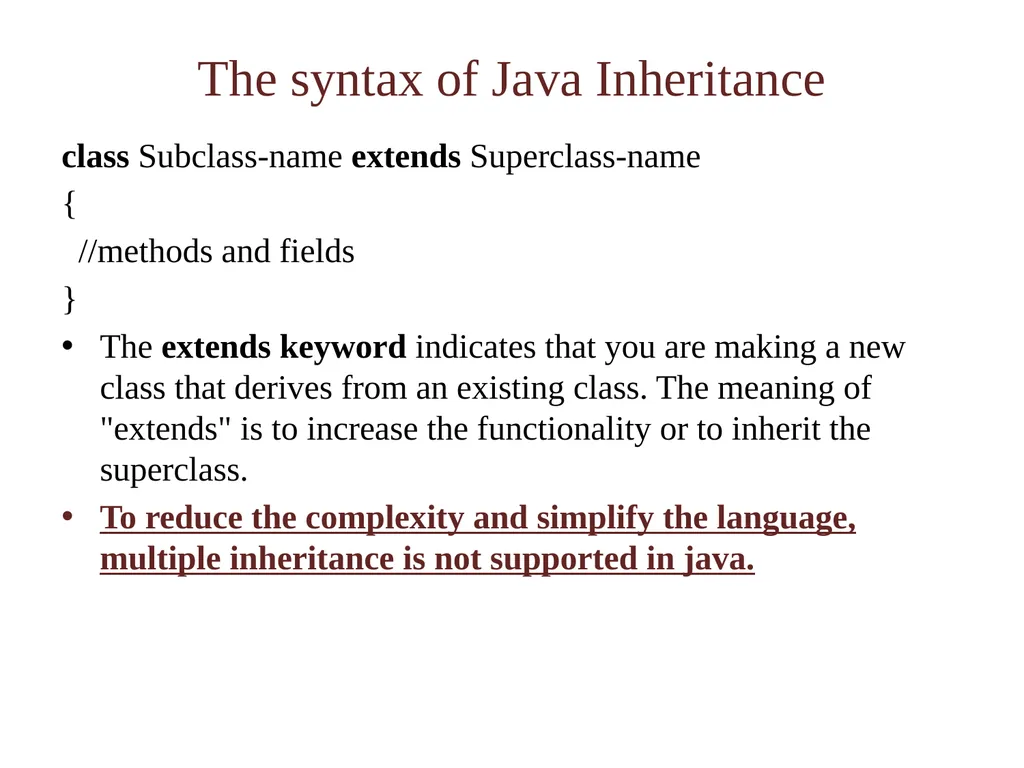
The syntax of Java Inheritance class Subclass-name extends Superclass-name
{
//methods and fields
}
The extends keyword indicates that you are making a new class that derives from an existing class. The meaning of "extends" is to increase the functionality or to inherit the superclass.
To reduce the complexity and simplify the language, multiple inheritance is not supported in java.<br>
04
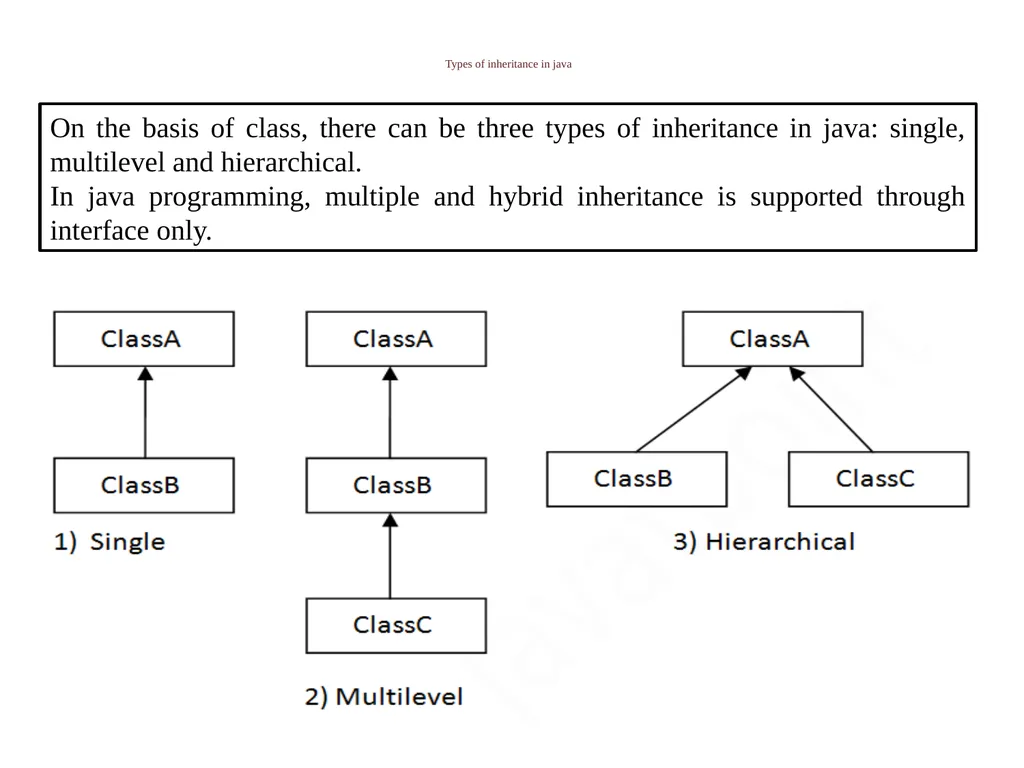
Types of inheritance in java On the basis of class, there can be three types of inheritance in java: single, multilevel and hierarchical.
In java programming, multiple and hybrid inheritance is supported through interface only.<br>
05
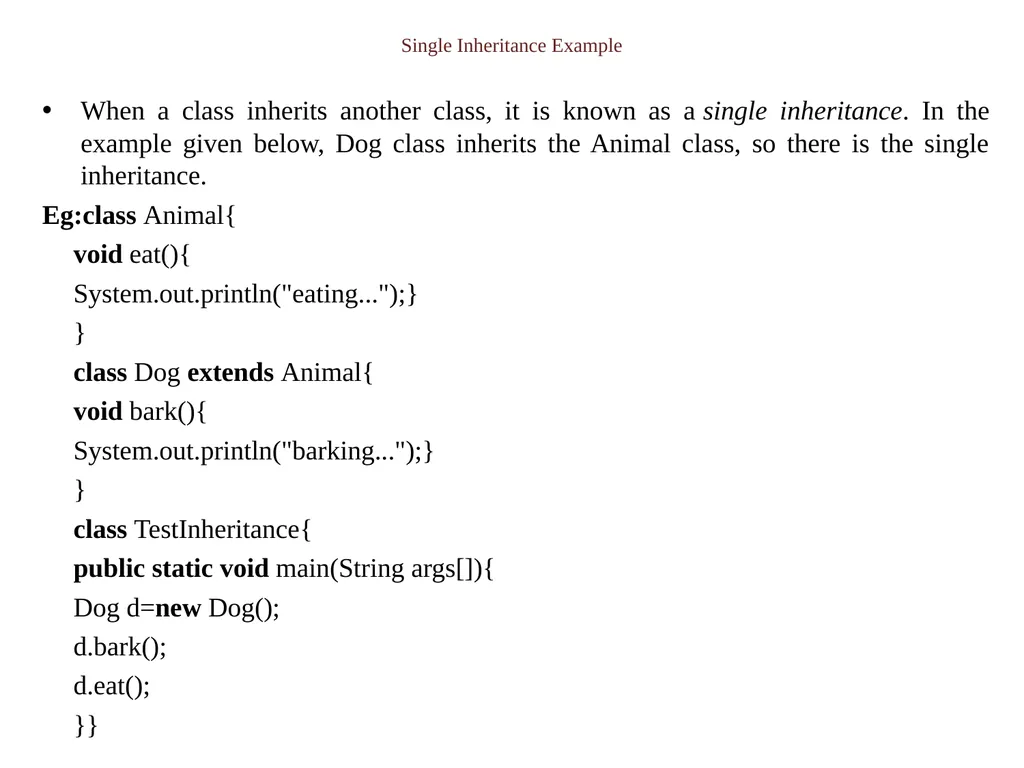
Single Inheritance Example When a class inherits another class, it is known as a single inheritance. In the example given below, Dog class inherits the Animal class, so there is the single inheritance.
Eg:class Animal{
void eat(){
System.out.println("eating...");}
}
class Dog extends Animal{
void bark(){
System.out.println("barking...");}
}
class TestInheritance{
public static void main(String args[]){
Dog d=new Dog();
d.bark();
d.eat();
}}<br>
06
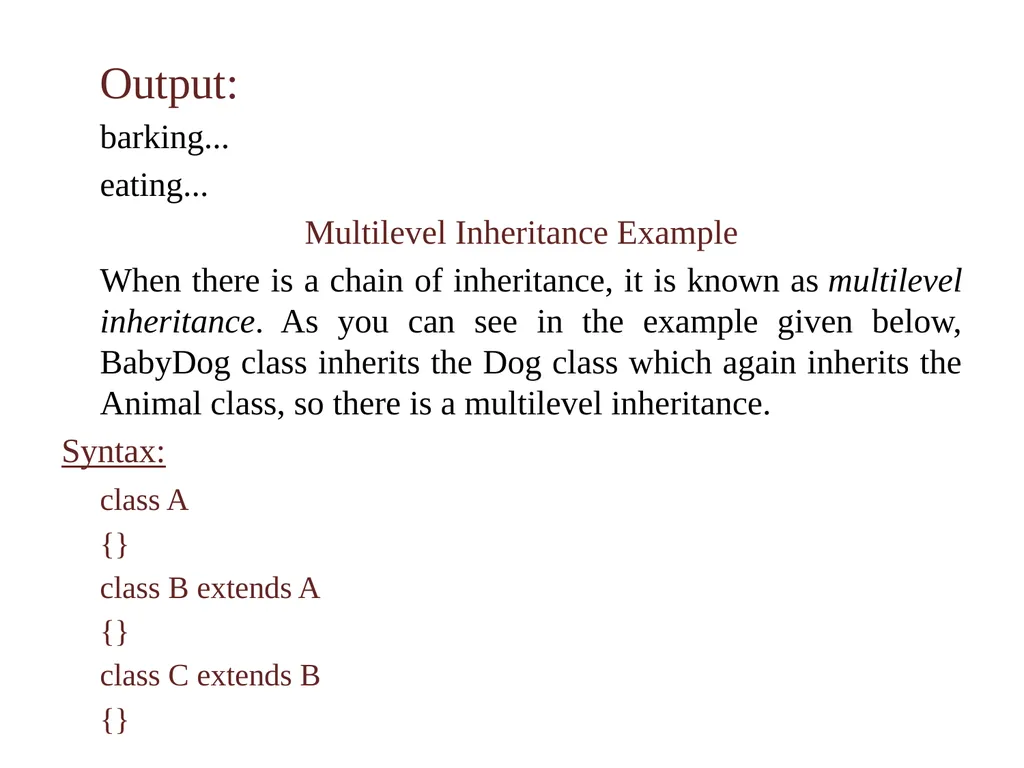
Output:
barking...
eating...
Multilevel Inheritance Example
When there is a chain of inheritance, it is known as multilevel inheritance. As you can see in the example given below, BabyDog class inherits the Dog class which again inherits the Animal class, so there is a multilevel inheritance.
Syntax:
class A
{}
class B extends A
{}
class C extends B
{}<br>
07
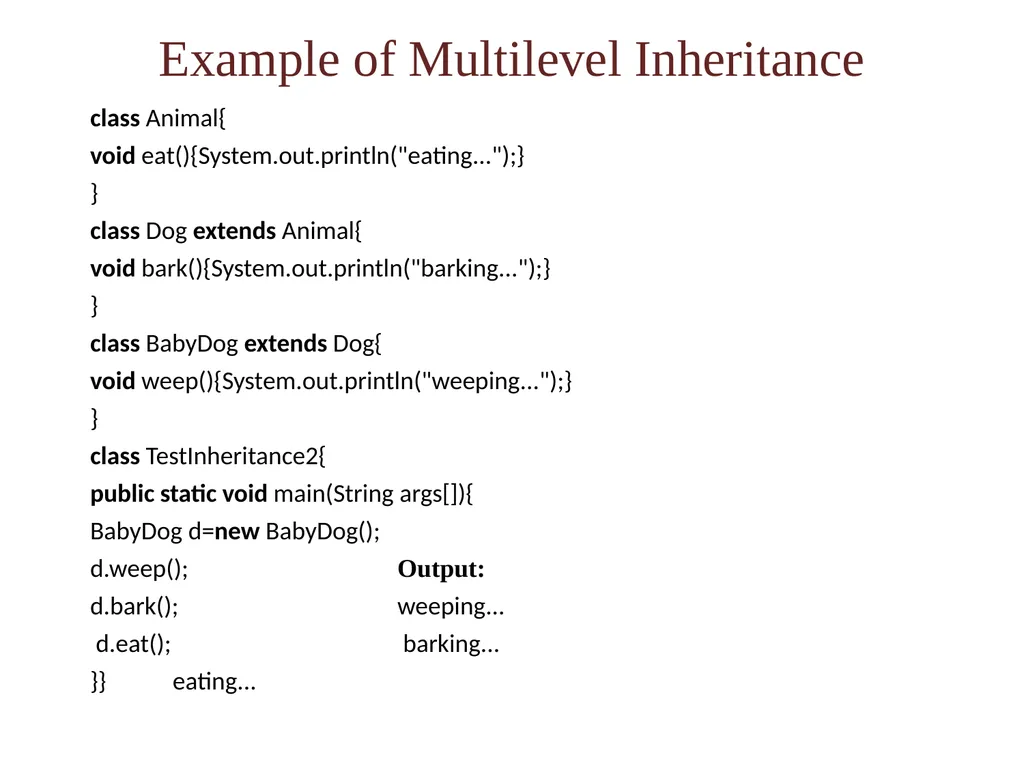
Example of Multilevel Inheritance class Animal{
void eat(){System.out.println("eating...");}
}
class Dog extends Animal{
void bark(){System.out.println("barking...");}
}
class BabyDog extends Dog{
void weep(){System.out.println("weeping...");}
}
class TestInheritance2{
public static void main(String args[]){
BabyDog d=new BabyDog();
d.weep(); Output:
d.bark(); weeping...
d.eat(); barking...
}} eating...<br>
08
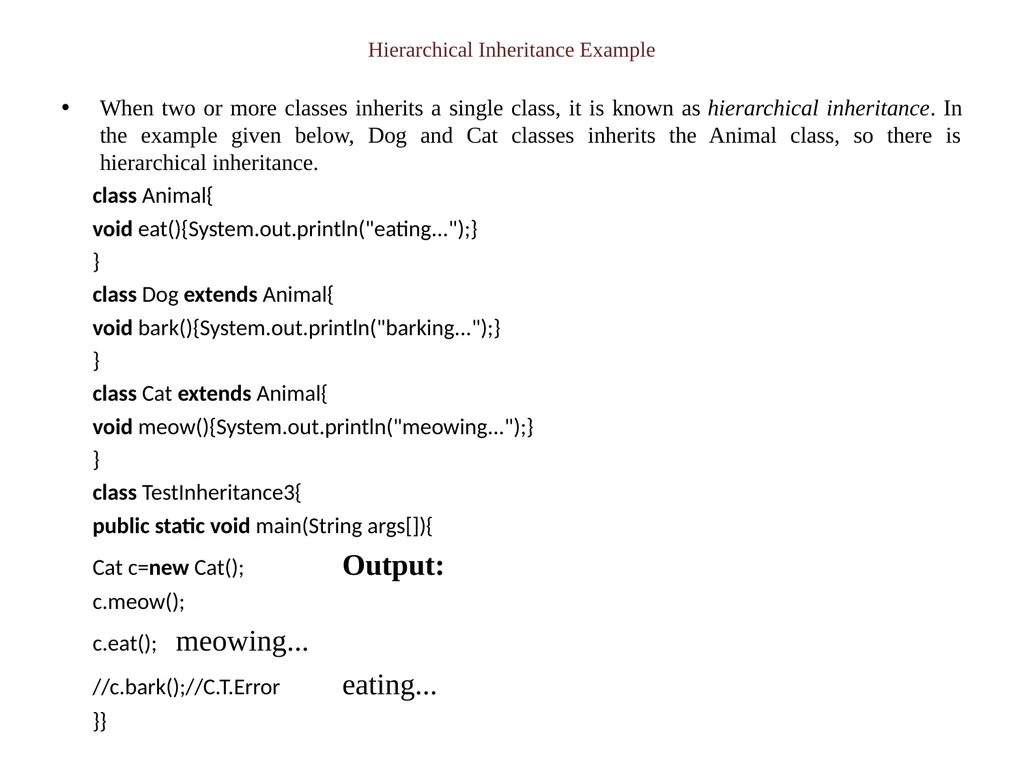
Hierarchical Inheritance Example When two or more classes inherits a single class, it is known as hierarchical inheritance. In the example given below, Dog and Cat classes inherits the Animal class, so there is hierarchical inheritance.
class Animal{
void eat(){System.out.println("eating...");}
}
class Dog extends Animal{
void bark(){System.out.println("barking...");}
}
class Cat extends Animal{
void meow(){System.out.println("meowing...");}
}
class TestInheritance3{
public static void main(String args[]){
Cat c=new Cat(); Output:
c.meow();
c.eat(); meowing...
//c.bark();//C.T.Error eating...
}}<br>
09
Access Modifiers in Java The access modifiers in Java specifies the accessibility or scope of a field, method, constructor, or class. We can change the access level of fields, constructors, methods, and class by applying the access modifier on it.
There are four types of Java access modifiers:
1.public
2.private
3.protected
4.Friendly or default<br>
10
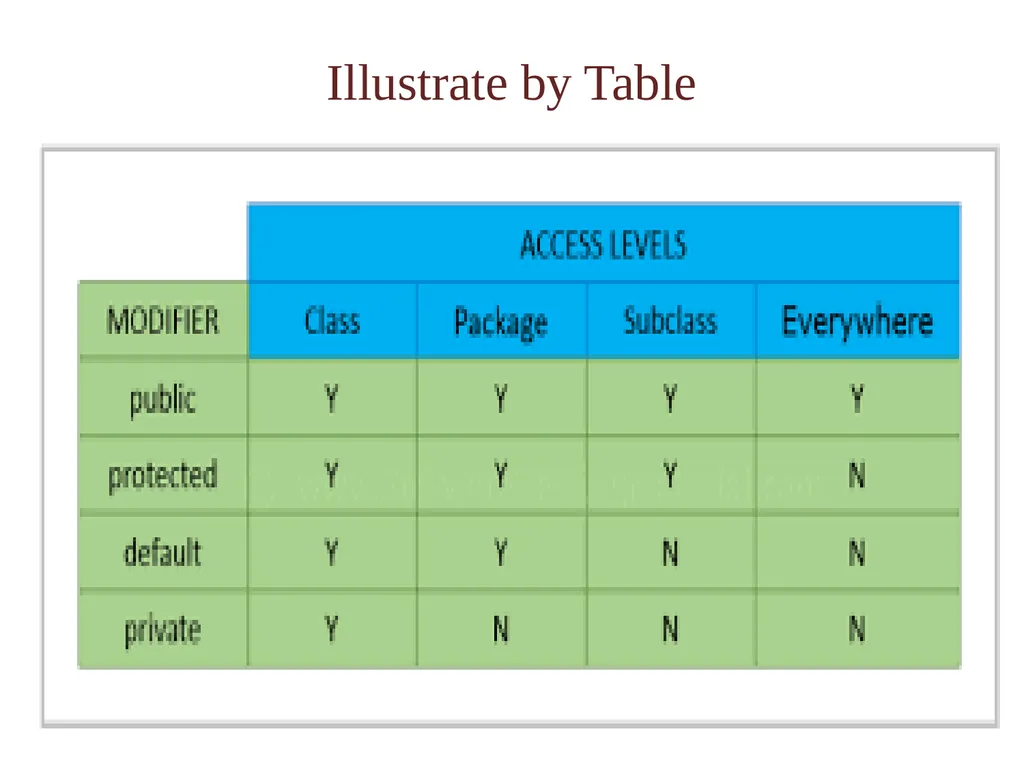
Types Explanation of Access Modifiers Private: The access level of a private modifier is only within the class. It cannot be accessed from outside the class.
Default: The access level of a default modifier is only within the package. It cannot be accessed from outside the package. If you do not specify any access level, it will be the default.
Protected: The access level of a protected modifier is within the package and outside the package through child class. If you do not make the child class, it cannot be accessed from outside the package.
Public: The access level of a public modifier is everywhere. It can be accessed from within the class, outside the class, within the package and outside the package.<br>