04
Advantages of Being Connected Find out about companies you are interested in. Show off your “good side.” Reconnect with people from your past. Get involved with charitable organizations. Keep track of social, academic, and professional events. College View<br>
06
Lists as the top social networking site. Minimum age to join Facebook is 13.<br>
07
800 million users
Worth 11 billion dollars Who’s joining Facebook? Privacy settings a continued concern.<br>
08
“We cannot guarantee that only authorized persons will view your information.”
“We cannot ensure that information you share on Facebook will not become publicly available.” From Facebook’s Privacy Policy<br>
09
Online magazine, Focus, lists Facebook in the Top 10 Big Brother Companies. Facebook ranked 2nd on the list of Worst Consumer Privacy Infringers.<br>
10
Risky Behaviors Putting too much personal information online. Accepting anyone and everyone as “friends.” Agreeing to meet with someone that you first met online.<br>
12
• Instant background check • Colleges and universities • Prospective employers • Grandma Rule<br>
14
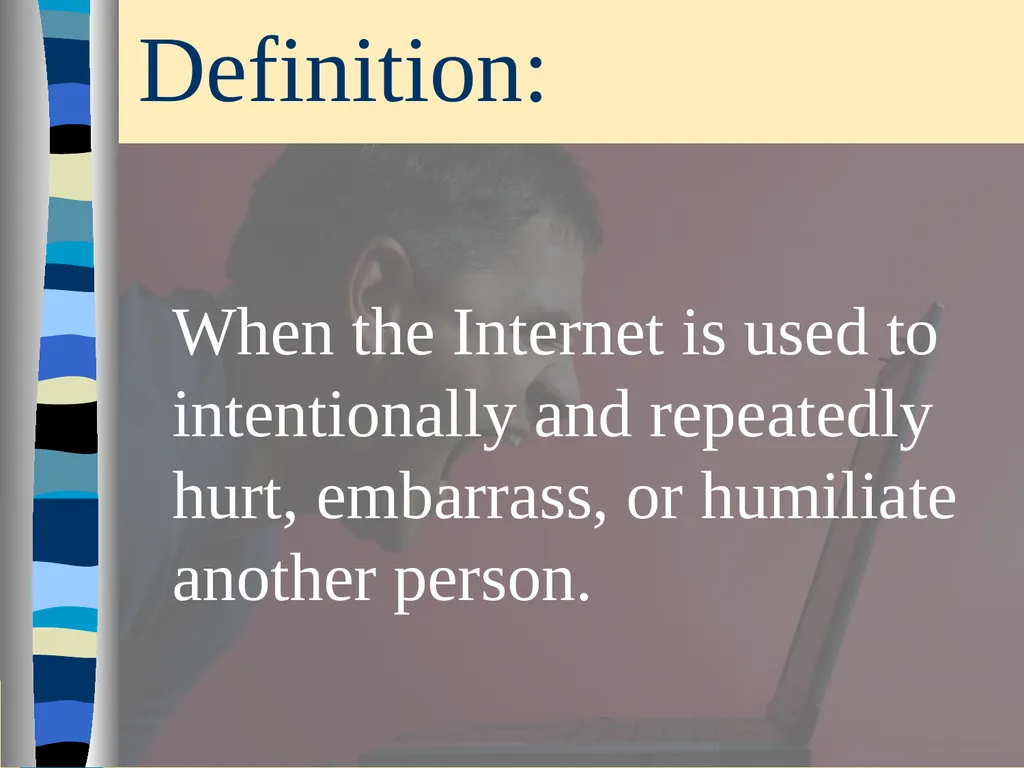
Definition: When the Internet is used to intentionally and repeatedly hurt, embarrass, or humiliate another person.<br>
15
Forms of Cyberbullying Creating fake profiles
Harassing, threatening, using offensive language
Spreading rumors, gossip about another person
Online polls, surveys<br>
16
Tips for Handling Cyberbullying Don’t respond or retaliate. Save evidence such as emails, text messages, pictures, etc. from the cyberbully. Report it!<br>
18
Photos posted on the Internet are there to stay.<br>
19
Once photos are posted on the Internet, you have no control over where they go or who sees them.<br>
20
Sextortion on the Rise Those who are sexting are being contacted by pornographers who threaten to expose their behavior to family and friends unless they pose for more explicit porn. Associated Press – Charles Wilson – August 14, 2010<br>
21
Current Laws Related To Cyberbullying and Sexting<br>
23
Definition:��Any instance where a person uses someone else’s identification documents or other identifiers in order to impersonate that person. Georgia Cybersafety Initiative<br>
24
Phishing Definition: Theft of sensitive personal information. (credit card numbers, bank account information, SSN, passwords, etc.) • UPDATE
• VALIDATE
• CONFIRM Federal Trade Commission<br>
25
Steps to Avoid Getting Phished: Don’t reply to email or pop-up messages that ask for personal or financial information.
Don’t email personal or financial information.
Review credit card and bank account statements as soon as you receive them.
Be cautious about opening attachments or downloading files from emails you receive.
Never provide passwords over the phone or in response to an unsolicited Internet request. Federal Trade Commission, Federal Deposit Insurance Corporation<br>
26
Consider Password Strength many require a minimum PW length, such as 8 characters
use both upper and lower-case letters (case sensitivity)
include one or more numerical digits
include special characters such as @, #, etc.
make PWs completely random, but easy for you to remember Do: Do Not: don’t use personal information
don’t use PWs that match the format of calendar dates, telephone numbers, or other common numbers
don’t use the same PW for more than one account<br>
27
If your identity is stolen: Start a log.
Contact the credit bureaus.
Review credit reports.
Call the police.
Fill out an identity theft affidavit from the FTC.
Close any accounts that have been accessed fraudulently. NOLO<br>
28
Too Much Time With Technology? University of Maryland
Research Study: “24 Hours: Unplugged”
Students asked to give up all media for one day
Students reported feeling anxious, miserable, jittery, antsy.
Many indicated that they were “addicted” to media.
They mostly missed text messaging, instant messaging, email, phone calls, and Facebook – over MP3 players and TV.<br>
29
Tips for Staying Safe Research before you register. Discriminate. Think before typing. Require “ID.” Trust your gut. College View<br>
30
The Top Ten Internet/Email Scams 1. The Nigerian Scam (also known as 419) 2. Pay Pal 3. Working from Home 4. “Free” Trial 5. Fake Auctions/Sales<br>
31
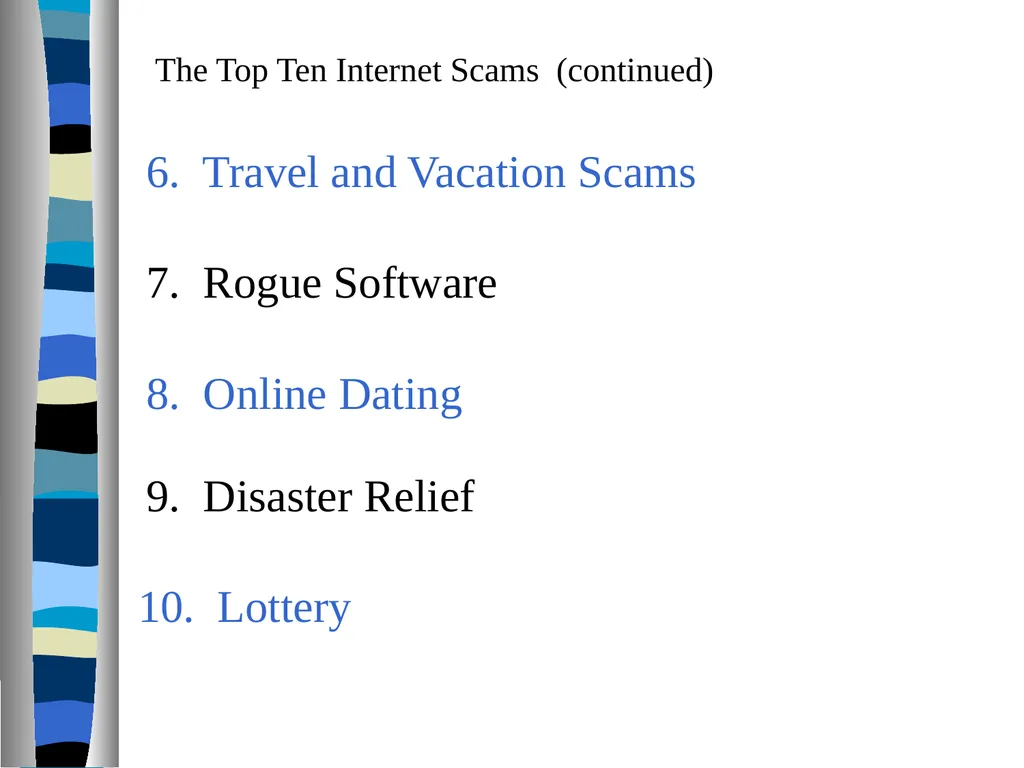
The Top Ten Internet Scams (continued) 6. Travel and Vacation Scams 7. Rogue Software 8. Online Dating 9. Disaster Relief 10. Lottery<br>
32
Questions, Comments<br>