Intro To Android Programming Raj Joshi Quick Poll Getting Up To Speed With Java You can do it in one week (2 hours a day): https:www.tutorialspoint.comjava http:www.learnjavaonline.org Head First Java (book) Learn just what is
"Intro To Android Programming Raj Joshi Quick Poll" is the property of its rightful owner. Permission is granted to
download and print the materials on this website for personal, non-commercial use only, and to display it
on your personal computer provided you do not modify the materials and that you retain all copyright
notices contained in the materials. By downloading content from our website, you accept the terms of this
agreement.
Presentation Transcript
01
Intro To Android Programming Raj Joshi<br>
02
Quick Poll<br>
03
Getting Up To Speed With Java You can do it in one week (~2 hours a day):
https://www.tutorialspoint.com/java/
http://www.learnjavaonline.org/
Head First Java (book)
Learn just what is required:
Basics: classes, methods, data types, loops & conditionals, file I/O, exceptions
Parallelism: multi-threading, asynchronous function calls
Do NOT waste time on advanced OOP concepts, design patterns, etc.
Hate Java?
Try Kotlin or both Java & Kotlin<br>
04
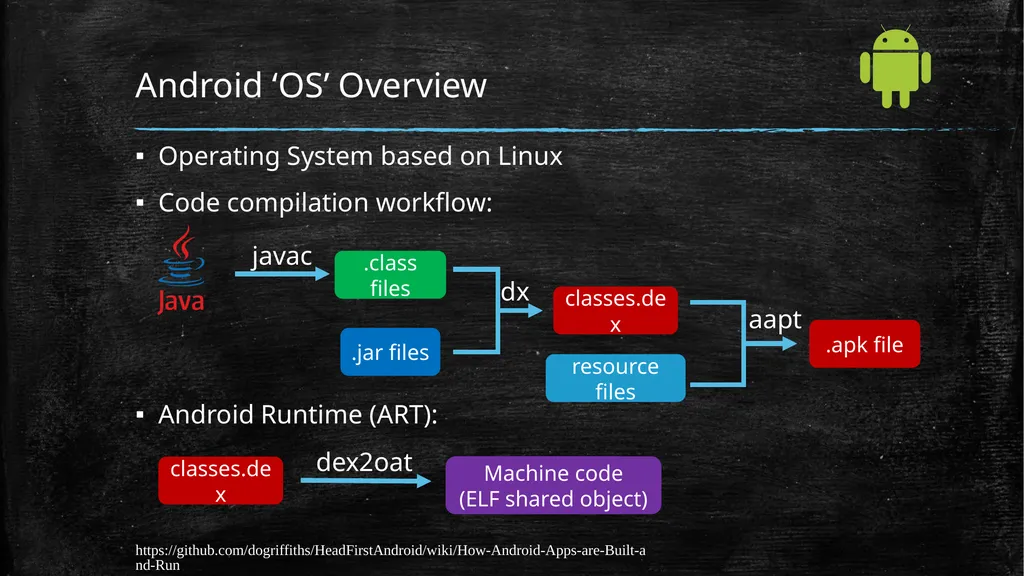
Android ‘OS’ Overview Operating System based on Linux
Code compilation workflow:
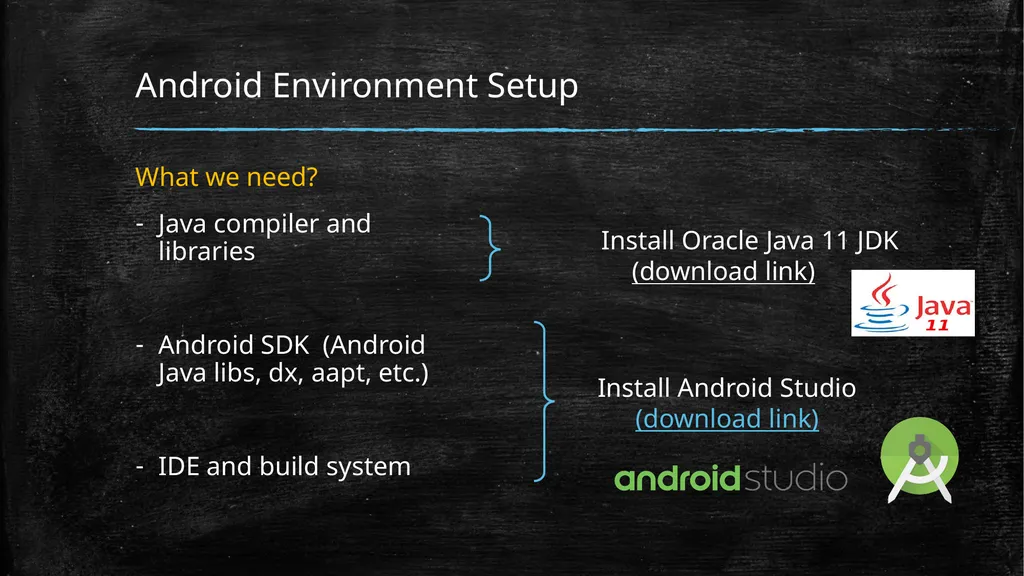
Android Environment Setup What we need?
Java compiler and libraries
Android SDK (Android Java libs, dx, aapt, etc.)
IDE and build system Install Oracle Java 11 JDK
(download link) Install Android Studio
(download link)<br>
06
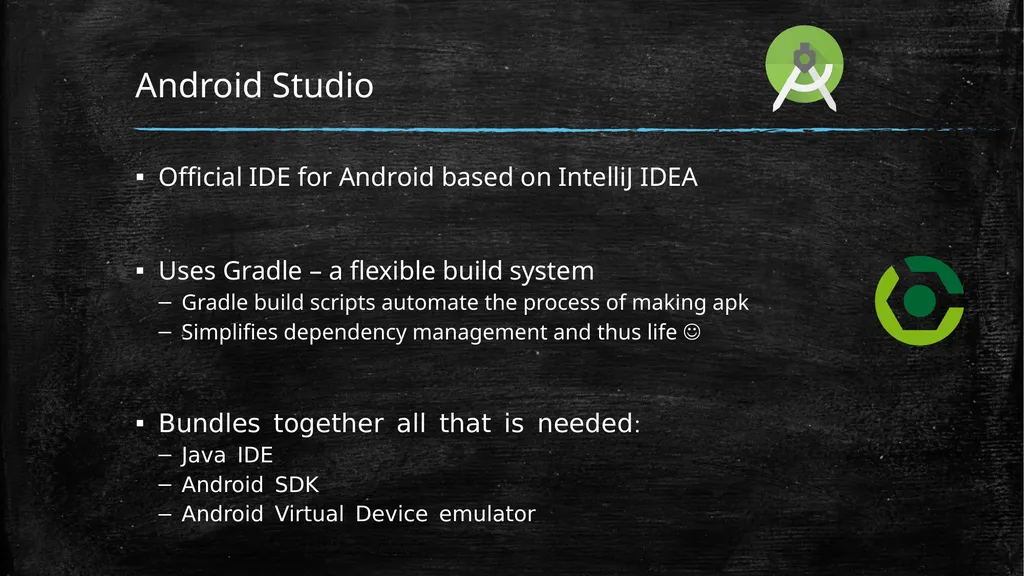
Android Studio Official IDE for Android based on IntelliJ IDEA
Uses Gradle – a flexible build system
Gradle build scripts automate the process of making apk
Simplifies dependency management and thus life
Bundles together all that is needed:
Java IDE
Android SDK
Android Virtual Device emulator<br>
07
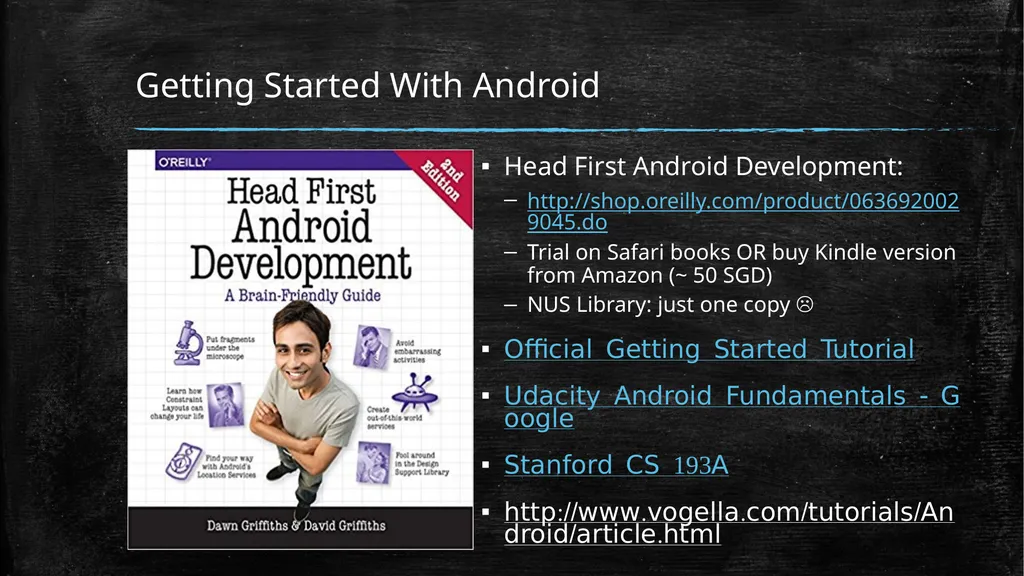
Getting Started With Android Head First Android Development:
http://shop.oreilly.com/product/0636920029045.do
Trial on Safari books OR buy Kindle version from Amazon (~ 50 SGD)
NUS Library: just one copy
Official Getting Started Tutorial
Udacity Android Fundamentals - Google
Stanford CS 193A
http://www.vogella.com/tutorials/Android/article.html<br>
08
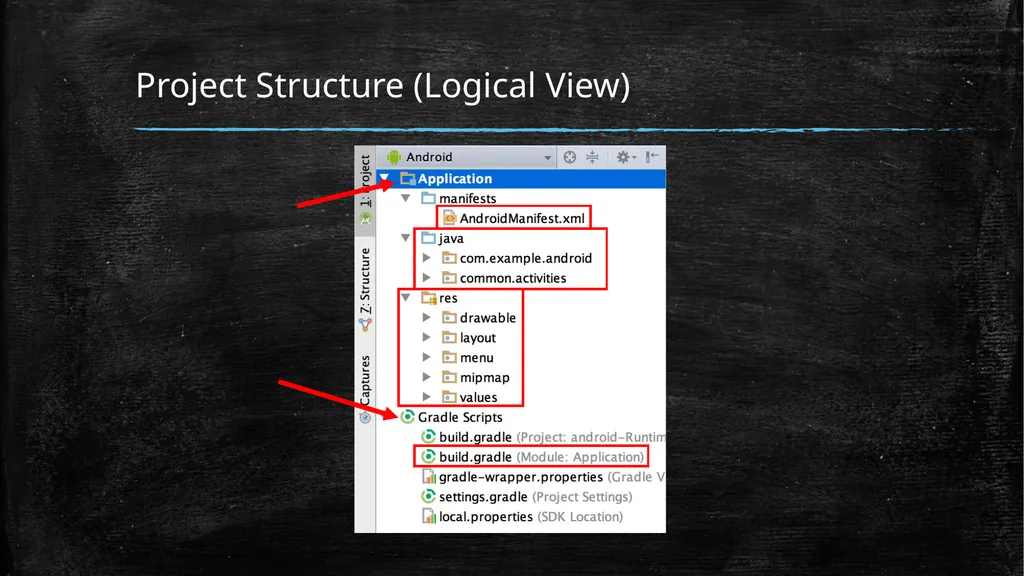
Project Structure (Logical View)<br>
09
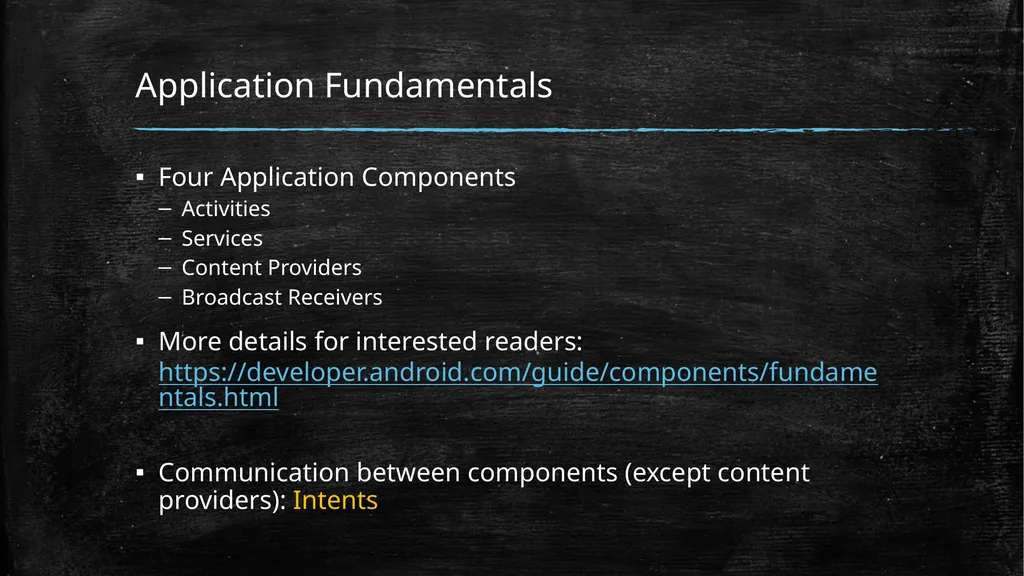
Application Fundamentals Four Application Components
Activities
Services
Content Providers
Broadcast Receivers
More details for interested readers: https://developer.android.com/guide/components/fundamentals.html
Communication between components (except content providers): Intents<br>
10
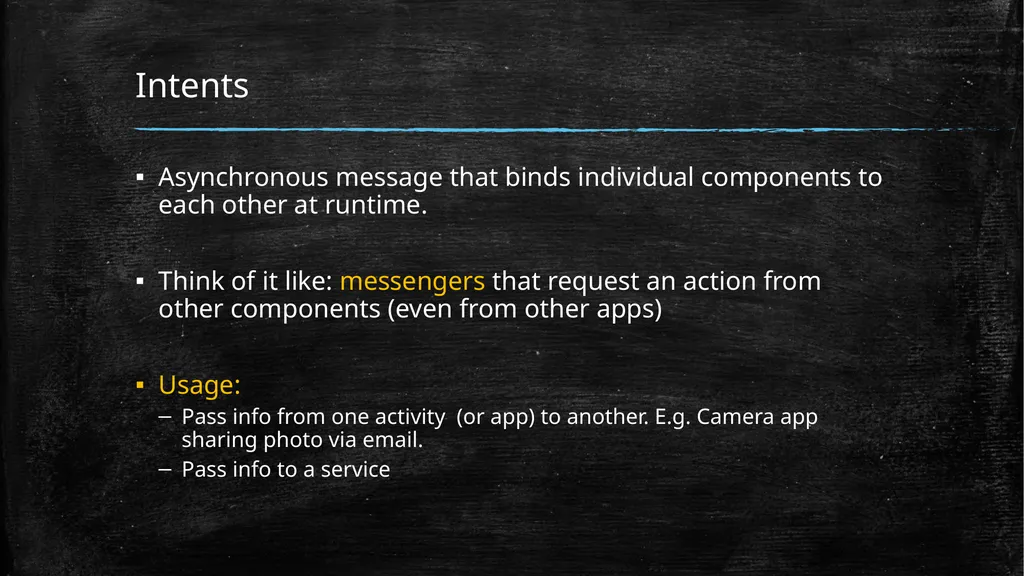
Intents Asynchronous message that binds individual components to each other at runtime.
Think of it like: messengers that request an action from other components (even from other apps)
Usage:
Pass info from one activity (or app) to another. E.g. Camera app sharing photo via email.
Pass info to a service<br>
11
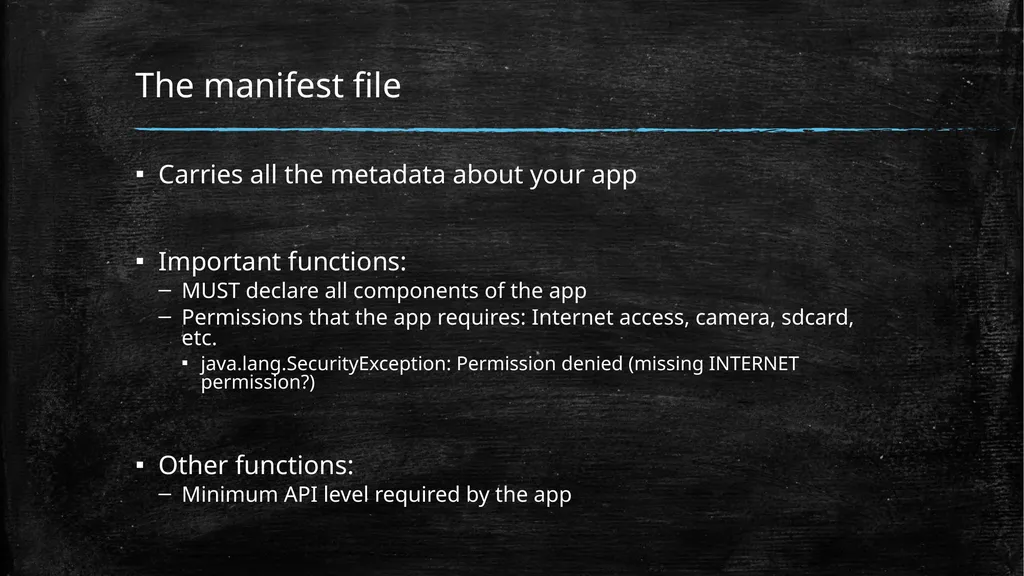
The manifest file Carries all the metadata about your app
Important functions:
MUST declare all components of the app
Permissions that the app requires: Internet access, camera, sdcard, etc.
java.lang.SecurityException: Permission denied (missing INTERNET permission?)
Other functions:
Minimum API level required by the app<br>
12
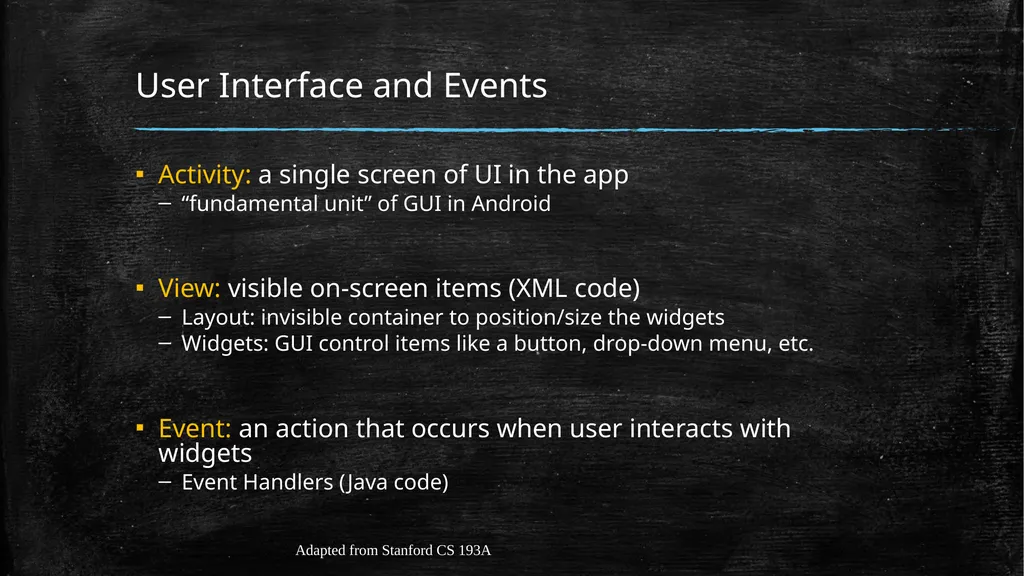
User Interface and Events Activity: a single screen of UI in the app
“fundamental unit” of GUI in Android
View: visible on-screen items (XML code)
Layout: invisible container to position/size the widgets
Widgets: GUI control items like a button, drop-down menu, etc.
Event: an action that occurs when user interacts with widgets
Event Handlers (Java code) Adapted from Stanford CS 193A<br>
13
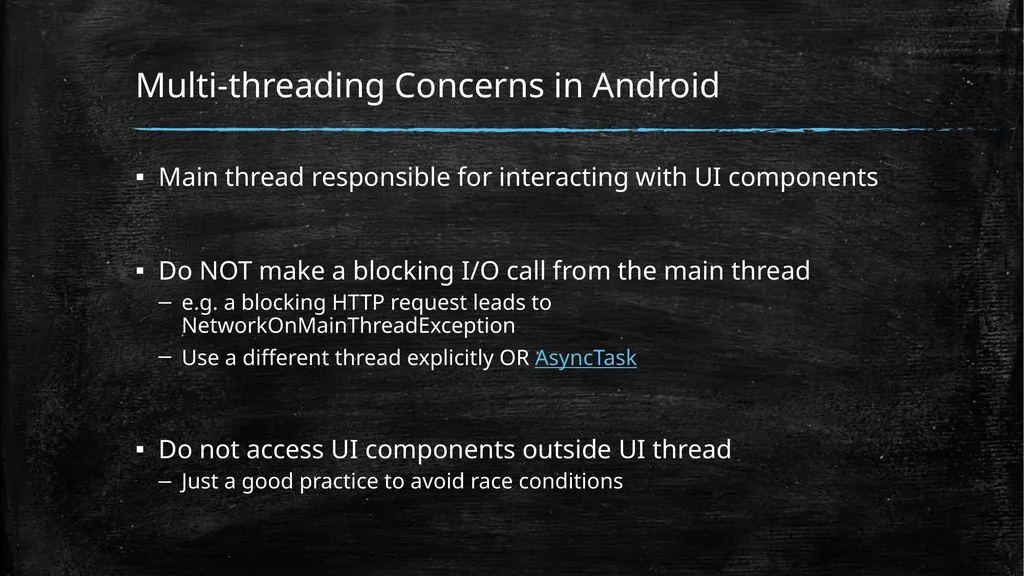
Multi-threading Concerns in Android Main thread responsible for interacting with UI components
Do NOT make a blocking I/O call from the main thread
e.g. a blocking HTTP request leads to NetworkOnMainThreadException
Use a different thread explicitly OR AsyncTask
Do not access UI components outside UI thread
Just a good practice to avoid race conditions<br>
14
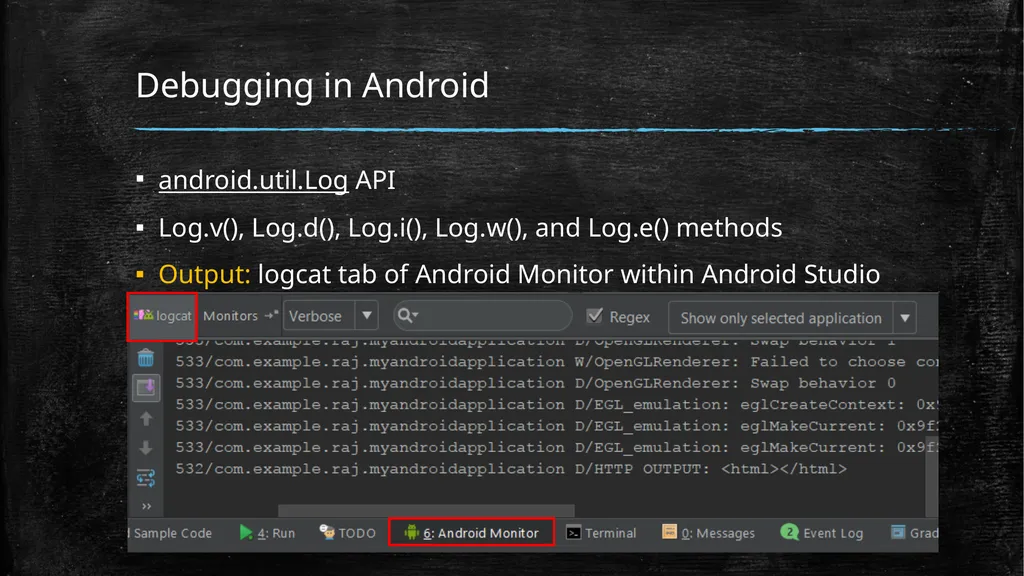
Debugging in Android android.util.Log API
Log.v(), Log.d(), Log.i(), Log.w(), and Log.e() methods
Output: logcat tab of Android Monitor within Android Studio<br>
15
Important API References MediaRecorder
MediaCodec
Sometimes you need to get down and dirty!
Useful third-party libraries:
MP4Parser: for playing around MP4 container in Java
OkHttp or Retrofit: for HTTP GET and POST
Otto: event bus (publish-subscribe model)<br>
16
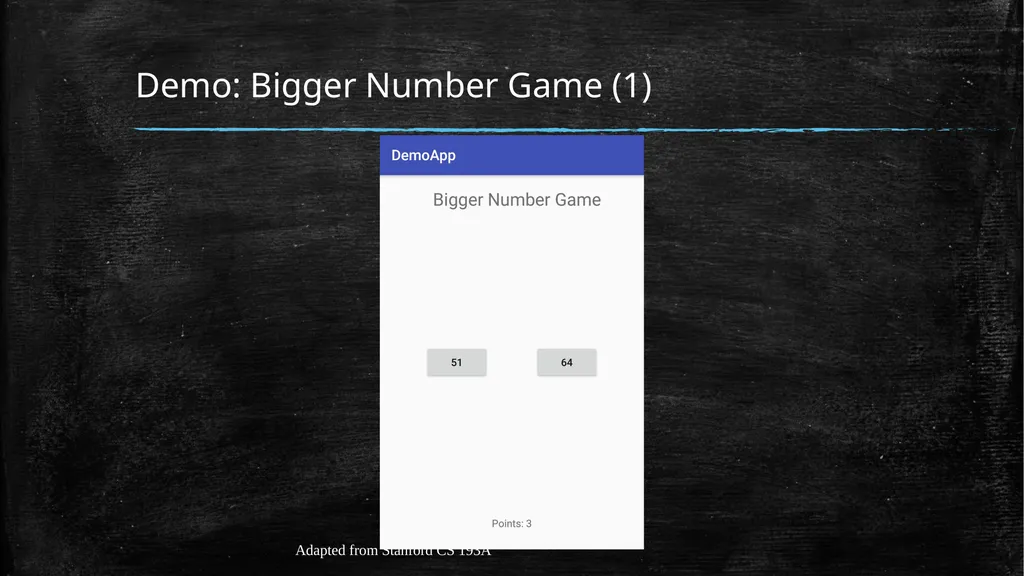
Demo: Bigger Number Game (1) Adapted from Stanford CS 193A<br>
17
Demo: Bigger Number Game (2) Suggestion:
Watch the CS 193A 19wi Lecture 01: Introduction
http://web.stanford.edu/class/cs193a/videos.shtml
It explains how to build the Bigger Number Game.
https://www.youtube.com/watch?v=iBBOUzGS8QU&feature=youtu.be
Kotlin is now the default language, instead of Java. However, it is fairly similar.<br>