
Intro to Computing Module 1 Part 2 Computers are
Description: Intro to Computing Module 1 Part 2 Computers are everywhere Right now, there are likely 3-4 computing devices within 10 feet of you. You are looking at these slides on a computer You likely have a phone in your pocket You may have a smart
Related Topics
Download Presentation
"Intro to Computing Module 1 Part 2 Computers are" is the property of its rightful owner. Permission is granted to download and print the materials on this website for personal, non-commercial use only, and to display it on your personal computer provided you do not modify the materials and that you retain all copyright notices contained in the materials. By downloading content from our website, you accept the terms of this agreement.
Presentation Transcript
slide1. Intro to Computing Module 1
Part 2<br>
slide2. Computers are everywhere Right now, there are likely 3-4 computing devices within 10 feet of you.
You are looking at these slides on a computer
You likely have a phone in your pocket
You may have a smart watch on your wrist
You are probably close to a smart TV
You may be near a smart light bulb
You may be near a car which has multiple computers
Pretty much anything that says “smart” has a computer in it.<br>
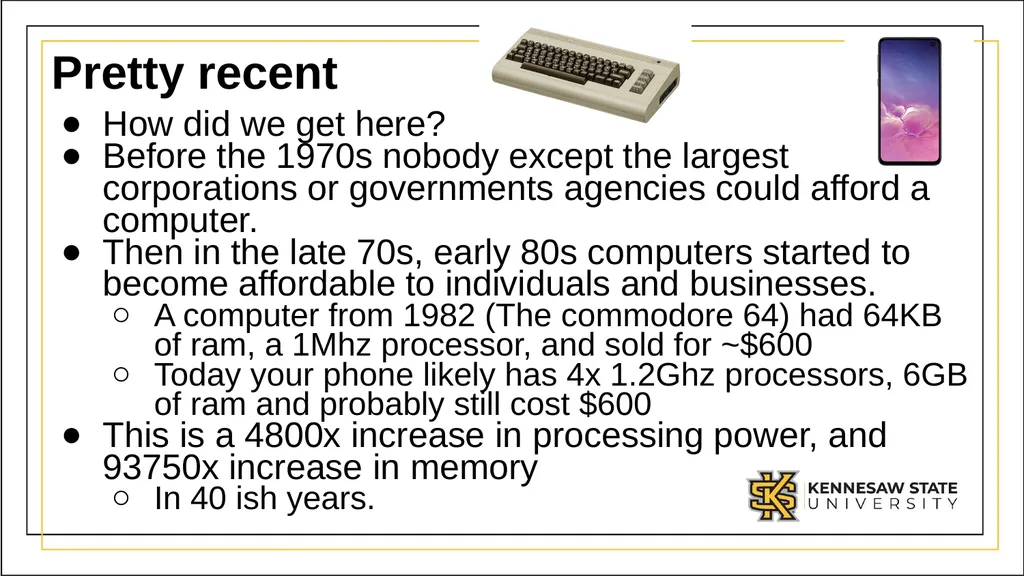
slide3. Pretty recent How did we get here?
Before the 1970s nobody except the largest corporations or governments agencies could afford a computer.
Then in the late 70s, early 80s computers started to become affordable to individuals and businesses.
A computer from 1982 (The commodore 64) had 64KB of ram, a 1Mhz processor, and sold for ~$600
Today your phone likely has 4x 1.2Ghz processors, 6GB of ram and probably still cost $600
This is a 4800x increase in processing power, and 93750x increase in memory
In 40 ish years.<br>
slide4. How did this happen? Constant progress.
Each year, companies discovered how to squeeze more processing power into the same space, how to store more information on the same surface area, how to communicate faster between machines.
This is done by two groups of people:
Hardware designers:
Electrical Engineers, Computer Engineers, Physicists
Software designers:
Computer Science, Software Engineers, Information Technologists, Data Scientists, Cyber security folks, even mathematics folks.<br>
slide5. What does the future hold In 1965 Gordon Moore observed that the number of transistors we could fit in an area was doubling every two years, while the cost was halfing.
This is known as Moore’s Law
He went on to co-found Intel
To phrase it differently, computing power doubles every two years, while computers get cheaper.
This has held true until recently.
Things are still getting exponentially faster, but it’s slowing down as we’ve hit physics walls<br>
slide6. Cheap Computers You can buy a Raspberry Pi for ~$35
They are fully fledged computers you can use for just about anything.
With the advancement of small cheap computers, we’ve started to see computers added to all kinds of things
Smart light bulbs. Can change color, and fade etc.<br>
slide7. Effects on society This is a topic that has entire courses devoted to it. But it’s fair to say computing has changed society.
Many things have been made better by computers.
Some things are arguably worse because of them.
Generally, the things which are worse are shorter term problems as we adjust.
History has shown as each great shift in technology has happened, it takes society a good number of years to adjust and restabilize after the shift.
We are likely in one of those periods<br>
slide8. Positive Effects on society People can more easily, and effectively communicate from further away.
Office video conferences, social media, ubiquitous phones make us always connected.
Universal translator software, as well as hardware and software can help people of all abilities.
Online ordering, gig economy, make life more convenient
Computers deliver almost unlimited entertainment via streaming services, games etc.
Advancements in AI have helped many industries to be more efficient. In medicine they are leading to breakthroughs on many problems we’ve struggled with for years.
Just to name a few…<br>
slide9. Negative effectives on society Automation eliminates jobs.
e.g. In the next 10-20 years it’s likely we’ll have fully autonomous vehicles. This will likely be a problem for the 3.5 million truck drivers
Social media and fully connected teens have lead to a significant increase in depression, anxiety in society
Again, each of these needs much more study.<br>
slide10. Types of Computing Jobs First off, pretty much every job today involves using a computer.
I challenge anyone to name a job that never uses a computer.
However, if you want to be more directly involved in computing there are a many different fields to consider.
Knowing how to use a computer opens many doors. Knowing how to program a computer opens others<br>
slide11. Computing careers Most people think of programing as a computing career.
People have images of folks working in a dark room with lines of code scrolling past them at high speed.
This is mostly a movie trope
Programming actually involves a lot of different things, many of which have nothing to do with writing code.<br>
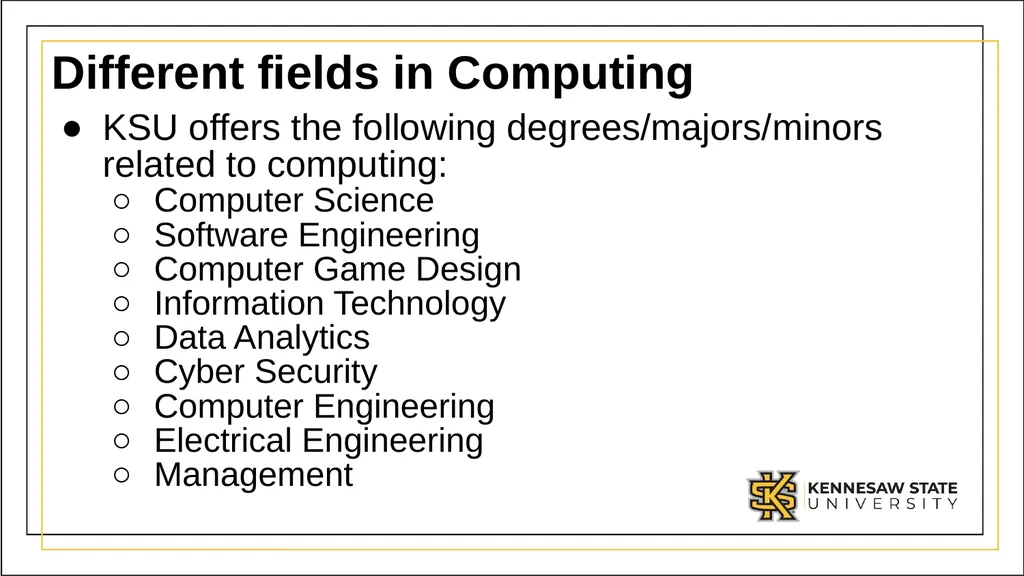
slide12. Different fields in Computing KSU offers the following degrees/majors/minors related to computing:
Computer Science
Software Engineering
Computer Game Design
Information Technology
Data Analytics
Cyber Security
Computer Engineering
Electrical Engineering
Management<br>
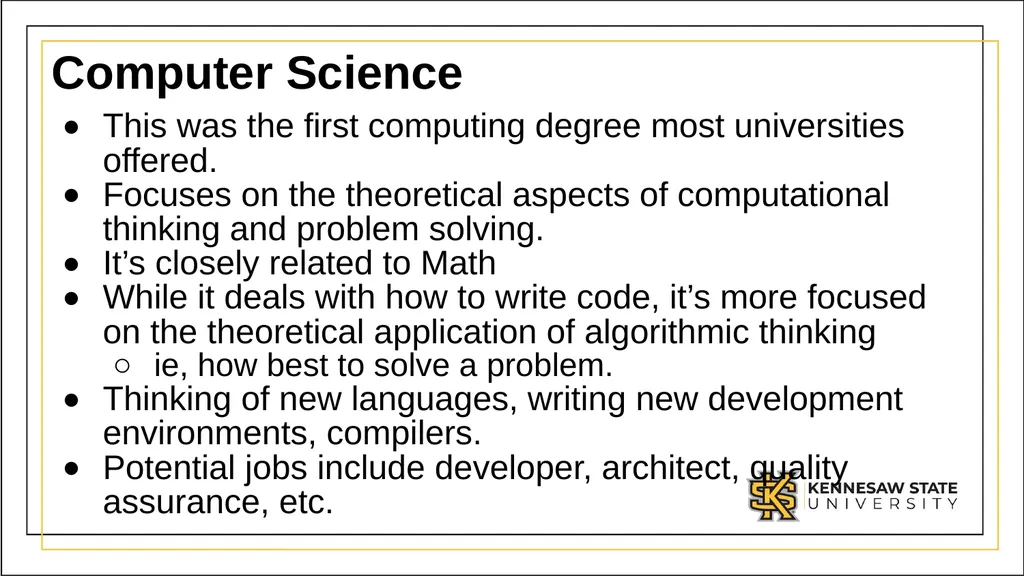
slide13. Computer Science This was the first computing degree most universities offered.
Focuses on the theoretical aspects of computational thinking and problem solving.
It’s closely related to Math
While it deals with how to write code, it’s more focused on the theoretical application of algorithmic thinking
ie, how best to solve a problem.
Thinking of new languages, writing new development environments, compilers.
Potential jobs include developer, architect, quality assurance, etc.<br>
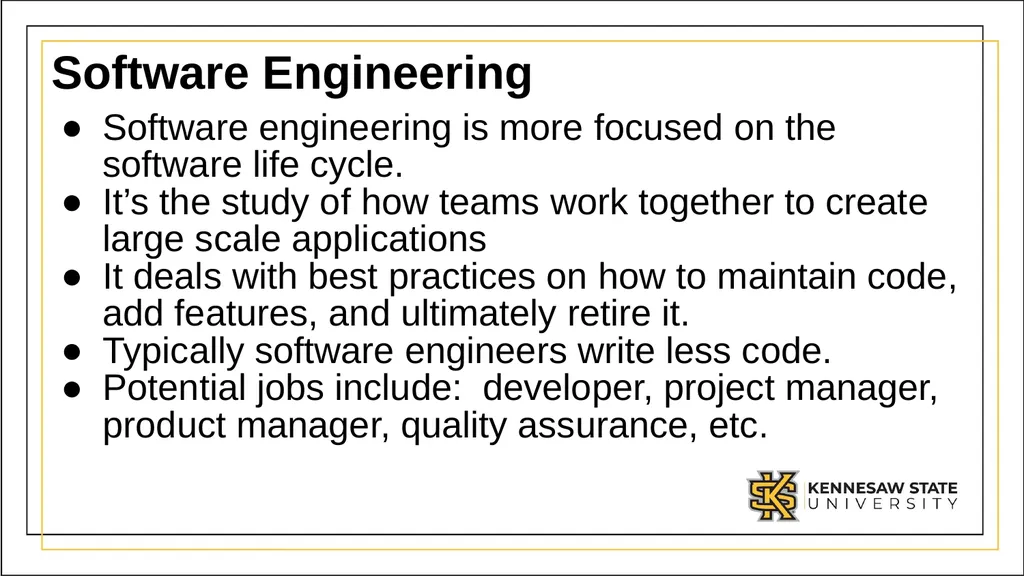
slide14. Software Engineering Software engineering is more focused on the software life cycle.
It’s the study of how teams work together to create large scale applications
It deals with best practices on how to maintain code, add features, and ultimately retire it.
Typically software engineers write less code.
Potential jobs include: developer, project manager, product manager, quality assurance, etc.<br>
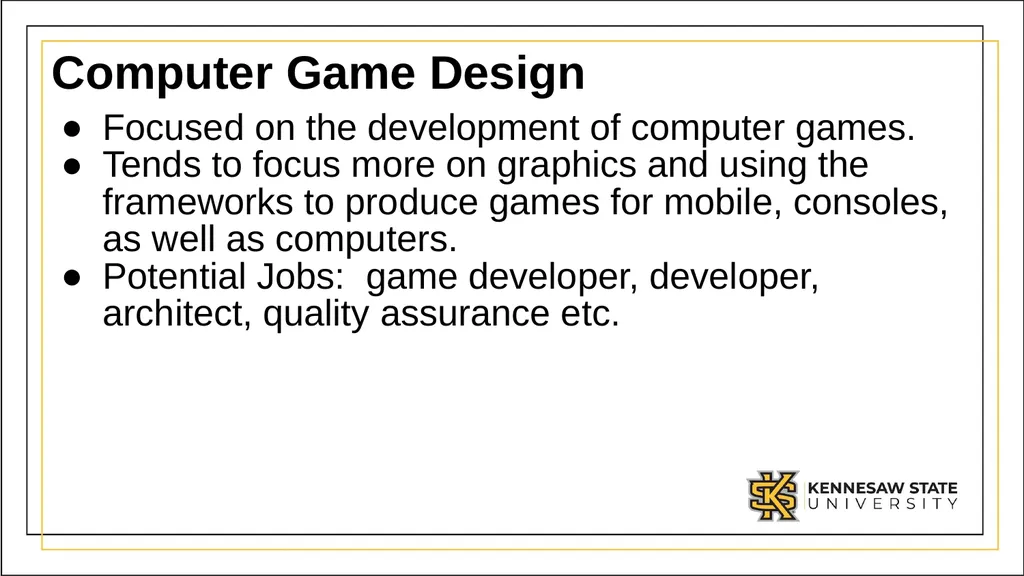
slide15. Computer Game Design Focused on the development of computer games.
Tends to focus more on graphics and using the frameworks to produce games for mobile, consoles, as well as computers.
Potential Jobs: game developer, developer, architect, quality assurance etc.<br>
slide16. Information Technology Focuses on the maintenance and deployment of systems.
Also focused on storing, retrieving and sending information.
Typically does only small amounts of programing.
Potential jobs: Helpdesk, System Administrator, System Engineer, Database administrator, network engineer, security engineer<br>
slide17. Data Analytics / Data Science Focuses on analyzing data
Taking data and extracting information from it.
Today’s world creates almost unlimited data, being able to mine it and find interesting answers involves computers, databases, and some coding.
Potential jobs: Data analysts, Business analysts, Marketing, Product Managers.<br>
slide18. Cyber security Focuses on securing computers.
Analyzing threats
Dealing with security incidents
Setting/enforcing policy
Potential Jobs: Security analysts, Forensic analysts, Security engineer, etc.<br>
slide19. Computer Engineering/Electrical Engineering Focus on how hardware is made.
Designs computer boards, chips and circuits.
May write some software, but typically at a very low level (device drivers, BIOS).
More closely related to physics and engineering.
Potential jobs: Hardware designer, developer.<br>
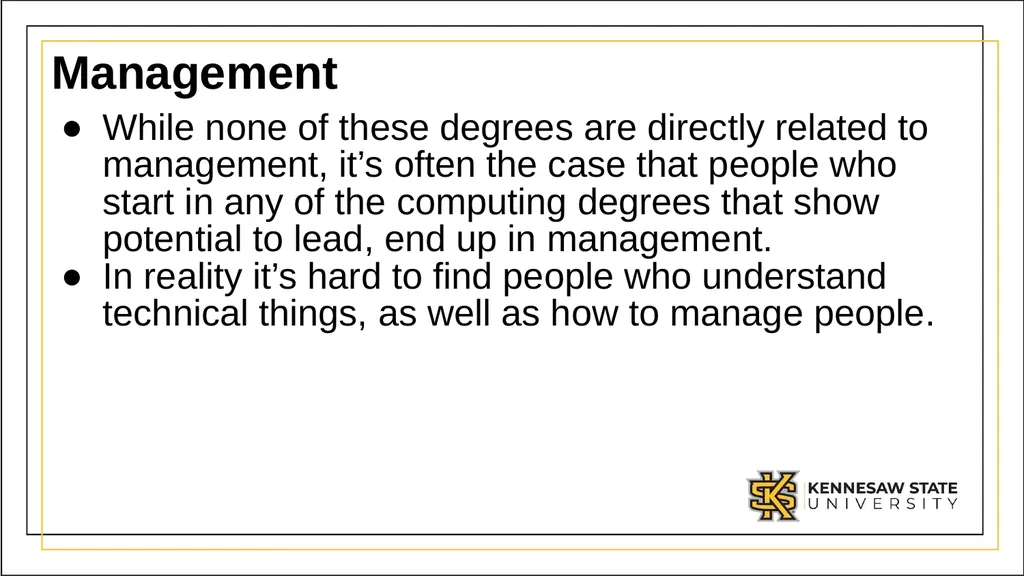
slide20. Management While none of these degrees are directly related to management, it’s often the case that people who start in any of the computing degrees that show potential to lead, end up in management.
In reality it’s hard to find people who understand technical things, as well as how to manage people.<br>
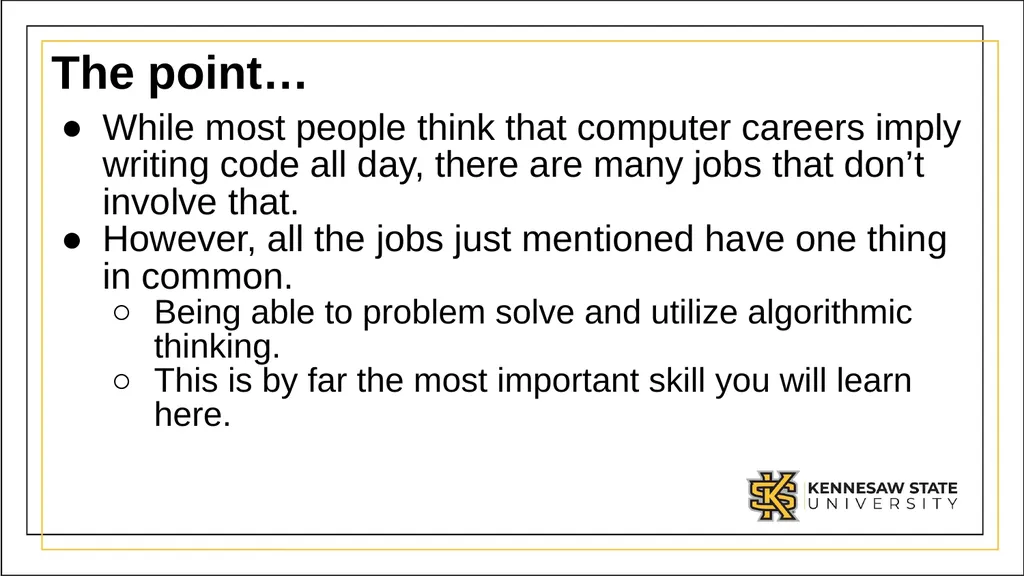
slide21. The point… While most people think that computer careers imply writing code all day, there are many jobs that don’t involve that.
However, all the jobs just mentioned have one thing in common.
Being able to problem solve and utilize algorithmic thinking.
This is by far the most important skill you will learn here.<br>
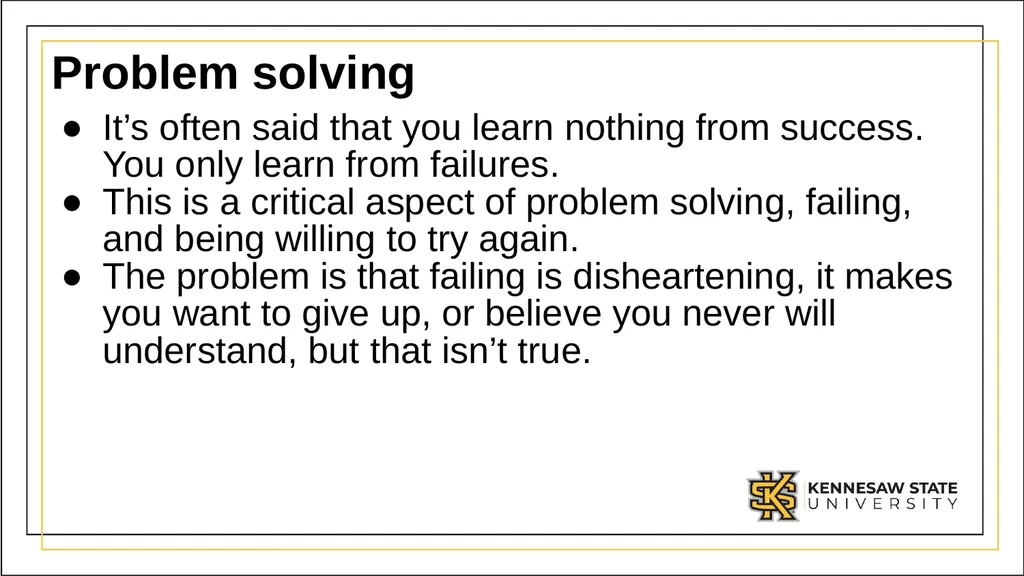
slide22. Problem solving It’s often said that you learn nothing from success. You only learn from failures.
This is a critical aspect of problem solving, failing, and being willing to try again.
The problem is that failing is disheartening, it makes you want to give up, or believe you never will understand, but that isn’t true.<br>
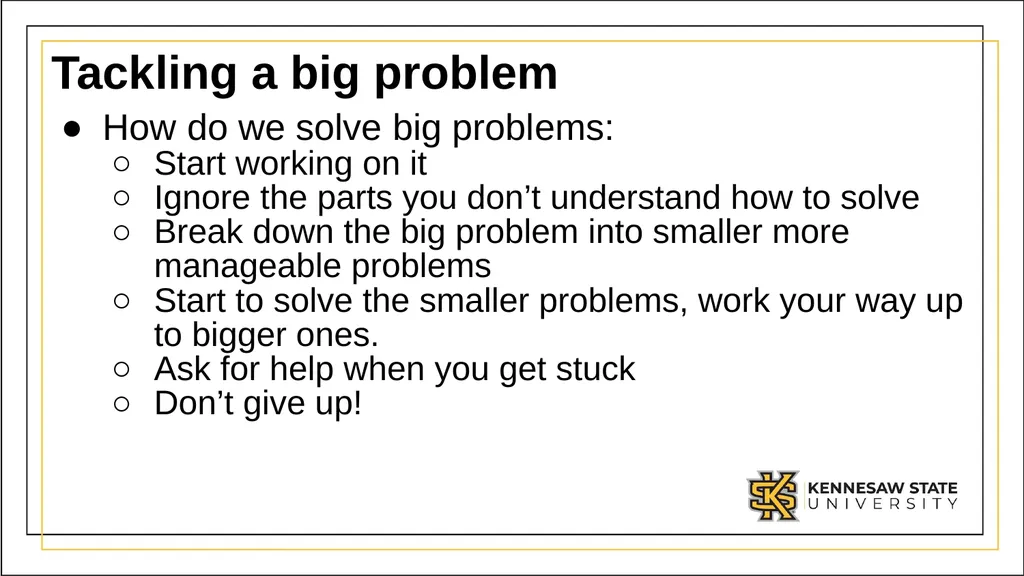
slide23. Tackling a big problem How do we solve big problems:
Start working on it
Ignore the parts you don’t understand how to solve
Break down the big problem into smaller more manageable problems
Start to solve the smaller problems, work your way up to bigger ones.
Ask for help when you get stuck
Don’t give up!<br>
slide24. Class activity Get into a group and produce detailed instructions on how to build an electric car<br>
Part 2<br>
slide2. Computers are everywhere Right now, there are likely 3-4 computing devices within 10 feet of you.
You are looking at these slides on a computer
You likely have a phone in your pocket
You may have a smart watch on your wrist
You are probably close to a smart TV
You may be near a smart light bulb
You may be near a car which has multiple computers
Pretty much anything that says “smart” has a computer in it.<br>
slide3. Pretty recent How did we get here?
Before the 1970s nobody except the largest corporations or governments agencies could afford a computer.
Then in the late 70s, early 80s computers started to become affordable to individuals and businesses.
A computer from 1982 (The commodore 64) had 64KB of ram, a 1Mhz processor, and sold for ~$600
Today your phone likely has 4x 1.2Ghz processors, 6GB of ram and probably still cost $600
This is a 4800x increase in processing power, and 93750x increase in memory
In 40 ish years.<br>
slide4. How did this happen? Constant progress.
Each year, companies discovered how to squeeze more processing power into the same space, how to store more information on the same surface area, how to communicate faster between machines.
This is done by two groups of people:
Hardware designers:
Electrical Engineers, Computer Engineers, Physicists
Software designers:
Computer Science, Software Engineers, Information Technologists, Data Scientists, Cyber security folks, even mathematics folks.<br>
slide5. What does the future hold In 1965 Gordon Moore observed that the number of transistors we could fit in an area was doubling every two years, while the cost was halfing.
This is known as Moore’s Law
He went on to co-found Intel
To phrase it differently, computing power doubles every two years, while computers get cheaper.
This has held true until recently.
Things are still getting exponentially faster, but it’s slowing down as we’ve hit physics walls<br>
slide6. Cheap Computers You can buy a Raspberry Pi for ~$35
They are fully fledged computers you can use for just about anything.
With the advancement of small cheap computers, we’ve started to see computers added to all kinds of things
Smart light bulbs. Can change color, and fade etc.<br>
slide7. Effects on society This is a topic that has entire courses devoted to it. But it’s fair to say computing has changed society.
Many things have been made better by computers.
Some things are arguably worse because of them.
Generally, the things which are worse are shorter term problems as we adjust.
History has shown as each great shift in technology has happened, it takes society a good number of years to adjust and restabilize after the shift.
We are likely in one of those periods<br>
slide8. Positive Effects on society People can more easily, and effectively communicate from further away.
Office video conferences, social media, ubiquitous phones make us always connected.
Universal translator software, as well as hardware and software can help people of all abilities.
Online ordering, gig economy, make life more convenient
Computers deliver almost unlimited entertainment via streaming services, games etc.
Advancements in AI have helped many industries to be more efficient. In medicine they are leading to breakthroughs on many problems we’ve struggled with for years.
Just to name a few…<br>
slide9. Negative effectives on society Automation eliminates jobs.
e.g. In the next 10-20 years it’s likely we’ll have fully autonomous vehicles. This will likely be a problem for the 3.5 million truck drivers
Social media and fully connected teens have lead to a significant increase in depression, anxiety in society
Again, each of these needs much more study.<br>
slide10. Types of Computing Jobs First off, pretty much every job today involves using a computer.
I challenge anyone to name a job that never uses a computer.
However, if you want to be more directly involved in computing there are a many different fields to consider.
Knowing how to use a computer opens many doors. Knowing how to program a computer opens others<br>
slide11. Computing careers Most people think of programing as a computing career.
People have images of folks working in a dark room with lines of code scrolling past them at high speed.
This is mostly a movie trope
Programming actually involves a lot of different things, many of which have nothing to do with writing code.<br>
slide12. Different fields in Computing KSU offers the following degrees/majors/minors related to computing:
Computer Science
Software Engineering
Computer Game Design
Information Technology
Data Analytics
Cyber Security
Computer Engineering
Electrical Engineering
Management<br>
slide13. Computer Science This was the first computing degree most universities offered.
Focuses on the theoretical aspects of computational thinking and problem solving.
It’s closely related to Math
While it deals with how to write code, it’s more focused on the theoretical application of algorithmic thinking
ie, how best to solve a problem.
Thinking of new languages, writing new development environments, compilers.
Potential jobs include developer, architect, quality assurance, etc.<br>
slide14. Software Engineering Software engineering is more focused on the software life cycle.
It’s the study of how teams work together to create large scale applications
It deals with best practices on how to maintain code, add features, and ultimately retire it.
Typically software engineers write less code.
Potential jobs include: developer, project manager, product manager, quality assurance, etc.<br>
slide15. Computer Game Design Focused on the development of computer games.
Tends to focus more on graphics and using the frameworks to produce games for mobile, consoles, as well as computers.
Potential Jobs: game developer, developer, architect, quality assurance etc.<br>
slide16. Information Technology Focuses on the maintenance and deployment of systems.
Also focused on storing, retrieving and sending information.
Typically does only small amounts of programing.
Potential jobs: Helpdesk, System Administrator, System Engineer, Database administrator, network engineer, security engineer<br>
slide17. Data Analytics / Data Science Focuses on analyzing data
Taking data and extracting information from it.
Today’s world creates almost unlimited data, being able to mine it and find interesting answers involves computers, databases, and some coding.
Potential jobs: Data analysts, Business analysts, Marketing, Product Managers.<br>
slide18. Cyber security Focuses on securing computers.
Analyzing threats
Dealing with security incidents
Setting/enforcing policy
Potential Jobs: Security analysts, Forensic analysts, Security engineer, etc.<br>
slide19. Computer Engineering/Electrical Engineering Focus on how hardware is made.
Designs computer boards, chips and circuits.
May write some software, but typically at a very low level (device drivers, BIOS).
More closely related to physics and engineering.
Potential jobs: Hardware designer, developer.<br>
slide20. Management While none of these degrees are directly related to management, it’s often the case that people who start in any of the computing degrees that show potential to lead, end up in management.
In reality it’s hard to find people who understand technical things, as well as how to manage people.<br>
slide21. The point… While most people think that computer careers imply writing code all day, there are many jobs that don’t involve that.
However, all the jobs just mentioned have one thing in common.
Being able to problem solve and utilize algorithmic thinking.
This is by far the most important skill you will learn here.<br>
slide22. Problem solving It’s often said that you learn nothing from success. You only learn from failures.
This is a critical aspect of problem solving, failing, and being willing to try again.
The problem is that failing is disheartening, it makes you want to give up, or believe you never will understand, but that isn’t true.<br>
slide23. Tackling a big problem How do we solve big problems:
Start working on it
Ignore the parts you don’t understand how to solve
Break down the big problem into smaller more manageable problems
Start to solve the smaller problems, work your way up to bigger ones.
Ask for help when you get stuck
Don’t give up!<br>
slide24. Class activity Get into a group and produce detailed instructions on how to build an electric car<br>