
Intro to JavaScript Basic Syntax Goals for today
OM
Published · 26 slides · 0 views
1 / 1

Description
Intro to JavaScript Basic Syntax Goals for today Today we want to learn about: Fundamental programming structures Basic JS Syntax Drawing functions (lines, rectangles, circles, etc.) Program design More pedagogy techiques We will apply that
Related Topics
Share
Embed code
Download this presentation From Below
"Intro to JavaScript Basic Syntax Goals for today" is the property of its rightful owner. Permission is granted to download and print the materials on this website for personal, non-commercial use only, and to display it on your personal computer provided you do not modify the materials and that you retain all copyright notices contained in the materials. By downloading content from our website, you accept the terms of this agreement.
Presentation Transcript
01
Intro to JavaScript Basic Syntax<br>
02
Goals for today Today we want to learn about:
Fundamental programming structures
Basic JS Syntax
Drawing functions (lines, rectangles, circles, etc.)
Program design
More pedagogy techiques
We will apply that knowledge to a simple game
GET READY
Be sure you have the files (downloaded yesterday)
A solutions zip will be provided after you submit post-work
Let’s pick partners<br>
Fundamental programming structures
Basic JS Syntax
Drawing functions (lines, rectangles, circles, etc.)
Program design
More pedagogy techiques
We will apply that knowledge to a simple game
GET READY
Be sure you have the files (downloaded yesterday)
A solutions zip will be provided after you submit post-work
Let’s pick partners<br>
03
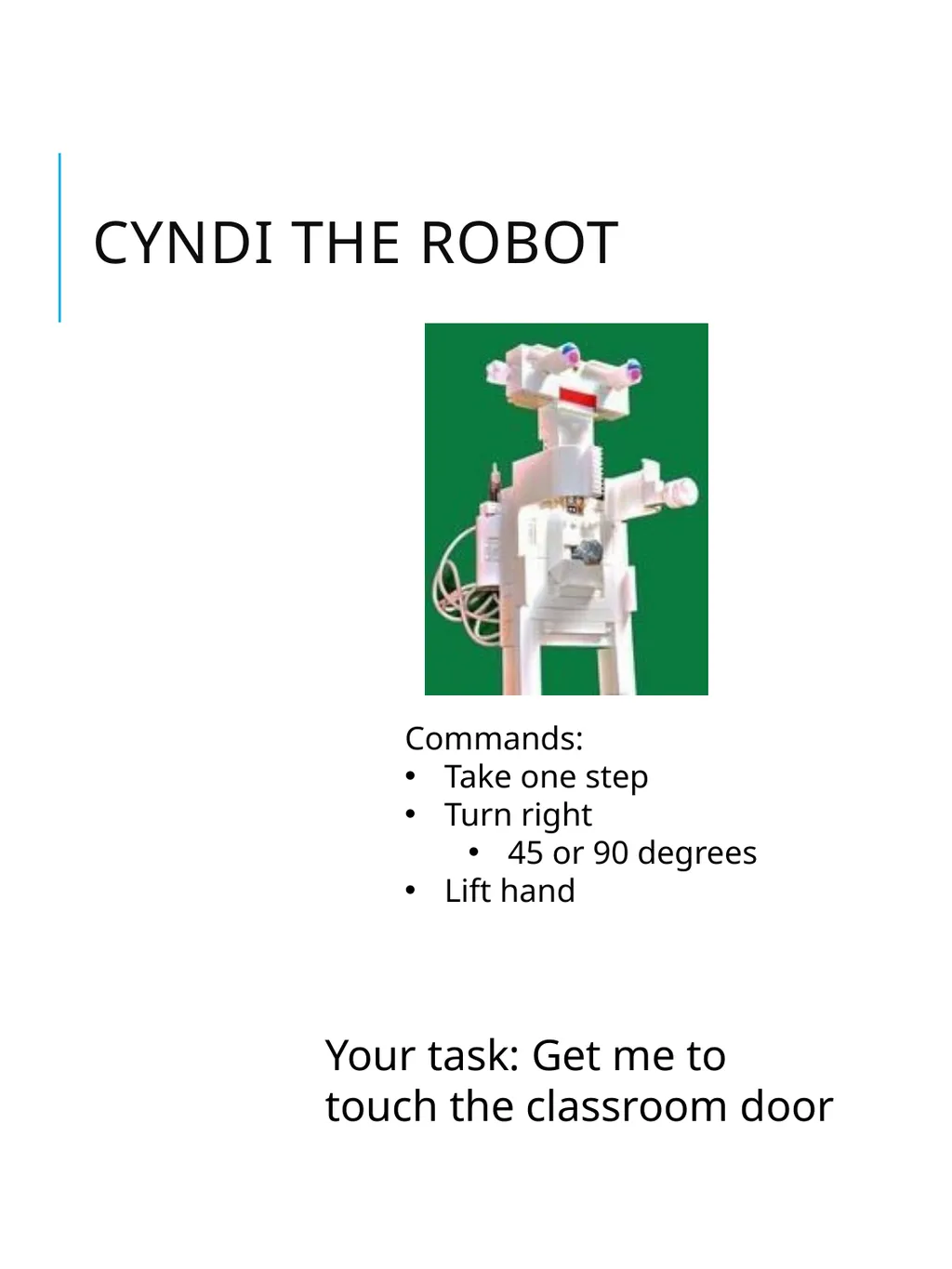
Cyndi the Robot Commands:
Take one step
Turn right
45 or 90 degrees
Lift hand Your task: Get me to touch the classroom door<br>
Take one step
Turn right
45 or 90 degrees
Lift hand Your task: Get me to touch the classroom door<br>
04
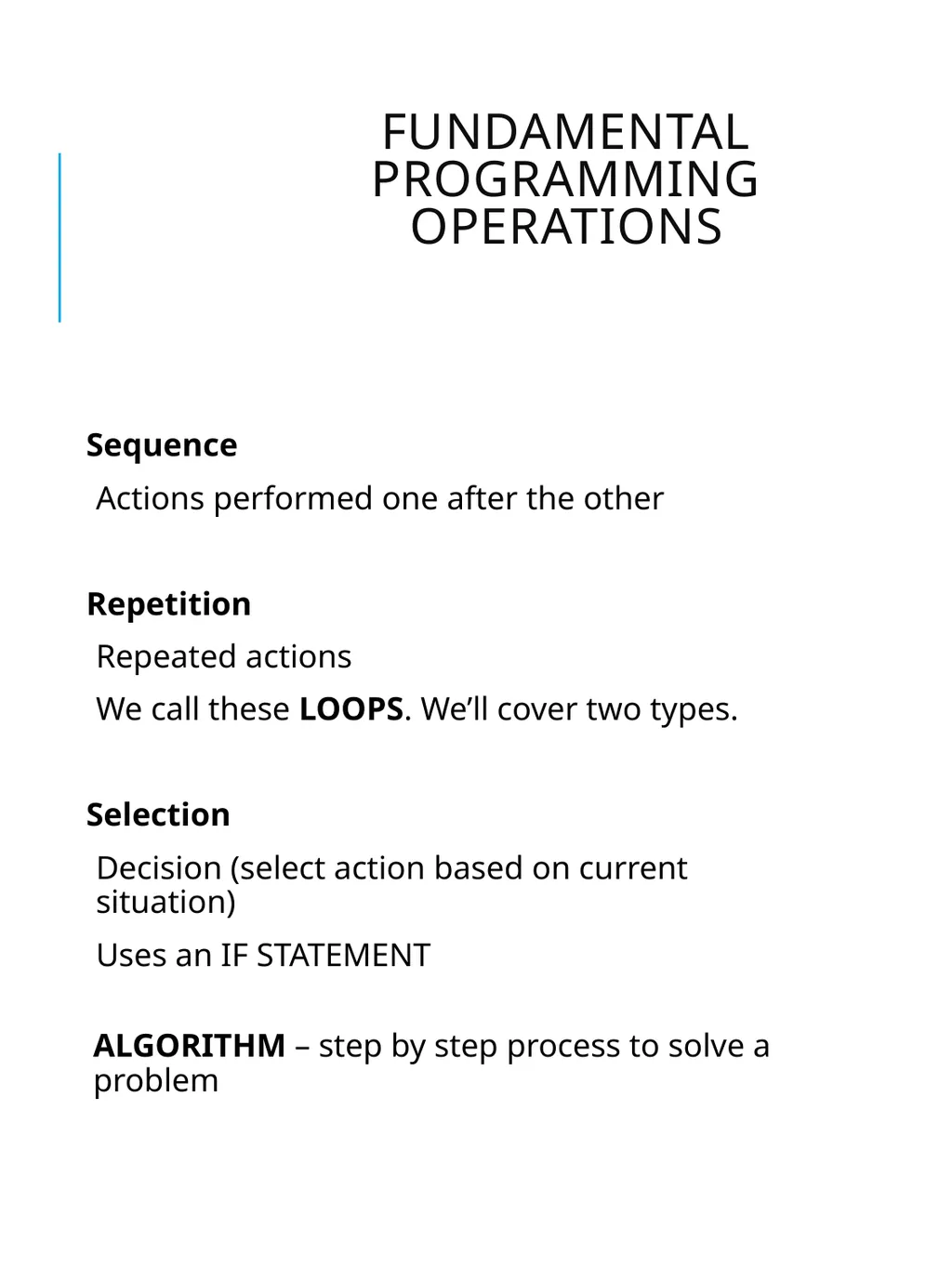
Fundamental Programming Operations Sequence
Actions performed one after the other
Repetition
Repeated actions
We call these LOOPS. We’ll cover two types.
Selection
Decision (select action based on current situation)
Uses an IF STATEMENT
ALGORITHM – step by step process to solve a problem<br>
Actions performed one after the other
Repetition
Repeated actions
We call these LOOPS. We’ll cover two types.
Selection
Decision (select action based on current situation)
Uses an IF STATEMENT
ALGORITHM – step by step process to solve a problem<br>
05
Exercise Fill out the Ratings Worksheet
As you do, think about sequence, selection and repetition.<br>
As you do, think about sequence, selection and repetition.<br>
06
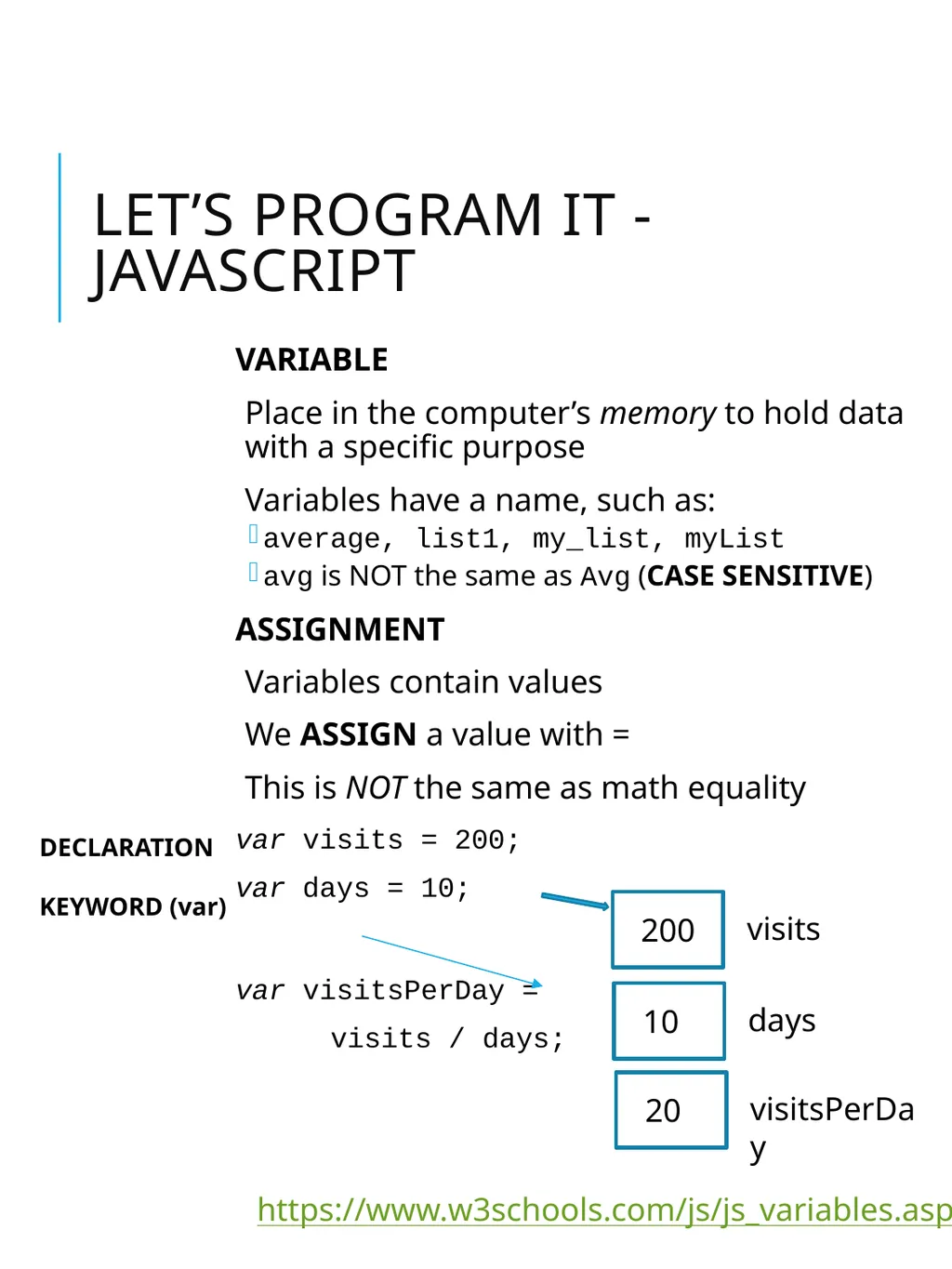
VARIABLE
Place in the computer’s memory to hold data with a specific purpose
Variables have a name, such as:
average, list1, my_list, myList
avg is NOT the same as Avg (CASE SENSITIVE)
ASSIGNMENT
Variables contain values
We ASSIGN a value with =
This is NOT the same as math equality
var visits = 200;
var days = 10;
var visitsPerDay =
visits / days; Let’s Program It - JavaScript https://www.w3schools.com/js/js_variables.asp visits 200 days 10 visitsPerDay 20 DECLARATION
KEYWORD (var)<br>
Place in the computer’s memory to hold data with a specific purpose
Variables have a name, such as:
average, list1, my_list, myList
avg is NOT the same as Avg (CASE SENSITIVE)
ASSIGNMENT
Variables contain values
We ASSIGN a value with =
This is NOT the same as math equality
var visits = 200;
var days = 10;
var visitsPerDay =
visits / days; Let’s Program It - JavaScript https://www.w3schools.com/js/js_variables.asp visits 200 days 10 visitsPerDay 20 DECLARATION
KEYWORD (var)<br>
07
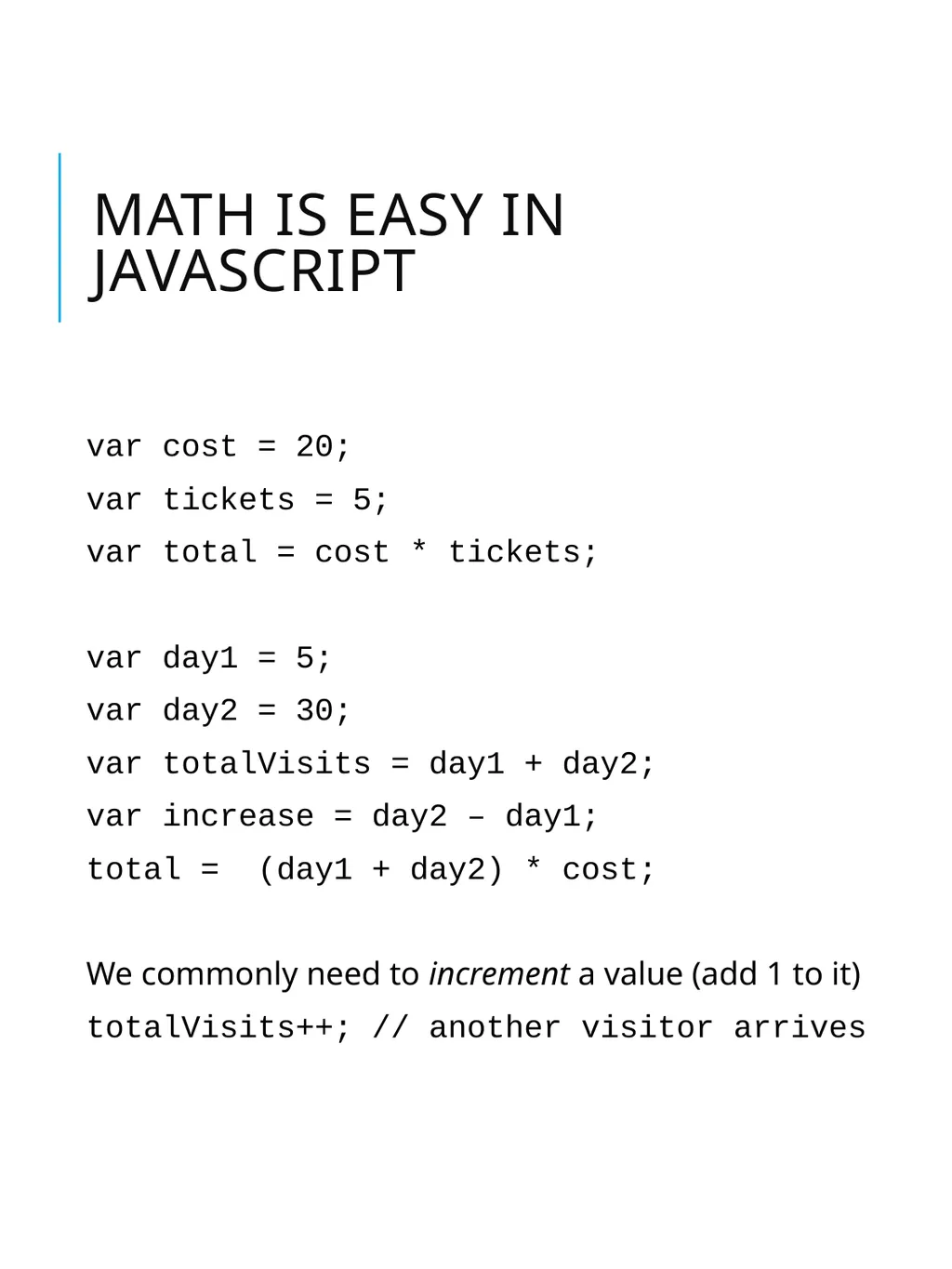
Math is Easy in JavaScript var cost = 20;
var tickets = 5;
var total = cost * tickets;
var day1 = 5;
var day2 = 30;
var totalVisits = day1 + day2;
var increase = day2 – day1;
total = (day1 + day2) * cost;
We commonly need to increment a value (add 1 to it)
totalVisits++; // another visitor arrives<br>
var tickets = 5;
var total = cost * tickets;
var day1 = 5;
var day2 = 30;
var totalVisits = day1 + day2;
var increase = day2 – day1;
total = (day1 + day2) * cost;
We commonly need to increment a value (add 1 to it)
totalVisits++; // another visitor arrives<br>
08
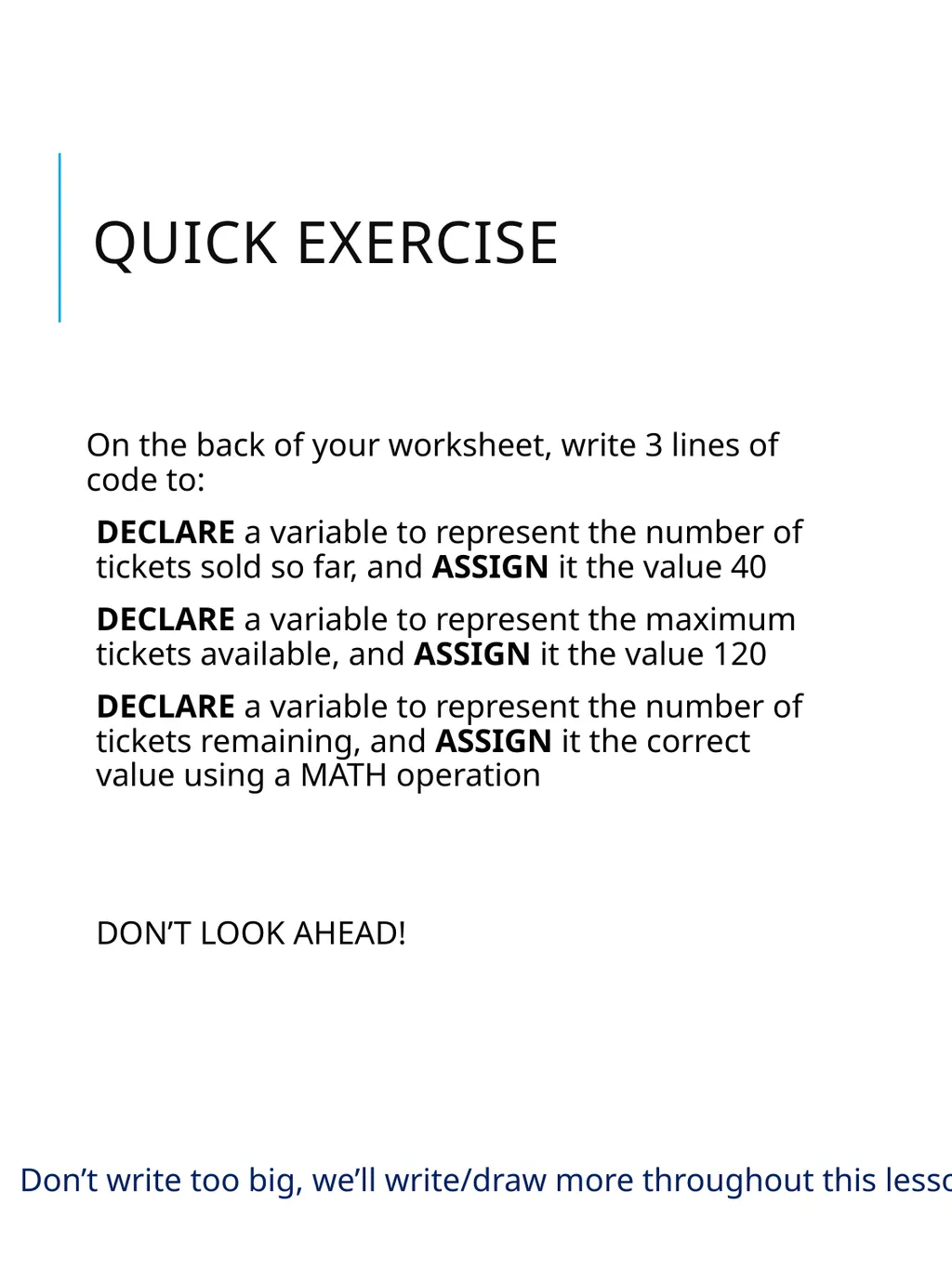
Quick Exercise On the back of your worksheet, write 3 lines of code to:
DECLARE a variable to represent the number of tickets sold so far, and ASSIGN it the value 40
DECLARE a variable to represent the maximum tickets available, and ASSIGN it the value 120
DECLARE a variable to represent the number of tickets remaining, and ASSIGN it the correct value using a MATH operation
DON’T LOOK AHEAD! Don’t write too big, we’ll write/draw more throughout this lesson<br>
DECLARE a variable to represent the number of tickets sold so far, and ASSIGN it the value 40
DECLARE a variable to represent the maximum tickets available, and ASSIGN it the value 120
DECLARE a variable to represent the number of tickets remaining, and ASSIGN it the correct value using a MATH operation
DON’T LOOK AHEAD! Don’t write too big, we’ll write/draw more throughout this lesson<br>
09
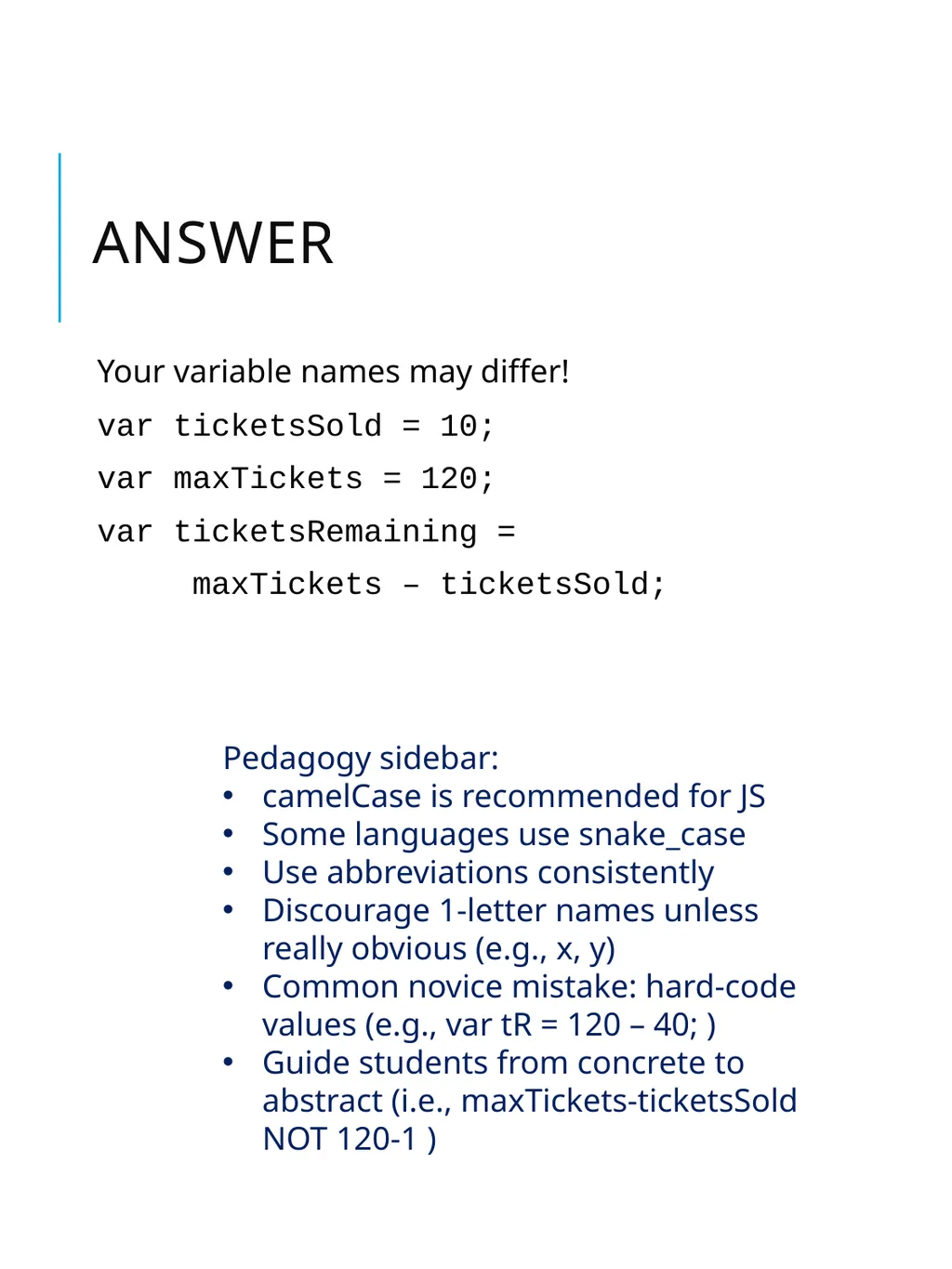
Answer Your variable names may differ!
var ticketsSold = 10;
var maxTickets = 120;
var ticketsRemaining =
maxTickets – ticketsSold; Pedagogy sidebar:
camelCase is recommended for JS
Some languages use snake_case
Use abbreviations consistently
Discourage 1-letter names unless really obvious (e.g., x, y)
Common novice mistake: hard-code values (e.g., var tR = 120 – 40; )
Guide students from concrete to abstract (i.e., maxTickets-ticketsSold NOT 120-1 )<br>
var ticketsSold = 10;
var maxTickets = 120;
var ticketsRemaining =
maxTickets – ticketsSold; Pedagogy sidebar:
camelCase is recommended for JS
Some languages use snake_case
Use abbreviations consistently
Discourage 1-letter names unless really obvious (e.g., x, y)
Common novice mistake: hard-code values (e.g., var tR = 120 – 40; )
Guide students from concrete to abstract (i.e., maxTickets-ticketsSold NOT 120-1 )<br>
10
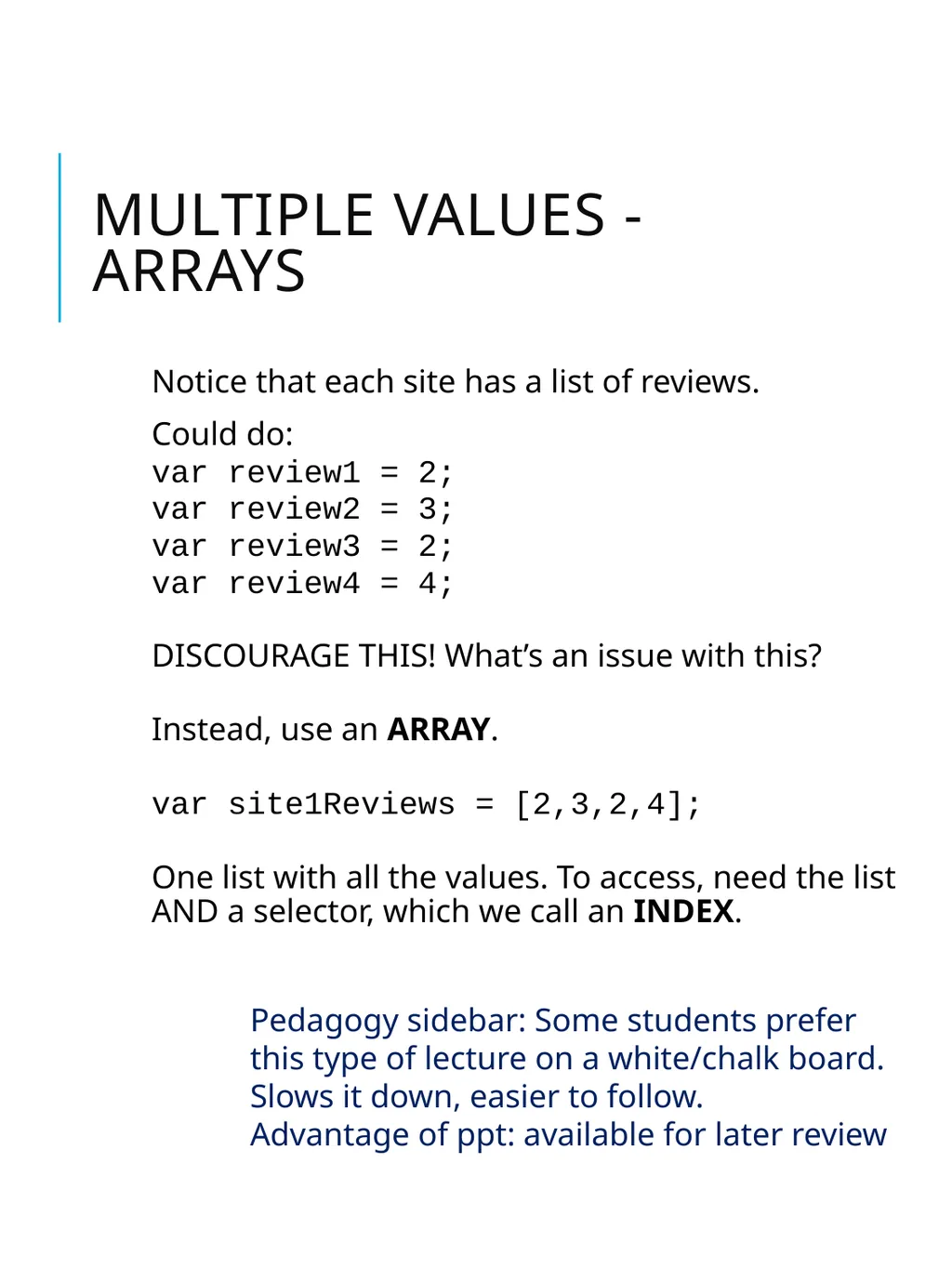
Multiple values - Arrays Notice that each site has a list of reviews.
Could do:
var review1 = 2;
var review2 = 3;
var review3 = 2;
var review4 = 4;
DISCOURAGE THIS! What’s an issue with this?
Instead, use an ARRAY.
var site1Reviews = [2,3,2,4];
One list with all the values. To access, need the list AND a selector, which we call an INDEX. Pedagogy sidebar: Some students prefer this type of lecture on a white/chalk board. Slows it down, easier to follow.
Advantage of ppt: available for later review<br>
Could do:
var review1 = 2;
var review2 = 3;
var review3 = 2;
var review4 = 4;
DISCOURAGE THIS! What’s an issue with this?
Instead, use an ARRAY.
var site1Reviews = [2,3,2,4];
One list with all the values. To access, need the list AND a selector, which we call an INDEX. Pedagogy sidebar: Some students prefer this type of lecture on a white/chalk board. Slows it down, easier to follow.
Advantage of ppt: available for later review<br>
11
Does site 1 or site 2 have the most reviews? site1Reviews 0
1
2
3 2
3
2
4 var site1Reviews = [2,3,2,4]; Declares the array, sets the values var count = site1Reviews.length; length is the number of elements SELECTION. Which site has most reviews? var site2Reviews = [2,5,4]; site2Reviews 0
1
2 2
5
4 if (site1Reviews.length > site2Reviews.length) {
alert(“site 1 has most reviews”);
} else {
alert(“site 2 has most reviews”);
} What would be displayed if both sites had 4 reviews?<br>
1
2
3 2
3
2
4 var site1Reviews = [2,3,2,4]; Declares the array, sets the values var count = site1Reviews.length; length is the number of elements SELECTION. Which site has most reviews? var site2Reviews = [2,5,4]; site2Reviews 0
1
2 2
5
4 if (site1Reviews.length > site2Reviews.length) {
alert(“site 1 has most reviews”);
} else {
alert(“site 2 has most reviews”);
} What would be displayed if both sites had 4 reviews?<br>
12
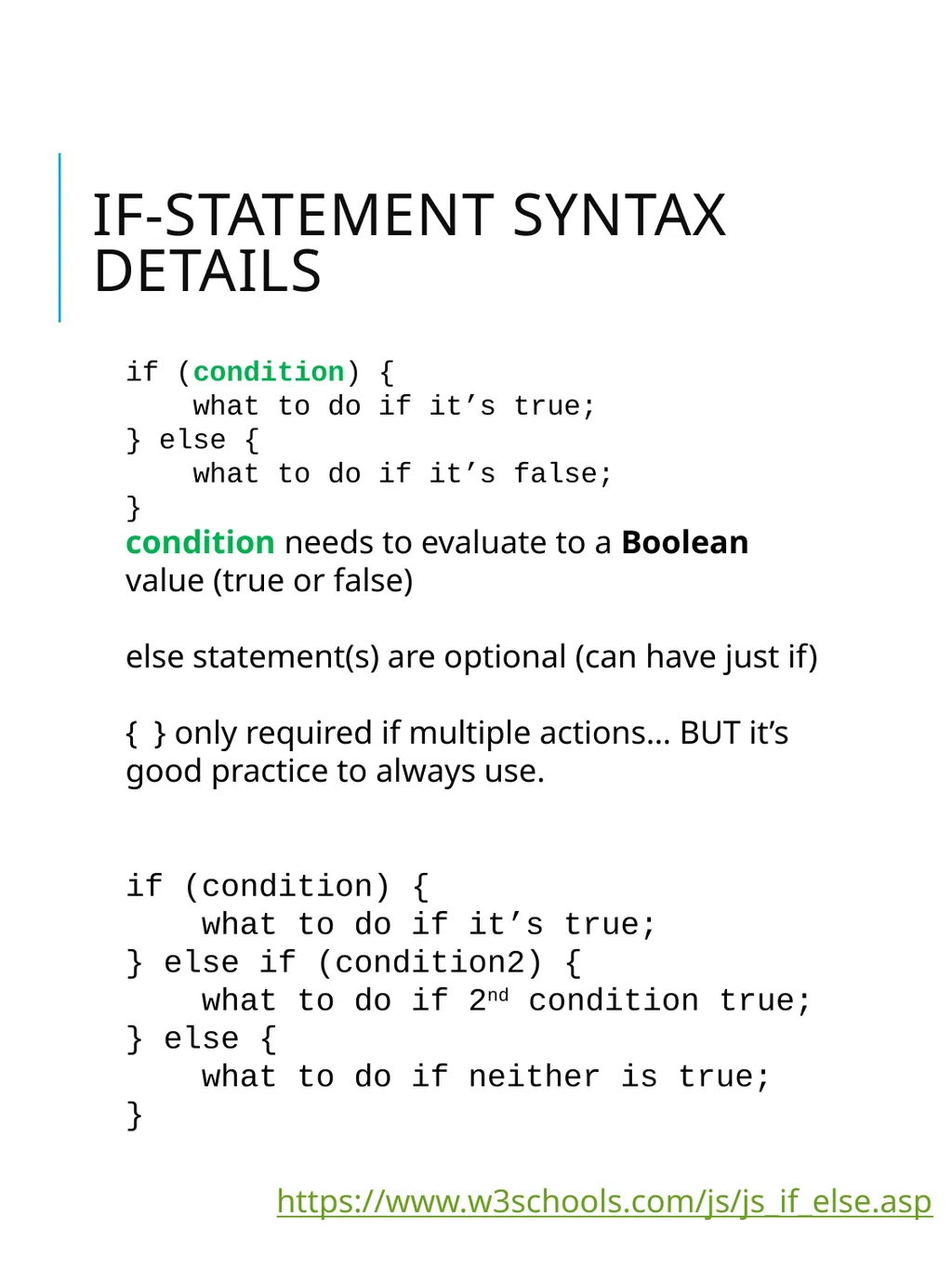
IF-statement Syntax Details if (condition) {
what to do if it’s true;
} else {
what to do if it’s false;
}
condition needs to evaluate to a Boolean value (true or false)
else statement(s) are optional (can have just if)
{ } only required if multiple actions… BUT it’s good practice to always use.
if (condition) {
what to do if it’s true;
} else if (condition2) {
what to do if 2nd condition true;
} else {
what to do if neither is true;
} https://www.w3schools.com/js/js_if_else.asp<br>
what to do if it’s true;
} else {
what to do if it’s false;
}
condition needs to evaluate to a Boolean value (true or false)
else statement(s) are optional (can have just if)
{ } only required if multiple actions… BUT it’s good practice to always use.
if (condition) {
what to do if it’s true;
} else if (condition2) {
what to do if 2nd condition true;
} else {
what to do if neither is true;
} https://www.w3schools.com/js/js_if_else.asp<br>
13
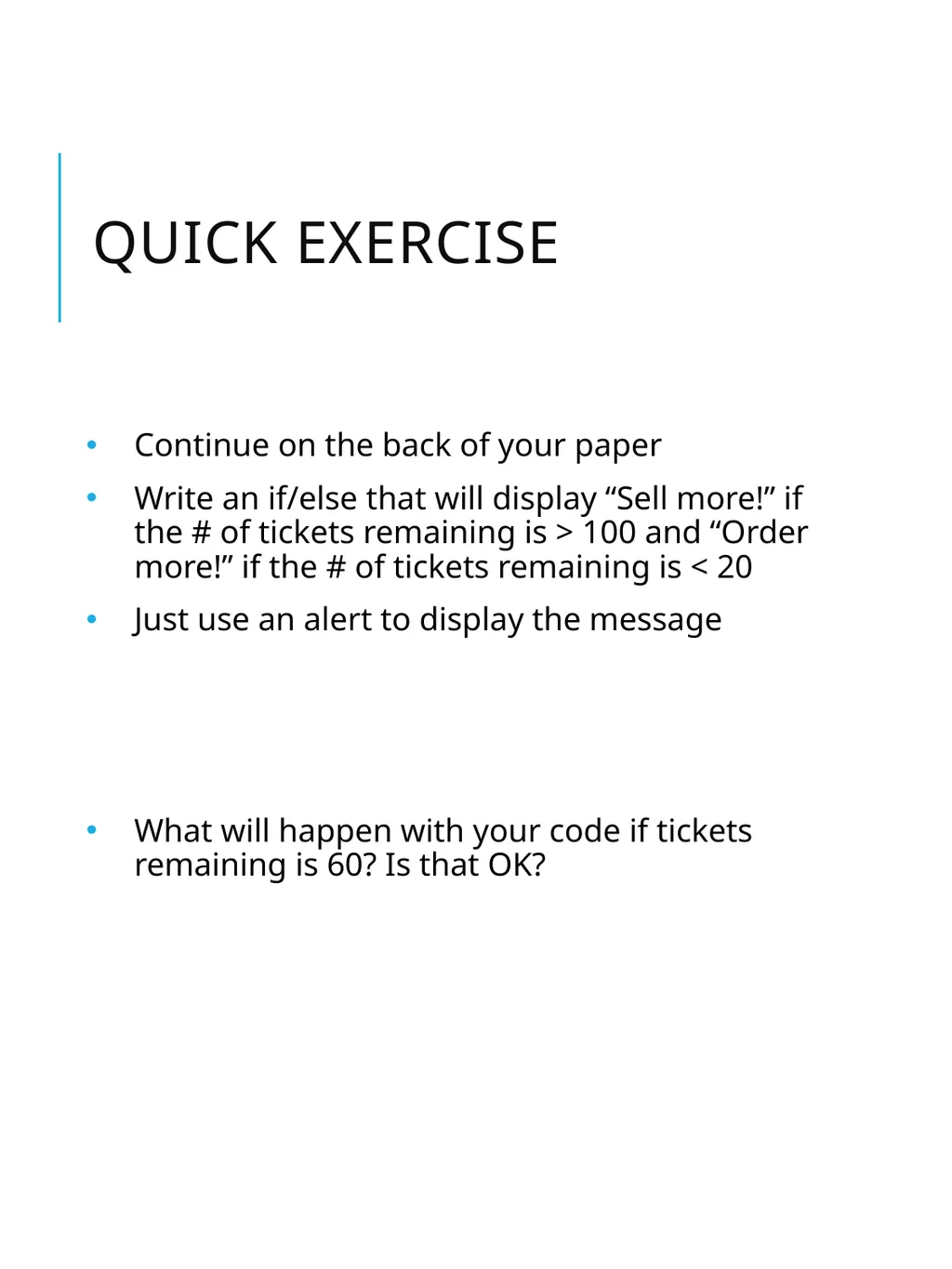
Quick exercise Continue on the back of your paper
Write an if/else that will display “Sell more!” if the # of tickets remaining is > 100 and “Order more!” if the # of tickets remaining is < 20
Just use an alert to display the message
What will happen with your code if tickets remaining is 60? Is that OK?<br>
Write an if/else that will display “Sell more!” if the # of tickets remaining is > 100 and “Order more!” if the # of tickets remaining is < 20
Just use an alert to display the message
What will happen with your code if tickets remaining is 60? Is that OK?<br>
14
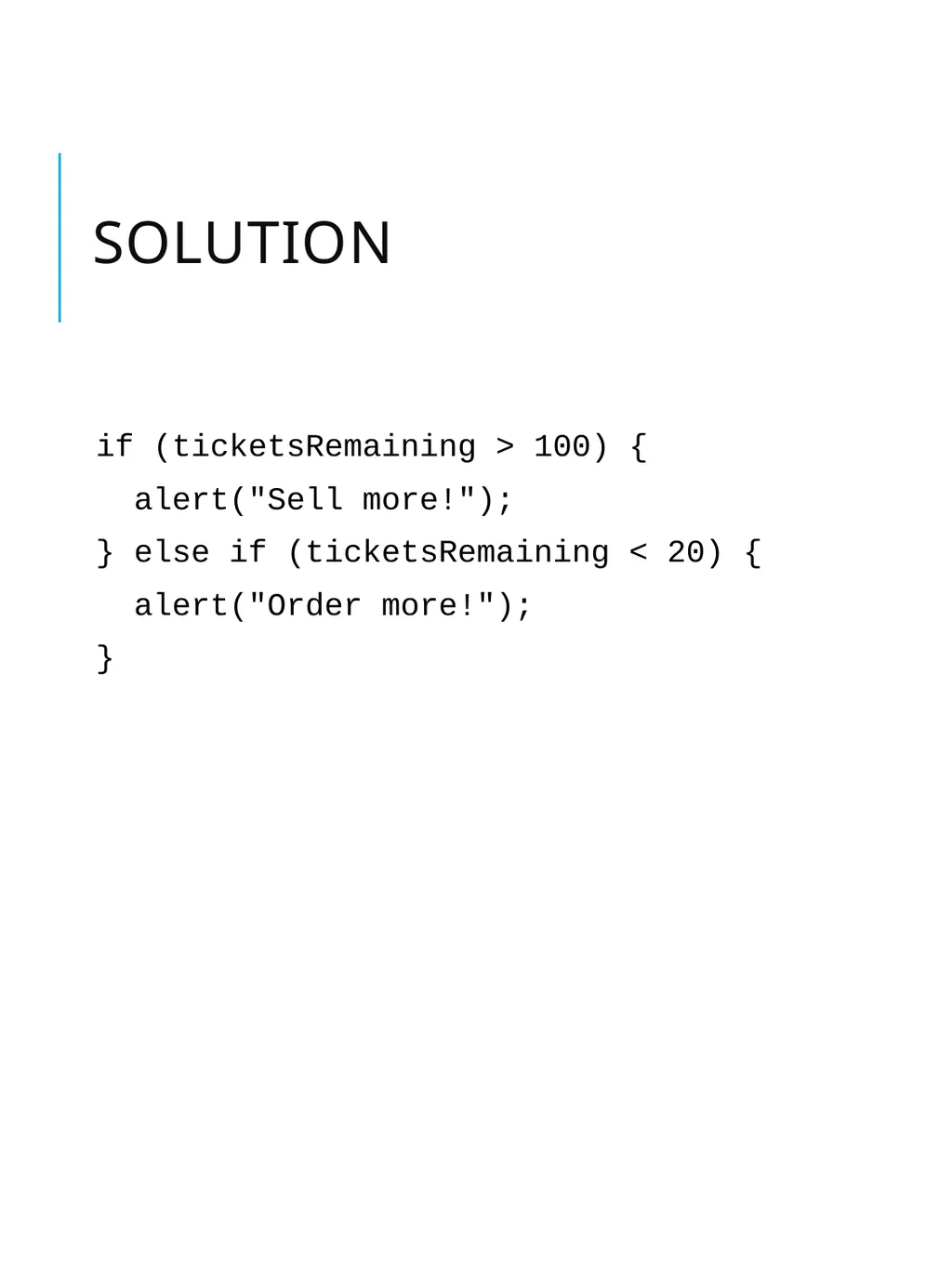
Solution if (ticketsRemaining > 100) {
alert("Sell more!");
} else if (ticketsRemaining < 20) {
alert("Order more!");
}<br>
alert("Sell more!");
} else if (ticketsRemaining < 20) {
alert("Order more!");
}<br>
15
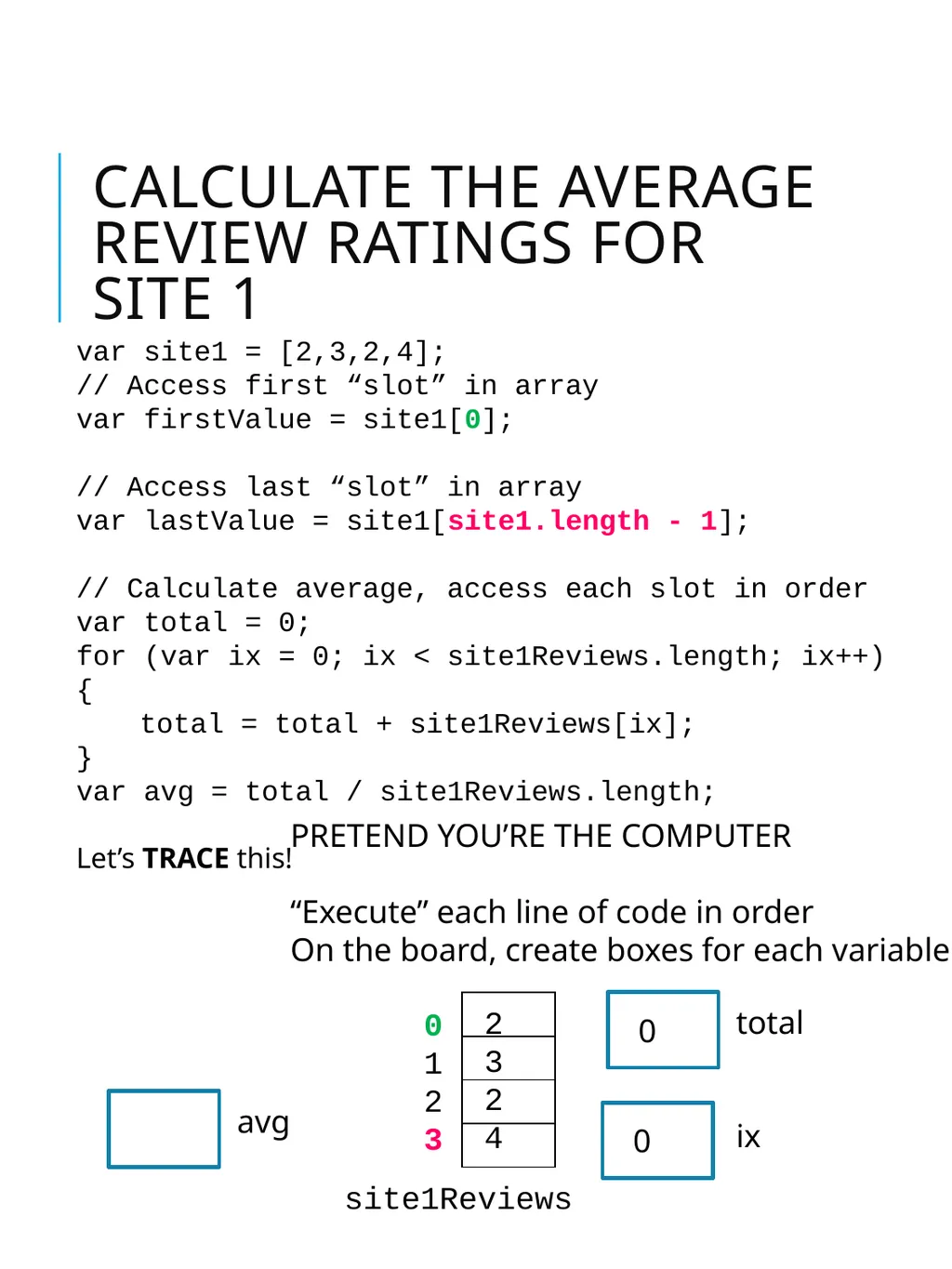
Calculate the average review ratings for site 1 var site1 = [2,3,2,4];
// Access first “slot” in array
var firstValue = site1[0];
// Access last “slot” in array
var lastValue = site1[site1.length - 1];
// Calculate average, access each slot in order
var total = 0;
for (var ix = 0; ix < site1Reviews.length; ix++) {
total = total + site1Reviews[ix];
}
var avg = total / site1Reviews.length;
Let’s TRACE this! PRETEND YOU’RE THE COMPUTER
“Execute” each line of code in order
On the board, create boxes for each variable site1Reviews 0
1
2
3 2
3
2
4 total 0 ix 0 avg<br>
// Access first “slot” in array
var firstValue = site1[0];
// Access last “slot” in array
var lastValue = site1[site1.length - 1];
// Calculate average, access each slot in order
var total = 0;
for (var ix = 0; ix < site1Reviews.length; ix++) {
total = total + site1Reviews[ix];
}
var avg = total / site1Reviews.length;
Let’s TRACE this! PRETEND YOU’RE THE COMPUTER
“Execute” each line of code in order
On the board, create boxes for each variable site1Reviews 0
1
2
3 2
3
2
4 total 0 ix 0 avg<br>
16
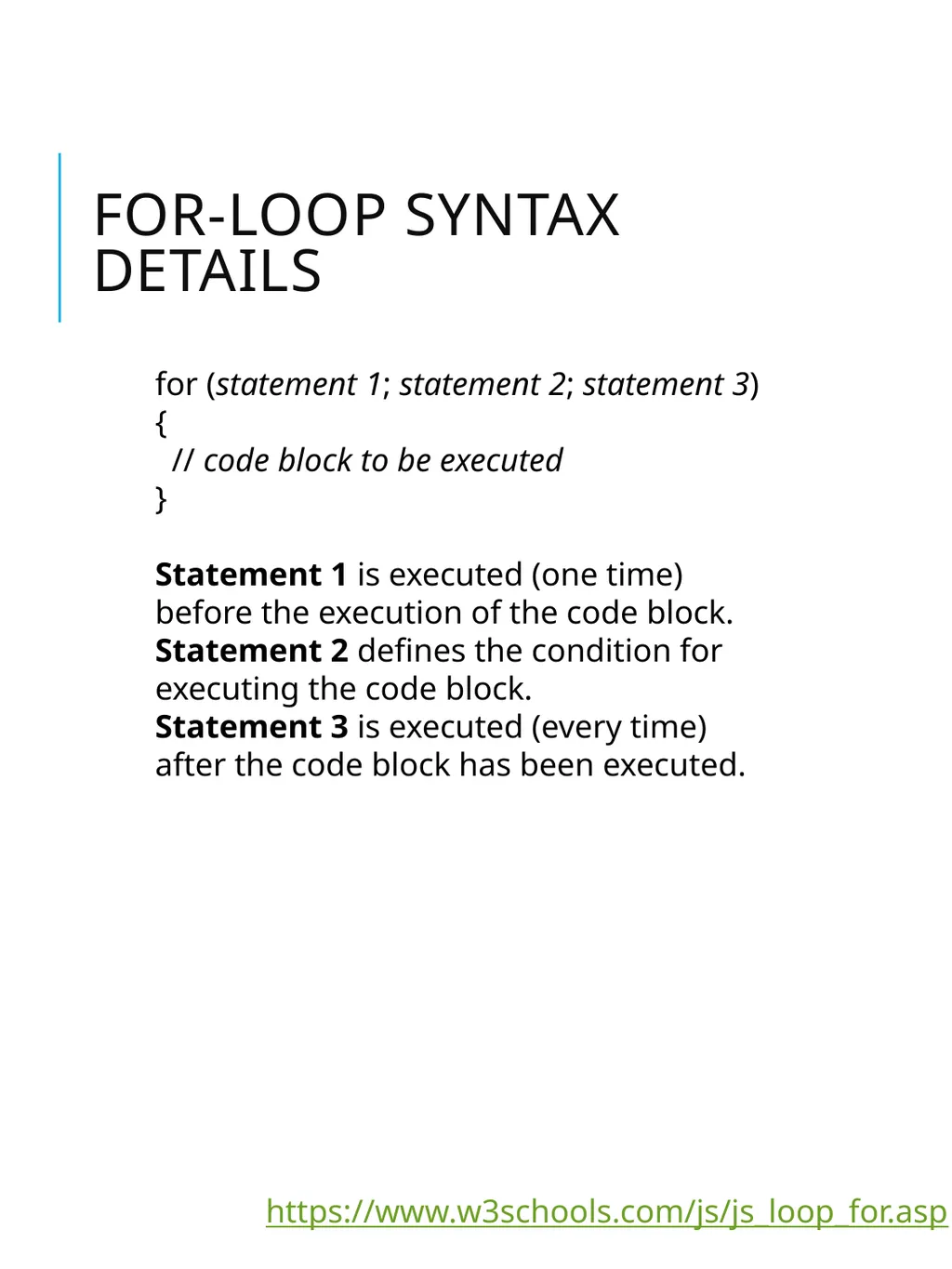
FOR-LOOP Syntax Details for (statement 1; statement 2; statement 3) {
// code block to be executed
}
Statement 1 is executed (one time) before the execution of the code block.
Statement 2 defines the condition for executing the code block.
Statement 3 is executed (every time) after the code block has been executed. https://www.w3schools.com/js/js_loop_for.asp<br>
Statement 1 is executed (one time) before the execution of the code block.
Statement 2 defines the condition for executing the code block.
Statement 3 is executed (every time) after the code block has been executed. https://www.w3schools.com/js/js_loop_for.asp<br>
17
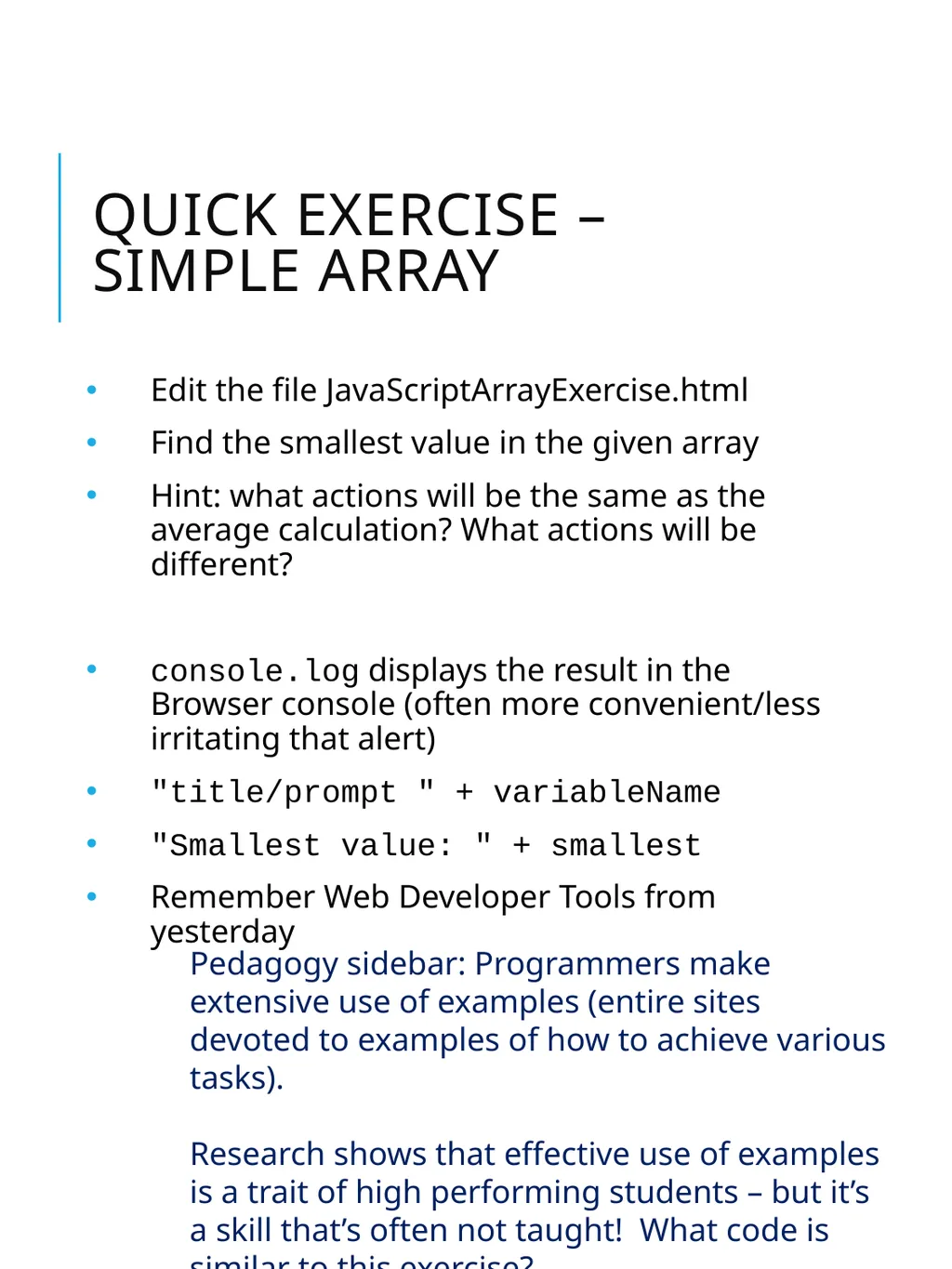
Quick exercise – Simple array Edit the file JavaScriptArrayExercise.html
Find the smallest value in the given array
Hint: what actions will be the same as the average calculation? What actions will be different?
console.log displays the result in the Browser console (often more convenient/less irritating that alert)
"title/prompt " + variableName
"Smallest value: " + smallest
Remember Web Developer Tools from yesterday Pedagogy sidebar: Programmers make extensive use of examples (entire sites devoted to examples of how to achieve various tasks).
Research shows that effective use of examples is a trait of high performing students – but it’s a skill that’s often not taught! What code is similar to this exercise?<br>
Find the smallest value in the given array
Hint: what actions will be the same as the average calculation? What actions will be different?
console.log displays the result in the Browser console (often more convenient/less irritating that alert)
"title/prompt " + variableName
"Smallest value: " + smallest
Remember Web Developer Tools from yesterday Pedagogy sidebar: Programmers make extensive use of examples (entire sites devoted to examples of how to achieve various tasks).
Research shows that effective use of examples is a trait of high performing students – but it’s a skill that’s often not taught! What code is similar to this exercise?<br>
18
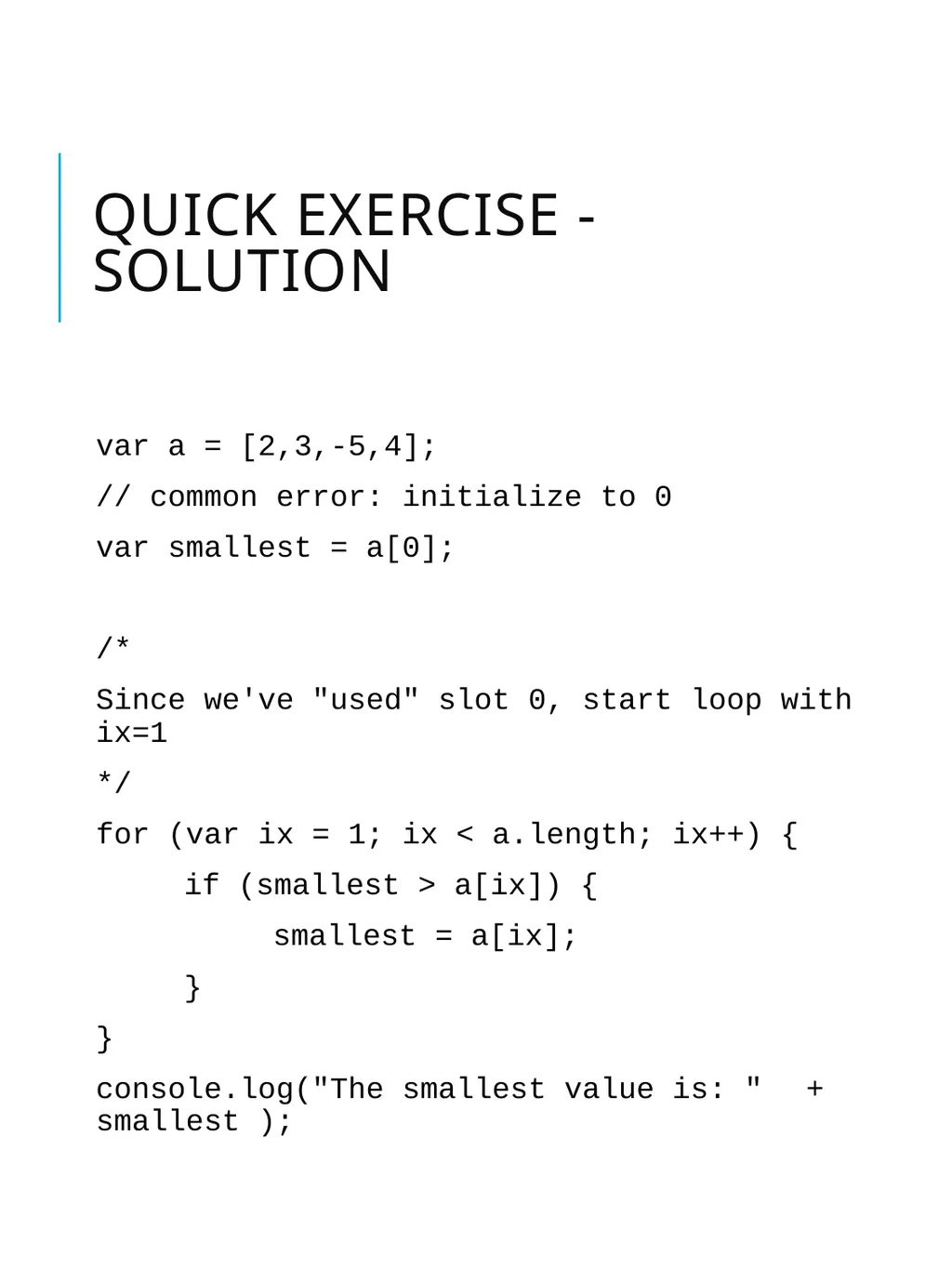
quick exercise - solution var a = [2,3,-5,4];
// common error: initialize to 0
var smallest = a[0];
/*
Since we've "used" slot 0, start loop with ix=1
*/
for (var ix = 1; ix < a.length; ix++) {
if (smallest > a[ix]) {
smallest = a[ix];
}
}
console.log("The smallest value is: " + smallest );<br>
// common error: initialize to 0
var smallest = a[0];
/*
Since we've "used" slot 0, start loop with ix=1
*/
for (var ix = 1; ix < a.length; ix++) {
if (smallest > a[ix]) {
smallest = a[ix];
}
}
console.log("The smallest value is: " + smallest );<br>
19
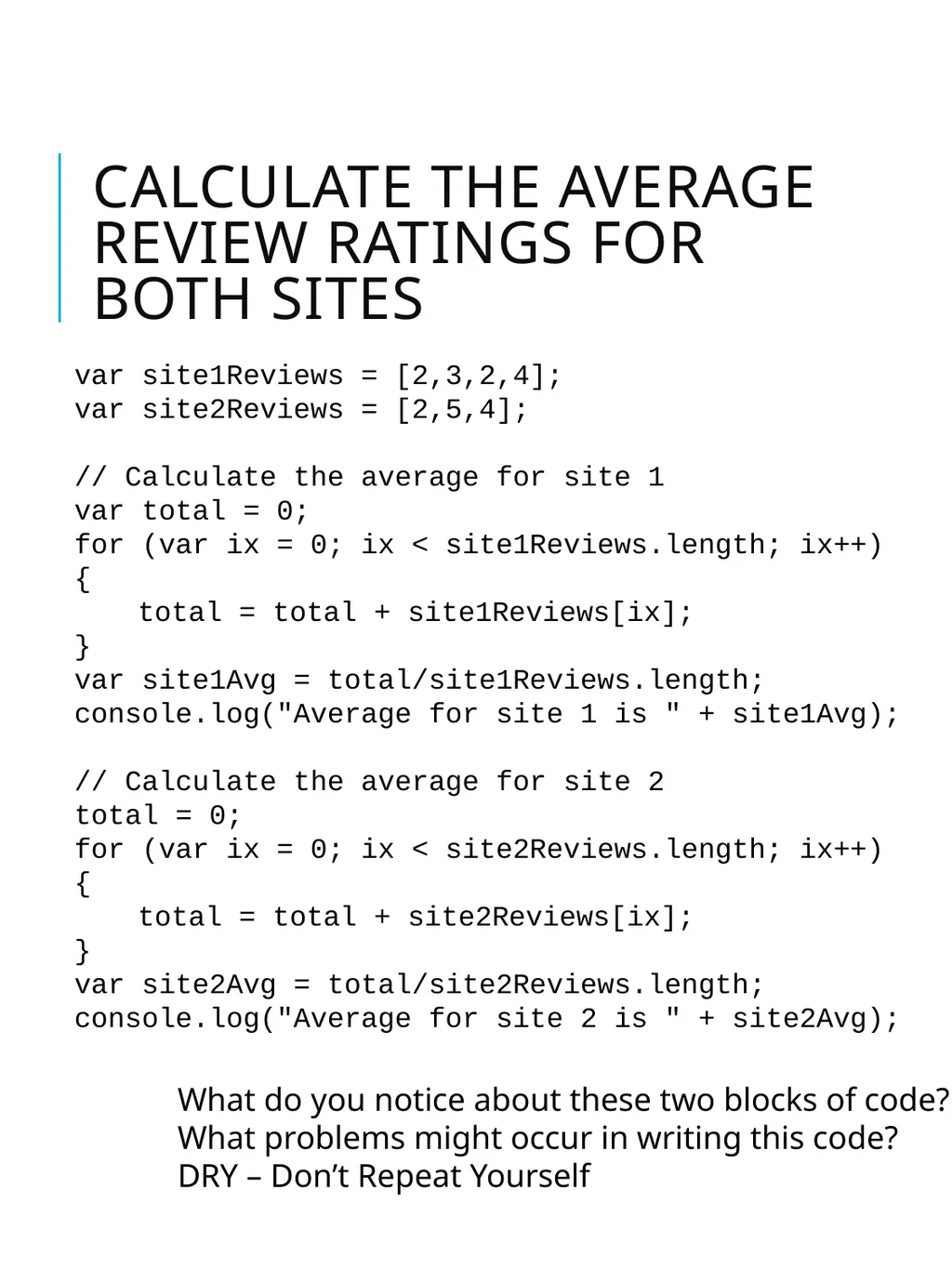
Calculate the average review ratings for both sites var site1Reviews = [2,3,2,4];
var site2Reviews = [2,5,4];
// Calculate the average for site 1
var total = 0;
for (var ix = 0; ix < site1Reviews.length; ix++) {
total = total + site1Reviews[ix];
}
var site1Avg = total/site1Reviews.length;
console.log("Average for site 1 is " + site1Avg);
// Calculate the average for site 2
total = 0;
for (var ix = 0; ix < site2Reviews.length; ix++) {
total = total + site2Reviews[ix];
}
var site2Avg = total/site2Reviews.length;
console.log("Average for site 2 is " + site2Avg); What do you notice about these two blocks of code?
What problems might occur in writing this code?
DRY – Don’t Repeat Yourself<br>
var site2Reviews = [2,5,4];
// Calculate the average for site 1
var total = 0;
for (var ix = 0; ix < site1Reviews.length; ix++) {
total = total + site1Reviews[ix];
}
var site1Avg = total/site1Reviews.length;
console.log("Average for site 1 is " + site1Avg);
// Calculate the average for site 2
total = 0;
for (var ix = 0; ix < site2Reviews.length; ix++) {
total = total + site2Reviews[ix];
}
var site2Avg = total/site2Reviews.length;
console.log("Average for site 2 is " + site2Avg); What do you notice about these two blocks of code?
What problems might occur in writing this code?
DRY – Don’t Repeat Yourself<br>
20
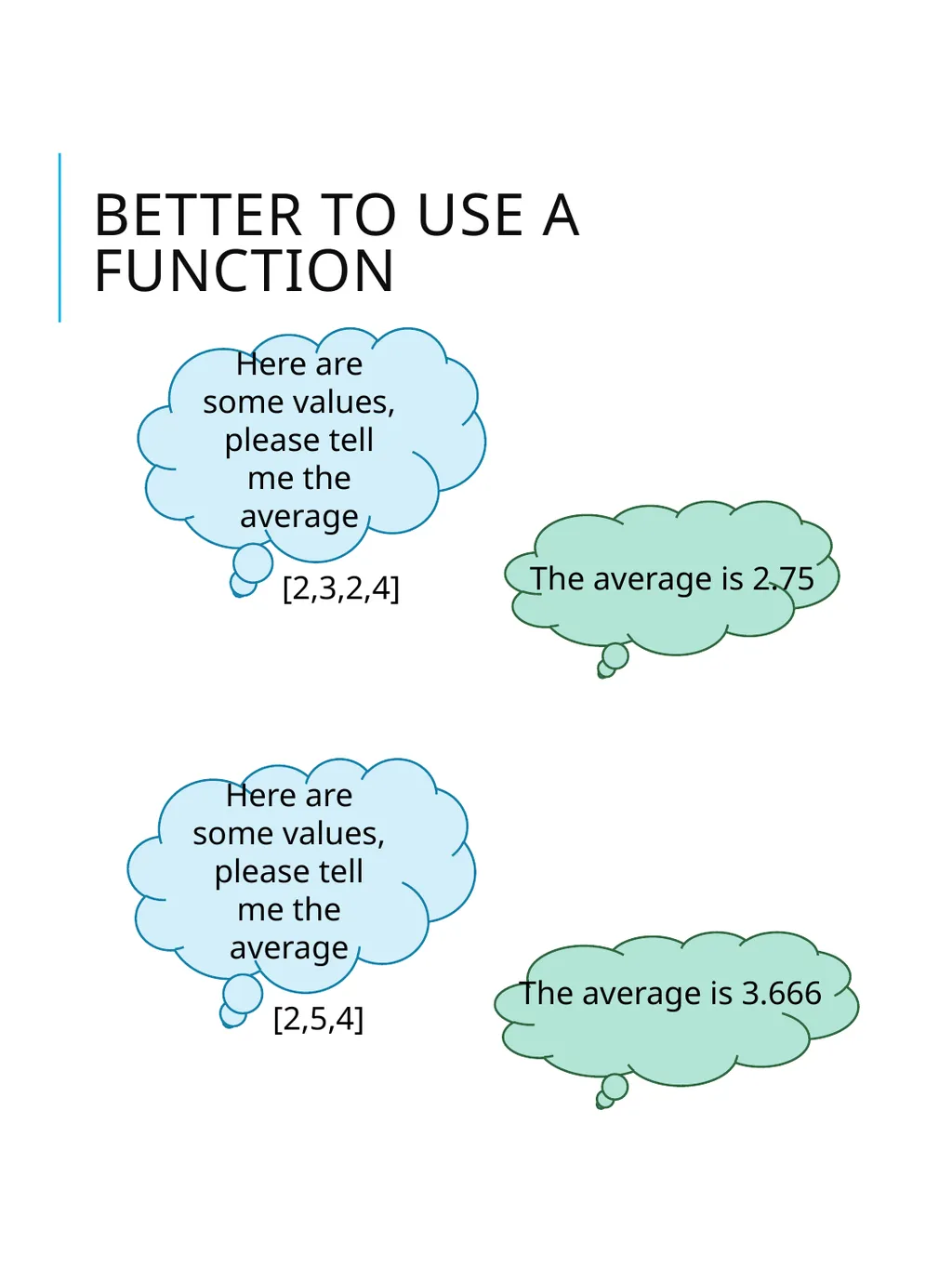
better to use a function Here are some values, please tell me the average [2,3,2,4] The average is 2.75 Here are some values, please tell me the average [2,5,4] The average is 3.666<br>
21
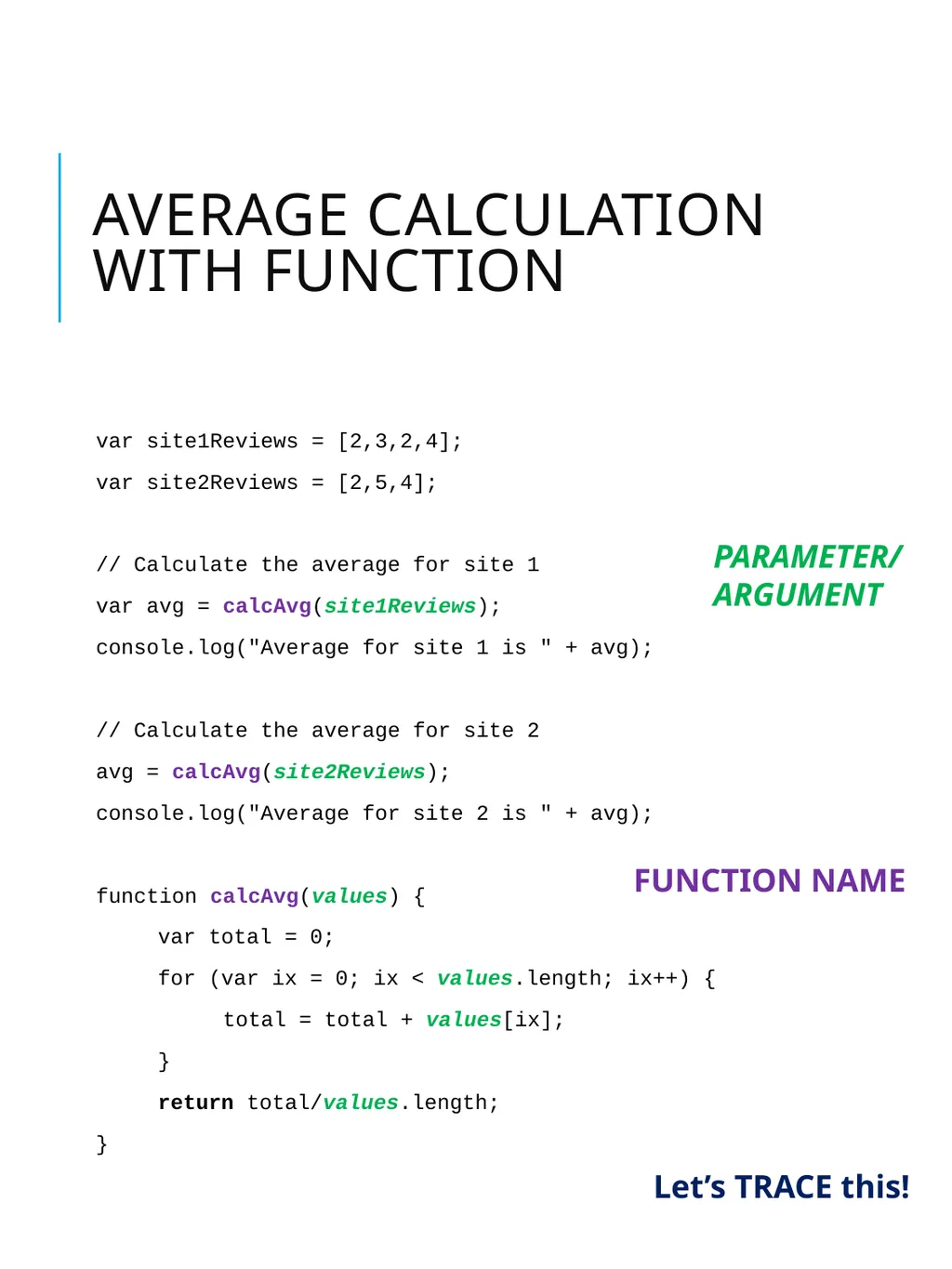
Average calculation with function var site1Reviews = [2,3,2,4];
var site2Reviews = [2,5,4];
// Calculate the average for site 1
var avg = calcAvg(site1Reviews);
console.log("Average for site 1 is " + avg);
// Calculate the average for site 2
avg = calcAvg(site2Reviews);
console.log("Average for site 2 is " + avg);
function calcAvg(values) {
var total = 0;
for (var ix = 0; ix < values.length; ix++) {
total = total + values[ix];
}
return total/values.length;
} PARAMETER/
ARGUMENT FUNCTION NAME Let’s TRACE this!<br>
var site2Reviews = [2,5,4];
// Calculate the average for site 1
var avg = calcAvg(site1Reviews);
console.log("Average for site 1 is " + avg);
// Calculate the average for site 2
avg = calcAvg(site2Reviews);
console.log("Average for site 2 is " + avg);
function calcAvg(values) {
var total = 0;
for (var ix = 0; ix < values.length; ix++) {
total = total + values[ix];
}
return total/values.length;
} PARAMETER/
ARGUMENT FUNCTION NAME Let’s TRACE this!<br>
22
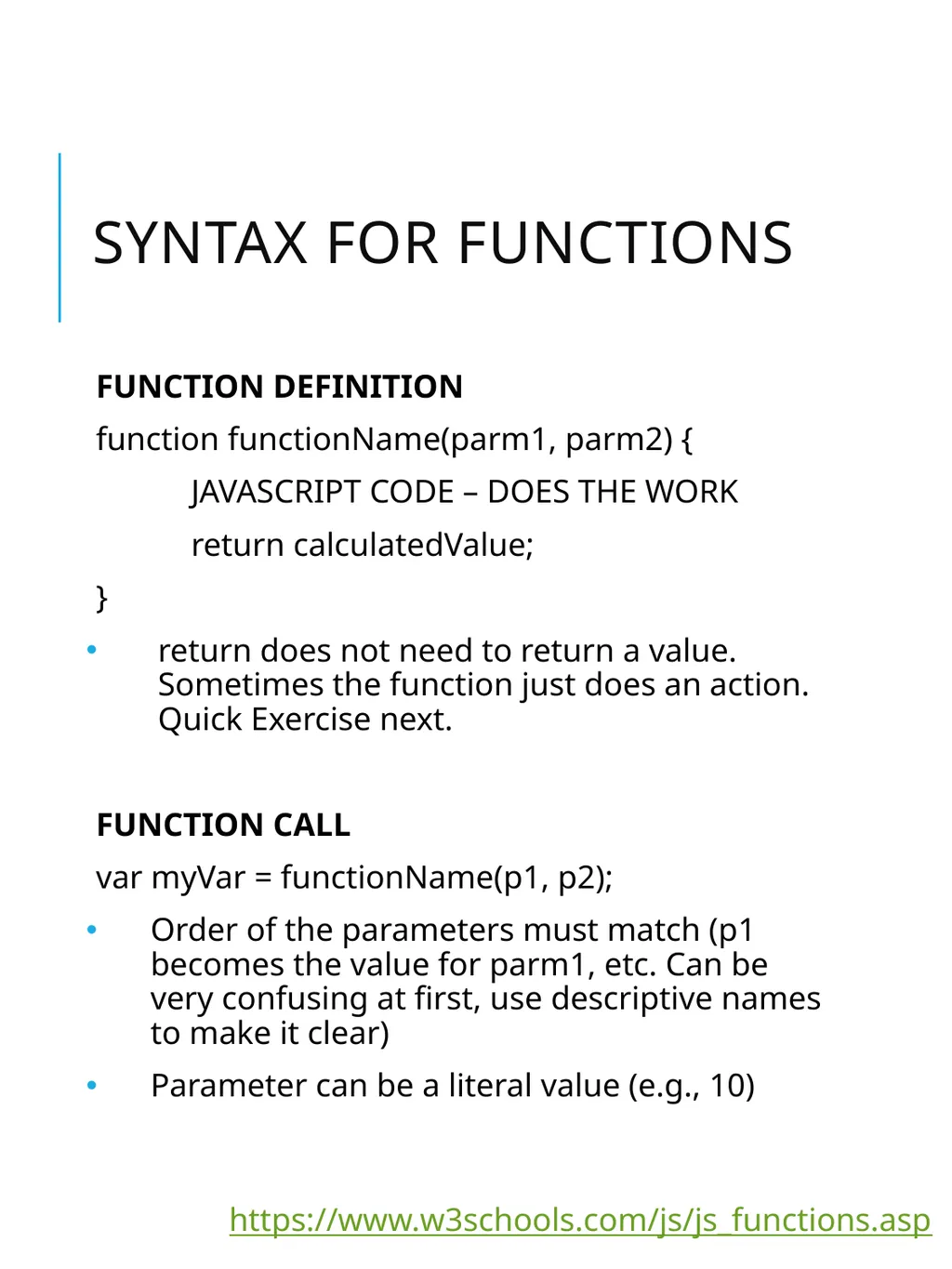
SYNTAX FOR FUNCTIONS FUNCTION DEFINITION
function functionName(parm1, parm2) {
JAVASCRIPT CODE – DOES THE WORK
return calculatedValue;
}
return does not need to return a value. Sometimes the function just does an action. Quick Exercise next.
FUNCTION CALL
var myVar = functionName(p1, p2);
Order of the parameters must match (p1 becomes the value for parm1, etc. Can be very confusing at first, use descriptive names to make it clear)
Parameter can be a literal value (e.g., 10) https://www.w3schools.com/js/js_functions.asp<br>
function functionName(parm1, parm2) {
JAVASCRIPT CODE – DOES THE WORK
return calculatedValue;
}
return does not need to return a value. Sometimes the function just does an action. Quick Exercise next.
FUNCTION CALL
var myVar = functionName(p1, p2);
Order of the parameters must match (p1 becomes the value for parm1, etc. Can be very confusing at first, use descriptive names to make it clear)
Parameter can be a literal value (e.g., 10) https://www.w3schools.com/js/js_functions.asp<br>
23
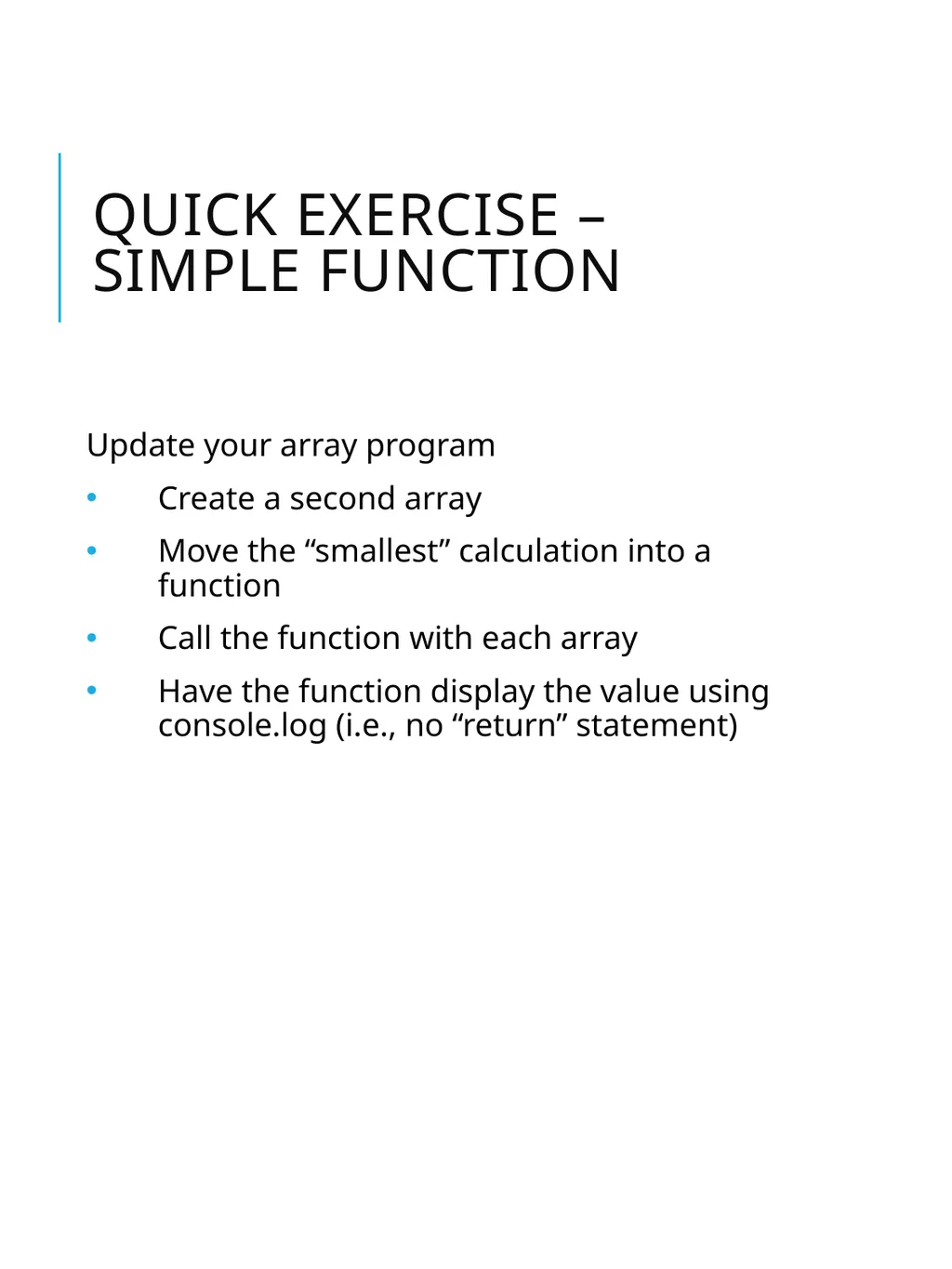
Quick exercise – simple function Update your array program
Create a second array
Move the “smallest” calculation into a function
Call the function with each array
Have the function display the value using console.log (i.e., no “return” statement)<br>
Create a second array
Move the “smallest” calculation into a function
Call the function with each array
Have the function display the value using console.log (i.e., no “return” statement)<br>
24
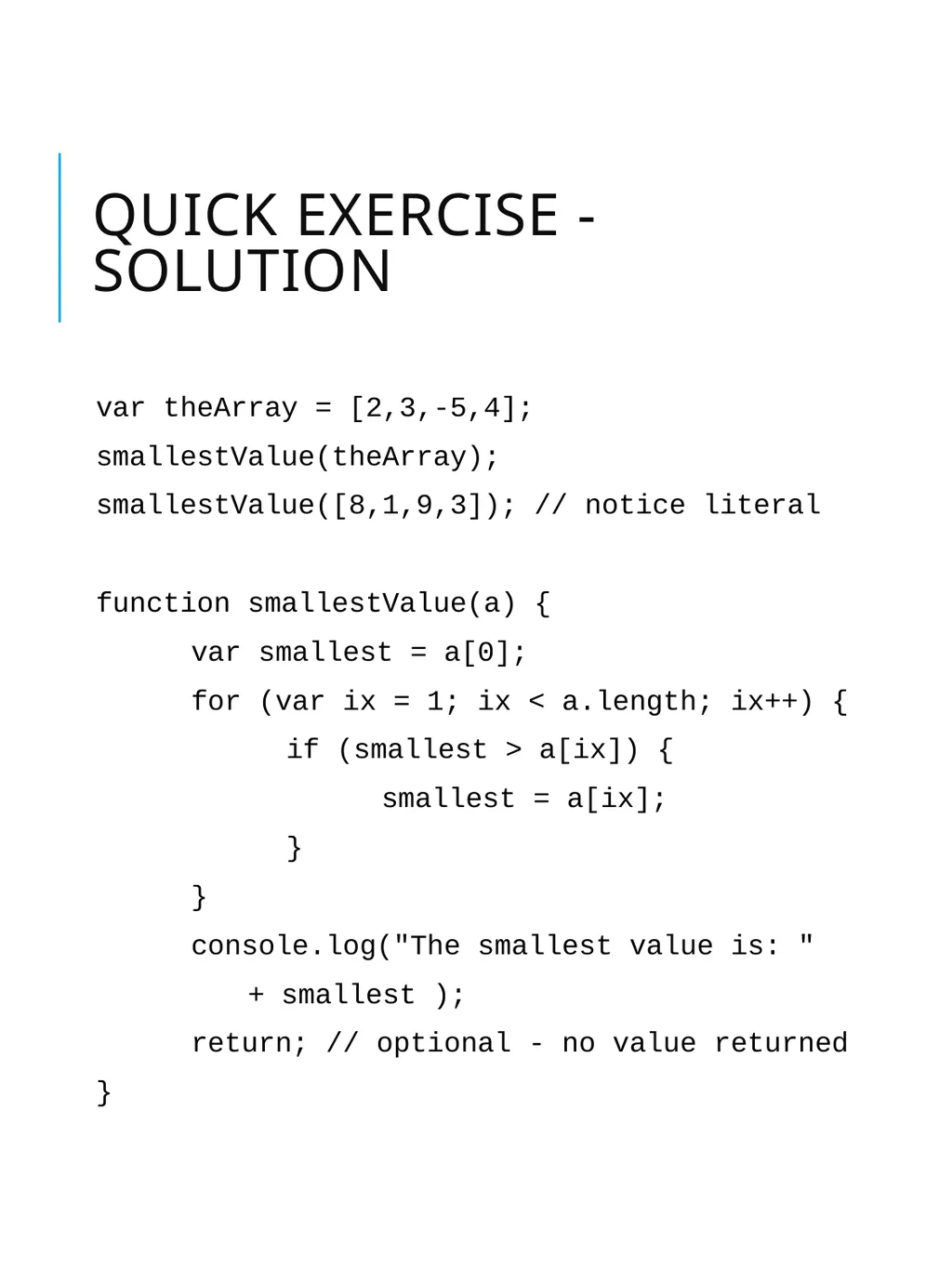
Quick exercise - solution var theArray = [2,3,-5,4];
smallestValue(theArray);
smallestValue([8,1,9,3]); // notice literal
function smallestValue(a) {
var smallest = a[0];
for (var ix = 1; ix < a.length; ix++) {
if (smallest > a[ix]) {
smallest = a[ix];
}
}
console.log("The smallest value is: "
+ smallest );
return; // optional - no value returned
}<br>
smallestValue(theArray);
smallestValue([8,1,9,3]); // notice literal
function smallestValue(a) {
var smallest = a[0];
for (var ix = 1; ix < a.length; ix++) {
if (smallest > a[ix]) {
smallest = a[ix];
}
}
console.log("The smallest value is: "
+ smallest );
return; // optional - no value returned
}<br>
25
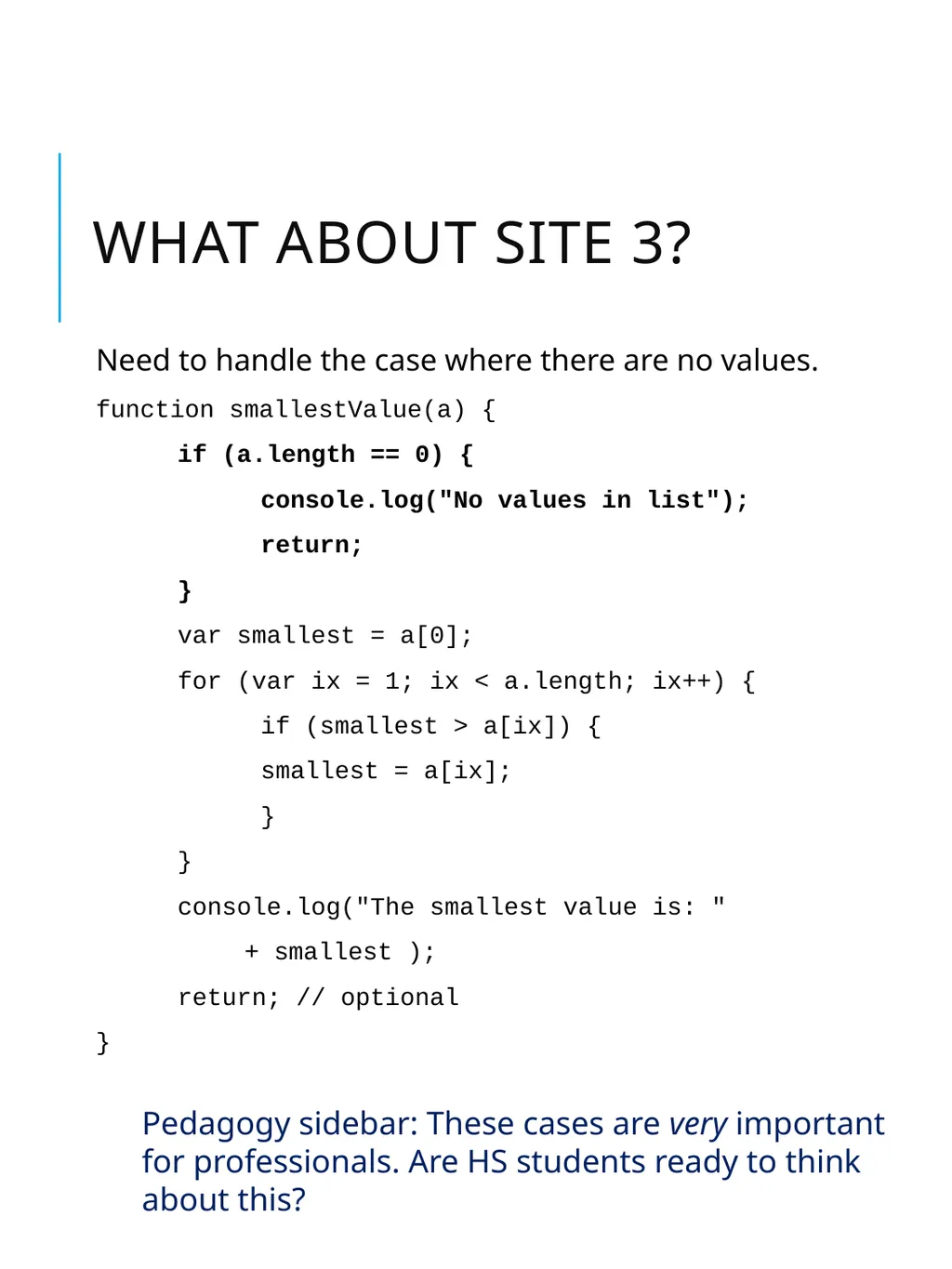
What about site 3? Need to handle the case where there are no values.
function smallestValue(a) {
if (a.length == 0) {
console.log("No values in list");
return;
}
var smallest = a[0];
for (var ix = 1; ix < a.length; ix++) {
if (smallest > a[ix]) {
smallest = a[ix];
}
}
console.log("The smallest value is: "
+ smallest );
return; // optional
} Pedagogy sidebar: These cases are very important for professionals. Are HS students ready to think about this?<br>
function smallestValue(a) {
if (a.length == 0) {
console.log("No values in list");
return;
}
var smallest = a[0];
for (var ix = 1; ix < a.length; ix++) {
if (smallest > a[ix]) {
smallest = a[ix];
}
}
console.log("The smallest value is: "
+ smallest );
return; // optional
} Pedagogy sidebar: These cases are very important for professionals. Are HS students ready to think about this?<br>
26
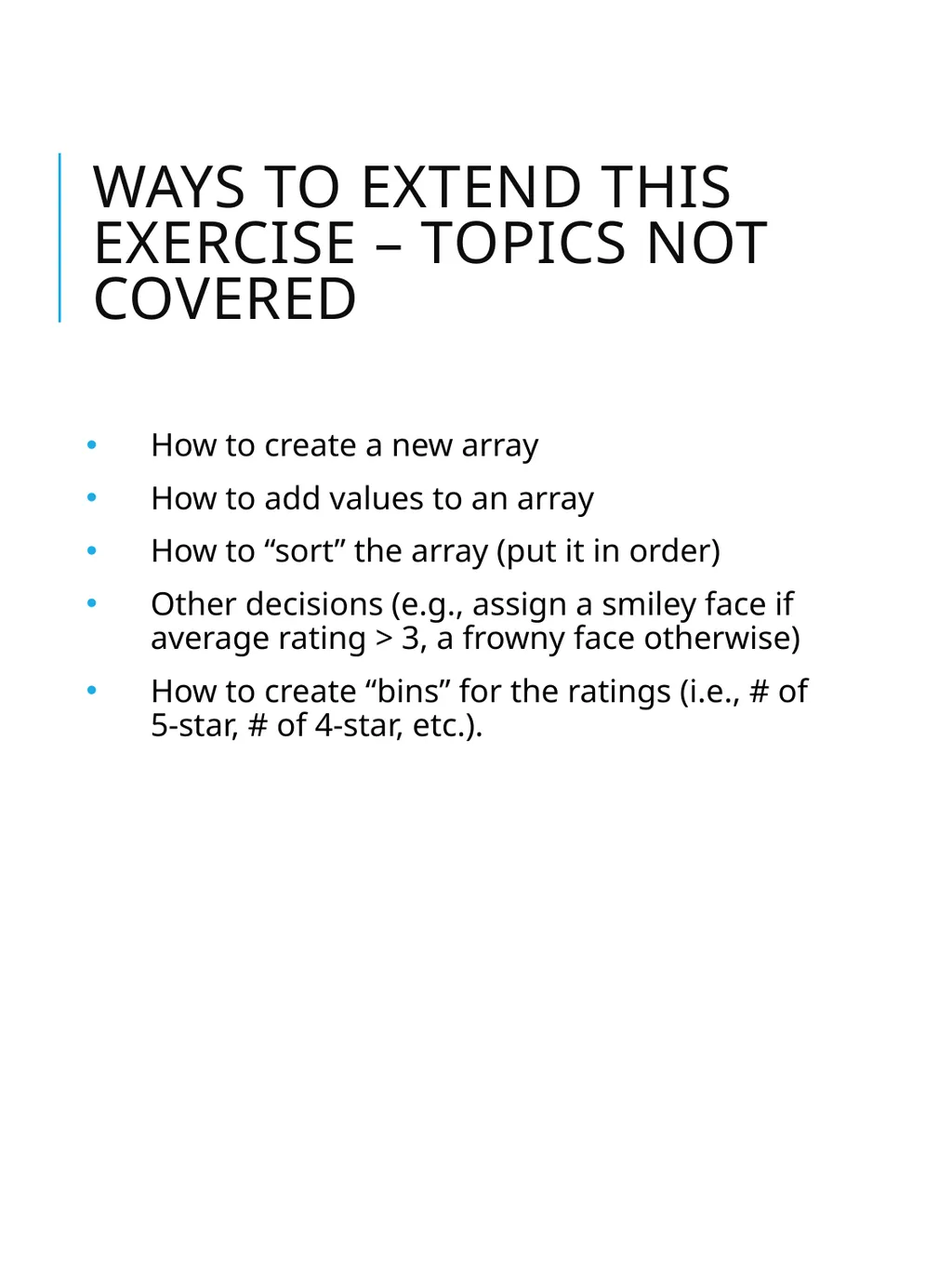
ways to extend this exercise – topics not covered How to create a new array
How to add values to an array
How to “sort” the array (put it in order)
Other decisions (e.g., assign a smiley face if average rating > 3, a frowny face otherwise)
How to create “bins” for the ratings (i.e., # of 5-star, # of 4-star, etc.).<br>
How to add values to an array
How to “sort” the array (put it in order)
Other decisions (e.g., assign a smiley face if average rating > 3, a frowny face otherwise)
How to create “bins” for the ratings (i.e., # of 5-star, # of 4-star, etc.).<br>