04
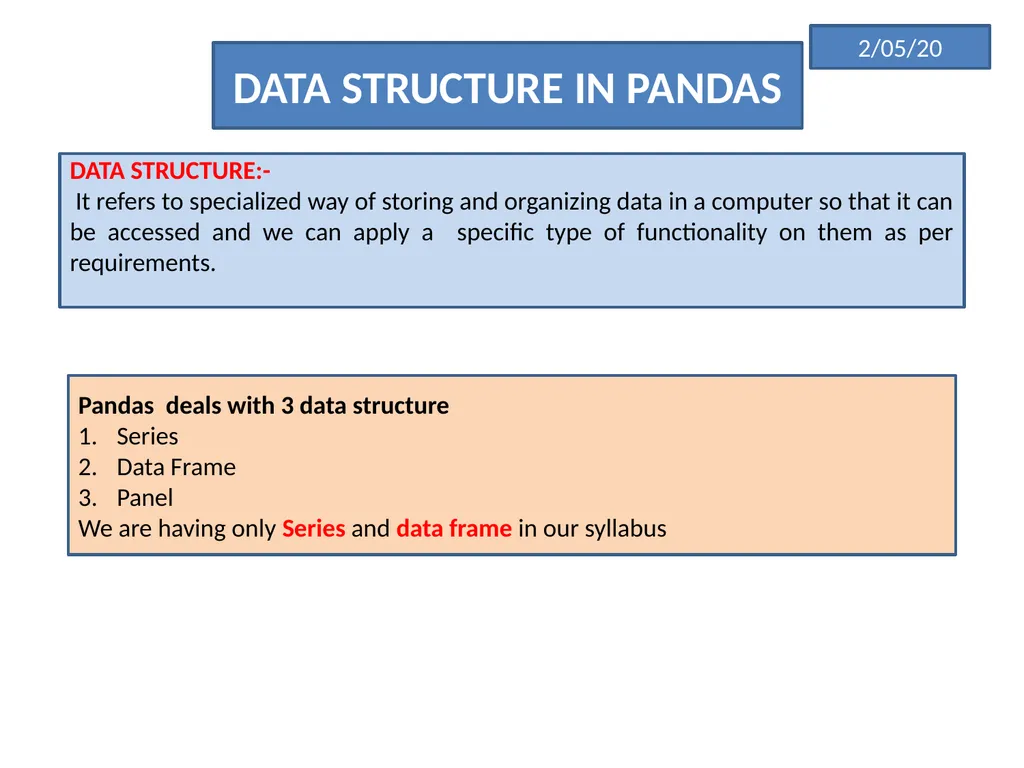
DATA STRUCTURE IN PANDAS DATA STRUCTURE:-
It refers to specialized way of storing and organizing data in a computer so that it can be accessed and we can apply a specific type of functionality on them as per requirements. Pandas deals with 3 data structure
Series
Data Frame
Panel
We are having only Series and data frame in our syllabus 2/05/20<br>
05
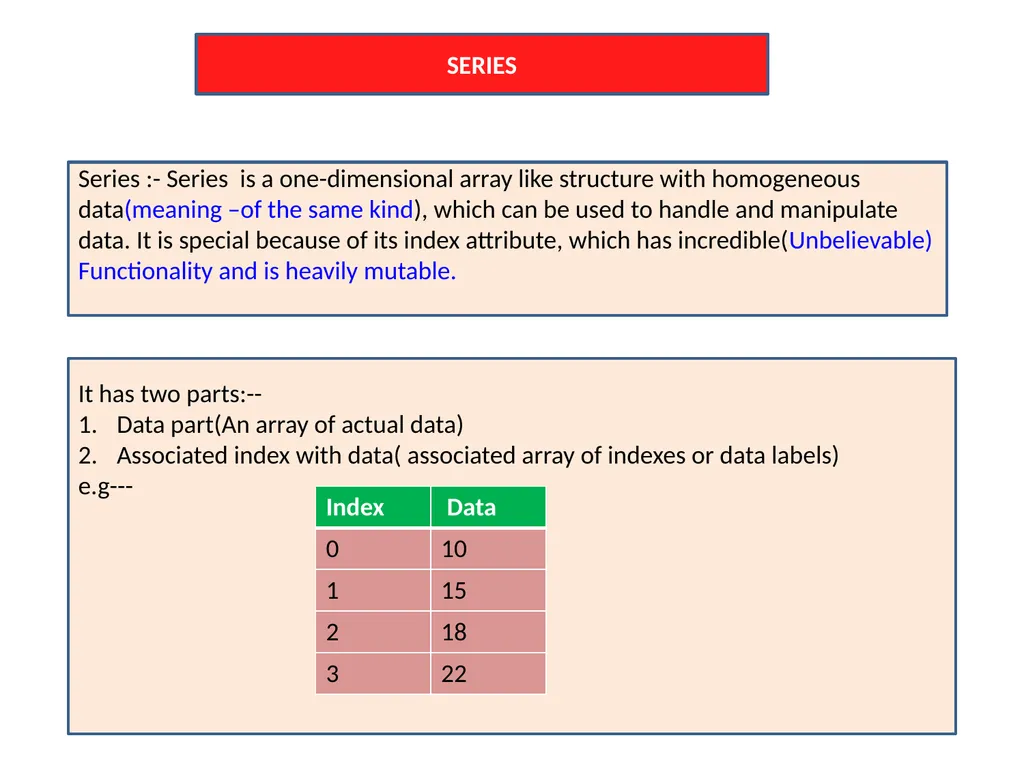
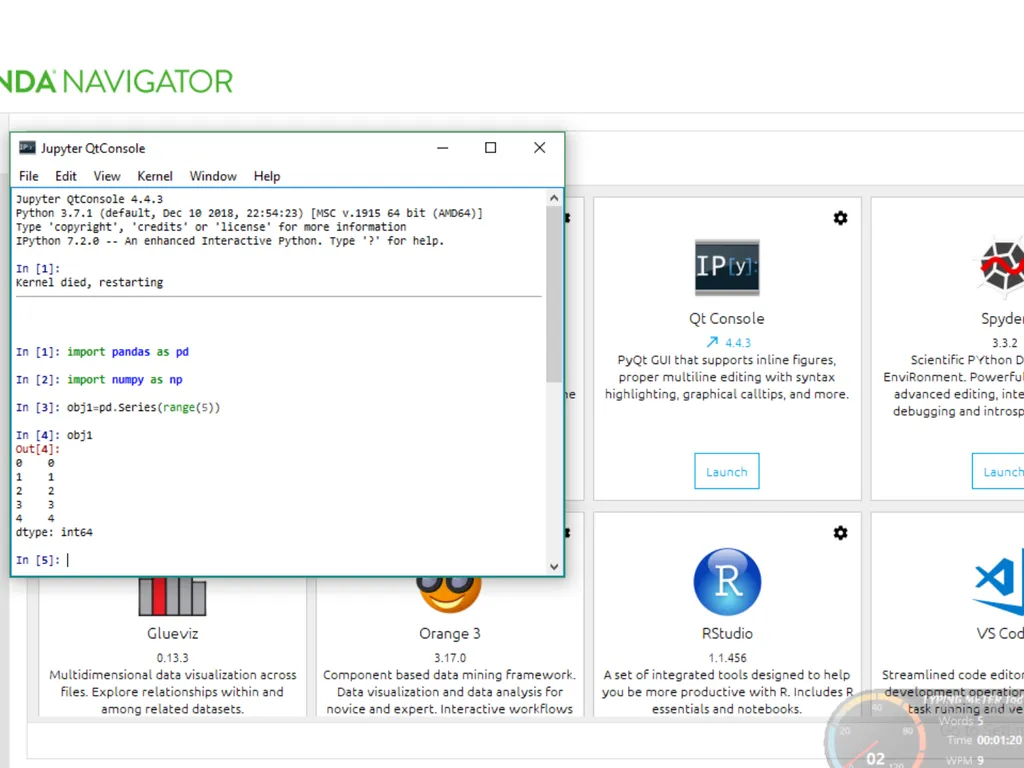
SERIES Series :- Series is a one-dimensional array like structure with homogeneous data(meaning –of the same kind), which can be used to handle and manipulate data. It is special because of its index attribute, which has incredible(Unbelievable)
Functionality and is heavily mutable. It has two parts:--
Data part(An array of actual data)
Associated index with data( associated array of indexes or data labels)
e.g---<br>
06
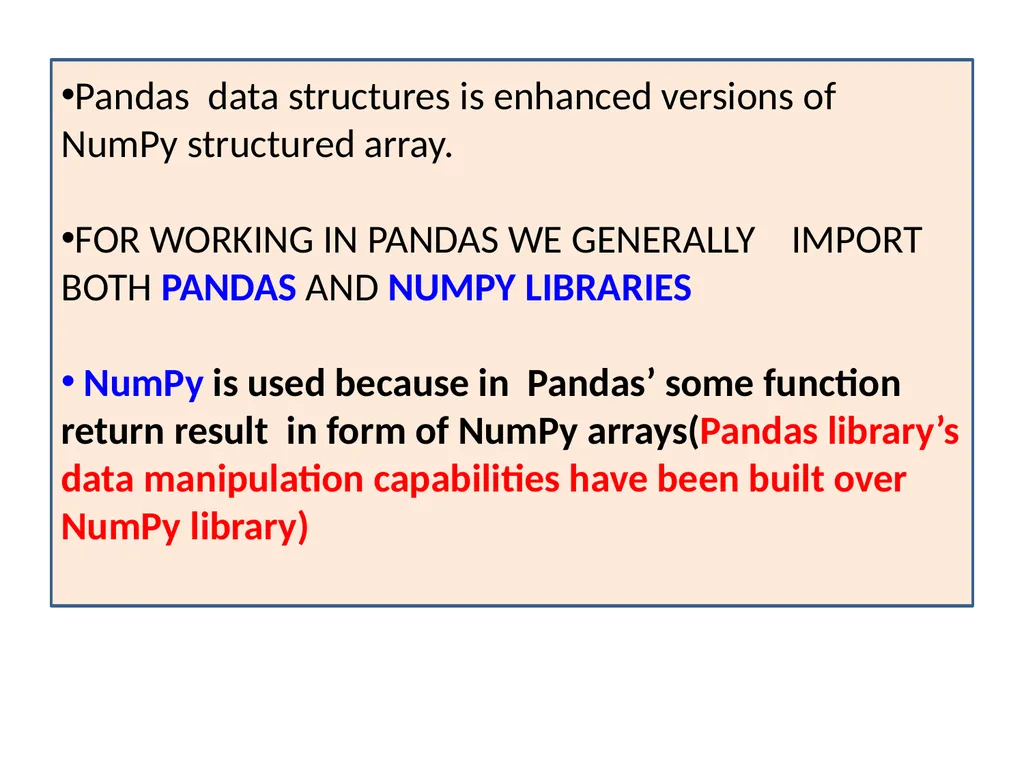
Pandas data structures is enhanced versions of NumPy structured array.
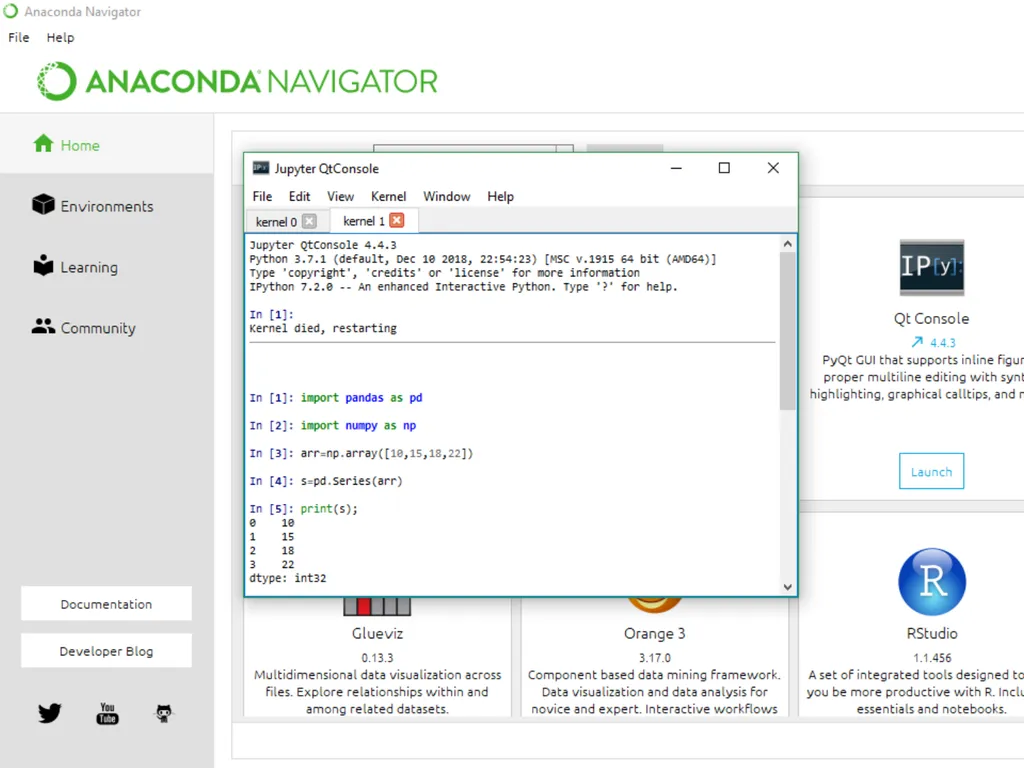
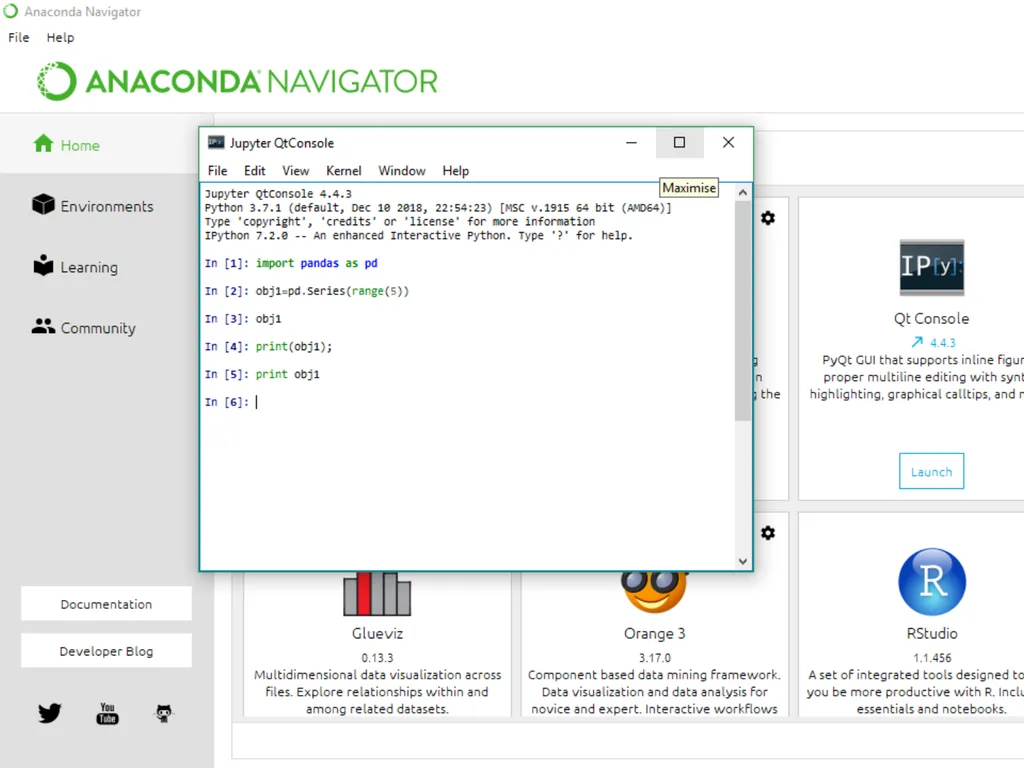
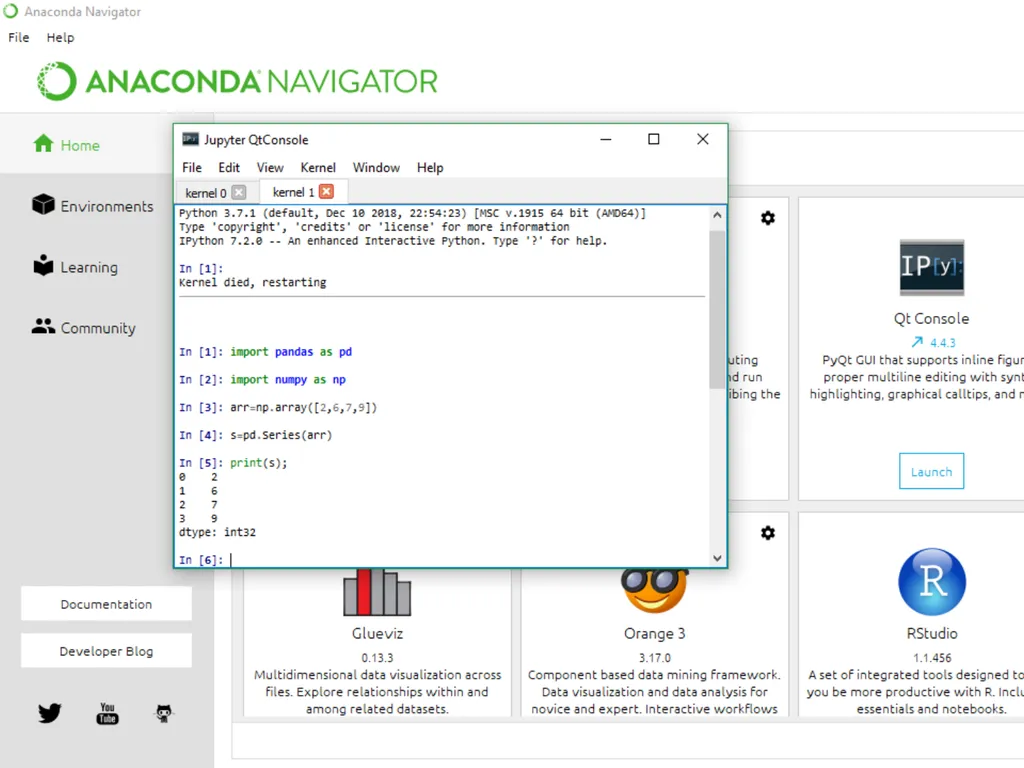
FOR WORKING IN PANDAS WE GENERALLY IMPORT BOTH PANDAS AND NUMPY LIBRARIES
NumPy is used because in Pandas’ some function return result in form of NumPy arrays(Pandas library’s data manipulation capabilities have been built over NumPy library)<br>
07
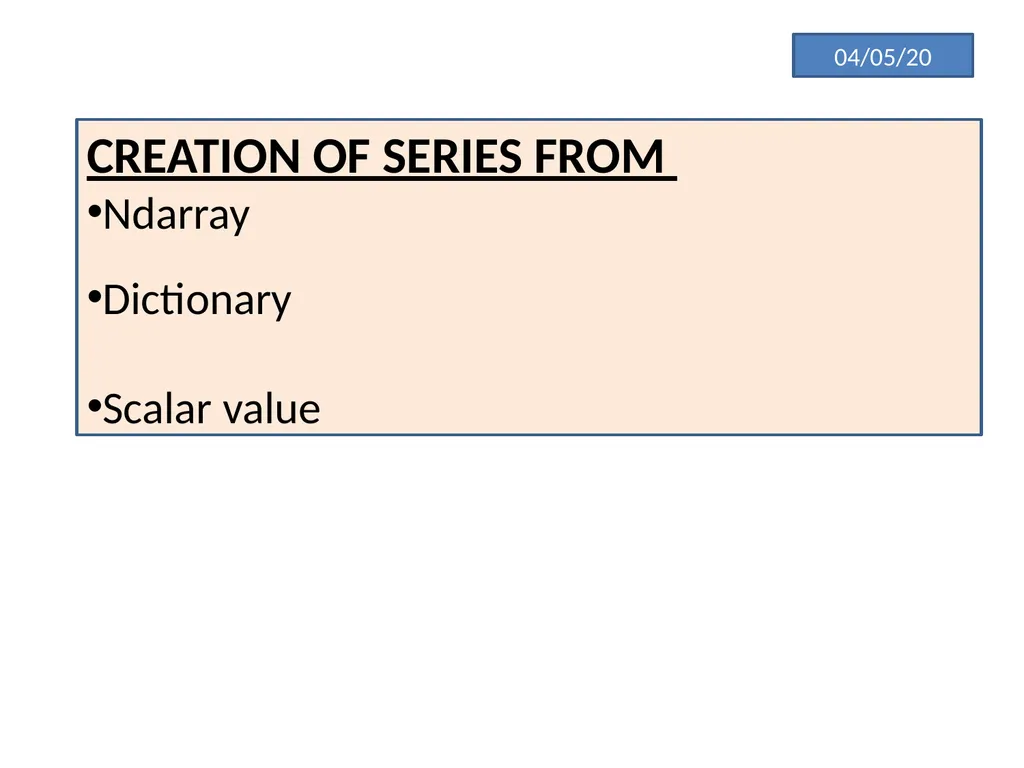
04/05/20 CREATION OF SERIES FROM
Ndarray
Dictionary
Scalar value<br>
08
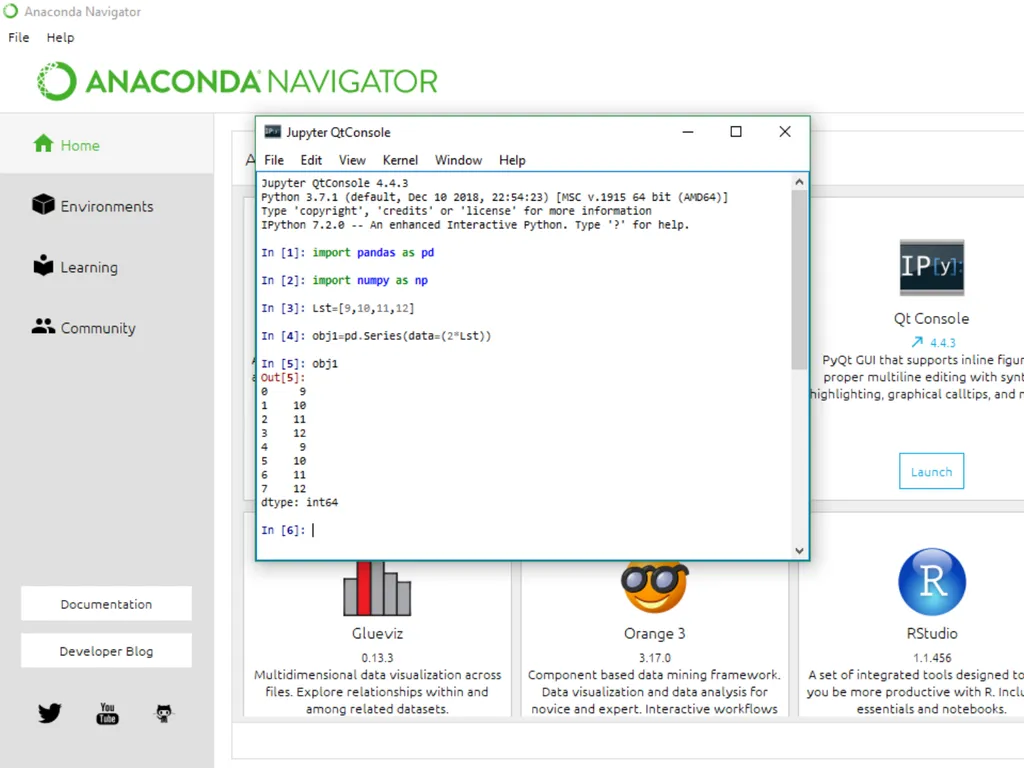
5/05/20 USE OF MATHEMATICAL FUNCTION TO CREATE DATA ARRAY IN Series().<br>
09
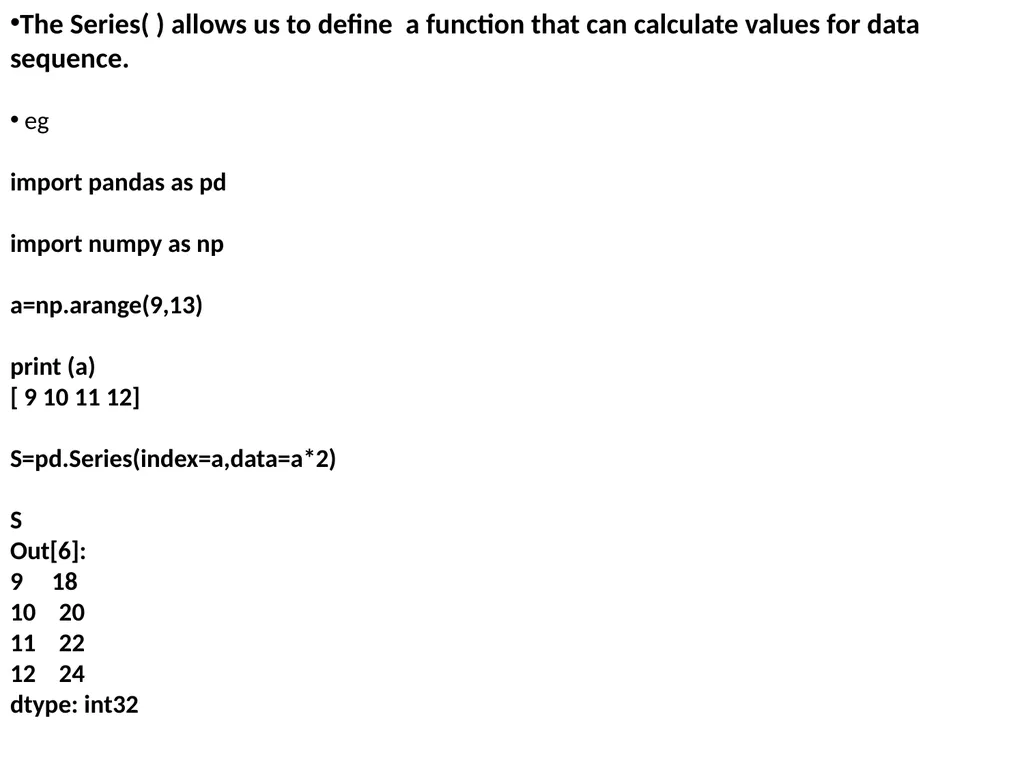
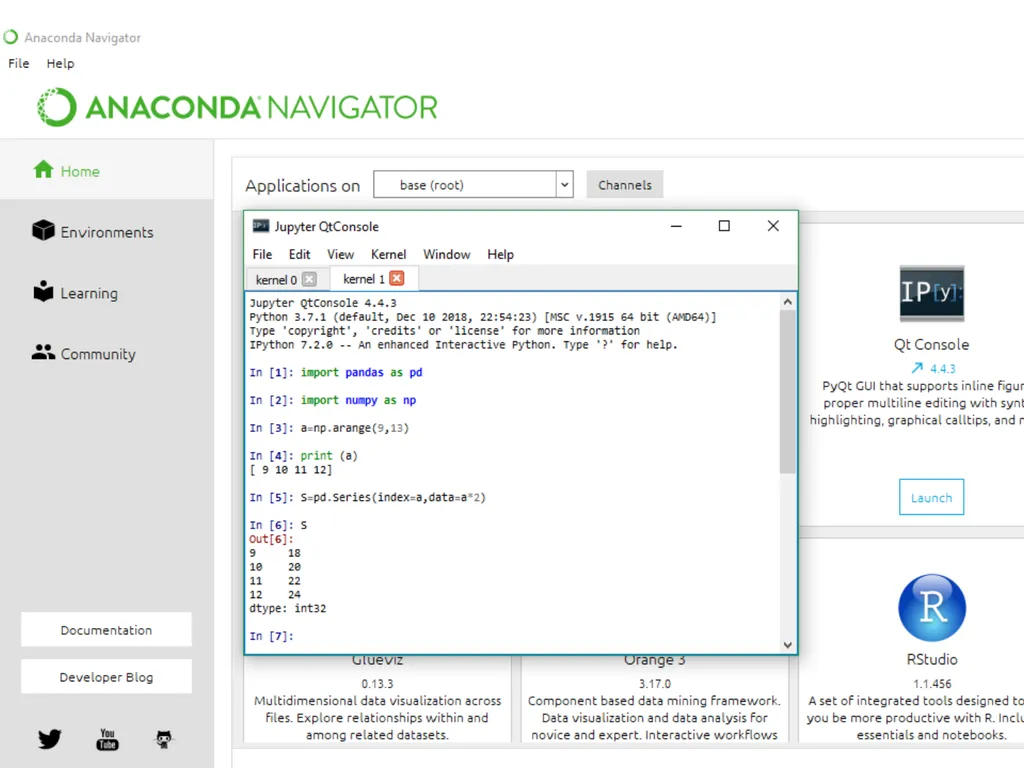
The Series( ) allows us to define a function that can calculate values for data sequence.
eg
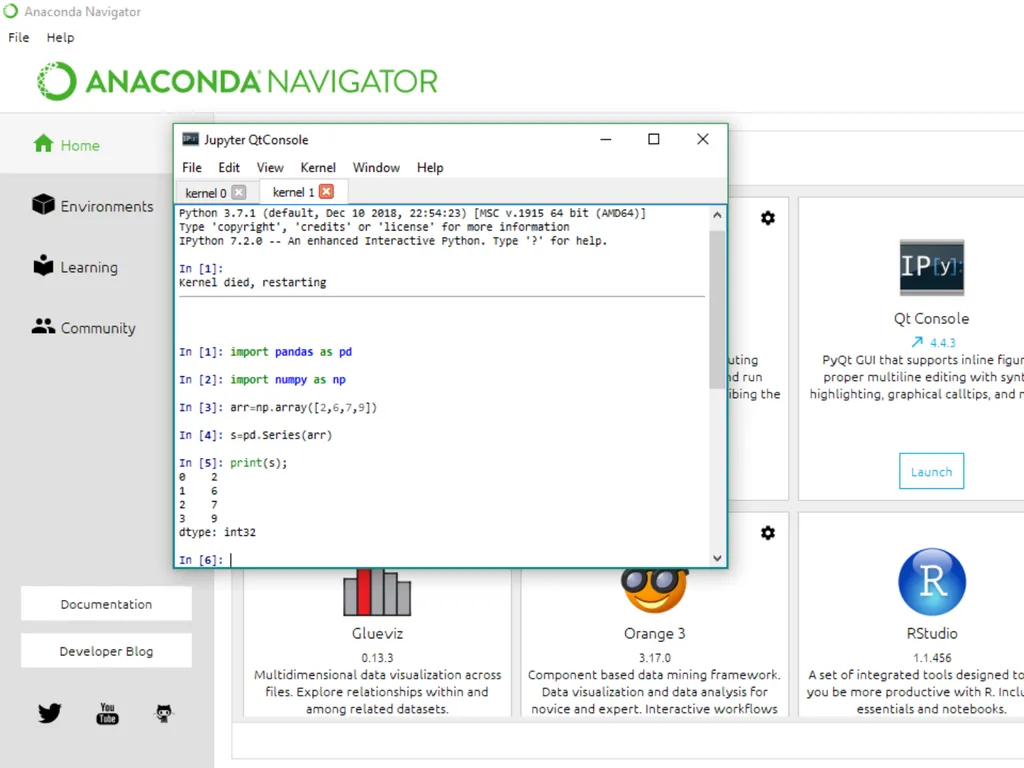
import pandas as pd
import numpy as np
a=np.arange(9,13)
print (a)
[ 9 10 11 12]
S=pd.Series(index=a,data=a*2)
S
Out[6]:
9 18
10 20
11 22
12 24
dtype: int32<br>
10
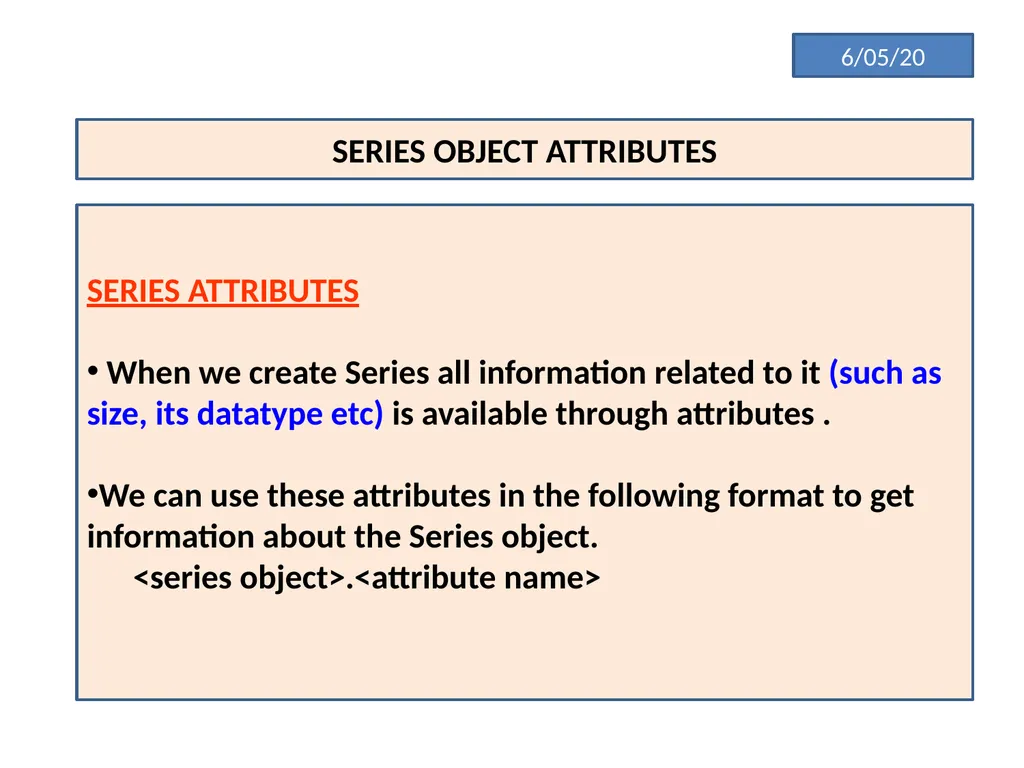
6/05/20 SERIES OBJECT ATTRIBUTES SERIES ATTRIBUTES
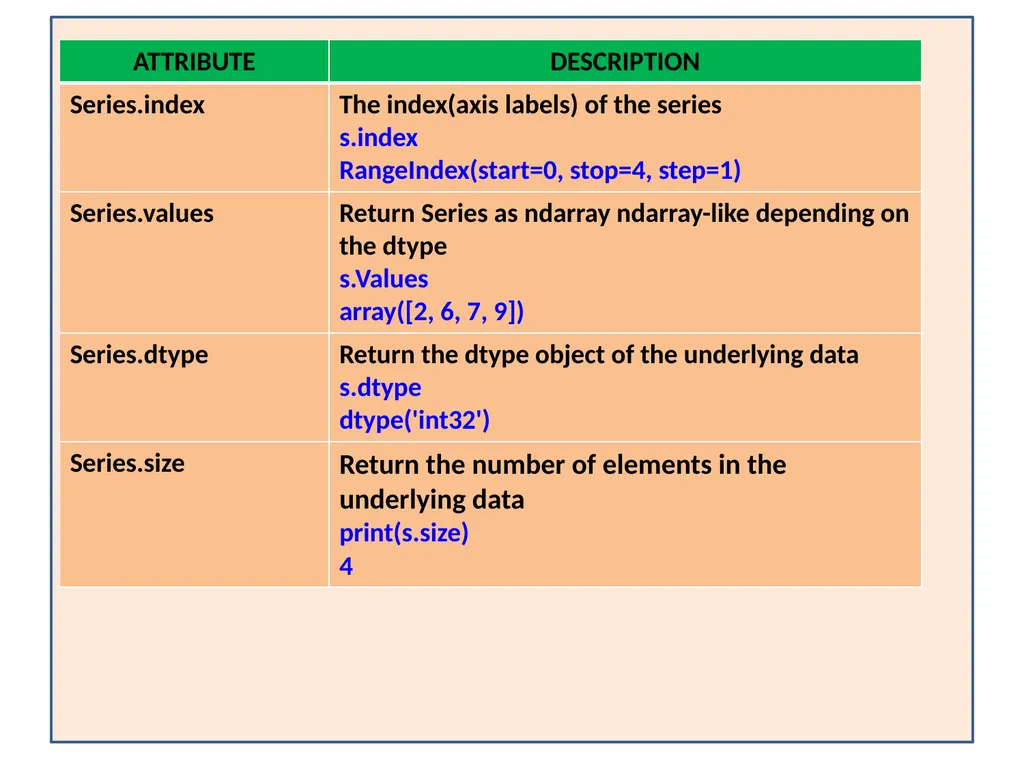
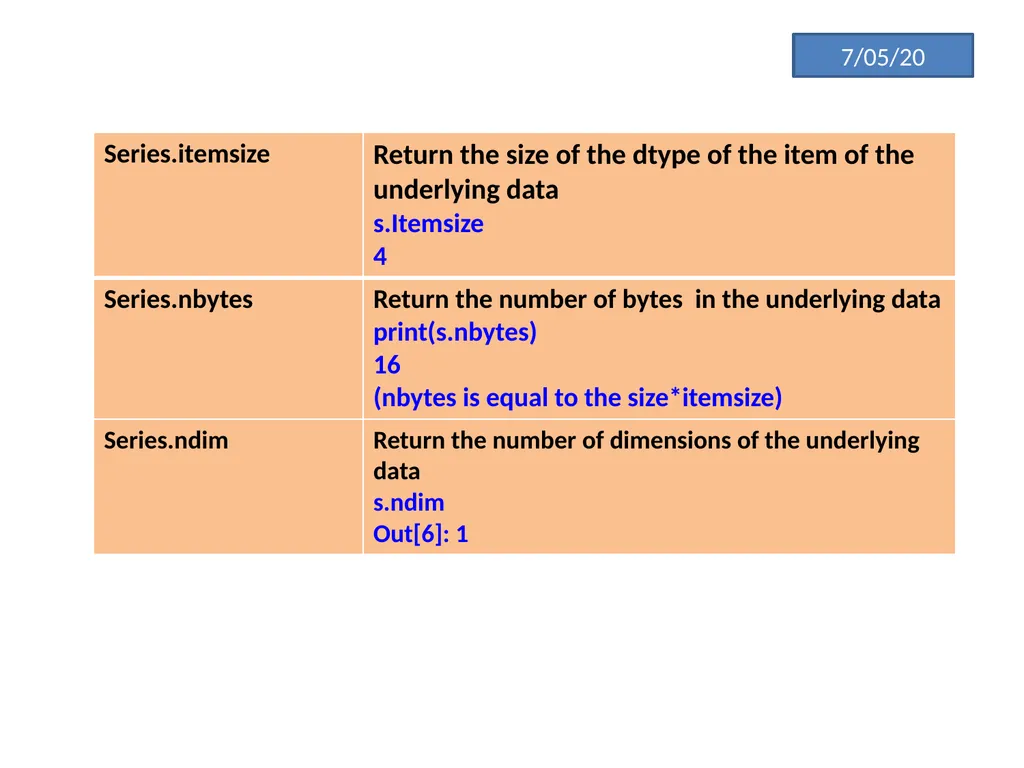
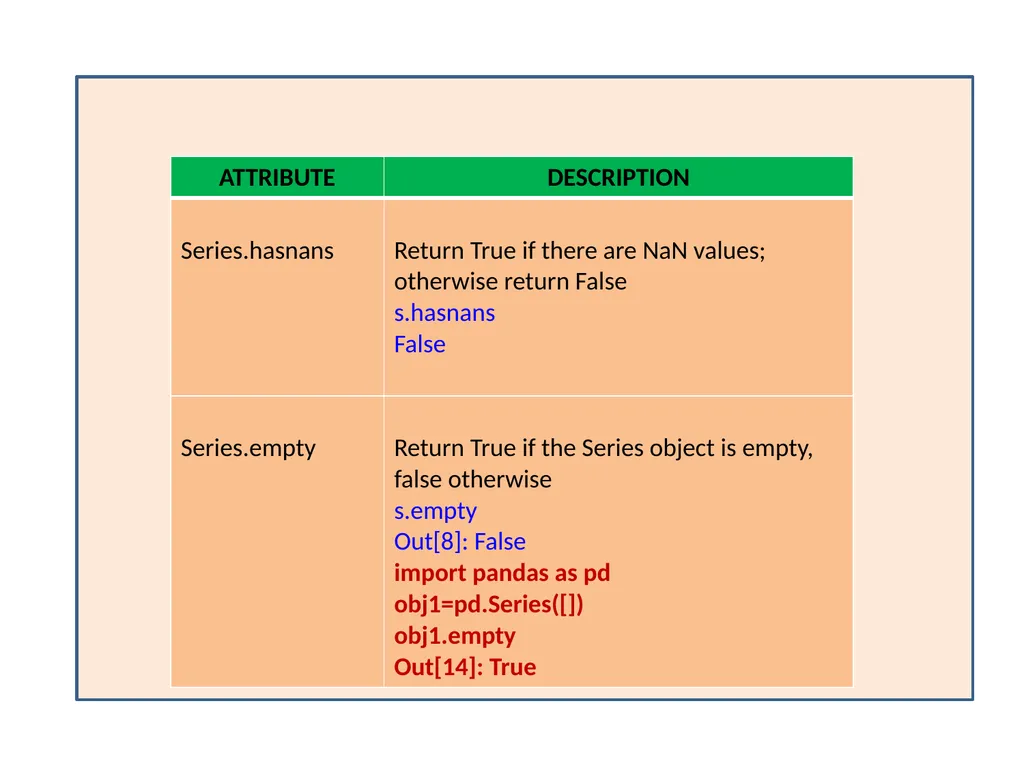
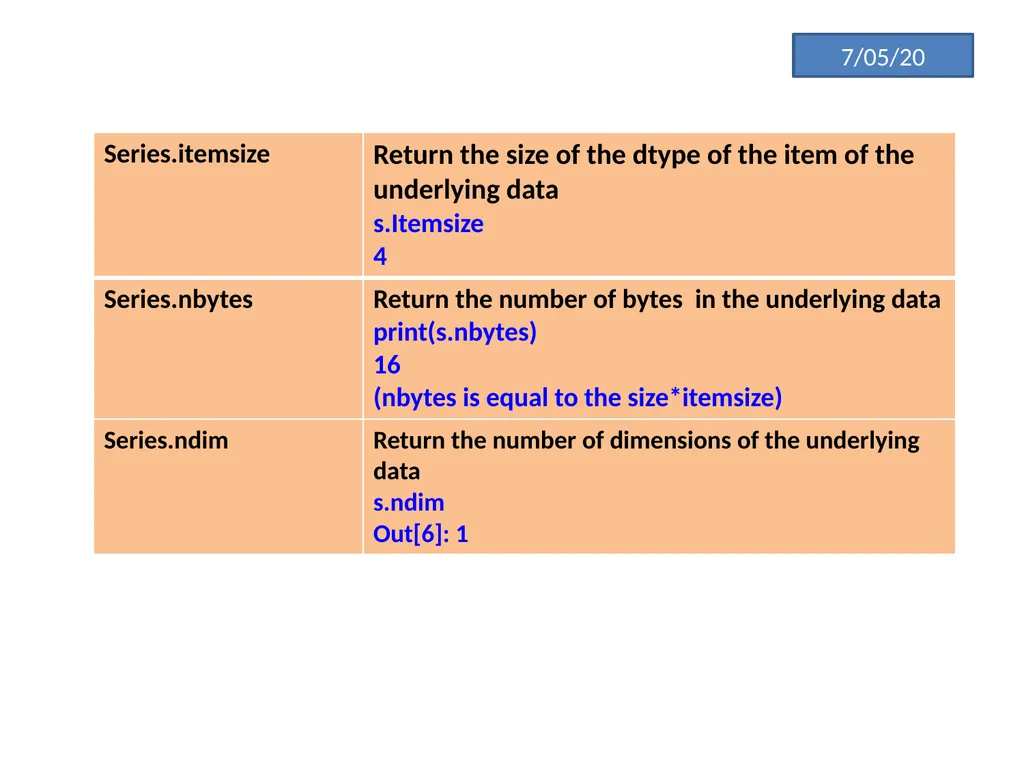
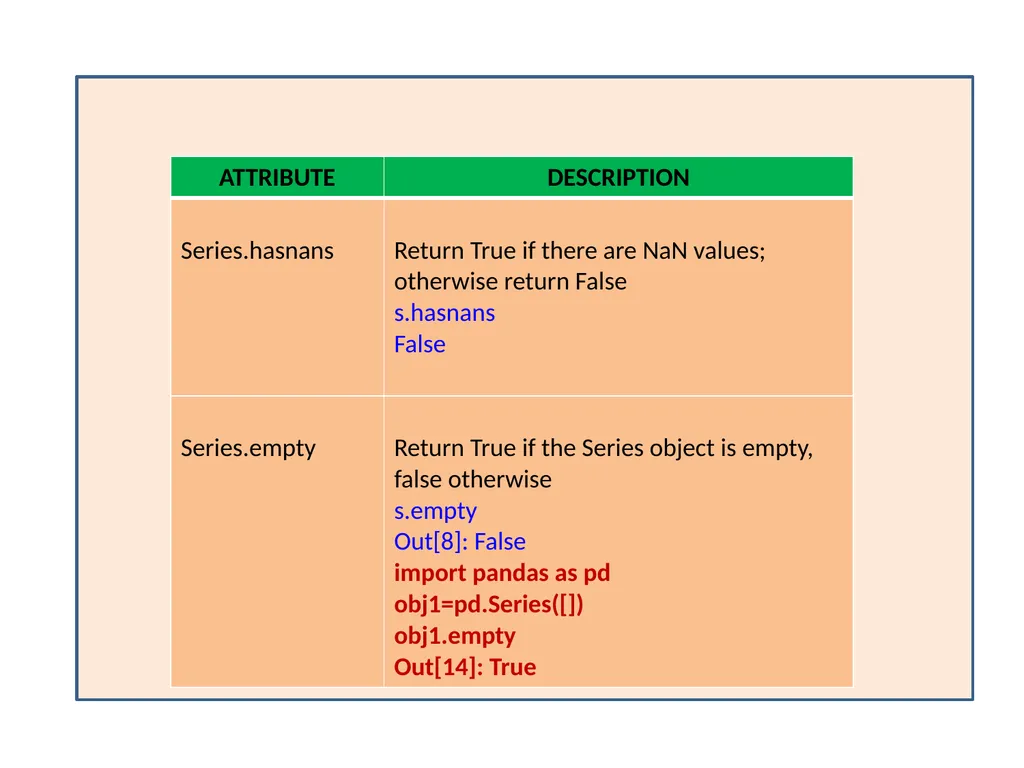
When we create Series all information related to it (such as size, its datatype etc) is available through attributes .
We can use these attributes in the following format to get information about the Series object.
<series object>.<attribute name><br>
13
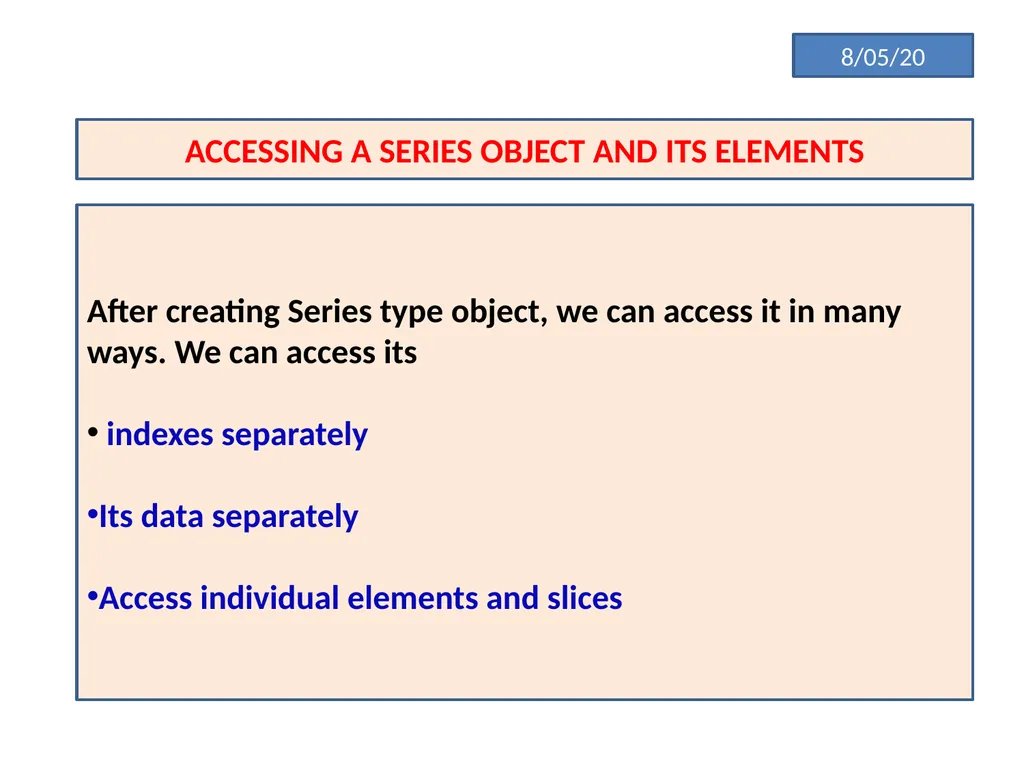
8/05/20 ACCESSING A SERIES OBJECT AND ITS ELEMENTS After creating Series type object, we can access it in many ways. We can access its
indexes separately
Its data separately
Access individual elements and slices<br>
14
Accessing individual elements
To access individual elements of a series object, we can give its index in square brackets along with its name
eg Series object name [valid index]<br>
15
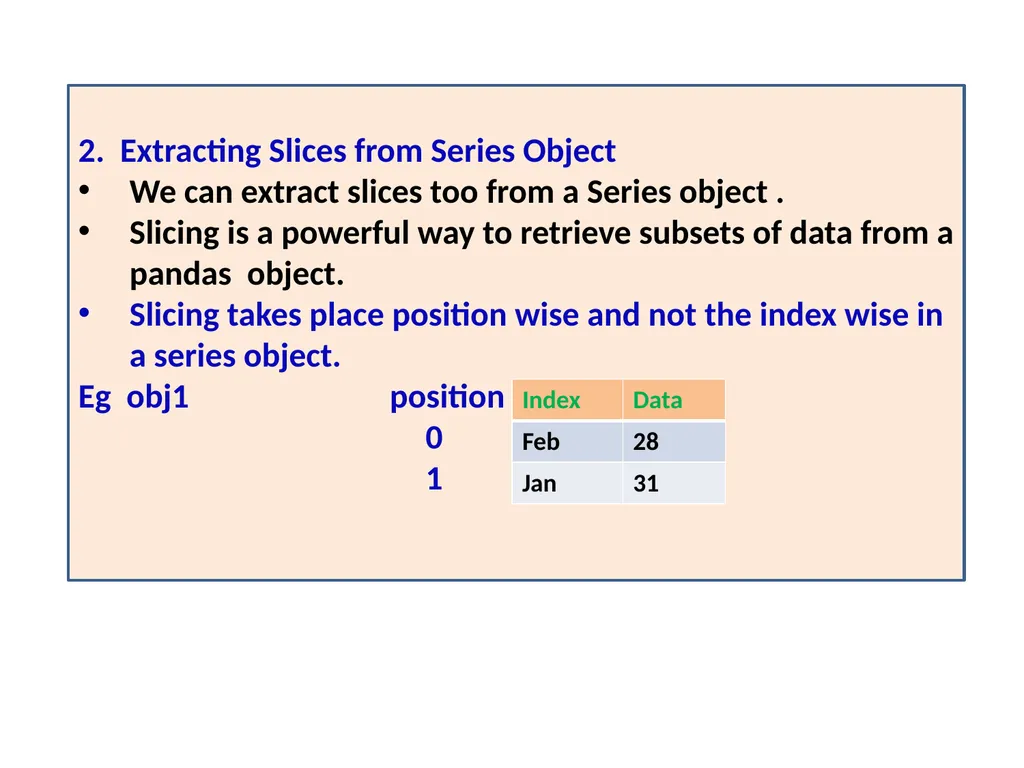
2. Extracting Slices from Series Object
We can extract slices too from a Series object .
Slicing is a powerful way to retrieve subsets of data from a pandas object.
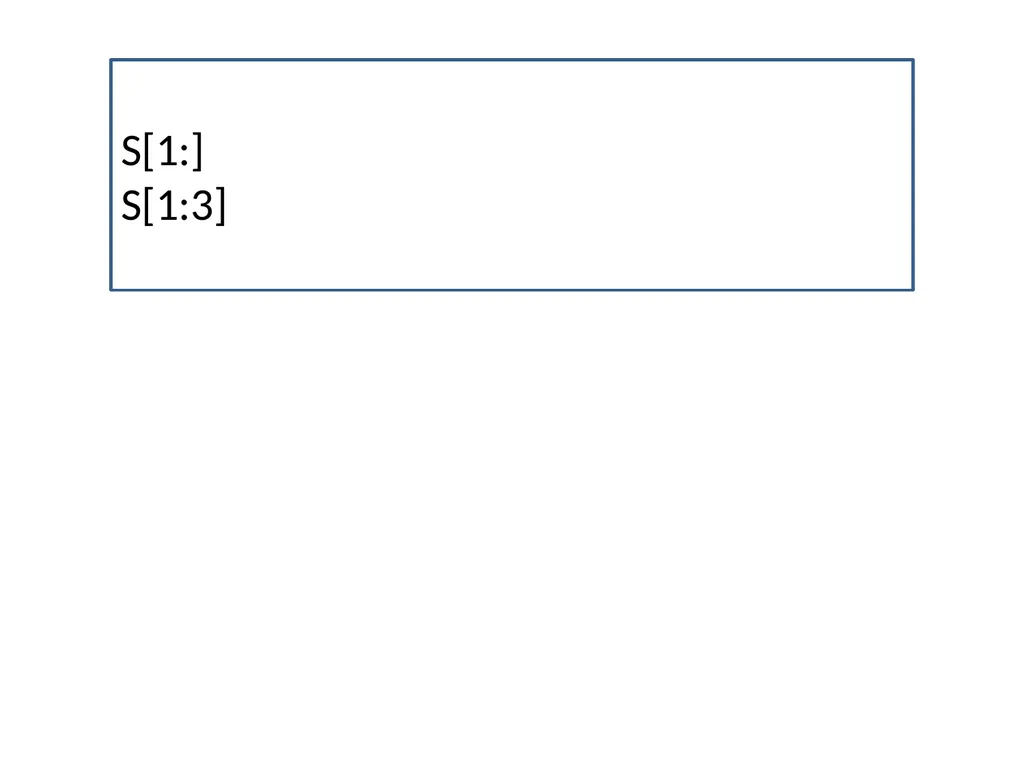
Slicing takes place position wise and not the index wise in a series object.
Eg obj1 position
0
1<br>
17
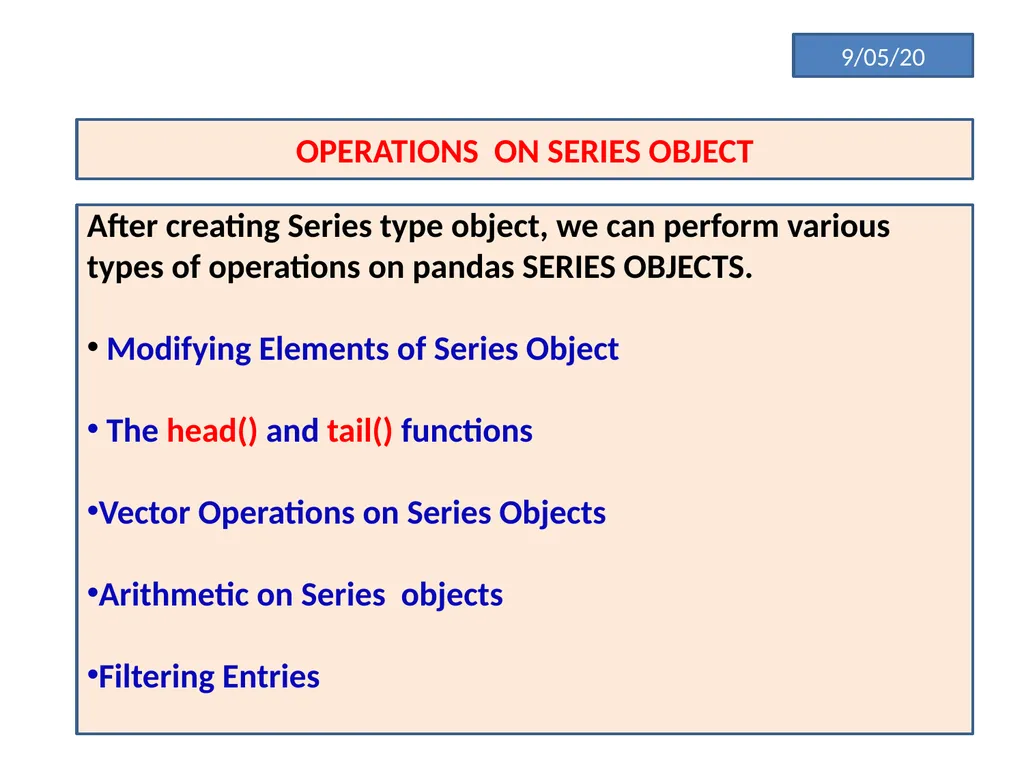
9/05/20 OPERATIONS ON SERIES OBJECT After creating Series type object, we can perform various types of operations on pandas SERIES OBJECTS.
Modifying Elements of Series Object
The head() and tail() functions
Vector Operations on Series Objects
Arithmetic on Series objects
Filtering Entries<br>
18
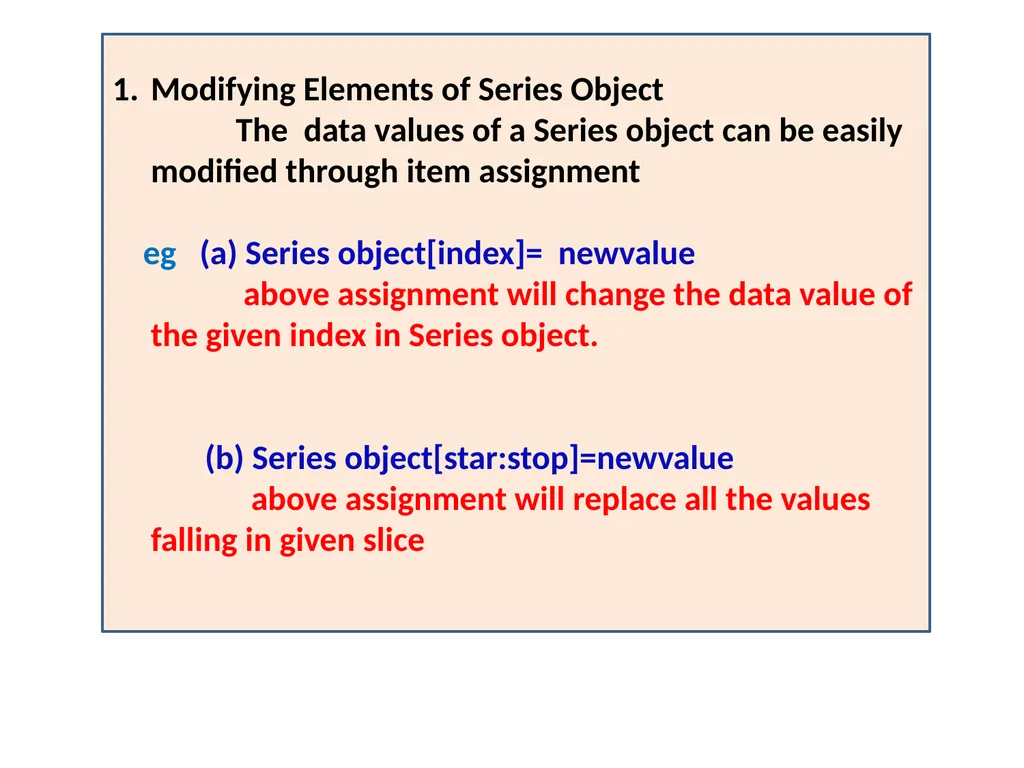
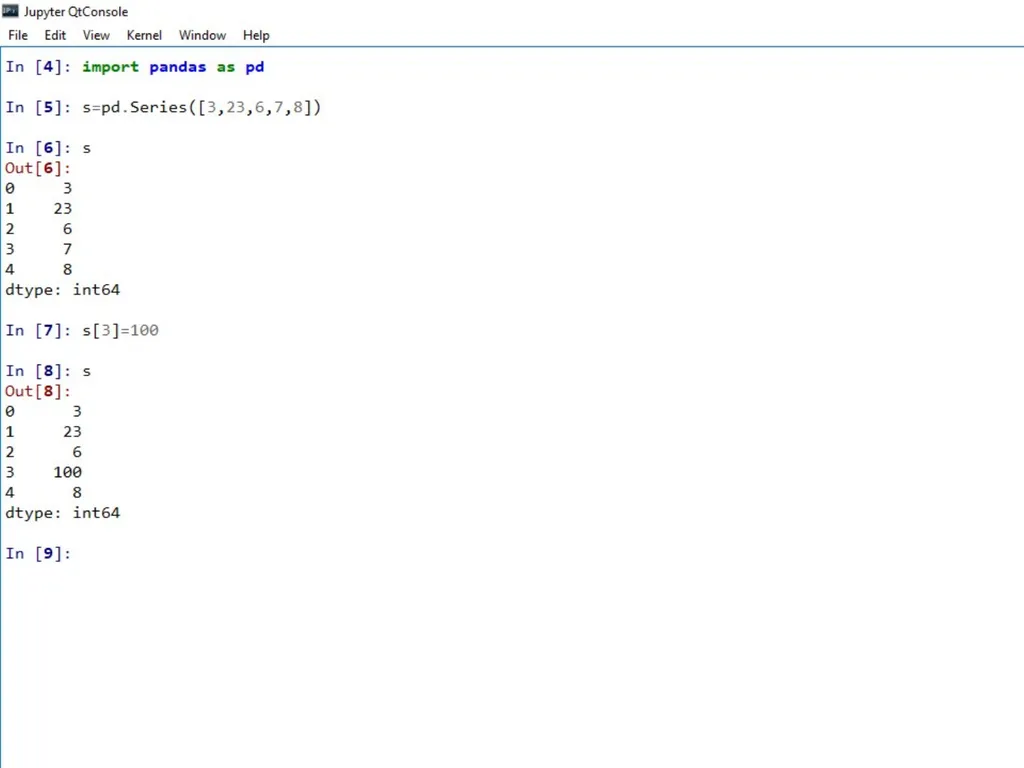
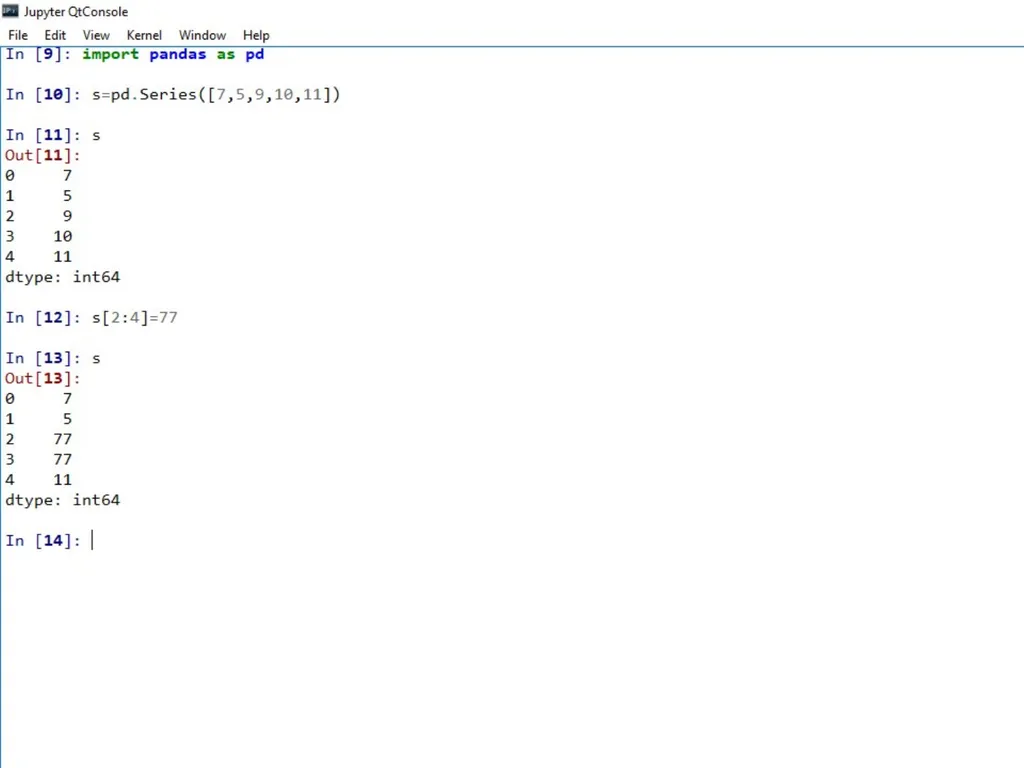
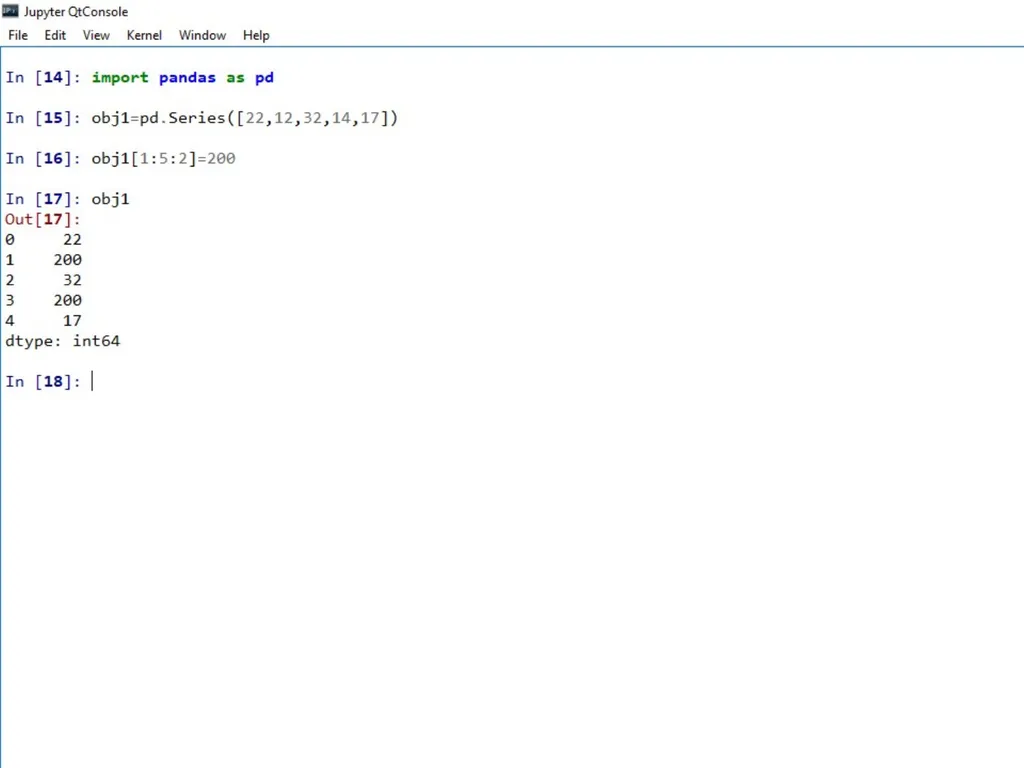
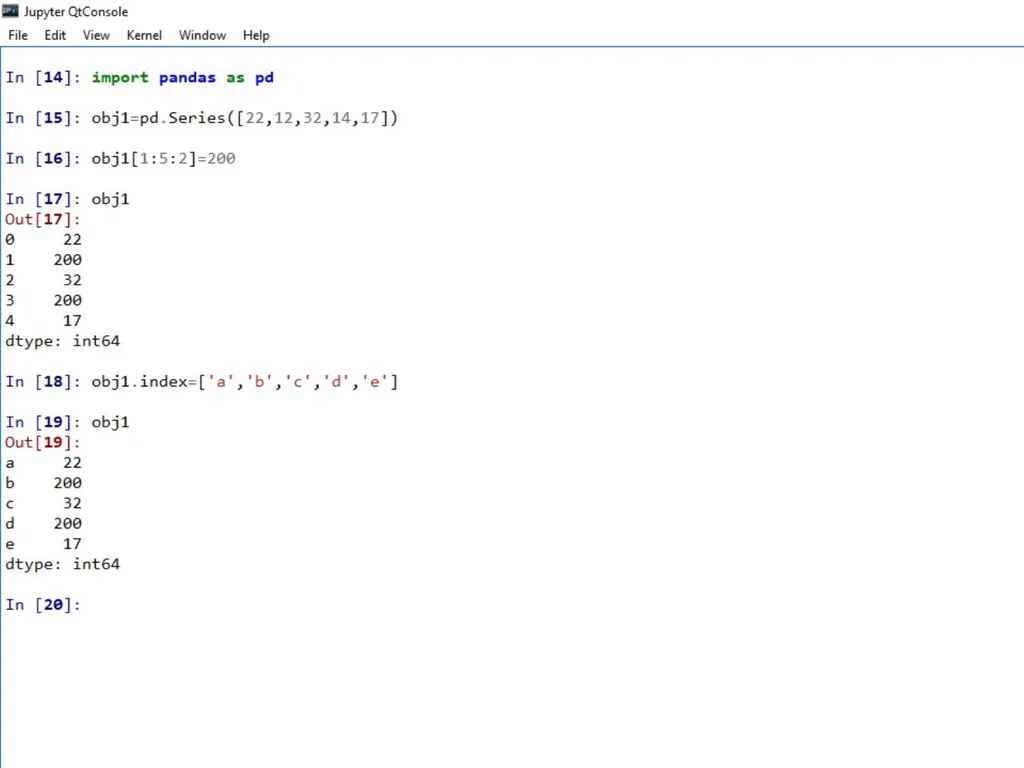
Modifying Elements of Series Object
The data values of a Series object can be easily modified through item assignment
eg (a) Series object[index]= newvalue
above assignment will change the data value of the given index in Series object.
(b) Series object[star:stop]=newvalue
above assignment will replace all the values falling in given slice<br>
19
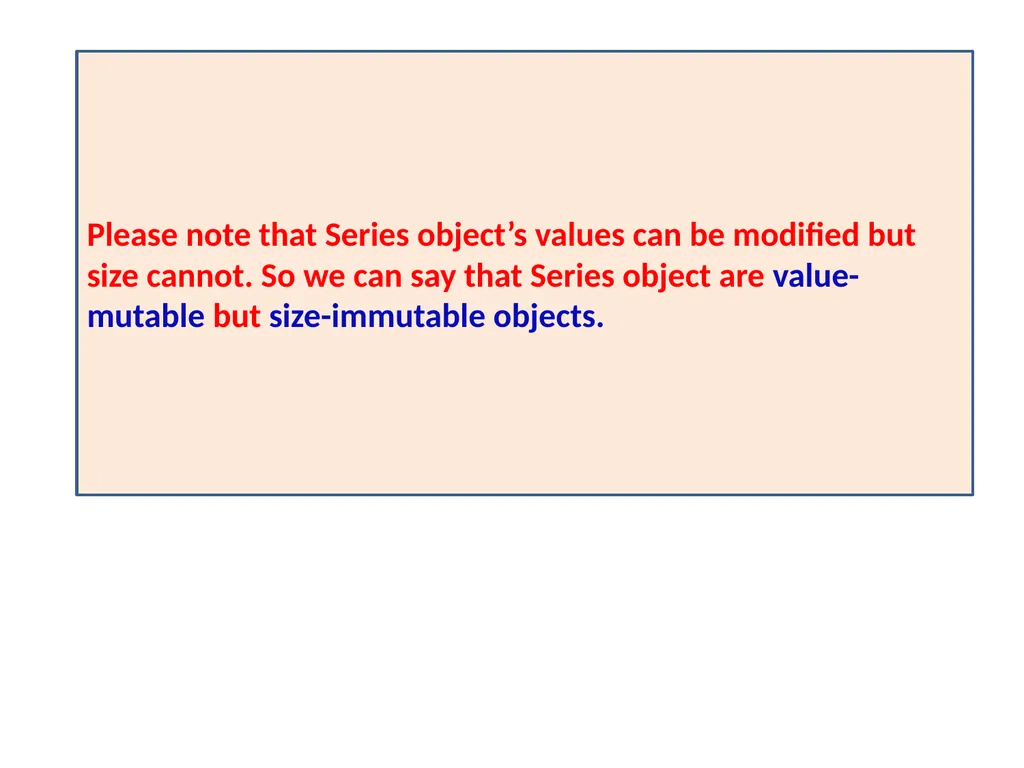
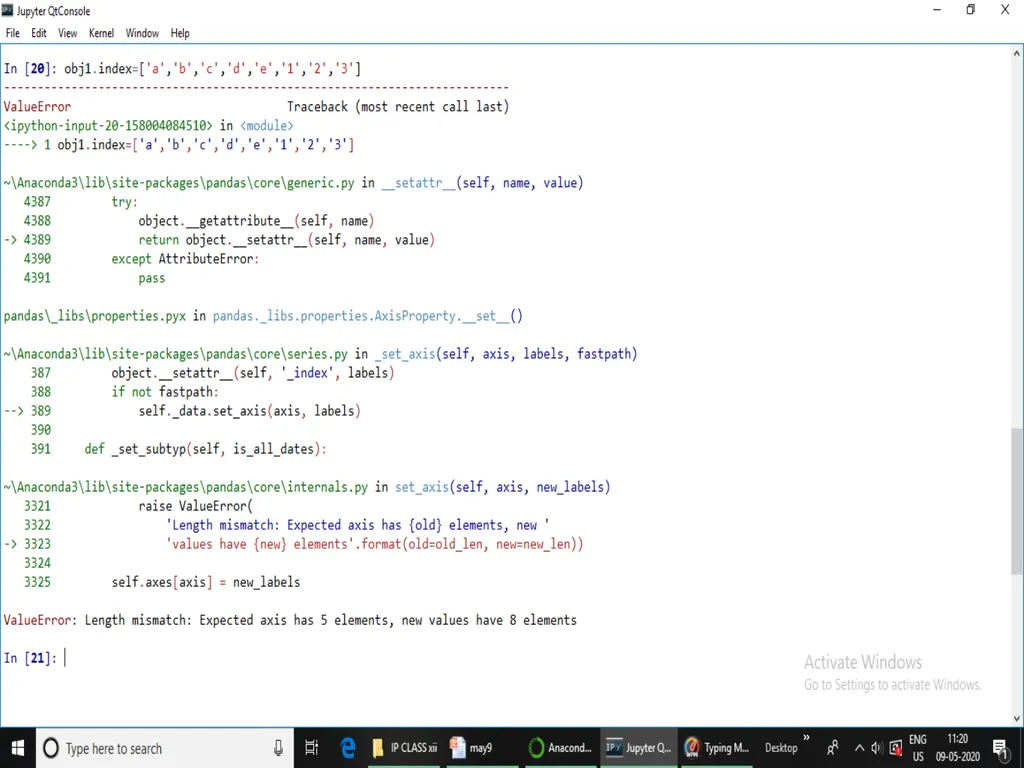
Please note that Series object’s values can be modified but size cannot. So we can say that Series object are value-mutable but size-immutable objects.<br>
20
11/05/20 OPERATIONS ON SERIES OBJECT After creating Series type object, we can perform various types of operations on pandas SERIES OBJECTS.
Modifying Elements of Series Object
The head() and tail() functions
Vector Operations on Series Objects
Arithmetic on Series objects
Filtering Entries<br>
21
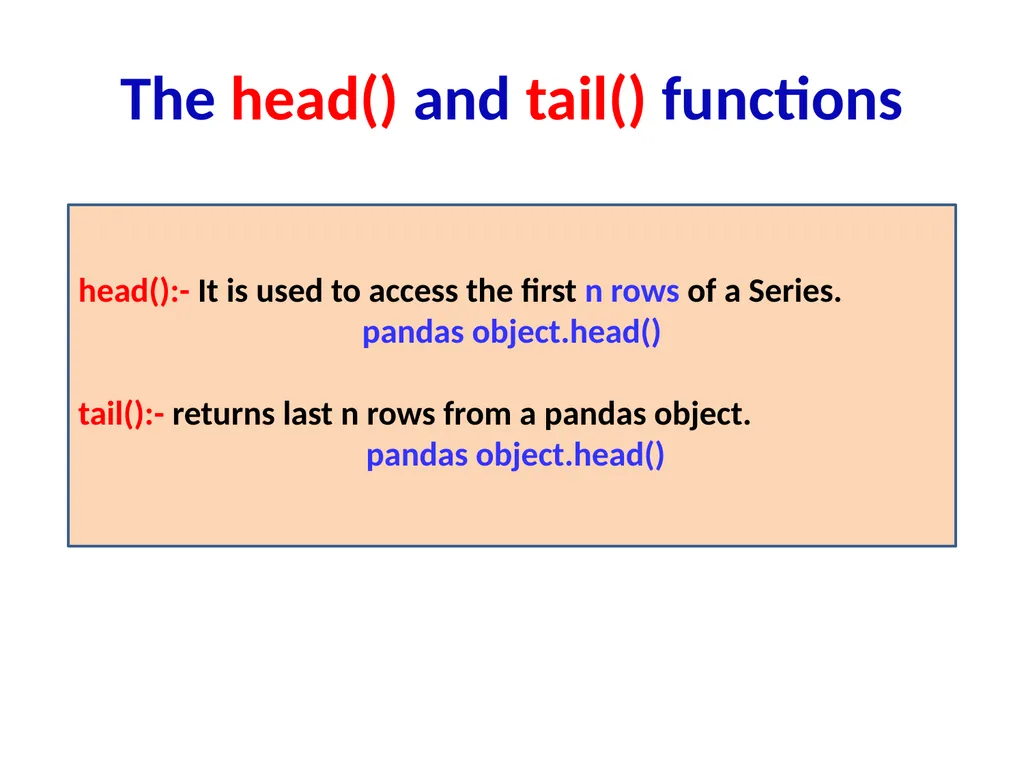
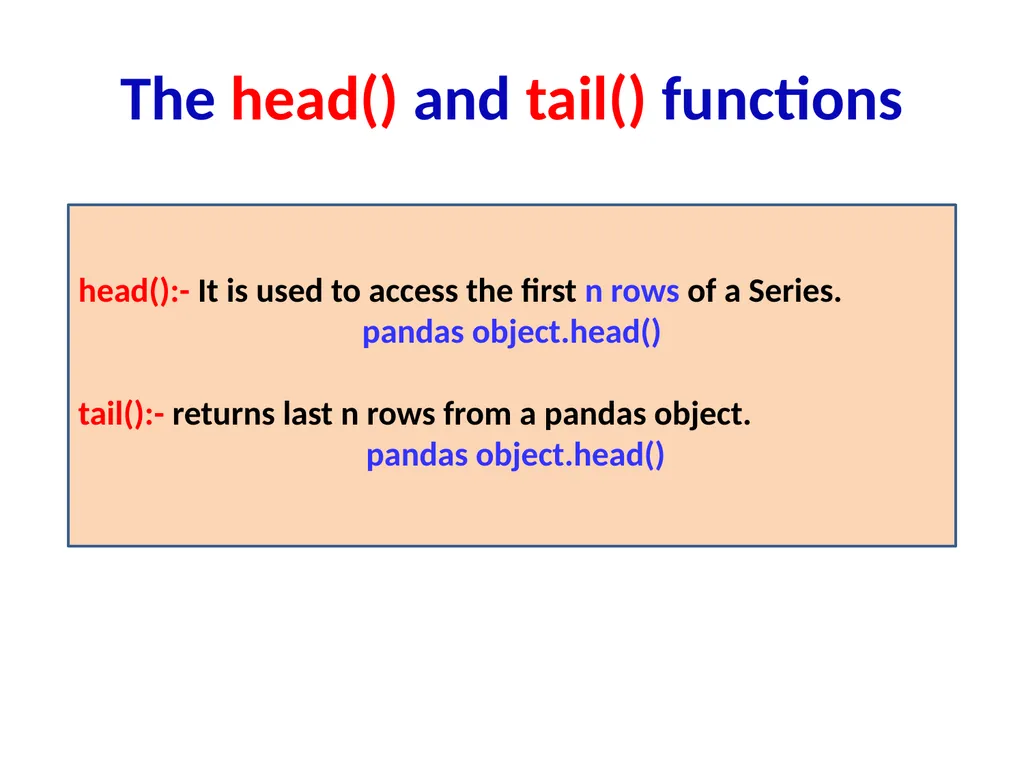
The head() and tail() functions head():- It is used to access the first n rows of a Series.
pandas object.head()
tail():- returns last n rows from a pandas object.
pandas object.head()<br>
22
import pandas as pd
s=pd.Series([2,3,21,12,31,7,8])
s
Out[3]:
0 2
1 3
2 21
3 12
4 31
5 7
6 8
dtype: int64<br>
23
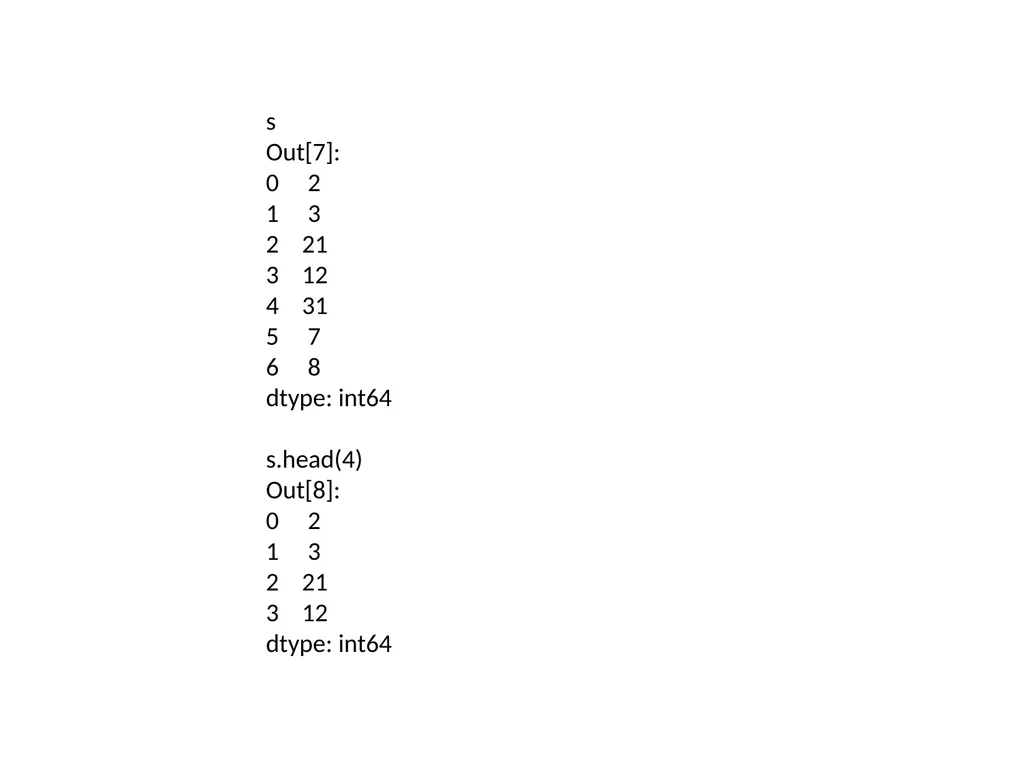
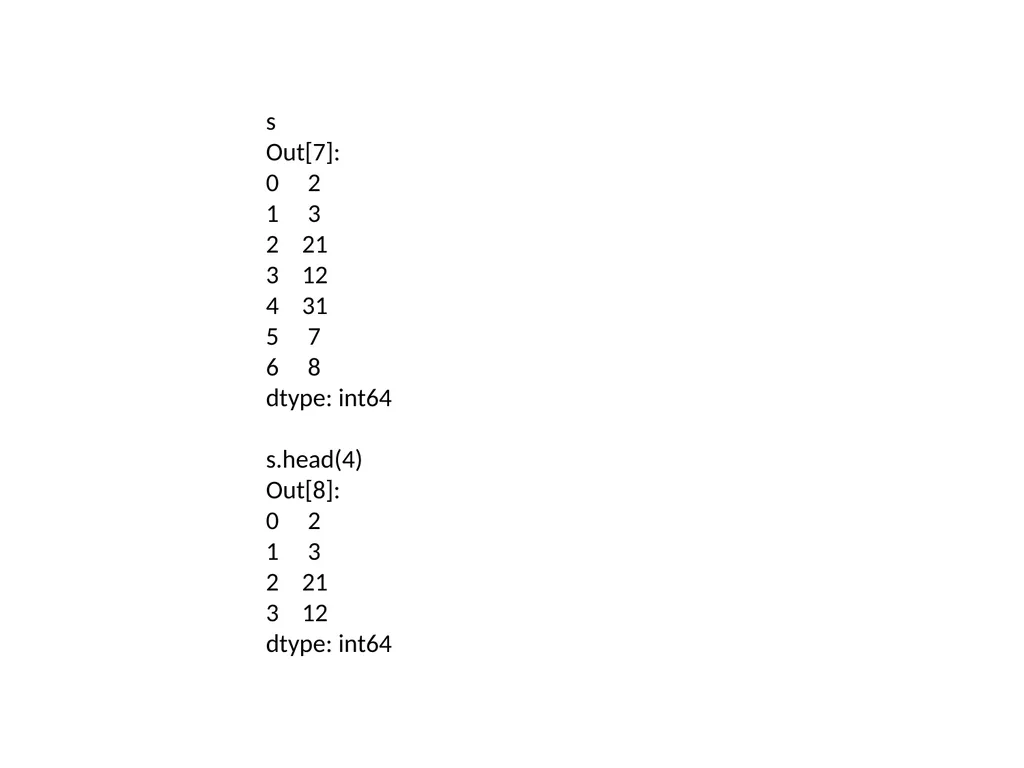
s
Out[7]:
0 2
1 3
2 21
3 12
4 31
5 7
6 8
dtype: int64
s.head(4)
Out[8]:
0 2
1 3
2 21
3 12
dtype: int64<br>
24
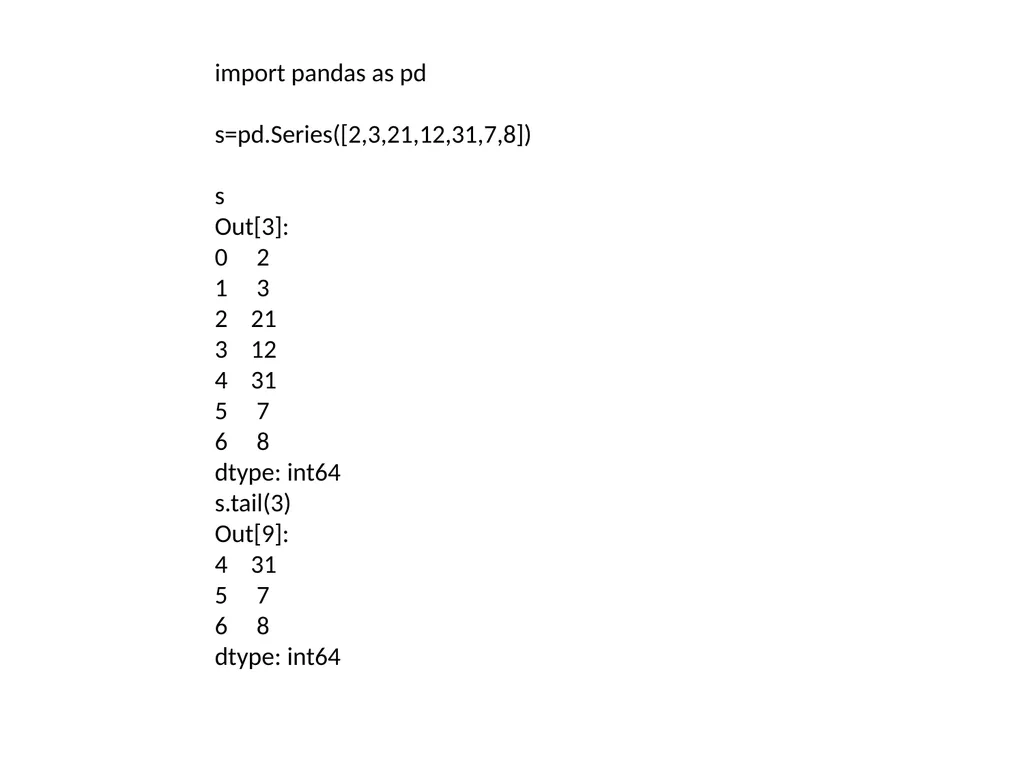
import pandas as pd
s=pd.Series([2,3,21,12,31,7,8])
s
Out[3]:
0 2
1 3
2 21
3 12
4 31
5 7
6 8
dtype: int64
s.tail(3)
Out[9]:
4 31
5 7
6 8
dtype: int64<br>
25
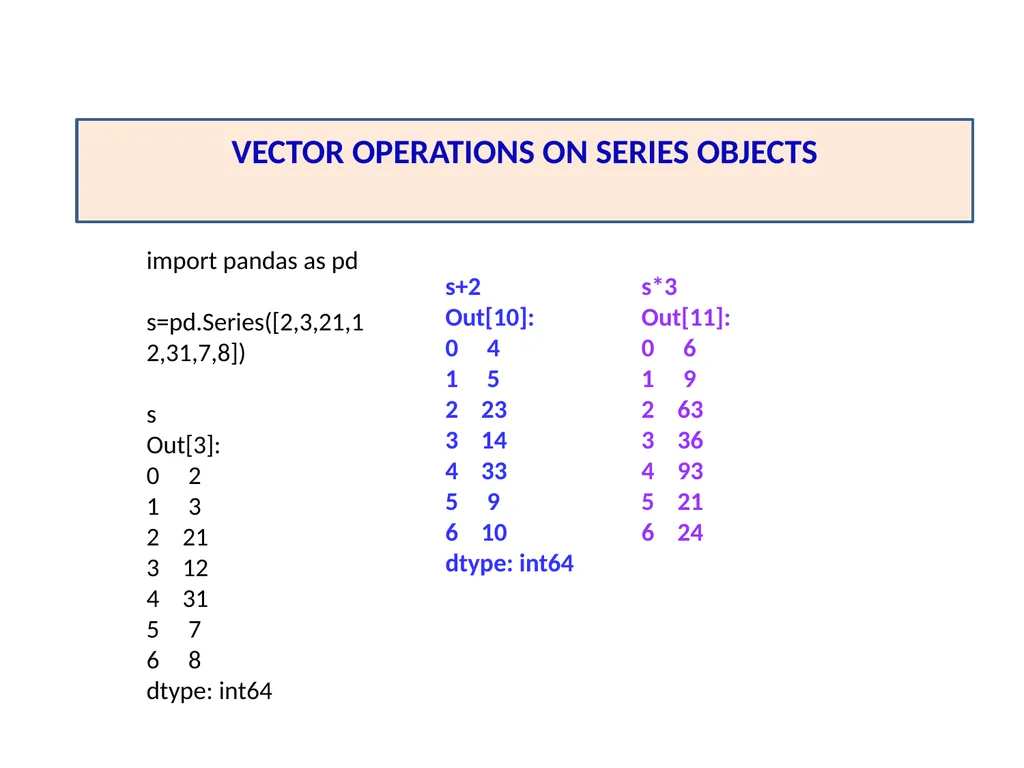
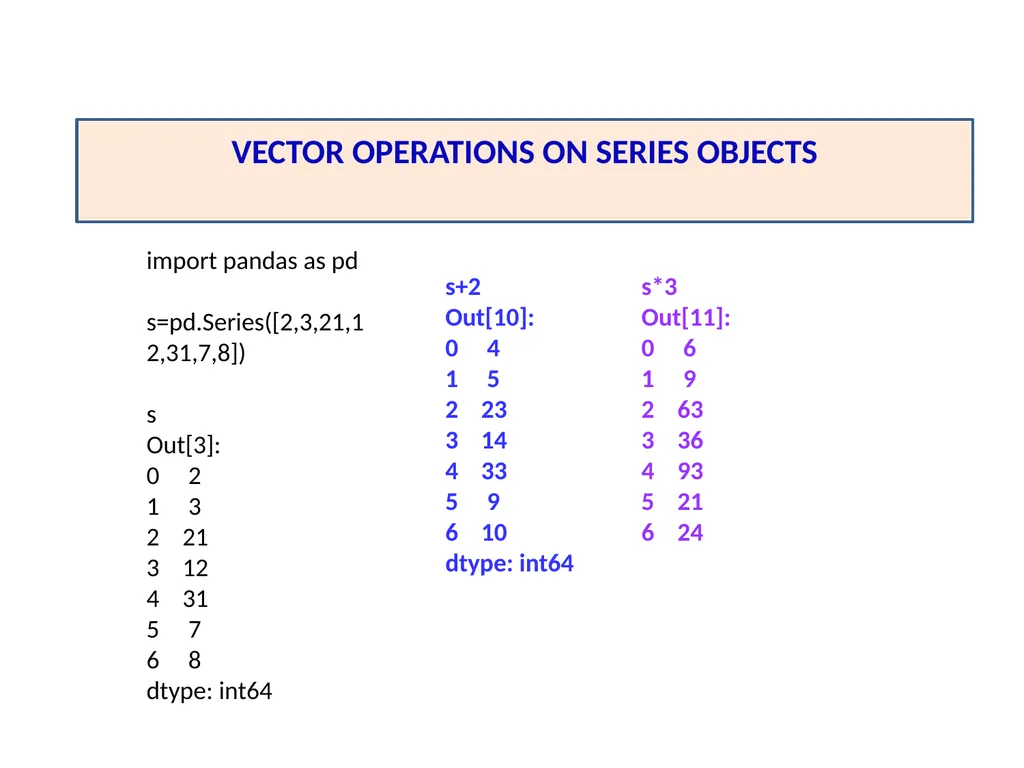
VECTOR OPERATIONS ON SERIES OBJECTS s+2
Out[10]:
0 4
1 5
2 23
3 14
4 33
5 9
6 10
dtype: int64 import pandas as pd
s=pd.Series([2,3,21,12,31,7,8])
s
Out[3]:
0 2
1 3
2 21
3 12
4 31
5 7
6 8
dtype: int64 s*3
Out[11]:
0 6
1 9
2 63
3 36
4 93
5 21
6 24<br>
26
import pandas as pd
s=pd.Series([2,3,21,12,31,7,8])
s
Out[3]:
0 2
1 3
2 21
3 12
4 31
5 7
6 8
dtype: int64 s=s**2
Out[16]:
0 4
1 9
2 441
3 144
4 961
5 49
6 64
dtype: int64<br>
27
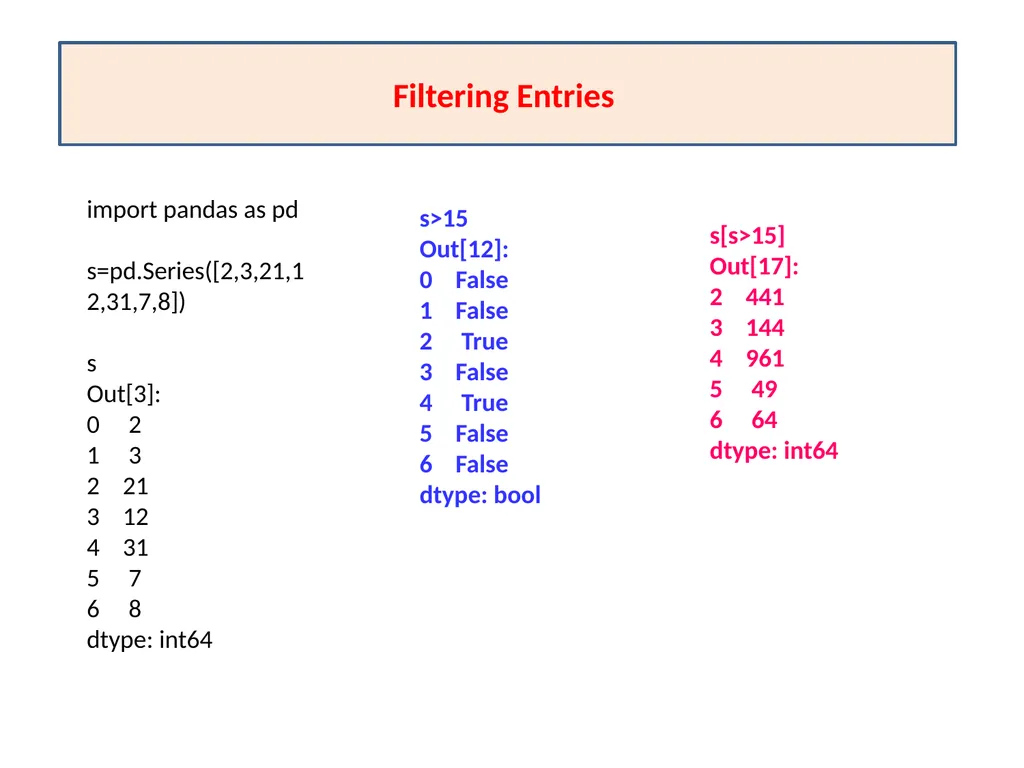
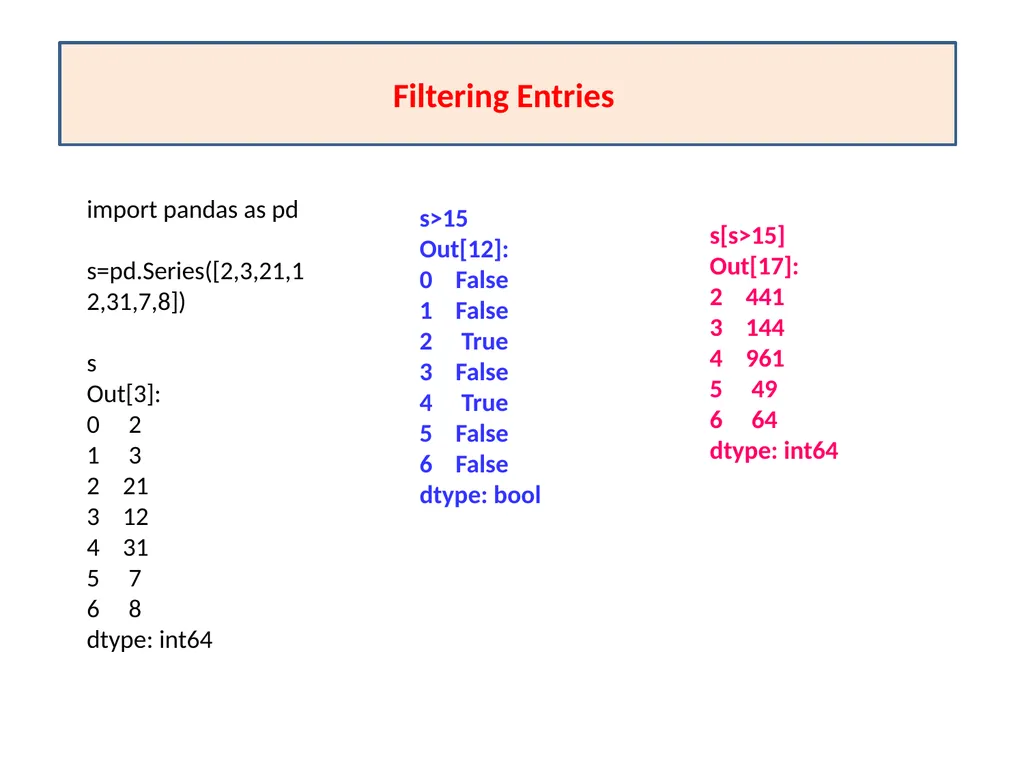
Filtering Entries import pandas as pd
s=pd.Series([2,3,21,12,31,7,8])
s
Out[3]:
0 2
1 3
2 21
3 12
4 31
5 7
6 8
dtype: int64 s>15
Out[12]:
0 False
1 False
2 True
3 False
4 True
5 False
6 False
dtype: bool s[s>15]
Out[17]:
2 441
3 144
4 961
5 49
6 64
dtype: int64<br>
28
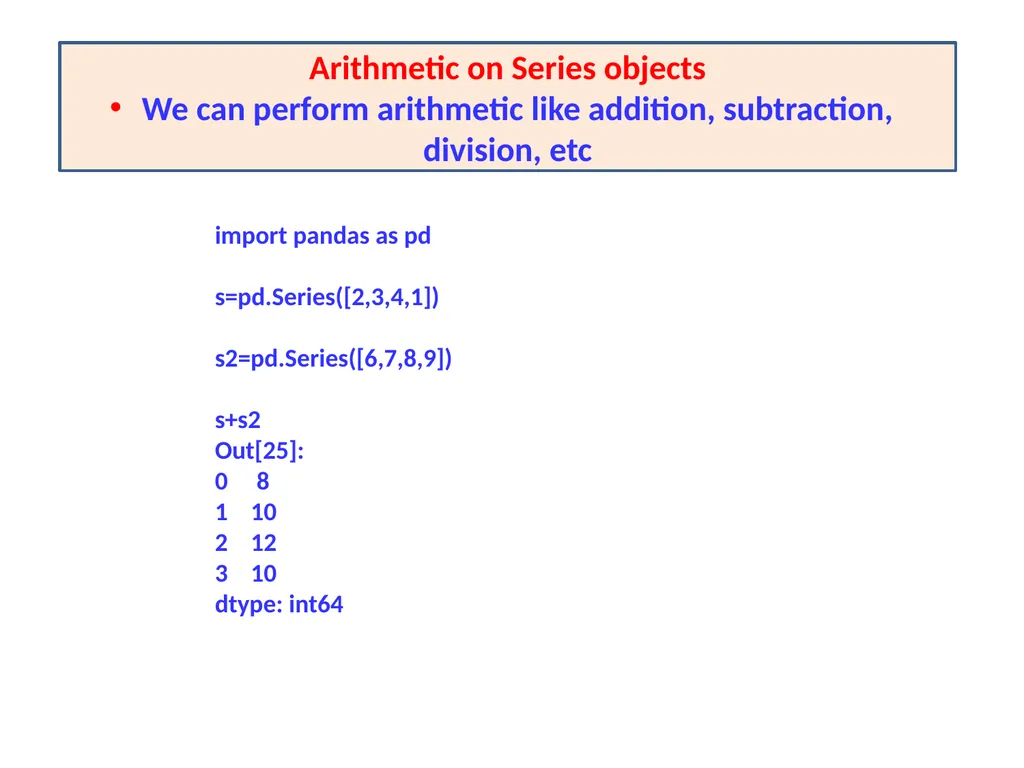
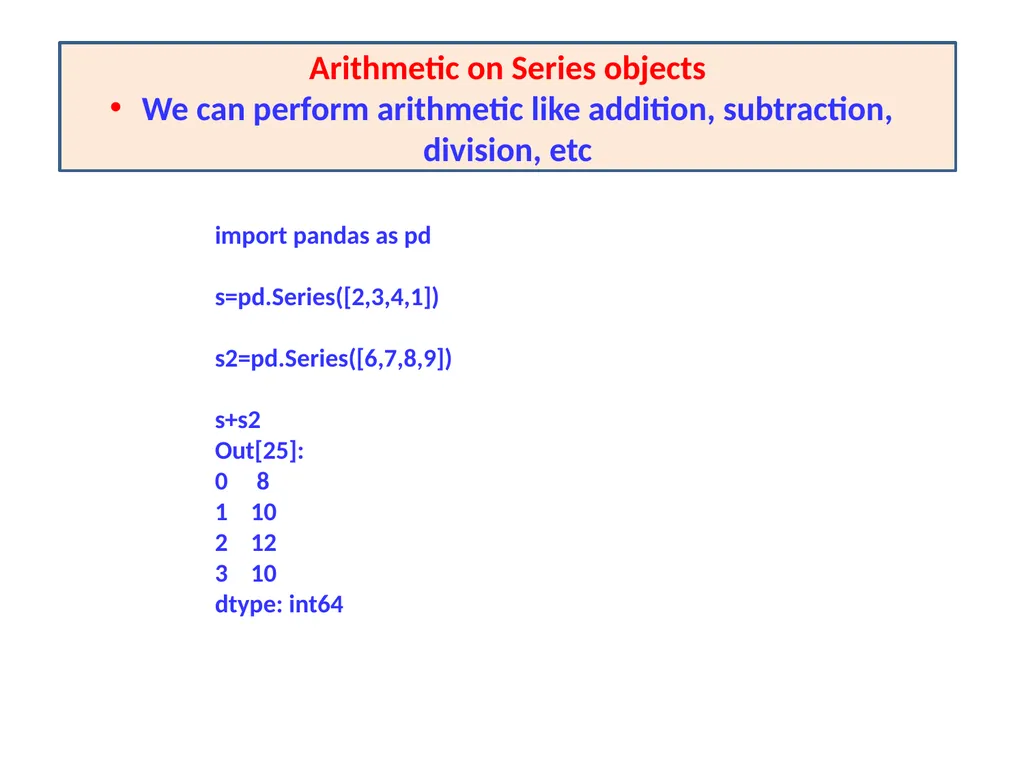
Arithmetic on Series objects
We can perform arithmetic like addition, subtraction, division, etc import pandas as pd
s=pd.Series([2,3,4,1])
s2=pd.Series([6,7,8,9])
s+s2
Out[25]:
0 8
1 10
2 12
3 10
dtype: int64<br>
29
11/05/20 OPERATIONS ON SERIES OBJECT After creating Series type object, we can perform various types of operations on pandas SERIES OBJECTS.
Modifying Elements of Series Object
The head() and tail() functions
Vector Operations on Series Objects
Arithmetic on Series objects
Filtering Entries<br>
30
The head() and tail() functions head():- It is used to access the first n rows of a Series.
pandas object.head()
tail():- returns last n rows from a pandas object.
pandas object.head()<br>
31
import pandas as pd
s=pd.Series([2,3,21,12,31,7,8])
s
Out[3]:
0 2
1 3
2 21
3 12
4 31
5 7
6 8
dtype: int64<br>
32
s
Out[7]:
0 2
1 3
2 21
3 12
4 31
5 7
6 8
dtype: int64
s.head(4)
Out[8]:
0 2
1 3
2 21
3 12
dtype: int64<br>
33
import pandas as pd
s=pd.Series([2,3,21,12,31,7,8])
s
Out[3]:
0 2
1 3
2 21
3 12
4 31
5 7
6 8
dtype: int64
s.tail(3)
Out[9]:
4 31
5 7
6 8
dtype: int64<br>
34
VECTOR OPERATIONS ON SERIES OBJECTS s+2
Out[10]:
0 4
1 5
2 23
3 14
4 33
5 9
6 10
dtype: int64 import pandas as pd
s=pd.Series([2,3,21,12,31,7,8])
s
Out[3]:
0 2
1 3
2 21
3 12
4 31
5 7
6 8
dtype: int64 s*3
Out[11]:
0 6
1 9
2 63
3 36
4 93
5 21
6 24<br>
35
import pandas as pd
s=pd.Series([2,3,21,12,31,7,8])
s
Out[3]:
0 2
1 3
2 21
3 12
4 31
5 7
6 8
dtype: int64 s=s**2
Out[16]:
0 4
1 9
2 441
3 144
4 961
5 49
6 64
dtype: int64<br>
36
Filtering Entries import pandas as pd
s=pd.Series([2,3,21,12,31,7,8])
s
Out[3]:
0 2
1 3
2 21
3 12
4 31
5 7
6 8
dtype: int64 s>15
Out[12]:
0 False
1 False
2 True
3 False
4 True
5 False
6 False
dtype: bool s[s>15]
Out[17]:
2 441
3 144
4 961
5 49
6 64
dtype: int64<br>
37
Arithmetic on Series objects
We can perform arithmetic like addition, subtraction, division, etc import pandas as pd
s=pd.Series([2,3,4,1])
s2=pd.Series([6,7,8,9])
s+s2
Out[25]:
0 8
1 10
2 12
3 10
dtype: int64<br>
38
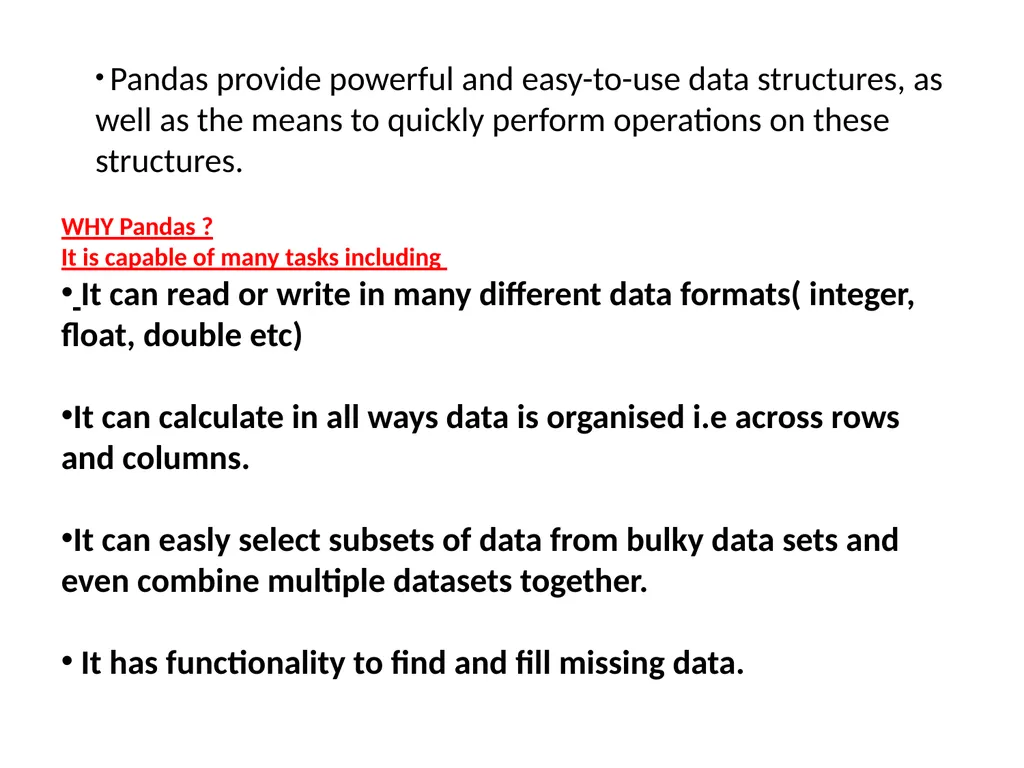
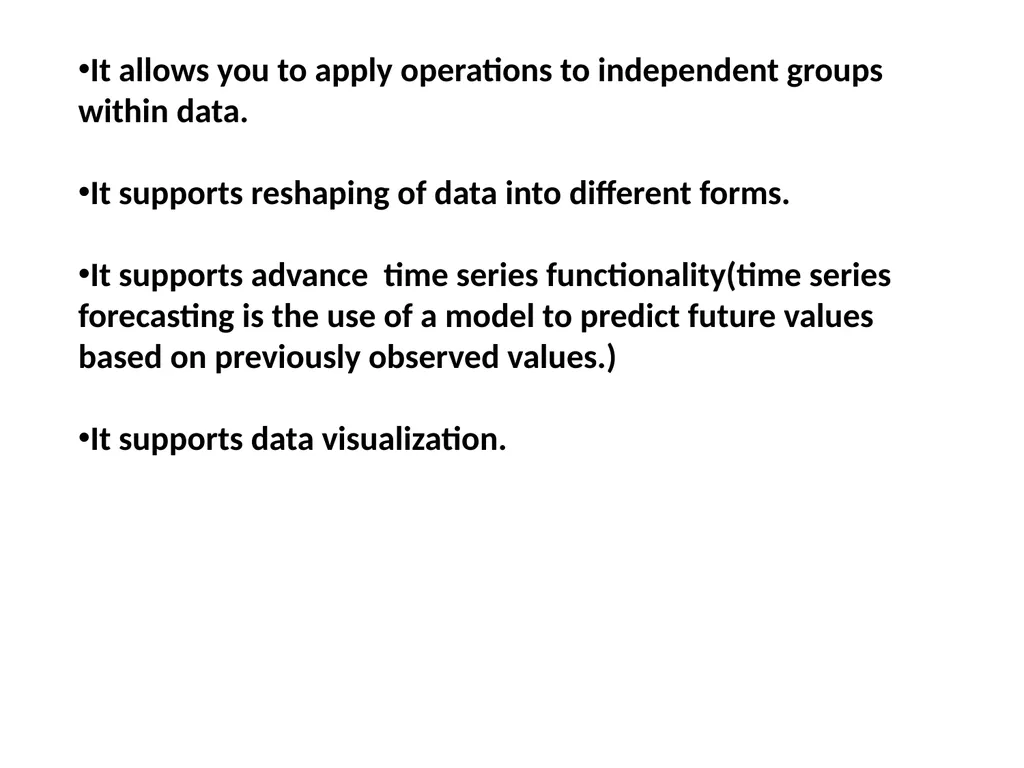
Q :- What is Pandas Library of Python ? What is its significance?
Solution:- Pandas is a python Data Analysis library that provides data structure and functions for data manipulation and analysis. It provides fast, flexible, and expressive data structures designed to make working with labeled data in an easy and intuitive manner. It is capable of handling huge amounts od data and at the same time it provides multiple ways to handle missing data thereby making data analysis more accurate and reliable. 12/05/20<br>