
Introduction to Fortran Kadin Tseng Boston
CS
Published · 82 slides · 0 views

1 / 1
Description
Introduction to Fortran Kadin Tseng Boston University Scientific Computing and Visualization Outline Goals Introduction Fortran History Basic syntax Makefiles Additional syntax 2 Introduction to FORTRAN Goals To be able to write simple
Related Topics
Share
Embed code
Download this presentation From Below
"Introduction to Fortran Kadin Tseng Boston" is the property of its rightful owner. Permission is granted to download and print the materials on this website for personal, non-commercial use only, and to display it on your personal computer provided you do not modify the materials and that you retain all copyright notices contained in the materials. By downloading content from our website, you accept the terms of this agreement.
Presentation Transcript
01
Introduction to Fortran Kadin Tseng
Boston University
Scientific Computing and Visualization<br>
02
Outline Goals
Introduction
Fortran History
Basic syntax
Makefiles
Additional syntax 2 Introduction to FORTRAN<br>
03
Goals To be able to write simple Fortran programs
To be able to understand and modify existing Fortran code
To be able to manage programming projects using makefiles 3 Introduction to FORTRAN<br>
04
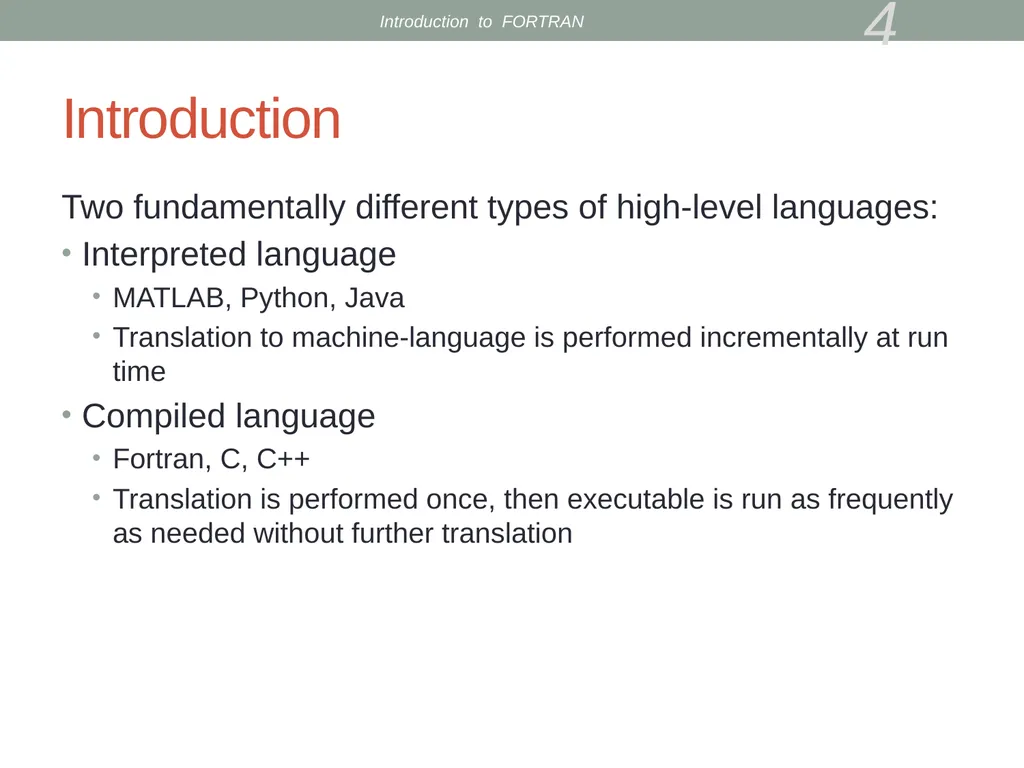
Introduction Two fundamentally different types of high-level languages:
Interpreted language
MATLAB, Python, Java
Translation to machine-language is performed incrementally at run time
Compiled language
Fortran, C, C++
Translation is performed once, then executable is run as frequently as needed without further translation 4 Introduction to FORTRAN<br>
05
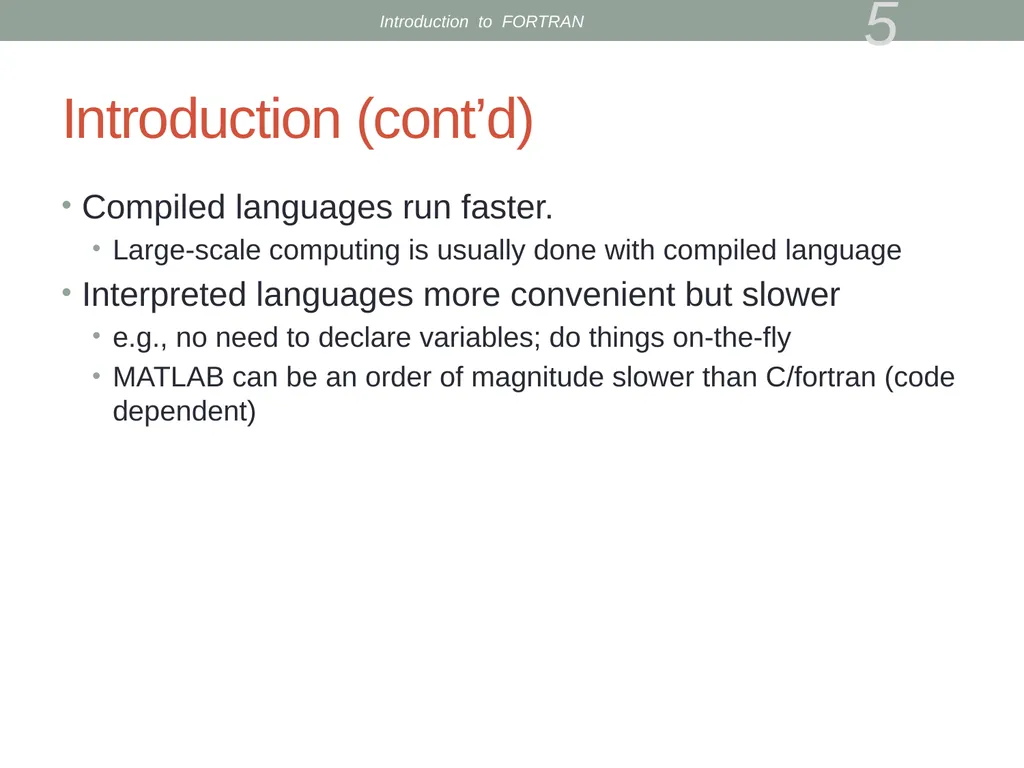
Introduction (cont’d) Compiled languages run faster.
Large-scale computing is usually done with compiled language
Interpreted languages more convenient but slower
e.g., no need to declare variables; do things on-the-fly
MATLAB can be an order of magnitude slower than C/fortran (code dependent) 5 Introduction to FORTRAN<br>
06
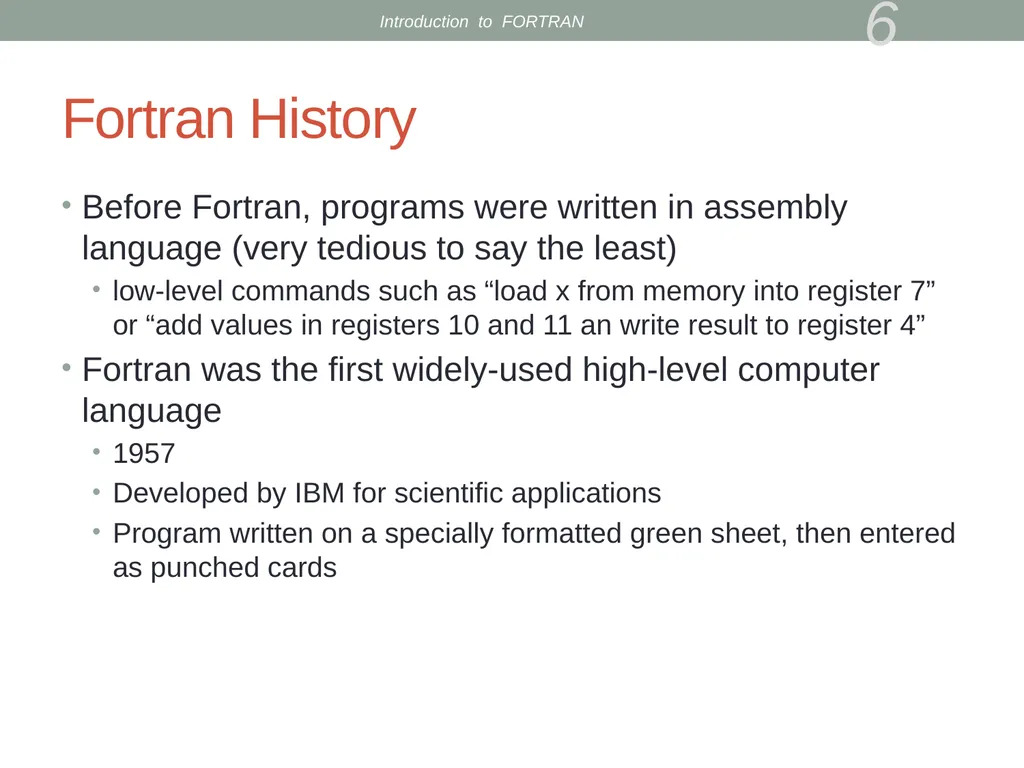
Fortran History Before Fortran, programs were written in assembly language (very tedious to say the least)
low-level commands such as “load x from memory into register 7” or “add values in registers 10 and 11 an write result to register 4”
Fortran was the first widely-used high-level computer language
1957
Developed by IBM for scientific applications
Program written on a specially formatted green sheet, then entered as punched cards 6 Introduction to FORTRAN<br>
07
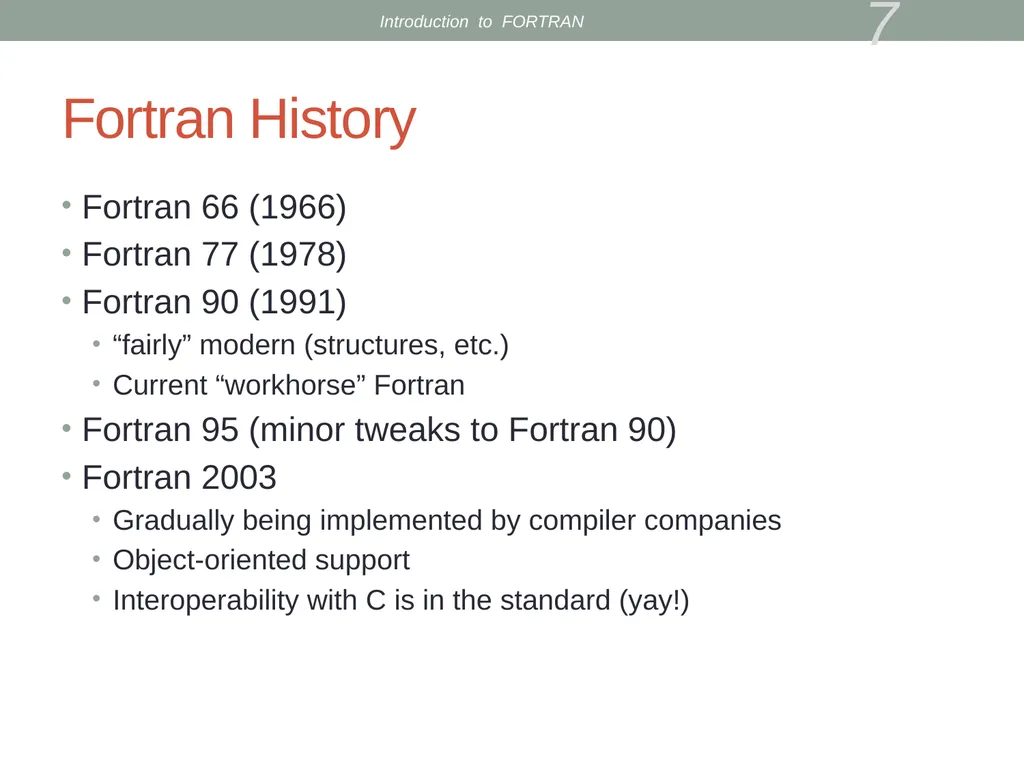
Fortran History Fortran 66 (1966)
Fortran 77 (1978)
Fortran 90 (1991)
“fairly” modern (structures, etc.)
Current “workhorse” Fortran
Fortran 95 (minor tweaks to Fortran 90)
Fortran 2003
Gradually being implemented by compiler companies
Object-oriented support
Interoperability with C is in the standard (yay!) 7 Introduction to FORTRAN<br>
08
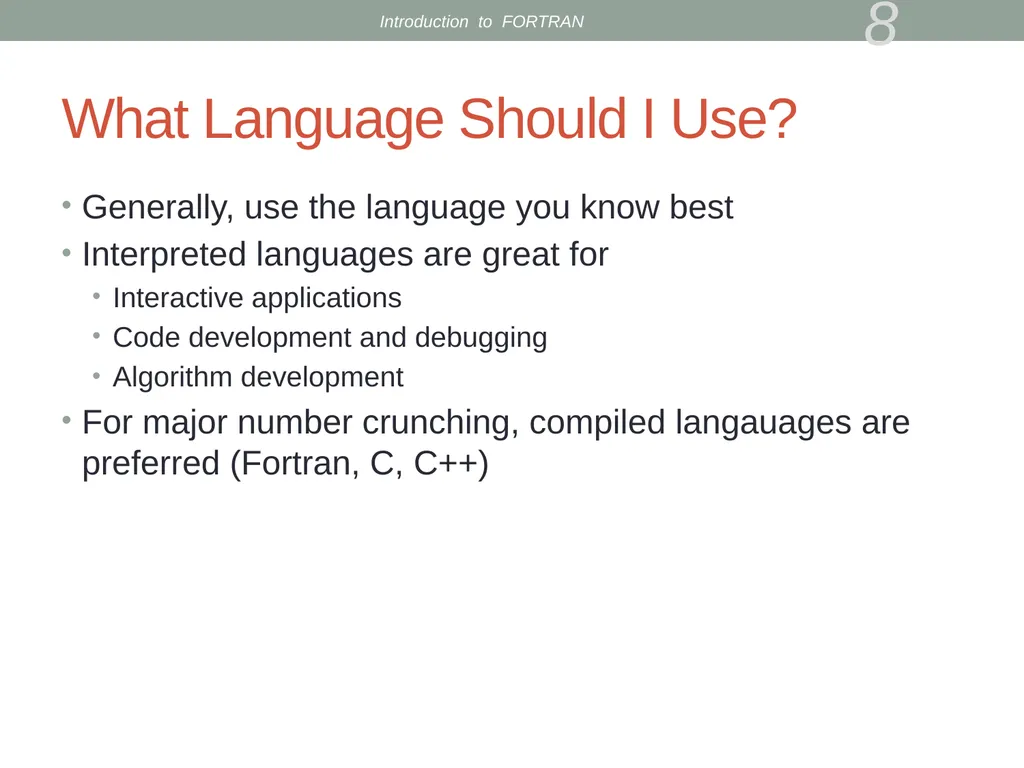
What Language Should I Use? Generally, use the language you know best
Interpreted languages are great for
Interactive applications
Code development and debugging
Algorithm development
For major number crunching, compiled langauages are preferred (Fortran, C, C++) 8 Introduction to FORTRAN<br>
09
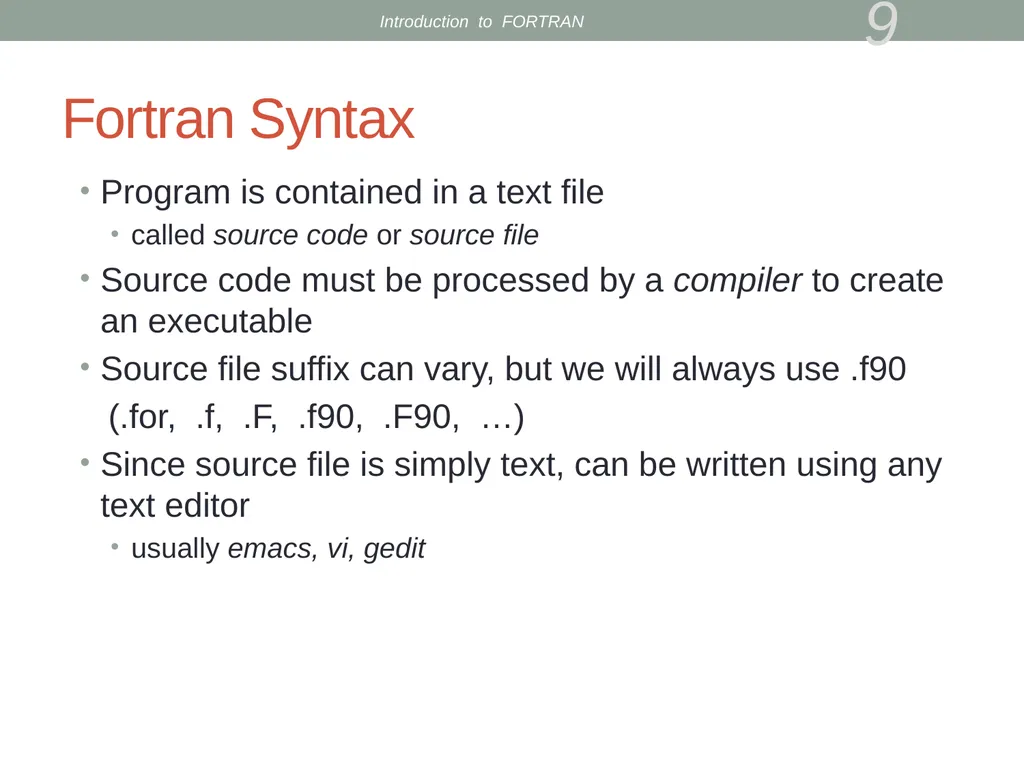
Fortran Syntax Program is contained in a text file
called source code or source file
Source code must be processed by a compiler to create an executable
Source file suffix can vary, but we will always use .f90
(.for, .f, .F, .f90, .F90, …)
Since source file is simply text, can be written using any text editor
usually emacs, vi, gedit 9 Introduction to FORTRAN<br>
10
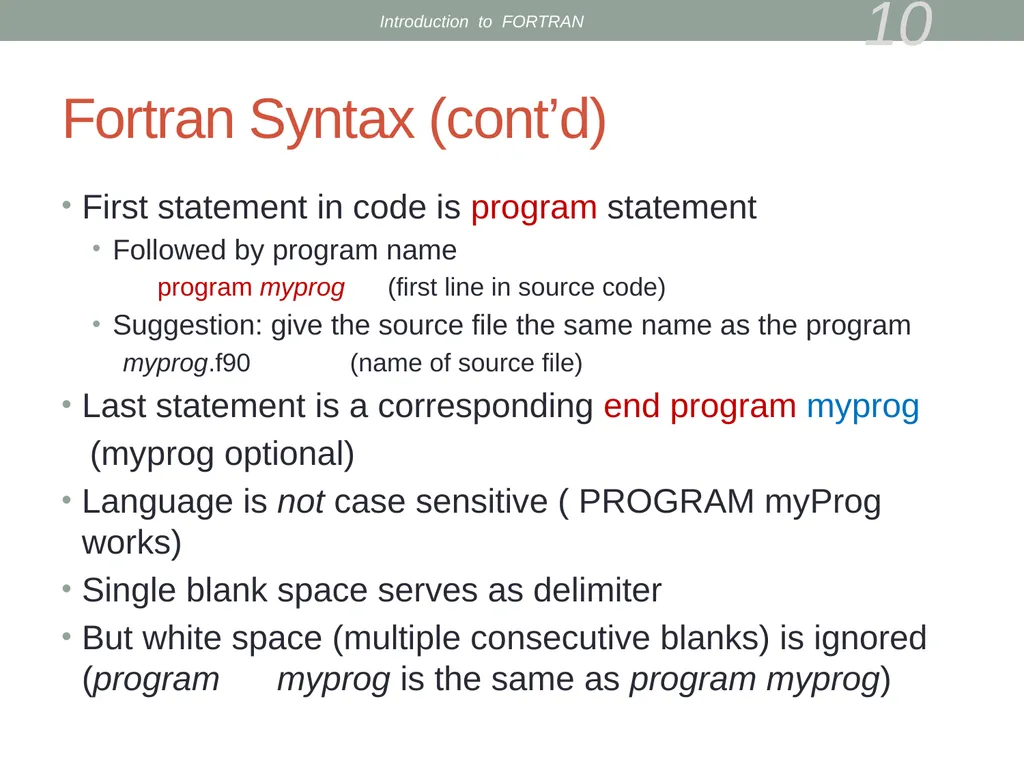
Fortran Syntax (cont’d) First statement in code is program statement
Followed by program name
program myprog (first line in source code)
Suggestion: give the source file the same name as the program
myprog.f90 (name of source file)
Last statement is a corresponding end program myprog
(myprog optional)
Language is not case sensitive ( PROGRAM myProg works)
Single blank space serves as delimiter
But white space (multiple consecutive blanks) is ignored (program myprog is the same as program myprog) 10 Introduction to FORTRAN<br>
11
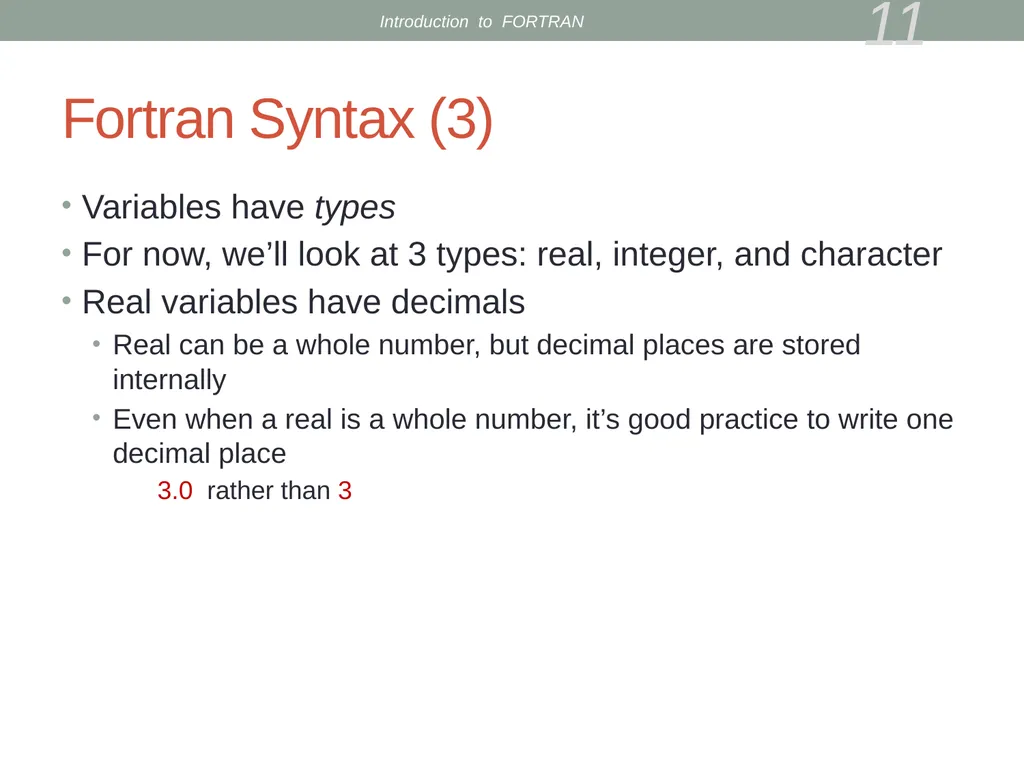
Fortran Syntax (3) Variables have types
For now, we’ll look at 3 types: real, integer, and character
Real variables have decimals
Real can be a whole number, but decimal places are stored internally
Even when a real is a whole number, it’s good practice to write one decimal place
3.0 rather than 3 11 Introduction to FORTRAN<br>
12
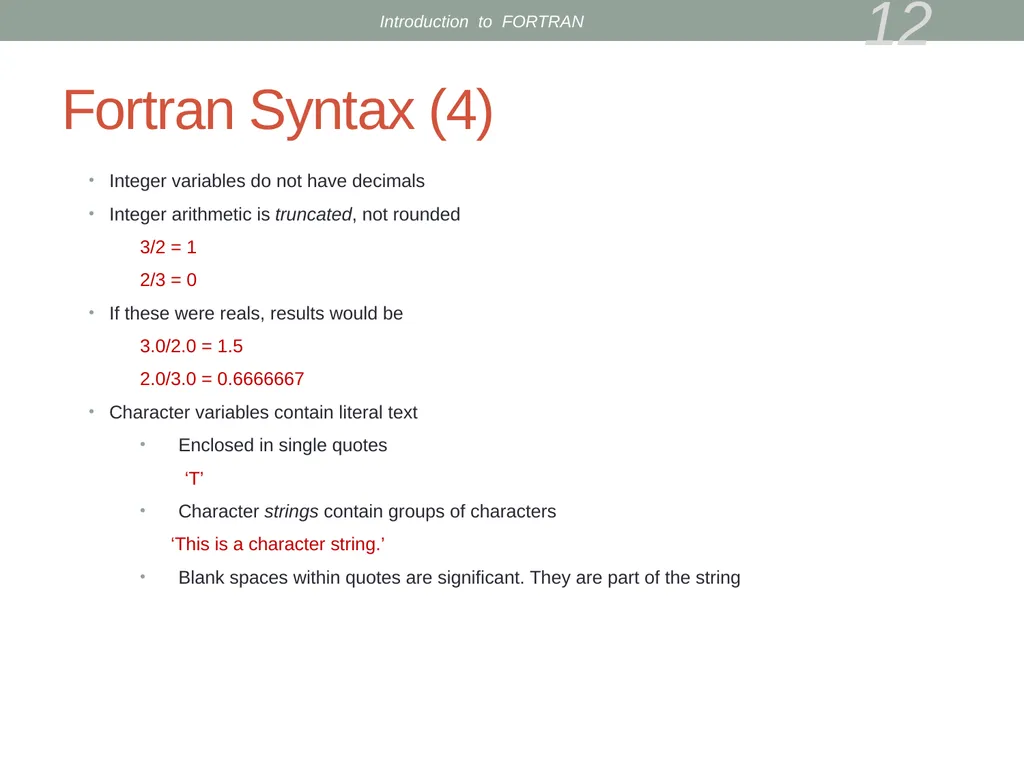
Fortran Syntax (4) Integer variables do not have decimals
Integer arithmetic is truncated, not rounded
3/2 = 1
2/3 = 0
If these were reals, results would be
3.0/2.0 = 1.5
2.0/3.0 = 0.6666667
Character variables contain literal text
Enclosed in single quotes
‘T’
Character strings contain groups of characters
‘This is a character string.’
Blank spaces within quotes are significant. They are part of the string 12 Introduction to FORTRAN<br>
13
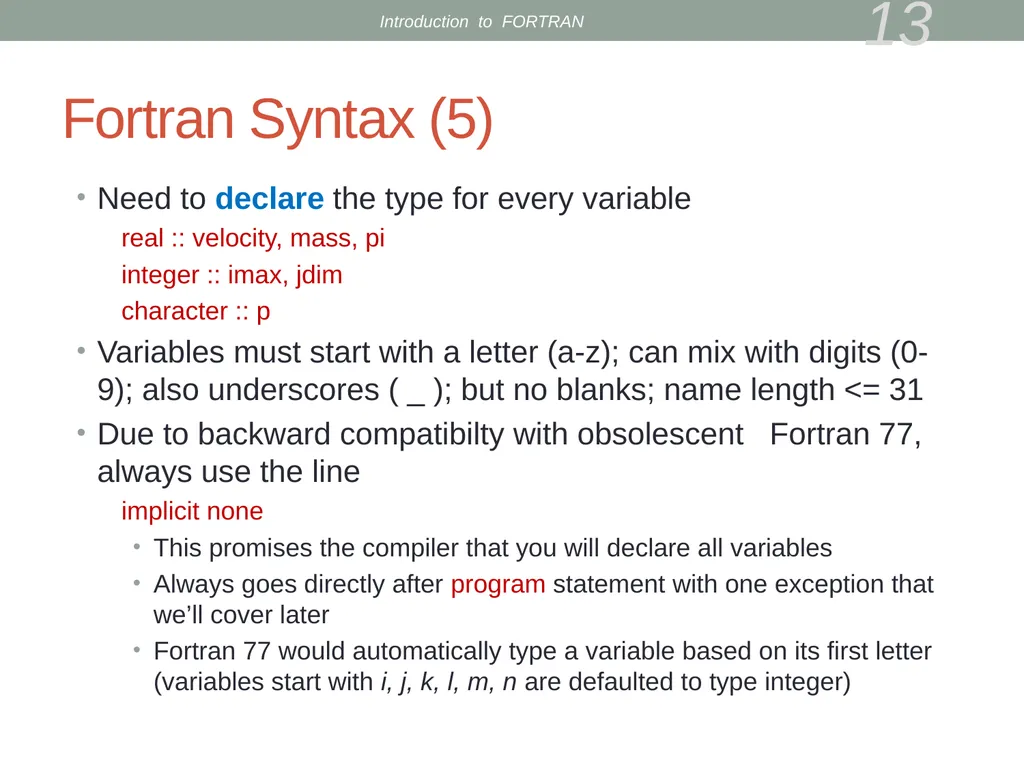
Fortran Syntax (5) Need to declare the type for every variable
real :: velocity, mass, pi
integer :: imax, jdim
character :: p
Variables must start with a letter (a-z); can mix with digits (0-9); also underscores ( _ ); but no blanks; name length <= 31
Due to backward compatibilty with obsolescent Fortran 77, always use the line
implicit none
This promises the compiler that you will declare all variables
Always goes directly after program statement with one exception that we’ll cover later
Fortran 77 would automatically type a variable based on its first letter (variables start with i, j, k, l, m, n are defaulted to type integer) 13 Introduction to FORTRAN<br>
14
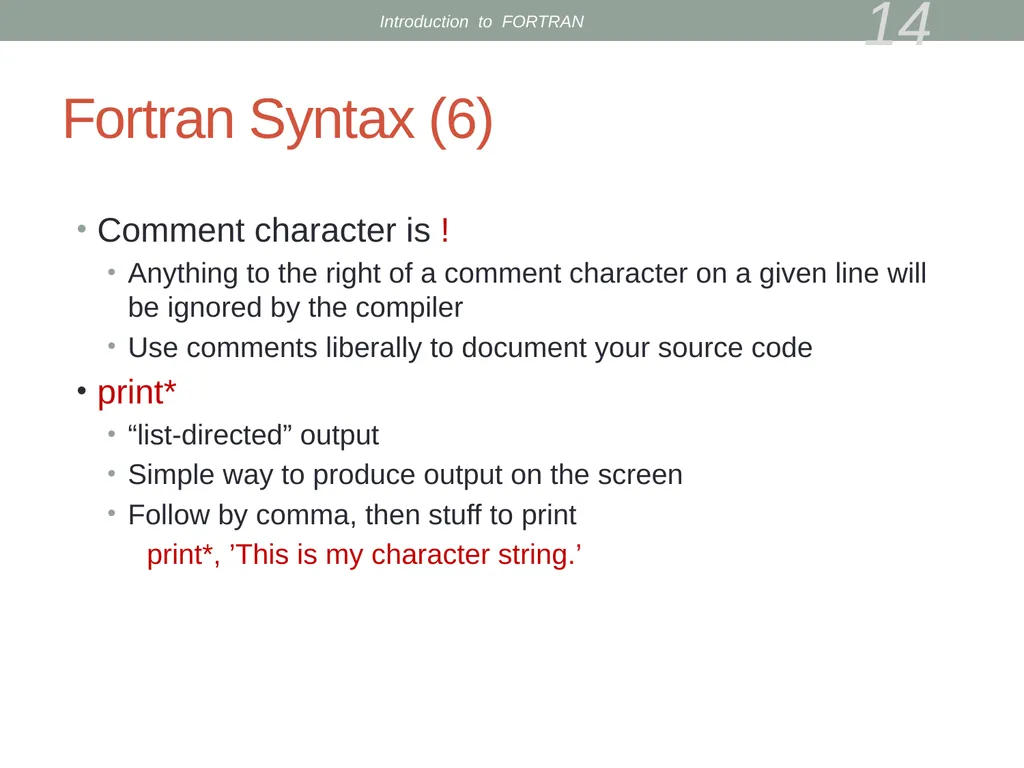
Fortran Syntax (6) Comment character is !
Anything to the right of a comment character on a given line will be ignored by the compiler
Use comments liberally to document your source code
print*
“list-directed” output
Simple way to produce output on the screen
Follow by comma, then stuff to print
print*, ’This is my character string.’ 14 Introduction to FORTRAN<br>
15
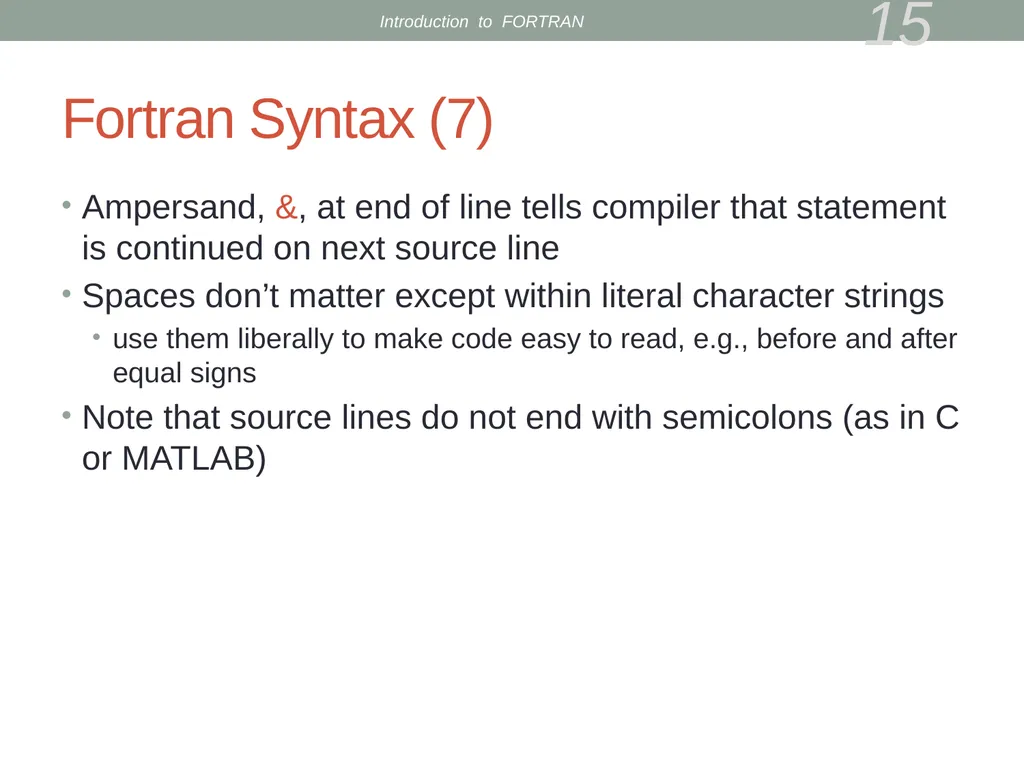
Fortran Syntax (7) Ampersand, &, at end of line tells compiler that statement is continued on next source line
Spaces don’t matter except within literal character strings
use them liberally to make code easy to read, e.g., before and after equal signs
Note that source lines do not end with semicolons (as in C or MATLAB) 15 Introduction to FORTRAN<br>
16
Exercise 1 Write a “hello world” program with editor (gedit, vi, Emacs)
Program should print a character string
4 lines of code
Save it to a file name with a .f90 suffix (for example, hello.f90)
Solution 16 Introduction to FORTRAN<br>
17
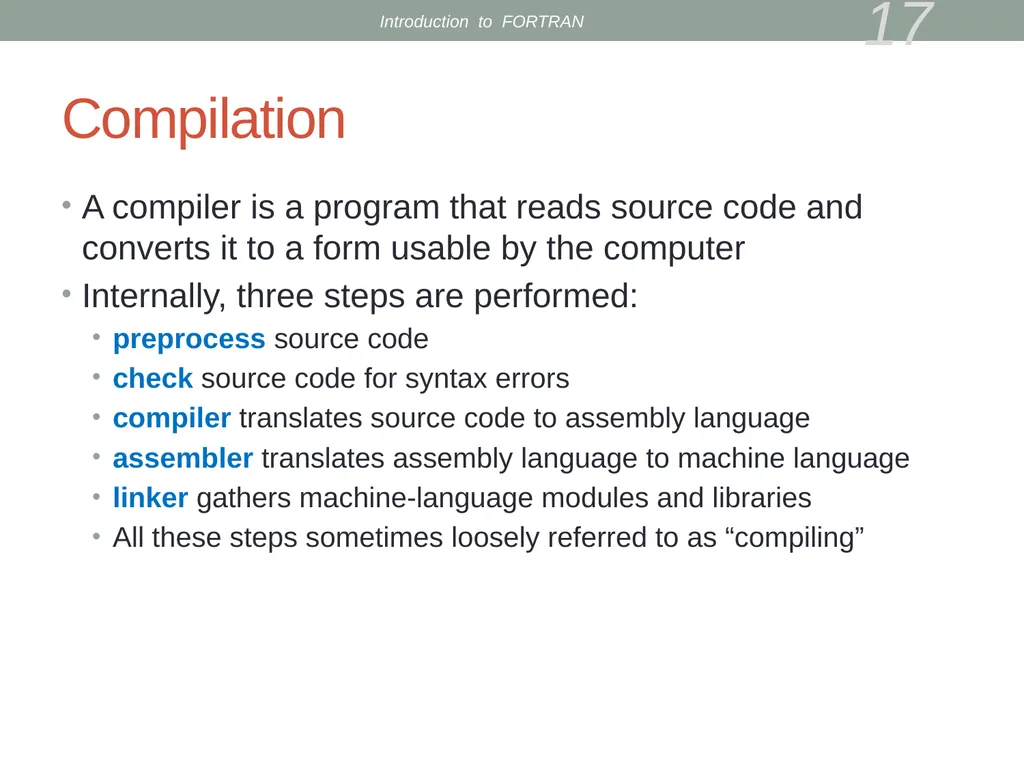
Compilation A compiler is a program that reads source code and converts it to a form usable by the computer
Internally, three steps are performed:
preprocess source code
check source code for syntax errors
compiler translates source code to assembly language
assembler translates assembly language to machine language
linker gathers machine-language modules and libraries
All these steps sometimes loosely referred to as “compiling” 17 Introduction to FORTRAN<br>
18
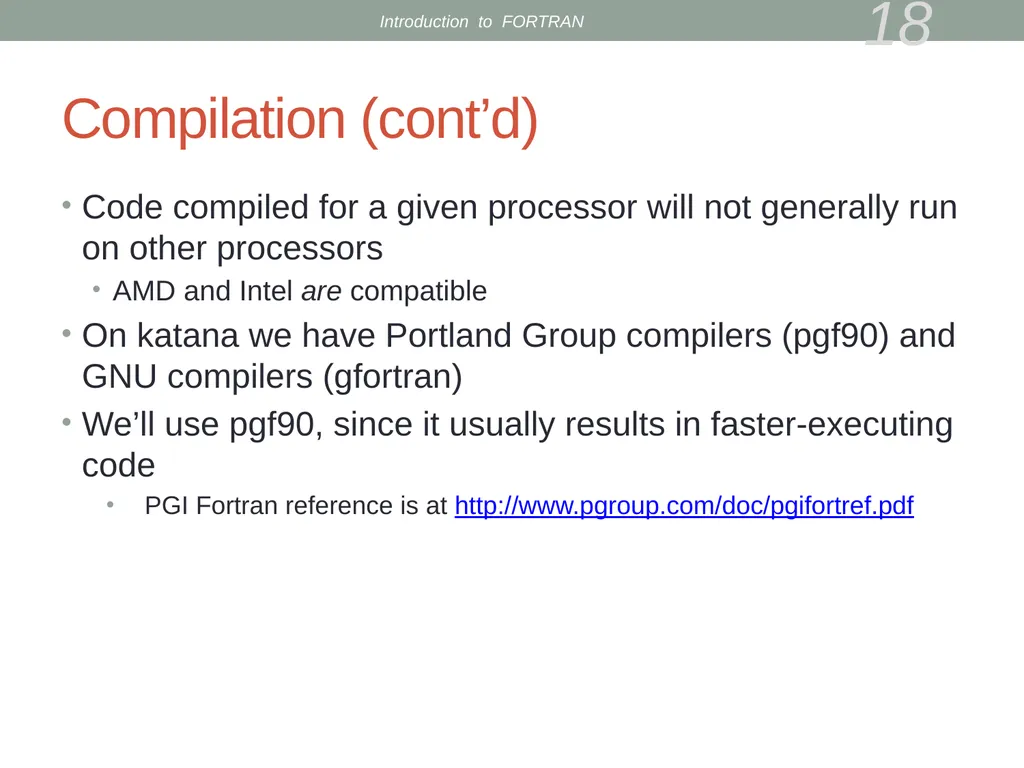
Compilation (cont’d) Code compiled for a given processor will not generally run on other processors
AMD and Intel are compatible
On katana we have Portland Group compilers (pgf90) and GNU compilers (gfortran)
We’ll use pgf90, since it usually results in faster-executing code
PGI Fortran reference is at http://www.pgroup.com/doc/pgifortref.pdf 18 Introduction to FORTRAN<br>
19
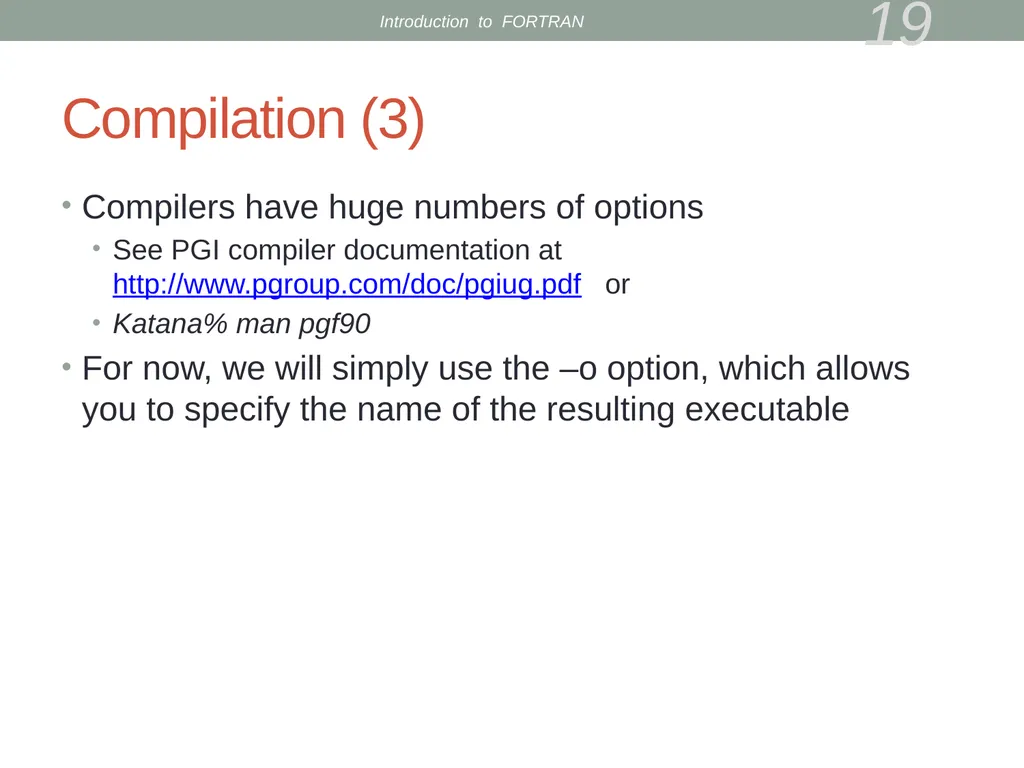
Compilation (3) Compilers have huge numbers of options
See PGI compiler documentation at http://www.pgroup.com/doc/pgiug.pdf or
Katana% man pgf90
For now, we will simply use the –o option, which allows you to specify the name of the resulting executable 19 Introduction to FORTRAN<br>
20
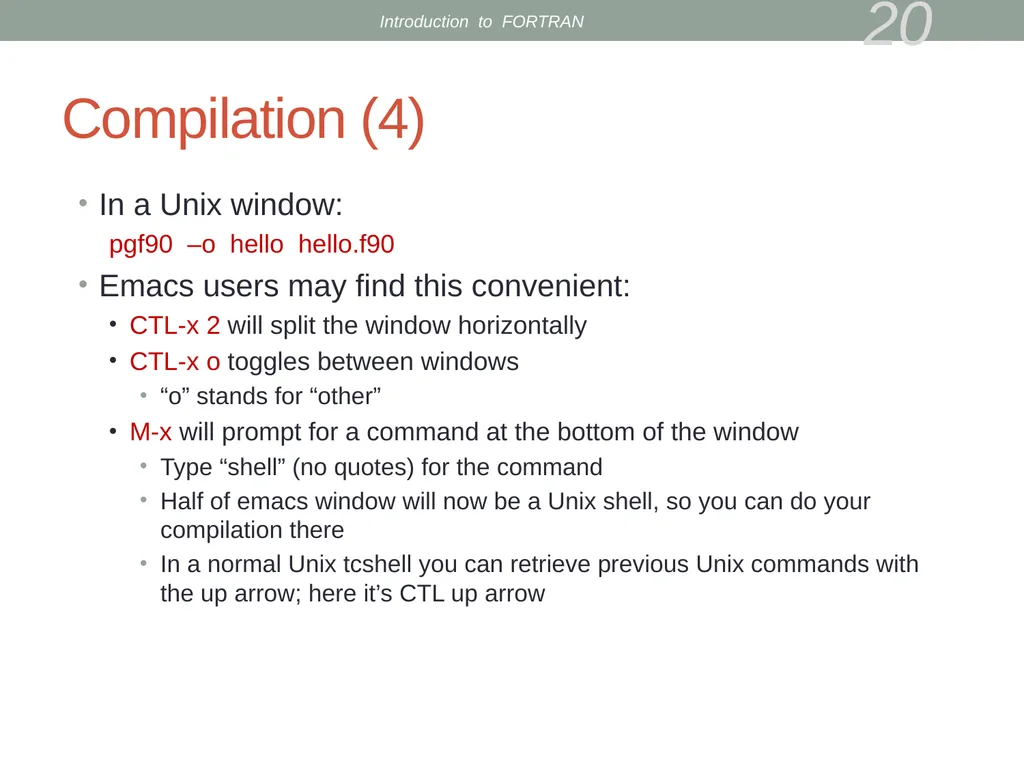
Compilation (4) In a Unix window:
pgf90 –o hello hello.f90
Emacs users may find this convenient:
CTL-x 2 will split the window horizontally
CTL-x o toggles between windows
“o” stands for “other”
M-x will prompt for a command at the bottom of the window
Type “shell” (no quotes) for the command
Half of emacs window will now be a Unix shell, so you can do your compilation there
In a normal Unix tcshell you can retrieve previous Unix commands with the up arrow; here it’s CTL up arrow 20 Introduction to FORTRAN<br>
21
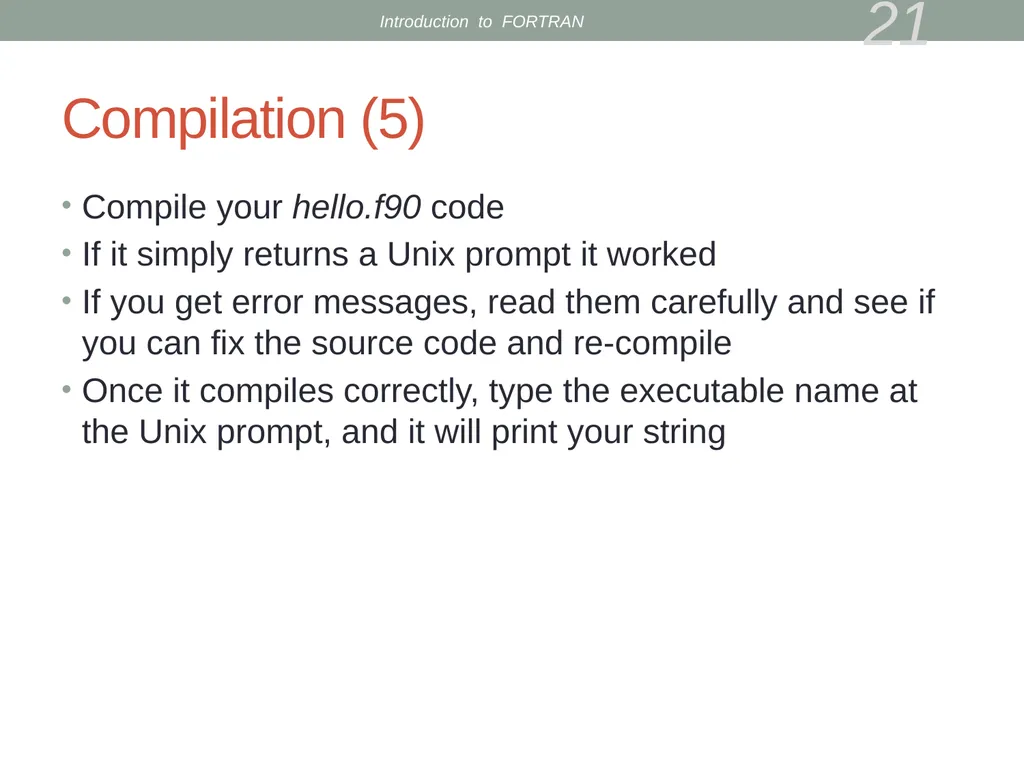
Compilation (5) Compile your hello.f90 code
If it simply returns a Unix prompt it worked
If you get error messages, read them carefully and see if you can fix the source code and re-compile
Once it compiles correctly, type the executable name at the Unix prompt, and it will print your string 21 Introduction to FORTRAN<br>
22
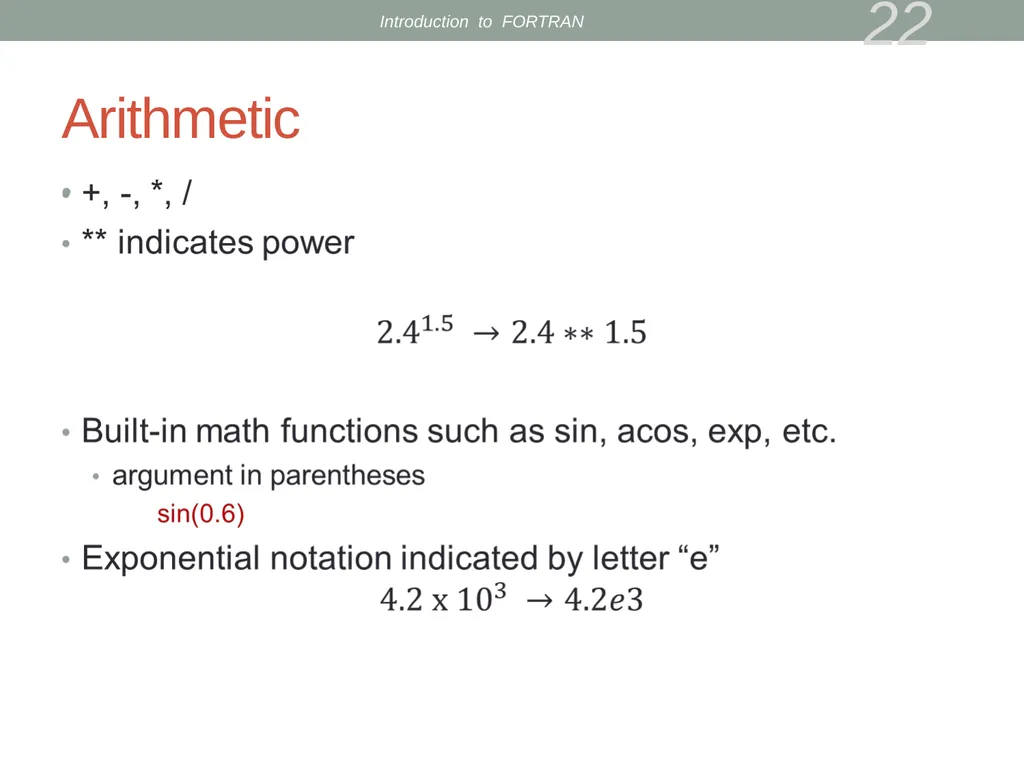
Arithmetic 22 Introduction to FORTRAN<br>
23
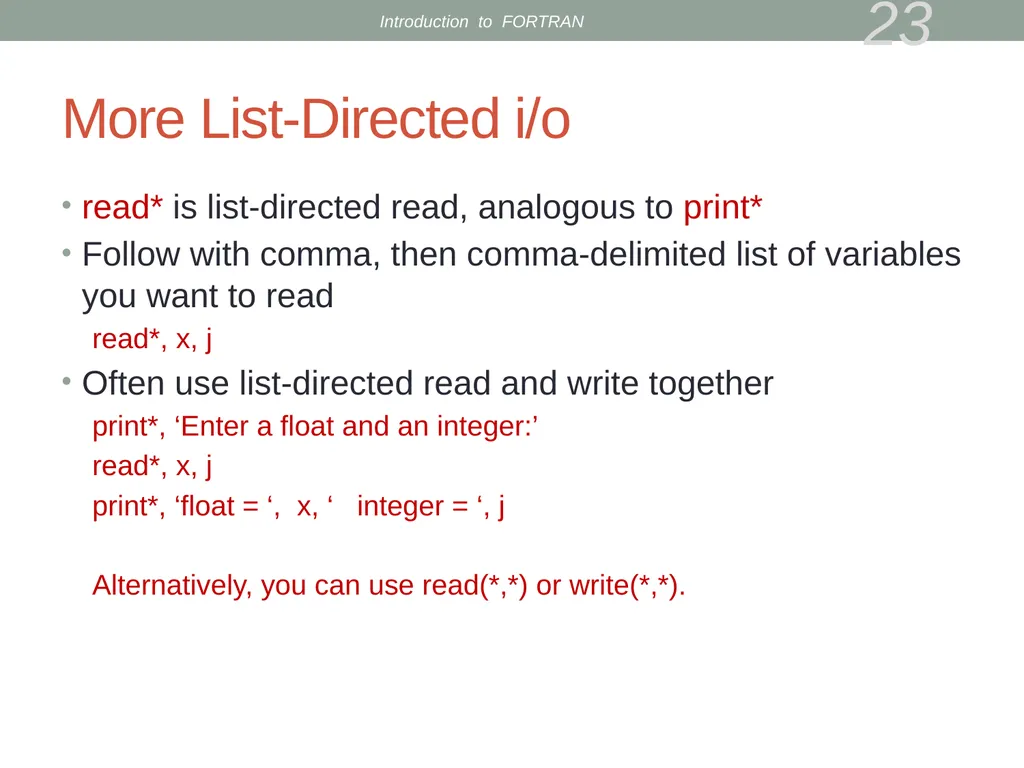
More List-Directed i/o read* is list-directed read, analogous to print*
Follow with comma, then comma-delimited list of variables you want to read
read*, x, j
Often use list-directed read and write together
print*, ‘Enter a float and an integer:’
read*, x, j
print*, ‘float = ‘, x, ‘ integer = ‘, j
Alternatively, you can use read(*,*) or write(*,*). 23 Introduction to FORTRAN<br>
24
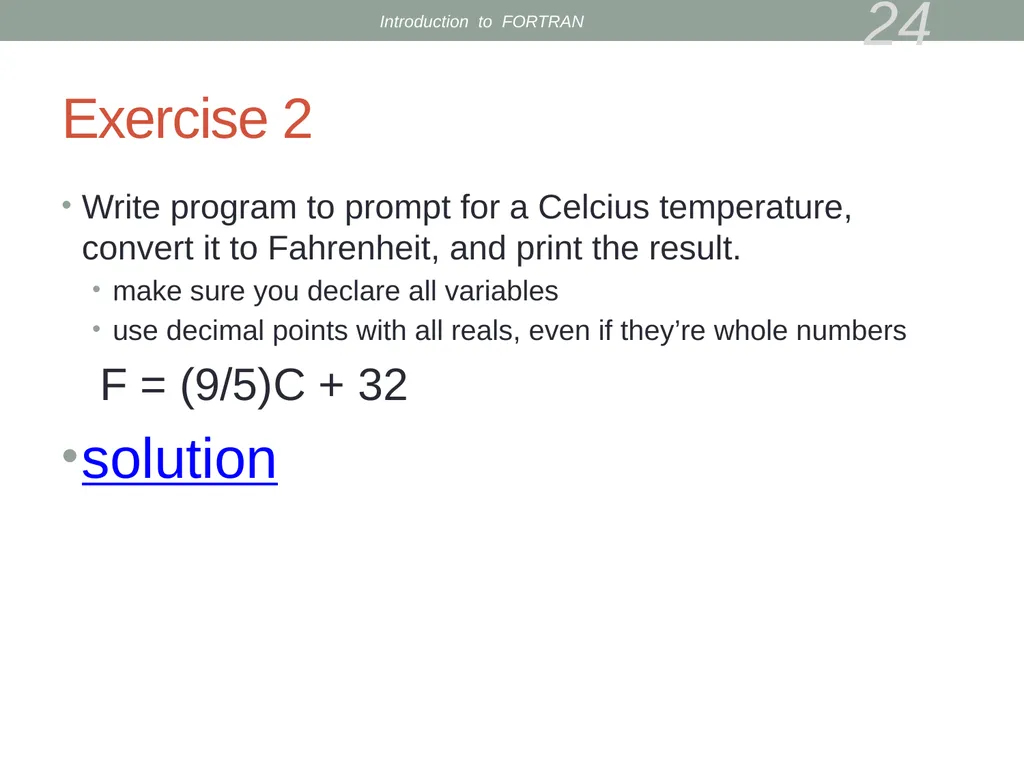
Exercise 2 Write program to prompt for a Celcius temperature, convert it to Fahrenheit, and print the result.
make sure you declare all variables
use decimal points with all reals, even if they’re whole numbers
F = (9/5)C + 32
solution 24 Introduction to FORTRAN<br>
25
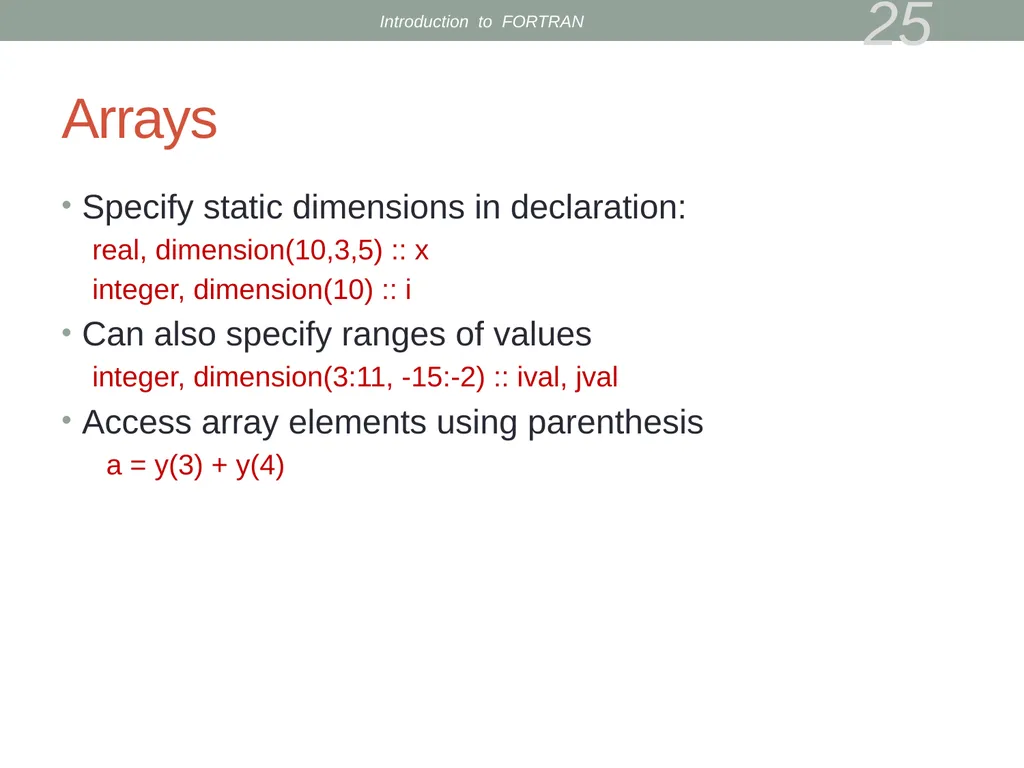
Arrays Specify static dimensions in declaration:
real, dimension(10,3,5) :: x
integer, dimension(10) :: i
Can also specify ranges of values
integer, dimension(3:11, -15:-2) :: ival, jval
Access array elements using parenthesis
a = y(3) + y(4) 25 Introduction to FORTRAN<br>
26
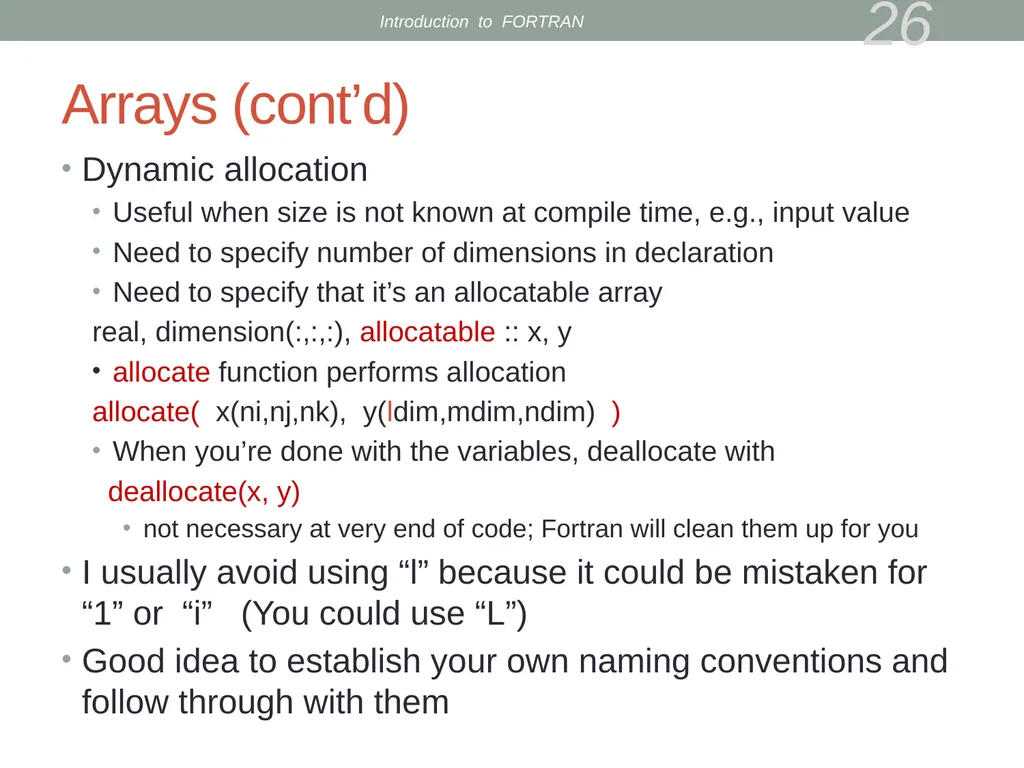
Arrays (cont’d) Dynamic allocation
Useful when size is not known at compile time, e.g., input value
Need to specify number of dimensions in declaration
Need to specify that it’s an allocatable array
real, dimension(:,:,:), allocatable :: x, y
allocate function performs allocation
allocate( x(ni,nj,nk), y(ldim,mdim,ndim) )
When you’re done with the variables, deallocate with
deallocate(x, y)
not necessary at very end of code; Fortran will clean them up for you
I usually avoid using “l” because it could be mistaken for “1” or “i” (You could use “L”)
Good idea to establish your own naming conventions and follow through with them 26 Introduction to FORTRAN<br>
27
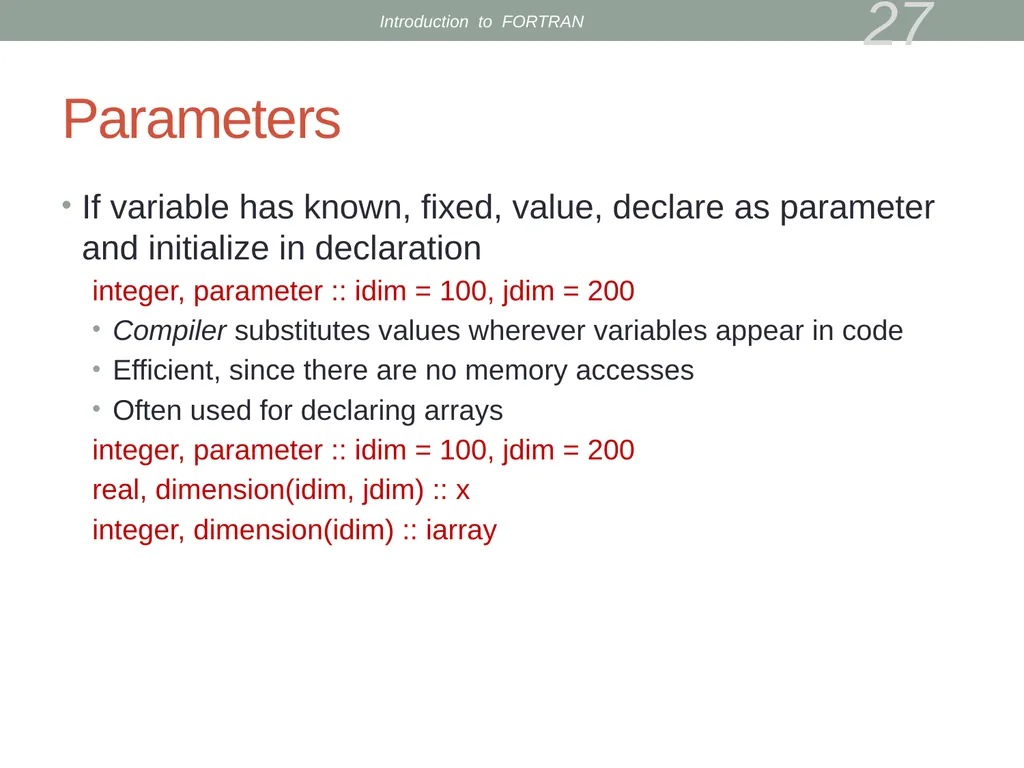
Parameters If variable has known, fixed, value, declare as parameter and initialize in declaration
integer, parameter :: idim = 100, jdim = 200
Compiler substitutes values wherever variables appear in code
Efficient, since there are no memory accesses
Often used for declaring arrays
integer, parameter :: idim = 100, jdim = 200
real, dimension(idim, jdim) :: x
integer, dimension(idim) :: iarray 27 Introduction to FORTRAN<br>
28
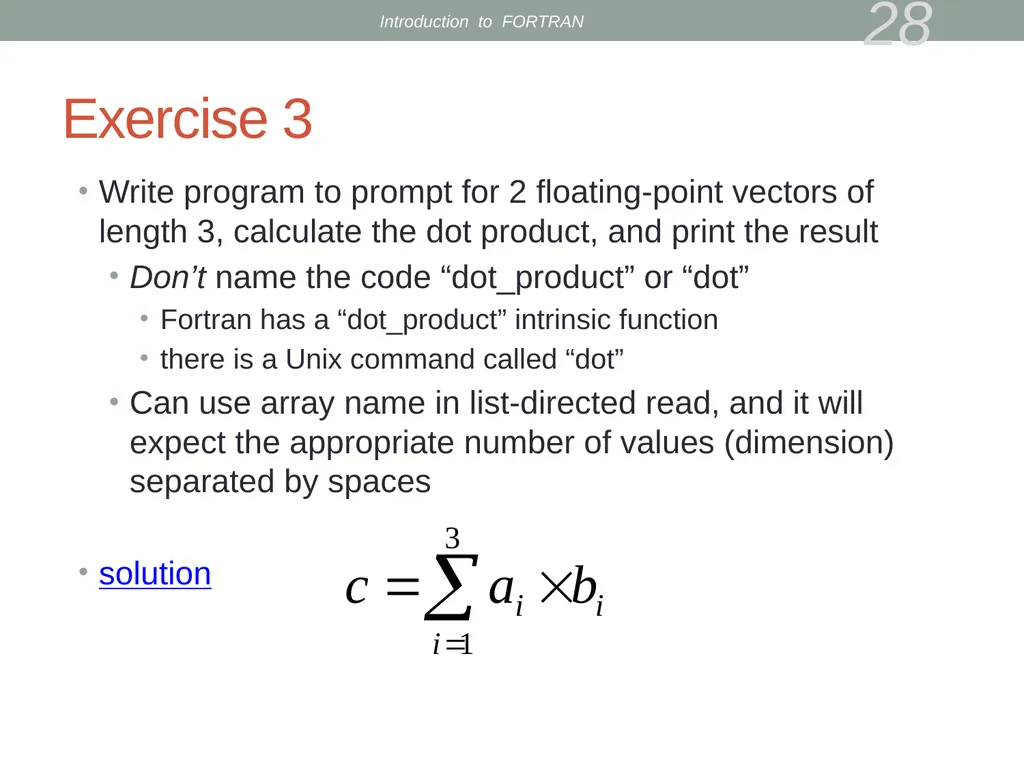
Exercise 3 Write program to prompt for 2 floating-point vectors of length 3, calculate the dot product, and print the result
Don’t name the code “dot_product” or “dot”
Fortran has a “dot_product” intrinsic function
there is a Unix command called “dot”
Can use array name in list-directed read, and it will expect the appropriate number of values (dimension) separated by spaces
solution 28 Introduction to FORTRAN<br>
29
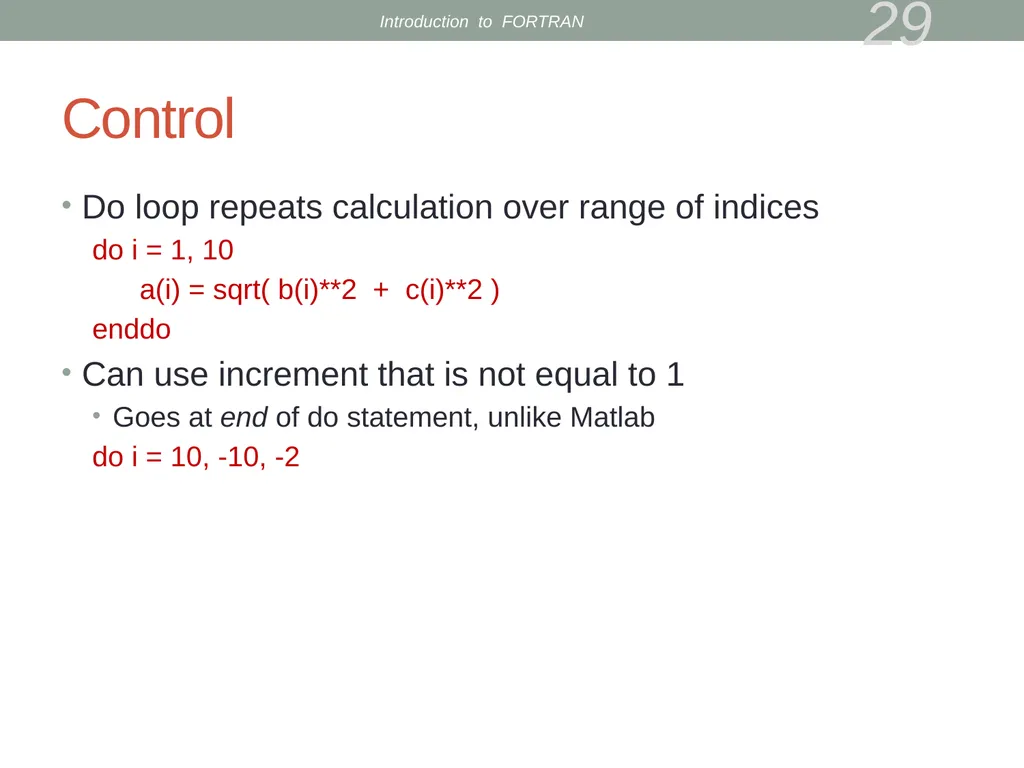
Control Do loop repeats calculation over range of indices
do i = 1, 10
a(i) = sqrt( b(i)**2 + c(i)**2 )
enddo
Can use increment that is not equal to 1
Goes at end of do statement, unlike Matlab
do i = 10, -10, -2 29 Introduction to FORTRAN<br>
30
Exercise 4 Modify dot product program to use a do loop
Declare scalar real variable to hold the summation
Initialize it to zero before the do loop
solution 30 Introduction to FORTRAN<br>
31
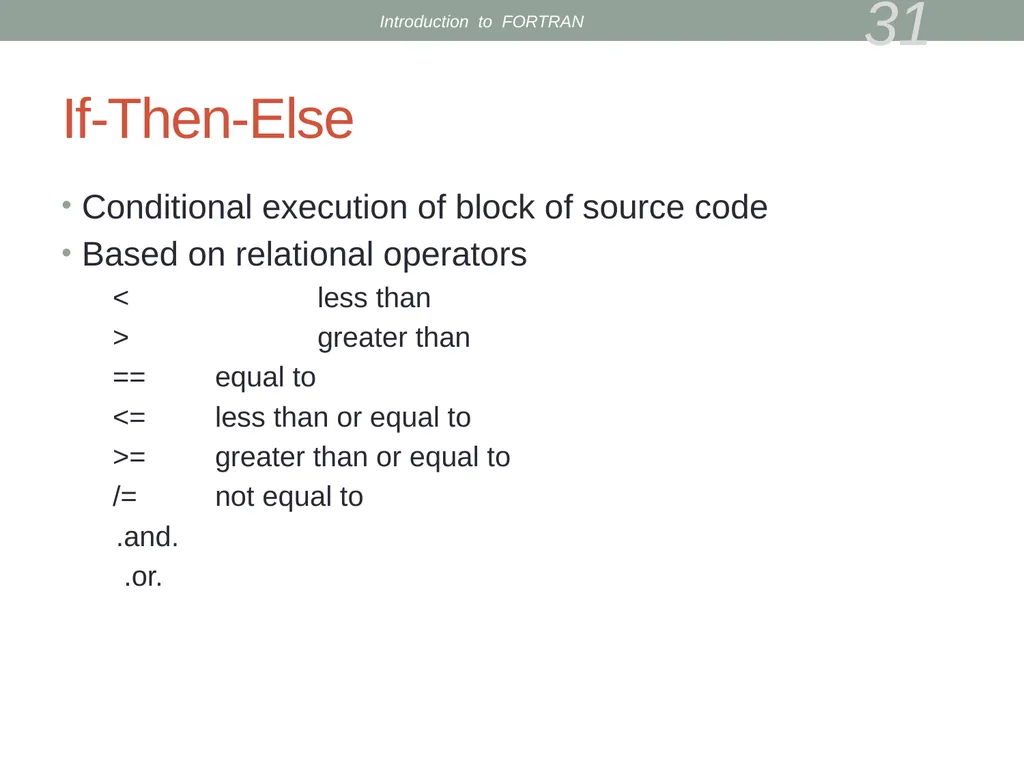
If-Then-Else Conditional execution of block of source code
Based on relational operators
< less than
> greater than
== equal to
<= less than or equal to
>= greater than or equal to
/= not equal to
.and.
.or. 31 Introduction to FORTRAN<br>
32
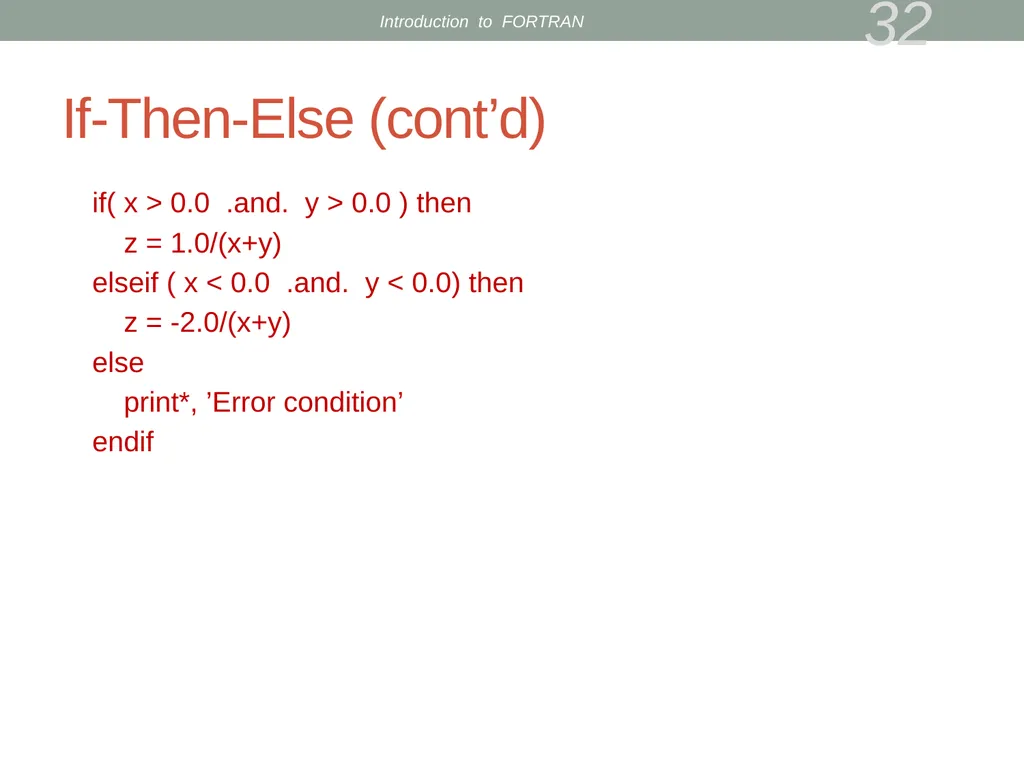
If-Then-Else (cont’d) if( x > 0.0 .and. y > 0.0 ) then
z = 1.0/(x+y)
elseif ( x < 0.0 .and. y < 0.0) then
z = -2.0/(x+y)
else
print*, ’Error condition’
endif 32 Introduction to FORTRAN<br>
33
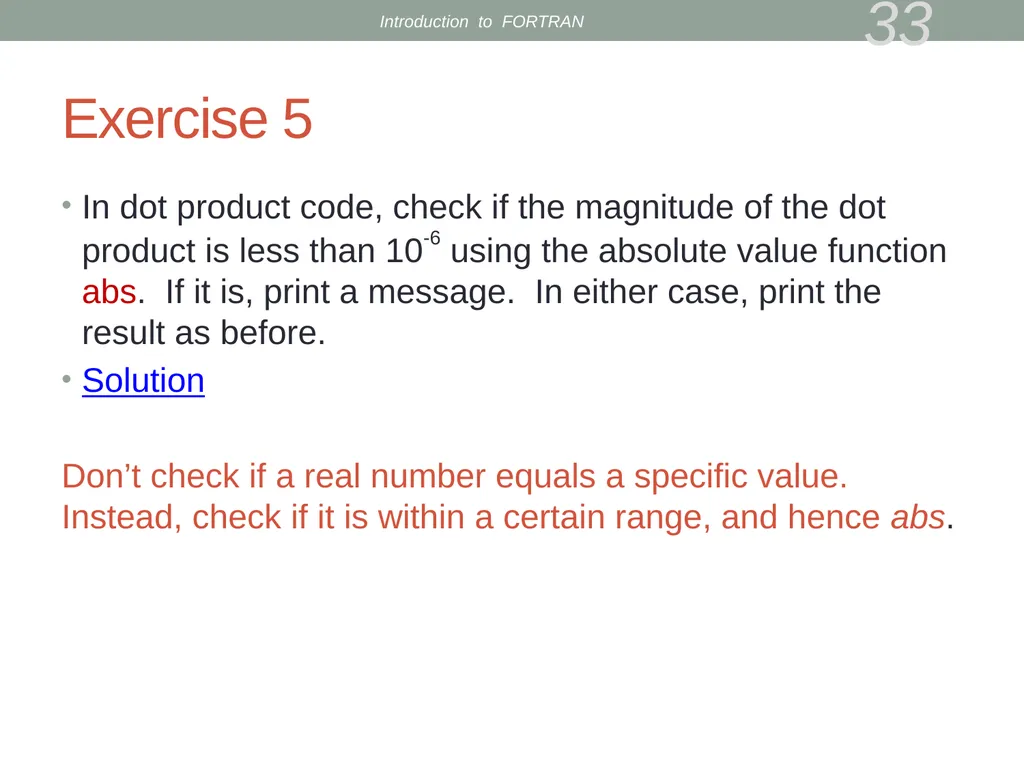
Exercise 5 In dot product code, check if the magnitude of the dot product is less than 10-6 using the absolute value function abs. If it is, print a message. In either case, print the result as before.
Solution
Don’t check if a real number equals a specific value. Instead, check if it is within a certain range, and hence abs. 33 Introduction to FORTRAN<br>
34
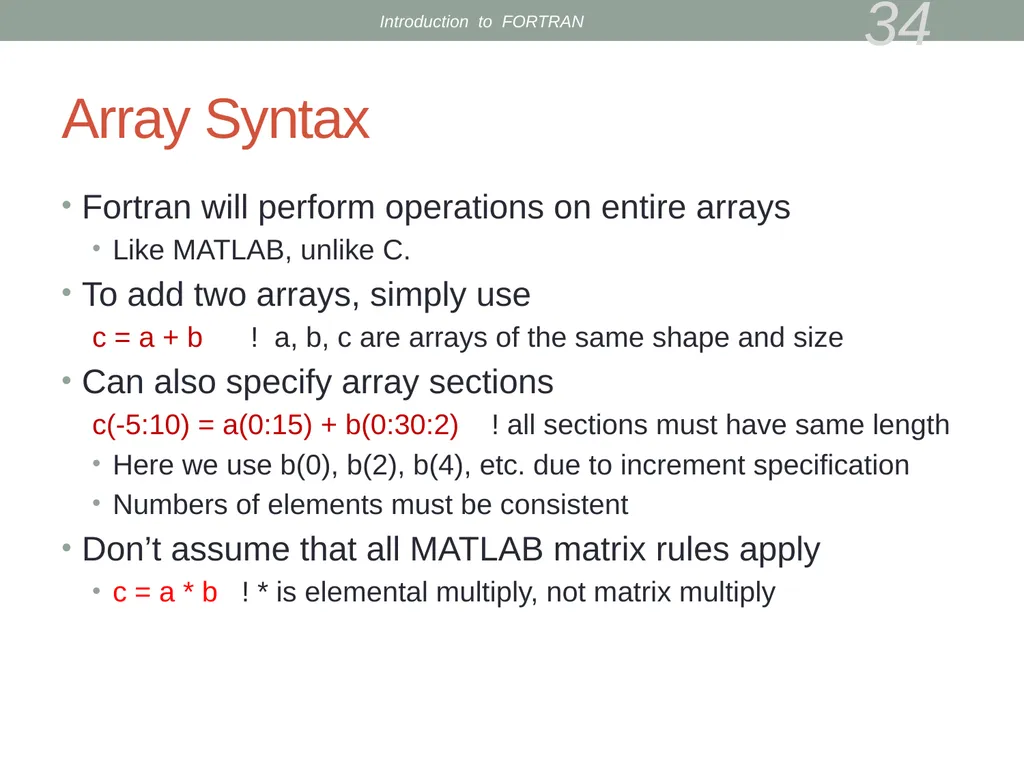
Array Syntax Fortran will perform operations on entire arrays
Like MATLAB, unlike C.
To add two arrays, simply use
c = a + b ! a, b, c are arrays of the same shape and size
Can also specify array sections
c(-5:10) = a(0:15) + b(0:30:2) ! all sections must have same length
Here we use b(0), b(2), b(4), etc. due to increment specification
Numbers of elements must be consistent
Don’t assume that all MATLAB matrix rules apply
c = a * b ! * is elemental multiply, not matrix multiply 34 Introduction to FORTRAN<br>
35
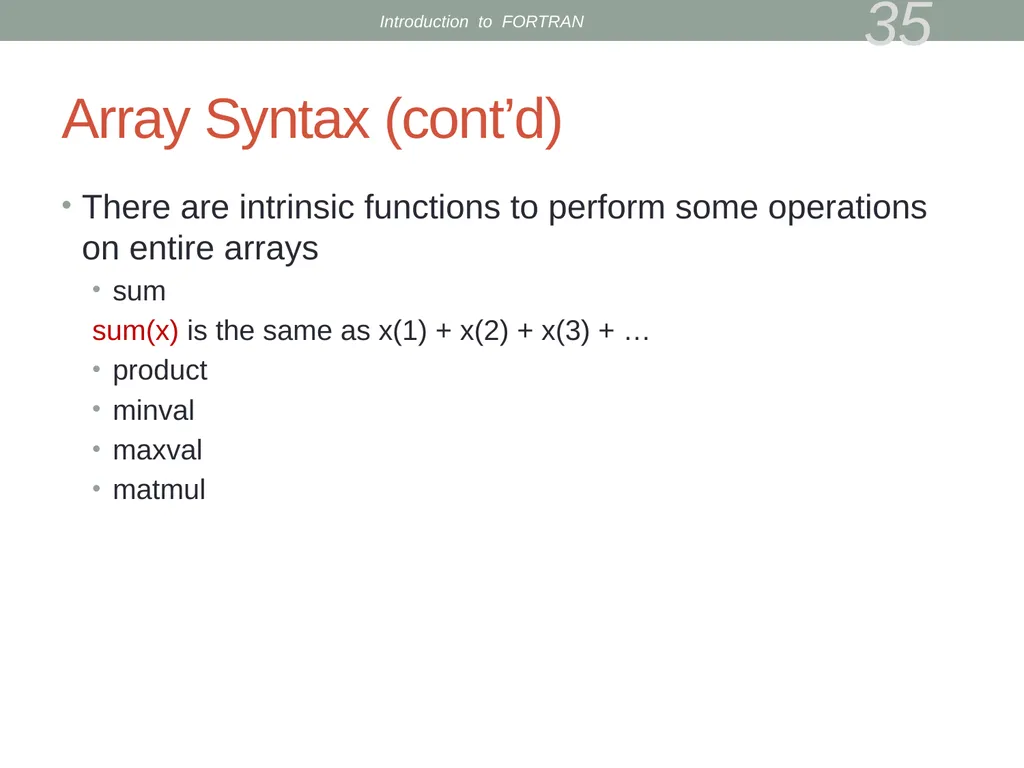
Array Syntax (cont’d) There are intrinsic functions to perform some operations on entire arrays
sum
sum(x) is the same as x(1) + x(2) + x(3) + …
product
minval
maxval
matmul 35 Introduction to FORTRAN<br>
36
Exercise 6 Modify dot product code to use array syntax instead of do loop
use “sum” intrinsic to sum components
solution 36 Introduction to FORTRAN<br>
37
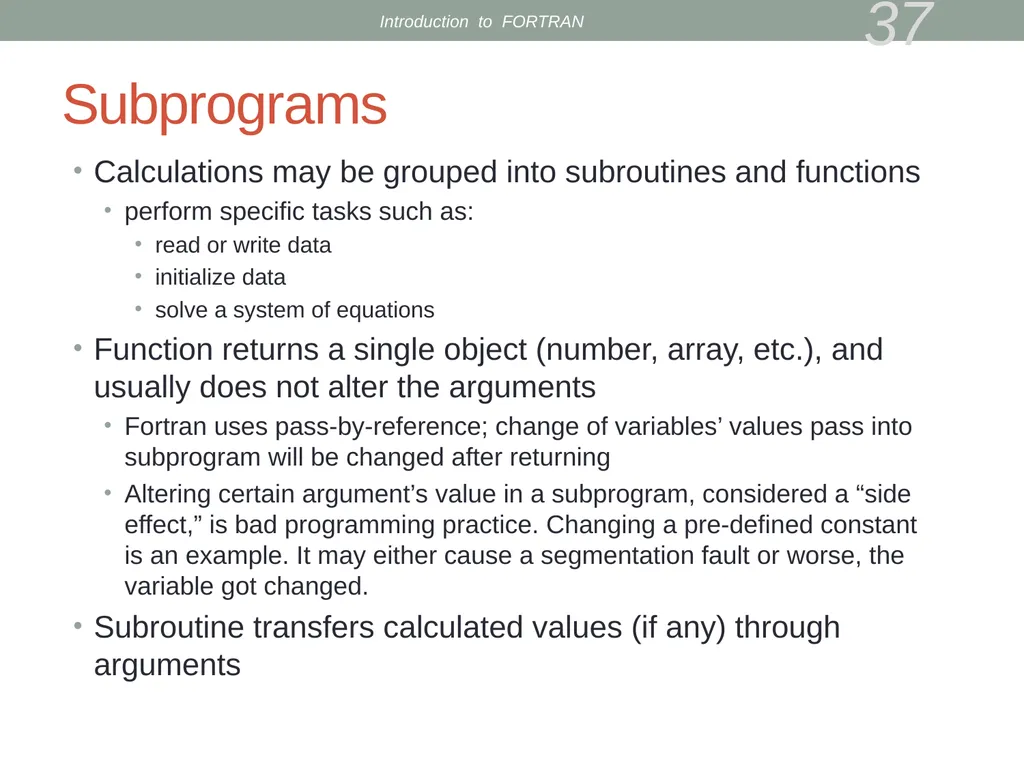
Subprograms Calculations may be grouped into subroutines and functions
perform specific tasks such as:
read or write data
initialize data
solve a system of equations
Function returns a single object (number, array, etc.), and usually does not alter the arguments
Fortran uses pass-by-reference; change of variables’ values pass into subprogram will be changed after returning
Altering certain argument’s value in a subprogram, considered a “side effect,” is bad programming practice. Changing a pre-defined constant is an example. It may either cause a segmentation fault or worse, the variable got changed.
Subroutine transfers calculated values (if any) through arguments 37 Introduction to FORTRAN<br>
38
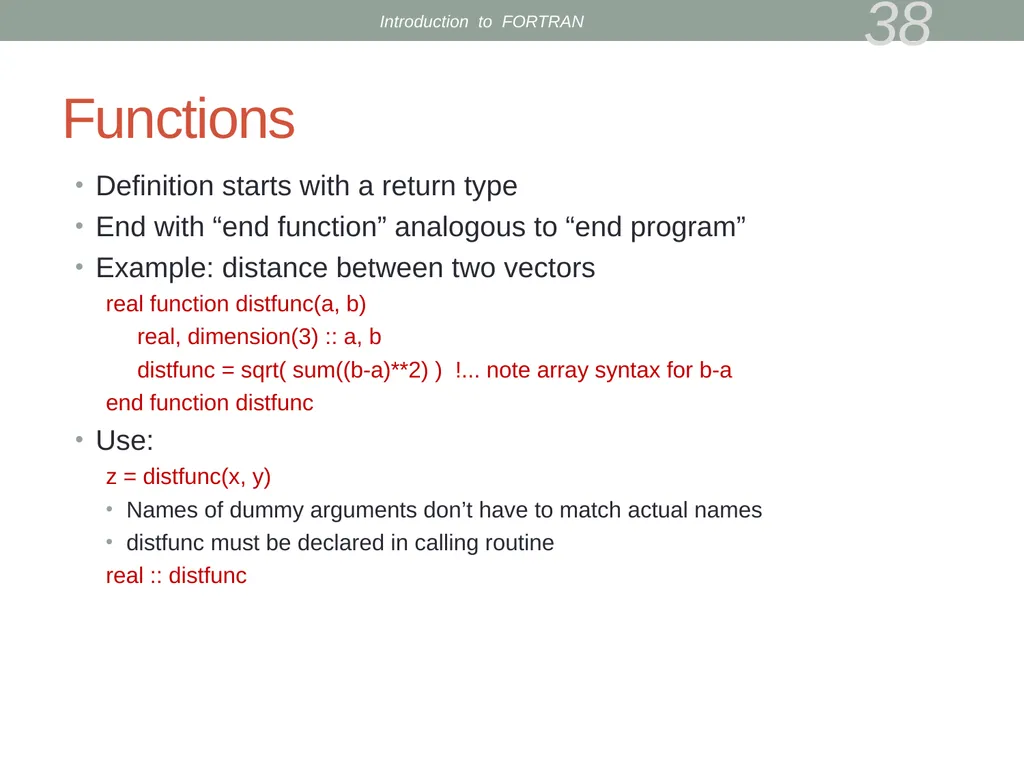
Functions Definition starts with a return type
End with “end function” analogous to “end program”
Example: distance between two vectors
real function distfunc(a, b)
real, dimension(3) :: a, b
distfunc = sqrt( sum((b-a)**2) ) !... note array syntax for b-a
end function distfunc
Use:
z = distfunc(x, y)
Names of dummy arguments don’t have to match actual names
distfunc must be declared in calling routine
real :: distfunc 38 Introduction to FORTRAN<br>
39
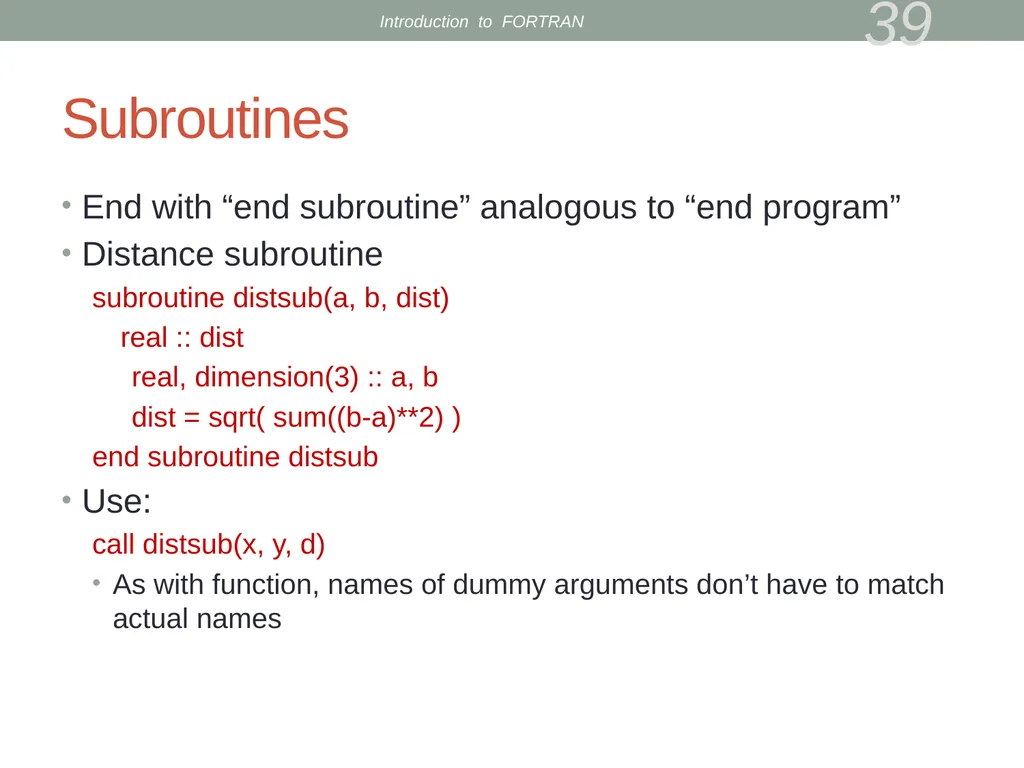
Subroutines End with “end subroutine” analogous to “end program”
Distance subroutine
subroutine distsub(a, b, dist)
real :: dist
real, dimension(3) :: a, b
dist = sqrt( sum((b-a)**2) )
end subroutine distsub
Use:
call distsub(x, y, d)
As with function, names of dummy arguments don’t have to match actual names 39 Introduction to FORTRAN<br>
40
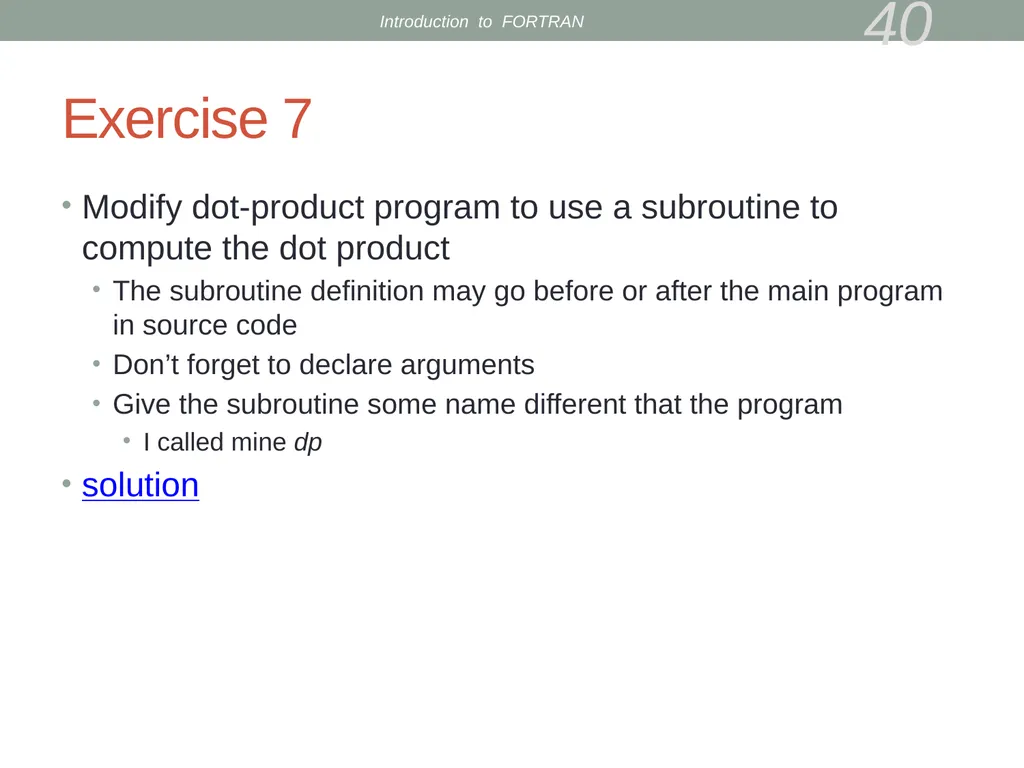
Exercise 7 Modify dot-product program to use a subroutine to compute the dot product
The subroutine definition may go before or after the main program in source code
Don’t forget to declare arguments
Give the subroutine some name different that the program
I called mine dp
solution 40 Introduction to FORTRAN<br>
41
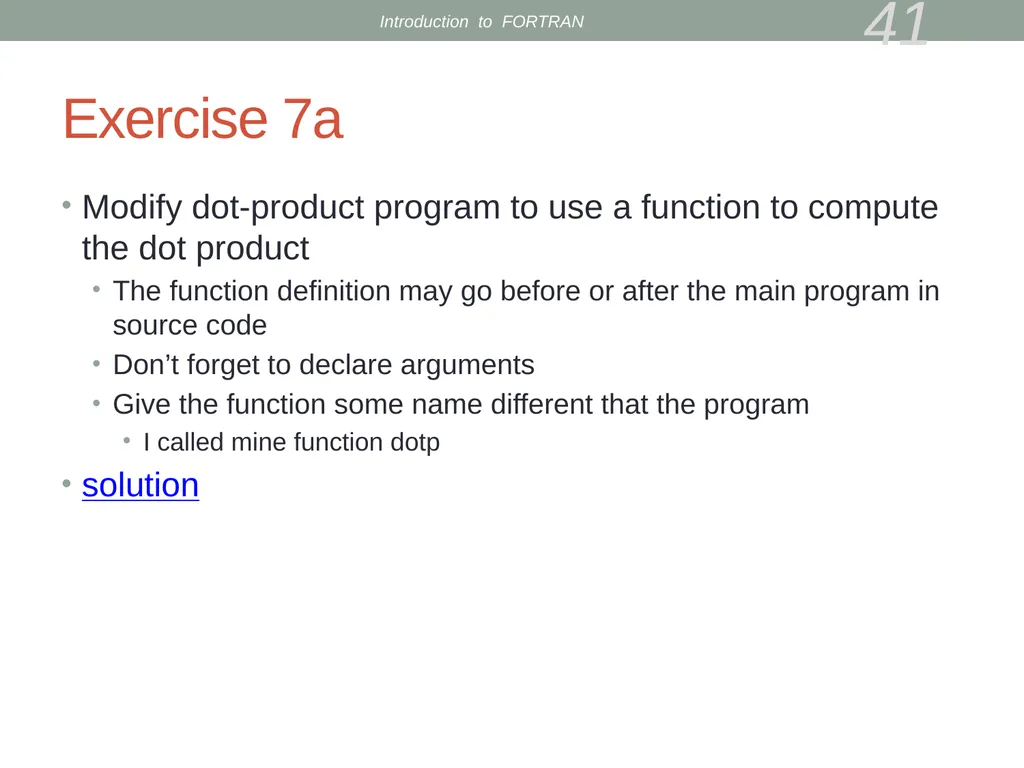
Exercise 7a Modify dot-product program to use a function to compute the dot product
The function definition may go before or after the main program in source code
Don’t forget to declare arguments
Give the function some name different that the program
I called mine function dotp
solution 41 Introduction to FORTRAN<br>
42
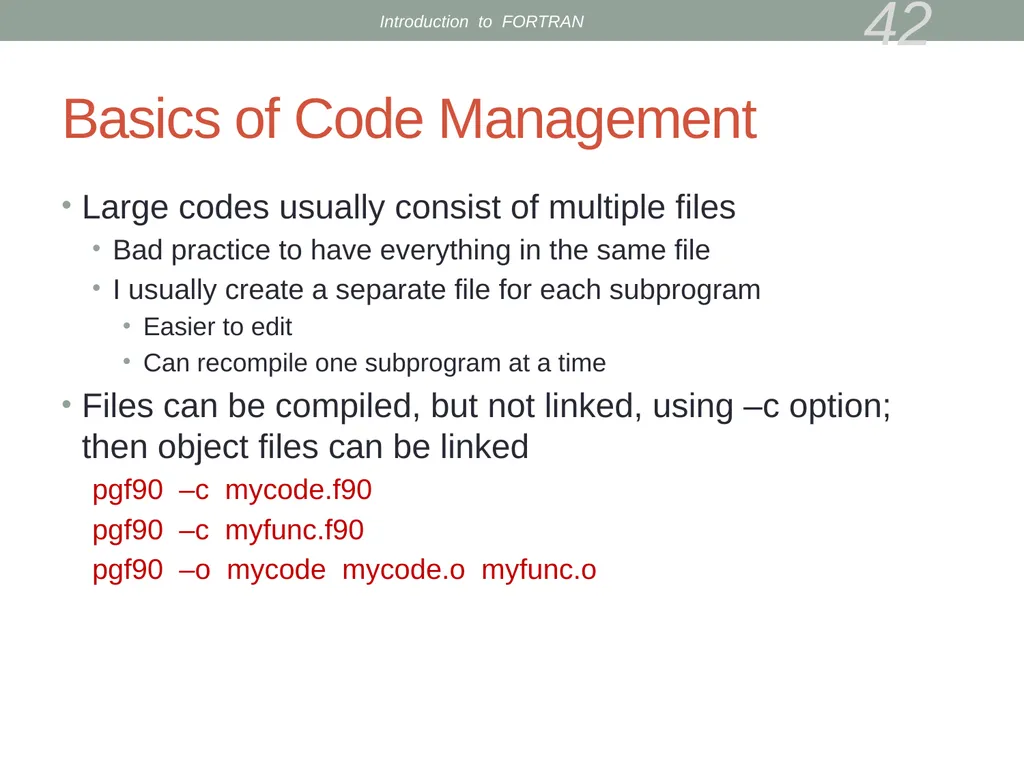
Basics of Code Management Large codes usually consist of multiple files
Bad practice to have everything in the same file
I usually create a separate file for each subprogram
Easier to edit
Can recompile one subprogram at a time
Files can be compiled, but not linked, using –c option; then object files can be linked
pgf90 –c mycode.f90
pgf90 –c myfunc.f90
pgf90 –o mycode mycode.o myfunc.o 42 Introduction to FORTRAN<br>
43
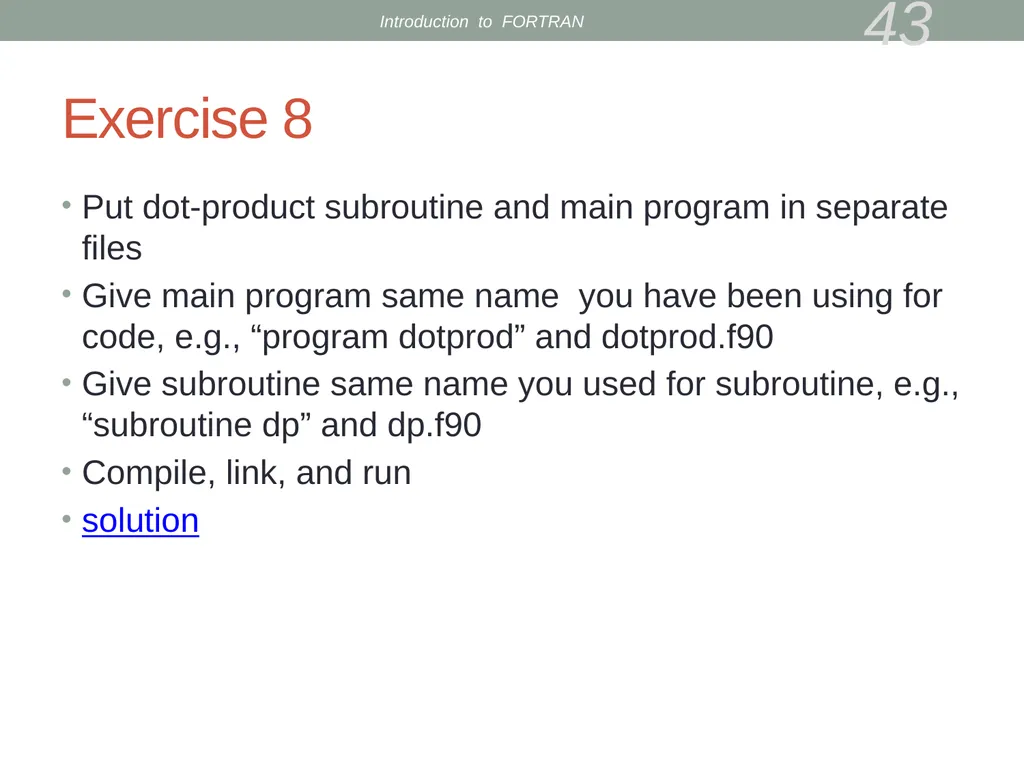
Exercise 8 Put dot-product subroutine and main program in separate files
Give main program same name you have been using for code, e.g., “program dotprod” and dotprod.f90
Give subroutine same name you used for subroutine, e.g., “subroutine dp” and dp.f90
Compile, link, and run
solution 43 Introduction to FORTRAN<br>
44
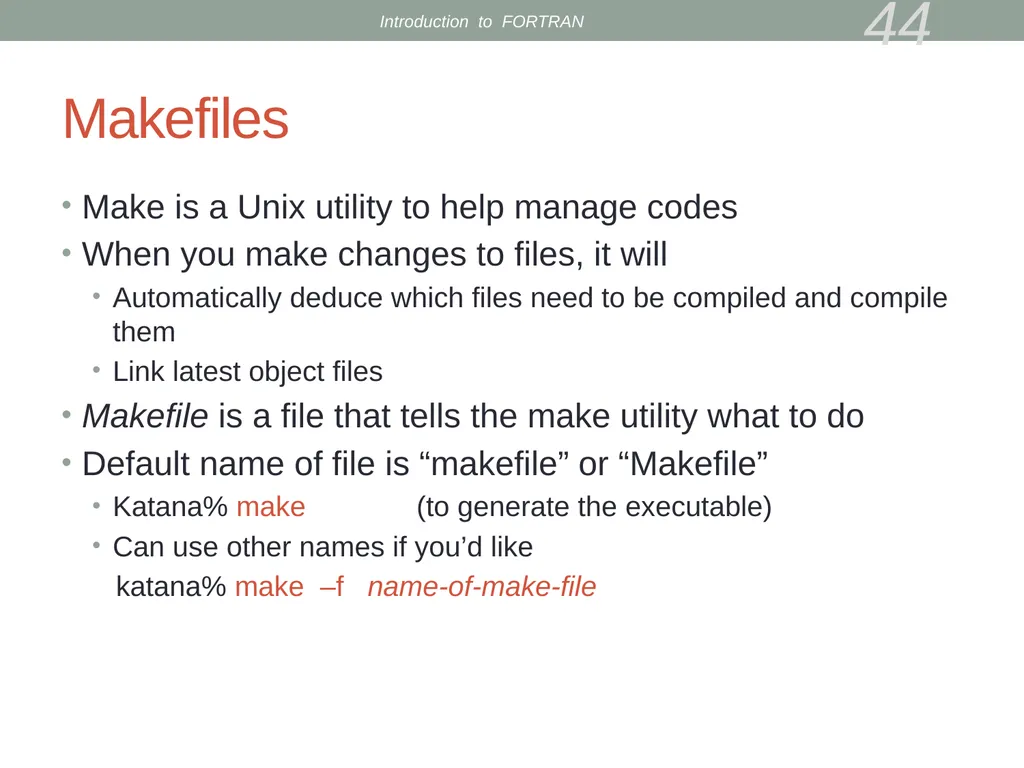
Makefiles Make is a Unix utility to help manage codes
When you make changes to files, it will
Automatically deduce which files need to be compiled and compile them
Link latest object files
Makefile is a file that tells the make utility what to do
Default name of file is “makefile” or “Makefile”
Katana% make (to generate the executable)
Can use other names if you’d like
katana% make –f name-of-make-file 44 Introduction to FORTRAN<br>
45
Makefiles (cont’d) Makefile contains different sections with different functions
The sections are not executed in order!
Comment character is #
There are defaults for some values, but I like to define everything explicitly 45 Introduction to FORTRAN<br>
46
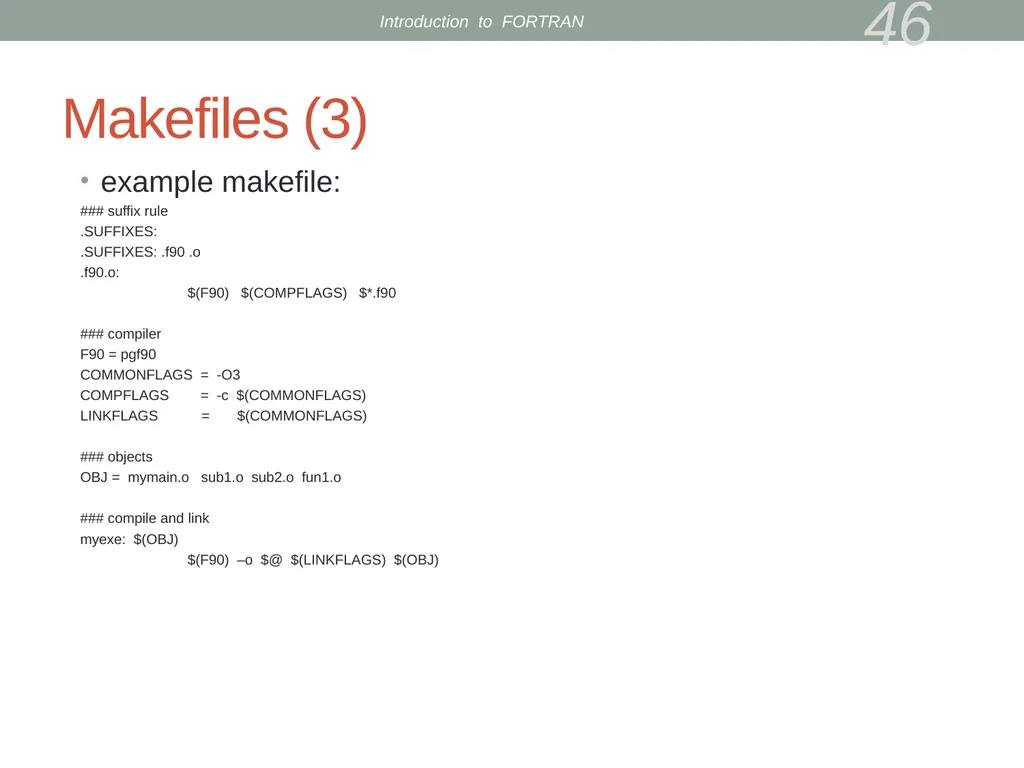
Makefiles (3) example makefile:
### suffix rule
.SUFFIXES:
.SUFFIXES: .f90 .o
.f90.o:
$(F90) $(COMPFLAGS) $*.f90
### compiler
F90 = pgf90
COMMONFLAGS = -O3
COMPFLAGS = -c $(COMMONFLAGS)
LINKFLAGS = $(COMMONFLAGS)
### objects
OBJ = mymain.o sub1.o sub2.o fun1.o
### compile and link
myexe: $(OBJ)
$(F90) –o $@ $(LINKFLAGS) $(OBJ) 46 Introduction to FORTRAN<br>
47
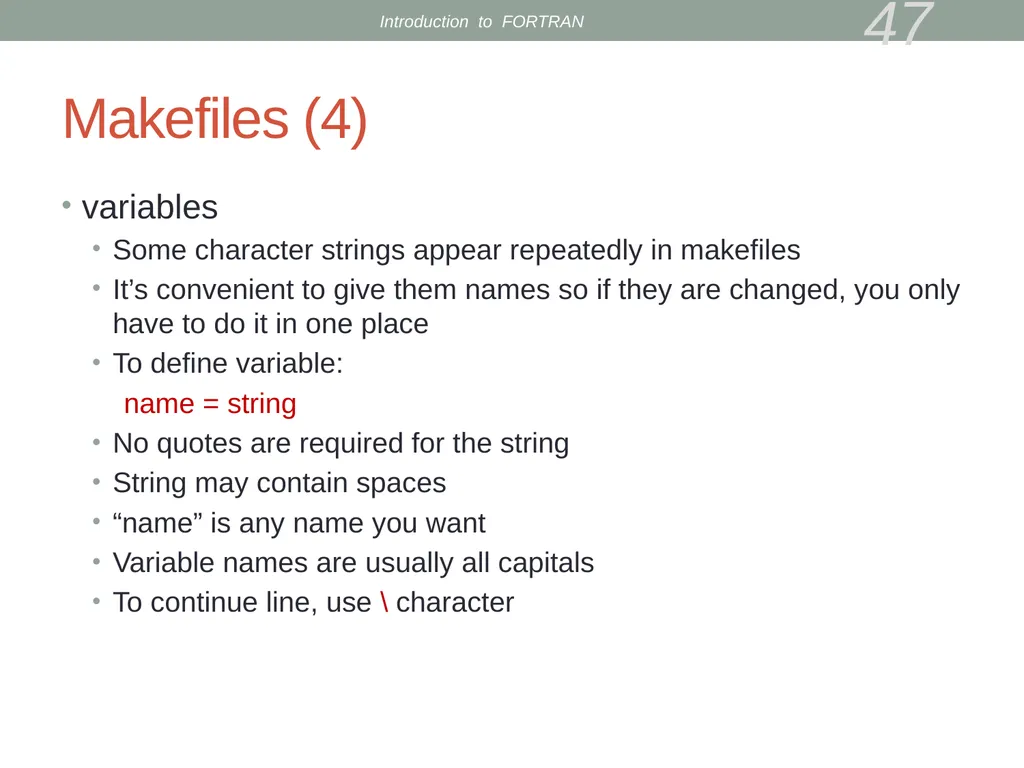
Makefiles (4) variables
Some character strings appear repeatedly in makefiles
It’s convenient to give them names so if they are changed, you only have to do it in one place
To define variable:
name = string
No quotes are required for the string
String may contain spaces
“name” is any name you want
Variable names are usually all capitals
To continue line, use \ character 47 Introduction to FORTRAN<br>
48
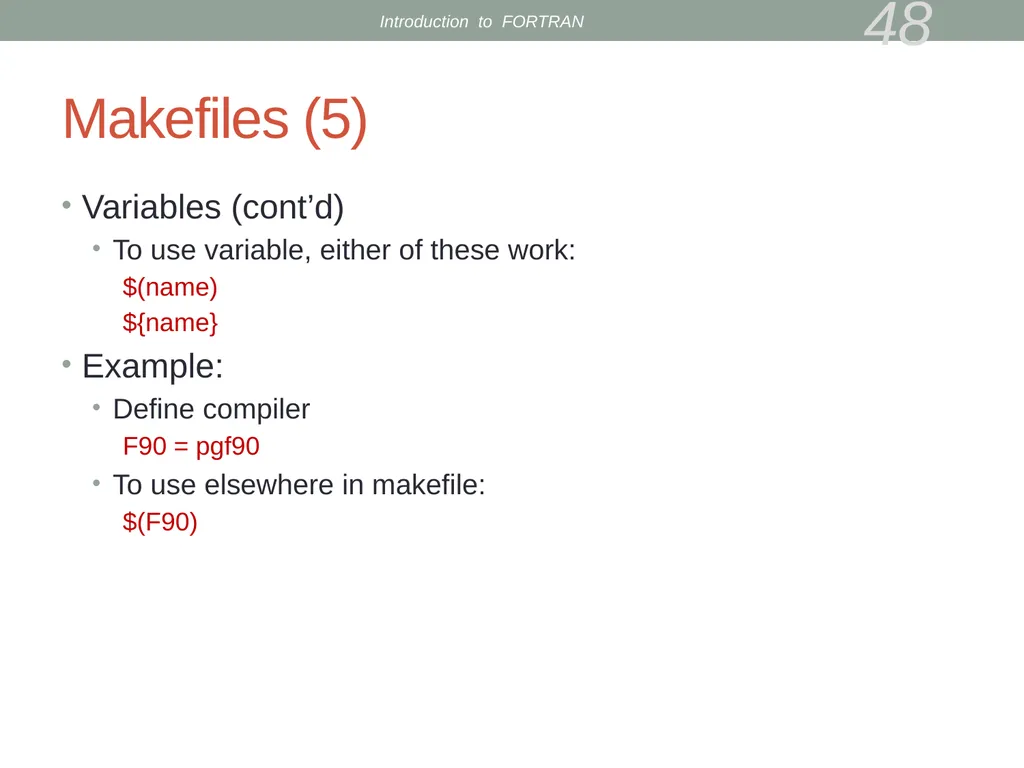
Makefiles (5) Variables (cont’d)
To use variable, either of these work:
$(name)
${name}
Example:
Define compiler
F90 = pgf90
To use elsewhere in makefile:
$(F90) 48 Introduction to FORTRAN<br>
49
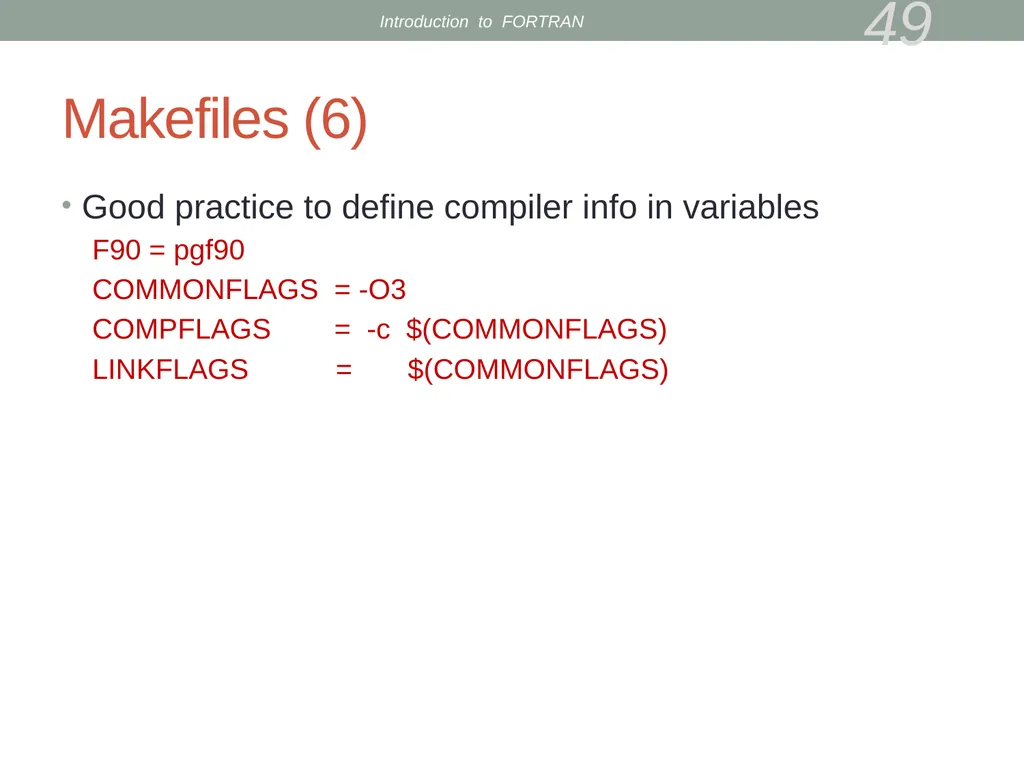
Makefiles (6) Good practice to define compiler info in variables
F90 = pgf90
COMMONFLAGS = -O3
COMPFLAGS = -c $(COMMONFLAGS)
LINKFLAGS = $(COMMONFLAGS) 49 Introduction to FORTRAN<br>
50
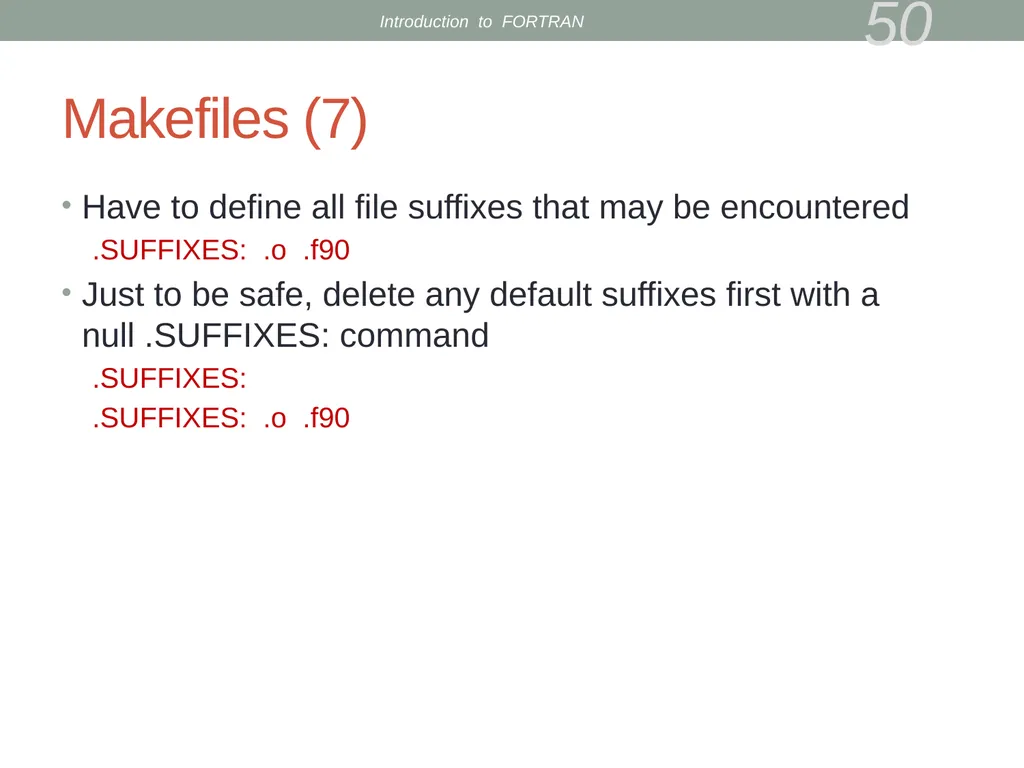
Makefiles (7) Have to define all file suffixes that may be encountered
.SUFFIXES: .o .f90
Just to be safe, delete any default suffixes first with a null .SUFFIXES: command
.SUFFIXES:
.SUFFIXES: .o .f90 50 Introduction to FORTRAN<br>
51
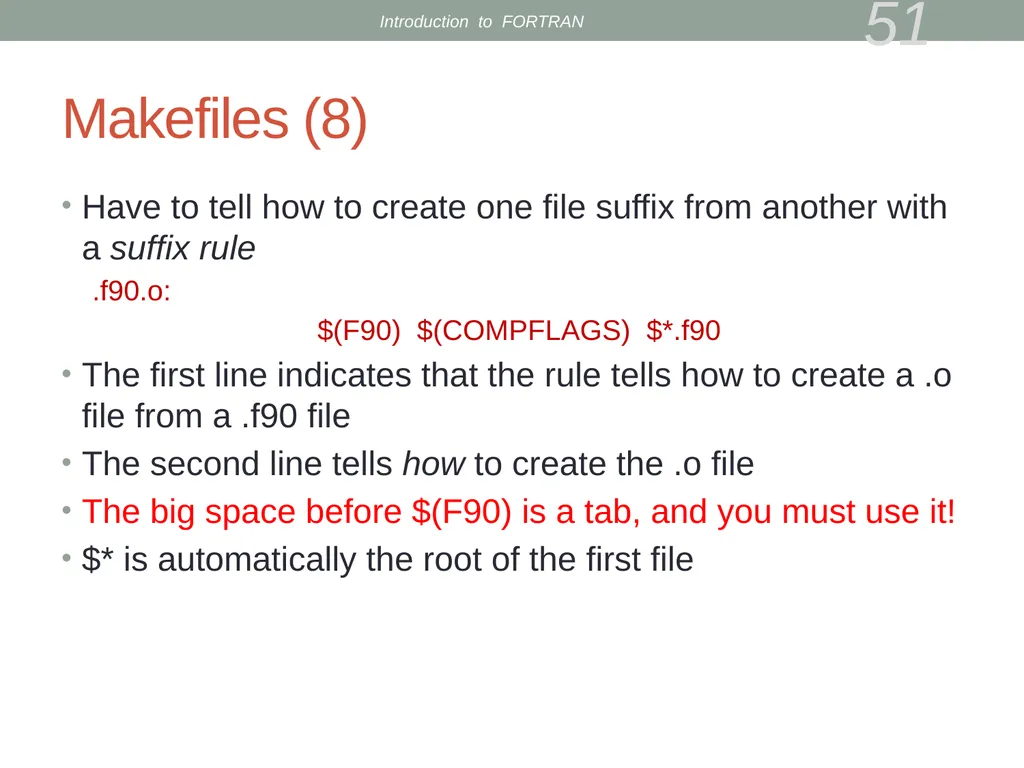
Makefiles (8) Have to tell how to create one file suffix from another with a suffix rule
.f90.o:
$(F90) $(COMPFLAGS) $*.f90
The first line indicates that the rule tells how to create a .o file from a .f90 file
The second line tells how to create the .o file
The big space before $(F90) is a tab, and you must use it!
$* is automatically the root of the first file 51 Introduction to FORTRAN<br>
52
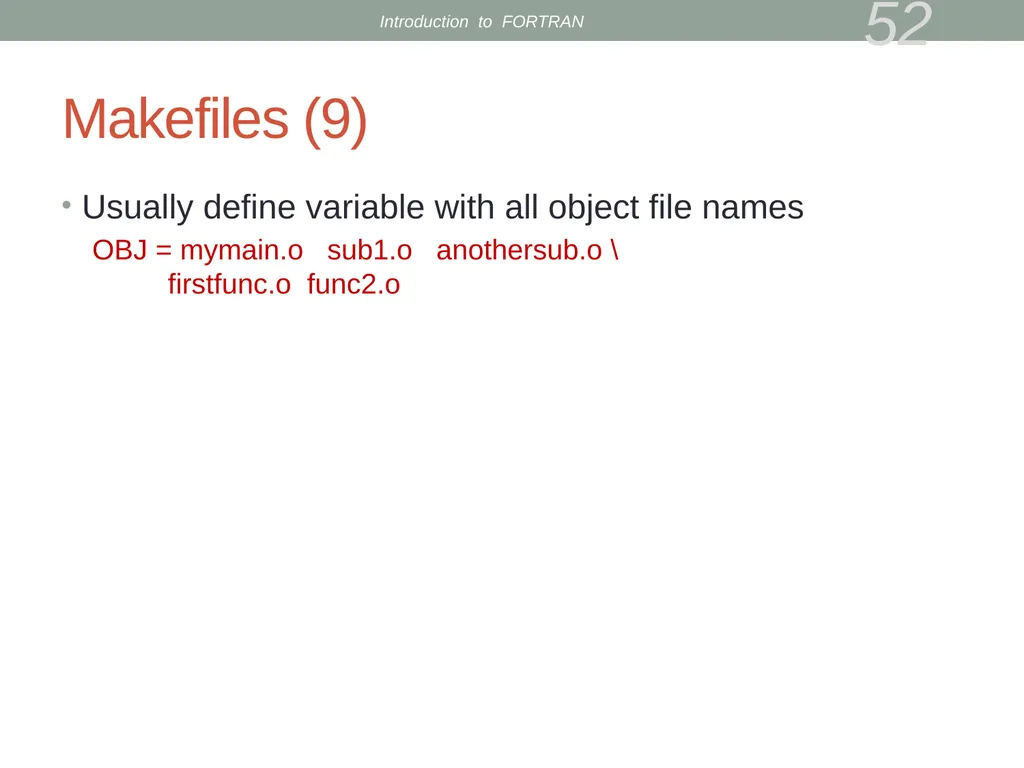
Makefiles (9) Usually define variable with all object file names
OBJ = mymain.o sub1.o anothersub.o \ firstfunc.o func2.o 52 Introduction to FORTRAN<br>
53
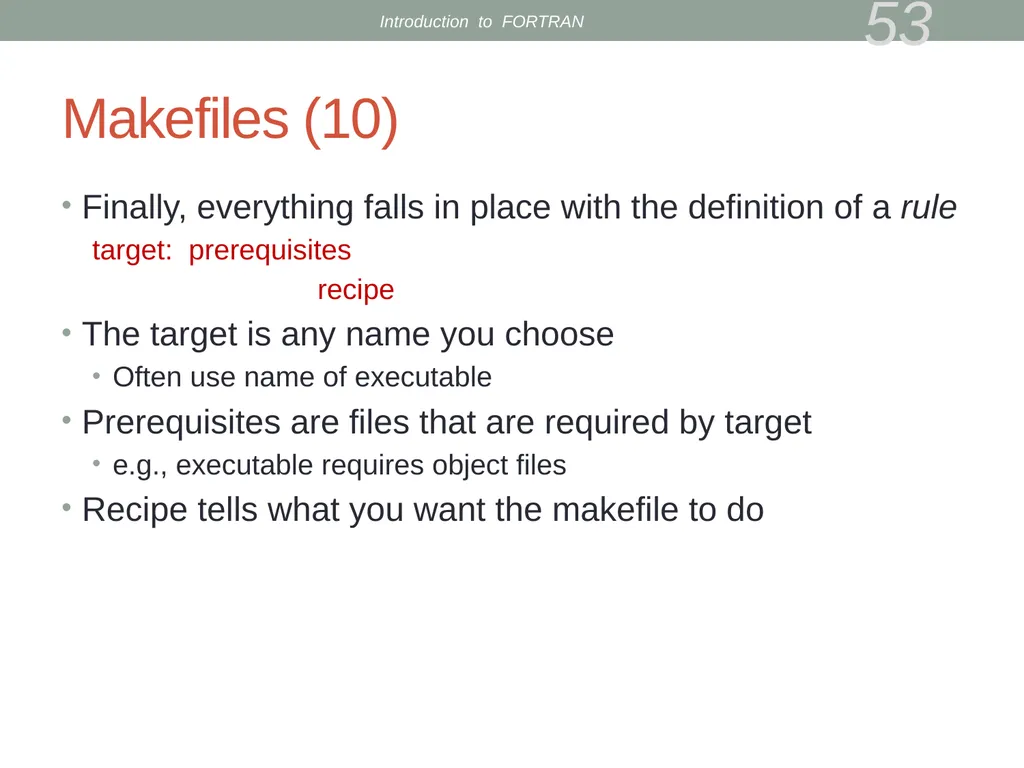
Makefiles (10) Finally, everything falls in place with the definition of a rule
target: prerequisites
recipe
The target is any name you choose
Often use name of executable
Prerequisites are files that are required by target
e.g., executable requires object files
Recipe tells what you want the makefile to do 53 Introduction to FORTRAN<br>
54
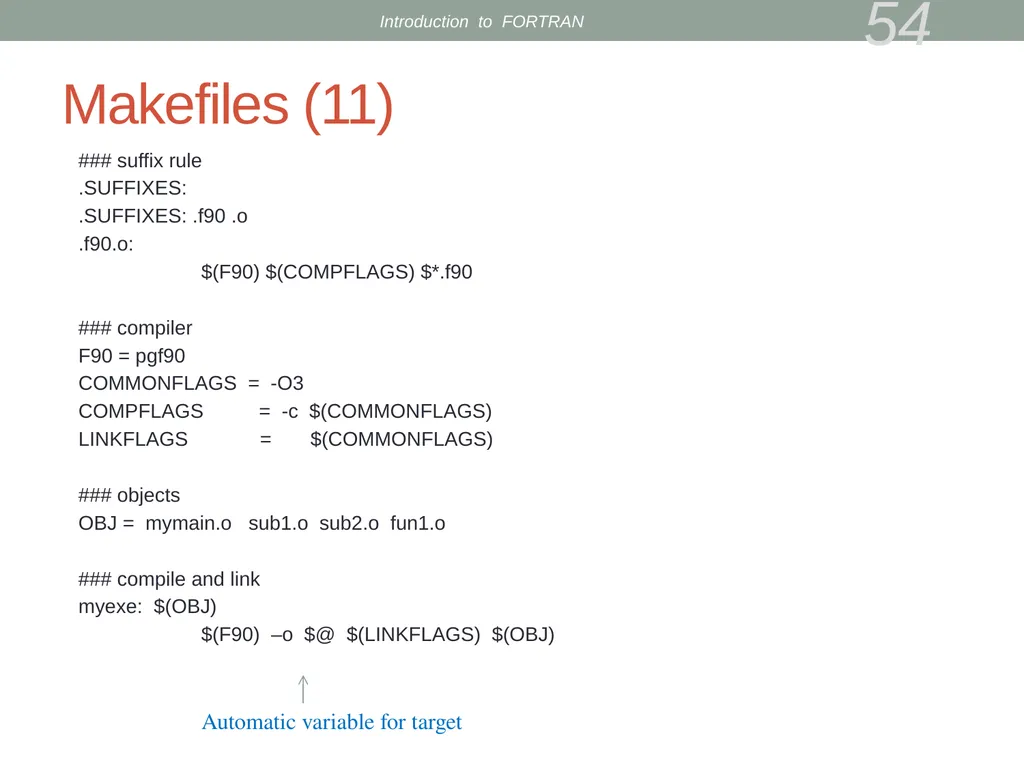
Makefiles (11) ### suffix rule
.SUFFIXES:
.SUFFIXES: .f90 .o
.f90.o:
$(F90) $(COMPFLAGS) $*.f90
### compiler
F90 = pgf90
COMMONFLAGS = -O3
COMPFLAGS = -c $(COMMONFLAGS)
LINKFLAGS = $(COMMONFLAGS)
### objects
OBJ = mymain.o sub1.o sub2.o fun1.o
### compile and link
myexe: $(OBJ)
$(F90) –o $@ $(LINKFLAGS) $(OBJ) 54 Automatic variable for target Introduction to FORTRAN<br>
55
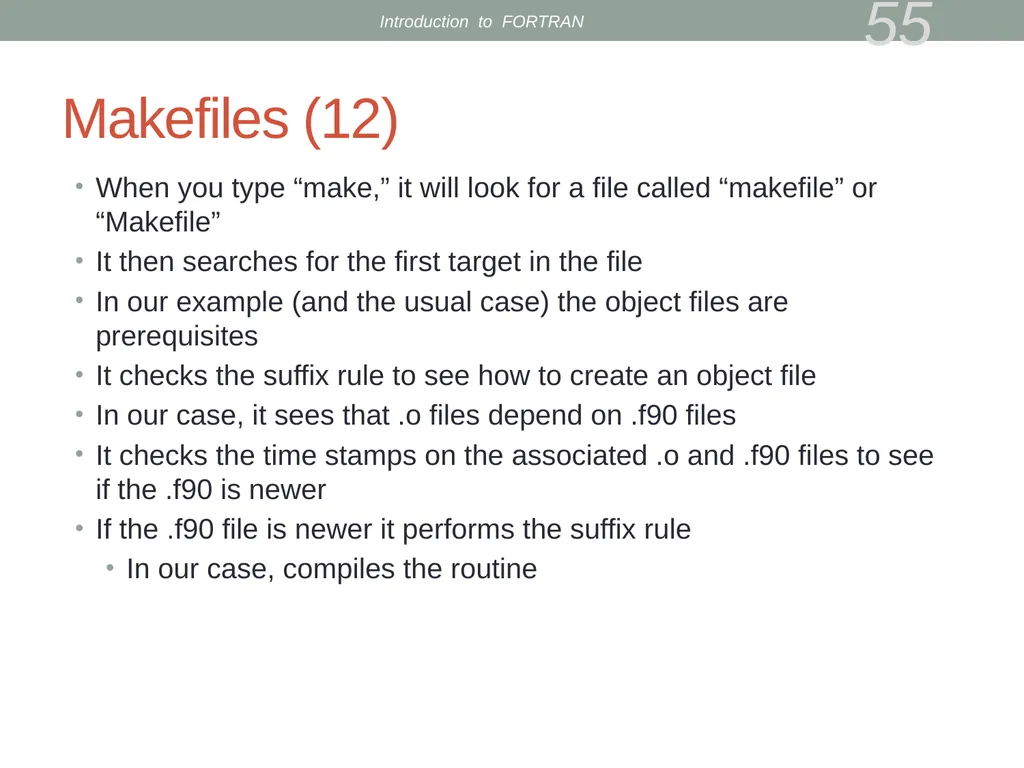
Makefiles (12) When you type “make,” it will look for a file called “makefile” or “Makefile”
It then searches for the first target in the file
In our example (and the usual case) the object files are prerequisites
It checks the suffix rule to see how to create an object file
In our case, it sees that .o files depend on .f90 files
It checks the time stamps on the associated .o and .f90 files to see if the .f90 is newer
If the .f90 file is newer it performs the suffix rule
In our case, compiles the routine 55 Introduction to FORTRAN<br>
56
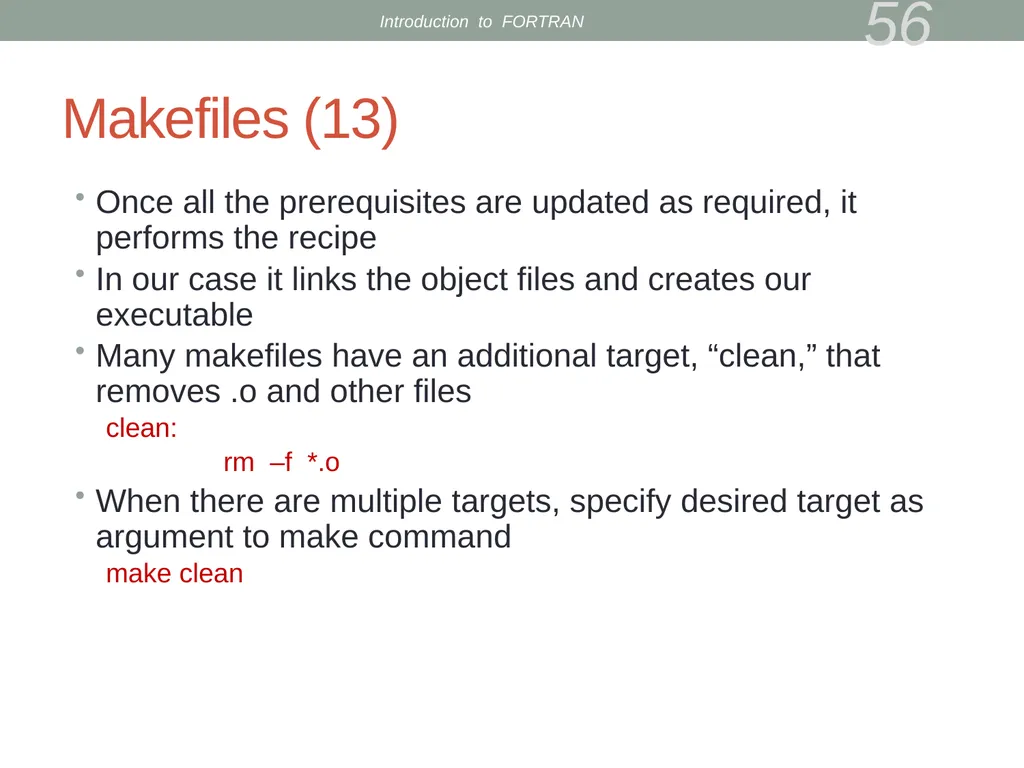
Makefiles (13) Once all the prerequisites are updated as required, it performs the recipe
In our case it links the object files and creates our executable
Many makefiles have an additional target, “clean,” that removes .o and other files
clean:
rm –f *.o
When there are multiple targets, specify desired target as argument to make command
make clean 56 Introduction to FORTRAN<br>
57
Exercise 9 Create a makefile for your dot product code
Include two targets
executable
clean
Delete your old object files using “make clean”
Build your code using the makefile
solution 57 Introduction to FORTRAN<br>
58
Kind Declarations of variables can be modified using “kind” parameter
Often used for precision of reals
Intrinsic function selected_real_kind(n) returns kind that will have at least n significant digits
n = 6 will give you “single precision”
n = 12 will give you “double precision” 58 Introduction to FORTRAN<br>
59
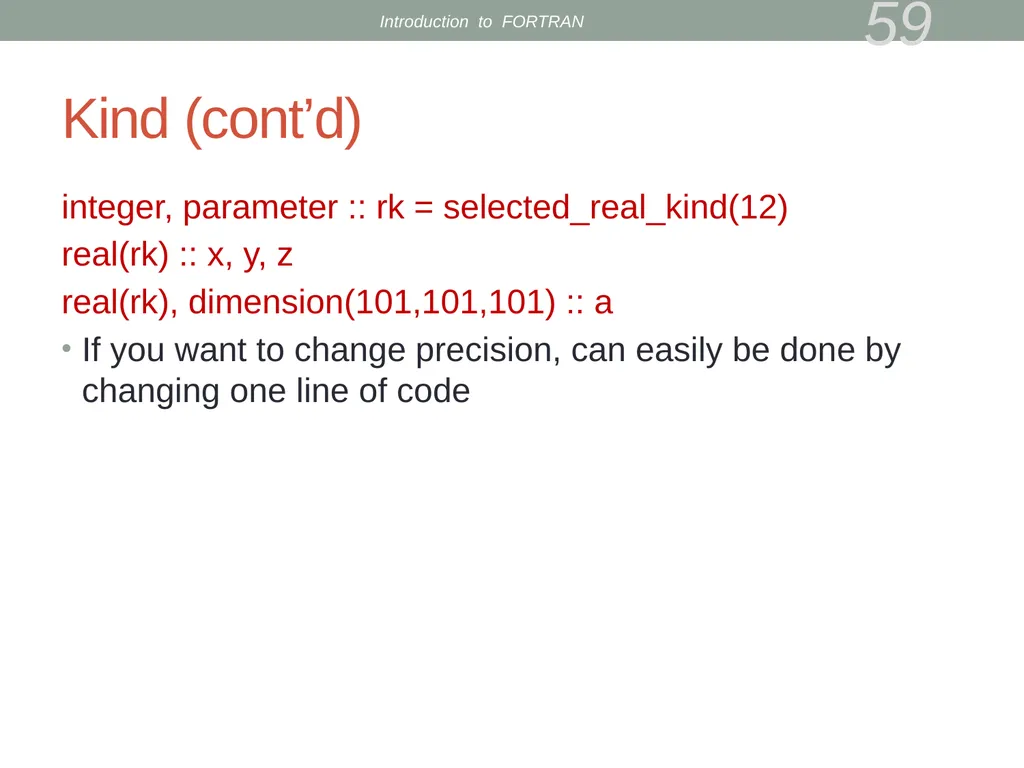
Kind (cont’d) integer, parameter :: rk = selected_real_kind(12)
real(rk) :: x, y, z
real(rk), dimension(101,101,101) :: a
If you want to change precision, can easily be done by changing one line of code 59 Introduction to FORTRAN<br>
60
Exercise 10 Modify dot-product code to use kinds to declare double-precision reals
Don’t forget to modify all files
“make” will automatically compile and link
solution 60 Introduction to FORTRAN<br>
61
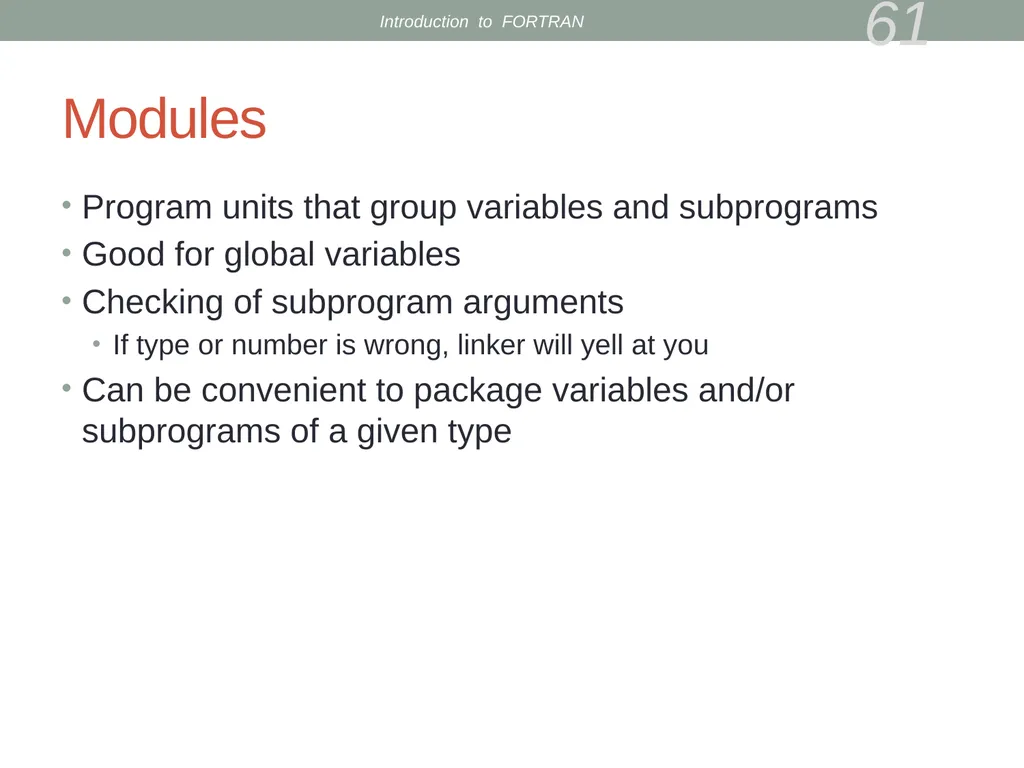
Modules Program units that group variables and subprograms
Good for global variables
Checking of subprogram arguments
If type or number is wrong, linker will yell at you
Can be convenient to package variables and/or subprograms of a given type 61 Introduction to FORTRAN<br>
62
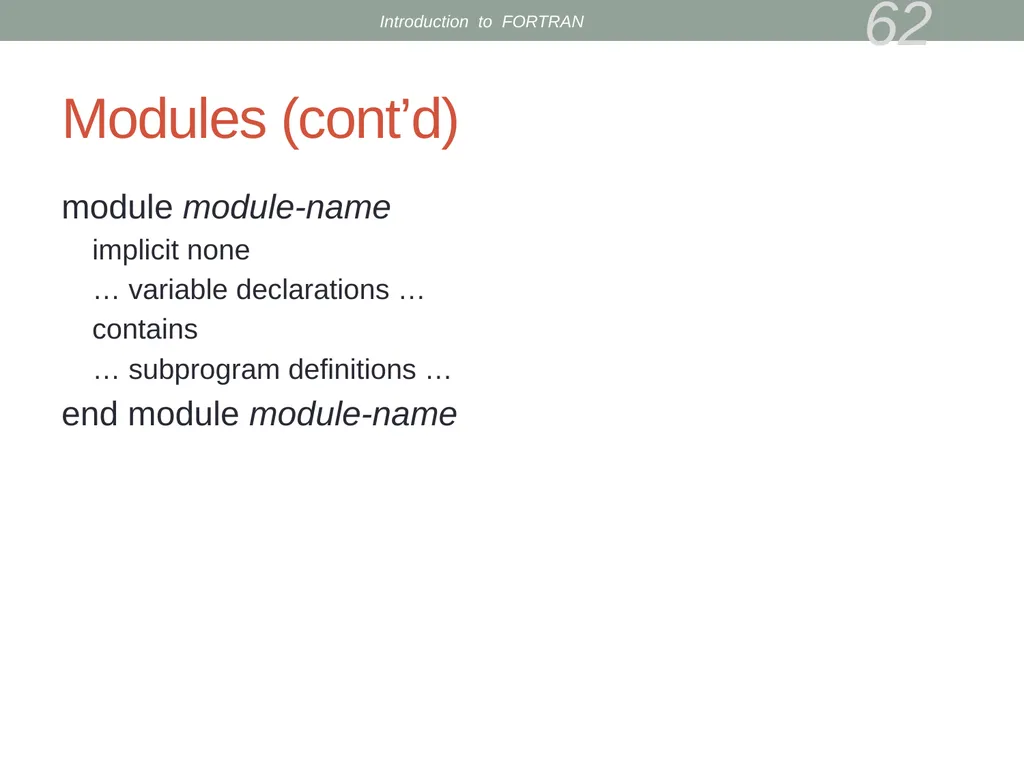
Modules (cont’d) module module-name
implicit none
… variable declarations …
contains
… subprogram definitions …
end module module-name 62 Introduction to FORTRAN<br>
63
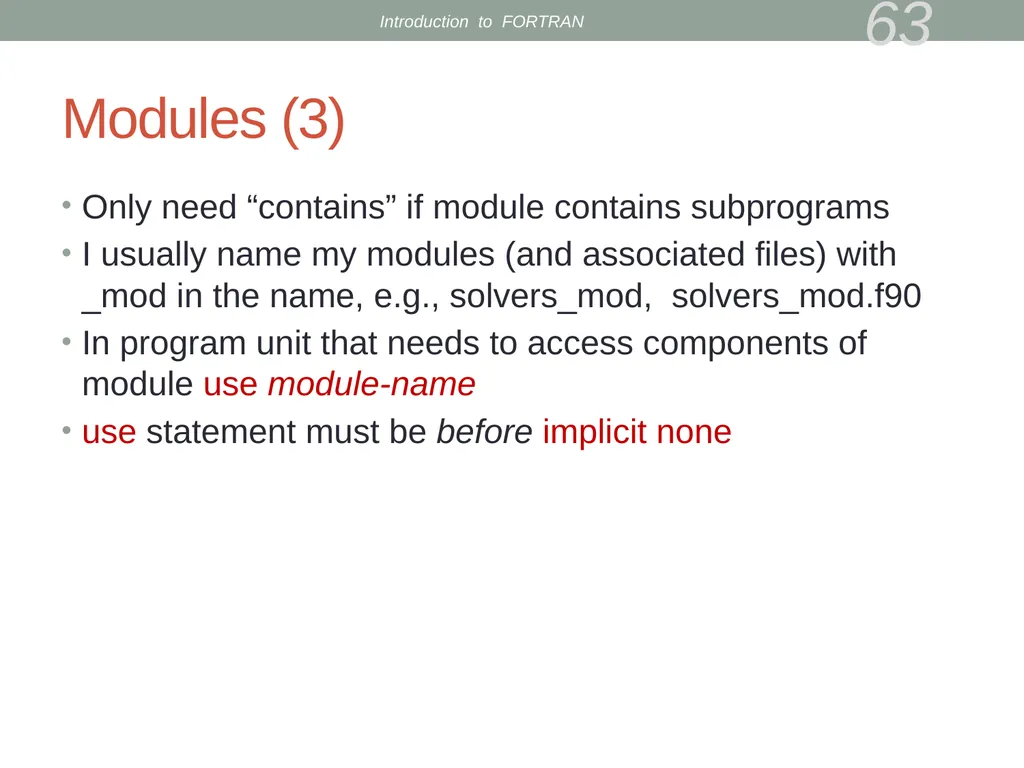
Modules (3) Only need “contains” if module contains subprograms
I usually name my modules (and associated files) with _mod in the name, e.g., solvers_mod, solvers_mod.f90
In program unit that needs to access components of module use module-name
use statement must be before implicit none 63 Introduction to FORTRAN<br>
64
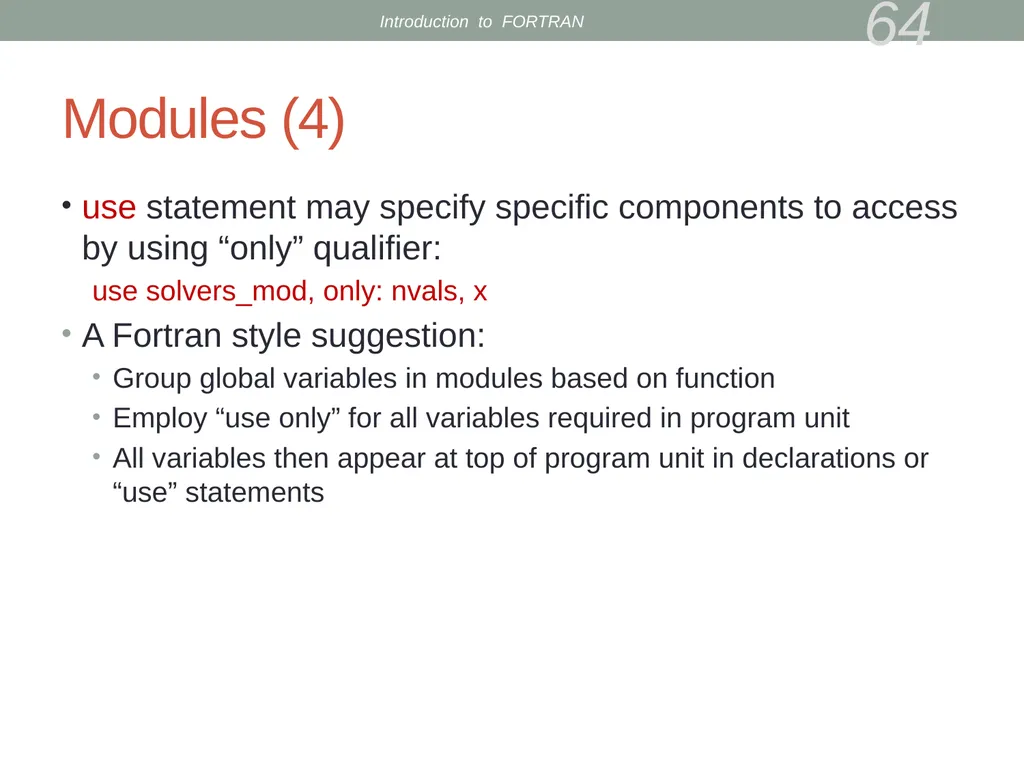
Modules (4) use statement may specify specific components to access by using “only” qualifier:
use solvers_mod, only: nvals, x
A Fortran style suggestion:
Group global variables in modules based on function
Employ “use only” for all variables required in program unit
All variables then appear at top of program unit in declarations or “use” statements 64 Introduction to FORTRAN<br>
65
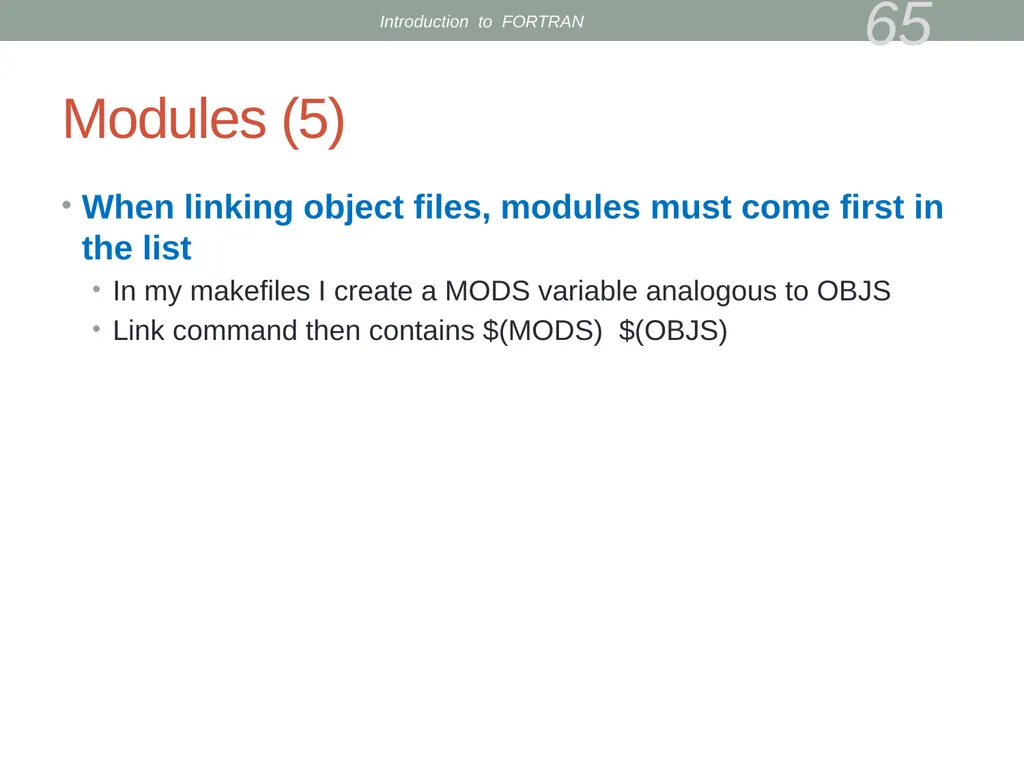
Modules (5) When linking object files, modules must come first in the list
In my makefiles I create a MODS variable analogous to OBJS
Link command then contains $(MODS) $(OBJS) 65 Introduction to FORTRAN<br>
66
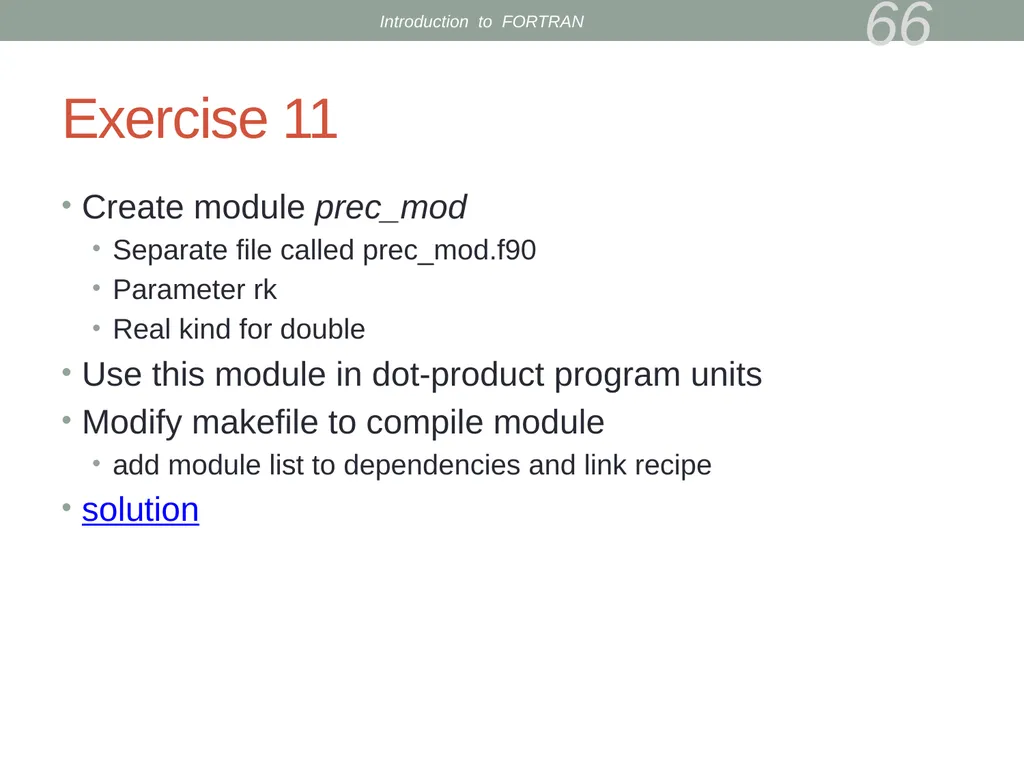
Exercise 11 Create module prec_mod
Separate file called prec_mod.f90
Parameter rk
Real kind for double
Use this module in dot-product program units
Modify makefile to compile module
add module list to dependencies and link recipe
solution 66 Introduction to FORTRAN<br>
67
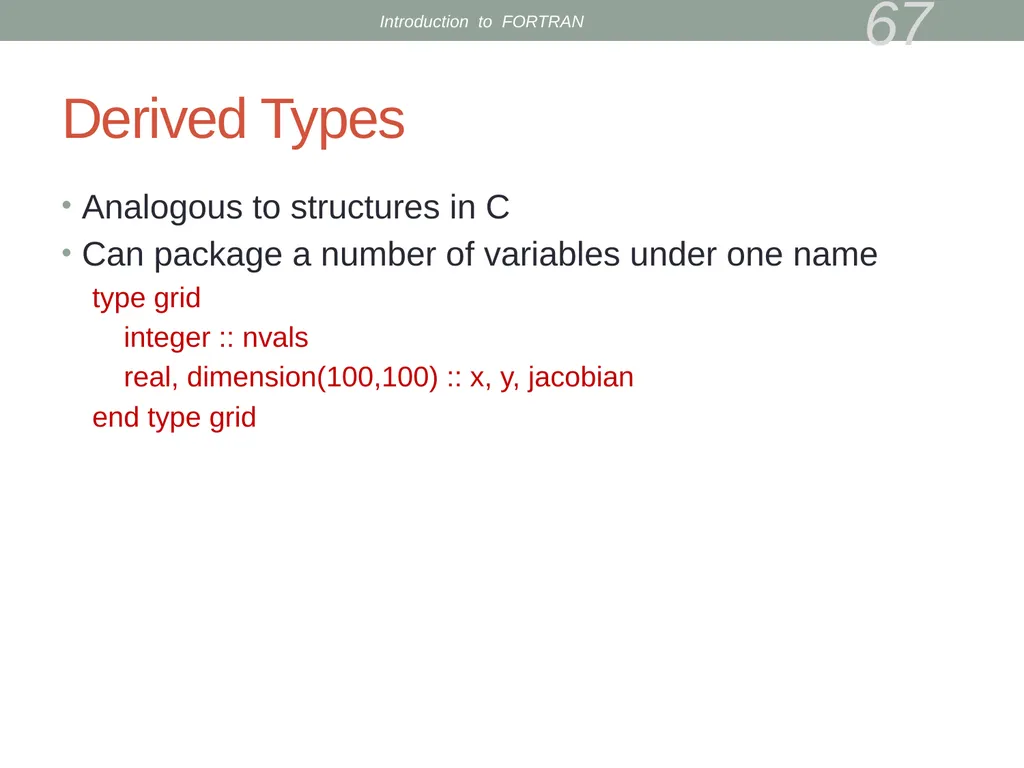
Derived Types Analogous to structures in C
Can package a number of variables under one name
type grid
integer :: nvals
real, dimension(100,100) :: x, y, jacobian
end type grid 67 Introduction to FORTRAN<br>
68
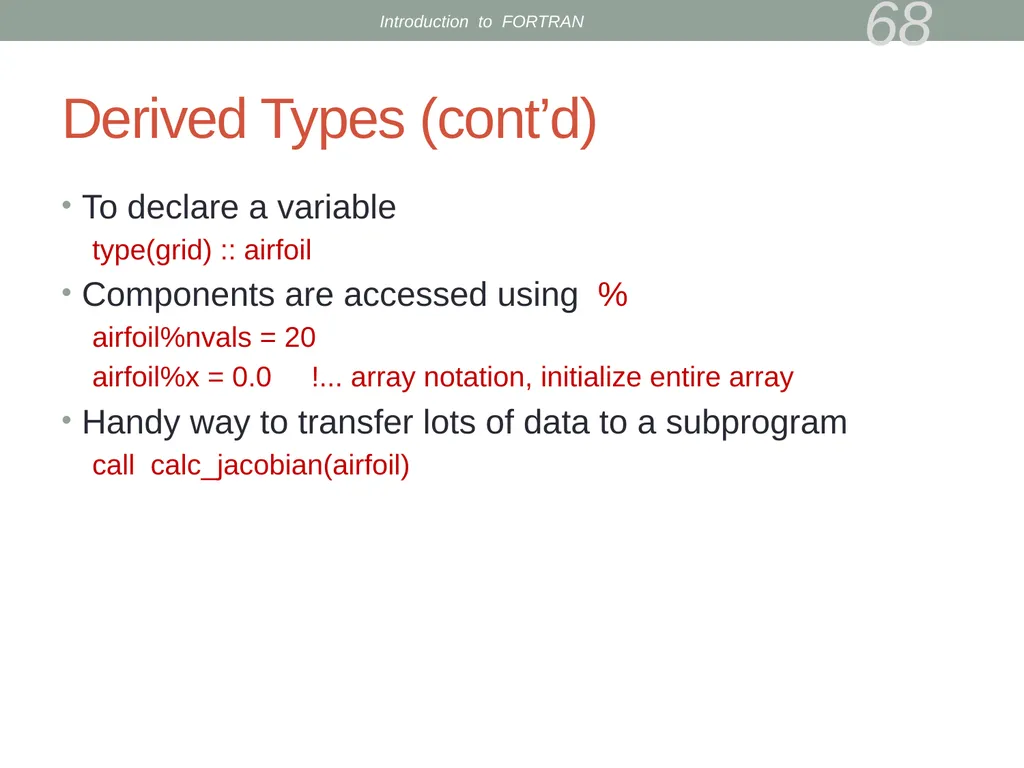
Derived Types (cont’d) To declare a variable
type(grid) :: airfoil
Components are accessed using %
airfoil%nvals = 20
airfoil%x = 0.0 !... array notation, initialize entire array
Handy way to transfer lots of data to a subprogram
call calc_jacobian(airfoil) 68 Introduction to FORTRAN<br>
69
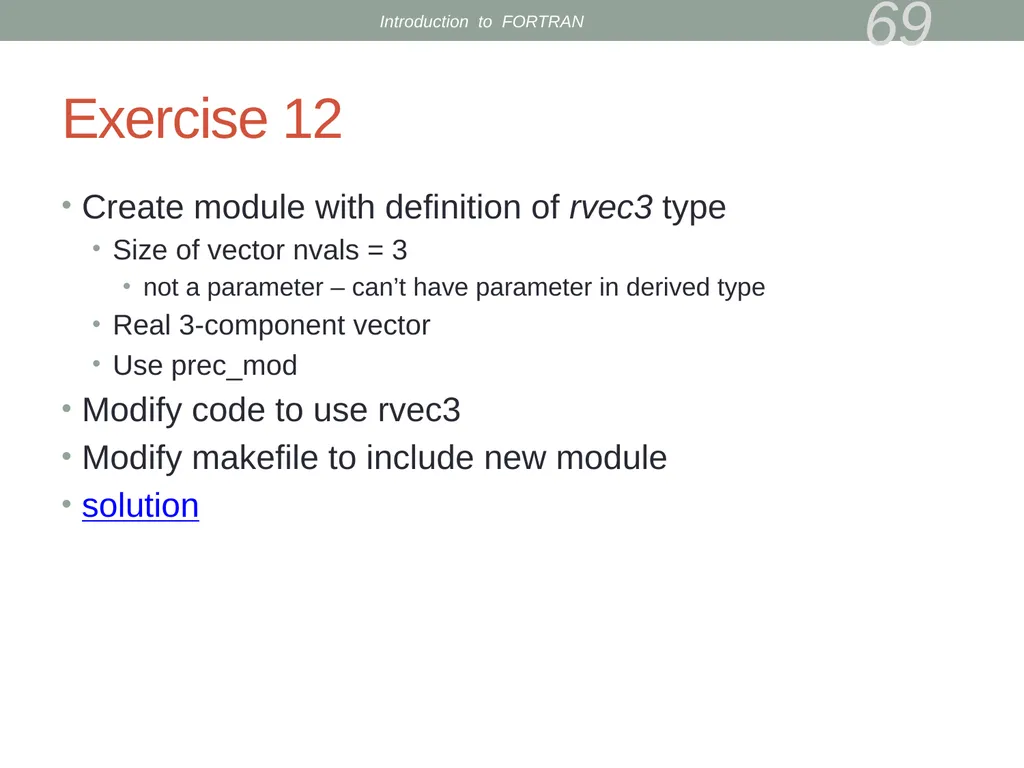
Exercise 12 Create module with definition of rvec3 type
Size of vector nvals = 3
not a parameter – can’t have parameter in derived type
Real 3-component vector
Use prec_mod
Modify code to use rvec3
Modify makefile to include new module
solution 69 Introduction to FORTRAN<br>
70
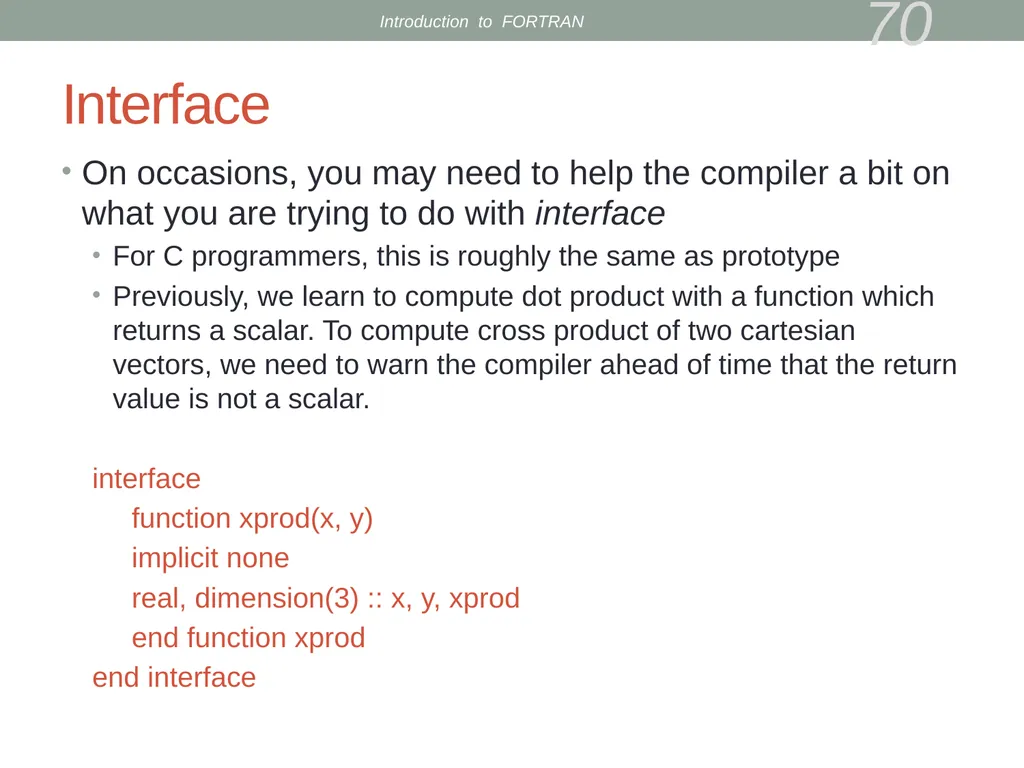
Interface On occasions, you may need to help the compiler a bit on what you are trying to do with interface
For C programmers, this is roughly the same as prototype
Previously, we learn to compute dot product with a function which returns a scalar. To compute cross product of two cartesian vectors, we need to warn the compiler ahead of time that the return value is not a scalar.
interface
function xprod(x, y)
implicit none
real, dimension(3) :: x, y, xprod
end function xprod
end interface 70 Introduction to FORTRAN<br>
71
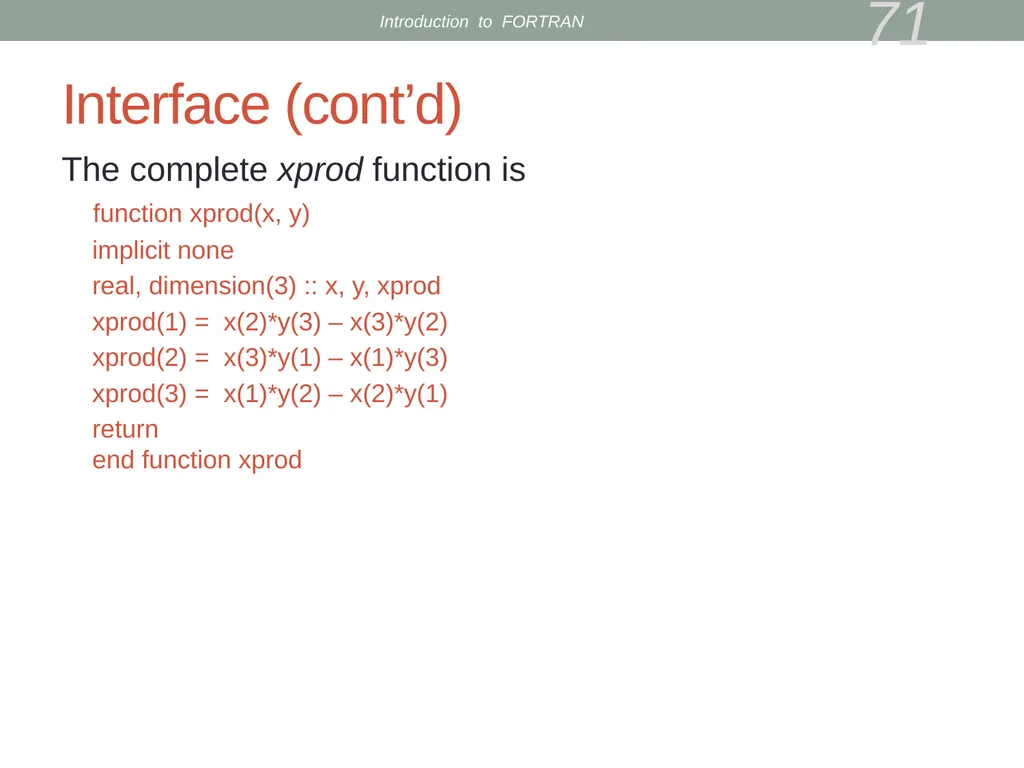
Interface (cont’d) The complete xprod function is
function xprod(x, y)
implicit none
real, dimension(3) :: x, y, xprod
xprod(1) = x(2)*y(3) – x(3)*y(2)
xprod(2) = x(3)*y(1) – x(1)*y(3)
xprod(3) = x(1)*y(2) – x(2)*y(1)
return end function xprod 71 Introduction to FORTRAN<br>
72
Exercise 13 72 Introduction to FORTRAN<br>
73
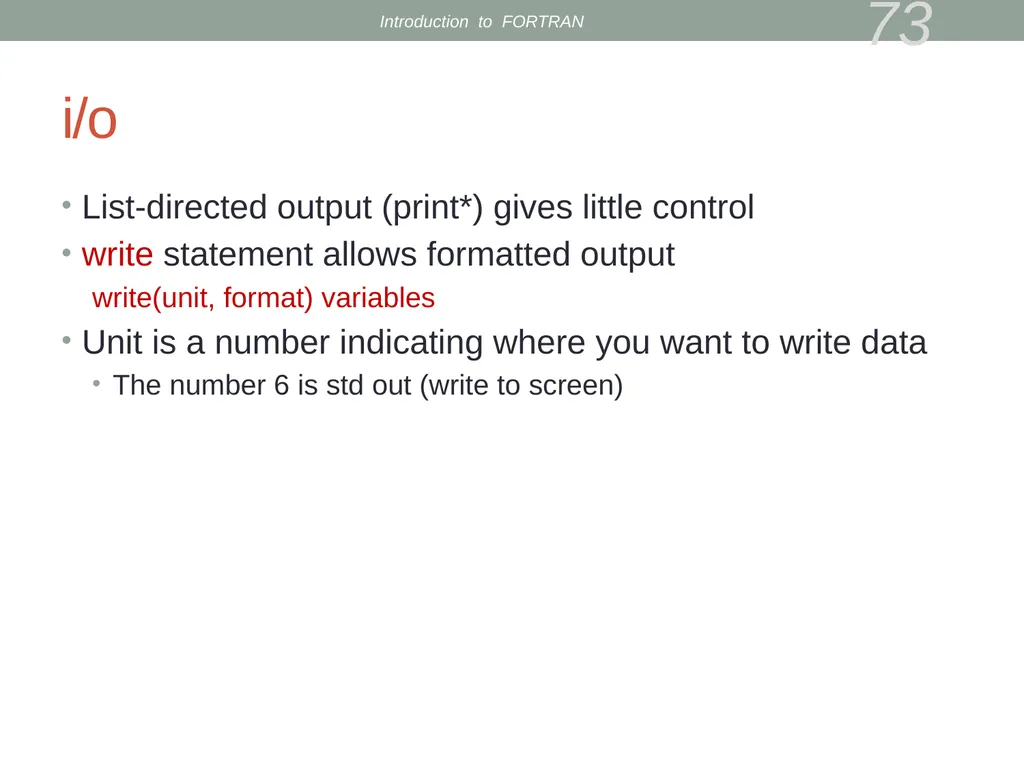
i/o List-directed output (print*) gives little control
write statement allows formatted output
write(unit, format) variables
Unit is a number indicating where you want to write data
The number 6 is std out (write to screen) 73 Introduction to FORTRAN<br>
74
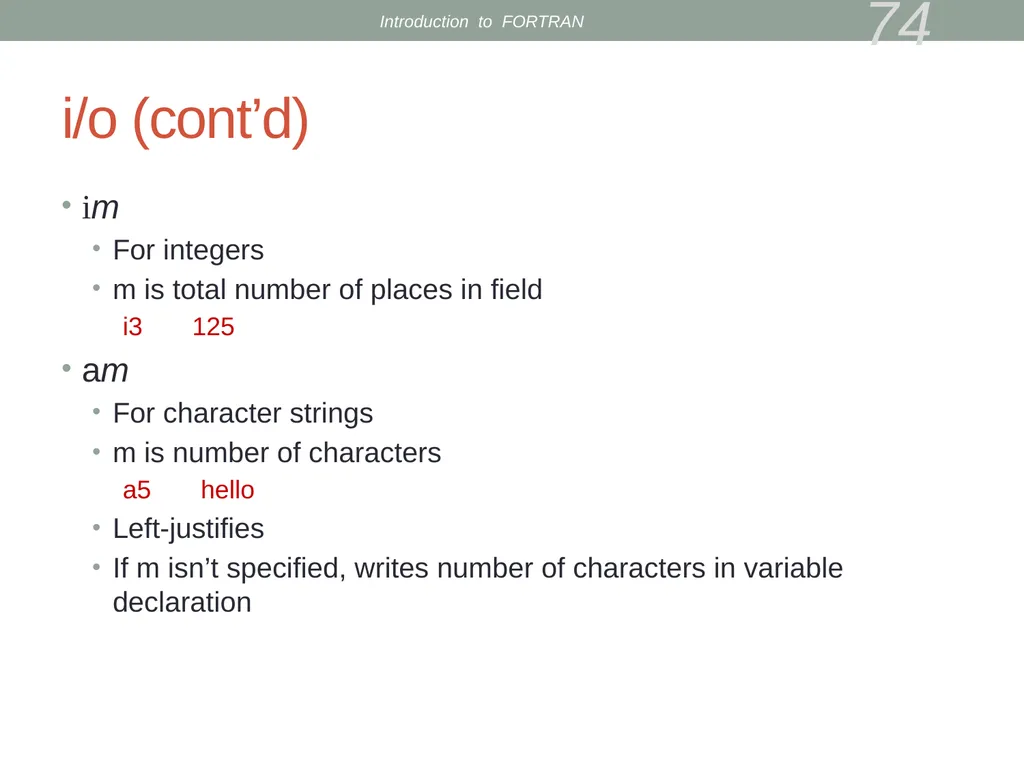
i/o (cont’d) im
For integers
m is total number of places in field
i3 125
am
For character strings
m is number of characters
a5 hello
Left-justifies
If m isn’t specified, writes number of characters in variable declaration 74 Introduction to FORTRAN<br>
75
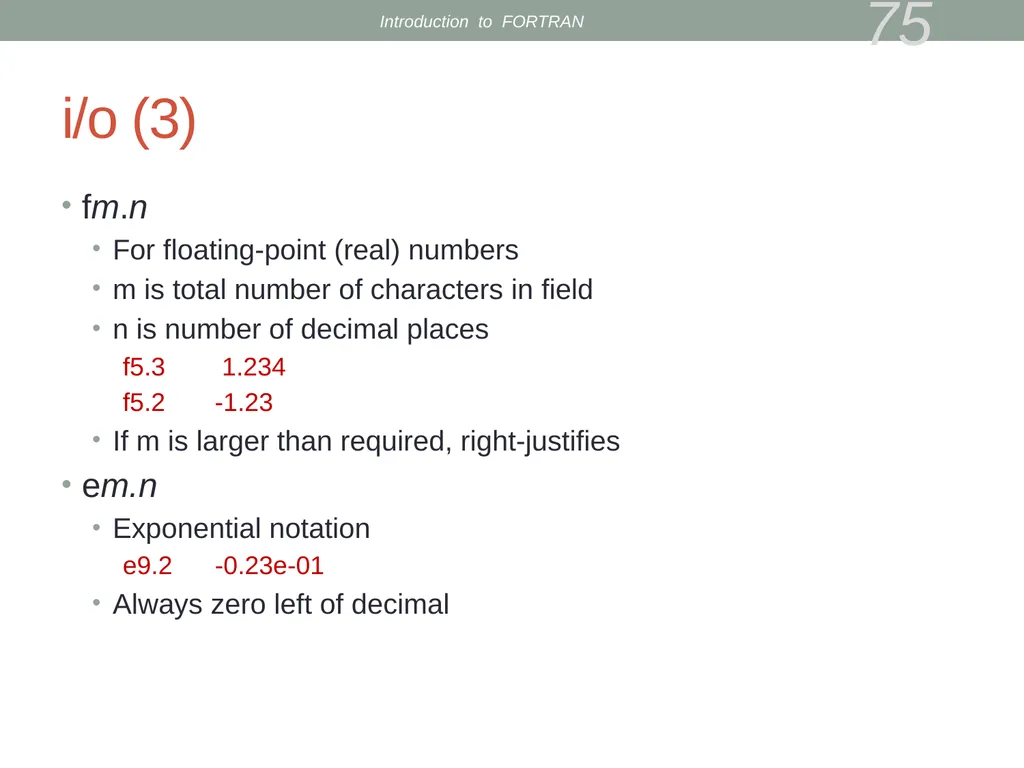
i/o (3) fm.n
For floating-point (real) numbers
m is total number of characters in field
n is number of decimal places
f5.3 1.234
f5.2 -1.23
If m is larger than required, right-justifies
em.n
Exponential notation
e9.2 -0.23e-01
Always zero left of decimal 75 Introduction to FORTRAN<br>
76
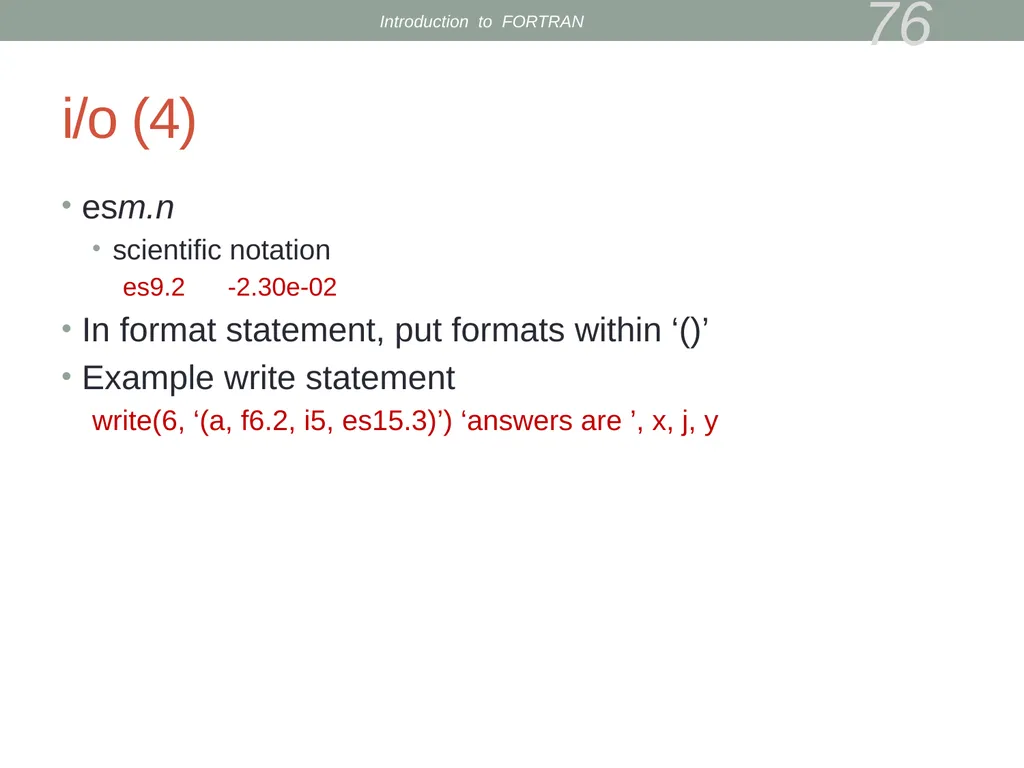
i/o (4) esm.n
scientific notation
es9.2 -2.30e-02
In format statement, put formats within ‘()’
Example write statement
write(6, ‘(a, f6.2, i5, es15.3)’) ‘answers are ’, x, j, y 76 Introduction to FORTRAN<br>
77
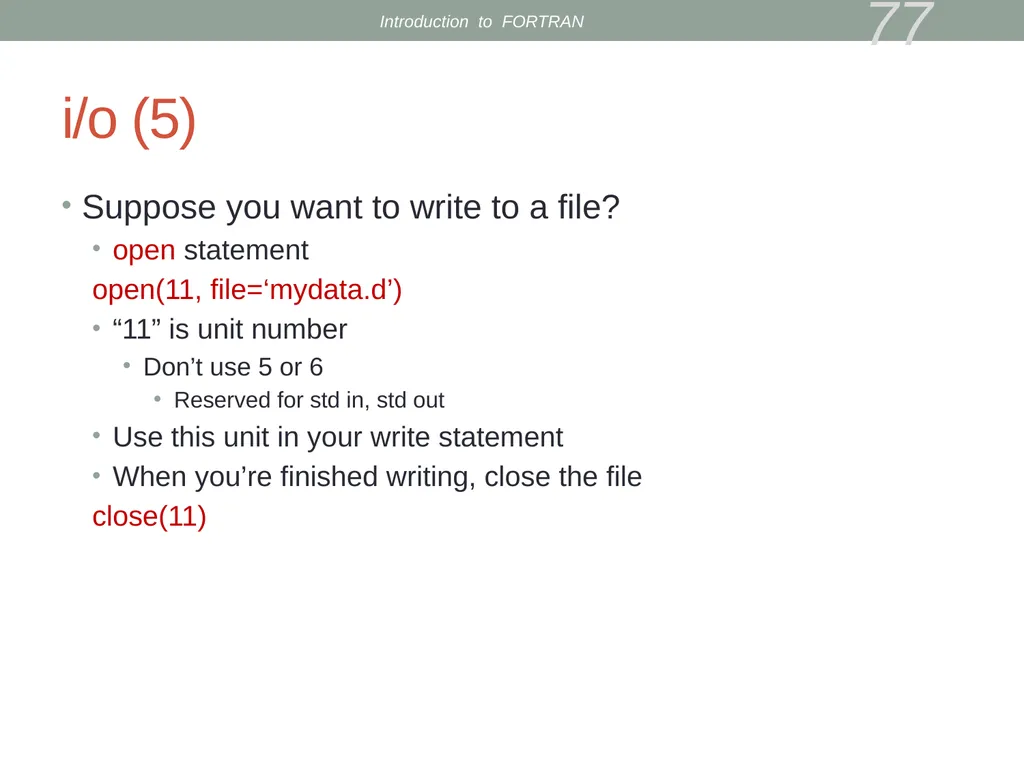
i/o (5) Suppose you want to write to a file?
open statement
open(11, file=‘mydata.d’)
“11” is unit number
Don’t use 5 or 6
Reserved for std in, std out
Use this unit in your write statement
When you’re finished writing, close the file
close(11) 77 Introduction to FORTRAN<br>
78
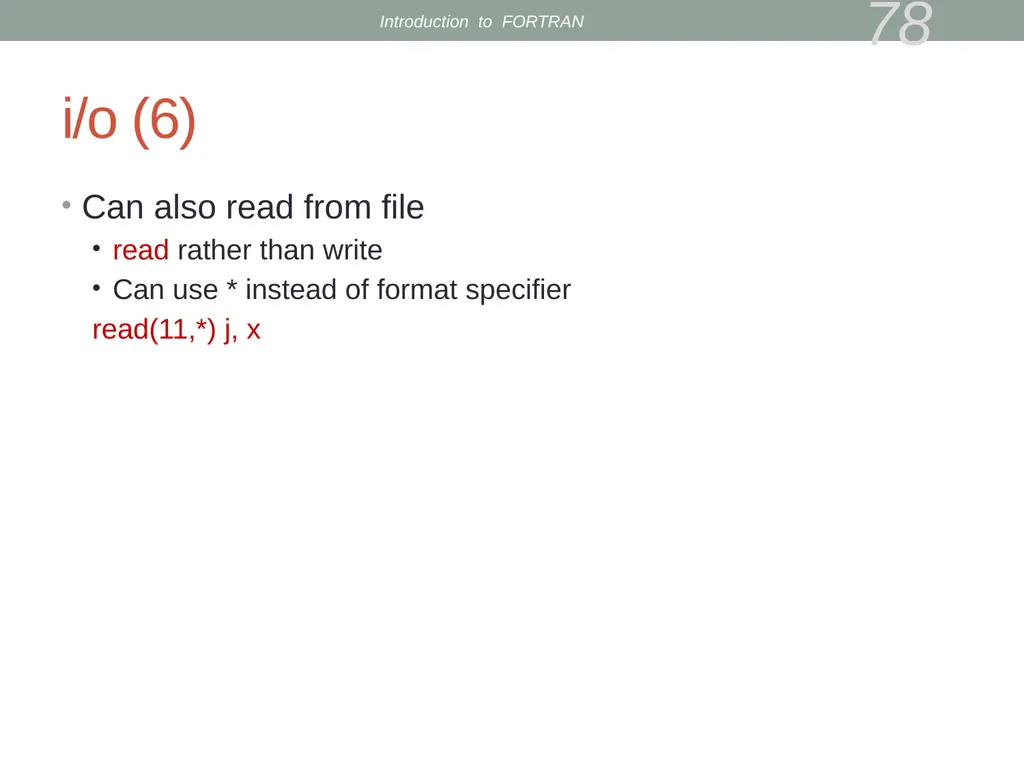
i/o (6) Can also read from file
read rather than write
Can use * instead of format specifier
read(11,*) j, x 78 Introduction to FORTRAN<br>
79
Exercise 14 Write your dot-product result to a file
Only have to change very end of main program
solution 79 Introduction to FORTRAN<br>
80
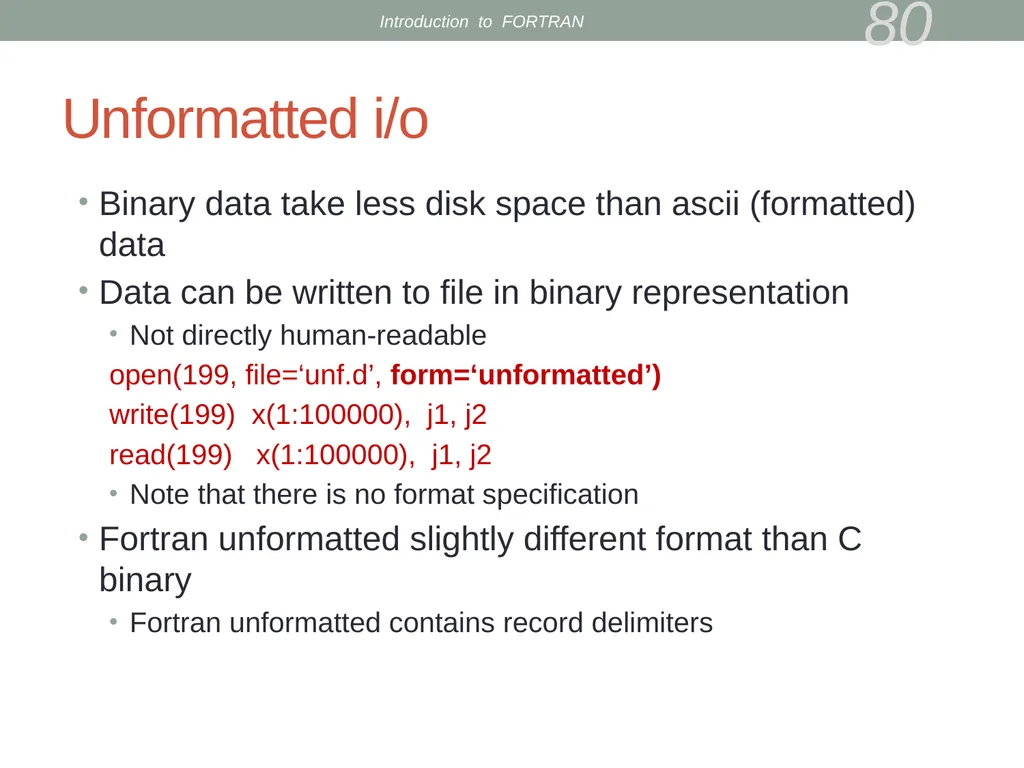
Unformatted i/o Binary data take less disk space than ascii (formatted) data
Data can be written to file in binary representation
Not directly human-readable
open(199, file=‘unf.d’, form=‘unformatted’)
write(199) x(1:100000), j1, j2
read(199) x(1:100000), j1, j2
Note that there is no format specification
Fortran unformatted slightly different format than C binary
Fortran unformatted contains record delimiters 80 Introduction to FORTRAN<br>
81
Exercise 15 Modify dot-product program to:
Write result to unformatted file
don’t write character string, just number
After file is closed, open it back up and read result
Print result to make sure it wrote/read correctly
solution 81 Introduction to FORTRAN<br>
82
References Lots of books available
“Fortran 95/2003 Explained” by Metcalf, Reid, and Cohen is good
PGI
Compiler
http://www.pgroup.com/doc/pgiug.pdf
Fortran language reference
http://www.pgroup.com/doc/pgifortref.pdf
gfortran
http://gcc.gnu.org/wiki/GFortran
Feel free to e-mail me with any questions 82 Introduction to FORTRAN<br>