INTRODUCTION TO MULTIMEDIA What is Multimedia? Derived from the word Multi and Media Multi Many, Multiple, Media Distribution tool information presentation text, graphic, voice, images, music and etc. Definition of Multimedia
"INTRODUCTION TO MULTIMEDIA What is Multimedia?" is the property of its rightful owner. Permission is granted to
download and print the materials on this website for personal, non-commercial use only, and to display it
on your personal computer provided you do not modify the materials and that you retain all copyright
notices contained in the materials. By downloading content from our website, you accept the terms of this
agreement.
Presentation Transcript
01
INTRODUCTION TO MULTIMEDIA<br>
02
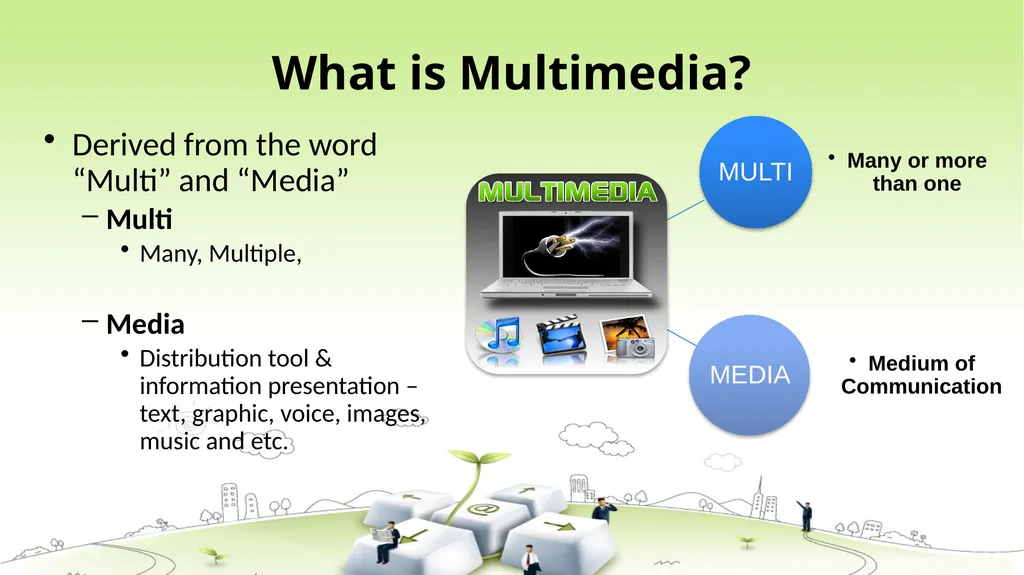
What is Multimedia? Derived from the word “Multi” and “Media”
Multi
Many, Multiple,
Media
Distribution tool & information presentation – text, graphic, voice, images, music and etc.<br>
03
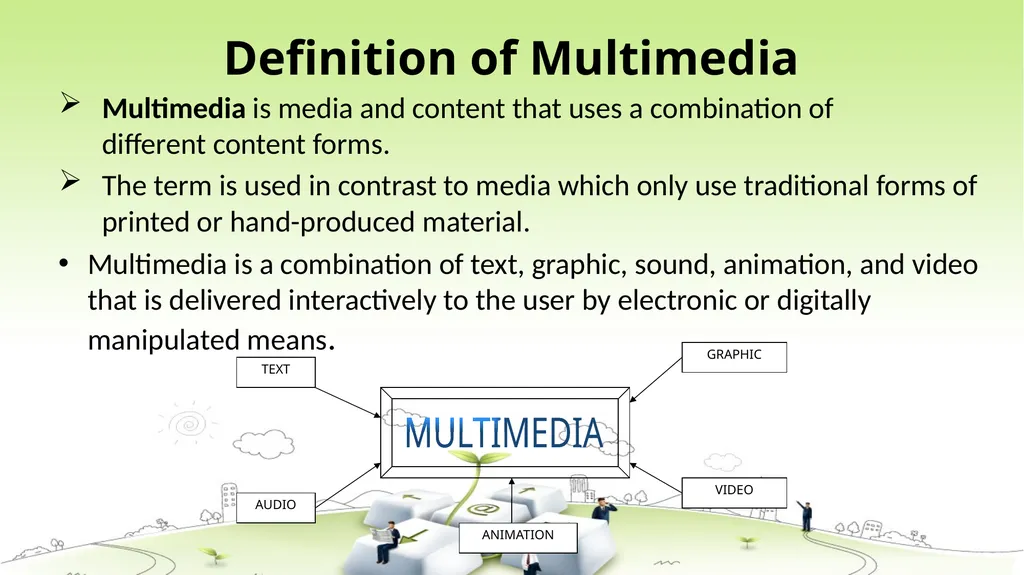
Definition of Multimedia Multimedia is media and content that uses a combination of different content forms.
The term is used in contrast to media which only use traditional forms of printed or hand-produced material.
Multimedia is a combination of text, graphic, sound, animation, and video that is delivered interactively to the user by electronic or digitally manipulated means.<br>
04
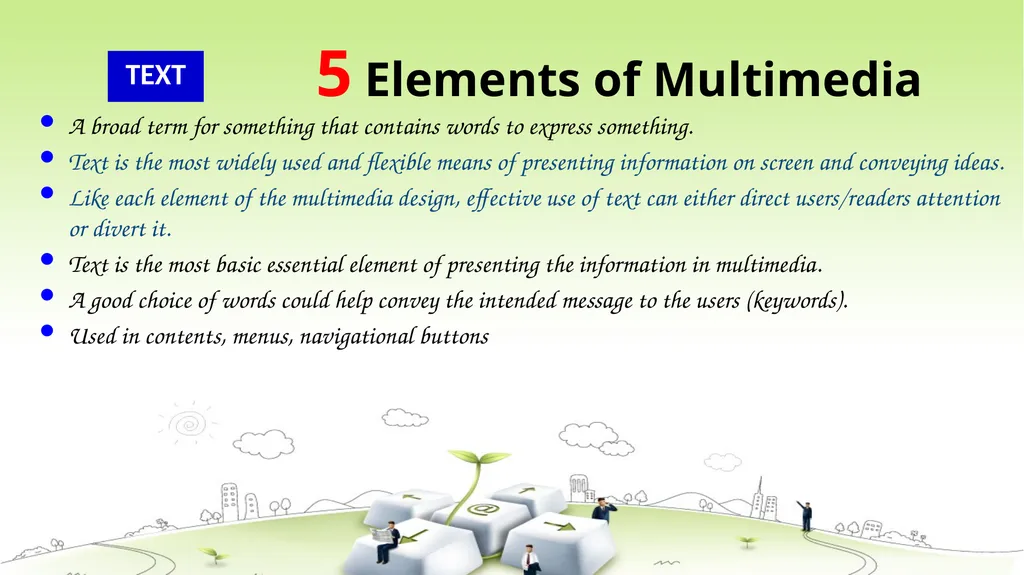
5 Elements of Multimedia TEXT A broad term for something that contains words to express something.
Text is the most widely used and flexible means of presenting information on screen and conveying ideas.
Like each element of the multimedia design, effective use of text can either direct users/readers attention or divert it.
Text is the most basic essential element of presenting the information in multimedia.
A good choice of words could help convey the intended message to the users (keywords).
Used in contents, menus, navigational buttons<br>
05
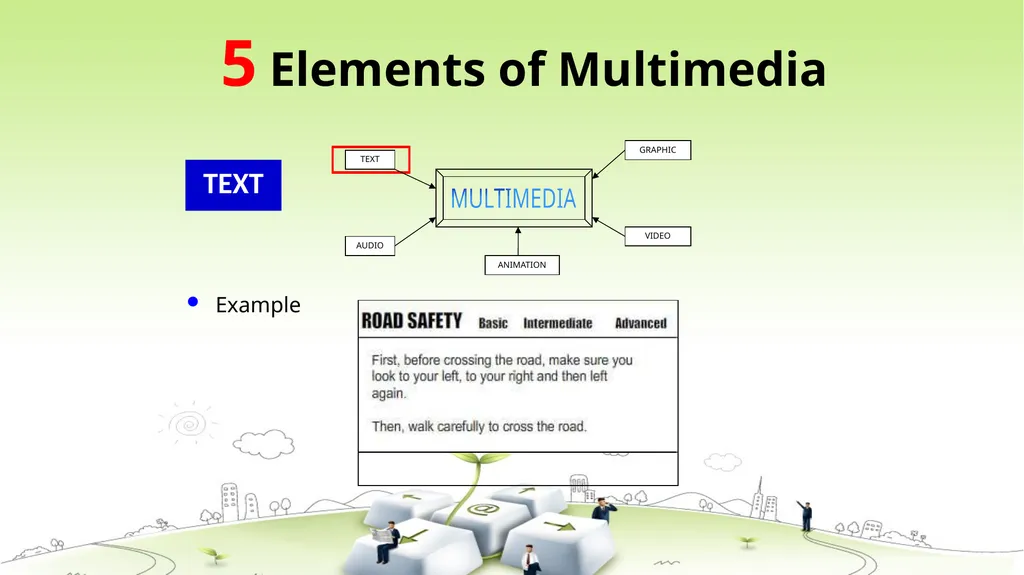
TEXT Example 5 Elements of Multimedia<br>
06
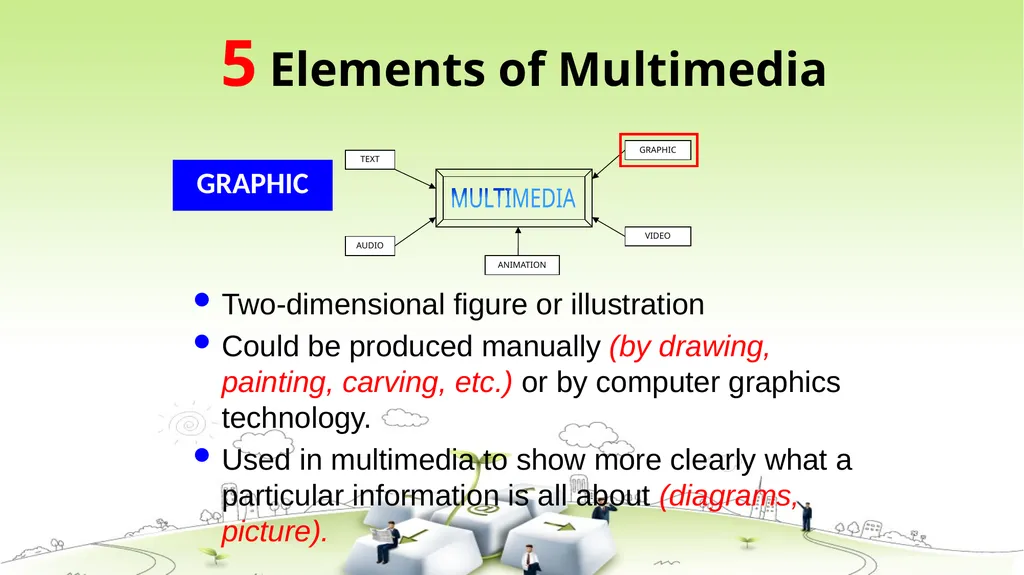
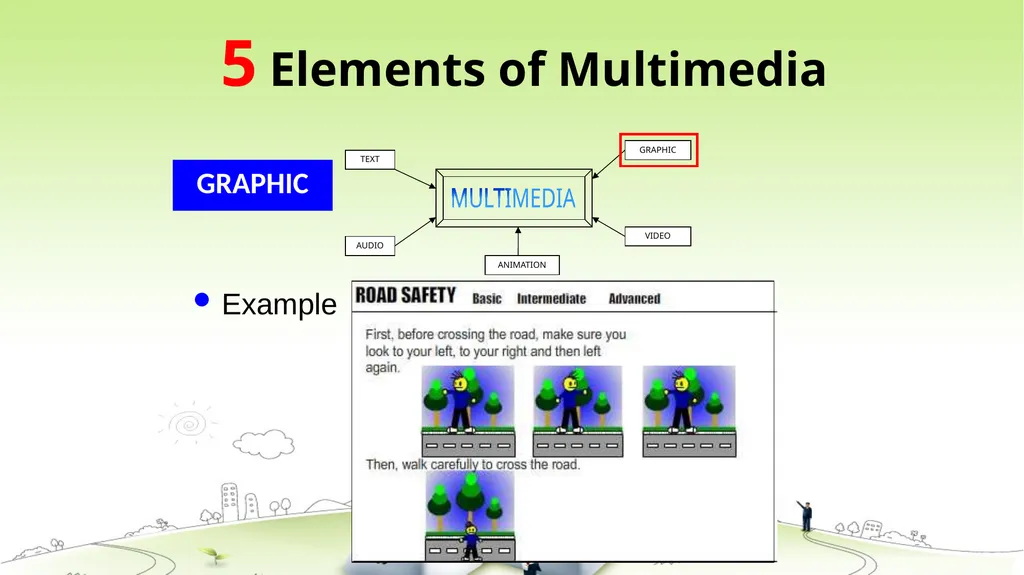
GRAPHIC Two-dimensional figure or illustration
Could be produced manually (by drawing, painting, carving, etc.) or by computer graphics technology.
Used in multimedia to show more clearly what a particular information is all about (diagrams, picture). 5 Elements of Multimedia<br>
07
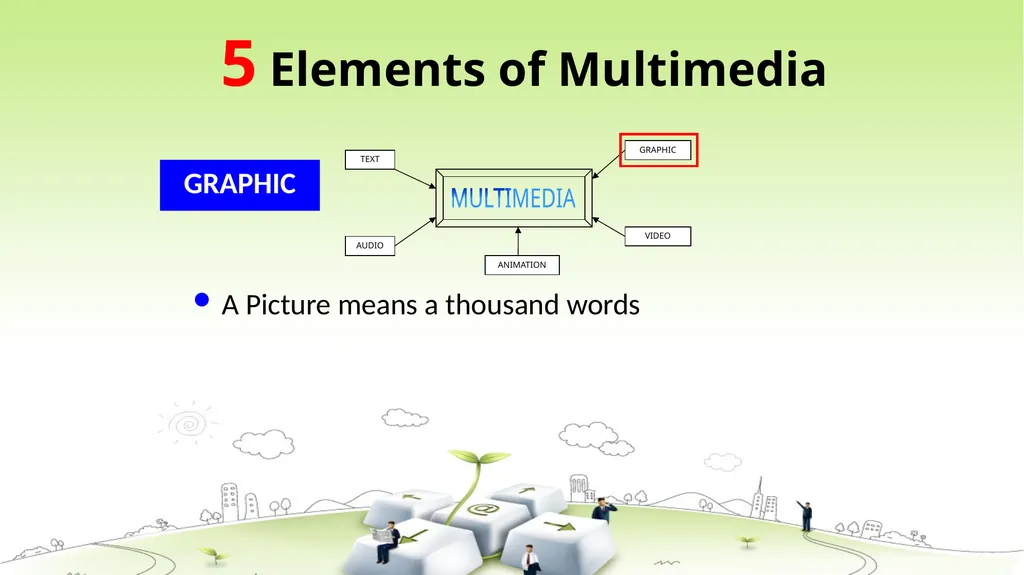
GRAPHIC A Picture means a thousand words 5 Elements of Multimedia<br>
08
GRAPHIC Example 5 Elements of Multimedia<br>
09
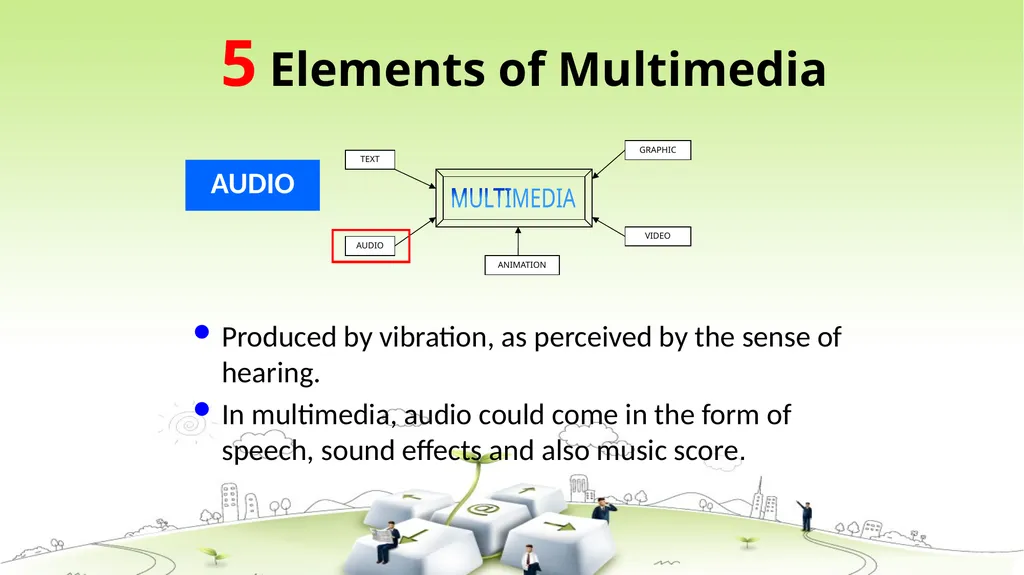
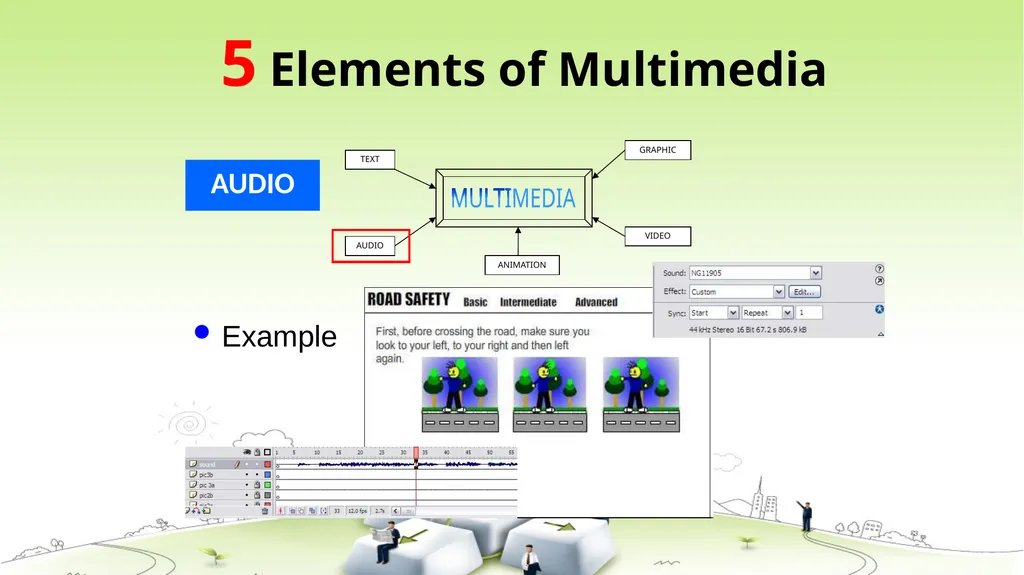
AUDIO Produced by vibration, as perceived by the sense of hearing.
In multimedia, audio could come in the form of speech, sound effects and also music score. 5 Elements of Multimedia<br>
10
AUDIO Example 5 Elements of Multimedia<br>
11
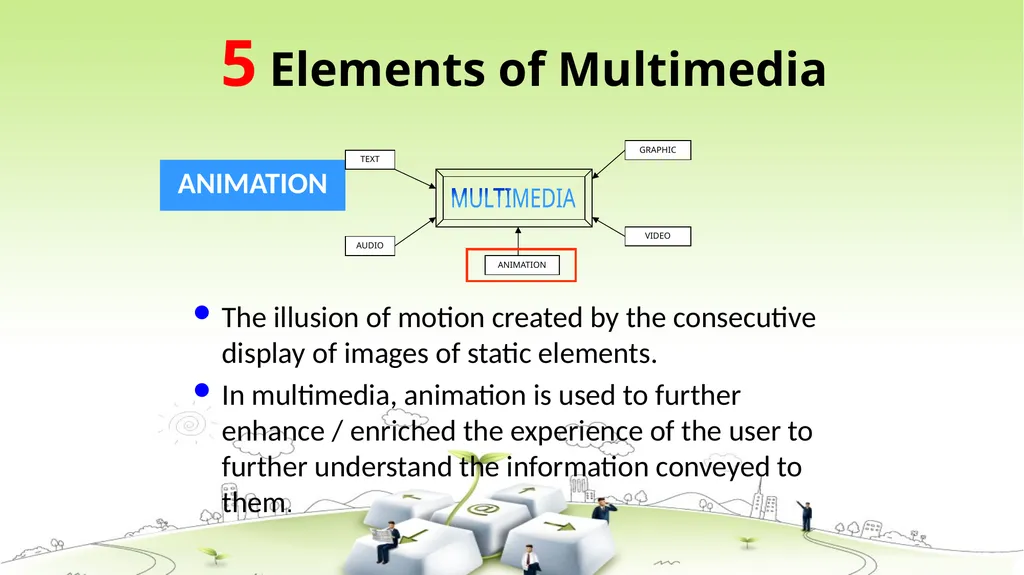
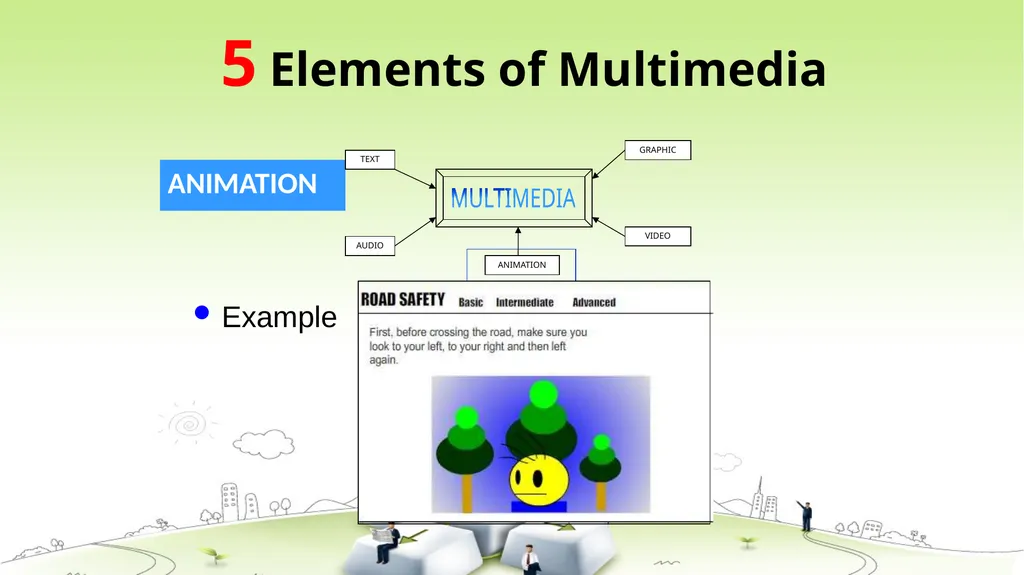
ANIMATION The illusion of motion created by the consecutive display of images of static elements.
In multimedia, animation is used to further enhance / enriched the experience of the user to further understand the information conveyed to them. 5 Elements of Multimedia<br>
12
ANIMATION Example 5 Elements of Multimedia<br>
13
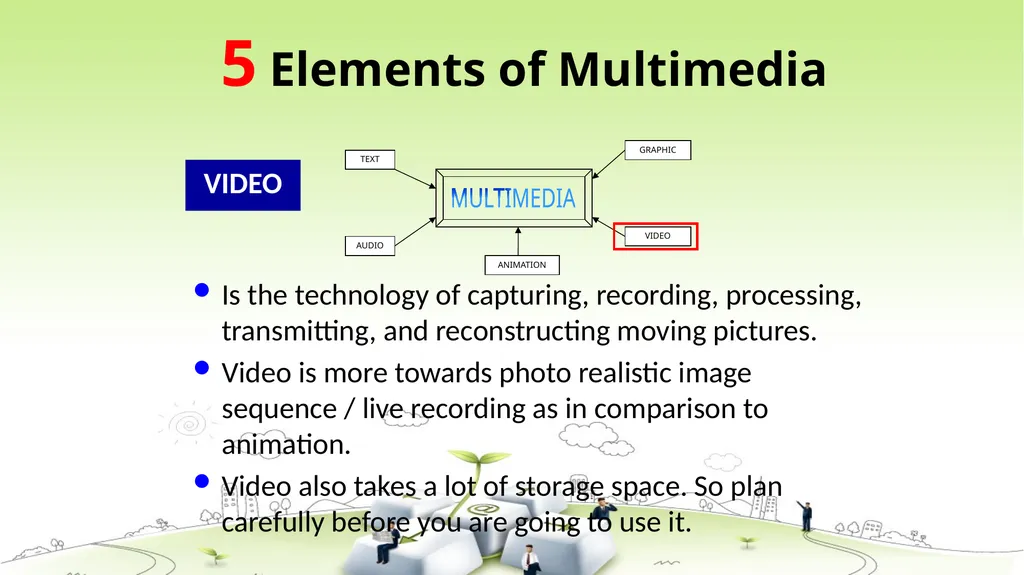
VIDEO Is the technology of capturing, recording, processing, transmitting, and reconstructing moving pictures.
Video is more towards photo realistic image sequence / live recording as in comparison to animation.
Video also takes a lot of storage space. So plan carefully before you are going to use it. 5 Elements of Multimedia<br>
14
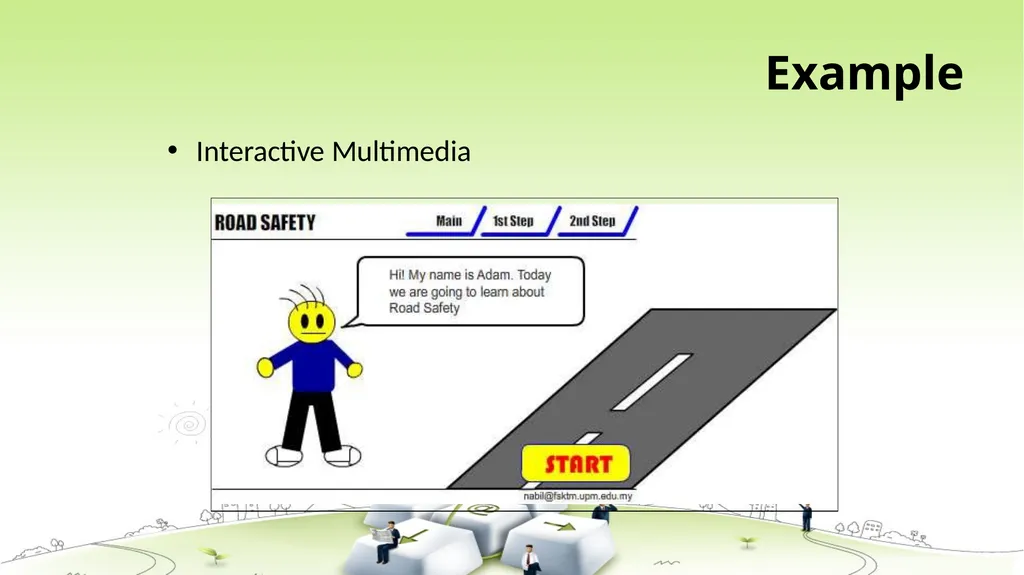
Interactive Multimedia When the user is given the option of controlling the elements. Hyper Media A combination of hypertext, graphics, audio, video, (linked elements) and interactivity culminating in a complete, non-linear computer-based experience.<br>
15
Example Interactive Multimedia<br>
16
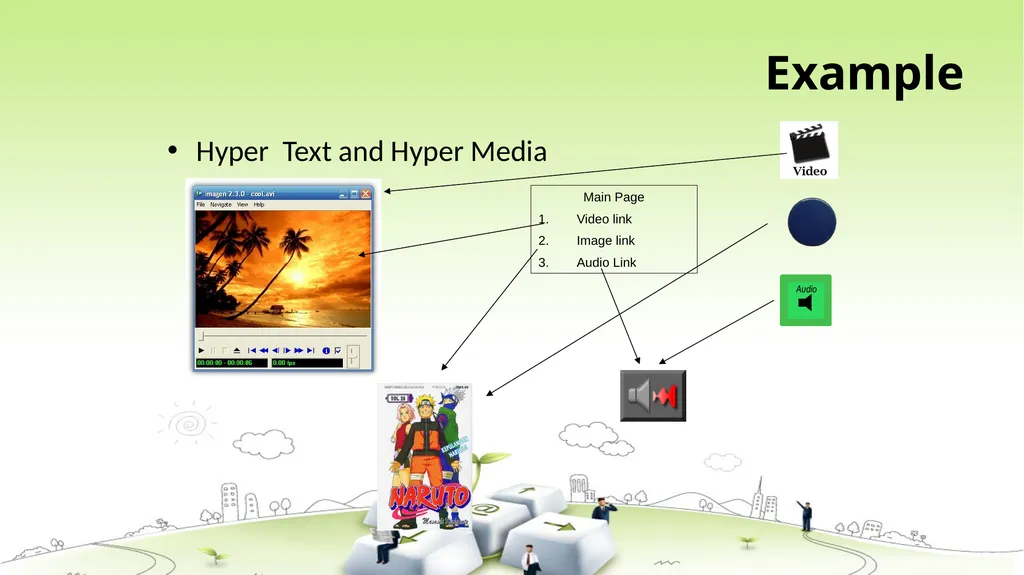
Example Hyper Text and Hyper Media Main Page
Video link
Image link
Audio Link<br>
17
Linear VS Non-Linear A Multimedia Project is identified as Linear when:
It is not interactive
User have no control over the content that is being showed to them.
Example:
A movie
A non-interactive lecture / demo show LINEAR<br>
18
Linear VS Non-Linear A Multimedia Project is identified as Non-Linear when:
It is interactive
Users have control over the content that is being showed to them.
Users are given navigational control
Example:
Games
Courseware
Interactive CD NON-LINEAR<br>
19
Multimedia presentations can be live or recorded: A recorded presentation may allow interactivity via a navigation system;
A live multimedia presentation may allow interactivity via an interaction with the presenter or performer.<br>
20
characteristics
Multimedia presentations can be viewed in person on stage, projected, transmitted, or played locally with a media player.
Broadcasts and recordings can be either analog or digital electronic media technology.
The various formats of technological or digital multimedia may be intended to enhance the users' experience.
Online multimedia is increasingly becoming object-oriented and data-driven, enabling applications with collaborative end-user innovation and personalization on multiple forms of content over time.<br>
21
ADVANTAGES Multimedia enhances the effect of text presentations.
Improves the quality of presentation and retains the attention of audience.
It can be used for educational as well as entertainment purpose.
It is quick and easier to operate for the instructor.
Multimedia presentations can be modified very easily.
Multimedia is Entertaining as Well as Educational.
Addresses multiple learning styles(visual, verbal, physical etc.)
Uses a variety of media elements to reinforce one idea
Activates multiple senses creating rich experiences
Improves retention<br>
22
Dis-advantages:- Non-interactive – if one-way, no feedback.