04
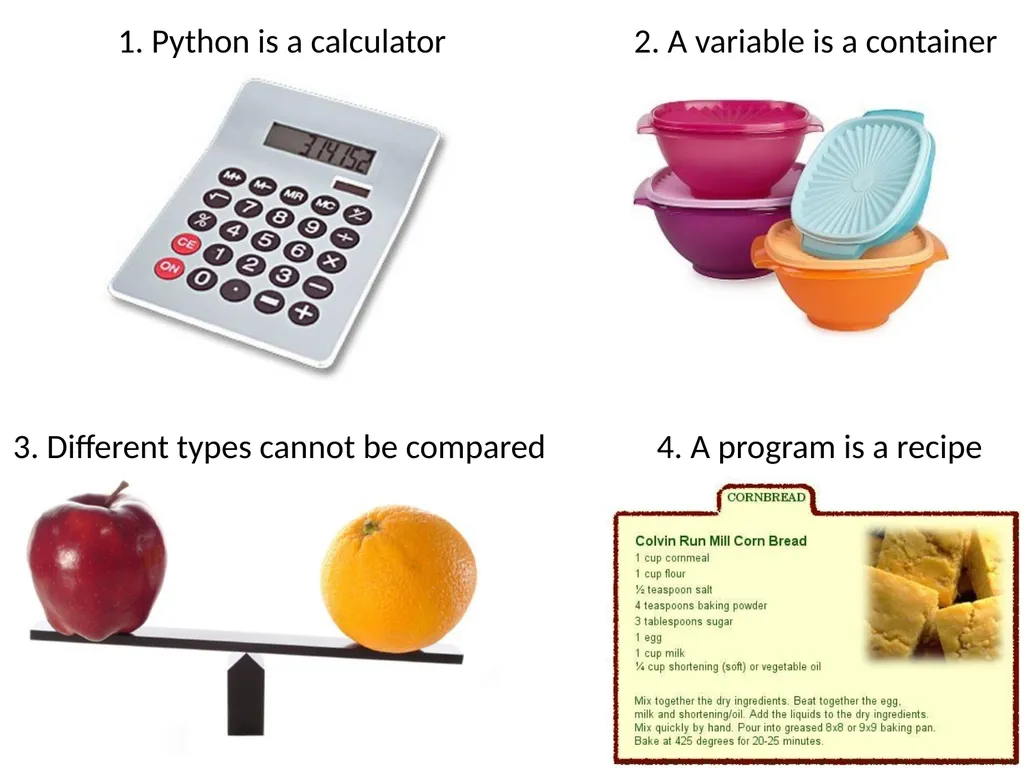
1. Python is a calculator 4<br>
05
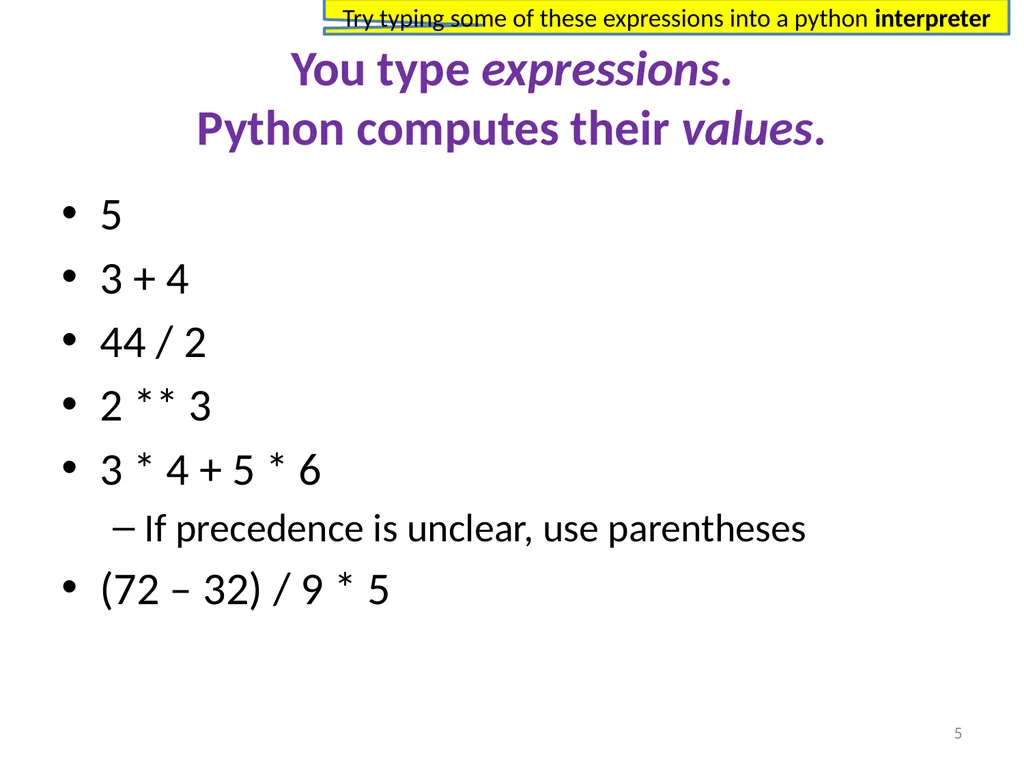
You type expressions.�Python computes their values. 5
3 + 4
44 / 2
2 ** 3
3 * 4 + 5 * 6
If precedence is unclear, use parentheses
(72 – 32) / 9 * 5 5 Try typing some of these expressions into a python interpreter<br>
06
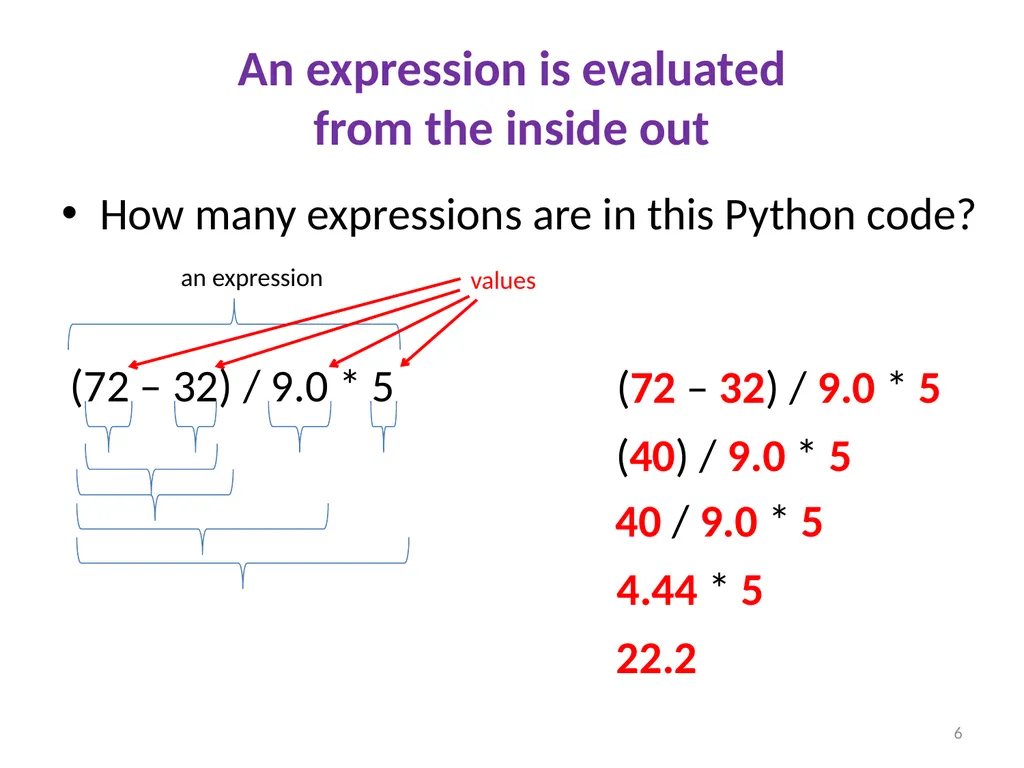
An expression is evaluated�from the inside out How many expressions are in this Python code? (72 – 32) / 9.0 * 5 an expression values (72 – 32) / 9.0 * 5 (40) / 9.0 * 5 40 / 9.0 * 5 4.44 * 5 22.2 6<br>
07
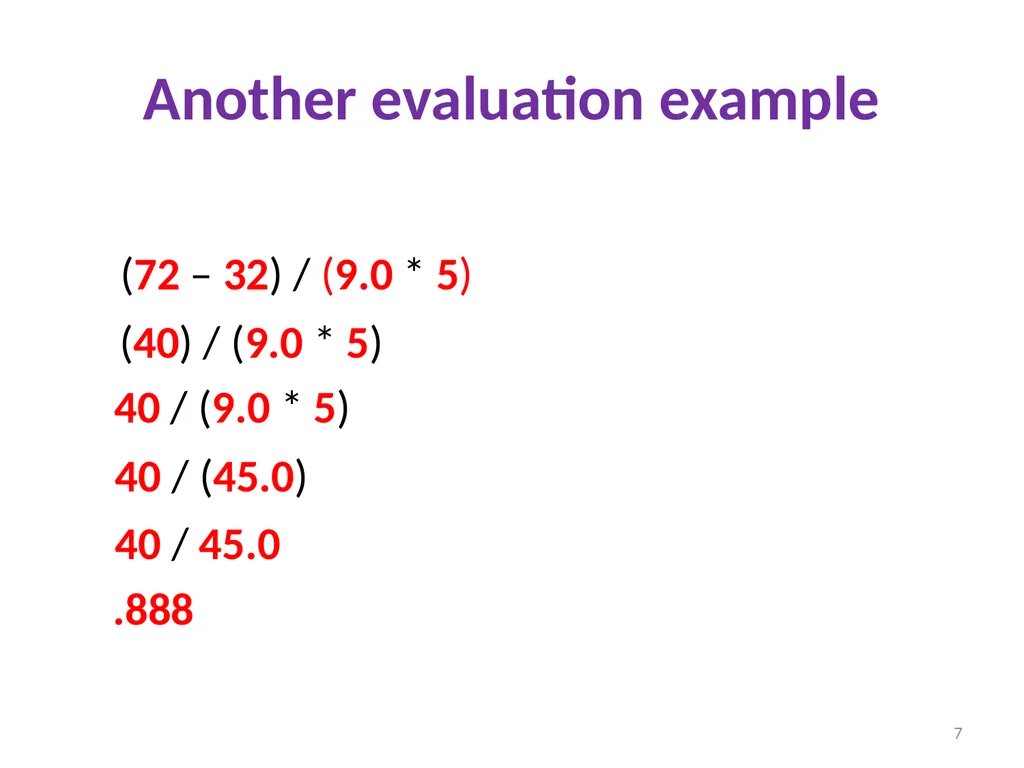
Another evaluation example (72 – 32) / (9.0 * 5) (40) / (9.0 * 5) 40 / (9.0 * 5) 40 / (45.0) 40 / 45.0 .888 7<br>
08
2. A variable is a container 8<br>
09
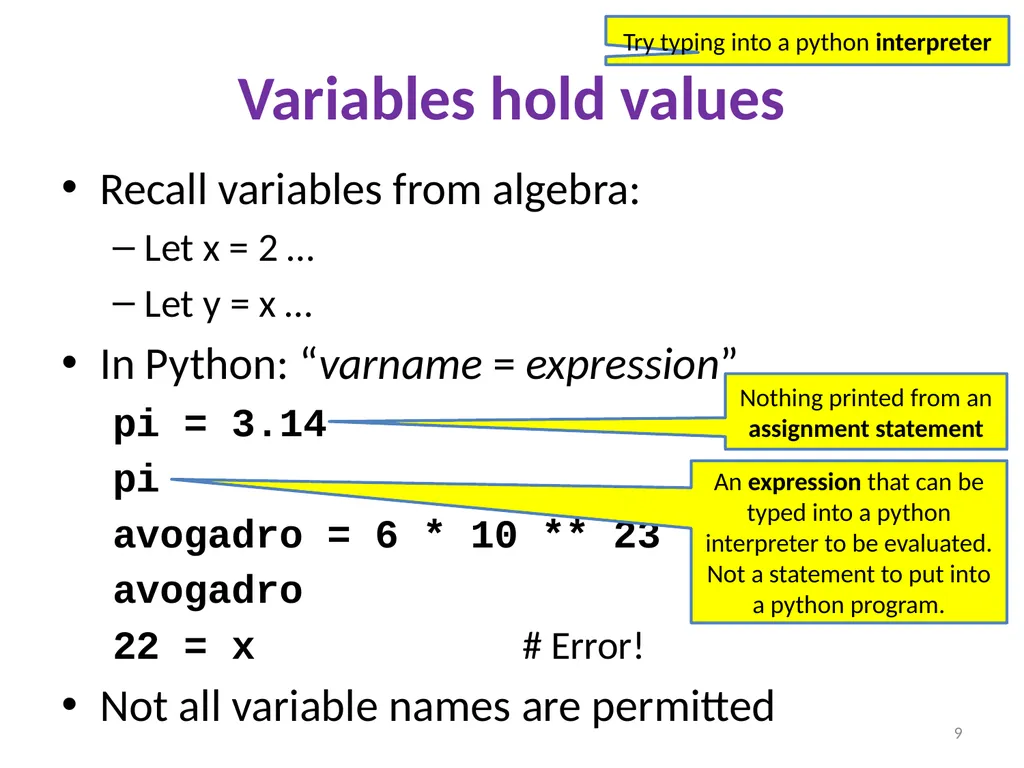
Variables hold values Recall variables from algebra:
Let x = 2 …
Let y = x …
In Python: “varname = expression”
pi = 3.14
pi
avogadro = 6 * 10 ** 23
avogadro
22 = x # Error!
Not all variable names are permitted Nothing printed from an assignment statement 9 An expression that can be typed into a python interpreter to be evaluated. Not a statement to put into a python program. Try typing into a python interpreter<br>
10
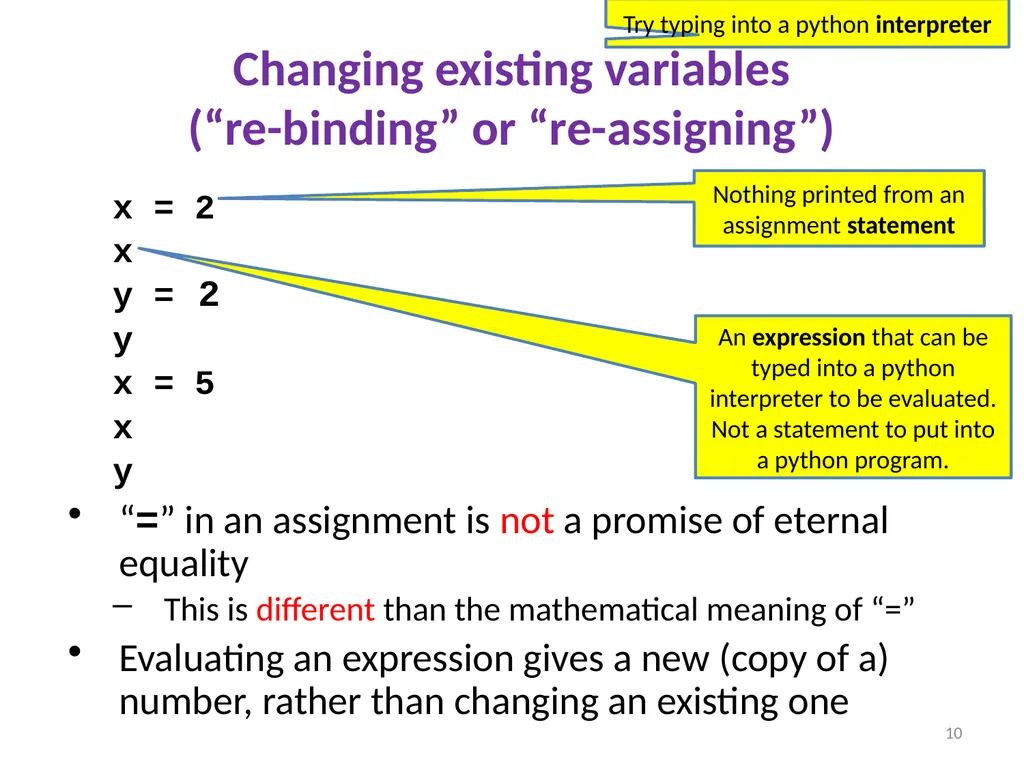
Changing existing variables�(“re-binding” or “re-assigning”) x = 2
x
y =
y
x = 5
x
y
“=” in an assignment is not a promise of eternal equality
This is different than the mathematical meaning of “=”
Evaluating an expression gives a new (copy of a) number, rather than changing an existing one 2 10 An expression that can be typed into a python interpreter to be evaluated. Not a statement to put into a python program. Nothing printed from an assignment statement Try typing into a python interpreter<br>
11
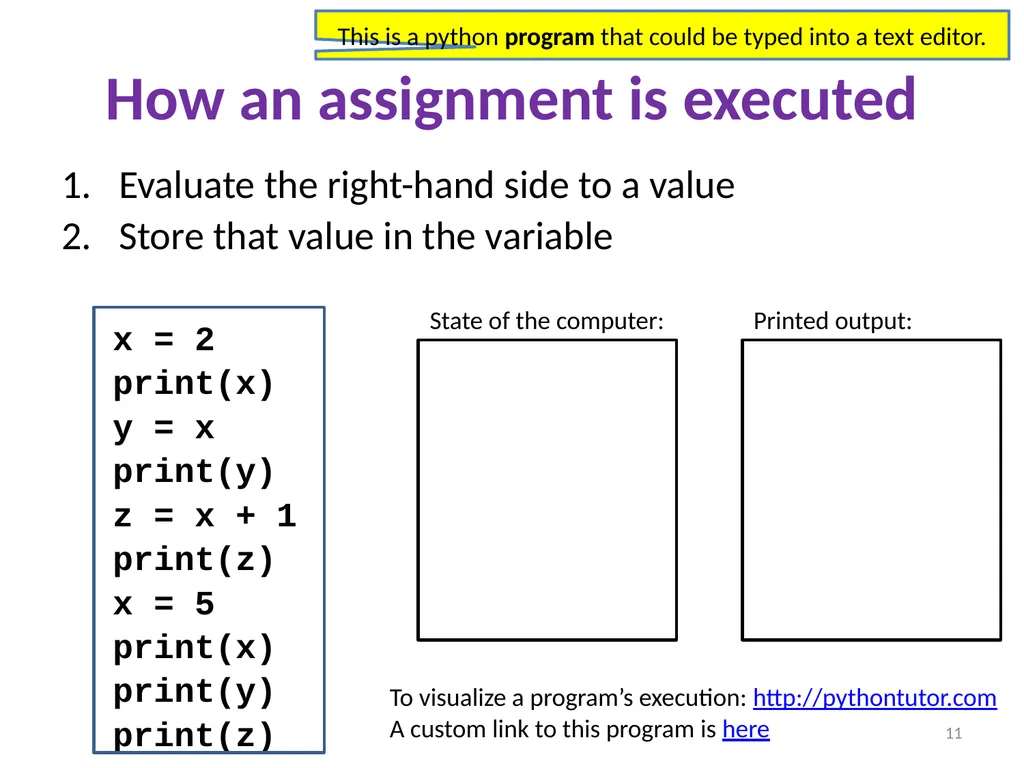
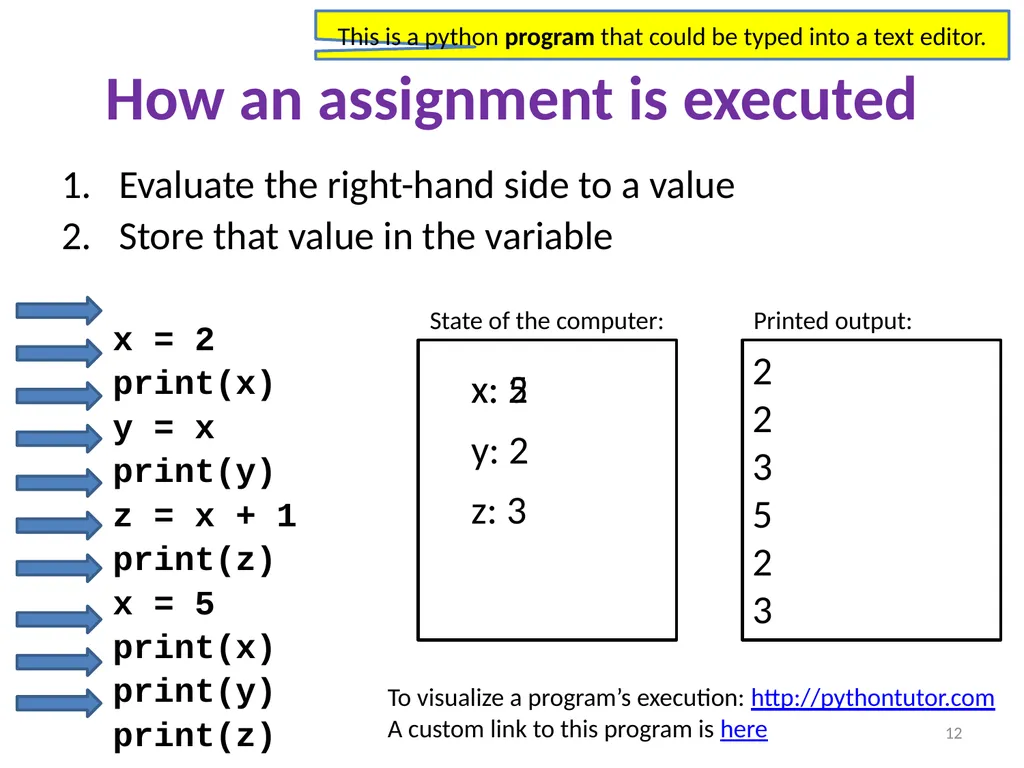
How an assignment is executed Evaluate the right-hand side to a value
Store that value in the variable
x = 2
print(x)
y = x
print(y)
z = x + 1
print(z)
x = 5
print(x)
print(y)
print(z) State of the computer: Printed output: 11 To visualize a program’s execution: http://pythontutor.com A custom link to this program is here This is a python program that could be typed into a text editor.<br>
12
How an assignment is executed Evaluate the right-hand side to a value
Store that value in the variable
x = 2
print(x)
y = x
print(y)
z = x + 1
print(z)
x = 5
print(x)
print(y)
print(z) State of the computer: Printed output: 2
2
3
5
2
3 x: 2 y: 2 z: 3 x: 5 12 To visualize a program’s execution: http://pythontutor.com A custom link to this program is here This is a python program that could be typed into a text editor.<br>
13
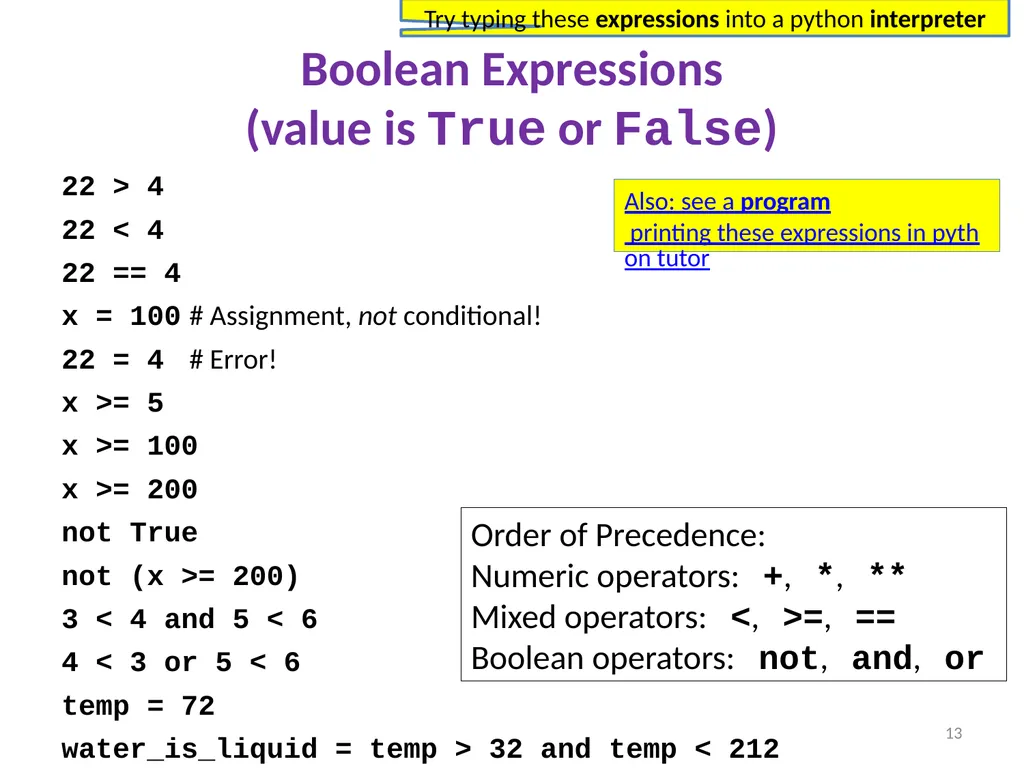
Boolean Expressions�(value is True or False) 22 > 4
22 < 4
22 == 4
x = 100 # Assignment, not conditional!
22 = 4 # Error!
x >= 5
x >= 100
x >= 200
not True
not (x >= 200)
3 < 4 and 5 < 6
4 < 3 or 5 < 6
temp = 72
water_is_liquid = temp > 32 and temp < 212 Order of Precedence:
Numeric operators: +, *, **
Mixed operators: <, >=, ==
Boolean operators: not, and, or 13 Also: see a program printing these expressions in python tutor Try typing these expressions into a python interpreter<br>
14
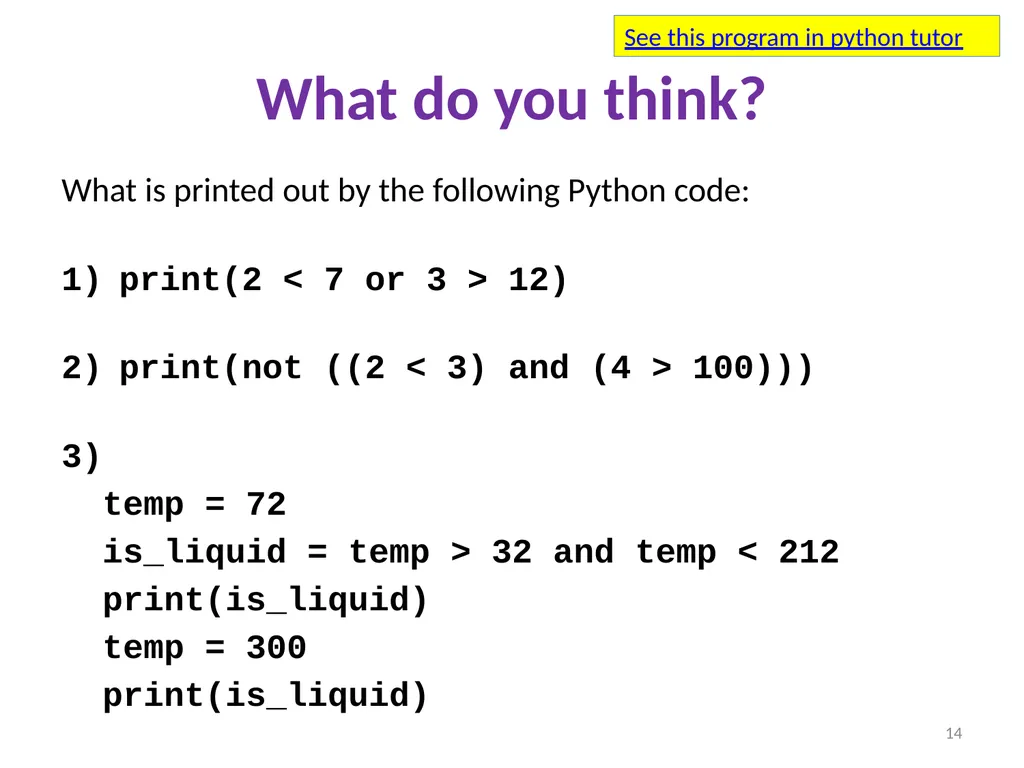
What do you think? What is printed out by the following Python code:�
print(2 < 7 or 3 > 12)�
print(not ((2 < 3) and (4 > 100)))�
temp = 72
is_liquid = temp > 32 and temp < 212
print(is_liquid)
temp = 300
print(is_liquid) 14 See this program in python tutor<br>
15
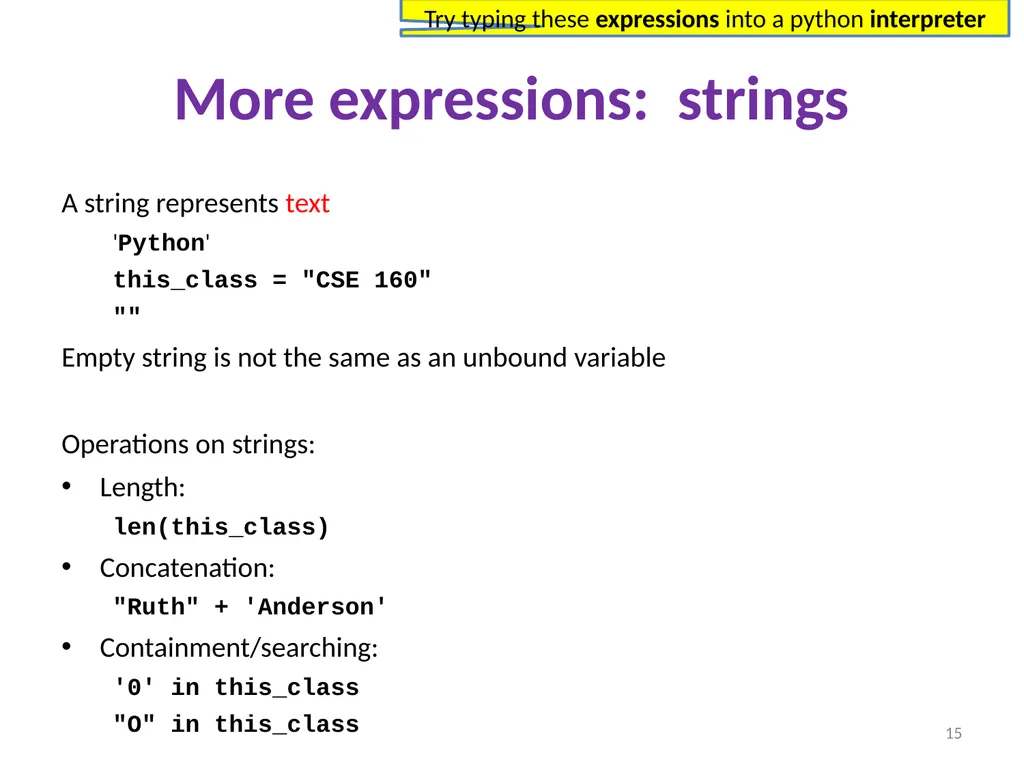
More expressions: strings A string represents text
'Python'
this_class = "CSE 160"
""
Empty string is not the same as an unbound variable
Operations on strings:
Length:
len(this_class)
Concatenation:
"Ruth" + 'Anderson'
Containment/searching:
'0' in this_class
"O" in this_class 15 Try typing these expressions into a python interpreter<br>
16
3. Different types cannot be compared 16<br>
17
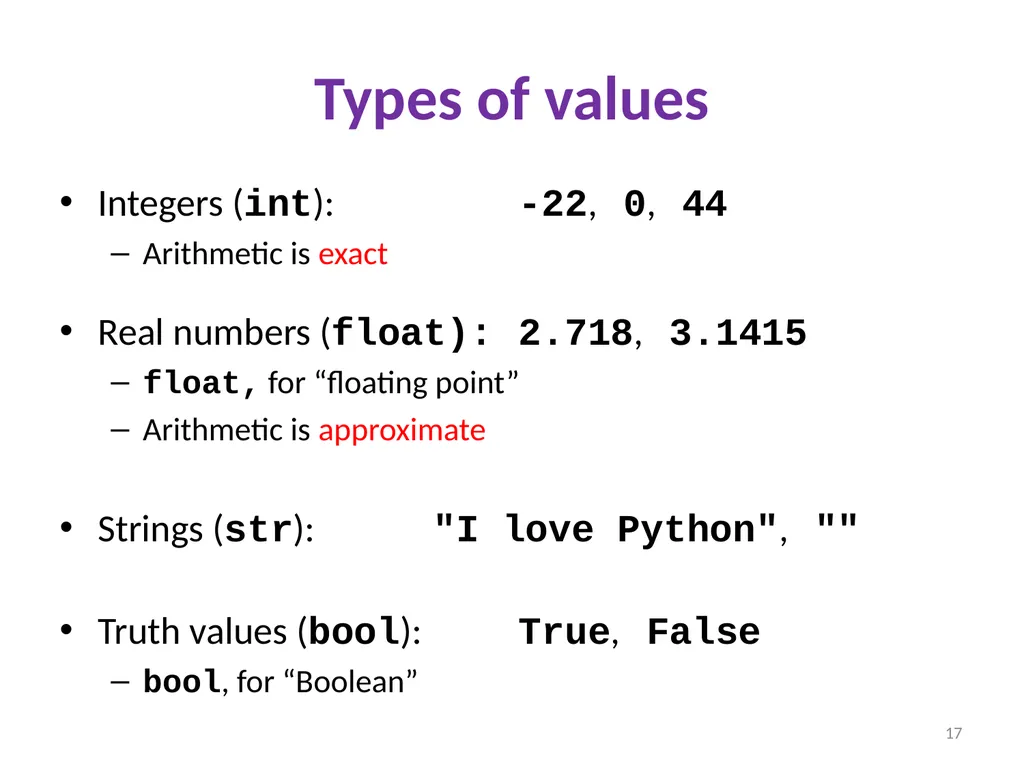
Types of values Integers (int): -22, 0, 44
Arithmetic is exact
Real numbers (float): 2.718, 3.1415
float, for “floating point”
Arithmetic is approximate
Strings (str): "I love Python", ""
Truth values (bool): True, False
bool, for “Boolean” 17<br>
18
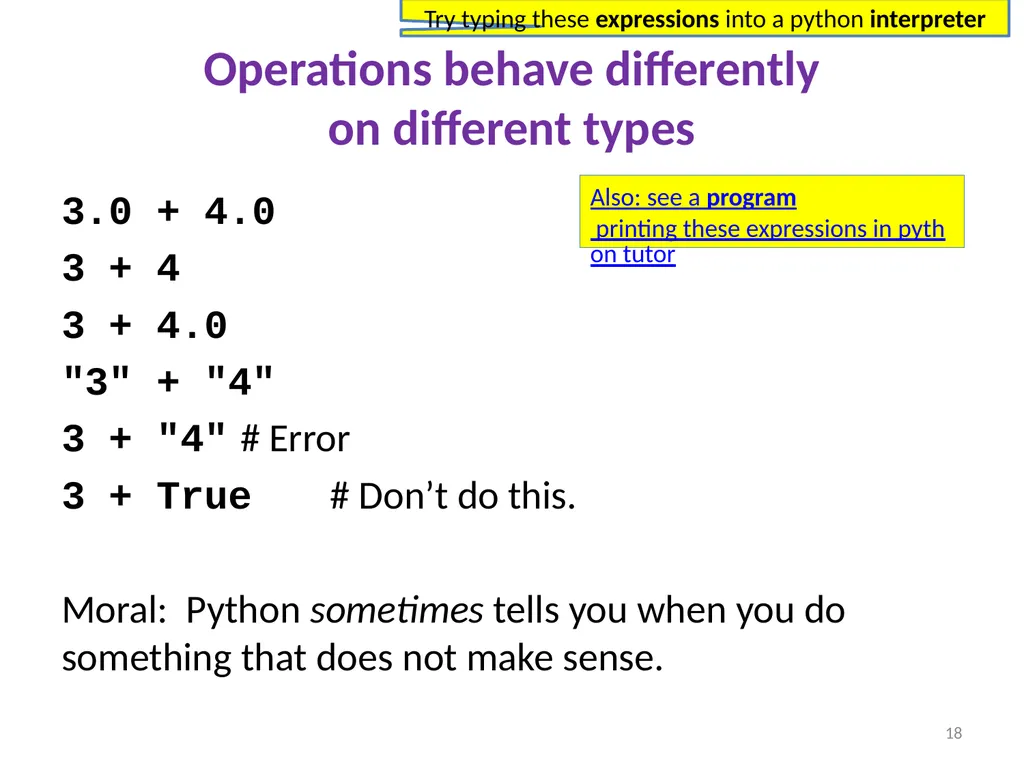
Operations behave differently�on different types 3.0 + 4.0
3 + 4
3 + 4.0
"3" + "4"
3 + "4" # Error
3 + True # Don’t do this.
Moral: Python sometimes tells you when you do something that does not make sense. 18 Also: see a program printing these expressions in python tutor Try typing these expressions into a python interpreter<br>
19
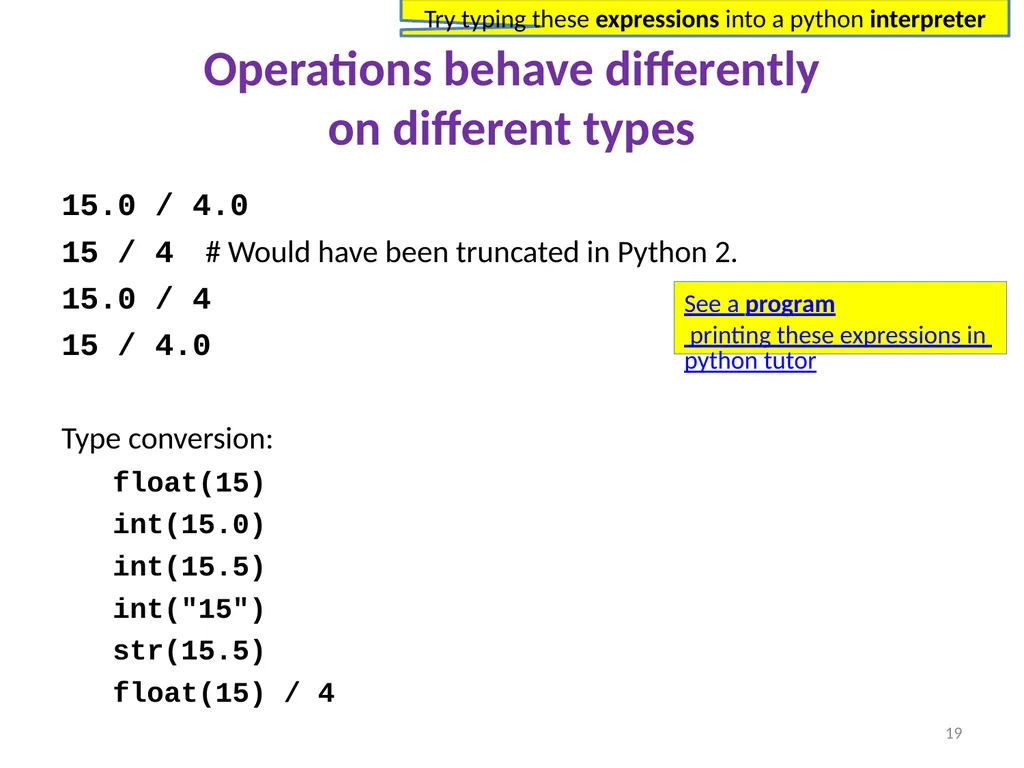
Operations behave differently�on different types 15.0 / 4.0
15 / 4 # Would have been truncated in Python 2.
15.0 / 4
15 / 4.0
Type conversion:
float(15)
int(15.0)
int(15.5)
int("15")
str(15.5)
float(15) / 4 19 See a program printing these expressions in python tutor Try typing these expressions into a python interpreter<br>
20
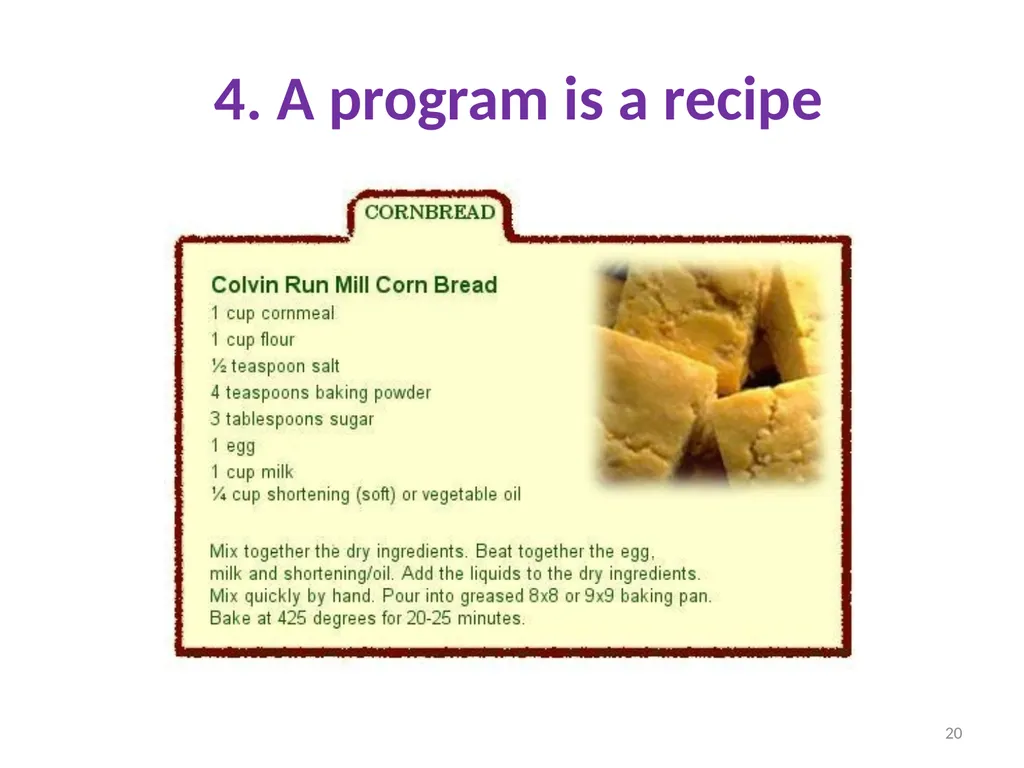
4. A program is a recipe 20<br>
21
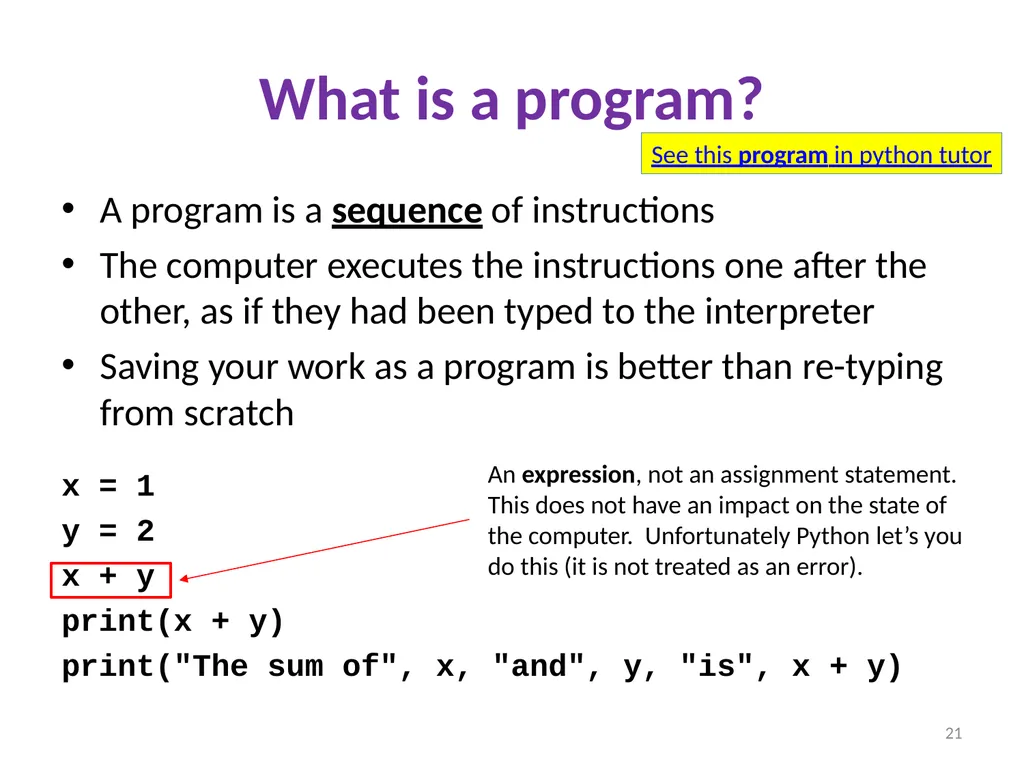
What is a program? A program is a sequence of instructions
The computer executes the instructions one after the other, as if they had been typed to the interpreter
Saving your work as a program is better than re-typing from scratch
x = 1
y = 2
x + y
print(x + y)
print("The sum of", x, "and", y, "is", x + y) 21 See this program in python tutor An expression, not an assignment statement. This does not have an impact on the state of the computer. Unfortunately Python let’s you do this (it is not treated as an error).<br>
22
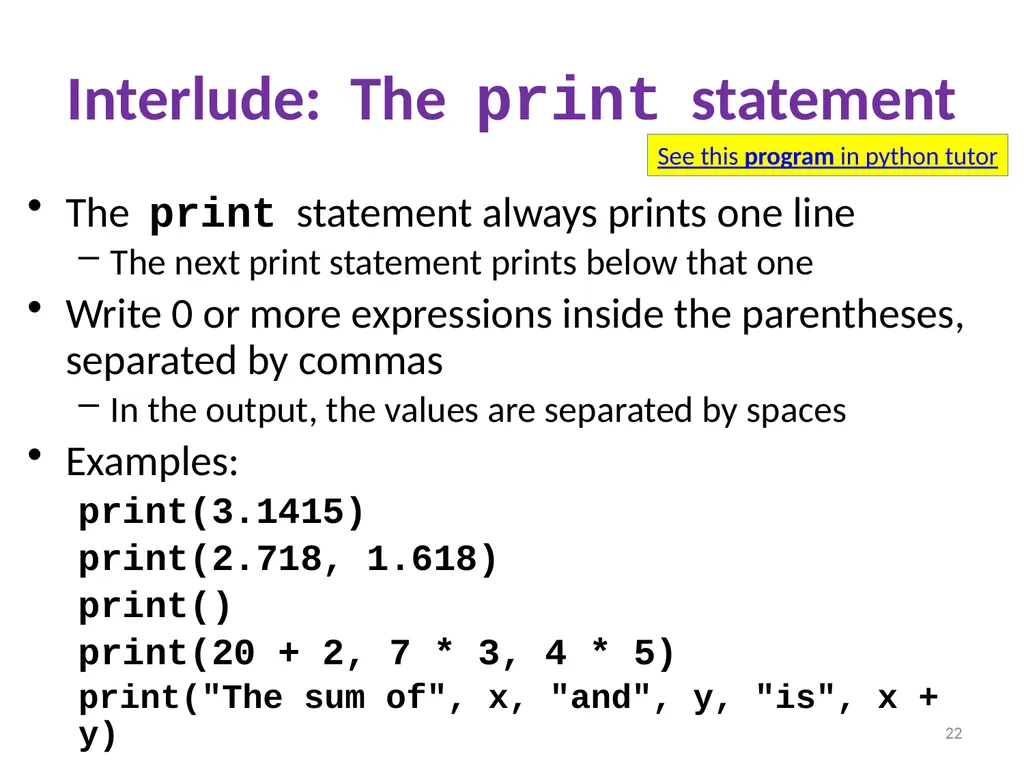
Interlude: The print statement The print statement always prints one line
The next print statement prints below that one
Write 0 or more expressions inside the parentheses, separated by commas
In the output, the values are separated by spaces
Examples:
print(3.1415)
print(2.718, 1.618)
print()
print(20 + 2, 7 * 3, 4 * 5)
print("The sum of", x, "and", y, "is", x + y) 22 See this program in python tutor<br>
23
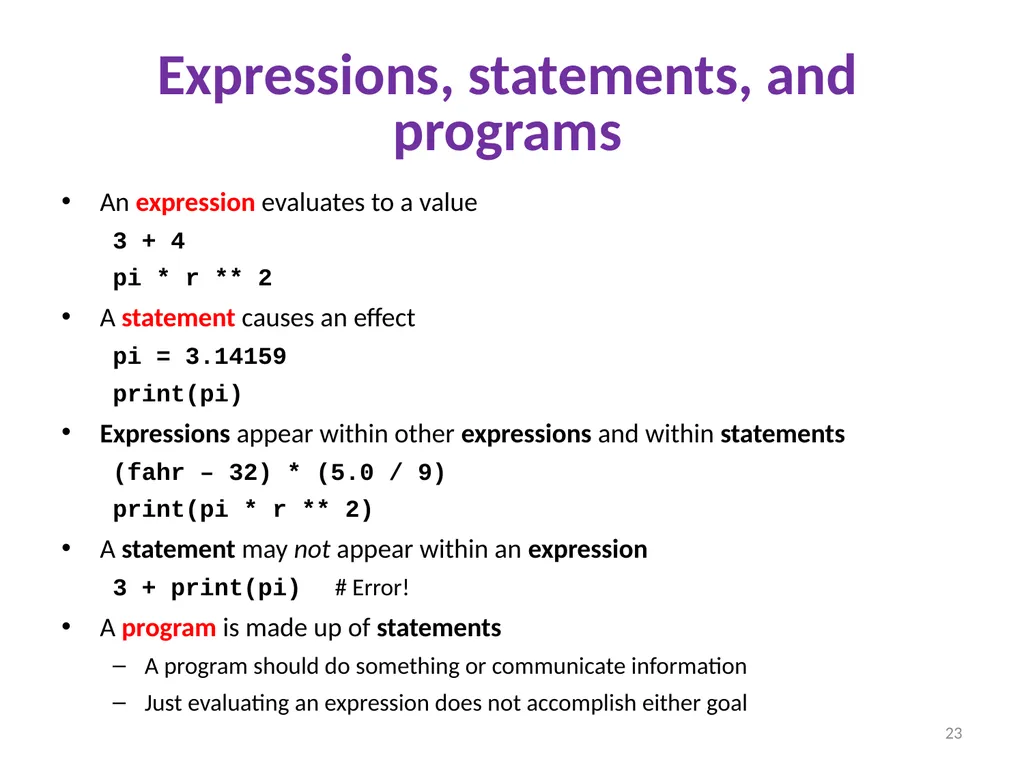
Expressions, statements, and programs An expression evaluates to a value
3 + 4
pi * r ** 2
A statement causes an effect
pi = 3.14159
print(pi)
Expressions appear within other expressions and within statements
(fahr – 32) * (5.0 / 9)
print(pi * r ** 2)
A statement may not appear within an expression
3 + print(pi) # Error!
A program is made up of statements
A program should do something or communicate information
Just evaluating an expression does not accomplish either goal 23<br>
24
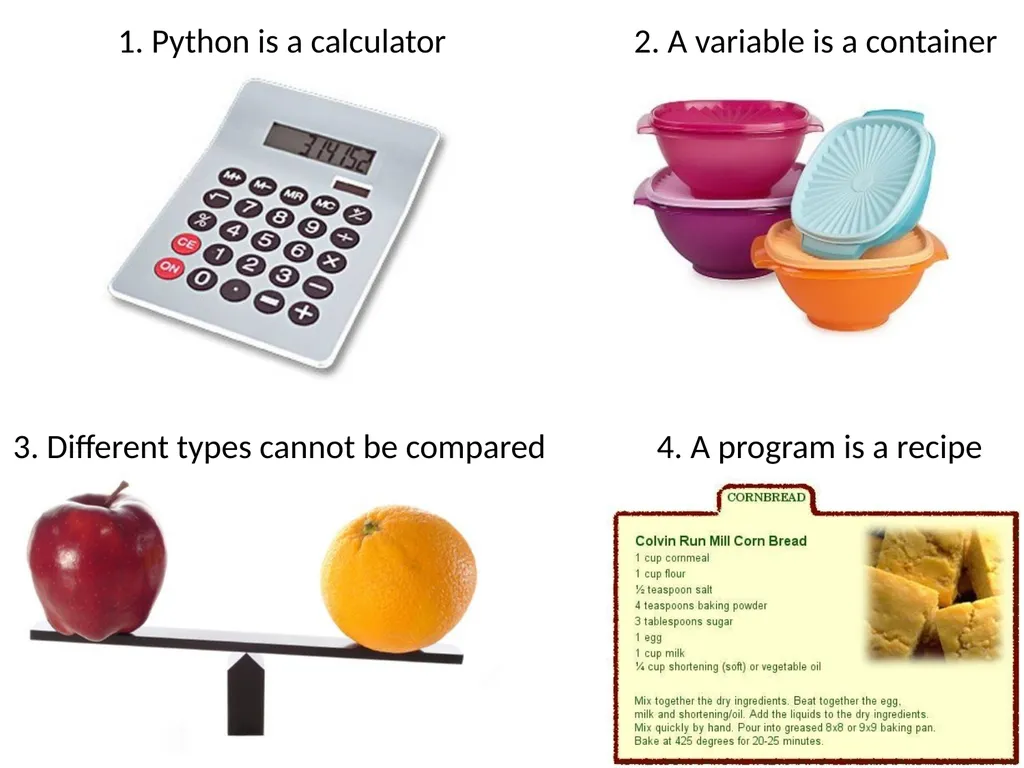
1. Python is a calculator 2. A variable is a container 4. A program is a recipe 3. Different types cannot be compared 24<br>