June API/DS User Group Bernie Rice – TA Julia
Description: June APIDS User Group Bernie Rice TA Julia Bambach SS Tiffany McNeill SS Casey Williams Perf Svcs Agenda Announcements APIDuke website updates Network Maintenance July 18 API Scheduled downtime July 21 Reminders Classes Web
Related Topics
Download Presentation
"June API/DS User Group Bernie Rice – TA Julia" is the property of its rightful owner. Permission is granted to download and print the materials on this website for personal, non-commercial use only, and to display it on your personal computer provided you do not modify the materials and that you retain all copyright notices contained in the materials. By downloading content from our website, you accept the terms of this agreement.
Presentation Transcript
slide1. June API/DS User Group
Bernie Rice – TA
Julia Bambach – SS
Tiffany McNeill – SS
Casey Williams – Perf Svcs<br>
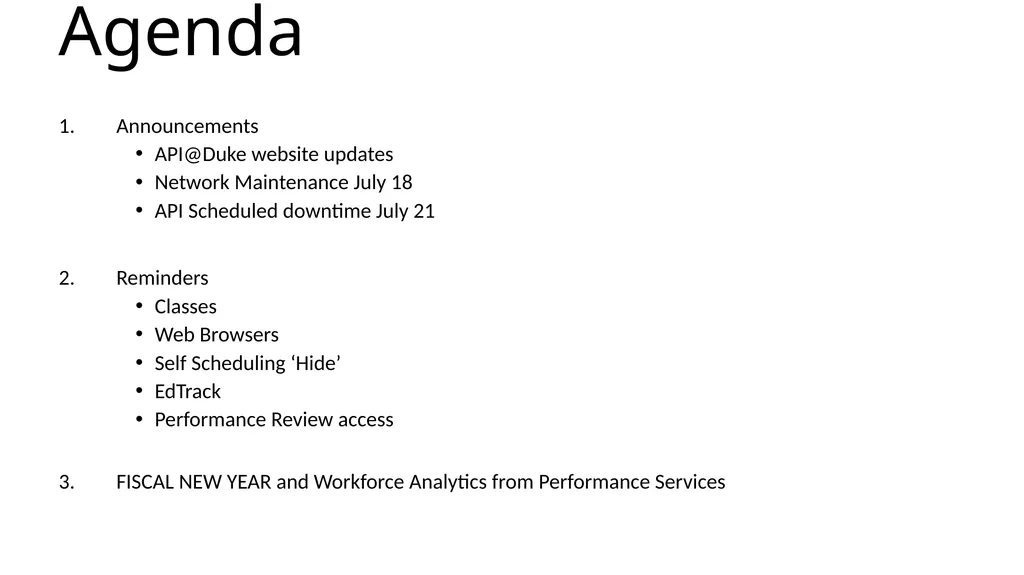
slide2. Agenda Announcements
API@Duke website updates
Network Maintenance July 18
API Scheduled downtime July 21
Reminders
Classes
Web Browsers
Self Scheduling ‘Hide’
EdTrack
Performance Review access
FISCAL NEW YEAR and Workforce Analytics from Performance Services<br>
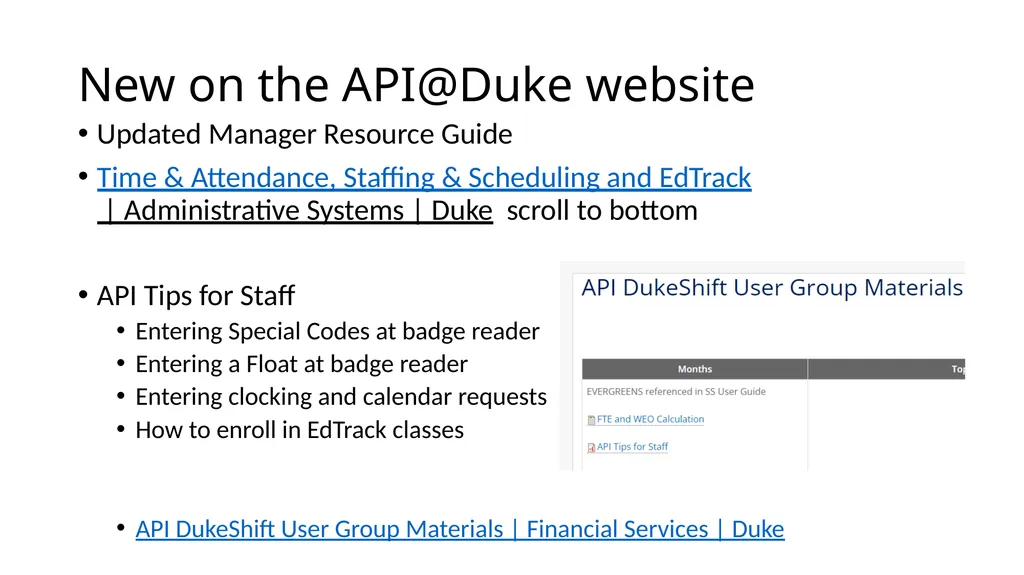
slide3. New on the API@Duke website Updated Manager Resource Guide
Time & Attendance, Staffing & Scheduling and EdTrack | Administrative Systems | Duke scroll to bottom
API Tips for Staff
Entering Special Codes at badge reader
Entering a Float at badge reader
Entering clocking and calendar requests
How to enroll in EdTrack classes
API DukeShift User Group Materials | Financial Services | Duke<br>
slide4. Network Maintenance July 18 from 7:3pp-9:30p
On the UNIVERSITY SIDE
API Team will be on the team call to monitor is there is any API impact
IF there is an API issue they will be aware in real time
No need to call help desk
If problems persist over 12 hours, then call the helpdesk<br>
slide6. EDS732 Staffing and Scheduling for Managers Class are on the 3rd Wednesday at 8am. You can register in EdTrack. If the person registering needs API SS Access, be sure to send request to apiresourcebox@duke.edu
Registrants will receive a Zoom link for the class.
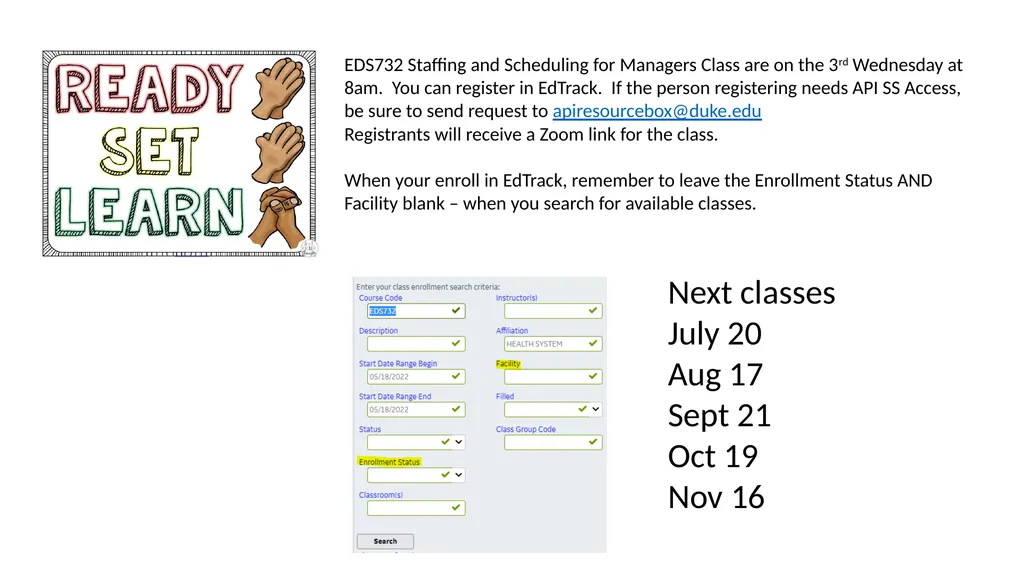
When your enroll in EdTrack, remember to leave the Enrollment Status AND Facility blank – when you search for available classes. Next classes
July 20
Aug 17
Sept 21
Oct 19
Nov 16<br>
slide7. Web Browser for Schedule Screen OLD information
Use Internet Explorer with Silverlight installed
IE has been sunsetted
NEW information
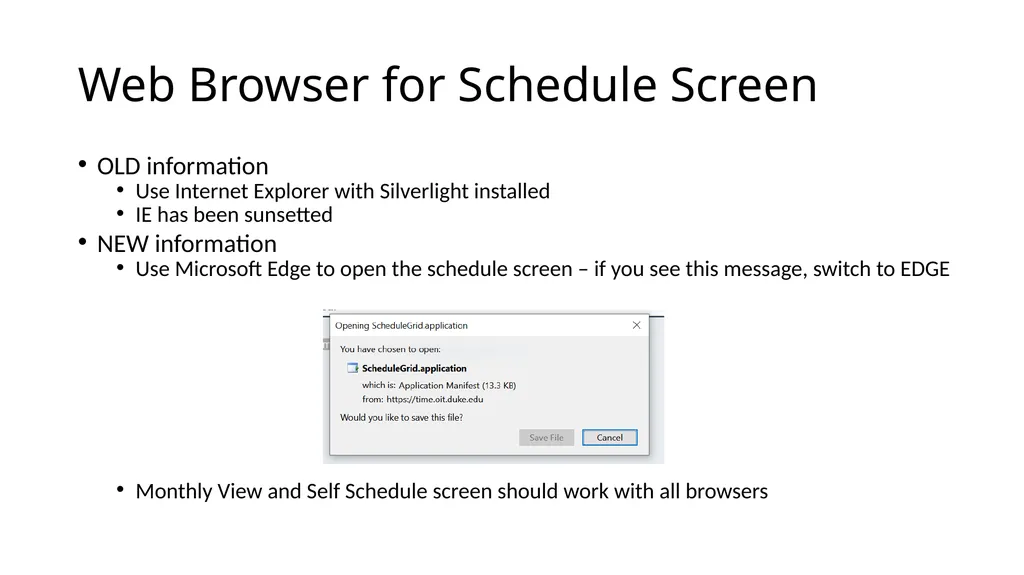
Use Microsoft Edge to open the schedule screen – if you see this message, switch to EDGE
Monthly View and Self Schedule screen should work with all browsers<br>
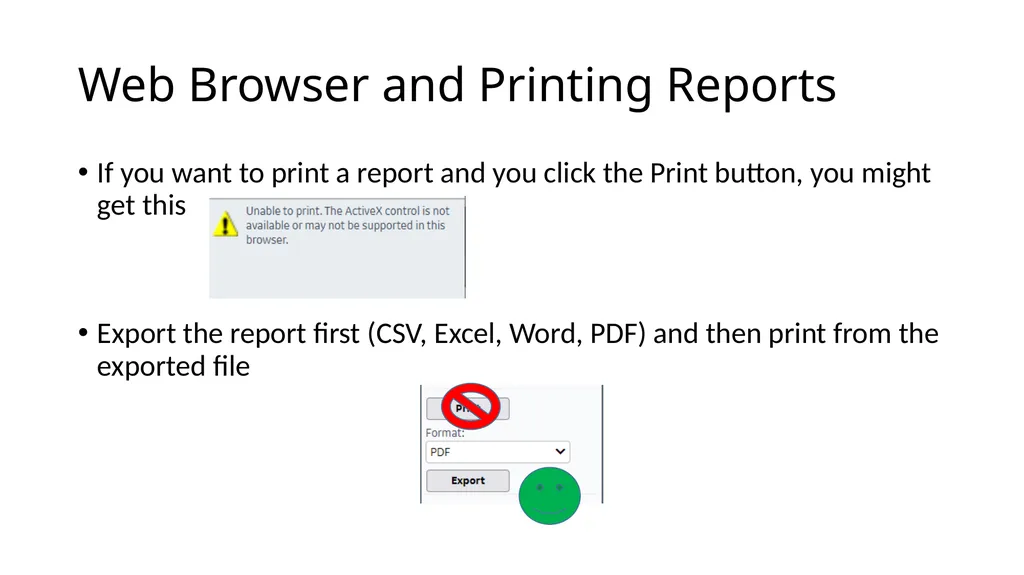
slide8. Web Browser and Printing Reports If you want to print a report and you click the Print button, you might get this
Export the report first (CSV, Excel, Word, PDF) and then print from the exported file<br>
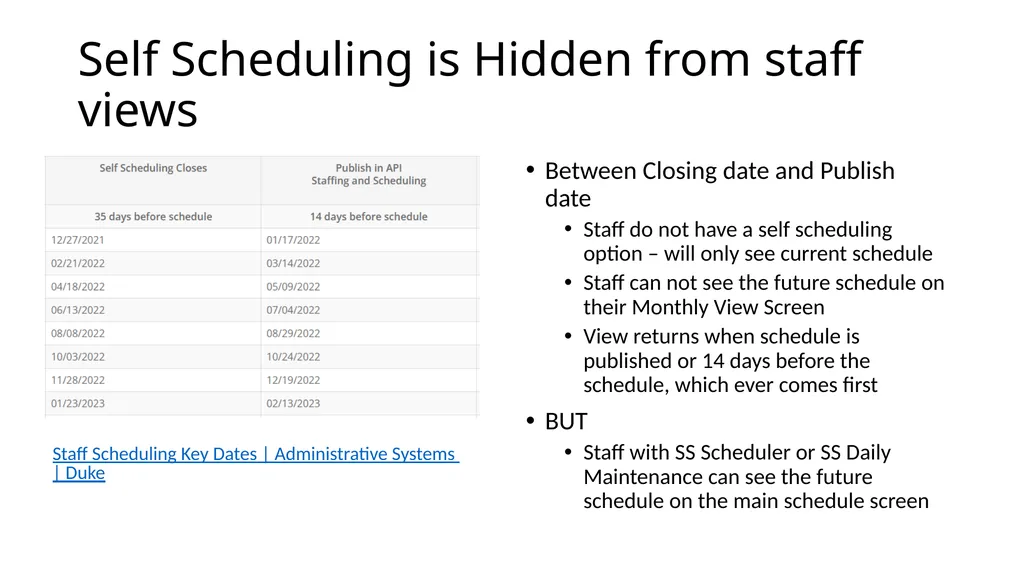
slide9. Self Scheduling is Hidden from staff views Between Closing date and Publish date
Staff do not have a self scheduling option – will only see current schedule
Staff can not see the future schedule on their Monthly View Screen
View returns when schedule is published or 14 days before the schedule, which ever comes first
BUT
Staff with SS Scheduler or SS Daily Maintenance can see the future schedule on the main schedule screen Staff Scheduling Key Dates | Administrative Systems | Duke<br>
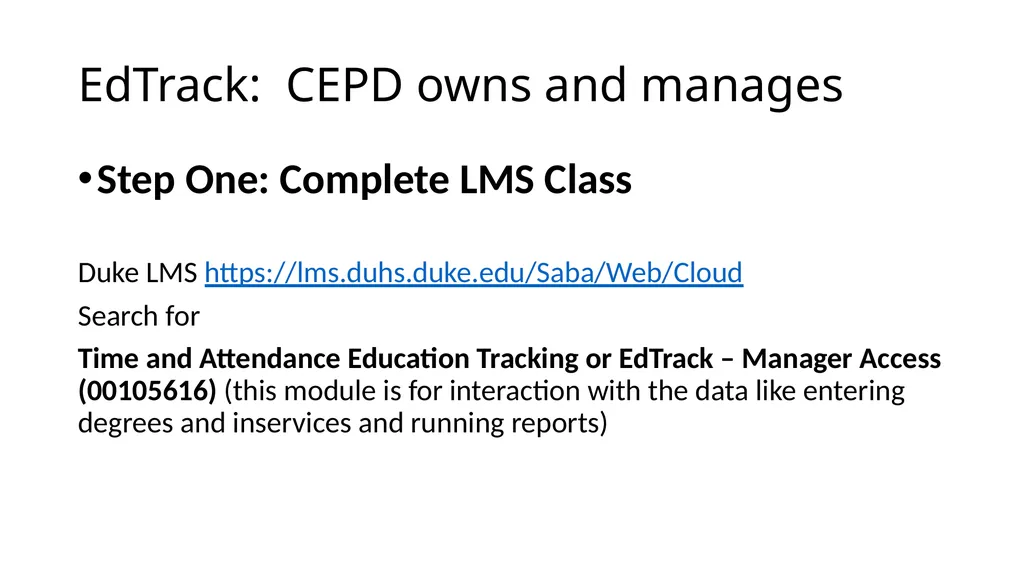
slide10. EdTrack: CEPD owns and manages Step One: Complete LMS Class
Duke LMS https://lms.duhs.duke.edu/Saba/Web/Cloud
Search for
Time and Attendance Education Tracking or EdTrack – Manager Access (00105616) (this module is for interaction with the data like entering degrees and inservices and running reports)<br>
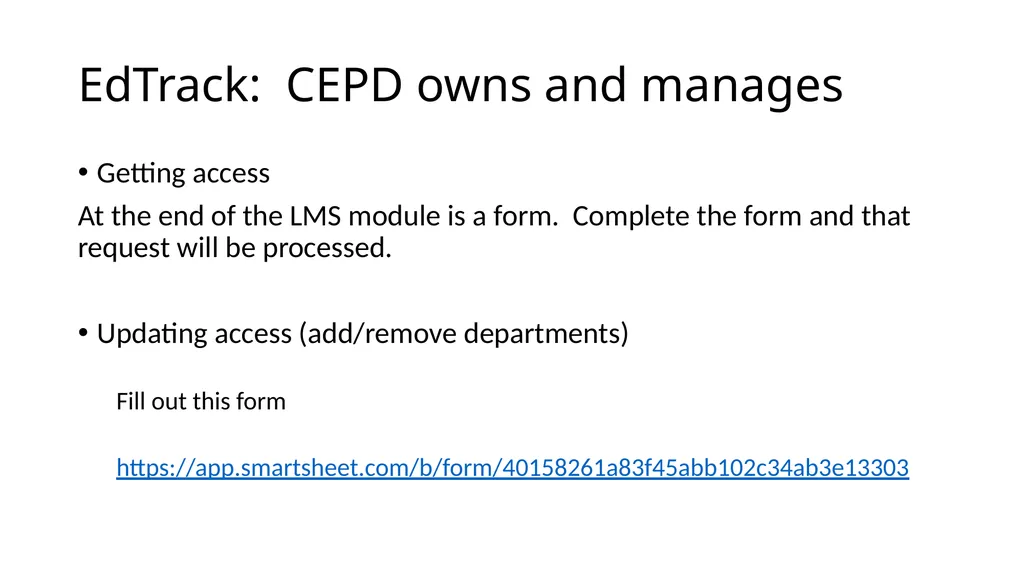
slide11. EdTrack: CEPD owns and manages Getting access
At the end of the LMS module is a form. Complete the form and that request will be processed.
Updating access (add/remove departments)
Fill out this form
https://app.smartsheet.com/b/form/40158261a83f45abb102c34ab3e13303<br>
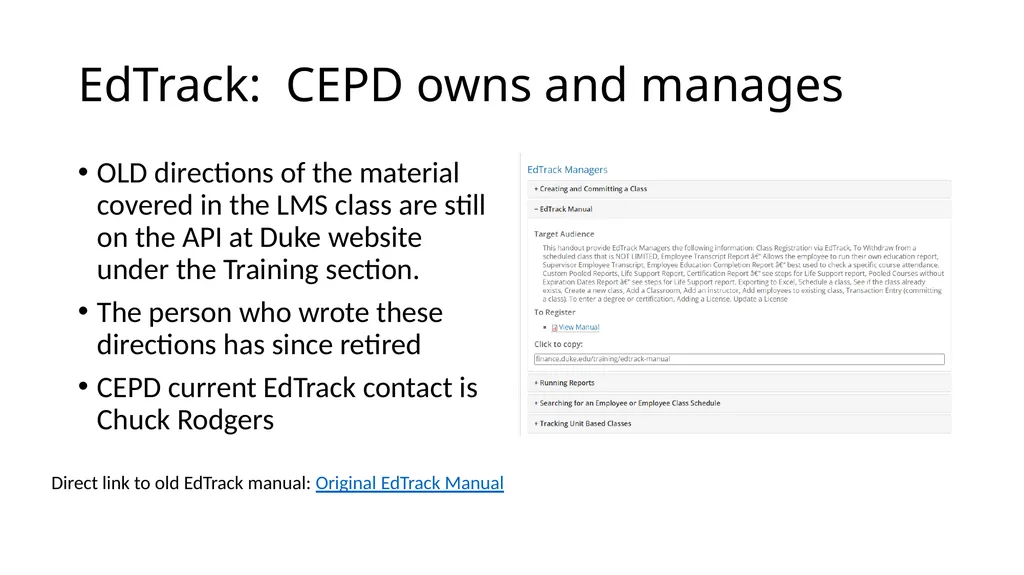
slide12. EdTrack: CEPD owns and manages OLD directions of the material covered in the LMS class are still on the API at Duke website under the Training section.
The person who wrote these directions has since retired
CEPD current EdTrack contact is Chuck Rodgers Direct link to old EdTrack manual: Original EdTrack Manual<br>
slide13. Performance Review Relationships The API Resourcegroup doesn’t assign employees for performance reviews
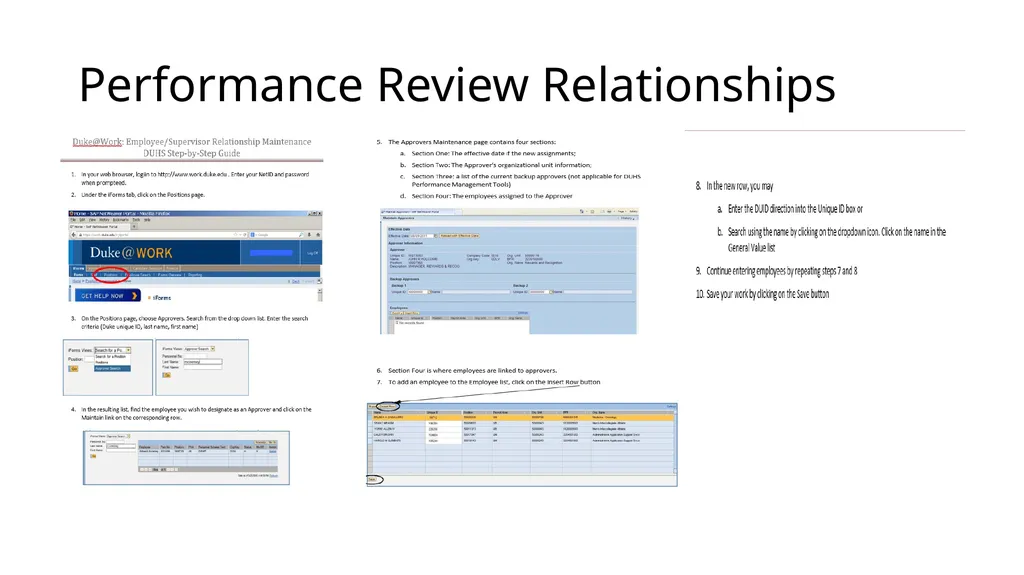
Anyone with iform access to their department can update relationship (see next slides for instructions)
Contact your Entity HR department, payroll rep or designee to update list
List of employee names and DUID’s indicating who the approver should be for each employee needs to attached to the request<br>
slide14. Performance Review Relationships<br>
slide15. July 1 marked the start of FY23
A good Fiscal New Year Resolution is to improve your tabs on your hiring, budget and productivity – ie your Workforce Analytics
Last month we shared many helpful reports in API and SAP
This month we will look at some dashboards<br>
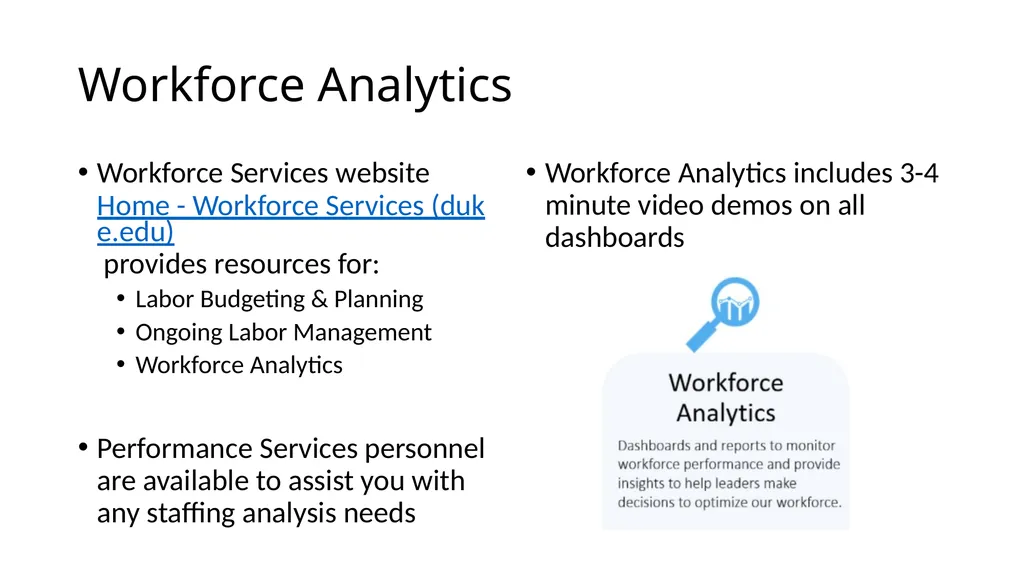
slide16. Workforce Analytics Workforce Services website Home - Workforce Services (duke.edu) provides resources for:
Labor Budgeting & Planning
Ongoing Labor Management
Workforce Analytics
Performance Services personnel are available to assist you with any staffing analysis needs Workforce Analytics includes 3-4 minute video demos on all dashboards<br>

Bernie Rice – TA
Julia Bambach – SS
Tiffany McNeill – SS
Casey Williams – Perf Svcs<br>
slide2. Agenda Announcements
API@Duke website updates
Network Maintenance July 18
API Scheduled downtime July 21
Reminders
Classes
Web Browsers
Self Scheduling ‘Hide’
EdTrack
Performance Review access
FISCAL NEW YEAR and Workforce Analytics from Performance Services<br>
slide3. New on the API@Duke website Updated Manager Resource Guide
Time & Attendance, Staffing & Scheduling and EdTrack | Administrative Systems | Duke scroll to bottom
API Tips for Staff
Entering Special Codes at badge reader
Entering a Float at badge reader
Entering clocking and calendar requests
How to enroll in EdTrack classes
API DukeShift User Group Materials | Financial Services | Duke<br>
slide4. Network Maintenance July 18 from 7:3pp-9:30p
On the UNIVERSITY SIDE
API Team will be on the team call to monitor is there is any API impact
IF there is an API issue they will be aware in real time
No need to call help desk
If problems persist over 12 hours, then call the helpdesk<br>
slide6. EDS732 Staffing and Scheduling for Managers Class are on the 3rd Wednesday at 8am. You can register in EdTrack. If the person registering needs API SS Access, be sure to send request to apiresourcebox@duke.edu
Registrants will receive a Zoom link for the class.
When your enroll in EdTrack, remember to leave the Enrollment Status AND Facility blank – when you search for available classes. Next classes
July 20
Aug 17
Sept 21
Oct 19
Nov 16<br>
slide7. Web Browser for Schedule Screen OLD information
Use Internet Explorer with Silverlight installed
IE has been sunsetted
NEW information
Use Microsoft Edge to open the schedule screen – if you see this message, switch to EDGE
Monthly View and Self Schedule screen should work with all browsers<br>
slide8. Web Browser and Printing Reports If you want to print a report and you click the Print button, you might get this
Export the report first (CSV, Excel, Word, PDF) and then print from the exported file<br>
slide9. Self Scheduling is Hidden from staff views Between Closing date and Publish date
Staff do not have a self scheduling option – will only see current schedule
Staff can not see the future schedule on their Monthly View Screen
View returns when schedule is published or 14 days before the schedule, which ever comes first
BUT
Staff with SS Scheduler or SS Daily Maintenance can see the future schedule on the main schedule screen Staff Scheduling Key Dates | Administrative Systems | Duke<br>
slide10. EdTrack: CEPD owns and manages Step One: Complete LMS Class
Duke LMS https://lms.duhs.duke.edu/Saba/Web/Cloud
Search for
Time and Attendance Education Tracking or EdTrack – Manager Access (00105616) (this module is for interaction with the data like entering degrees and inservices and running reports)<br>
slide11. EdTrack: CEPD owns and manages Getting access
At the end of the LMS module is a form. Complete the form and that request will be processed.
Updating access (add/remove departments)
Fill out this form
https://app.smartsheet.com/b/form/40158261a83f45abb102c34ab3e13303<br>
slide12. EdTrack: CEPD owns and manages OLD directions of the material covered in the LMS class are still on the API at Duke website under the Training section.
The person who wrote these directions has since retired
CEPD current EdTrack contact is Chuck Rodgers Direct link to old EdTrack manual: Original EdTrack Manual<br>
slide13. Performance Review Relationships The API Resourcegroup doesn’t assign employees for performance reviews
Anyone with iform access to their department can update relationship (see next slides for instructions)
Contact your Entity HR department, payroll rep or designee to update list
List of employee names and DUID’s indicating who the approver should be for each employee needs to attached to the request<br>
slide14. Performance Review Relationships<br>
slide15. July 1 marked the start of FY23
A good Fiscal New Year Resolution is to improve your tabs on your hiring, budget and productivity – ie your Workforce Analytics
Last month we shared many helpful reports in API and SAP
This month we will look at some dashboards<br>
slide16. Workforce Analytics Workforce Services website Home - Workforce Services (duke.edu) provides resources for:
Labor Budgeting & Planning
Ongoing Labor Management
Workforce Analytics
Performance Services personnel are available to assist you with any staffing analysis needs Workforce Analytics includes 3-4 minute video demos on all dashboards<br>