LaunchBuzz Event Planning LaunchBuzz event - key planning steps Define objectives and success criteria Define event audience Identify scenarios of focus and the value they will provide to staffnot just to IT Create day-in-the-life
"Launch/Buzz Event Planning Launch/Buzz event - key" is the property of its rightful owner. Permission is granted to
download and print the materials on this website for personal, non-commercial use only, and to display it
on your personal computer provided you do not modify the materials and that you retain all copyright
notices contained in the materials. By downloading content from our website, you accept the terms of this
agreement.
Presentation Transcript
01
Launch/Buzz Event Planning<br>
02
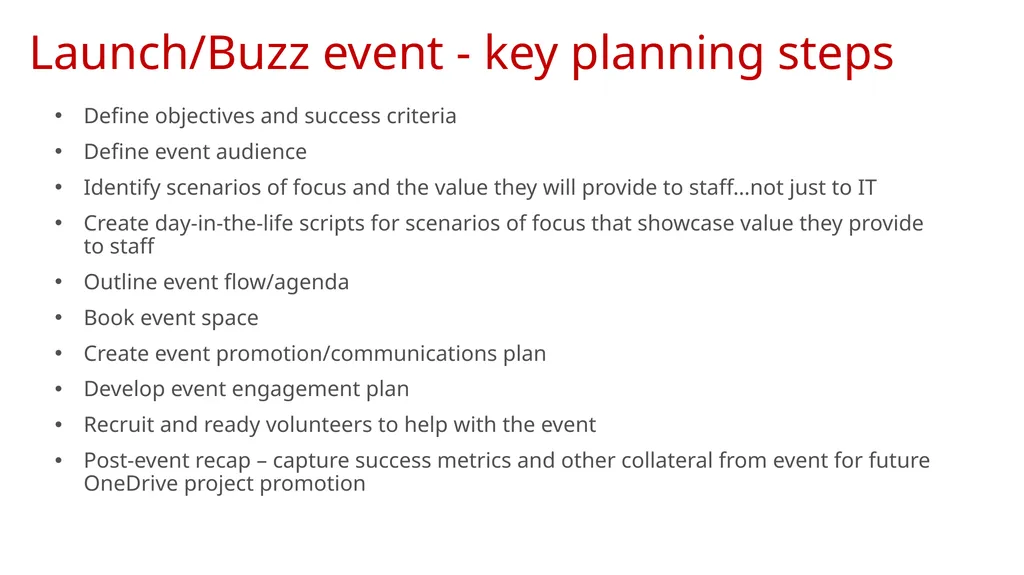
Launch/Buzz event - key planning steps Define objectives and success criteria
Define event audience
Identify scenarios of focus and the value they will provide to staff…not just to IT
Create day-in-the-life scripts for scenarios of focus that showcase value they provide to staff
Outline event flow/agenda
Book event space
Create event promotion/communications plan
Develop event engagement plan
Recruit and ready volunteers to help with the event
Post-event recap – capture success metrics and other collateral from event for future OneDrive project promotion<br>
03
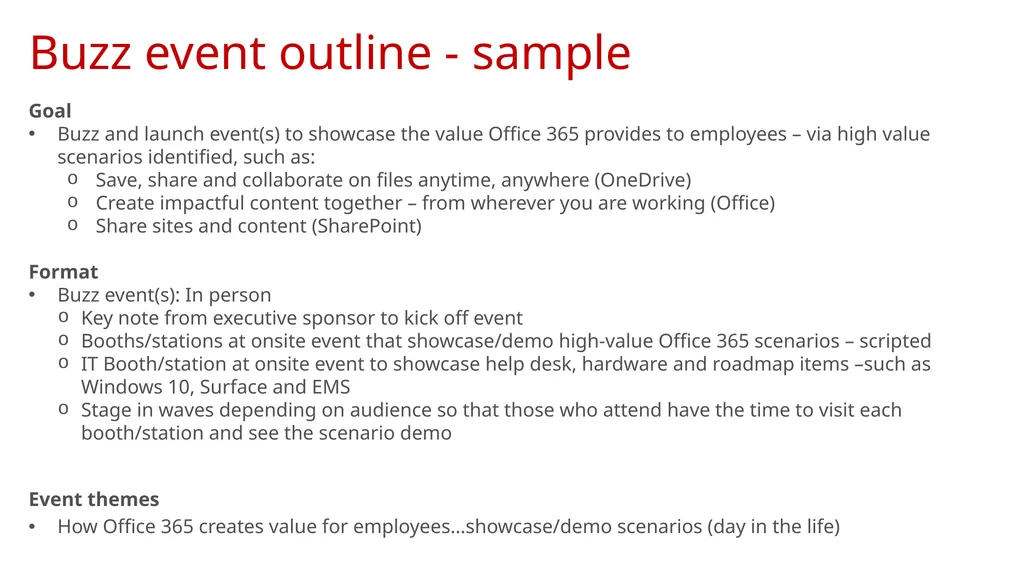
Buzz event outline - sample Goal
Buzz and launch event(s) to showcase the value Office 365 provides to employees – via high value scenarios identified, such as:
Save, share and collaborate on files anytime, anywhere (OneDrive)
Create impactful content together – from wherever you are working (Office)
Share sites and content (SharePoint)
Format
Buzz event(s): In person
Key note from executive sponsor to kick off event
Booths/stations at onsite event that showcase/demo high-value Office 365 scenarios – scripted
IT Booth/station at onsite event to showcase help desk, hardware and roadmap items –such as Windows 10, Surface and EMS
Stage in waves depending on audience so that those who attend have the time to visit each booth/station and see the scenario demo
Event themes
How Office 365 creates value for employees…showcase/demo scenarios (day in the life)<br>
04
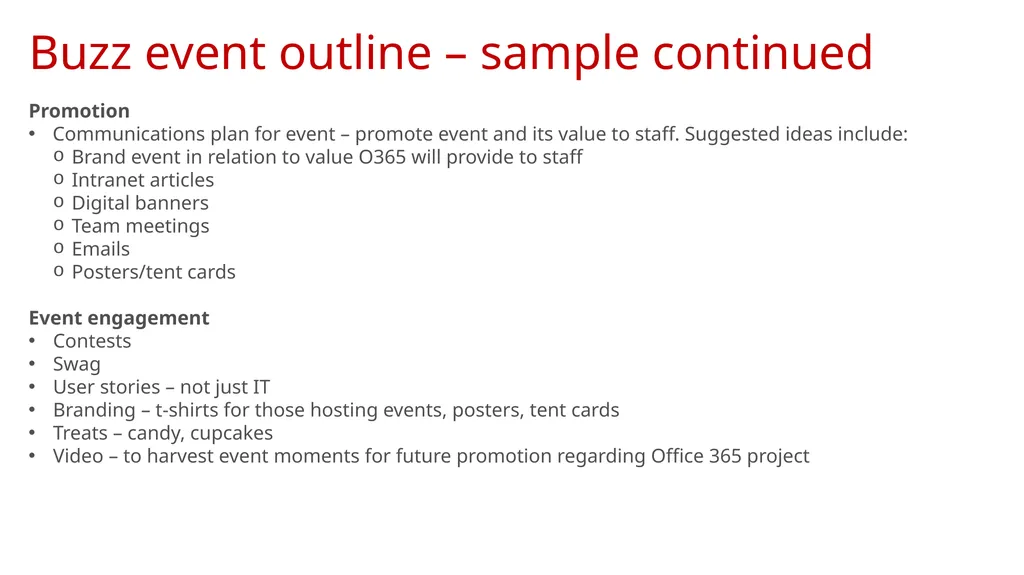
Promotion
Communications plan for event – promote event and its value to staff. Suggested ideas include:
Brand event in relation to value O365 will provide to staff
Intranet articles
Digital banners
Team meetings
Emails
Posters/tent cards
Event engagement
Contests
Swag
User stories – not just IT
Branding – t-shirts for those hosting events, posters, tent cards
Treats – candy, cupcakes
Video – to harvest event moments for future promotion regarding Office 365 project Buzz event outline – sample continued<br>