Learning objective Students will learn about the risks to personal information online, and how to protect personal information Learning outcomes What is personal information? Personal information, or Personal data, means: Ground rules
"Learning objective Students will learn about the" is the property of its rightful owner. Permission is granted to
download and print the materials on this website for personal, non-commercial use only, and to display it
on your personal computer provided you do not modify the materials and that you retain all copyright
notices contained in the materials. By downloading content from our website, you accept the terms of this
agreement.
Presentation Transcript
01
Learning objective Students will learn about the risks to personal information online, and how to protect personal information<br>
02
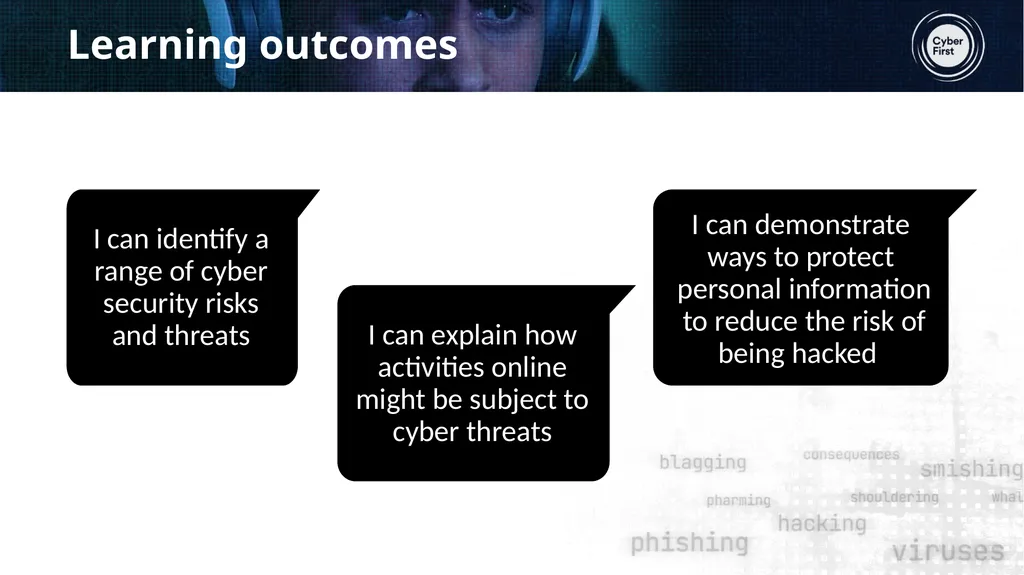
Learning outcomes<br>
03
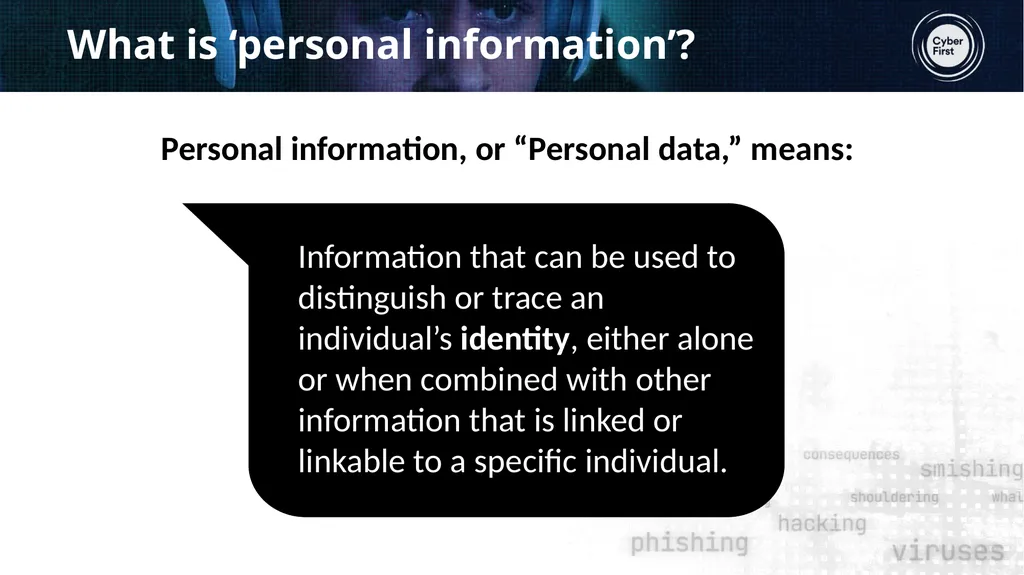
What is ‘personal information’? Personal information, or “Personal data,” means:<br>
04
Ground rules<br>
05
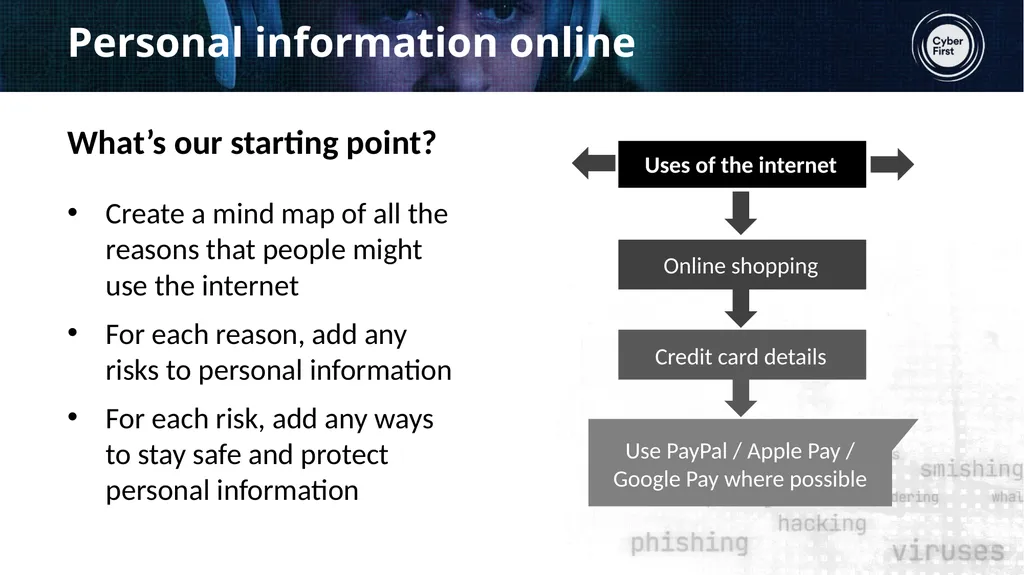
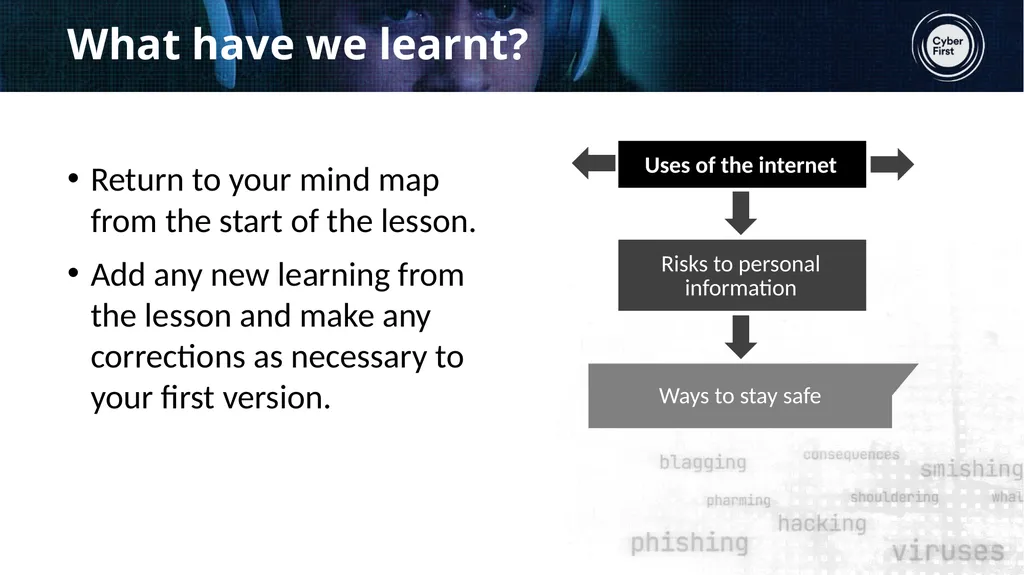
Personal information online What’s our starting point? Create a mind map of all the reasons that people might use the internet
For each reason, add any risks to personal information
For each risk, add any ways to stay safe and protect personal information<br>
06
The film Whilst watching the film, make notes on: https://www.ncsc.gov.uk/collection/cyberfirstnavigators/the-video<br>
07
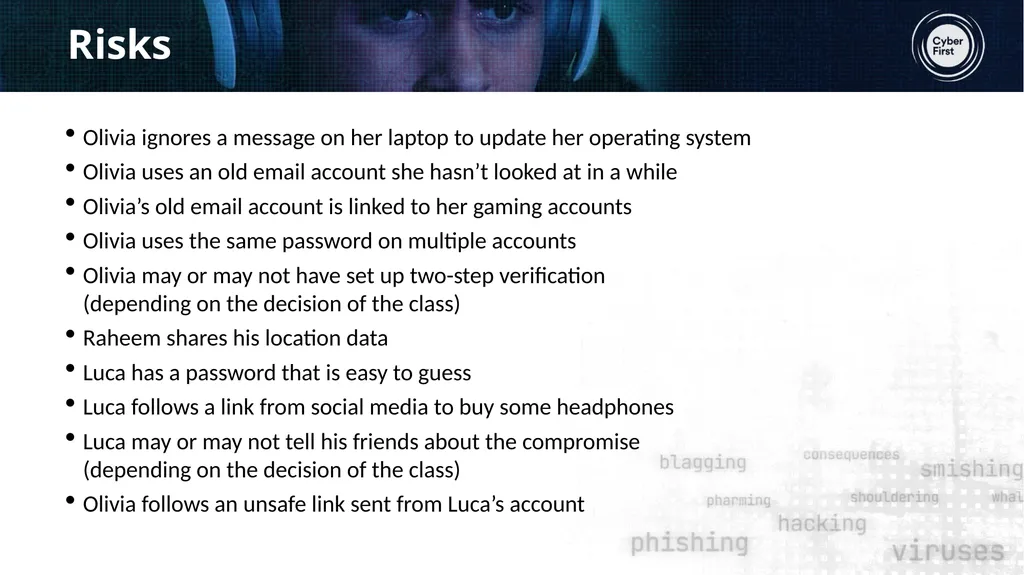
Risks Olivia ignores a message on her laptop to update her operating system
Olivia uses an old email account she hasn’t looked at in a while
Olivia’s old email account is linked to her gaming accounts
Olivia uses the same password on multiple accounts
Olivia may or may not have set up two-step verification (depending on the decision of the class)
Raheem shares his location data
Luca has a password that is easy to guess
Luca follows a link from social media to buy some headphones
Luca may or may not tell his friends about the compromise (depending on the decision of the class)
Olivia follows an unsafe link sent from Luca’s account<br>
08
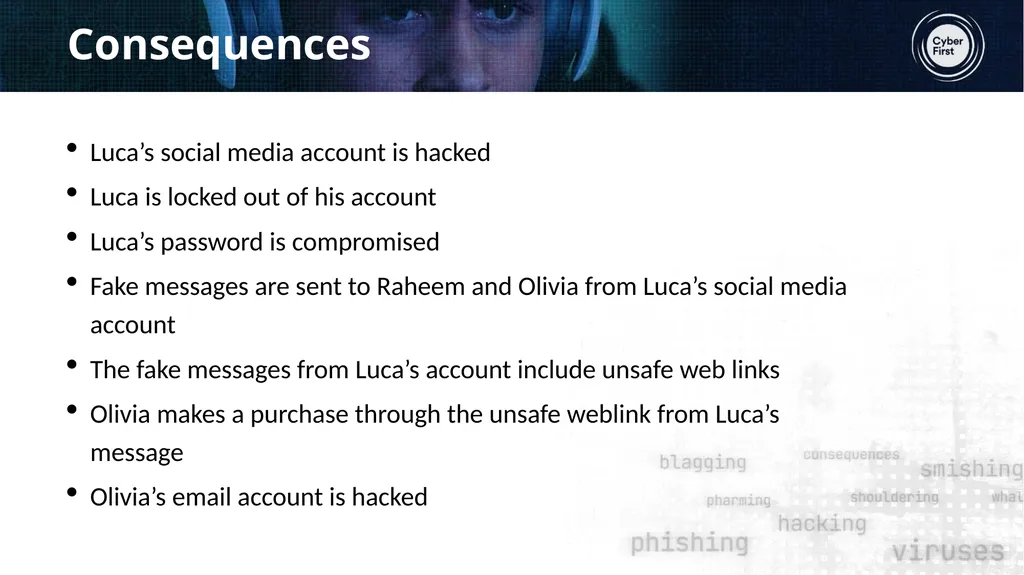
Consequences Luca’s social media account is hacked
Luca is locked out of his account
Luca’s password is compromised
Fake messages are sent to Raheem and Olivia from Luca’s social media account
The fake messages from Luca’s account include unsafe web links
Olivia makes a purchase through the unsafe weblink from Luca’s message
Olivia’s email account is hacked<br>
09
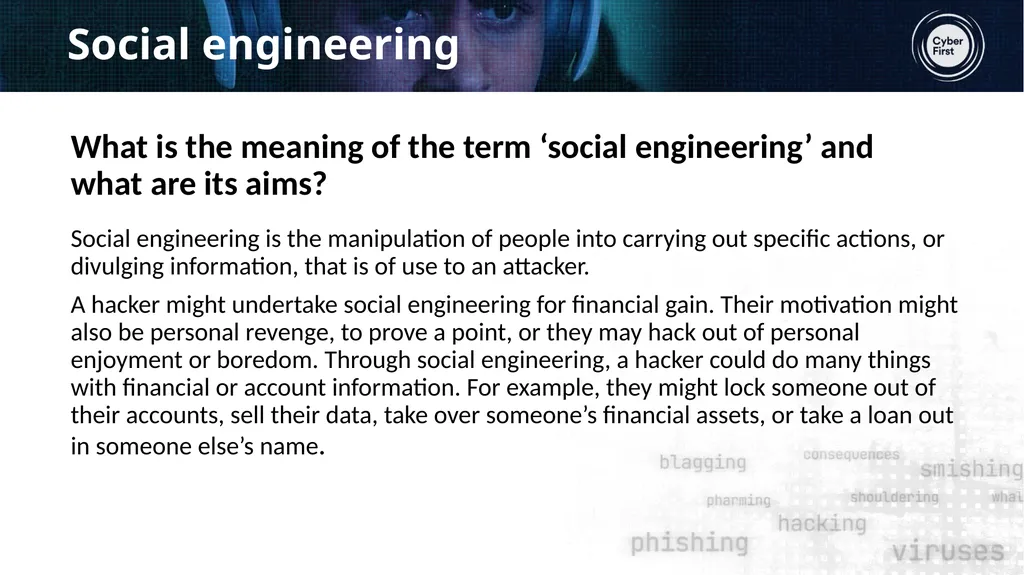
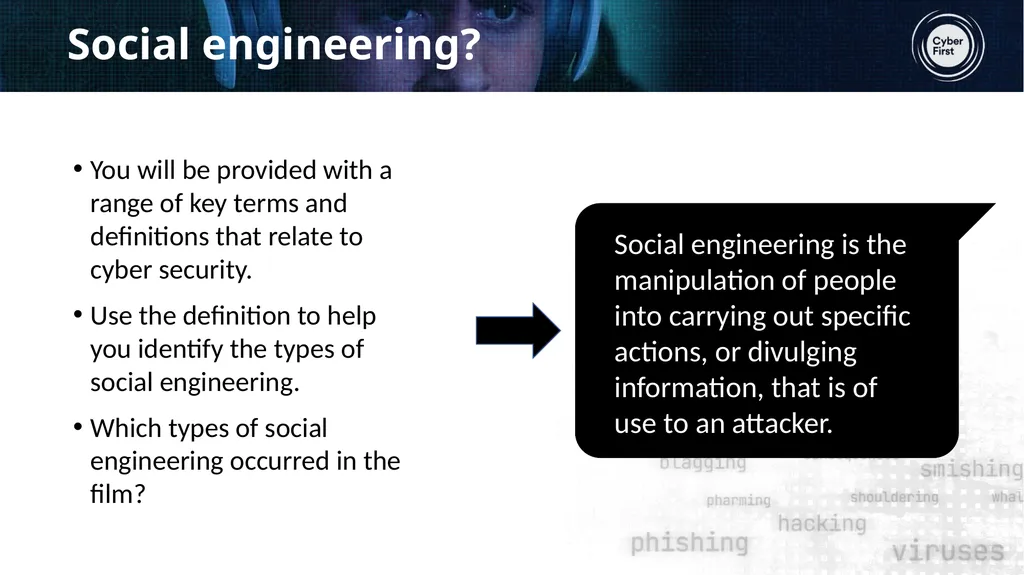
Social engineering Social engineering is the manipulation of people into carrying out specific actions, or divulging information, that is of use to an attacker.
A hacker might undertake social engineering for financial gain. Their motivation might also be personal revenge, to prove a point, or they may hack out of personal enjoyment or boredom. Through social engineering, a hacker could do many things with financial or account information. For example, they might lock someone out of their accounts, sell their data, take over someone’s financial assets, or take a loan out in someone else’s name. What is the meaning of the term ‘social engineering’ and what are its aims?<br>
10
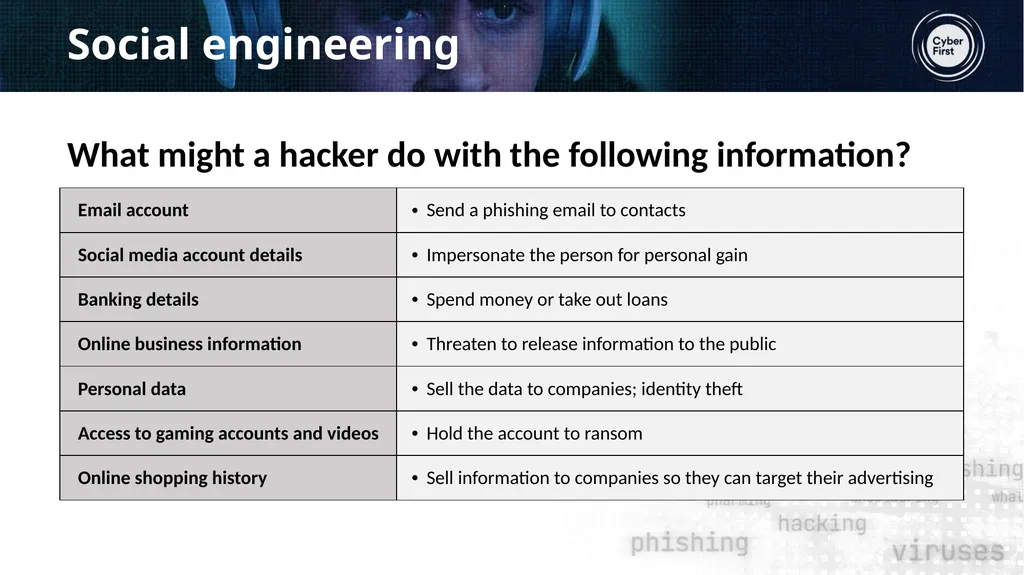
Social engineering What might a hacker do with the following information?<br>
11
Social engineering? You will be provided with a range of key terms and definitions that relate to cyber security.
Use the definition to help you identify the types of social engineering.
Which types of social engineering occurred in the film?<br>
12
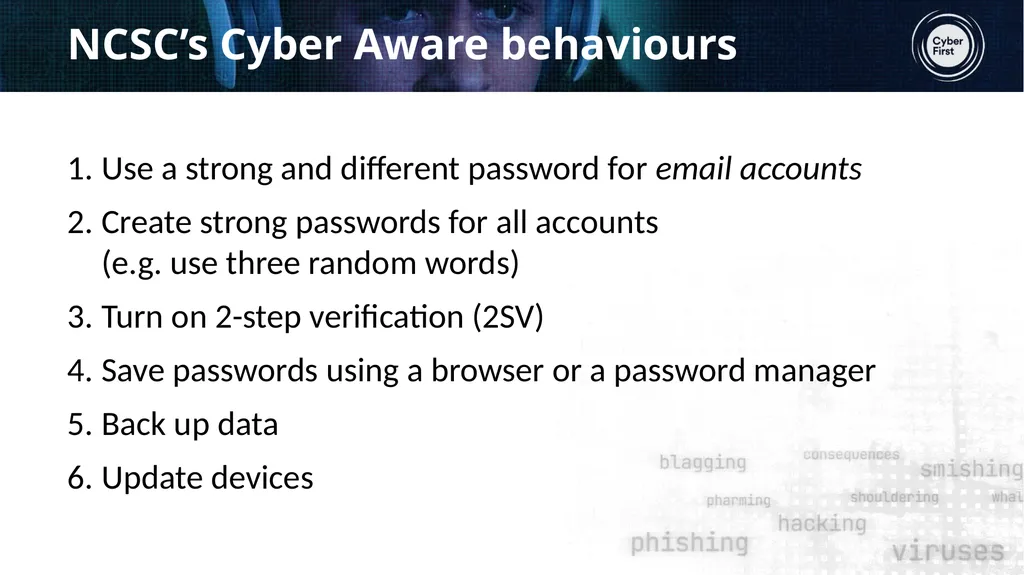
NCSC’s Cyber Aware behaviours Use a strong and different password for email accounts
Create strong passwords for all accounts (e.g. use three random words)
Turn on 2-step verification (2SV)
Save passwords using a browser or a password manager
Back up data
Update devices<br>
13
Signposting For further support about cyber security and staying safe online:
Speak to a parent, tutor, counsellor, or other trusted member of staff in the school
Contact Childline www.childline.org.uk 0800 1111
Contact Victim Support: www.victimsupport.org.uk/help-and-support/young-victims-crime
Explore advice on the NCSC website www.ncsc.gov.uk For reporting:
Action Fraud: www.actionfraud.police.uk/reporting-fraud-and-cyber-crime
Phishing emails: forward to report@phishing.gov.uk SMS: forward to 7726<br>
14
What have we learnt? Return to your mind map from the start of the lesson.
Add any new learning from the lesson and make any corrections as necessary to your first version.<br>
15
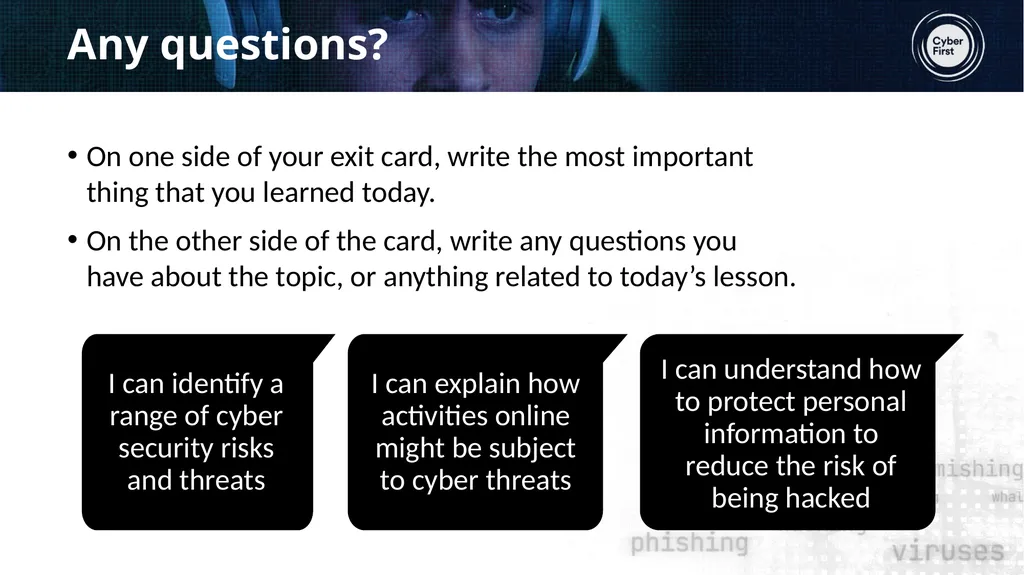
Any questions? On one side of your exit card, write the most important thing that you learned today.
On the other side of the card, write any questions you have about the topic, or anything related to today’s lesson.<br>
16
Optional extension Spreading the word
Create a short information leaflet, aimed at young people, about the risks to personal information online and how to stay safe.
The leaflet should include:
An explanation of the term ‘personal information’
Details about a range of online threats to personal information
Five ‘top tips’ on how to avoid being hacked.<br>